Have the assembly described clearly
The A55 5G uses Super AMOLED. Ask whether the business offers an original service assembly, refurbished original or aftermarket screen, and how the actual part compares with the original. Include whether a frame is supplied as part of the repair.
Explain glass, picture and touch independently. Lines, dark patches or an image that disappears while calls still arrive give useful clues. Tell the technician about previous work and other damage, so an apparently simple screen quote doesn't exclude an issue that affects fitting or the final result.
Include unlocking and normal use in the checks
Fingerprint unlocking needs to work with the chosen display. Ask how it will be tested and whether any setup is required, along with touch and ordinary viewing brightness. A screen that lights up has passed only the first of those checks.
Compare the total for parts, labour, testing and warranty. Have any trade-off from the original technology or features explained before choosing a cheaper option. At collection, try a normal unlock and keyboard routine and inspect the fit without the case, with time to discuss anything unexpected.
Don't bundle every fault under the screen
If callers struggle to hear you or the camera won't focus, describe the affected function separately. A speaker complaint and a microphone complaint can also need different investigation. Include a fall or liquid incident in the history.
With USB-C trouble, note loose fit and compatible sound accessories tried only while the handset is dry and safe. Battery runtime is another observation, not a port diagnosis. Avoid scraping or forcing the socket. Stop charging a swollen or separating device and arrange professional assessment with that condition stated.
Prepare for time without the handset
Back up first and consider Maintenance mode where available; agree how repair testing will work. Keep lift messages, important numbers and other Drayton plans accessible outside the phone and leave a second contact route with the business.
Confirm the actual workshop, parts availability and whether collection is agreed rather than automatically included. Ask for a realistic return window before reshaping the day around village activities. On return, test the original complaint alongside cameras, calls and charging, and keep the component and labour details with the warranty.
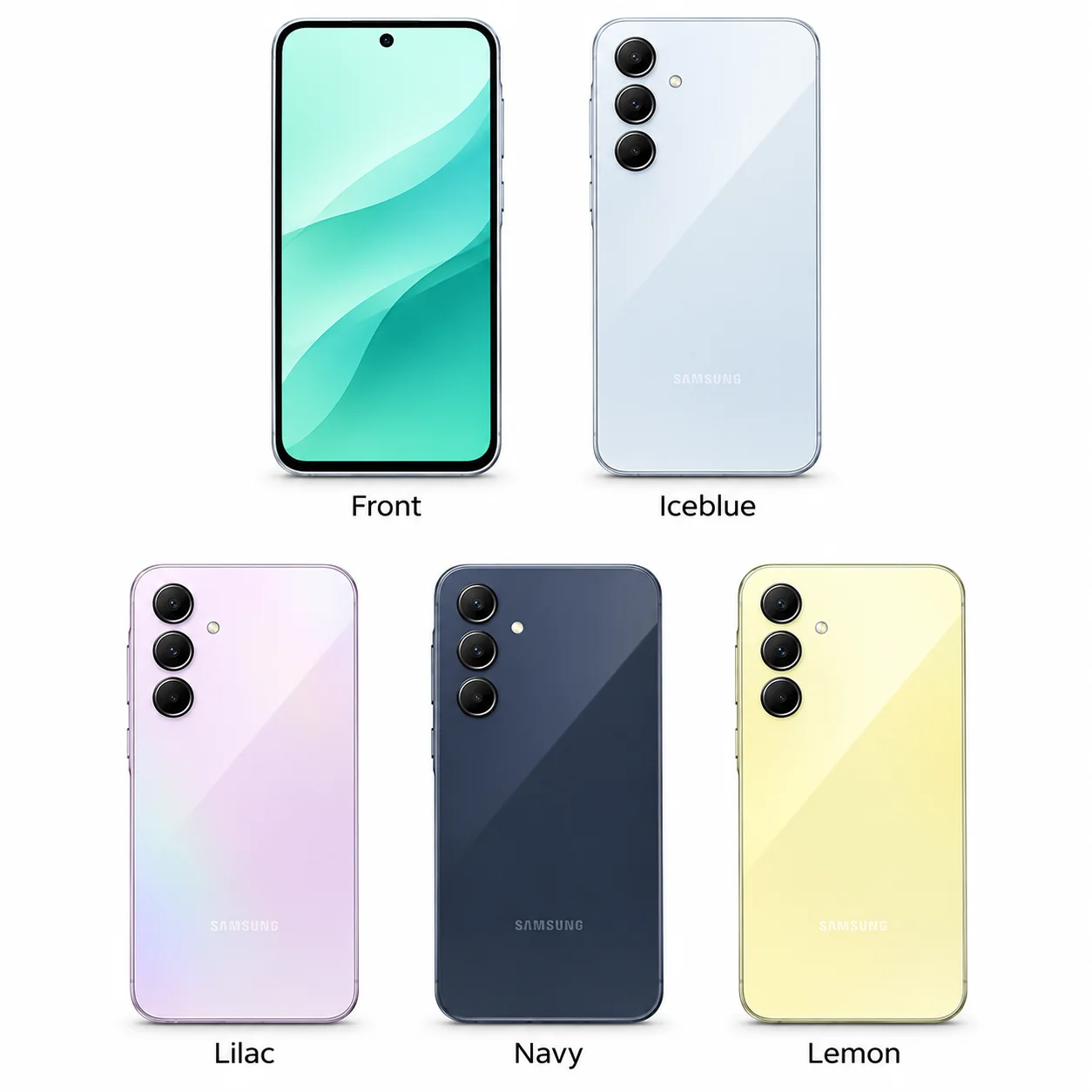
Does an A55 replacement screen need to work with fingerprint unlocking?
Yes, discuss that before fitting. The reader works through the display, so compatibility, any setup and a practical unlocking test belong in the screen repair plan.
Find a repairer near Drayton
Explore independent businesses on WeSolveAll, then contact your chosen repairer to arrange the work.
Find a repair business