Repair or replace your phone
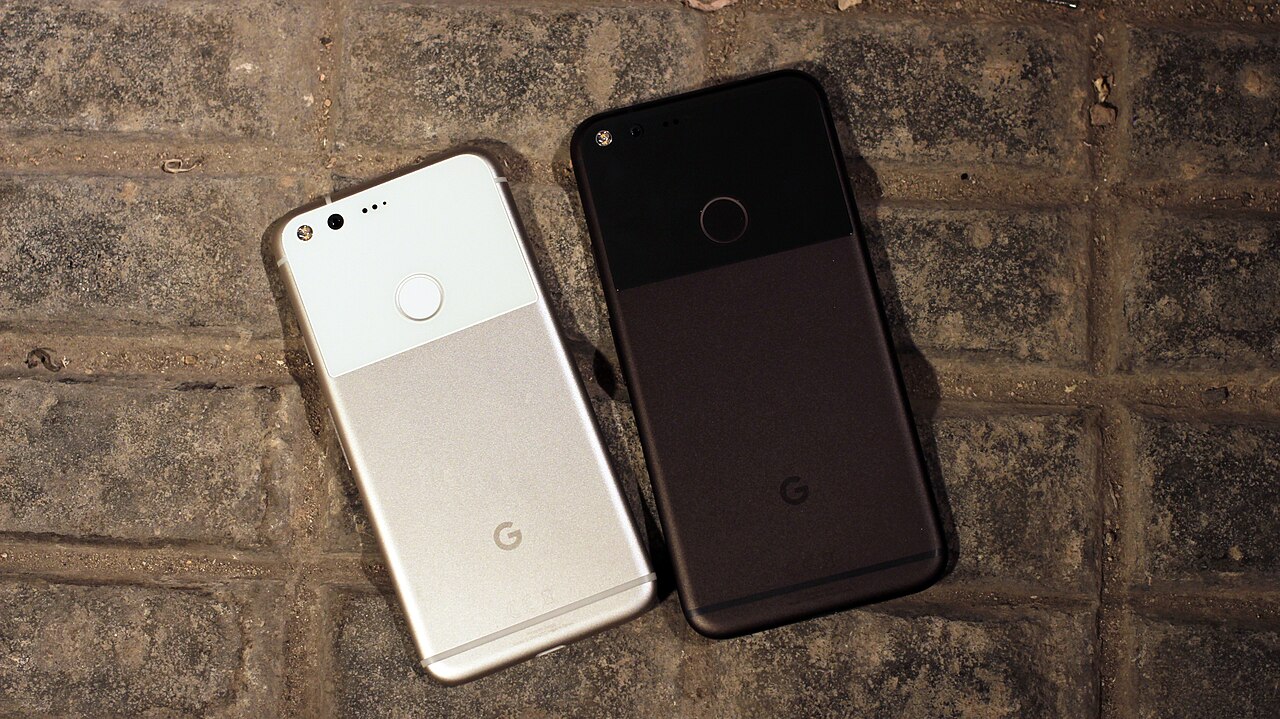
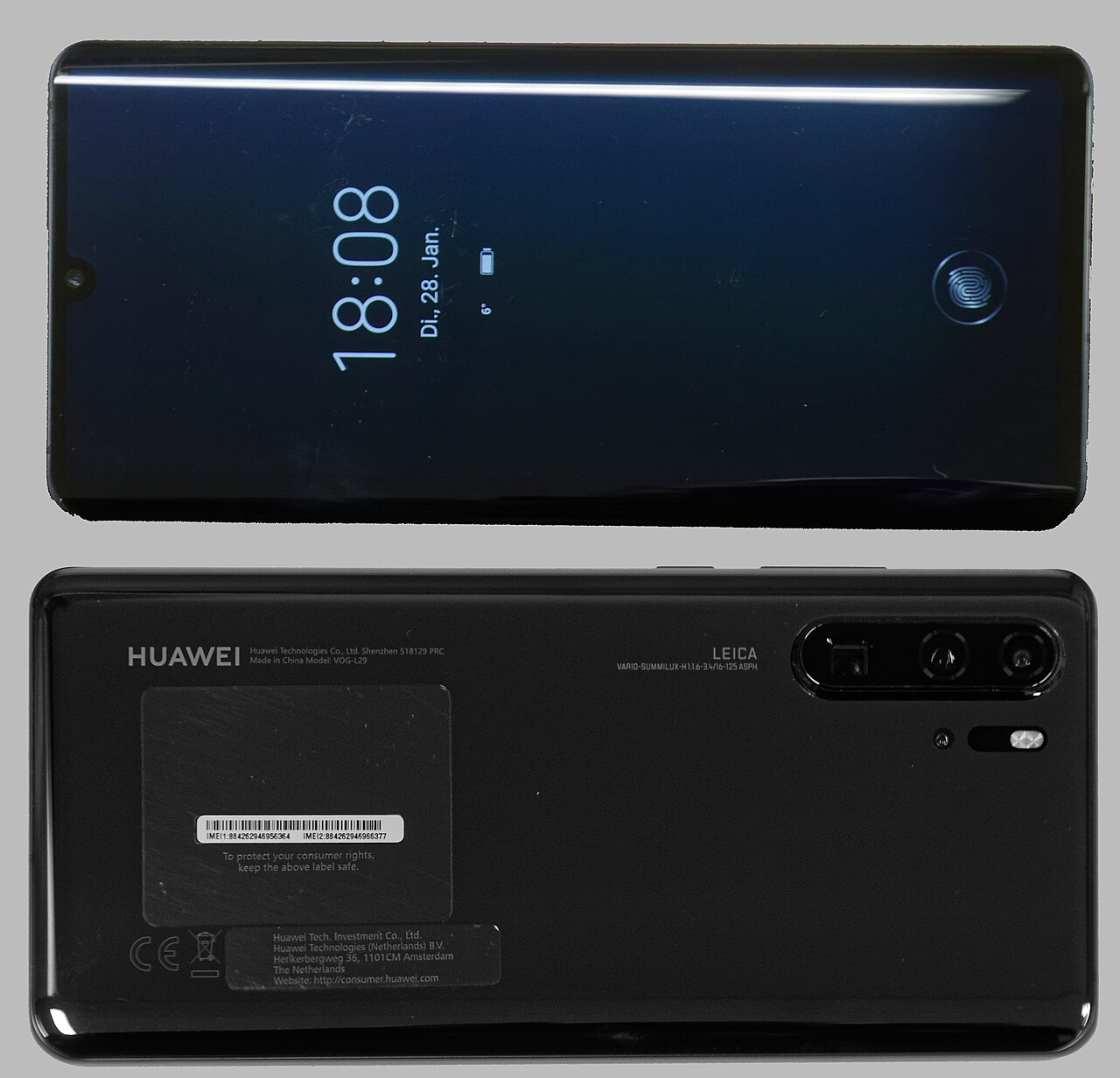
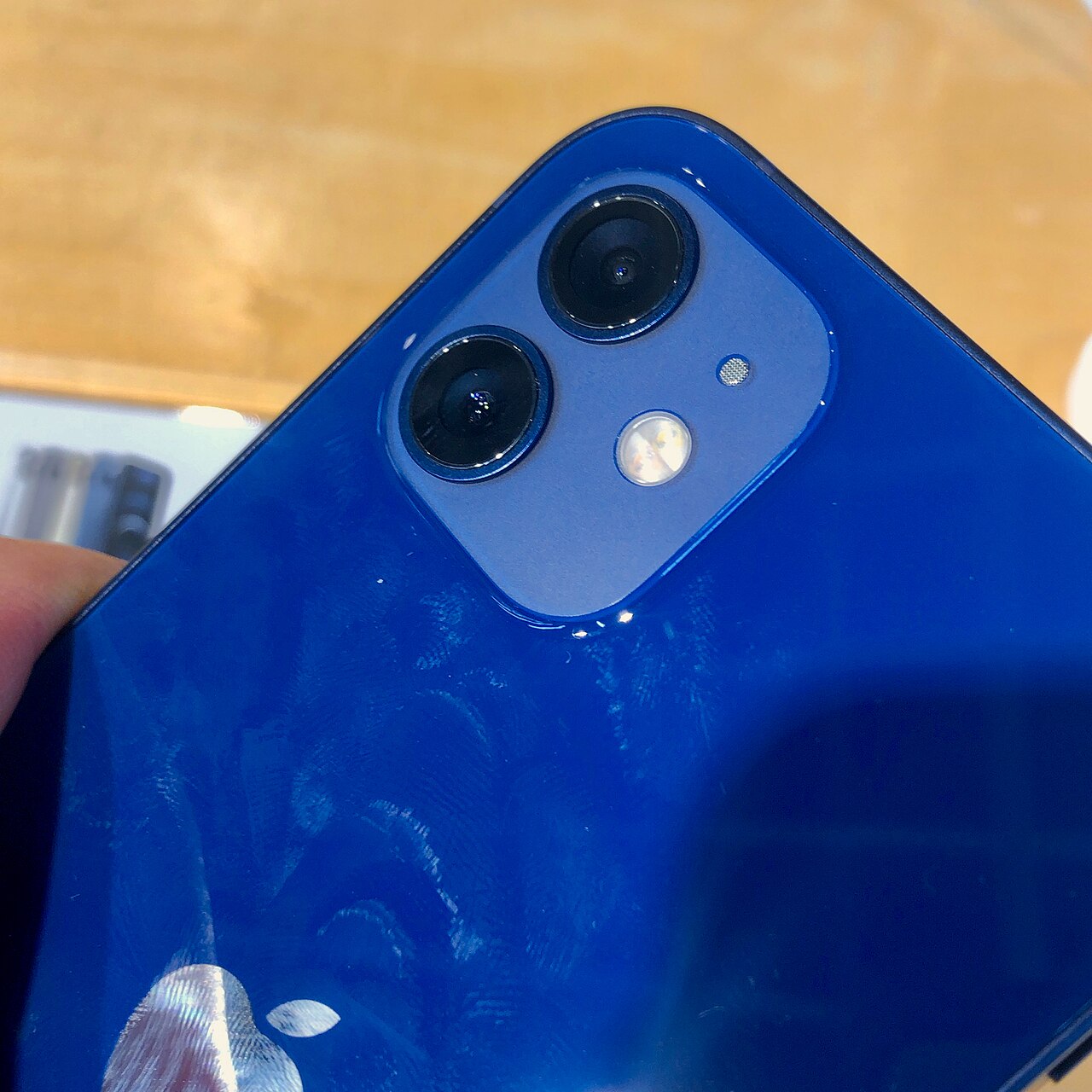
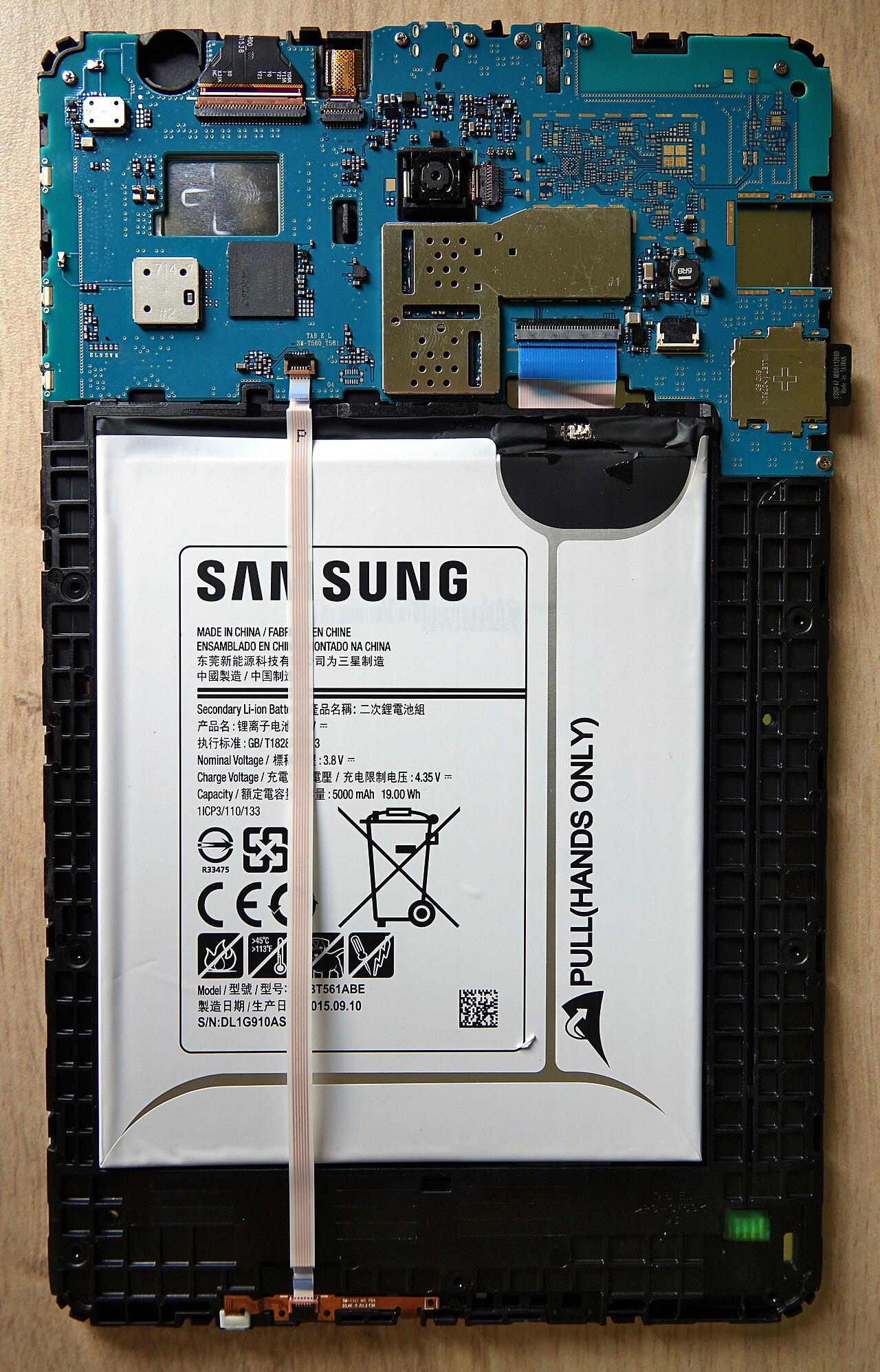
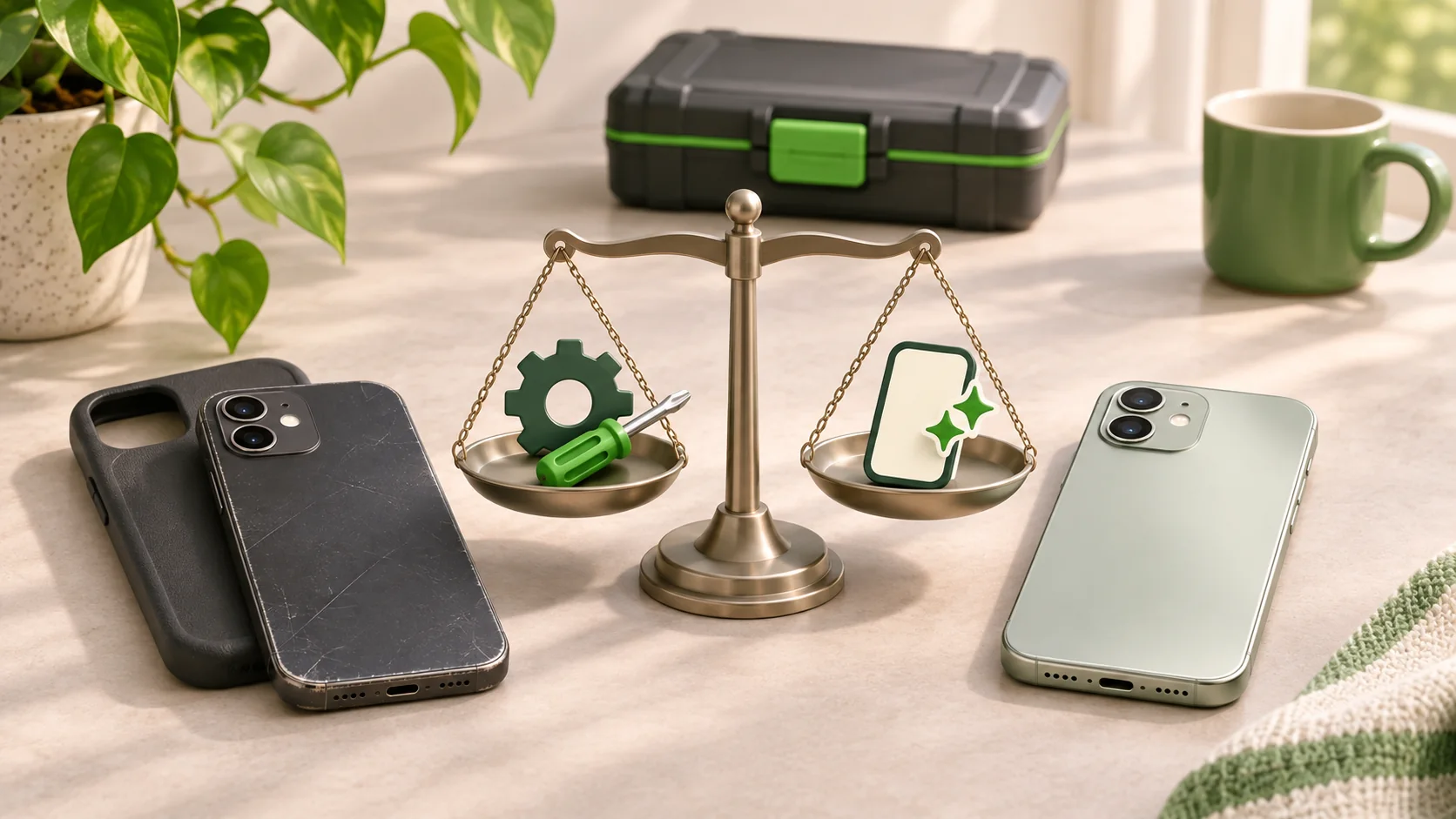
Should you repair or replace your phone? Compare repair costs, parts, software support and everyday needs, then find a repair shop through WeSolveAll.
Clear answers for phones, tablets, computers and games consoles. Learn what to check, what to ask and when to contact a repair shop.
Browse 115 articles, with a relevant image for every guide. Older articles show their original publication dates.
Showing all 115 articles
Should you repair or replace your phone? Compare repair costs, parts, software support and everyday needs, then find a repair shop through WeSolveAll.
Understand iPhone battery health, charging limits and warning signs. Learn when a battery assessment may help and find a repair shop through WeSolveAll.
Need a cracked phone screen repair? Understand replacement screens, compare quotes and know what to ask before contacting a local shop through WeSolveAll.
Dropped your phone in water? Learn safe first steps, what to avoid, how moisture alerts differ from damage and when to find a repair shop through WeSolveAll.
PS5, PS4 or Xbox showing no picture? Check the HDMI cable, TV input and display settings, then find a local console repair shop through WeSolveAll.
Choosing a phone, laptop or console repair shop? Compare diagnosis, parts, quotes, data handling and warranties, then find local shops through WeSolveAll.
Check iPhone volume, sound settings, blocked speaker openings and software when calls or audio sound quiet, and learn when a repair may be needed.
Explore focus settings, lighting, camera restarts and iOS updates when iPhone photos look blurry, plus signs that the camera may need a repair.
Explore Apple Watch display, wake and Siri settings that affect battery use, along with power-saving options and when to consider a replacement.
Use Screen Time to set purchase, app and content restrictions on iPhone and iPad, with guidance on passcodes, privacy settings and Game Center.
Check storage, your internet connection and the Google Play Store cache when apps will not install on an Android phone, with other settings to review.
Review Siri, Bluetooth, Wi-Fi and USB connections when Apple CarPlay will not connect to your iPhone, plus software updates and pairing checks.
Check charging accessories, available power, app activity and battery condition when your iPhone loses charge even while connected to a charger.
Check iPhone compatibility, charging-pad position, cases, cables and software when wireless charging stops working, with restart checks to try.
Explore app, restart, brightness and motion settings when your iPad screen flickers, along with possible causes and when to consider a screen repair.
Work through iOS updates, app checks, storage and reset options when your iPhone restarts on its own, and learn when a repair may be needed.
Review location permissions, Screen Time, Precise Location and power or data settings when iPhone apps cannot find or update your location.
Check Bluetooth, Apple ID, app activity and software when Apple Watch will not sync with iPhone, with guidance on resetting sync data and pairing.
Check your SIM, network selection and mobile service when iPhone shows No Service, then explore Airplane Mode, restart and network reset options.
Check your iPad charging cable, power adapter and wall socket, then explore restart, charging-port and battery issues that may explain the problem.
Prepare your iPhone for sale with backup, account sign-out and erase steps, including iMessage, FaceTime and removing it from your Apple ID device list.
Explore Android updates, storage, power-saving settings, camera features and cache checks when your phone camera is slow to open or take a photo.
Learn what Apple Watch Water Lock does, how the water-ejection feature is used after swimming and when ongoing watch problems may need attention.
Learn how to add Text Size to Control Centre and adjust individual iPhone apps, using the per-app text controls introduced with iOS 15.
Review brightness, Raise to Wake, background activity, location settings and Low Power Mode when your iPhone battery runs down faster than expected.
Check your iPhone Wi-Fi connection, network and data settings when AirPlay will not share photos, music or video, with network reset guidance.
Review Samsung battery usage, background apps, location settings, display options and charging accessories when your phone battery drains quickly.
Check AirDrop visibility, device locking, Wi-Fi, Bluetooth and hotspot settings on iPhone or iPad, with software and network reset steps to consider.
Explore how iCloud Keychain stores passwords on iPhone and iPad, including viewing, adding and editing saved logins and checking security alerts.
Explore sensor obstructions, case fit and screen controls when your iPhone display stays black during a call, and when the issue may need a repair.
Review the charging port, cable, charger, temperature and battery when an Android phone will not charge, plus apps that may use too much power.
Check microphone obstructions, your case, Bluetooth and app access when iPhone voice audio is missing or muffled, plus software and repair options.
Explore app, storage, Live Photo and Low Power Mode settings when your iPhone camera opens slowly or responds late, with other settings to review.
Review Background App Refresh, Low Power Mode, app updates and iOS settings when iPhone apps stop refreshing their information in the background.
Explore camera app restarts, iPhone restarts and settings when the camera view stays black, with guidance on when a camera repair may be needed.
Check restrictions and restart your iPhone when apps will not delete, then explore removing apps through Settings or the App Store instead.
Explore Wi-Fi speed, backup size, app data, photo storage and power settings when an iCloud backup is slow, with tips for reducing its workload.
Explore common Android problems including battery drain, overheating, Wi-Fi, Play Store downloads and full storage, with settings to check at home.
Learn how dirt, corrosion, loose connections and damaged connectors can affect an iPhone charging port, with cleaning and repair options explained.
Explore parental controls, passwords, two-factor authentication, privacy and reporting concerns, with practical online safety guidance for families.
Explore restarts, software updates, unused apps and animation settings that may help a slow iPhone, plus backup considerations before a factory reset.
Check volume, silent settings, Bluetooth and speaker obstructions when your iPhone has no sound, with headphone tests and restart options to try.
Check charge, storage, model support and internet access when your iPhone will not update, plus computer-based updates, server issues and VPN settings.
Explore the risks of opening an iPhone for a battery replacement, including damage to other parts, battery quality and choosing professional help.
Work through wall sockets, charging cables, accessory compatibility, port condition and restart checks when your iPhone will not accept a charge.
Explore why damaged iPhone back glass may need replacing, what a repair involves, examples for iPhone X and iPhone 11, and protection for future drops.
Find answers to common iPhone screen repair questions, including the time involved, how replacements are carried out and examples of repair costs.
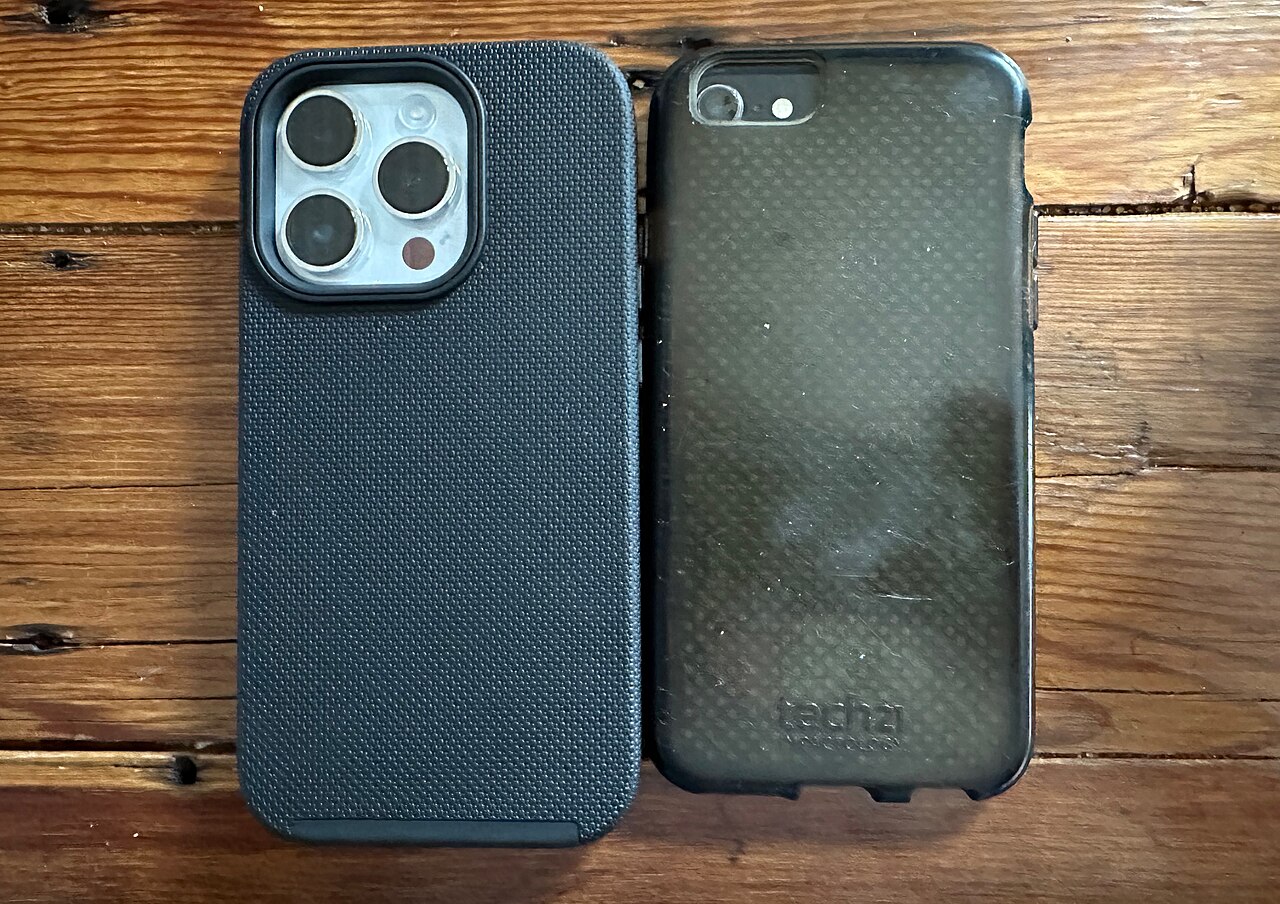
Explore phone case materials, cut-outs, protective designs and drop-testing claims, with advice on weighing appearance against protection when buying.
Learn what to ask about a phone repairer’s experience, reputation, warranty and written terms before agreeing to work on your phone or other tech.
Revisit Apple’s Spring Loaded event in 2021, covering M1 iMac and iPad Pro announcements, Apple TV updates, the purple iPhone 12 and AirTags.
Explore SIM card seating, network locks and handset faults when your phone cannot read its SIM, with guidance on finding the device’s IMEI number.
Explore ways to review phone use, limit distracting apps and make more time away from your screen, including apps designed to support new habits.
Learn why careful installation and suitable parts matter during an iPhone battery replacement, including component damage and poor-quality batteries.
Review brightness, location services, internet connections, Low Power Mode and Auto-Lock settings to reduce everyday power use on your iPhone.
Explore background apps, operating system updates, full storage and memory issues that can affect phone performance, with checks to try at home.
Explore phone webcam apps for computer video calls, including EpocCam, iVCam, NDI HX Camera, DroidCam and NeuralCam Live, and how they connect.
Explore reset steps before selling an iPhone, iPad, Android phone, Mac or Windows computer, with reminders to back up and keep the data you need.
Revisit our 2021 Mac guide covering MacBook Air, MacBook Pro, Mac mini and iMac models from 2019 and 2020, with the original buying comparisons.
Find your Alcatel phone model using Settings, packaging or device markings, with a model-number reference to help identify your handset for a repair.
Trace iPhone names from the original 2007 model through 3G, S, Plus, SE, X and the iPhone 12 family, with a look at Apple’s changing naming choices.
Read why the viral calculator unlocking trick was misleading, then explore a Voice Control gesture configured in advance to enter an iPhone passcode.
Explore five Siri features covered in this guide, from location reminders and contact relationships to name pronunciation and flight information.
Explore first-phone considerations for children, including age, cost, parental controls and repairability, with examples from this 2021 buying guide.
Find your Xiaomi phone model through device settings, packaging or model numbers, with a reference table to help identify Mi, Redmi and other phones.
Explore LCD and OLED phone displays, touch layers, hard and soft OLED, and the screen replacement options discussed for iPhone X, XS and XS Max.
Compare the practical differences between wired and wireless phone charging, including convenience, device compatibility, cables and charging-port wear.
Read the original repair preparation guide covering phone backups, model identification, device access and the delivery arrangements described at publication.
Explore how Face ID and fingerprint security affect repairs, with the repair methods and limitations discussed in this original 2021 iPhone article.
Explore five stories from iPhone history, including the earlier InfoGear name, Apple’s design development, home buttons and the missing iPhone 9.
Compare the iPhone 11, SE (2020) and iPhone 12 range in this 2021 buying guide, covering screens, cameras, battery specifications and model differences.
Find your Apple Watch model number in the iPhone Watch app and compare it with the guide’s model table, including Series 3, SE and Series 6 details.
Read the original iOS 14.5 beta coverage from 2021, including Apple Watch unlocking while wearing a mask and the privacy changes discussed at launch.
Explore six iOS 14 features, including App Library, home-screen widgets, Back Tap, camera controls and the FaceTime eye-contact setting in this guide.
Read an overview of forgotten passwords and passcodes for iPhone, Android, Windows and Mac, including account recovery, resets and possible data loss.
Read the guide’s discussion of phone-cleaning frequency, cloths, antibacterial wipes and other devices, including precautions around ports and moisture.
Read the 2021 experiment with Face ID and a folded mask, including alternative appearance setup, mixed results and situations where it did not work.
Learn the iPhone screenshot button combinations for Face ID and Home button models, plus the Back Tap and virtual Home button options covered here.
Explore network-locked phones, IMEI numbers and the carrier-unlocking routes described for EE, Three, Tesco Mobile and O2 in this original 2020 guide.
Find a Google Pixel model through settings, model numbers and physical features, using this guide’s table and examples of colours and camera layouts.
Understand the iPhone restart and reset methods covered for different models, plus the guide’s steps for checking and restoring an iCloud backup.
Explore five Xbox One problems: no power, sudden shutdowns, loading-screen faults, disc-drive errors and failed updates, with checks covered in the guide.
Read about disabled iPhone messages, recovery mode and restoring through iTunes, with model-specific button instructions and warnings about data loss.
Identify your Huawei phone using its settings, box or model number, then compare the number with the guide’s table to help match the correct handset.
Find your laptop model and charger details using system information and product labels, with guidance on matching a replacement charging cable or adapter.
Compare the Xbox One, One S and One X using appearance and model numbers, with the original guide’s discussion of storage, performance and repair options.
Identify an original PS4, PS4 Slim or PS4 Pro by its case design and model number, with an overview of the versions and differences covered in this guide.
Explore what this Norwich iPhone repair guide says about parts, pricing, warranties and value, with questions to consider when comparing repair services.
Find your Apple Mac model through About This Mac or identifying details on the device, with guidance for matching a MacBook, iMac or other Mac computer.
Explore six possible causes of a slow computer, including storage, background updates, open applications, desktop clutter, viruses and ageing hardware.
Read the original iPhone 12 launch overview, covering its design, cameras, chip, included accessories and the differences across the four-model range.
Explore common Nintendo Switch repairs, including Joy-Con drift, scratched or broken screens and charging-port problems, with calibration steps in the guide.
See the results of the toothpaste screen-repair experiment on a Samsung S7 Edge, comparing light scratches, deeper marks and a cracked section of glass.
Follow this iPhone setup guide’s coverage of backups, moving information, Face ID, account settings and automatic iCloud backup when changing phones.
Read about possible signs of a computer virus, antivirus scans, the effects of malicious software and the assessment options discussed in this guide.
Explore computer upgrade considerations for games and everyday applications, including graphics cards, RAM, HDD and SSD storage, and replacing the whole PC.
Identify a Samsung tablet through settings, markings on the back or a Samsung account, with a model-number table to help match your Galaxy tablet.
Find your iPad model in Settings or by the A-number on the back, then use the guide’s reference table to identify the tablet when arranging help or accessories.
Learn how this guide enables and customises an on-screen iPhone Home button with AssistiveTouch, including touch actions and turning the feature off.
Read the guide’s iPhone and iPad software-update steps, including Settings, available storage, computer updates and troubleshooting installation errors.
Revisit this selection of 2019 phones, comparing the Google Pixel 3a, Huawei Mate 20, OnePlus 7T and iPhone 11 Pro for screen, speed, battery and camera.
Find your Samsung phone model through settings and device markings, with a model finder and explanations of Galaxy S, A, J and Note families in the guide.
Identify your iPhone using Settings, the model number or identifying details on the handset, then compare it with the guide’s model reference list.
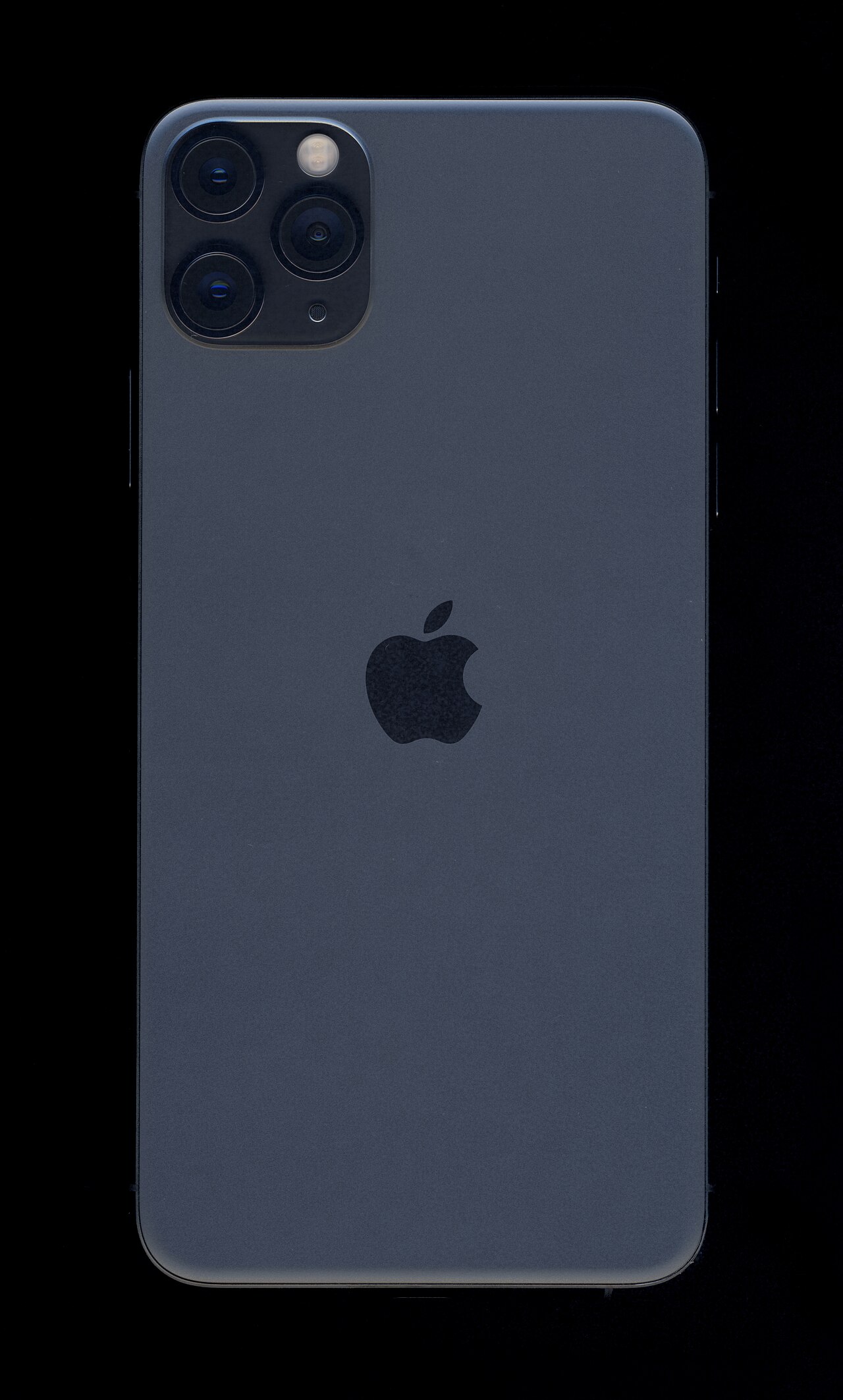
Explore iPhone 11 Pro screen, back glass, camera, battery and liquid-damage problems in this 2020 guide, including its original repair cost estimates.
A 2020 guide to iPhone 11 Pro Max screen, back glass, charging-port, battery and liquid-damage repairs, including the cost estimates published at the time.
A 2020 guide to damaged iPhone 11 screens, back glass, batteries, charging ports and data recovery, with the original cost estimates and repair discussion.
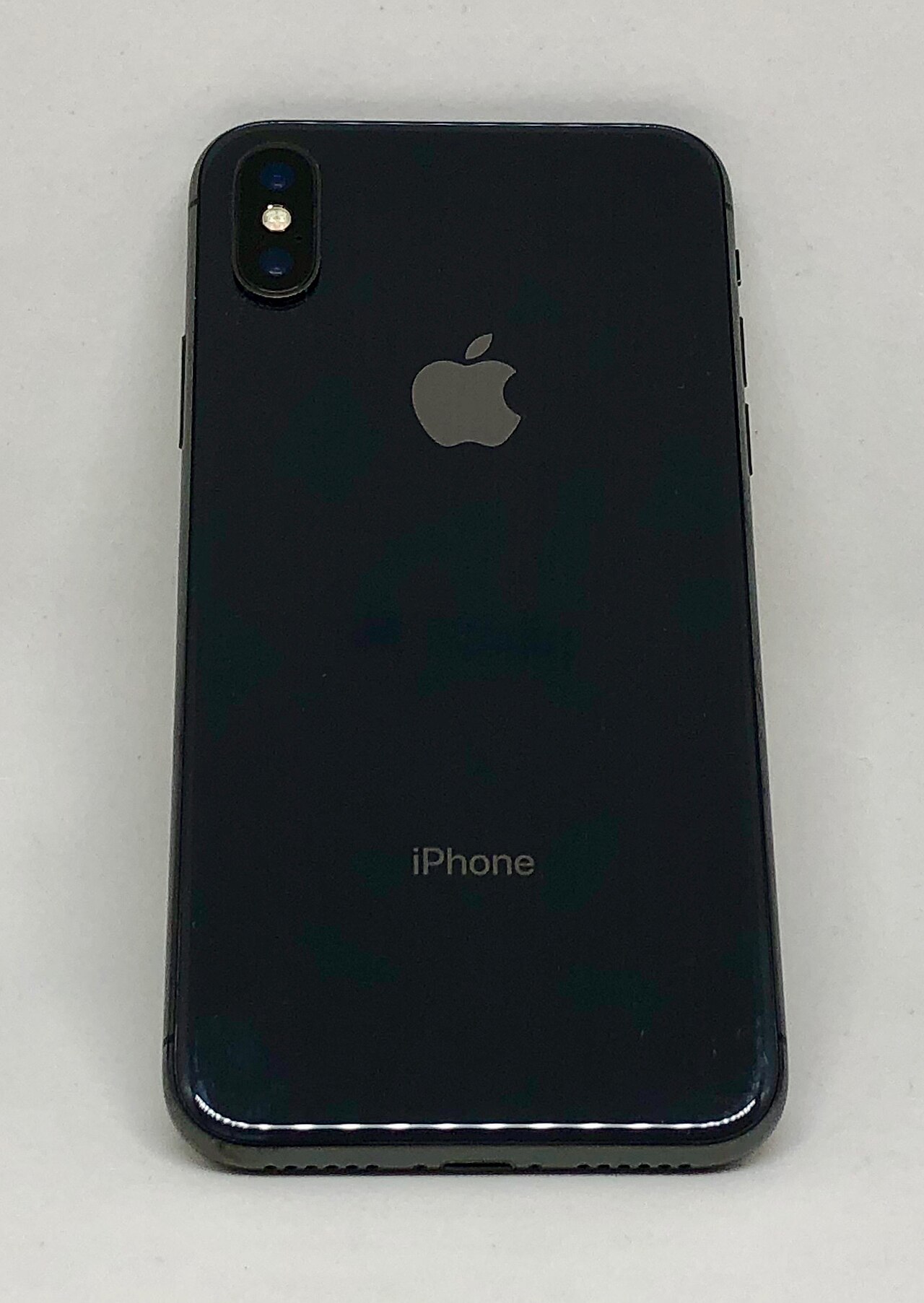
Explore iPhone X screen, back glass, battery and charging-port repairs in this 2020 guide, including symptoms and the prices described at publication.
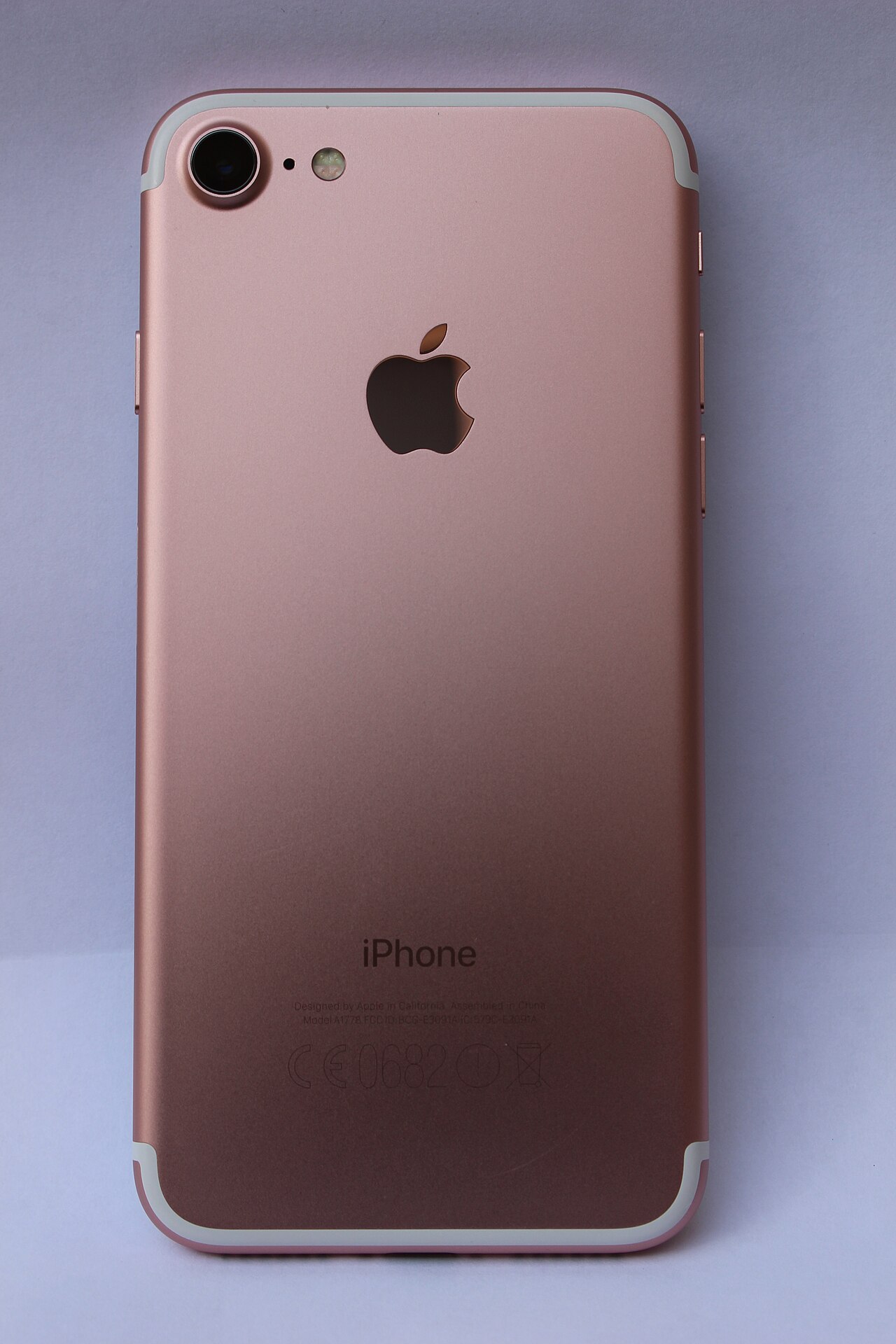
Read about iPhone 7 screen damage, battery life, overheating, charging-port faults and water damage in this overview of common problems and repairs.
A 2020 overview of iPhone 8 Plus screen, back glass, battery and charging-port problems, including the original repair discussion and quoted cost examples.
Explore common PS4 problems, including flashing blue lights, overheating, HDMI faults and hard-drive issues, with the repair options discussed in the guide.
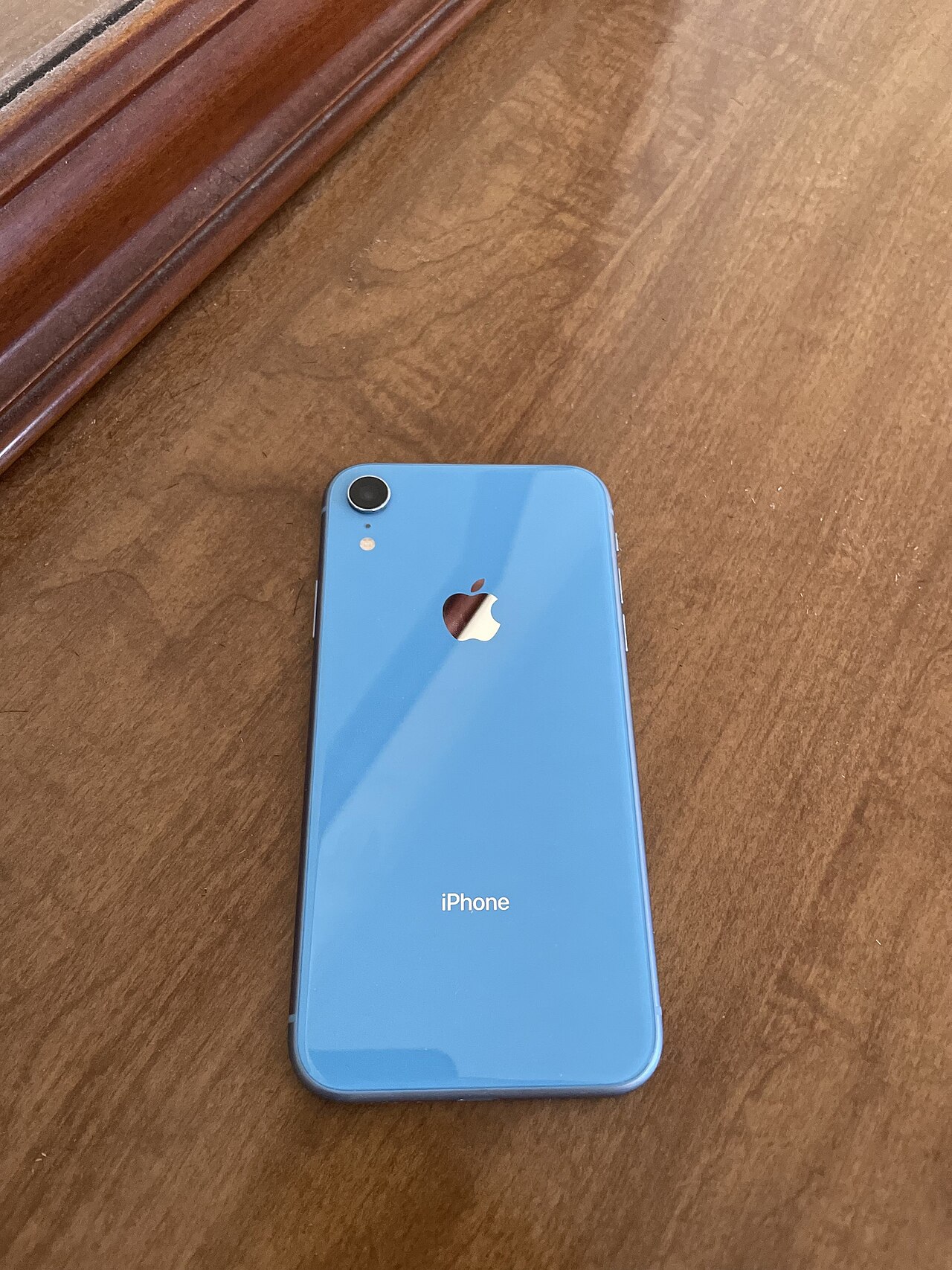
Read this 2020 overview of iPhone XR screen, back glass, battery, charging-port and data-recovery repairs, with cost estimates published in the article.
A 2020 overview of iPhone XS Max screen, back glass, camera, battery, charging-port and water-damage repairs, with cost estimates from the original article.
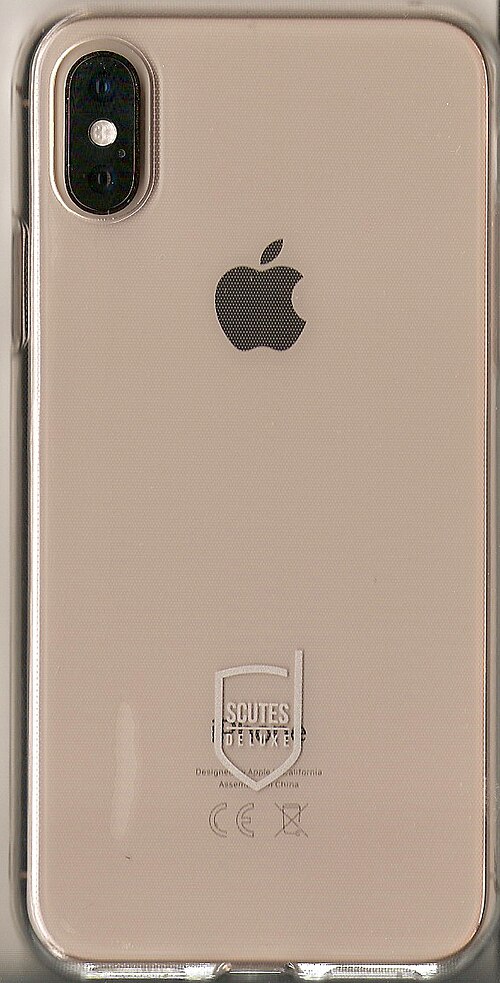
Explore iPhone XS screen, back glass, battery, charging-port and data-recovery repairs in this 2020 guide, including its original UK cost estimates.
Read this 2020 guide to iPhone 8 screen damage, power faults and battery problems, including the repair options and cost estimates described at the time.
A 2020 guide to iPhone 7 Plus screen, rear-camera, charging-port, battery and water-damage repairs, including the original cost examples and repair discussion.
Explore MacBook Air and MacBook Pro faults, including blank screens, charging issues, overheating and failing to start, with the repair process described.
No articles match. Try another word or choose all topics.