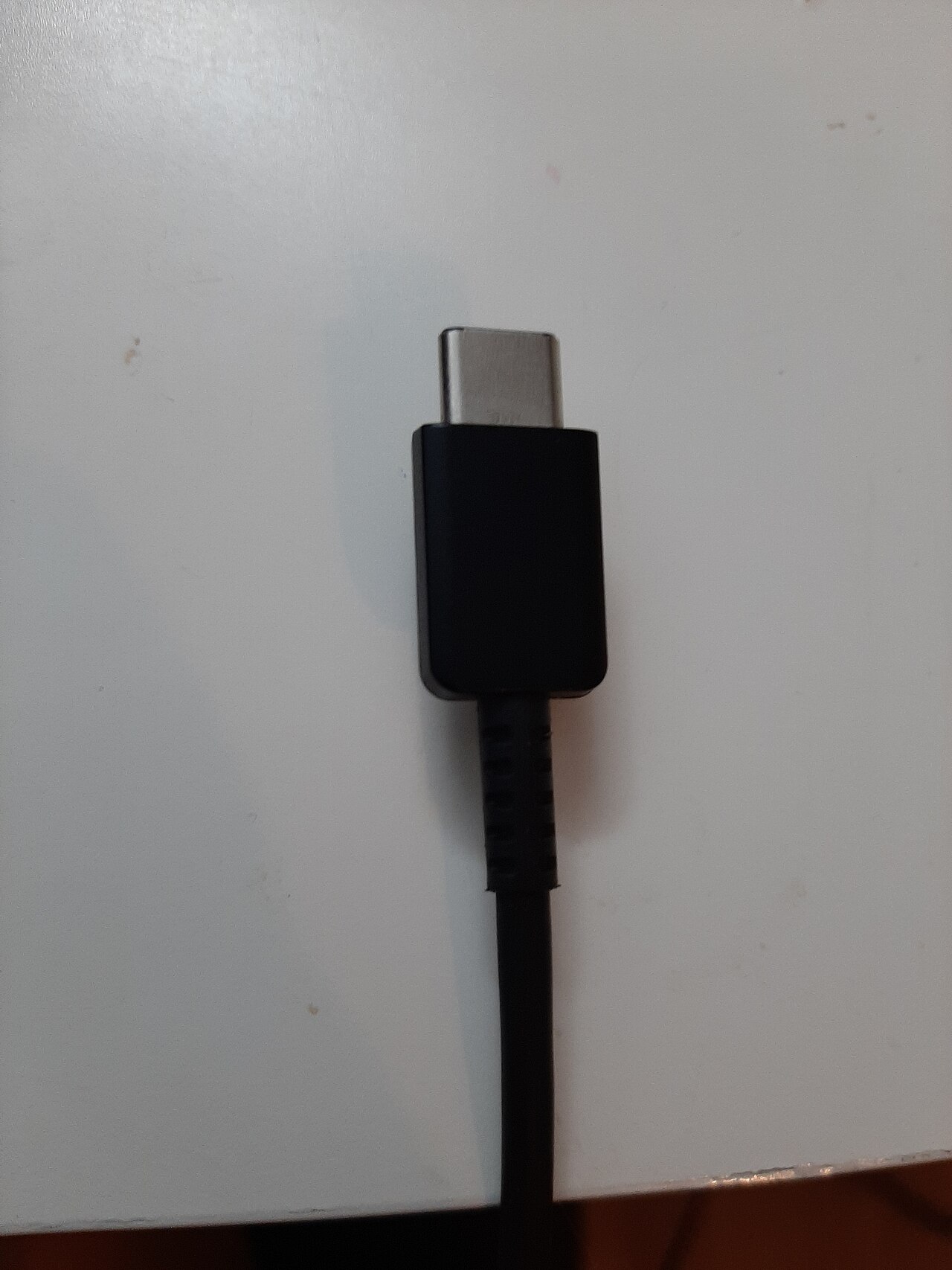

One of the first parts to get damaged or to stop working on a laptop is the charging port. The second most common is the charging cable. So, how do you know what charging cable you need for your laptop?
Laptop users spend a lot of time plugged into their charger. Normally to the point where the device’s battery stops holding charge – another topic for another time. They must have their charger or else the laptop won’t function.
Even without a battery issue, your laptop is never going to last more than a few sessions or hours without needing a charge. What’s more, using the correct cable can only ever properly charge a laptop.
If your laptop charging cable has stopped working or you need a spare charging cable read on to find out how best to find an exact match.
How to identify your laptop model
Identify your laptop model and check the manufacturer’s required connector and power specifications before choosing a charger. A plug that fits does not, by itself, confirm compatibility.
This can typically be found in one of two places. If you are still able to power on the device then for Windows laptop machines it will be in the system menu under “Device Properties”. For Apple MacBook users it will be in the Apple icon at the top of the screen and “About This Mac”.
Alternatively, on the rear or side of the laptop there is typically a sticker with the details of the serial number of the device alongside the model number and other useful information.
Laptop serial and model number label on the reverse of the computer.
By searching this model number online, you can very quickly identify the name of your device.
Which charging cable do I need for my laptop?
Once you have found your device name or model number it’s simply a case of searching online for a charging cable that is compatible with your device.
We would suggest that, if possible, you purchase an official cable for your device by whichever company manufactures your laptop. While these may be more expensive, they are much better for your laptop in the long run.
Using a cheap or knock-off charger can cause your device to suffer damage from unstable voltage, incorrect amperage or even cause actual fire, electrical damage and burns to your laptop.
Third-party does not automatically mean incompatible. Apple says a Mac that charges over USB-C can use an adapter supporting USB Power Delivery, with suitable safety compliance and sufficient power for the model. Check Apple’s adapter and cable guidance before choosing.
What charging cable do I need for laptop Apple MacBook?
The best place to purchase a charger from is the device manufacturer. Typically if you go onto the manufacture’s website there is support for purchasing replacement chargers. Simply input the model number and you will typically be taken to a support page for that device.
Use the laptop charger to find the correct model number
If you do not have access to this information you can use the charger itself in order to find the correct model.
You can either search via the voltage/ampere measurements on the charger or look for the replacement number section on the sticker. This will direct you towards the manufacture’s site where you can order replacement parts, such as the power adapter.
Use the charger itself to find out what charging cable do I need for a Windows laptop.
Sometimes however your device may not need any of this. If the charger does not have any obvious sign of damage and your laptop is not charging then perhaps there is another issue. Potentially you may need a charging port repair or a battery replacement.
Get a free diagnosis for laptop charging cable problems
Help Repair My Laptop