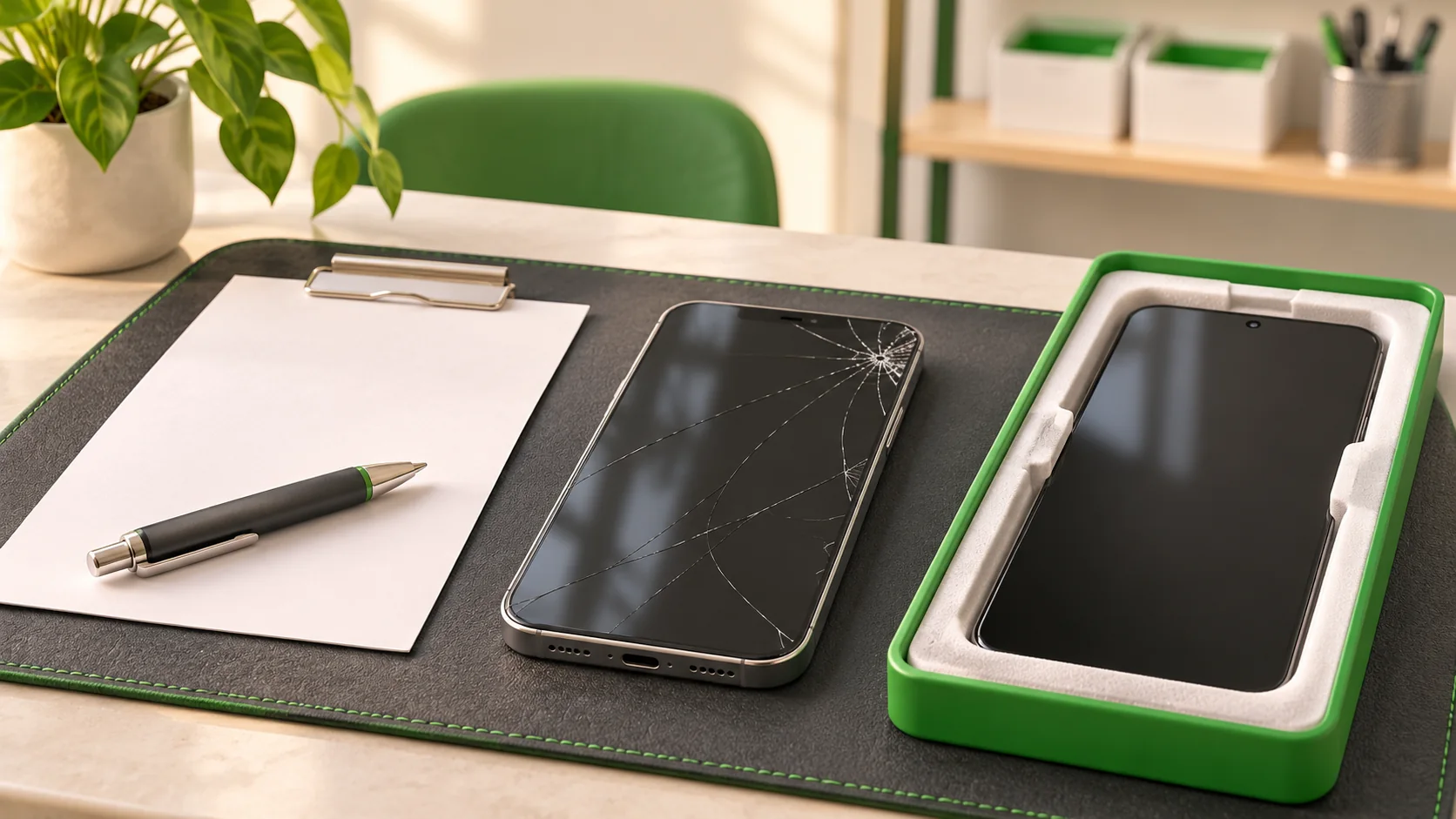
A cracked phone screen repair quote should identify your exact phone, explain which part will be fitted, state the complete price and set out the repairer's terms. It should also make clear whether the device needs further inspection before the price can be confirmed.
A price on its own leaves too many questions unanswered. Use this guide when comparing phone screen replacement options, then find a local repair shop through WeSolveAll and ask it to confirm the details for your device.
Start with the damage you can describe
Tell the shop what you can see without pressing or picking at the glass. Is there a crack, a black patch, coloured lines, a blank screen or a touch problem? Samsung explains that impact can damage the internal display even when the outer glass appears intact. Black marks or abnormal lines can therefore need a different assessment from a simple visible crack. [1]
Ask whether the damage is limited to an added screen protector or extends to the phone itself. Do not peel off broken glass to find out. If the glass is cracked, arrange an assessment; Apple warns that using an iPhone with broken glass can cause injury. [2]
Give the exact model if you know it. Include whether it is a standard, Plus, Pro, Ultra or foldable version. If you cannot use the phone to check, tell the shop what information you have, such as the original packaging or purchase receipt.
Ask what is actually being replaced
A quote should explain the proposed repair in ordinary language. Ask whether it covers the display assembly, the outer glass, the frame or other damaged parts. Samsung's repair information shows that the scope can include glass, panel and frame work, while some repairs may include a battery and others do not. Those are Samsung's arrangements, not a promise about every repair shop. [3]
Do not assume that glass replacement alone is possible simply because the picture still looks normal. Ask the repairer to explain what it recommends for your model and why. If the frame is bent or there was liquid exposure, mention this before agreeing a price.
Understand the screen option you are being offered
Ask the shop to put the part description in writing. Useful questions include:
- Is it a new genuine manufacturer part, a previously used genuine part or a third-party replacement?
- If it is described as refurbished, what has been reused, renewed and tested?
- Does it use the same display technology as the original?
- Are there any expected differences in brightness, colours, touch response or features?
OLED and LCD describe different display technologies. An OLED screen produces light at its pixels; an LCD uses a backlight. The name of the technology does not, by itself, tell you whether a particular replacement is the right part for your phone. [4]
Genuine and third-party describe the source of the part. Apple warns that non-genuine iPhone displays can have differences in touch response, colour, brightness and other functions. Ask the repairer about the specific screen it proposes rather than assuming every replacement will behave identically. [5]
Words such as premium or original quality are not a complete specification. Ask what they mean for the part being fitted and what happens if it does not perform as described.
Check whether the quote includes finishing and testing
For supported Apple devices and parts, completing a repair can involve a software calibration step. Calibration means applying the information needed for a replacement component to work as expected with the device. Apple's Repair Assistant handles this for supported repairs. Ask who completes any required steps before you collect the phone. [6]
Ask what will be tested after the work: the display, touch response, brightness, cameras, calls and any relevant fingerprint or face-unlock features. This is a sensible checklist to discuss, not a claim that every screen repair affects all of those functions.
On supported iPhones, Parts and Service History can provide information about a replaced display. The available details depend on the model and software. Ask the repairer to explain any message shown after the repair rather than treating every message as proof of the same problem. [7]
Compare the full price and the terms
Before deciding, ask for these points in writing:
- The total price, including labour and any applicable VAT.
- Any inspection charge, including what happens if you decline the repair.
- The part option included in that price.
- How the shop will obtain your agreement if it finds additional damage.
- The expected timescale and whether the part is available.
- Any repair warranty, its length, exclusions and how to report a problem.
For example, one quote may cover a display only while another includes a damaged frame. They are different proposals even if both are advertised as screen repair. Compare what each would leave you with.
Check any existing manufacturer service plan or insurance arrangements before authorising work elsewhere. Ask the relevant provider which repair route your cover requires.
Protect your information before the repair
Back up the phone if it is safe to use. If the screen prevents this, tell the repairer that preserving your information matters before work begins. Apple warns that devices may be erased during service. [8]
Agree how necessary testing will be carried out. Keep control of your account credentials and ask how the shop will test the device. Keep your receipt and the shop’s contact details somewhere other than the phone being repaired.
Check the result when you collect it
Ask for the invoice, the fitted part description and the repair terms. With the repairer's help, check the functions you discussed before the work. Report unexpected behaviour promptly and keep a record of what happens.
Ask what sealing work was done and what advice applies afterwards. Do not assume a repair makes the device waterproof. Apple says water resistance is not permanent and can reduce with normal wear. Keep the repaired phone away from avoidable liquid exposure. [9]
Frequently asked questions
Can only the glass be replaced?
Ask for a model-specific assessment. The answer depends on the damage and the repair method offered; a working picture alone does not confirm the suitable repair.
Does the cheapest quote offer the best value?
Compare the part, work, testing and terms. A lower price is useful only when you understand what it covers and it meets your needs.
Will face or fingerprint unlocking stop working?
Do not assume a universal outcome. Ask the shop about your model, existing damage and the proposed work, and agree which functions will be checked before and after the repair.
Does screen replacement erase my photographs?
Make a backup wherever possible and discuss data risks before approving work; the repair type is not a guarantee. [8]
Find a screen repair shop through WeSolveAll
Use the WeSolveAll repair shop directory to find an independent shop near you. Contact it directly with your phone model, a description of the damage and your questions about parts and price. A clear conversation before the repair helps you decide with confidence.
Sources and further reading
- Samsung UK — Cracked or damaged Galaxy screenshttps://www.samsung.com/uk/support/mobile-devices/cracked-or-damaged-samsung-galaxy-screen/
- Apple Support — Important safety information for iPhonehttps://support.apple.com/en-gb/guide/iphone/iph301fc905/ios
- Samsung UK — Phone screen replacement and repair costshttps://www.samsung.com/uk/support/mobile-devices/how-much-will-it-cost-to-repair-my-phone-screen/
- Samsung Display — OLED explainedhttps://global.samsungdisplay.com/28033
- Apple Support — Genuine iPhone displayshttps://support.apple.com/en-gb/103256
- Apple Support — Finish a repair with Repair Assistanthttps://support.apple.com/en-gb/120579
- Apple Support — iPhone Parts and Service Historyhttps://support.apple.com/en-gb/102658
- Apple Support — Prepare an iPhone or iPad for servicehttps://support.apple.com/en-gb/109519
- Apple Support — Splash water and dust resistancehttps://support.apple.com/en-gb/108039