Identify the generation and connectivity version
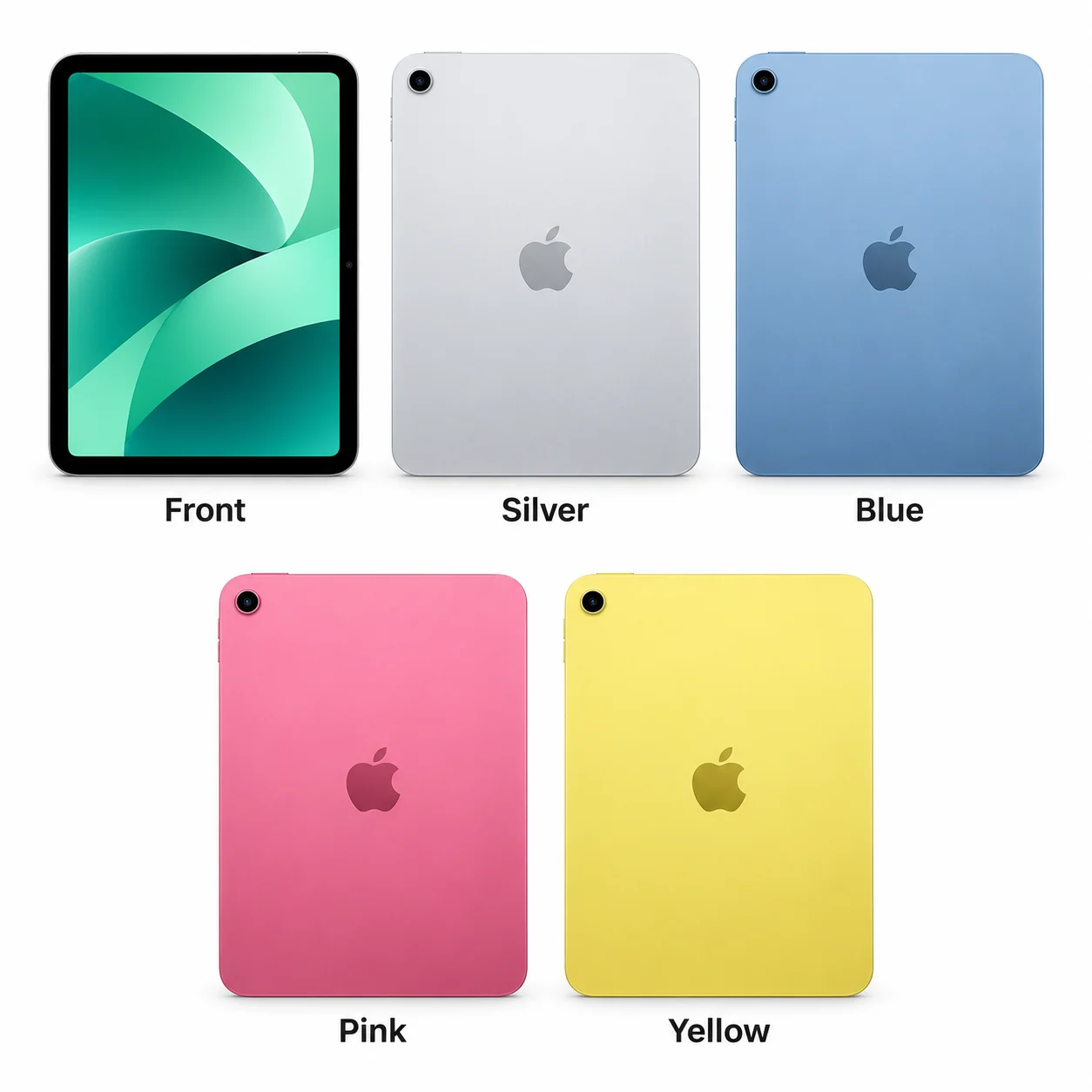
The 10th generation iPad has a 10.9-inch LCD display, USB-C and Touch ID in the top button. It is different from an iPad Air and later ordinary iPads that may look similar. Check the A-number in Settings or on the device where legible. Tell the shop whether it is Wi-Fi-only or cellular and whether the frame has bent, since that can affect the repair approach.
Broken glass and LCD failure are different complaints
Explain whether the image remains clear behind the crack, whether touch fails and whether dark patches or lines have appeared. Ask the shop what the quote actually replaces: glass and touch layer, the image-producing panel or additional components. Inspecting the tablet can reveal damage that a photograph misses. Keep loose glass away from children and avoid pushing on the screen to make it respond.
The top button deserves careful assessment
Touch ID is in the top button, so mention fingerprint failure or physical button damage before agreeing to a screen-only repair. Replacing a visibly damaged button is not a guarantee that biometric functions can be restored by any available part. Ask the technician what the proposed work can achieve and which completion or calibration process applies. Document a pre-existing Touch ID fault before the device is opened.
A tablet charging fault is not a phone-port job
USB-C shape alone does not establish the work needed inside an iPad. Try an undamaged compatible charger and cable when safe, and report whether charging is intermittent or absent. Charging-port repair can require more involved work than a detachable phone assembly, so ask whether the chosen business has the relevant capability. A diagnosis should precede any promise about cost or turnaround.
Prepare a school or family iPad for handover
Back up locally stored drawings, documents and photographs, and check whether a school or employer manages the device. If it is managed, ask that organisation about its repair process before handing it to a shop. Remove accessories that are not needed for diagnosis and agree how testing will be done. At Norwich collection, test touch, both orientations, speakers, cameras, Touch ID and charging.
How much will the repair cost?
Repair prices depend on the exact model, diagnosis and chosen part. Ask for an itemised total covering parts, labour, assessment and testing, plus any applicable charges. Agree how the business will seek approval if inspection reveals more damage. Current availability and times must be confirmed by the chosen repairer.
Your repair questions answered
Can an iPad 10th generation charging port be replaced in Norwich?
A suitable repairer may be able to carry out the work after diagnosis. Confirm the business’s iPad capability, estimate and testing directly; USB-C alone does not make it the same job as a phone repair.
Is WeSolveAll the business carrying out my repair?
WeSolveAll helps you look for independent repair businesses. Check the actual provider, service location and terms before arranging work. A place name on an article is not a branch address or confirmation of local stock.
Find the next step for your device
Note the exact model, the fault and when it started. Explore the businesses on WeSolveAll, then ask your chosen repairer to confirm its capability, quote and appointment.
Find a repair business