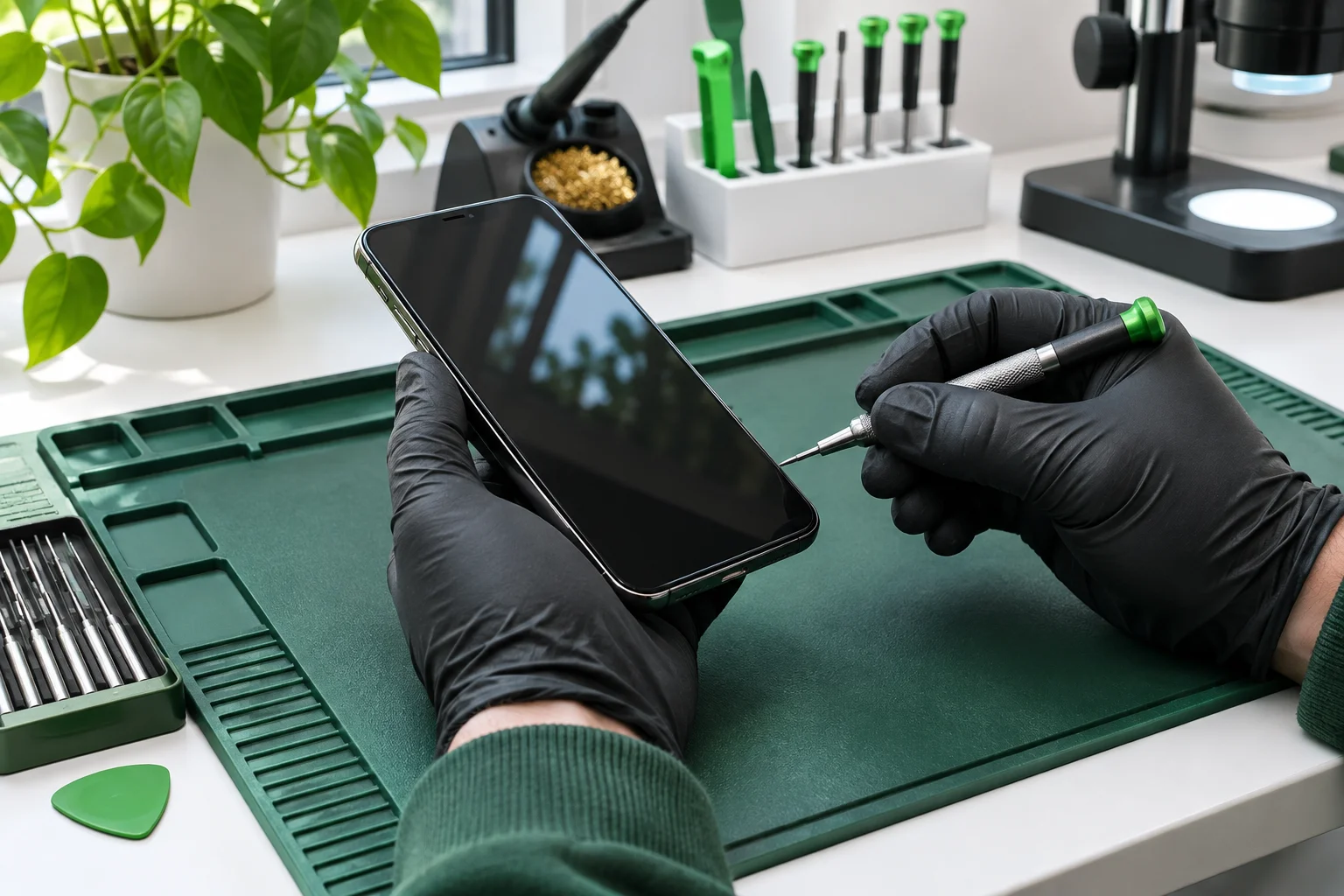
Match the code before the part is ordered
Open Settings and About phone if the screen works, then record the model code. UK devices commonly use the SM-S921B family, but imported variants need their own check. Give the complete code privately to the repairer. Explain whether damage is limited to the glass or includes lines, black areas and failed touch. A case and screen protector can hide damage, so mention both.
Ask about the AMOLED and fingerprint reader together
The S24 has an AMOLED display and an under-screen fingerprint reader. Ask whether the quote includes a screen with a frame or a different assembly, and how biometric operation will be tested afterwards. The proposed part should be explained as genuine service material, refurbished original or aftermarket where those options are offered. A low-cost panel with different capabilities should be described before you authorise it.
Use Maintenance mode as part of preparation
Samsung’s Maintenance mode can restrict access to personal data while the device is being serviced on supported software. Back up first: the mode does not protect against every cause of data loss. Ask the business whether it suits the checks required for your fault and make sure you can unlock the phone after restarting. Keep account passwords private and enter them yourself if a legitimate process requires them.
Separate moisture alerts from a damaged USB-C socket
A moisture warning does not automatically mean that the port assembly is broken. Disconnect the cable and follow the manufacturer’s drying guidance before further charging. Repeated warnings on a dry phone, a loose connector and charging that fails with multiple leads are useful details for diagnosis. Avoid bypassing the warning as a routine fix. Tell the shop about any earlier liquid contact, even if it seemed minor.
What to check before leaving the Norwich shop
Try fingerprint unlock, touch at the edges, cameras, speakers and the repaired connection. Ask how the business checked seals and what water-resistance limitations remain. Confirm the warranty and the final price before payment. If you need the phone for work or travel that day, obtain a realistic collection window before visiting rather than relying on a generic quick-repair claim.
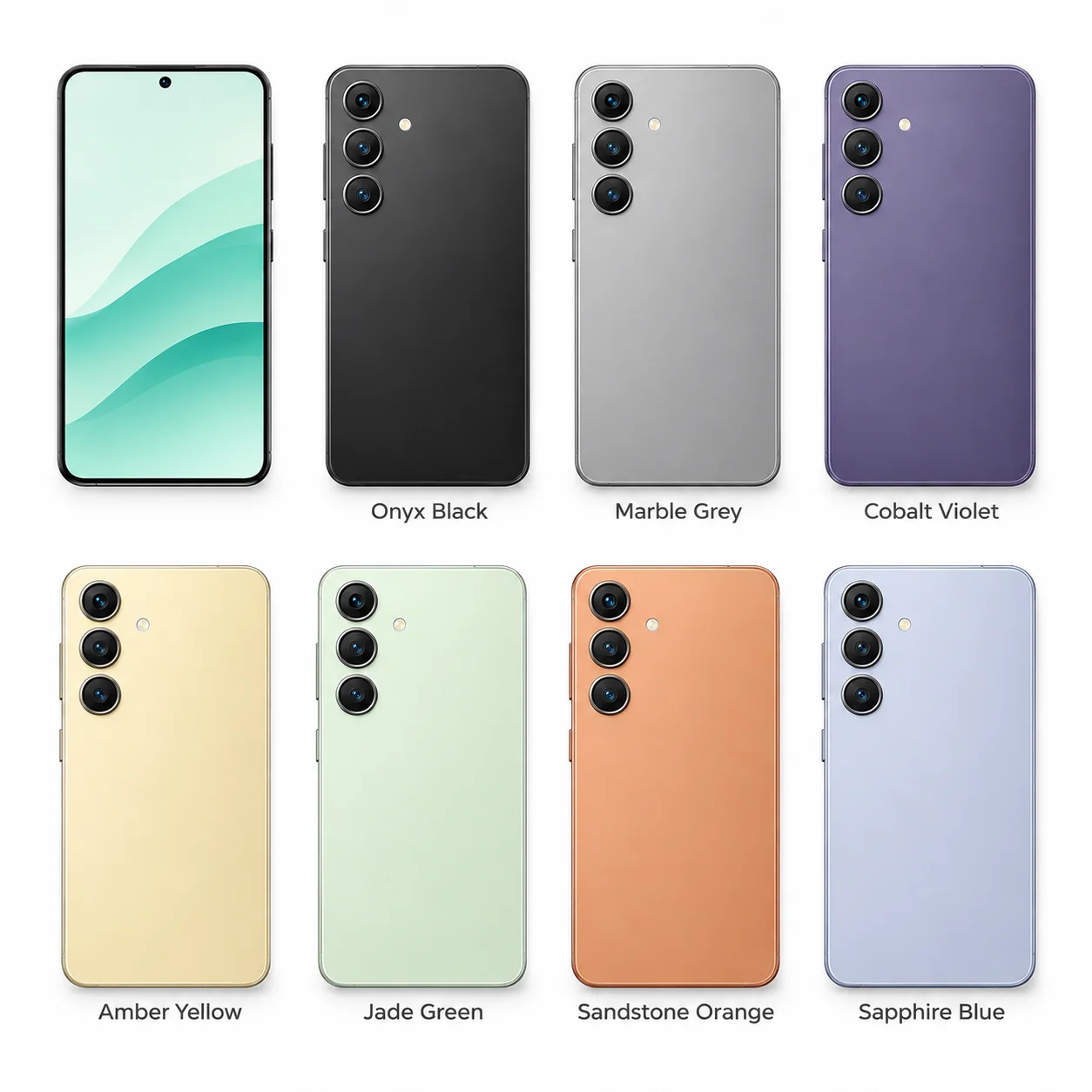
How much will the repair cost?
Repair prices depend on the exact model, diagnosis and chosen part. Ask for an itemised total covering parts, labour, assessment and testing, plus any applicable charges. Agree how the business will seek approval if inspection reveals more damage. Current availability and times must be confirmed by the chosen repairer.
Your repair questions answered
Will my Galaxy S24 fingerprint reader work after a screen replacement?
Ask the repairer to confirm compatibility and testing for the proposed screen. Fingerprint operation should be part of the agreed handover checks; it cannot be assumed from a working picture alone.
Is WeSolveAll the business carrying out my repair?
WeSolveAll helps you look for independent repair businesses. Check the actual provider, service location and terms before arranging work. A place name on an article is not a branch address or confirmation of local stock.
Find the next step for your device
Note the exact model, the fault and when it started. Explore the businesses on WeSolveAll, then ask your chosen repairer to confirm its capability, quote and appointment.
Find a repair business