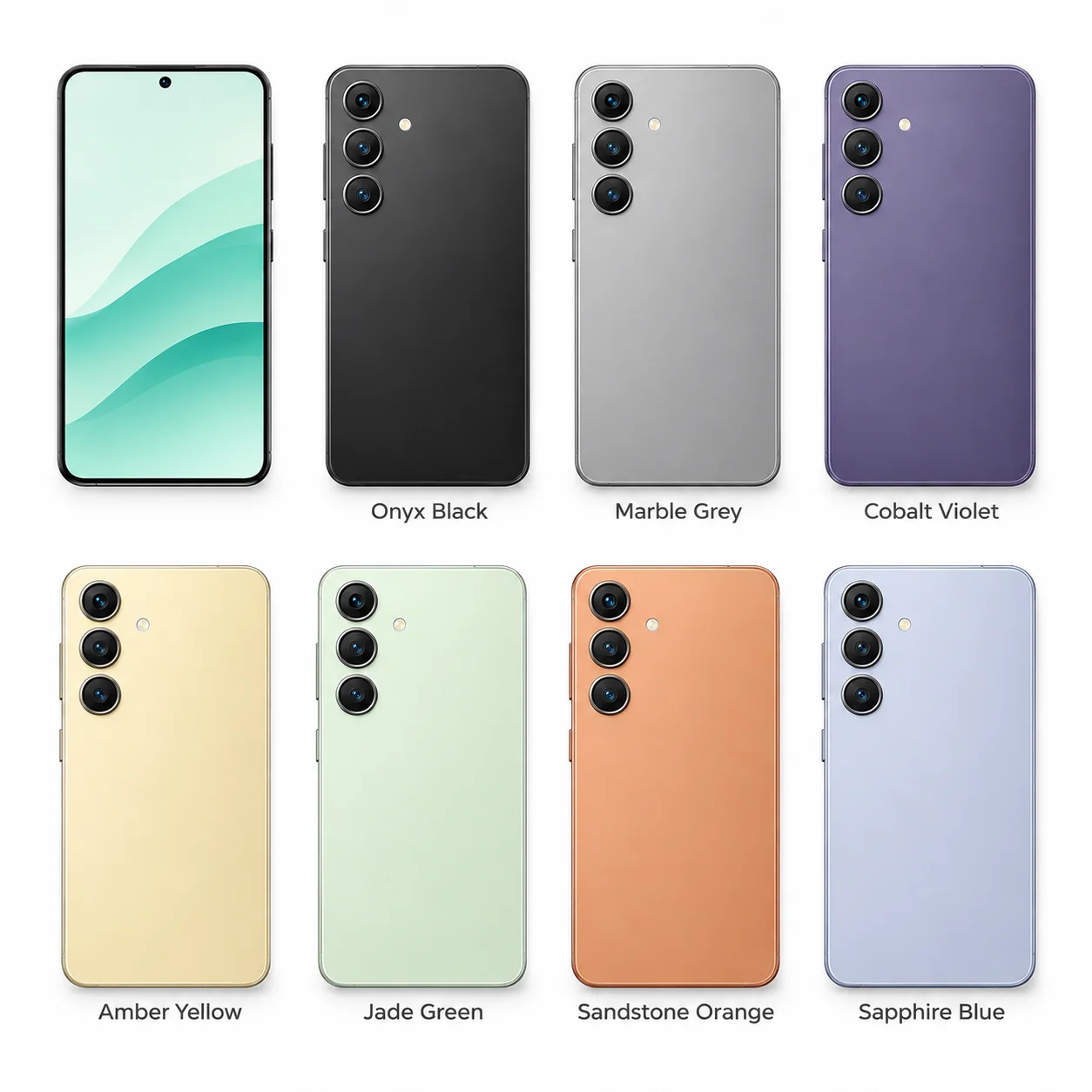
Samsung Galaxy S24 repair in Lowestoft
Display and USB-C problems without a guessed diagnosis.
For Lowestoft repairs, describe what the device actually does: a moisture alert, a loose connector, broken glass and a failed display lead to different checks. Report genuine liquid exposure without assuming that a coastal location explains a fault.
If visiting from outside Lowestoft, ask whether the business has the correct part and whether the device must stay for assessment. Confirm the collection address and a contact method that works while the phone is at the shop.
Describe what you can observe before choosing a repair. Broken glass with a working image differs from a black display or failed touch. Short battery life differs from a loose connector. A phone that will not power on may need diagnosis before any part can be quoted accurately.
Repair prices depend on the exact model, diagnosis and chosen part. Ask for an itemised total covering parts, labour, assessment and testing, plus any applicable charges. Agree how the business will seek approval if inspection reveals more damage. Current availability and times must be confirmed by the chosen repairer.
Ask what type of replacement is offered and how the repaired function will be checked. For modern OLED phones, understand any display compromise; for tablets, check the generation as well as the screen size. Ask about fingerprint or Face ID testing where relevant.
Back up files that exist only on the device. Set up another way to receive important messages, use work logins or show travel tickets. Agree the access needed for testing with the business, and handle your own account sign-ins. Tell it before approving a reset or work that may affect local data.
Readers from Oulton Broad, Kessingland, Carlton Colville, Corton, Blundeston, Beccles, Bungay can use the same appointment questions. Confirm the business’s actual address and service area. These place names describe an area to investigate; they do not establish a shop, mobile service or collection route.
Test the repaired function, then relevant touch controls, cameras, calls, speakers and charging. Ask for the part description, itemised invoice and warranty. Record any pre-existing fault or limitation so a later enquiry starts with a clear repair history.
Display and USB-C problems without a guessed diagnosis.