Avoid ordering from the family name alone
Look in the device information if the phone still works, or use the original packaging and records. A photograph of a familiar-looking handset is not always enough to distinguish versions. Give the exact code alongside the marketing name wherever possible.
Then describe the fault: broken glass, an absent picture, lost touch or a phone that won't start. The 5G model uses AMOLED, so have any replacement described in relation to that original screen. Mention bent edges, rear damage and previous repairs before the business prepares its estimate.
Check the screen and side button separately
The fingerprint reader on the Note 13 5G sits in the side power button. If unlocking has failed after the accident, mention it in addition to display damage. A new screen isn't automatically a repair for a separate button or fingerprint problem.
For the display, ask whether an original service part, refurbished original or aftermarket assembly is proposed, and what differences or warranty apply. Include fitting and testing in the total. Try brightness, keyboard touch and fingerprint unlocking at collection so the phone is comfortable to use again.
When fast charging becomes a slow process
A compatible adapter and a sound cable matter to charging performance. With a dry, safe handset, compare another undamaged suitable lead and charger before assuming the USB-C socket has failed. Note whether the plug feels loose or disconnects when moved.
Don't force it into a useful angle or probe inside. The technician can inspect the socket and assess whether the battery or another part is involved. Explain a gradual runtime decline separately from a connection fault. Stop charging if the case swells or starts separating, and arrange professional attention.
Make the Martlesham appointment specific
Martlesham and Martlesham Heath cover more than one familiar landmark, from the village green to the old Control Tower. Get the actual repair address before planning the visit, and confirm that the correct 5G part will be available there.
Back up local files and leave an alternative contact method. Ask whether the job will be done at that workshop or sent elsewhere. On return, try sound, camera focus, charging and the reported fault, then keep the component description with the repair warranty for a clear record of the work.
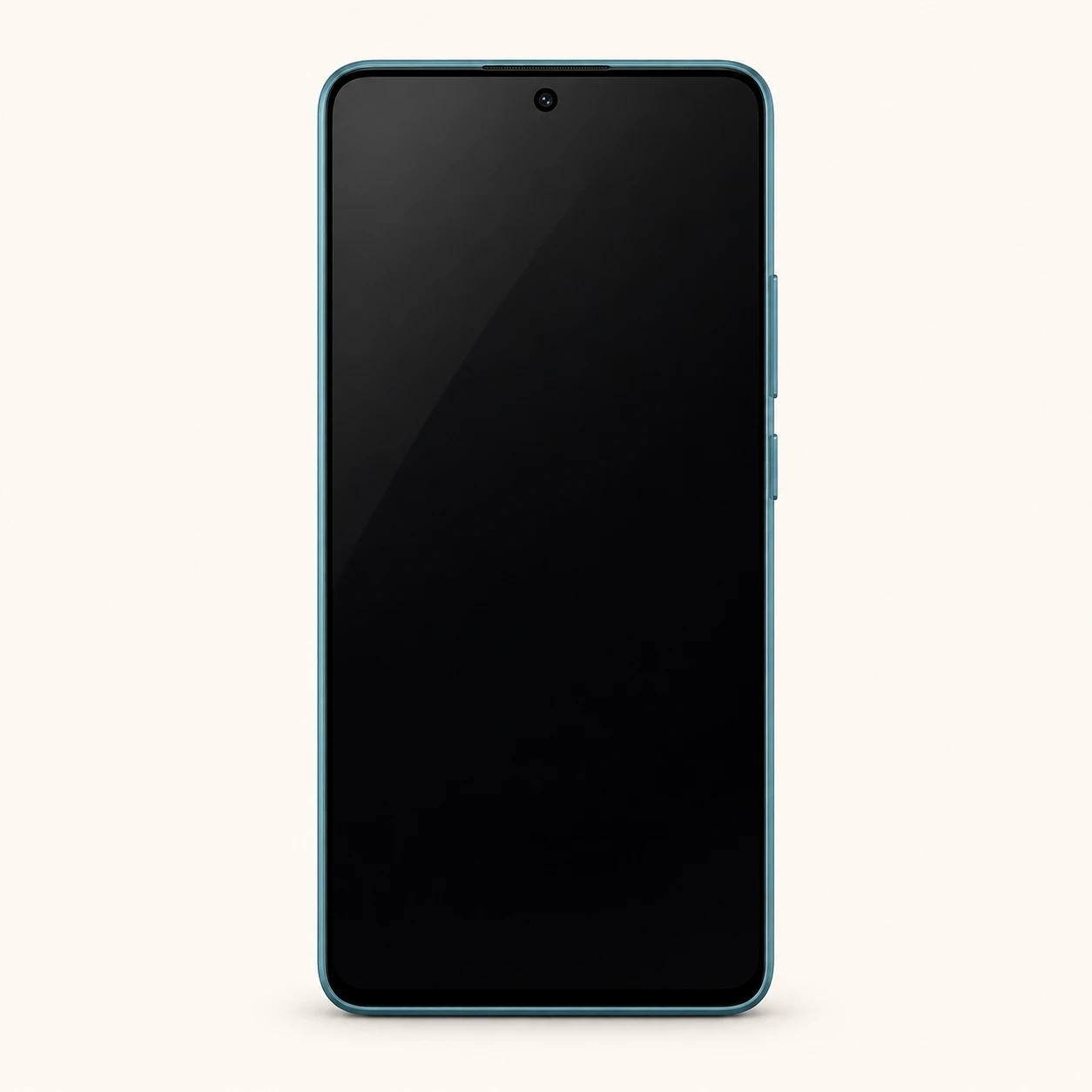
Which Redmi details should I send to a repairer near Martlesham?
Send the exact Note 13 5G name and model code, then describe screen, side-button, charging and other symptoms. Confirm compatibility before parts are ordered.
Find a repairer near Martlesham
Explore independent businesses on WeSolveAll, then contact your chosen repairer to arrange the work.
Find a repair business