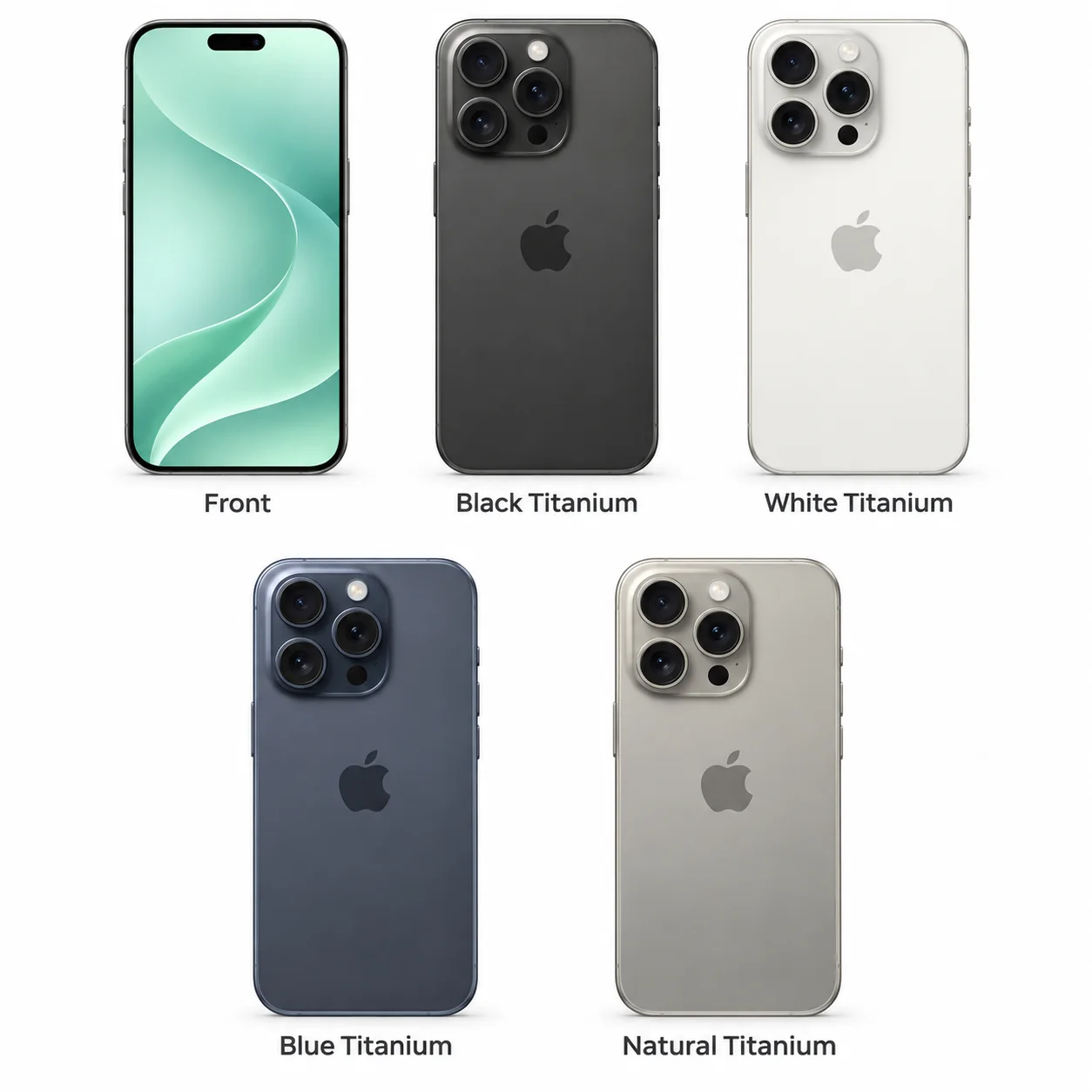
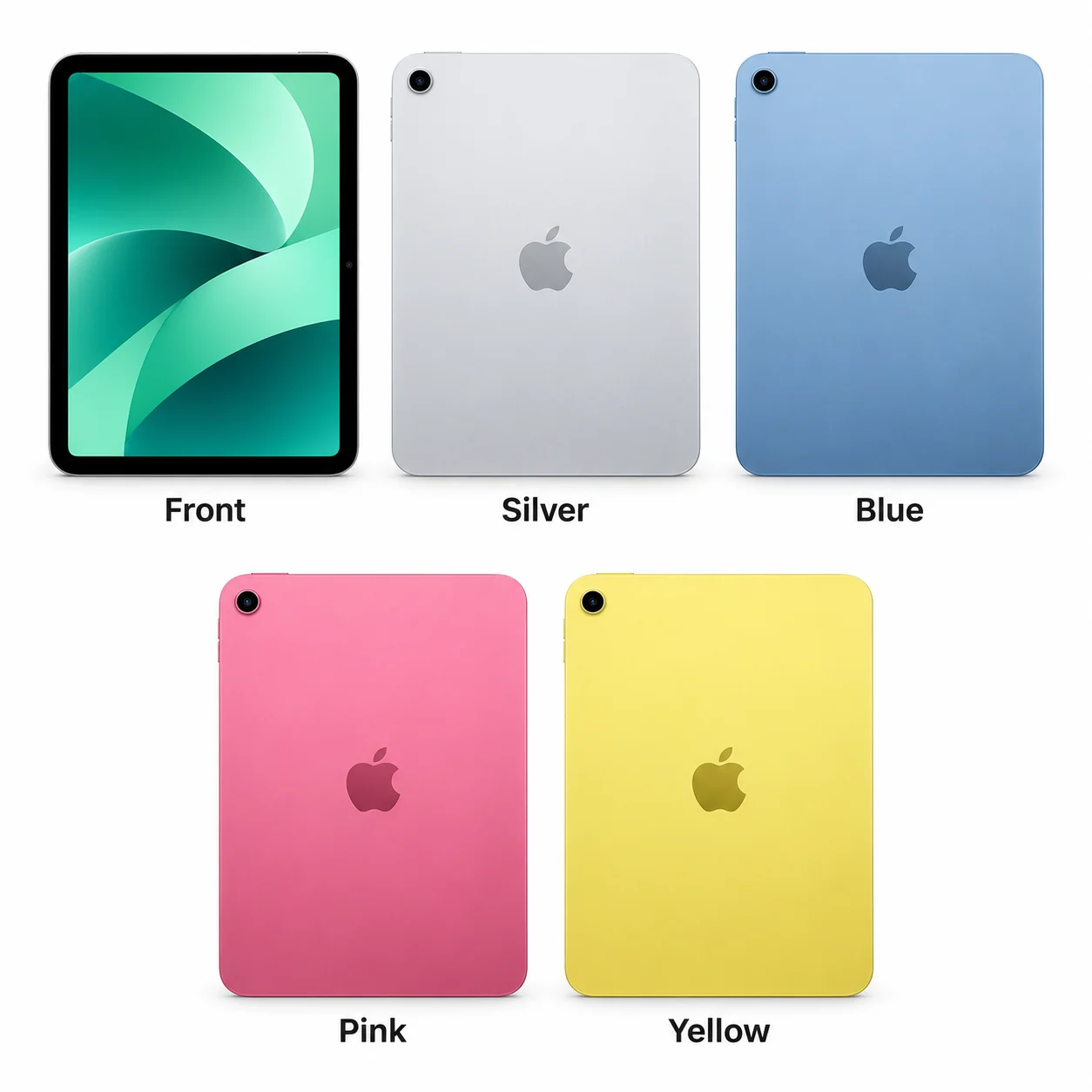
Check which part of Woodbridge the appointment involves
Thoroughfare, Market Hill and the riverside around the Tide Mill can all feature in a town visit, but they don't identify a repairer's address. Confirm the actual business location, parts availability and whether the work is carried out there.
If you're planning a walk beside the Deben or some shopping while the device is assessed, agree a realistic collection window first. A diagnosis may reveal the need for a part or another workshop. Knowing that before handover makes it easier to arrange the rest of the day.
A good description helps a better quote
Say which camera view is blurred, which area ignores touch or when charging cuts out. Include the complete model, previous repairs and damage hidden by a case. A technician can use those details without you having to identify the internal fault yourself.
Compare complete fitted prices, including the proposed part, testing, any assessment fee and warranty. A phone's glass, camera cover and camera module are different components. On some iPads, the touch glass and LCD can also need separate decisions.
Leave with the files and functions accounted for
Check your backup and keep essential travel or appointment information accessible without the device. Give the business another contact method and agree how additional work will be approved.
At collection, try the repaired feature alongside normal sound, camera, touch, charging and unlocking as appropriate. Inspect the fit before replacing a case. Keep the invoice and written part description, and ask for any remaining limitation to be recorded while you can still discuss it face to face.