Identify the tablet before comparing prices
If it still turns on, use its device information to find the generation and exact name. Include whether it is a children's edition and whether a case is hiding damage around the edges. A photograph of the front alone may not distinguish models that use different parts.
Describe touch and picture separately. Cracked glass with normal response, a tablet that ignores swipes and a screen with lines are different starting points. Ask what the proposed screen work includes rather than assuming every advertised Fire HD 10 repair means the same component.
Rule out a charging accessory first
With a dry, safe tablet, try another undamaged USB-C cable and compatible power adapter. A lead used by the whole household can become unreliable long before the tablet itself fails. Say whether the plug seats firmly and whether a charging symbol appears.
If the connection is loose or intermittent, stop forcing the cable to one side. The socket may need inspection and specialist work, and not every business handles it. Confirm whether the repair will be done locally or sent away, along with the assessment charge if the job doesn't go ahead.
Work out what you would lose by replacing it
Books bought through an account and files stored only on the tablet are not the same thing. Before repair or replacement, check which photos, downloads and other files have another copy. Keep account access available and ask what diagnostic work might erase the device.
Compare the complete repair price with a suitable replacement, including any other faults. A new screen may be good value for an otherwise sound tablet, but less attractive if charging and battery problems also need work. The estimate should let you make that decision without guessing.
A family handover in Dereham
If the tablet normally keeps someone occupied while you're out, plan another option for the time it's being repaired. Dereham's shopping streets and open spaces can form part of the visit, but they aren't a timetable for the technician.
Have the part confirmed before travelling and agree another way to receive updates. At collection, try a book page, keyboard, video sound, camera and charge connection. Testing the things your household actually uses makes more sense than taking home a tablet that merely reaches its lock screen.
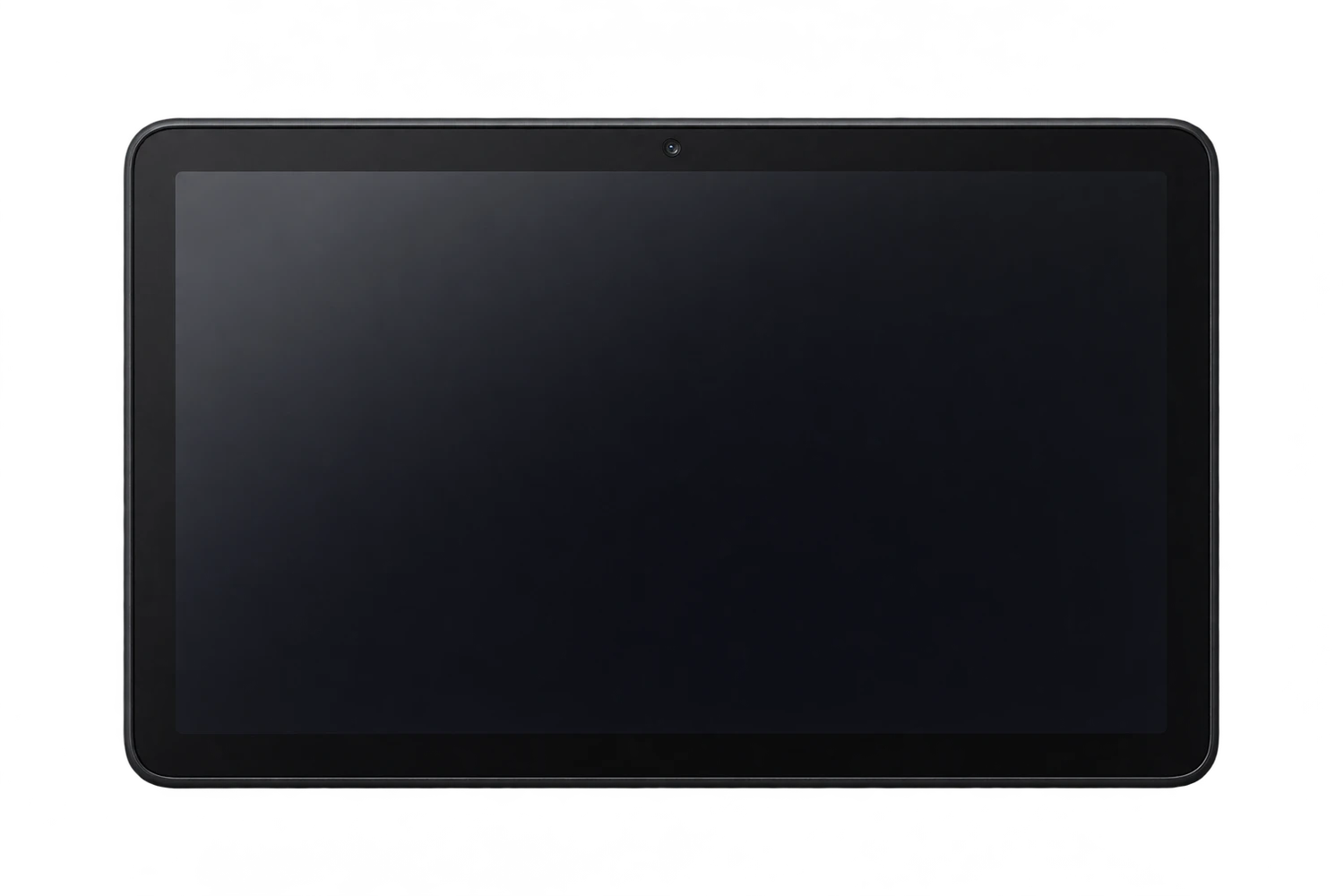
Which Fire HD 10 is this Dereham repair article about?
The 2023 Fire HD 10, also described as the 13th generation. Confirm the exact generation before a business orders display or charging parts.
Find a repairer near Dereham
Explore independent businesses on WeSolveAll, then contact your chosen repairer to arrange the work.
Find a repair business