Separate the glass from what is underneath
This iPad has front touch glass above a separate LCD. If the image remains clear, a technician may be able to retain the original display while replacing damaged glass. Lines, black areas or failed touch give different clues, so describe each symptom.
Include bent corners and the condition of the housing. A new front needs a sound fit, and frame damage can change the estimate. Identify the generation or model code rather than relying on the tablet's size; a similar-looking iPad can use different repair parts.
Give the top button and charging socket their own mention
Touch ID is built into the top button. If the accident affected it, explain whether the button still operates and whether fingerprints are recognised. A physical button replacement doesn't automatically promise restoration of the original biometric function.
For USB-C trouble, report a loose plug or interrupted charging and any undamaged cable or compatible-adapter checks already made. Avoid forcing or probing the opening. Confirm the business handles this model's connector work and whether specialist attention would mean sending the tablet elsewhere.
Check the files before the tablet goes away
Schoolwork, drawings and downloaded documents may exist only on the iPad. Make a backup where possible and open important files from another device to check that they really are available. Discuss any reset or data risk before diagnostic work begins.
If battery wear or other faults accompany the cracked front, ask for the complete estimate. The value of repairing one damaged component is different from paying for several unresolved problems. Agree the fitted total, assessment charge and warranty before choosing which work to approve.
Leave room for collection in Great Yarmouth
An afternoon on the Golden Mile and an appointment in the town centre don't automatically share the same timetable. Confirm the actual repair address and collection window, and say if you're returning home after a holiday stay.
Leave another contact number so extra work can be discussed without relying on the tablet. On collection, try touch across the display, sound, cameras, Touch ID and charging. Inspect the edges out of the case and keep the repair description, especially if some work has been deferred.
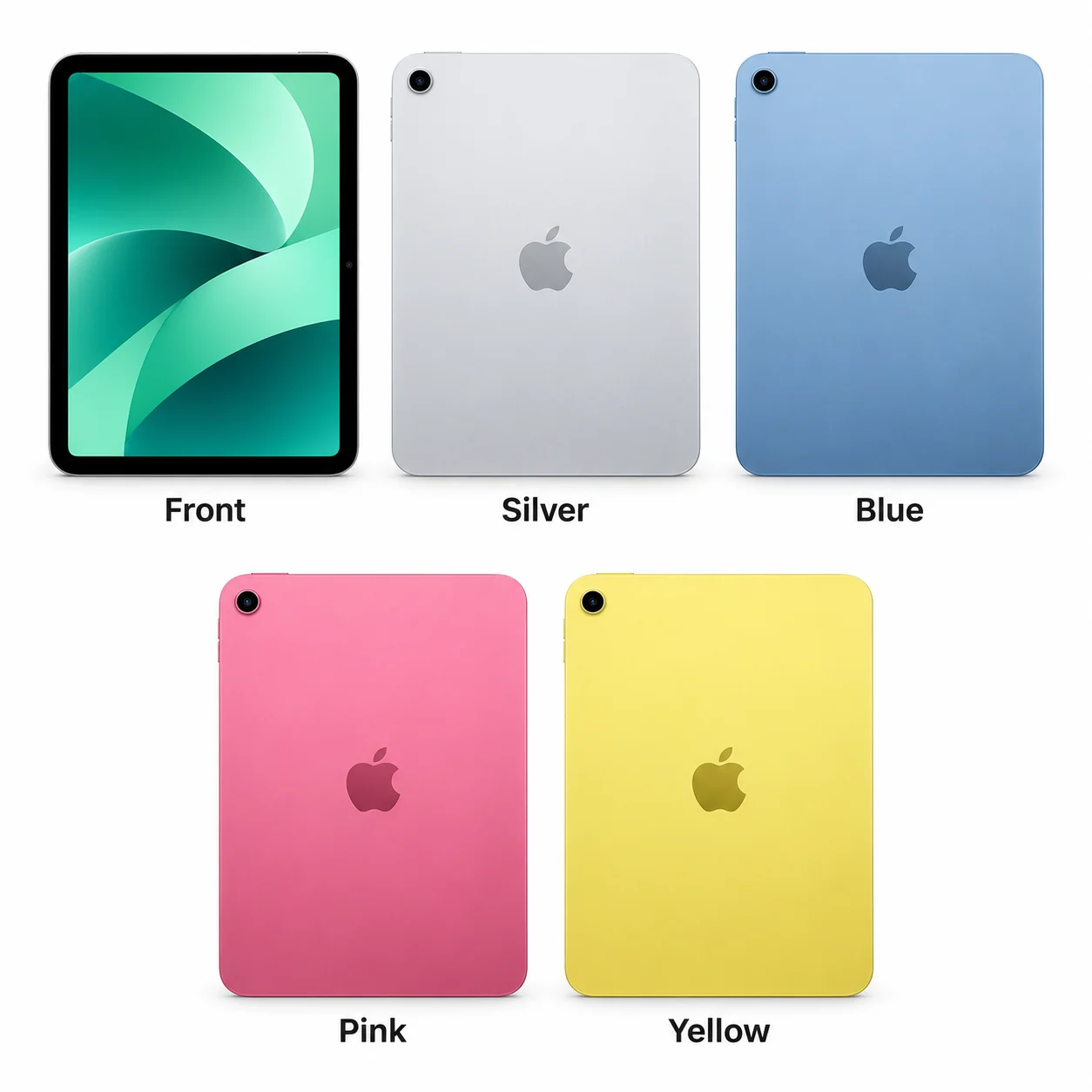
Can only the glass be replaced on a 10th-generation iPad in Great Yarmouth?
It may be possible if the LCD and supporting parts remain sound. The technician needs to assess picture, touch and frame condition before confirming the job.
Find a repairer near Great Yarmouth
Explore independent businesses on WeSolveAll, then contact your chosen repairer to arrange the work.
Find a repair business