Identify the generation behind the case
Use tenth generation and the device details in settings or original purchase records where possible. Include Wi-Fi or cellular information and previous work. A similar-size iPad or a case description isn't enough to establish the correct front assembly.
Report picture, touch and top-button behaviour individually. Tell the business about frame dents and any gap beneath the front, without pressing lifted or broken areas. Ask whether inspection is needed before a firm price, any diagnostic fee if you decline and how extra work will be authorised.
Keep the digitiser and LCD assessment distinct
This iPad's front touch digitiser and LCD are separate. A readable picture behind cracks can lead to a different quotation from dark marks or lines in the image, but the repairer needs to assess which layers are damaged. Describe missing touch areas without handling loose glass.
Ask which components the estimate includes, what quality of replacement is available and how the frame affects the work. Compare labour, testing and warranty in the total. At collection, try typing and touch across normal tasks and inspect the fit, rather than judging the result only from the startup screen.
Explain top-button and USB-C faults alongside the front
The top button houses Touch ID. A button press that fails and fingerprint recognition that fails need separate explanation; a front repair doesn't guarantee both will be restored. Ask what is included and have any remaining biometric restriction recorded before approval.
Charging uses USB-C. With a dry, safe tablet, compare suitable undamaged accessories and describe interruptions or loose fit without forcing the connector. Explain runtime and shutdowns separately. Stop charging a swollen or separating device and arrange professional attention, making that condition clear when booking an assessment.
Keep shared files and plans out of the repair gap
Check which documents, photographs and app data have another copy, and tell the business if preserving a local file matters before any reset. Arrange another way to access activity details or work normally taken to Hethersett Village Hall, and leave a contact method that doesn't depend on the iPad.
Confirm the actual workshop address, parts and collection window before combining the repair with the village routine. Ask whether it needs assessment first. On return, open a normal file and check sound, cameras, charging and agreed top-button functions, then retain the fitted-part description and warranty with any unresolved issue noted.
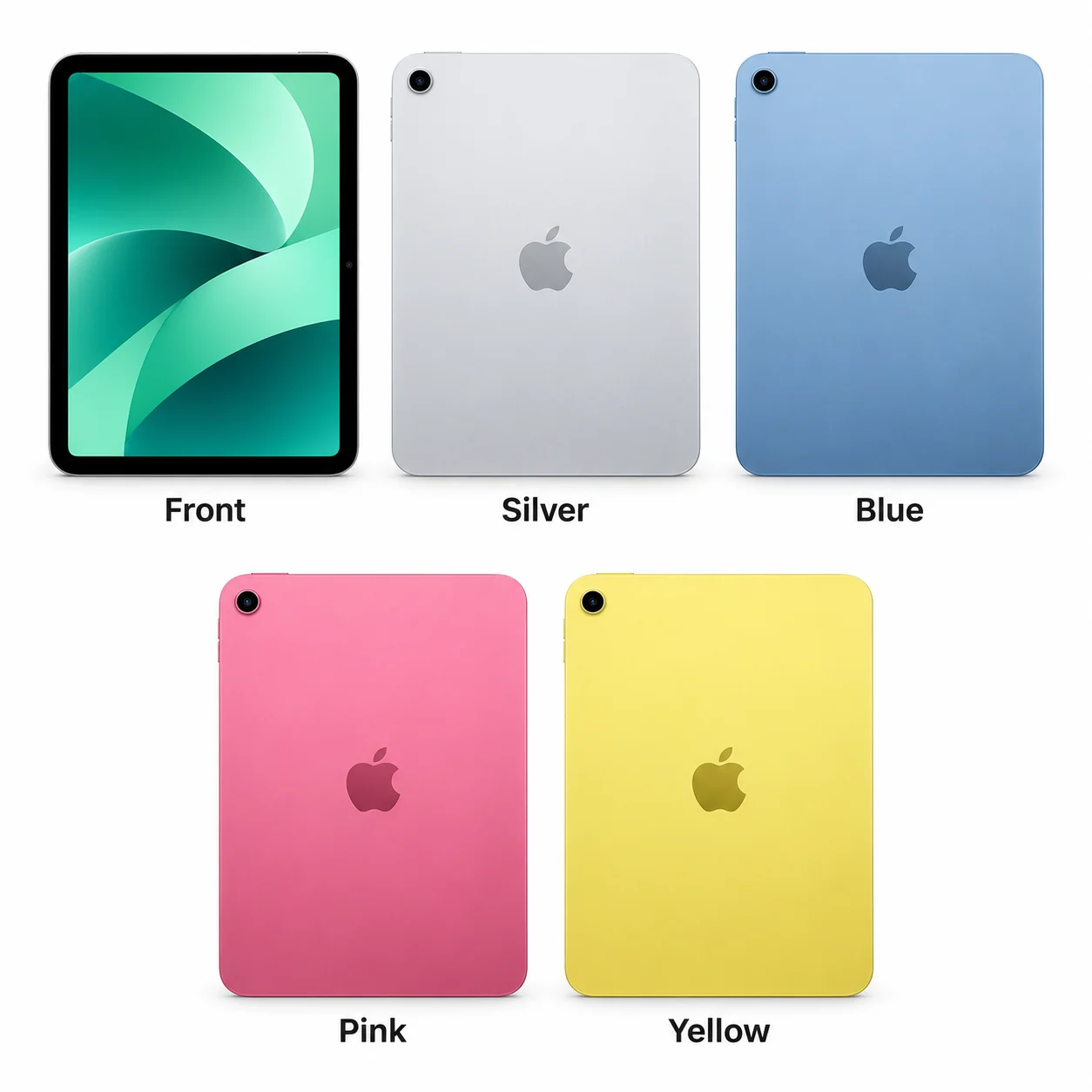
Is Touch ID in the screen on a tenth-generation iPad?
No. This iPad has Touch ID in the top button. Describe button operation and fingerprint recognition separately from display damage, and ask what the quoted repair will preserve or restore.
Find a repairer near Hethersett
Explore independent businesses on WeSolveAll, then contact your chosen repairer to arrange the work.
Find a repair business