Identify the tablet and the priority
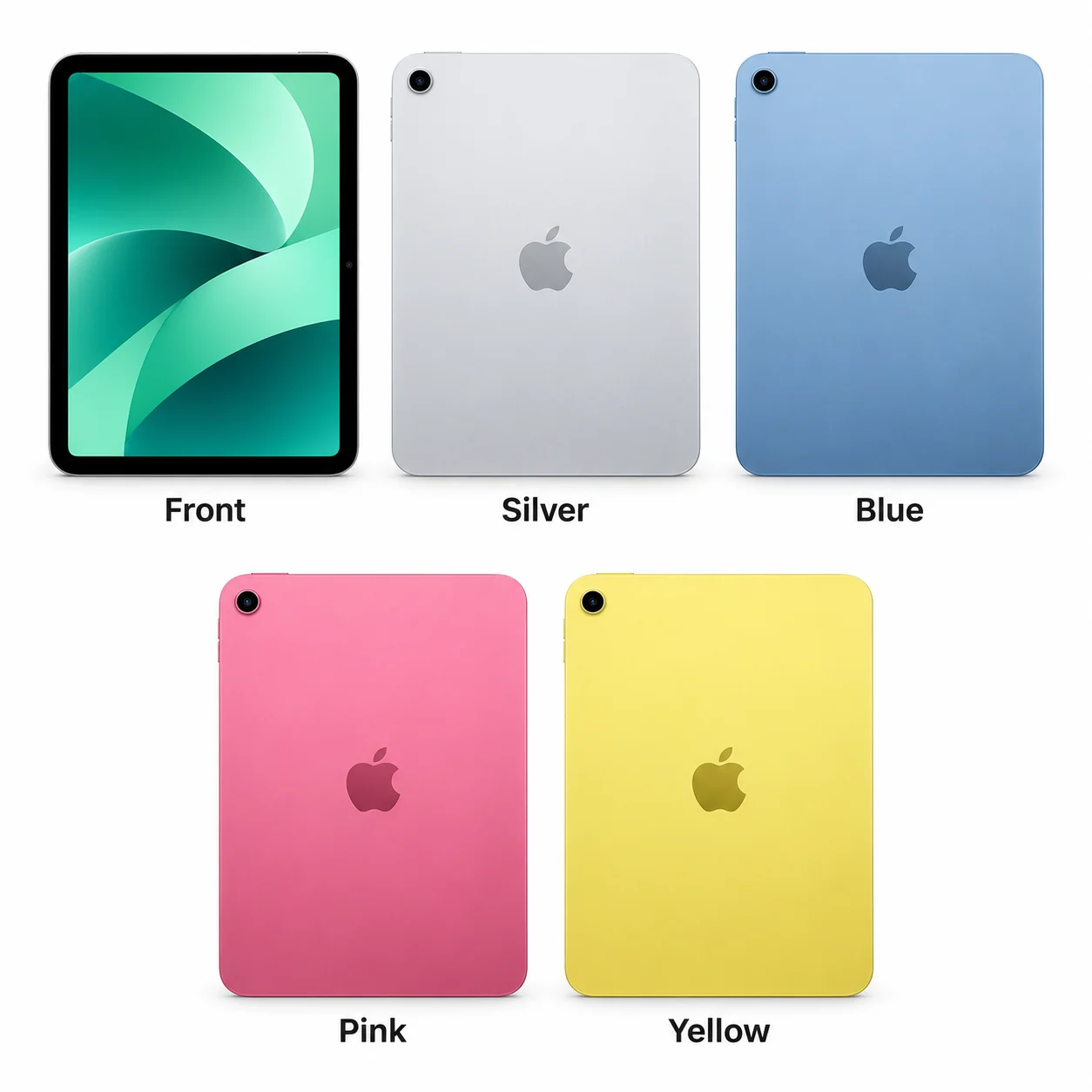
Give tenth generation and an A-number from settings, the casing or original records where available. Screen size or a familiar case doesn't establish a compatible front assembly on its own. Tell the business about earlier work and whether the tablet starts normally.
Explain if a local drawing, document or photograph is the reason for seeking repair. Ask what assessment may involve and whether it risks data. A reset is a separate decision to discuss, rather than something to approve casually when the main fault is cracked glass.
Describe front glass, touch and LCD separately
On this generation the front digitiser and LCD are separate components. Say whether the picture is clear, touch misses areas or the image has blotches and lines. Inspection can then establish the parts required instead of treating every damaged front as an identical job.
Request the component description, fitting, testing and warranty in one estimate. Include any bent frame, since that can affect the fit of new glass. Ask whether specialist work or ordering is needed before assuming the tablet will return within a short errand.
Remember where Touch ID sits
The fingerprint reader is in the top button, so a damaged button needs attention independently of the front glass. Explain whether presses, fingerprint recognition or both have failed. Have any limitation of the proposed button work explained before approval.
For USB-C trouble, tell the repairer about accessories tried and plug fit. Suitable undamaged accessories can be compared while the tablet is dry and safe; do not force the connection. Report runtime changes too and stop charging a swollen or separating iPad while arranging professional attention.
Make collection a chance to test the tablet
If you're combining a Thetford appointment with errands near the town centre or a Castle Hill visit, confirm the workshop address and collection arrangements first. Leave another way to contact you and keep essential plans available without the iPad.
On return, try touch around the edges, type a short line and open an ordinary document. Test cameras, sound, charging and the top button as appropriate. Inspect the fit without the case, then keep the fitted-part and labour details with the warranty and any issue you have agreed to leave unresolved.
Can an iPad 10 repair preserve my drawings and documents?
Discuss data preservation before diagnosis and check existing backups. Hardware repair is not a guarantee against data loss; agree before any reset or work that risks local files.
Find a repairer near Thetford
Explore independent businesses on WeSolveAll, then contact your chosen repairer to arrange the work.
Find a repair business