Identify the iPad before reserving front parts
Use tenth generation and the A-number from settings, the casing or original records if available. A similar-sized tablet or familiar case doesn't confirm the correct assembly. Tell the repairer whether the iPad starts, makes sound and has had earlier repairs.
Explain cracks, missed touches, lines and dark image areas independently. The front digitiser and LCD are separate components, so inspection determines which need attention. Ask whether the appointment is for assessment or a repair with parts already confirmed, and what a diagnostic visit costs if you decline the resulting estimate.
Get the glass, LCD and frame scope written down
A clear picture under broken glass may lead to different front work from a damaged LCD panel. Ask the technician to name the components, include any frame damage and explain what affects the fit. Glass-only repair depends on condition and workshop capability, rather than a promise from a photograph.
Compare parts, labour, testing and warranty in the installed total. At collection, try the keyboard and touch near the edges and inspect the fit without the case. If a limitation remains, have it recorded while you can discuss the tablet together rather than discover it later.
Include the top button and power complaint
Tell the business whether top-button presses work and whether Touch ID recognises your fingerprint. Those are separate observations from front damage. A new digitiser isn't automatically a repair for an unrelated button fault, so ask what the proposed work will restore.
The charging port is USB-C. Compare suitable undamaged accessories only on a dry, safe tablet, noting loose fit or interruptions without forcing the connector. Leave internal cleaning to a technician and describe runtime independently. Stop charging a swollen or separating iPad and arrange professional attention with that condition stated clearly when booking.
Keep the files and Wymondham plans available
Check which drawings, documents and photographs have another copy before handover where possible. Tell the business if preserving local work is the priority and agree data risks before diagnosis or a reset. Leave another way to approve changes and keep journey details elsewhere.
Confirm the real workshop, parts and collection before fitting repair around Market Place or an Abbey visit. Ask whether specialist work happens elsewhere. On return, open an ordinary file and try cameras, speakers, charging and the top button, then retain the component and labour description with the warranty.
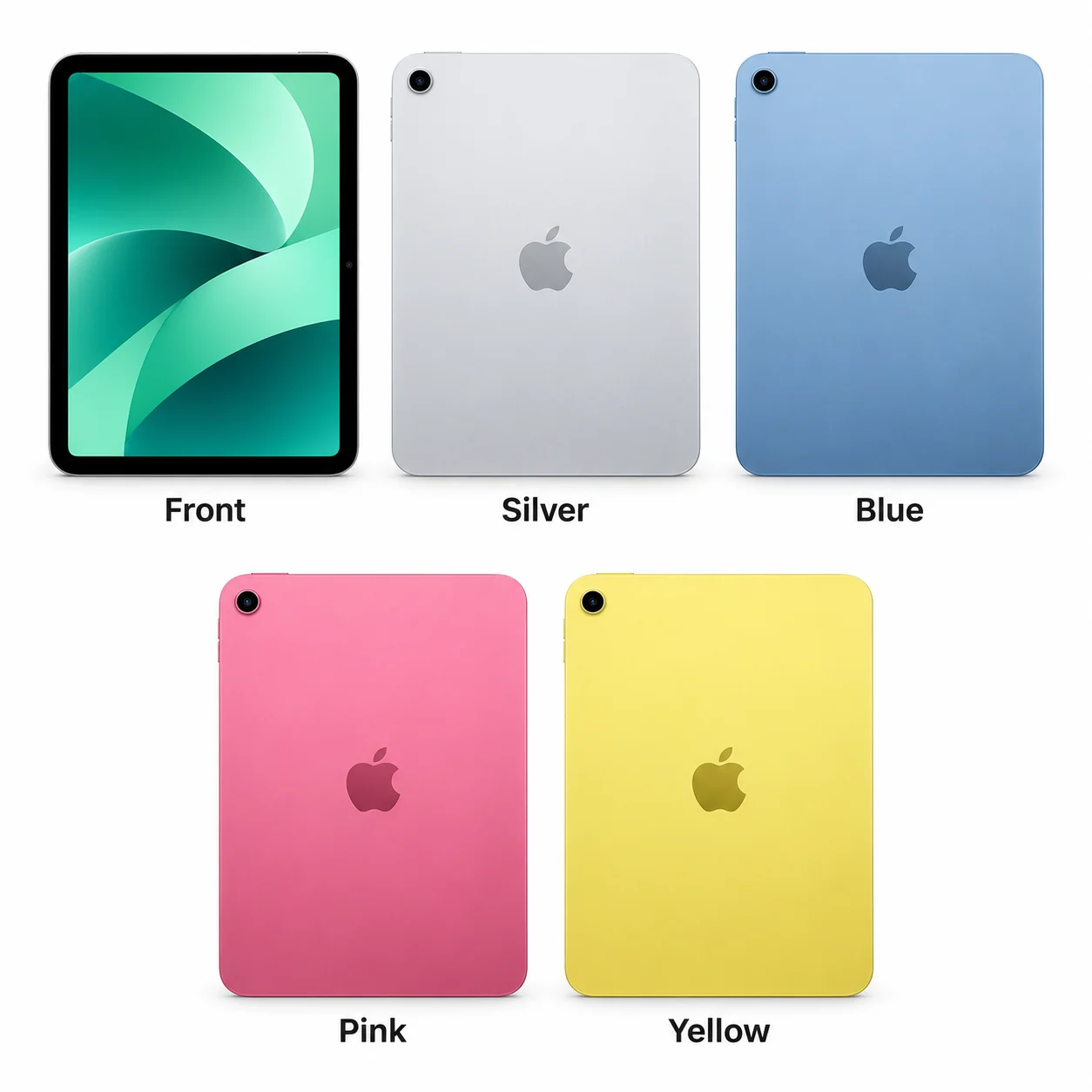
Is the fingerprint reader part of the tenth-generation iPad front glass?
Touch ID is in the top button on this model. Report a button or fingerprint problem separately and ask what the proposed work restores before assuming glass replacement will fix it.
Find a repairer near Wymondham
Explore independent businesses on WeSolveAll, then contact your chosen repairer to arrange the work.
Find a repair business