Check the generation and the files
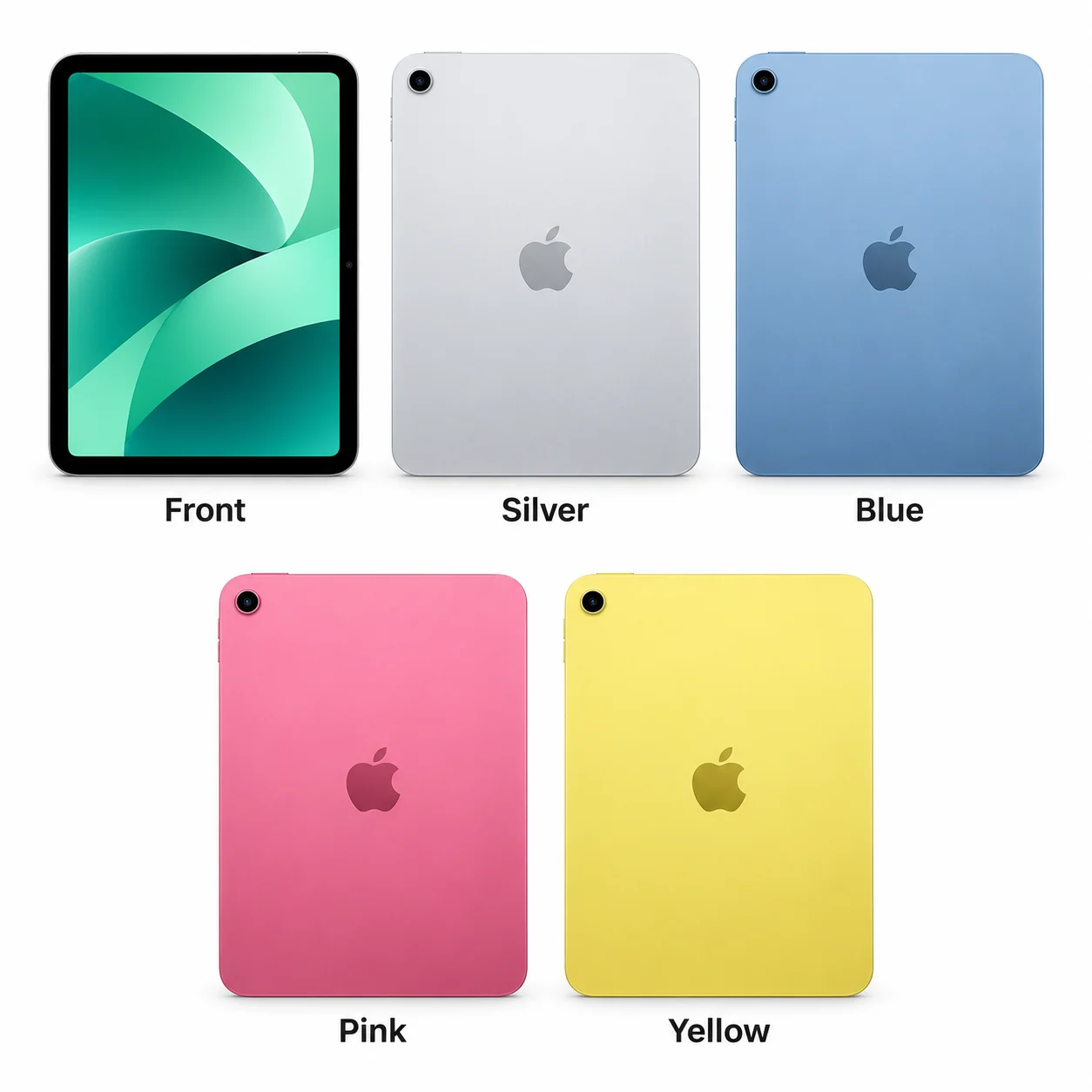
Identify the tenth-generation iPad with its A-number where possible, using settings, the casing or original records. A screen-size description alone can lead to an enquiry for the wrong parts. Include previous repairs and whether the tablet still starts normally.
Check that important local drawings and documents have another copy before handover if possible. Tell the business if file preservation is the priority and discuss any data risks before a reset or diagnosis. Ask what assessment costs if you decide the proposed work isn't suitable.
Describe the touch glass and LCD separately
The front digitiser and LCD are separate components on this generation. Tell the technician whether the picture is clear under the cracks, touch fails in places or the image has lines and dark areas. Inspection determines which components need attention.
Ask for the named parts, fitting, testing and warranty in the full estimate. Include bending or frame damage that may affect a replacement front. Glass-only work depends on the condition and the workshop's capability; don't assume it is either always possible or always excluded from a repair.
Include the top button and the USB-C socket
Touch ID is in the top button, so report failed presses and fingerprint recognition separately from front damage. Ask what any proposed button work will restore and have limitations explained before you approve it. A new digitiser isn't automatically a cure for that problem.
For charging, compare suitable sound accessories only on a safe, dry tablet and record loose fit or disconnects without forcing the plug. Leave internal cleaning to the repairer, describe runtime separately and stop charging a swollen or separating device while arranging professional attention.
Plan collection before the seaside itinerary
A Felixstowe promenade walk can fit the day once the repairer's actual address and return window are agreed. Ask whether the exact part is ready, where the work happens and what arrangements apply if you leave after a holiday stay.
Keep essential booking and travel details outside the iPad and give another contact route. When collecting, try touch at the edges, type a short line and open an ordinary document. Check cameras, speakers, charging and the top button, and keep the fitted-part and labour description with the warranty.
Does an iPad 10 front-glass repair also replace the Touch ID button?
Not automatically. Touch ID sits in the top button on this model, so describe button or fingerprint faults separately and agree what the proposed repair includes.
Find a repairer near Felixstowe
Explore independent businesses on WeSolveAll, then contact your chosen repairer to arrange the work.
Find a repair business