Match the part to the underlying tablet
Use the complete Fire HD 10 name, 2023 generation and recorded model information in the enquiry. Original order records can help if the screen is unusable. Tell the business about earlier repairs and whether the tablet starts or makes sound.
Ask the repairer to confirm the compatible component before ordering. An advertised screen for a similarly sized Fire may not fit this generation. Agree whether the appointment is for diagnosis or fitting, and whether assessment carries a charge when you choose not to proceed with the repair.
Give touch and image separate descriptions
The tablet uses LCD. A clear picture beneath cracks, a strip of failed touch and dark blotches are different observations. Explain each without pressing on loose glass. Inspection can establish which front components need replacement and whether the frame is sound.
Request the actual assembly, fitting, testing and warranty in one price. Glass-only work may need a specialist and isn't a guaranteed option. Compare the complete cost with replacing the tablet once any other faults are known, rather than judging value from the first visible crack.
Describe the charging problem before buying a port
With a dry, safe device, compare a suitable sound cable and adapter and tell the technician whether the USB-C plug stays securely connected. A slow charge, an intermittent connection and a tablet that won't start need different checks.
Avoid probing inside or using pressure to hold the plug. Explain declining runtime and unexpected shutdowns separately. Stop charging if the case bulges or separates and arrange professional assessment. A battery or connector may be part of the answer, but the symptoms alone don't establish which component is needed.
Keep the family plans and files available
Check which photographs, downloads and app progress are backed up and discuss local files before a reset. If the tablet is needed for a Blofield class or activity around the hall, make any documents available elsewhere before handover.
Confirm the real workshop, part availability and collection arrangement; a business serving the village may work nearby. Leave another contact method for approval of extra work. At collection, try touch, cameras, speakers and charging, then keep the exact generation and fitted-part details recorded with the invoice and warranty.
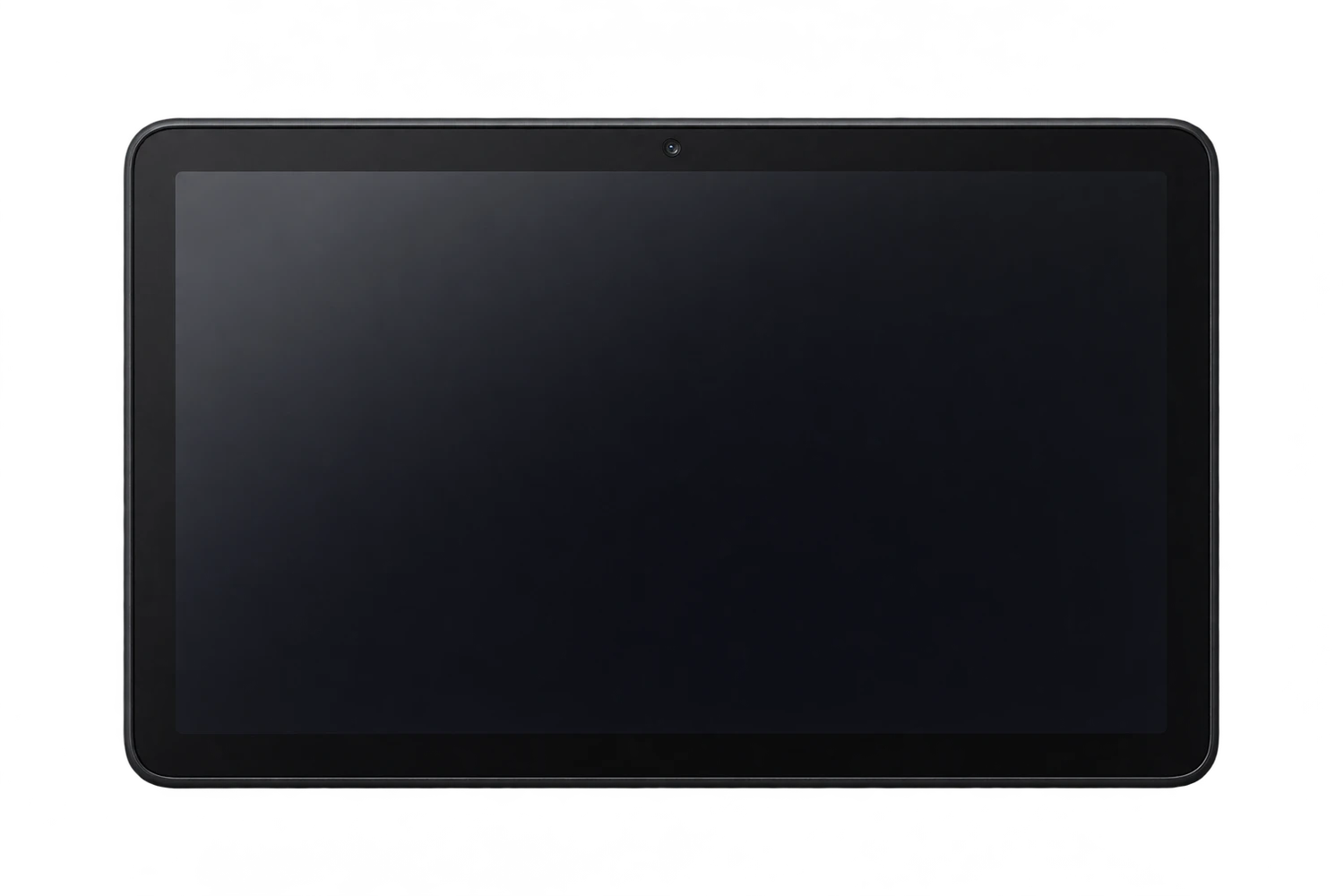
Does a Fire HD 10 Kids case identify the tablet generation for repair?
No. Check device settings or original records. Kids branding can describe a bundle, so the underlying 2023 tablet and hardware information still need to be established.
Find a repairer near Blofield
Explore independent businesses on WeSolveAll, then contact your chosen repairer to arrange the work.
Find a repair business