Give the tablet identity before a parts order
Use device settings if accessible, or original packaging and purchase records if the display is unreadable. Include the 2023 generation and model information, with earlier repairs and whether the tablet starts or makes sound. A children's case doesn't confirm the hardware.
Ask whether the business can establish compatibility before ordering and whether your appointment is for assessment or a confirmed repair. Find out any diagnostic charge if you decide against the work. That prevents an enquiry for a similarly sized older Fire becoming an unnecessary trip for the wrong front assembly.
Separate LCD, touch and outer damage
The Fire HD 10 uses LCD. Tell the technician if the picture is clear under cracks, a strip of touch fails or lines and dark patches appear. Those observations guide inspection of the front components rather than proving they all need replacement.
Include frame damage and lifting edges in the assessment. Ask which parts are quoted, whether any glass-only work is actually available and how the fitted result will be tested. Compare labour and warranty in the total, then judge it alongside replacement cost and other known faults before approval.
Keep USB-C and battery decisions separate
With a dry, safe tablet, compare suitable undamaged accessories and report a loose plug, slow charge or interrupted connection. Leave socket inspection to the technician and don't force a lead into position. A tablet that won't start may need a wider power assessment.
Describe declining runtime and shutdowns separately. Stop charging if the casing bulges or separates and arrange professional help with that condition stated. If several components are proposed, ask for the complete estimate before fitting so the cost decision is based on the whole job rather than the first part.
Check family content before the appointment
Look at which photographs, downloads and app progress have another copy. Discuss local files and data risks before a reset or diagnosis, especially if retrieving a particular document is the reason for repair. Give another contact method while the tablet is away.
If Halesworth errands around Thoroughfare or a visit to the Millennium Green are part of the day, confirm the workshop, parts and collection first. At return, try touch, speakers, cameras and charging and open an ordinary file, then retain the exact generation and installed components with the warranty.
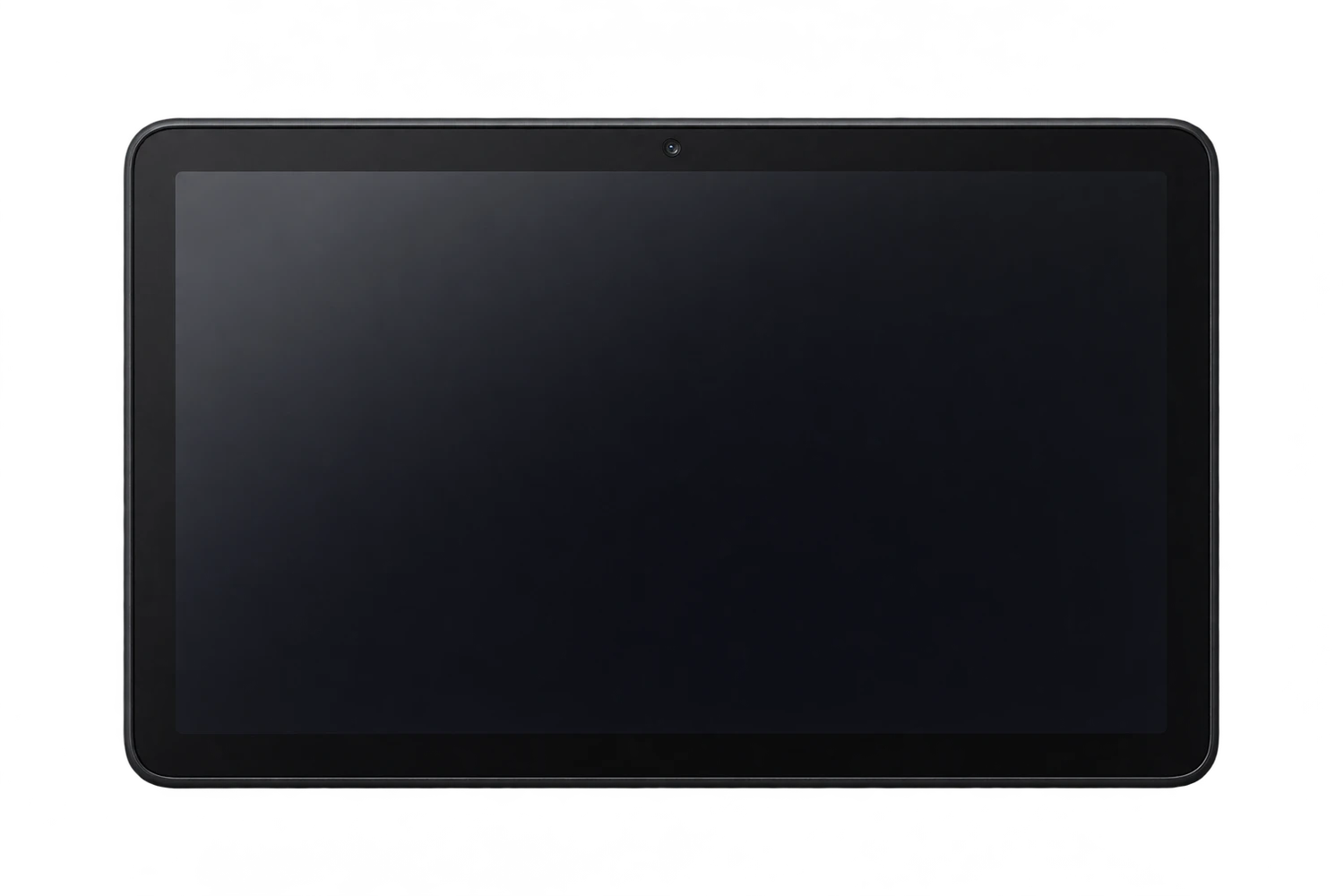
What should I describe about a broken Fire HD 10 front?
Explain cracked glass, image quality and touch separately, including dark areas or missed touches. Give the 2023 generation and let inspection establish the components and frame work required.
Find a repairer near Halesworth
Explore independent businesses on WeSolveAll, then contact your chosen repairer to arrange the work.
Find a repair business