Identify the tablet before reserving a component
Use settings if the tablet remains usable, or original packaging and purchase records if the front is unreadable. Give the 2023 generation and recorded model information, with previous repair attempts and whether the tablet starts or produces sound.
A Kids name may describe a bundle around the tablet rather than establish a separate hardware generation. Ask the business to confirm compatibility before ordering. Find out whether the appointment is for inspection or fitting, and any diagnostic charge if the resulting estimate isn't one you choose to accept.
Describe LCD and touch symptoms clearly
This Fire HD 10 uses LCD. A clear image beneath cracks, missed touches and dark picture patches are different observations; explain each without pressing on loose glass. Inspection can establish which front components and frame work are needed.
Ask for the named assembly, fitting, testing and warranty in the full price. Glass-only work depends on condition and workshop capability, rather than being an automatic option. Include other faults in the estimate and compare the overall repair with replacement cost before deciding, instead of judging value from a loose screen part advertised online.
Give the power problem its own assessment
On a dry, safe tablet, compare suitable undamaged charging accessories and note a loose USB-C plug or interrupted charge without forcing it. A slow charge, a poor connection and a tablet that won't start can need different checks. Leave internal cleaning to the repairer.
Explain runtime decline or shutdowns separately. Stop charging a swollen or separating device and arrange professional help with the condition stated clearly. If front and power work are both proposed, ask how they were diagnosed and for the whole fitted estimate before components are installed.
Check the family files before the Ipswich trip
Look at which photographs, downloads and app progress have another copy, and discuss local files before any reset or diagnostic work. Give another contact method for approval of changes and keep essential journey details elsewhere while the tablet is away.
If the day includes Christchurch Park or town-centre shopping, confirm the workshop address, parts and realistic collection first. Ask if work happens at that site or elsewhere. At collection, try touch, cameras, speakers and charging and open an ordinary file, then keep the exact generation, installed parts and warranty recorded together.
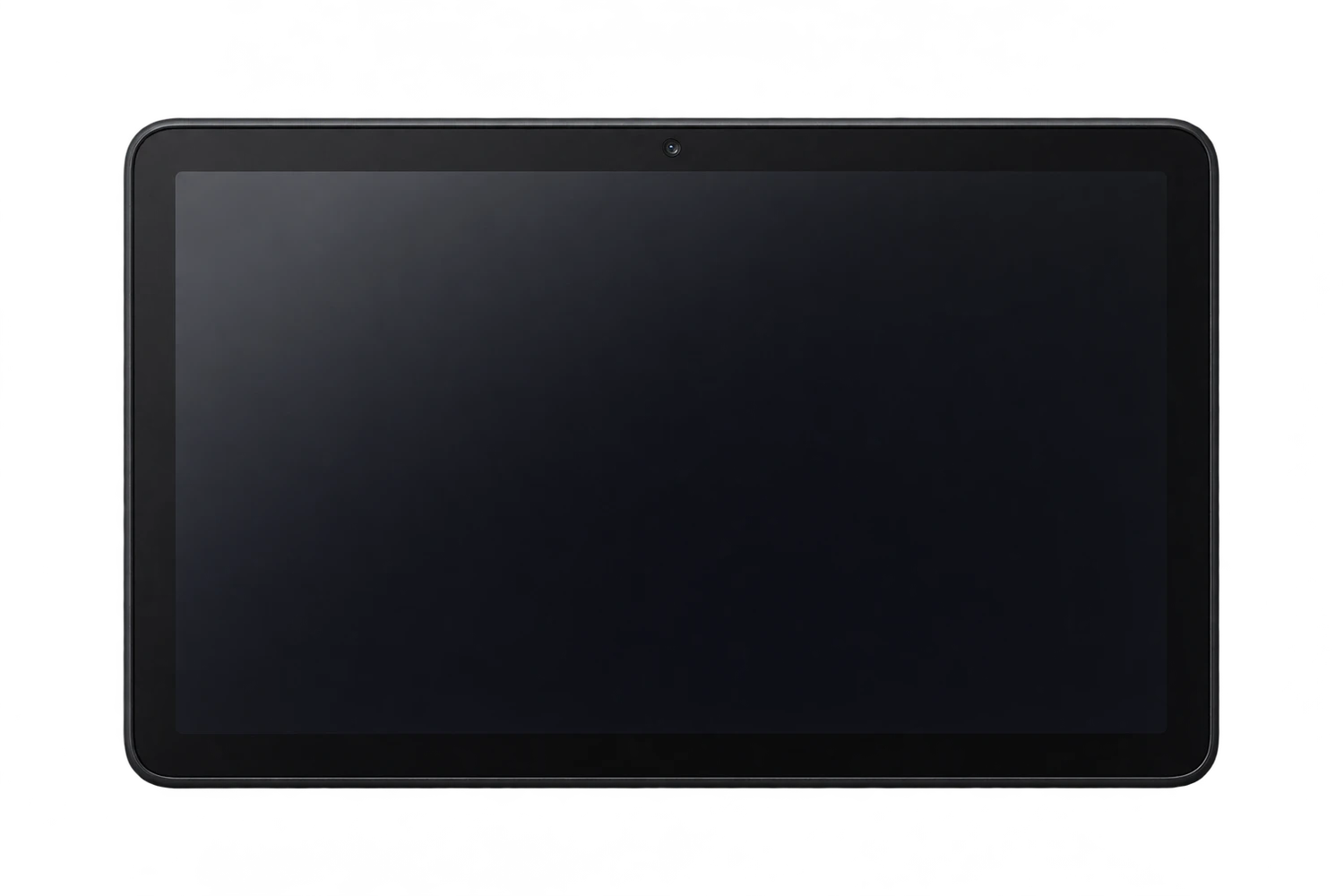
What information identifies a Fire HD 10 for an Ipswich repair enquiry?
Send the 2023 generation and hardware details from settings or original records. Kids branding and the protective case alone don't establish compatible parts for the underlying tablet.
Find a repairer near Ipswich
Explore independent businesses on WeSolveAll, then contact your chosen repairer to arrange the work.
Find a repair business