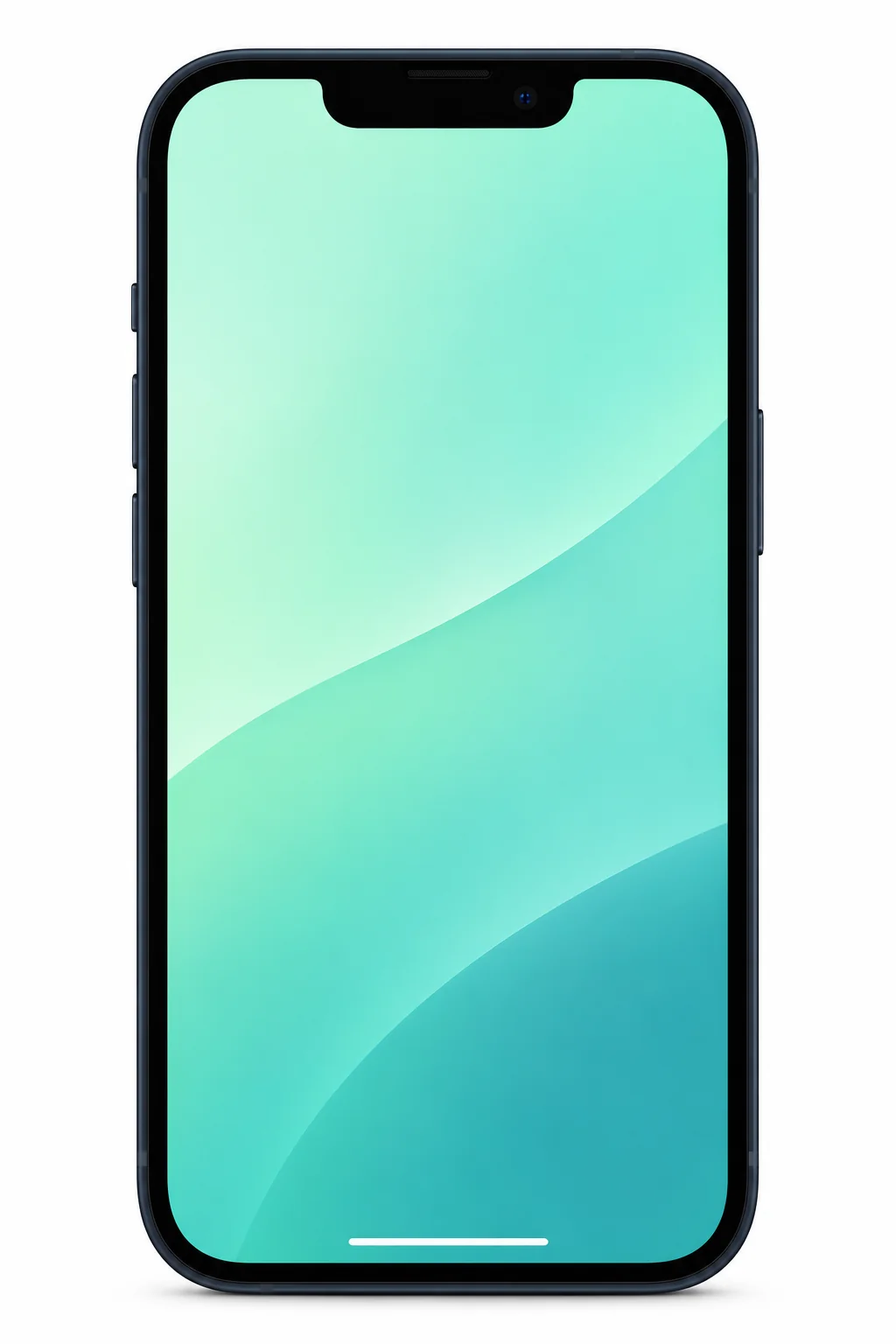
iPhone 13 model numbers
A model number identifies the model or hardware version and is shared by many devices. Your serial number identifies your individual device, as does the IMEI.
Where to find your model number
- Open Settings, then General, then About.
- At Model Number, tap the displayed part number to reveal the A-number.
- Match that A-number to the list for this phone.
If the phone will not turn on: For an iPhone 13 with its SIM tray removed, look inside the SIM slot on the display side for the model number.
All five A-number variants listed in Apple's identification guide for standard iPhone 13.
Swipe the table sideways on a narrow screen.
| Model number | Country or region | Useful detail |
|---|---|---|
| A2633 | UK, Ireland and other countries/regions outside the groups below | Apple describes this group as 'other countries and regions'. UK and Ireland use this variant. |
| A2482 | United States | Match this code to the number on your phone. |
| A2631 | Canada, Japan, Mexico, Saudi Arabia | Match this code to the number on your phone. |
| A2634 | China mainland, Hong Kong, Macao | Match this code to the number on your phone. |
| A2635 | Armenia, Belarus, Kazakhstan, Kyrgyzstan, Russia | Match this code to the number on your phone. |
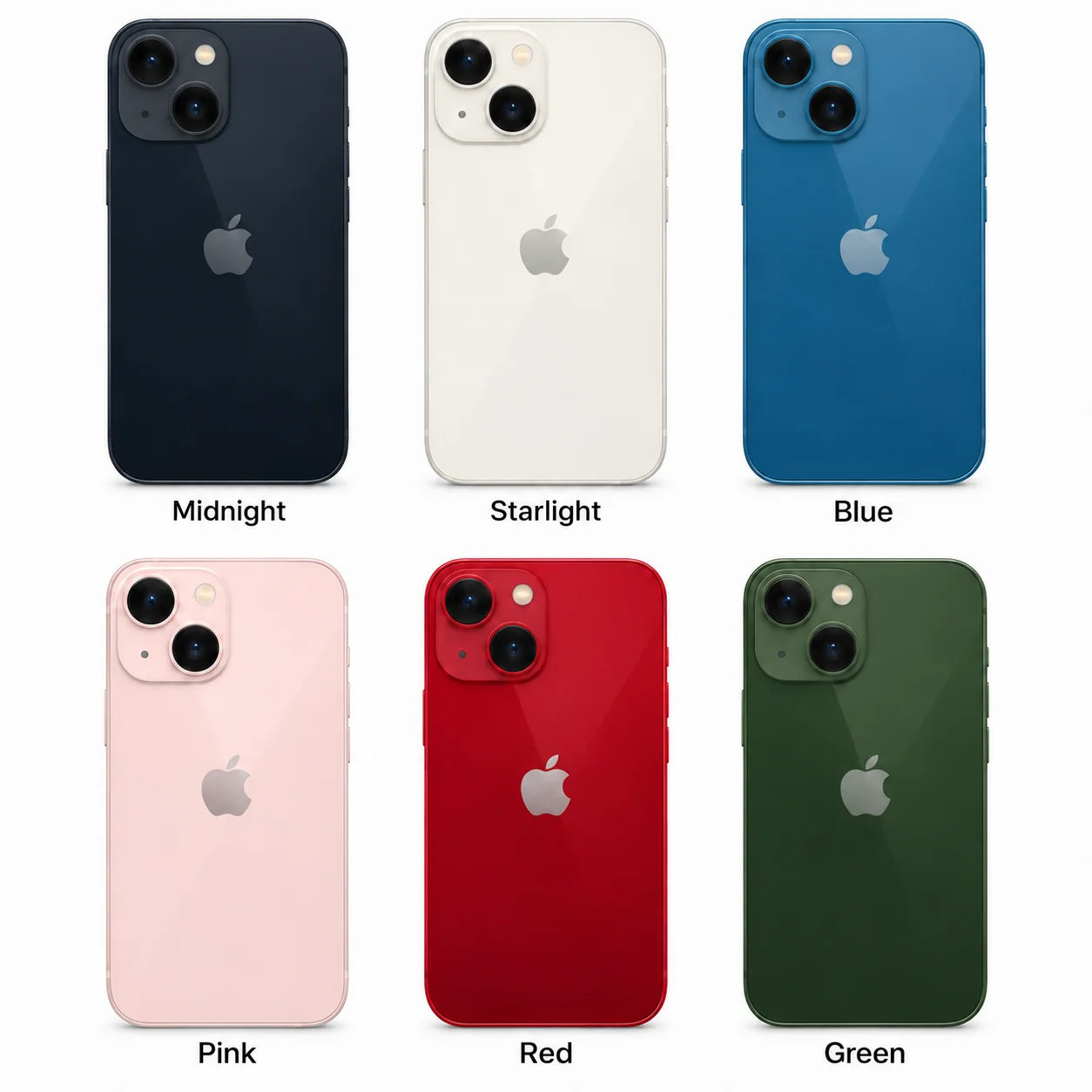
All 6 standard colours
These are the original manufacturer finishes listed for this model, including documented later colours. Availability varied over time and by market.
- Midnight
Very dark blue-black appearance.
- Starlight
Warm white/off-white appearance.
- Blue
More saturated blue than the iPhone 14 Blue finish.
- Pink
Pale pink.
- Red
Red glass back and matching red aluminium frame.
- Green
Added in March 2022. The standard model's finish is Green; Alpine Green is an iPhone 13 Pro finish.
Use the colour and the model number together. Lighting, screen settings, cases and replacement backs can change how a device looks.
Getting to know the iPhone 13
Where the iPhone 13 fits
Apple introduced the iPhone 13 alongside the smaller iPhone 13 mini. The regular model gives you more screen space within that pair. Confirm the exact model name before choosing accessories or discussing a repair.
What the cameras help you do
The Main camera is the everyday option. The Ultra Wide camera fits more into the frame when you cannot step back. Sensor-shift stabilisation moves the camera sensor to help steady an image. Cinematic mode changes the focus within a video. Lighting and how you take a photograph still matter alongside those features.
Choosing storage and checking condition
Choose storage around your use: keeping many videos offline takes more space than mainly messaging and streaming. For a used example, check its capacity and battery health. Rechargeable batteries lose capacity as they age; look in Settings, Battery, then Battery Health & Charging.
Keeping or repairing an iPhone 13
When contacting a repair shop, give the exact model and describe the symptom, when it started and whether it happens consistently. That helps the technician assess a damaged screen, unreliable charging or short battery runtime without guessing from the model name alone.
Specifications and what they mean
Read each specification alongside its explanation. Manufacturer test figures describe controlled conditions; age, usage and battery condition affect everyday performance.
Swipe the table sideways on a narrow screen.
| Feature | iPhone 13 | What it means |
|---|---|---|
| Screen | 6.1-inch OLED | Apple calls this display Super Retina XDR. Size is measured diagonally. |
| Resolution | 2532 × 1170 pixels; 460 ppi | Resolution counts image dots; ppi describes how closely they are packed. |
| Size and weight | 146.7 × 71.5 × 7.65 mm; 173 g | These are the handset measurements before adding a case. |
| Construction | Aluminium frame; glass back; Ceramic Shield front | These materials describe the body and screen cover. |
| Processor | A15 Bionic; 6-core CPU, 4-core GPU | The CPU processes tasks; the GPU handles graphics. |
| Storage | 128GB, 256GB or 512GB | Space for apps and files; software uses part of it. |
| Rear cameras | 12MP Main and 12MP Ultra Wide | Choose the ordinary view or fit more into the frame. |
| Front camera | 12MP TrueDepth | Used for selfies and video calls, with the TrueDepth system supporting Face ID. |
| Video | Up to 4K at 60 fps; Cinematic 1080p at 30 fps | 4K describes resolution; fps means frames recorded each second. |
| Wired connection | Lightning | Use a compatible Lightning cable for wired charging. |
| Wireless charging | MagSafe and Qi | Compatible charging accessories let you charge without inserting a cable. |
| Apple battery tests | Up to 19 h video; 15 h streamed video | Manufacturer test results. Usage, settings and battery condition change actual runtime. |
| SIM: UK and Ireland | Nano-SIM and eSIM; dual eSIM supported | eSIM needs network support. Imported models can differ. |
| Mobile connection | 5G and 4G LTE | Network, plan and coverage determine the service available. |
| Other wireless connections | Wi-Fi 6; Bluetooth 5.0; NFC reader mode | Wi-Fi connects to networks; Bluetooth links accessories; NFC works at close range. |
| Unlocking | Face ID | Facial recognition is used for authentication. |
| Water and dust rating | IP68: tested to 6 m for up to 30 minutes | Controlled laboratory rating; resistance can decrease with wear. |
| Software | Launched with iOS 15; compatible with iOS 27 | Compatibility checked on 20 November 2026. Features vary by model and region. |
Software and security updates
Apple lists the iPhone 13 as compatible with iOS 27, checked on 20 November 2026. Features vary by model and region. To see the updates available for your phone, open Settings, General, then Software Update.
Common questions about the iPhone 13
Does the iPhone 13 support wireless charging?
Yes. Apple lists MagSafe and Qi wireless charging for the iPhone 13. Charging equipment is separate, so check what is included with the handset you are buying.
Can the iPhone 13 use an eSIM in the UK and Ireland?
The relevant UK and Irish versions support a physical nano-SIM and eSIM, including dual eSIM support. Your network must support eSIM. Imported models can differ, so check the hardware version and your provider.
Is the iPhone 13 waterproof?
Apple describes the iPhone 13 as water resistant. Its IP68 rating comes from controlled testing, and resistance can decrease with wear. Treat the rating as limited protection and follow Apple's advice if the phone gets wet.
How do I check which iPhone 13 I have?
Open Settings, General and About. Check Model Name, then tap the part number beside Model Number to reveal its A-number. Use that identifier when checking regional specifications or asking about a repair.
About this guide
Manufacturer information checked 20 November 2026. Regional features, software availability and colours can vary. Pictures are visual guides; colours and small details are approximate.