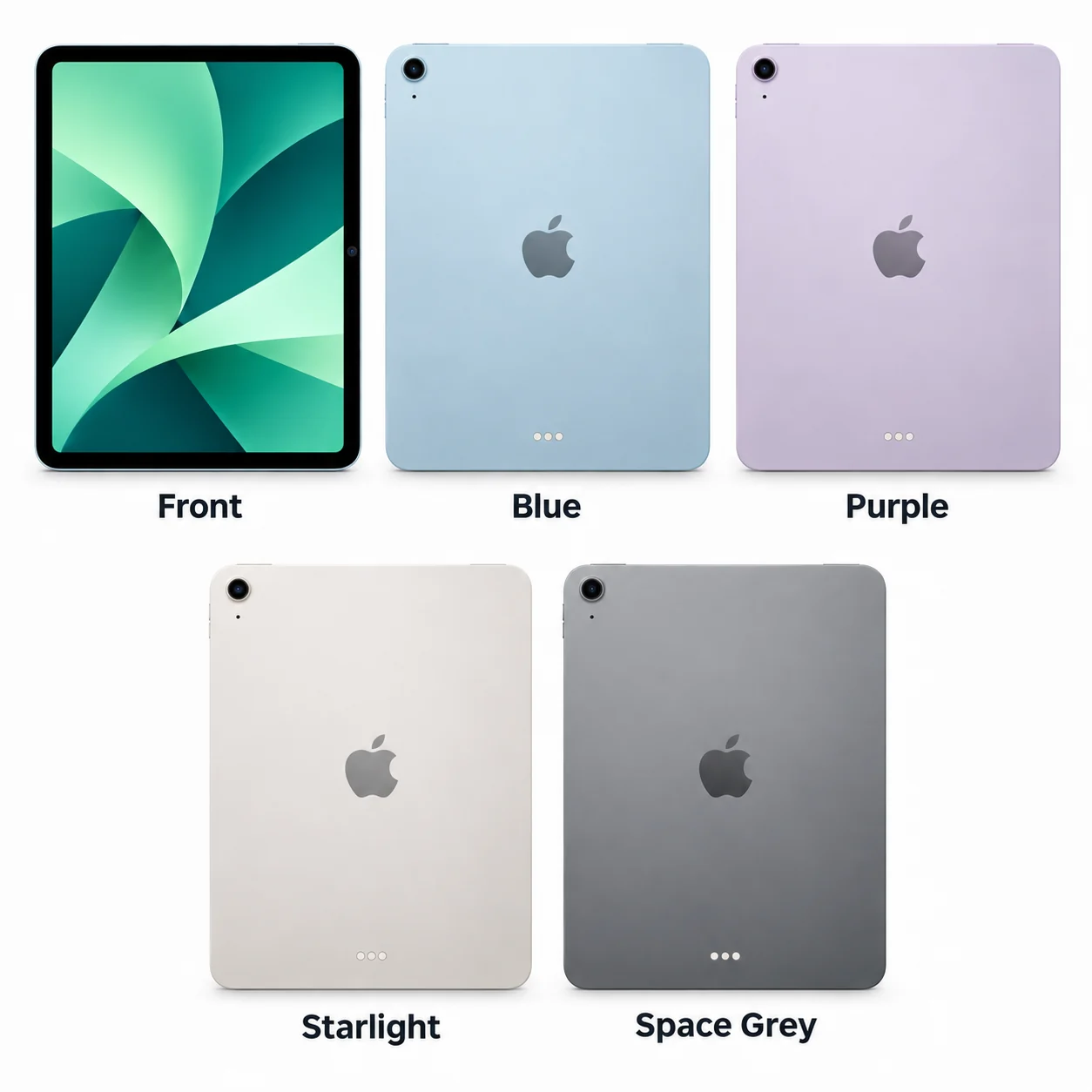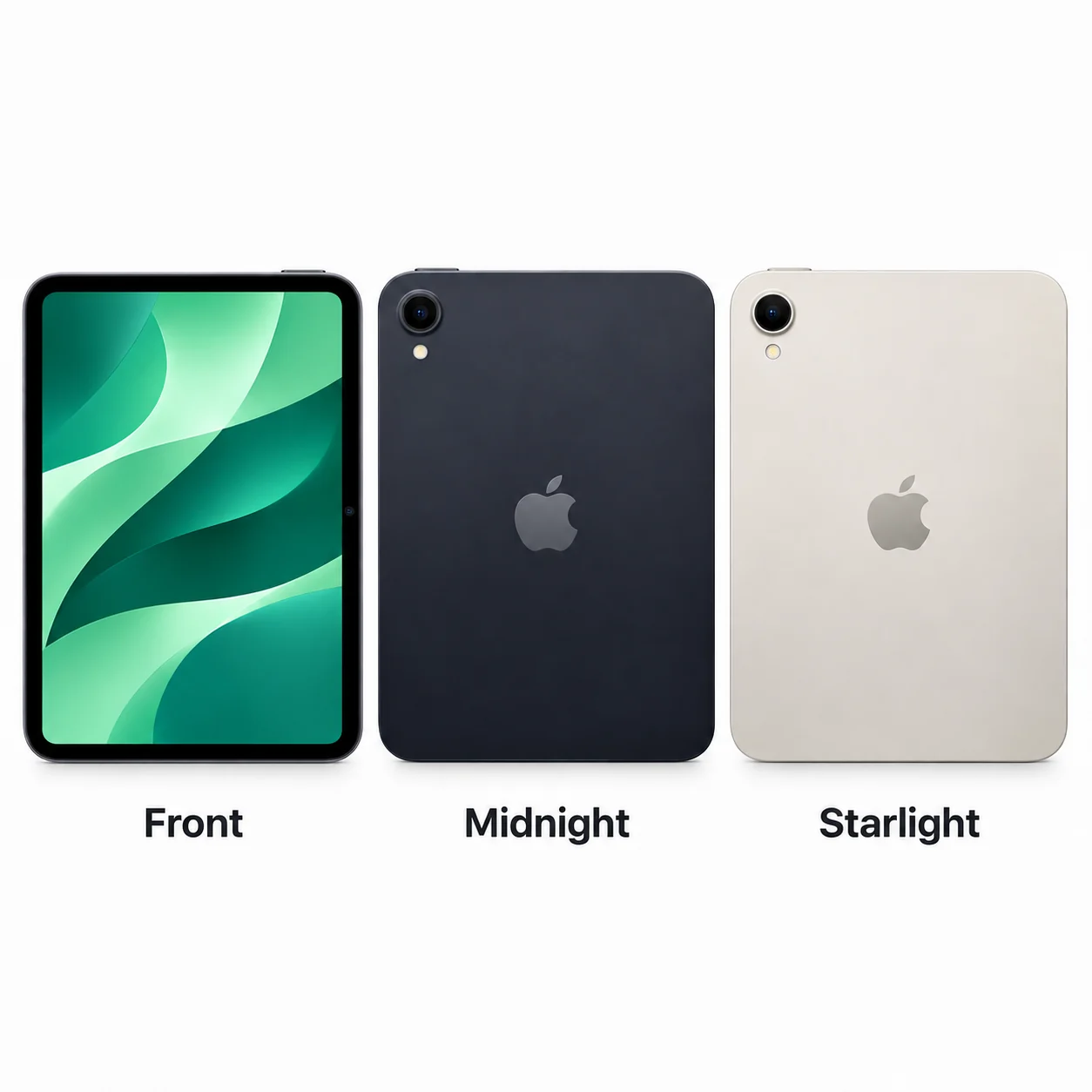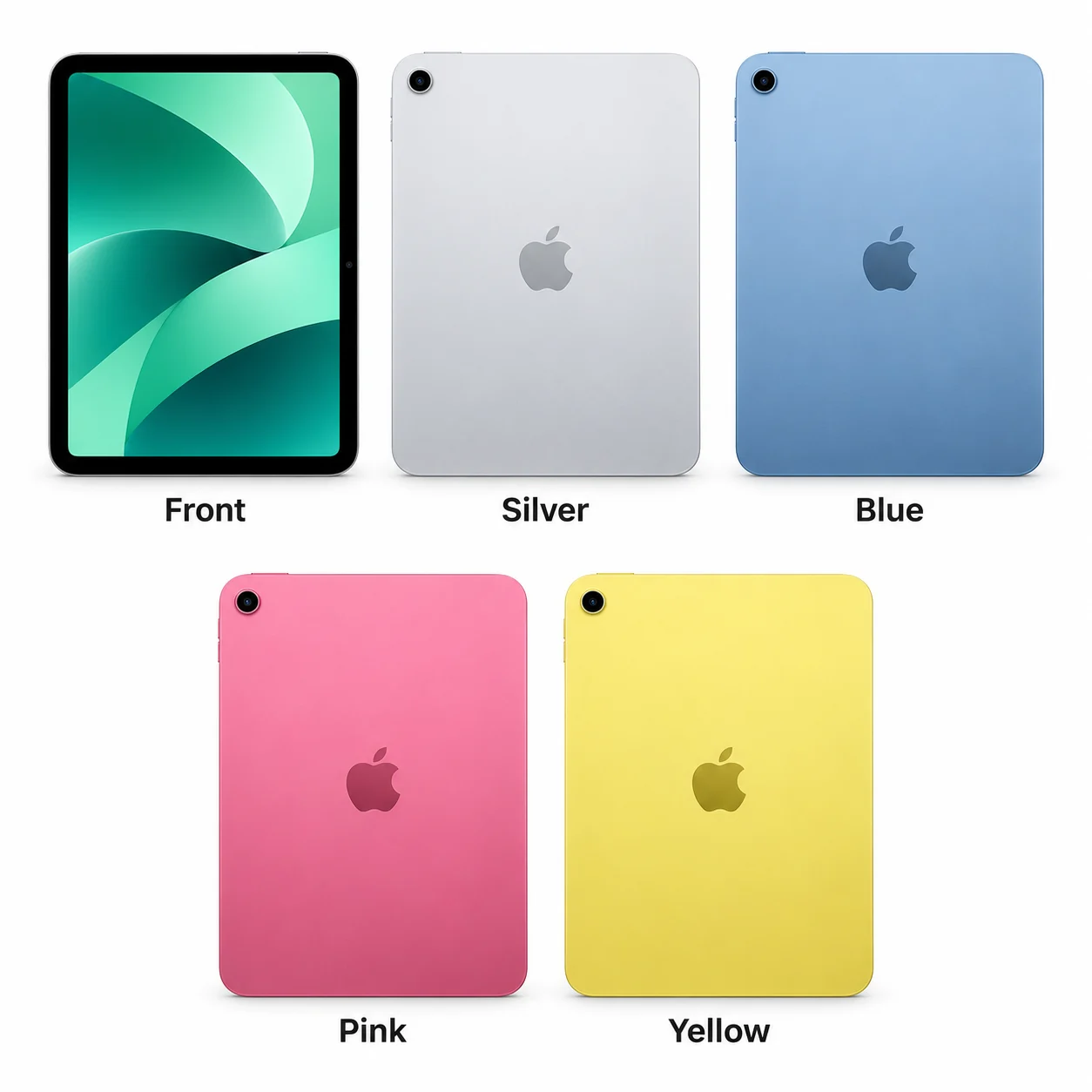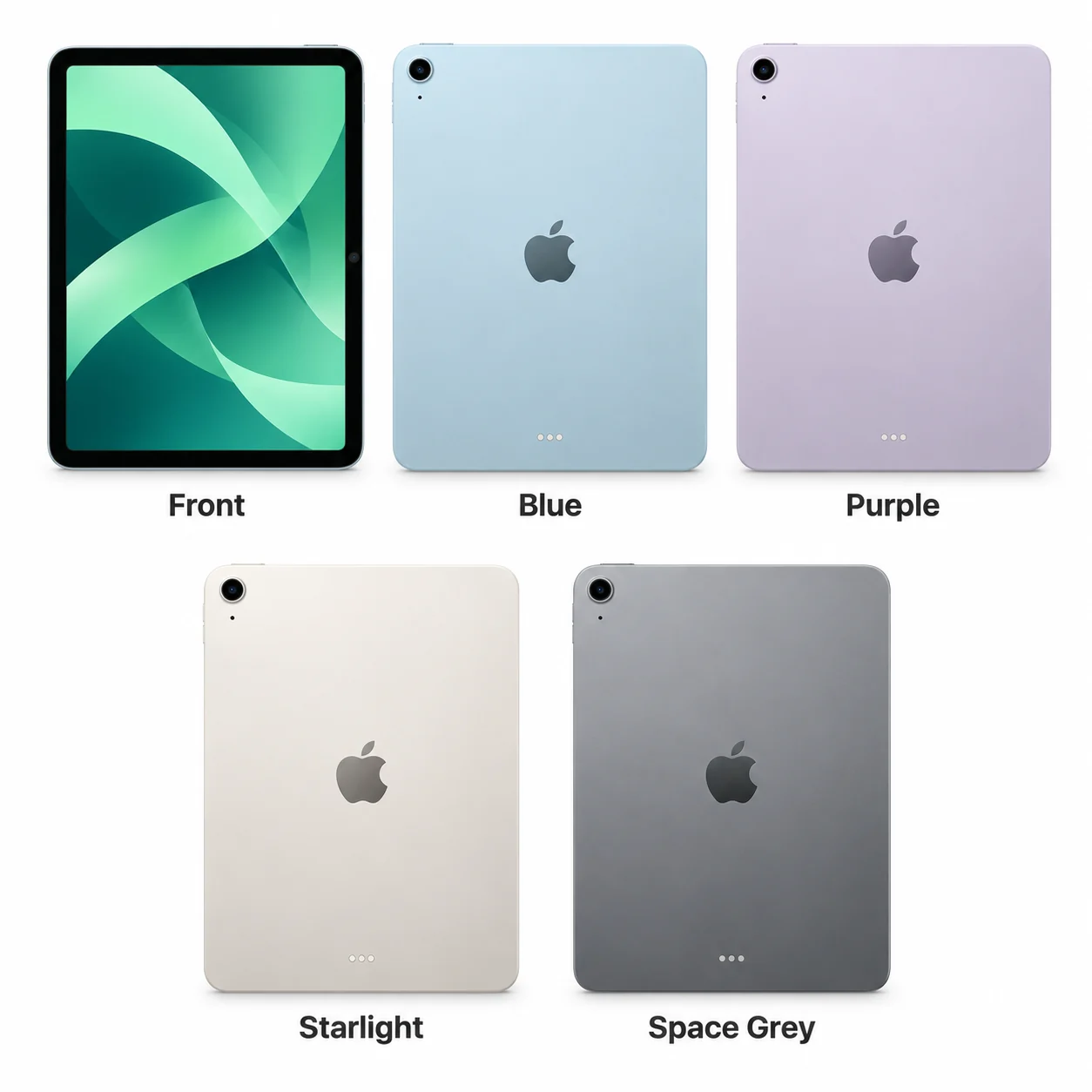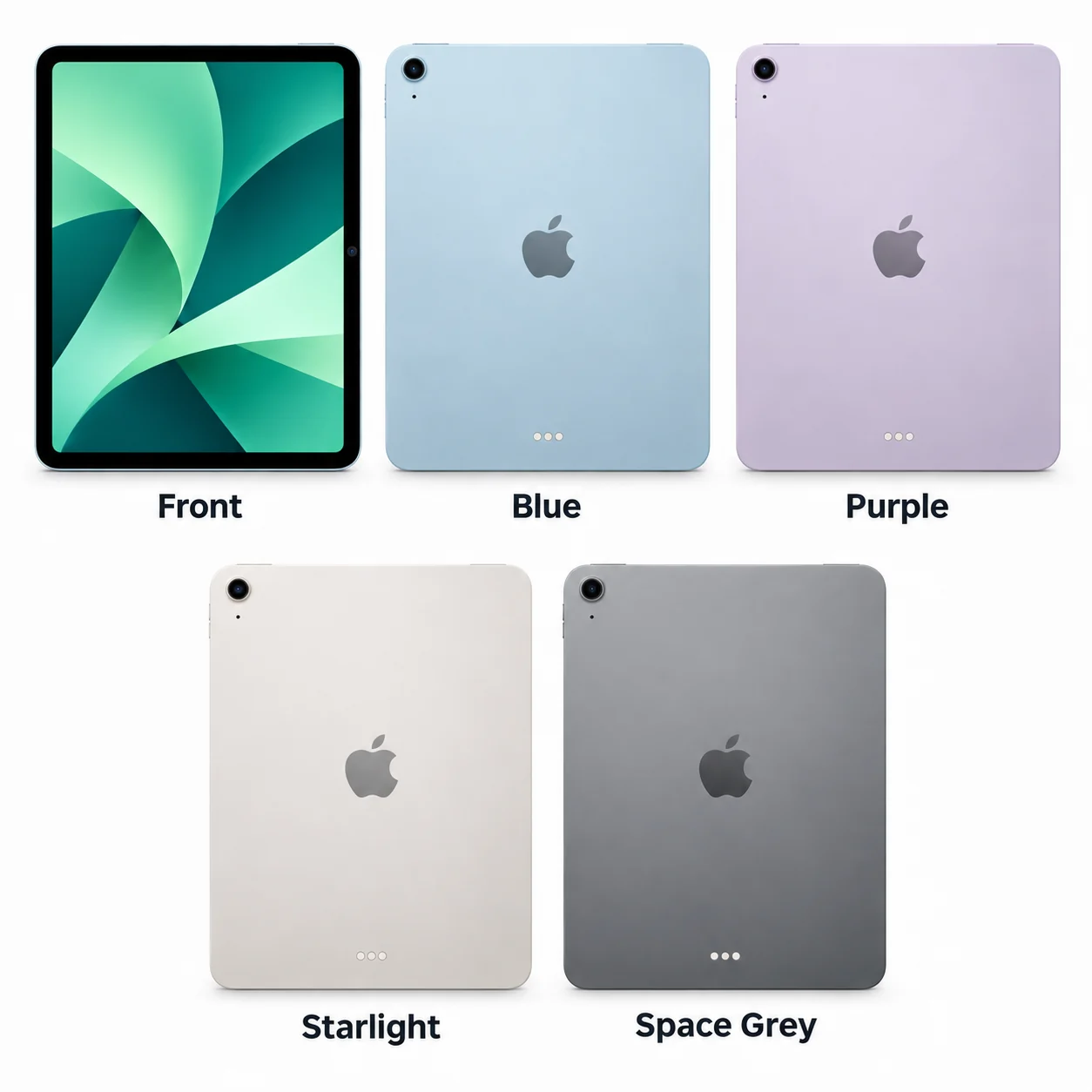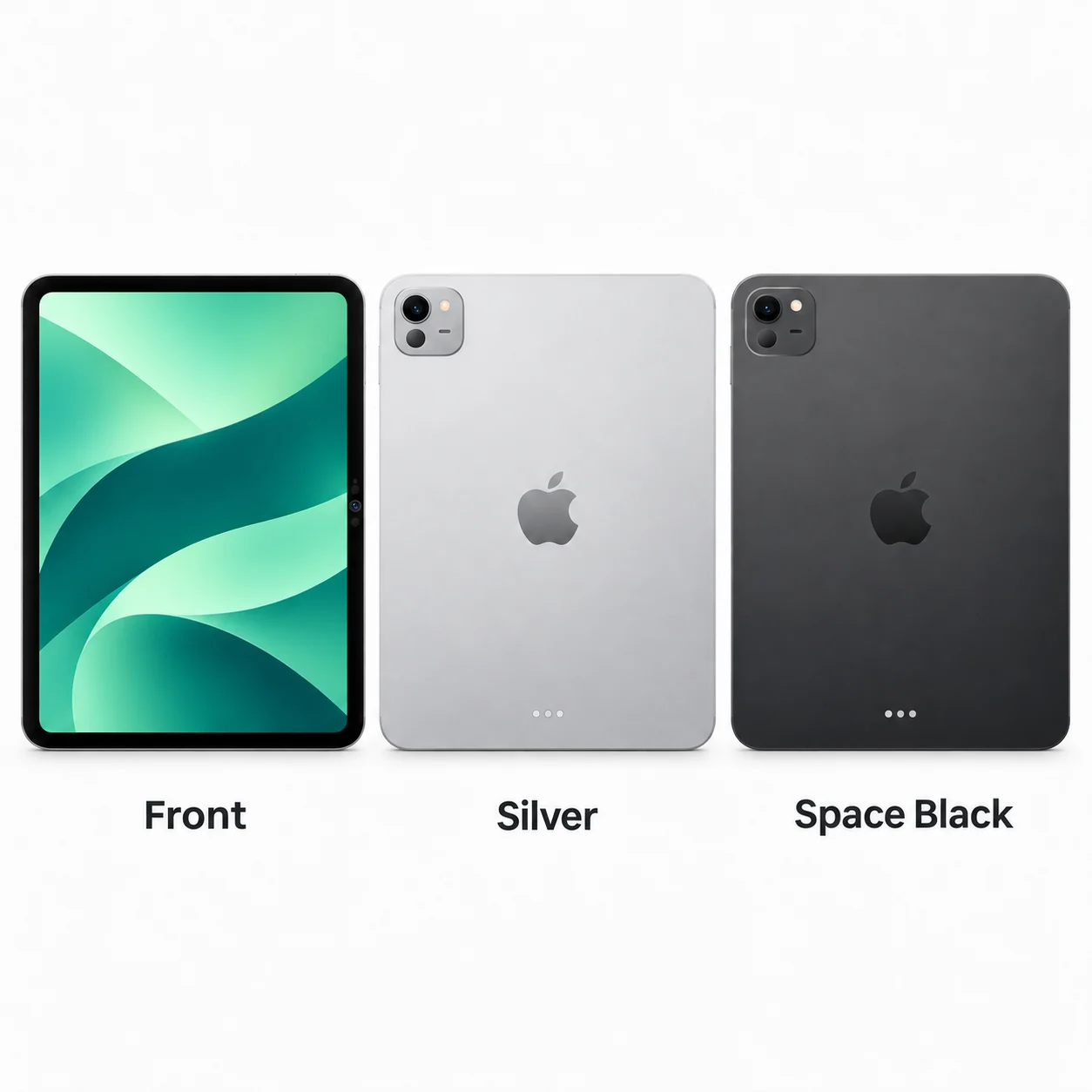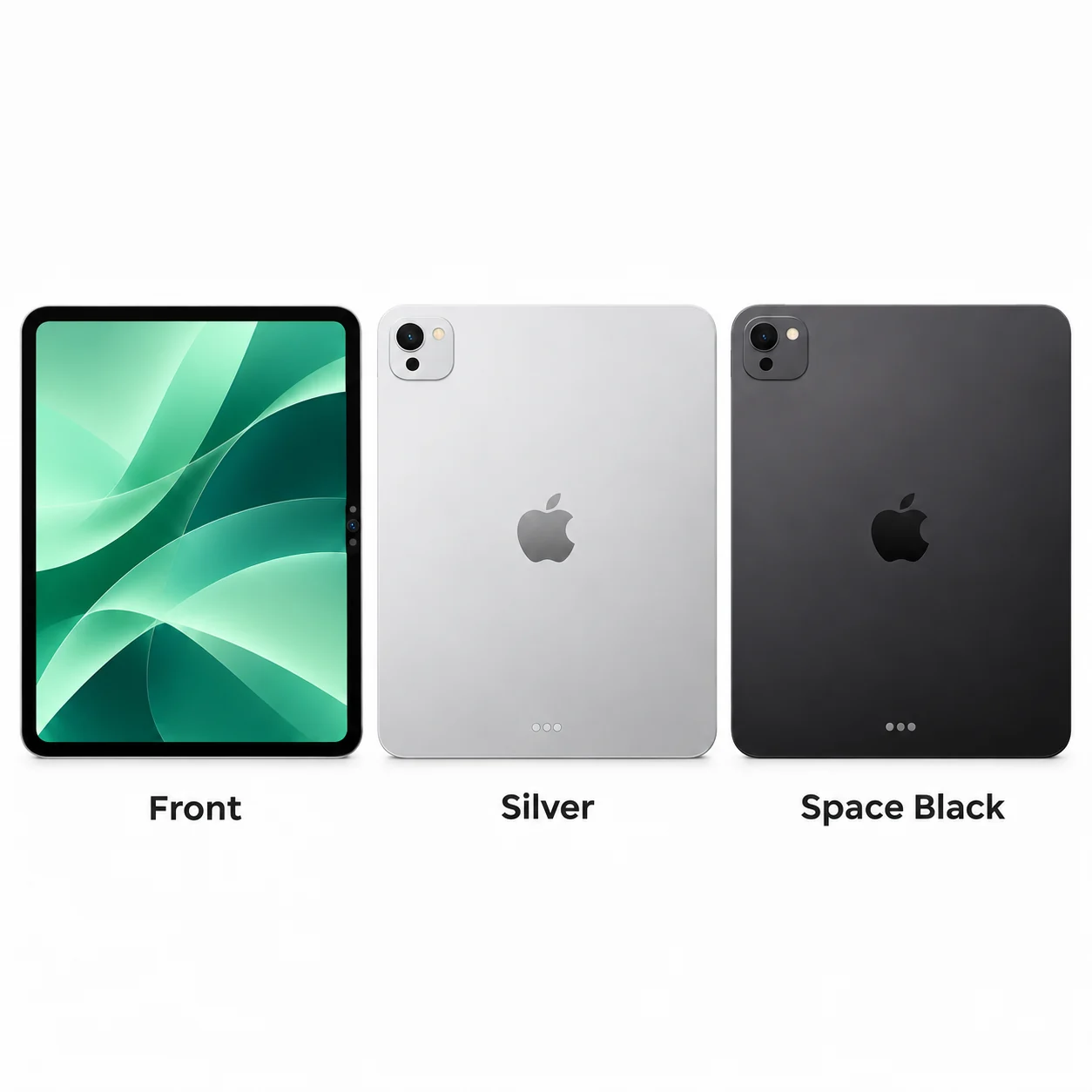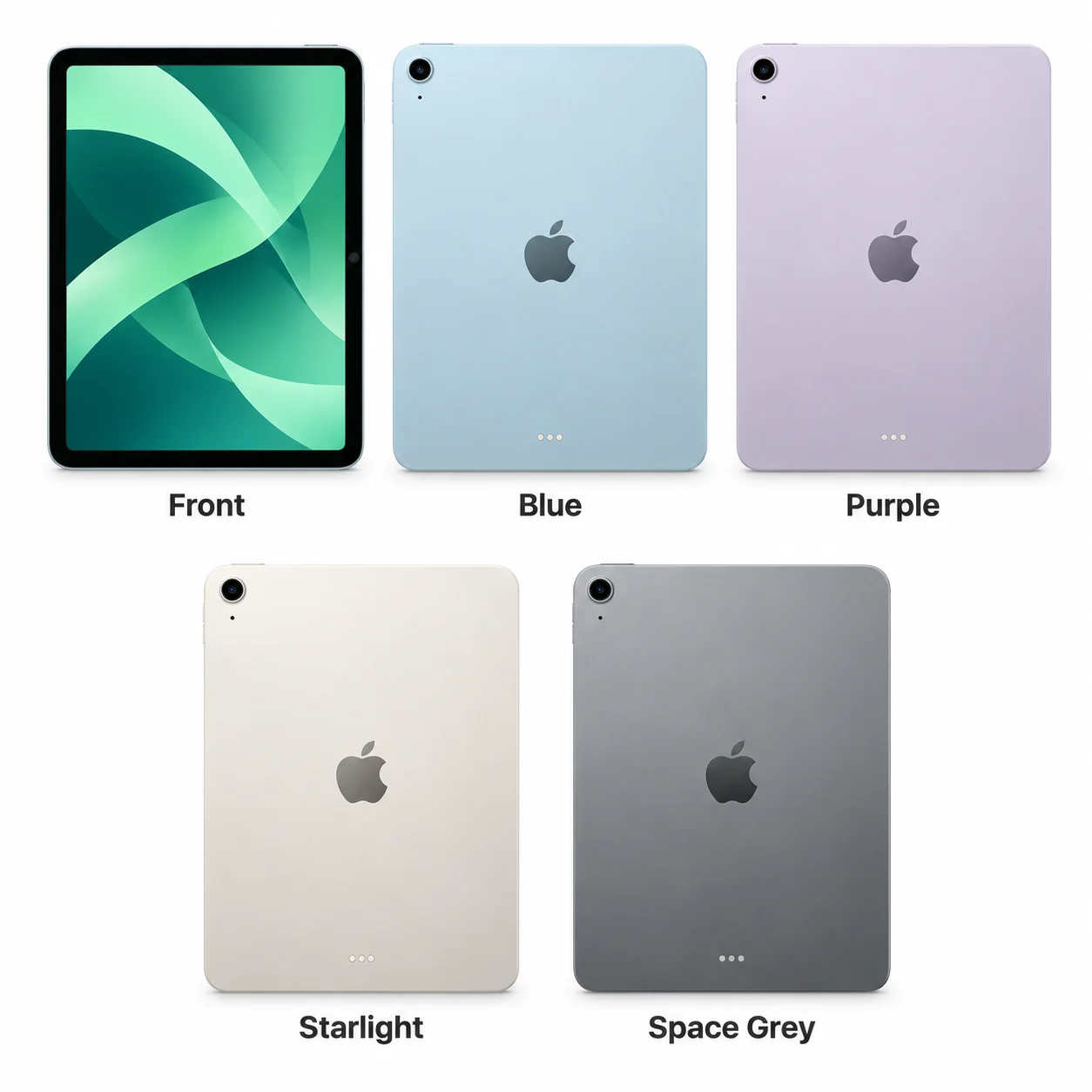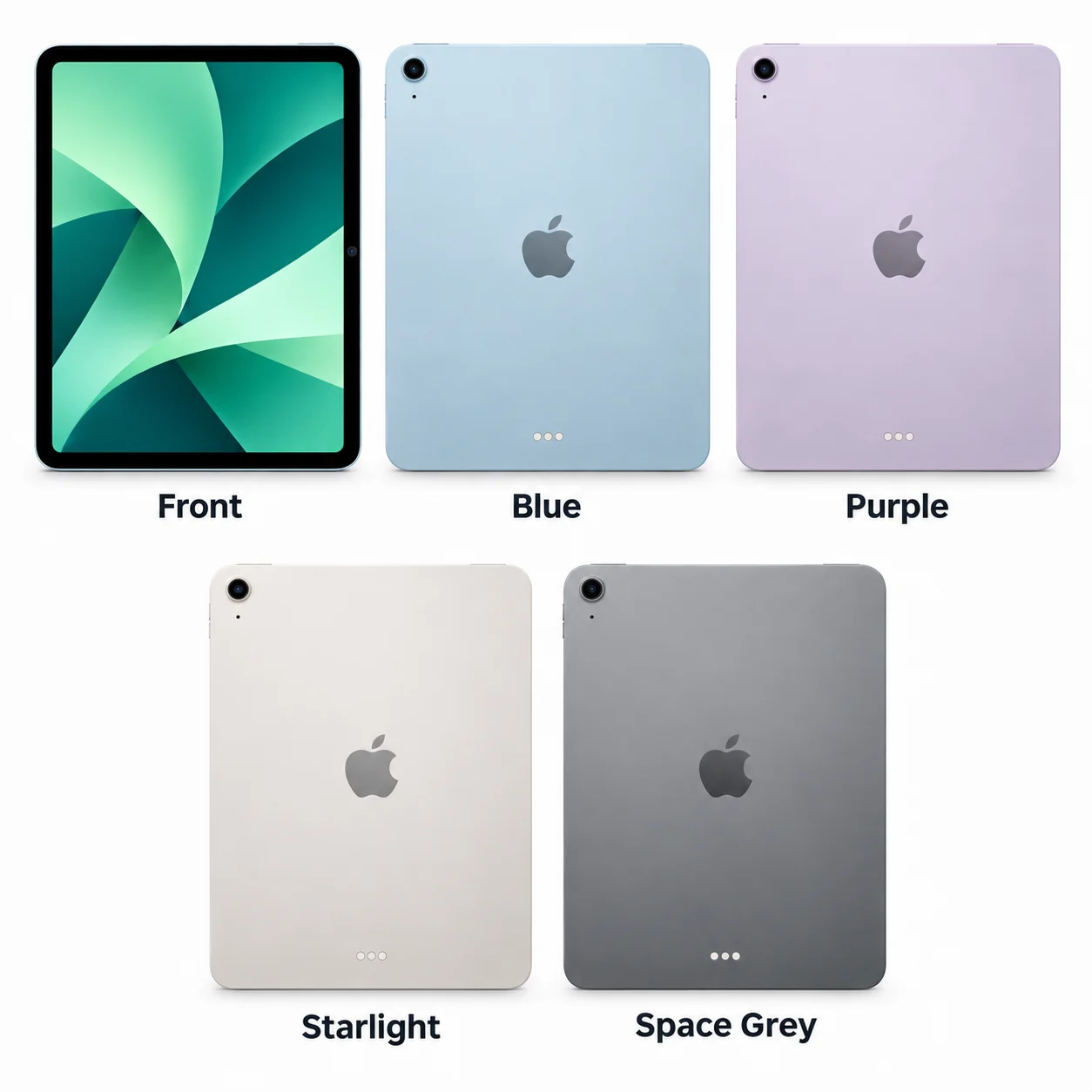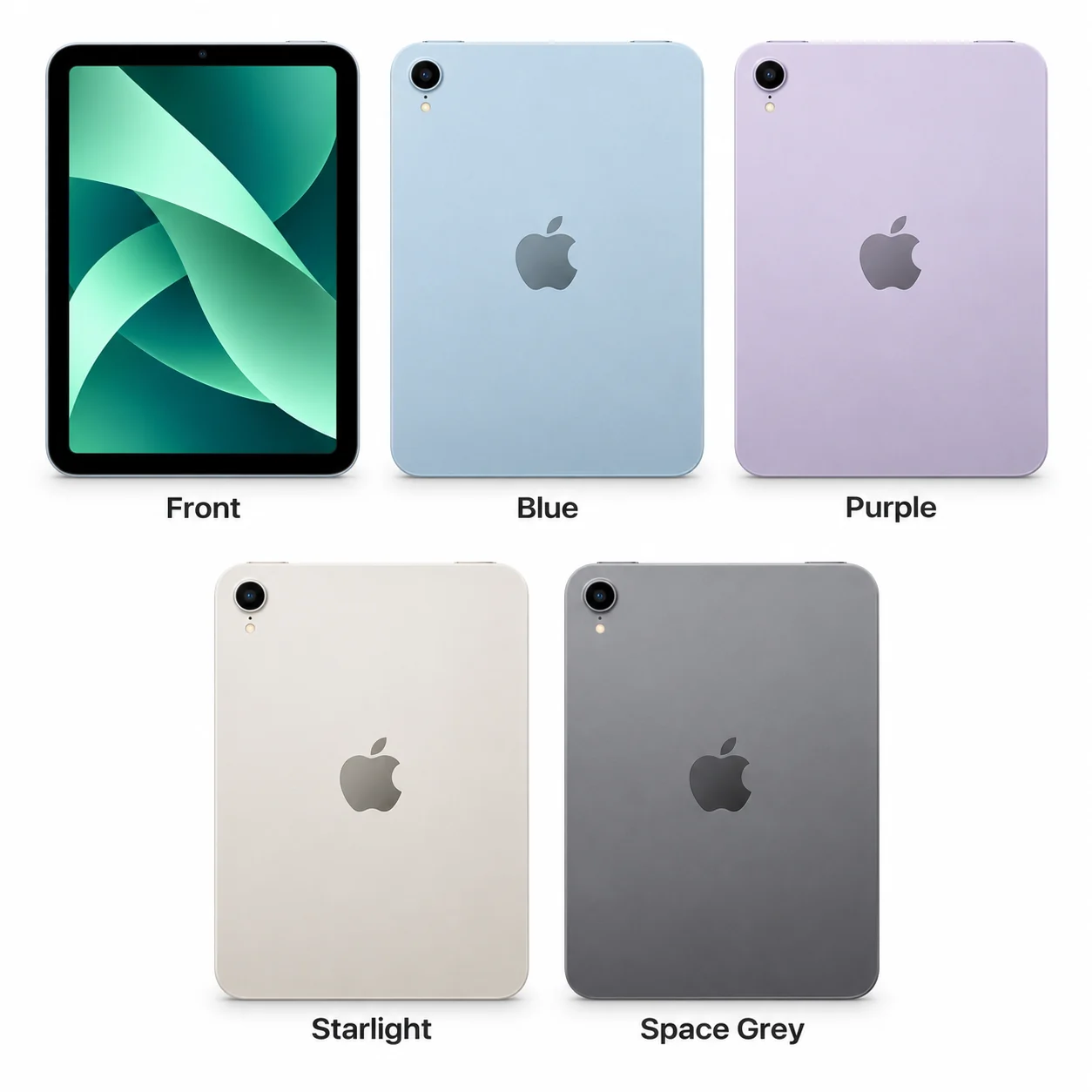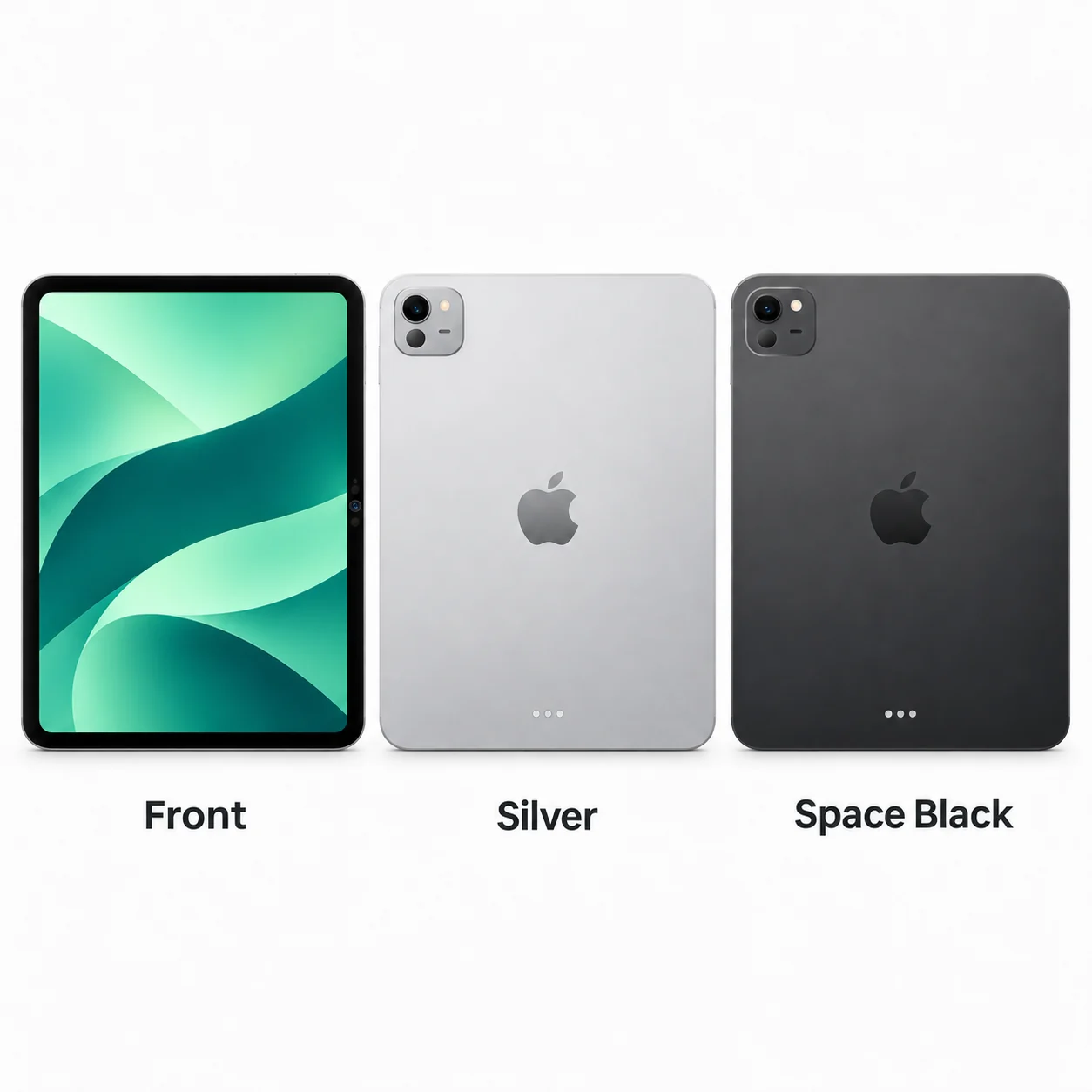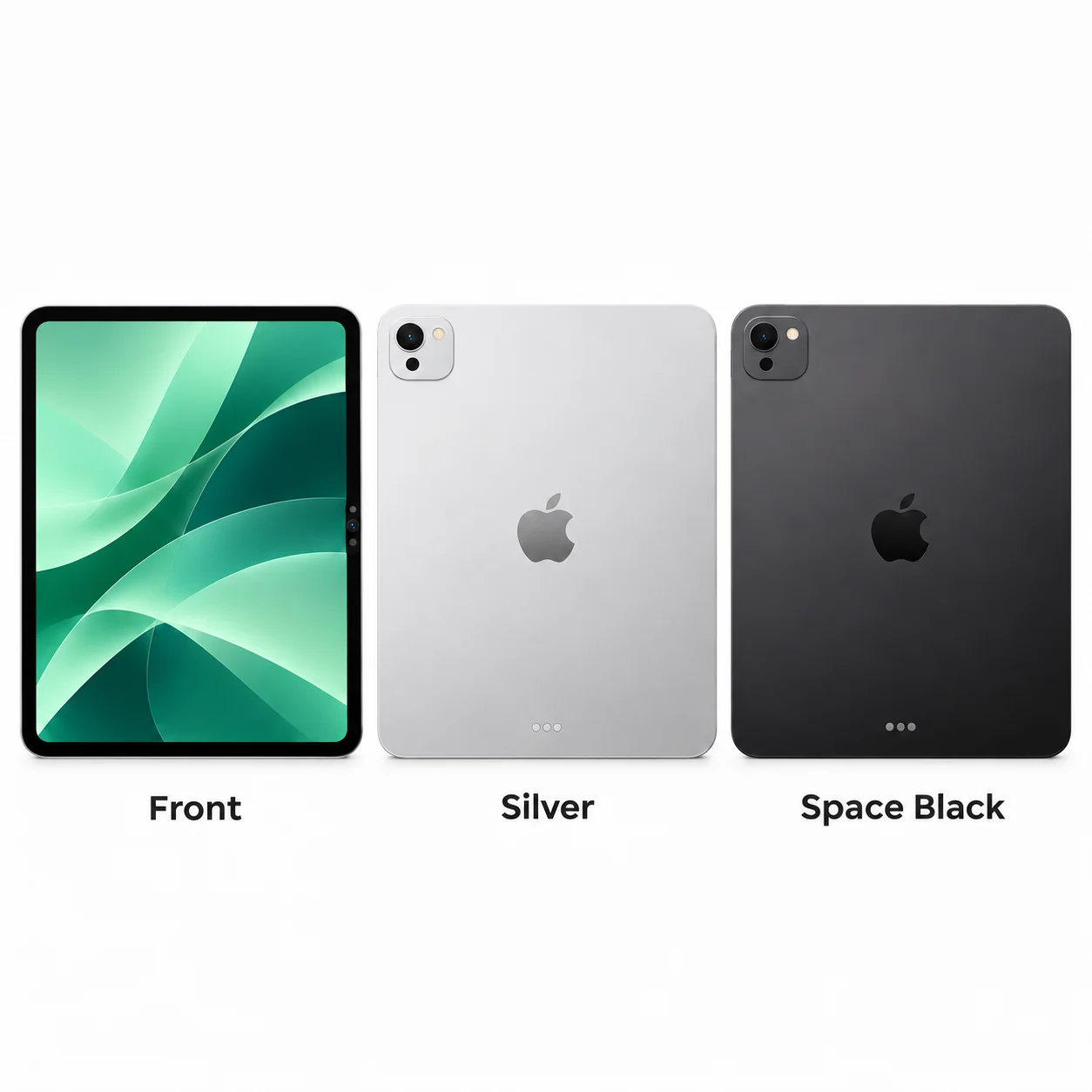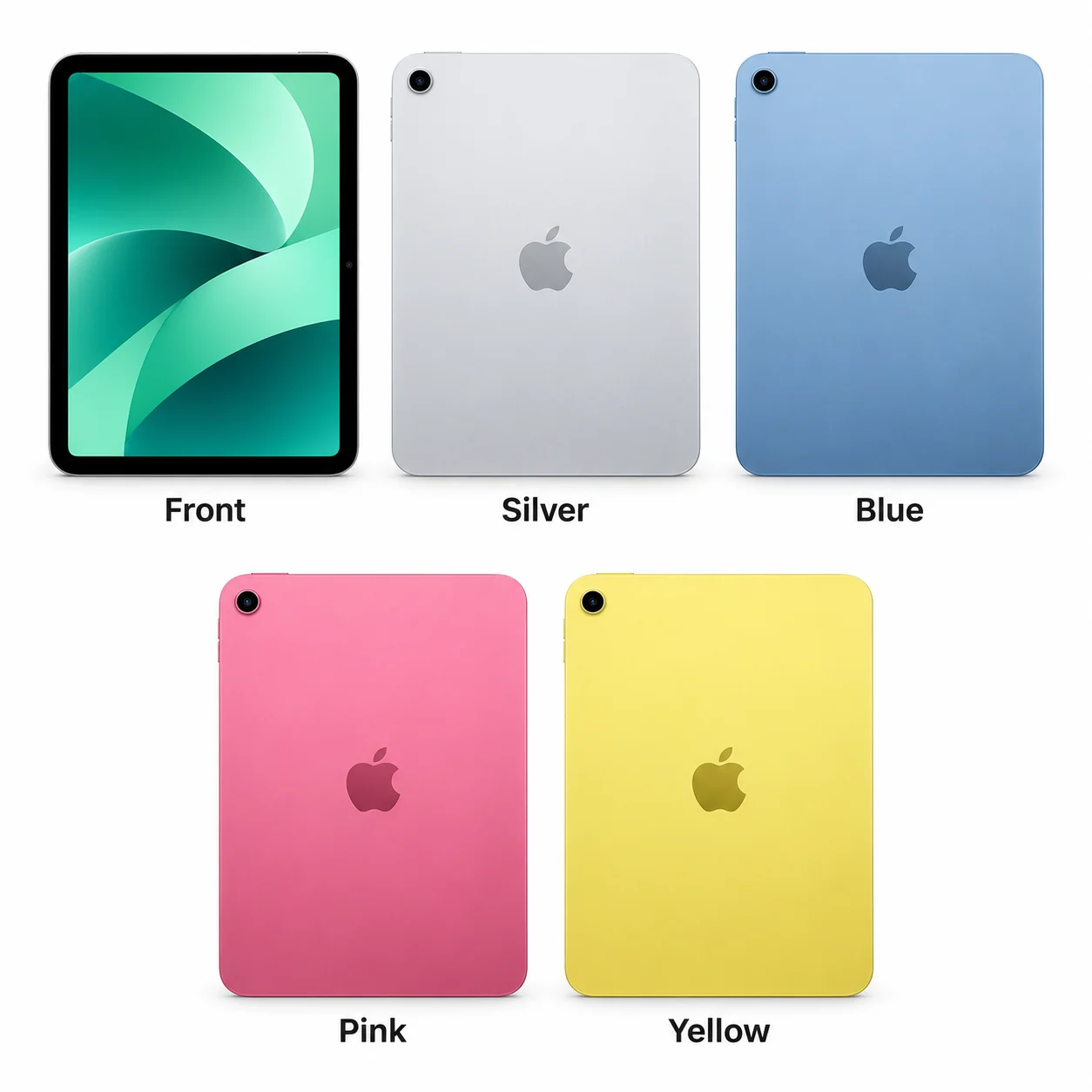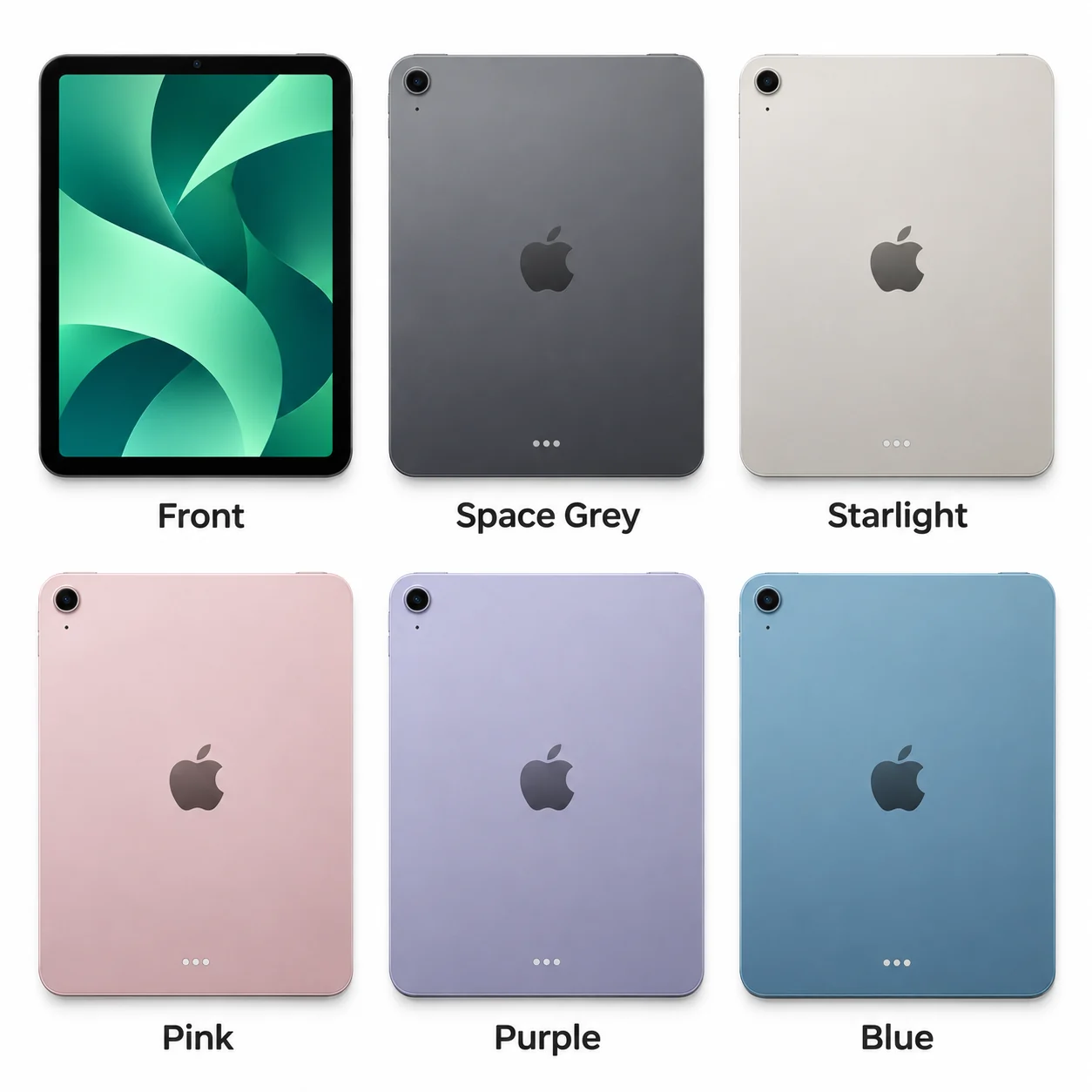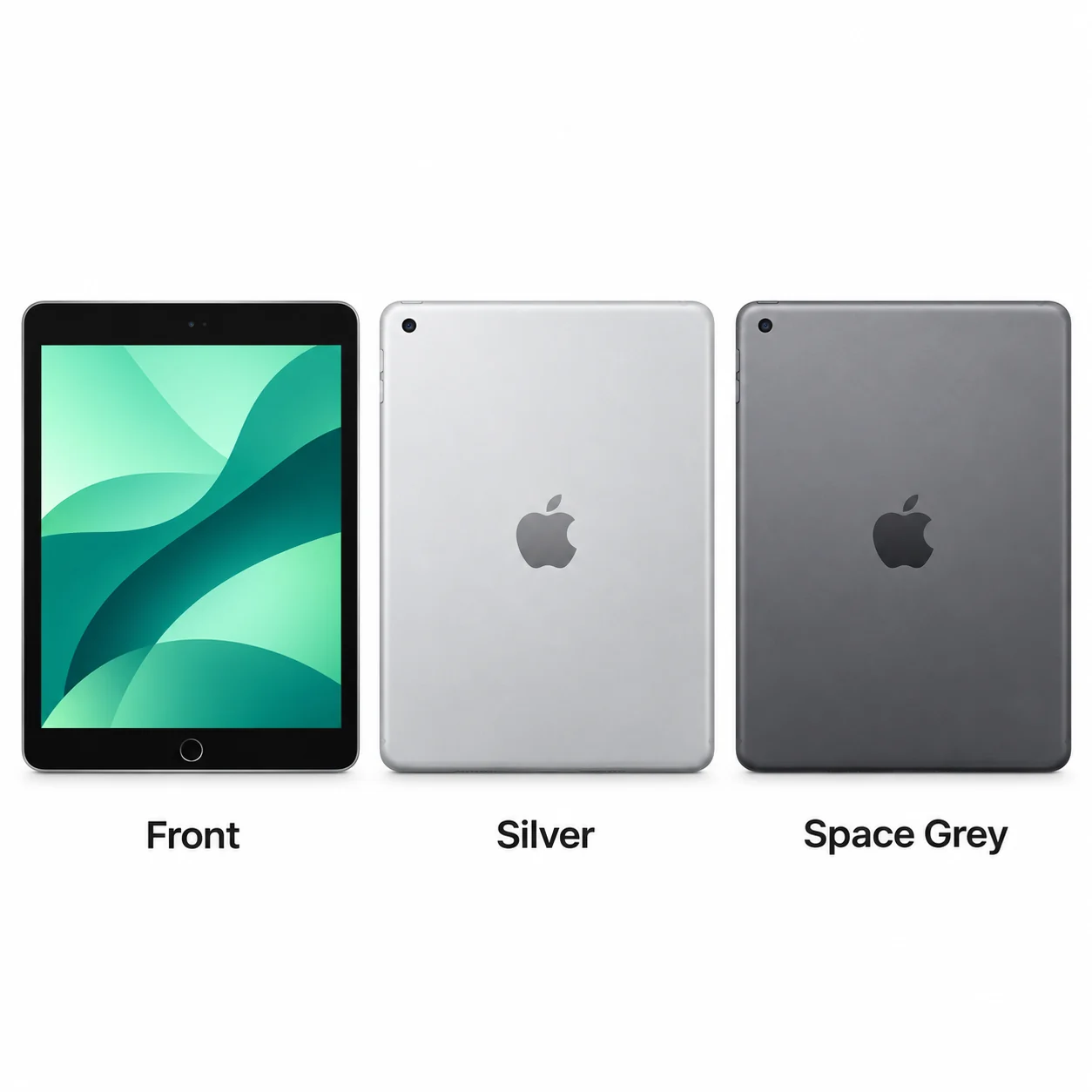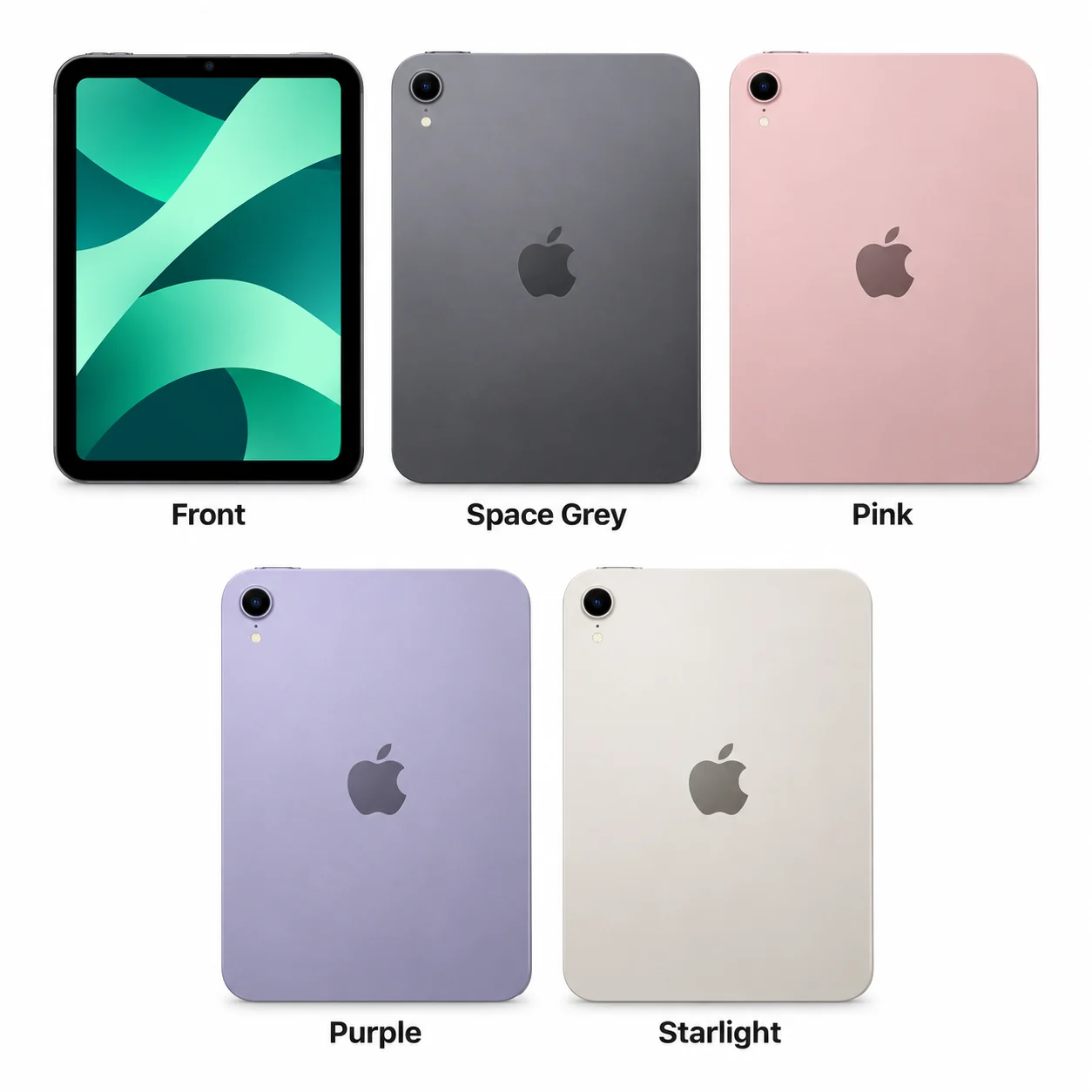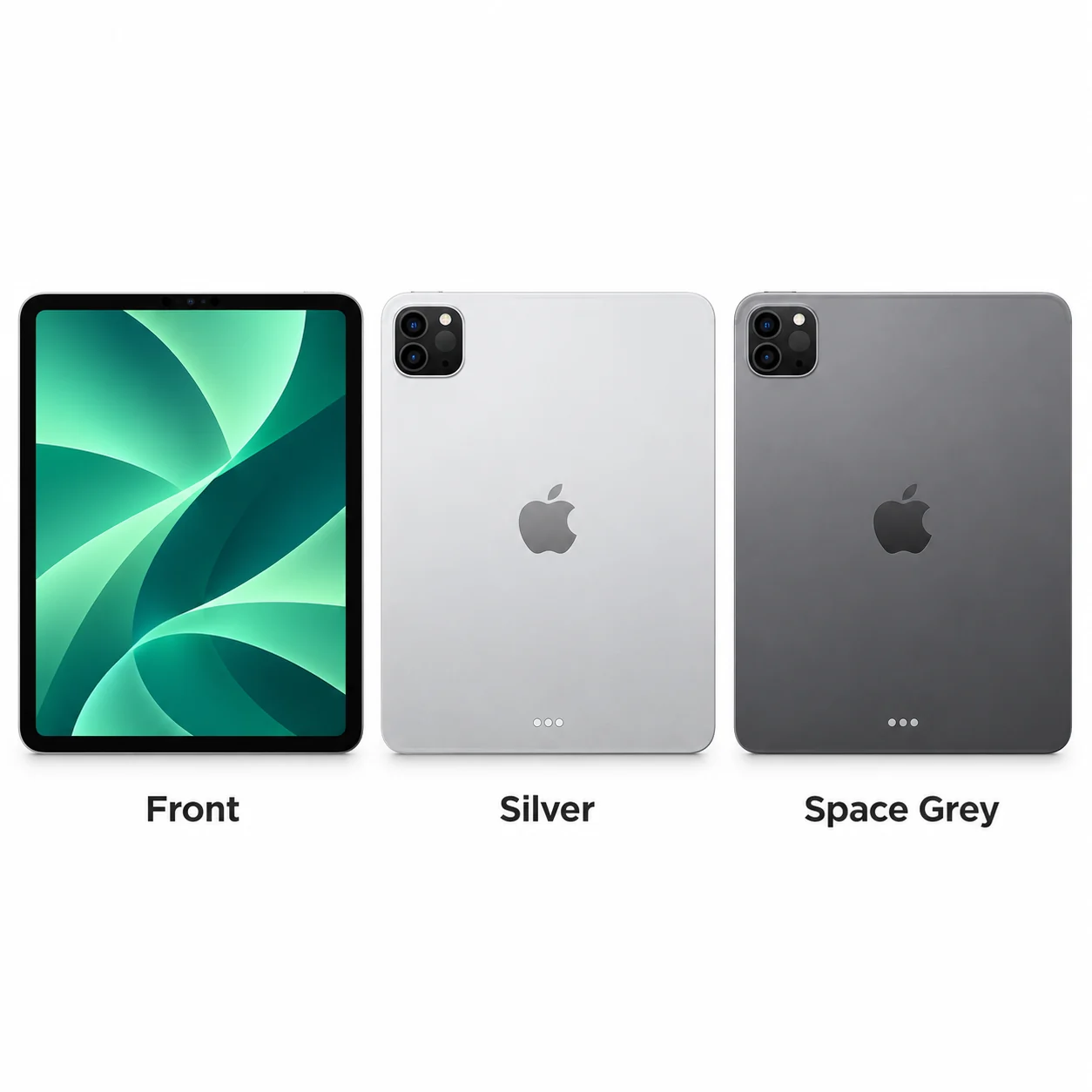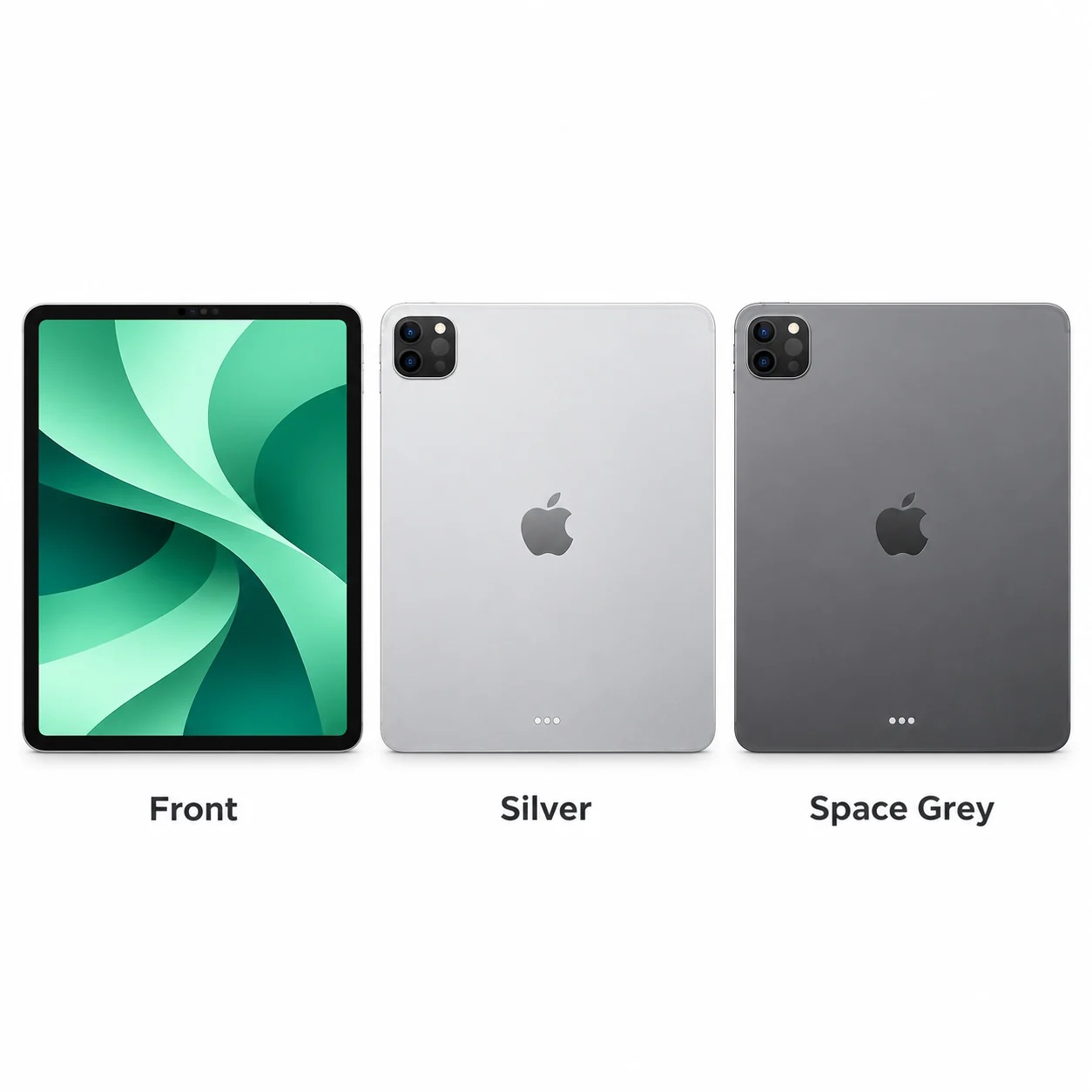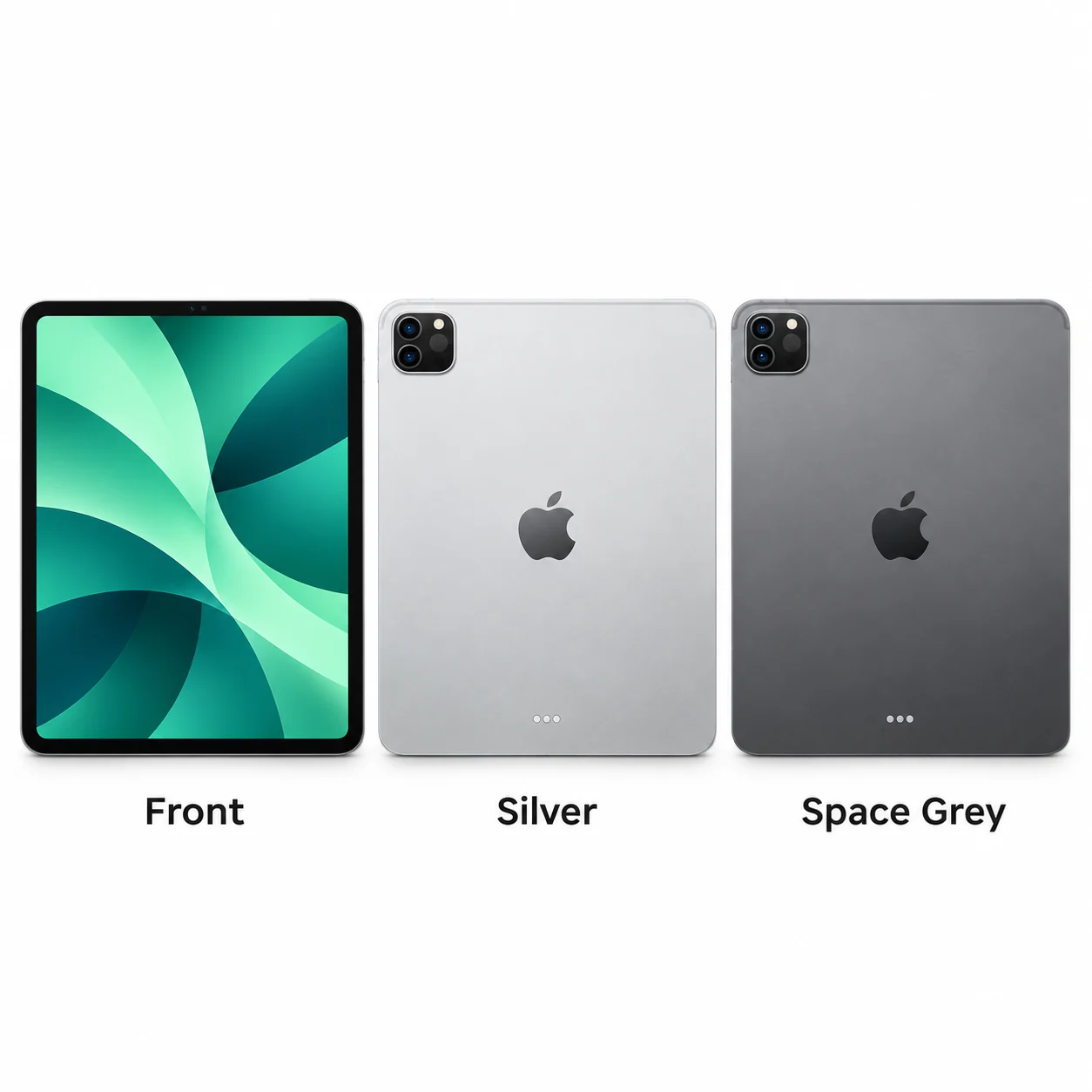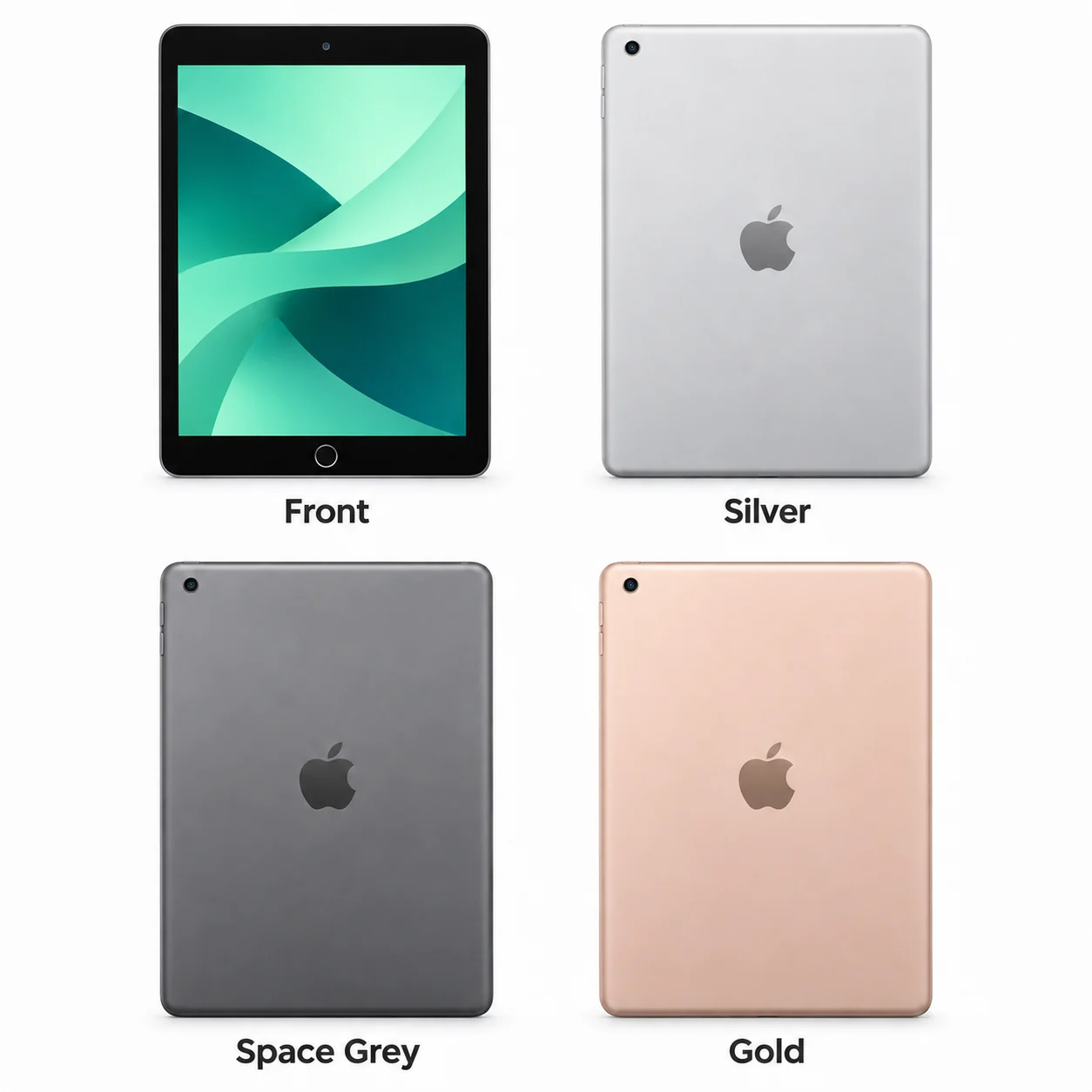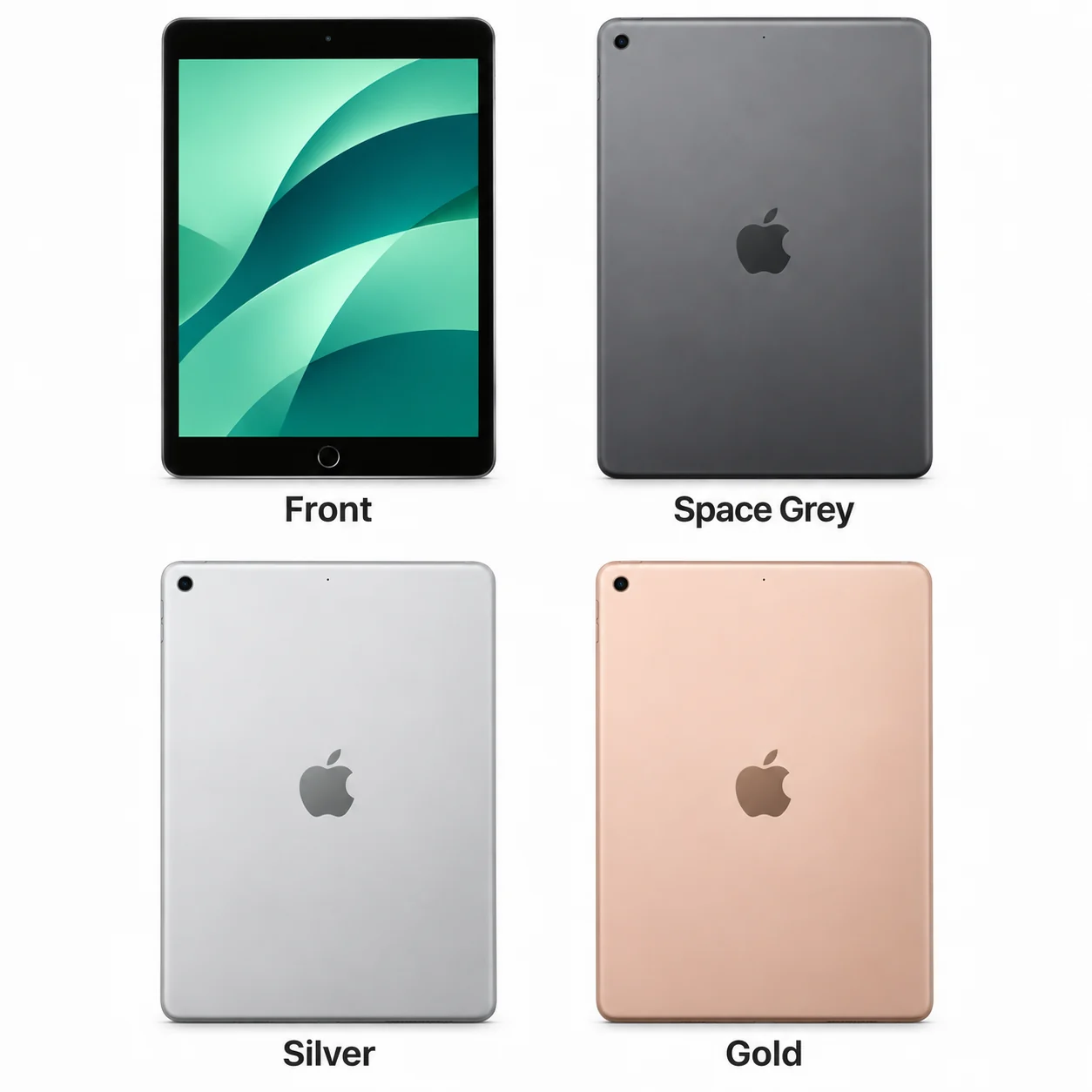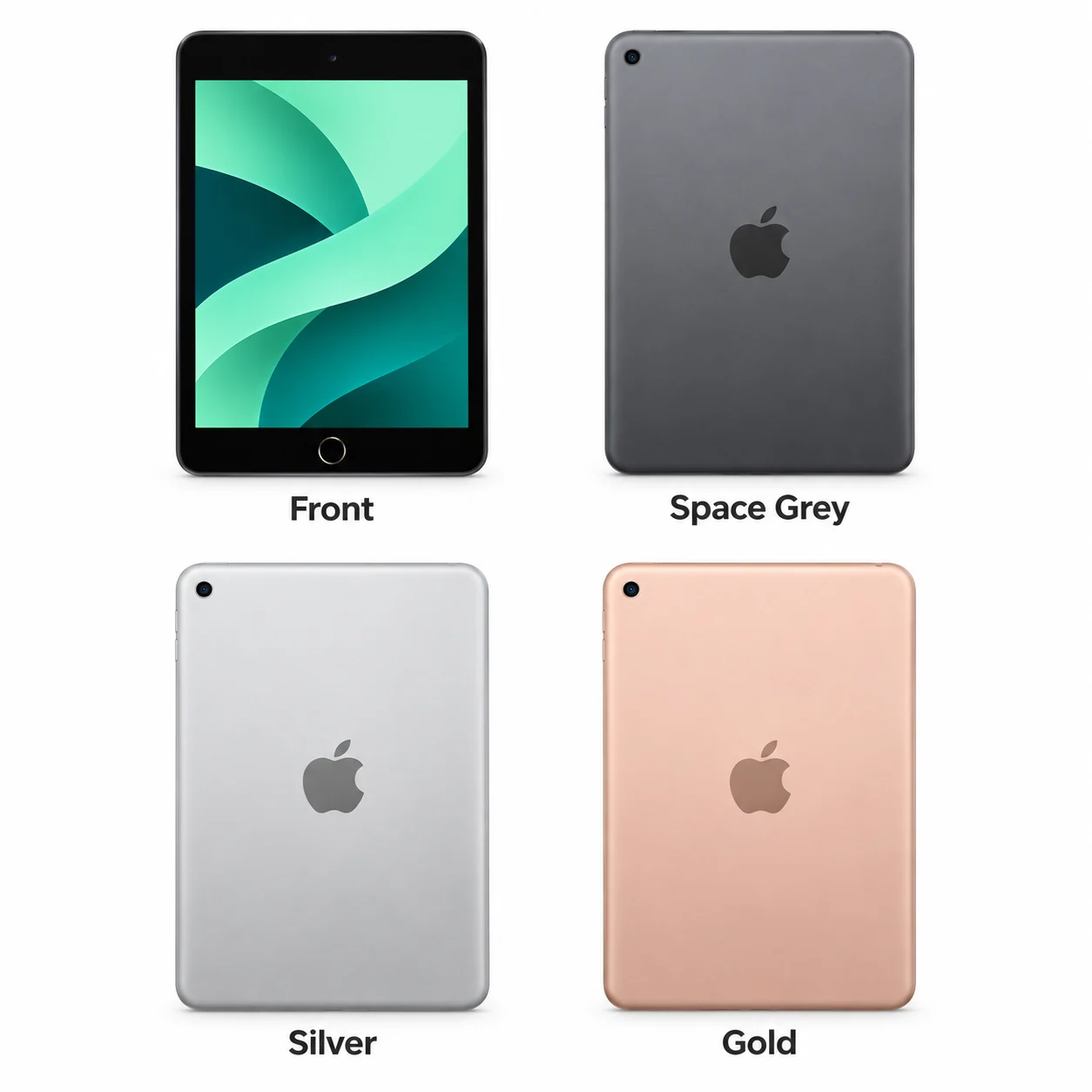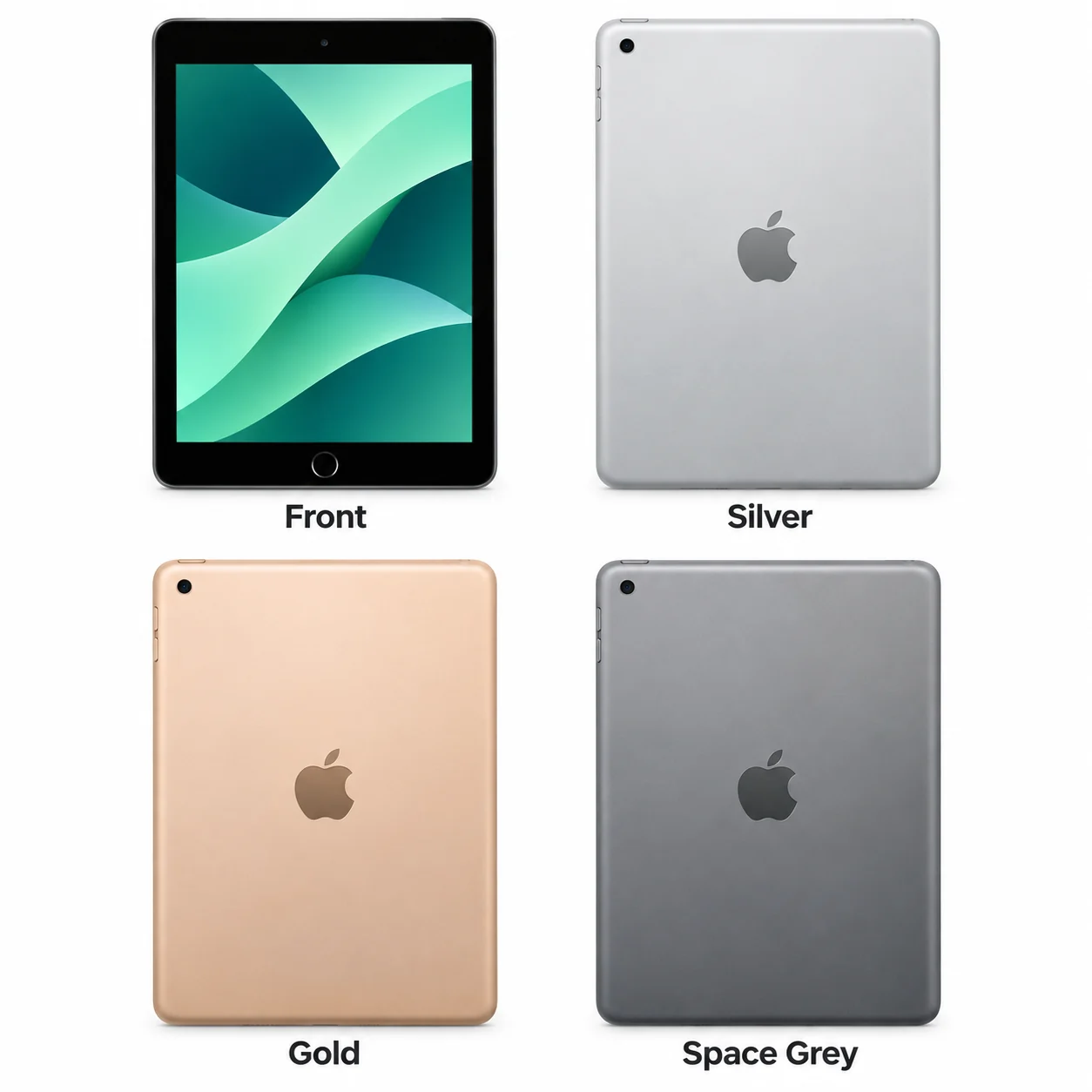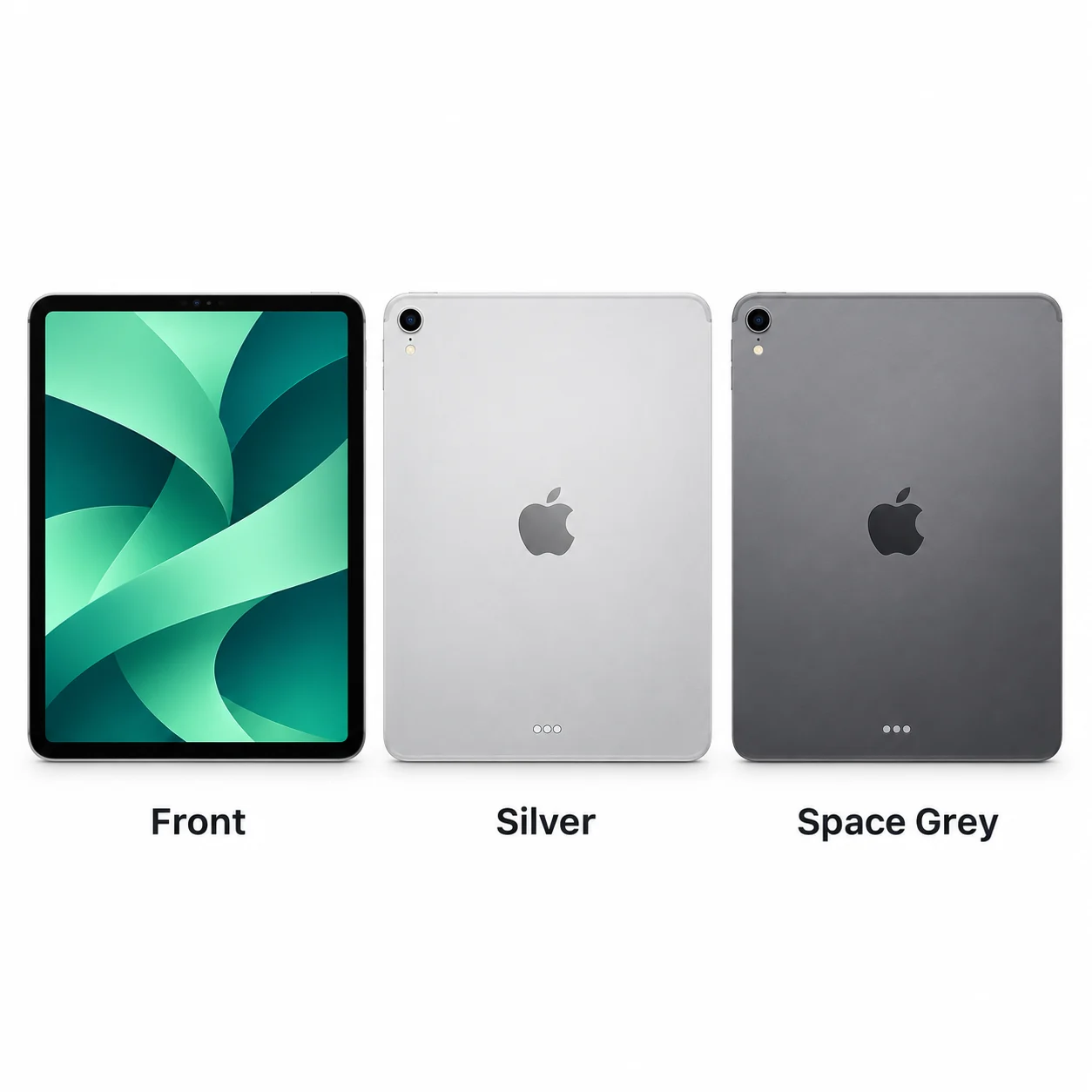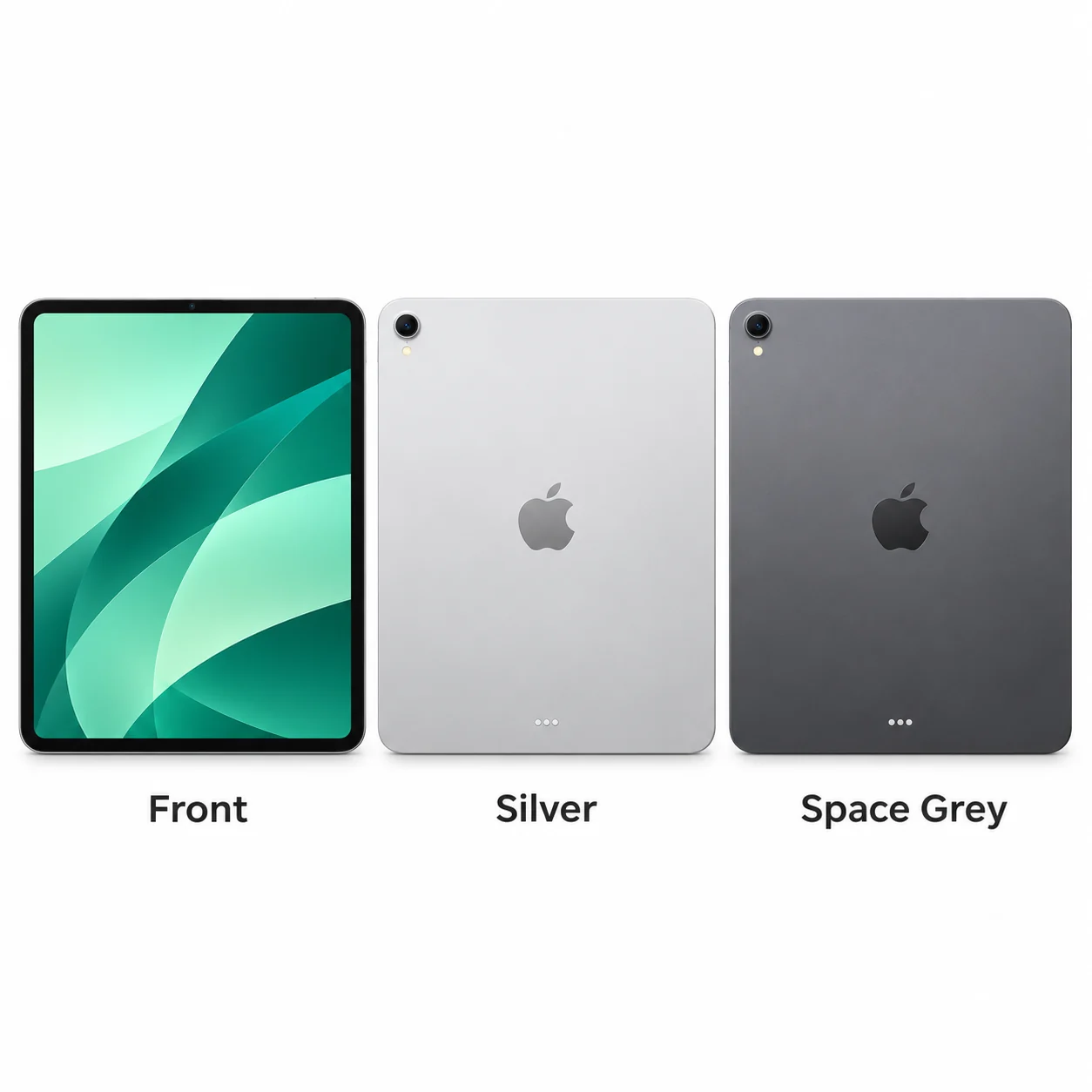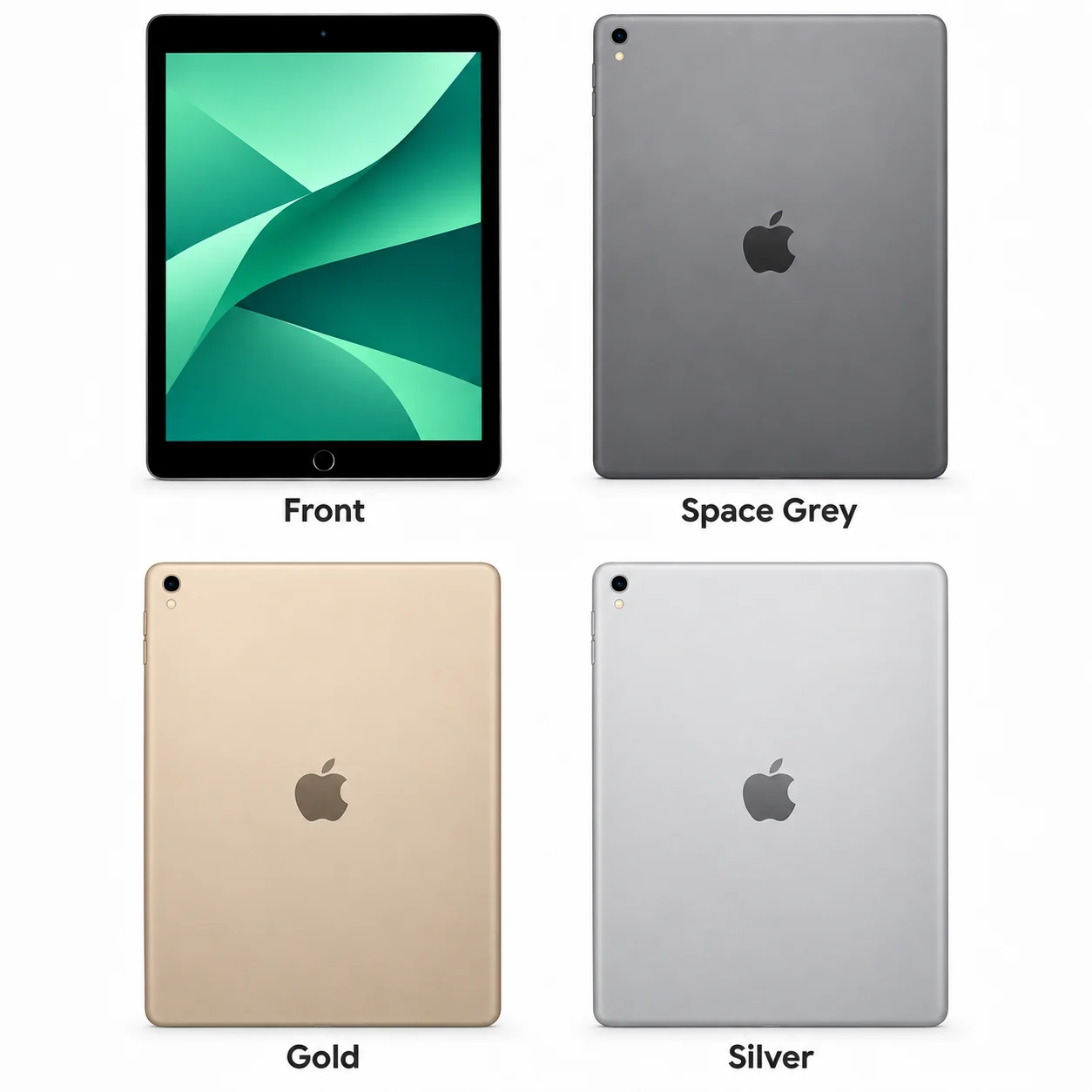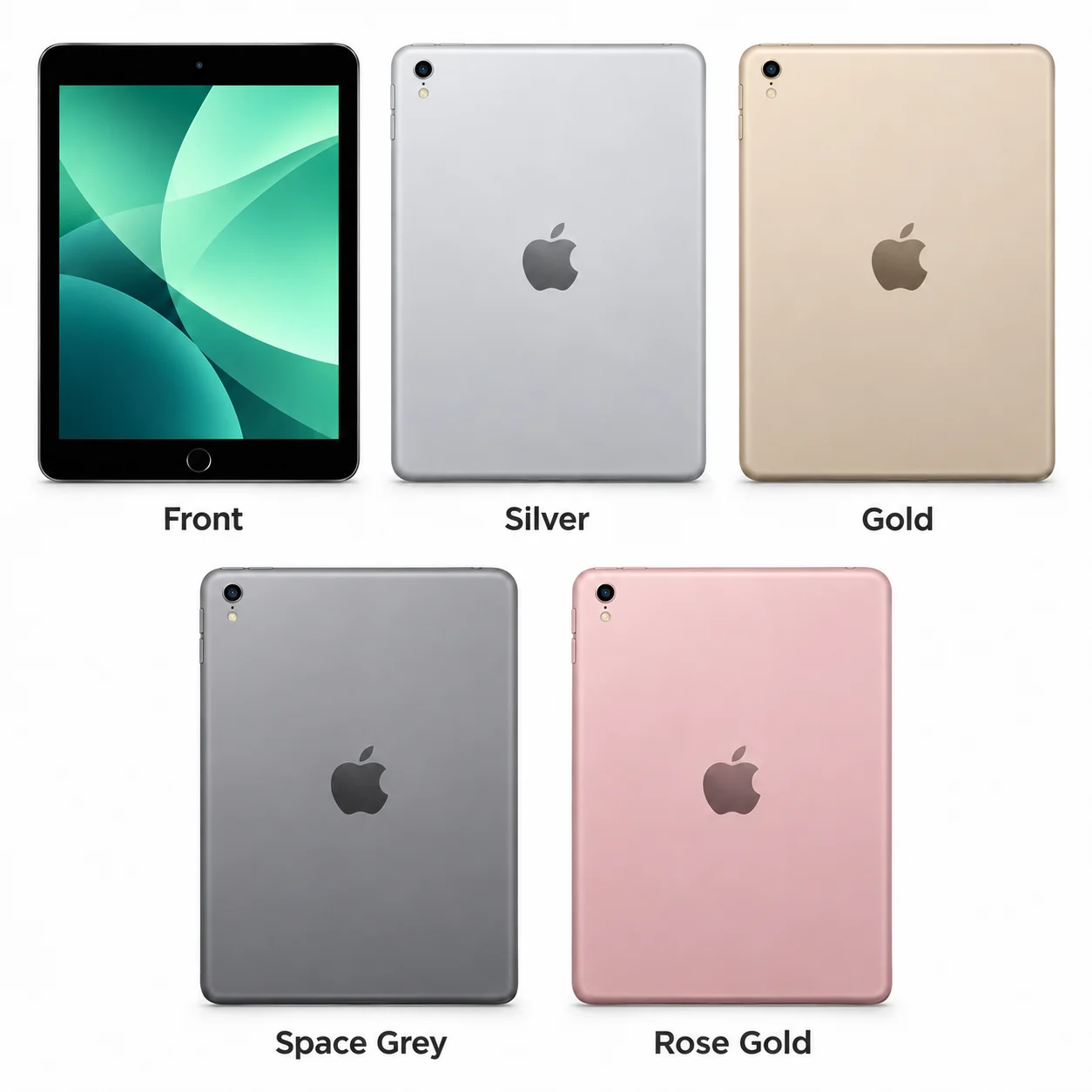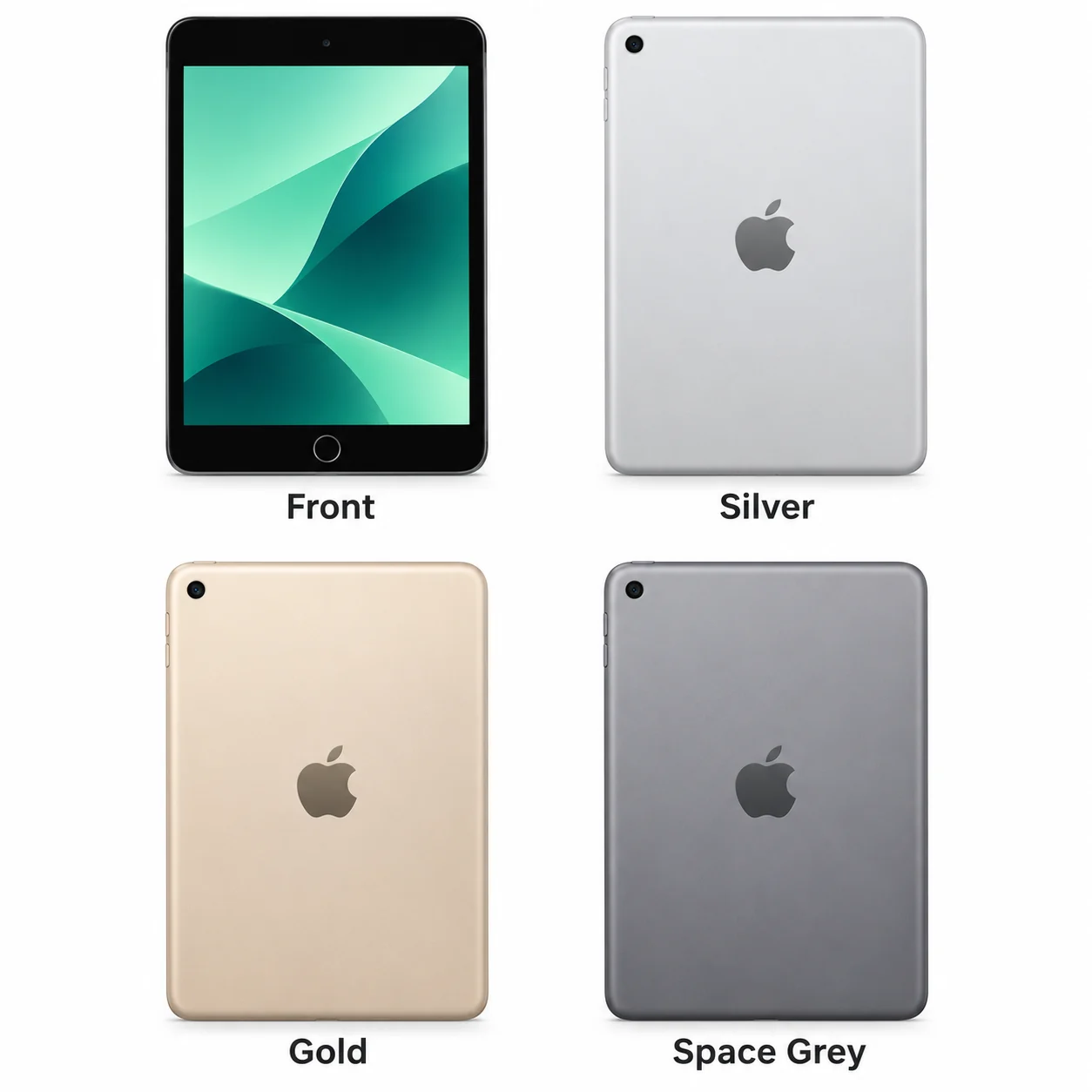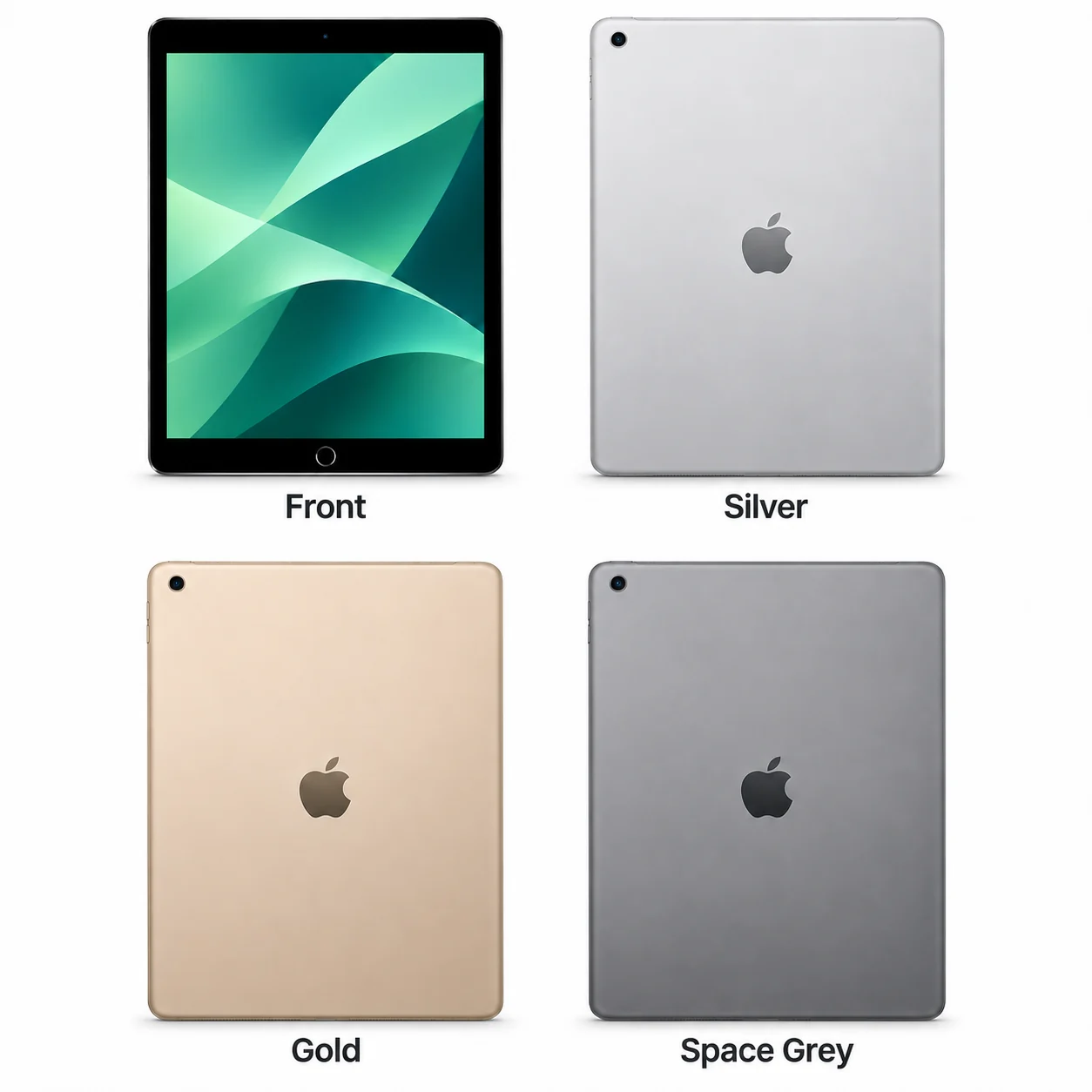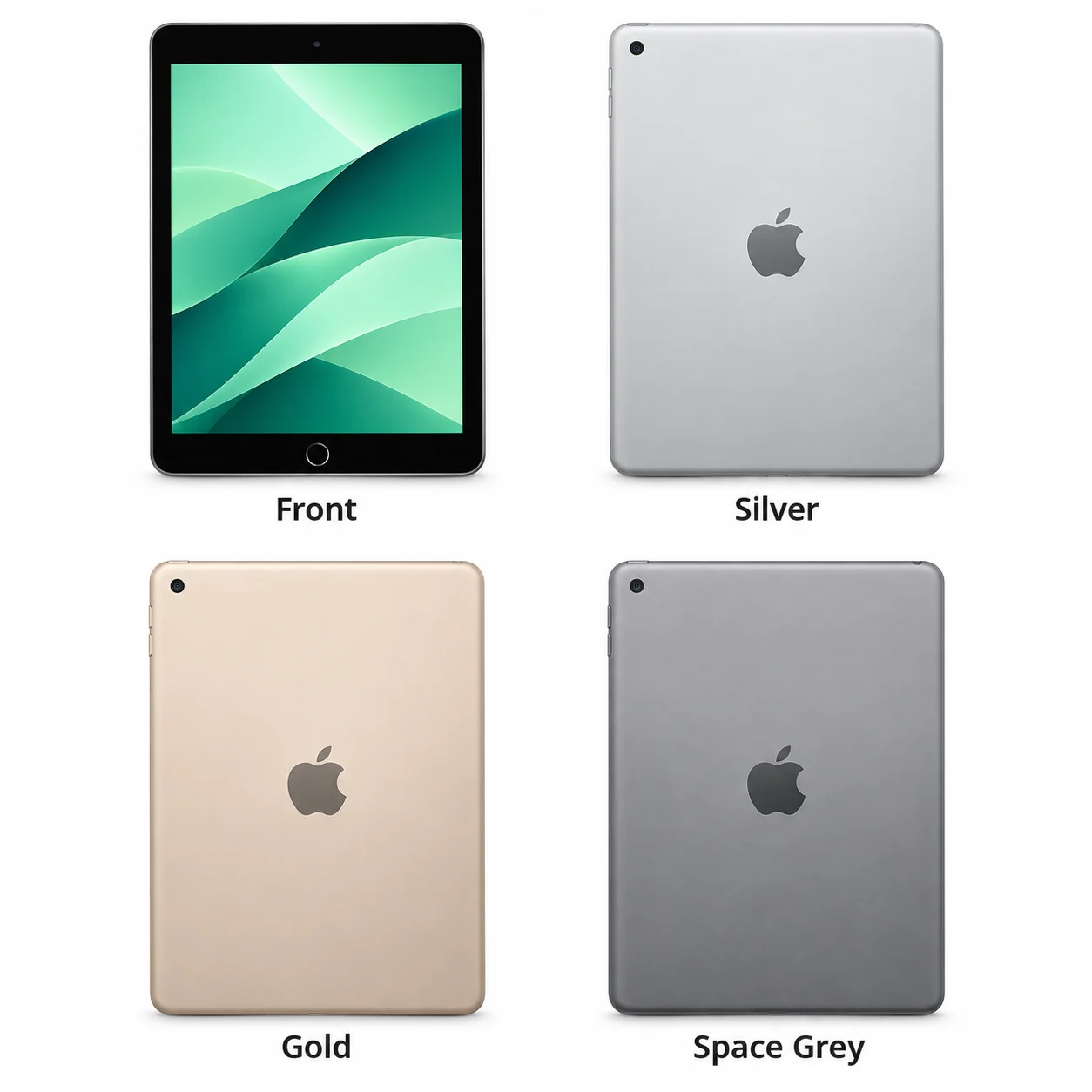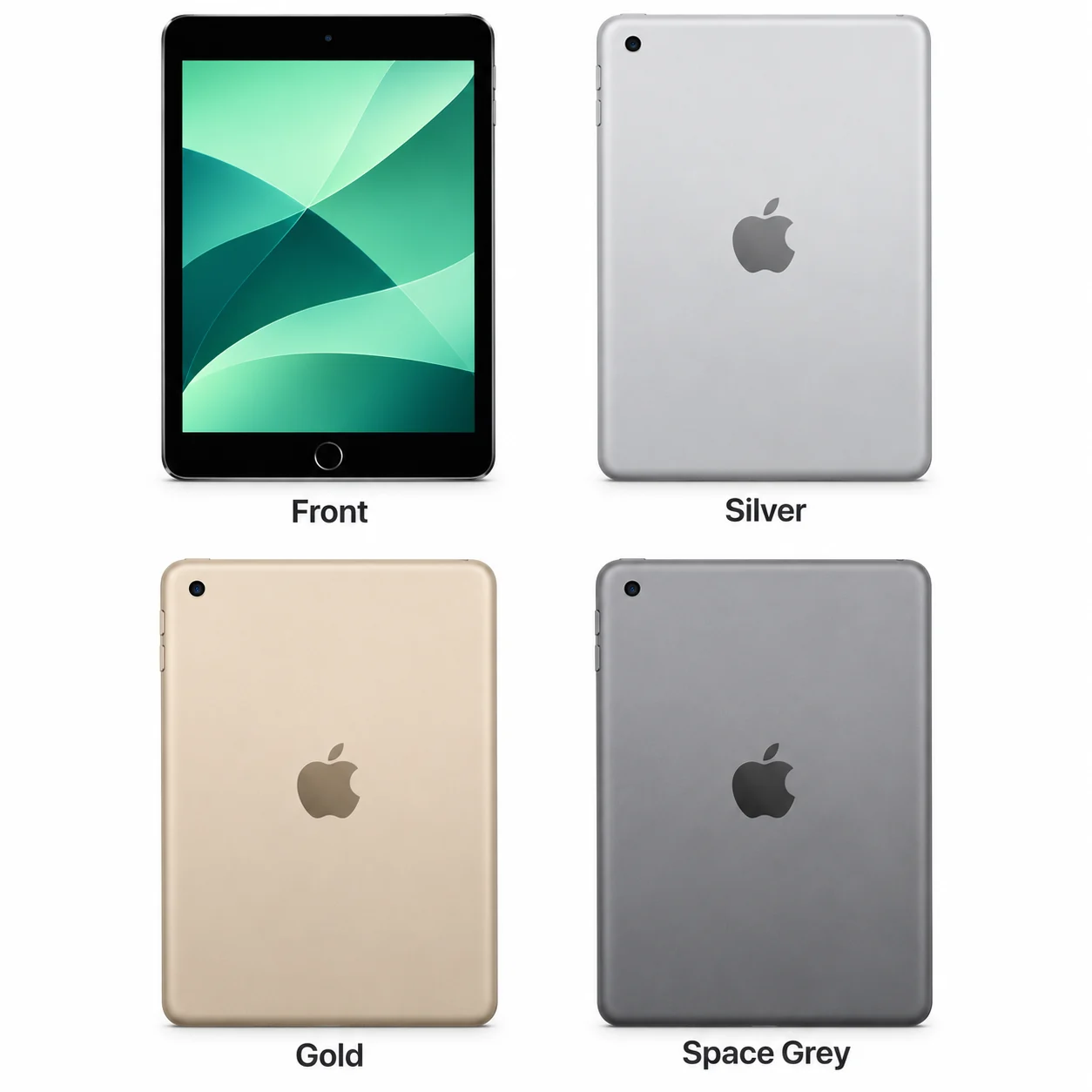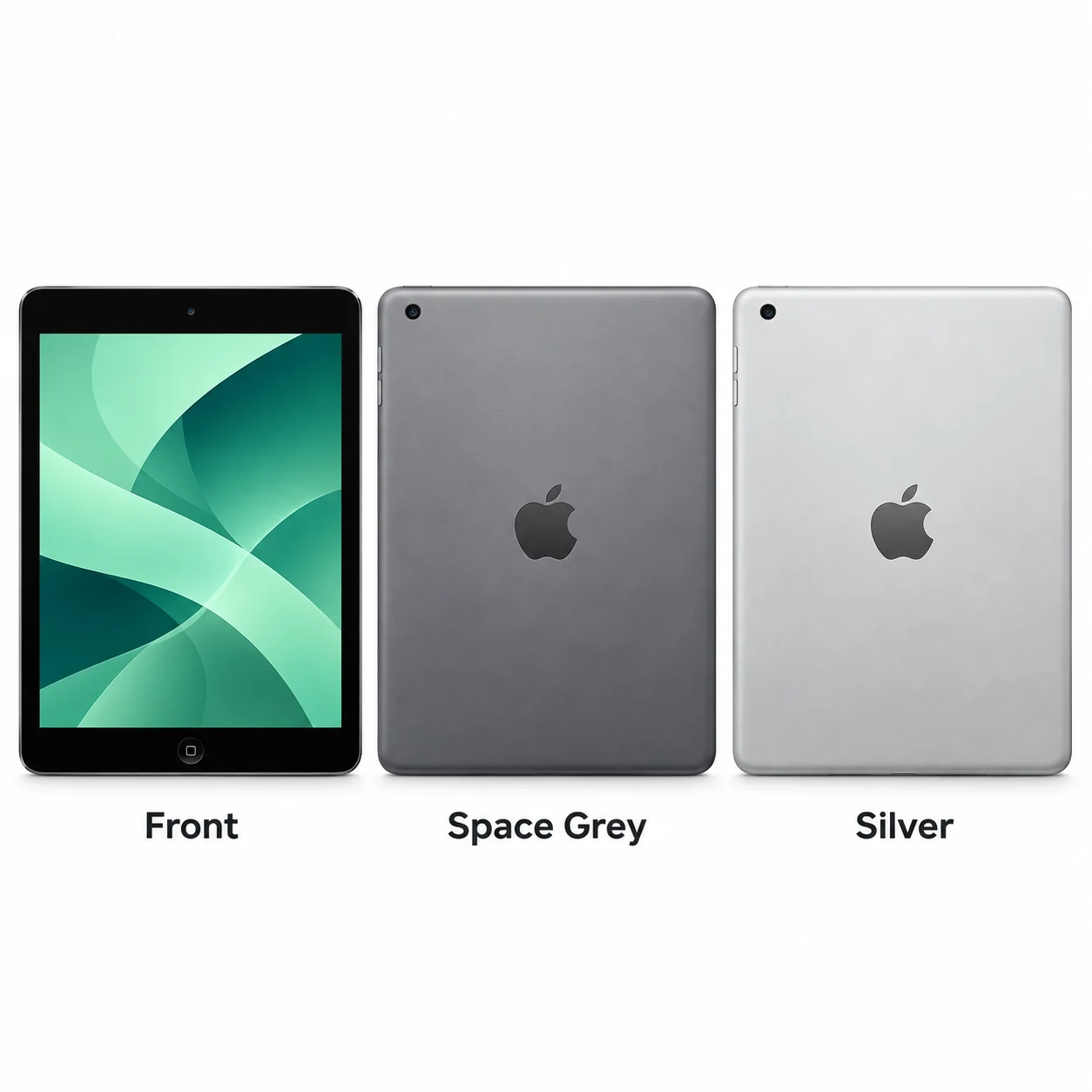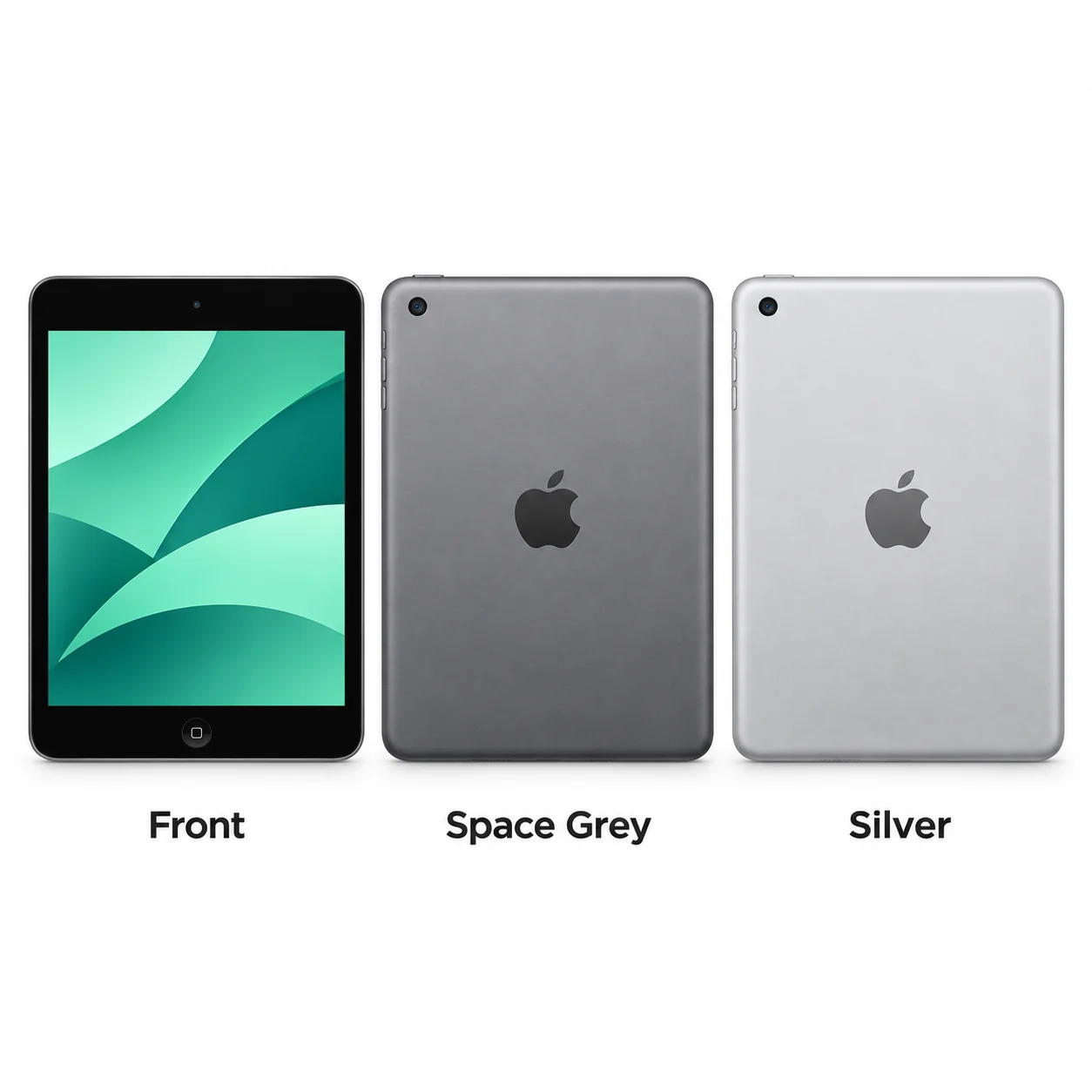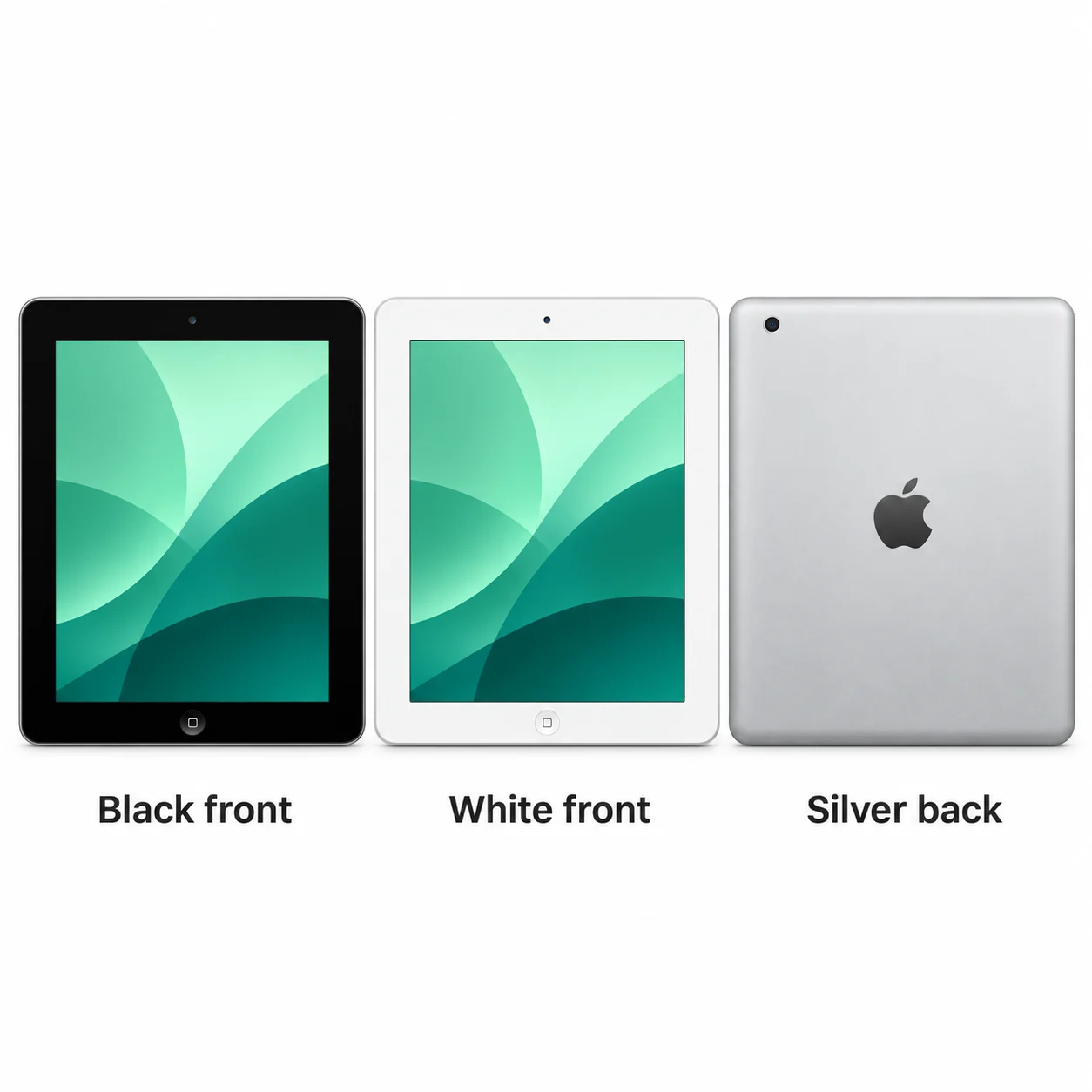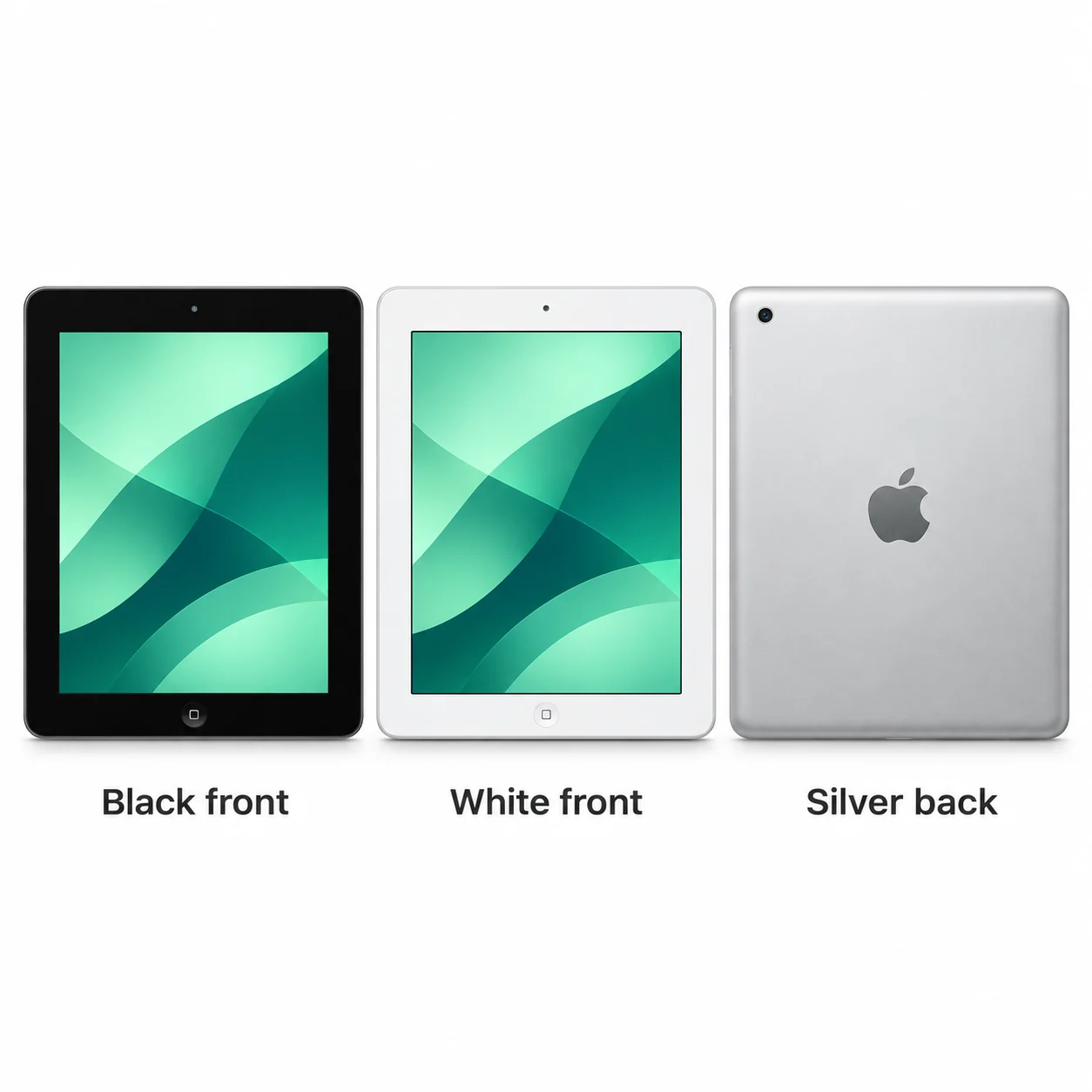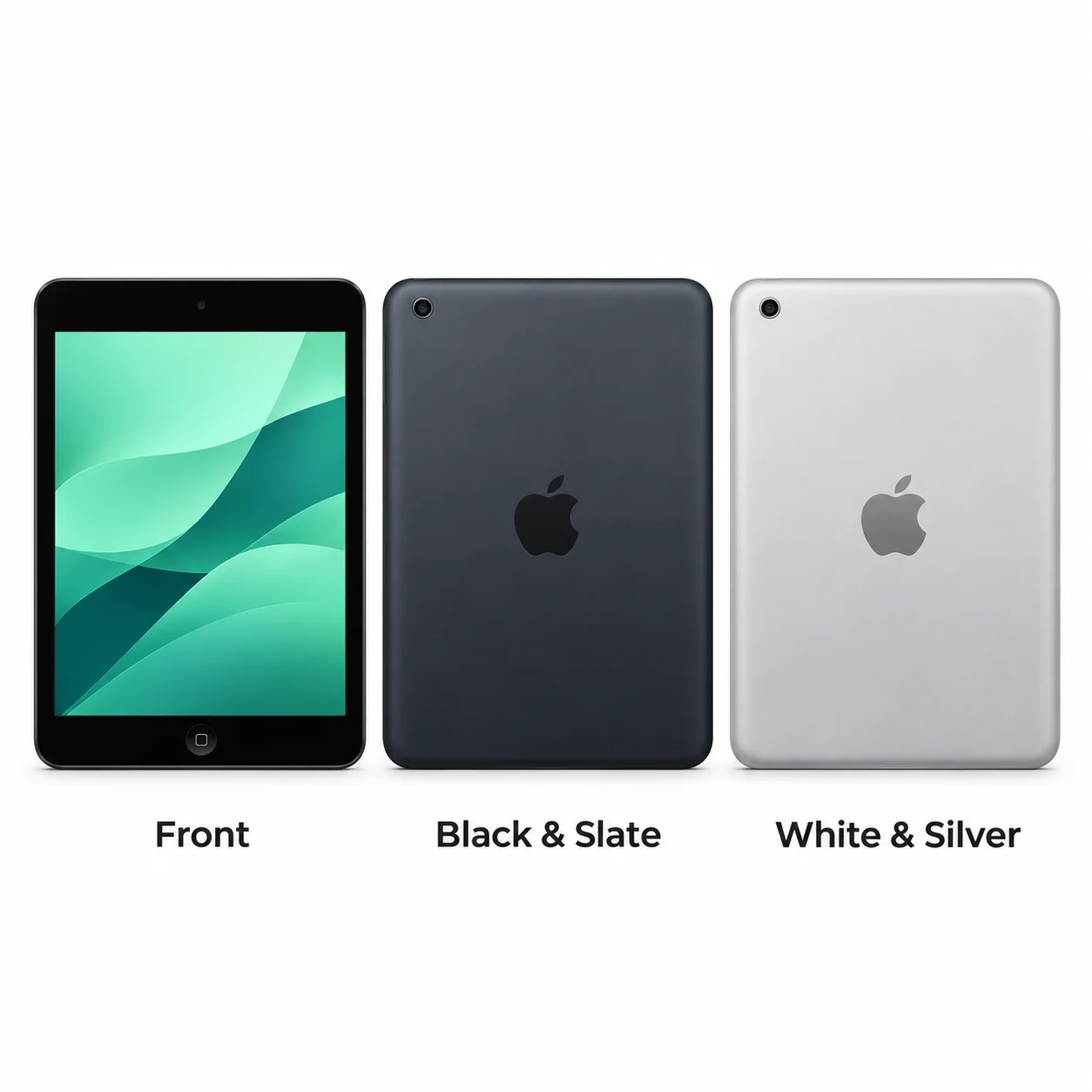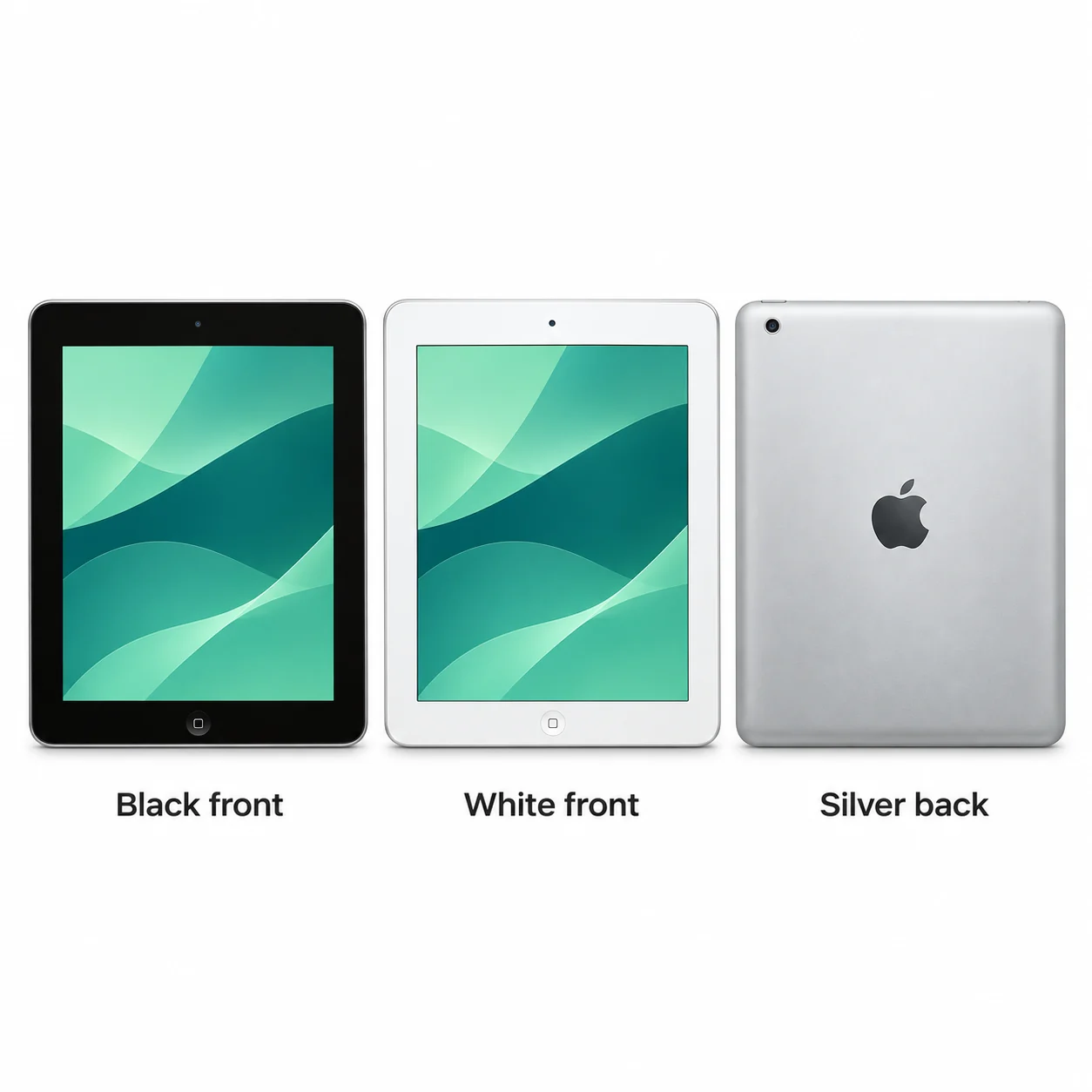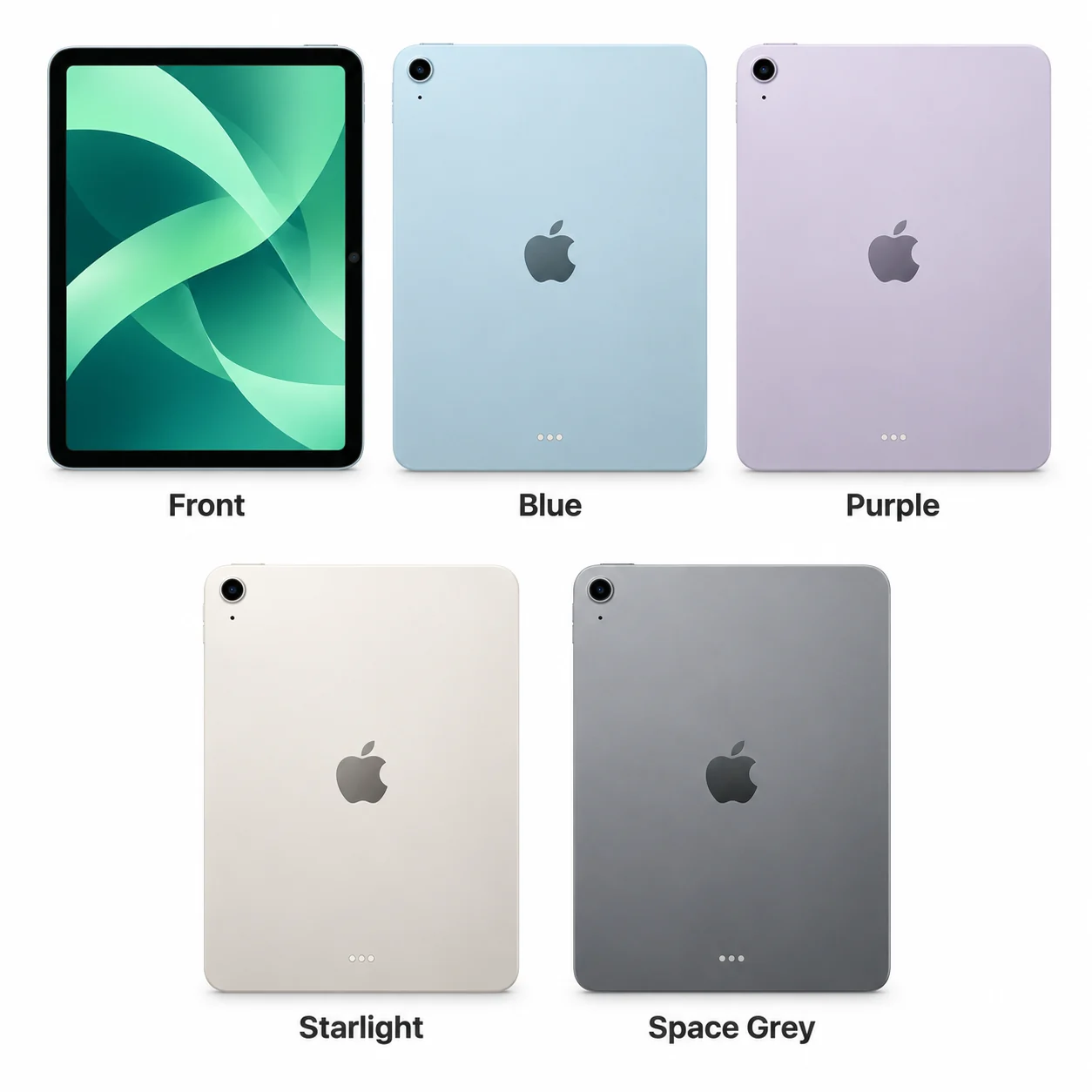
Apple iPad Air 11-inch (M4)
2026 · 11-inch · M4. M4 in the smaller Air.
Wi-Fi & cellular model numbers
A3459A3460A3463
- Screen
- 11-inch
- Chip
- M4
- Connector
- USB-C
Colours & model codes inside
Start with the family, generation and screen size. Each guide brings the Wi-Fi and cellular A-numbers together, with colours, specifications and practical explanations.
Choose the exact model, compare its colours and understand the specifications.
2026 · 11-inch · M4. M4 in the smaller Air.
2026 · 13-inch · M4. A large Air with M4.
2026 · 8.5-inch · A20 Pro. The 2026 mini has a new OLED design.
2025 · 11-inch · A16. The 2025 standard iPad uses A16.
2025 · 11-inch · M3. The 11-inch M3 Air in context.
2025 · 13-inch · M3. The 2025 large-screen Air.
2025 · 11-inch · M5. The smaller M5 Pro.
2025 · 13-inch · M5. A large OLED workspace with M5.
2024 · 11-inch · M2. The 2024 11-inch Air uses M2.
2024 · 13-inch · M2. The first 13-inch Air.
2024 · 8.3-inch · A17 Pro. The 2024 mini uses A17 Pro.
2024 · 11-inch · M4. An OLED screen in the 11-inch Pro.
2024 · 13-inch · M4. The 13-inch move to tandem OLED.
2022 · 10.9-inch · A14 Bionic. The standard iPad changes design.
2022 · 10.9-inch · M1. The 2022 Air brings M1.
2022 · 11-inch · M2. The 2022 11-inch Pro is the M2 model.
2022 · 12.9-inch · M2. The final 12.9-inch generation uses M2.
2021 · 10.2-inch · A13 Bionic. The 2021 Home-button iPad.
2021 · 8.3-inch · A15 Bionic. The mini changes shape in 2021.
2021 · 11-inch · M1. M1 in the compact 2021 Pro.
2021 · 12.9-inch · M1. M1 and a mini-LED display.
2020 · 10.2-inch · A12 Bionic. A12 in the familiar 10.2-inch body.
2020 · 10.9-inch · A14 Bionic. The Air adopts a flat-sided design.
2020 · 11-inch · A12Z Bionic. A12Z in the second 11-inch generation.
2020 · 12.9-inch · A12Z Bionic. The 2020 large Pro uses A12Z.
2019 · 10.2-inch · A10 Fusion. The standard iPad grows to 10.2 inches.
2019 · 10.5-inch · A12 Bionic. A larger Home-button Air.
2019 · 7.9-inch · A12 Bionic. The last 7.9-inch Home-button mini.
2018 · 9.7-inch · A10 Fusion. The 2018 9.7-inch iPad.
2018 · 11-inch · A12X Bionic. The first 11-inch Pro.
2018 · 12.9-inch · A12X Bionic. The 12.9-inch Pro adopts Face ID.
2017 · 9.7-inch · A9. The standard iPad returns in 2017.
2017 · 10.5-inch · A10X Fusion. The 10.5-inch Pro is a distinct size.
2017 · 12.9-inch · A10X Fusion. The second large Home-button Pro.
2016 · 9.7-inch · A9X. The smaller first-wave Pro.
2015 · 7.9-inch · A8. A slimmer mini from 2015.
2015 · 12.9-inch · A9X. The original 12.9-inch Pro.
2014 · 9.7-inch · A8X. A thinner Air with Touch ID.
2014 · 7.9-inch · A7. Touch ID identifies mini 3.
2013 · 9.7-inch · A7. The original Air from 2013.
2013 · 7.9-inch · A7. The mini gains a Retina screen.
2012 · 9.7-inch · A5X. The first Retina iPad.
2012 · 9.7-inch · A6X. The Retina iPad switches to Lightning.
2012 · 7.9-inch · A5. The first compact iPad.
2011 · 9.7-inch · A5. The thinner second iPad.
2010 · 9.7-inch · A4. The original iPad from 2010.
Check the full model name or try its A-number or SM- model code. Clear the range filter to search all models on this page.
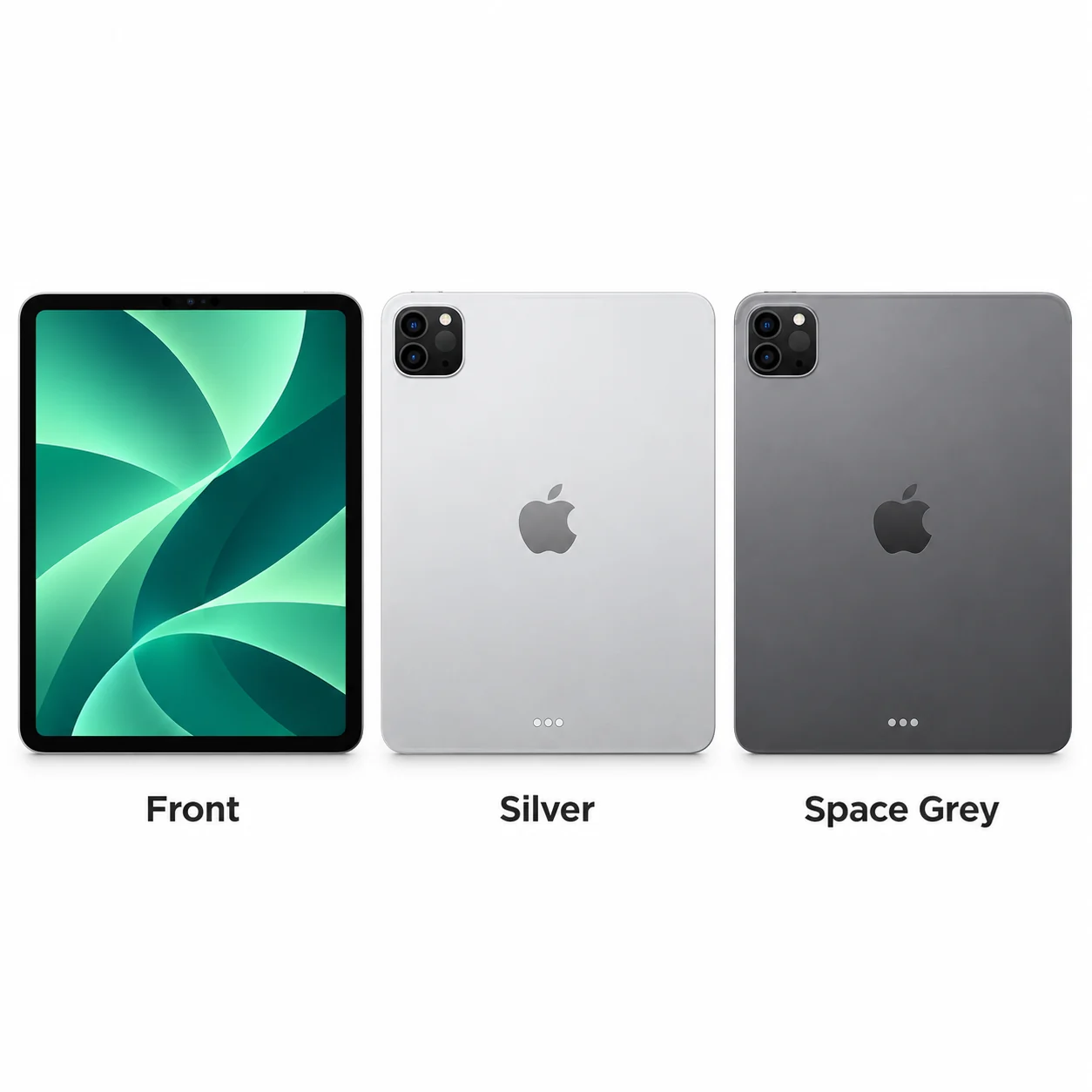
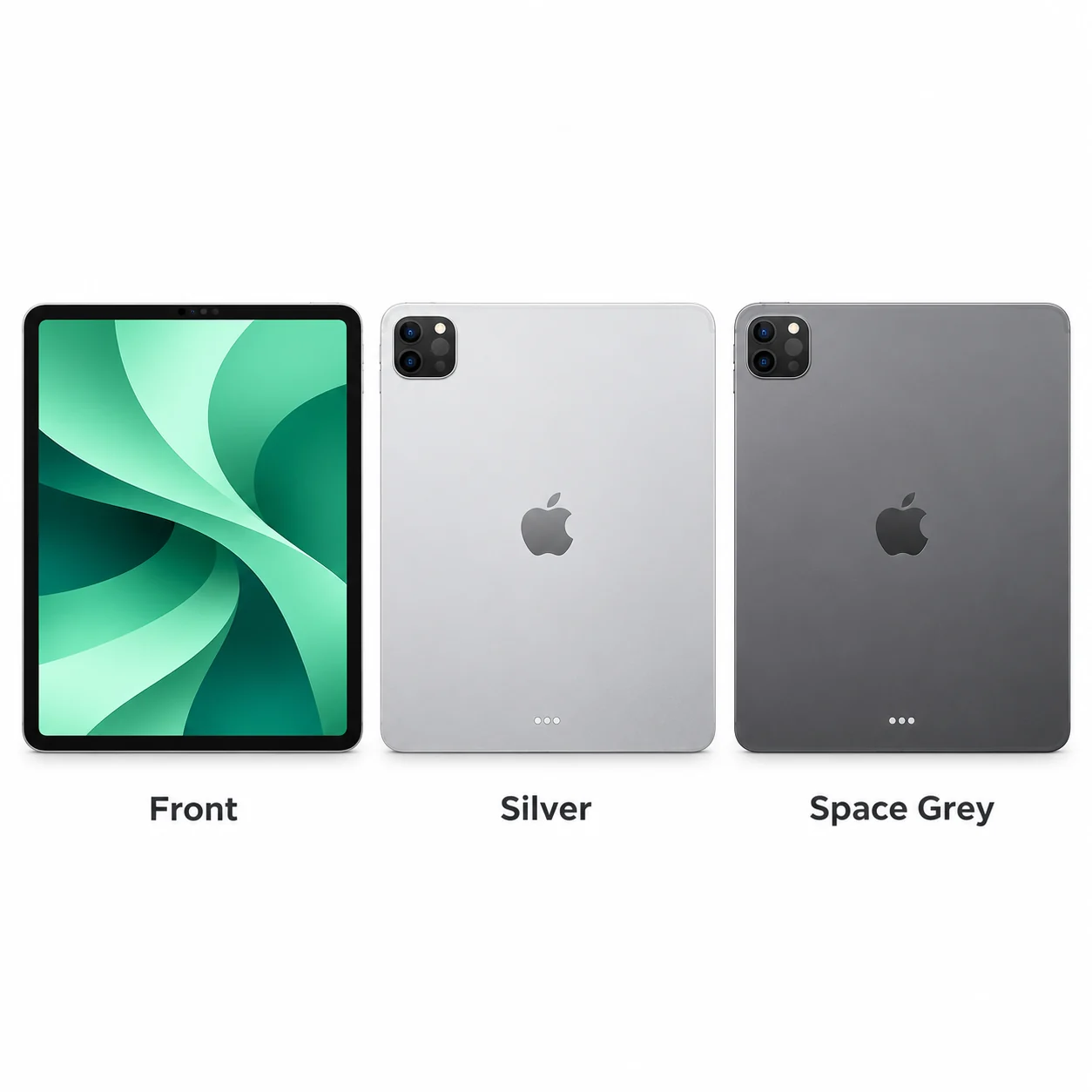
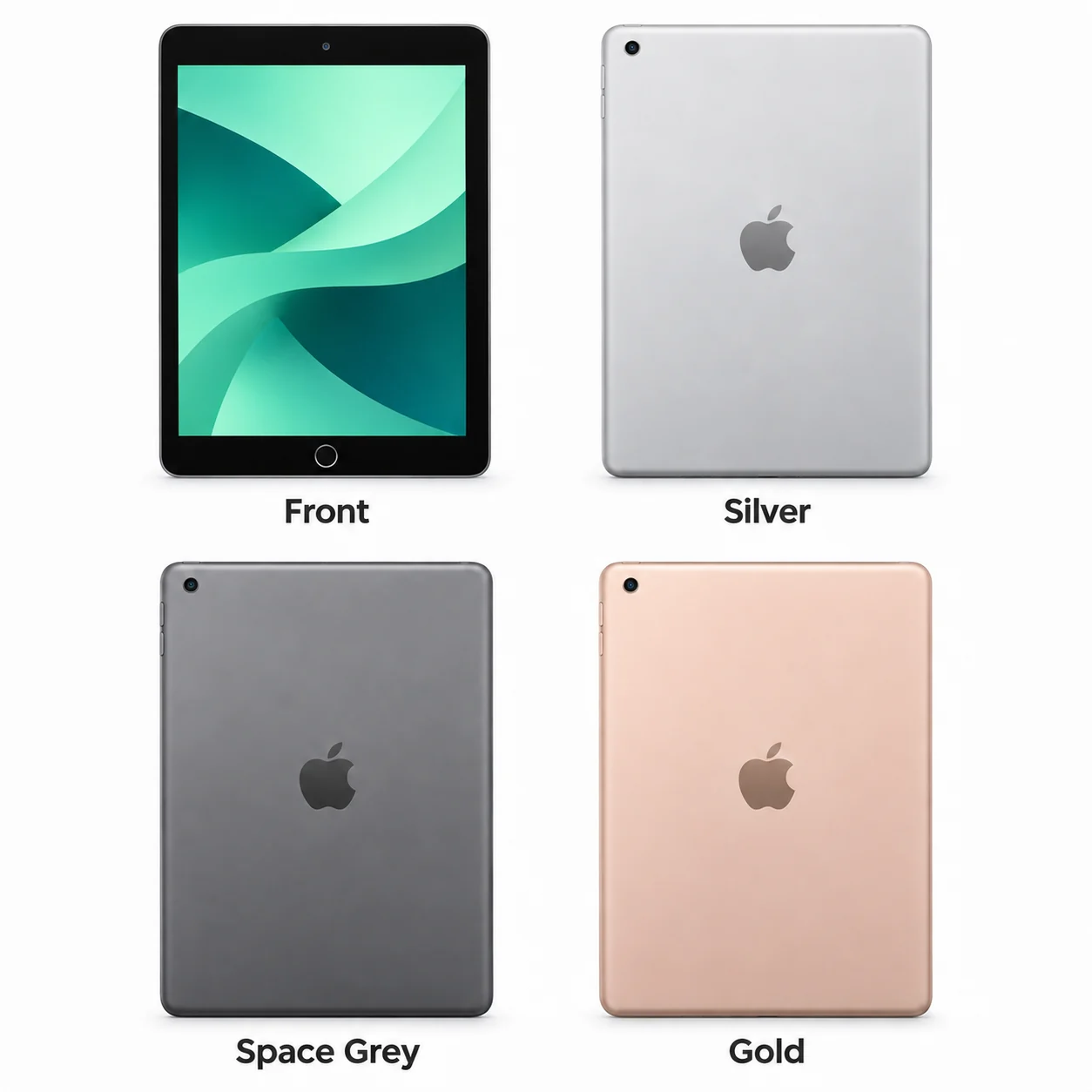
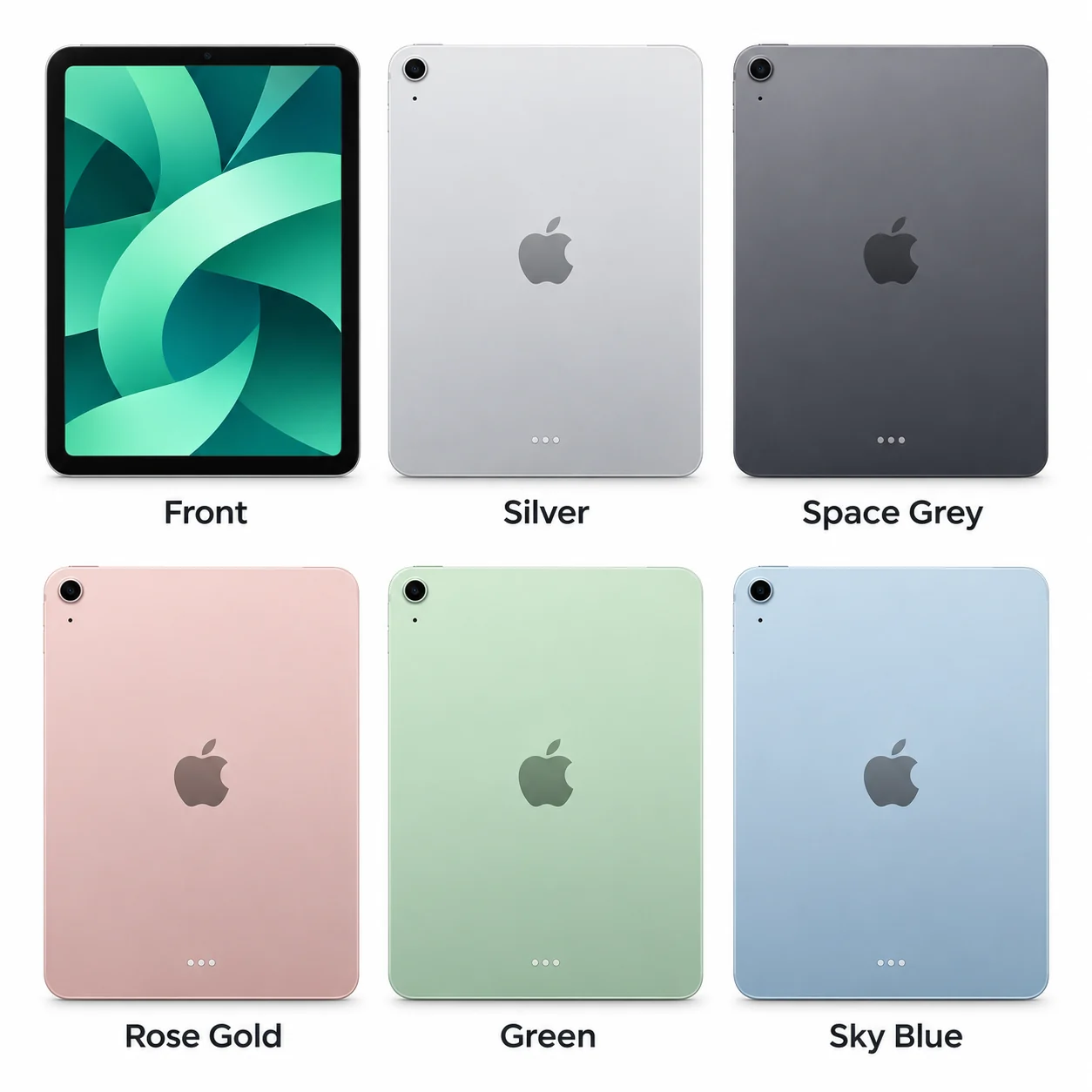
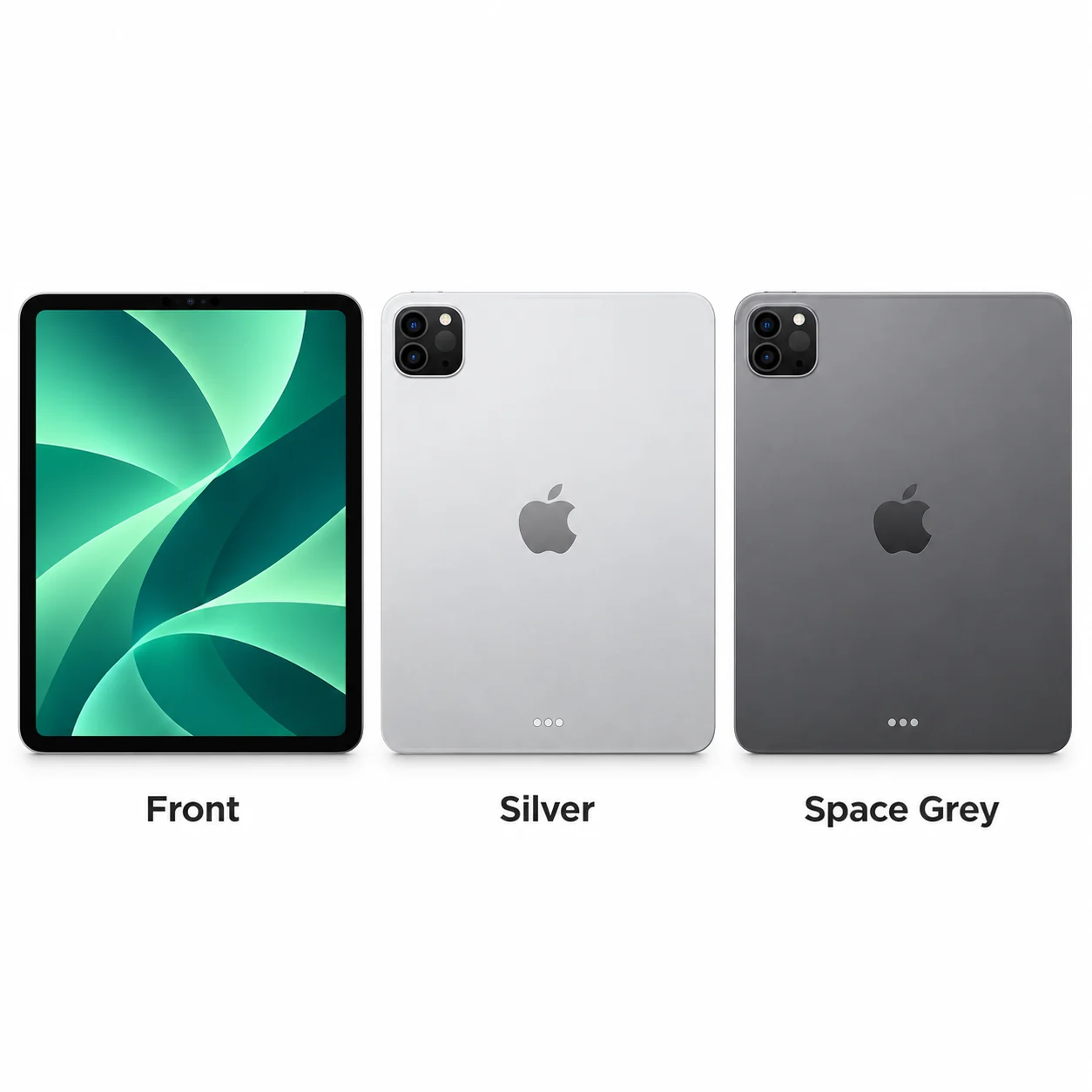
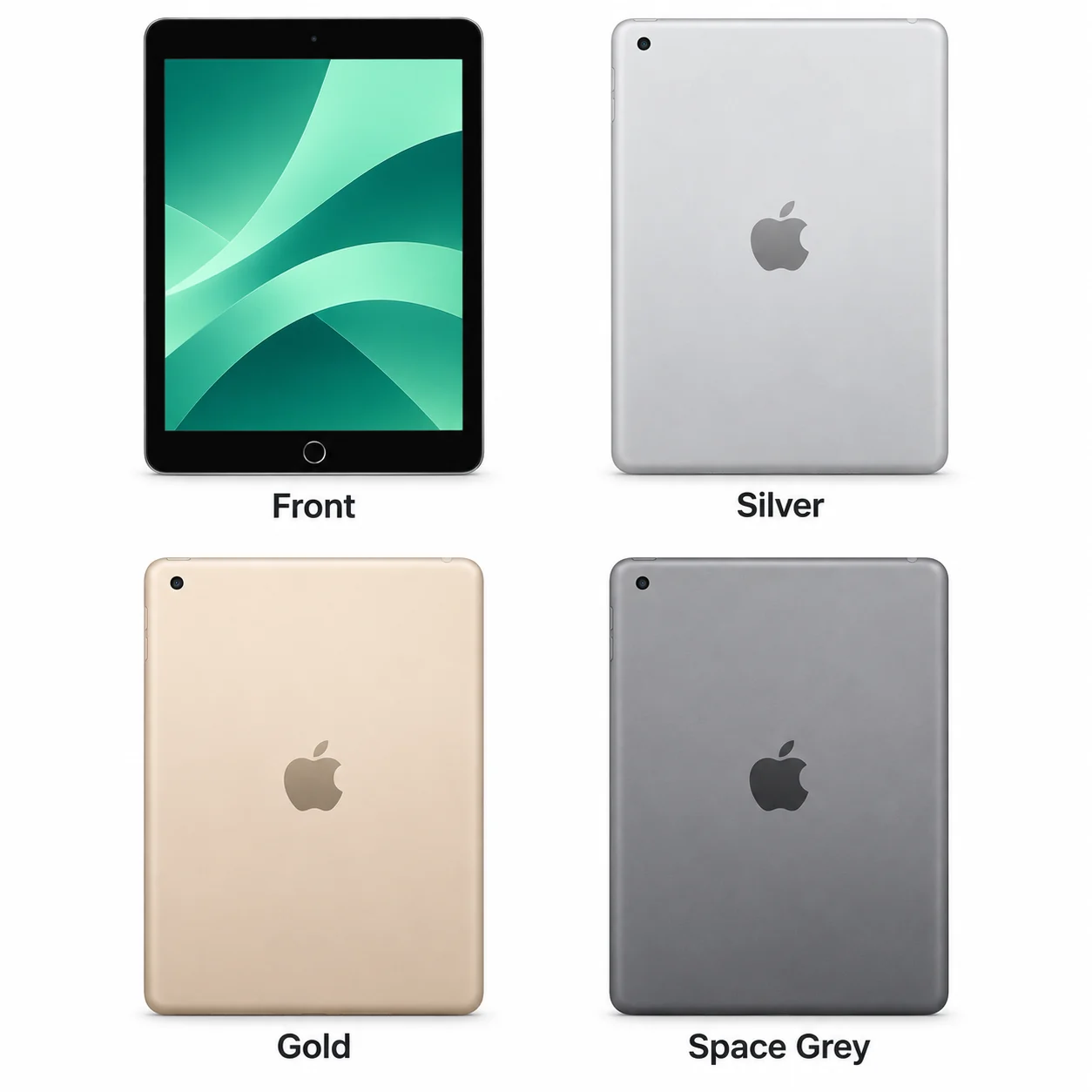
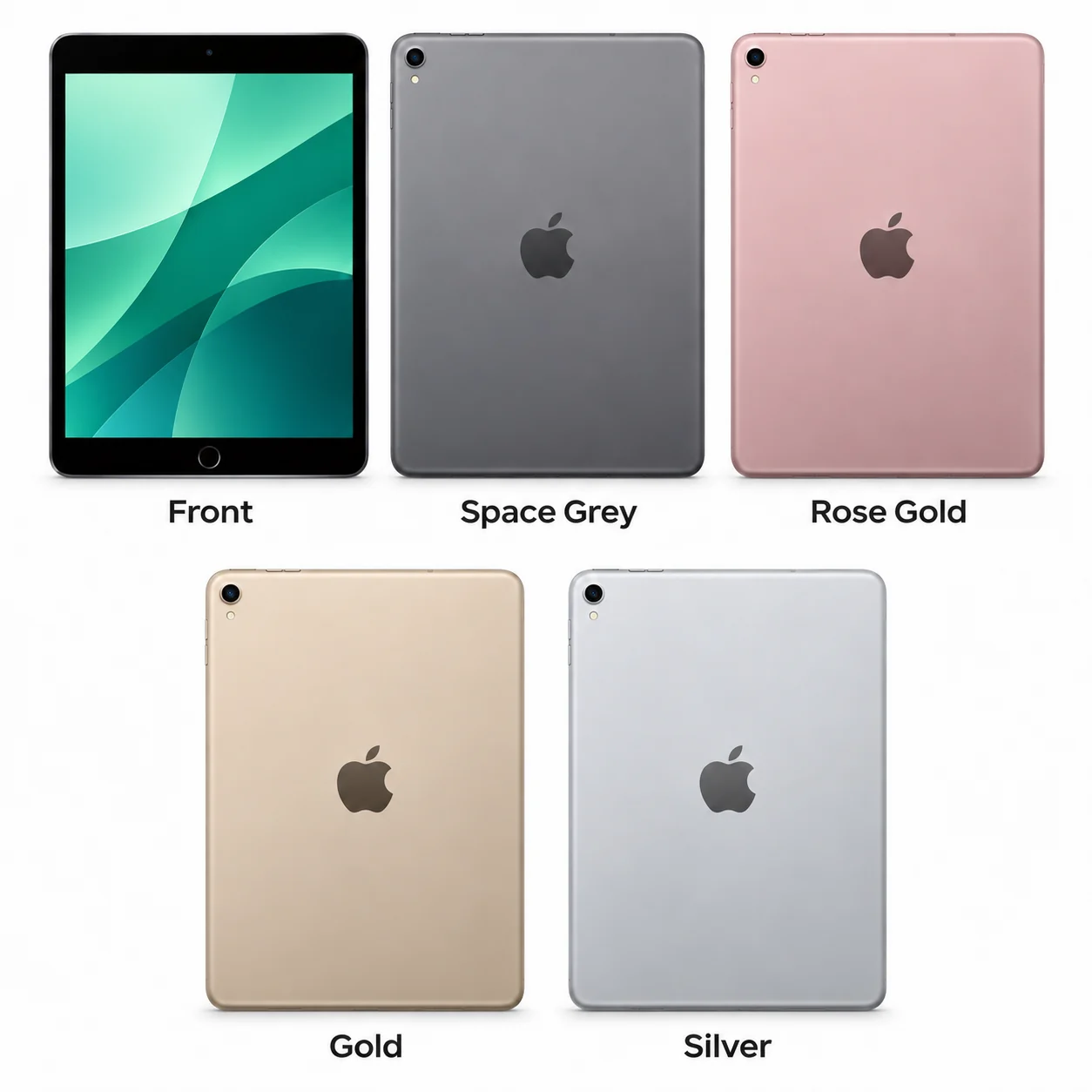
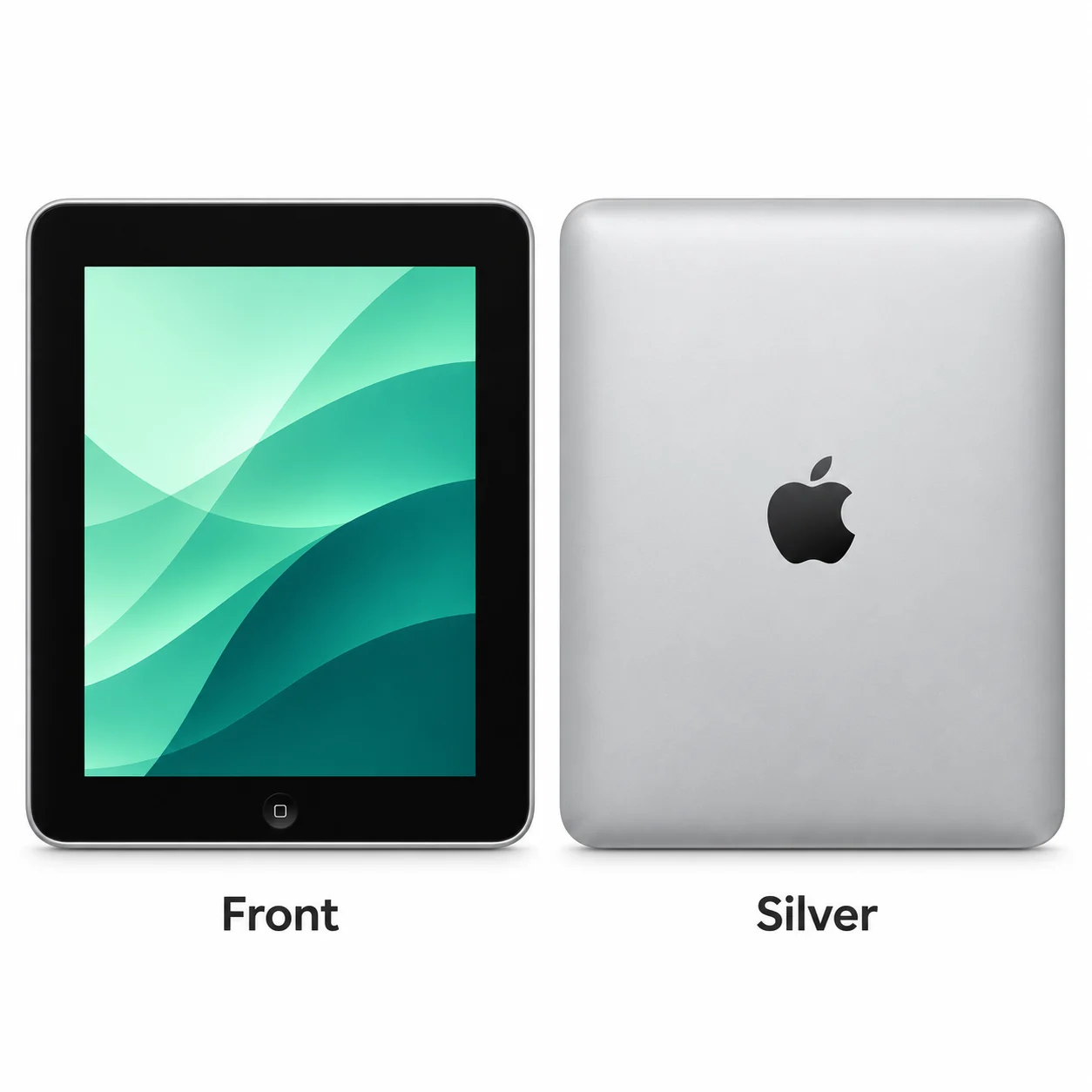
Colours and small details in the pictures are approximate. Confirm the model number in Settings before choosing accessories or replacement parts.
The name identifies the range. The model number identifies the hardware version.
Many devices share a model number. Your serial number identifies your individual device; mobile-network models also have an IMEI.