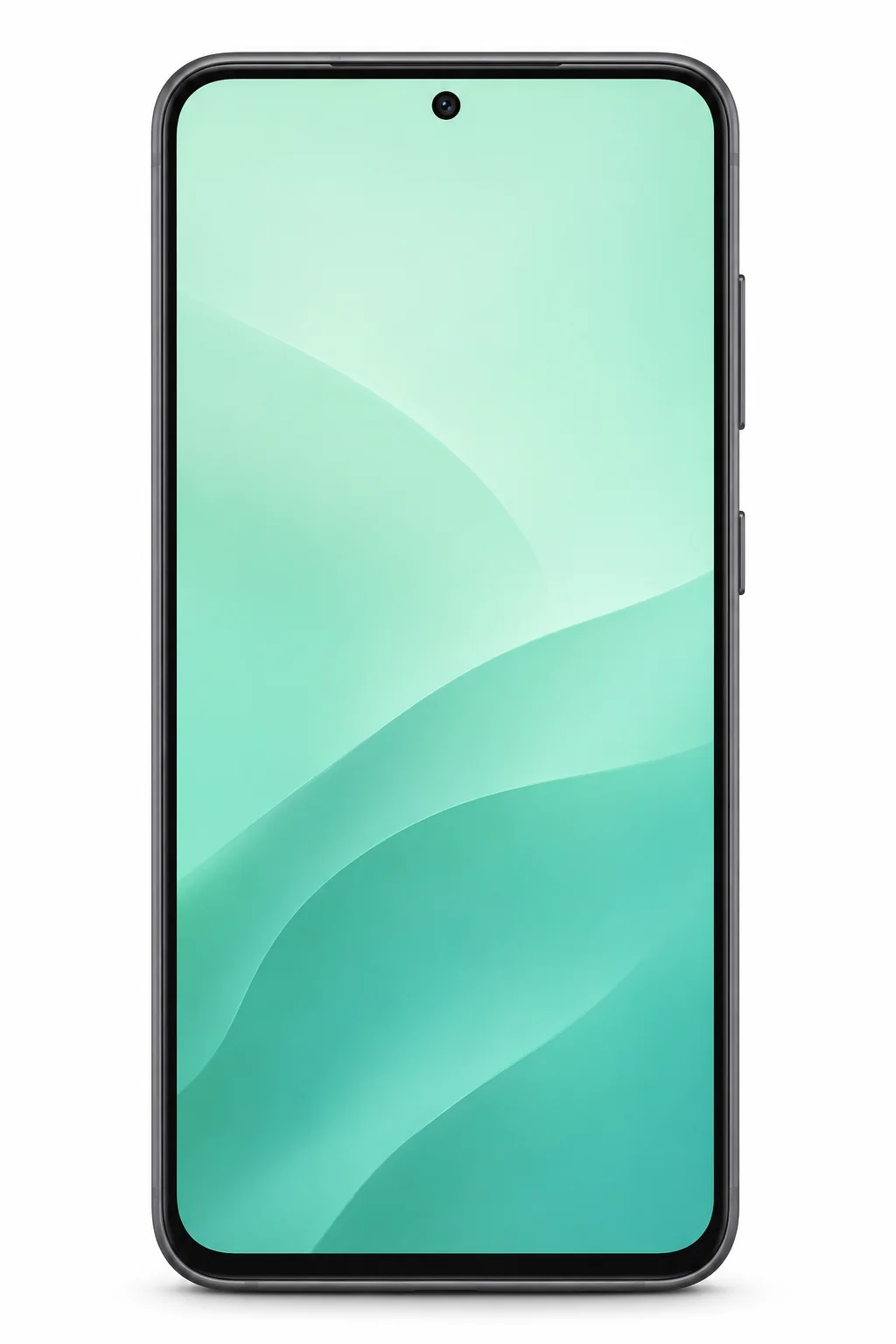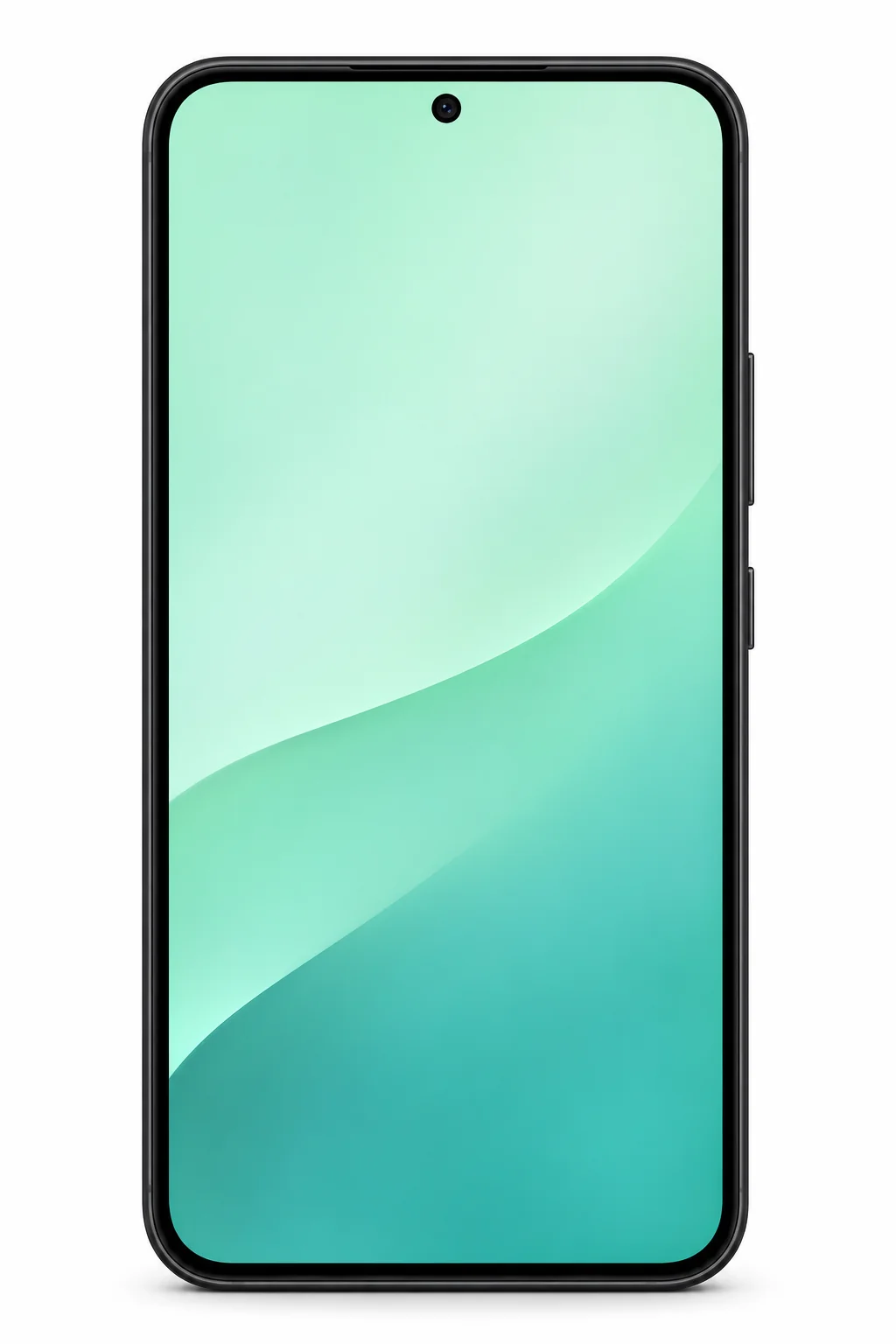
Samsung Galaxy S22
A compact Galaxy with a dedicated 3x optical zoom camera.
UK & Ireland model numbers
SM-S901B/DSSM-S901B
- Screen
- 6.1-inch AMOLED
- Storage
- 128–256GB
- Connector
- USB-C
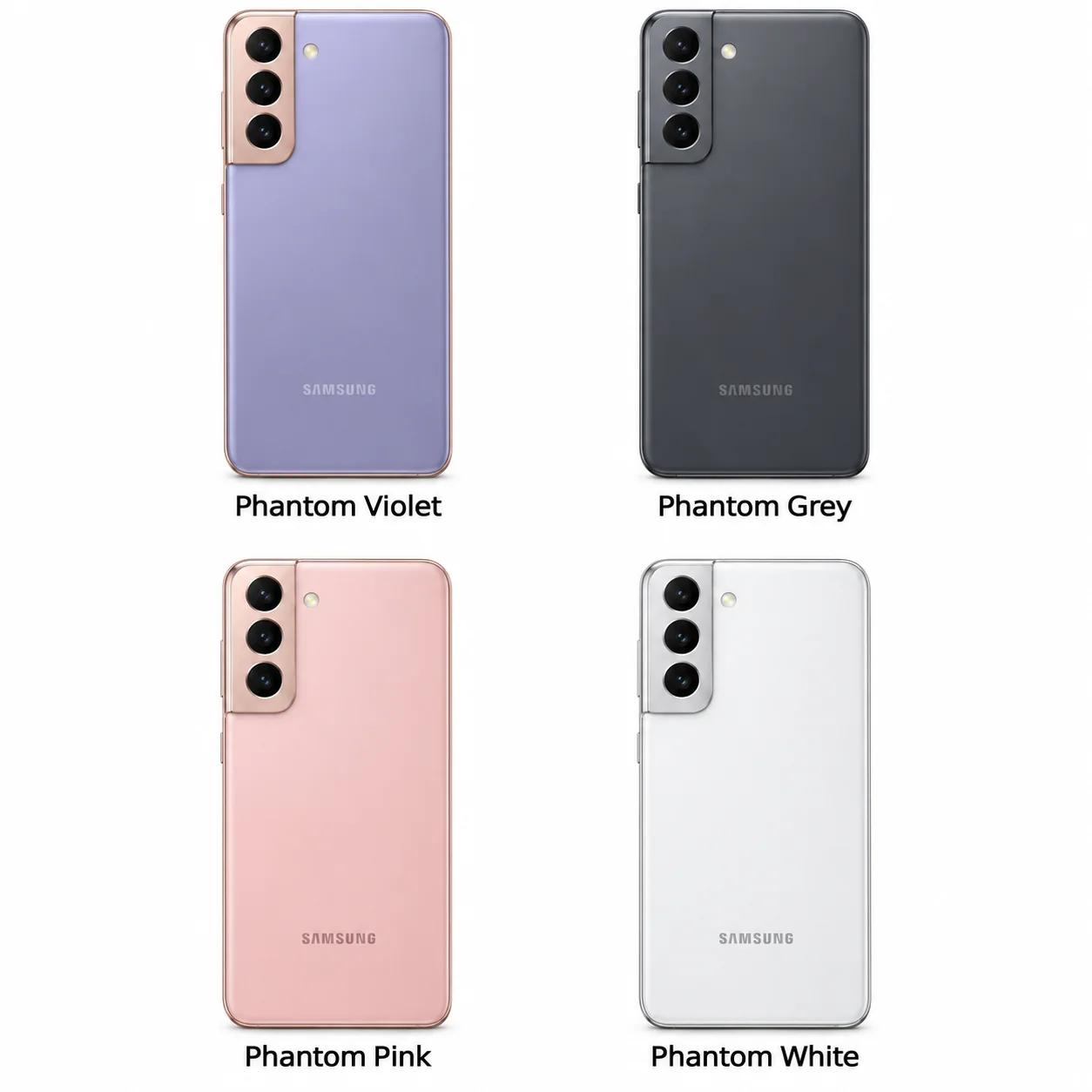
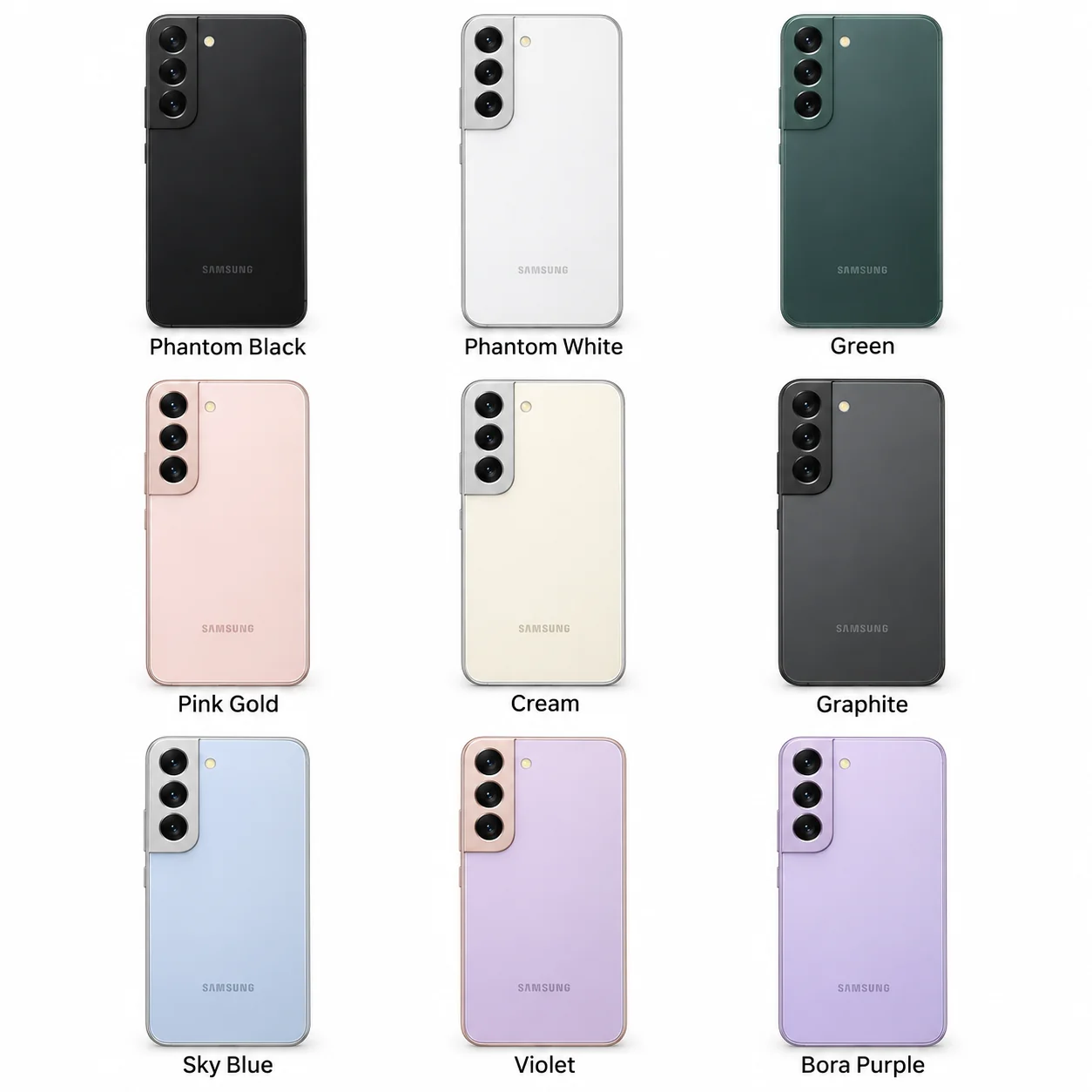
Colours & model codes inside
Samsung makes the Galaxy phones featured in these guides. Its Galaxy S range includes several versions within each generation, with differences in size, cameras, battery and features. The complete model name matters: a Galaxy S21, S21 FE and S21 Ultra are different phones, even though their names look similar.
Start with the generation, then check the suffix. In the S21 and S22 families, the standard phone is smaller than the Plus version. Ultra models have their own camera and feature sets. FE means Fan Edition and identifies a separate model; it does not simply describe a colour or storage option.
Look at the space you need for photos, how comfortable the phone feels in your hand and whether its software still receives updates. A long list of specifications is useful only when it helps you make those decisions. These guides explain the numbers and distinguish the original launch software from the current security-update schedule.
Find an independent repair shop, have the exact model number ready and ask the business about an assessment and quote.
Choose the exact model, compare its colours and understand the specifications.
A compact Galaxy with a dedicated 3x optical zoom camera.
A smooth display, three rear cameras and wireless charging.
Check the full model name or try its A-number or SM- model code. Clear the range filter to search all models on this page.
Colours and small details in the pictures are approximate. Confirm the model number in Settings before choosing accessories or replacement parts.
The name identifies the range. The model number identifies the hardware version.
Many devices share a model number. Your serial number identifies your individual device; mobile-network models also have an IMEI.