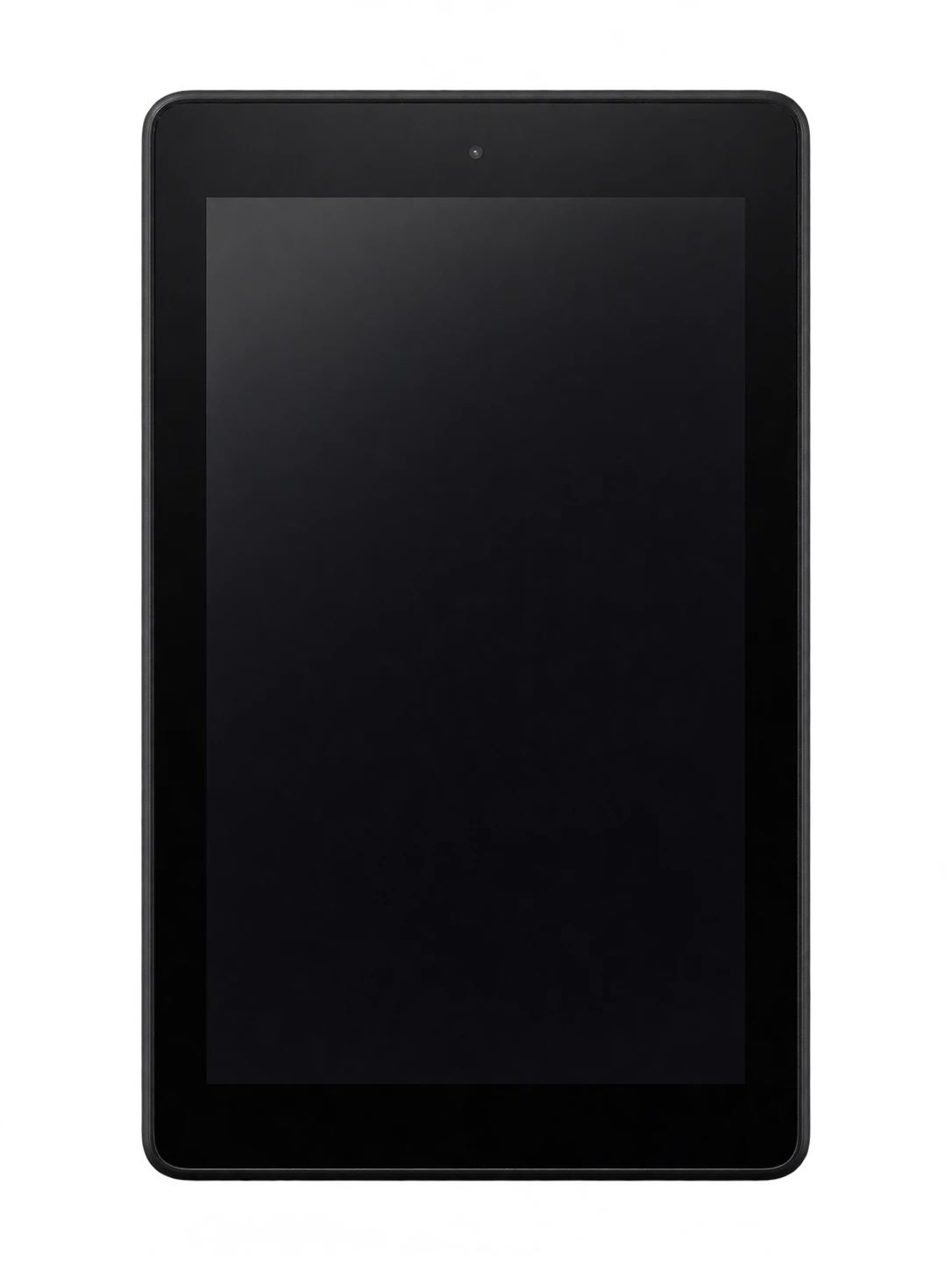
Fire 7 (2017) model reference
A model reference identifies the recorded model. The complete marking on a device can include an additional hardware prefix or regional suffix. Serial numbers and mobile-network identifiers such as IMEI or MEID belong to an individual device.
Where to find your model reference
- Open Settings, then Device Options, and look for Device Model or About Fire Tablet; wording varies by software version.
- Record the complete name and generation, then check regulatory information or the original box for the hardware model number.
- Compare the year and model references with this guide. A serial number identifies an individual unit and should not be posted publicly.
If the tablet will not turn on: Check the original box, order record or visible exterior model label. Use the generation and year as well as the product name; do not open a sealed tablet just to identify it.
Hardware model numbers, where verified, are labelled separately from Amazon’s software Build.MODEL identifiers. A software identifier is not a UK-specific approval number and can be reused across versions.
Swipe the table sideways on a narrow screen.
| Model reference | Reference scope | Useful detail |
|---|---|---|
| KFAUWI | Amazon Android software Build.MODEL identifier | Match this code to the number on your tablet. |
4 recorded colours
Recorded tablet finishes, including later additions where stated. Protective Kids cases and other accessories are separate colours; replacement housings can change appearance.
- Black
Approximate colour hint. Lighting, wear, a case or a replacement housing can alter the visible appearance.
- Canary Yellow
Approximate colour hint. Lighting, wear, a case or a replacement housing can alter the visible appearance.
- Marine Blue
Approximate colour hint. Lighting, wear, a case or a replacement housing can alter the visible appearance.
- Punch Red
Approximate colour hint. Lighting, wear, a case or a replacement housing can alter the visible appearance.
Use the colour and the model reference together. Lighting, screen settings, cases and replacement backs can change how a device looks.
Getting to know the Fire 7 (2017)
Identifying this generation
The 2017 Fire 7 has a 2MP rear camera, microSD support up to 256GB and a 1.3GHz quad-core processor. Its screen is lower resolution than the Fire HD 7 from 2014, even though both names contain 7. The year and generation are essential for matching a screen or case.
Storage and connections
Charging and the wired connection use micro-USB. The recorded storage options are 8GB or 16GB. Expansion is listed as microSD up to 256 GB. This is a Wi-Fi tablet, without a cellular SIM connection.
Checks before a repair
Record image defects and unresponsive touch areas separately on the 7-inch panel. Check the front camera in the light before assuming a low-detail VGA picture is a new fault. Charging uses micro-USB; a USB-C cable from a later Fire 7 will not fit.
Specifications and what they mean
Read each specification alongside its explanation. Manufacturer test figures describe controlled conditions; age, usage and battery condition affect everyday performance.
Swipe the table sideways on a narrow screen.
| Feature | Fire 7 (2017) | What it means |
|---|---|---|
| Introduced | 2017 | The model or generation introduction year; regional shipping dates can differ. |
| Amazon generation | 7th Gen | Amazon’s generation number must be read with the release year; it is not the display size. |
| Screen | 7-inch IPS LCD | The diagonal and panel type describe the display; the exact model still determines replacement-part fit. |
| Resolution | 1024 × 600 pixels | The display pixel grid. Similar dimensions do not guarantee a compatible replacement screen. |
| Processor | MediaTek MT8127 (32-bit quad-core) | The main chip specification helps distinguish generations; it does not establish spare-part compatibility. |
| Memory (RAM) | 1GB | Working memory is separate from the storage used for apps, photos and files. |
| Rear camera | 2 MP | The original rear-camera configuration. Check the actual camera module when a device has been repaired or upgraded. |
| Front camera | VGA (0.3MP) | The camera used for selfies or video calls; it is separate from the rear camera. |
| Storage | 8GB or 16GB | Factory storage options. Usable space is lower, and offered colour/capacity combinations can vary. |
| Memory card | microSD up to 256 GB | Removable storage is separate from internal storage. Card format and software affect how it can be used. |
| Wired connection | micro-USB | The physical connector. Charging performance also depends on the cable, power supply and device condition. |
| Mobile connection | Wi-Fi only; no cellular SIM connection | A cellular-capable version still depends on compatible local networks, radio bands and operator provisioning. |
| Bluetooth | 4.1 LE | The listed Bluetooth capability is independent of the Wi-Fi or cellular connection. |
| Software family | Fire OS 5 | A recorded operating-system family, not a promise of current app compatibility or future updates. |
| Size and weight | 192 × 115 × 9.6 mm; 295 g (10.41 oz) | Dimensions are height × width × depth without a case. Cellular variants and covers can change weight. |
Software and service compatibility
Amazon’s device specification lists Fire OS 5 for this generation. That is a platform reference, not a guarantee that every current app or service supports it. Check the tablet’s own update settings and the requirements of any app you need; a factory reset does not turn an older model into a newer generation.
Common questions about the Fire 7 (2017)
How do I identify Fire 7 (2017)?
Check the complete model name and generation in Settings, then compare the identifiers: KFAUWI. Hardware and software references are labelled separately in this guide.
Is Fire 7 (2017) a Fire HD 7?
No. Fire 7 (2017) has a 1024 × 600 screen and software reference KFAUWI. Fire HD 7 (2014) has a 1280 × 800 screen and reference KFASWI. The HD wording identifies a different tablet, not a setting that can be switched on.
How does Fire 7 (2017) charge?
It uses micro-USB. Use a compatible power supply and cable. Note whether charging fails completely or becomes intermittent; avoid forcing or levering the connector.
What software information should I check before a repair?
Amazon’s device specification lists Fire OS 5 for this generation. That is a platform reference, not a guarantee that every current app or service supports it. Check the tablet’s own update settings and the requirements of any app you need; a factory reset does not turn an older model into a newer generation.
About this guide
Device details checked 21 November 2026. Regional features, software availability and colours can vary. Pictures are visual guides; colours and small details are approximate.