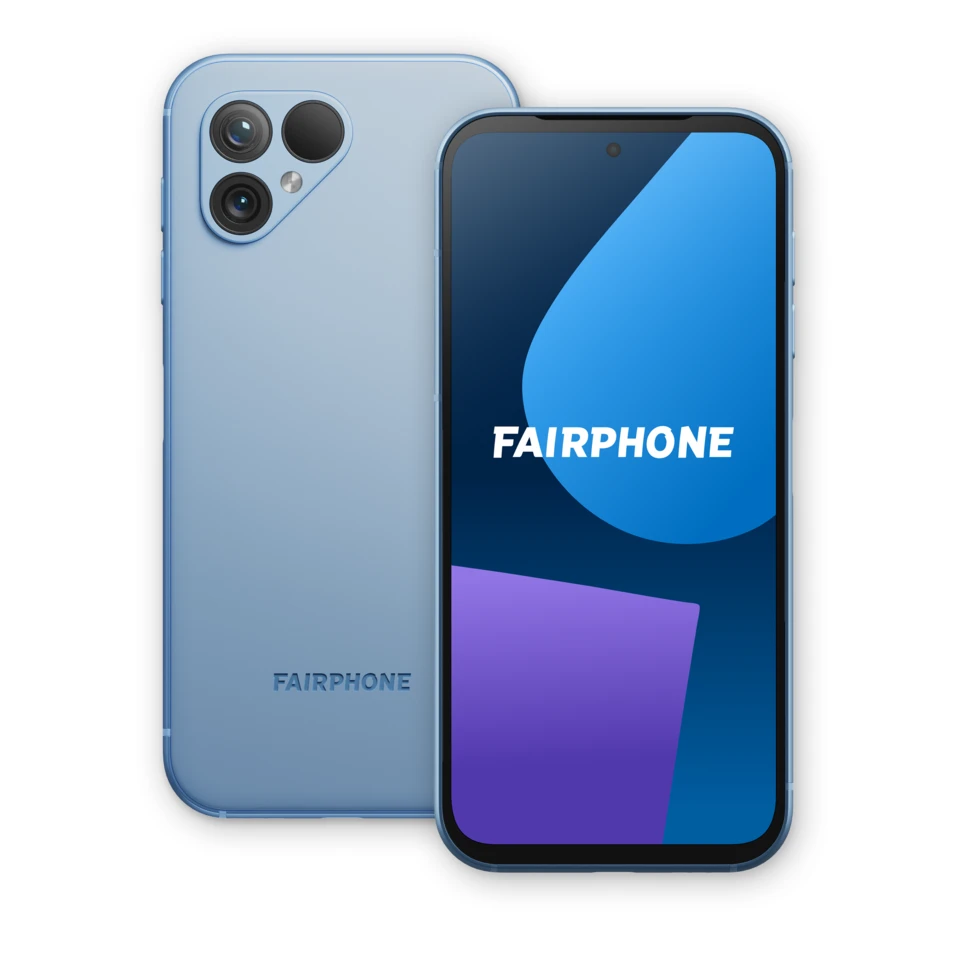
Fairphone 6+
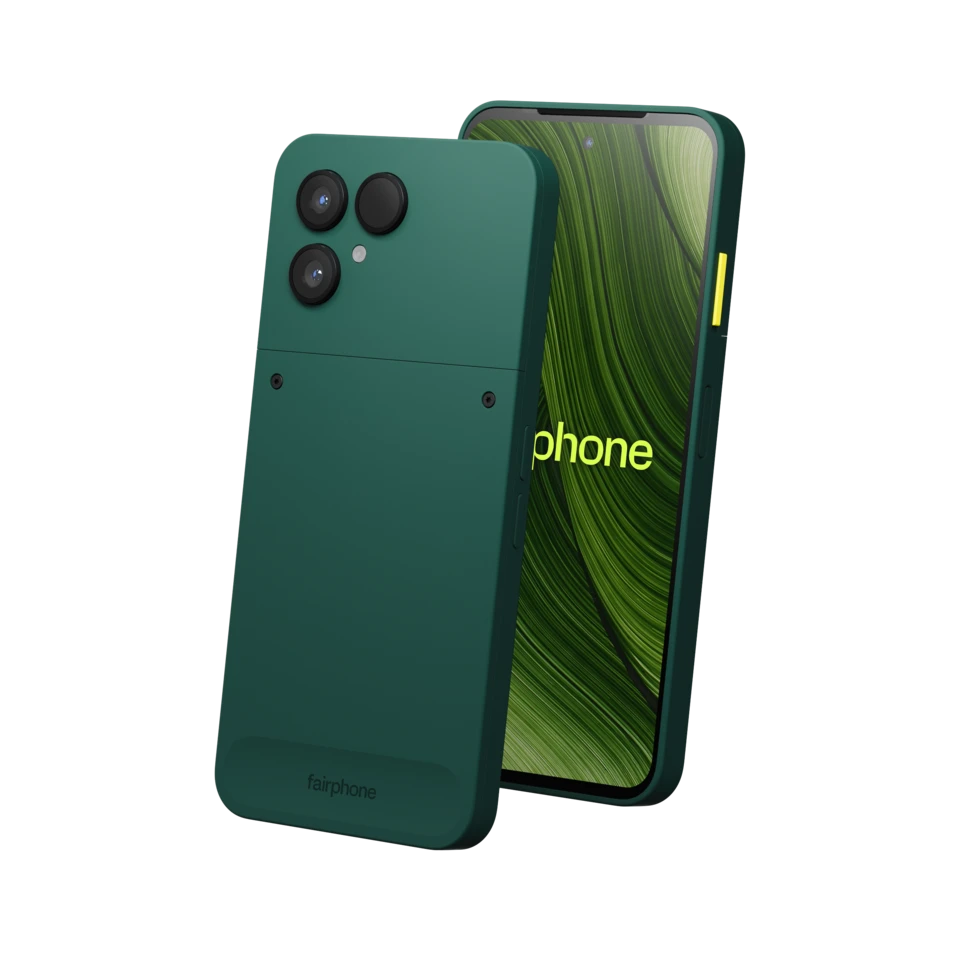
Fairphone 6+, officially The Fairphone (Gen. 6+), is the 2026 update with Snapdragon 7s Gen 4 and 12GB RAM.
Model numbers
FP6
- Screen
- 6.31-inch LTPO AMOLED
- Memory
- 12GB
- Storage
- 256GB
Colours & model codes inside
Identify Fairphone generations from the original phone through the latest verified models. Compare full model names, hardware codes, original finishes, replaceable components and software support.
Fairphone 3+ and Fairphone 6+ need the plus sign when comparing versions. Some related phones share a hardware code, so the configuration and full product name matter too.
Repairable construction does not make every part interchangeable. Confirm the exact model and the module or battery version before choosing a replacement.
Read each model’s software and service notes. A new purchase date does not restart a manufacturer’s support period or guarantee that an older spare part remains available.
Choose the exact model, compare its colours and understand the specifications.
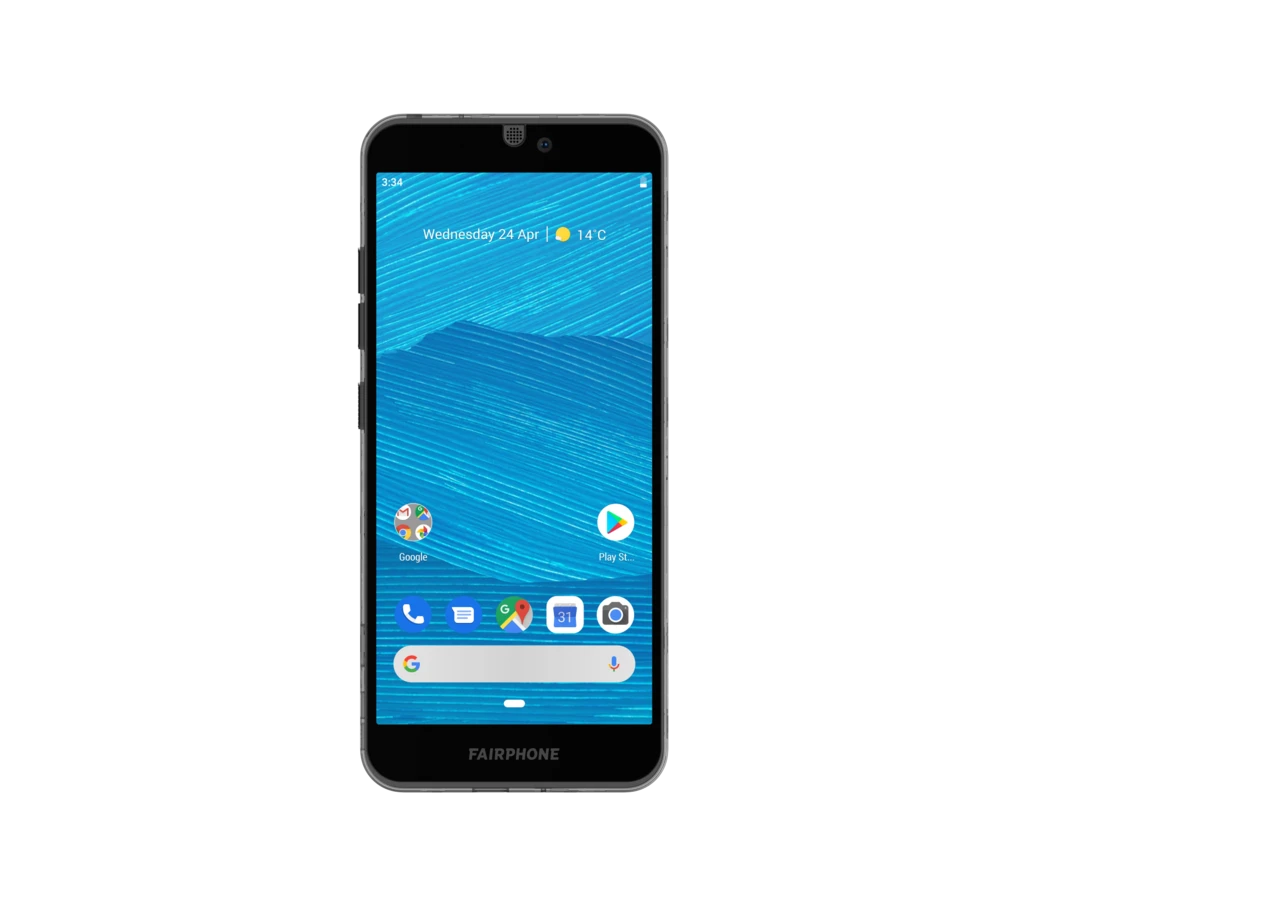
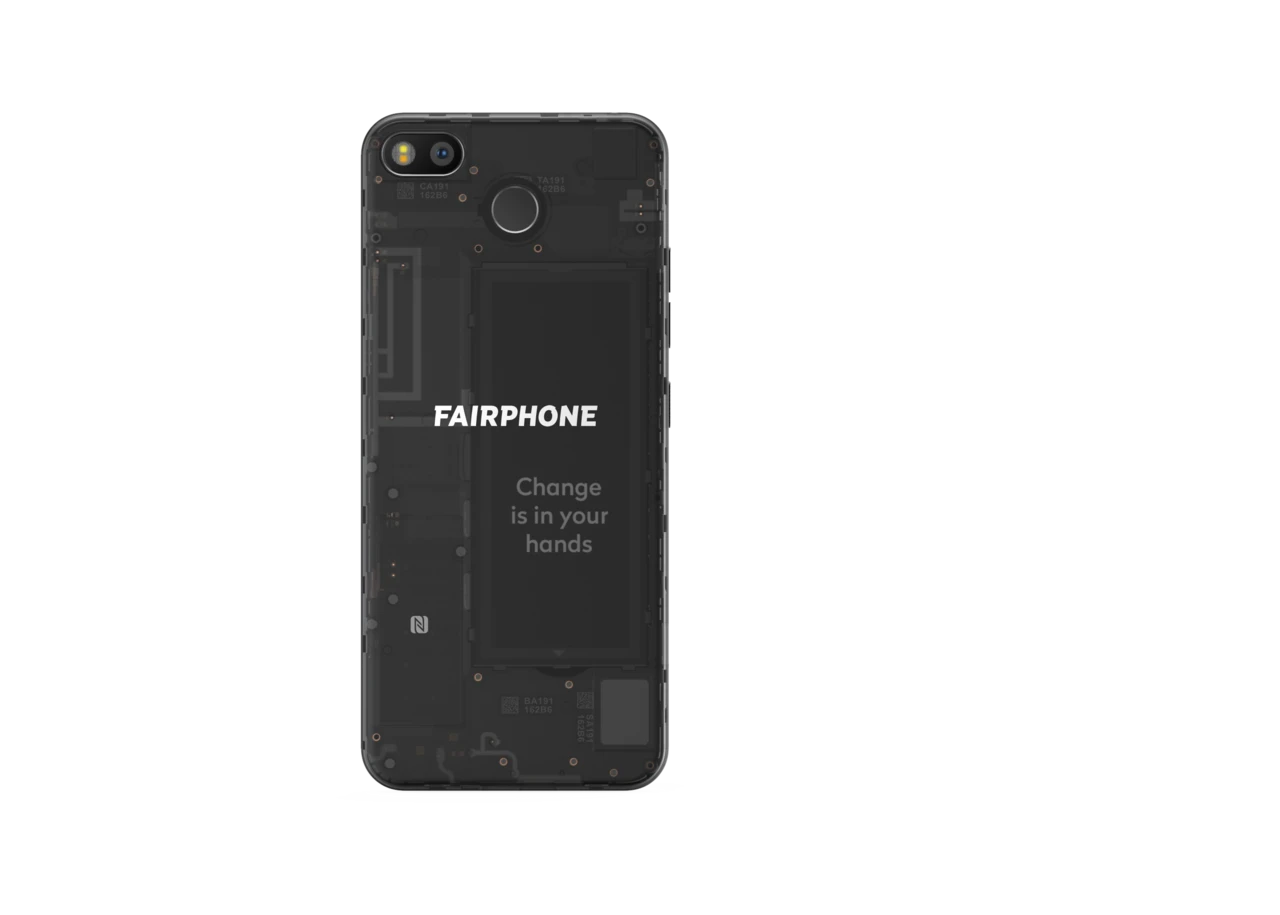
Fairphone 6+, officially The Fairphone (Gen. 6+), is the 2026 update with Snapdragon 7s Gen 4 and 12GB RAM.
Fairphone 6, officially The Fairphone (Gen. 6), is the 2025 handset with a 6.31-inch LTPO AMOLED screen, Snapdragon 7s Gen 3 and 8GB RAM.
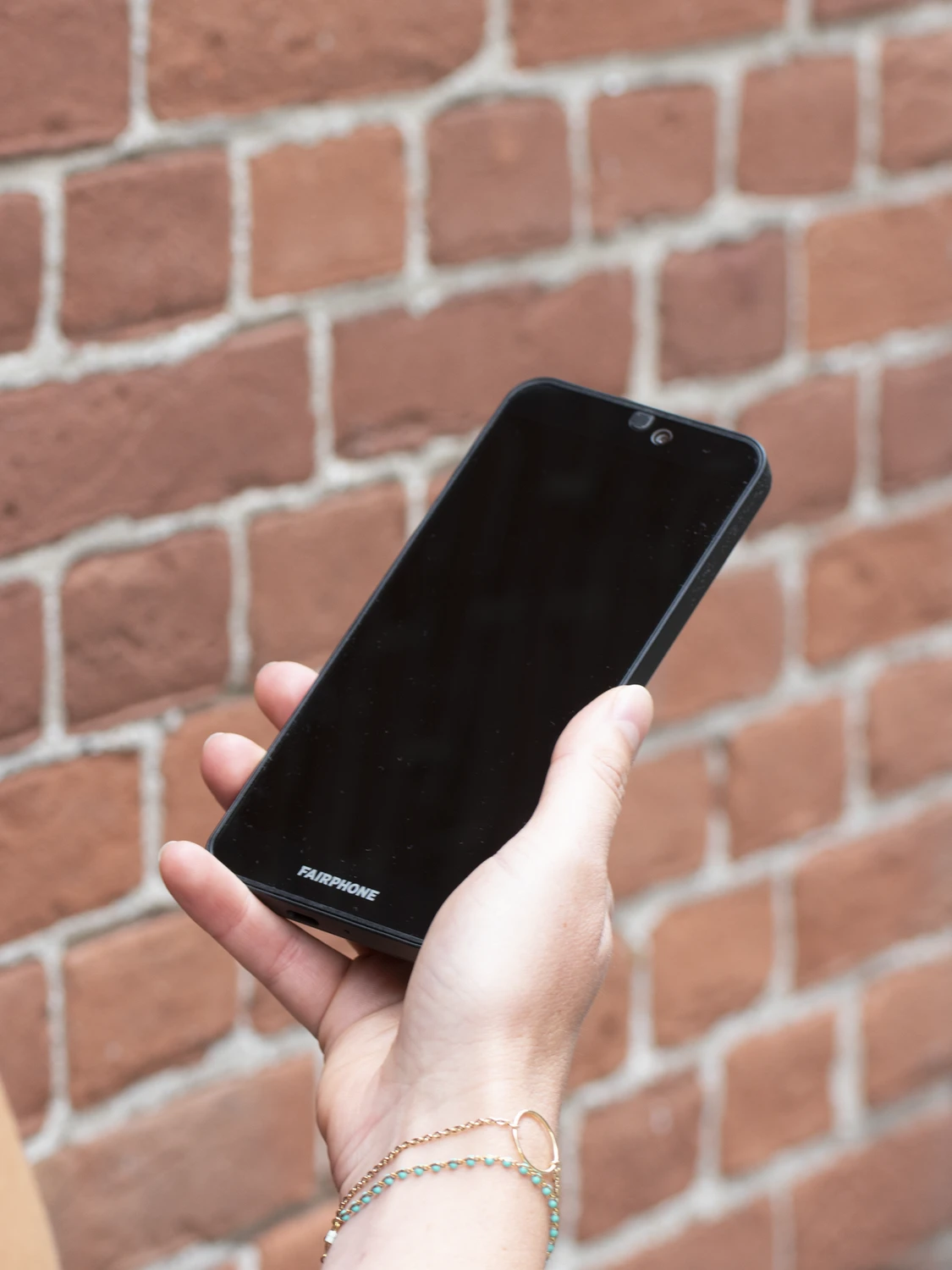
Fairphone 5 is the 2023 FP5 handset with a 6.46-inch, 90Hz OLED display and a centred front-camera opening.
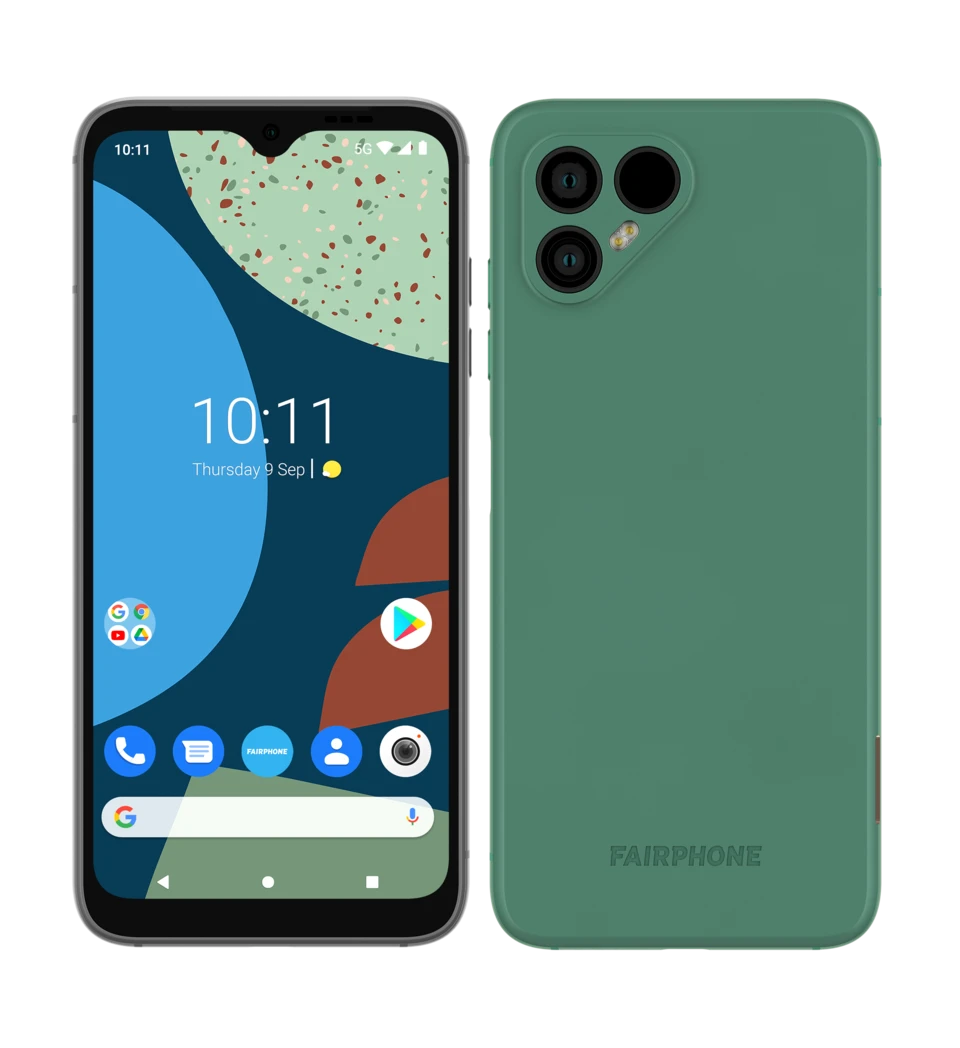
Fairphone 4 is the 2021 5G model, identified as FP4, with a 6.3-inch LCD and a teardrop-shaped front-camera notch.
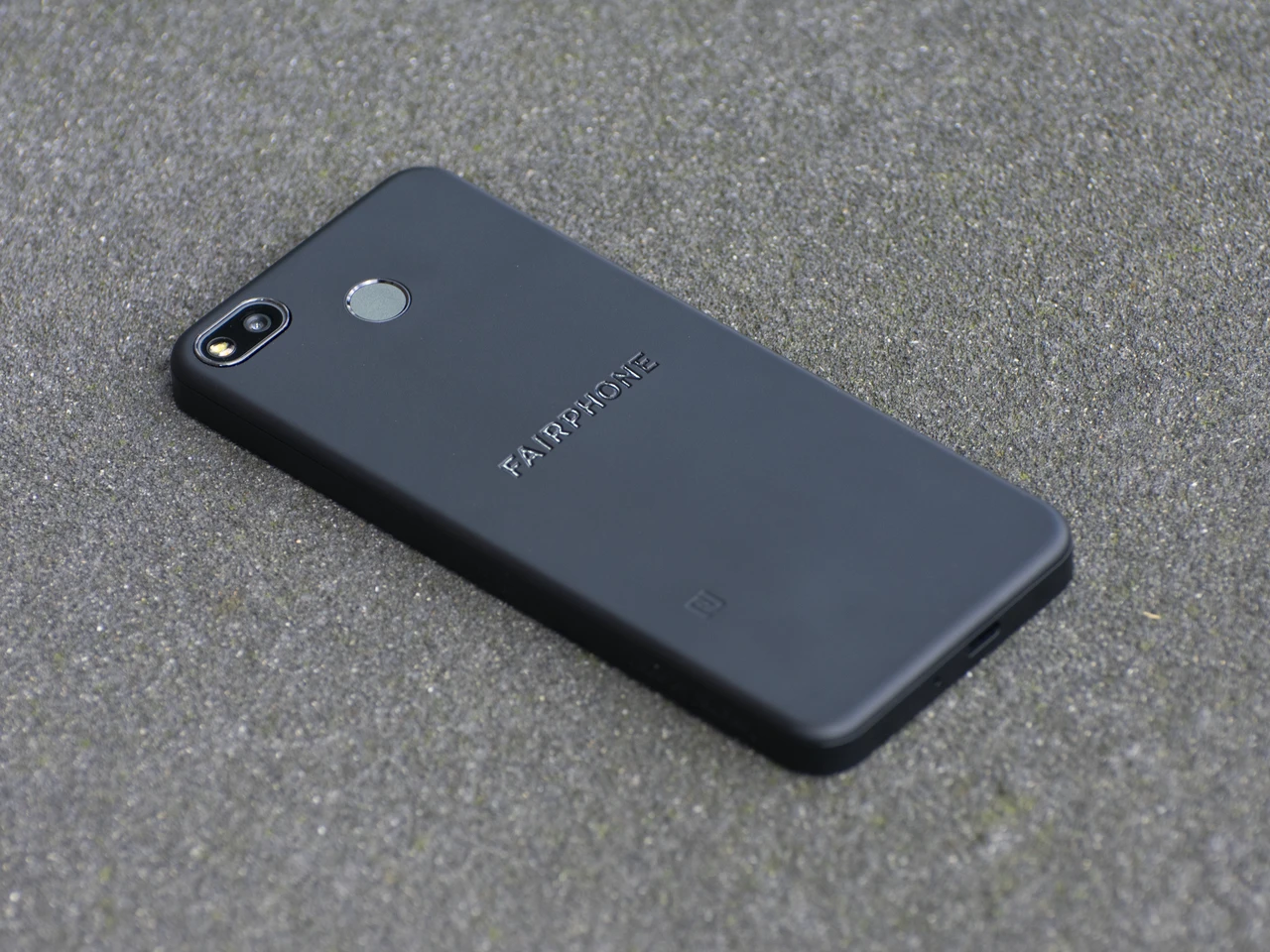
Fairphone 3+ is the 2020 version of the FP3 platform, with a 48MP rear camera, 16MP front camera and opaque Black rear cover.
Fairphone 3 is the 2019 modular model with a 5.65-inch screen, 4GB RAM and 64GB storage.
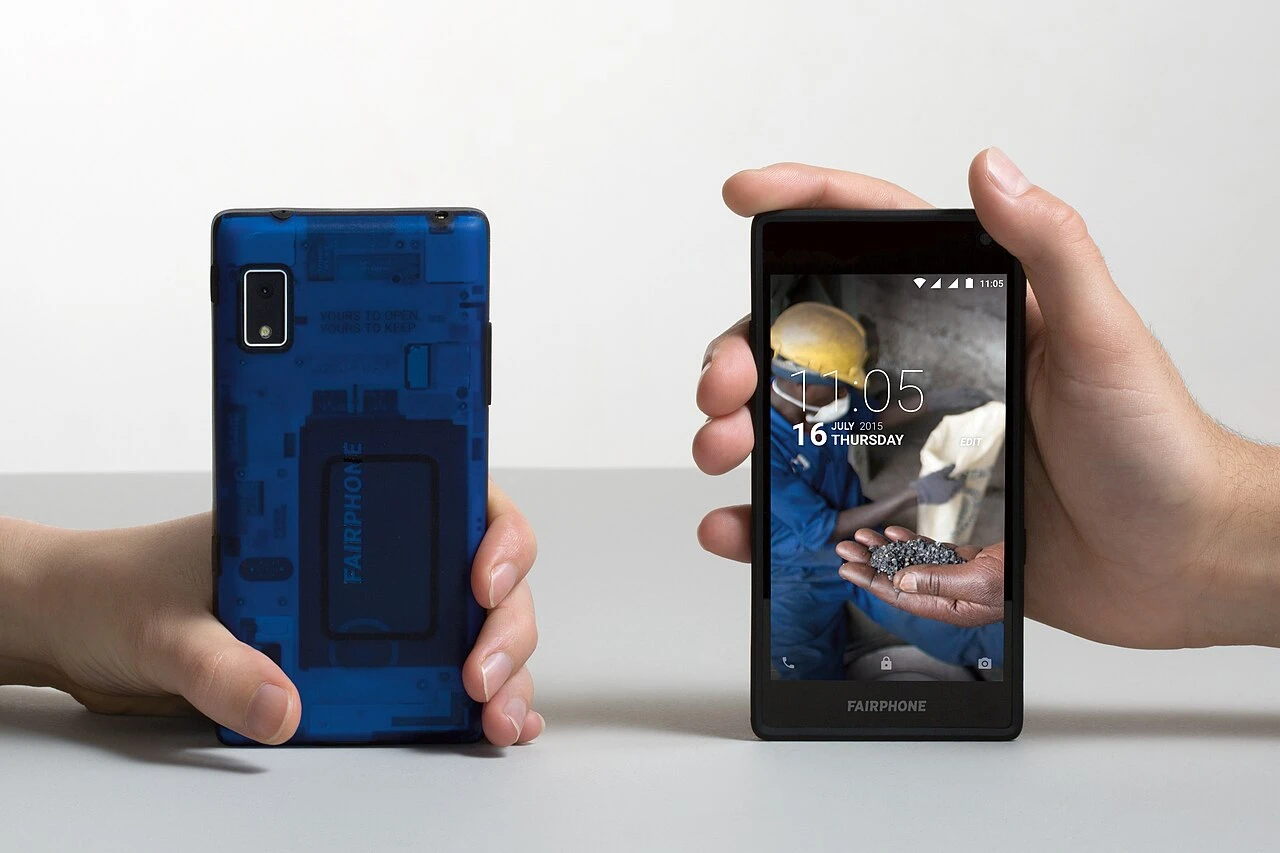
Fairphone 2 is the 2015 modular Fairphone with a 5-inch Full HD screen, Snapdragon 801 processor and removable 2,420mAh battery.
Fairphone 1U is the later first-generation revision associated with the second batch of Fairphones in 2014.
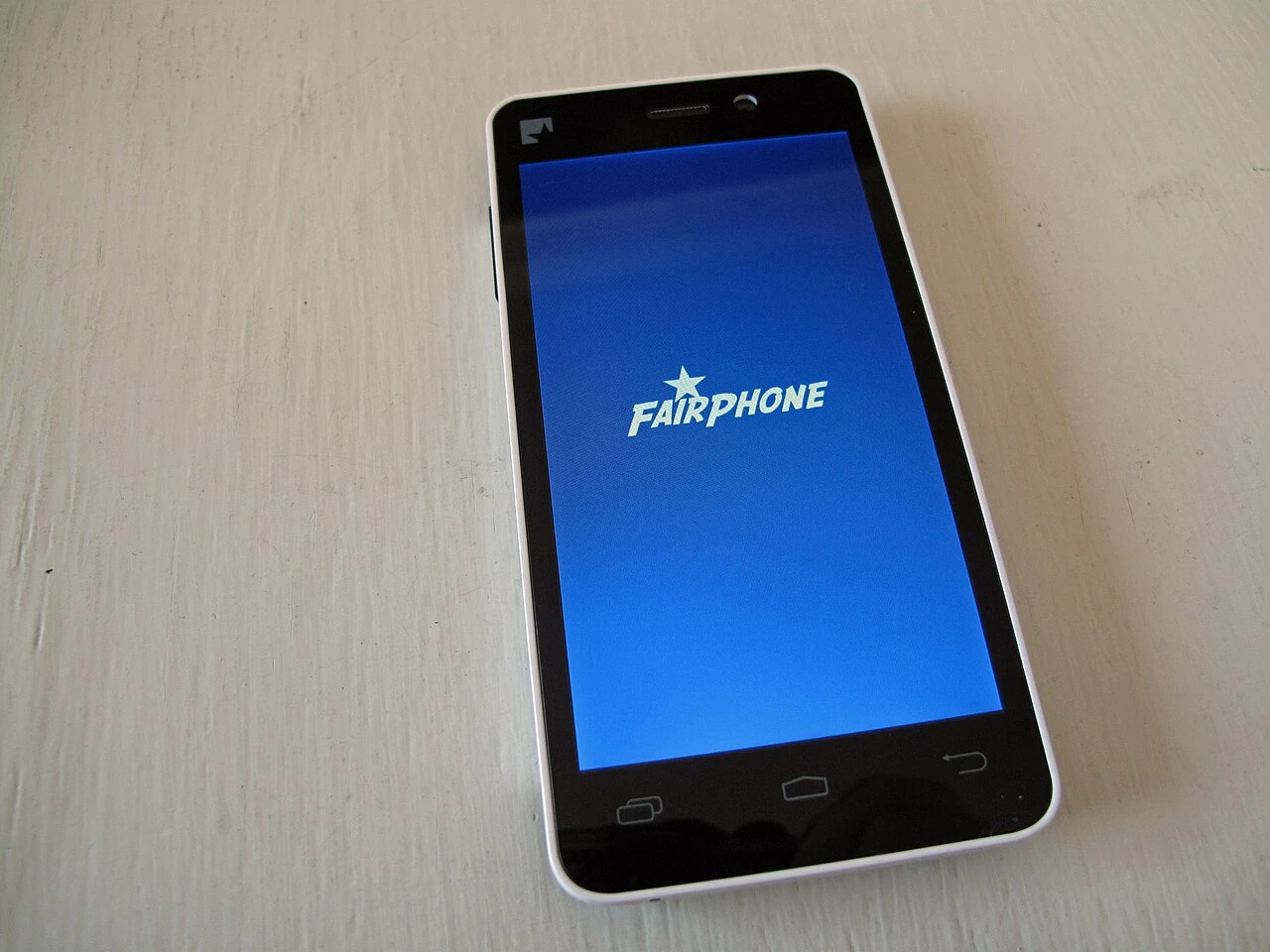
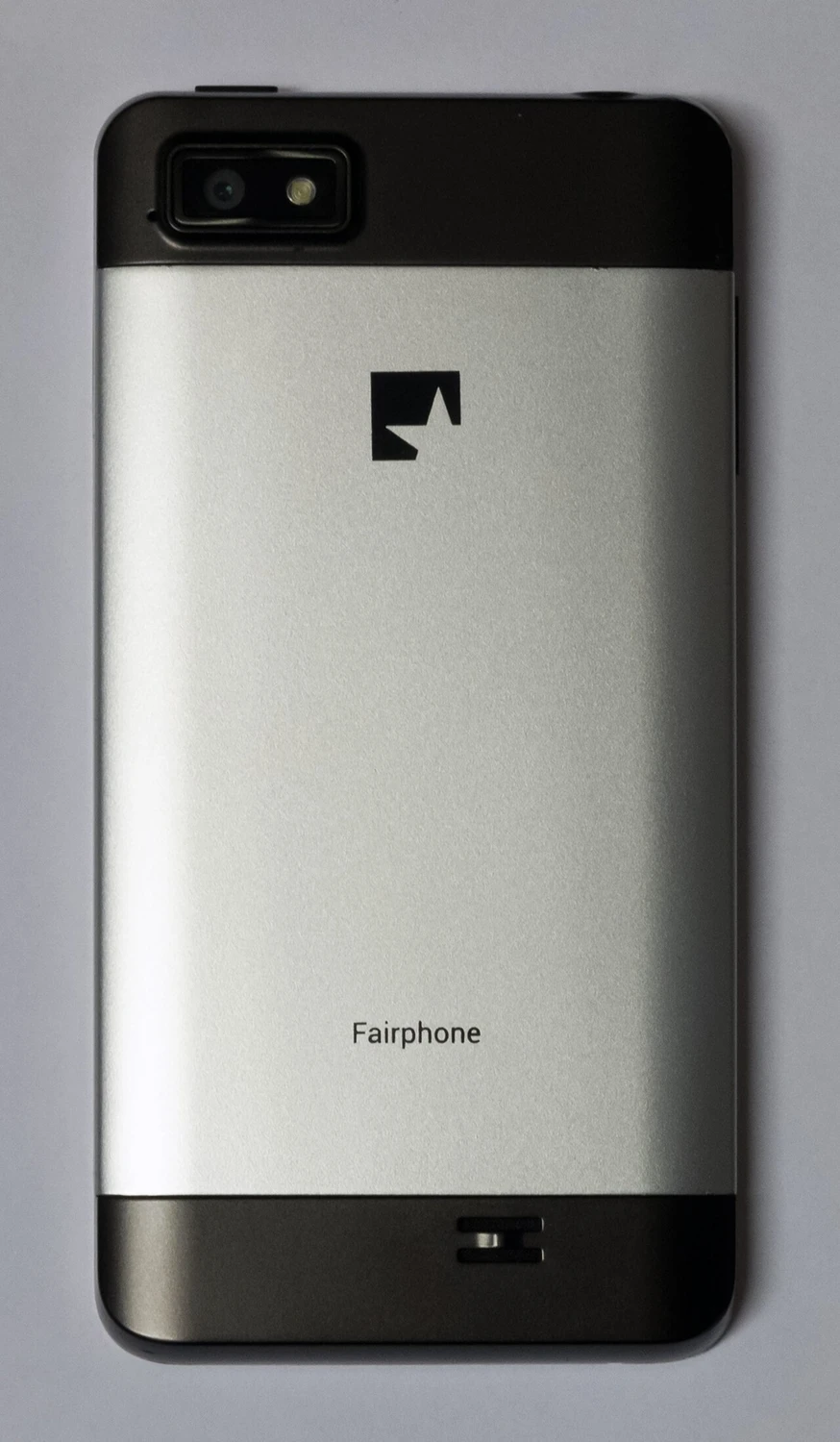
Fairphone 1 is the first-generation Fairphone introduced in 2013, with first shipments recorded by Fairphone in early 2014.
Try a shorter model name, a keyword or the beginning of its model code. Clear the range filter to search all models on this page.
Colours and small details in the pictures are approximate. Confirm the model marking in the device information, on its label or on the original packaging before choosing accessories or replacement parts.
The name identifies the range. The model number identifies the hardware version.
Many devices share a model number. A serial number identifies an individual device. Depending on its mobile network, a cellular device may also have an IMEI, MEID or ESN.