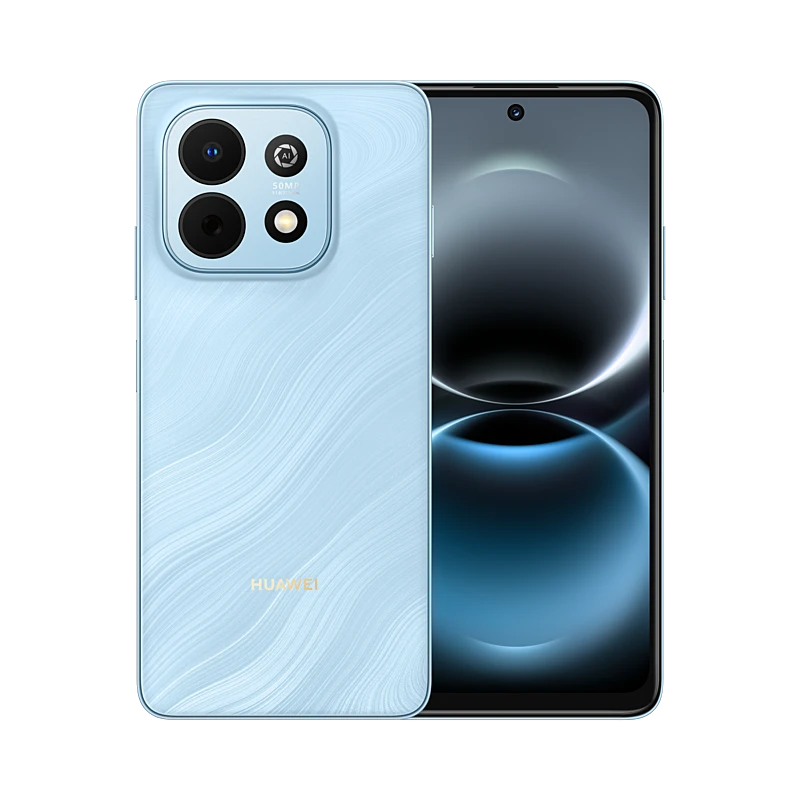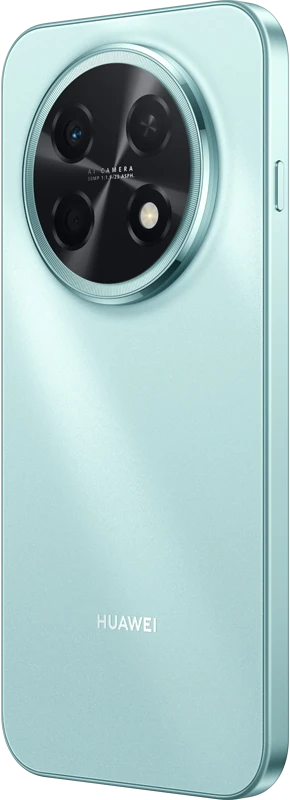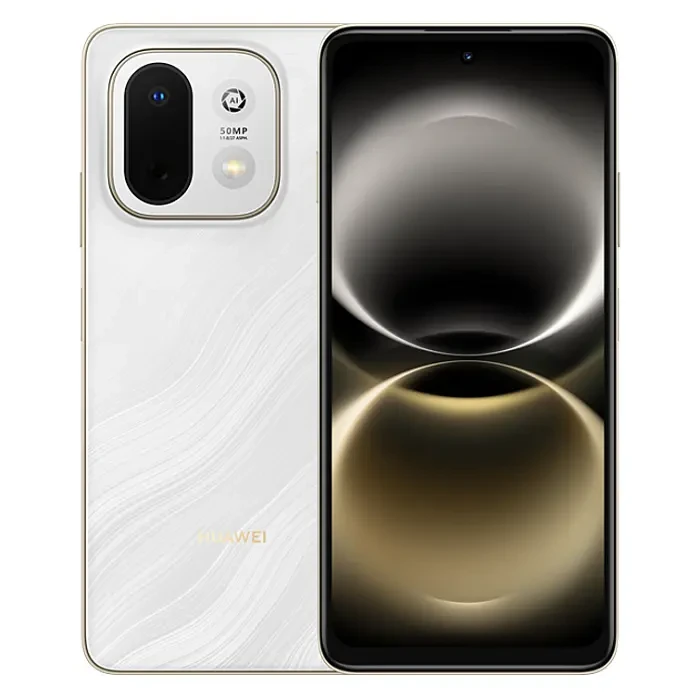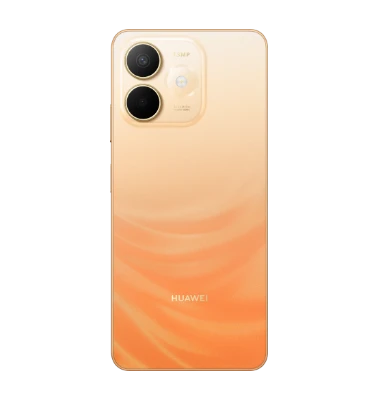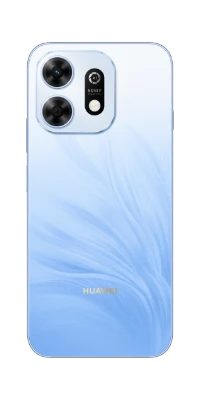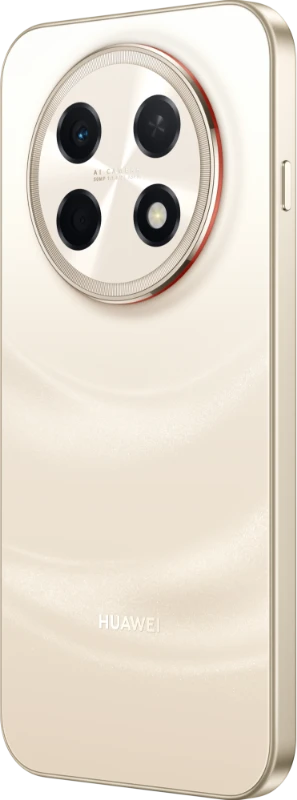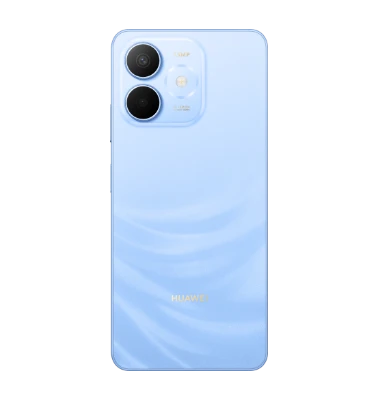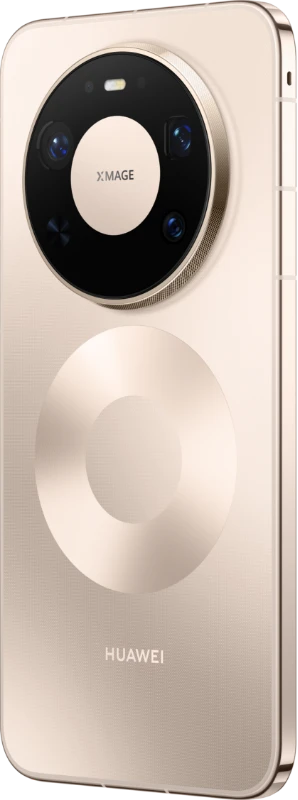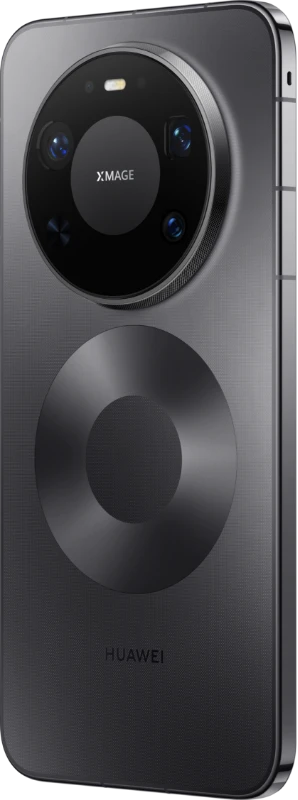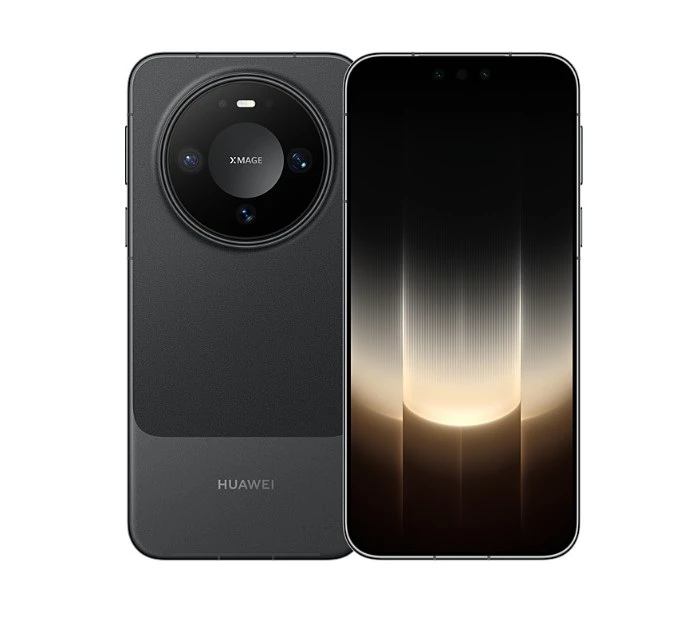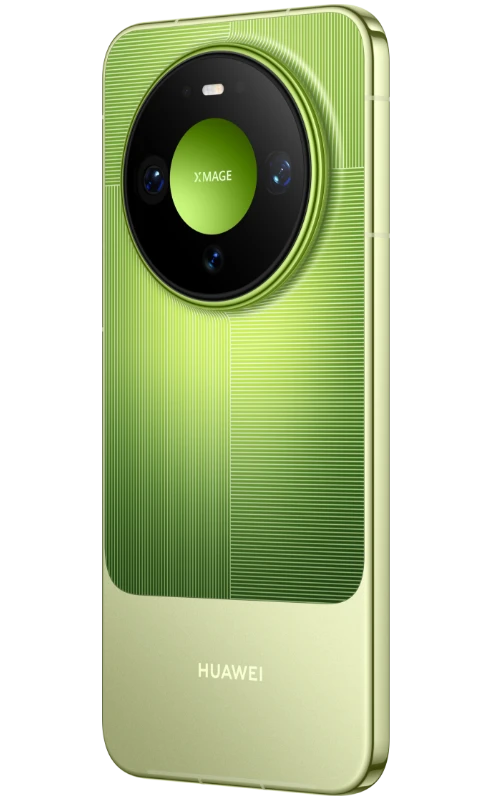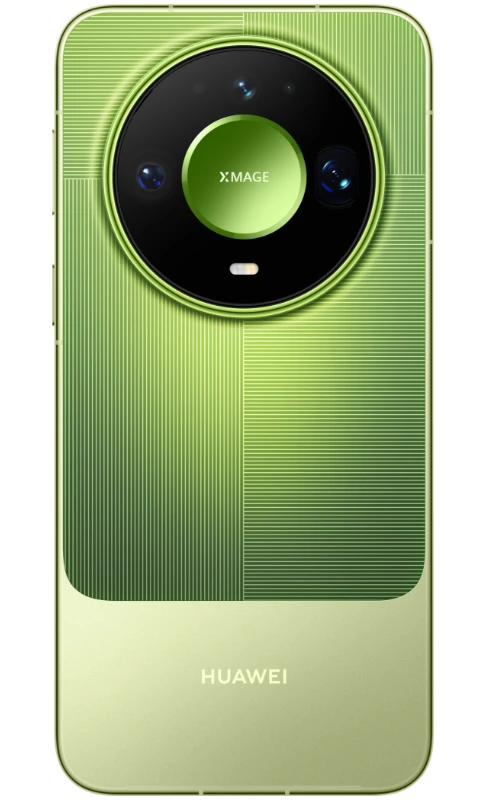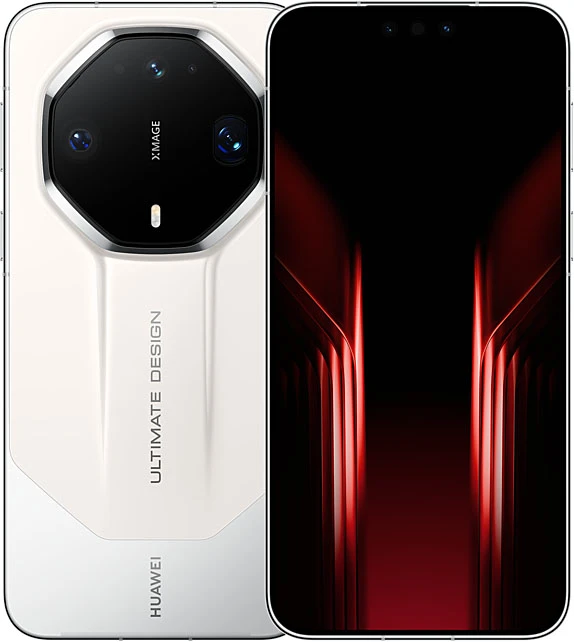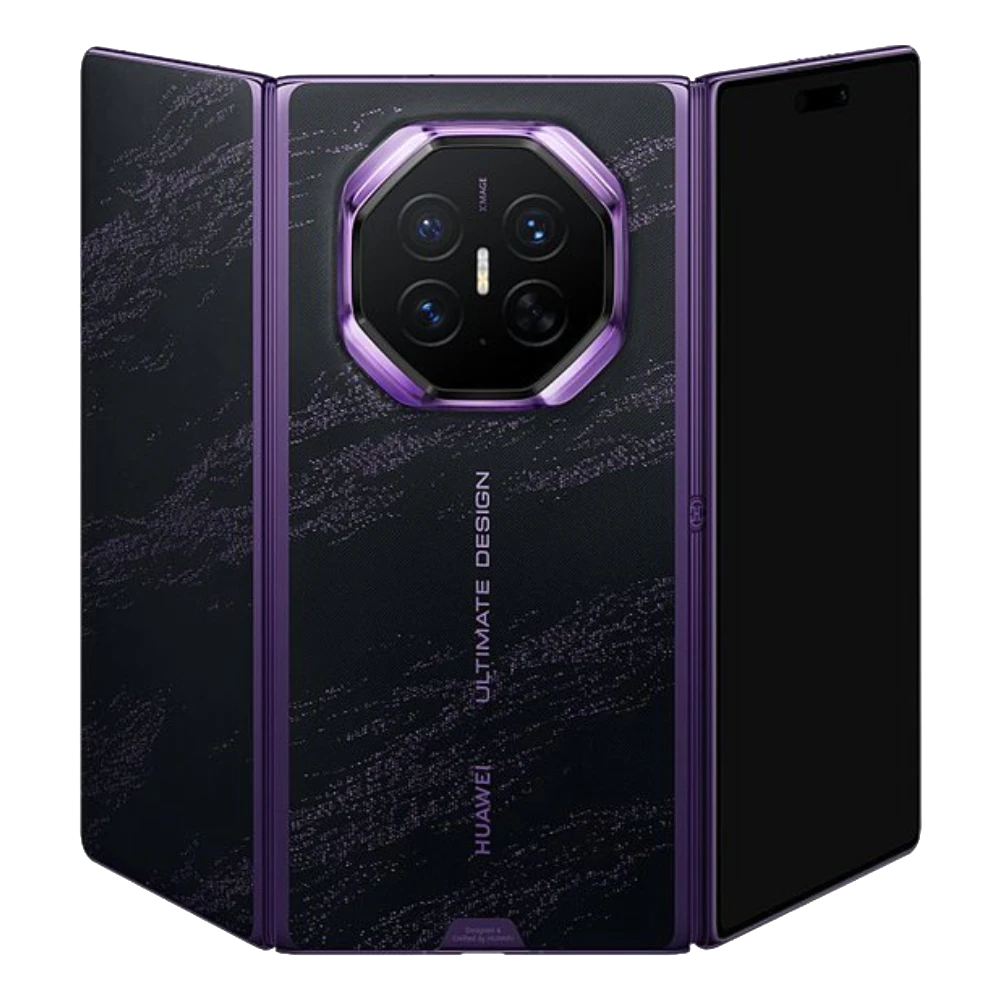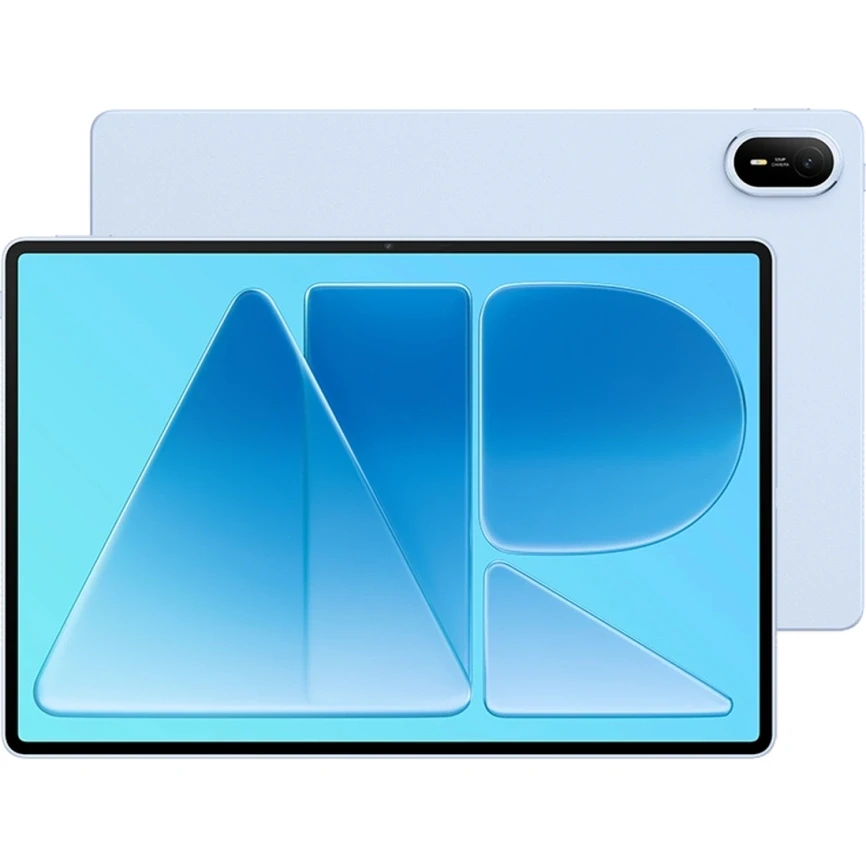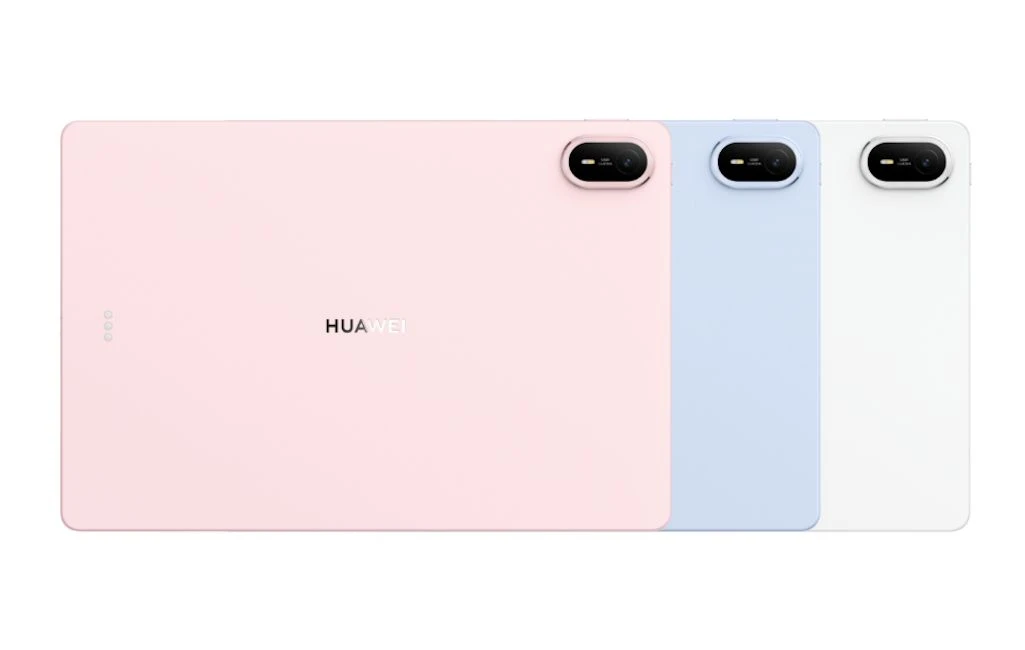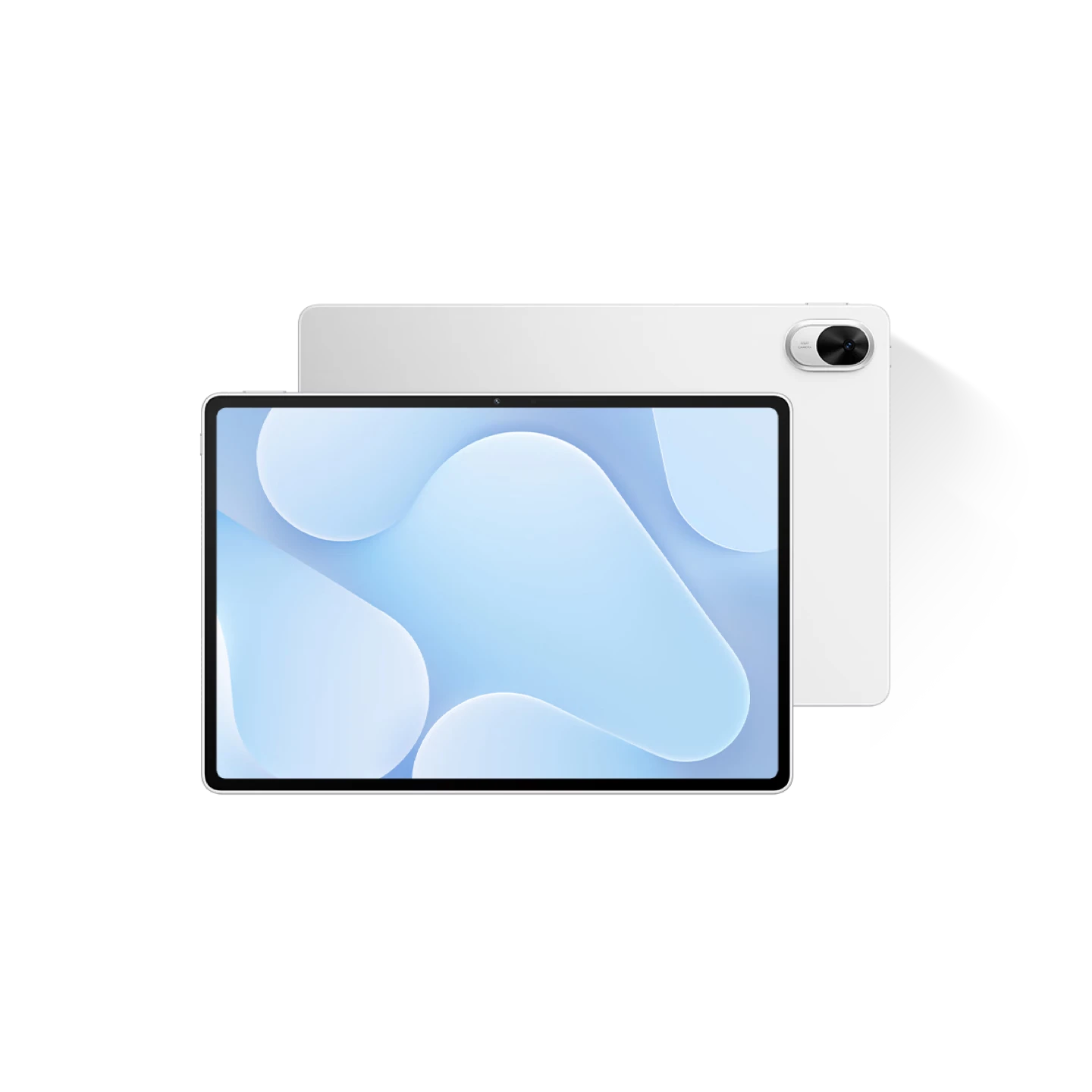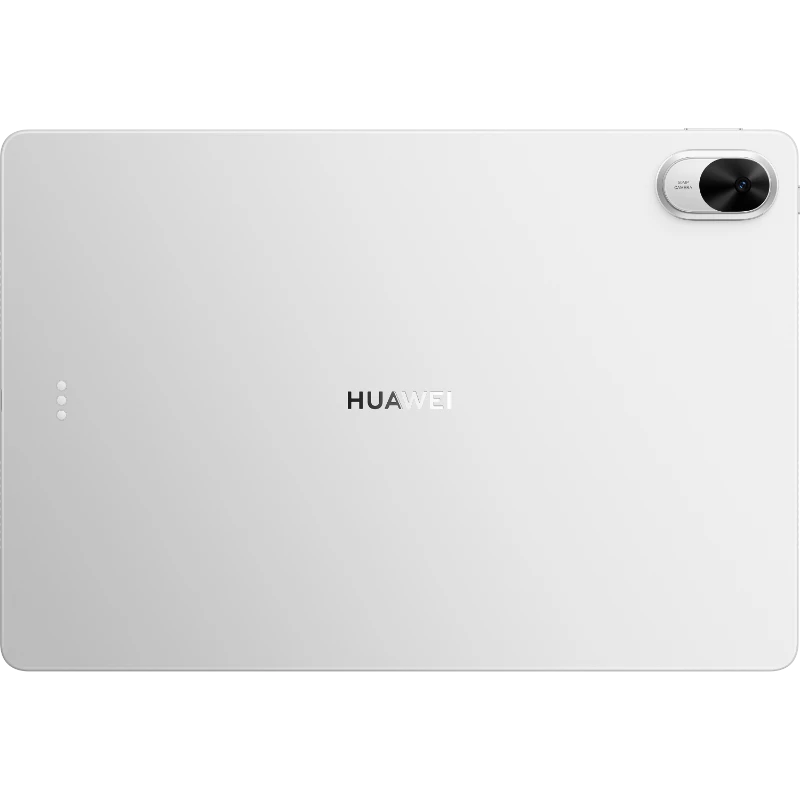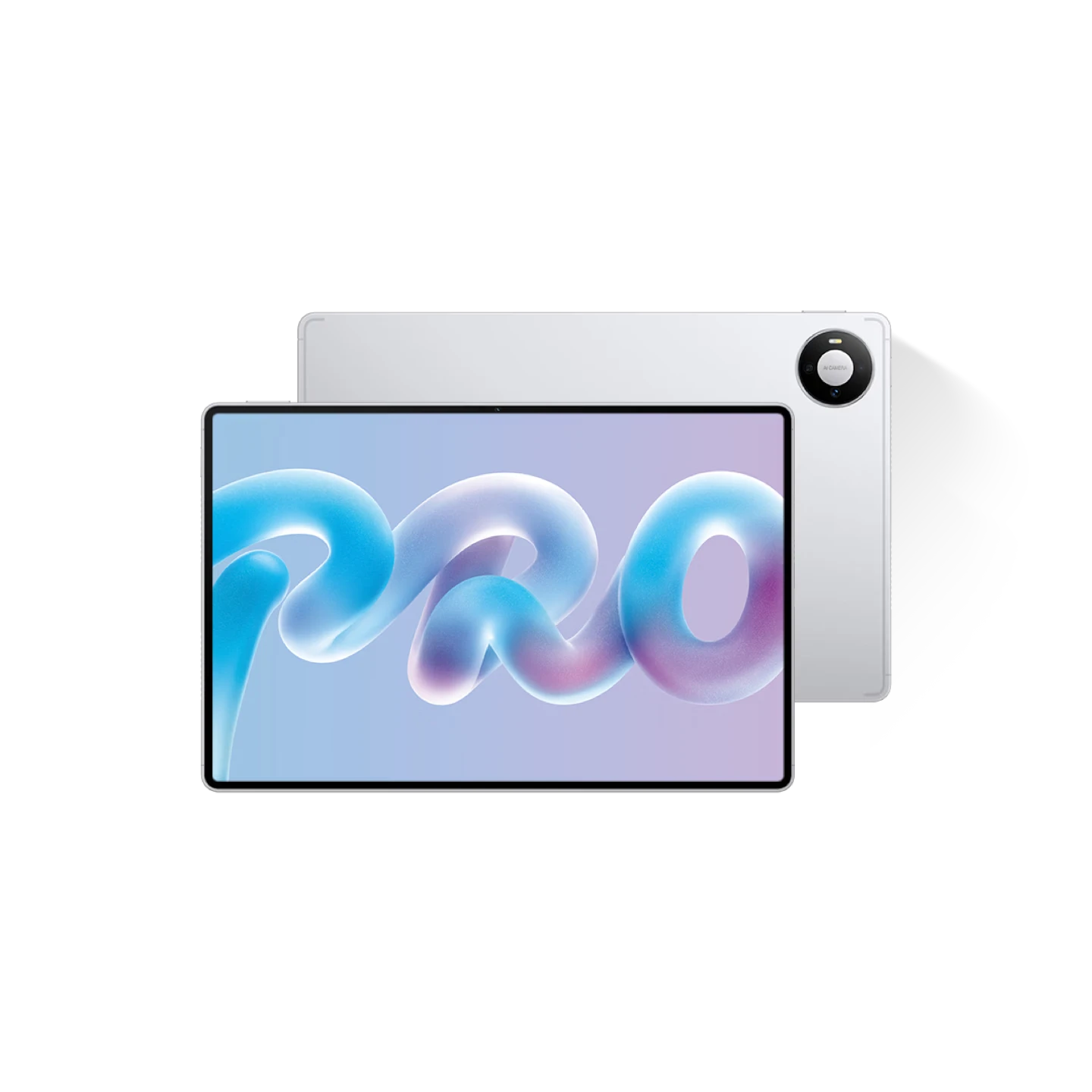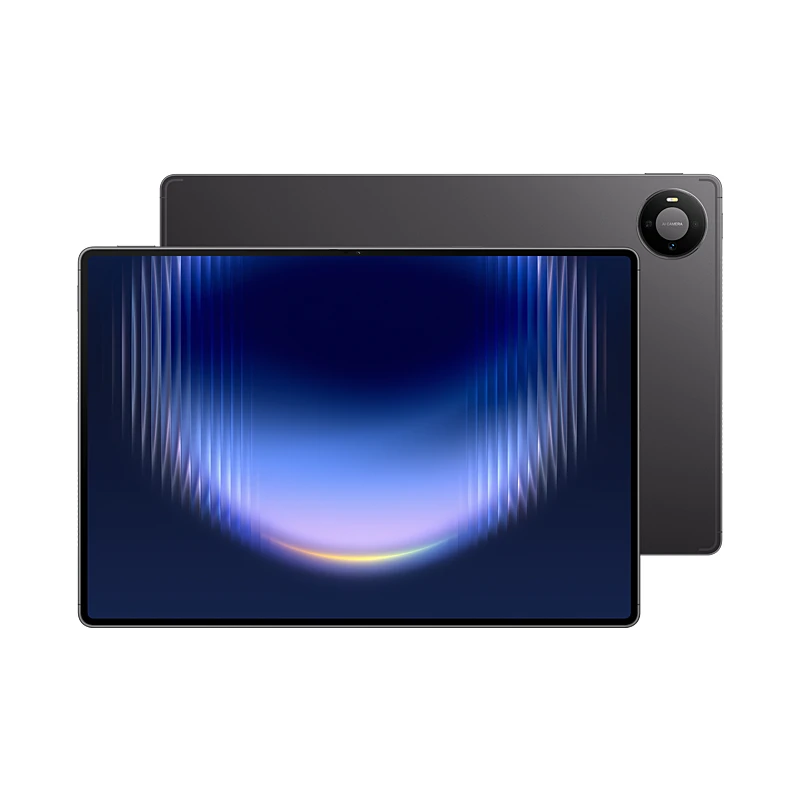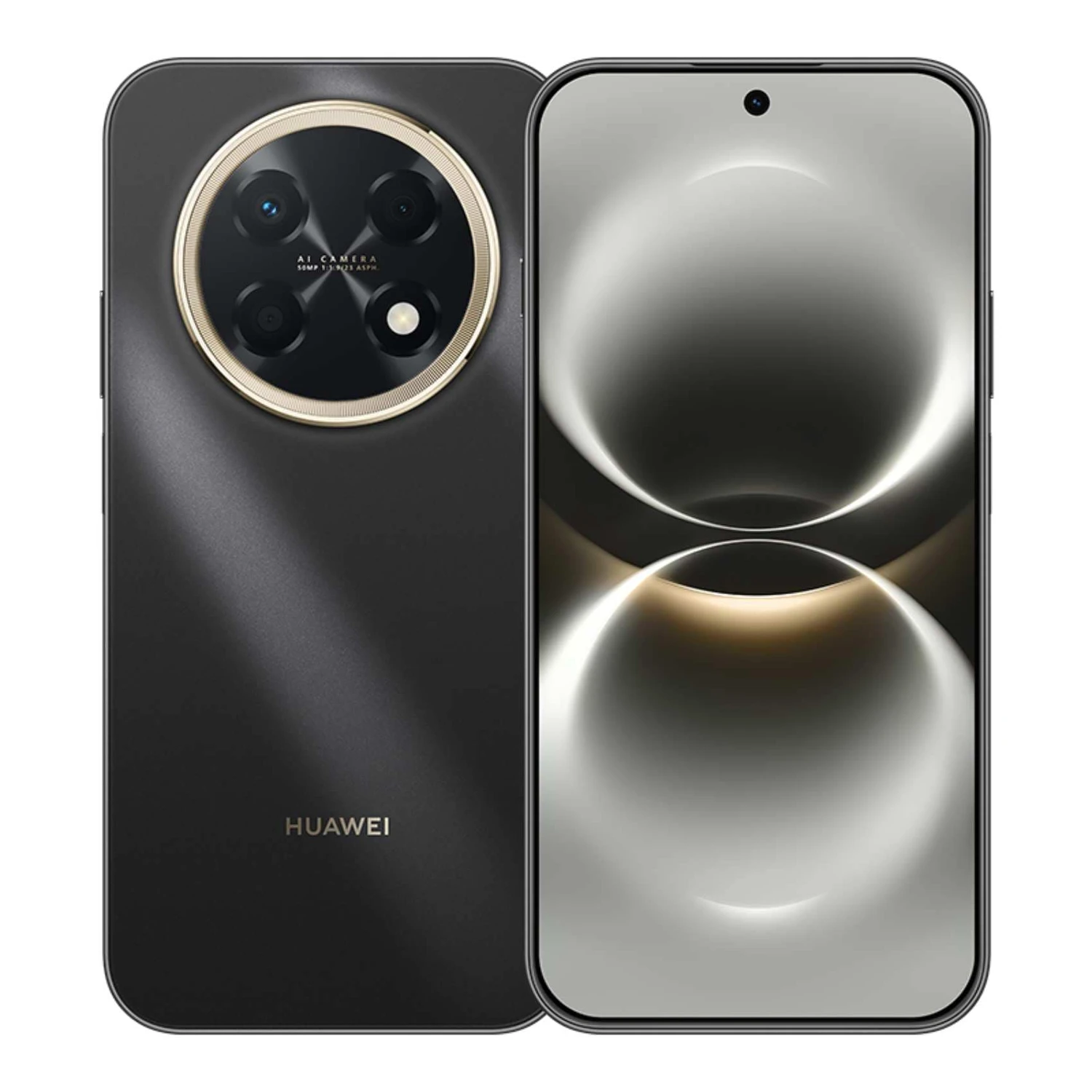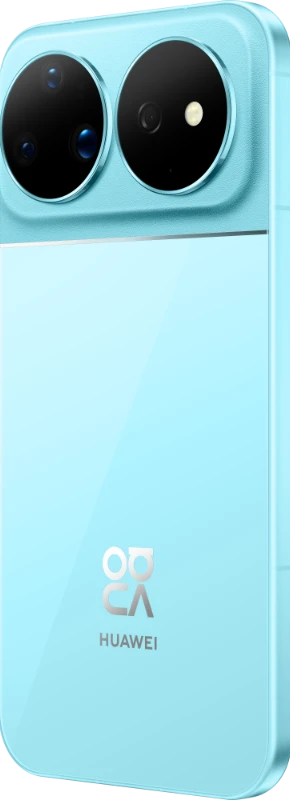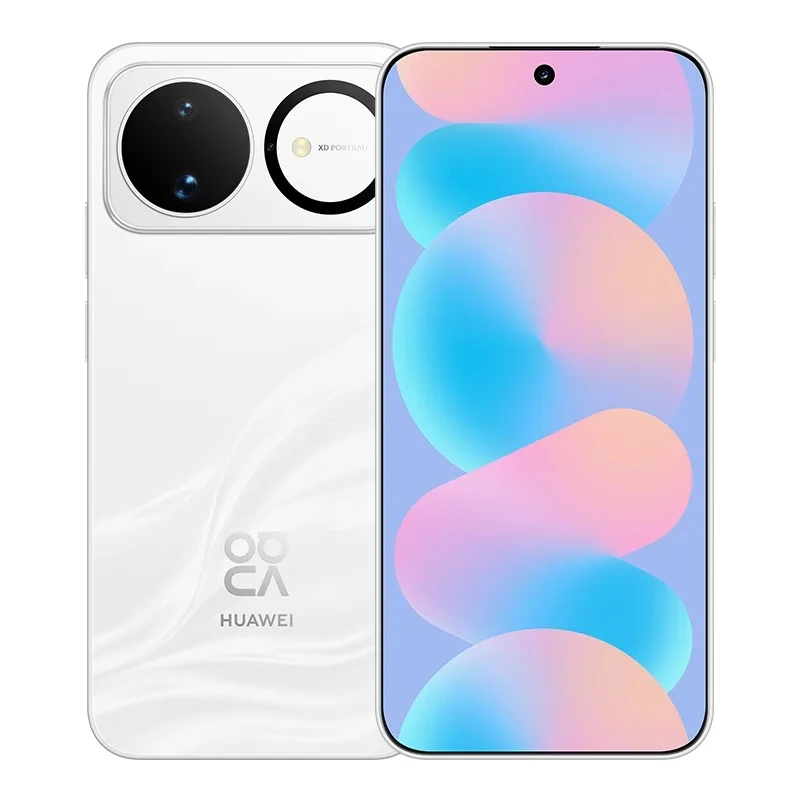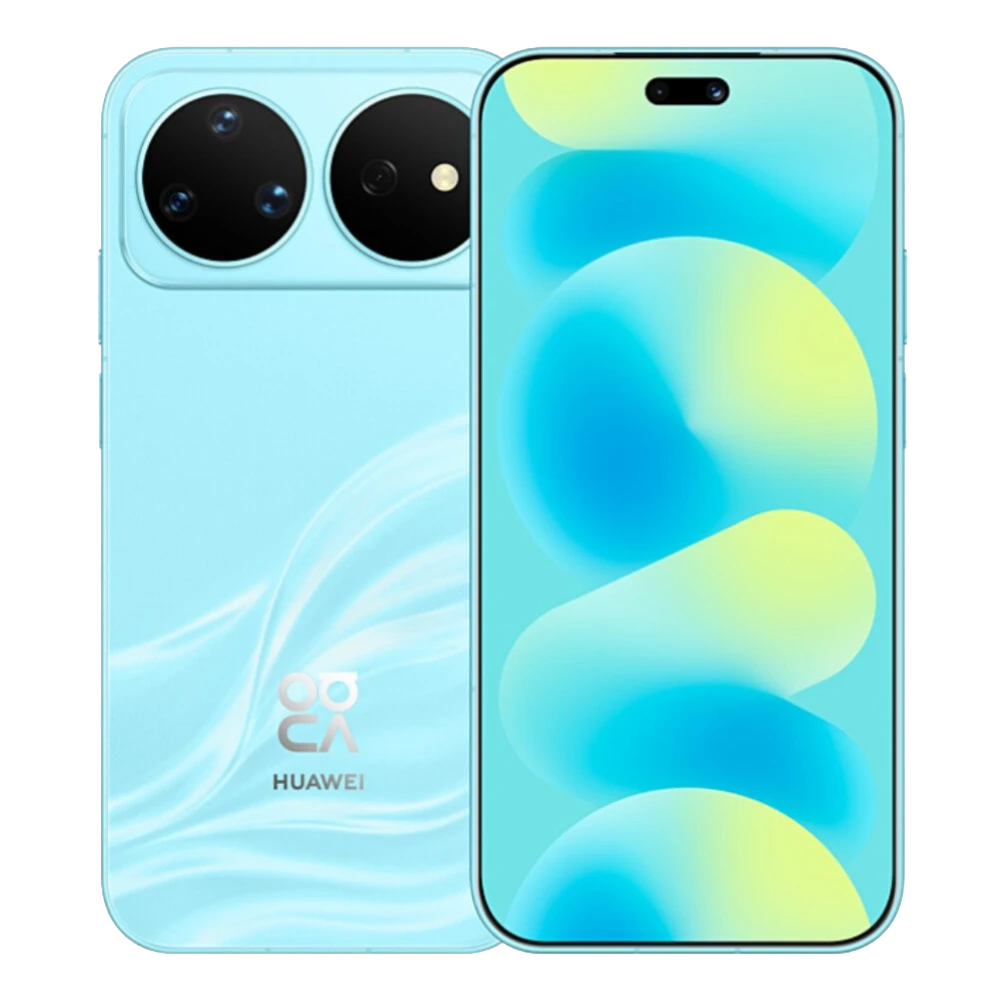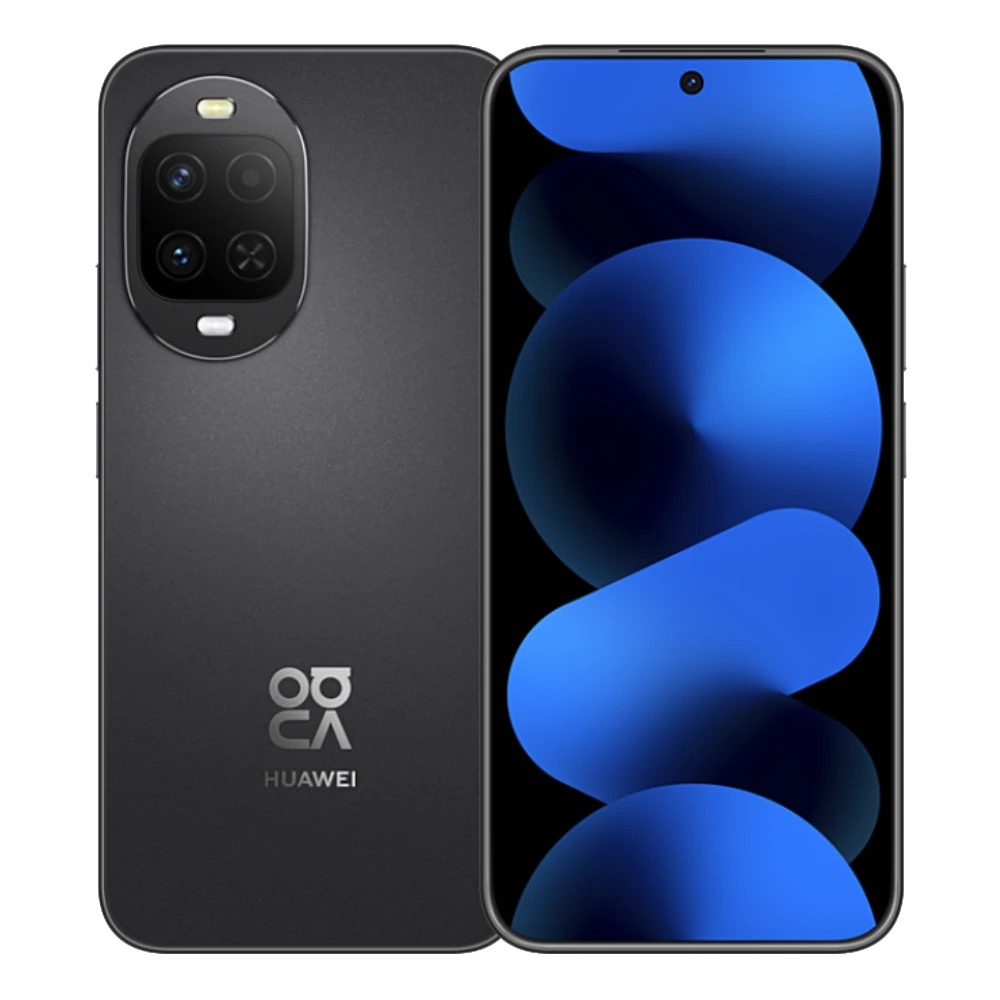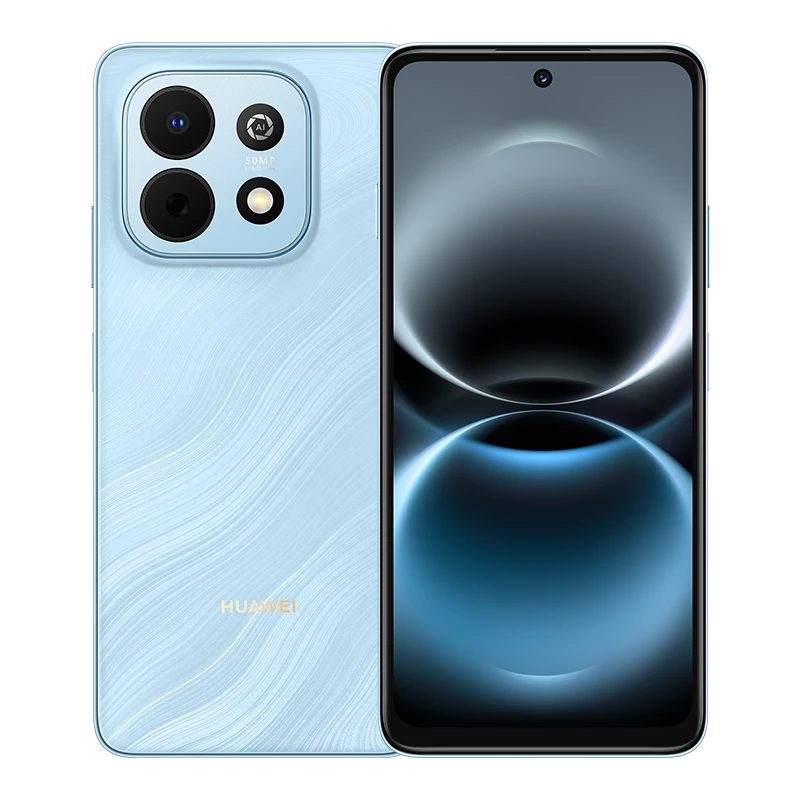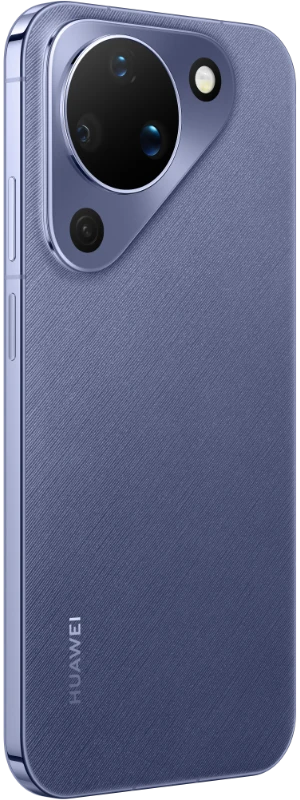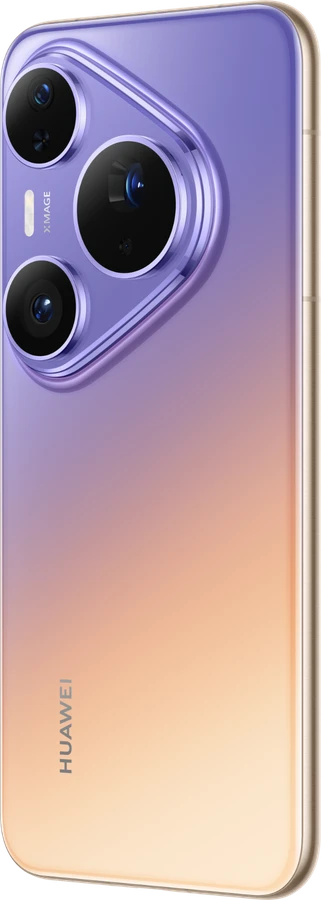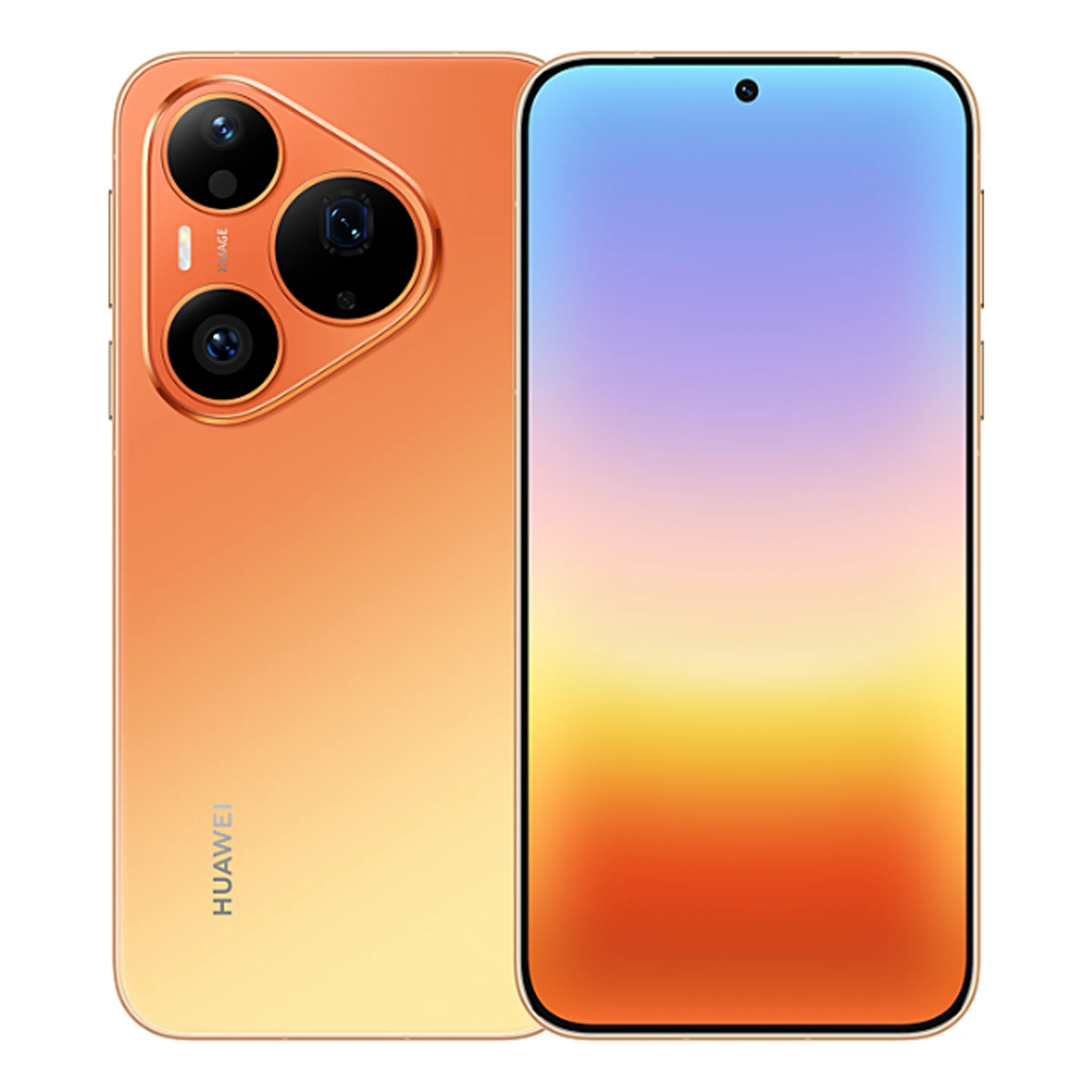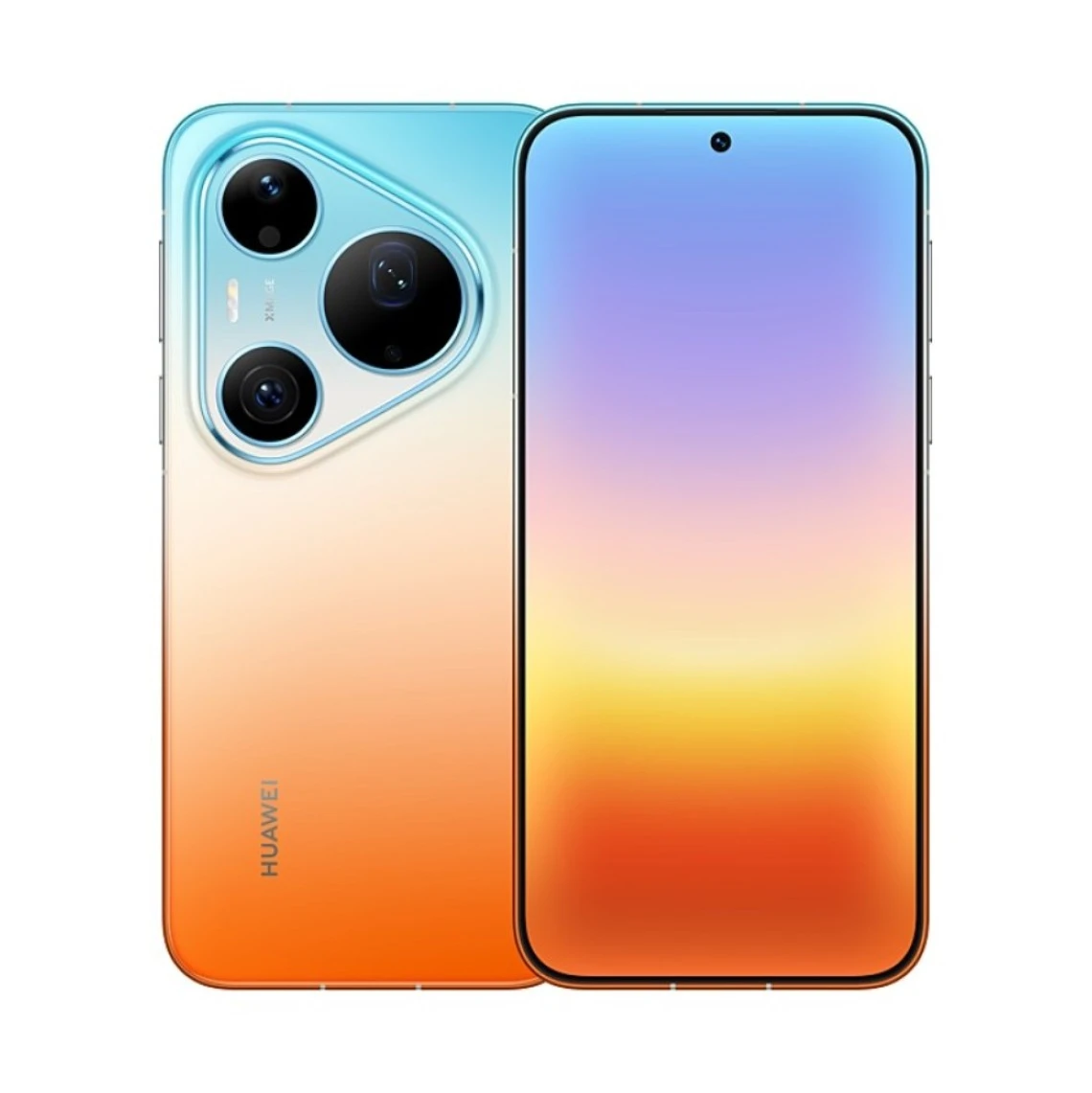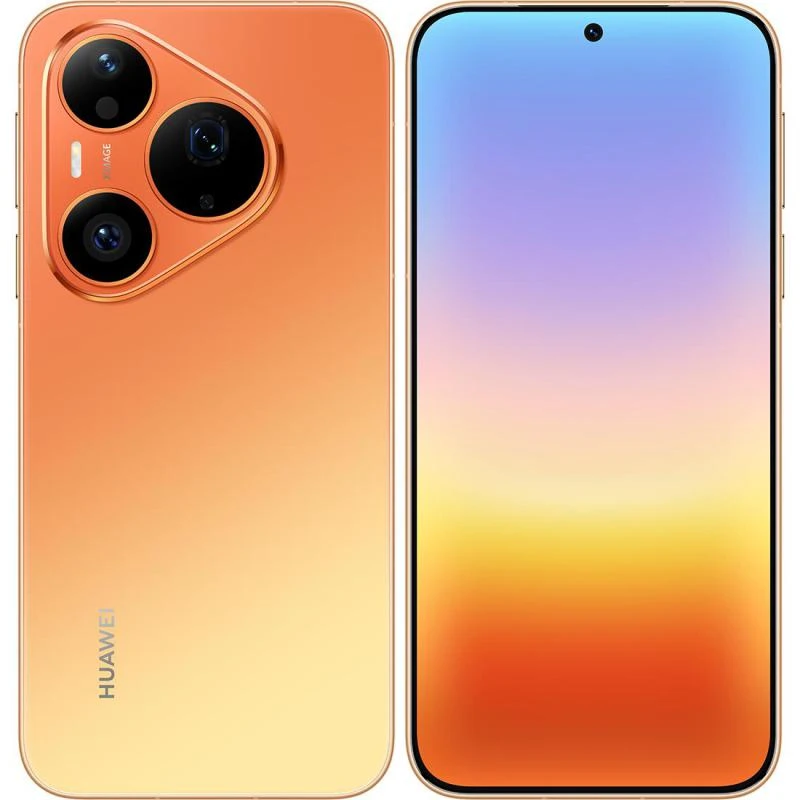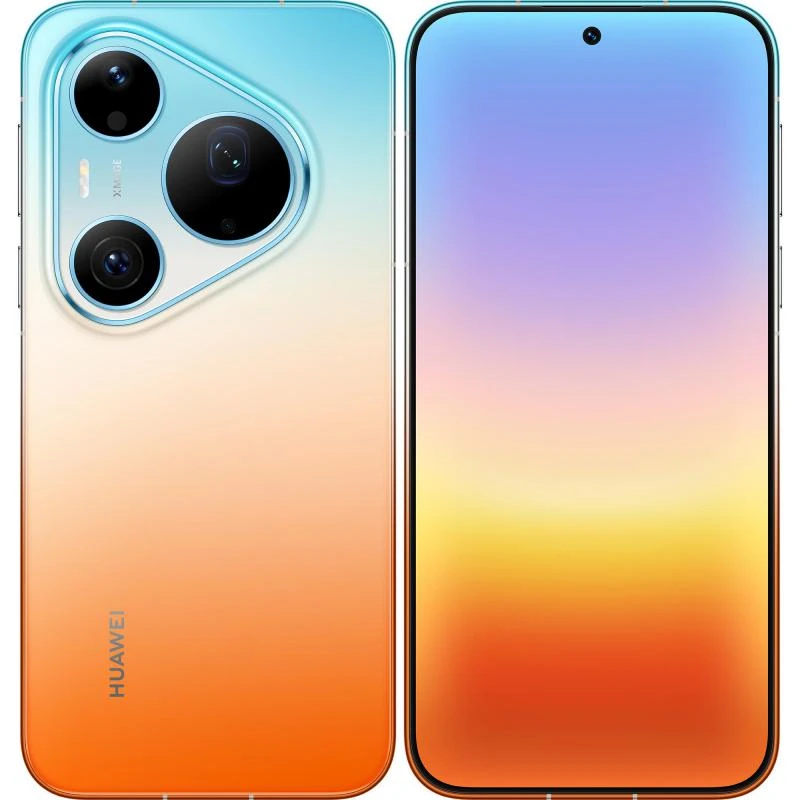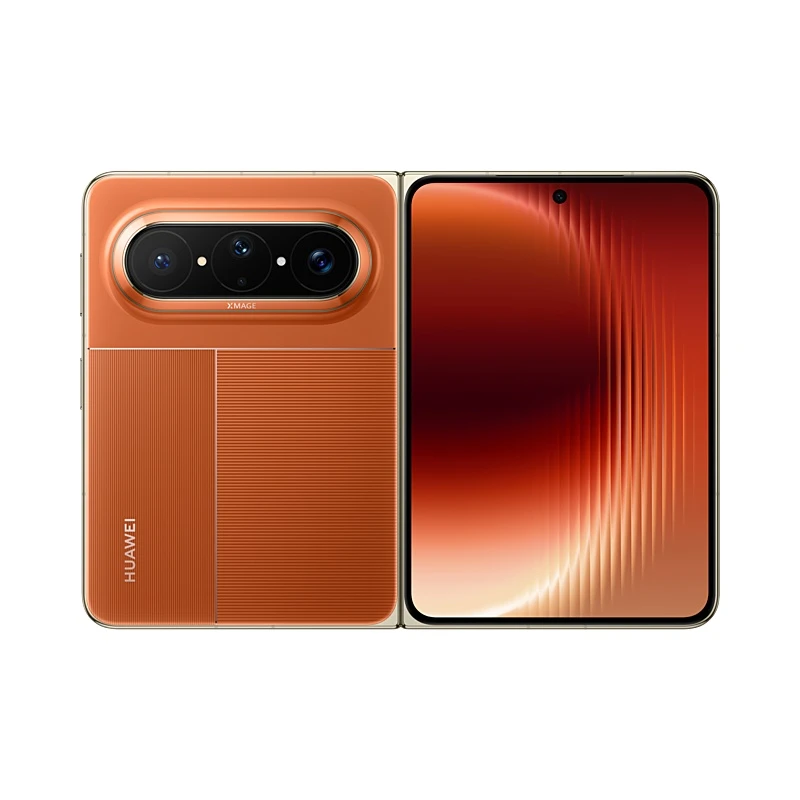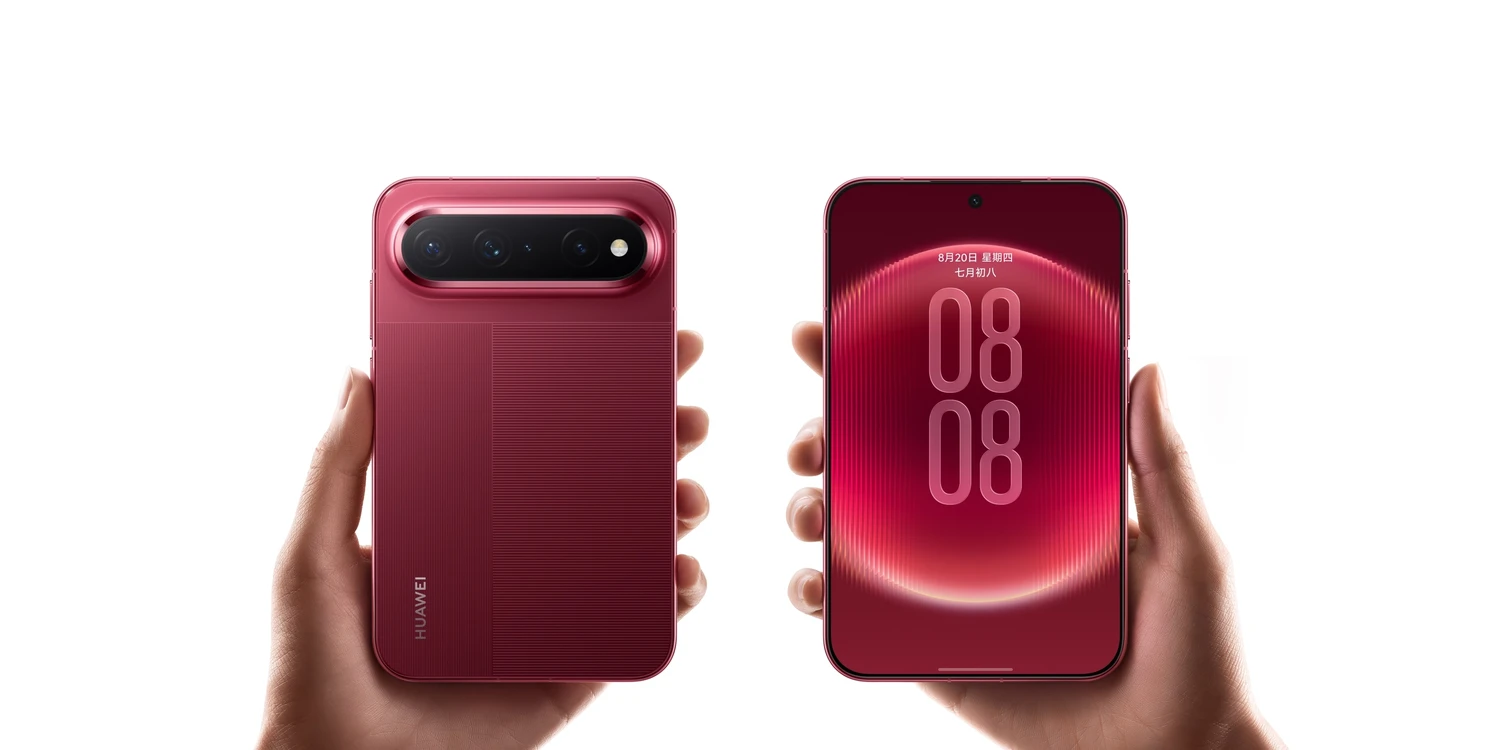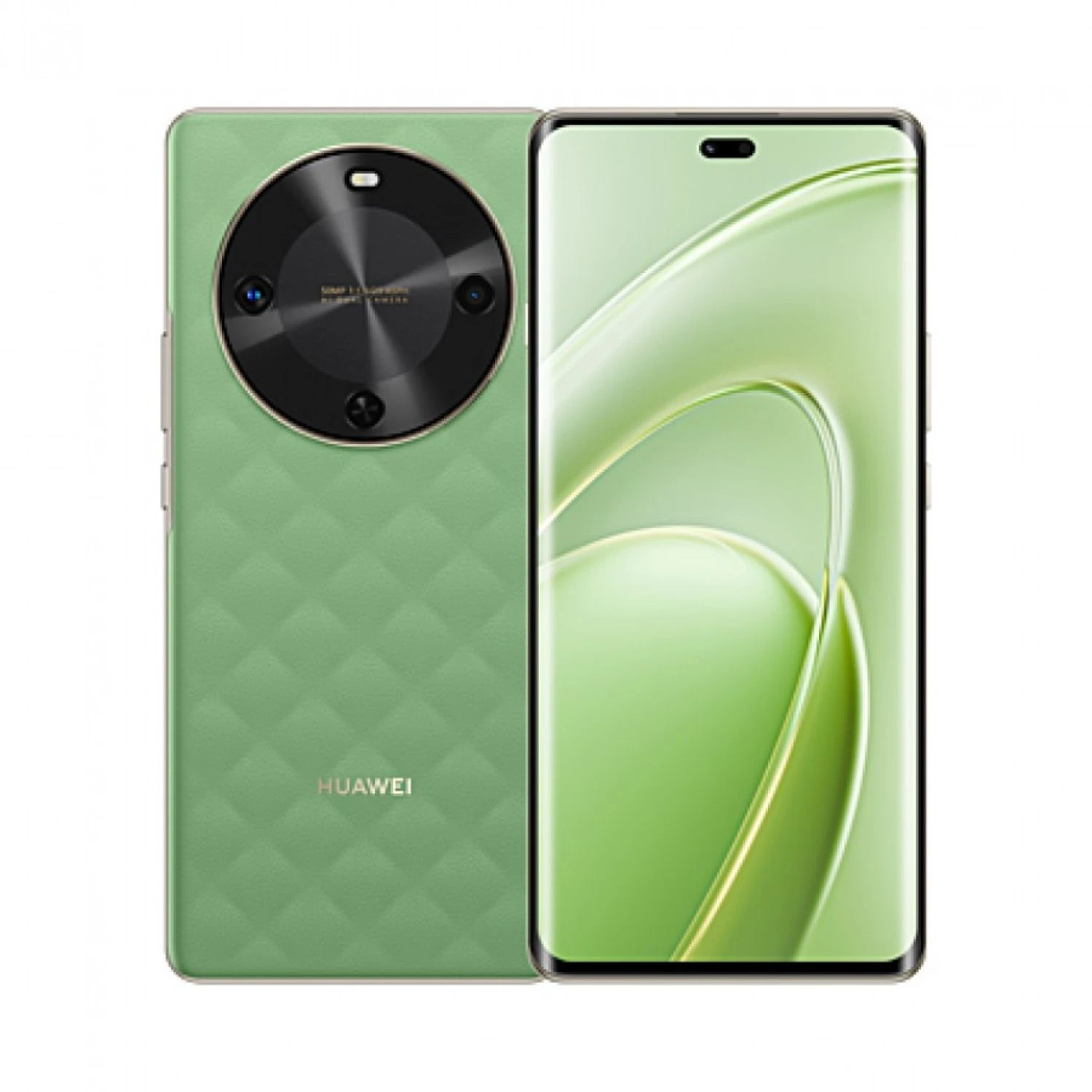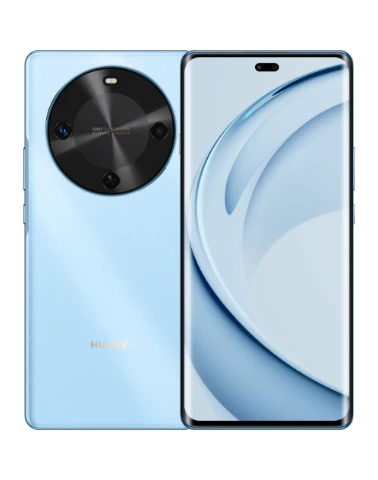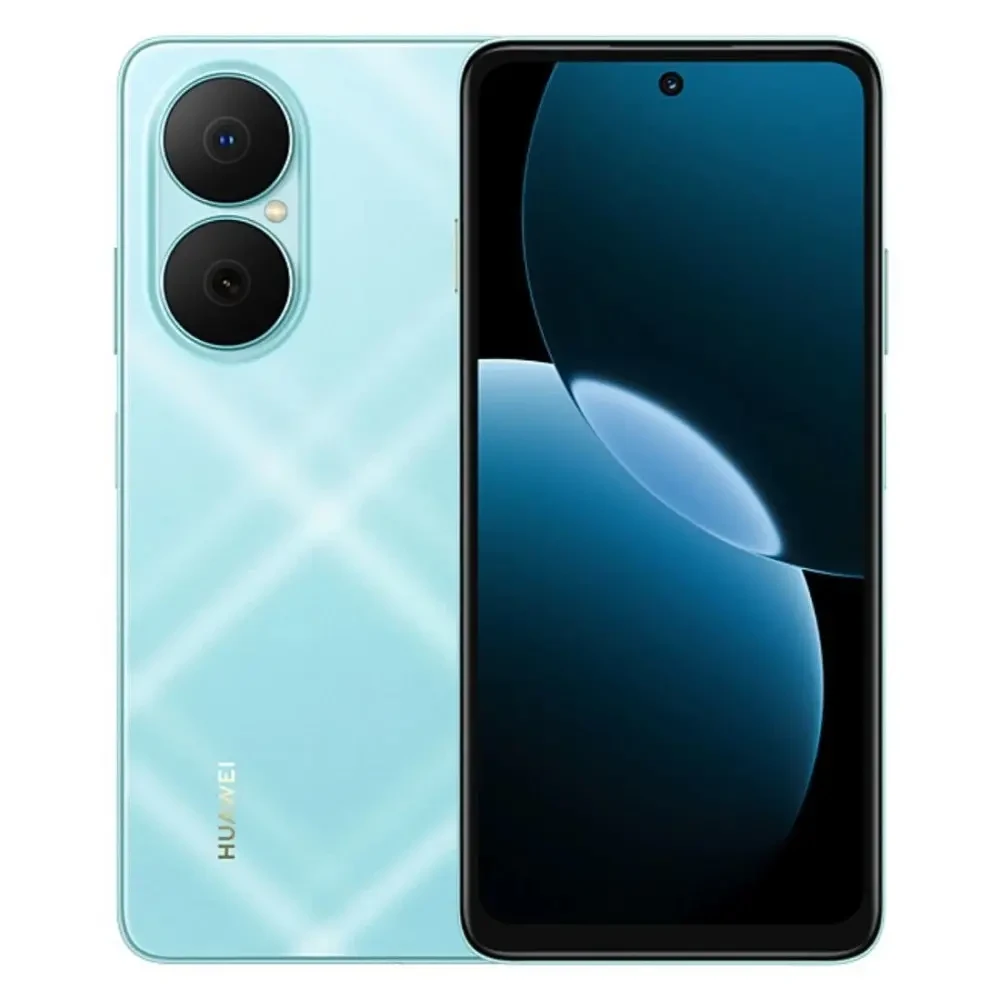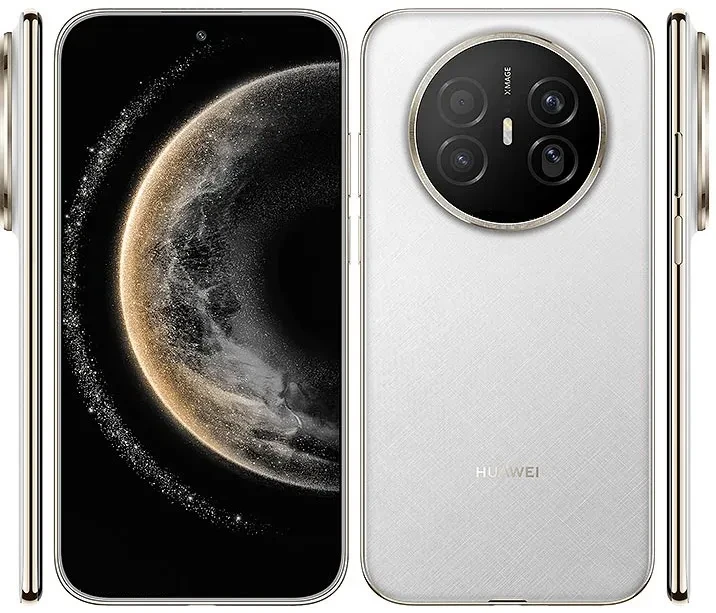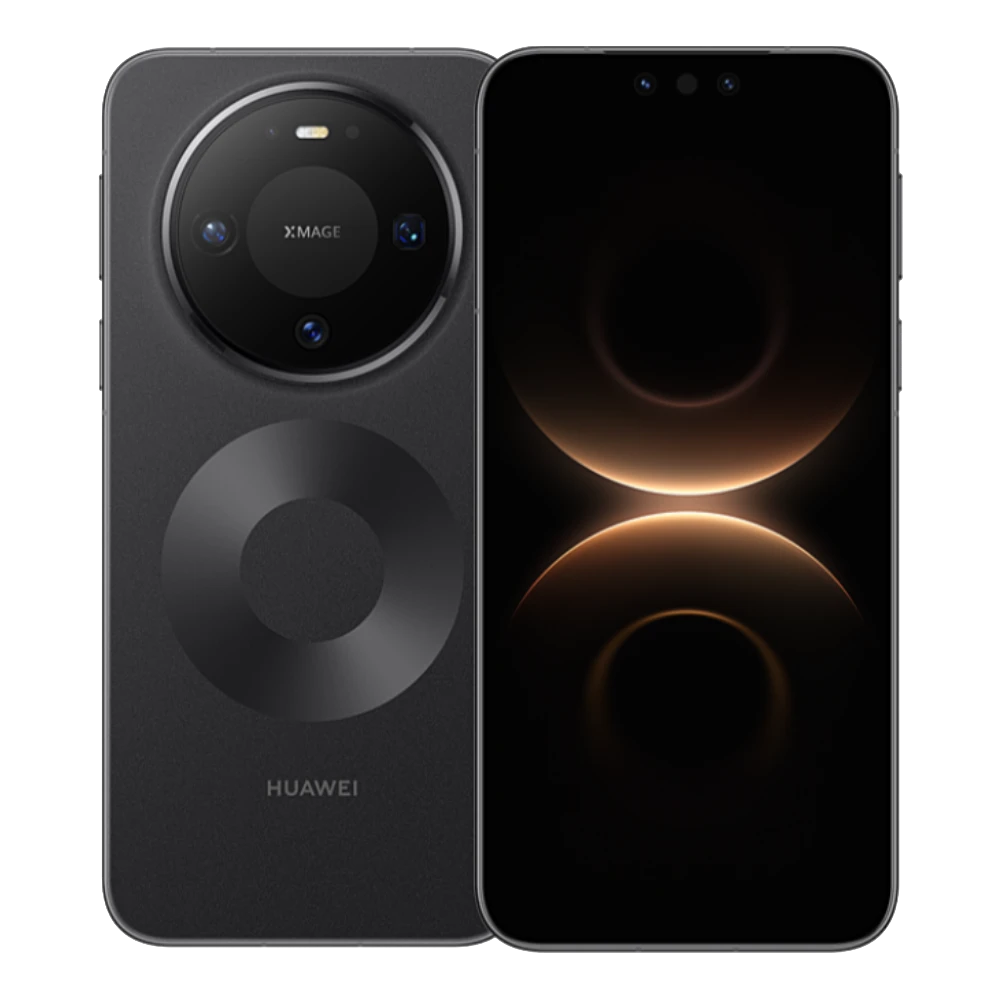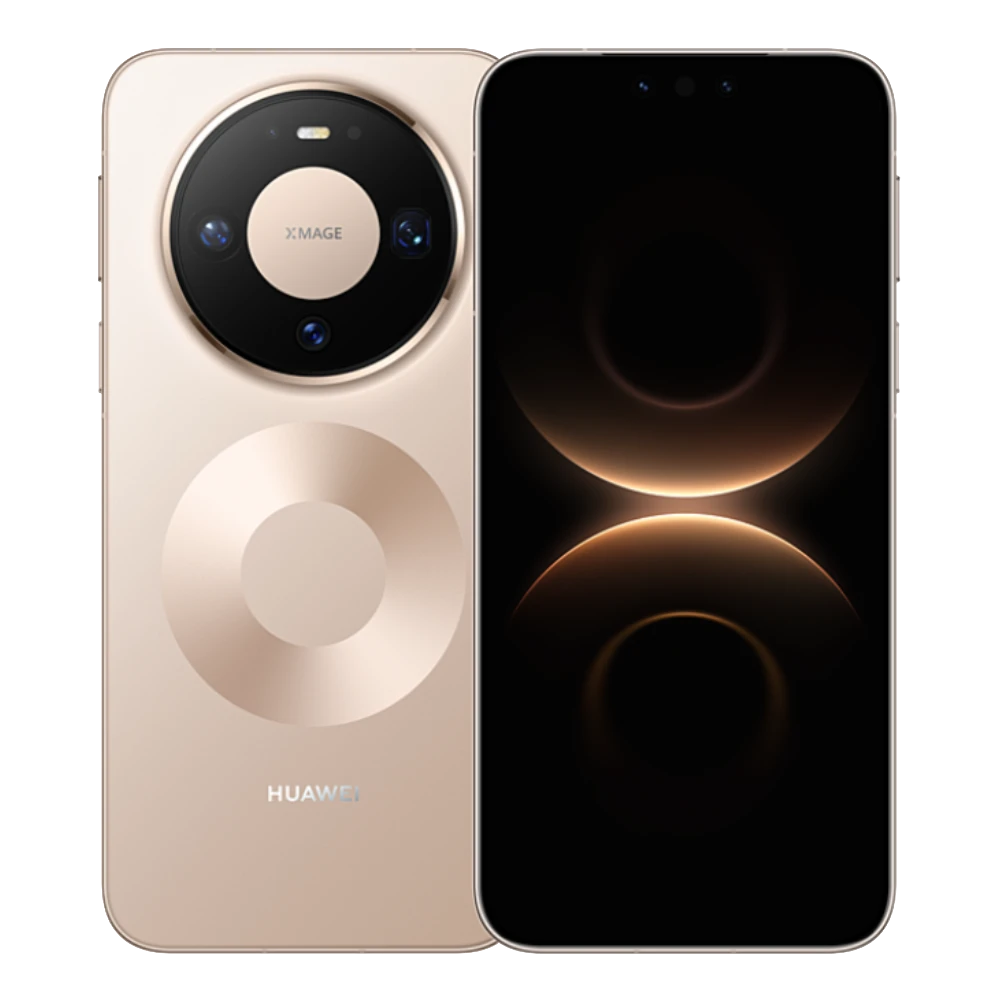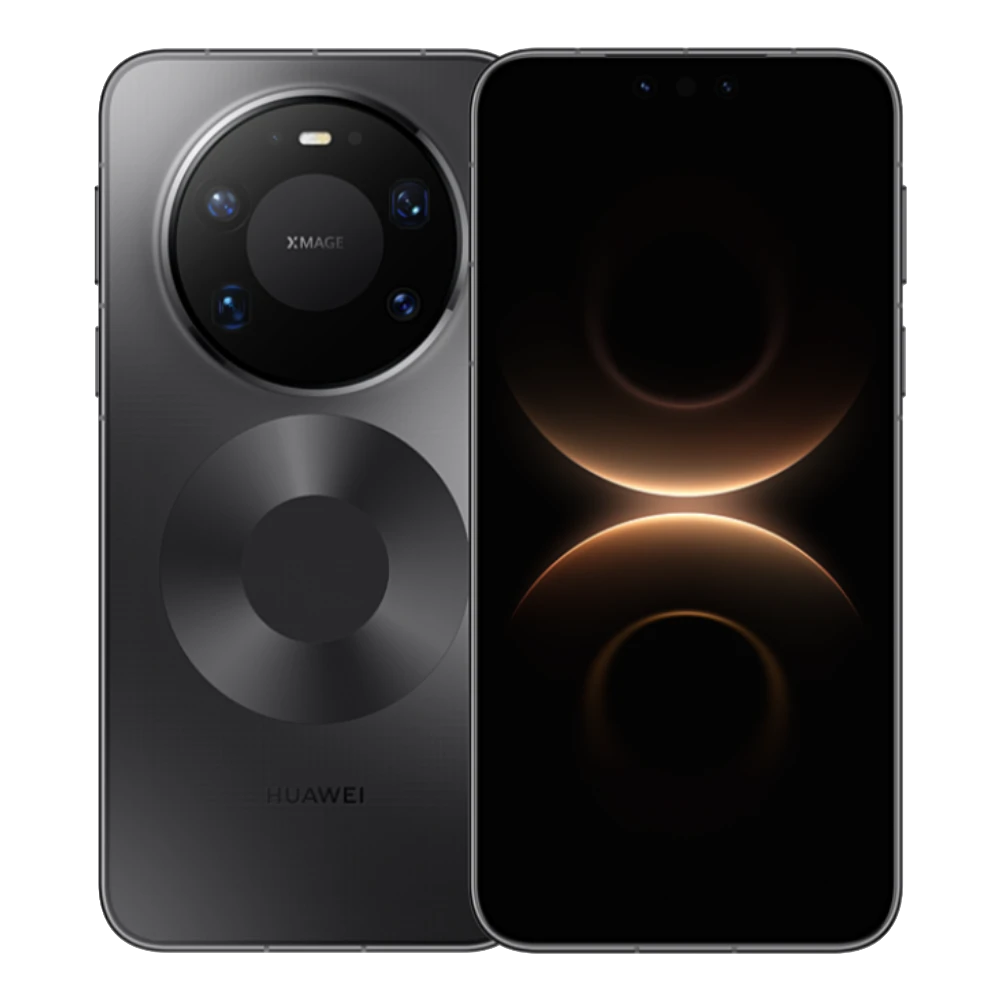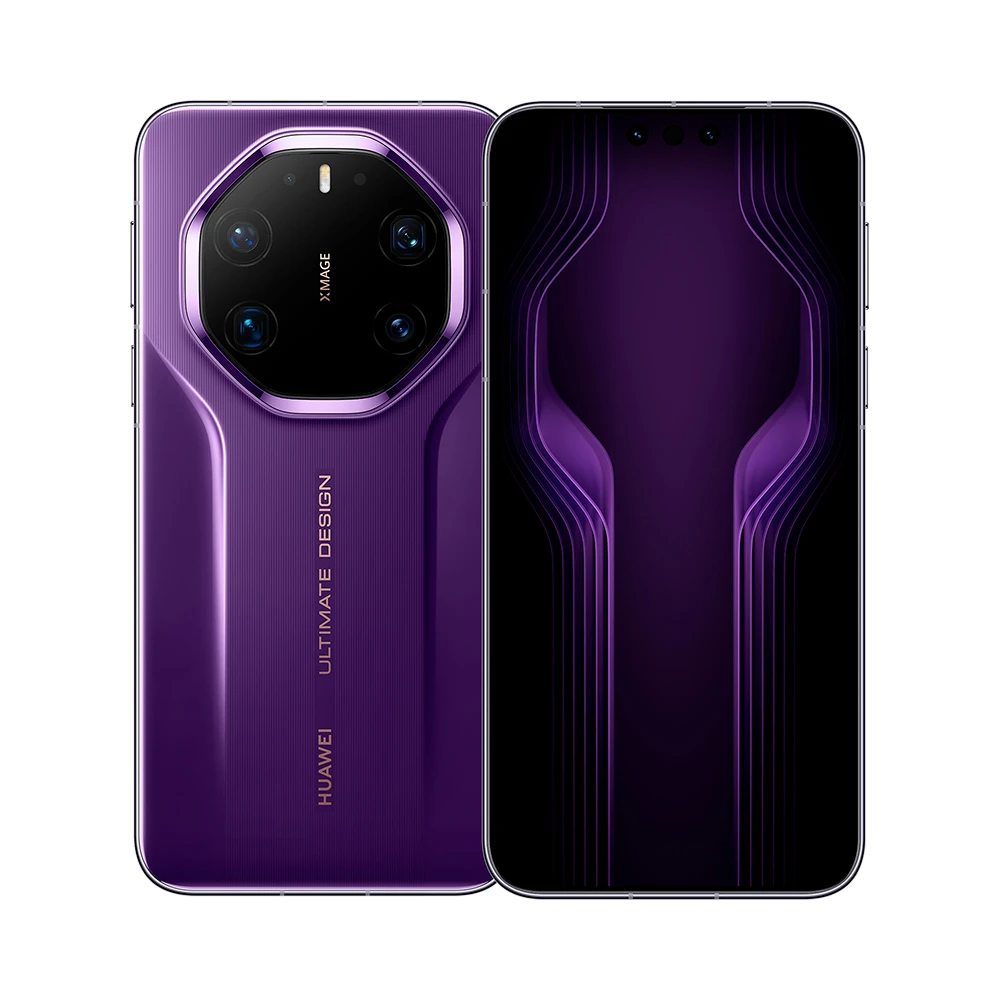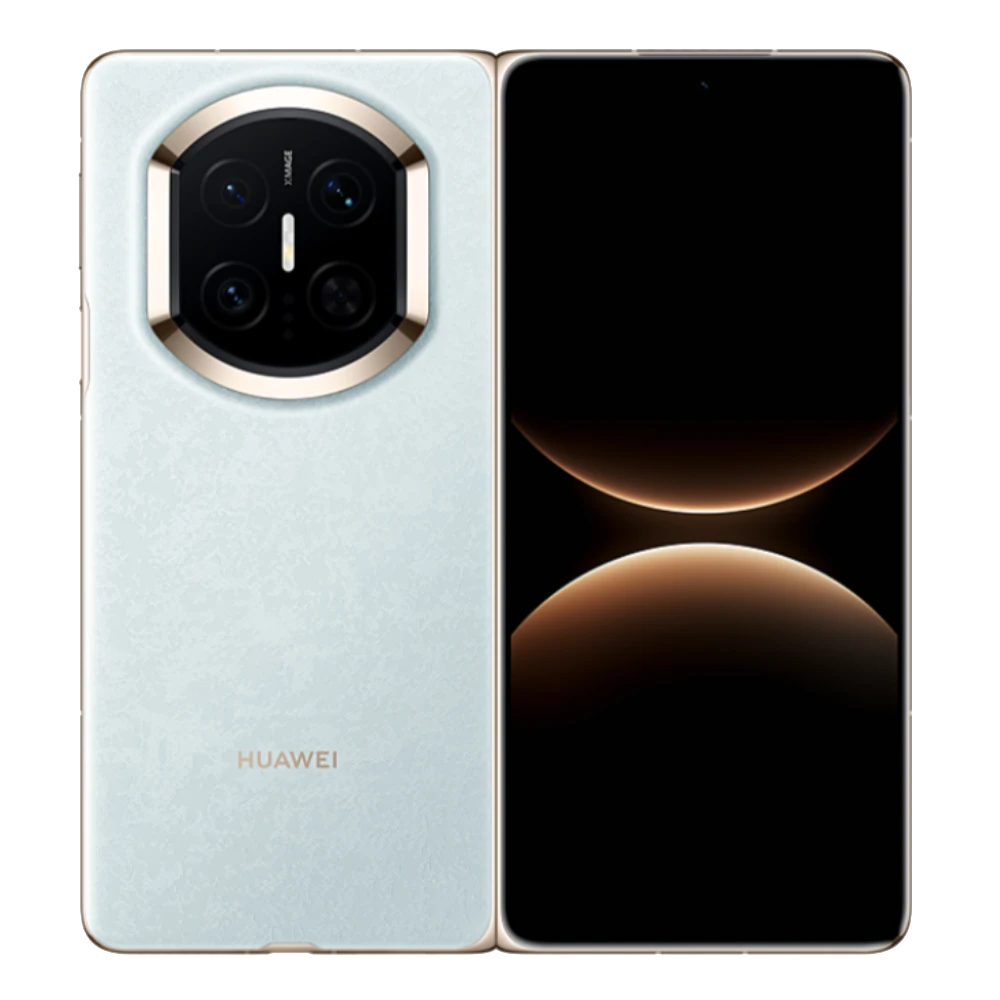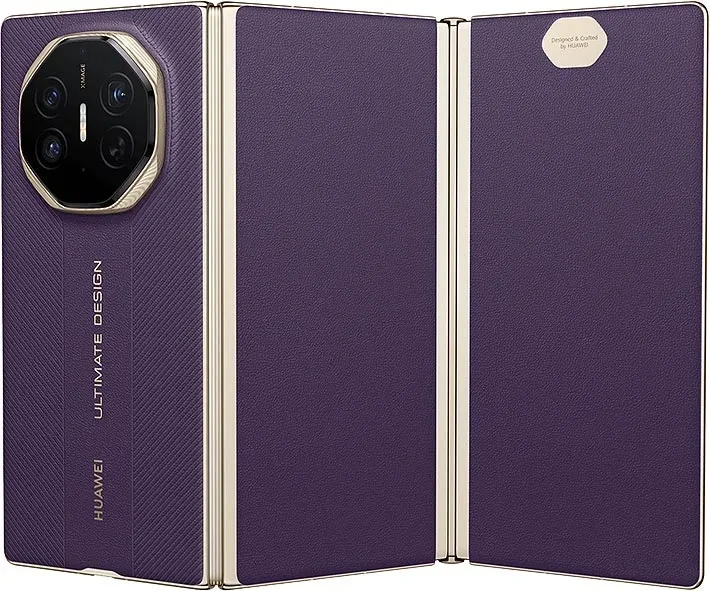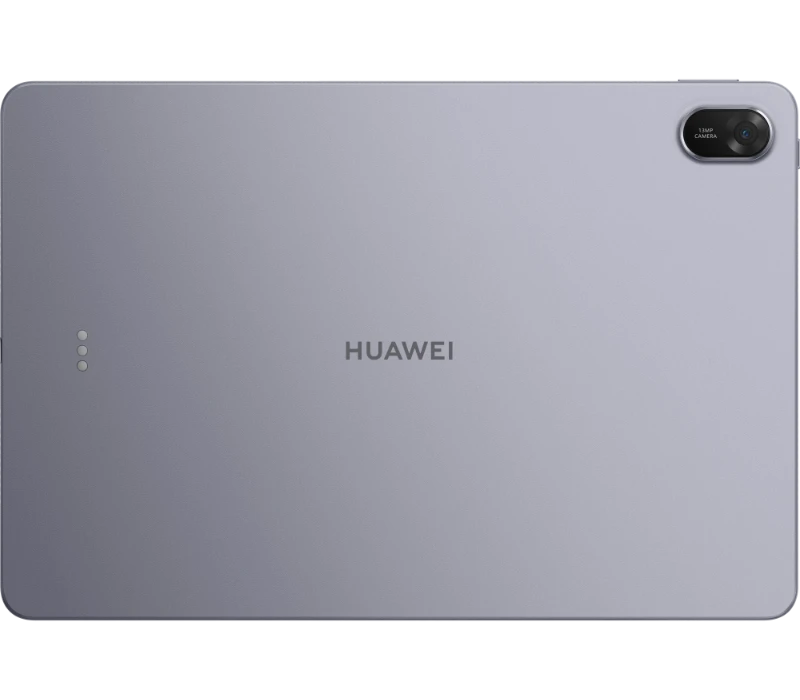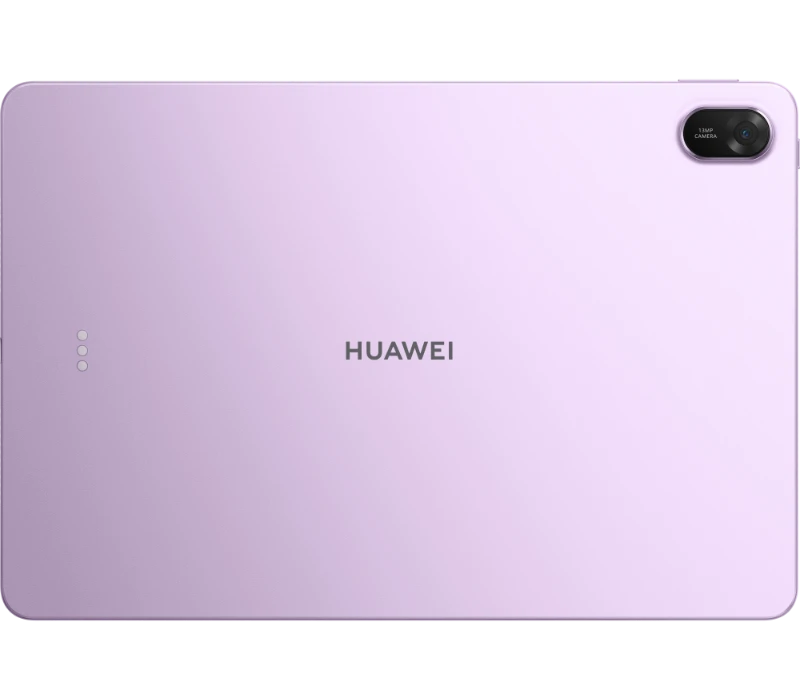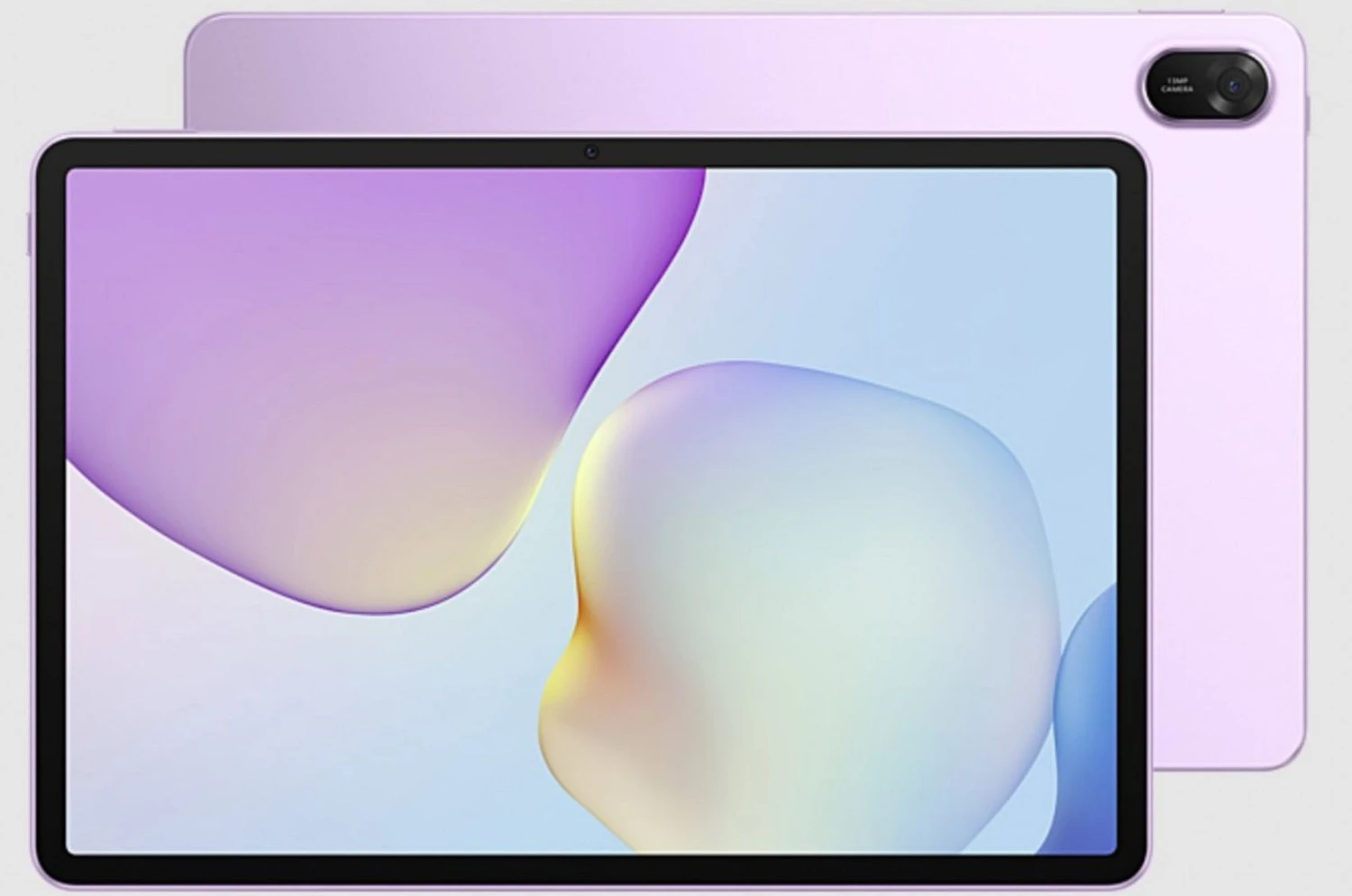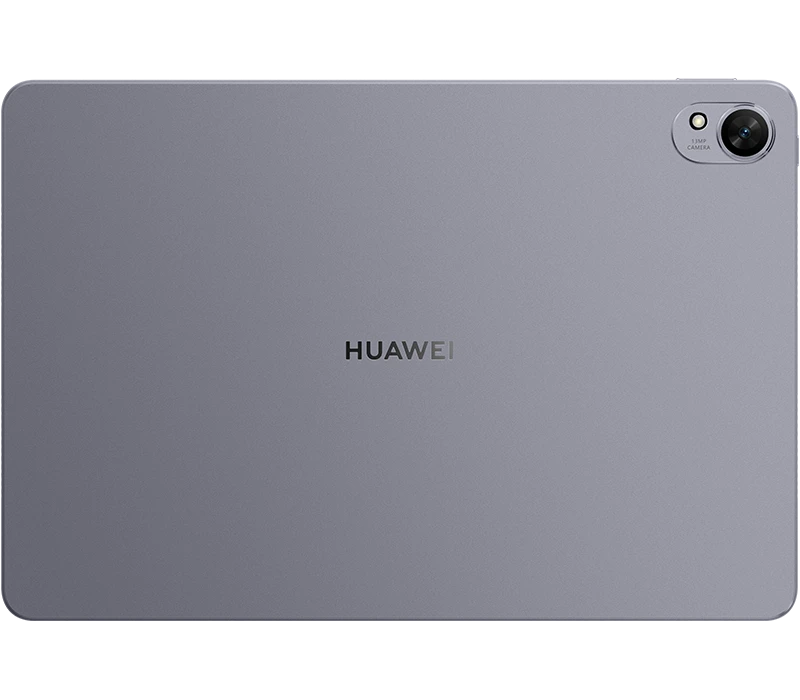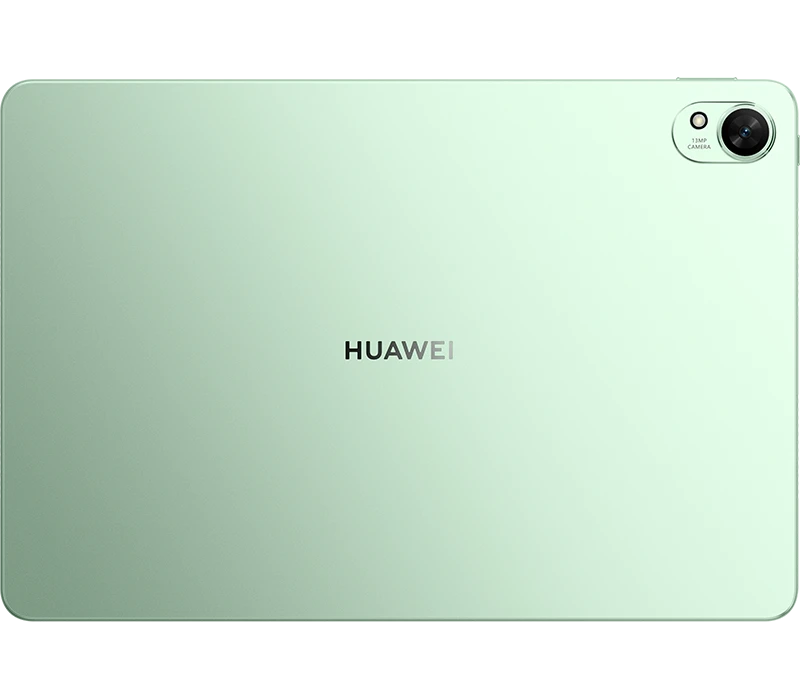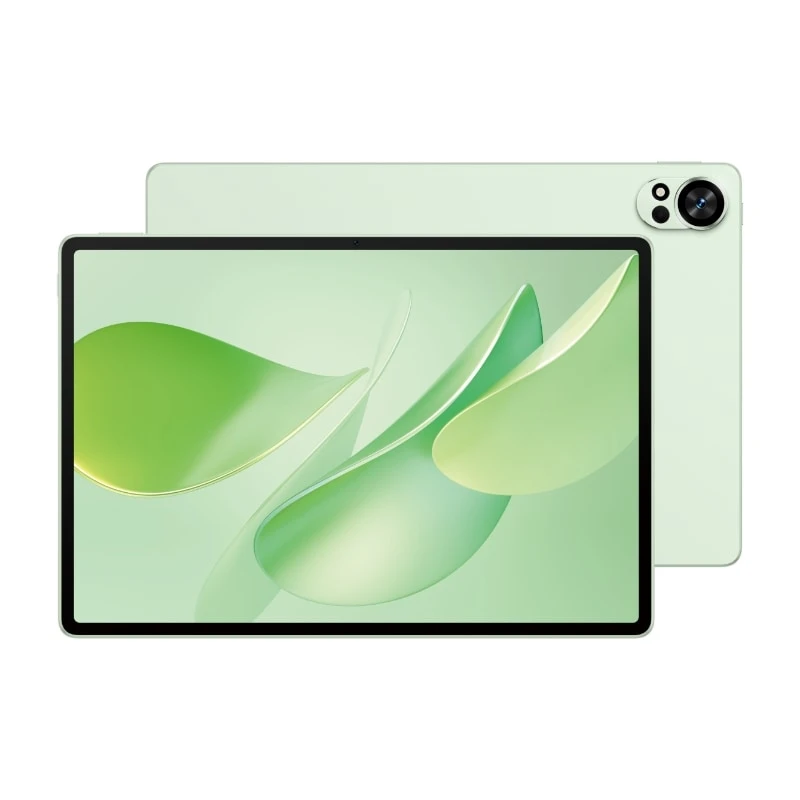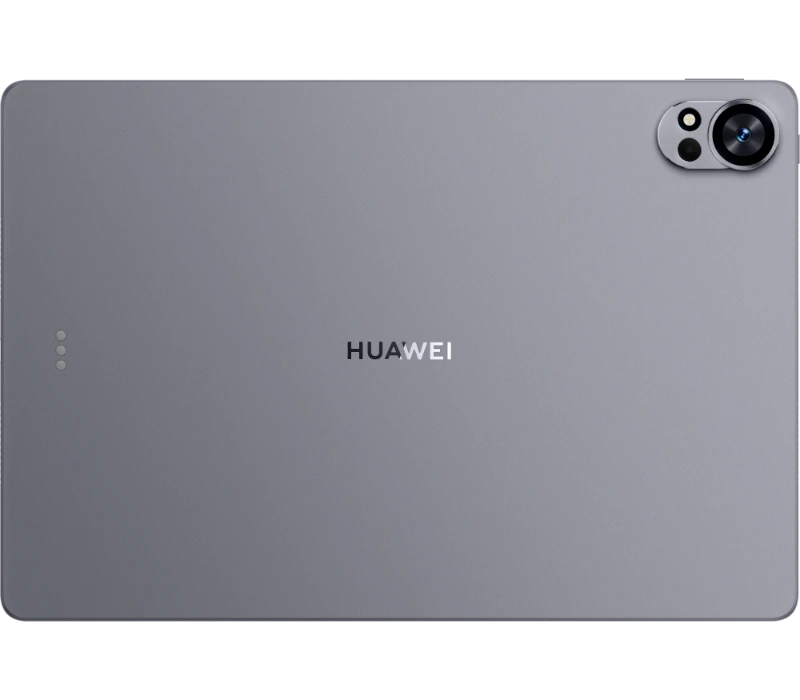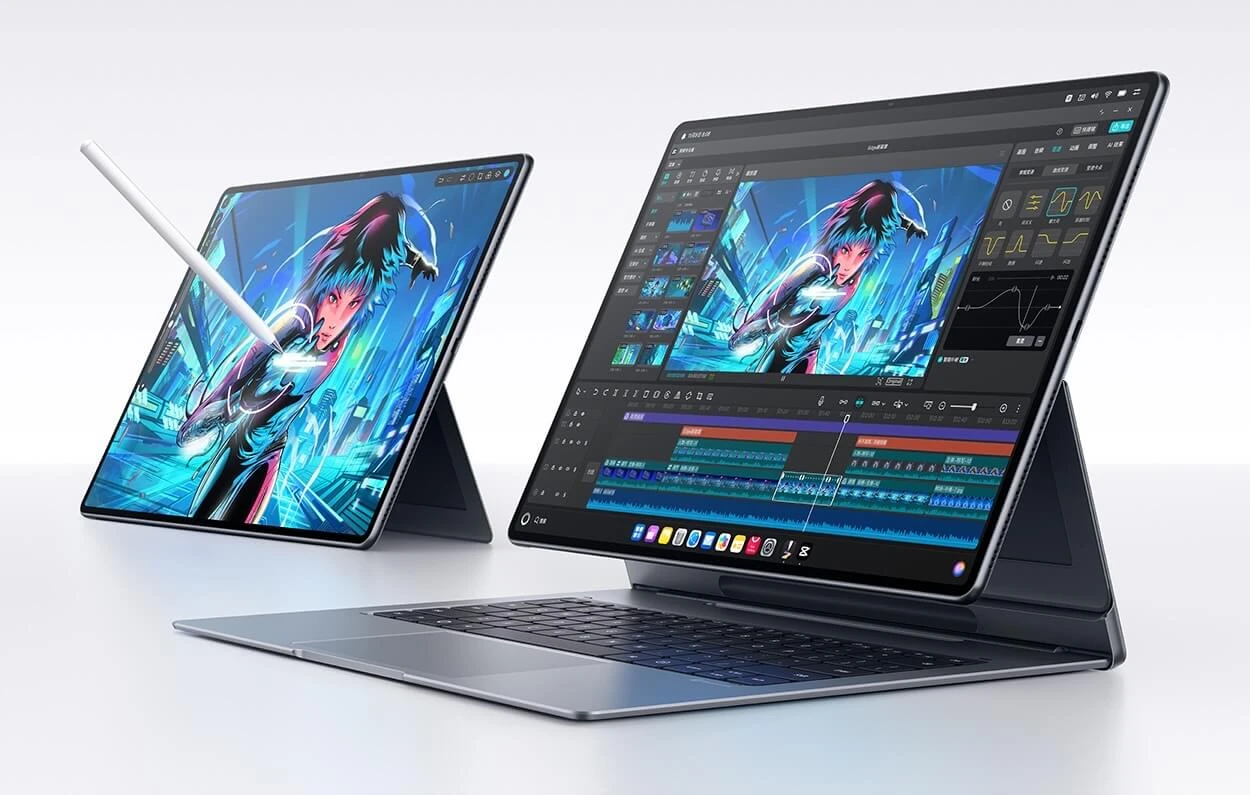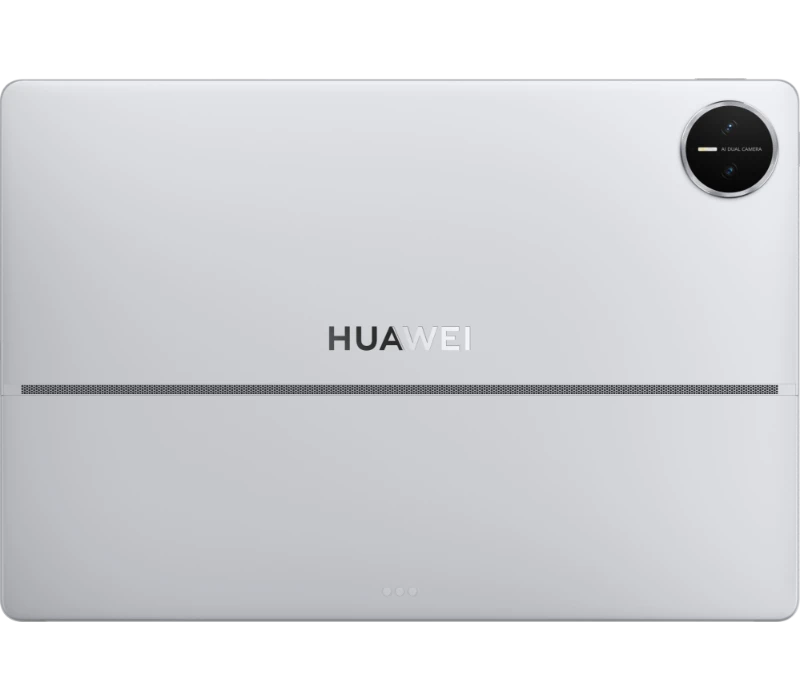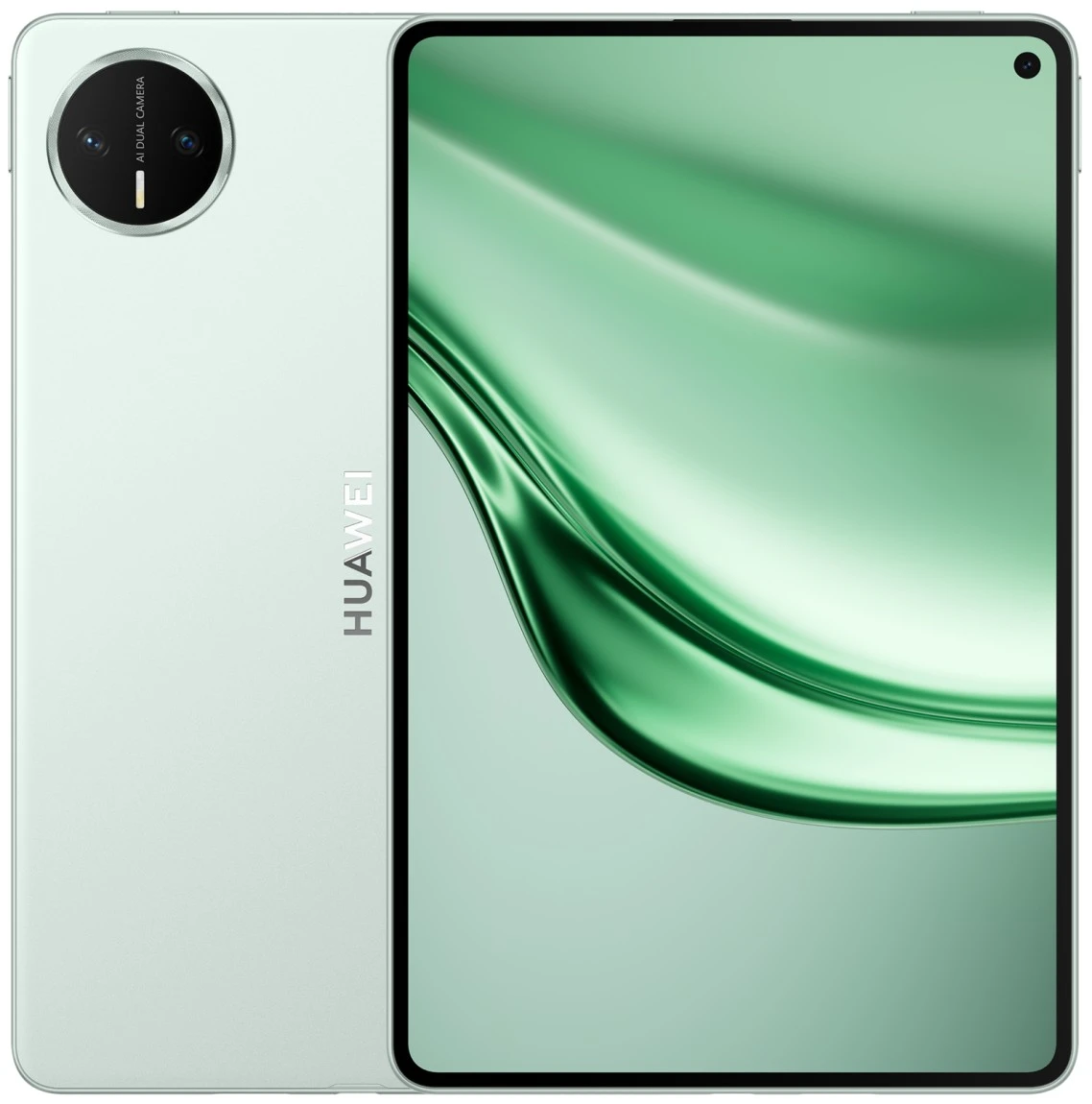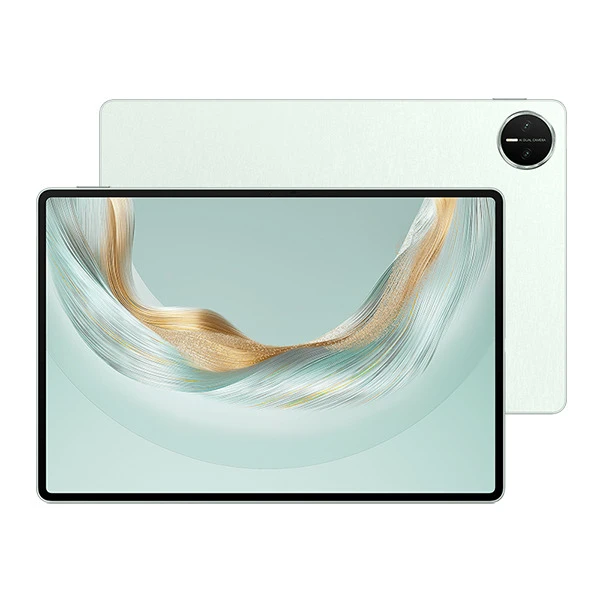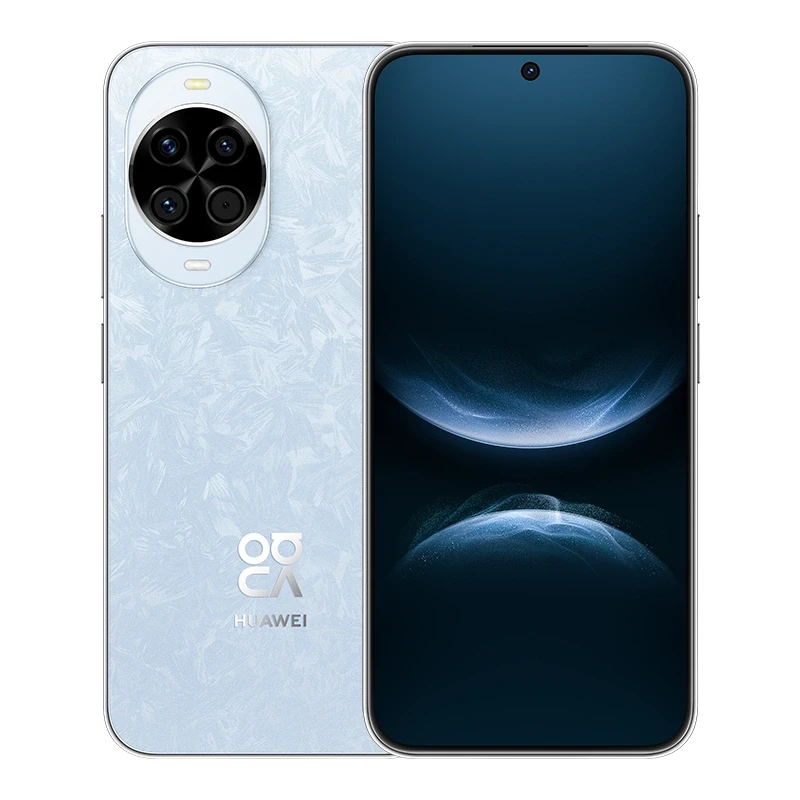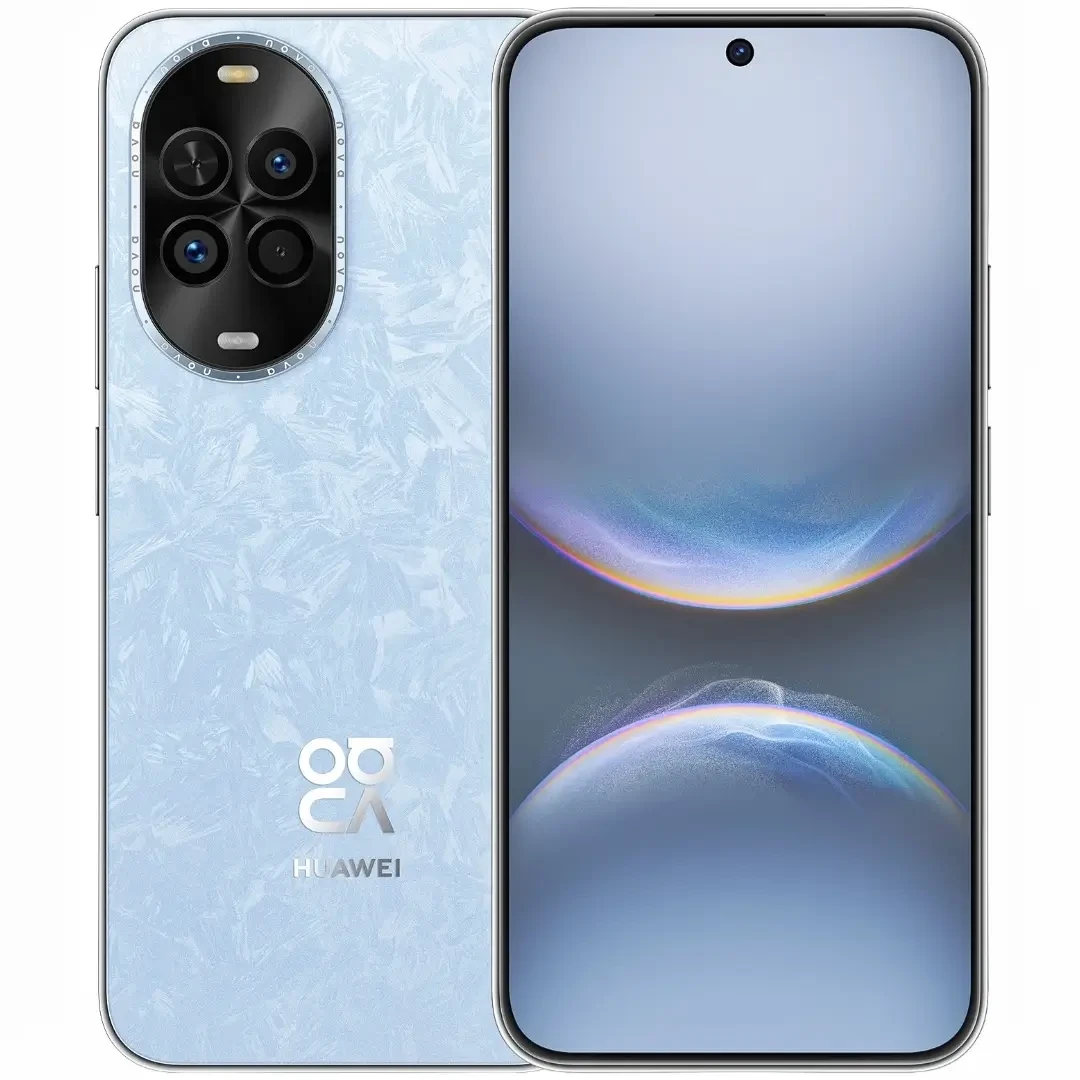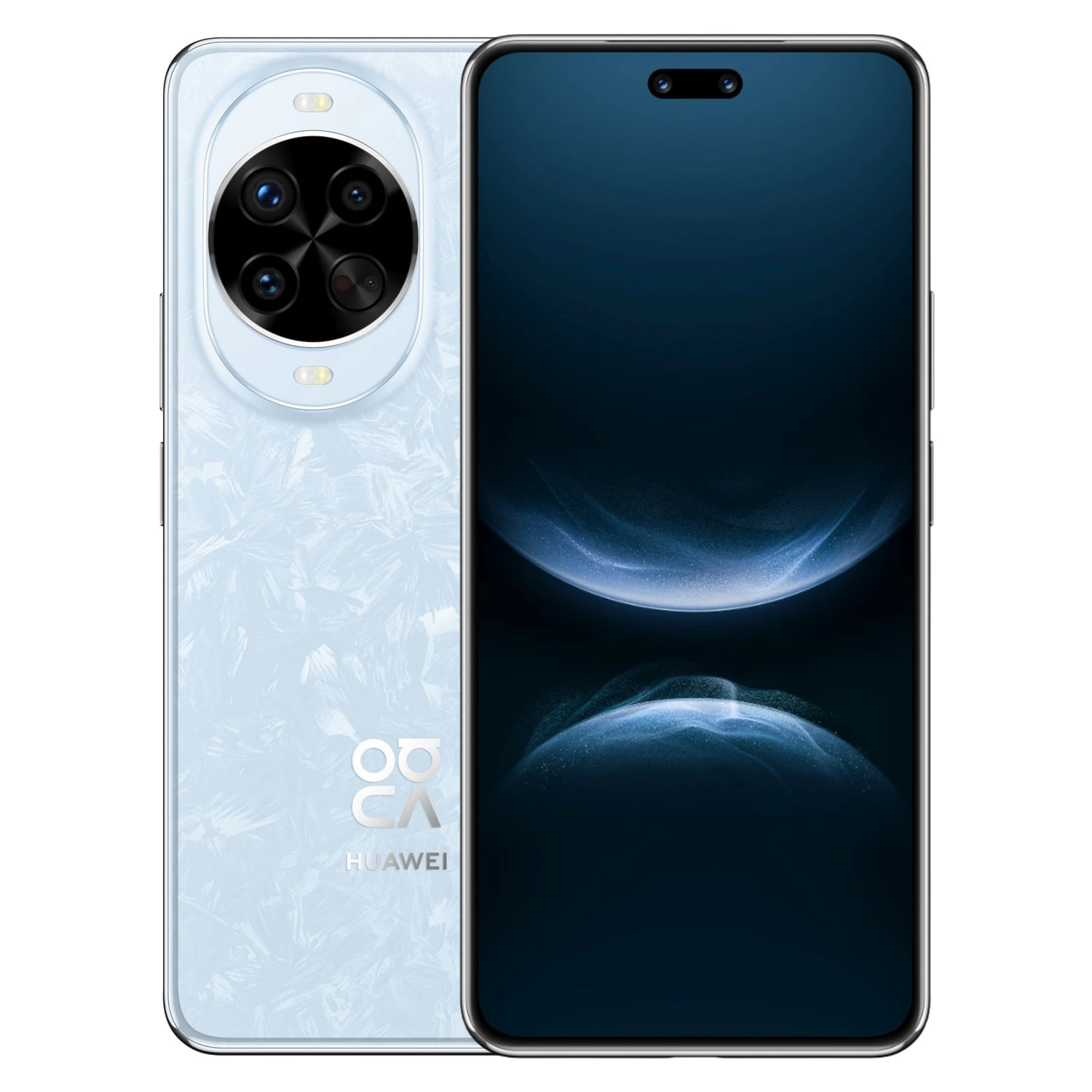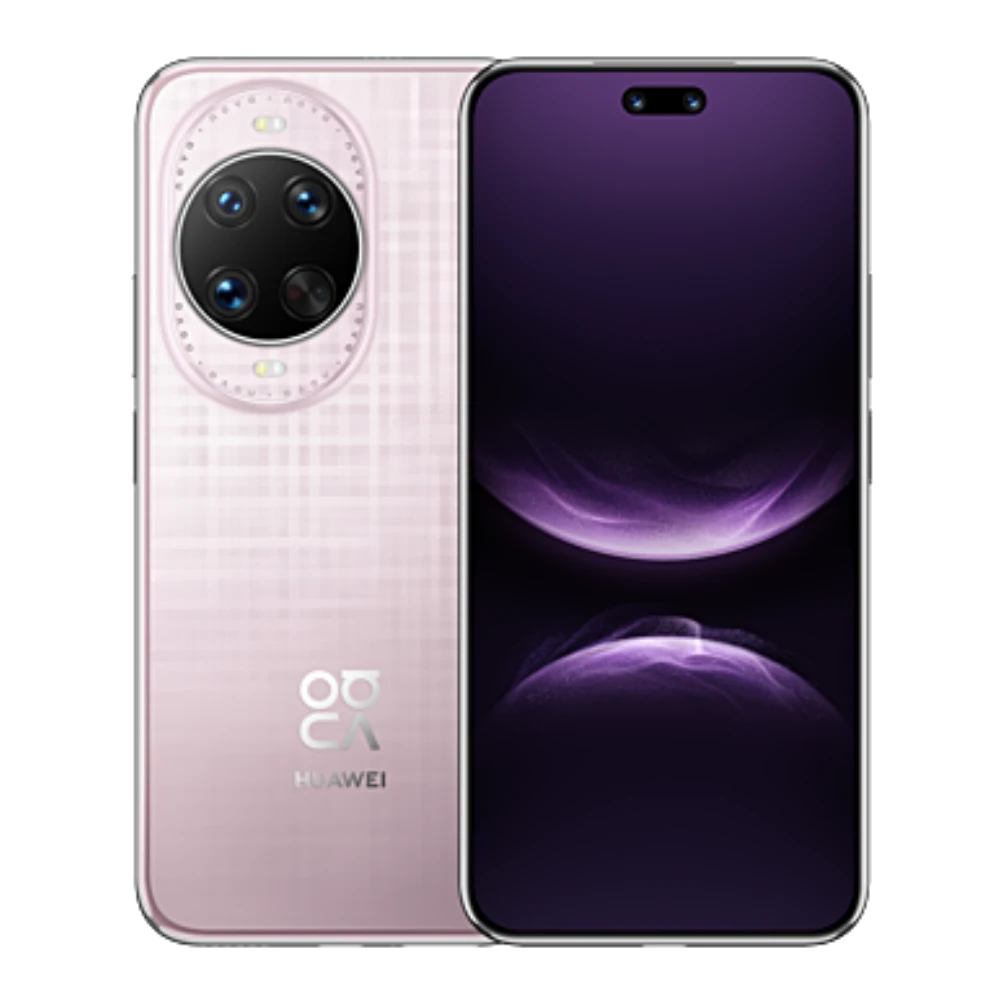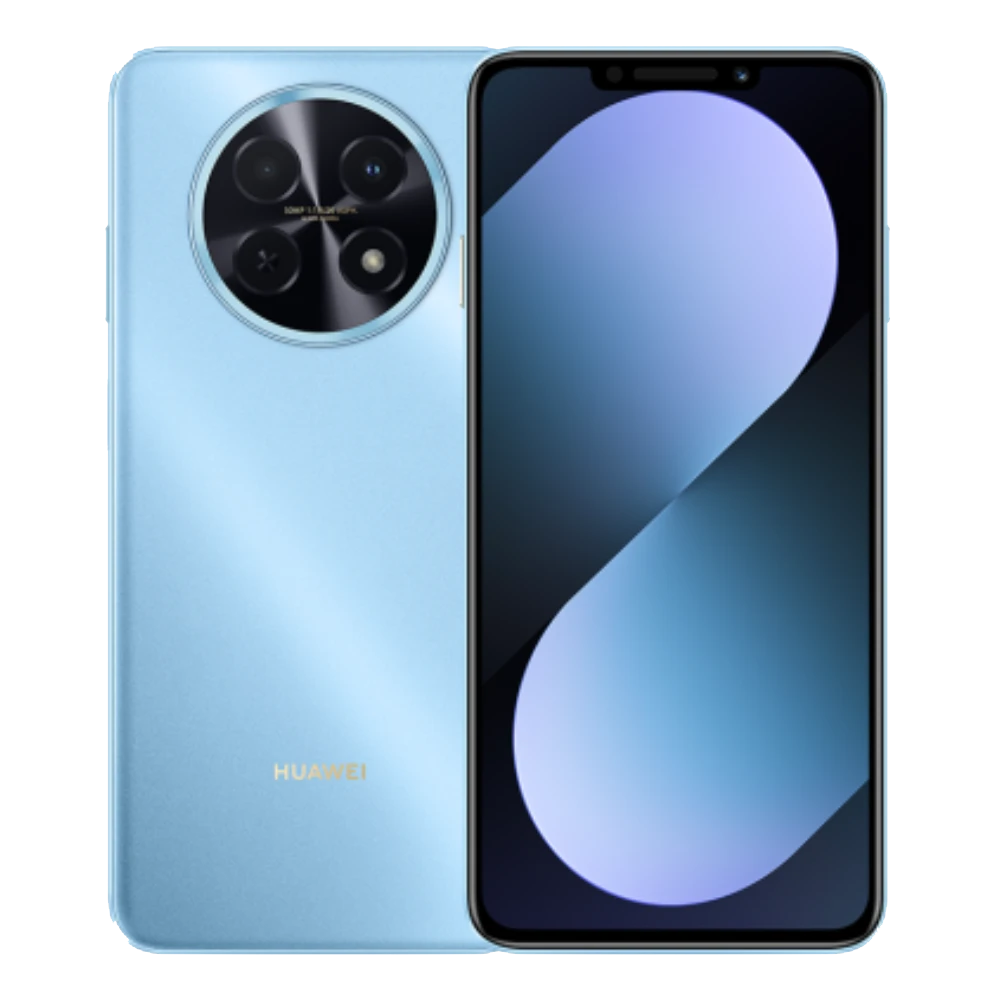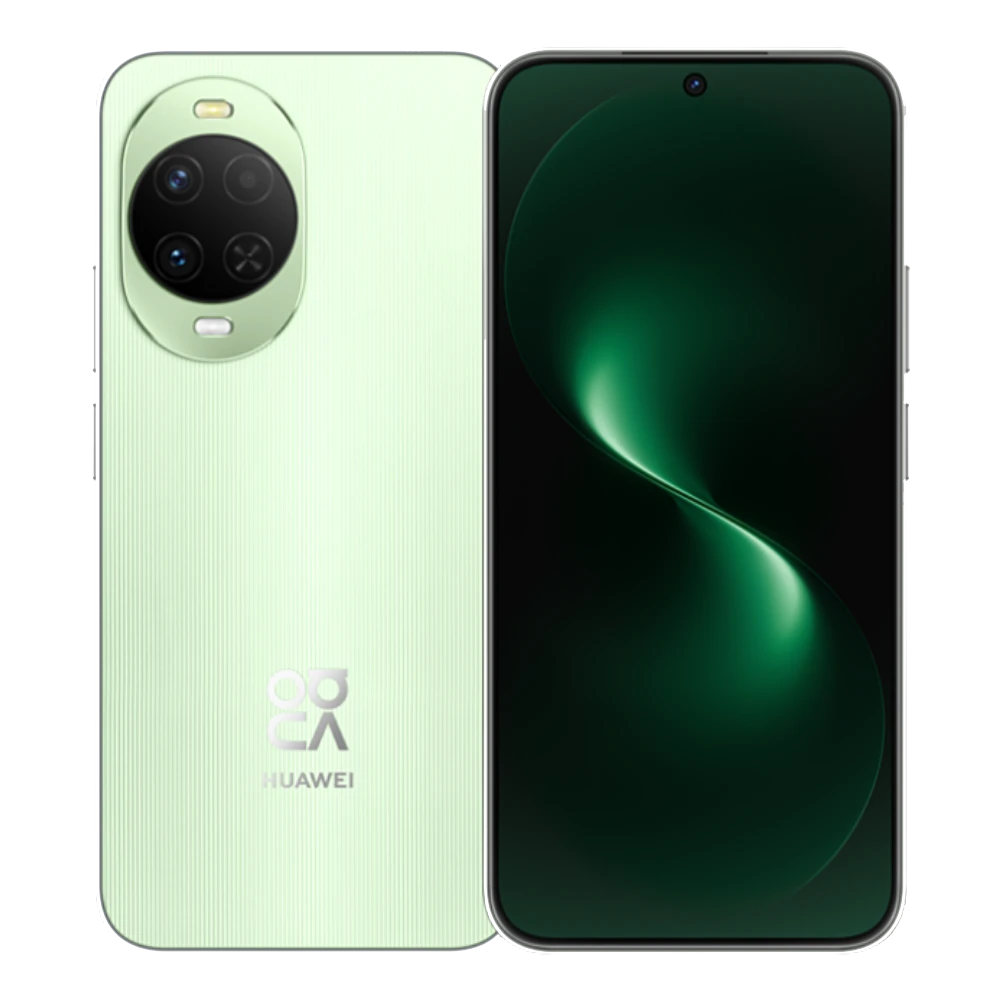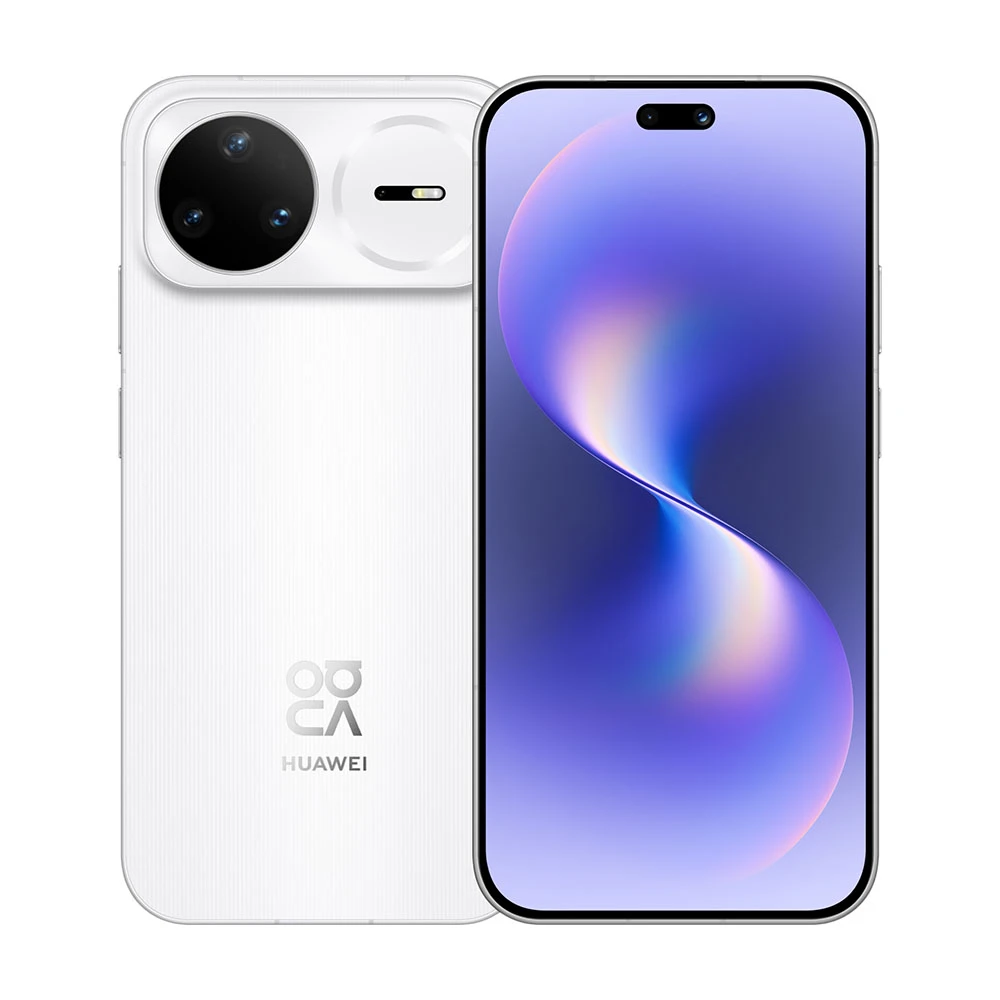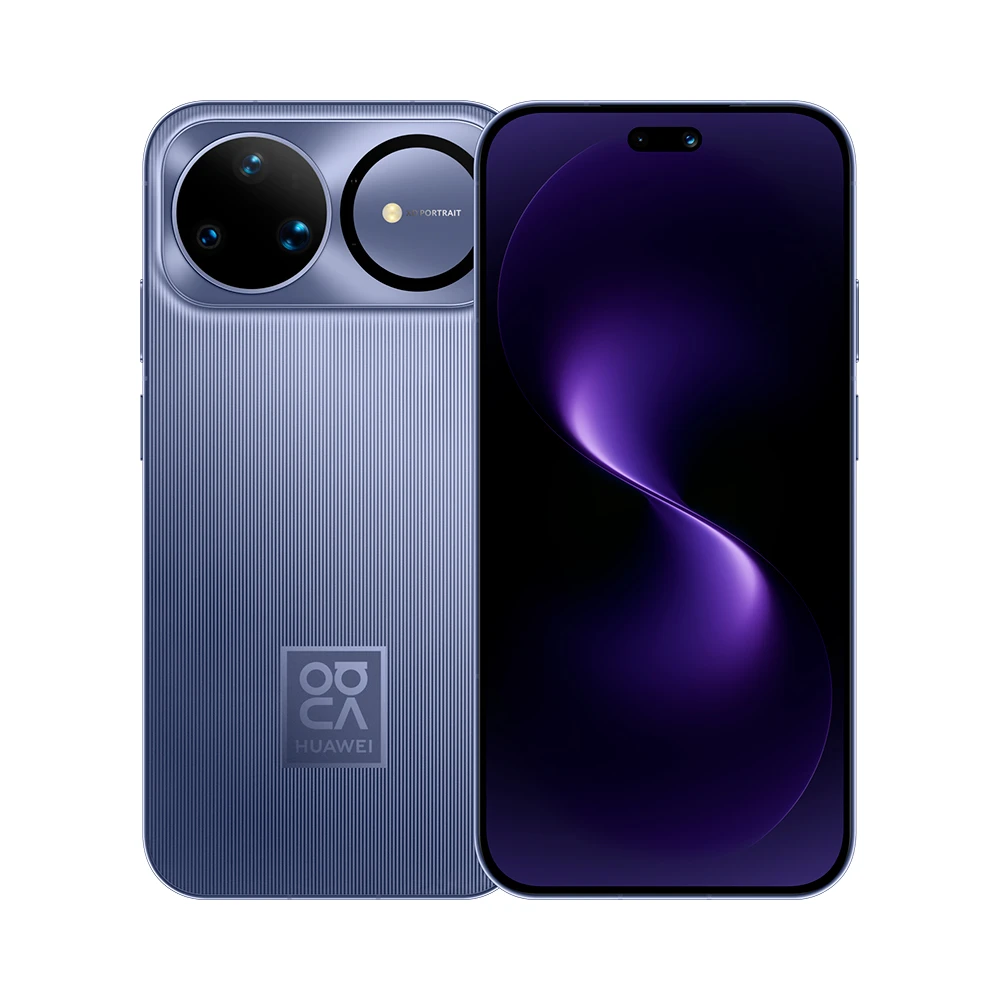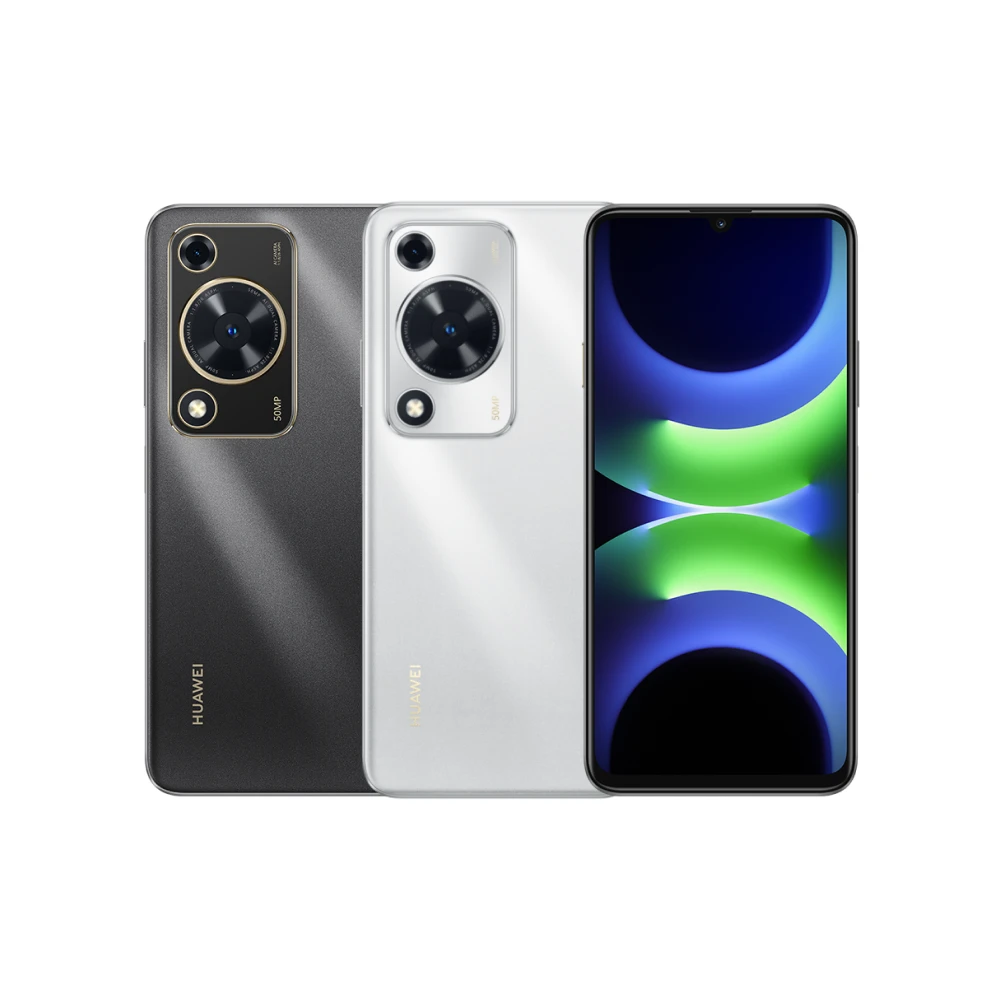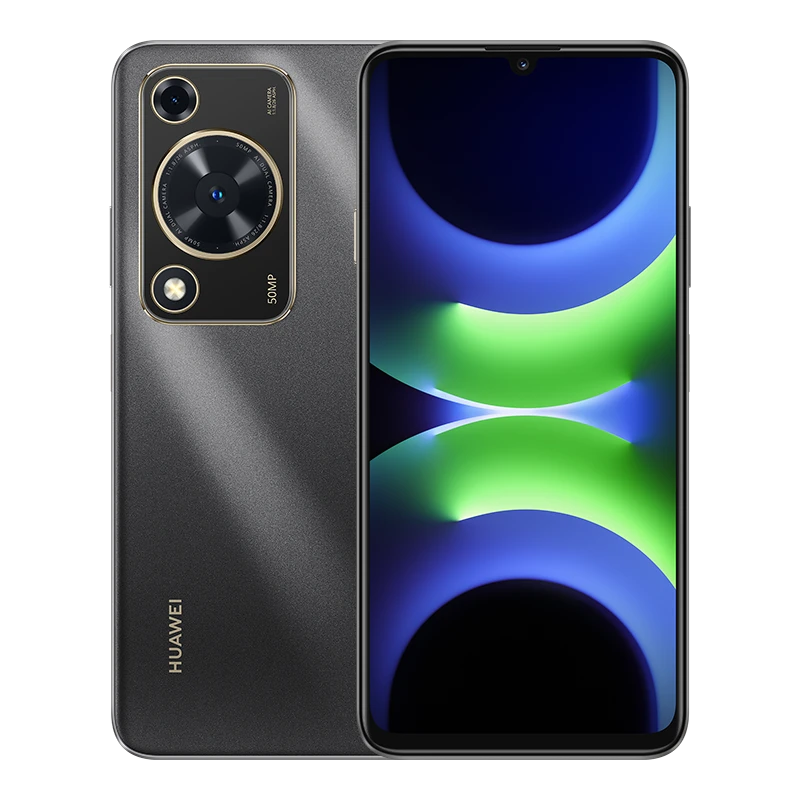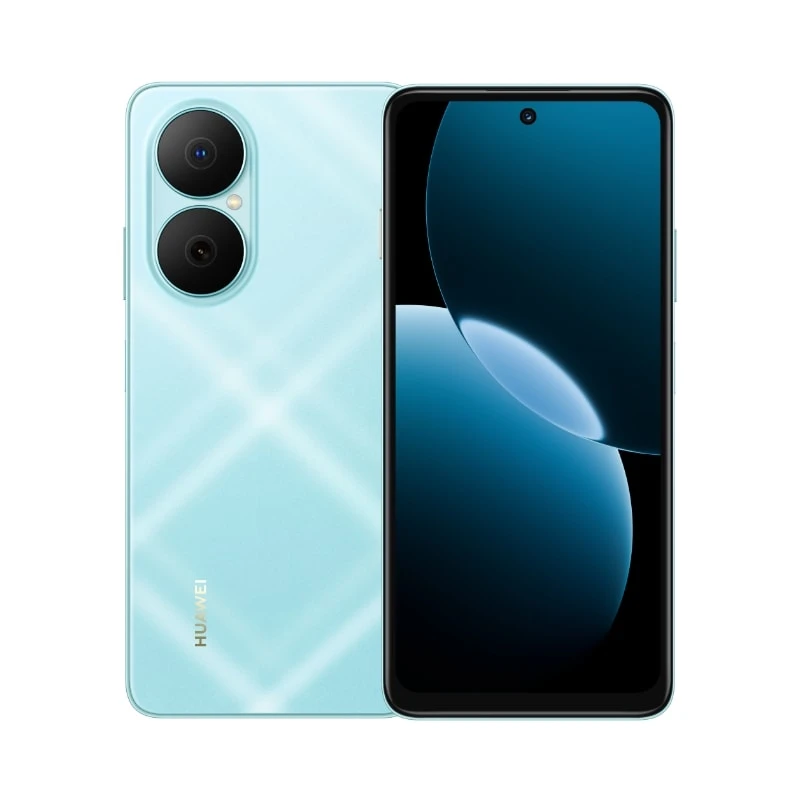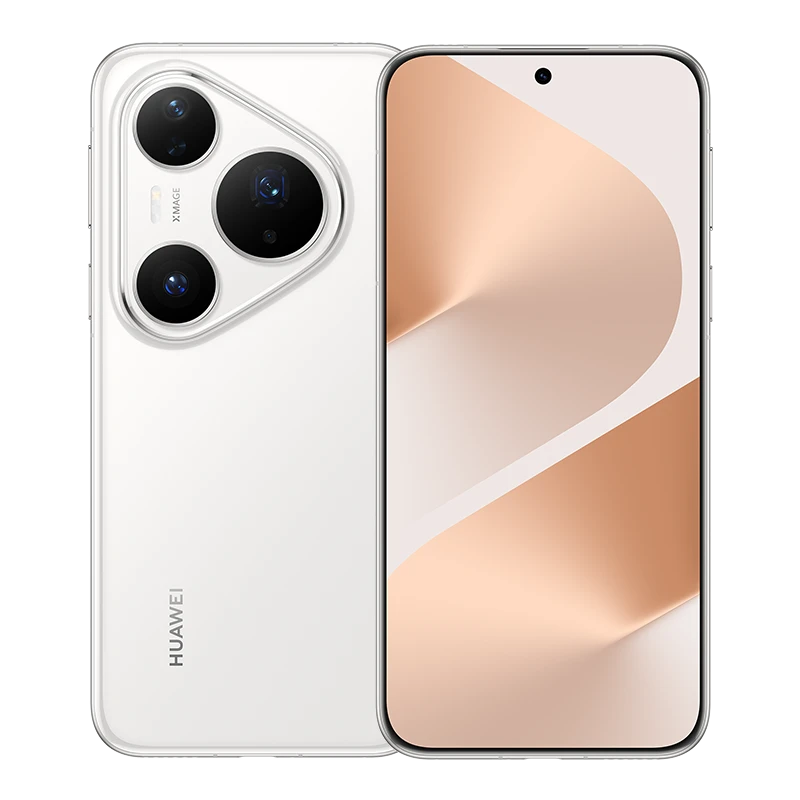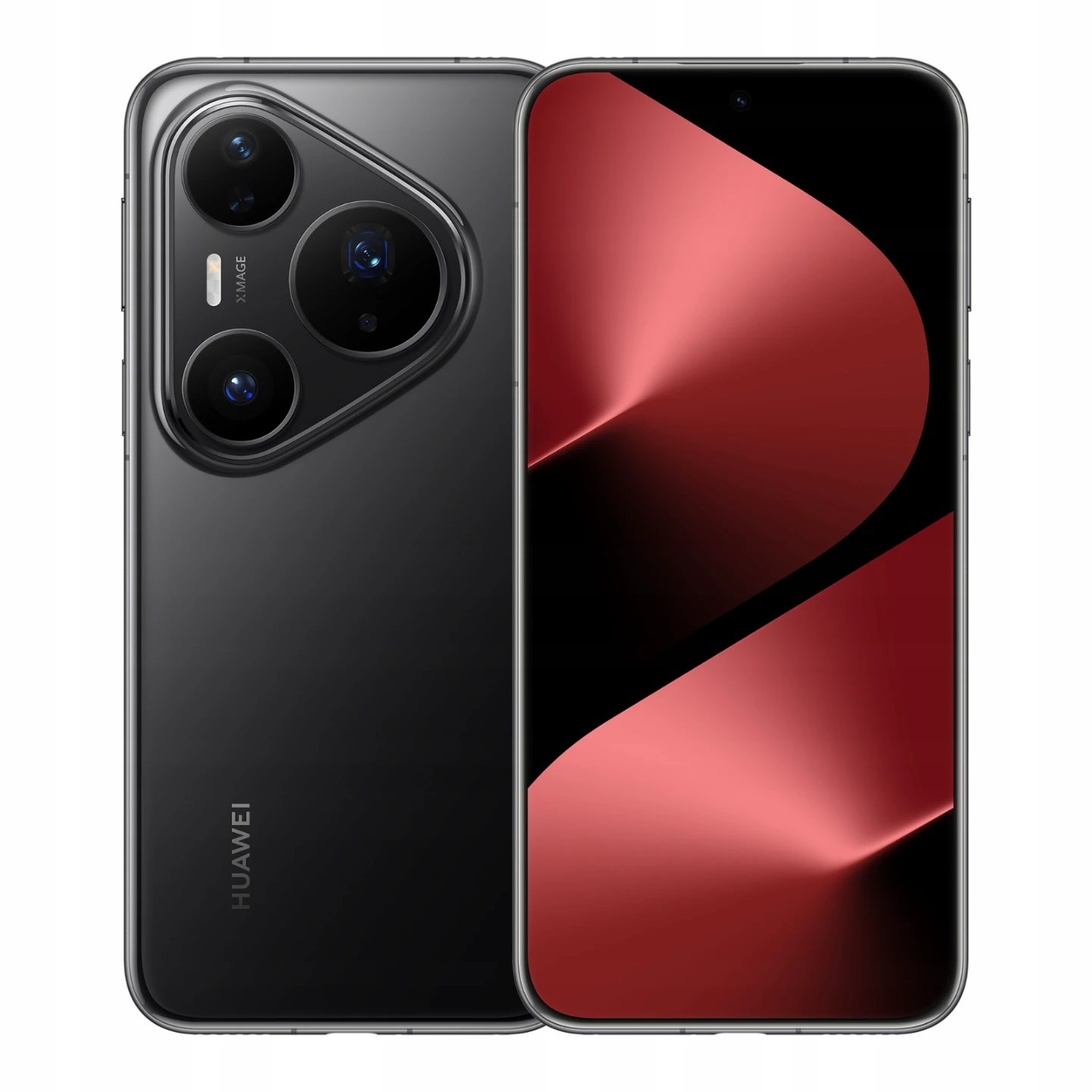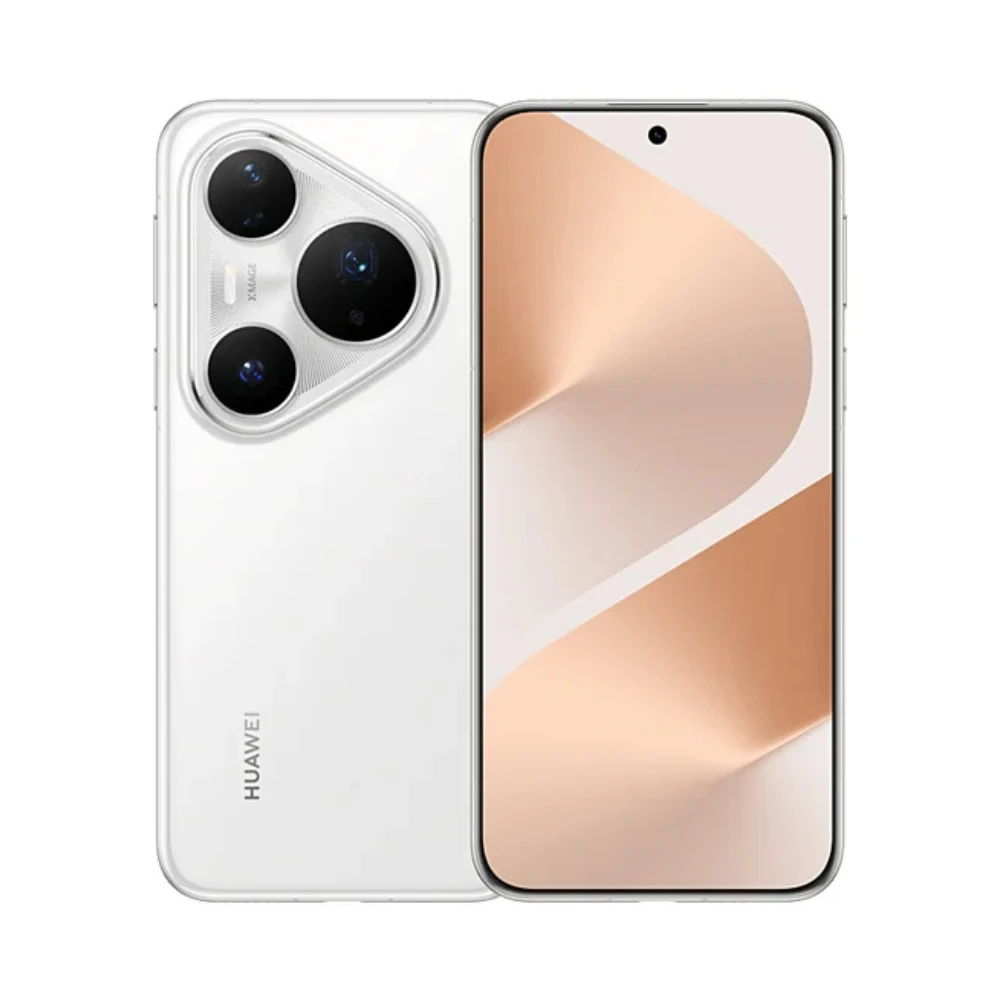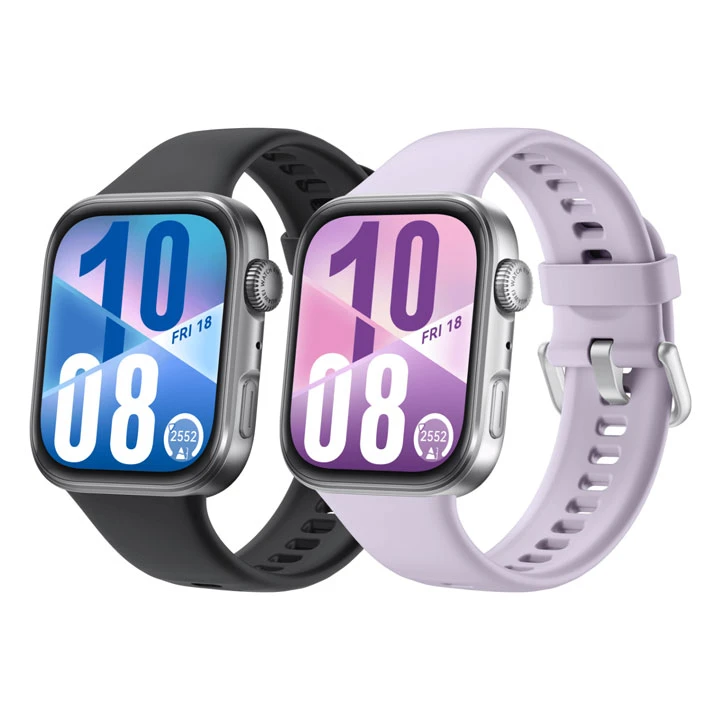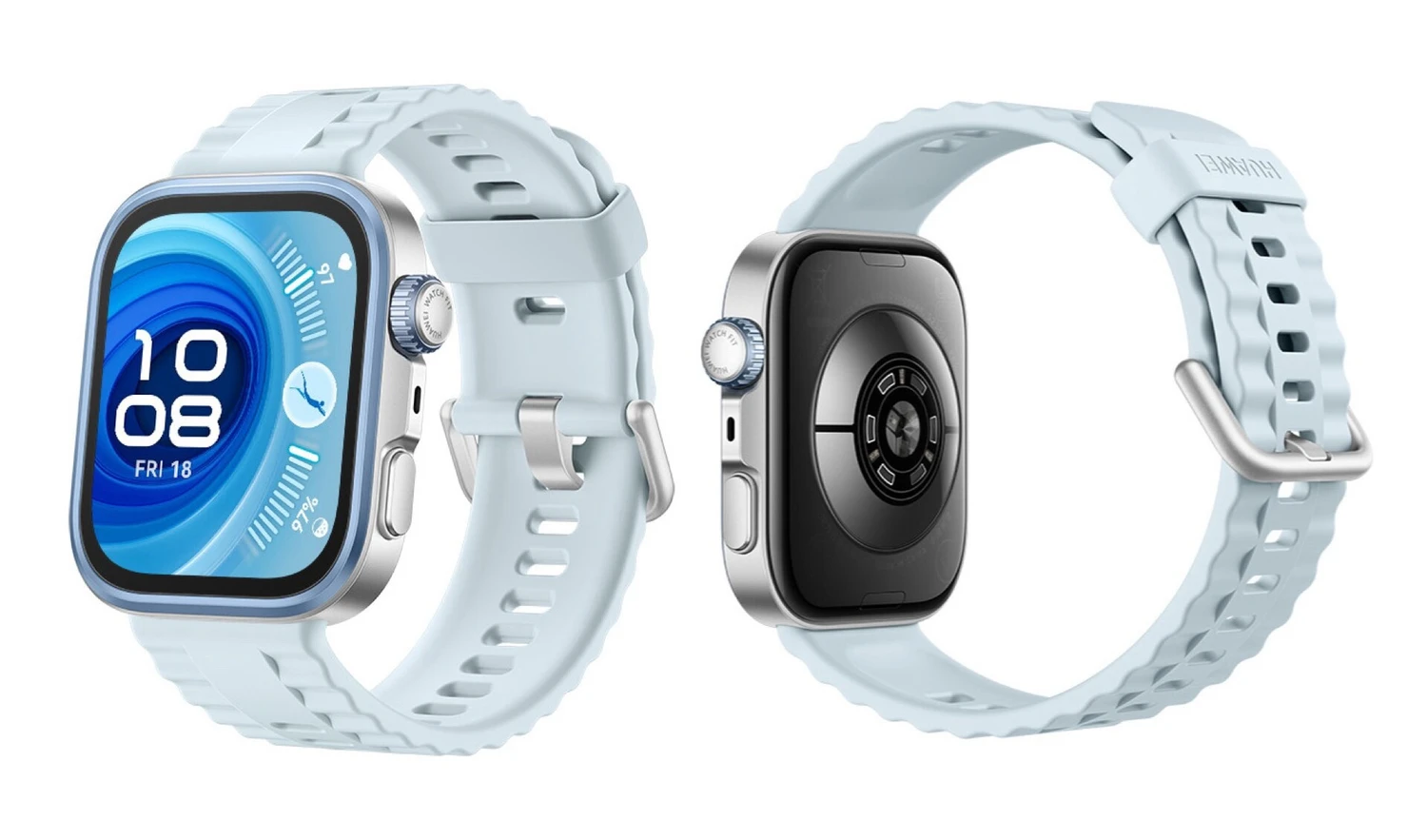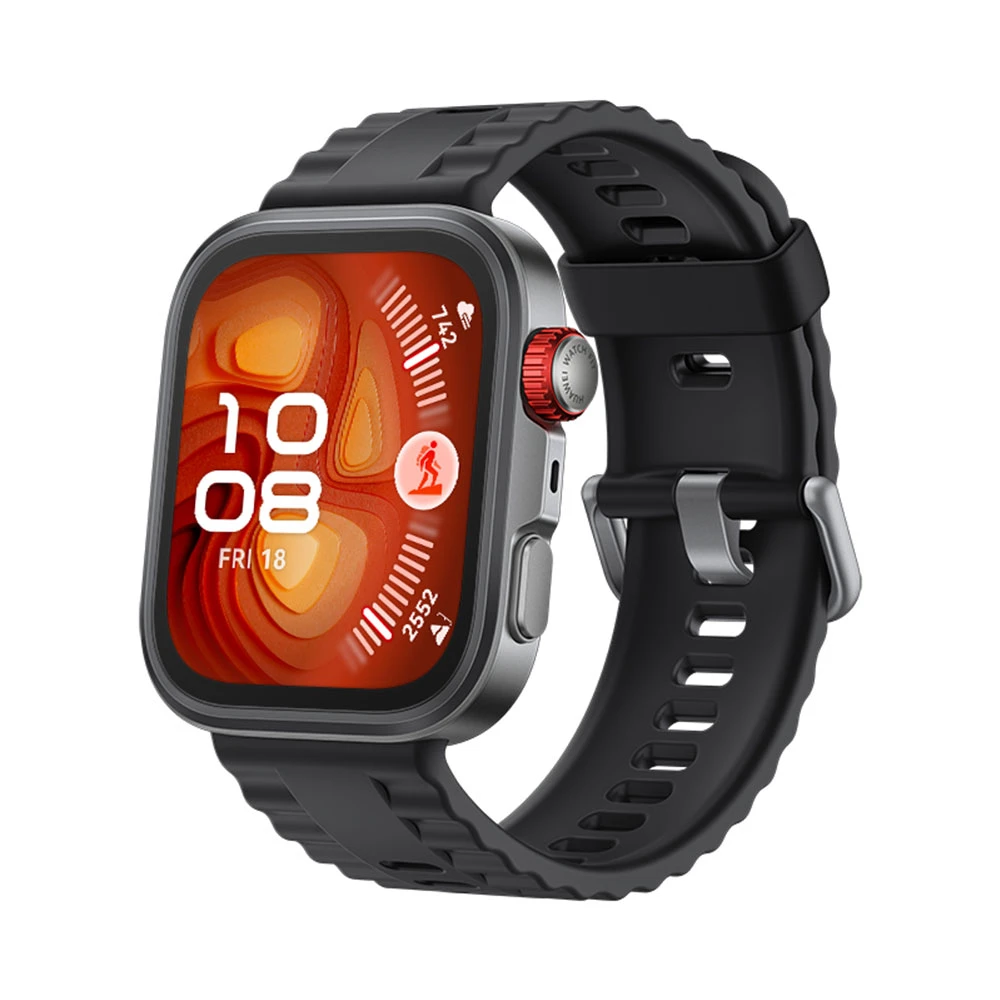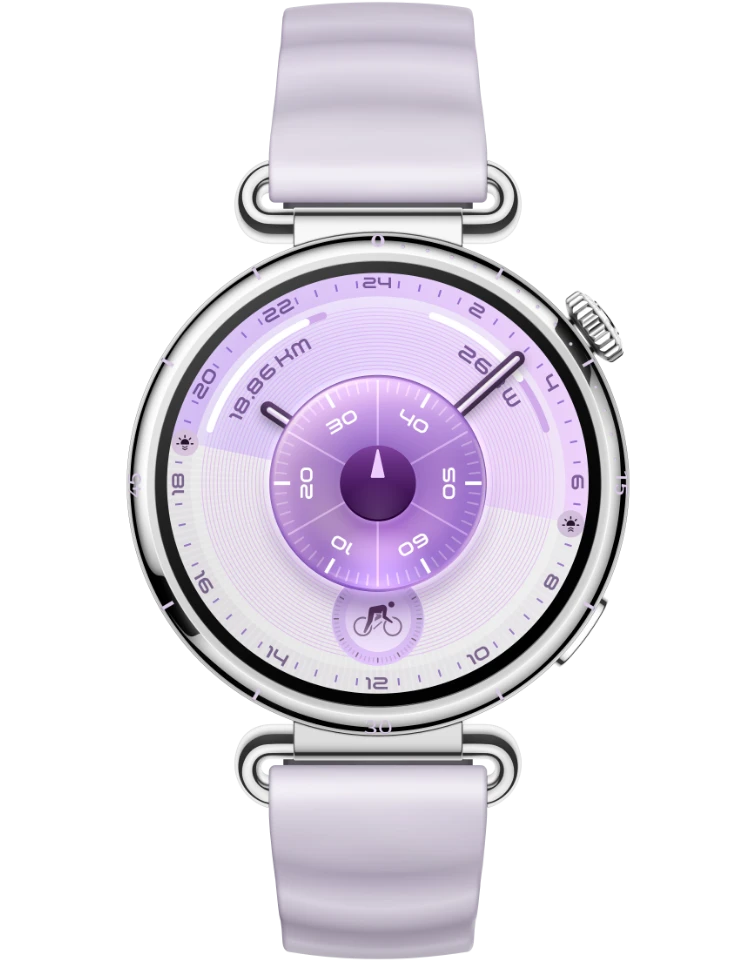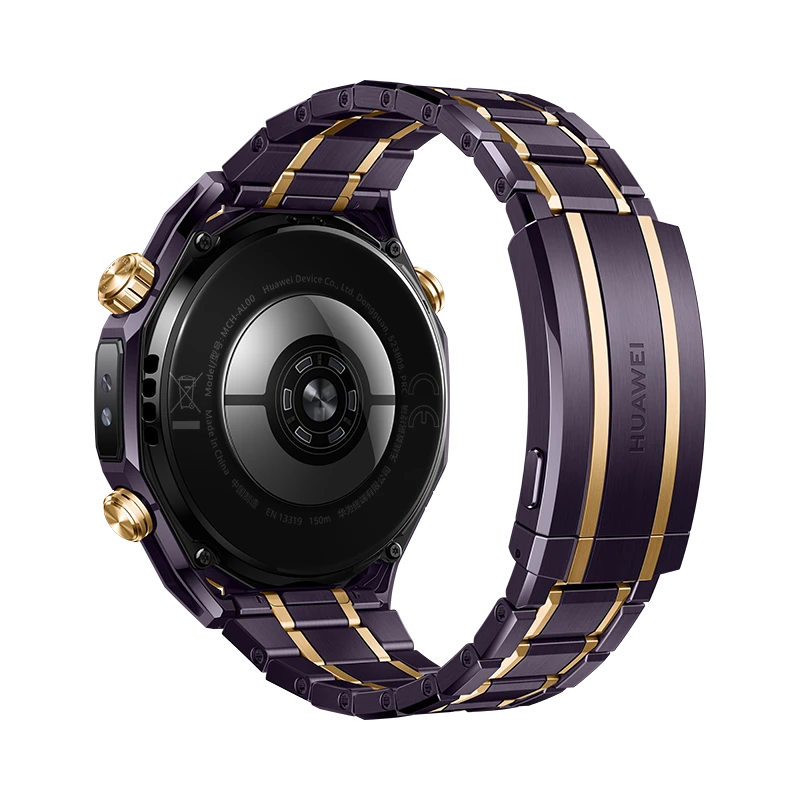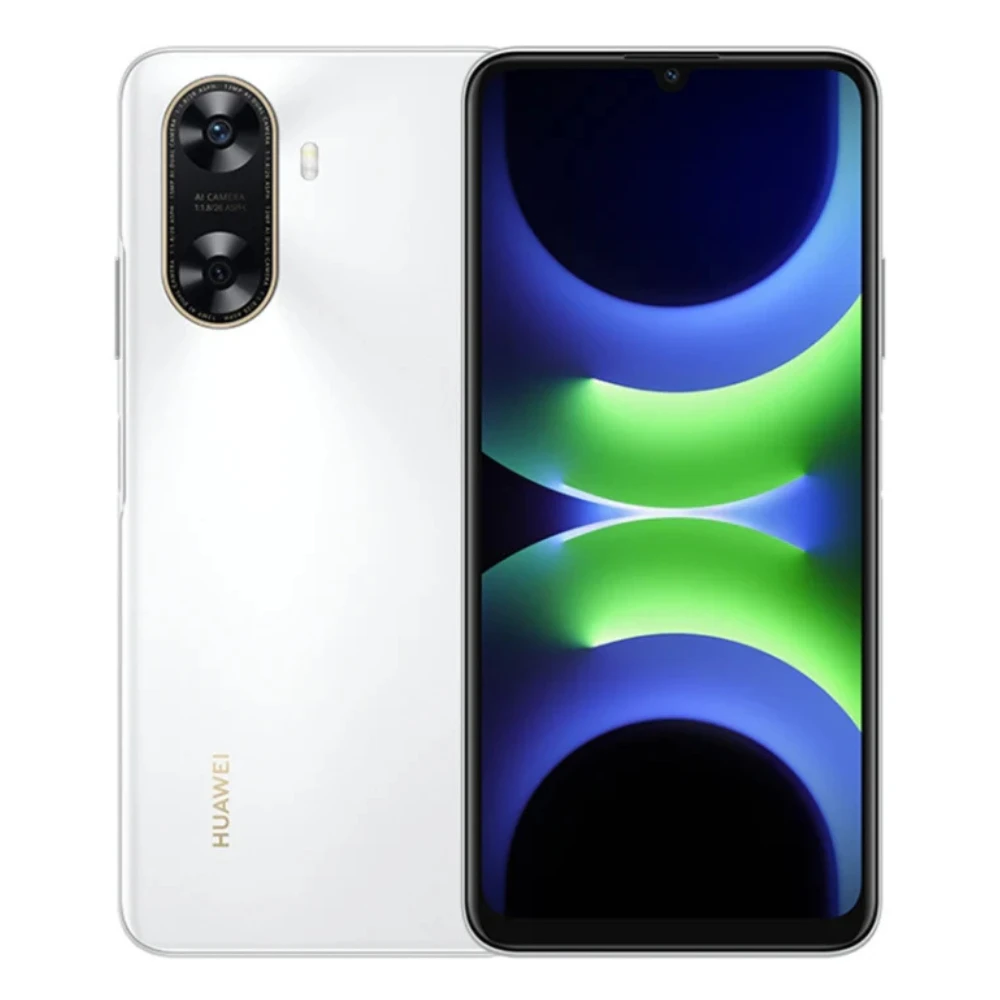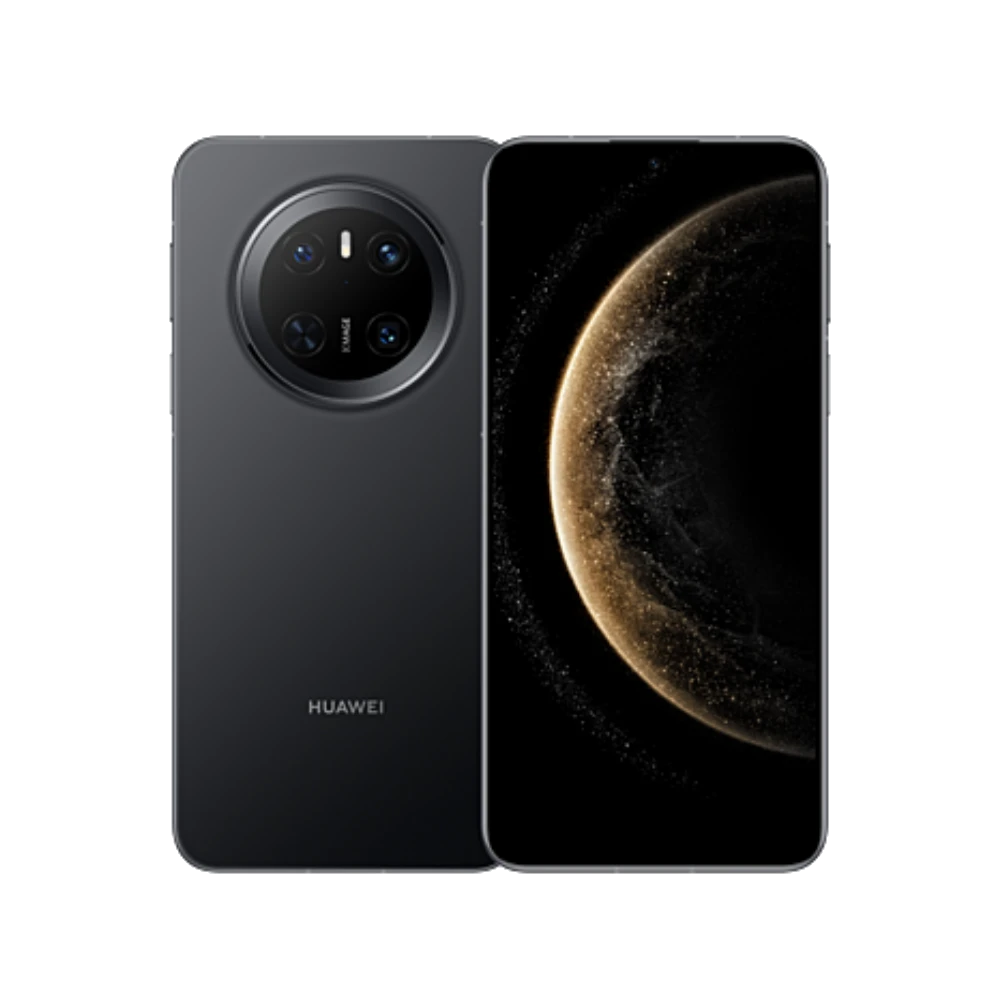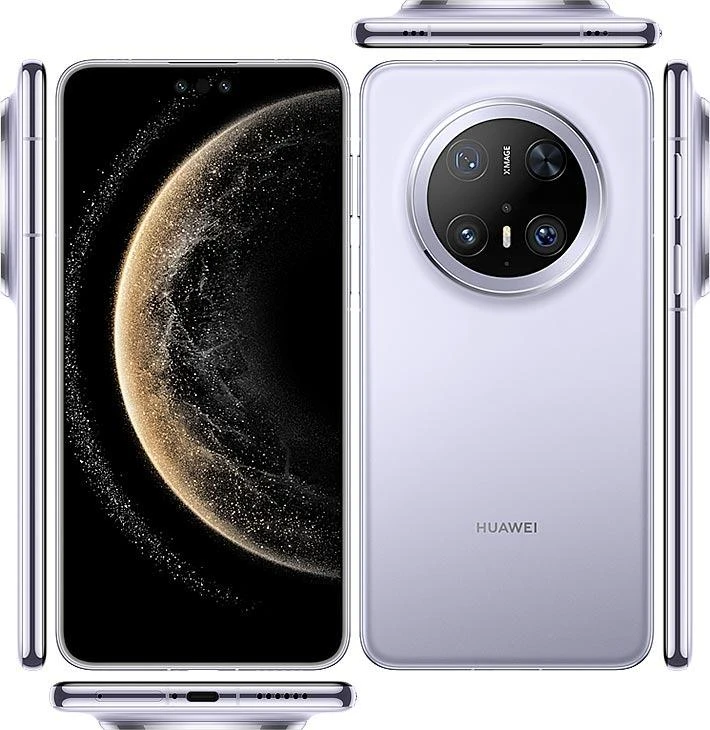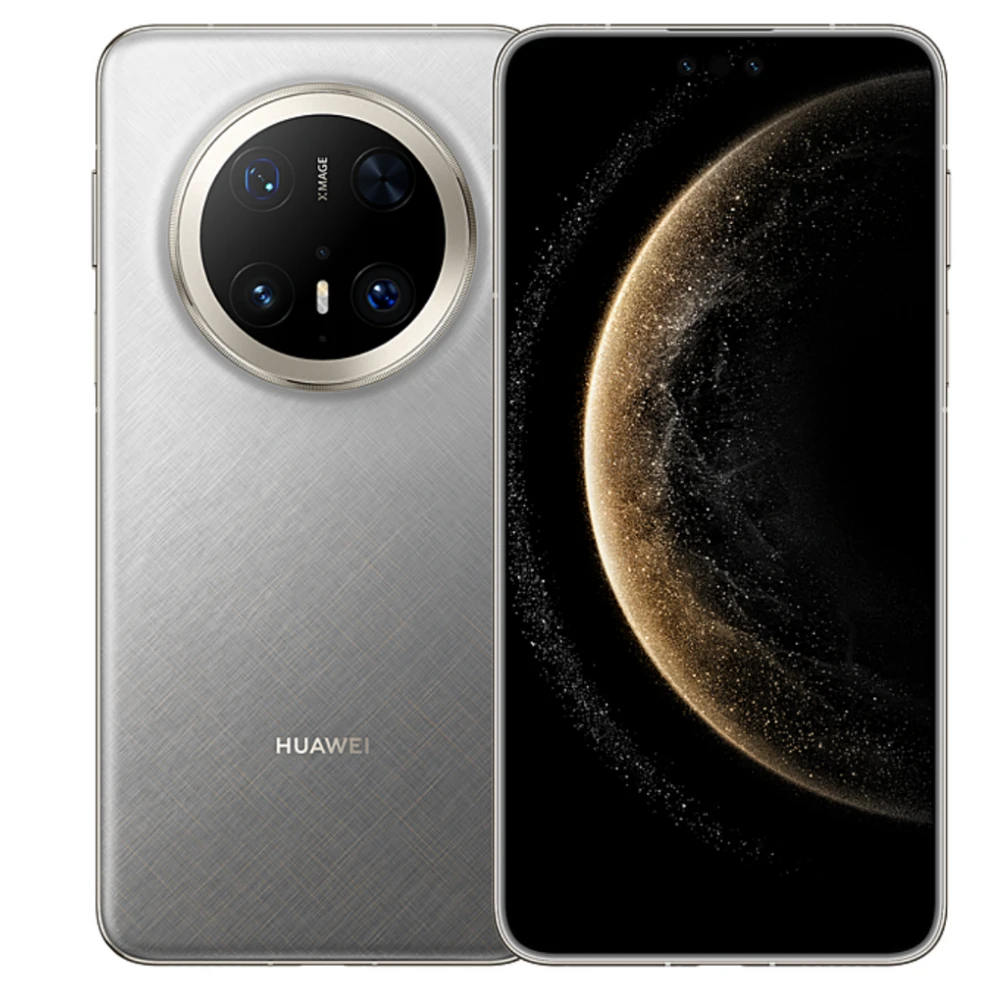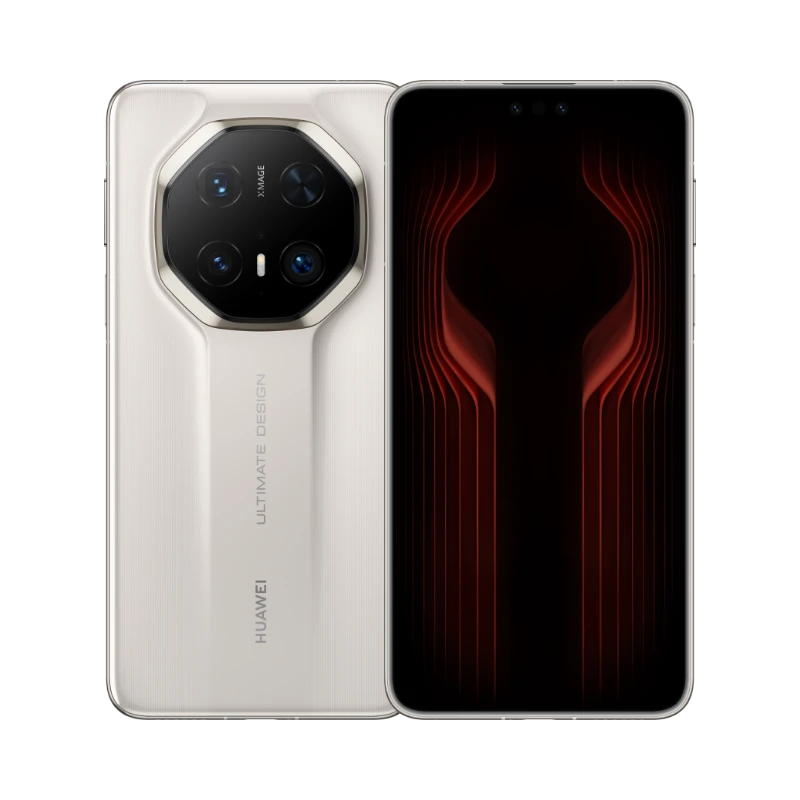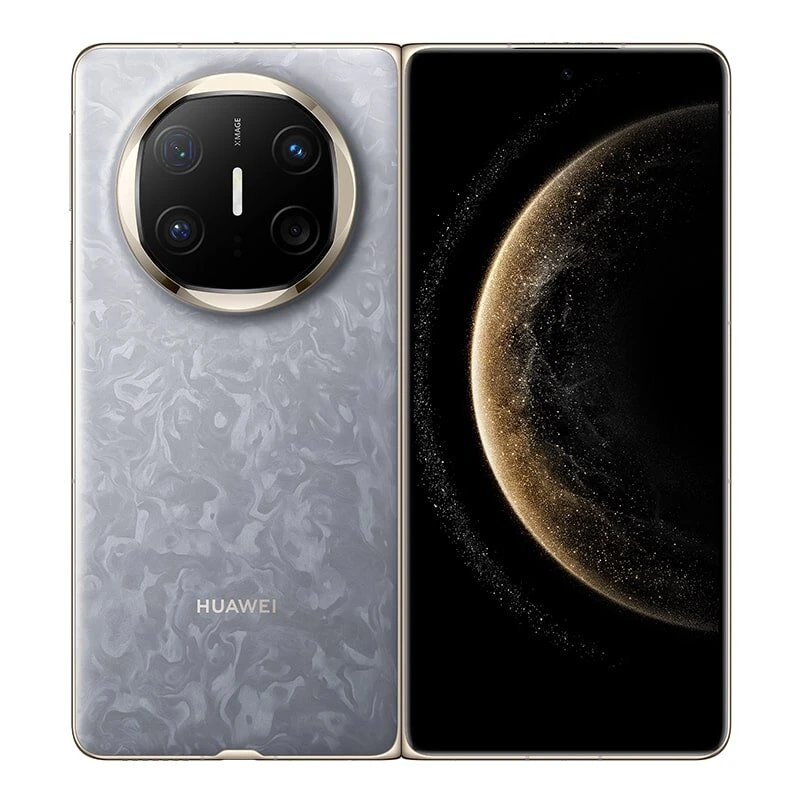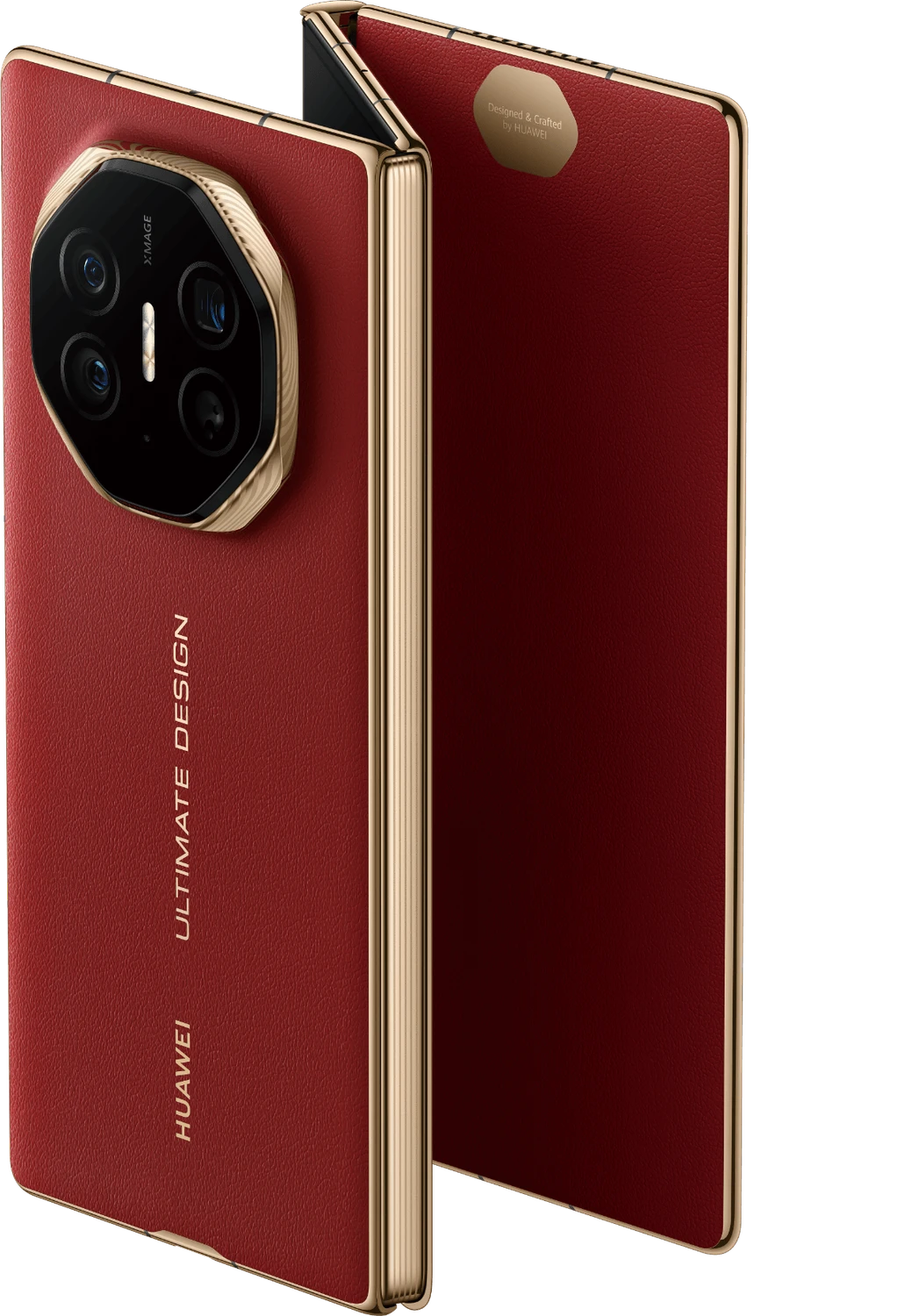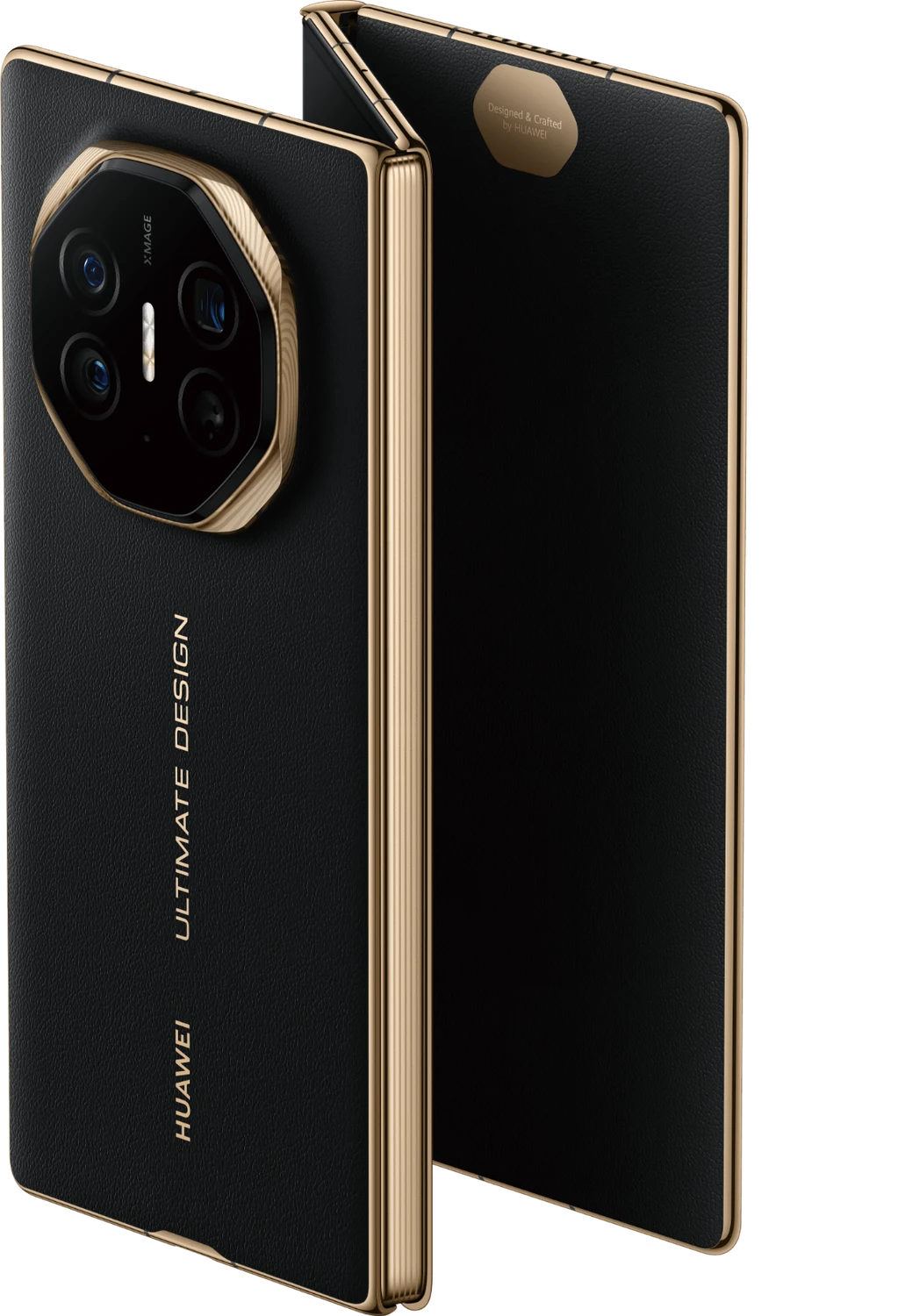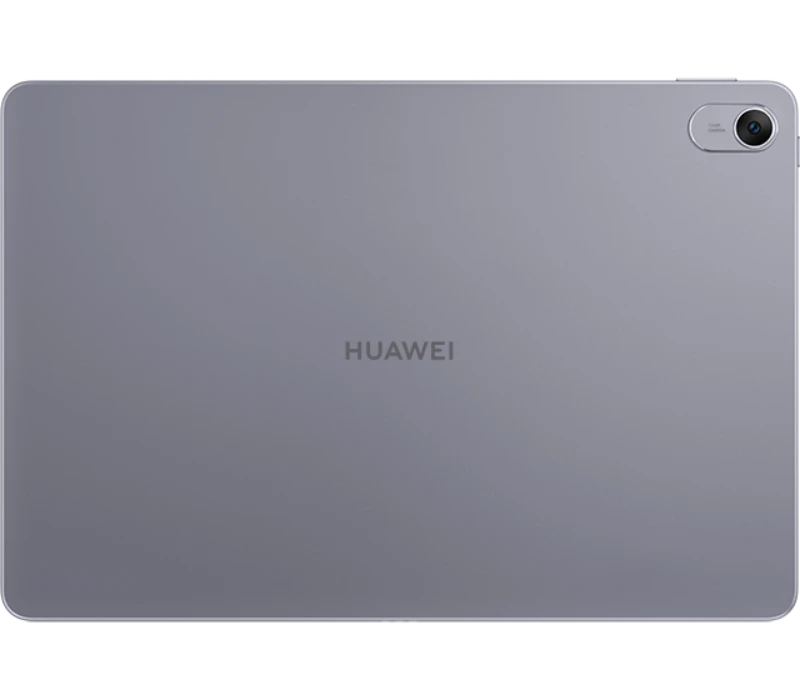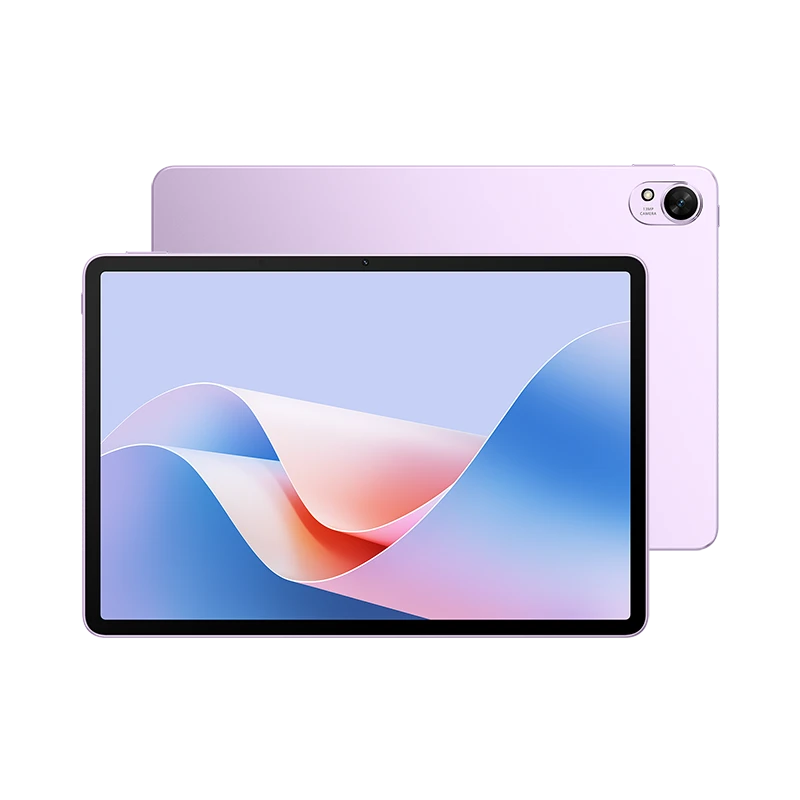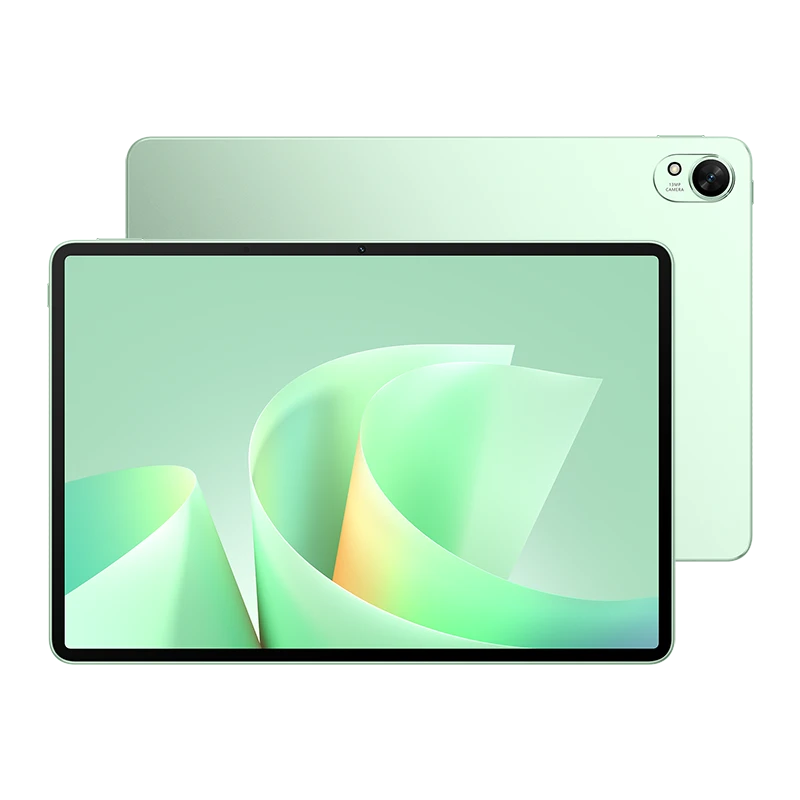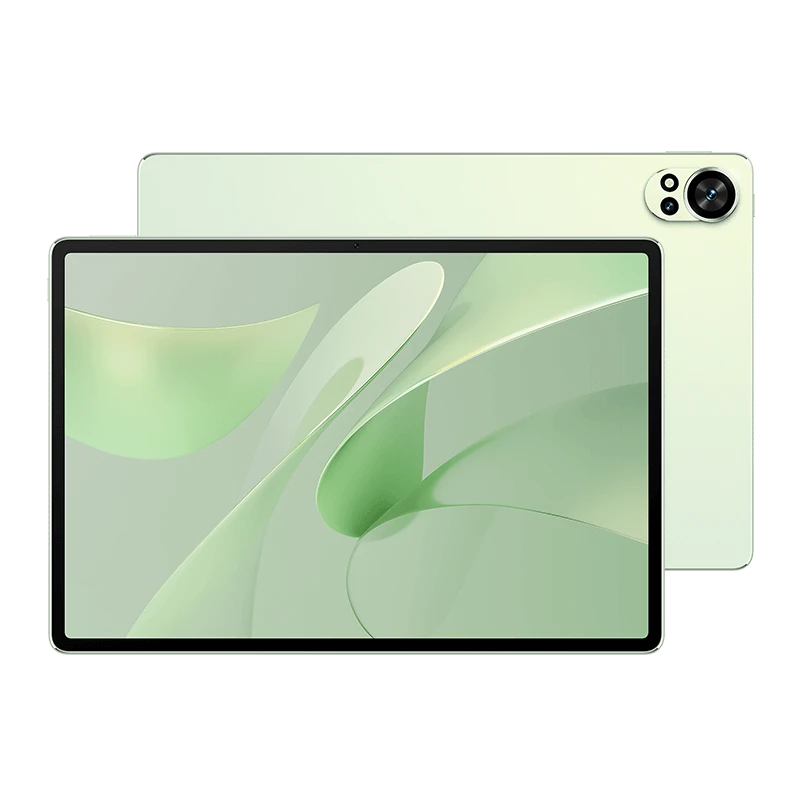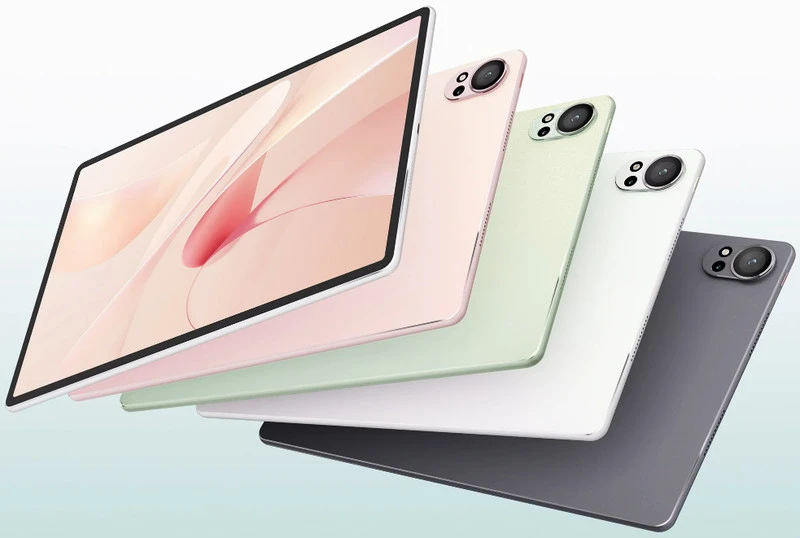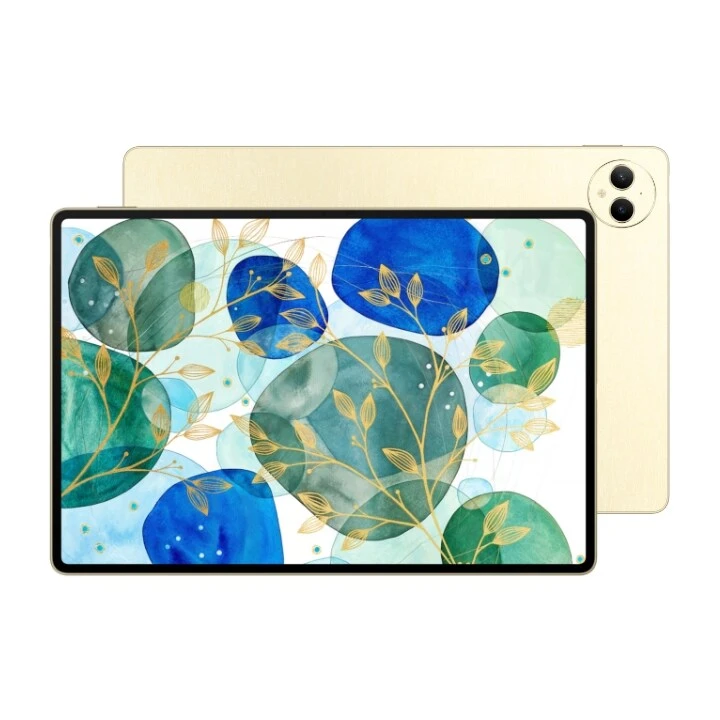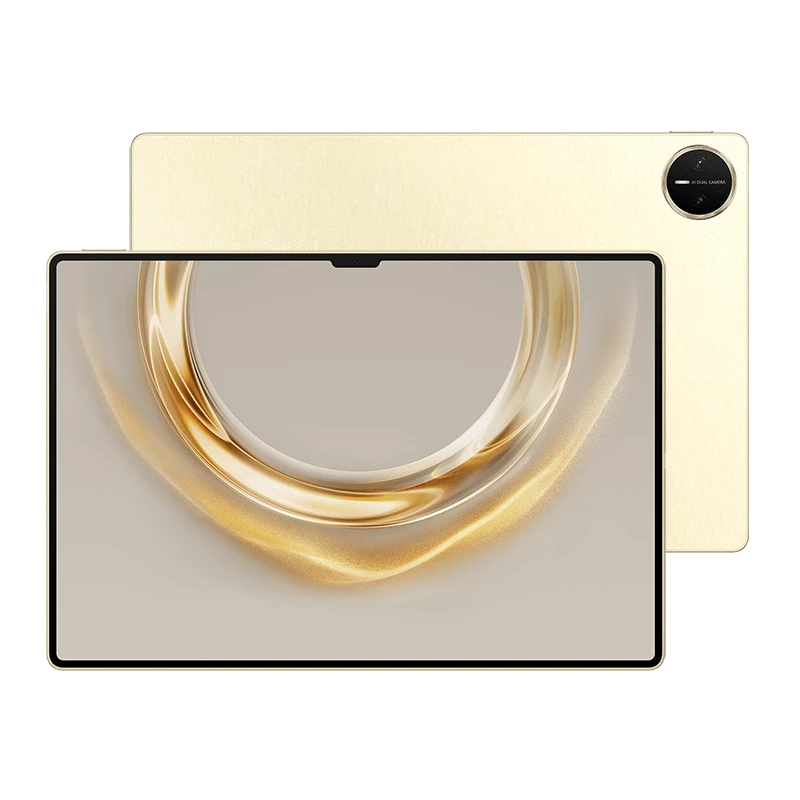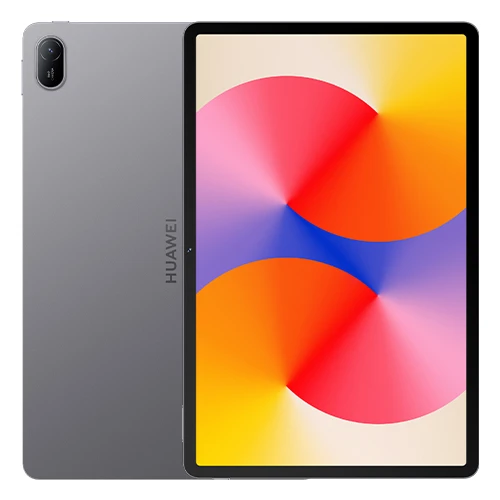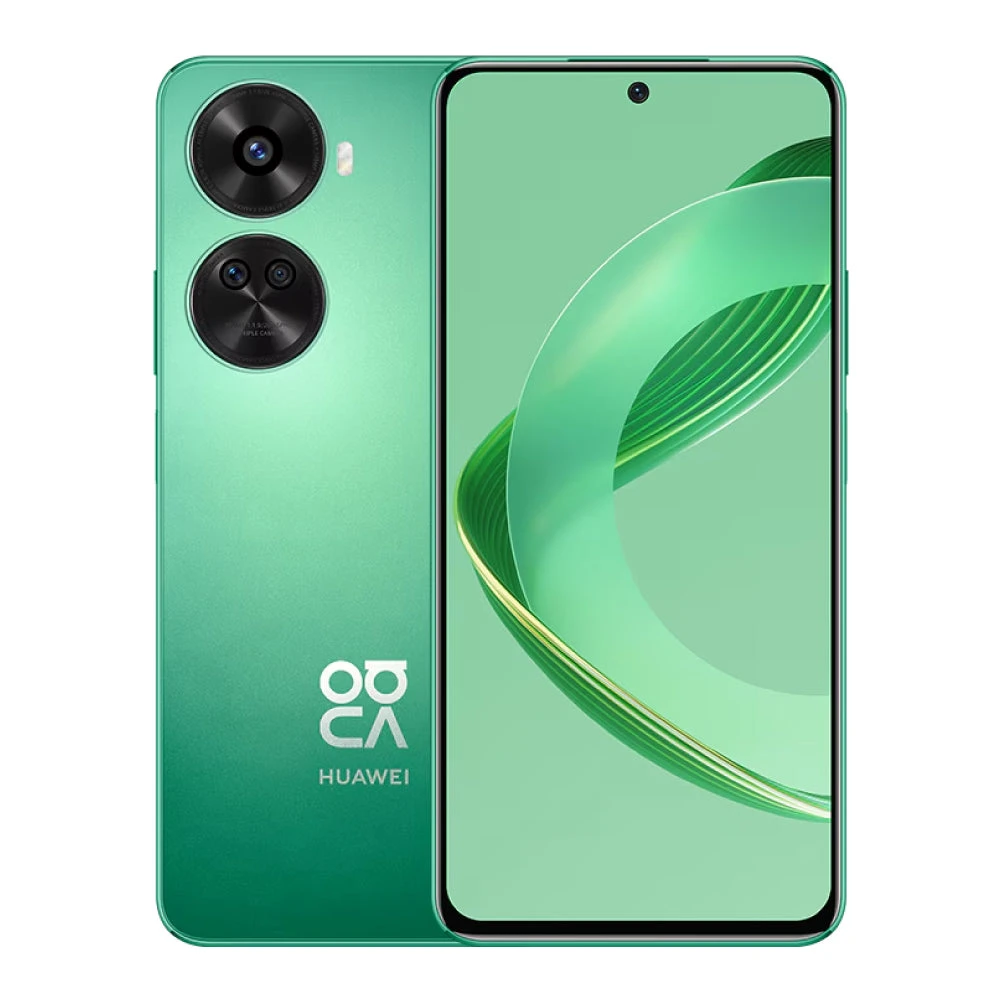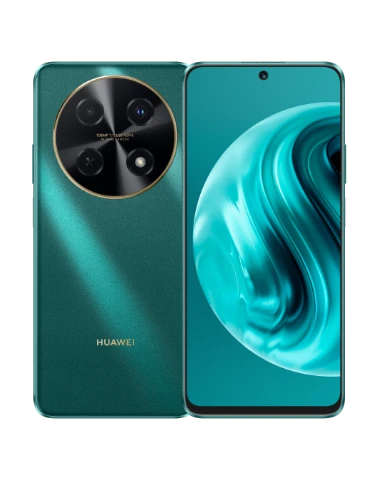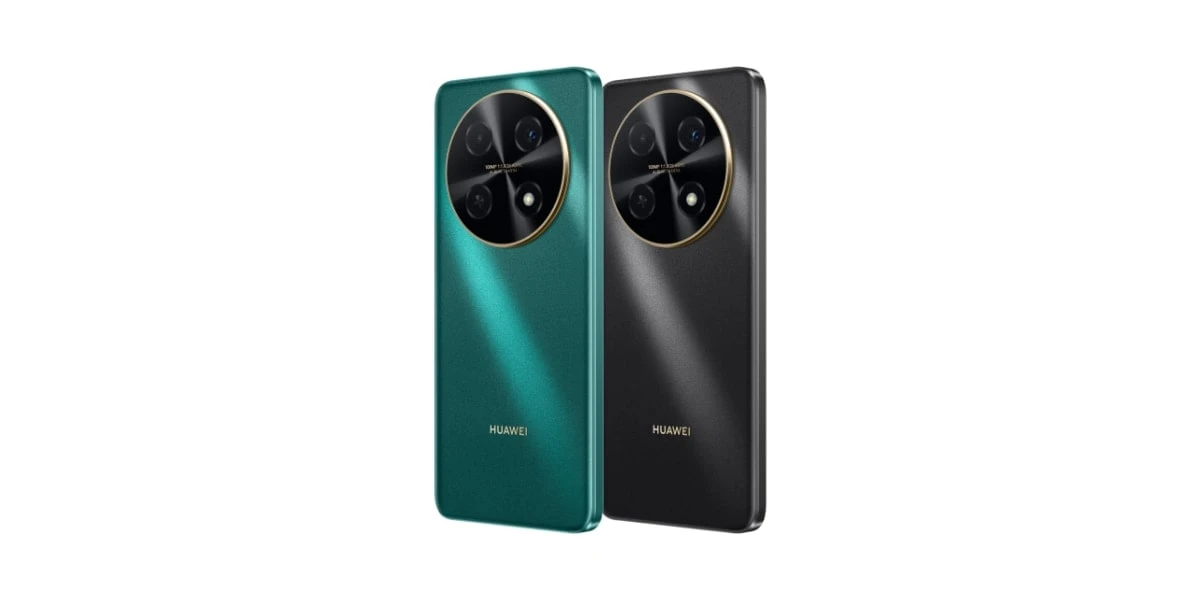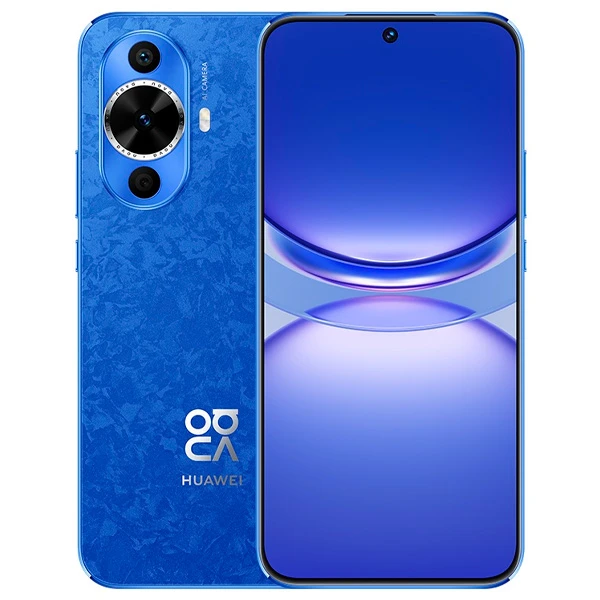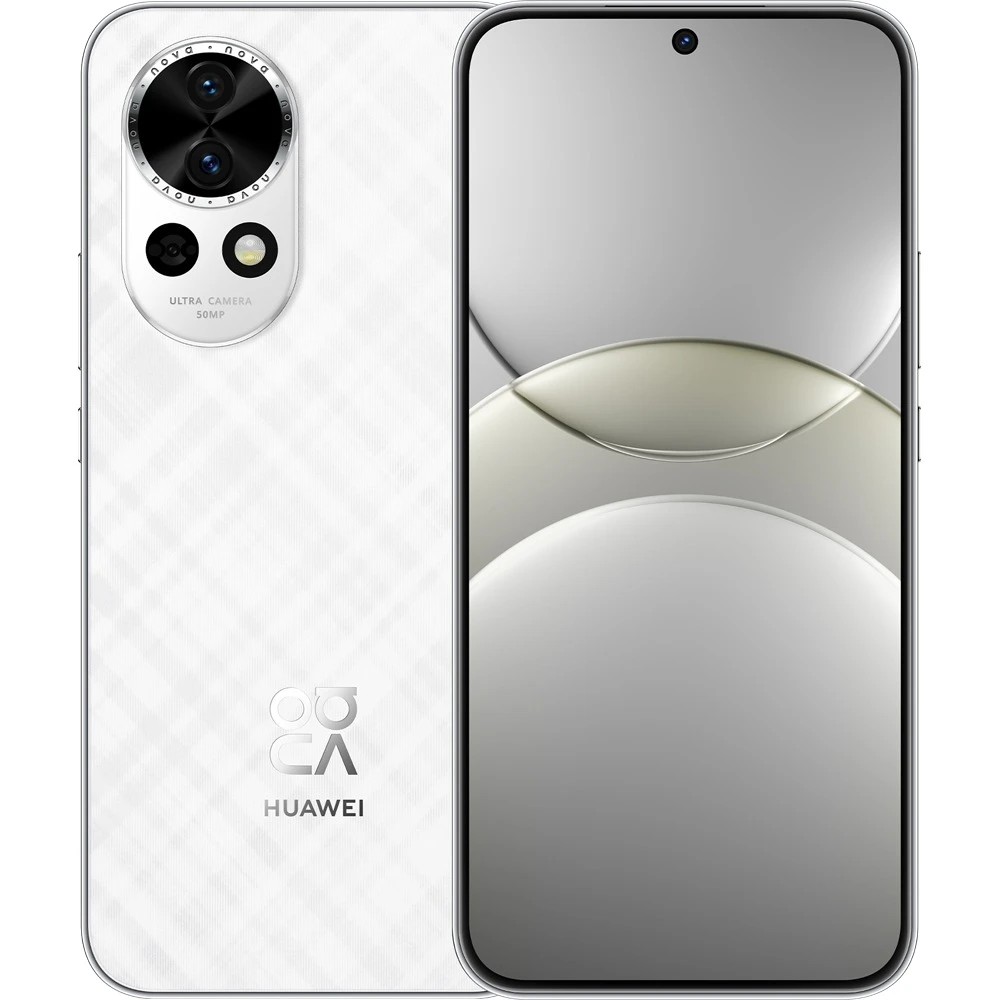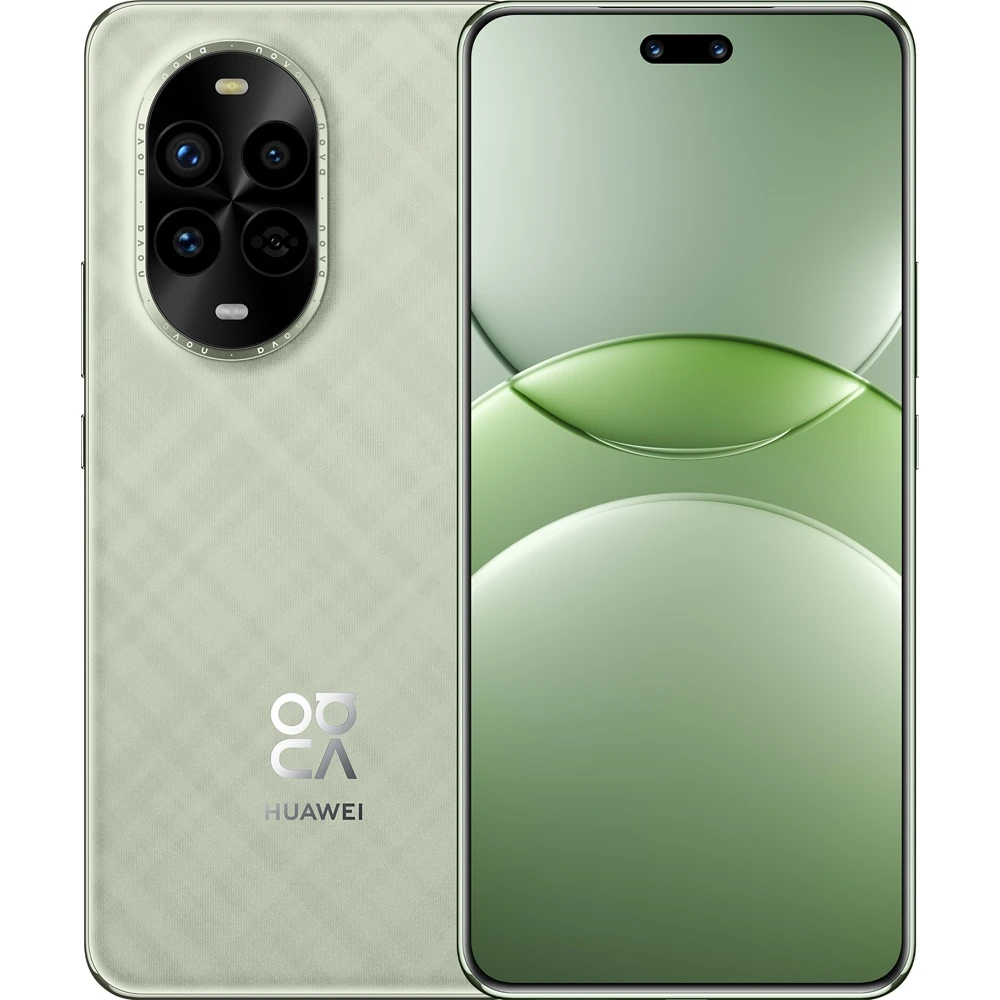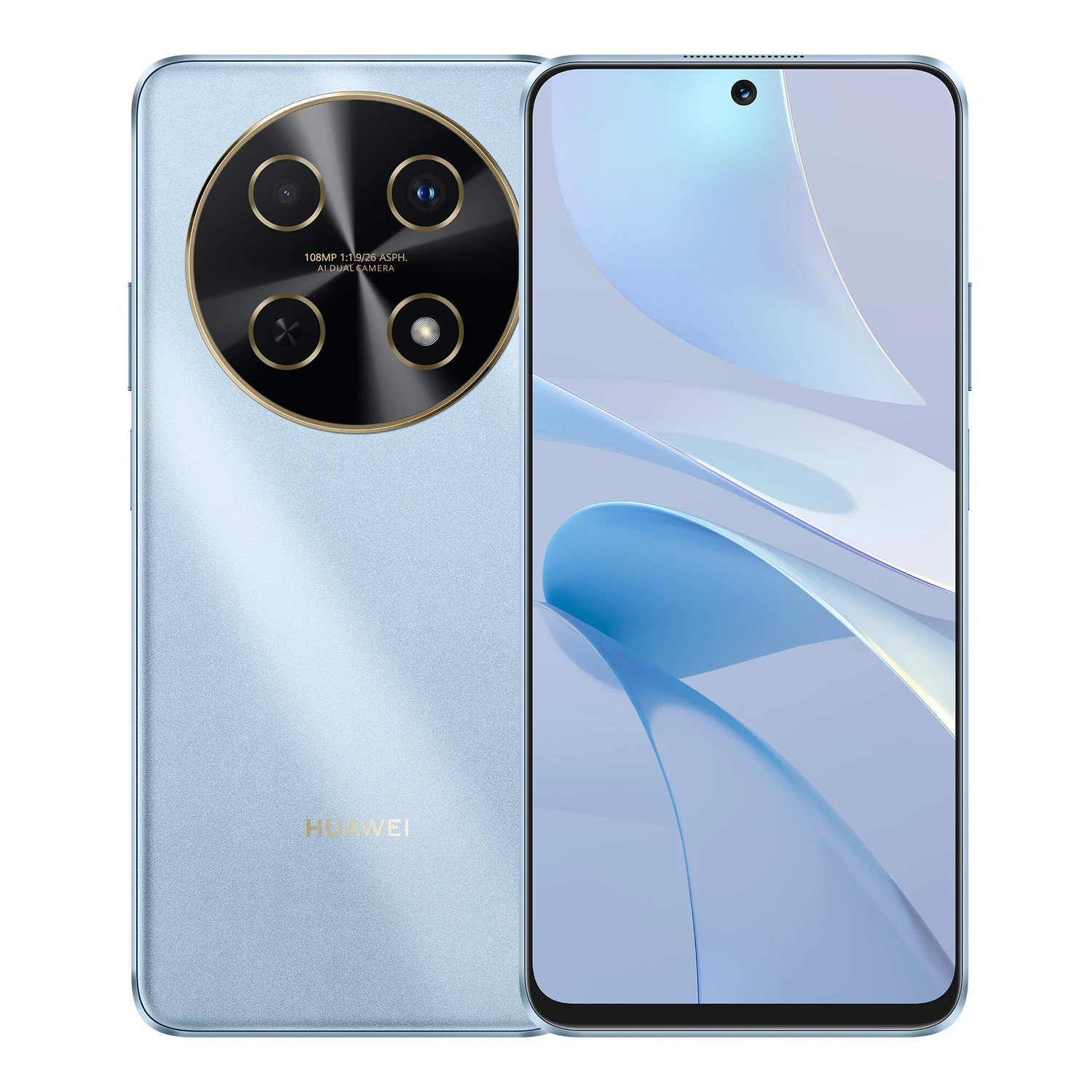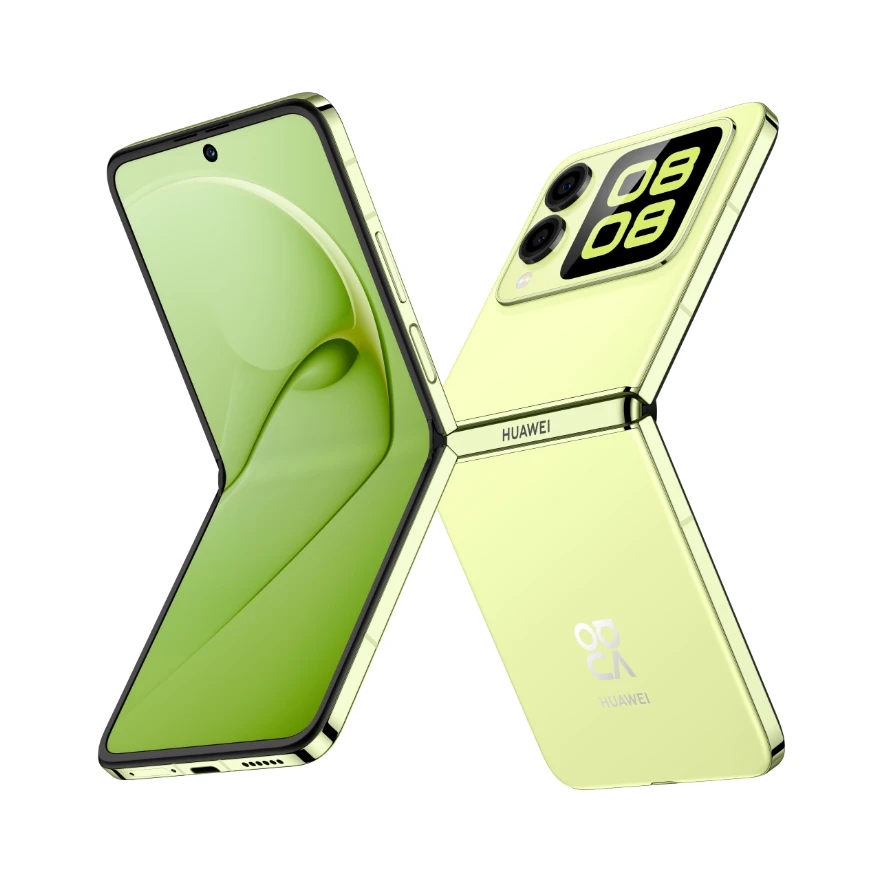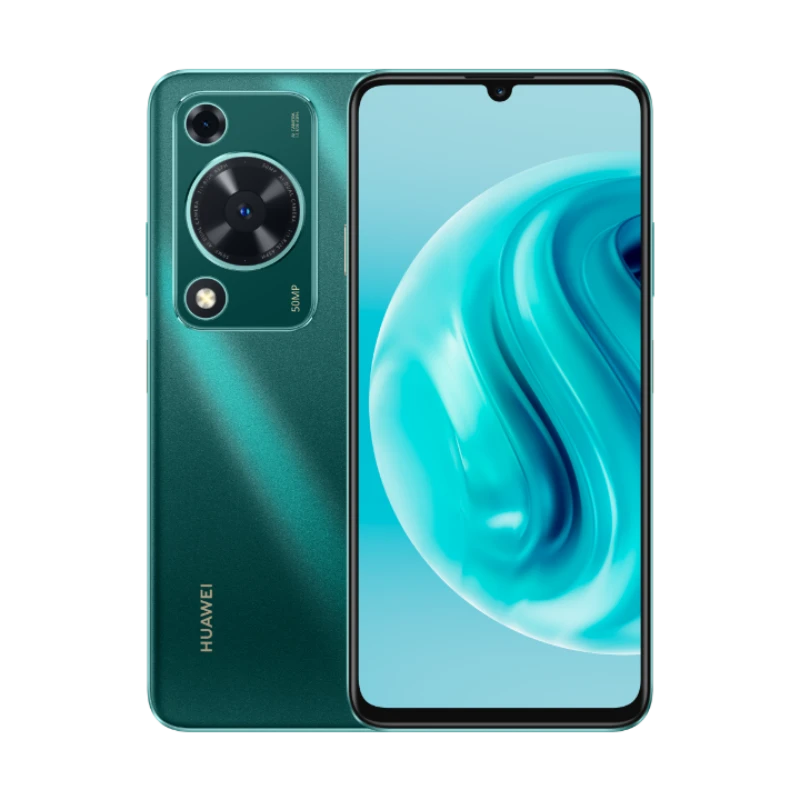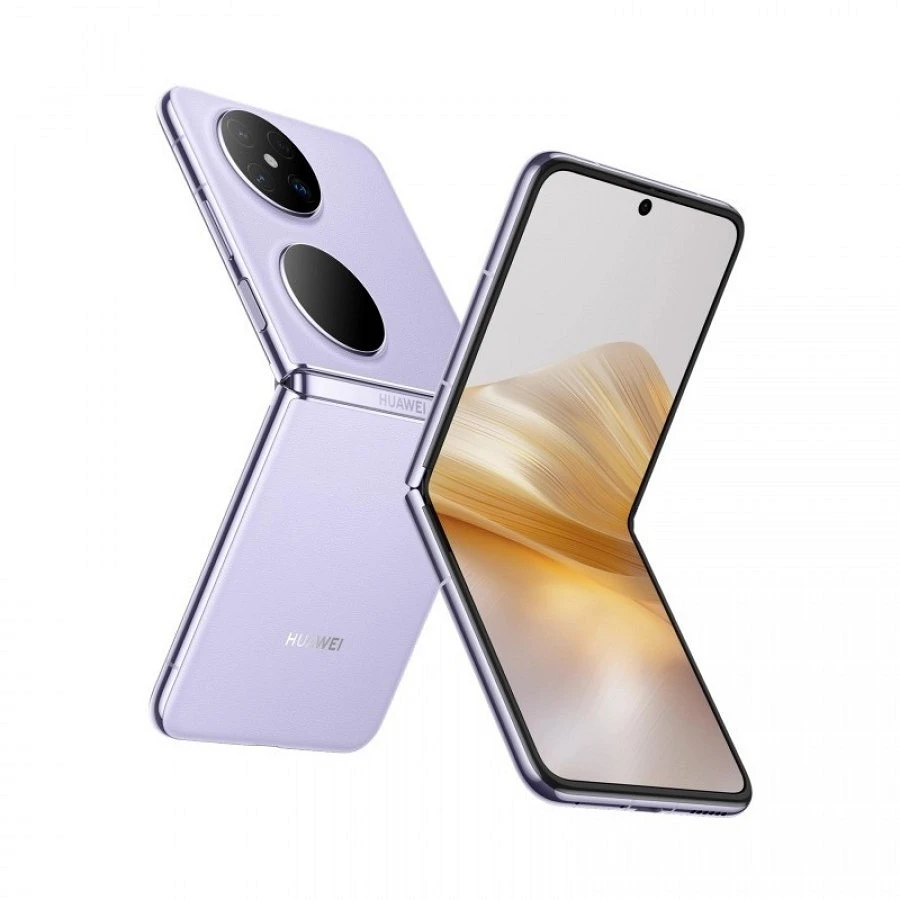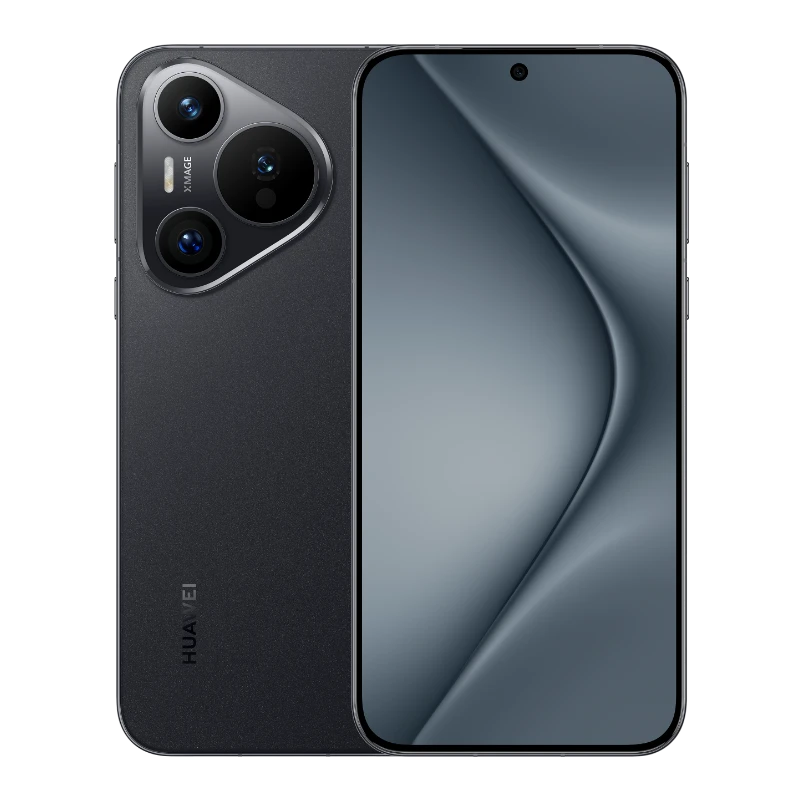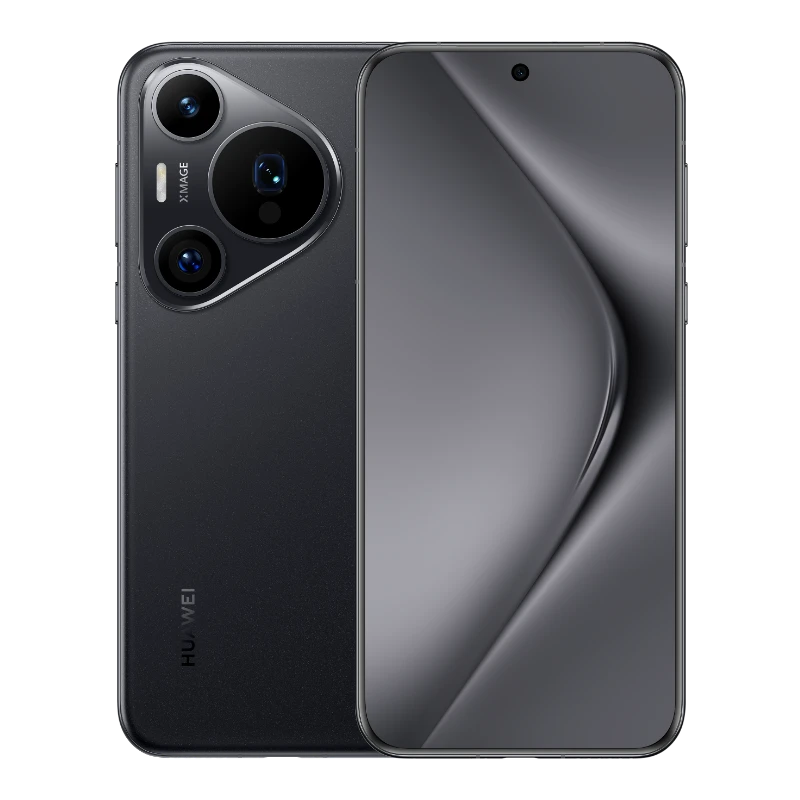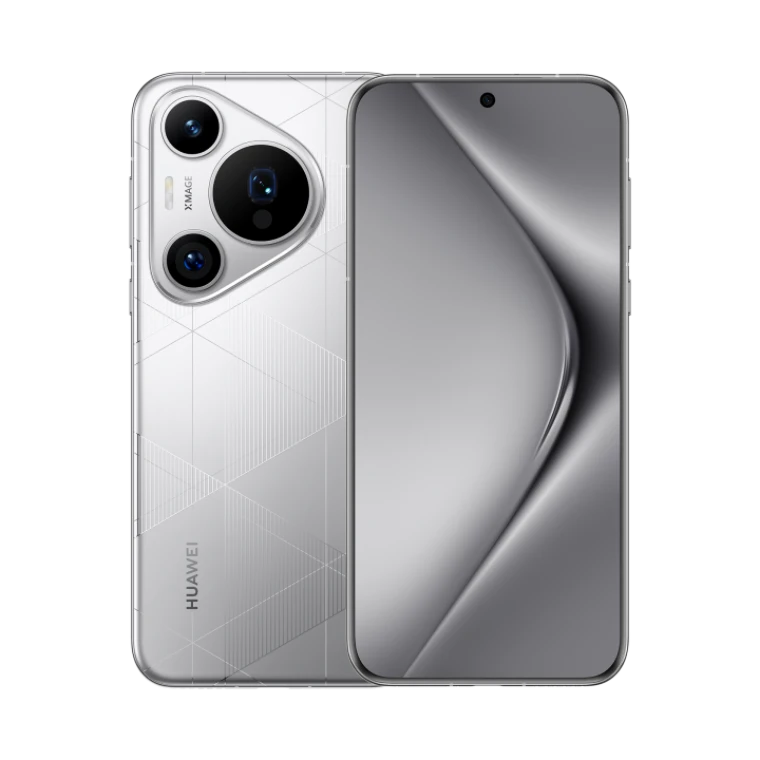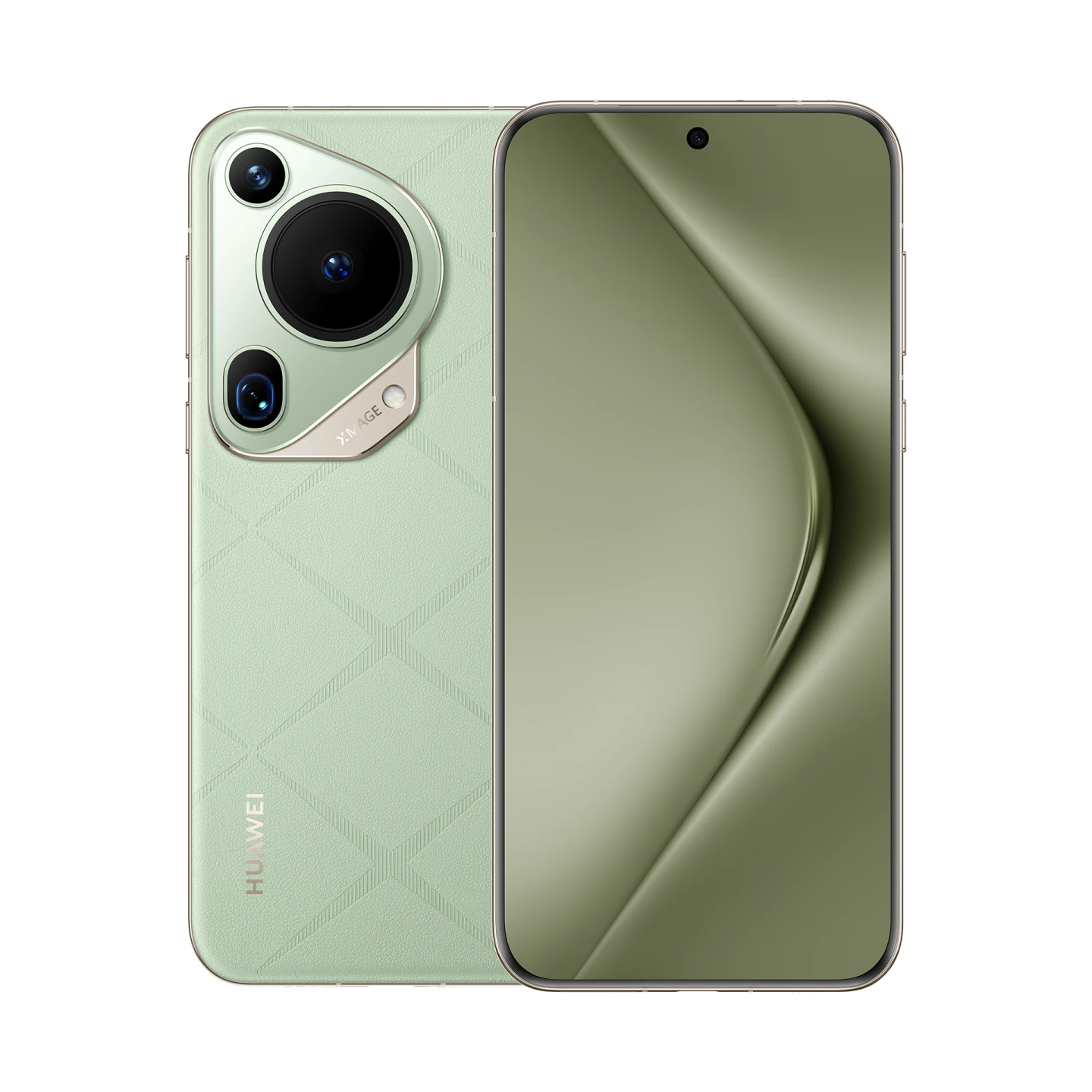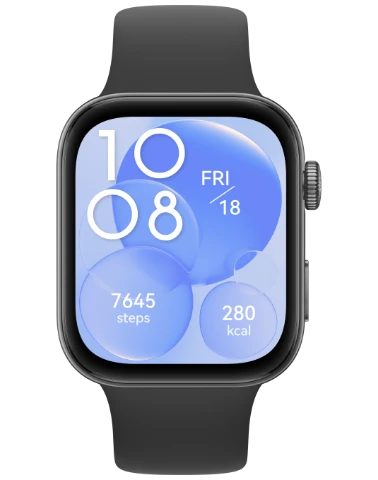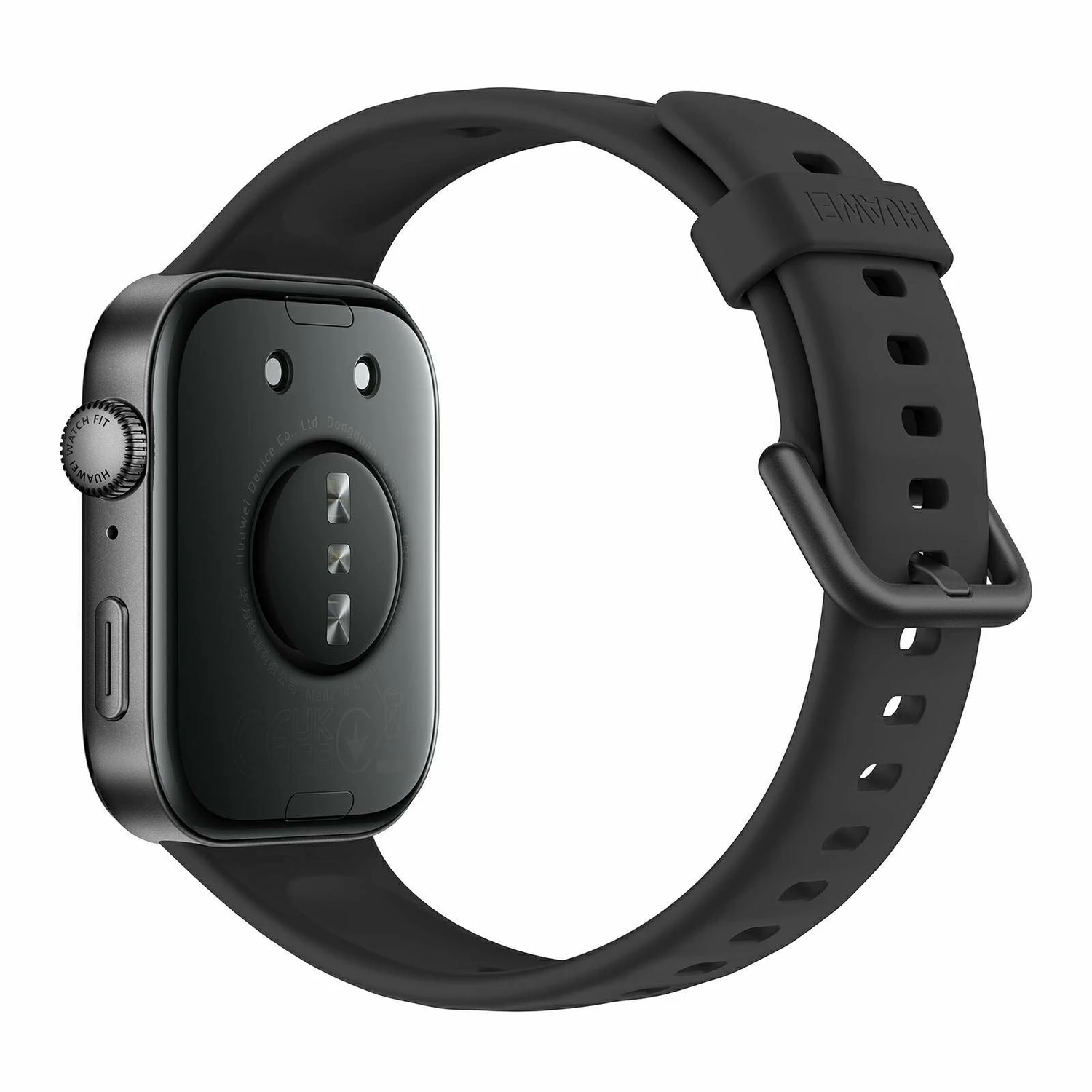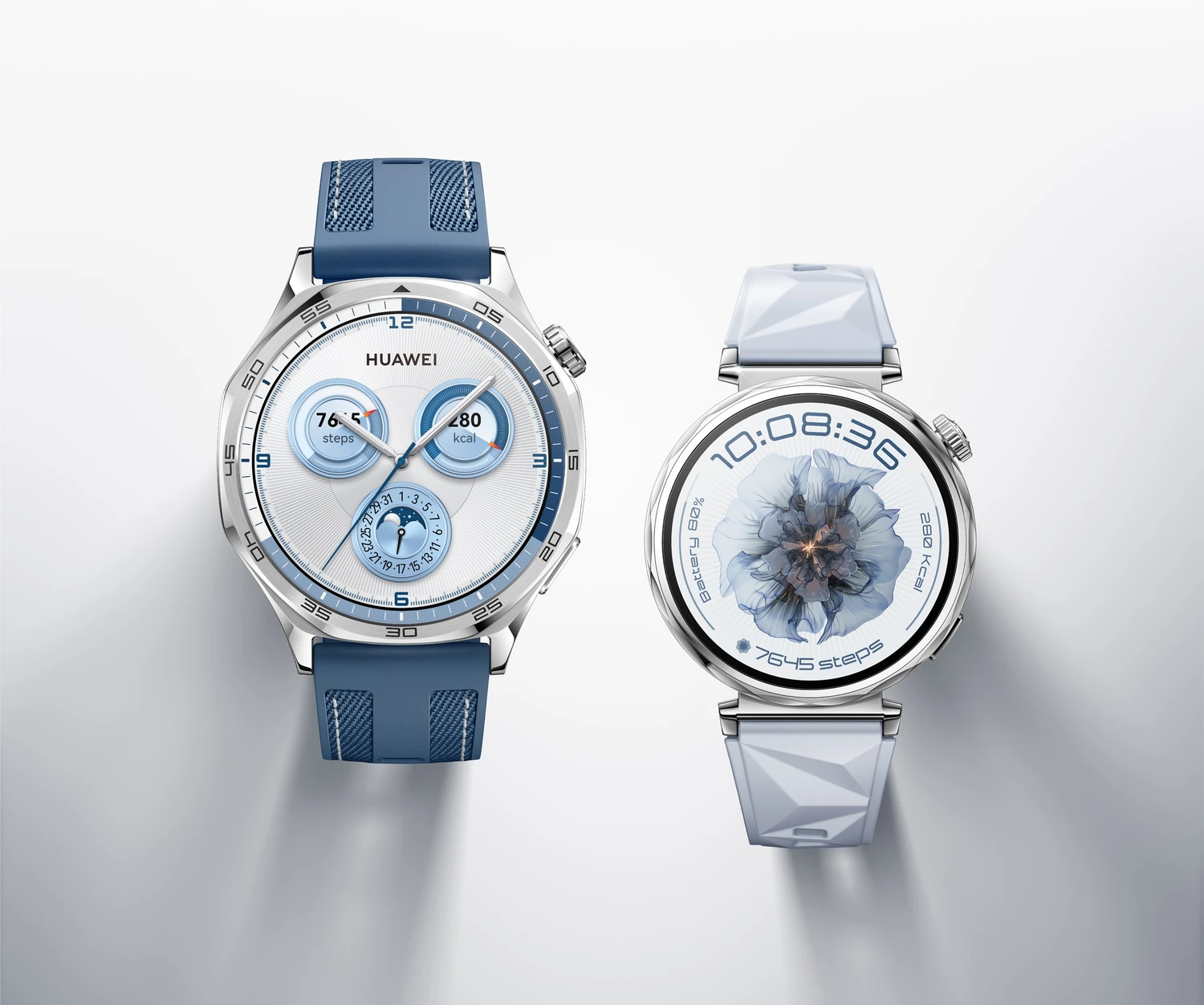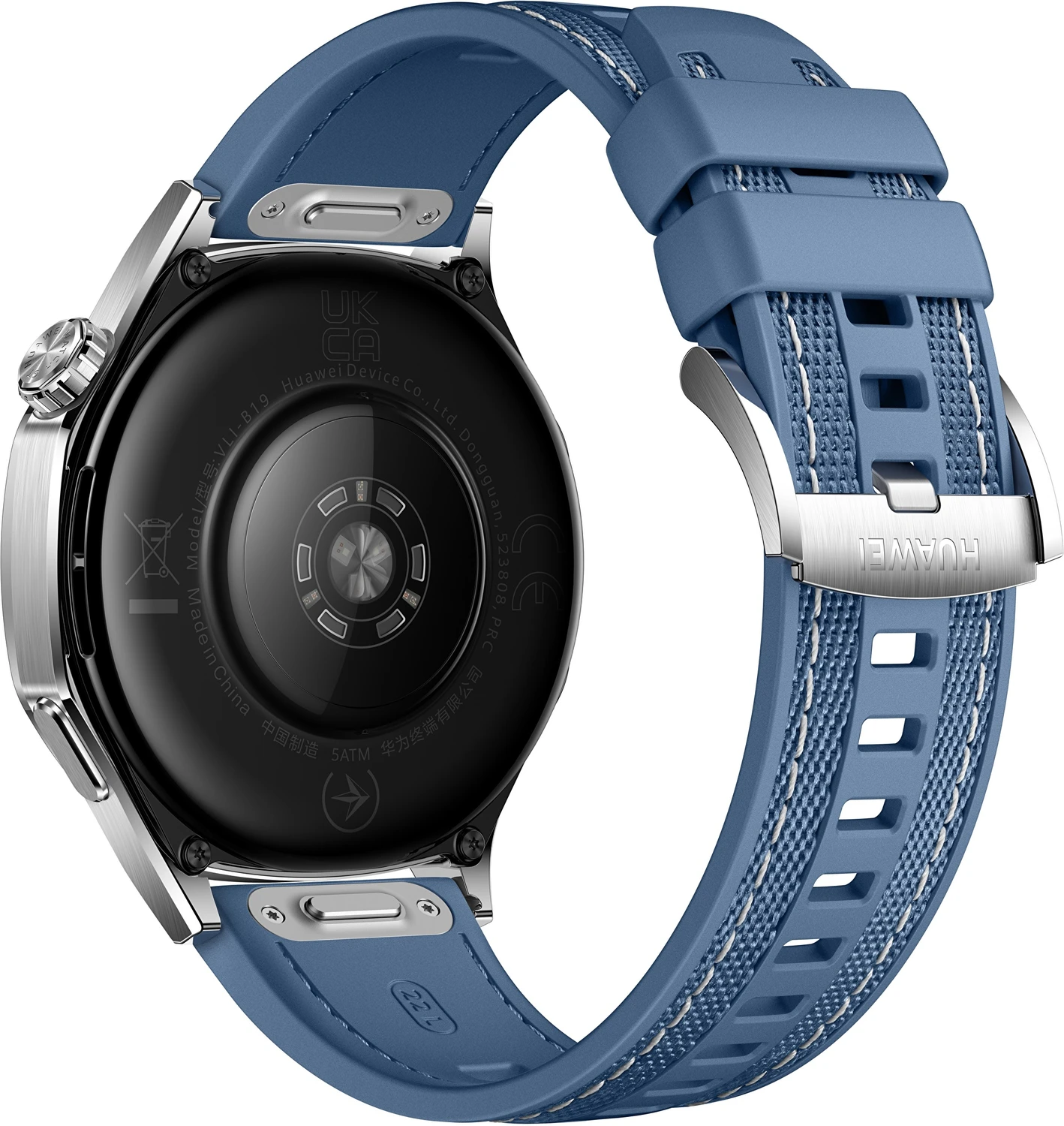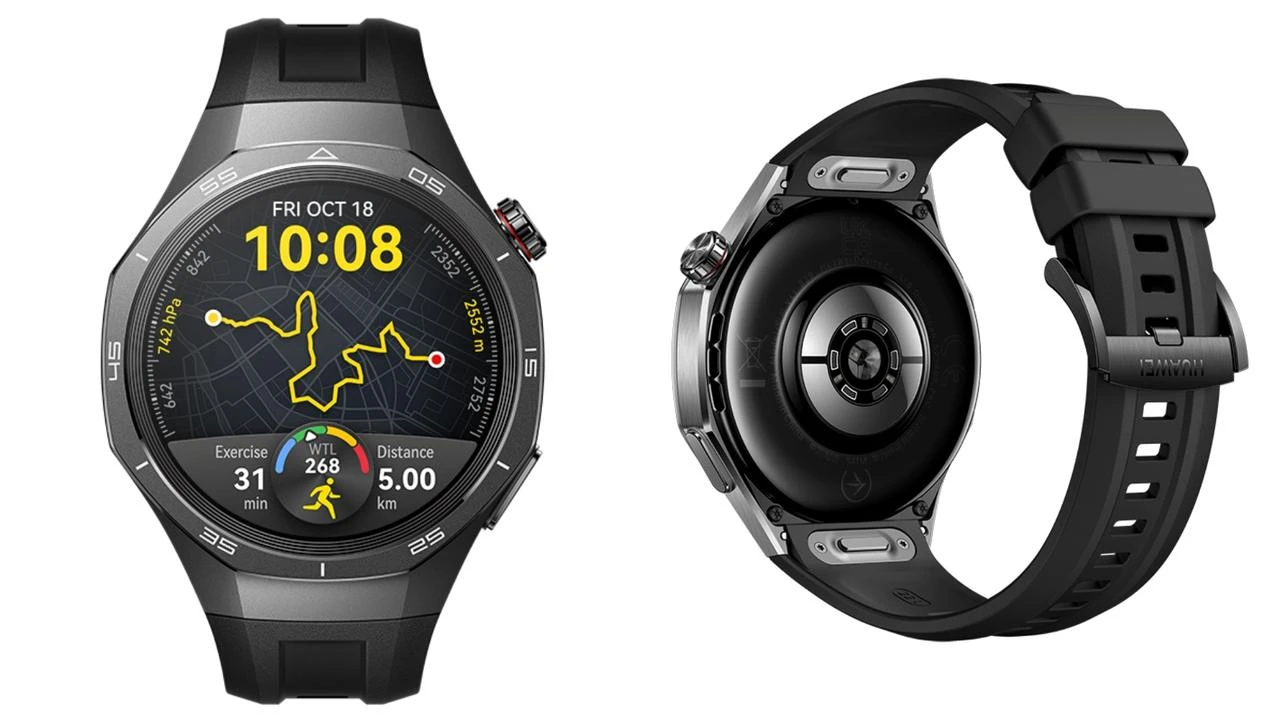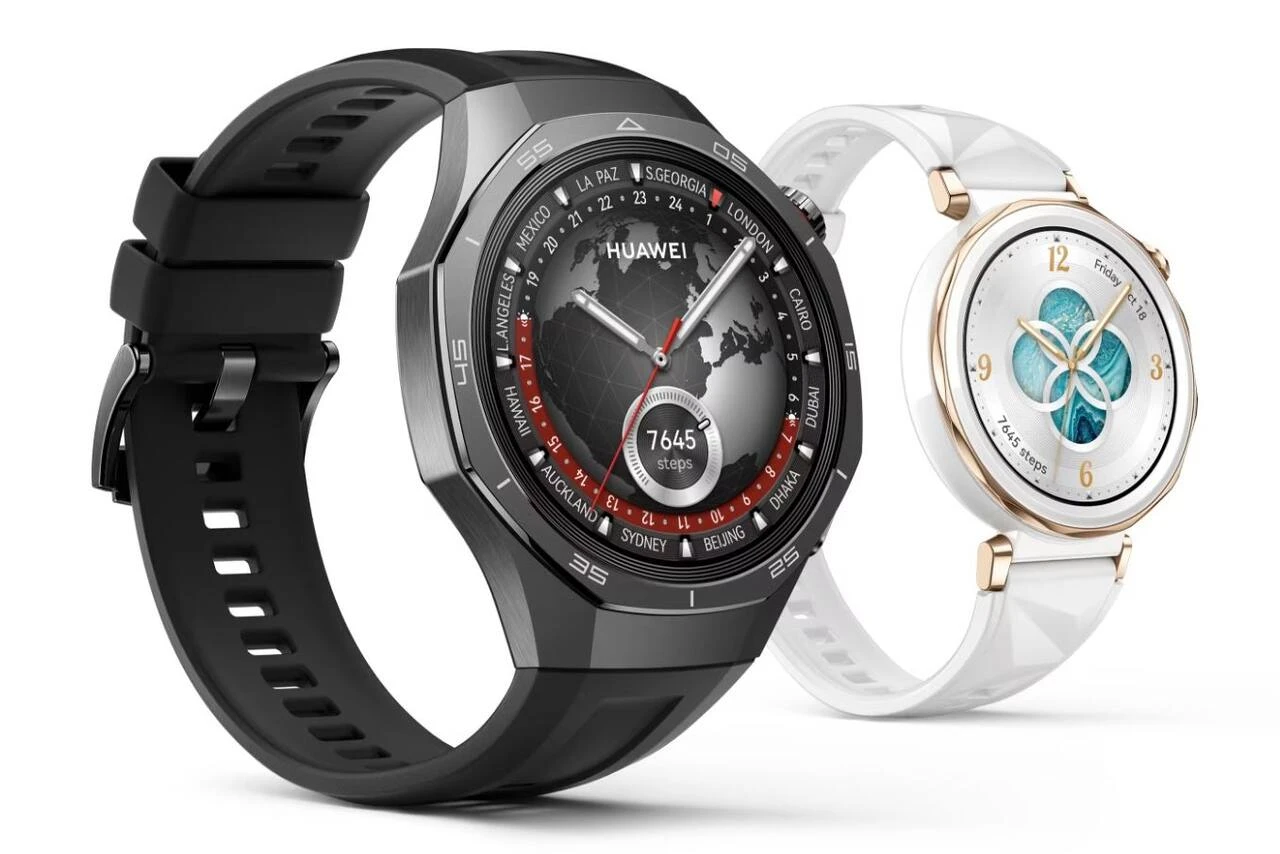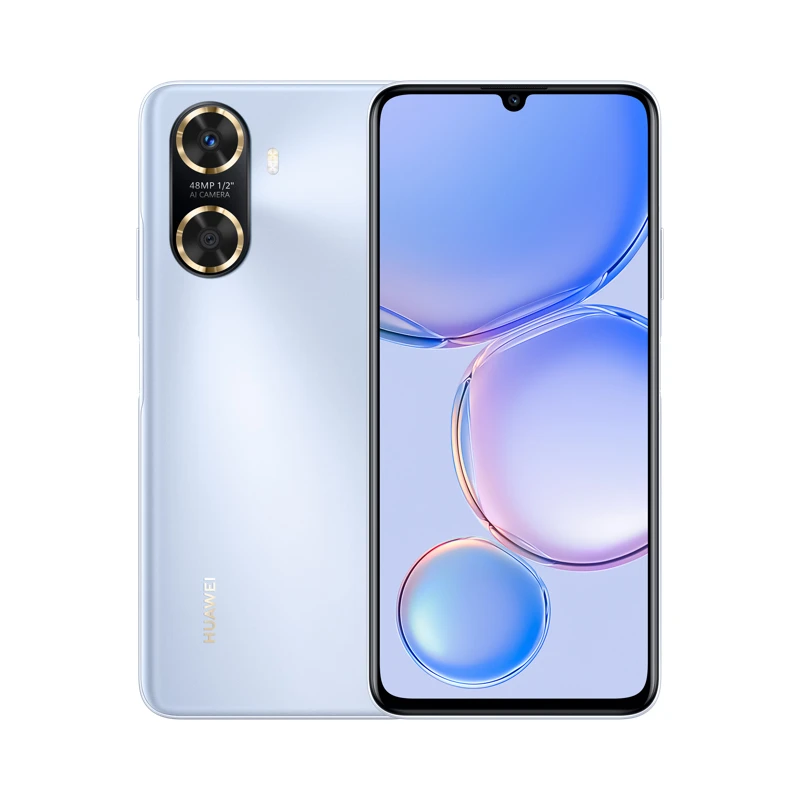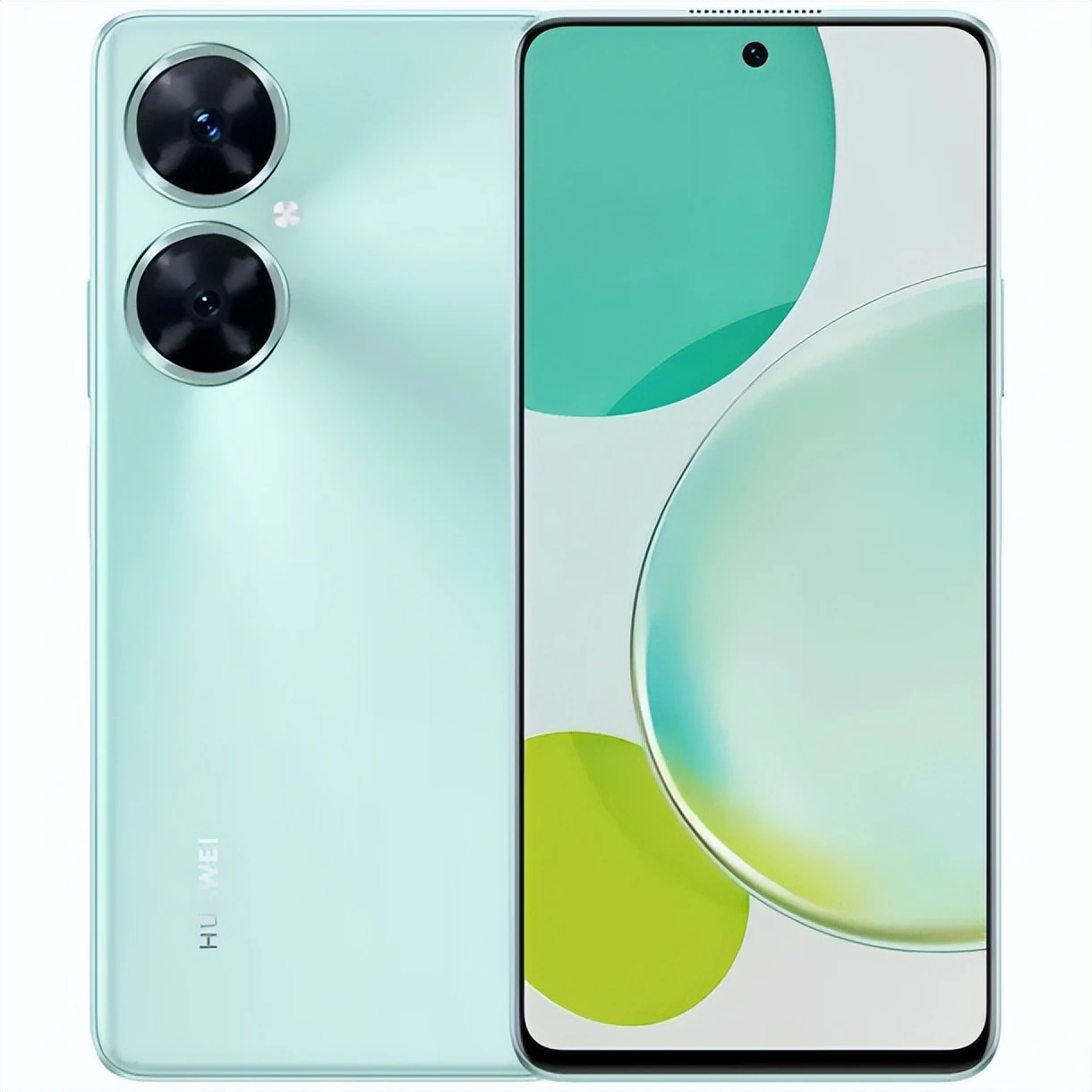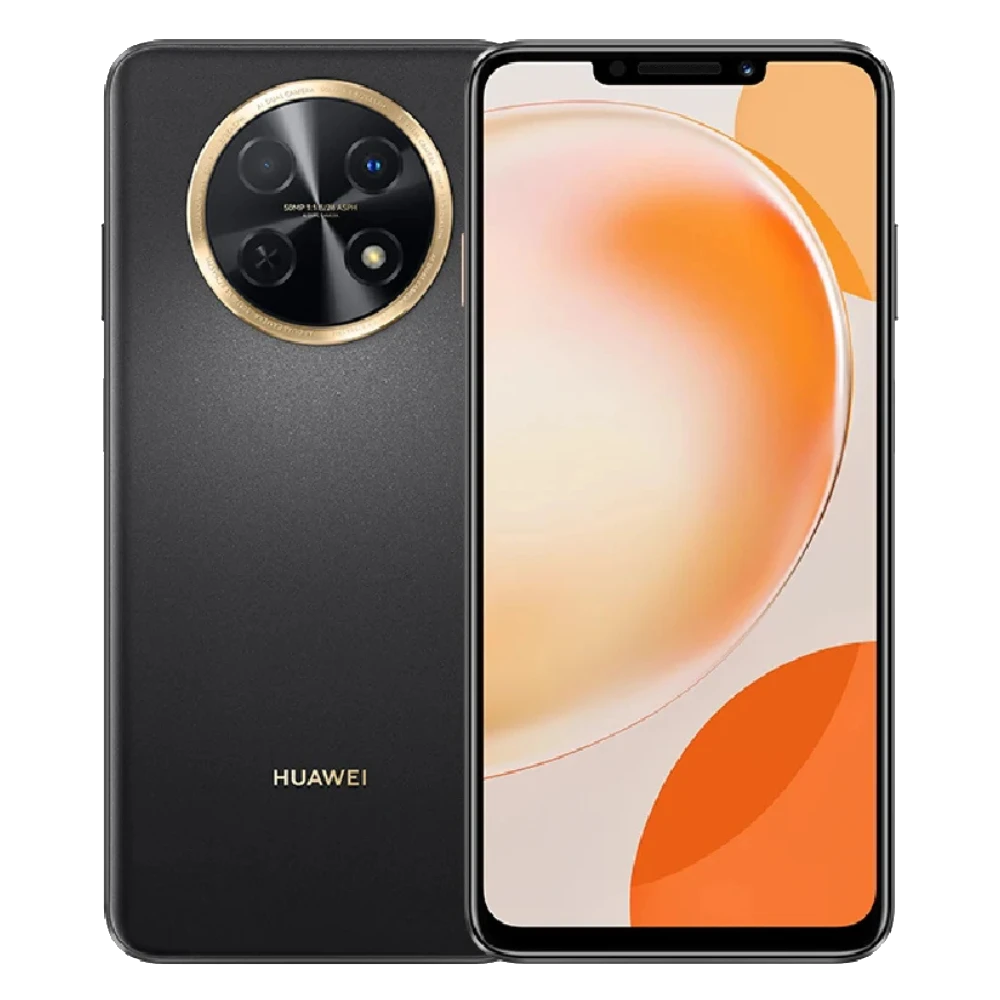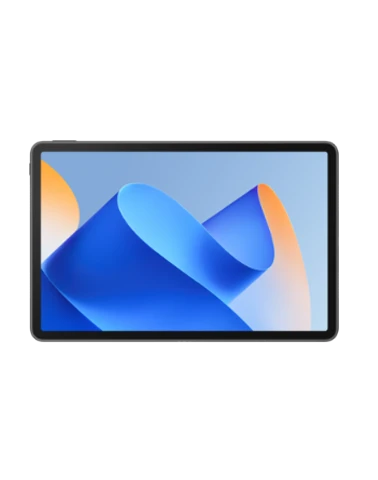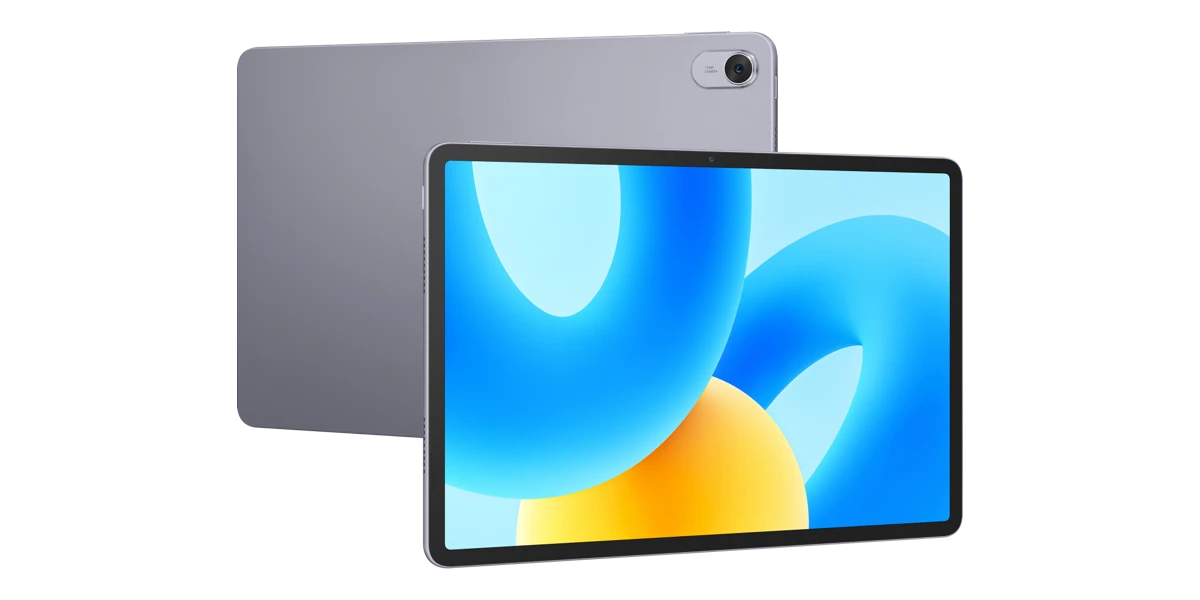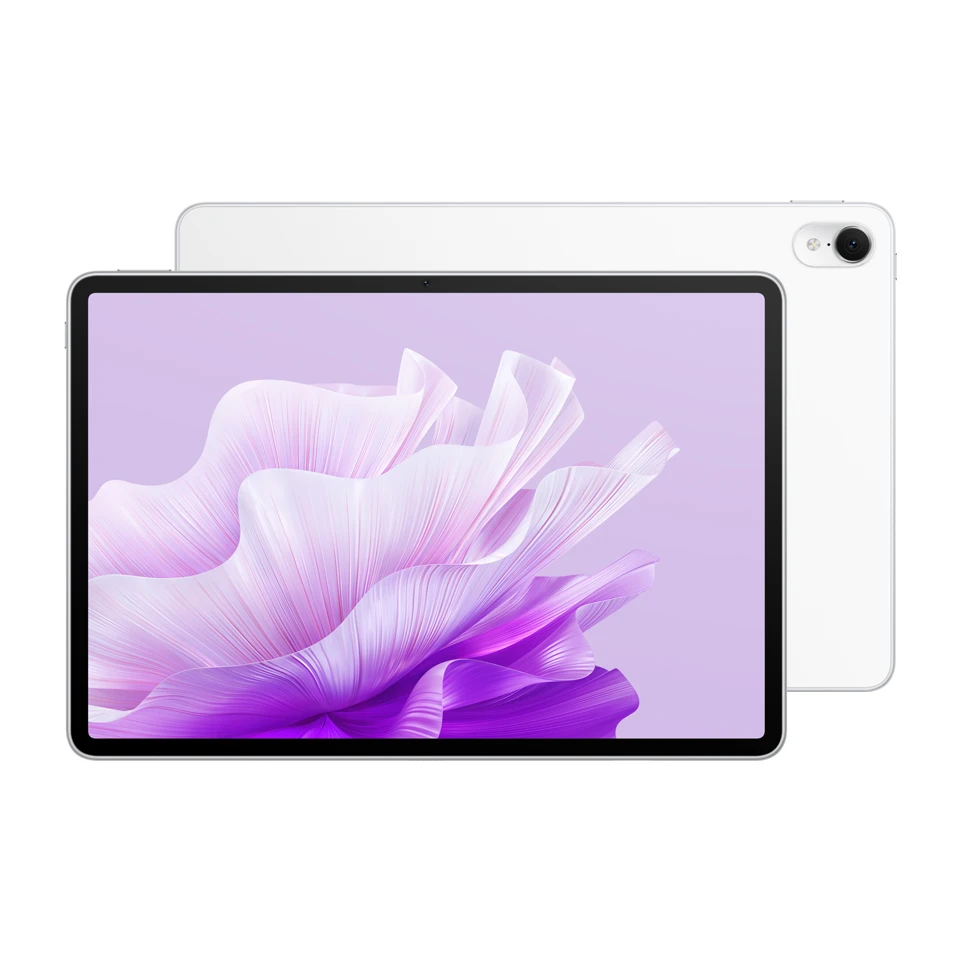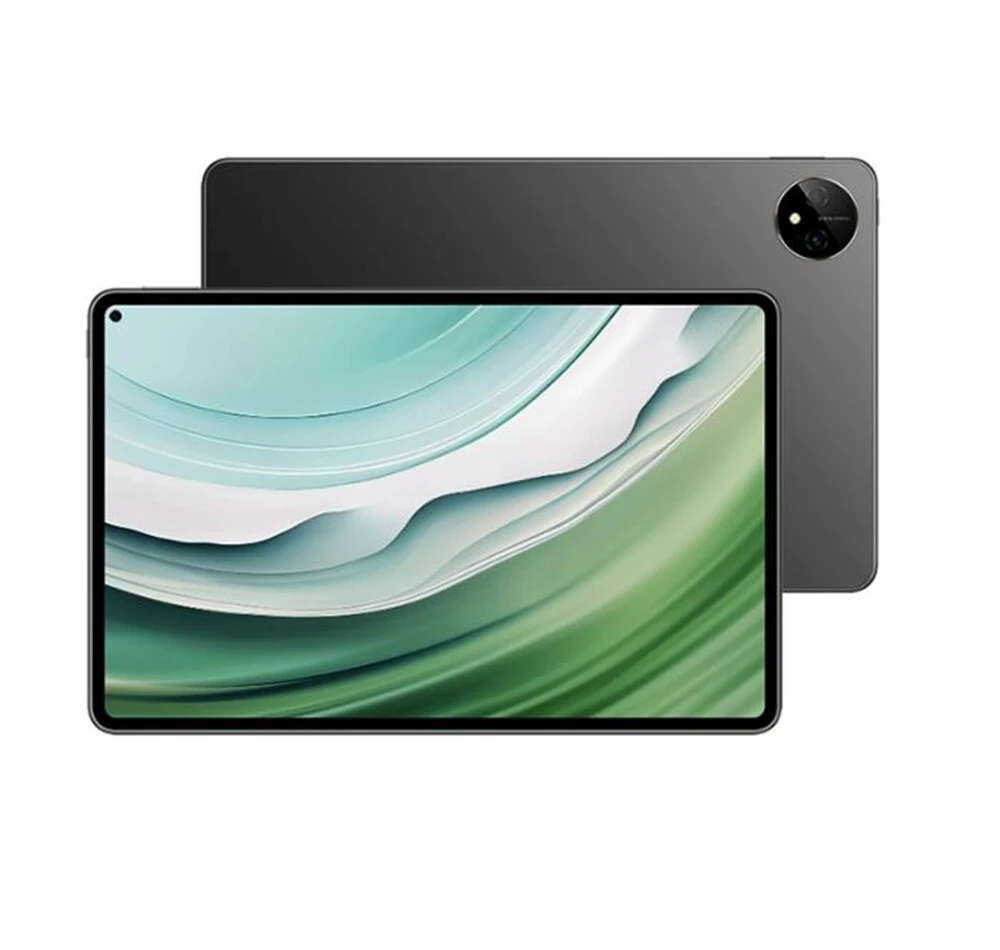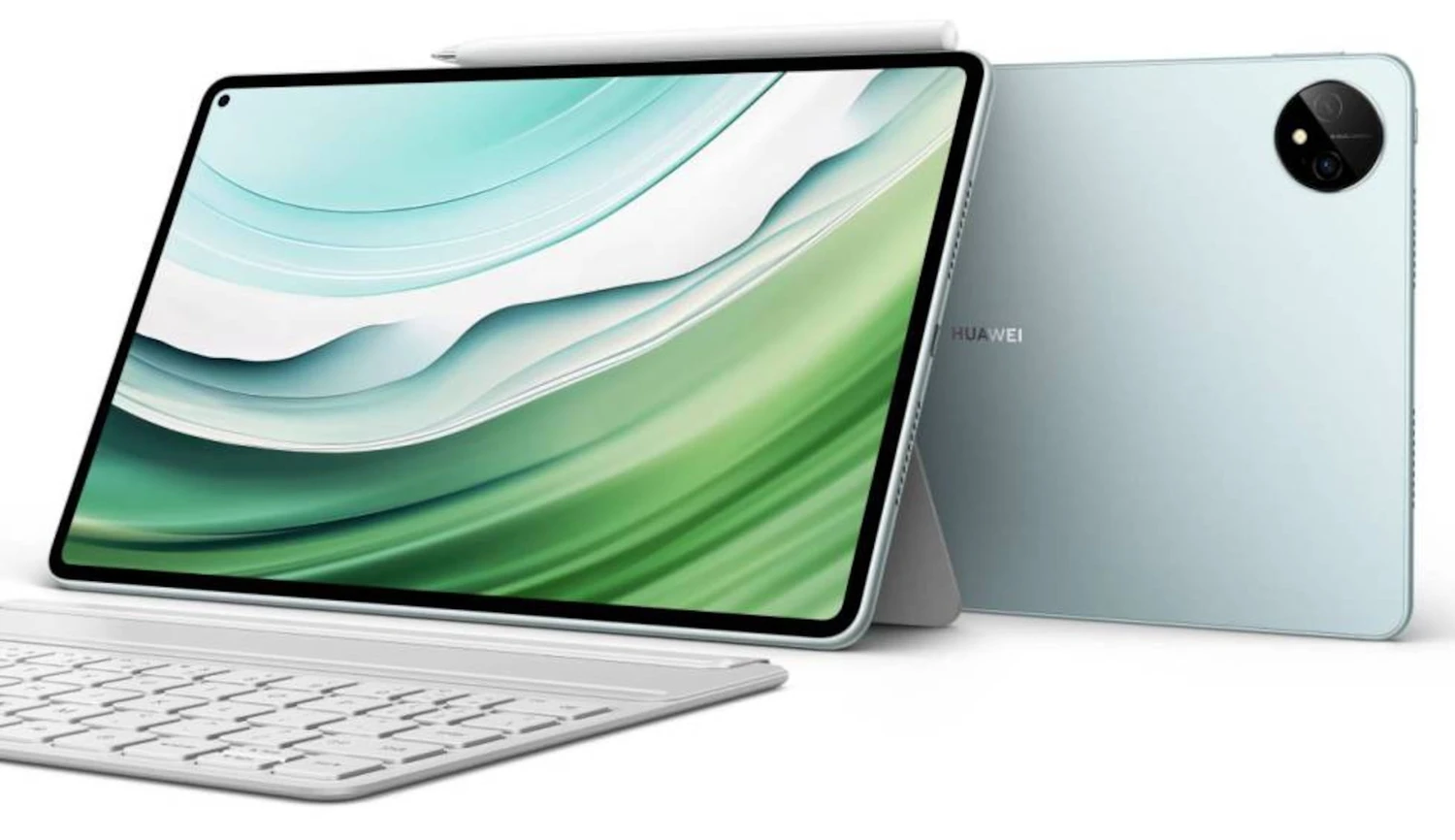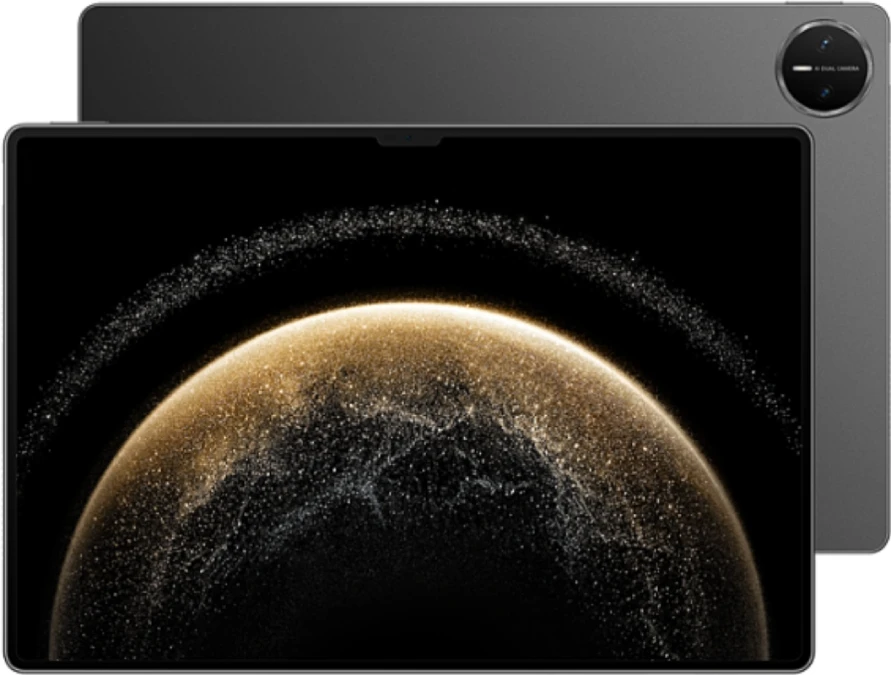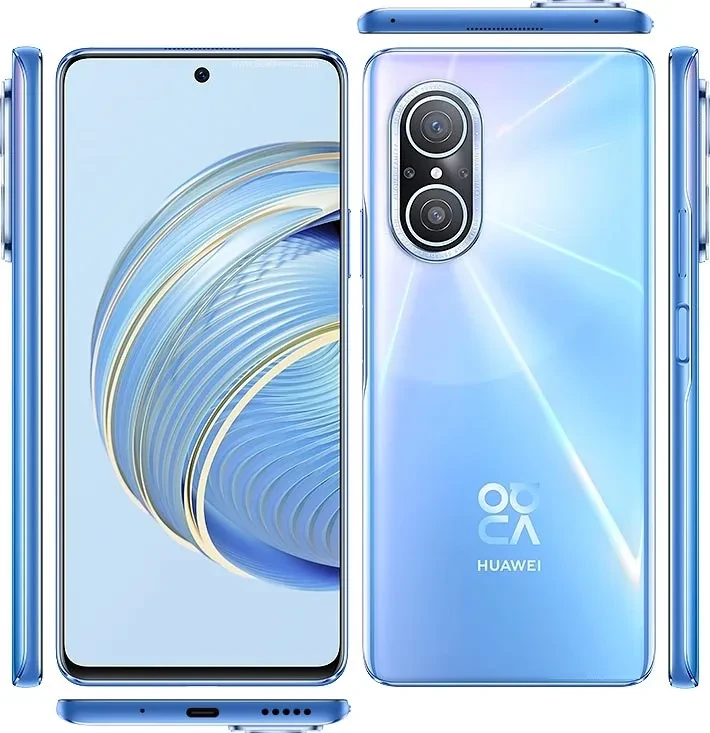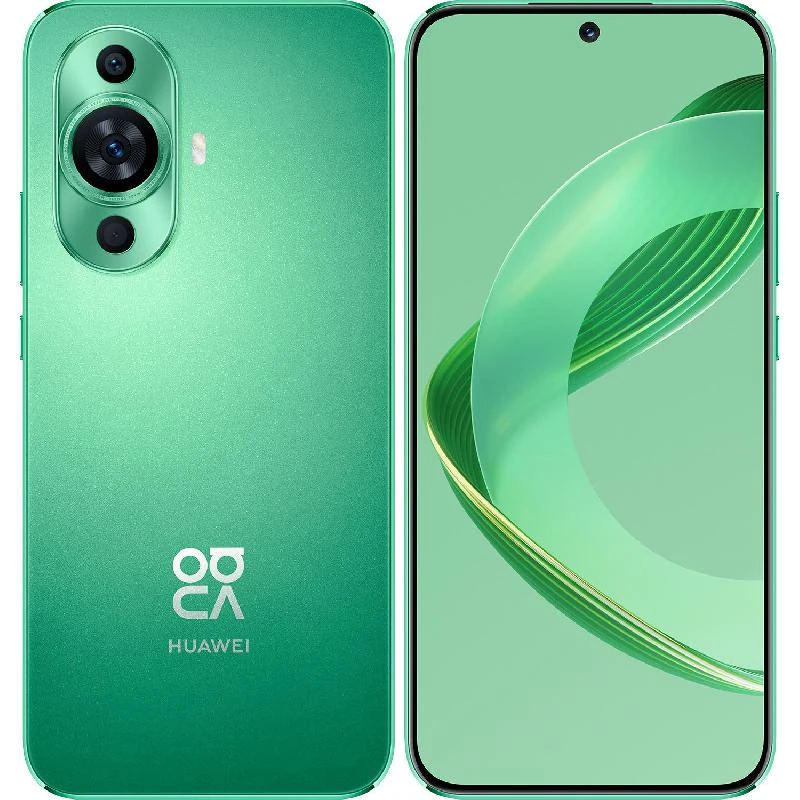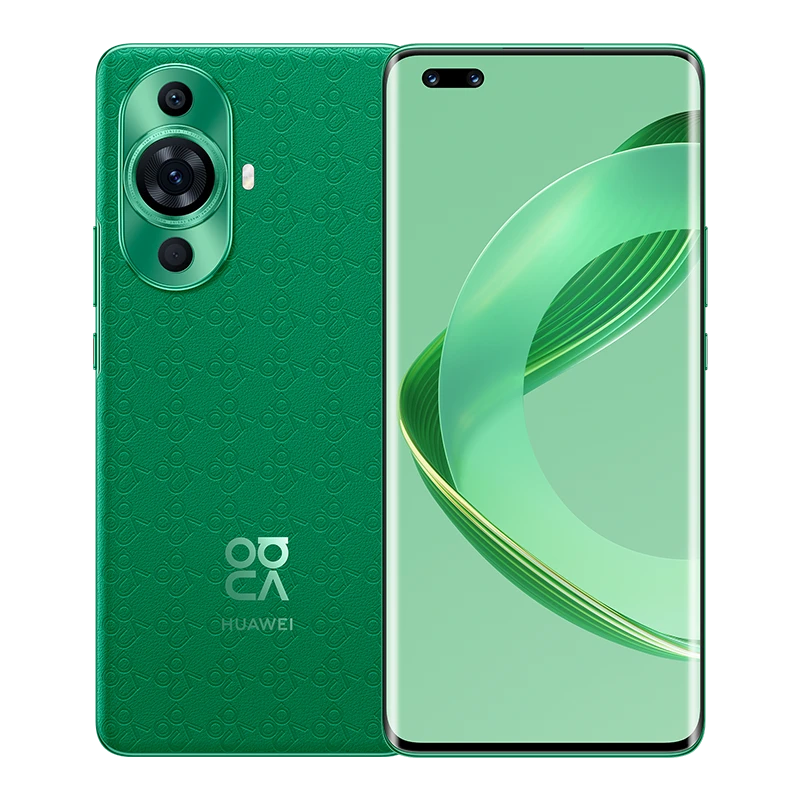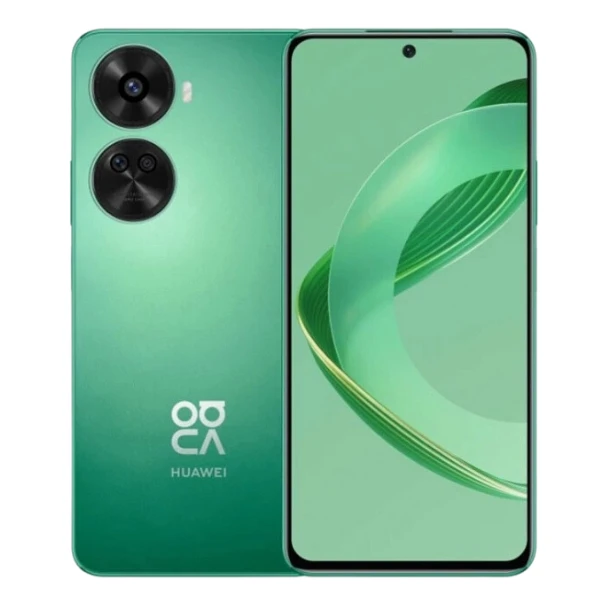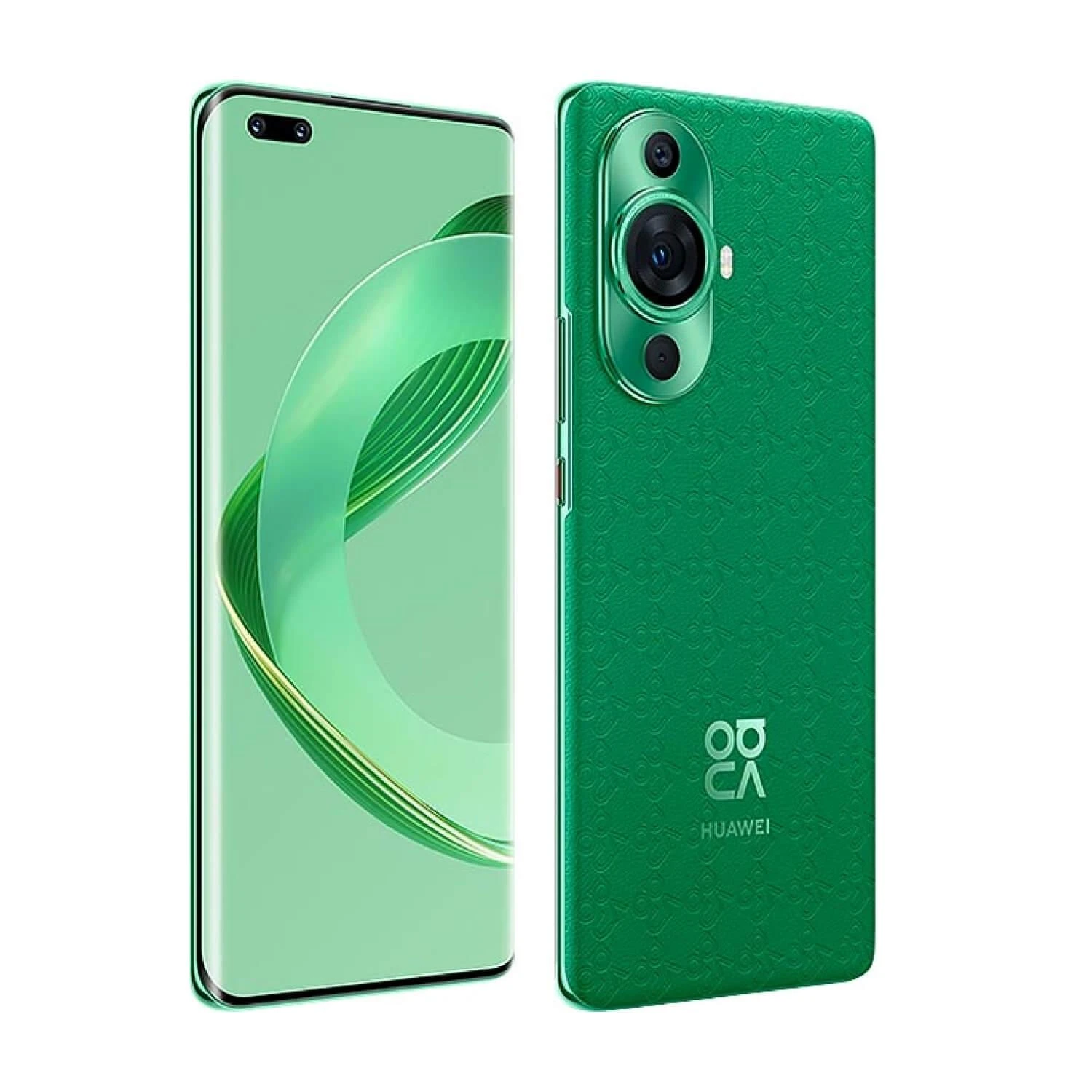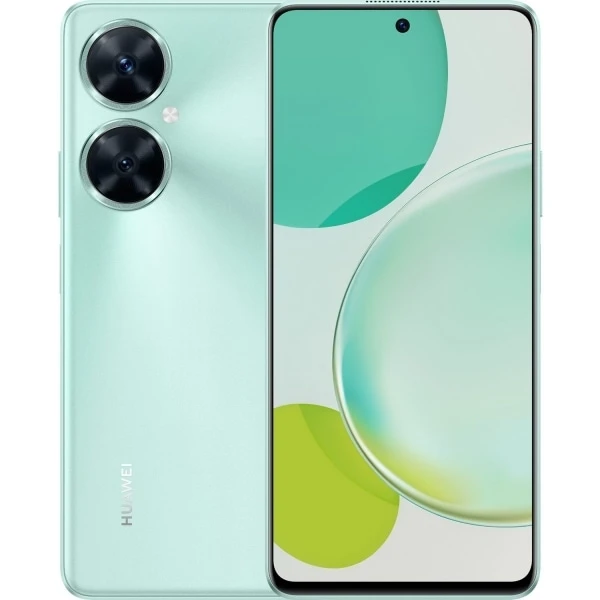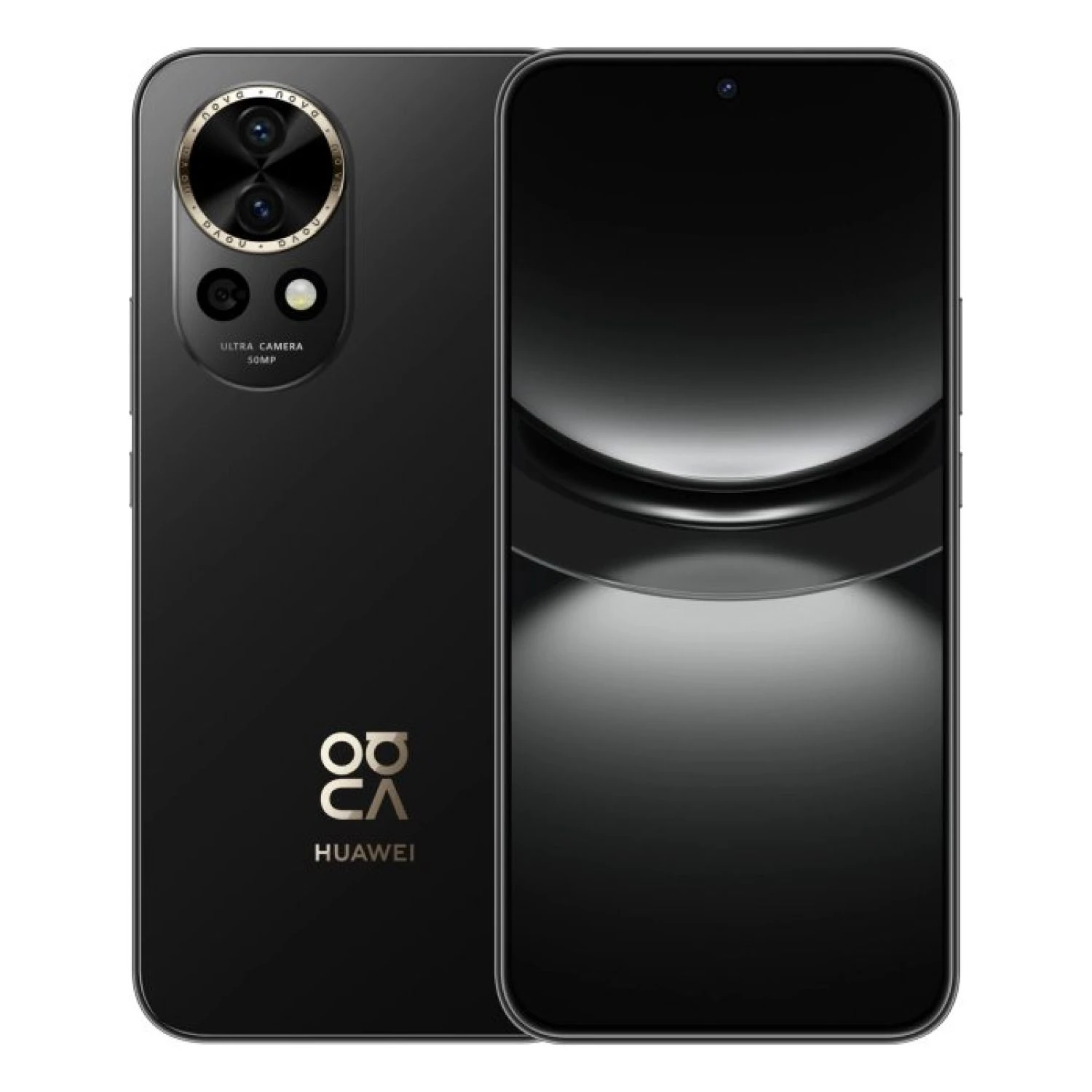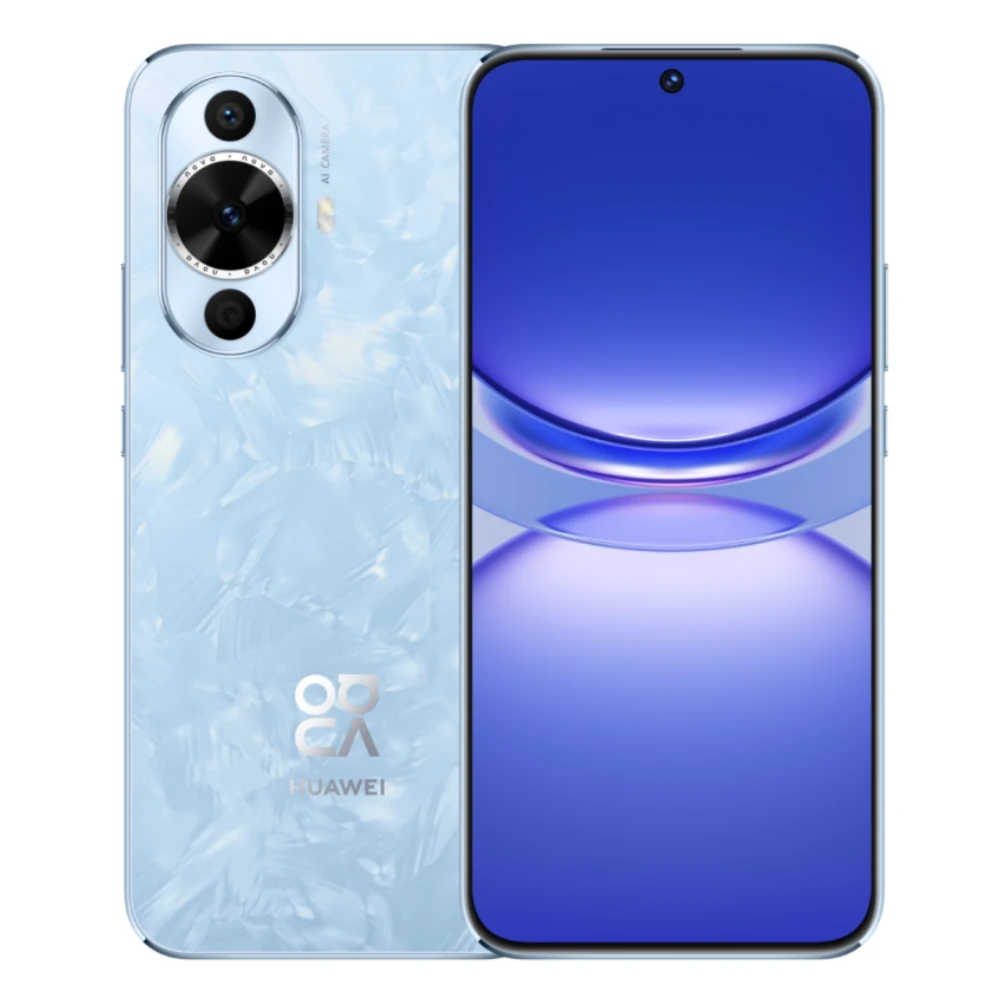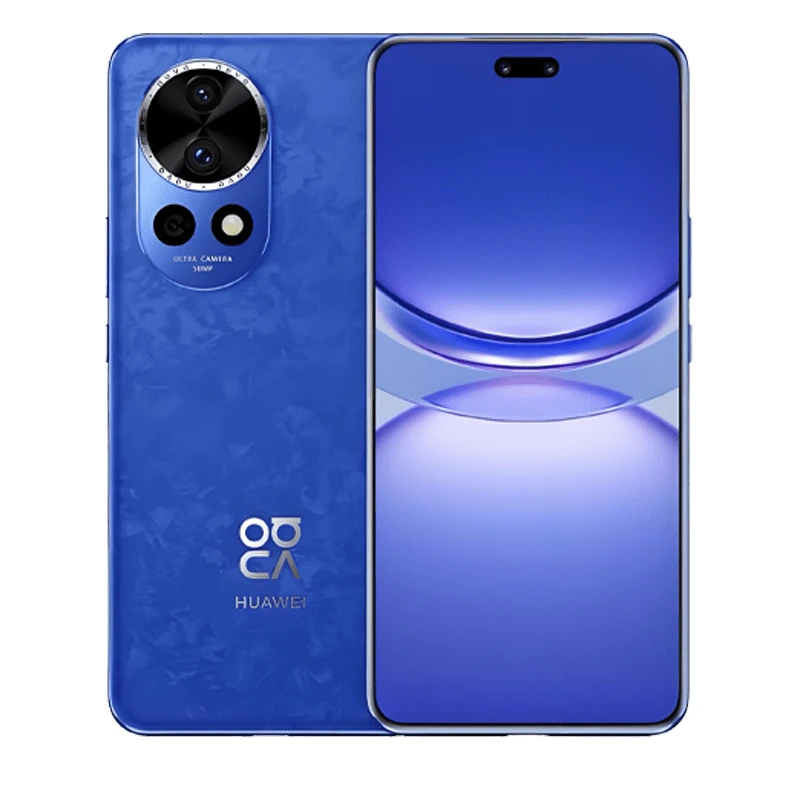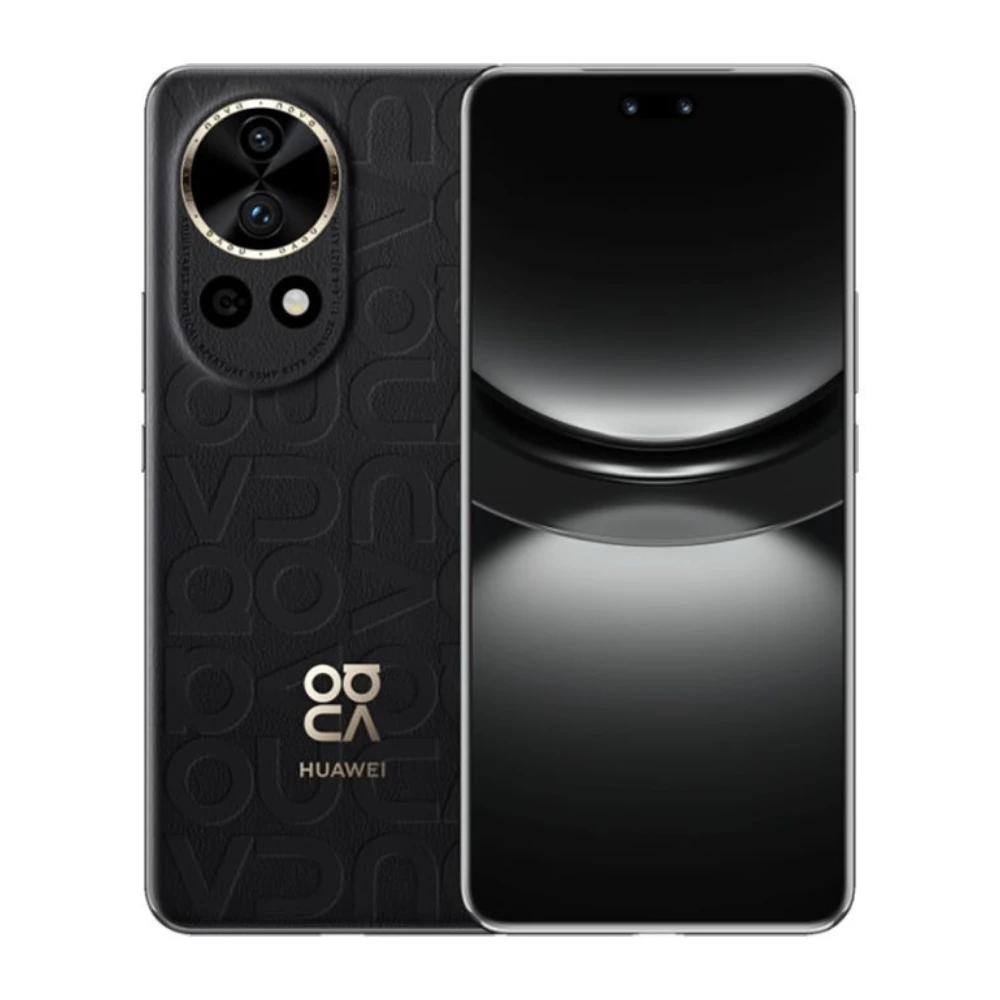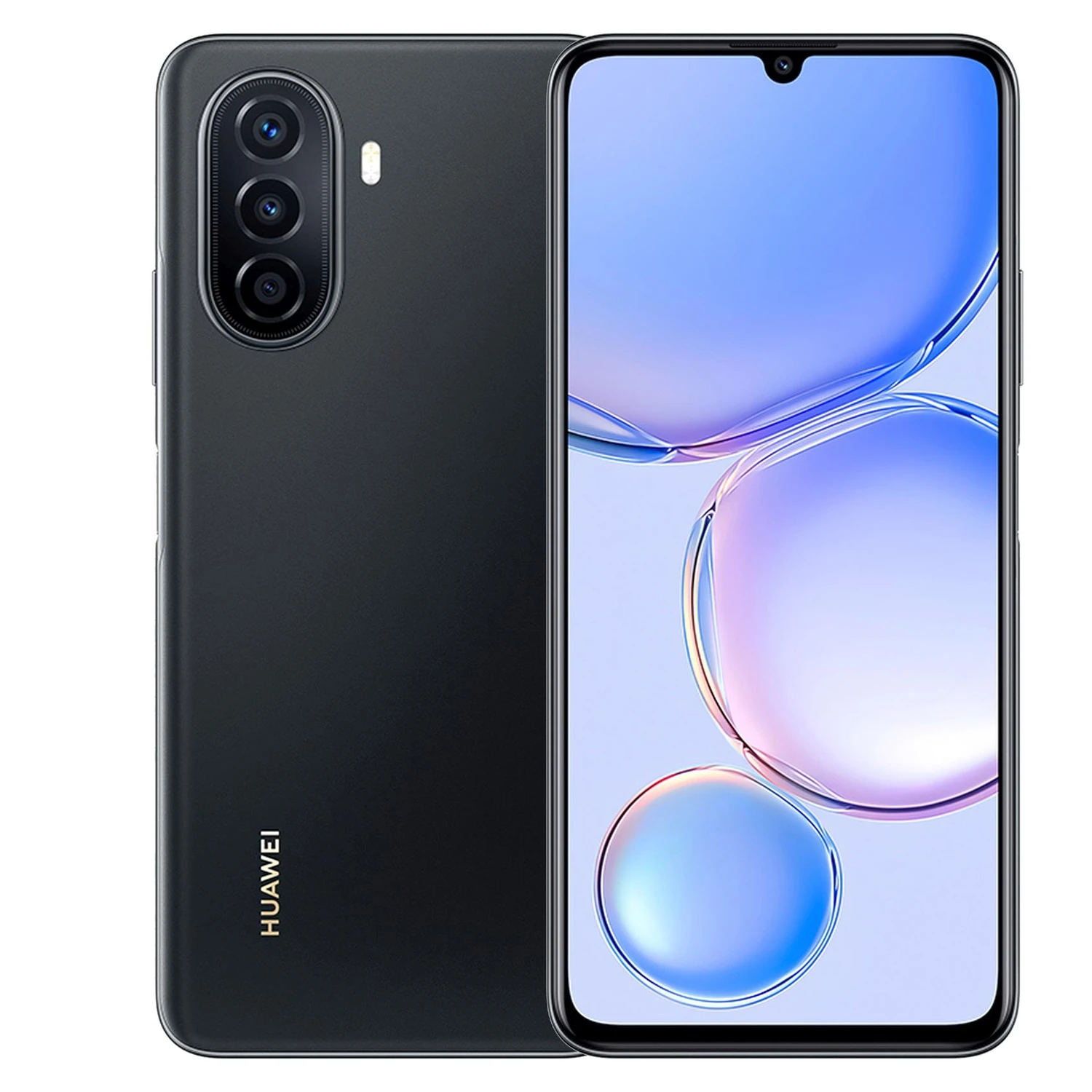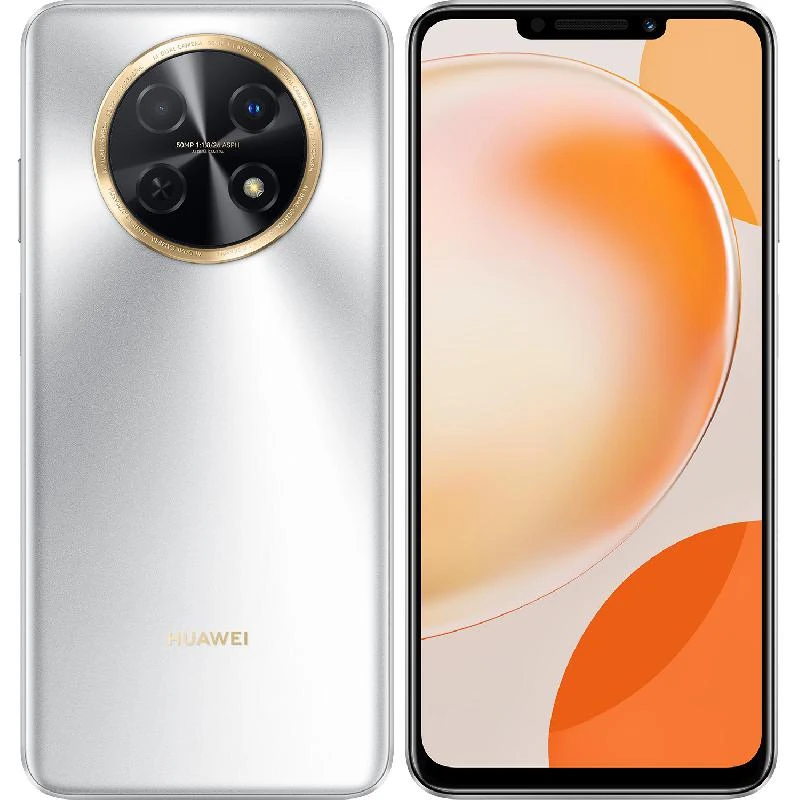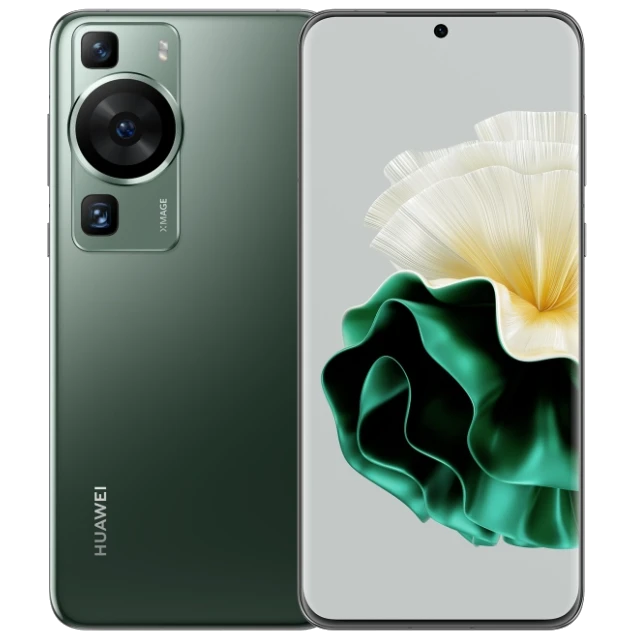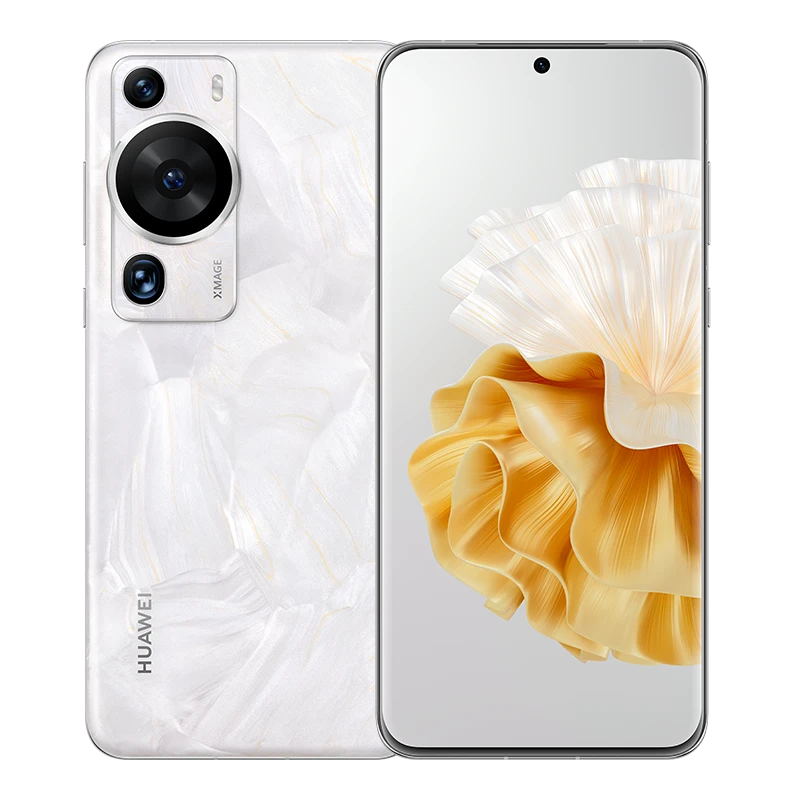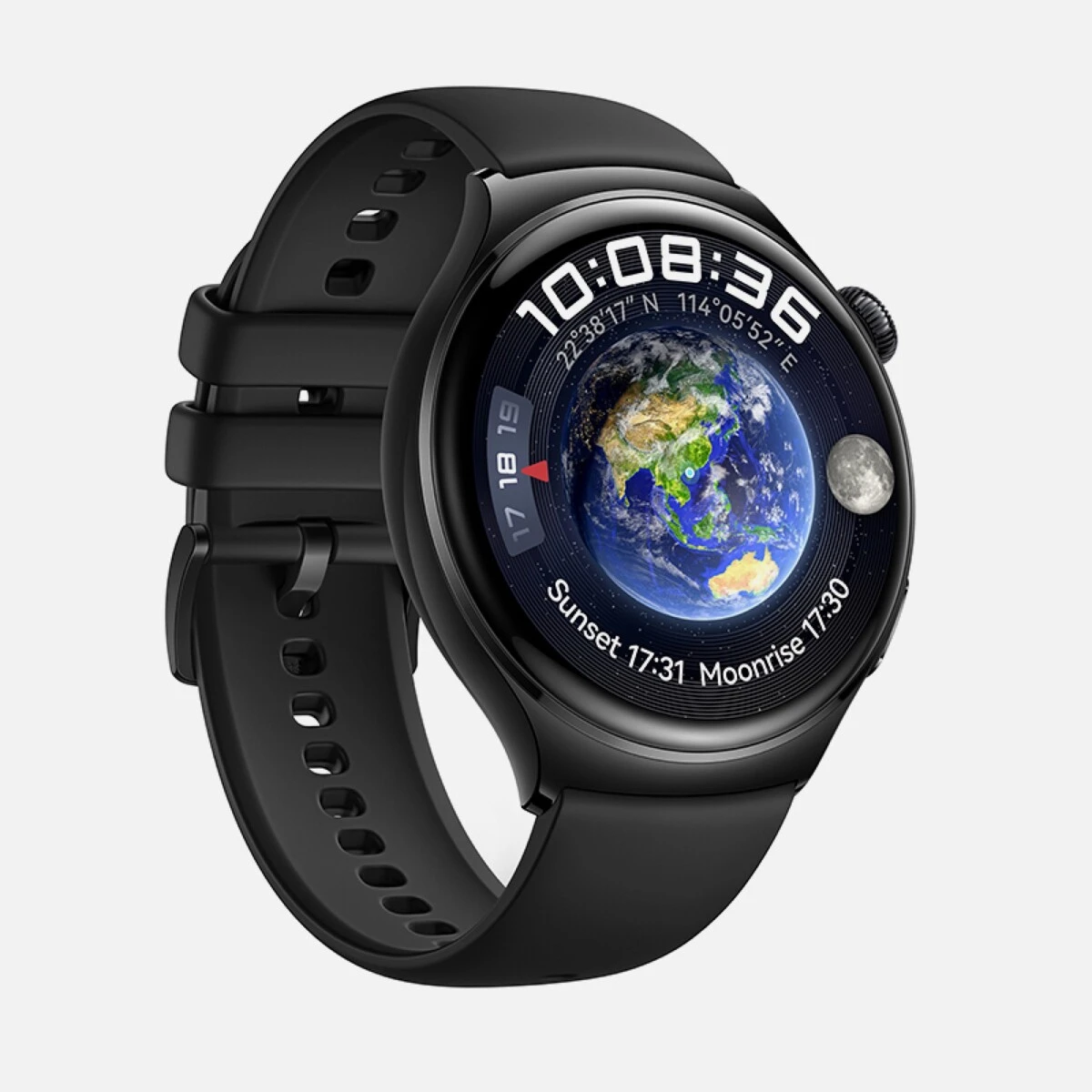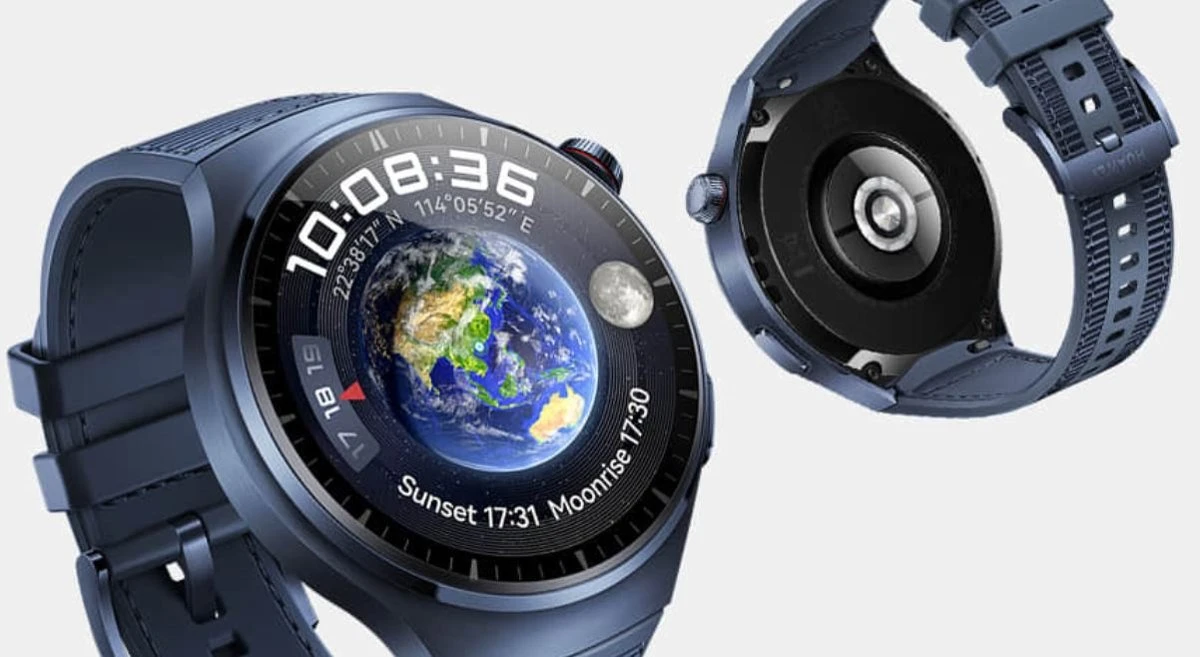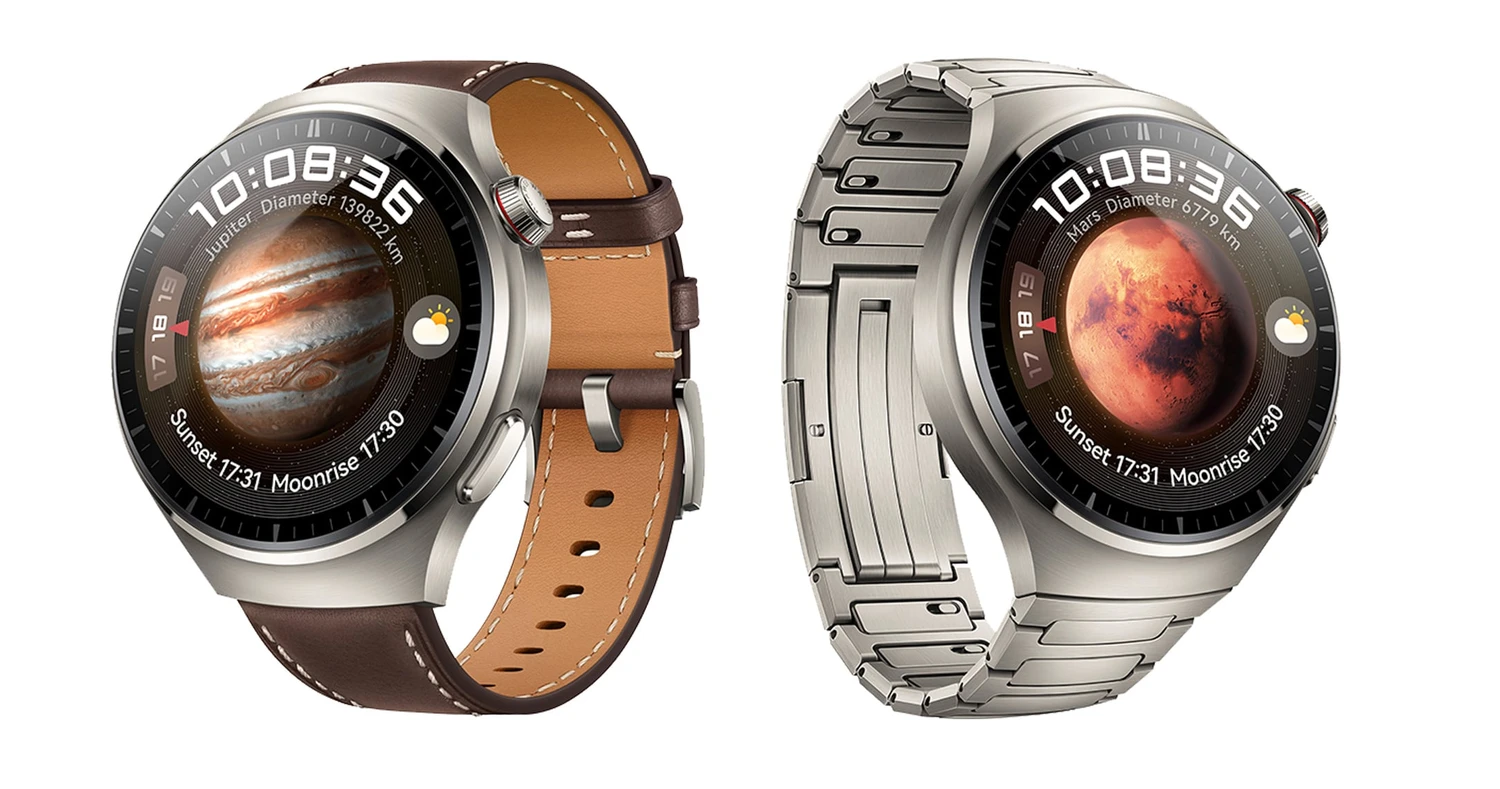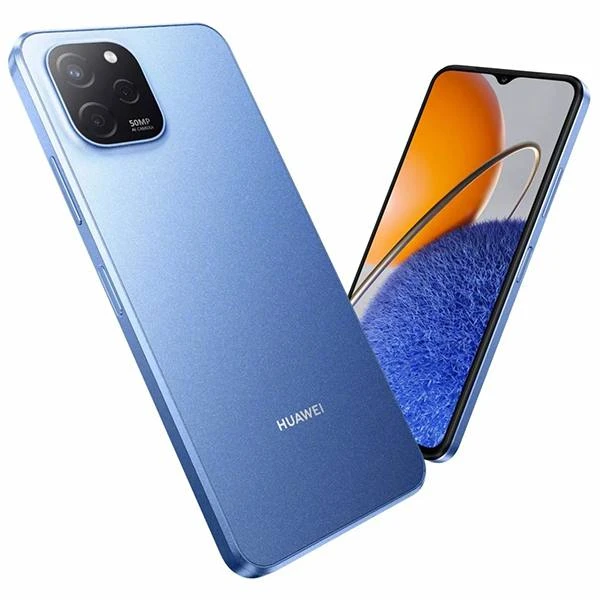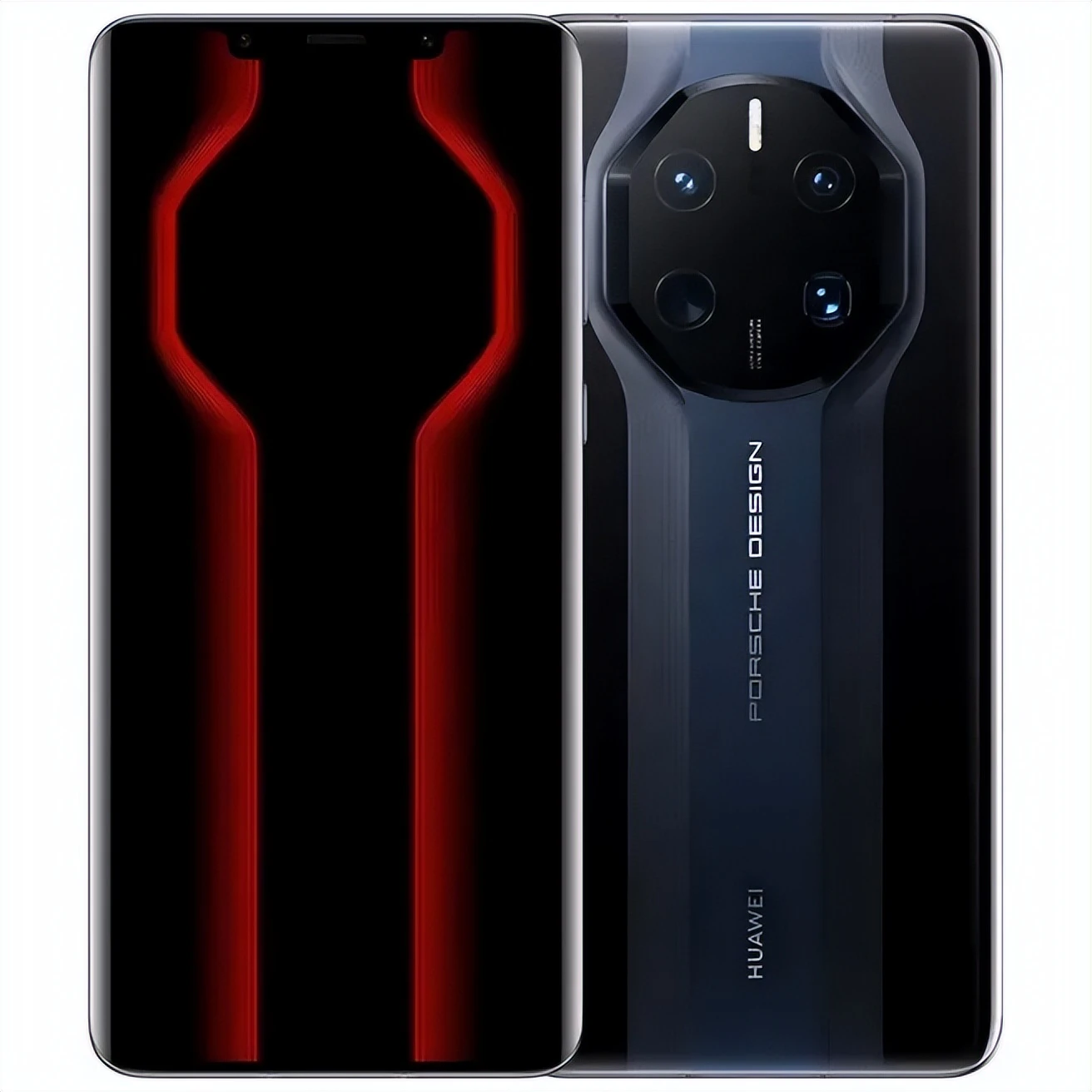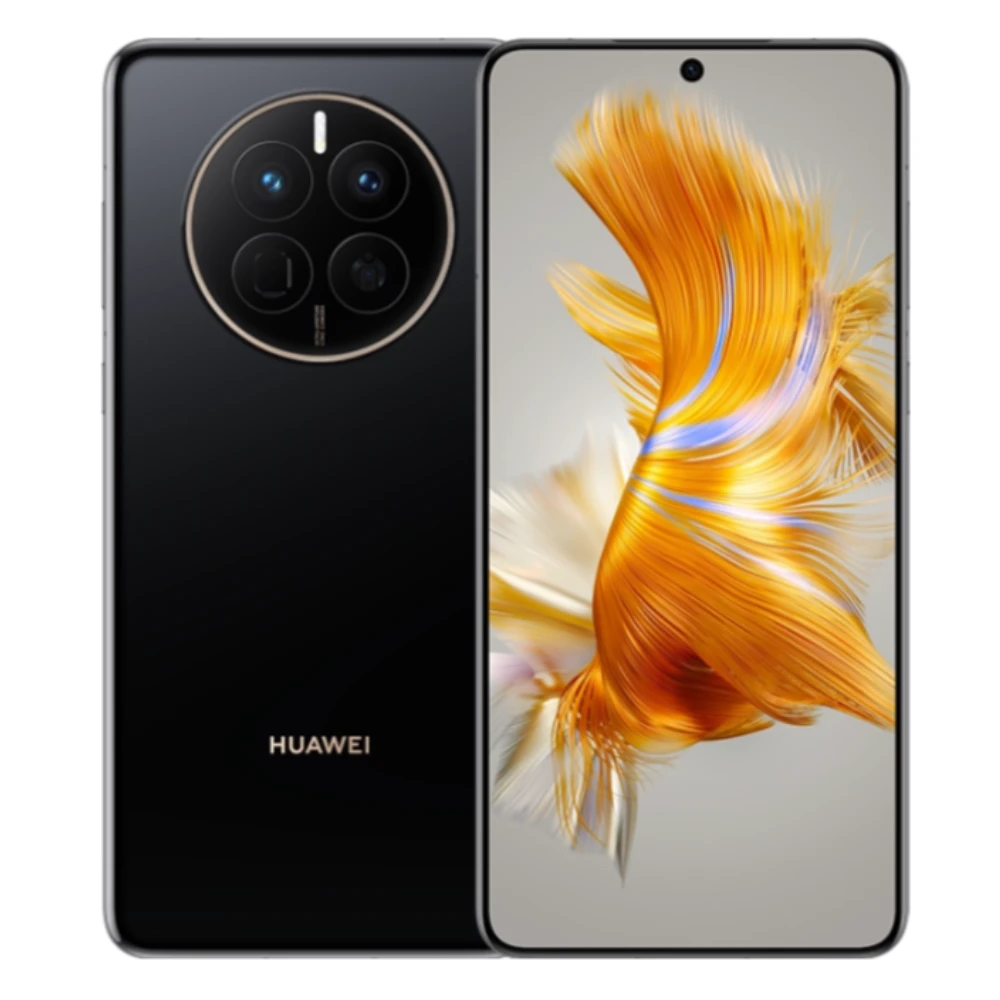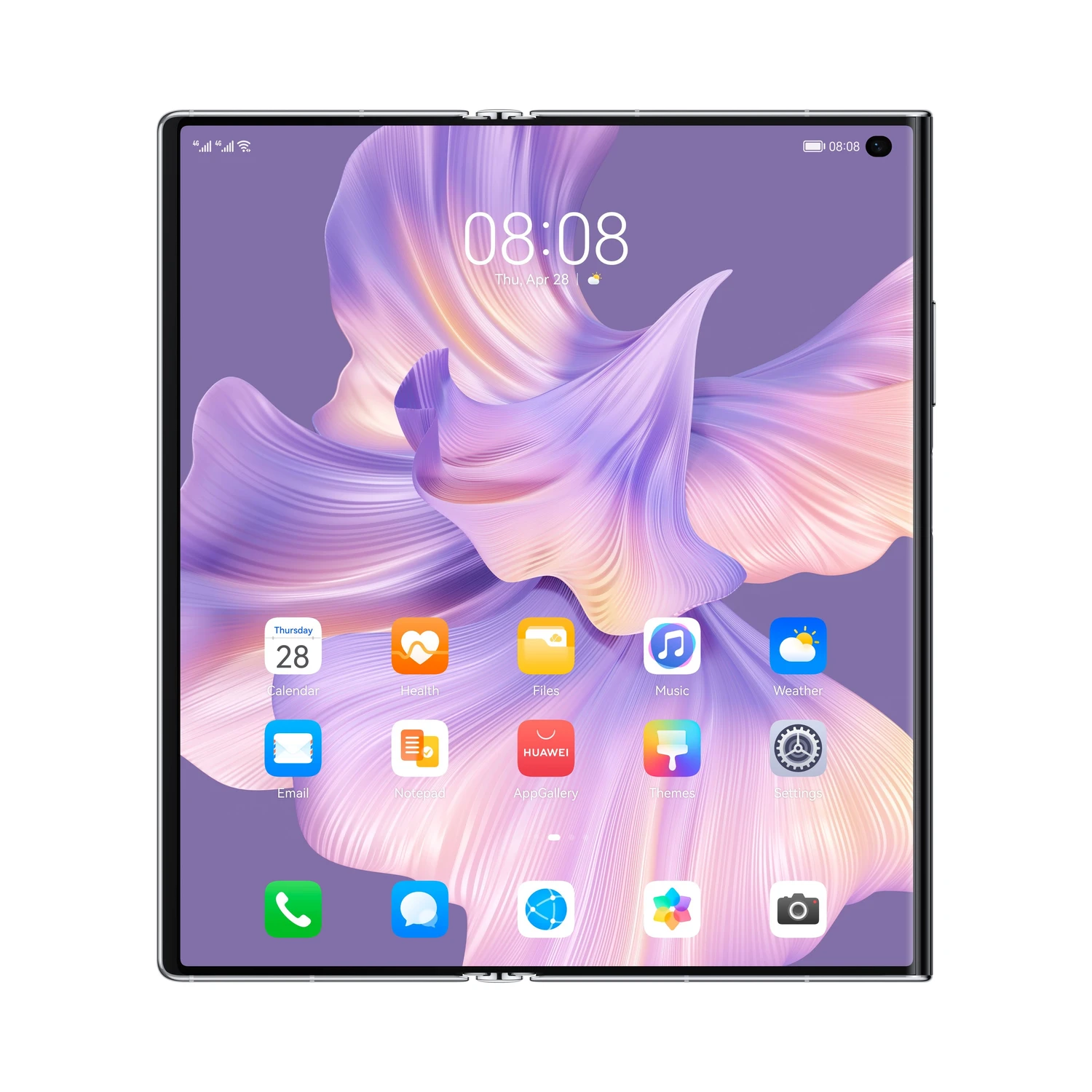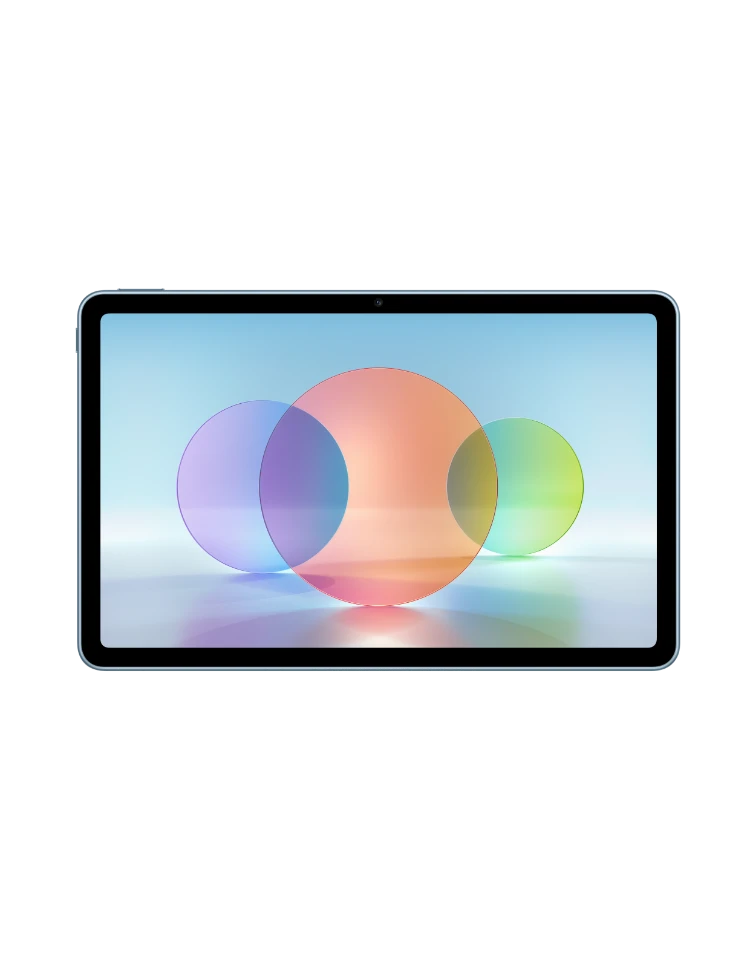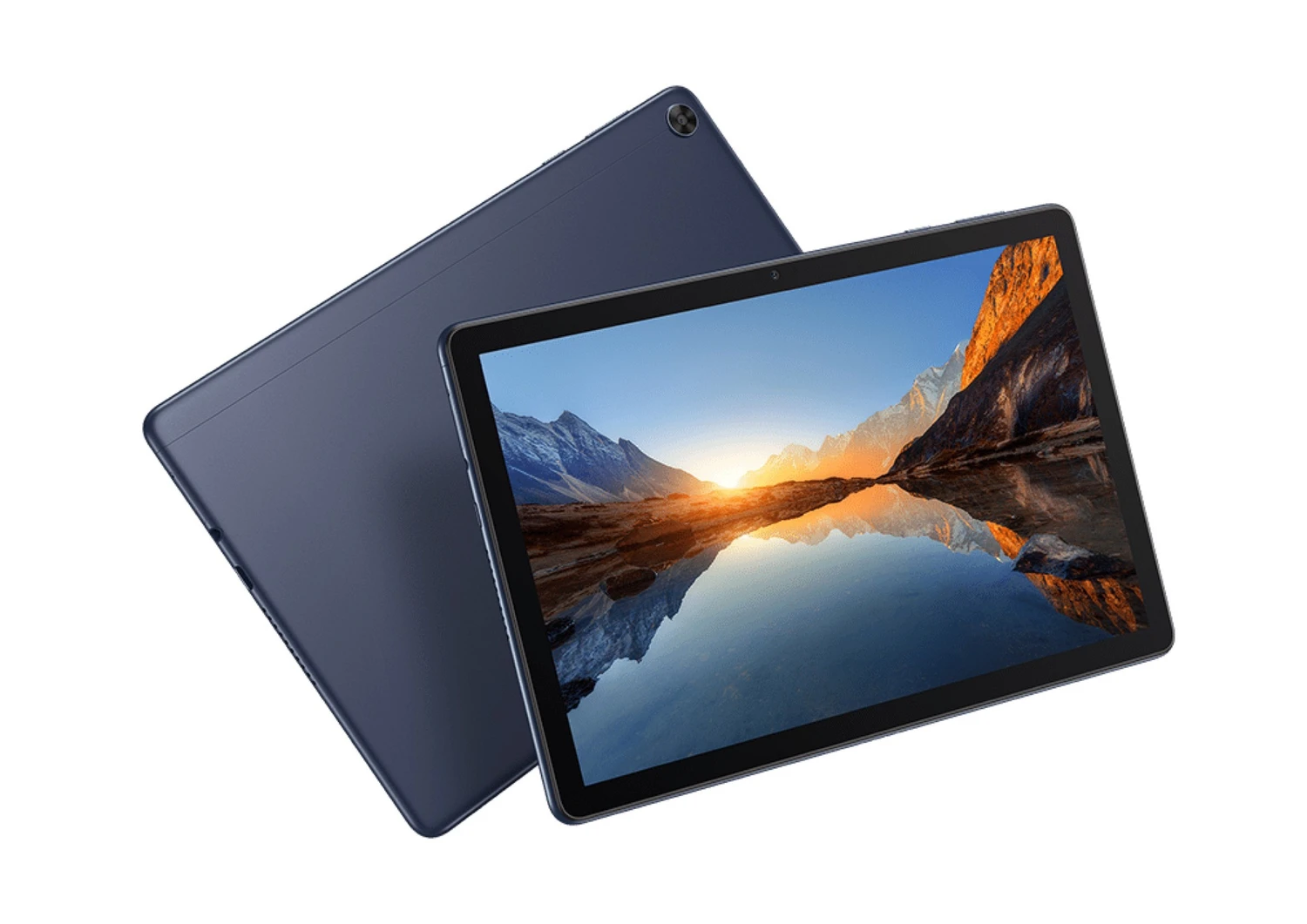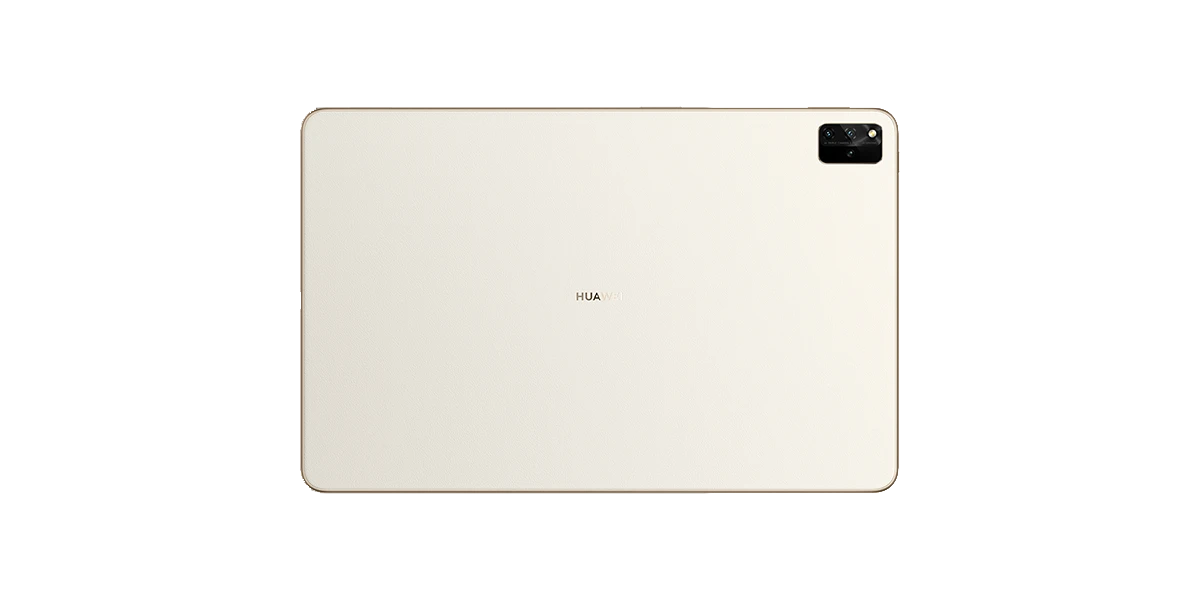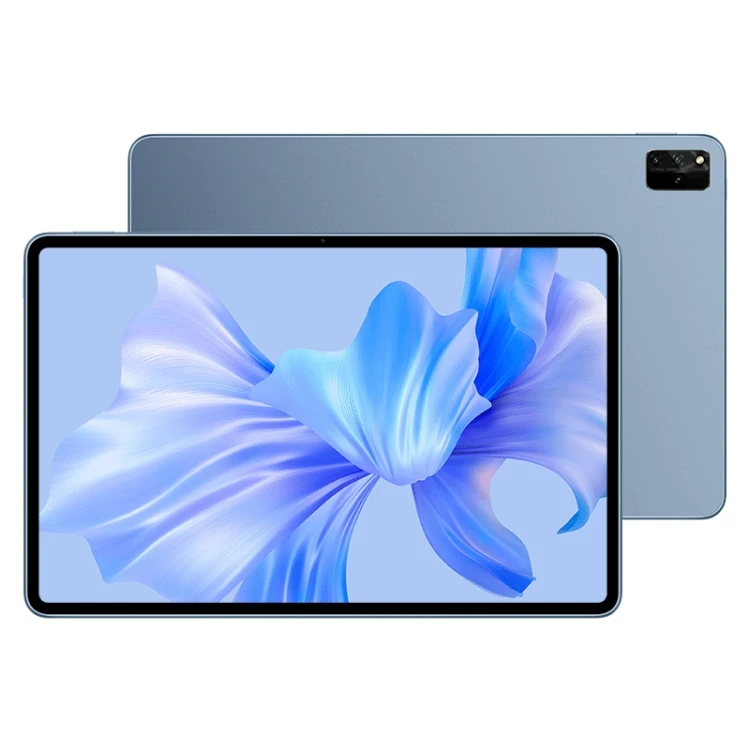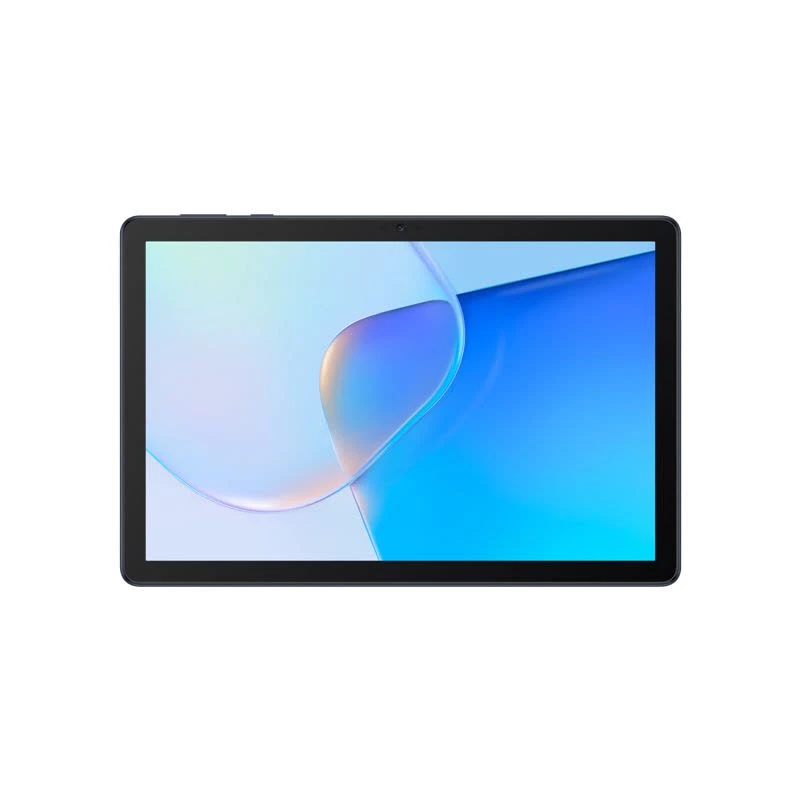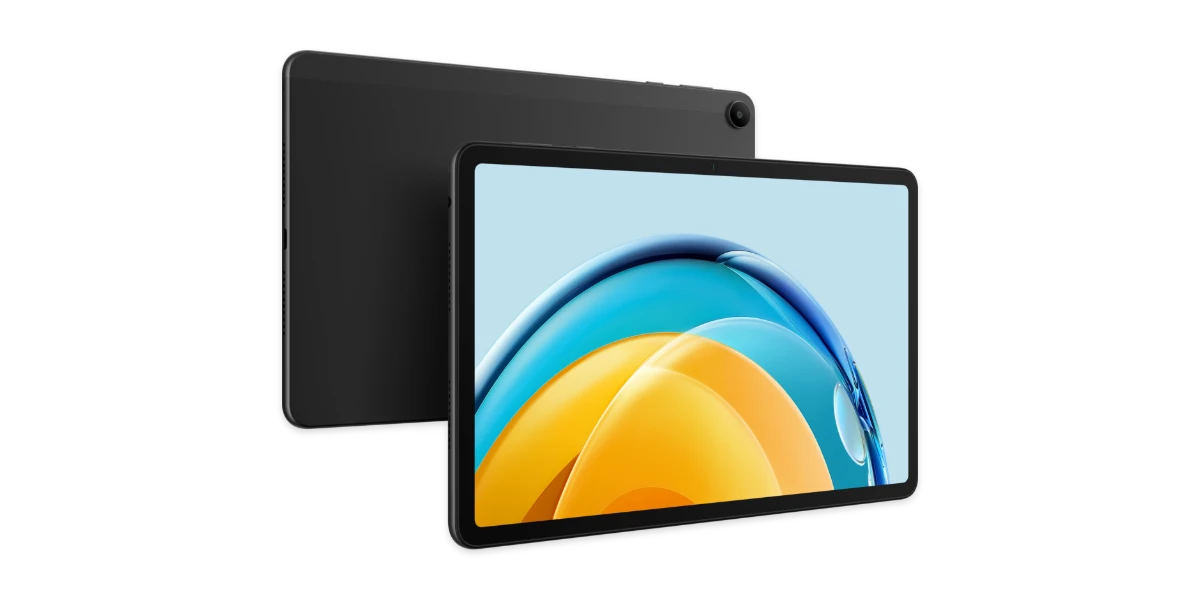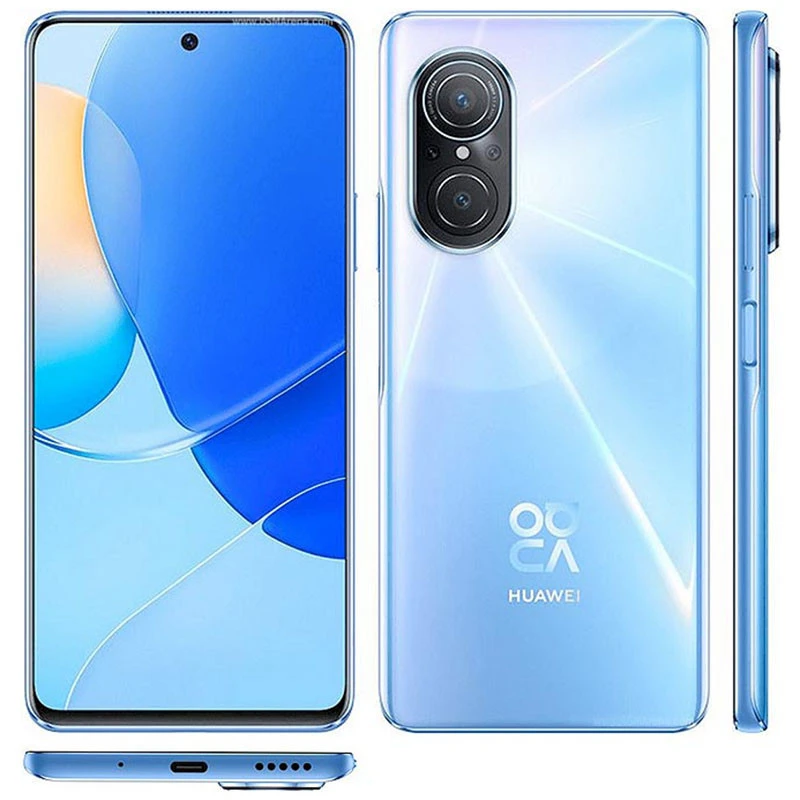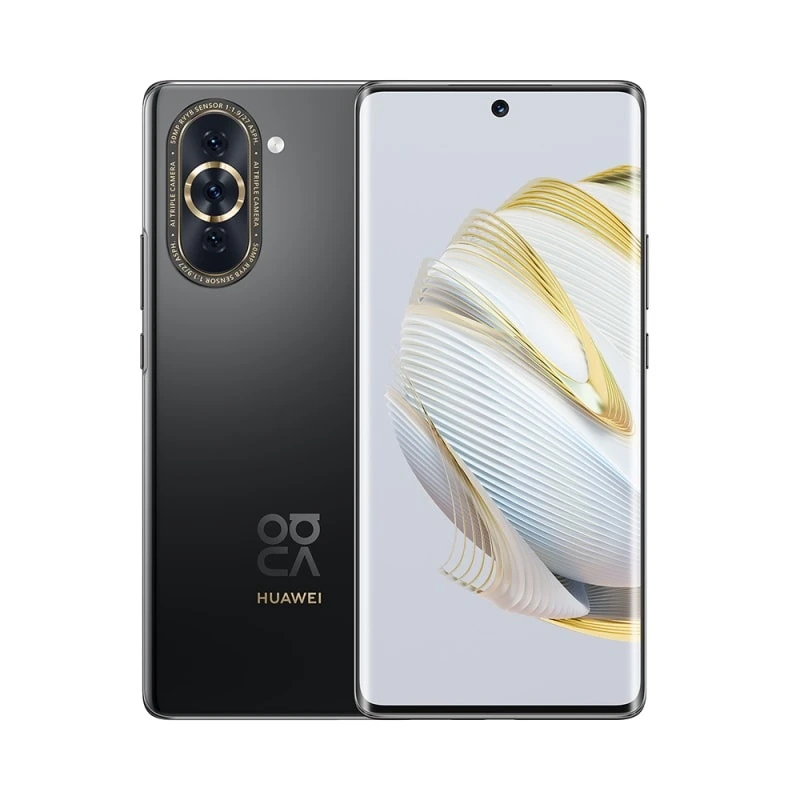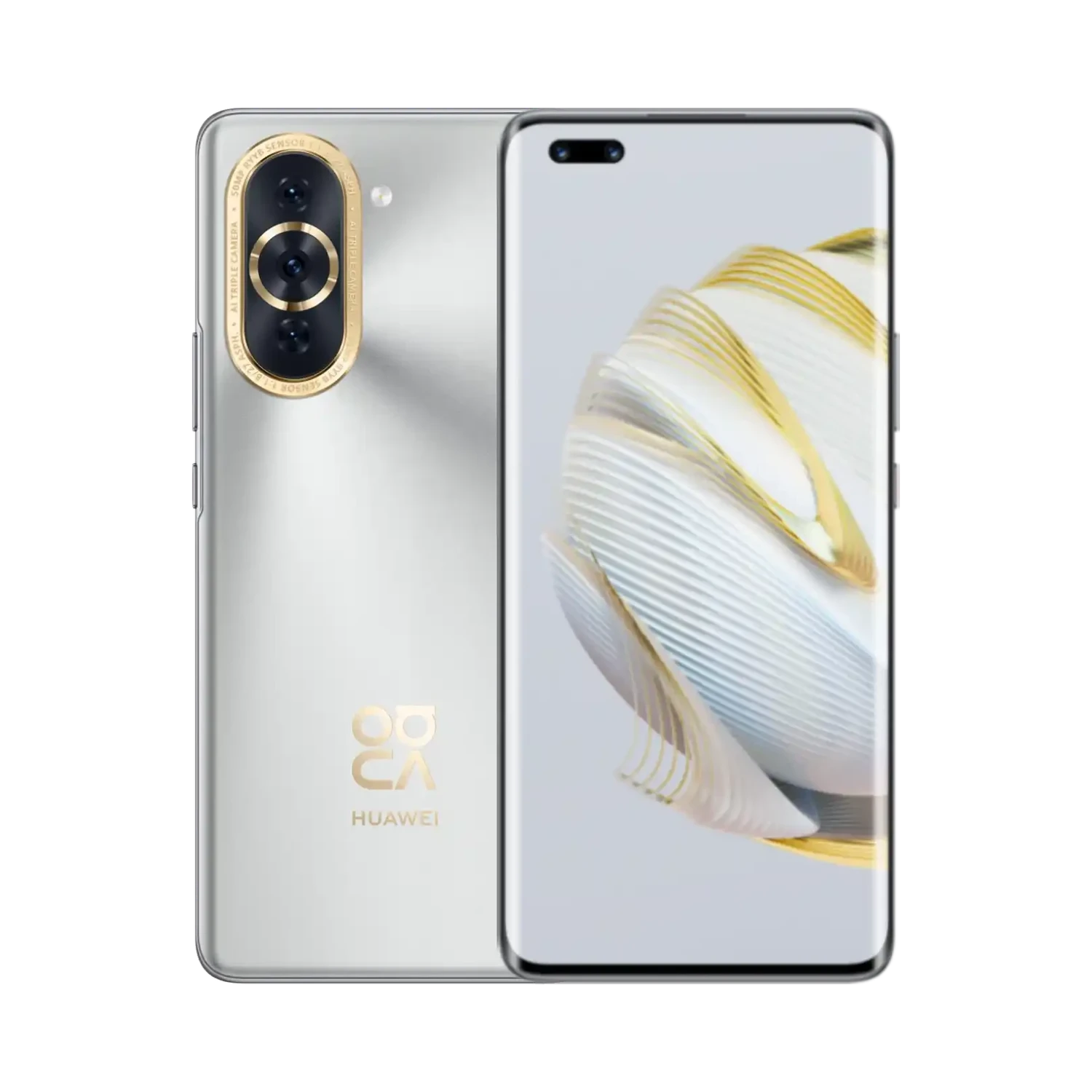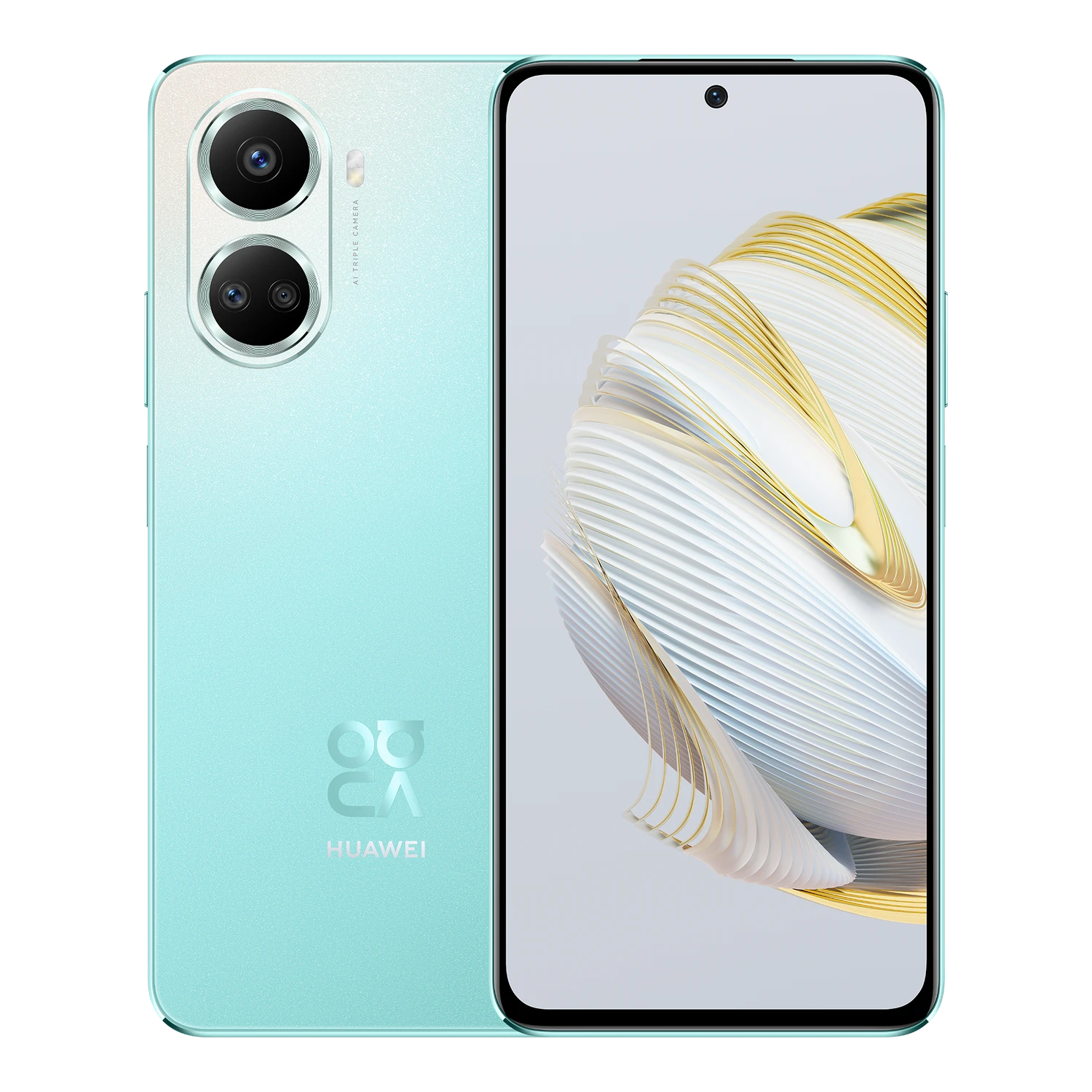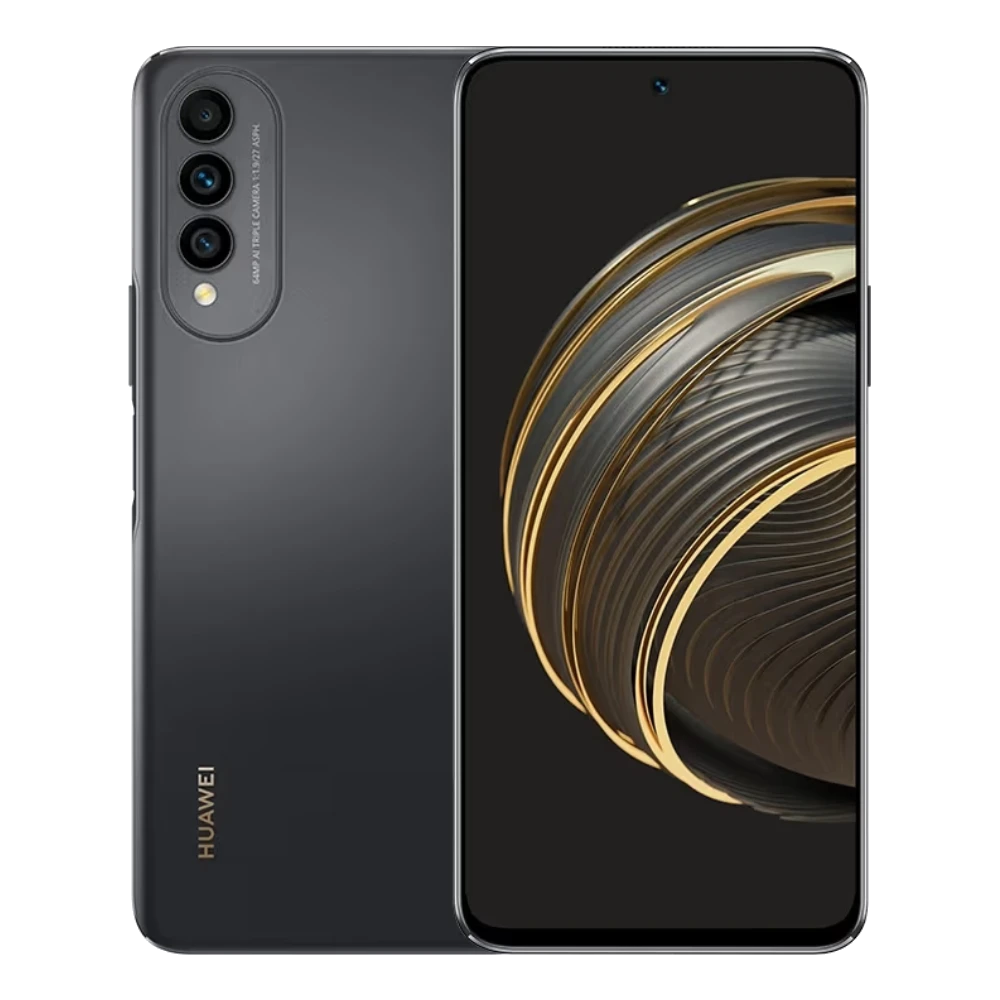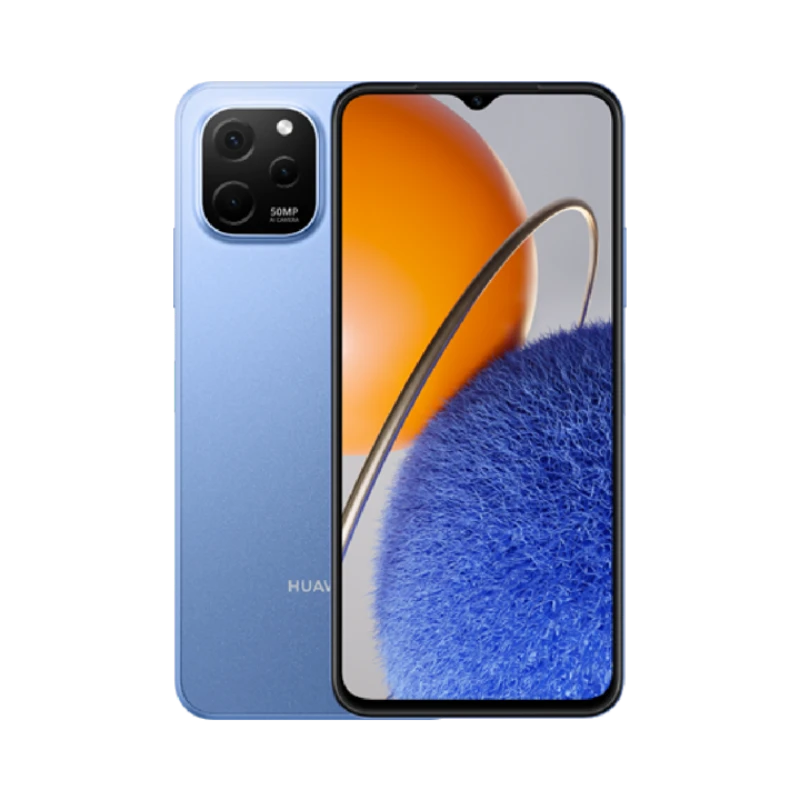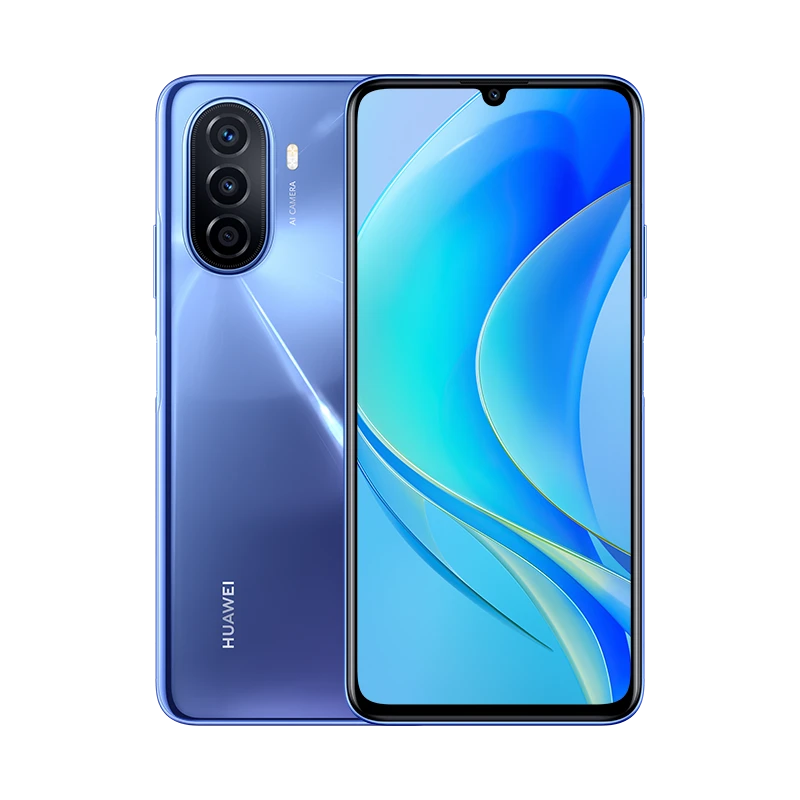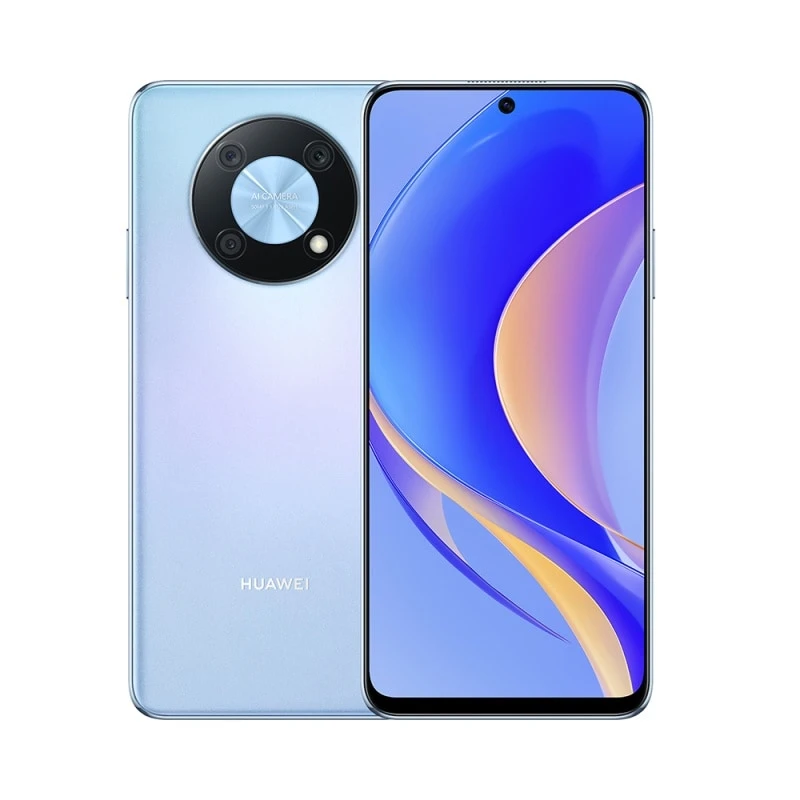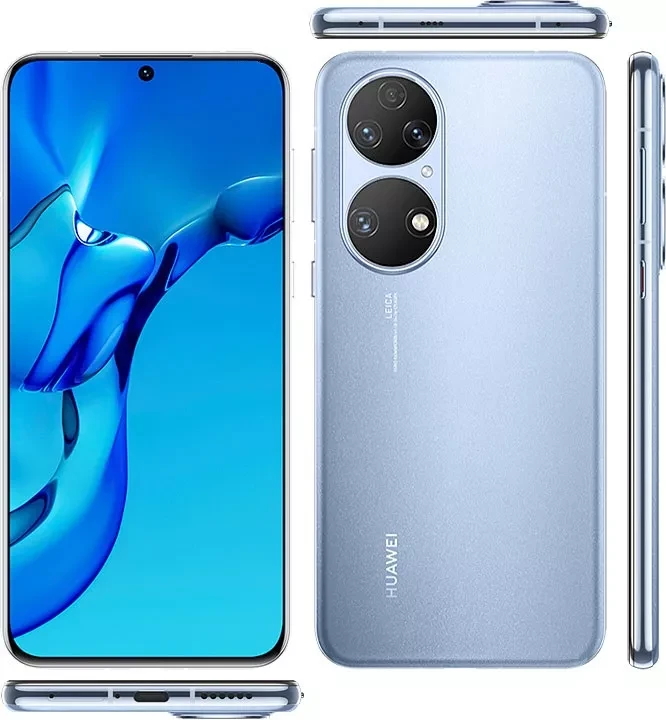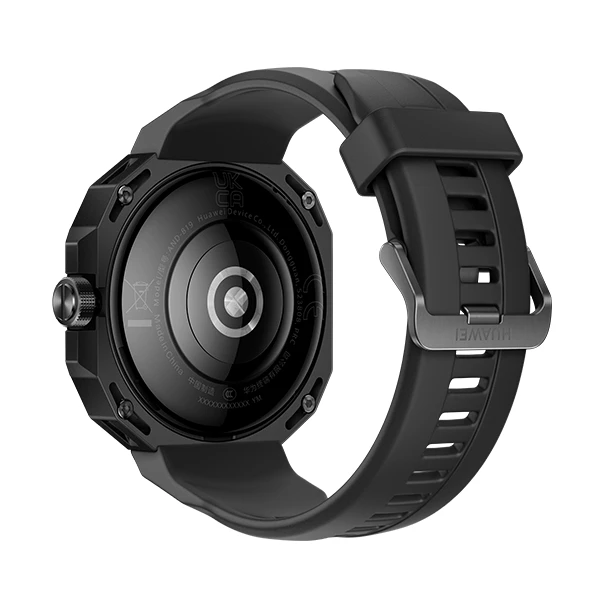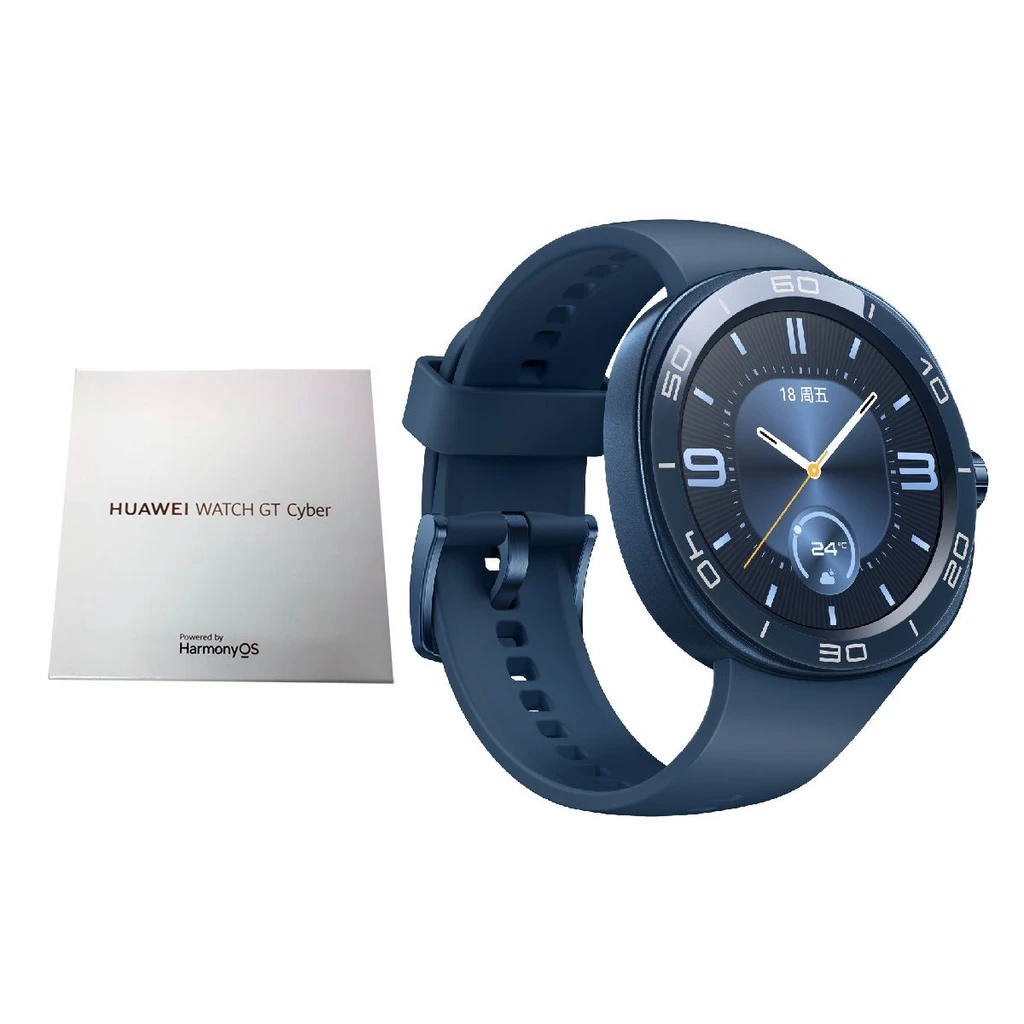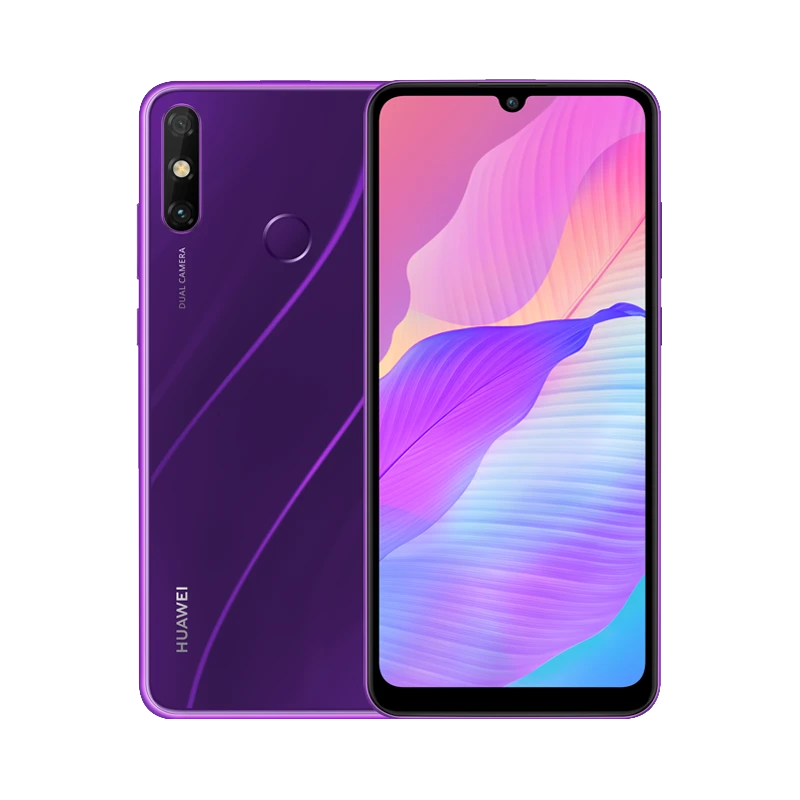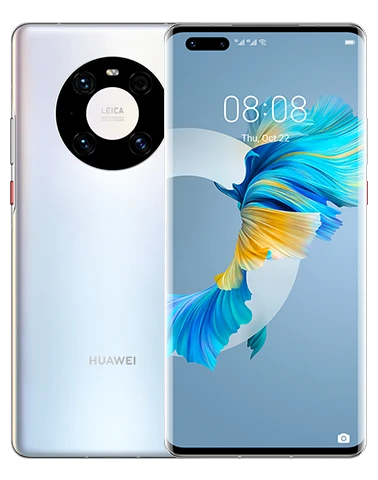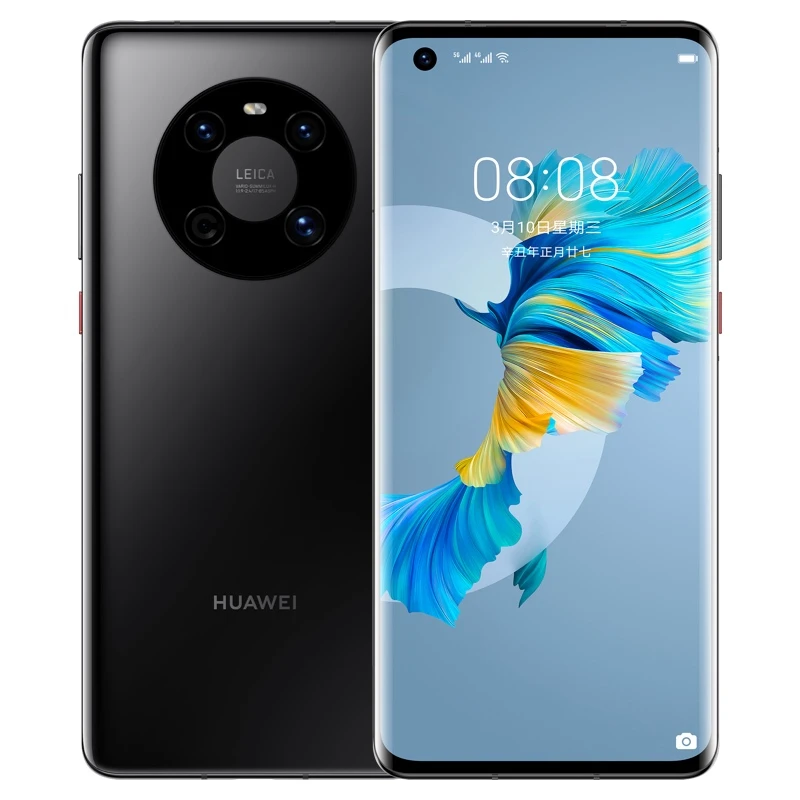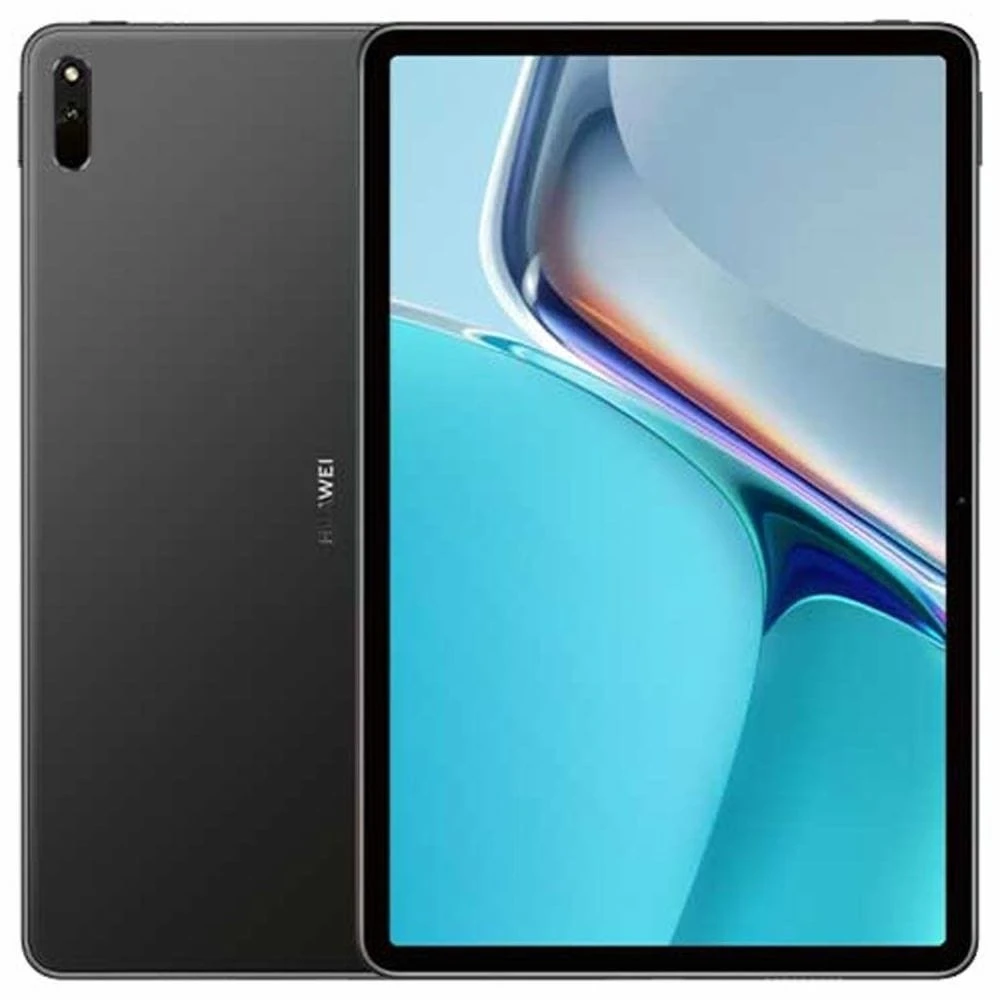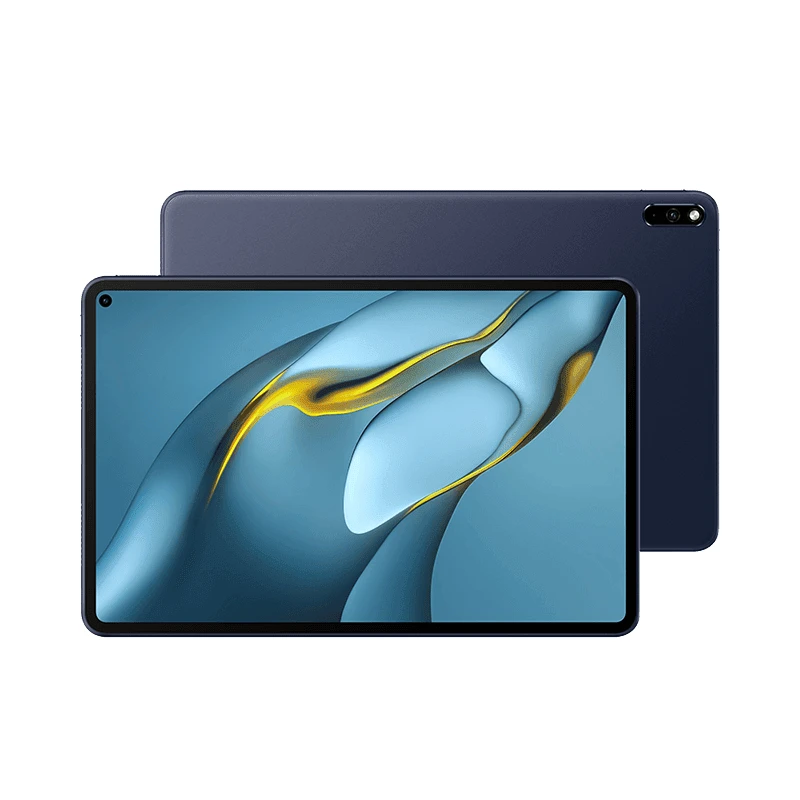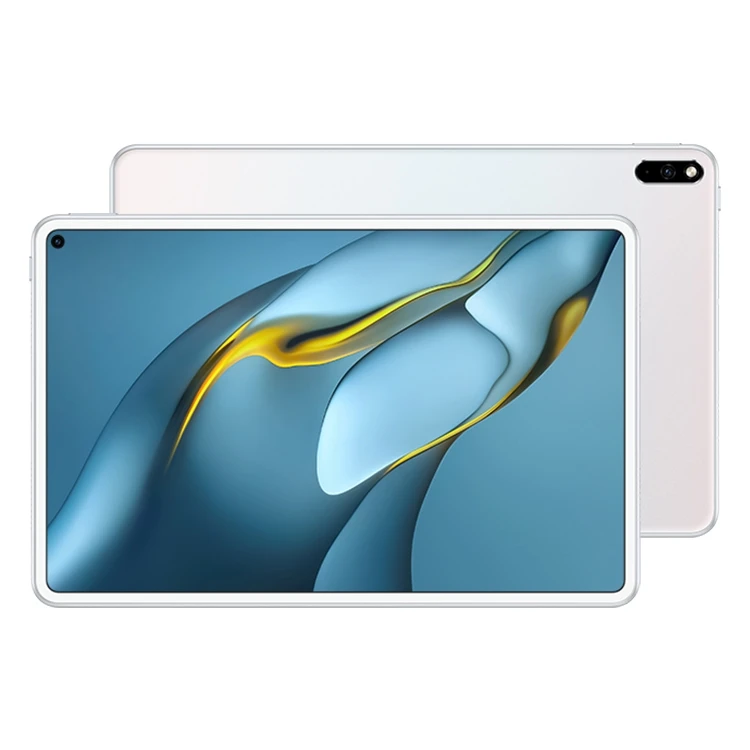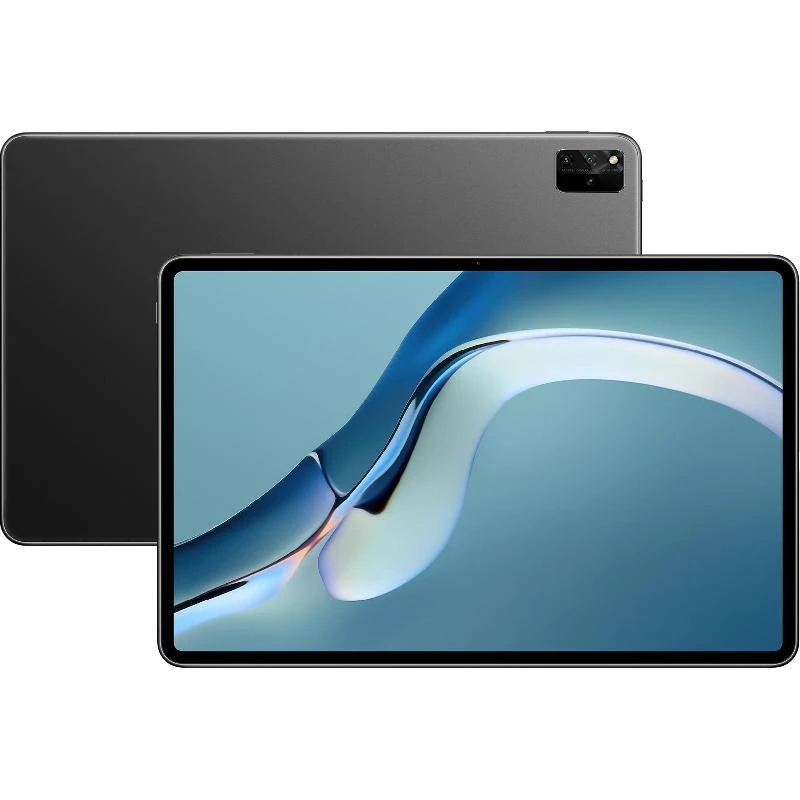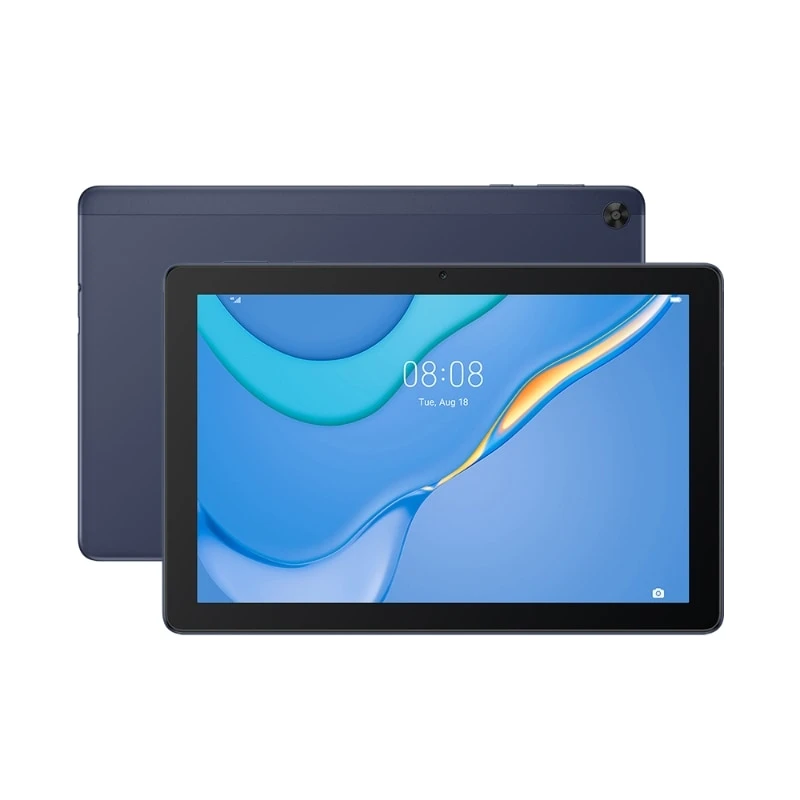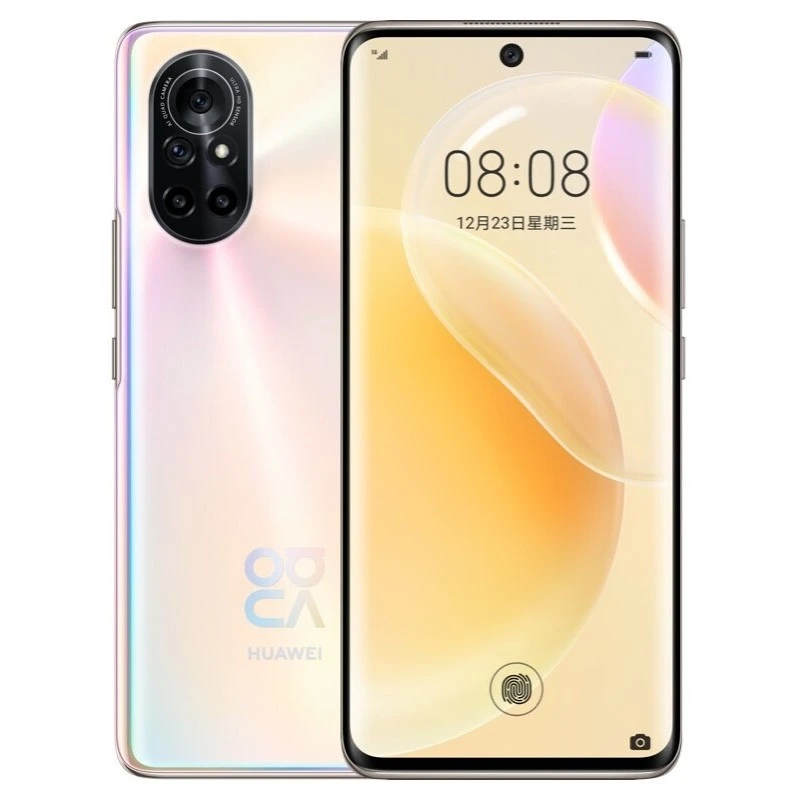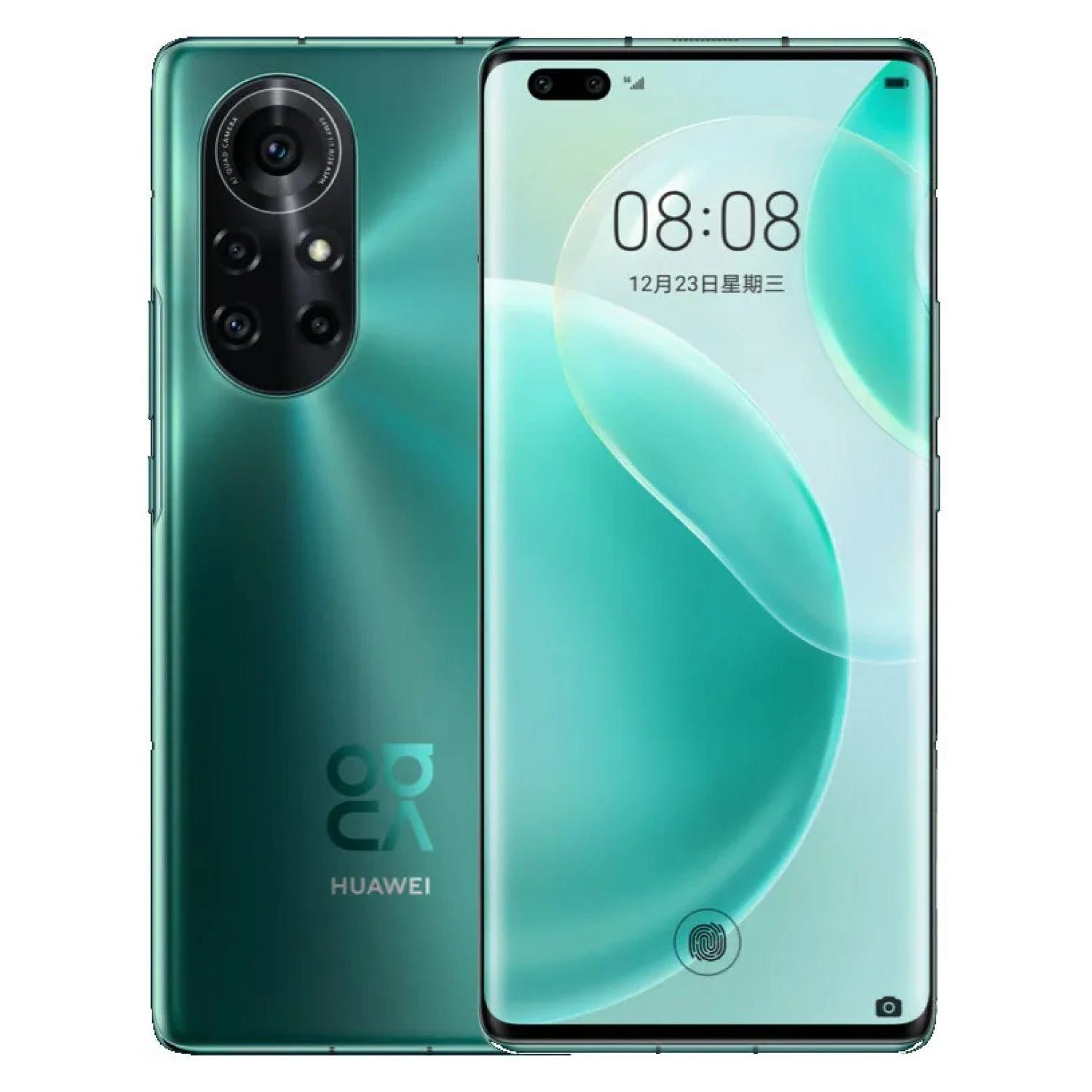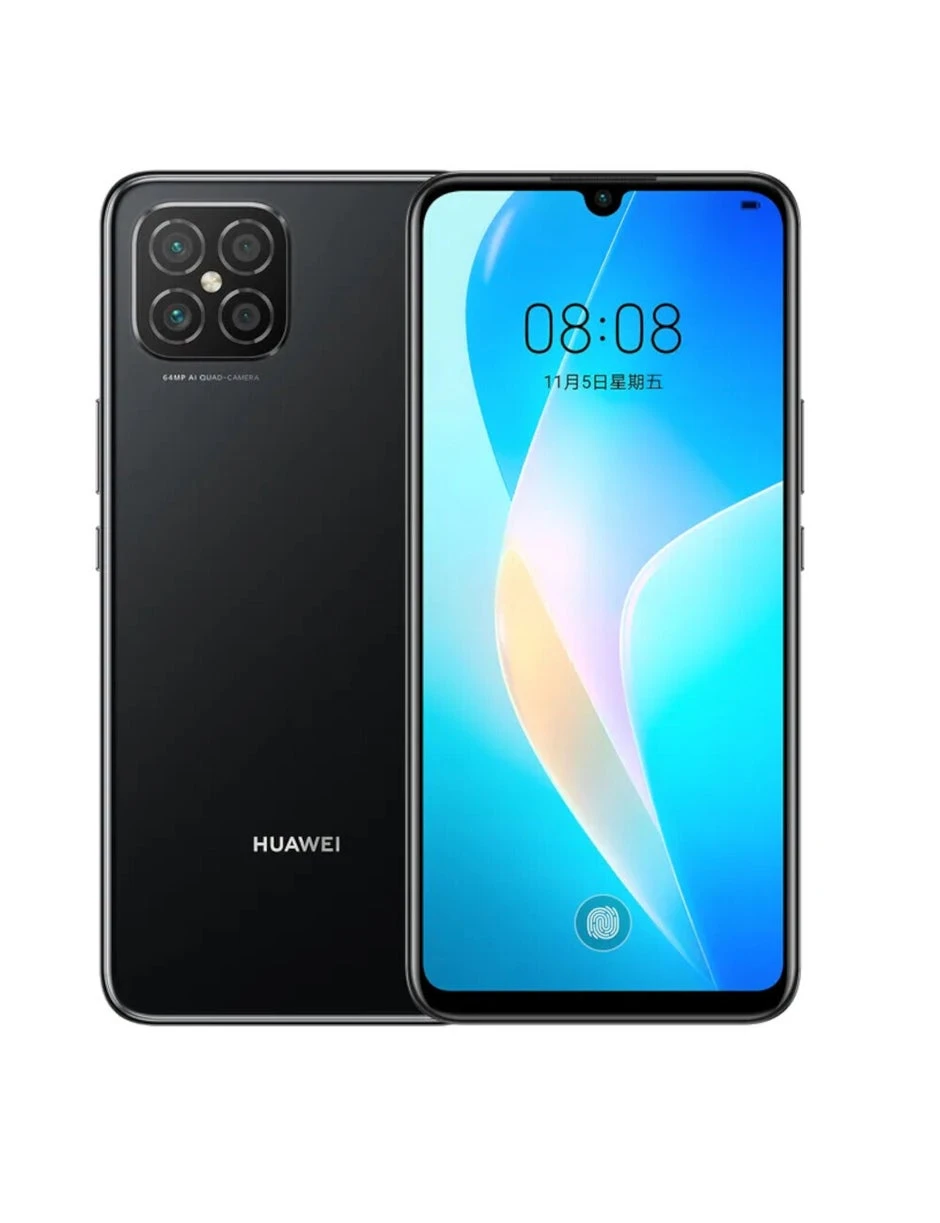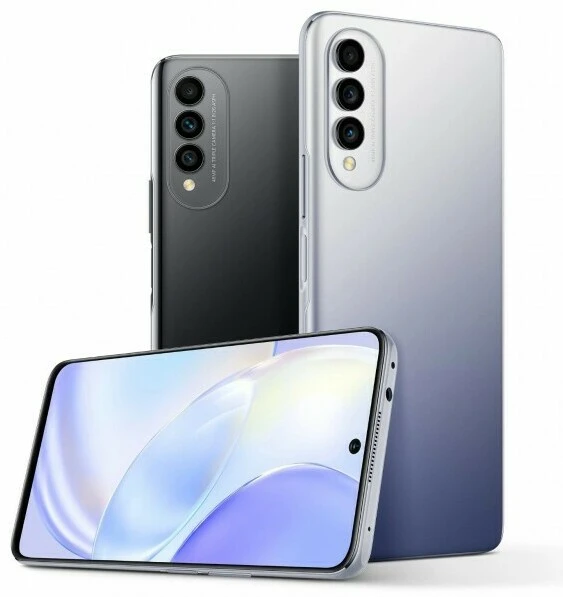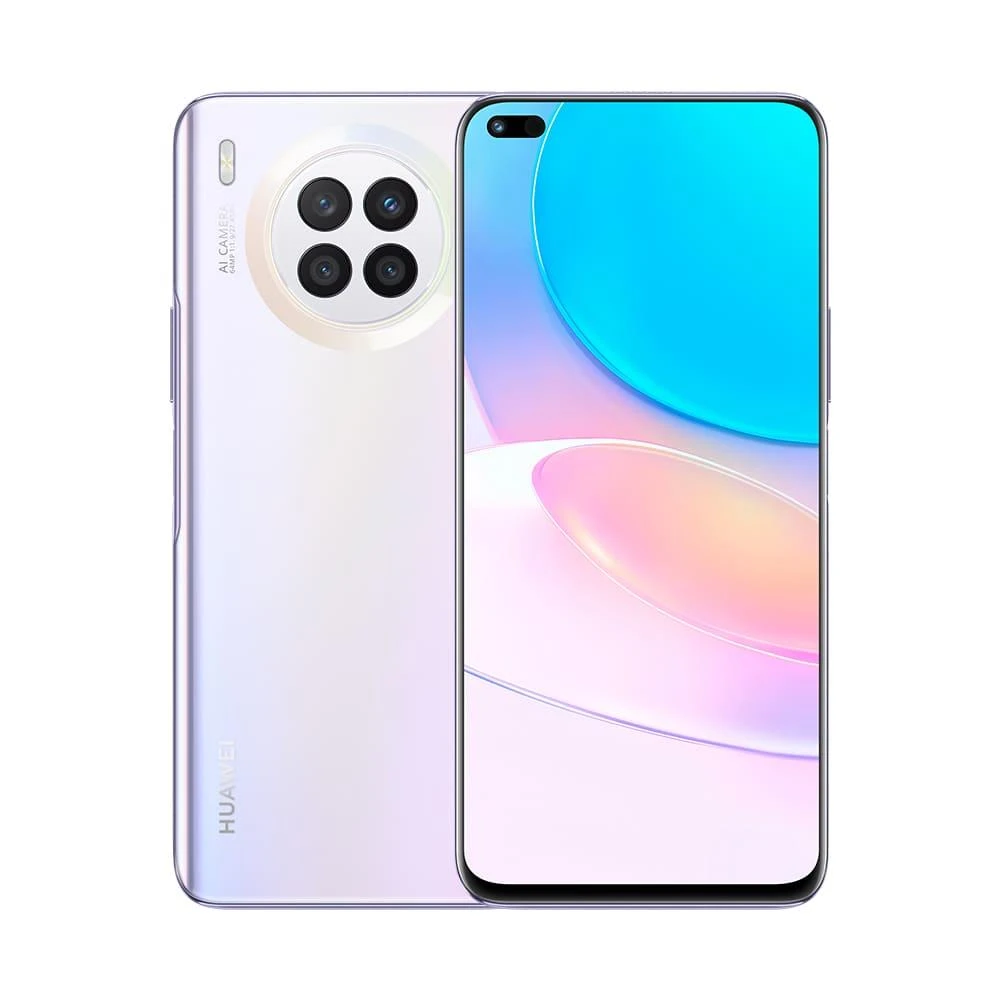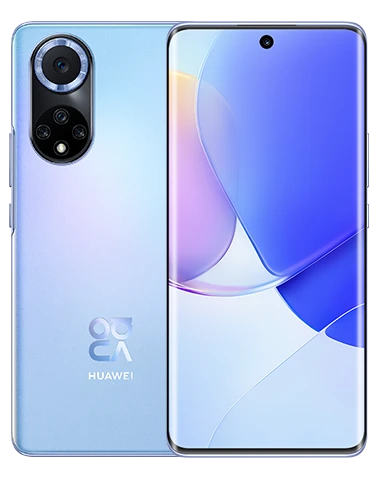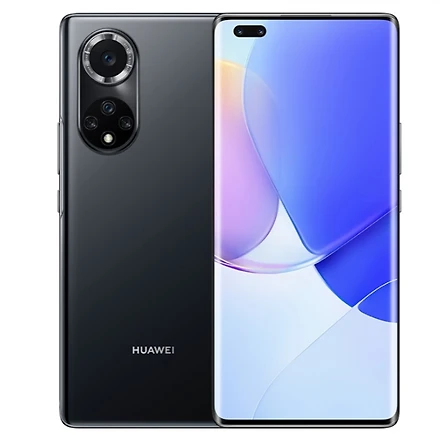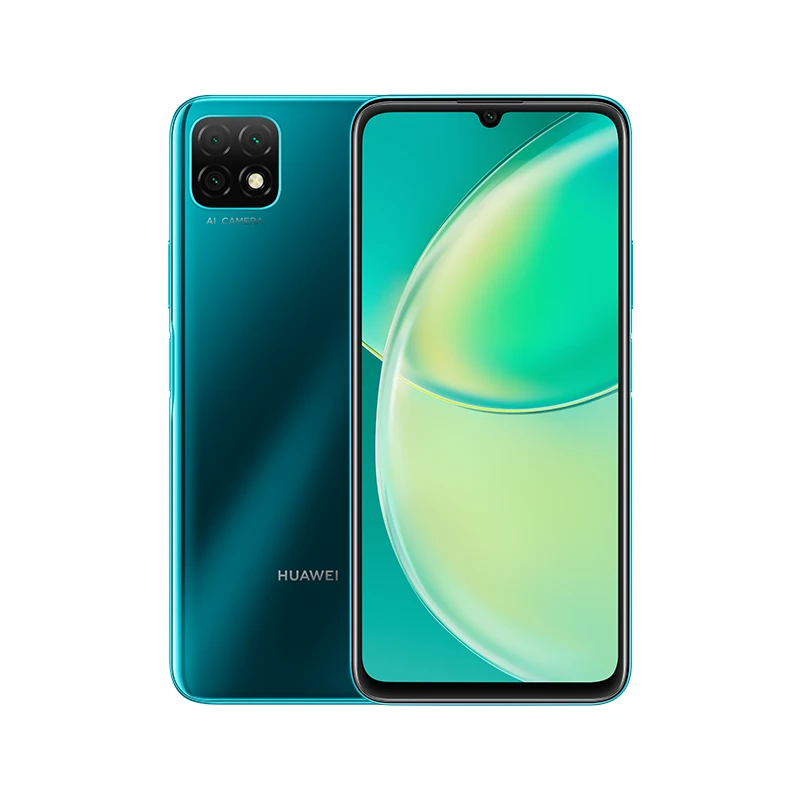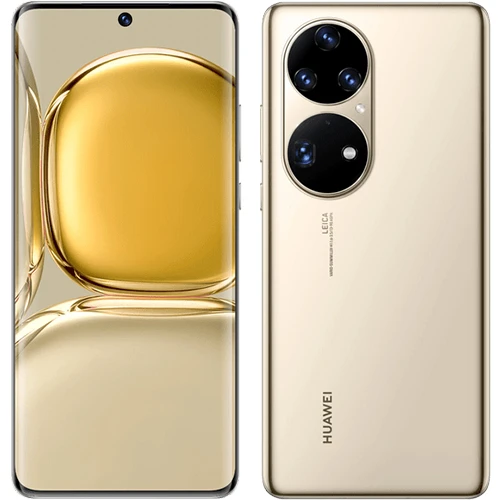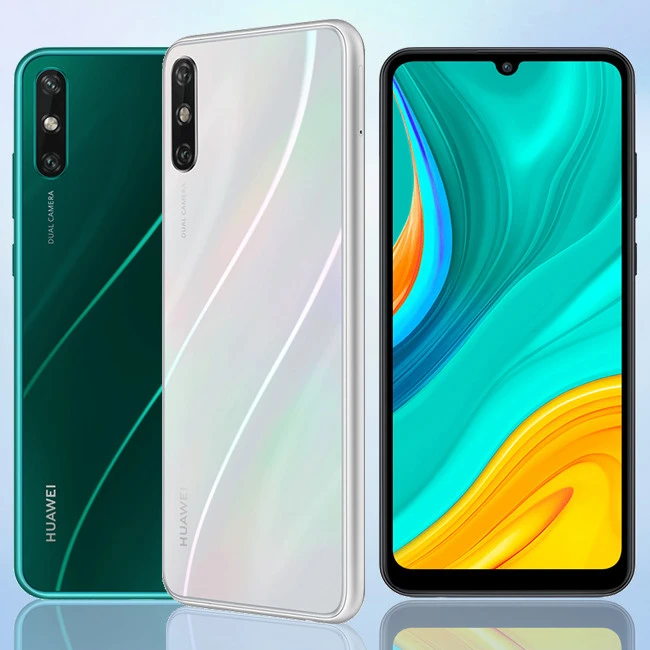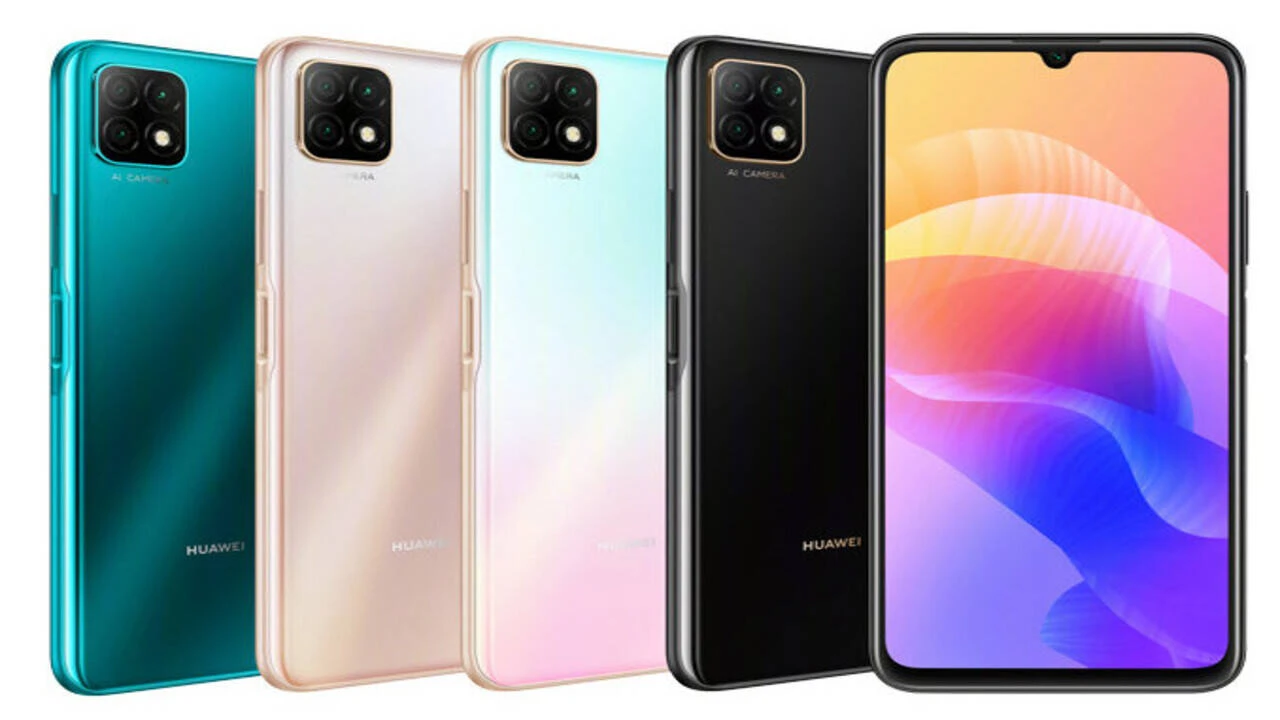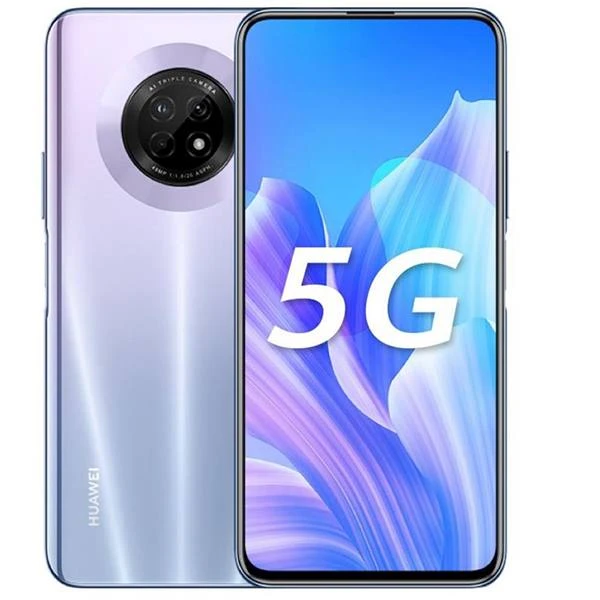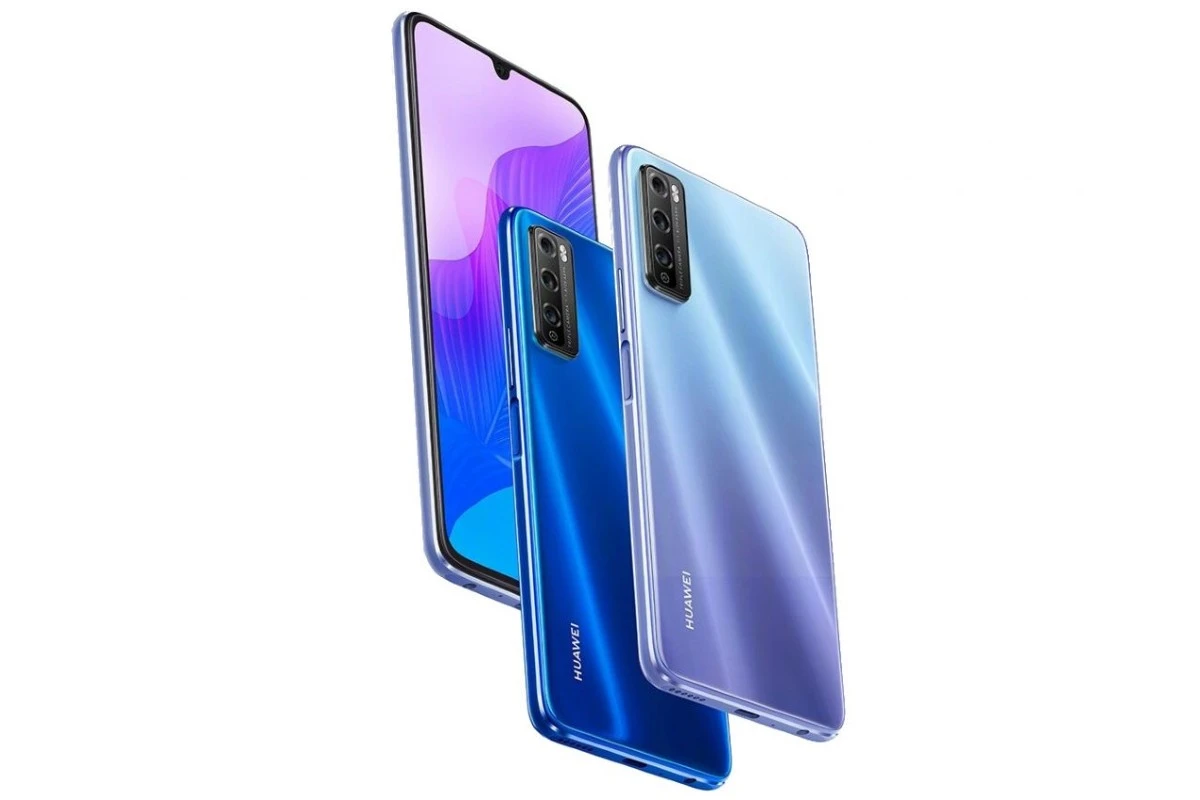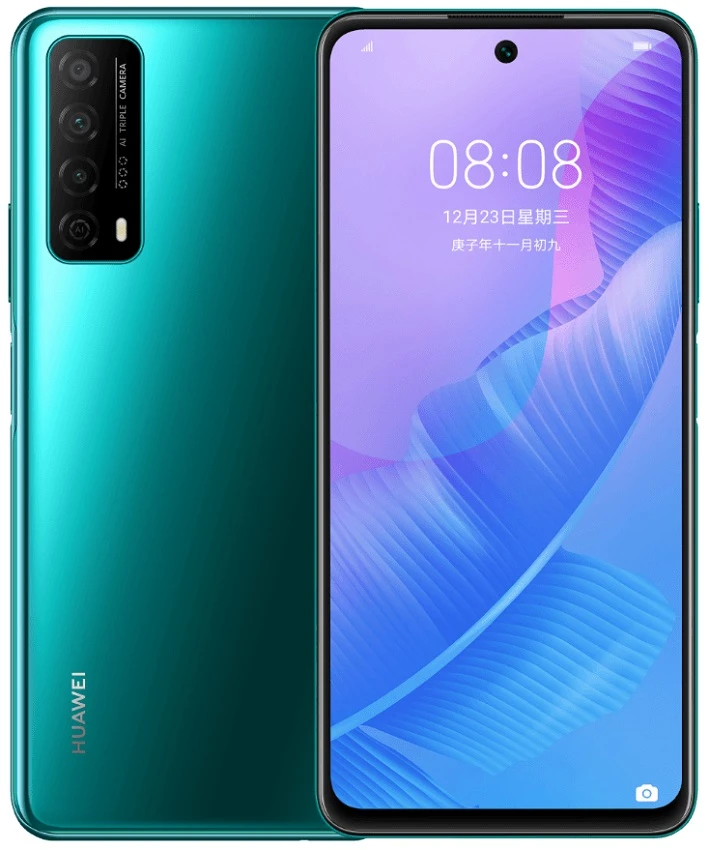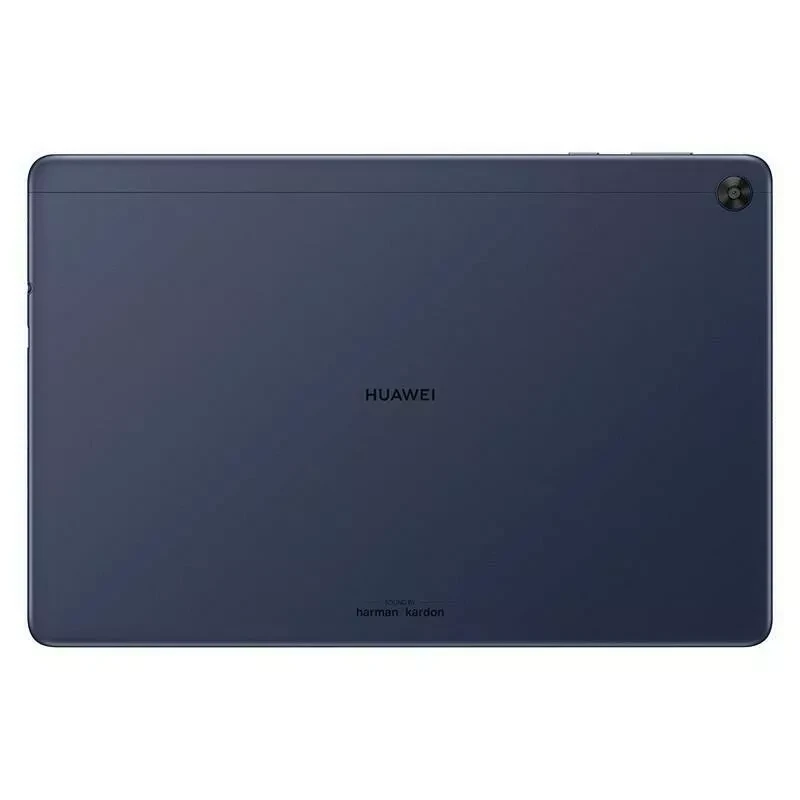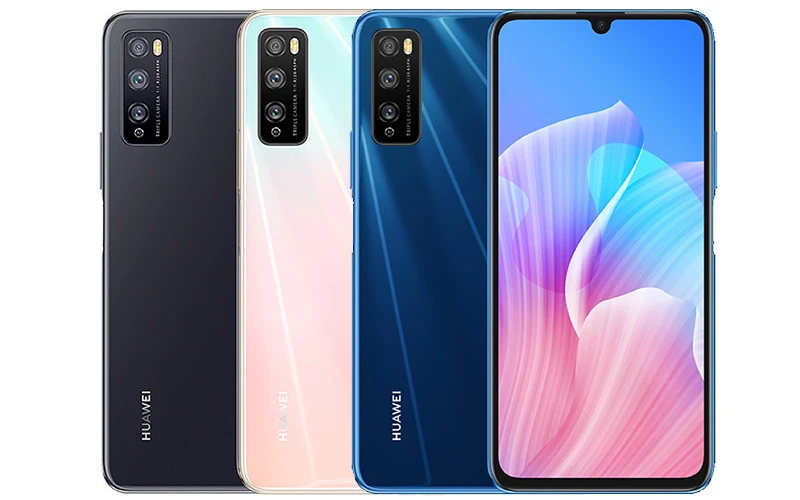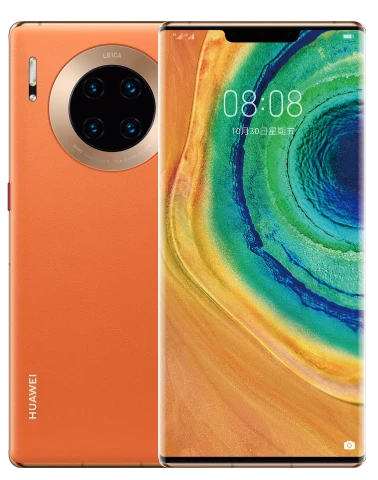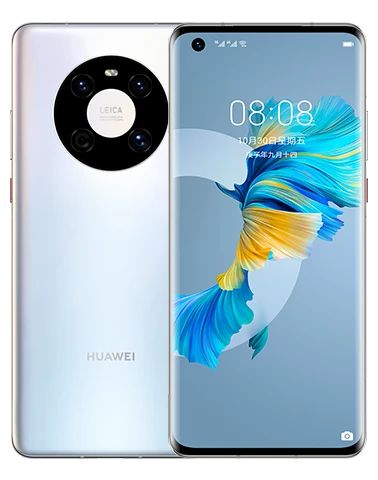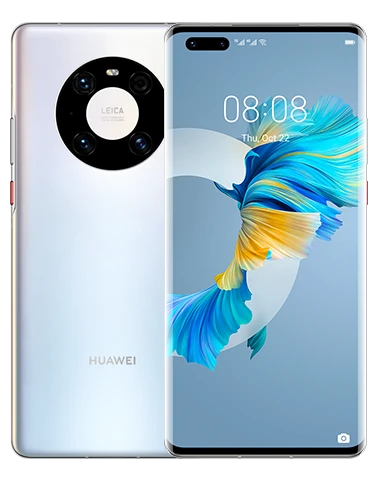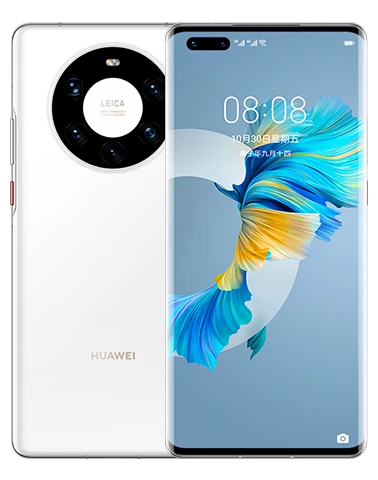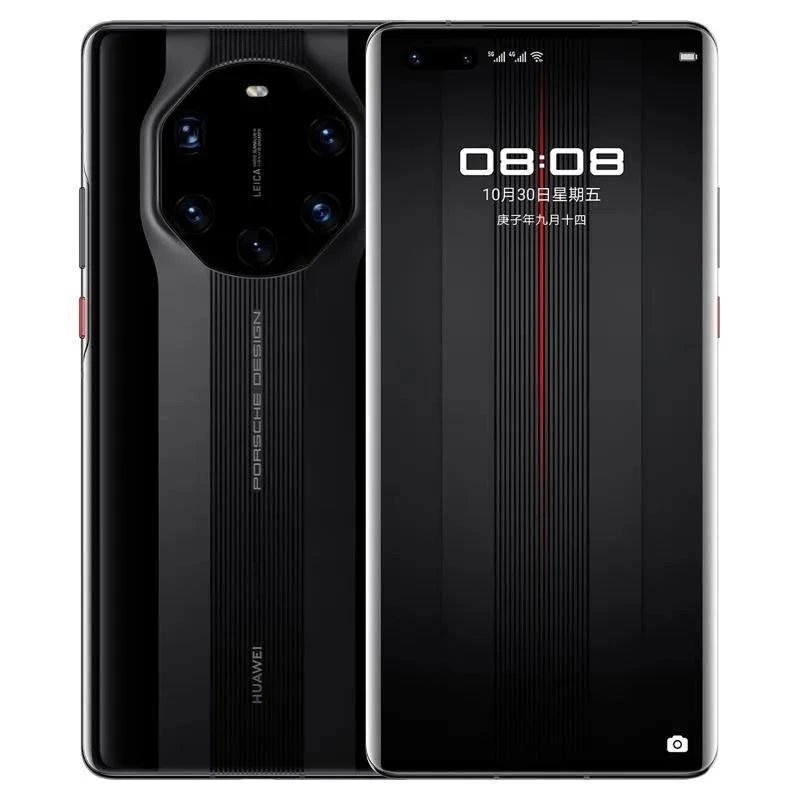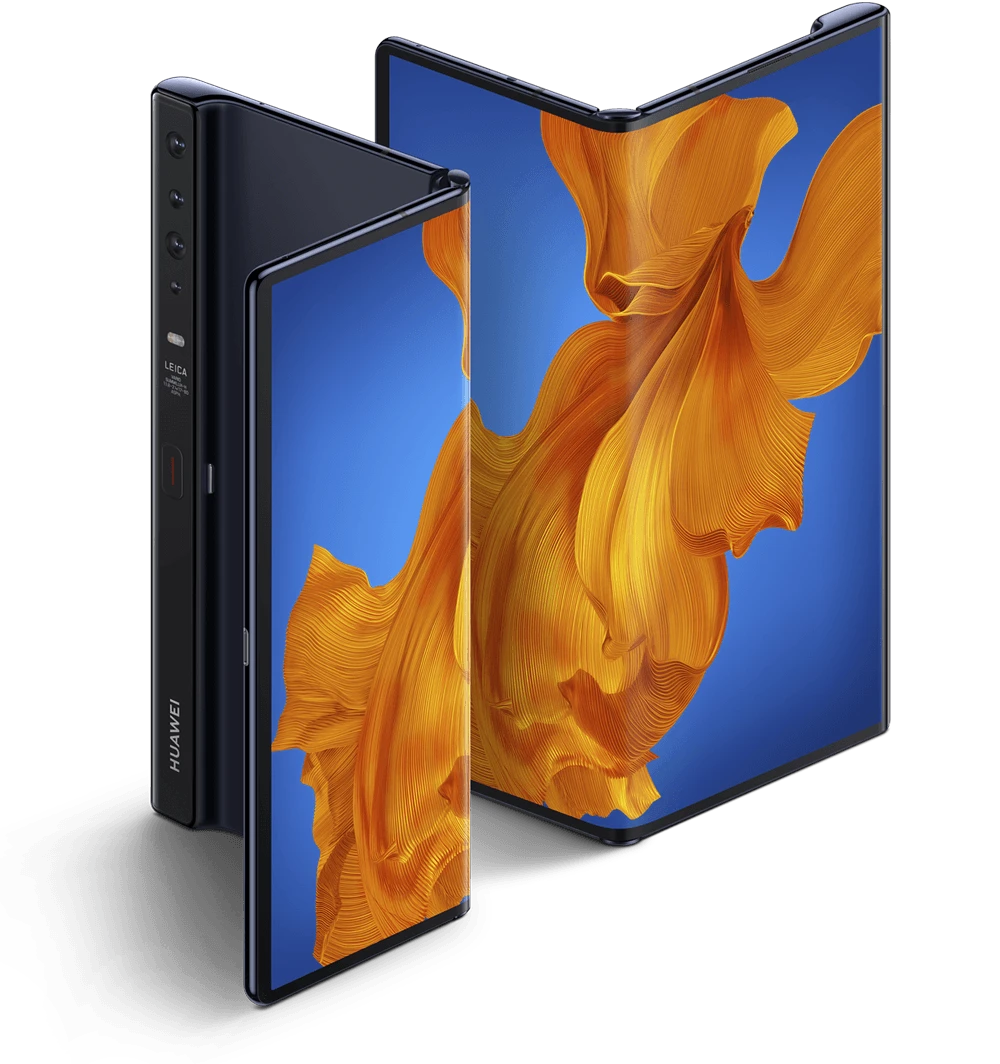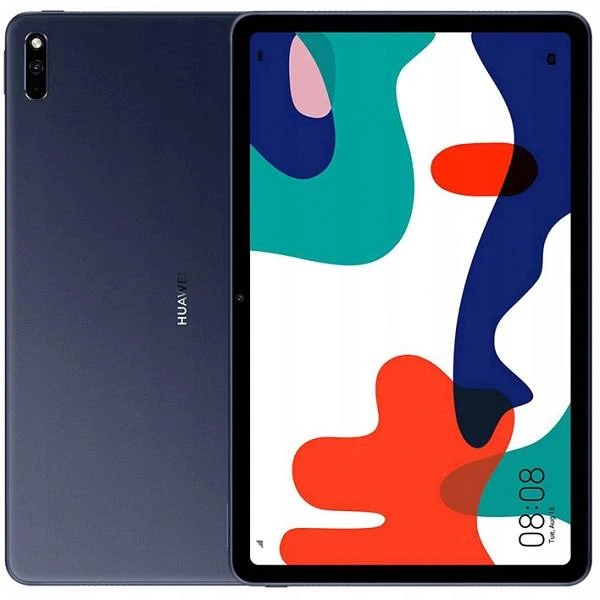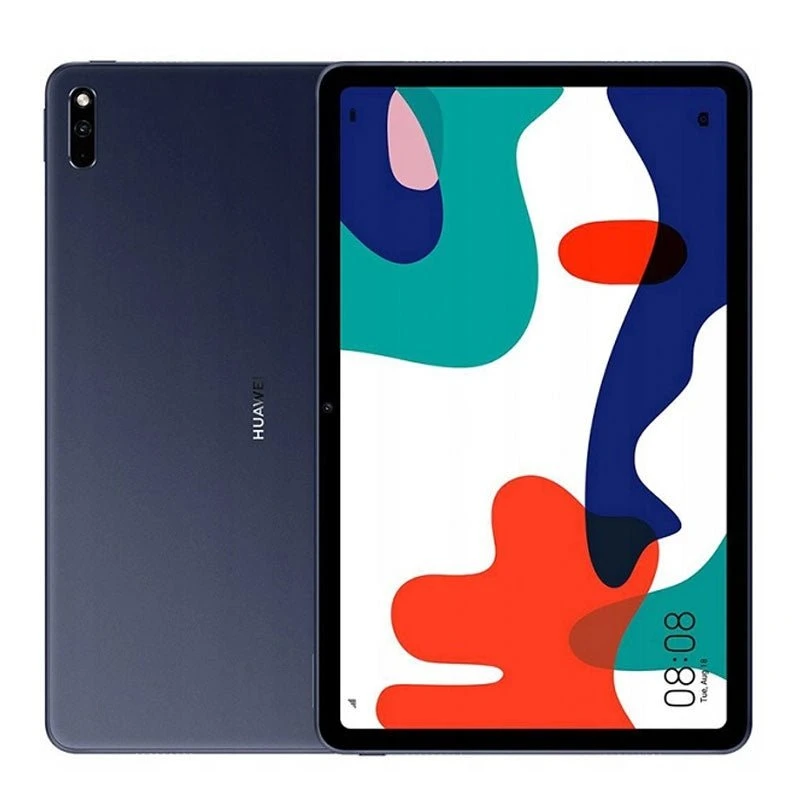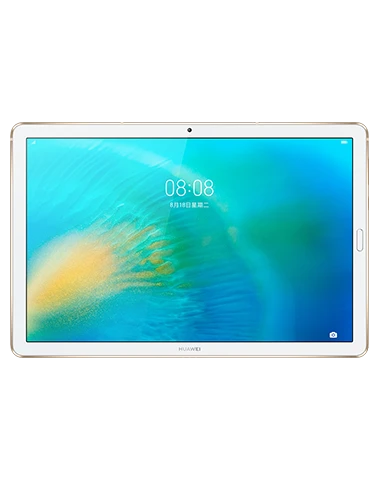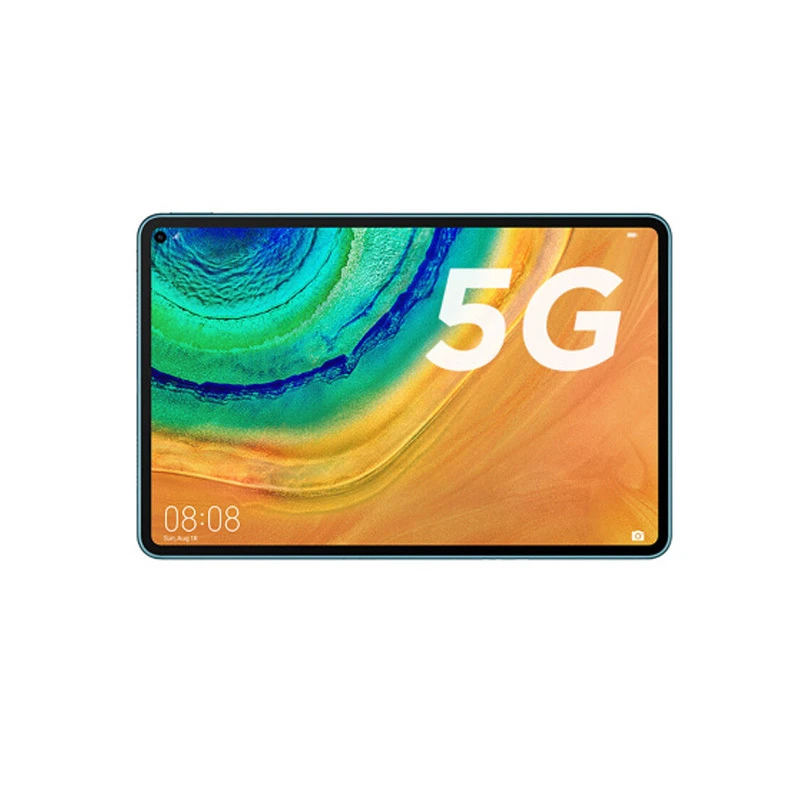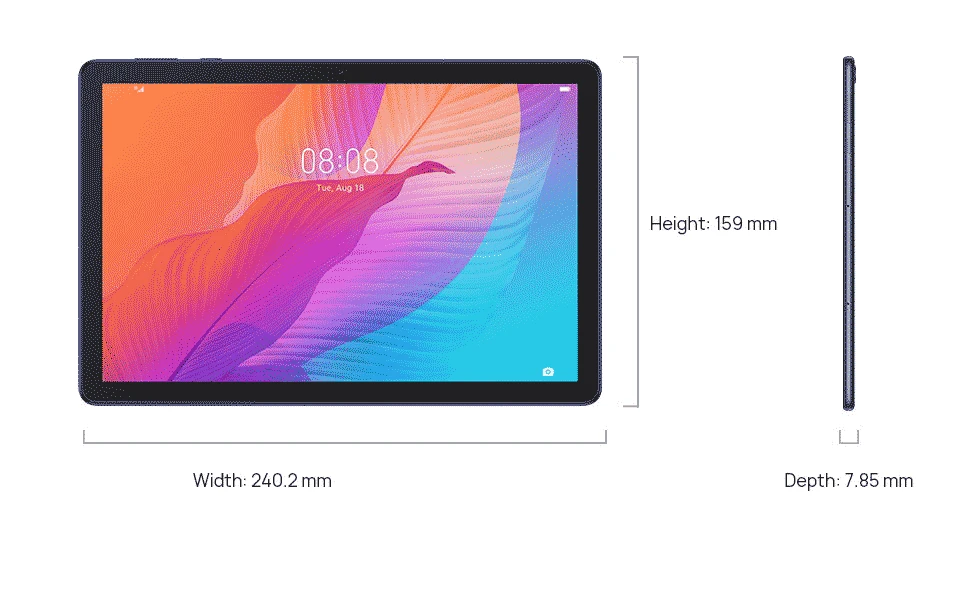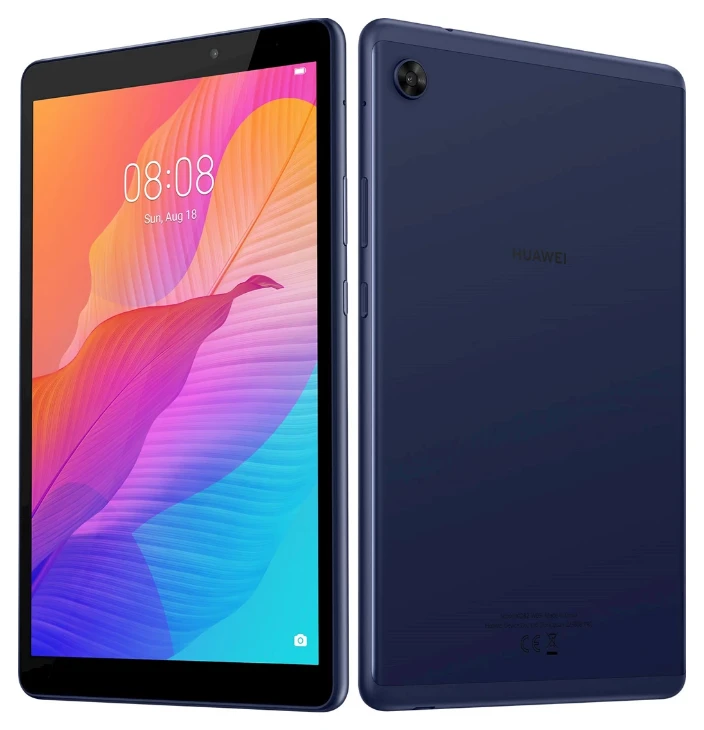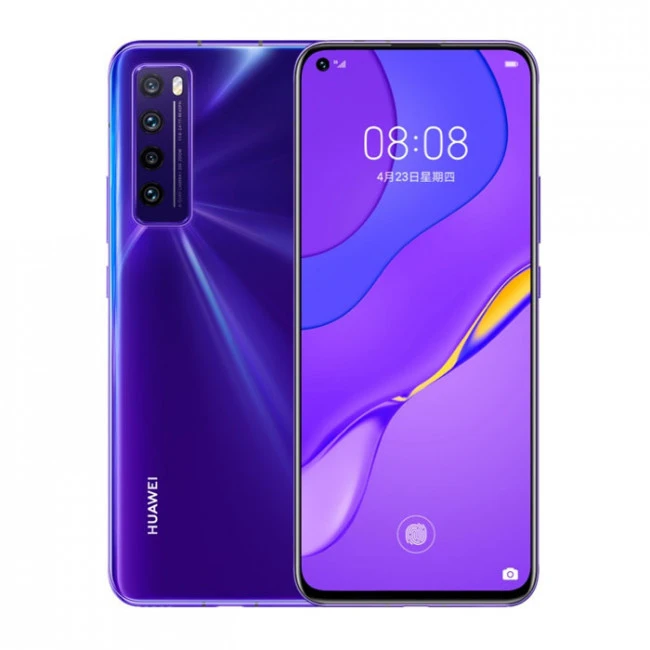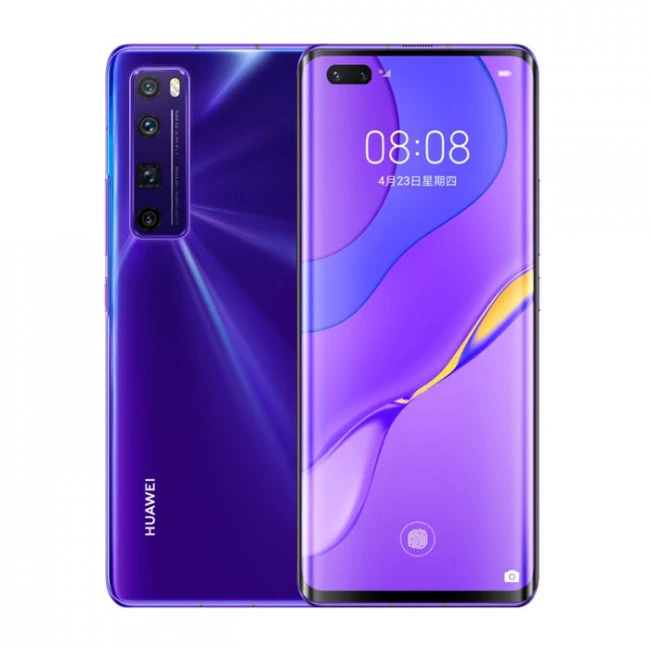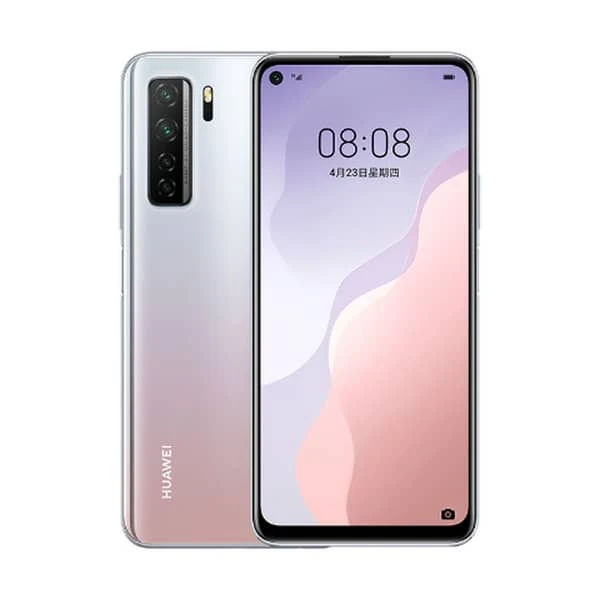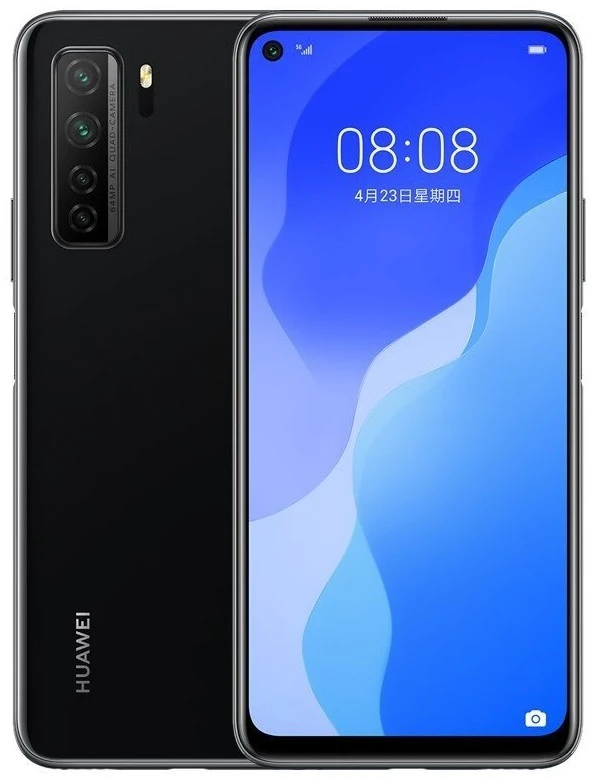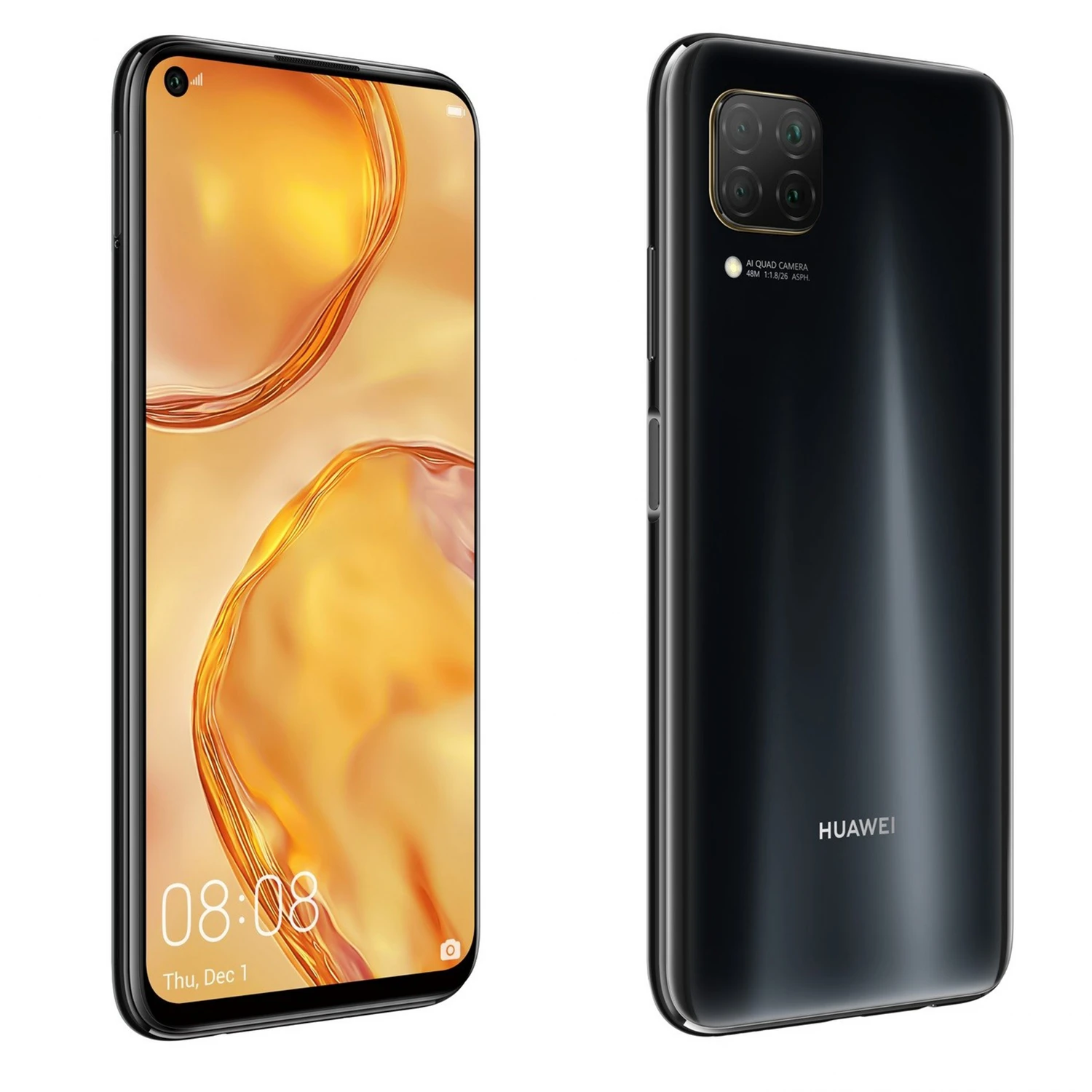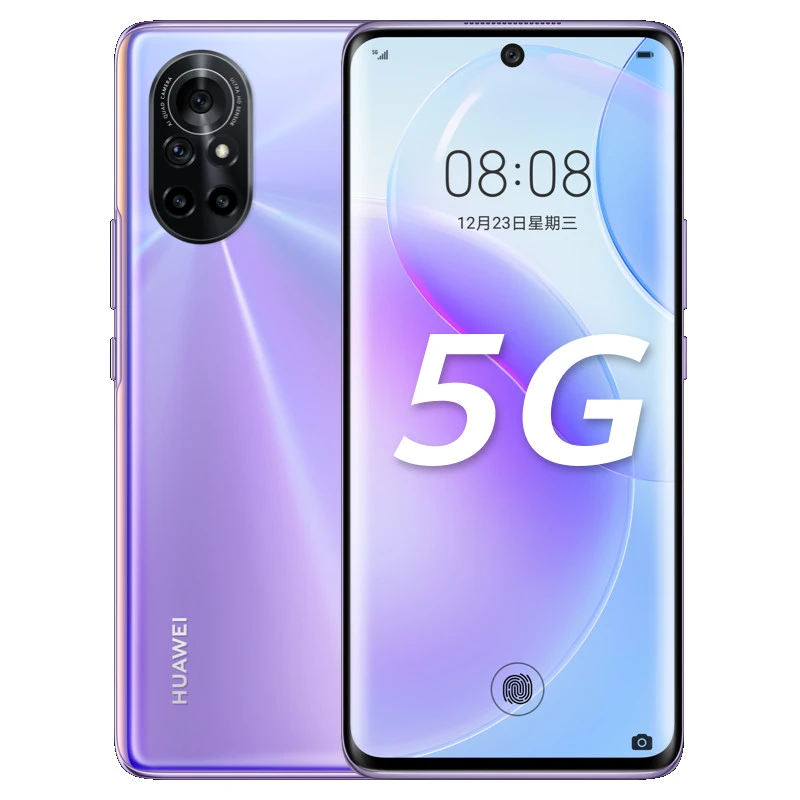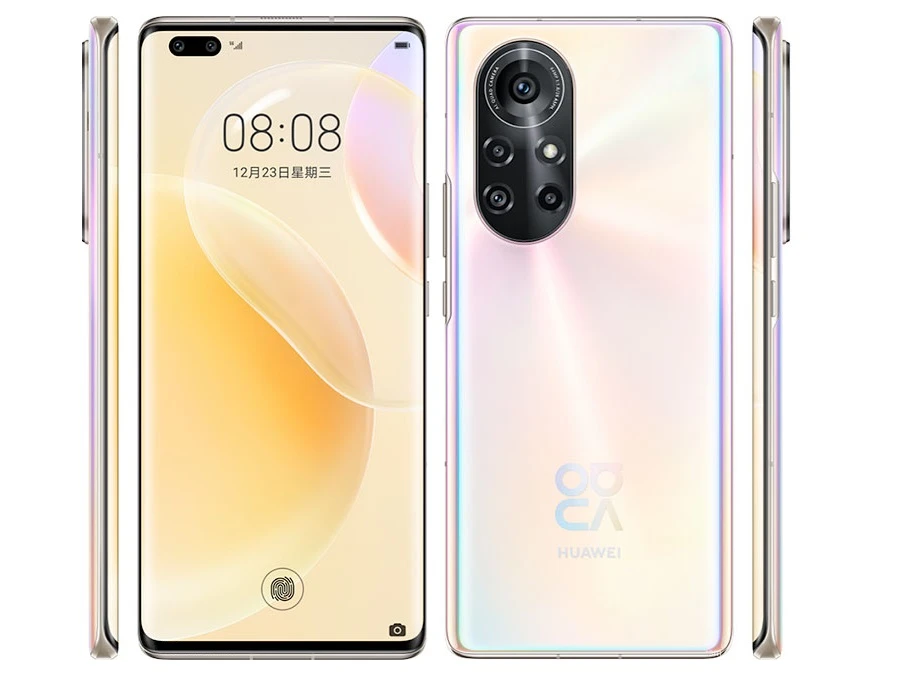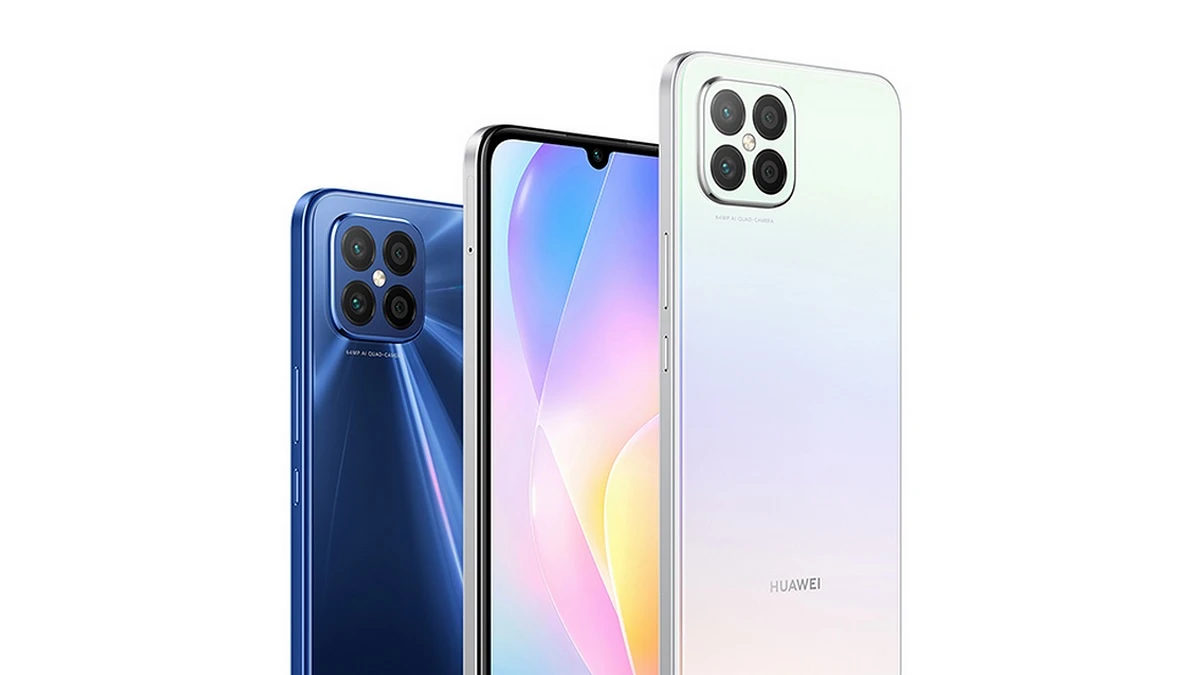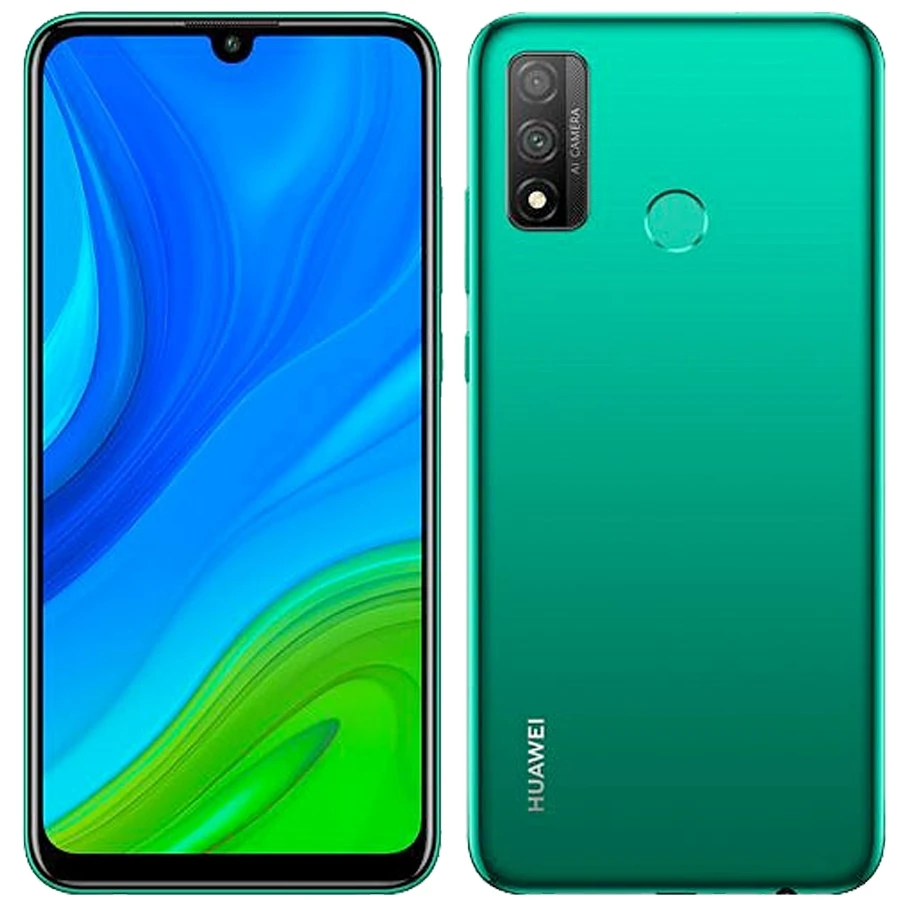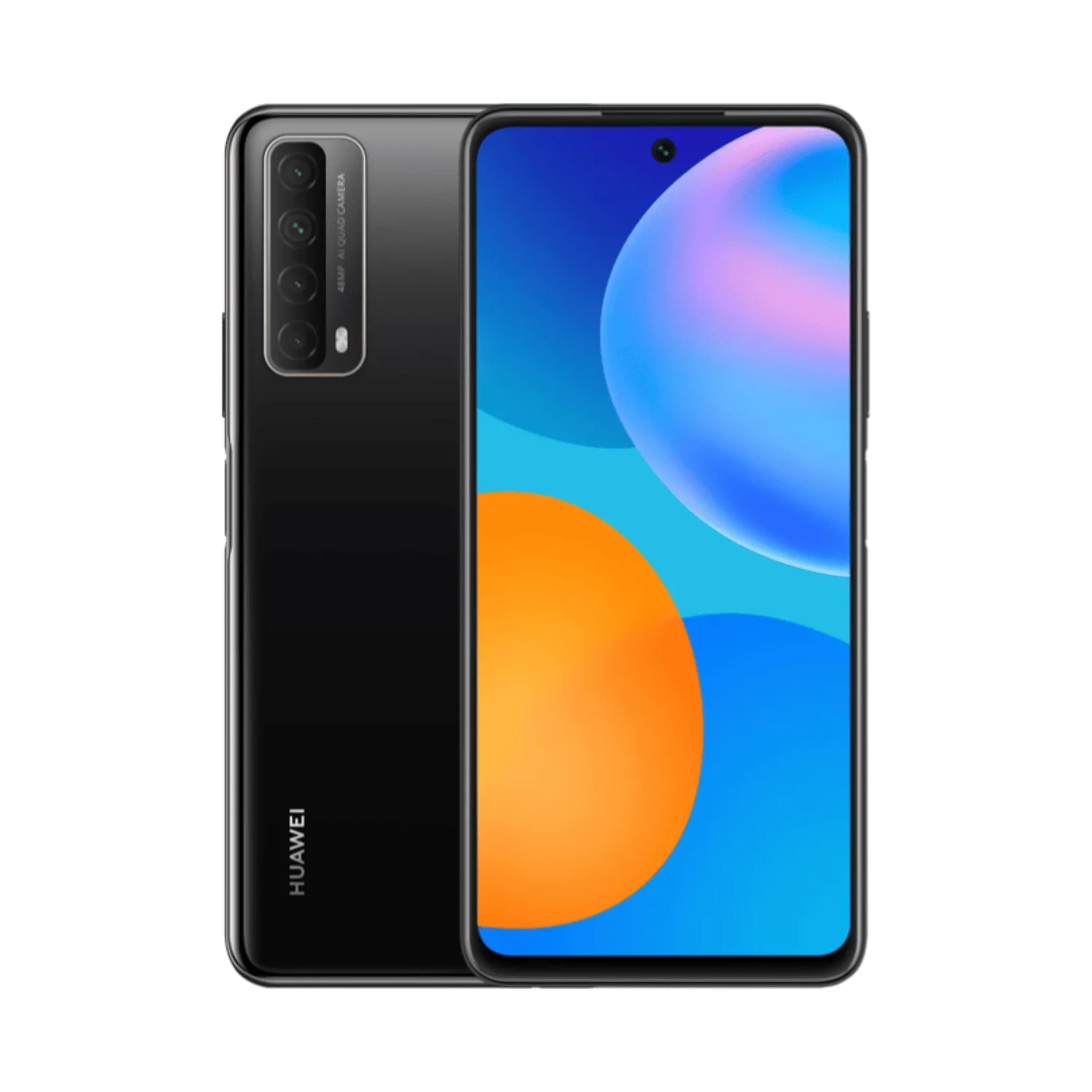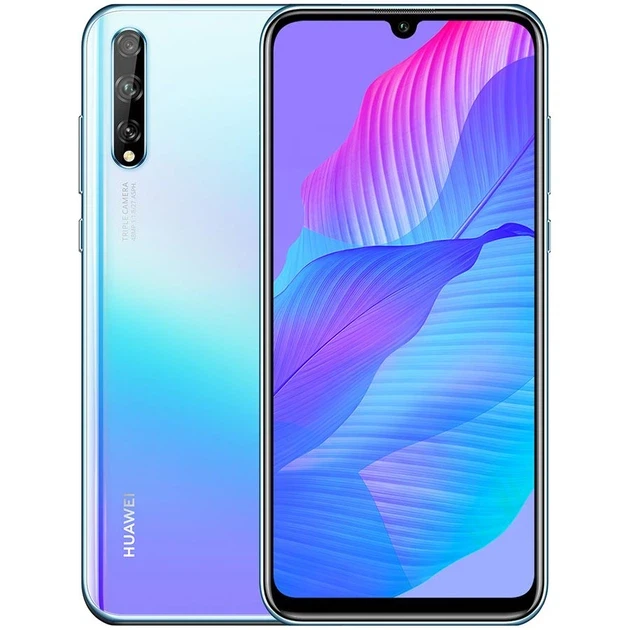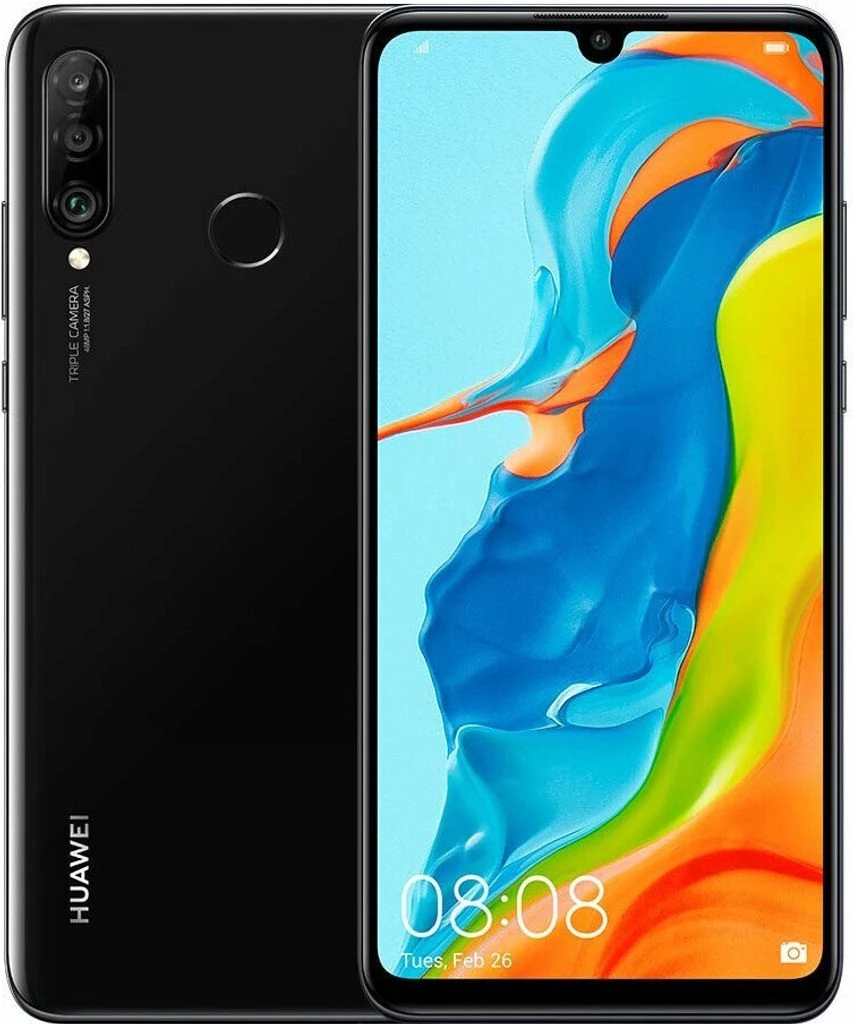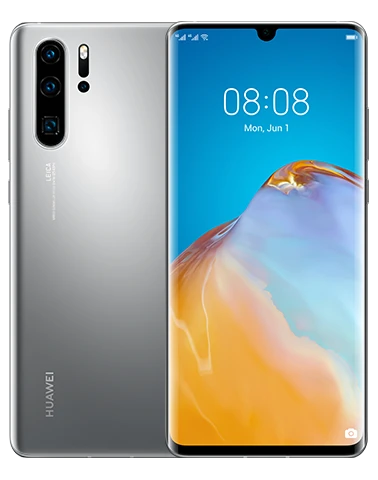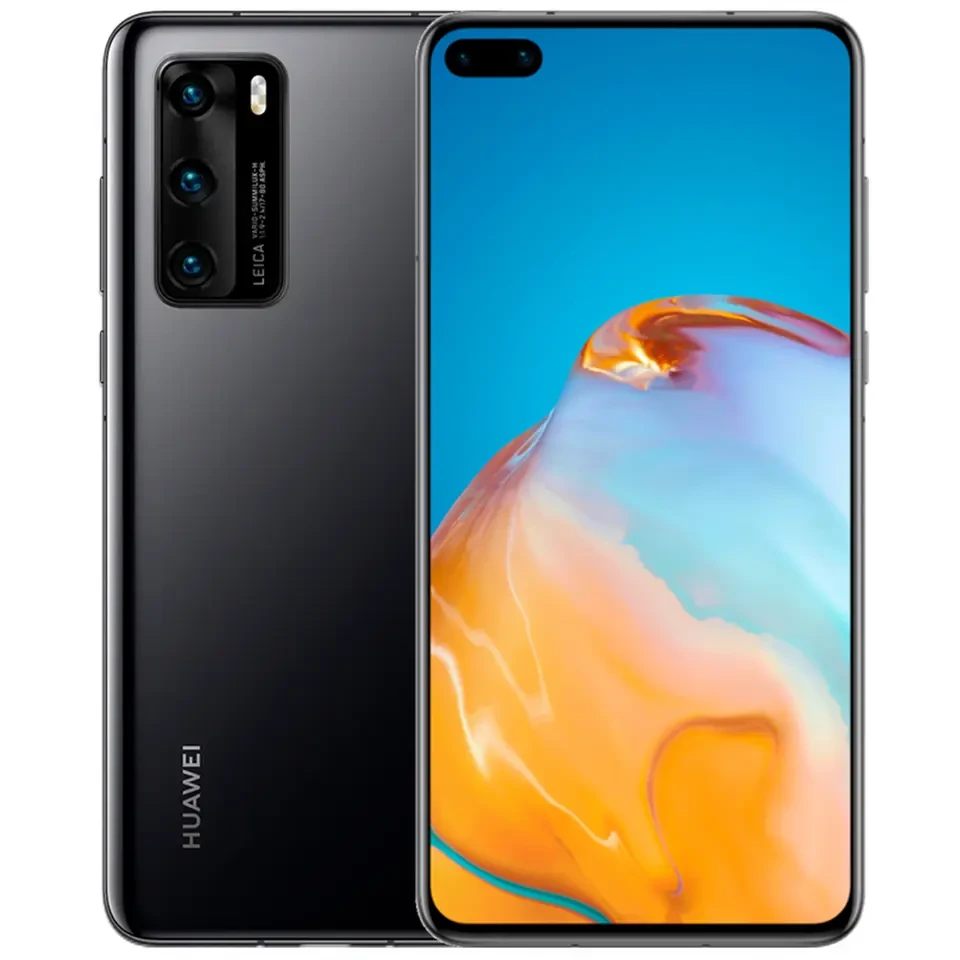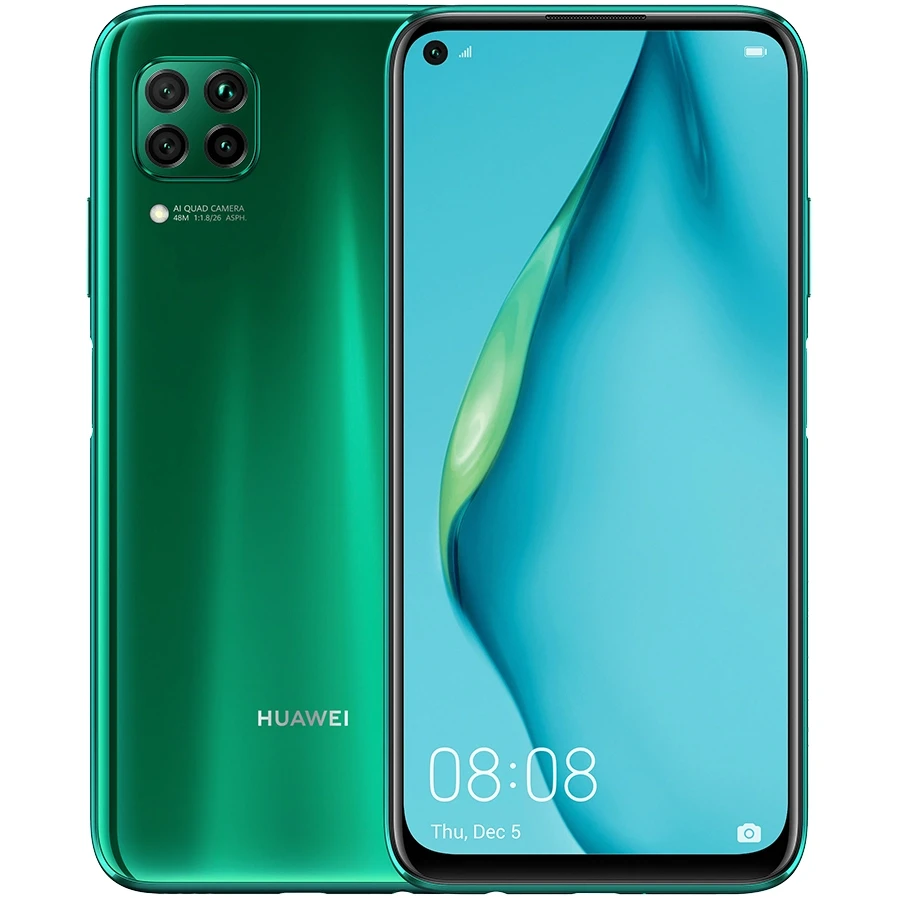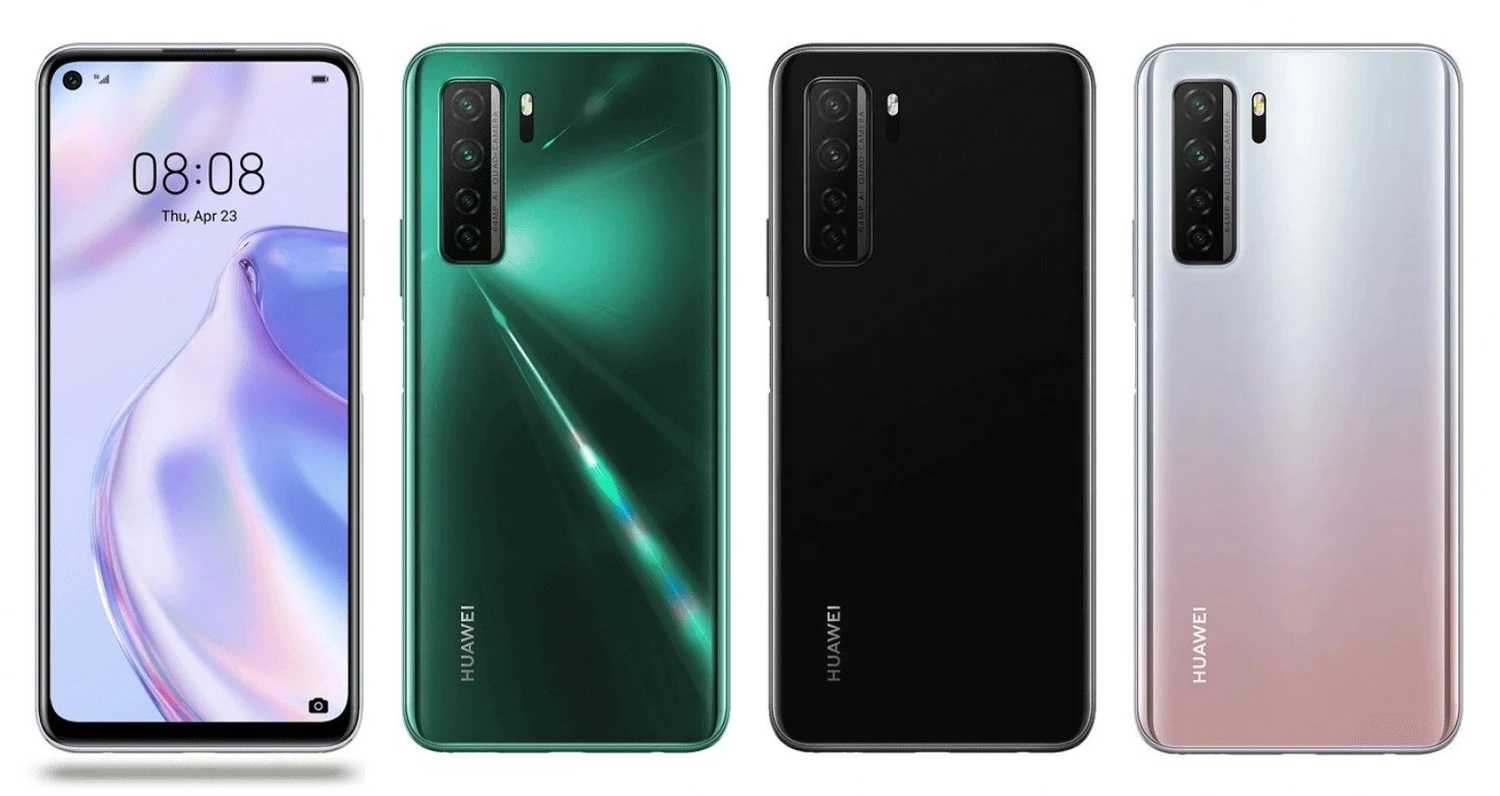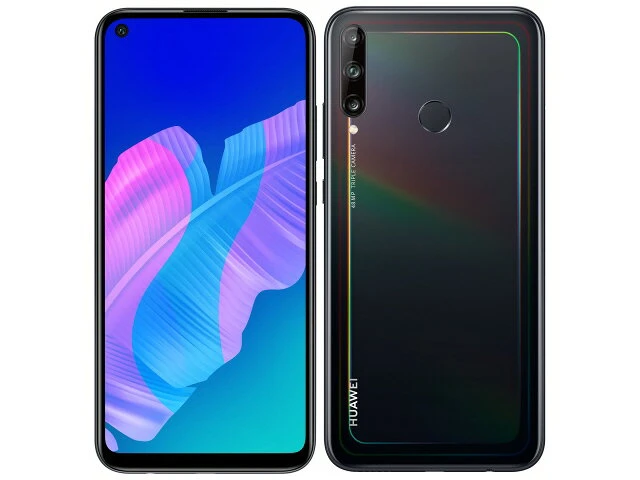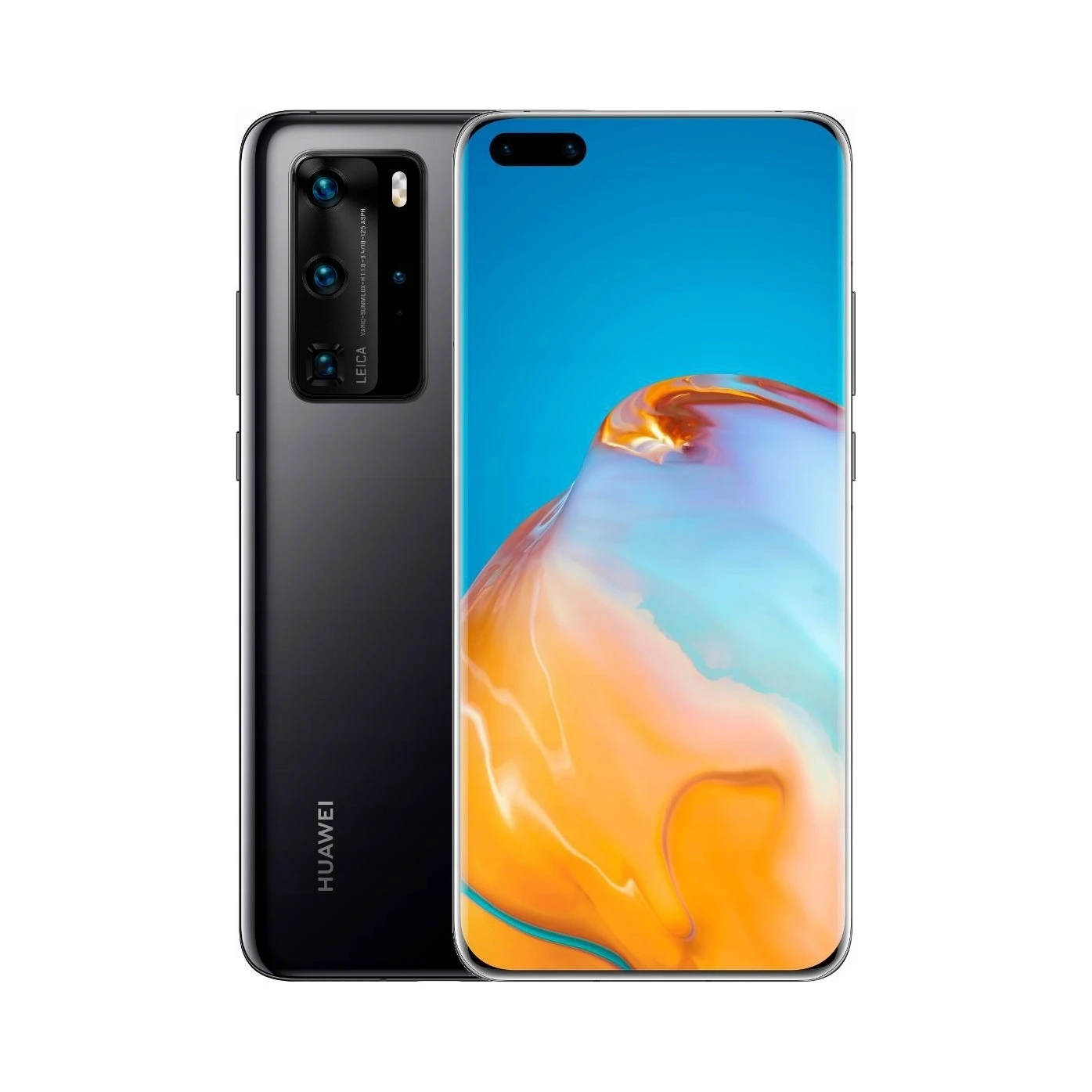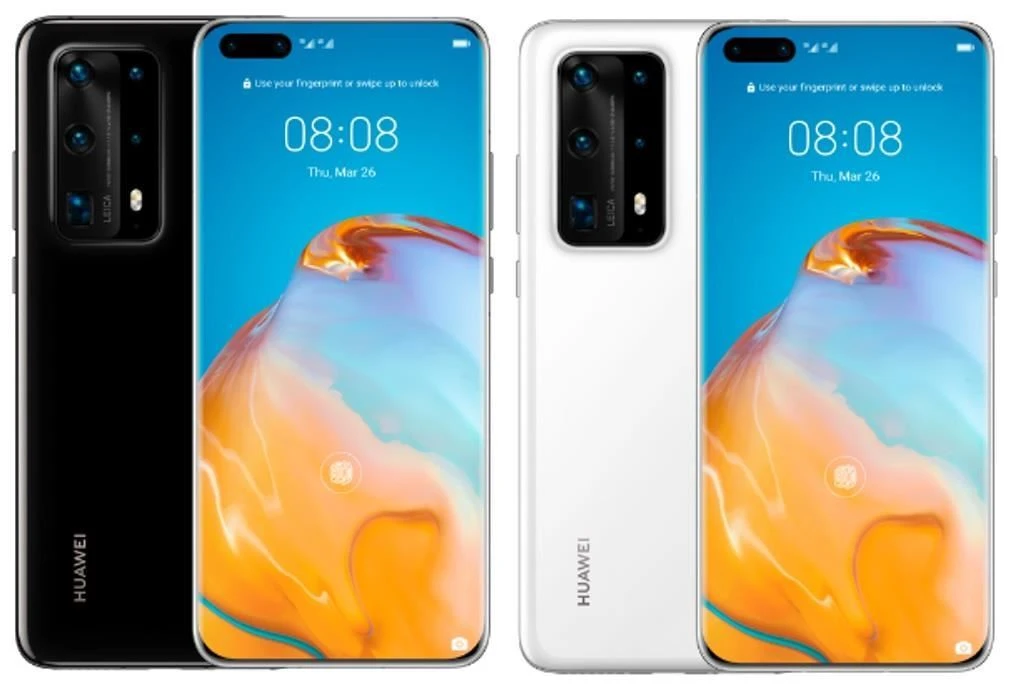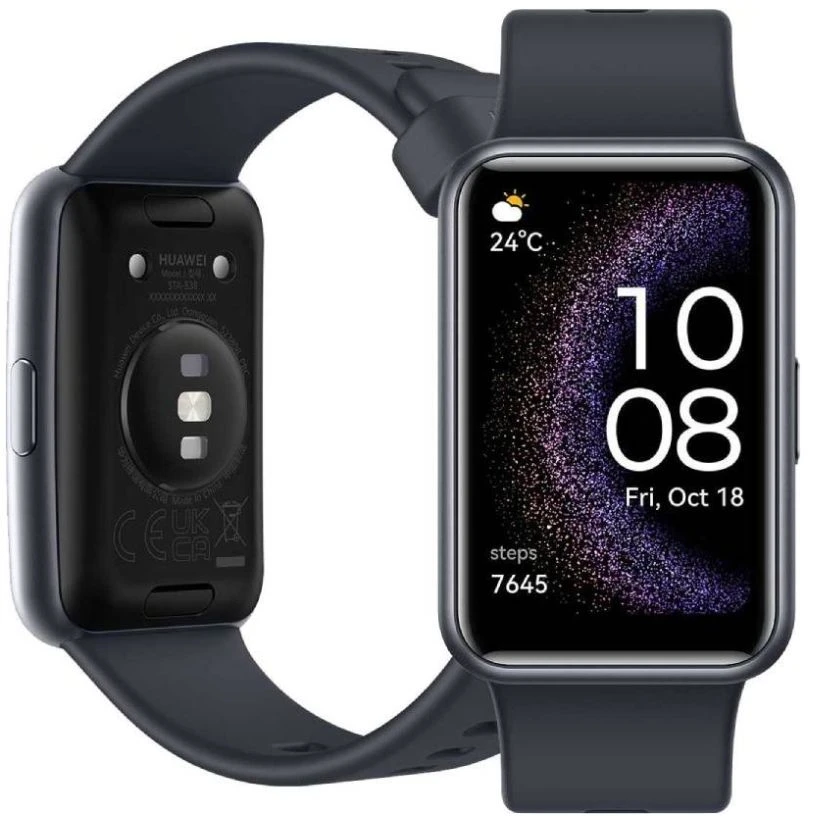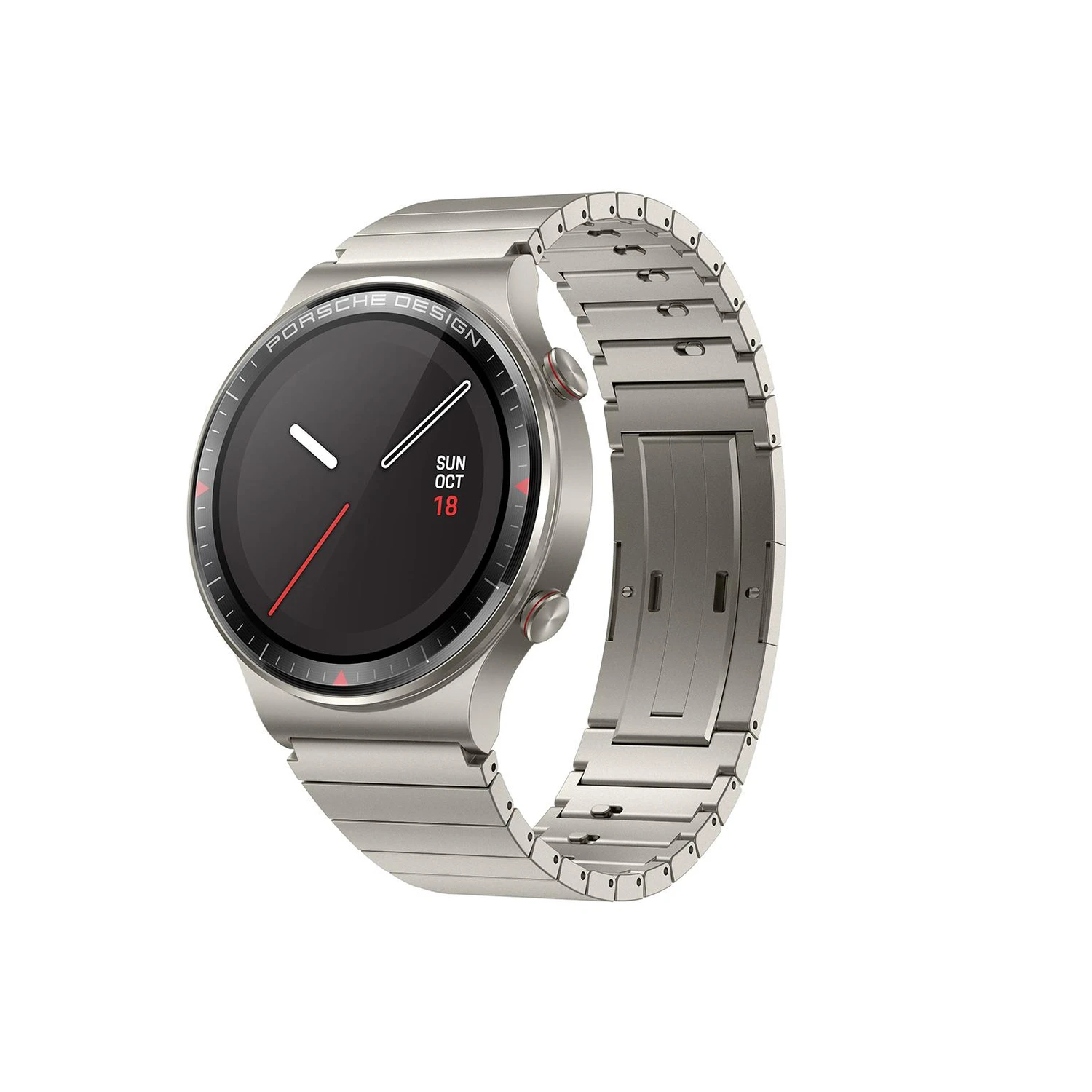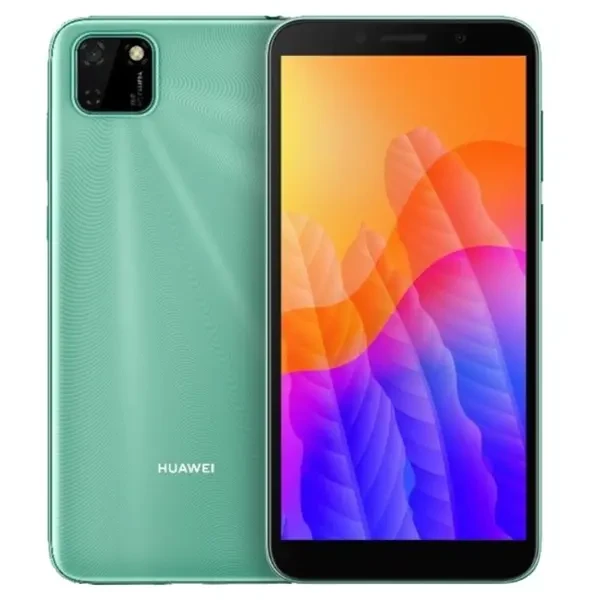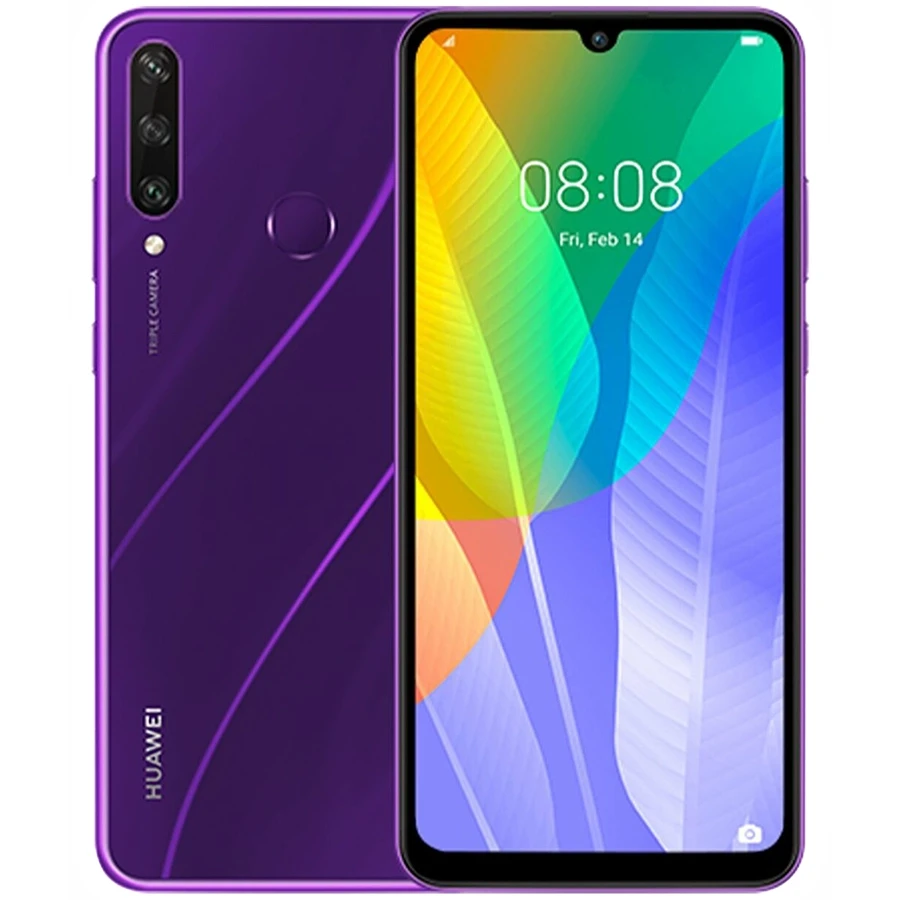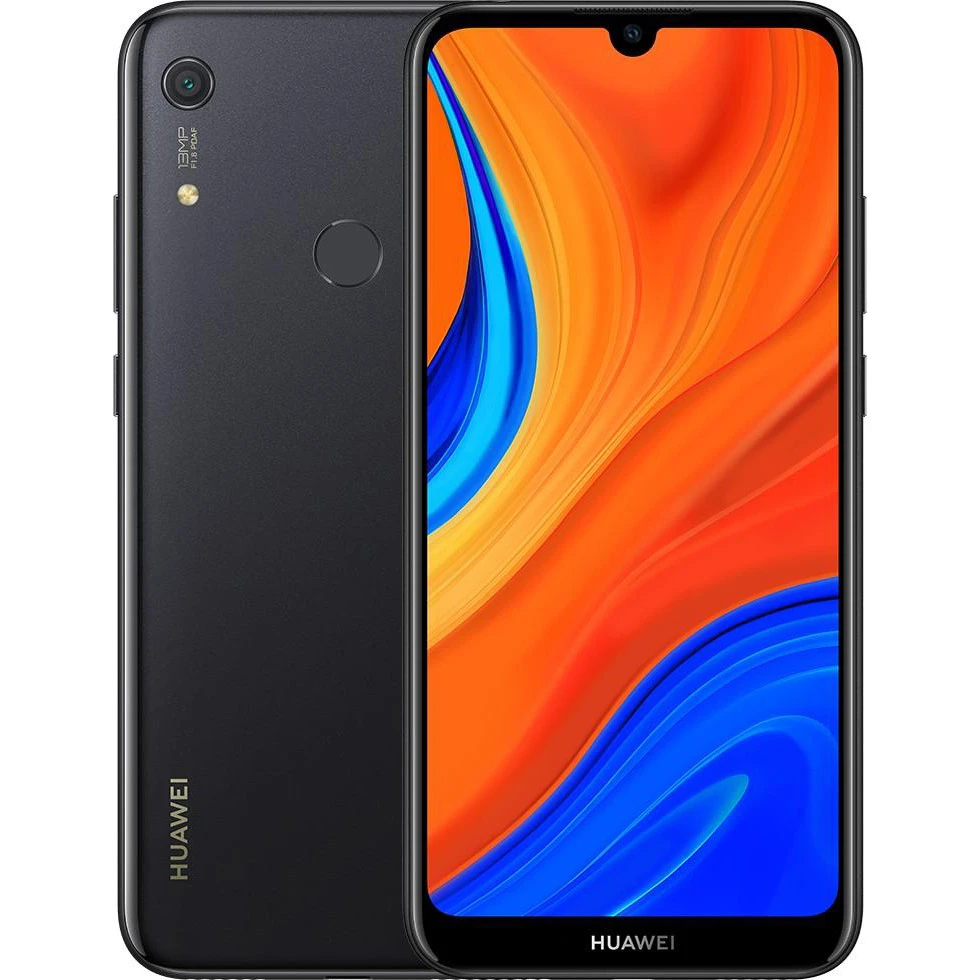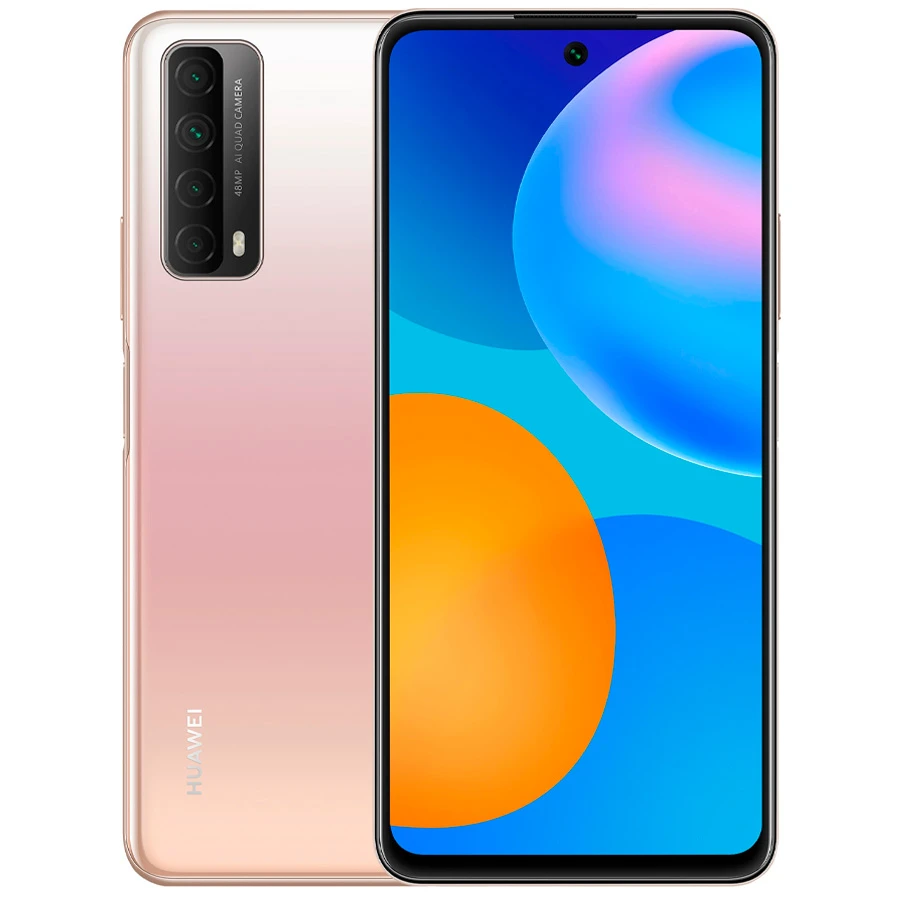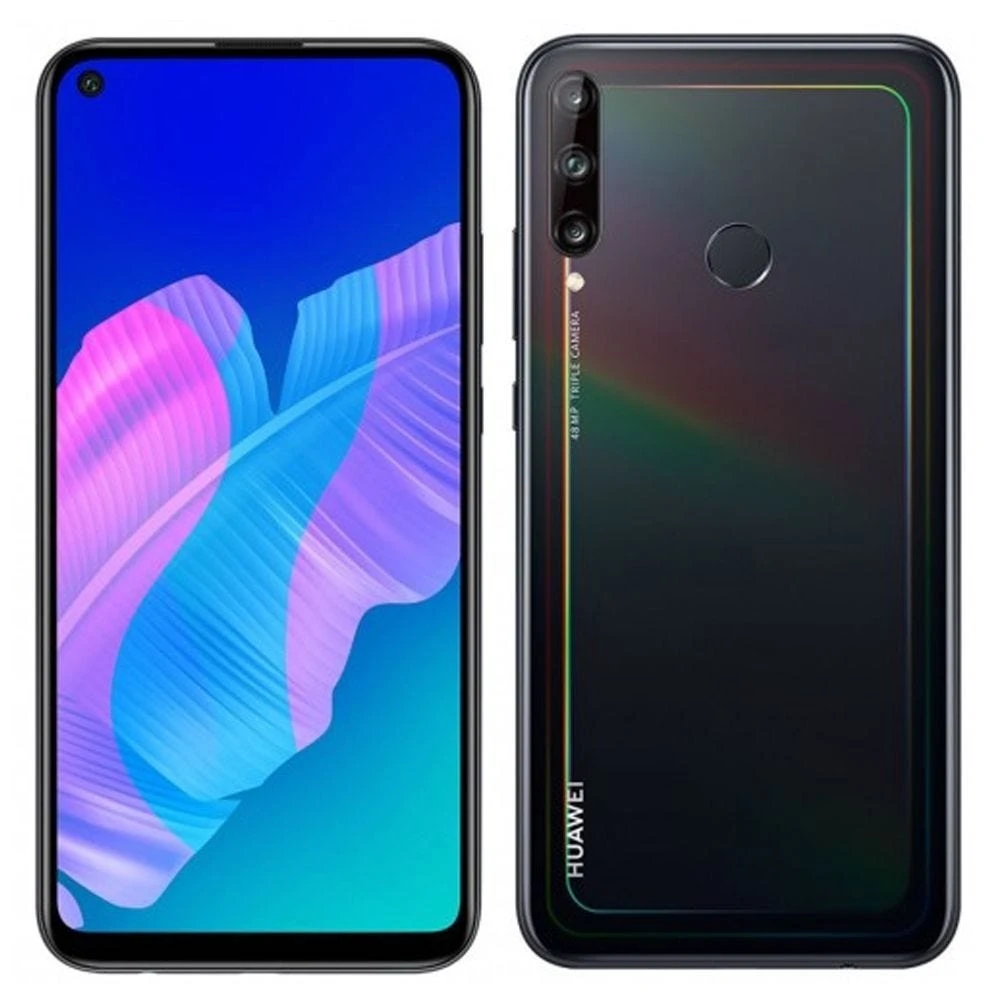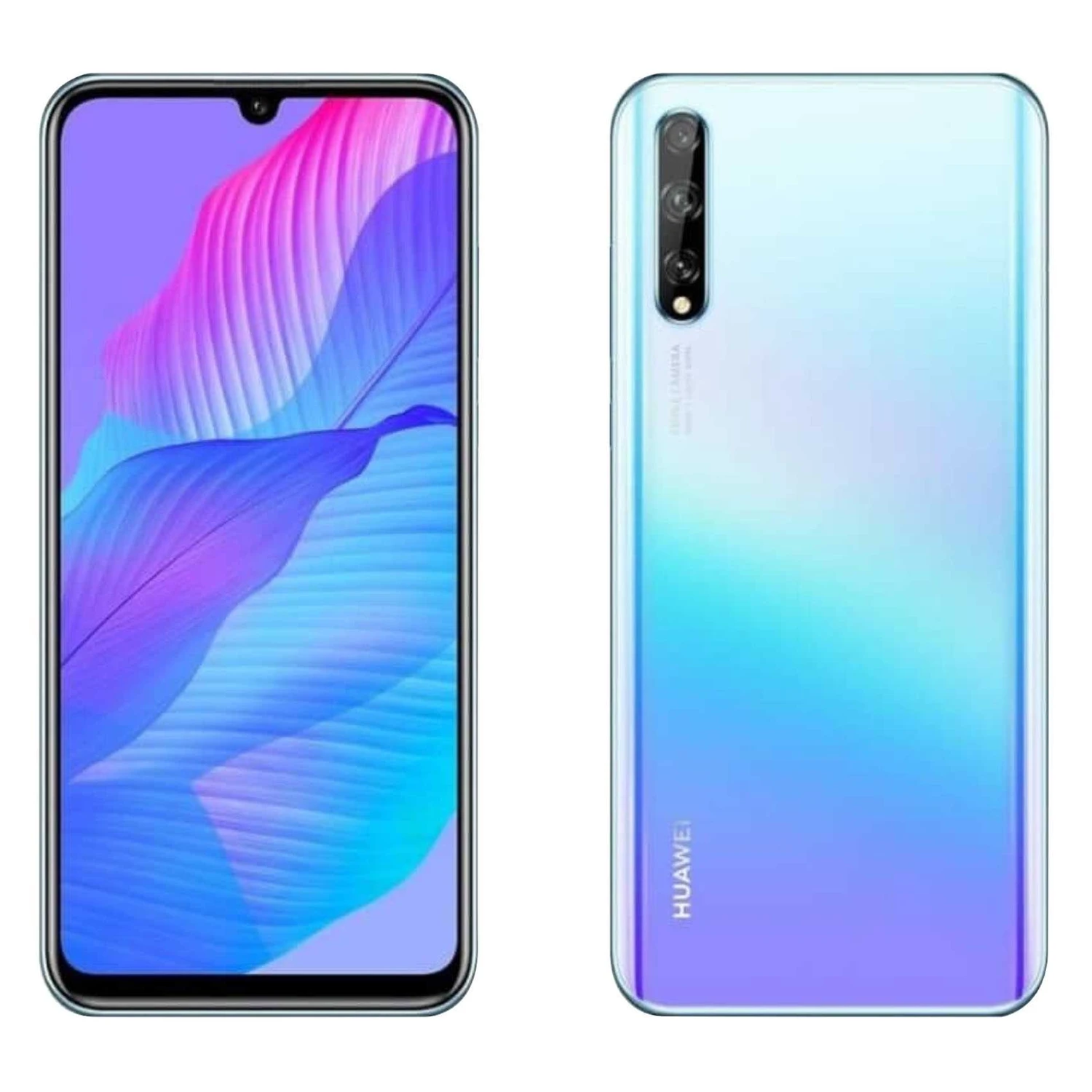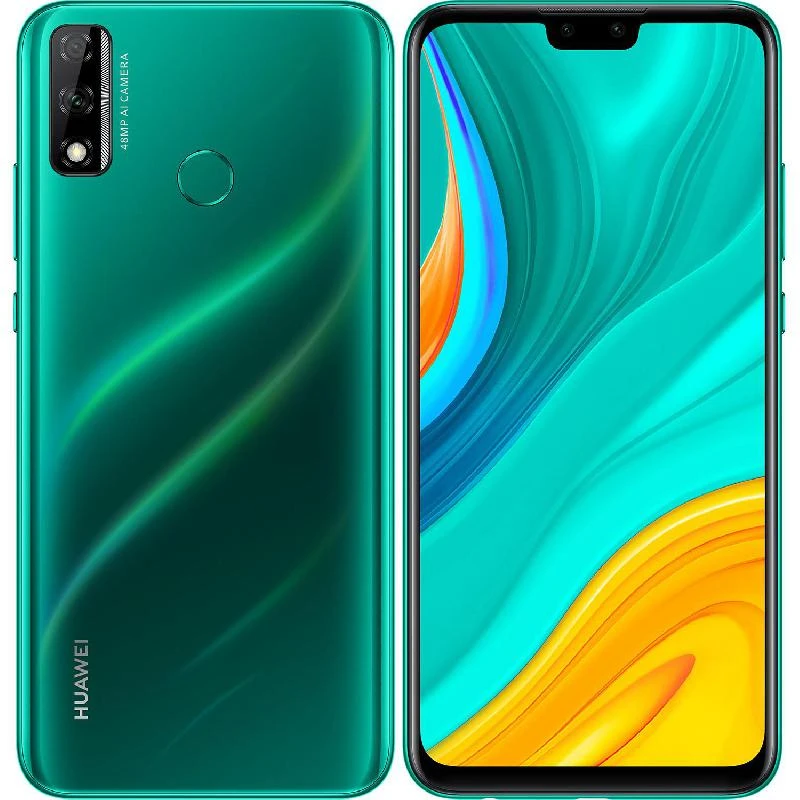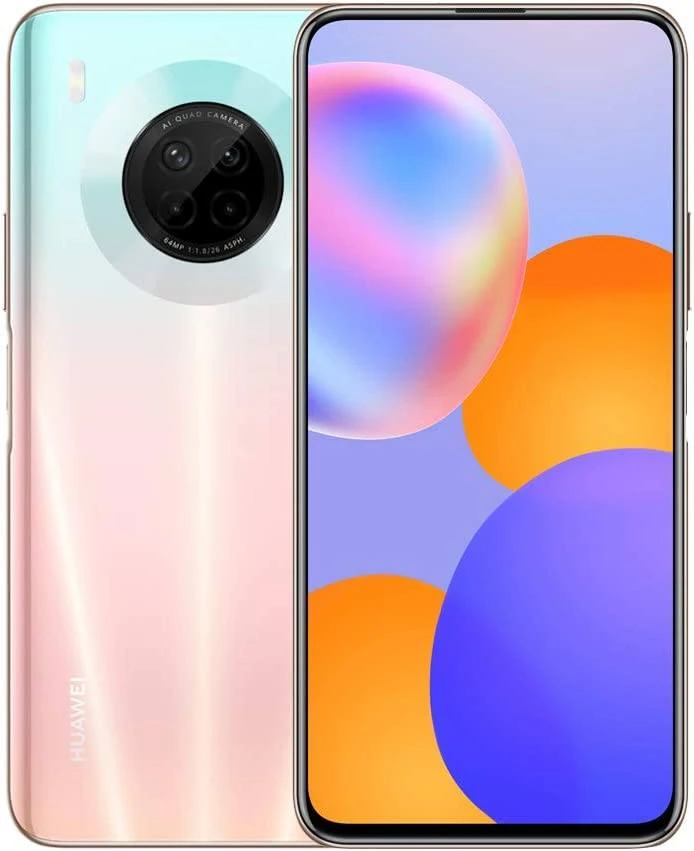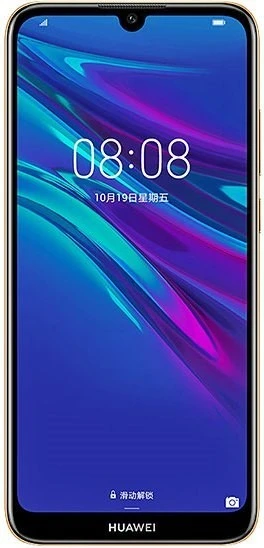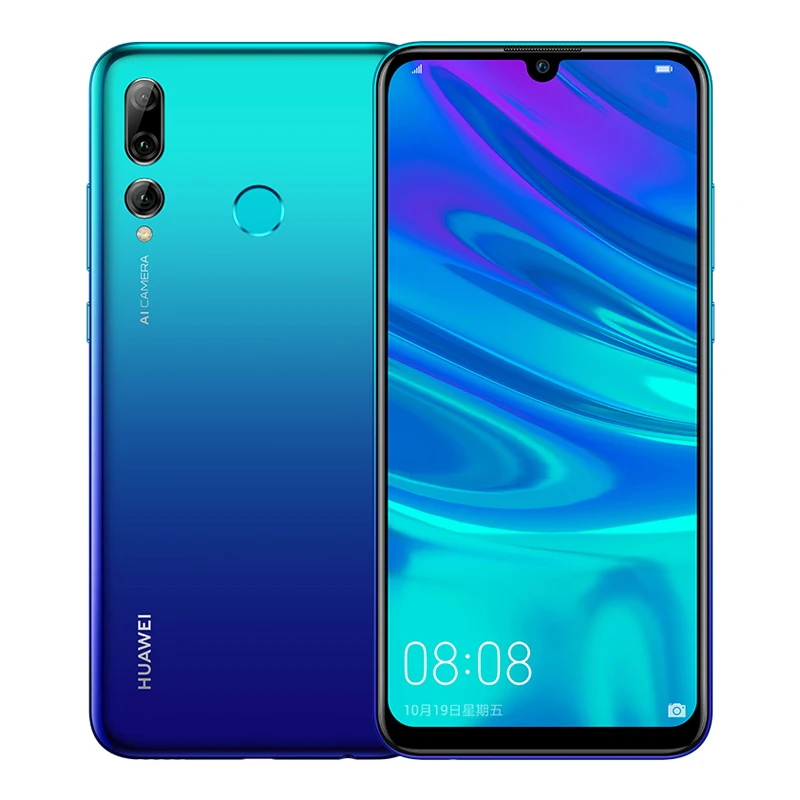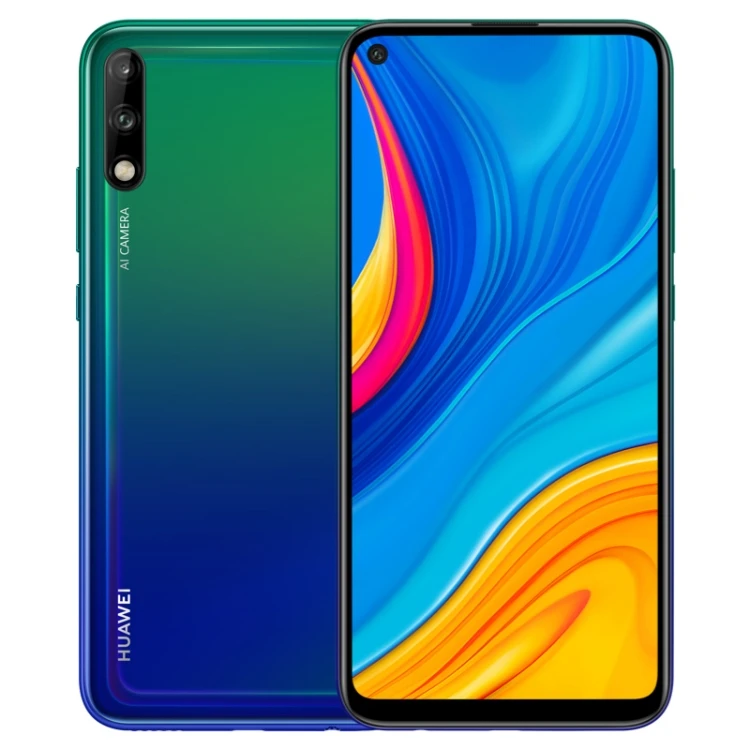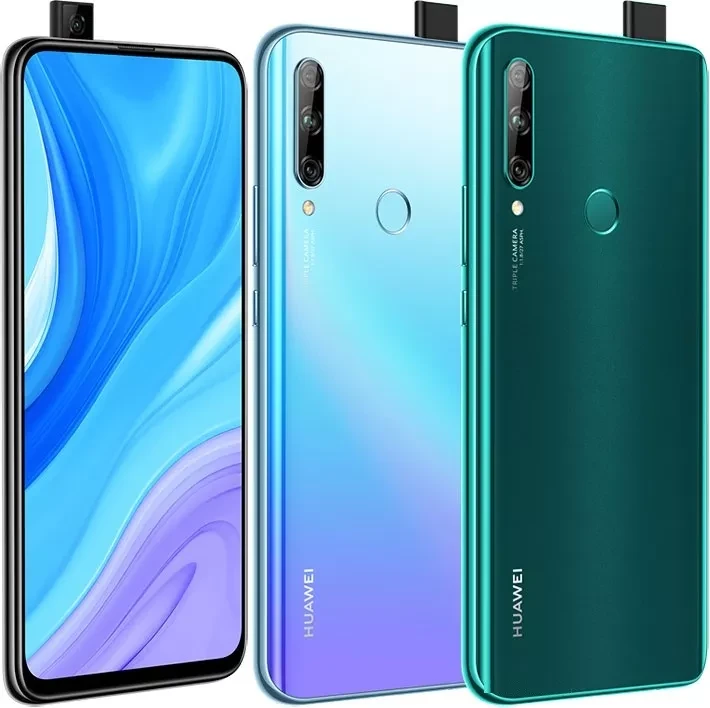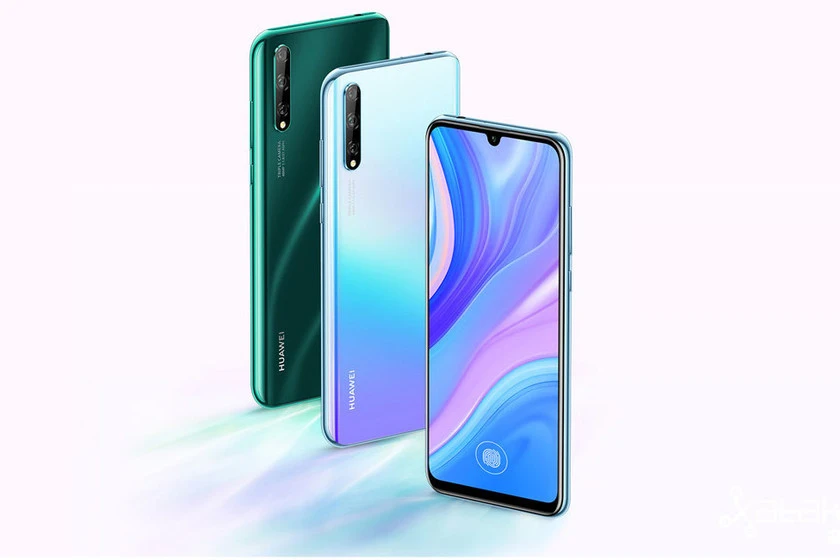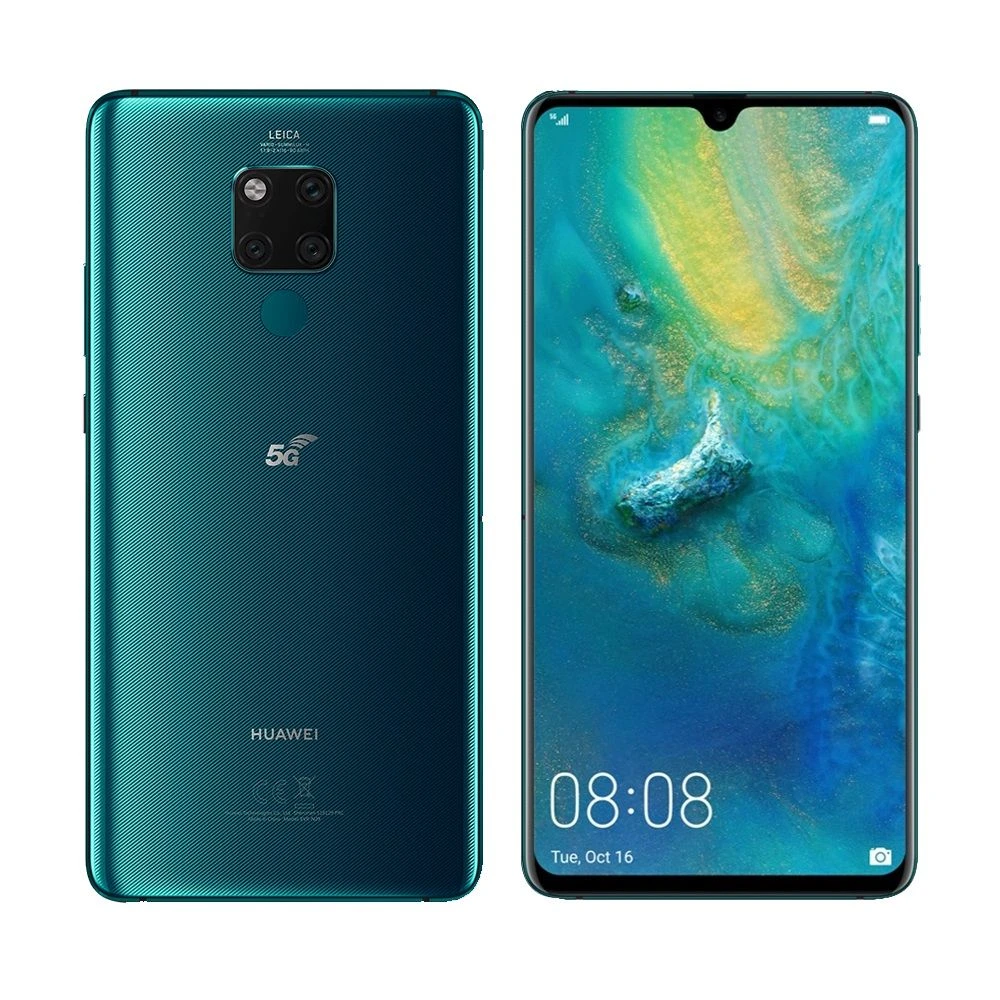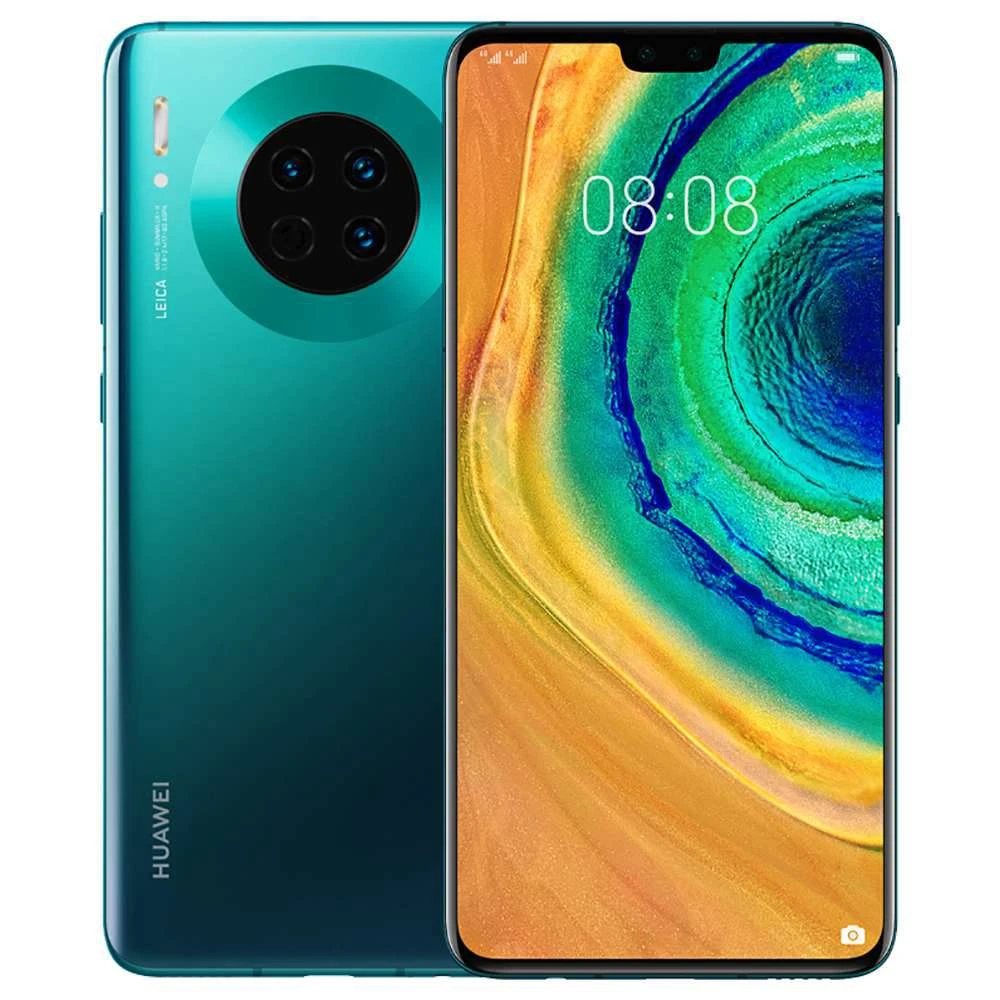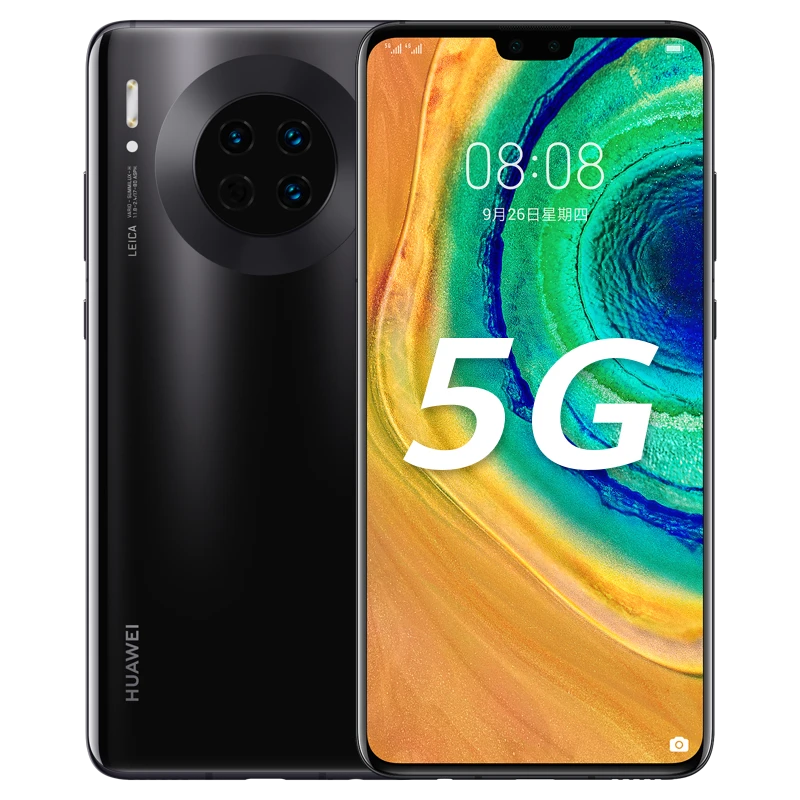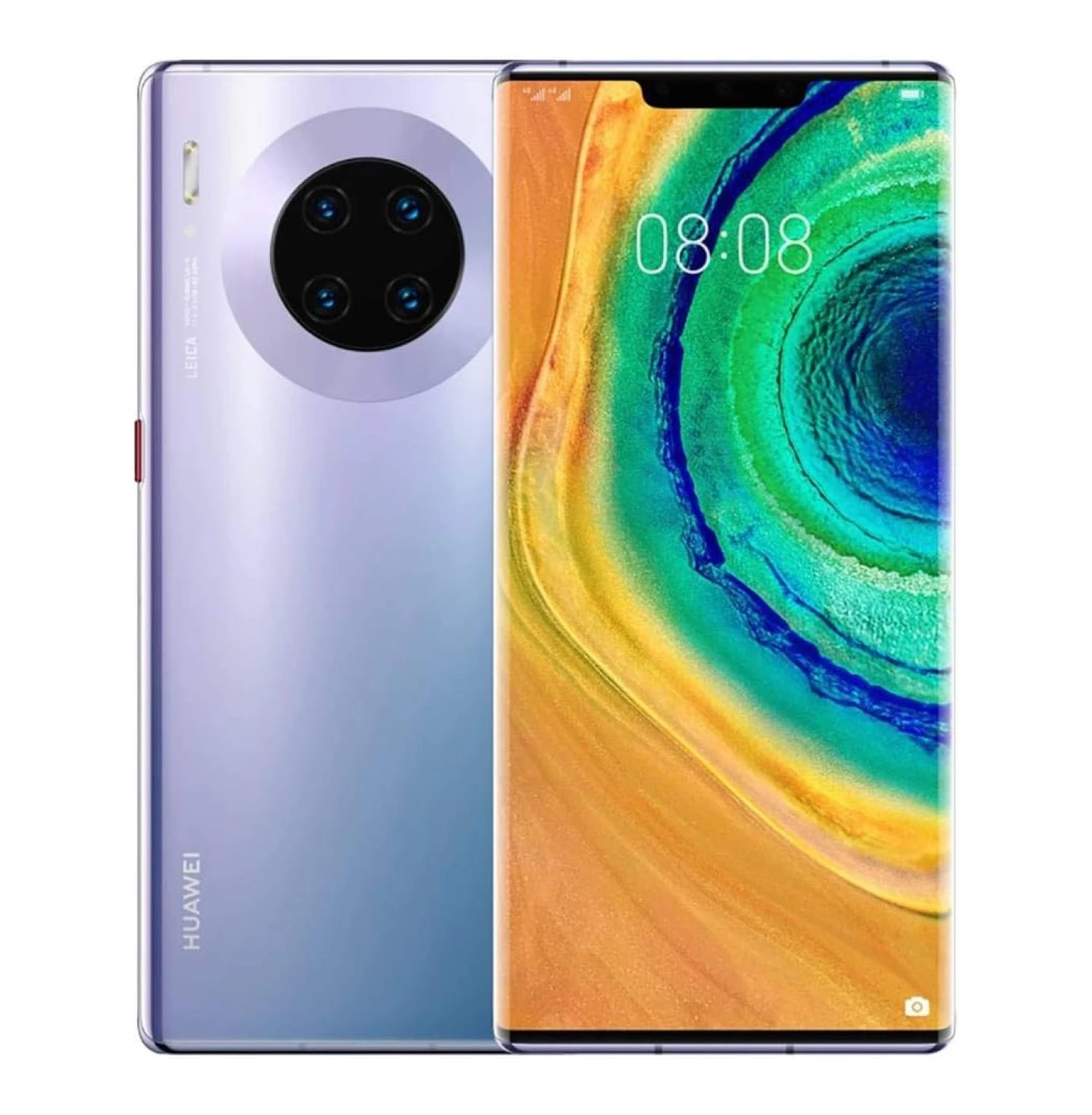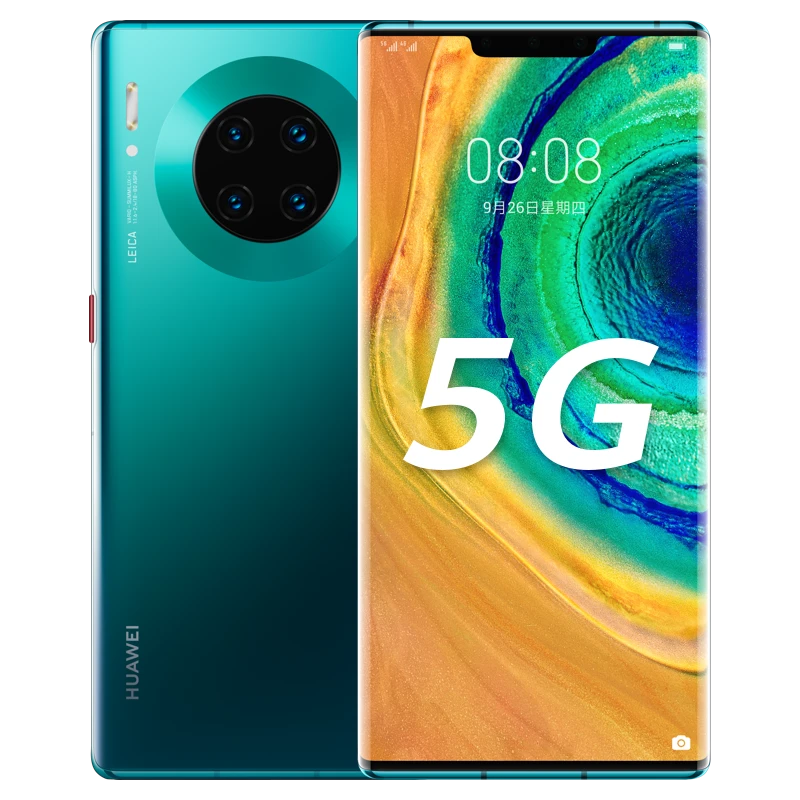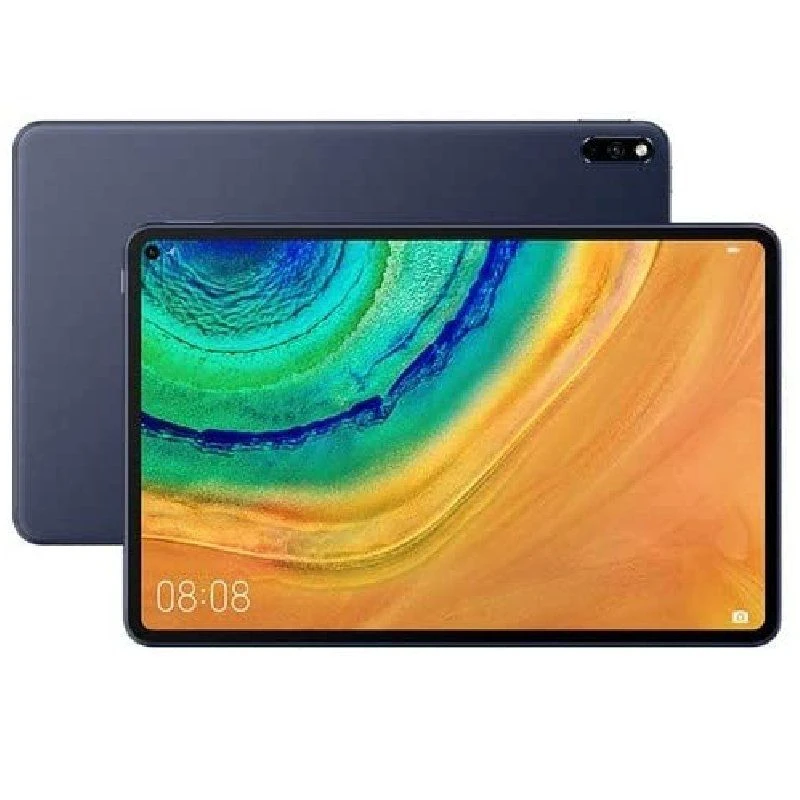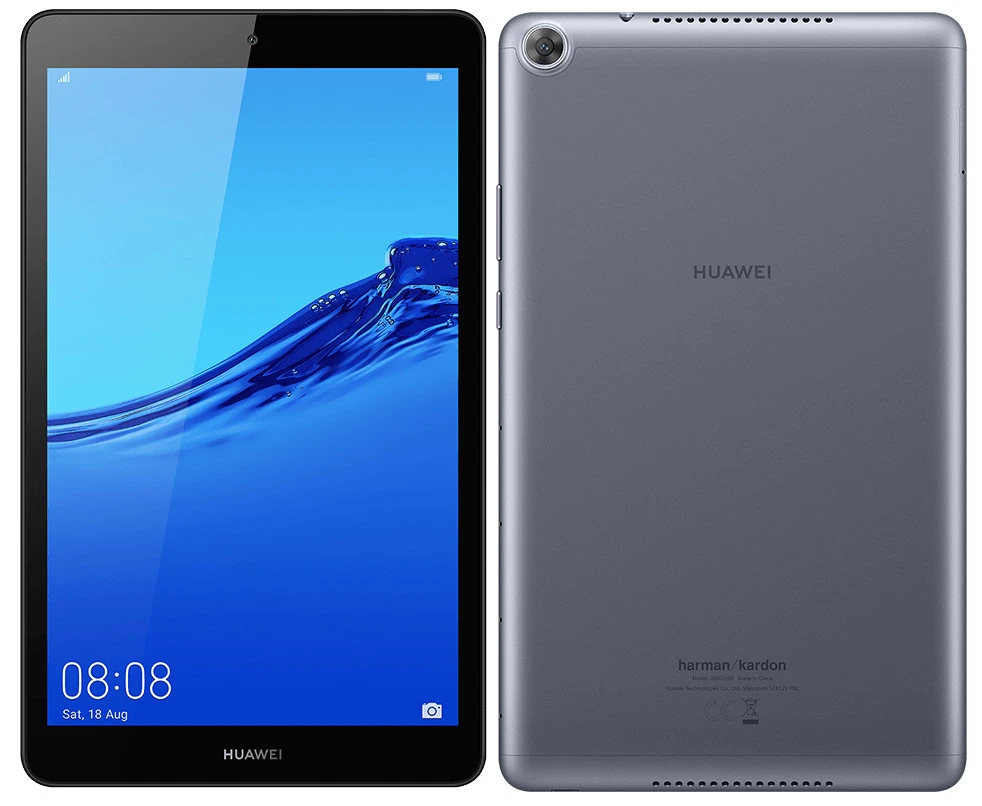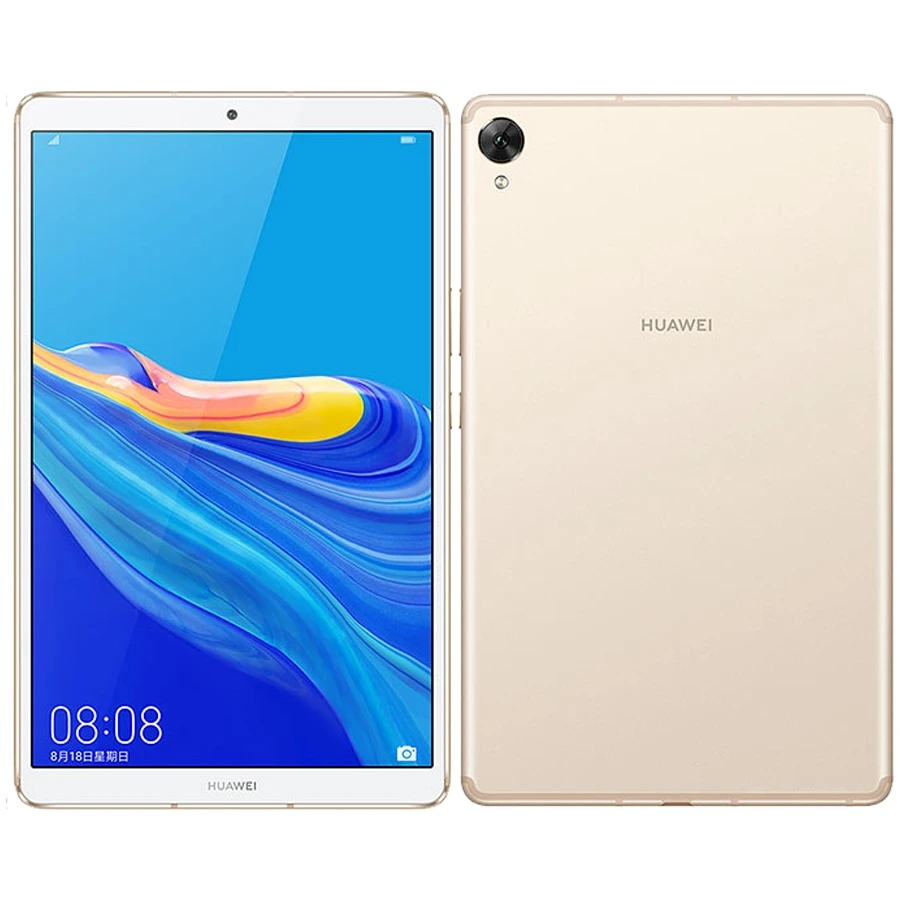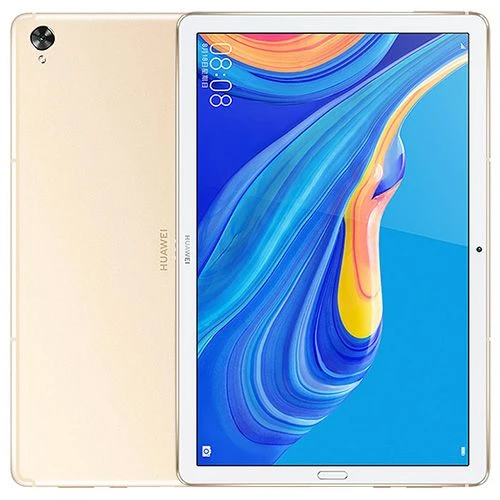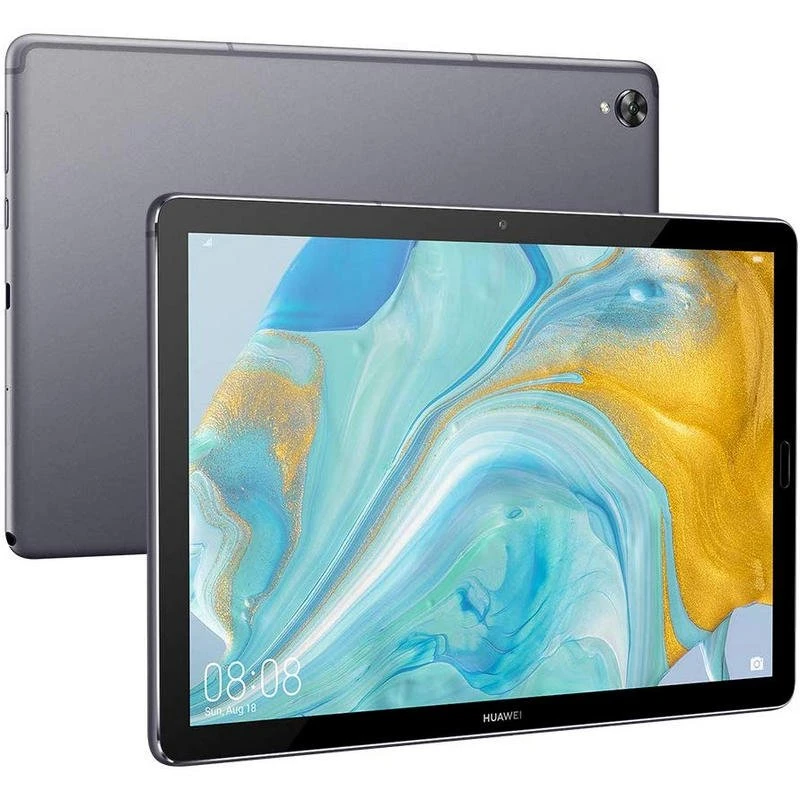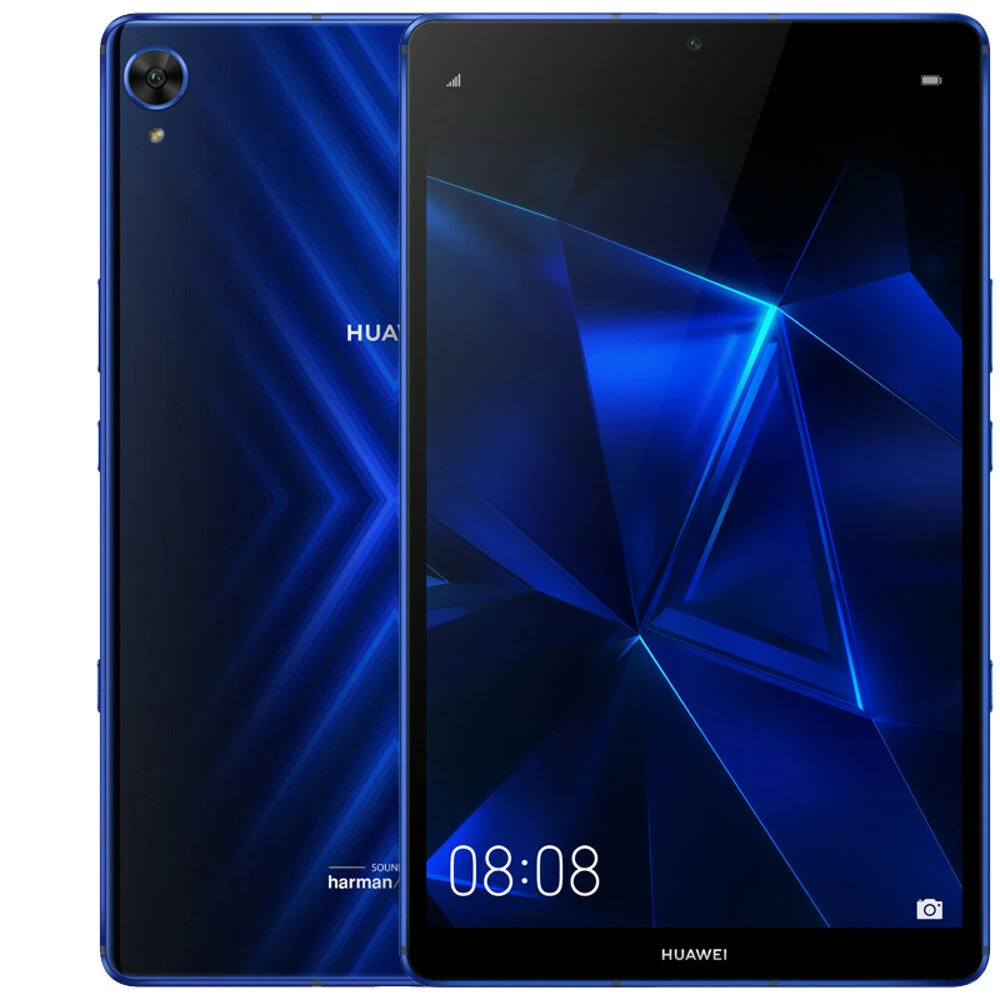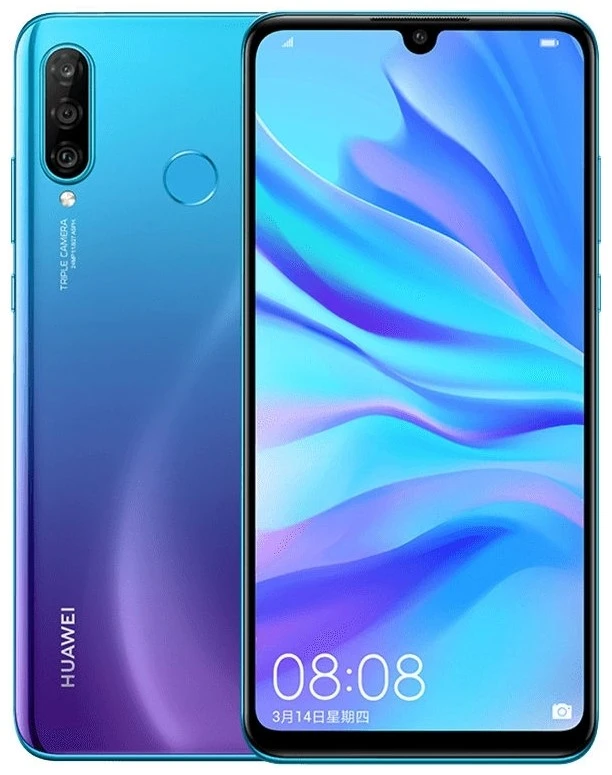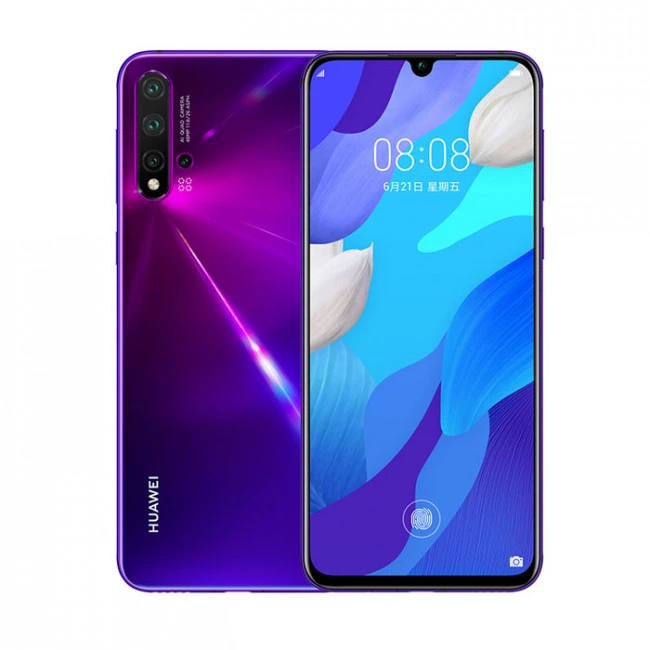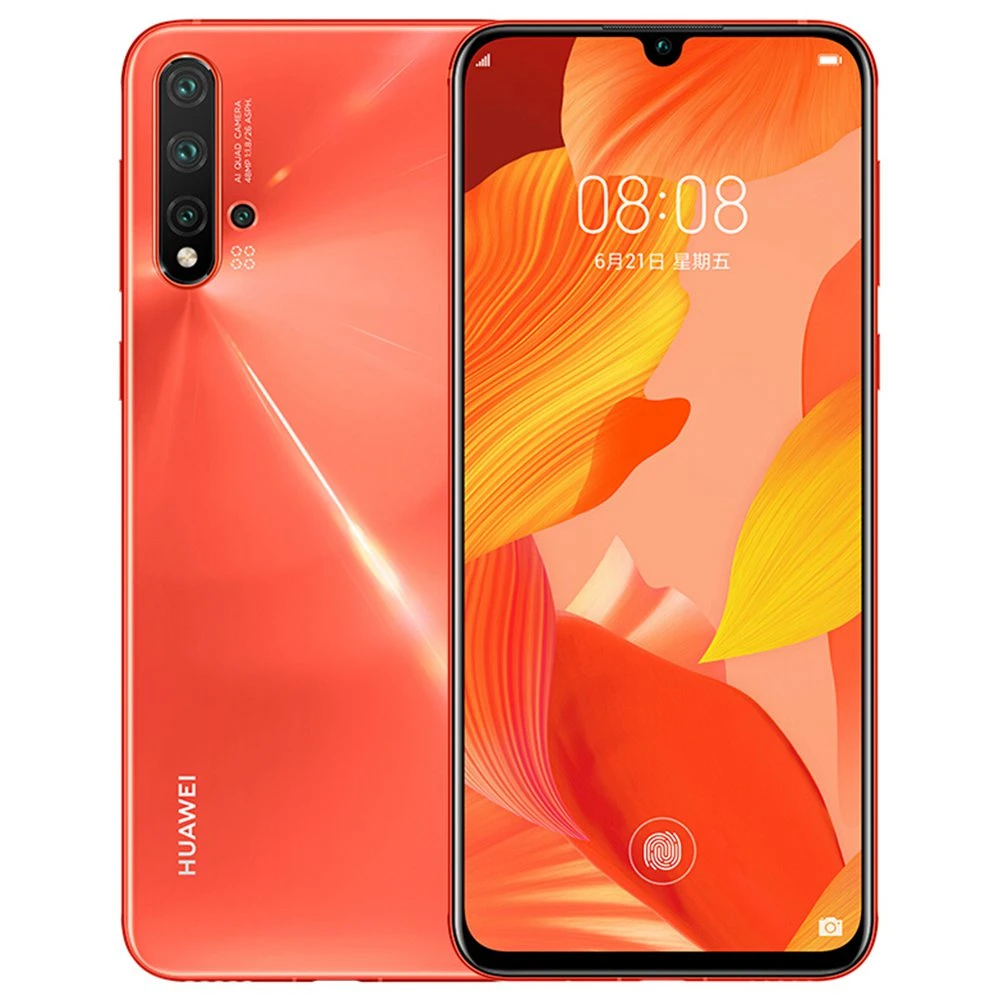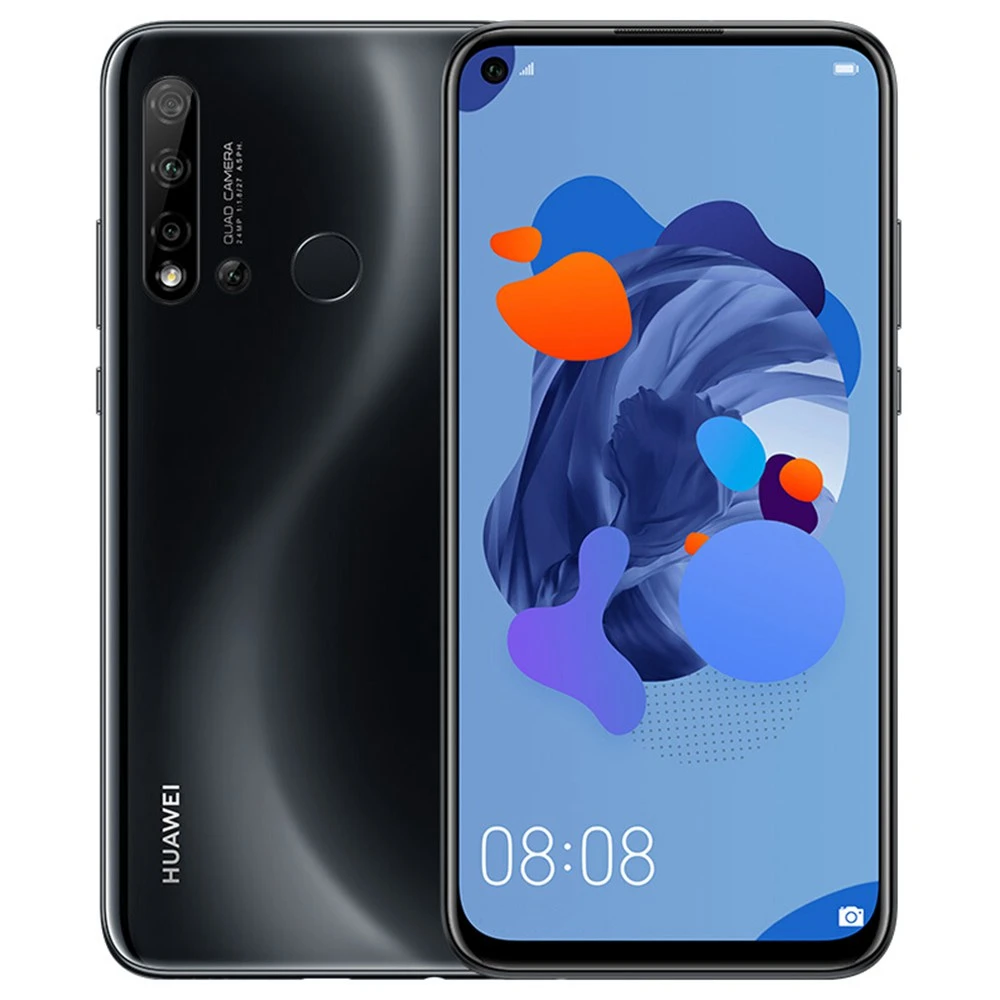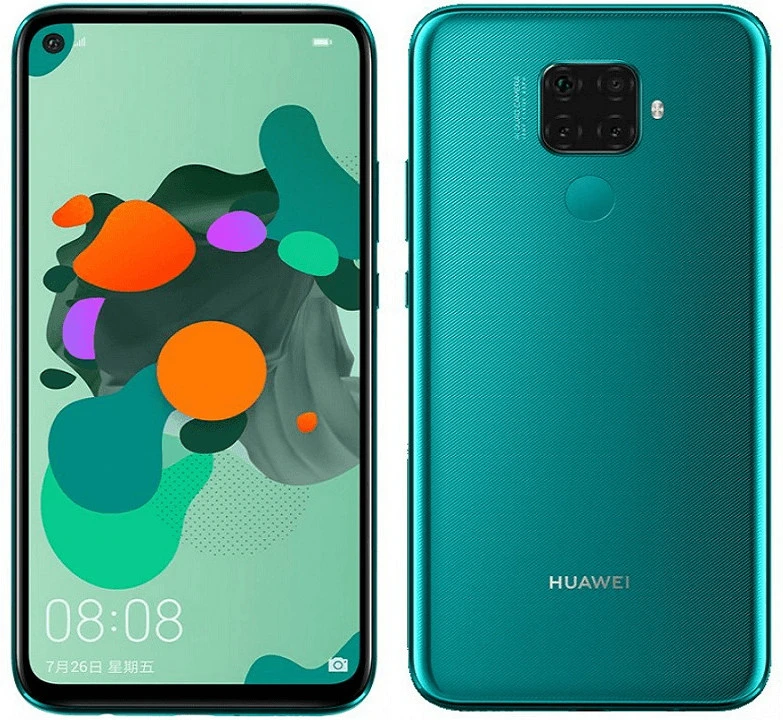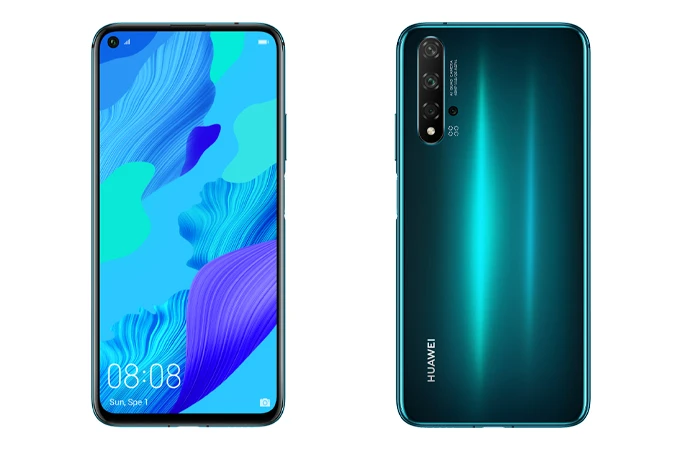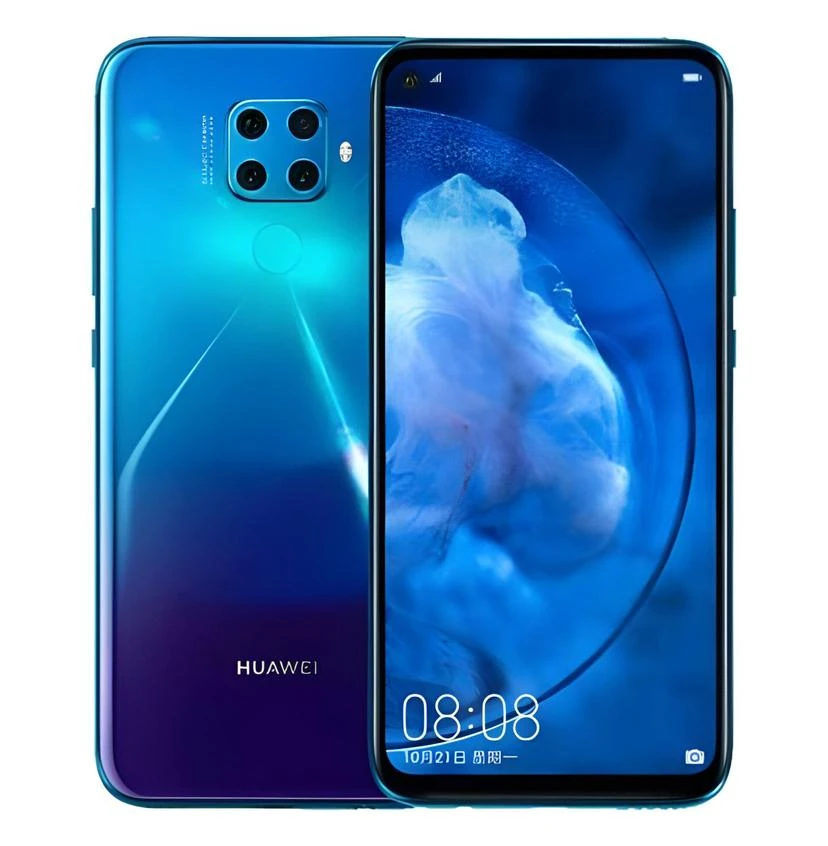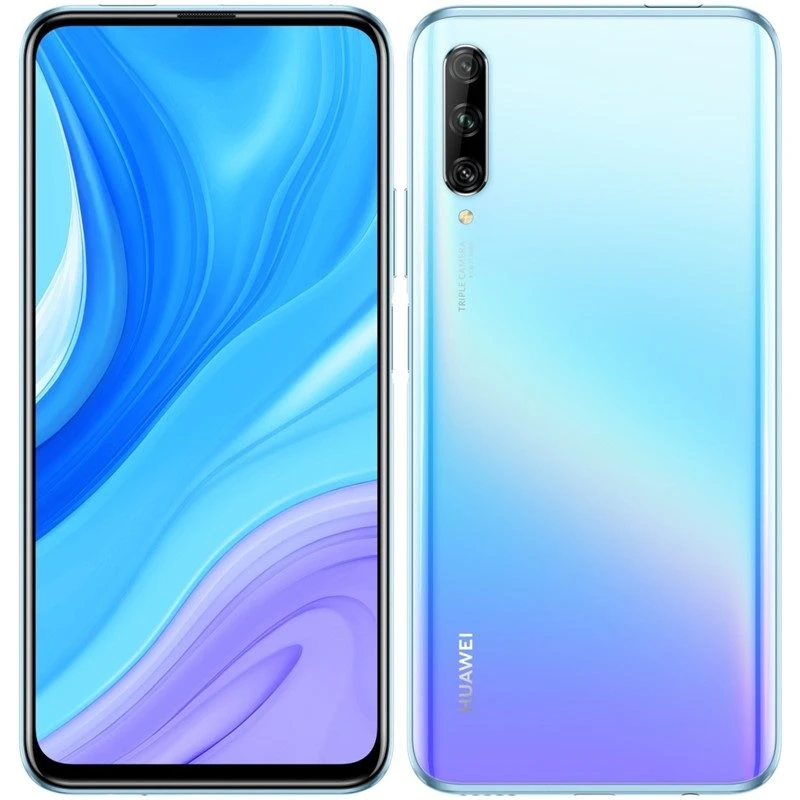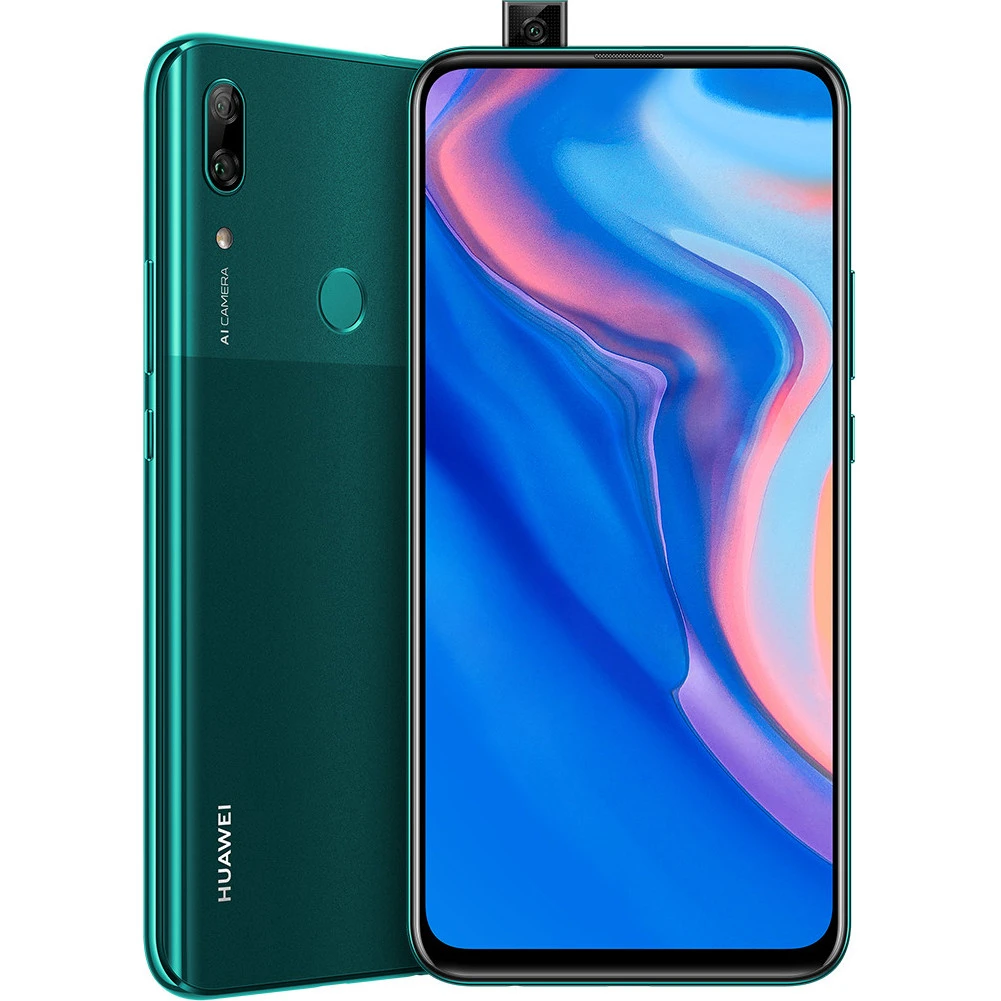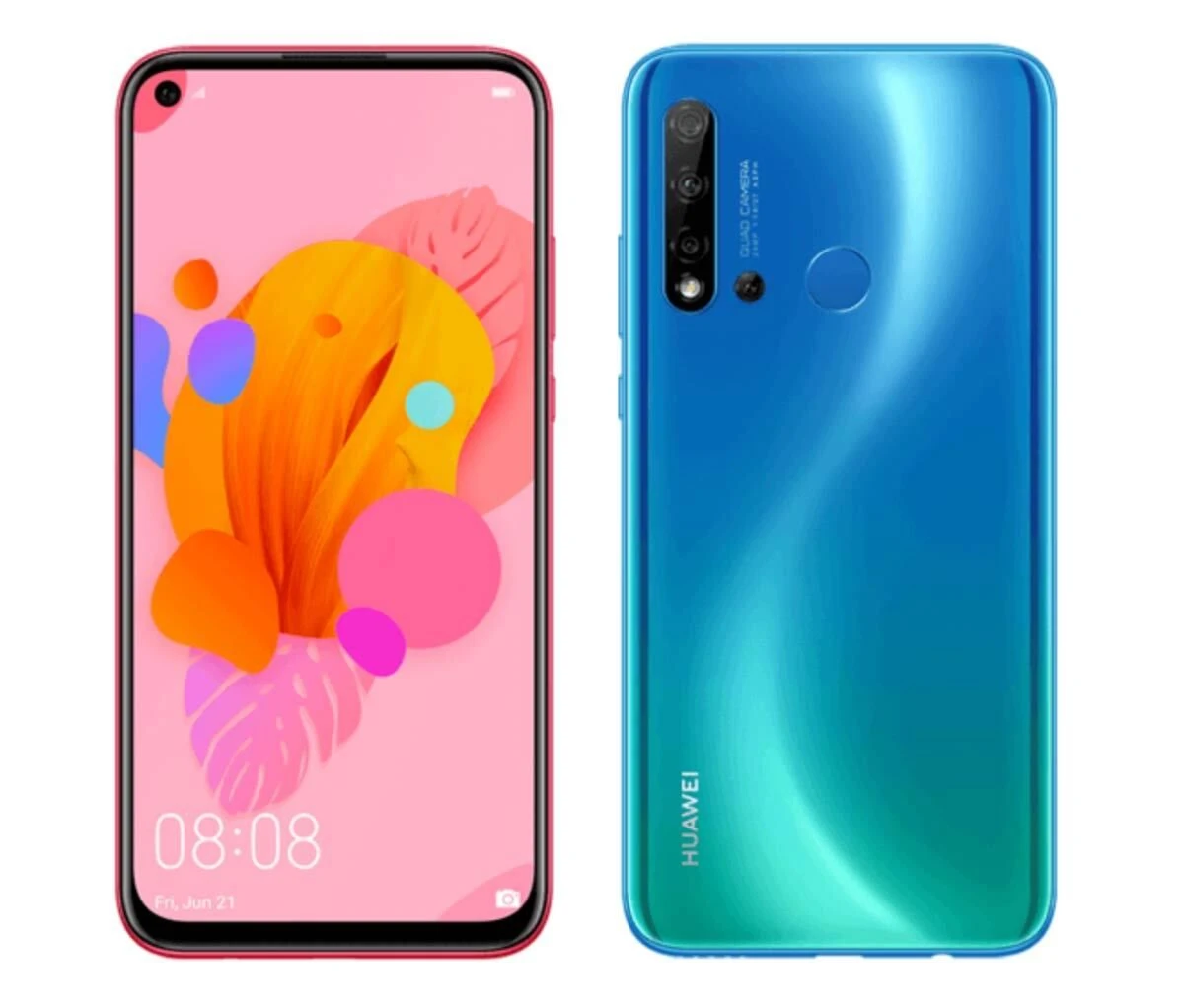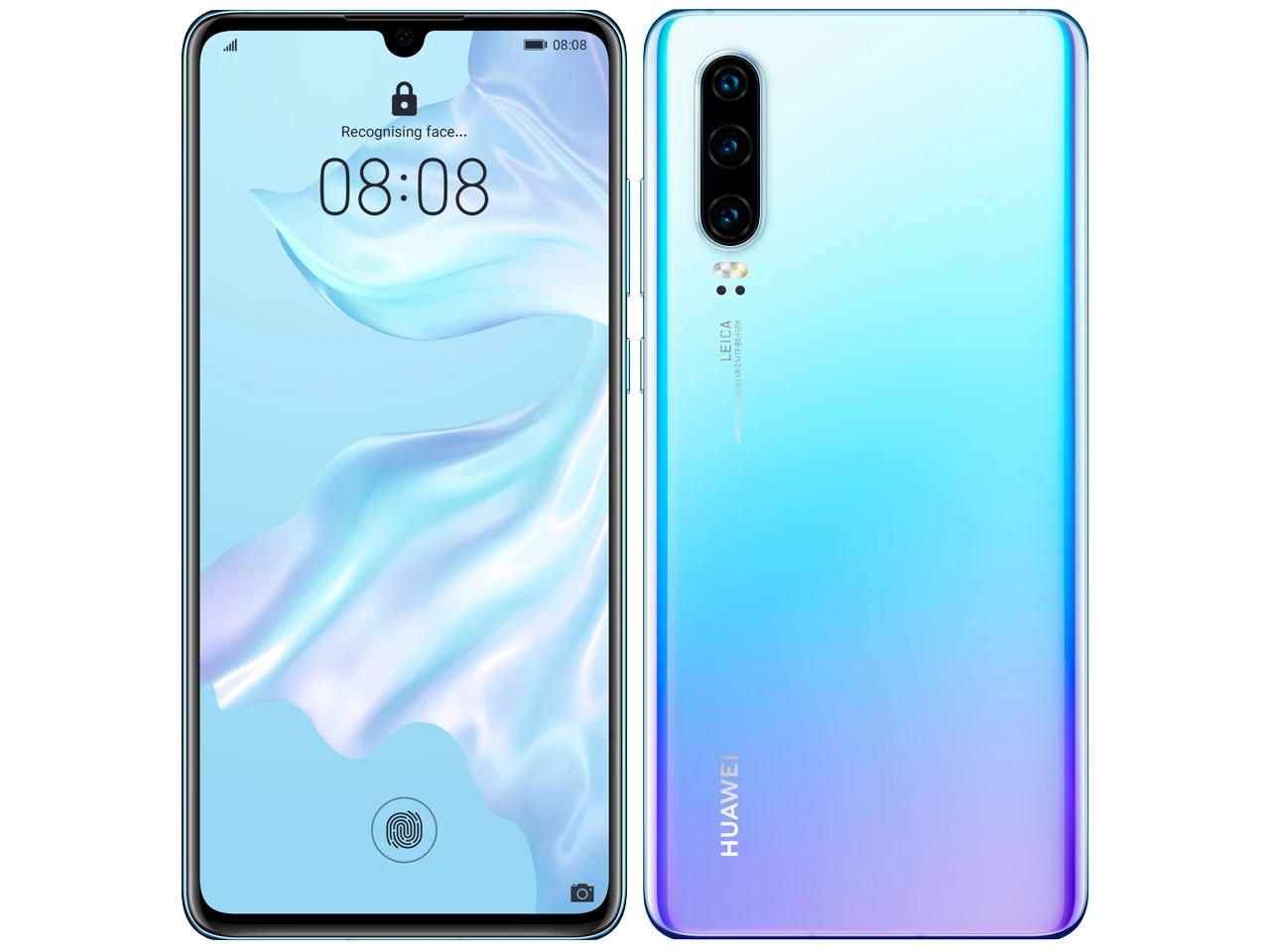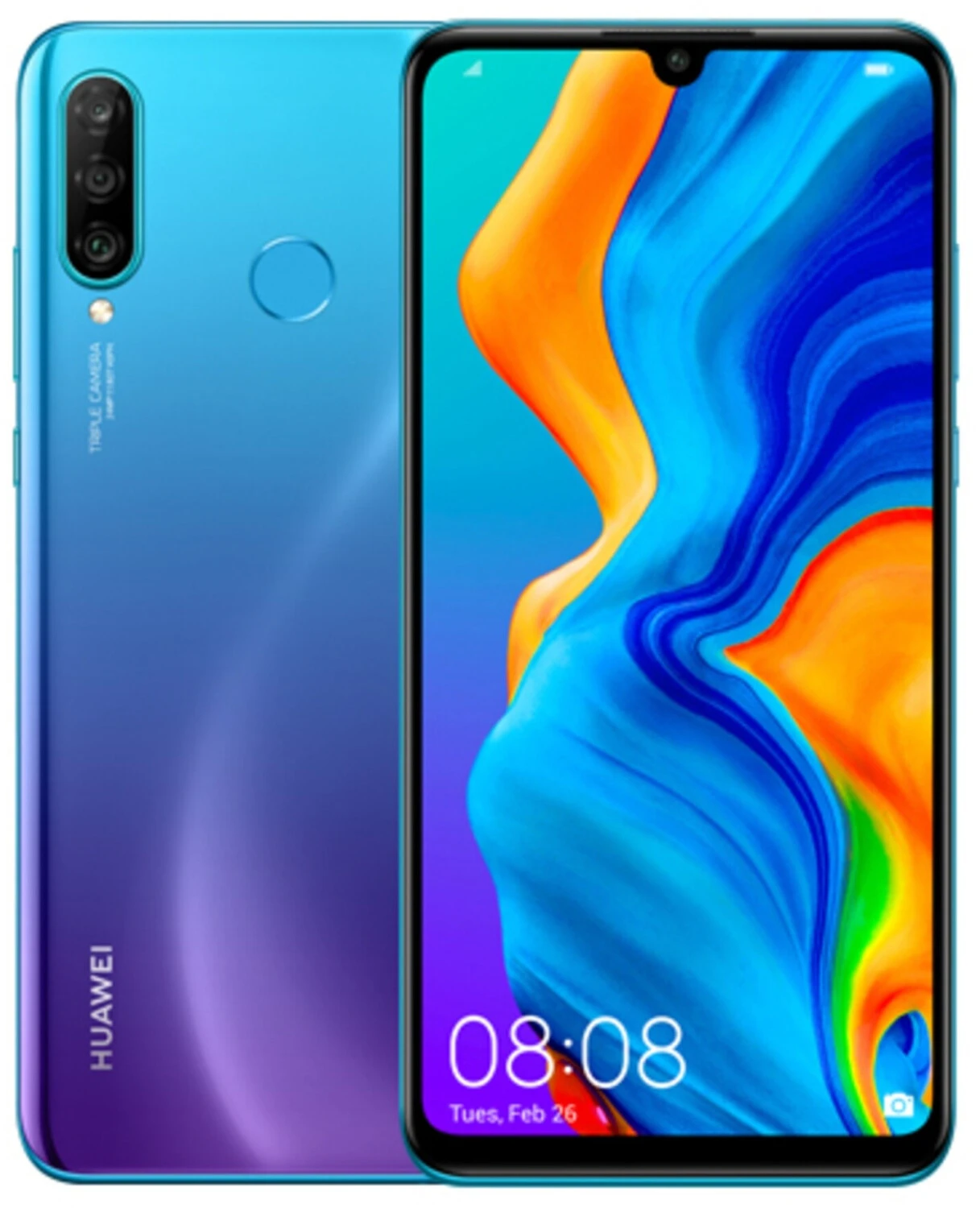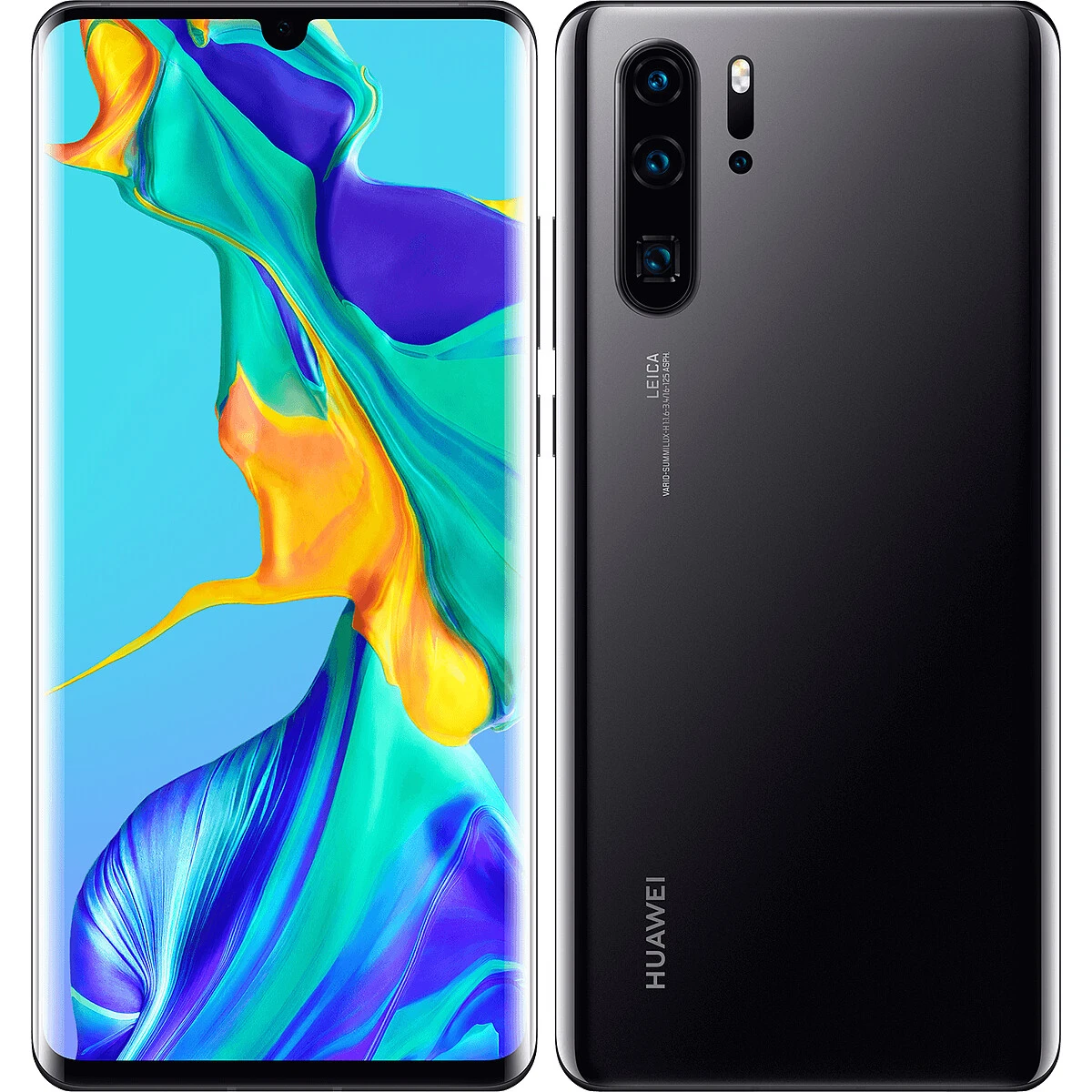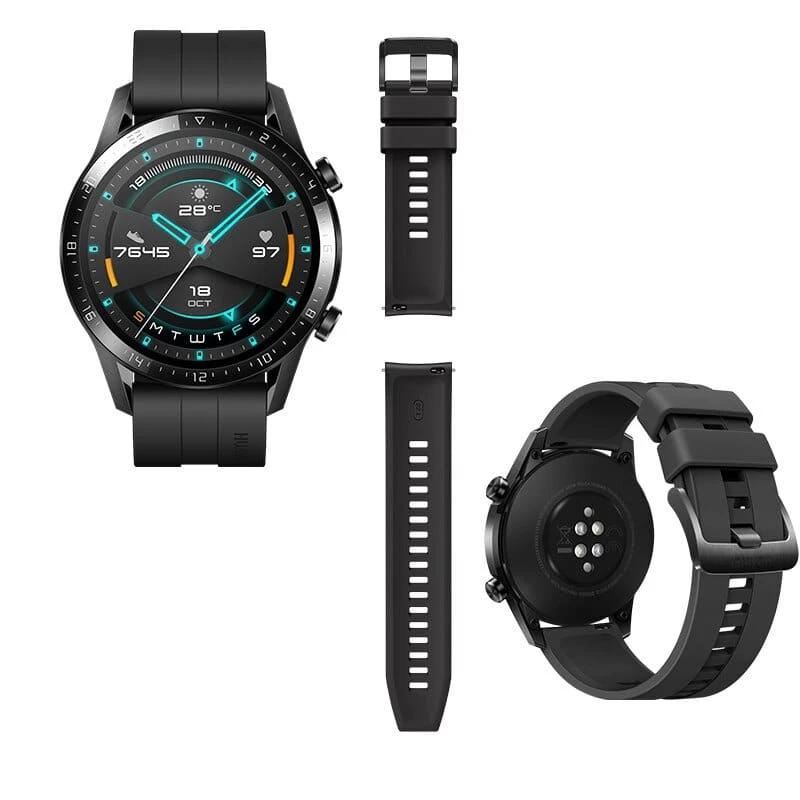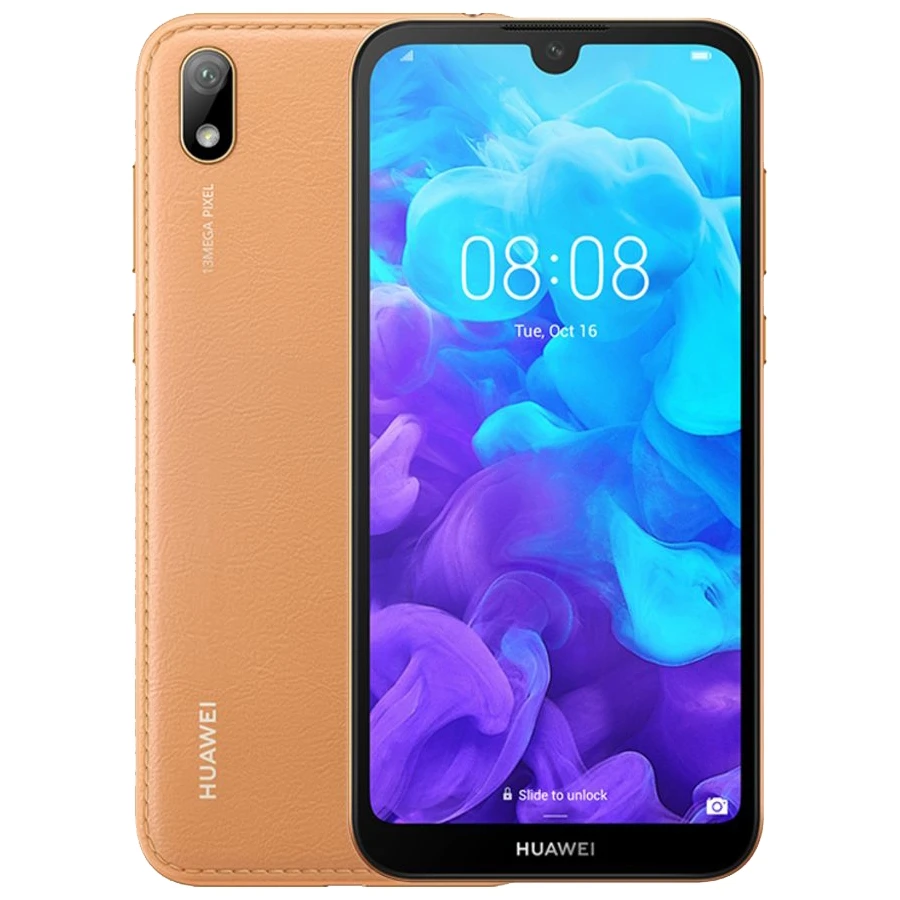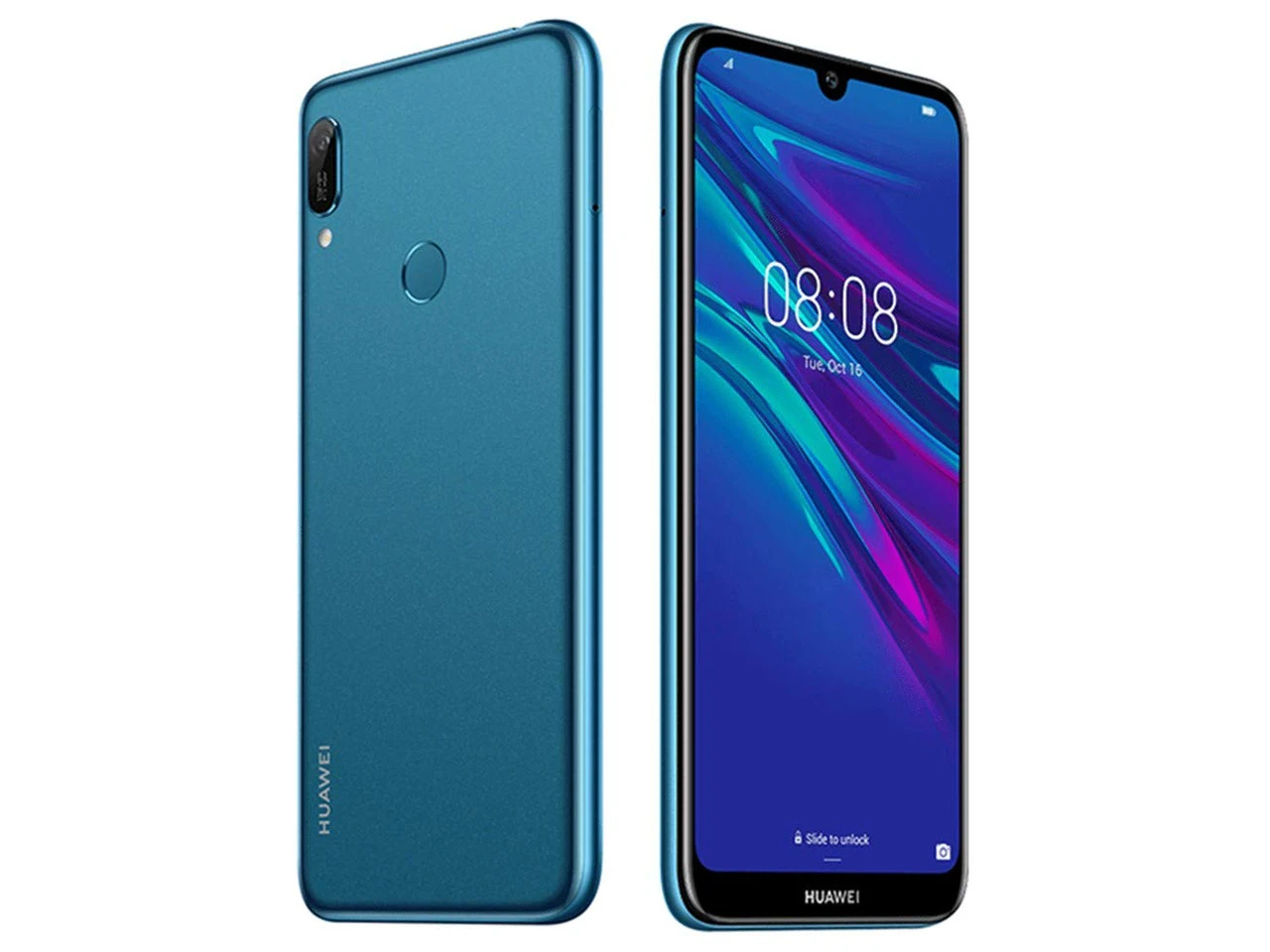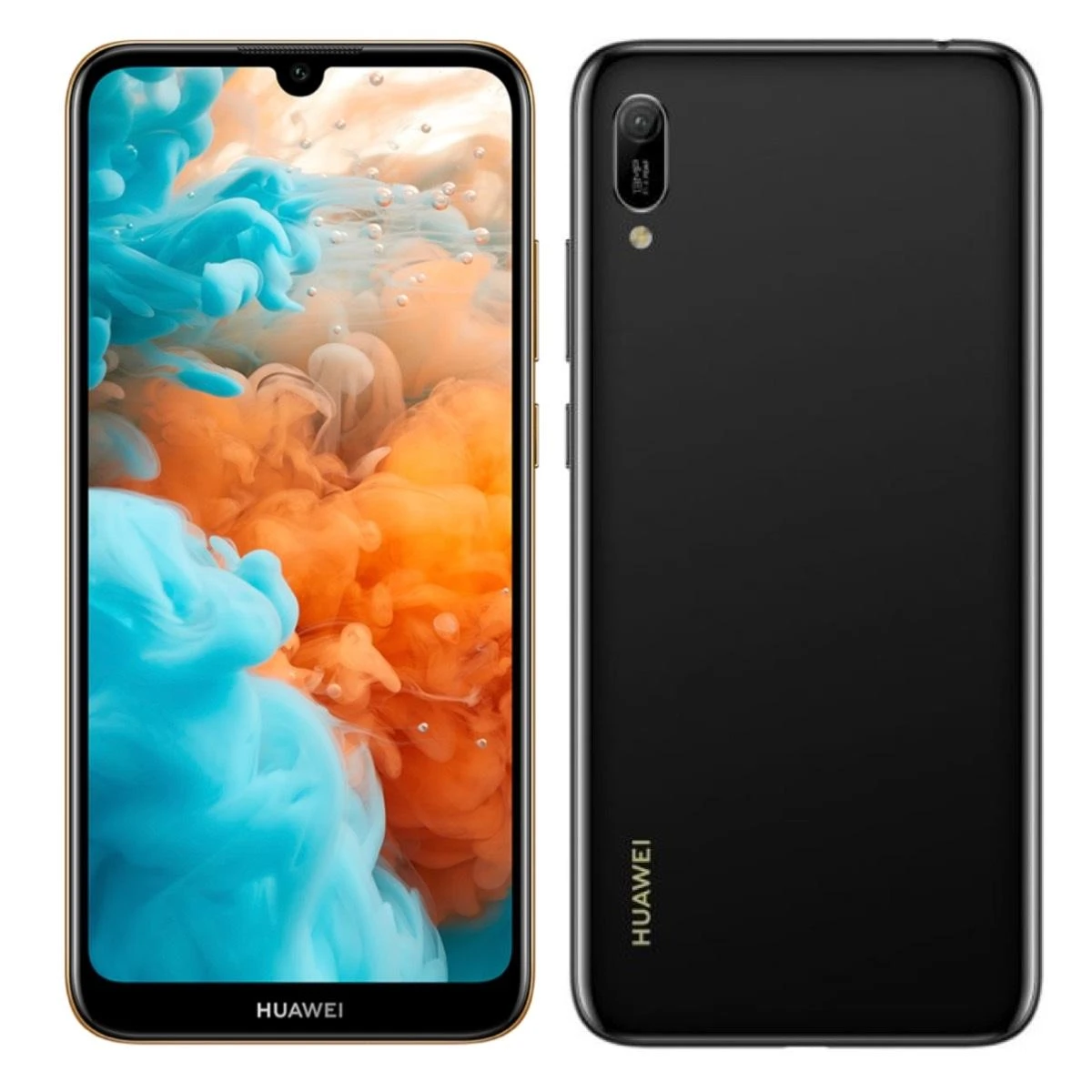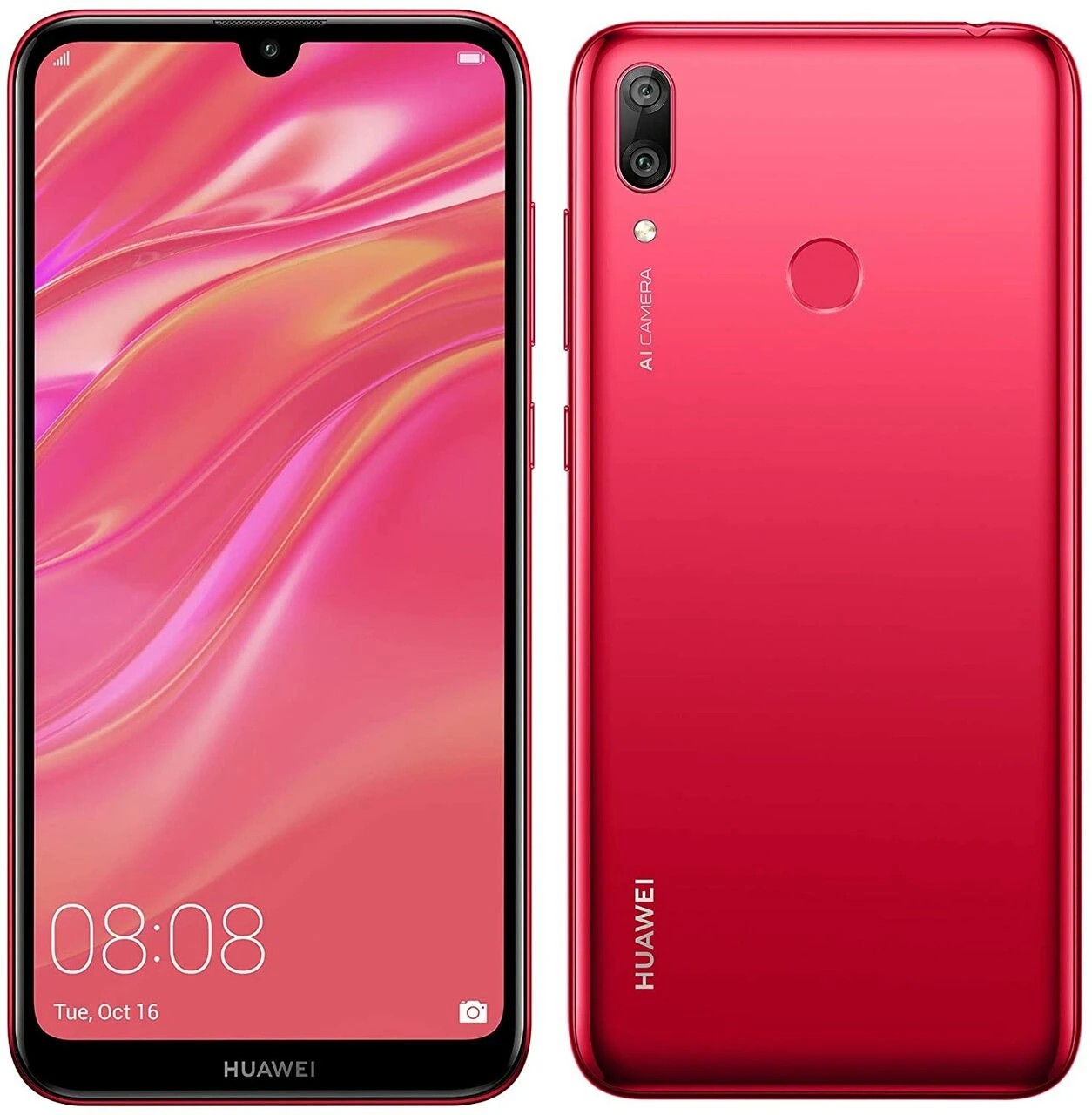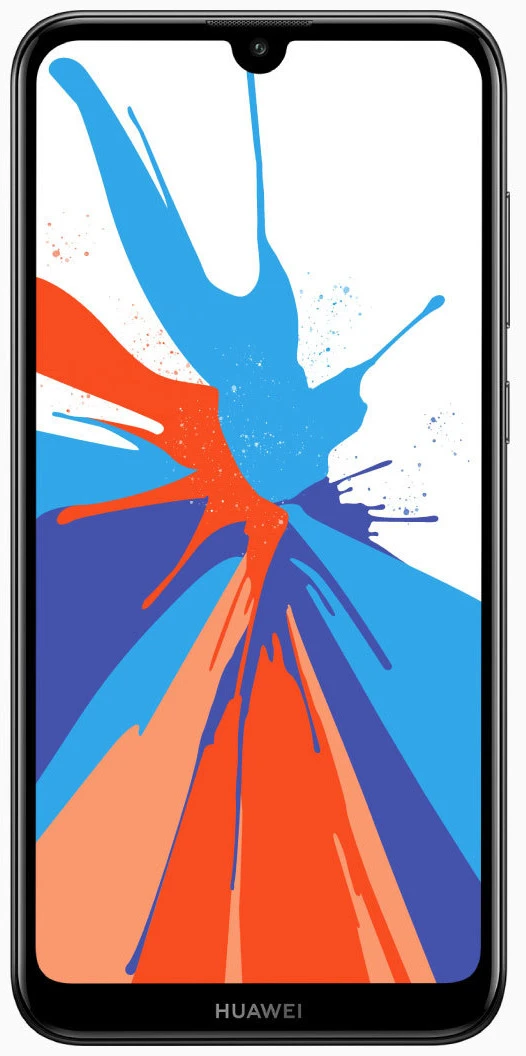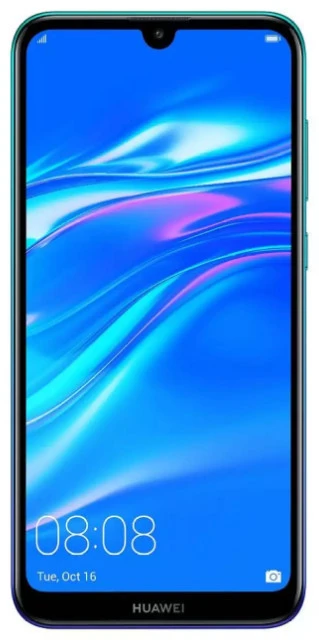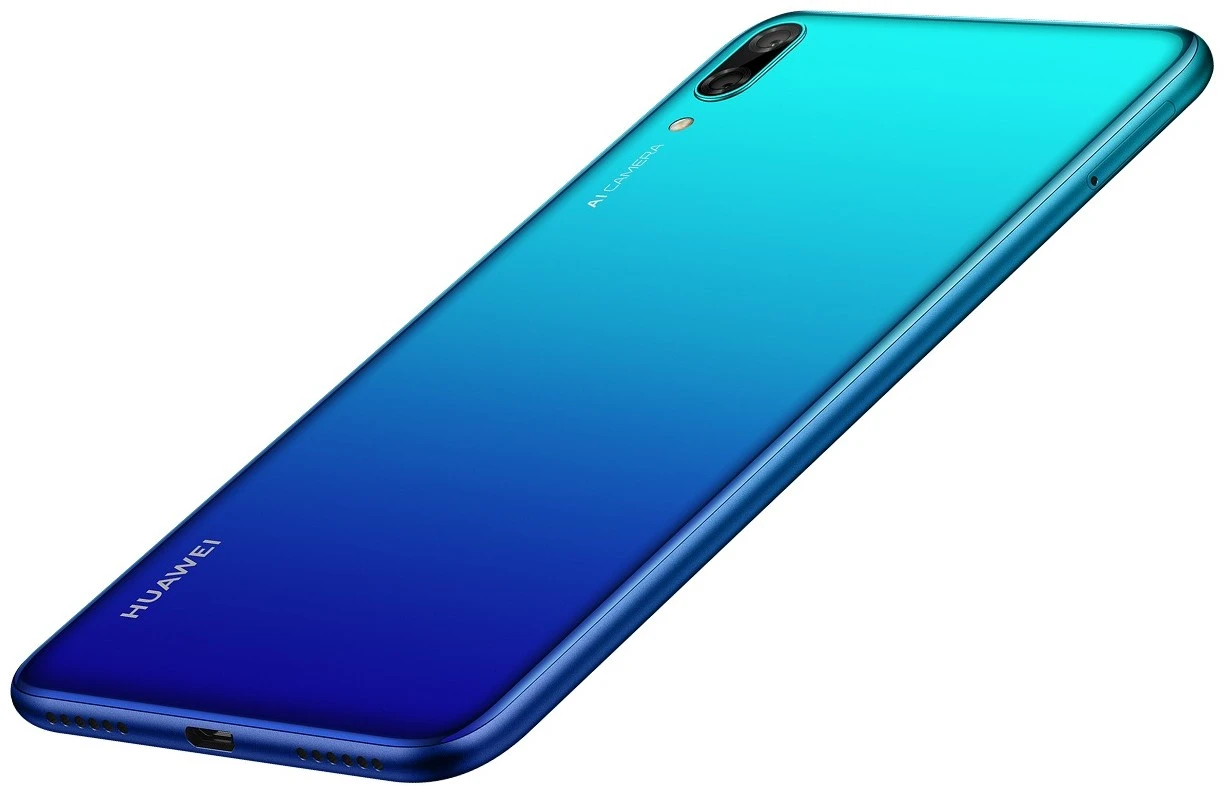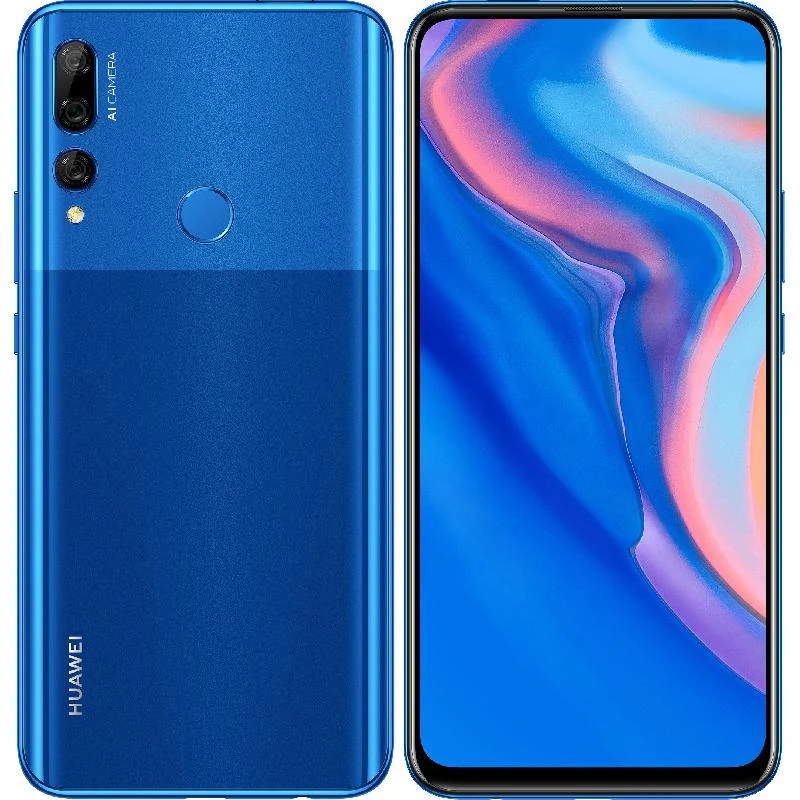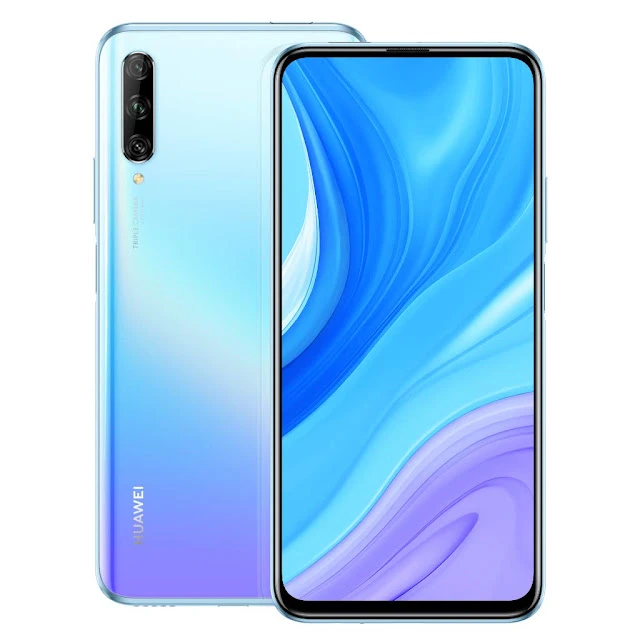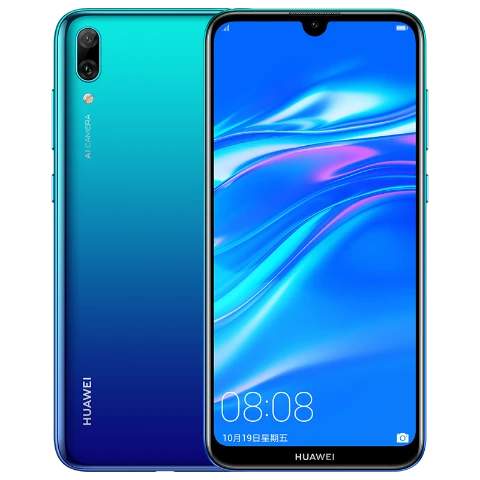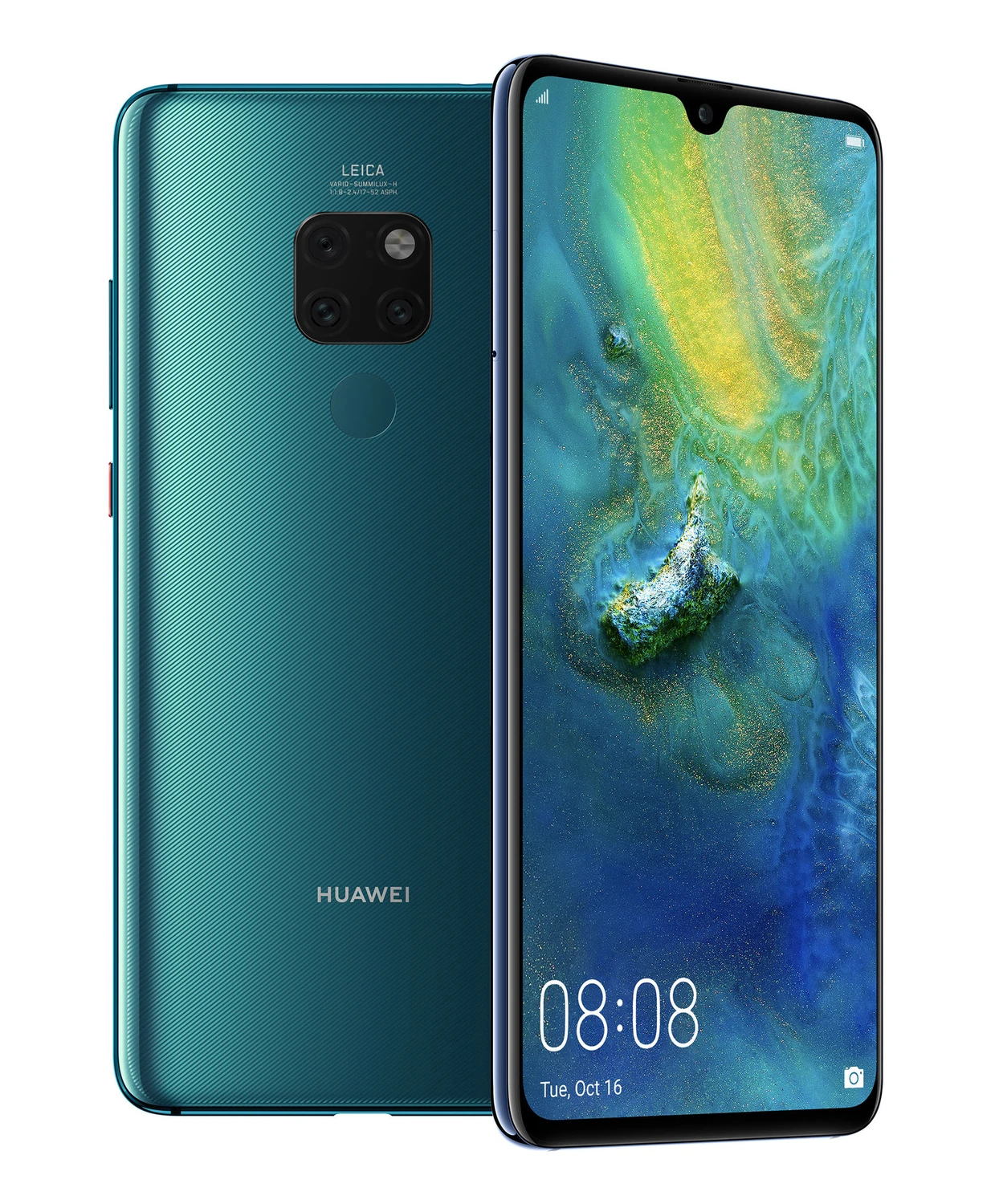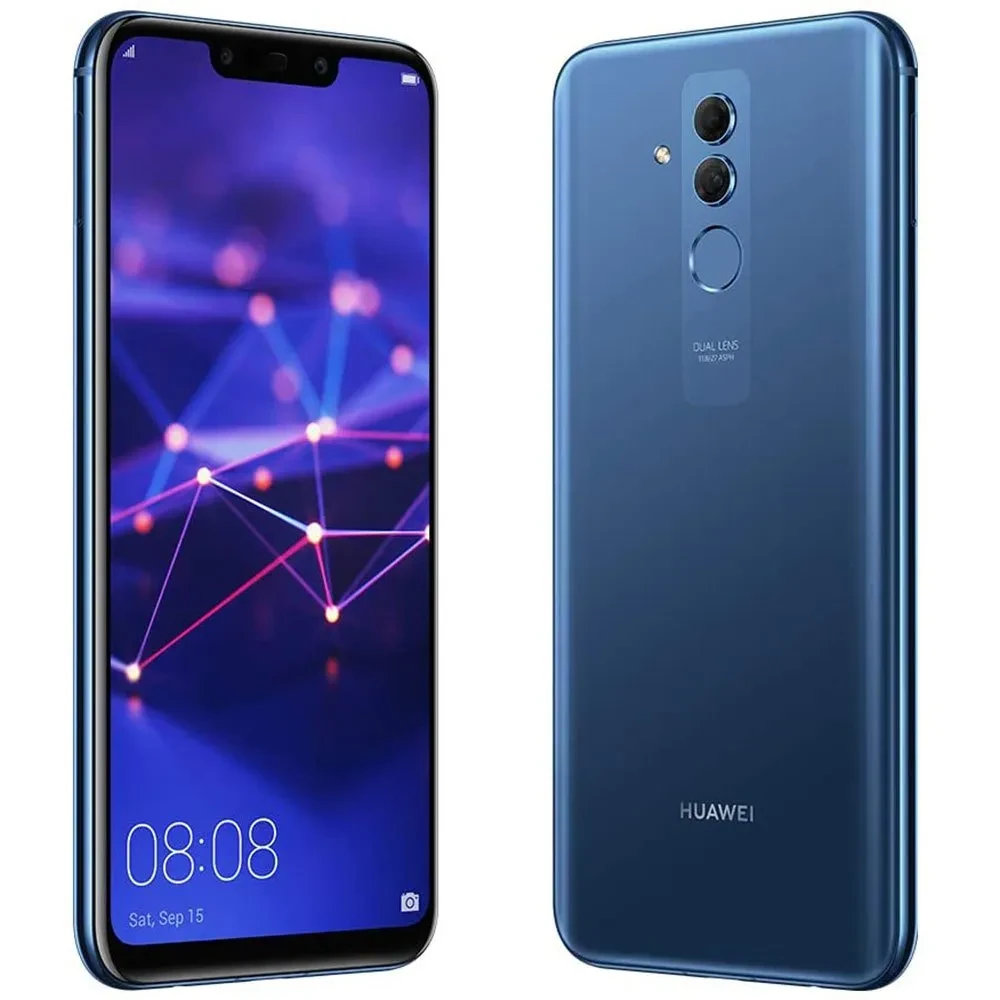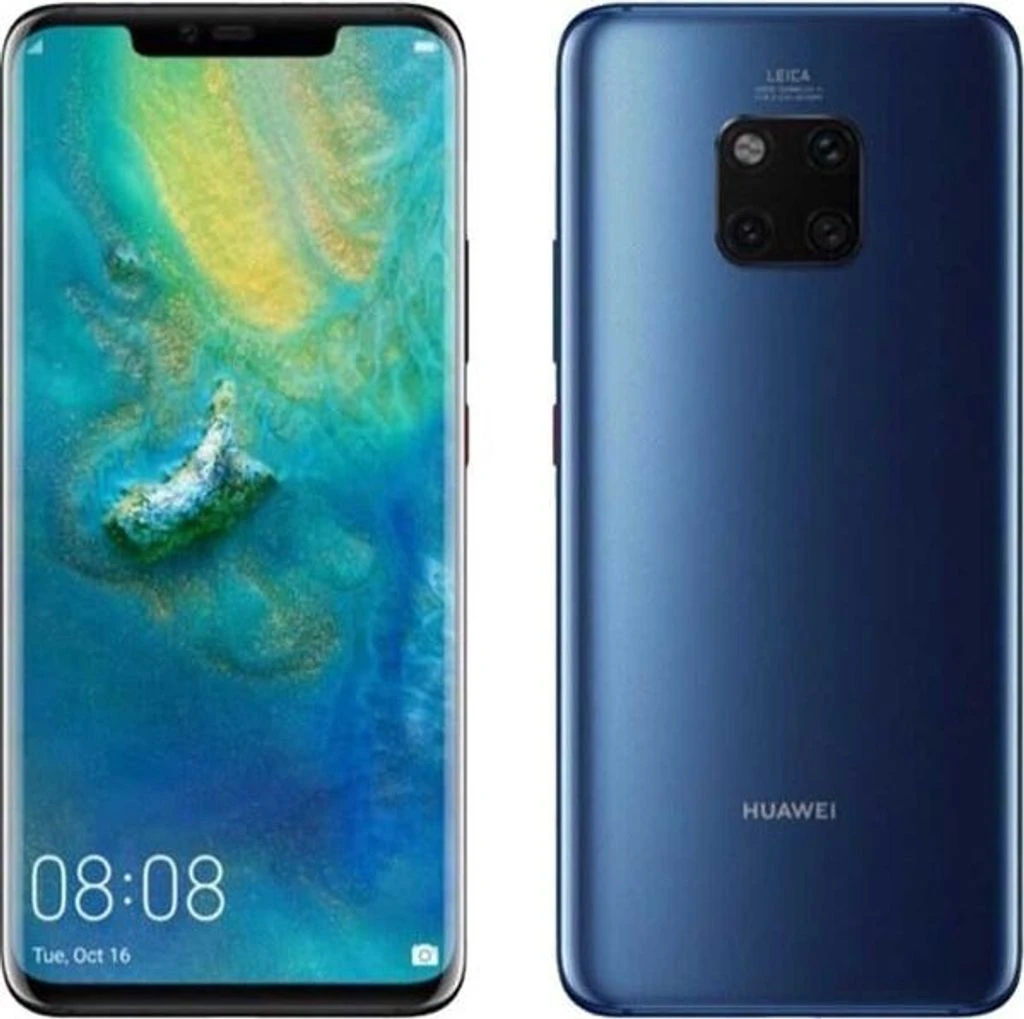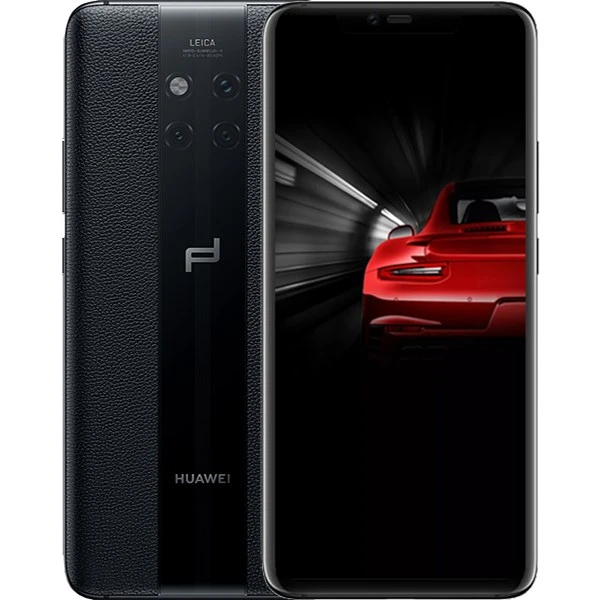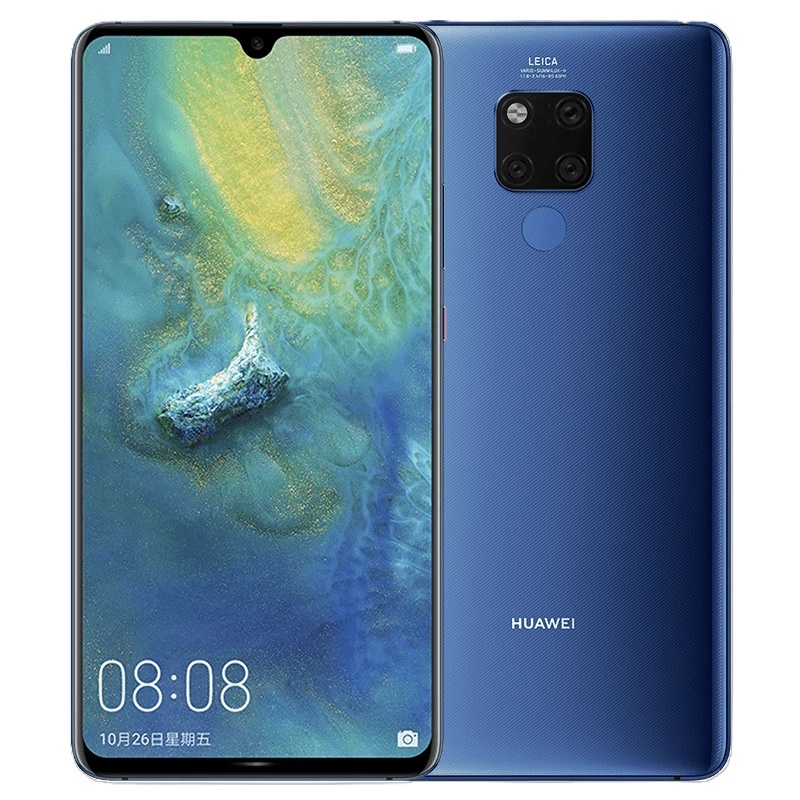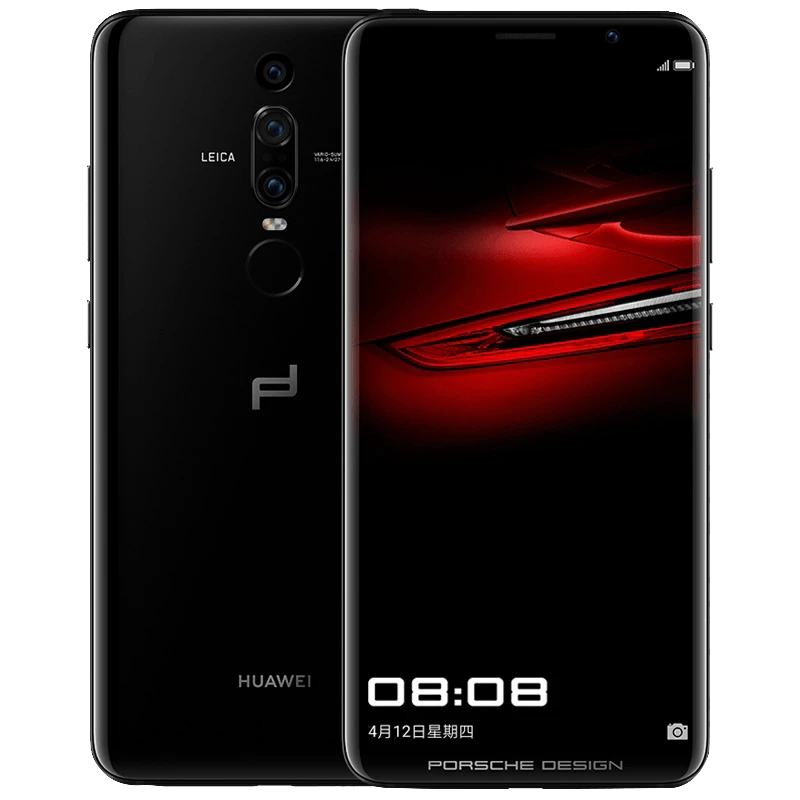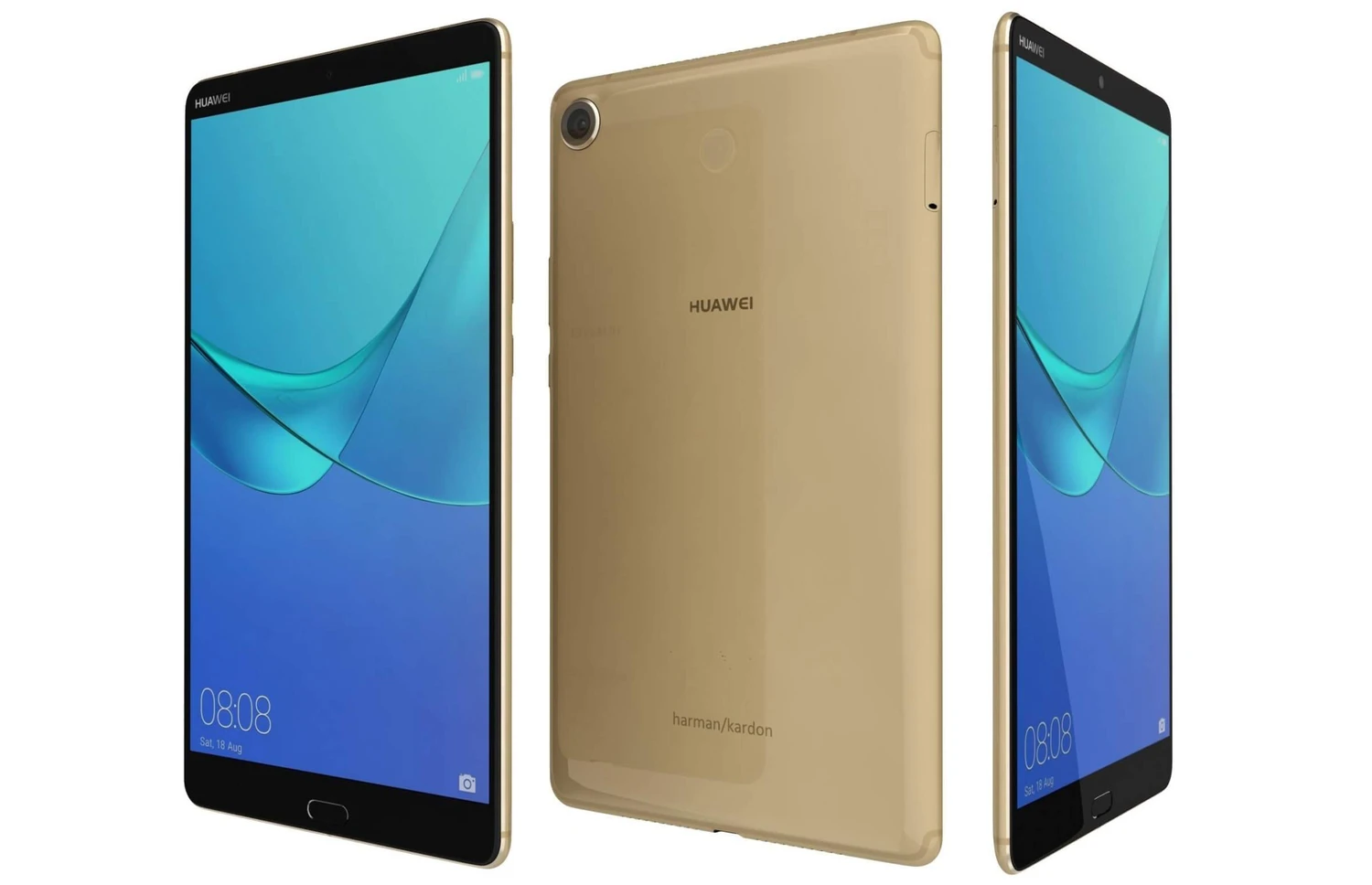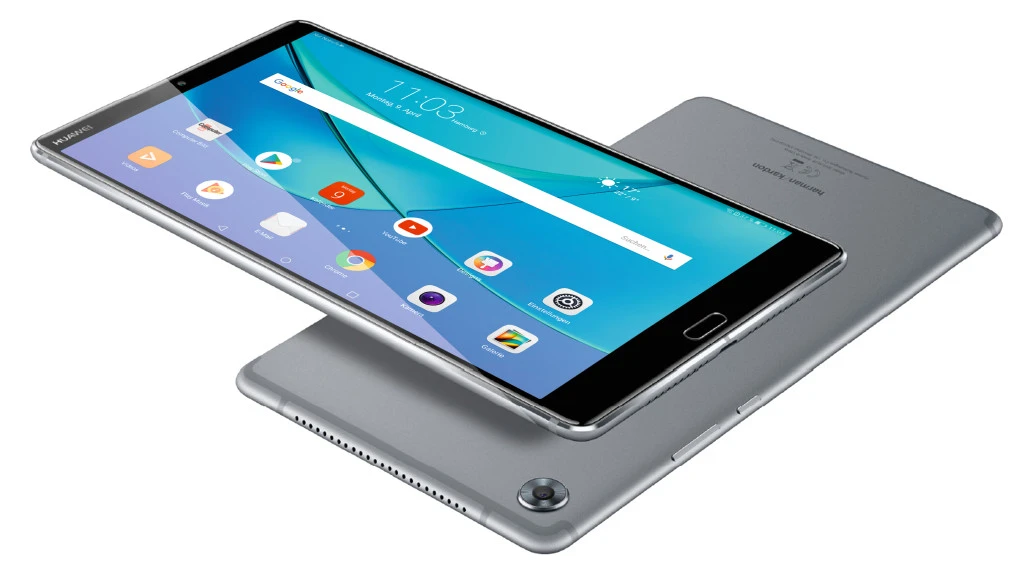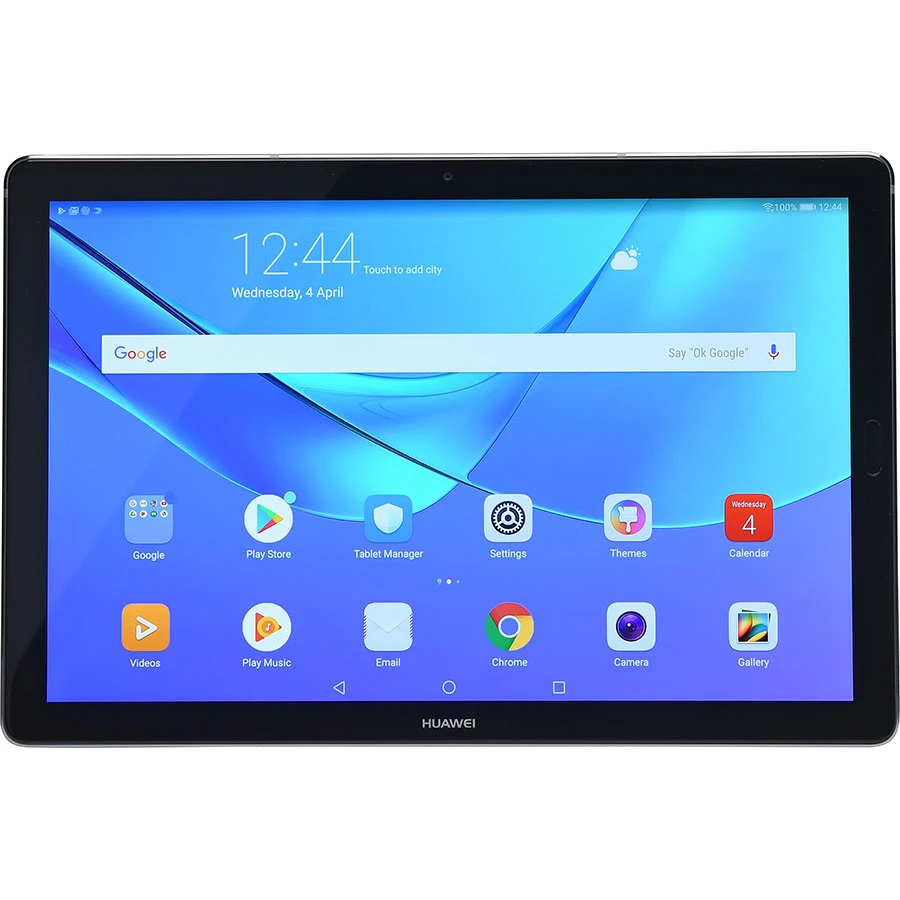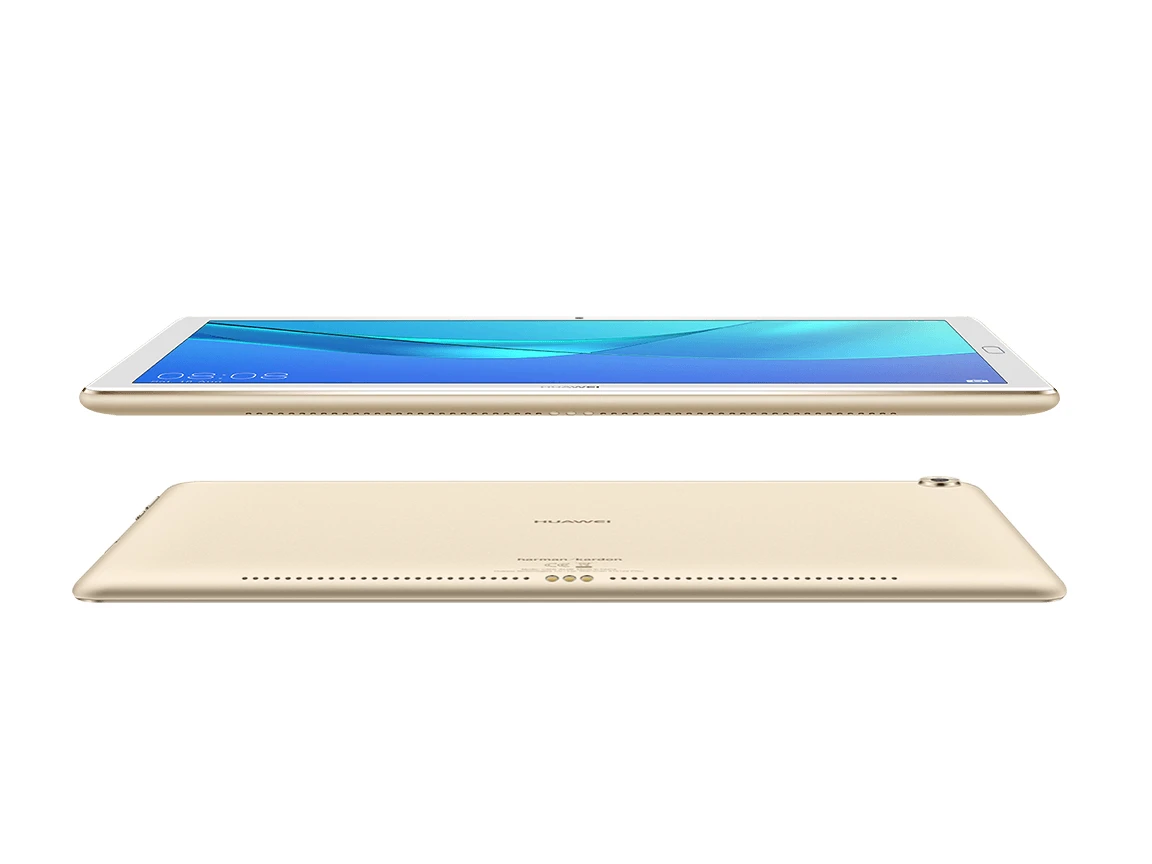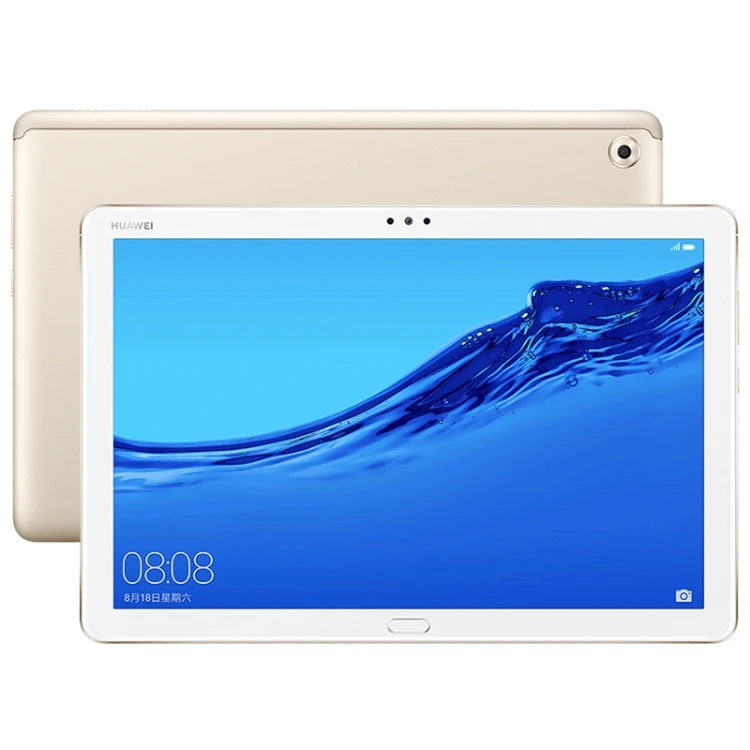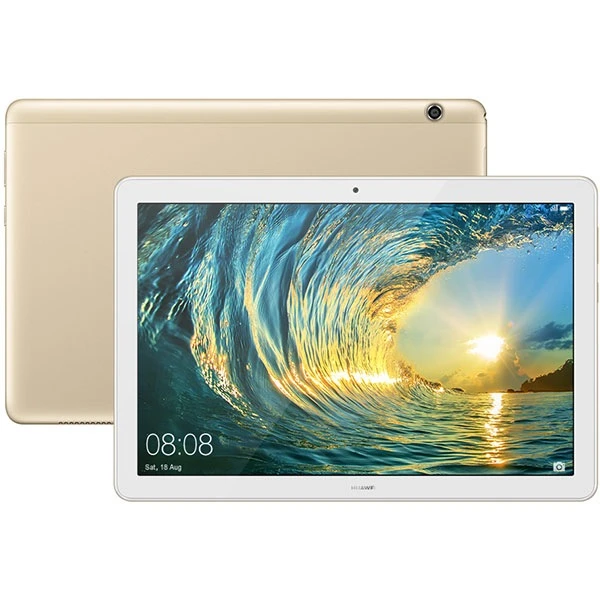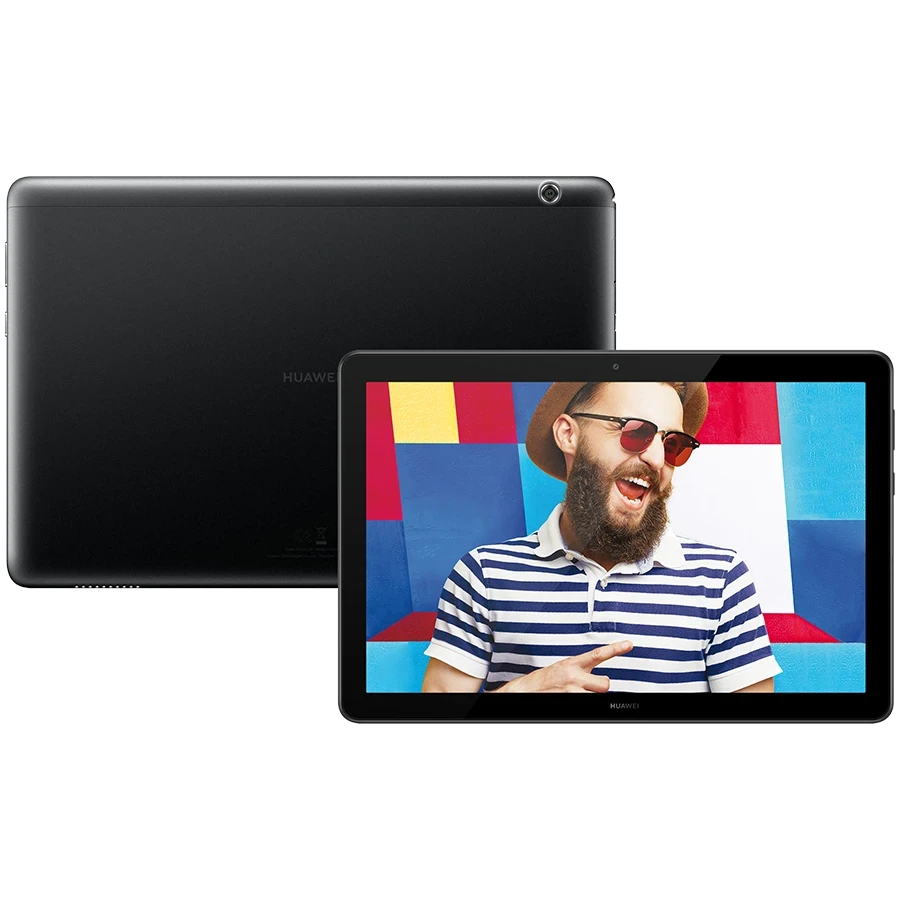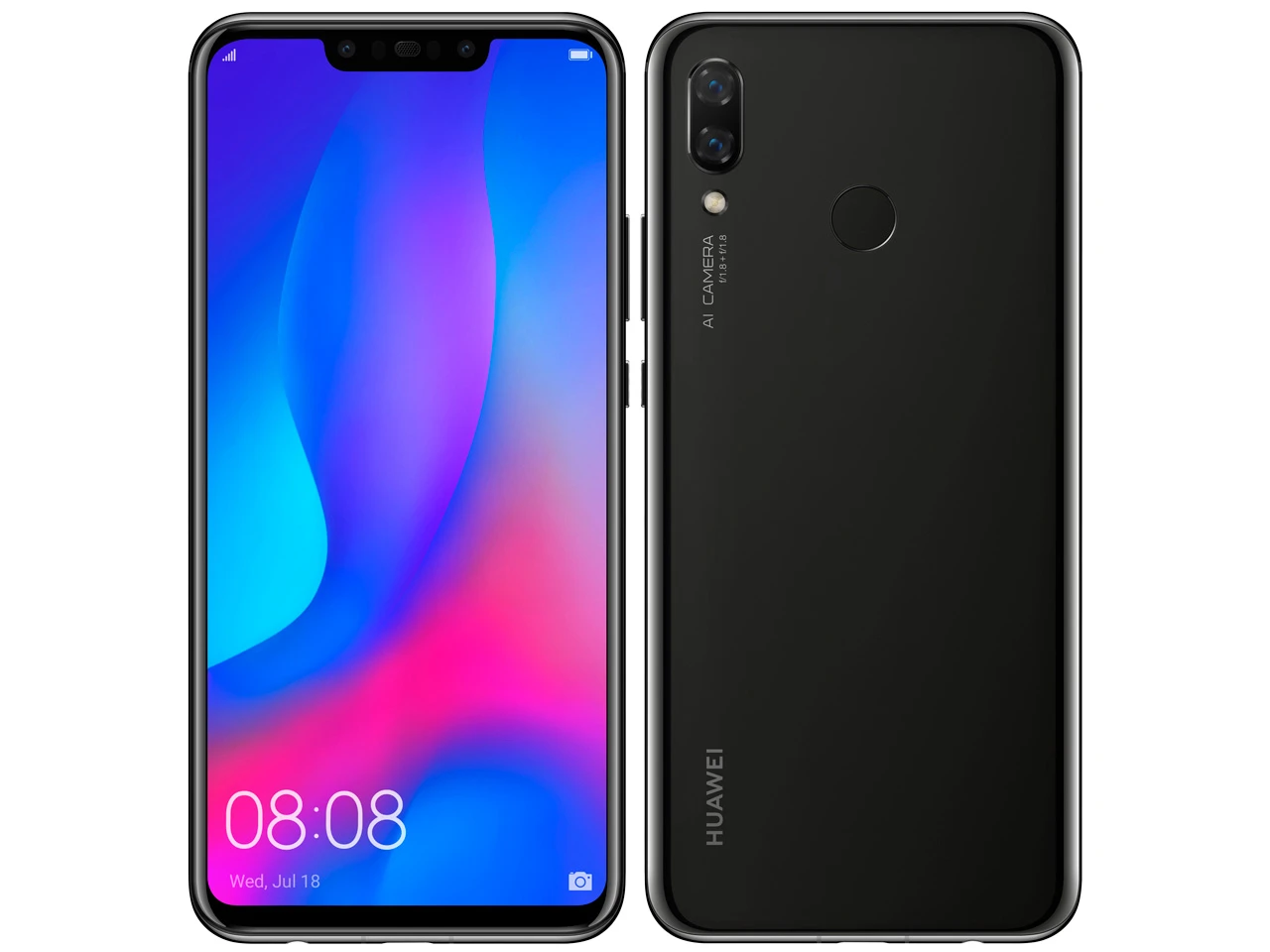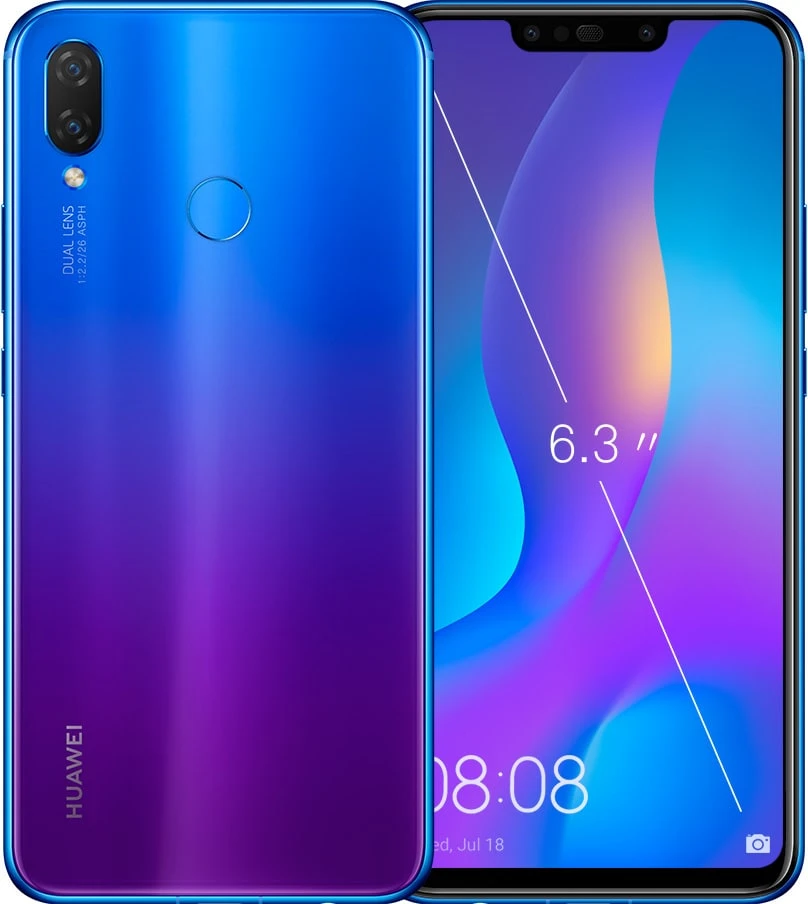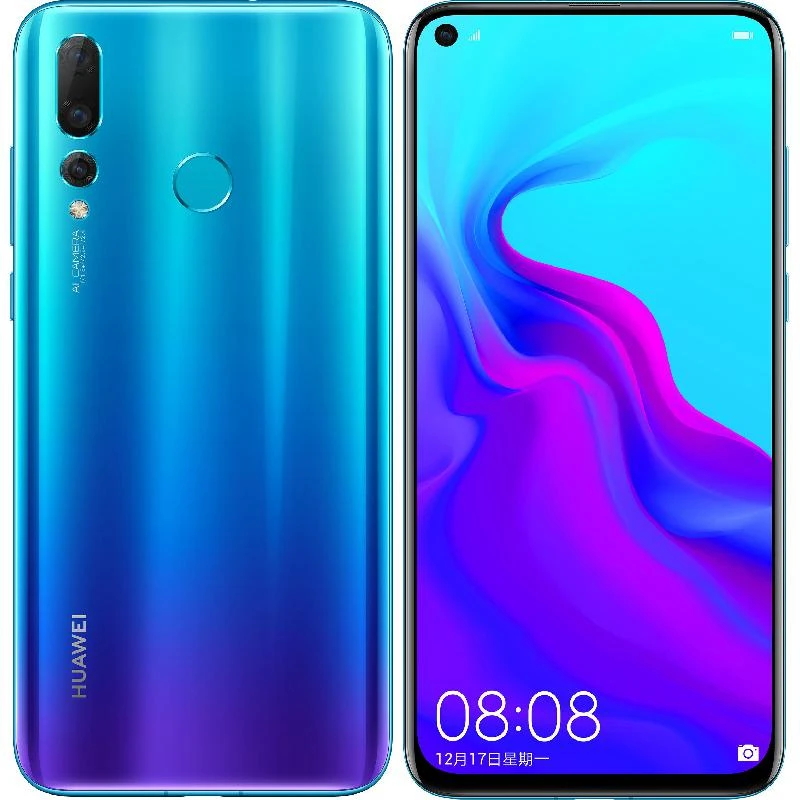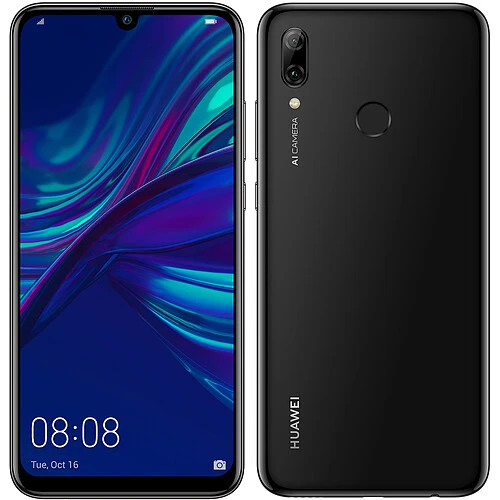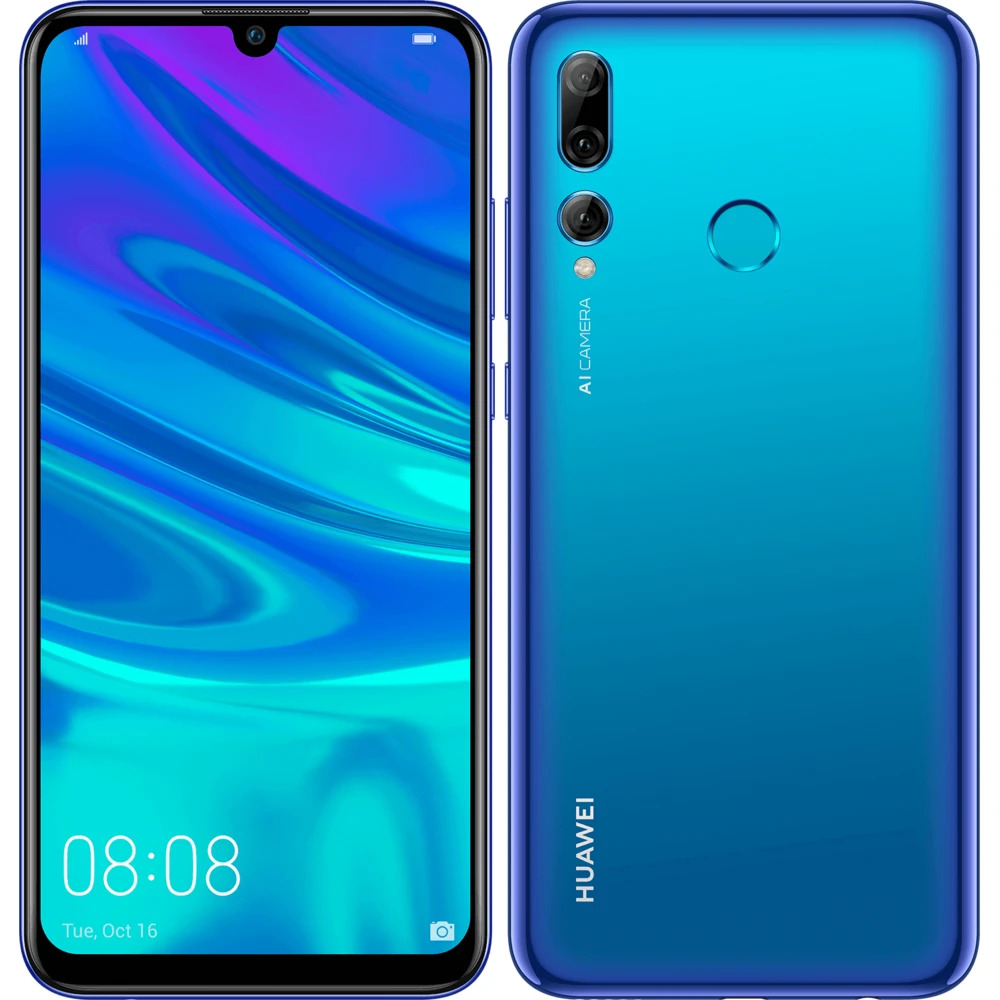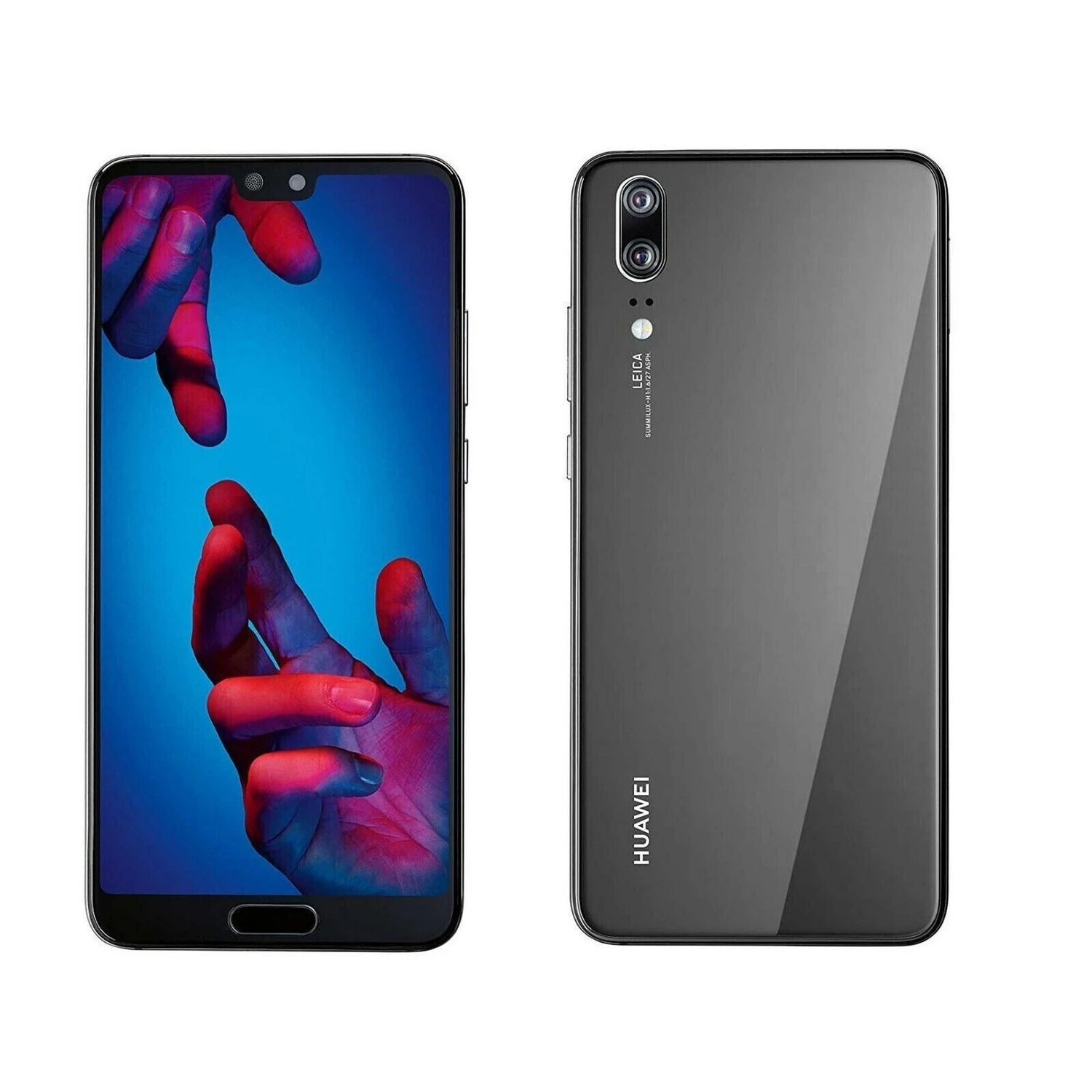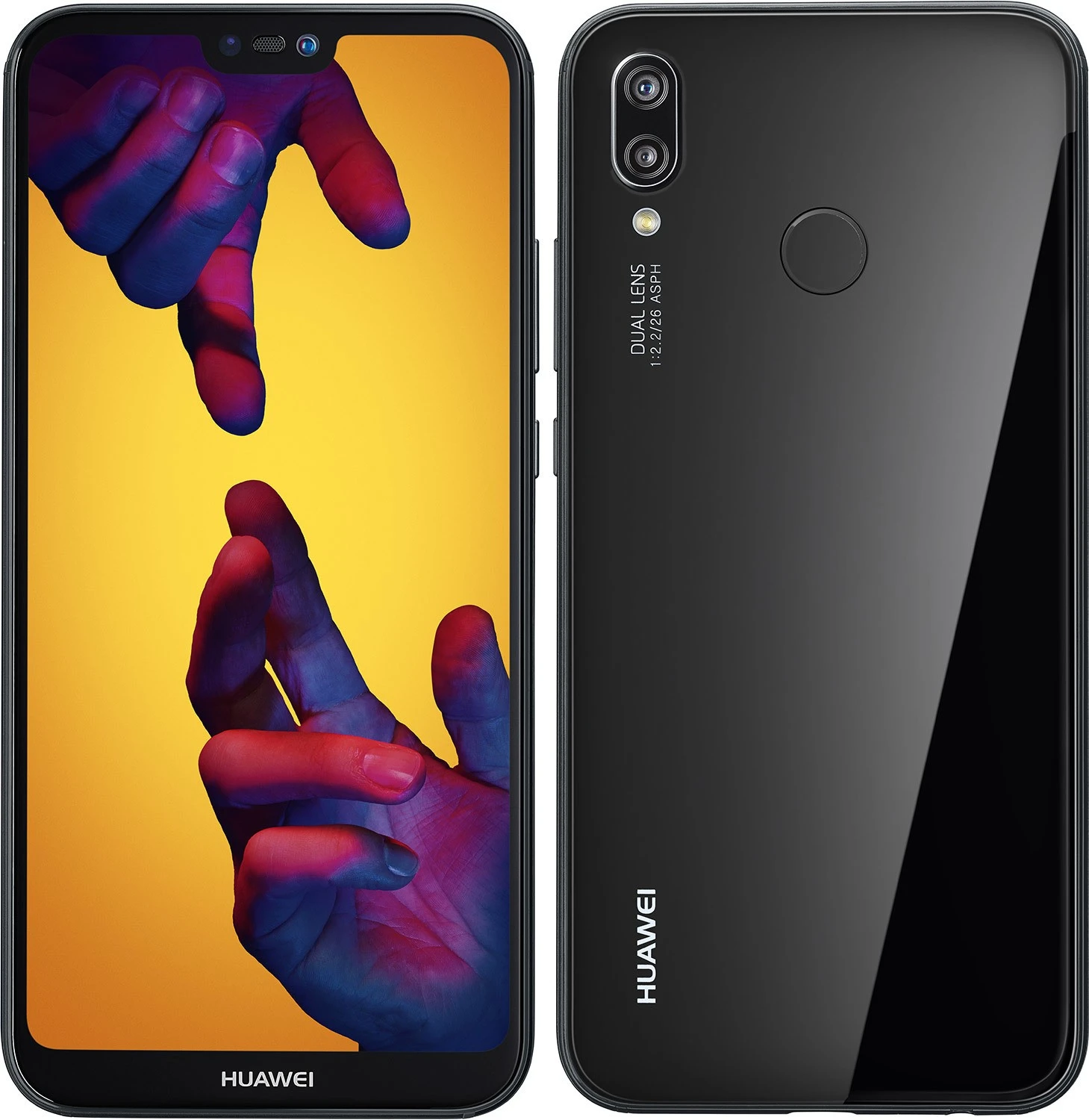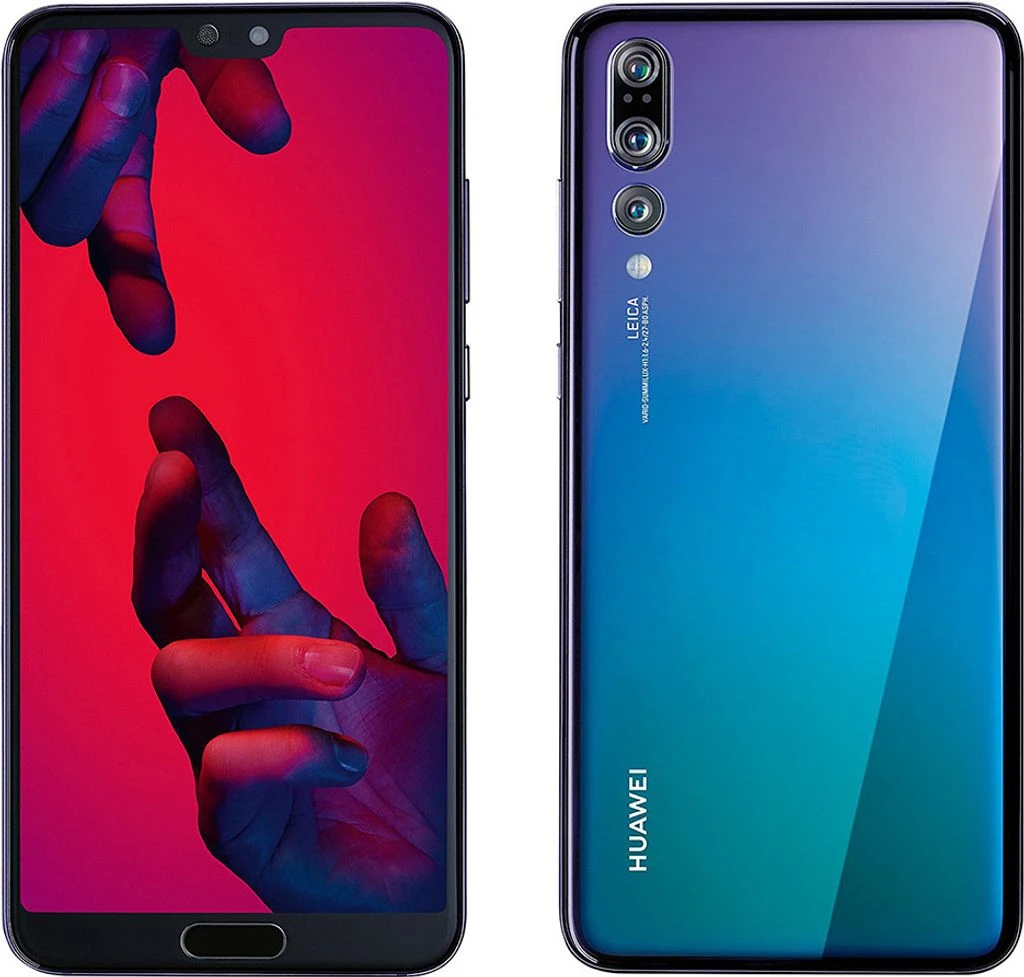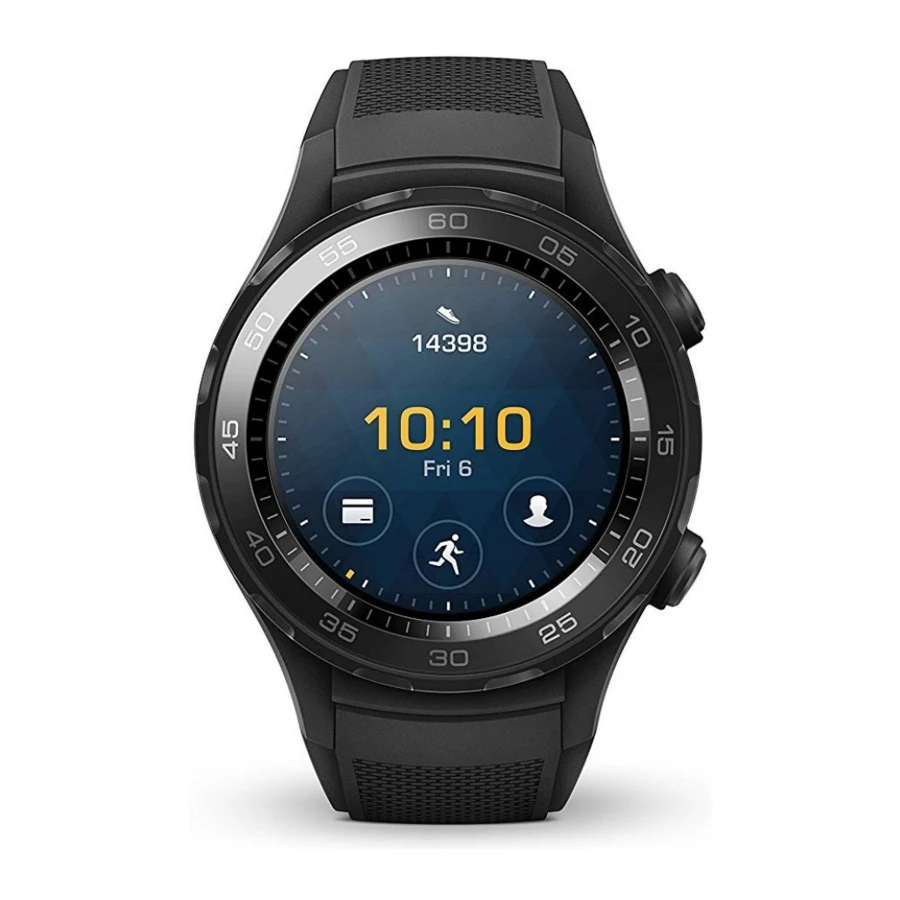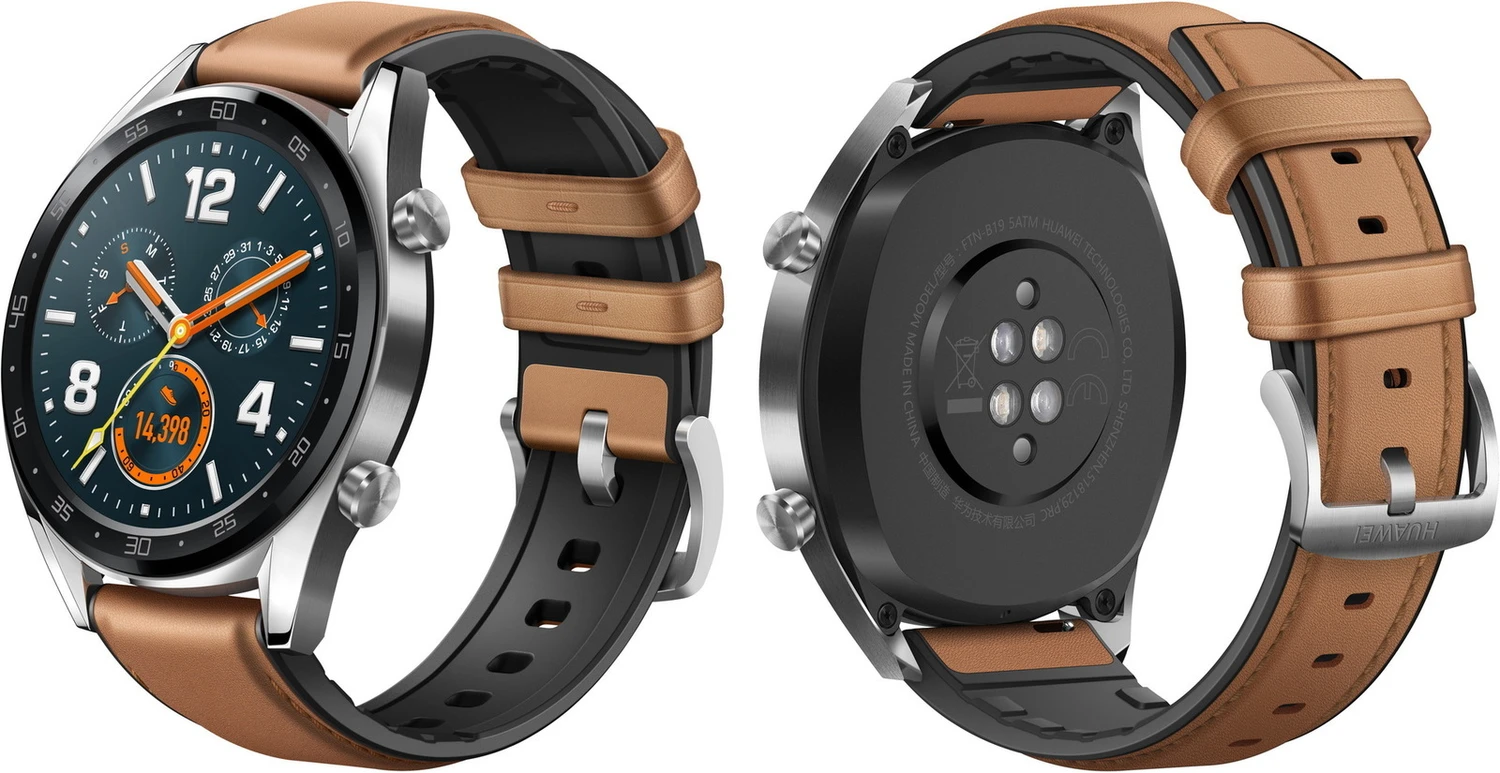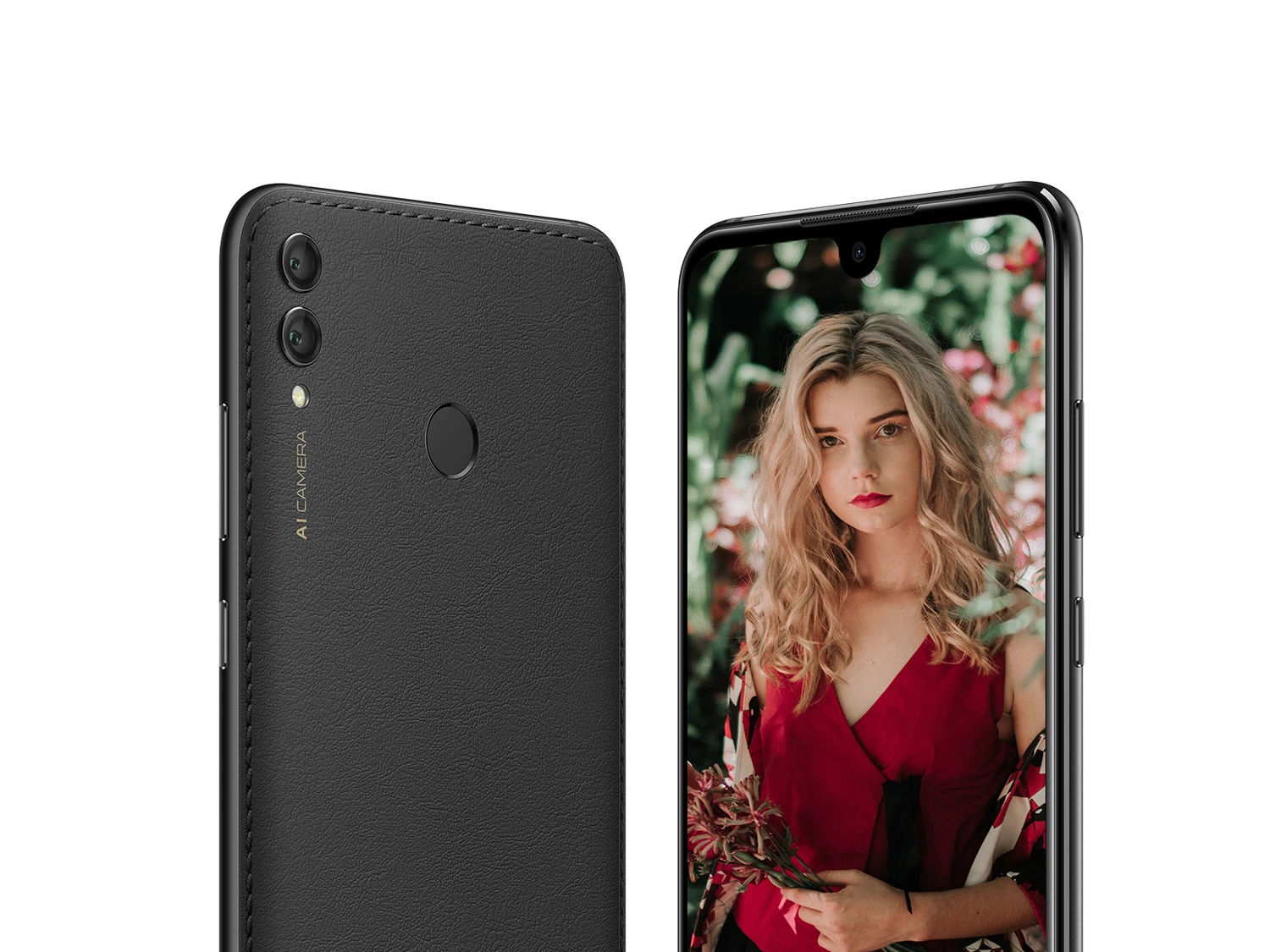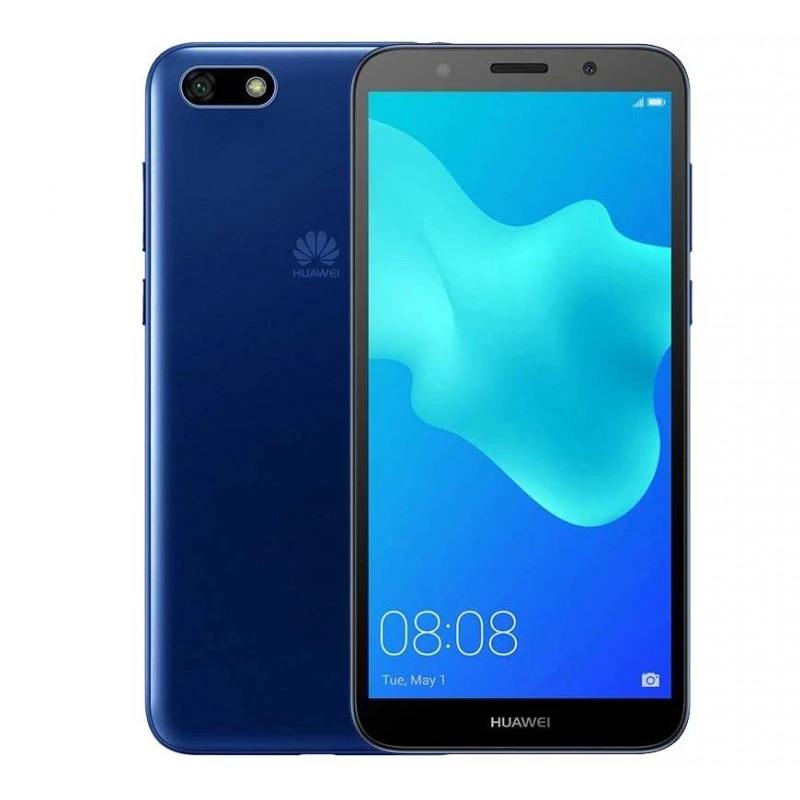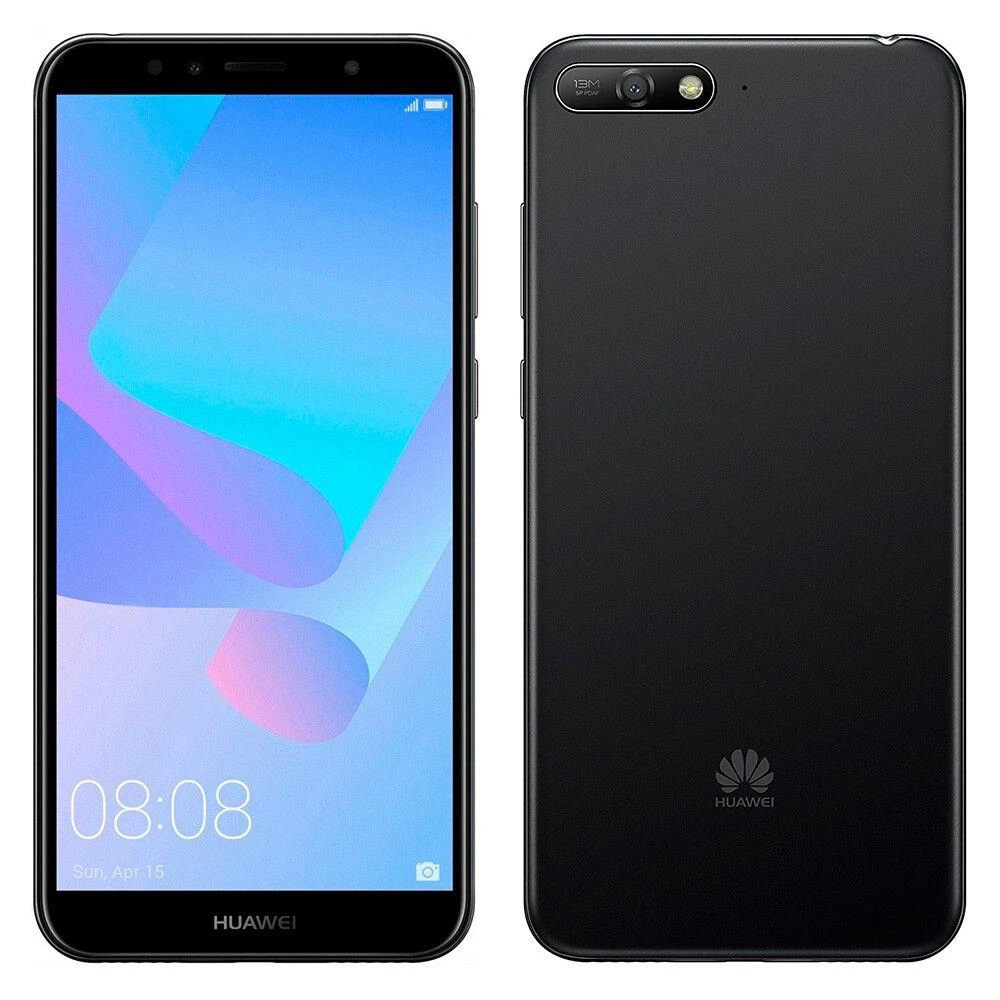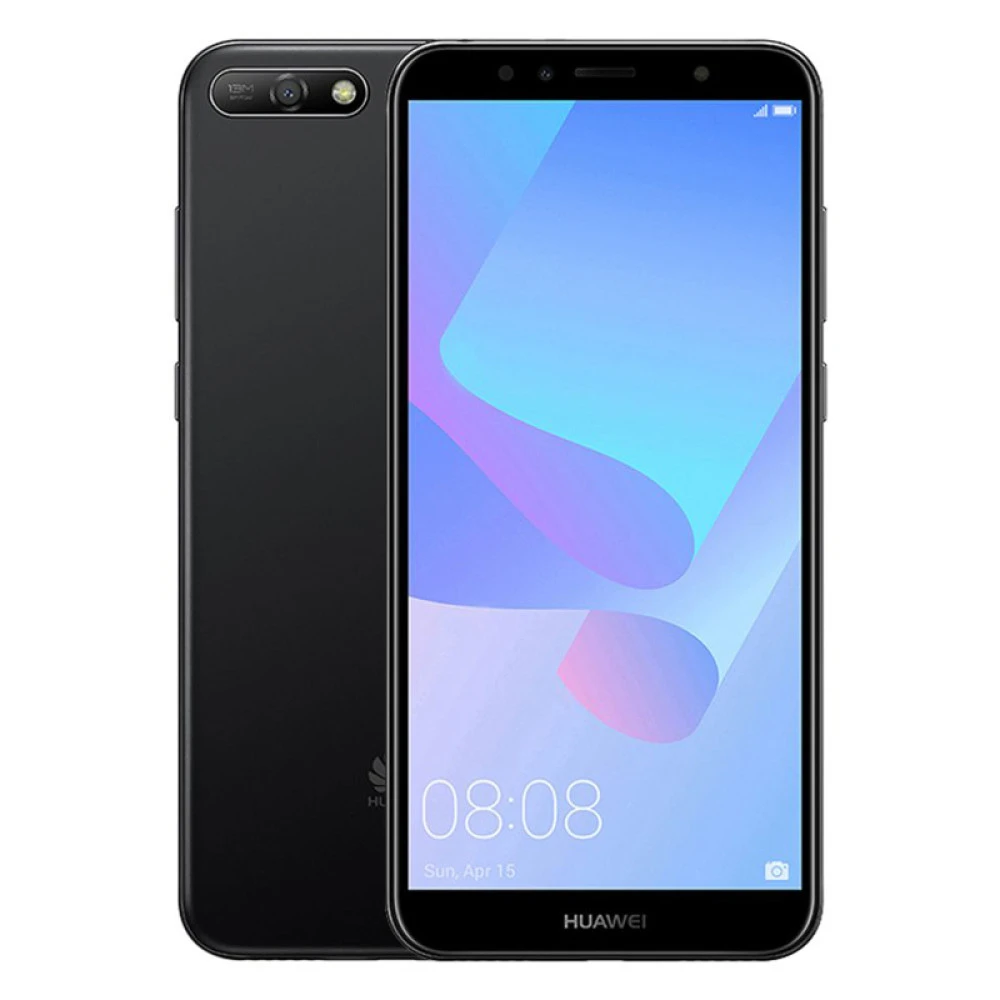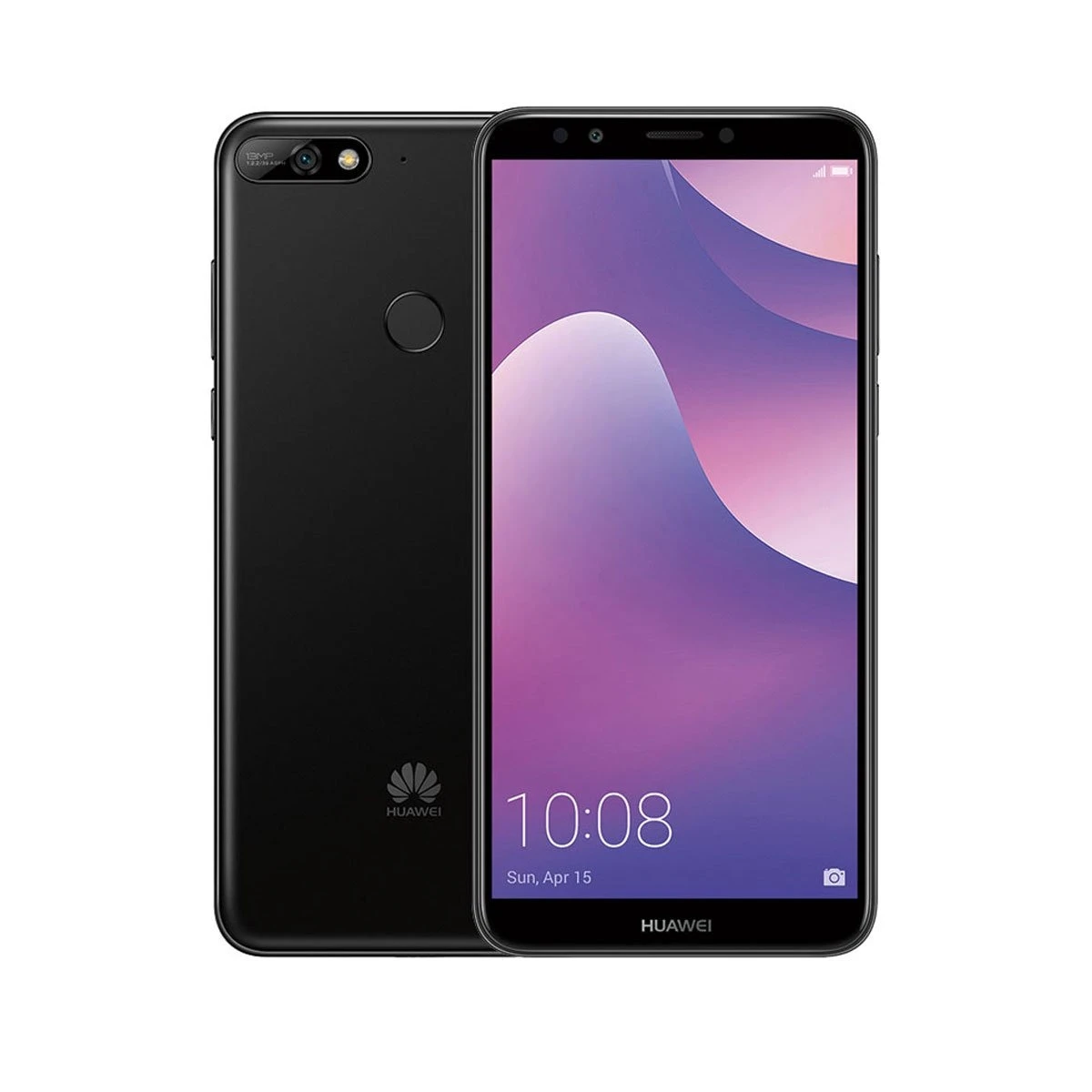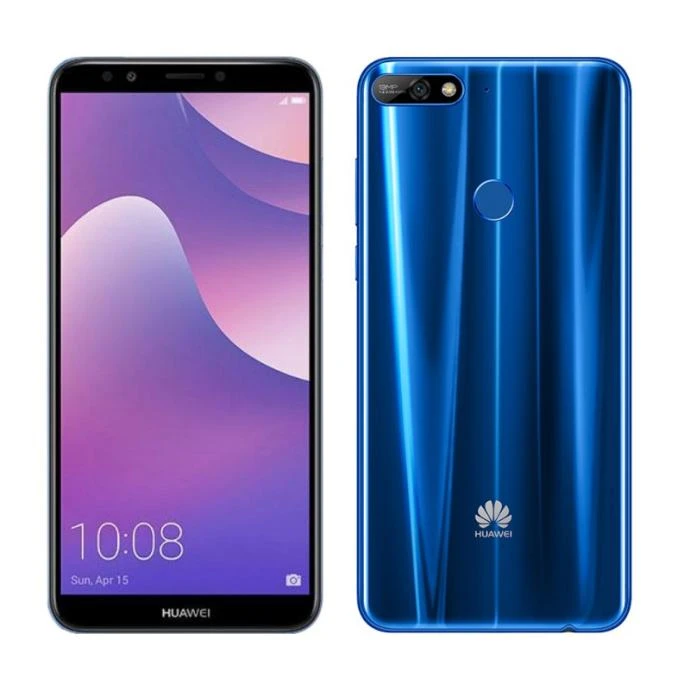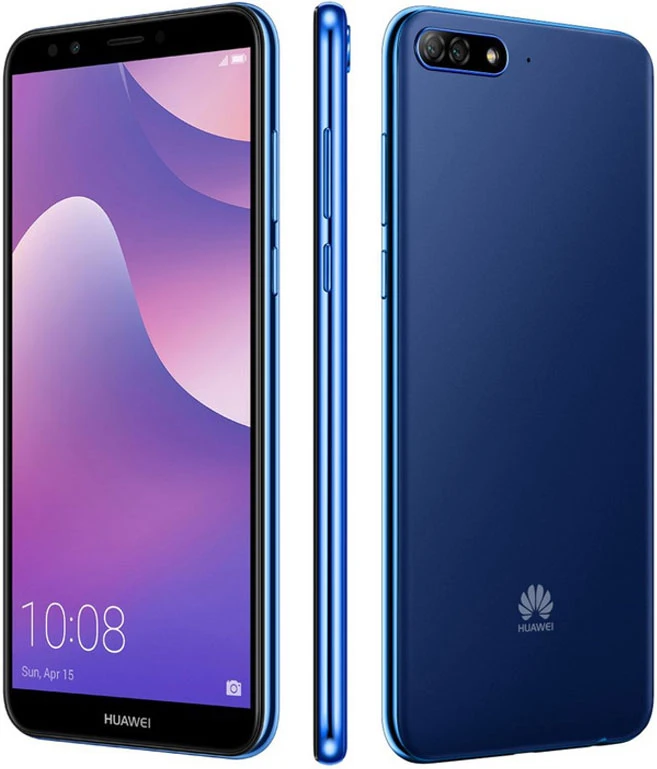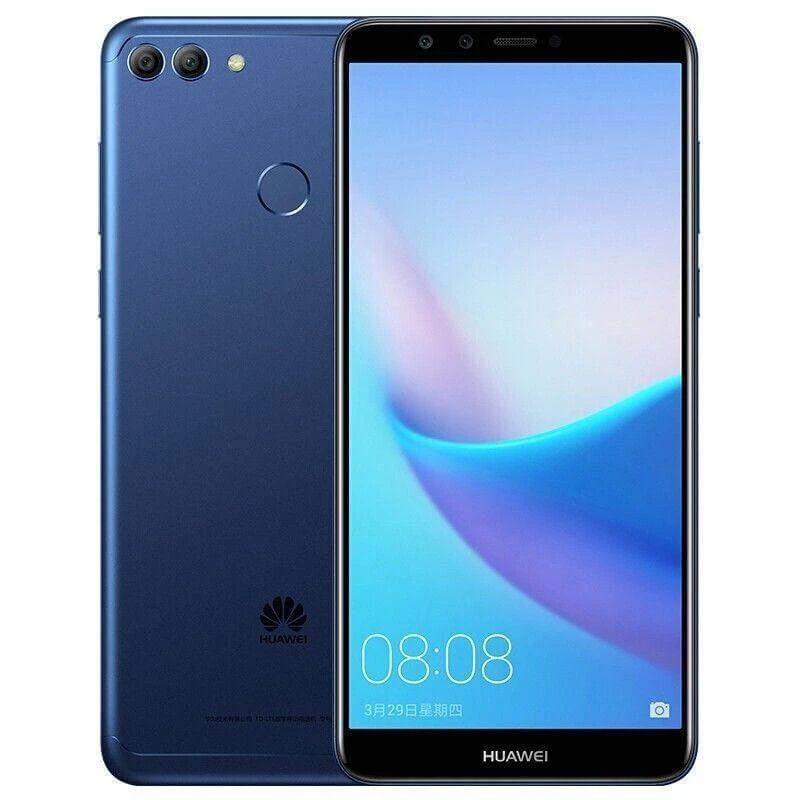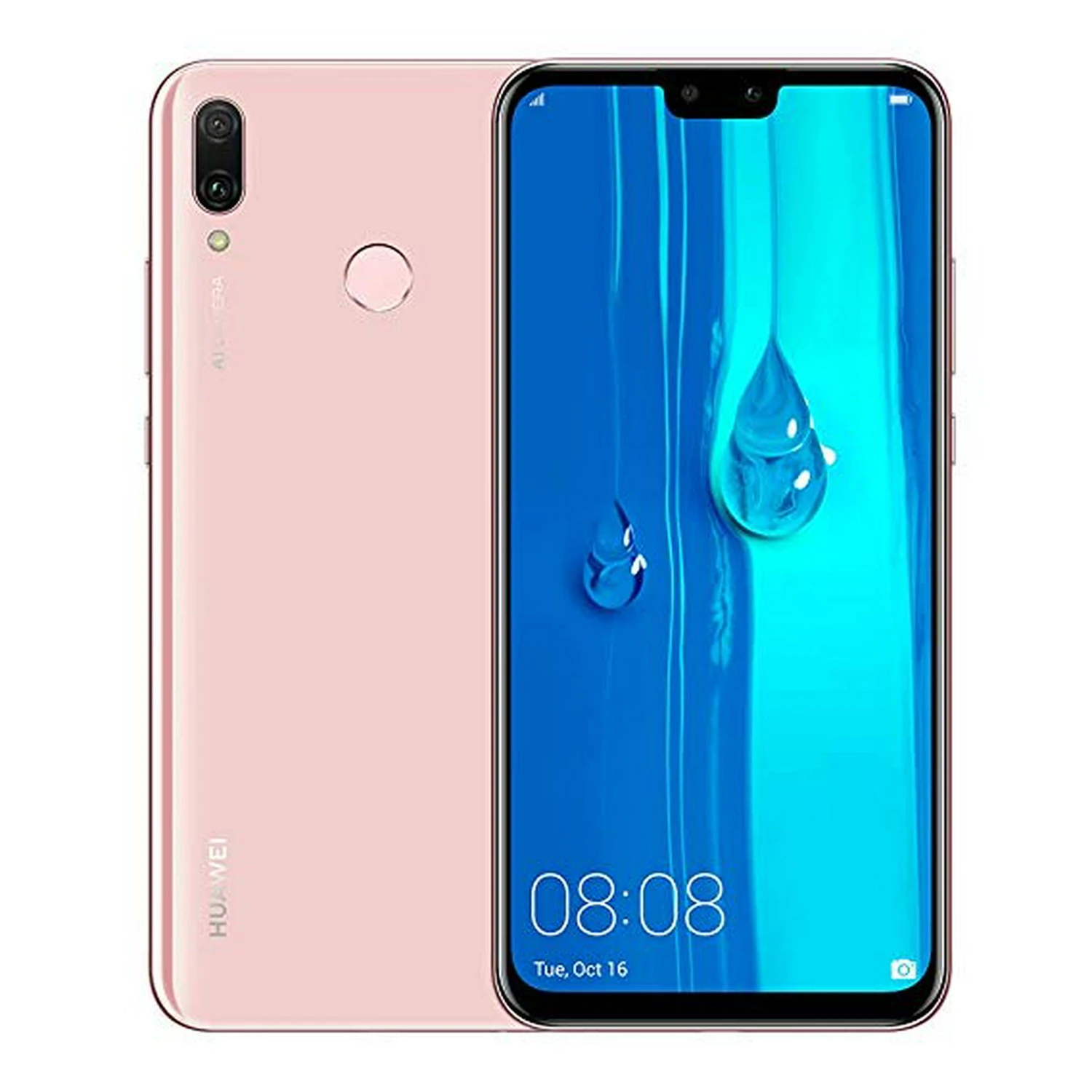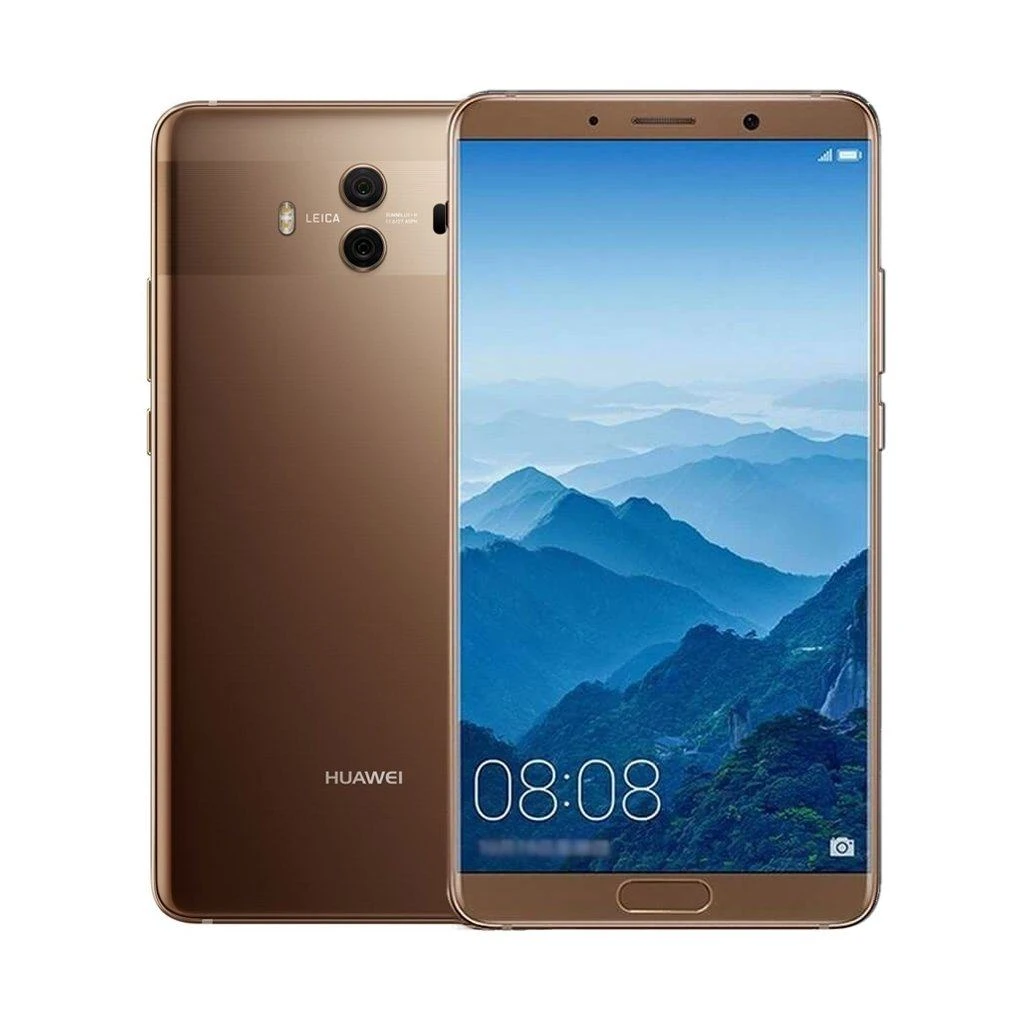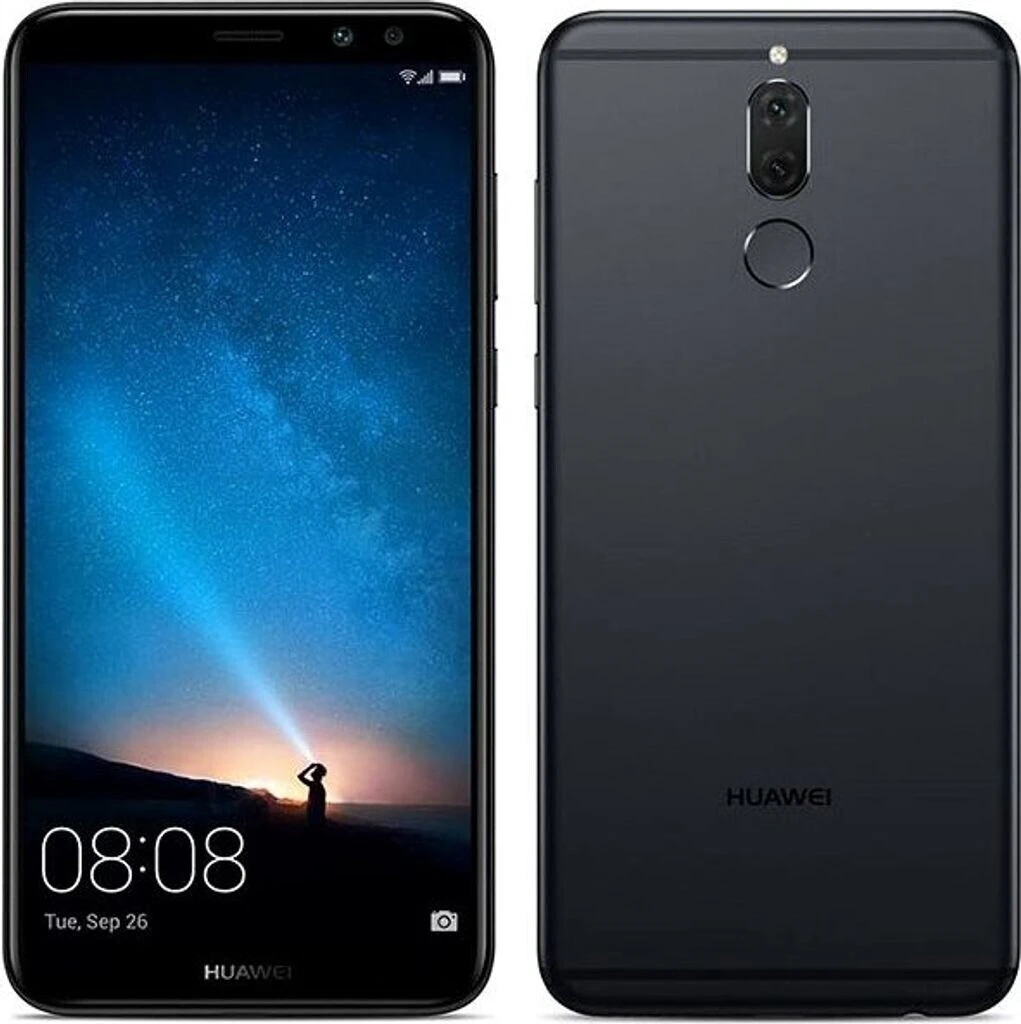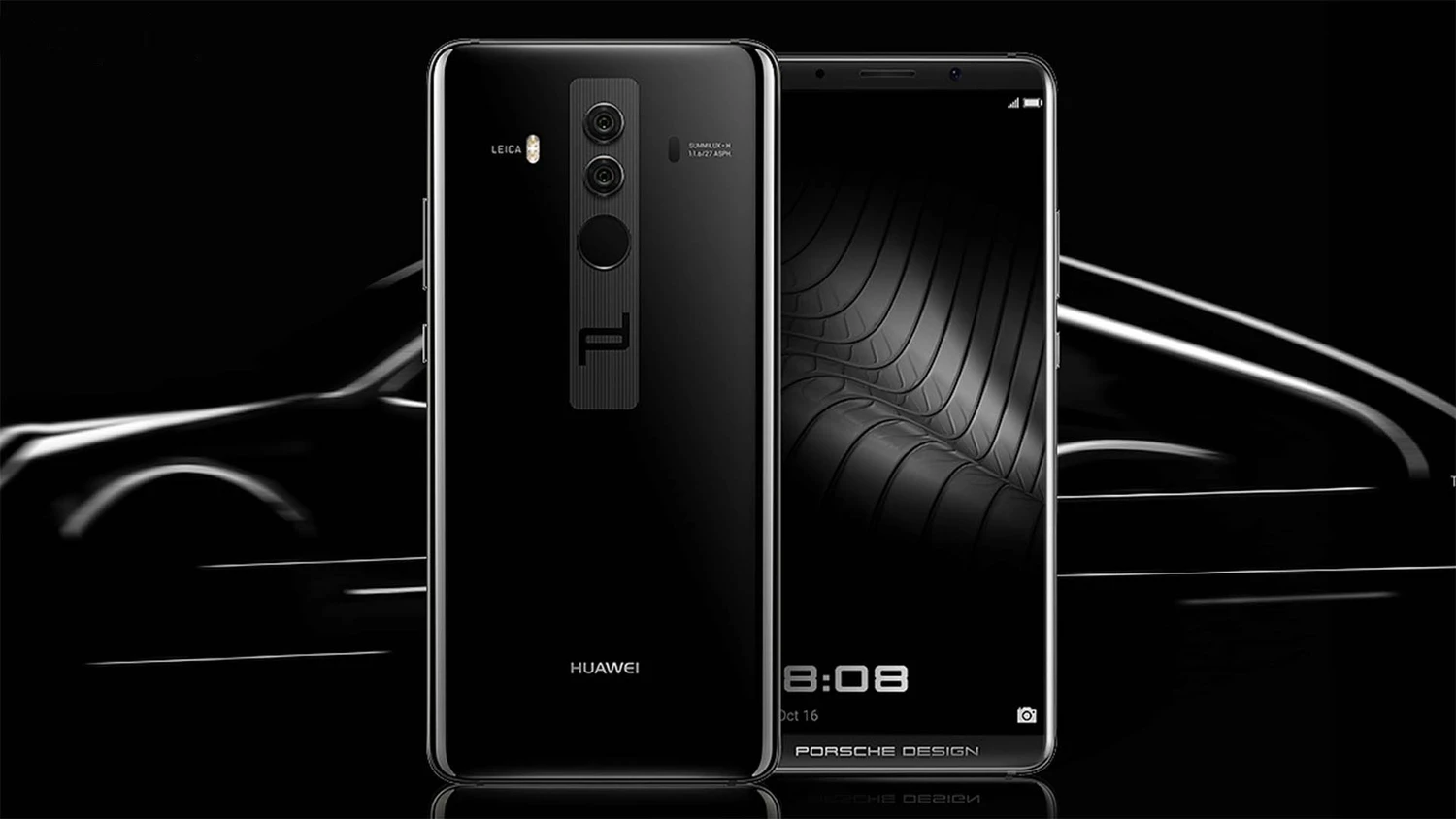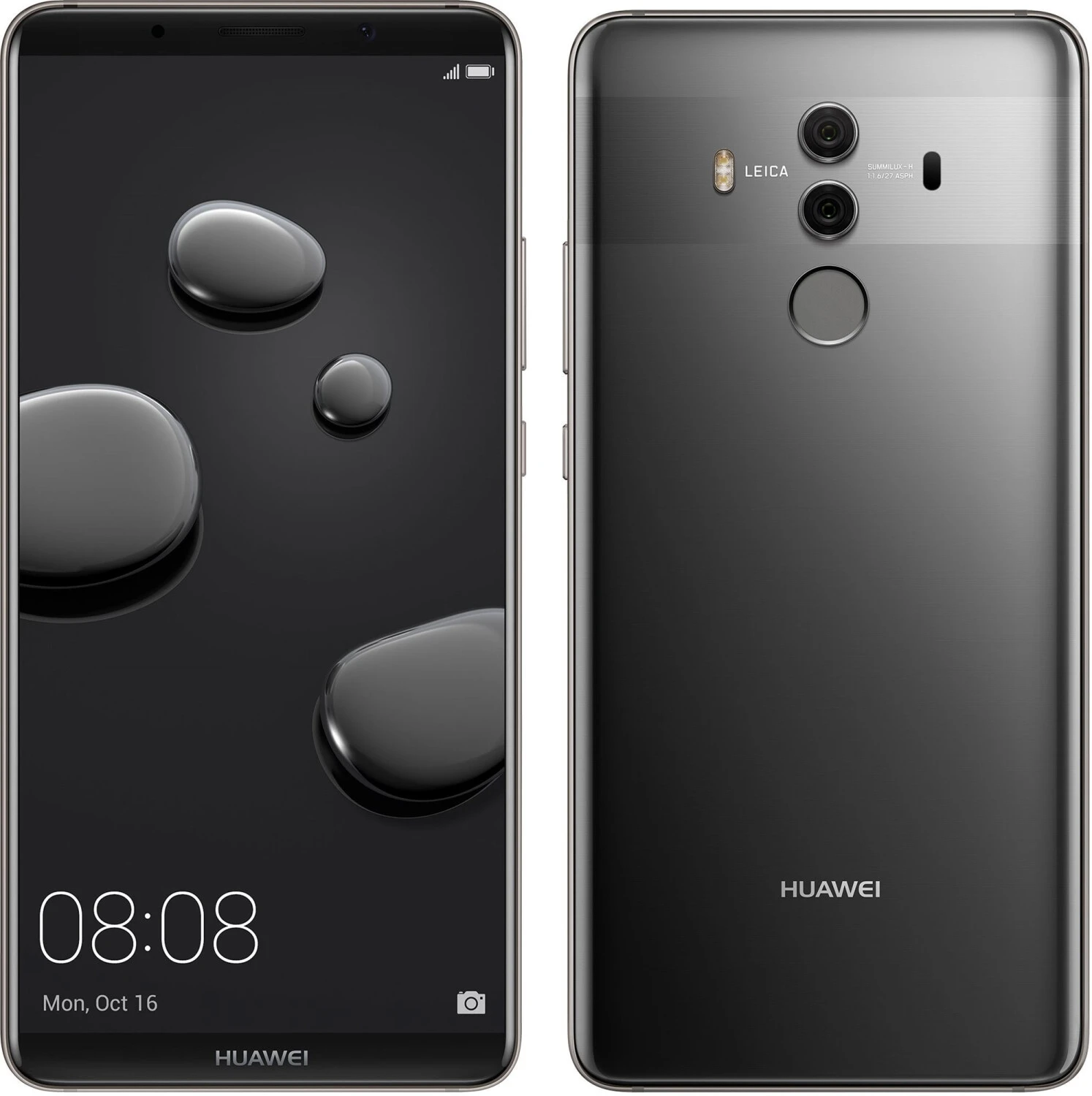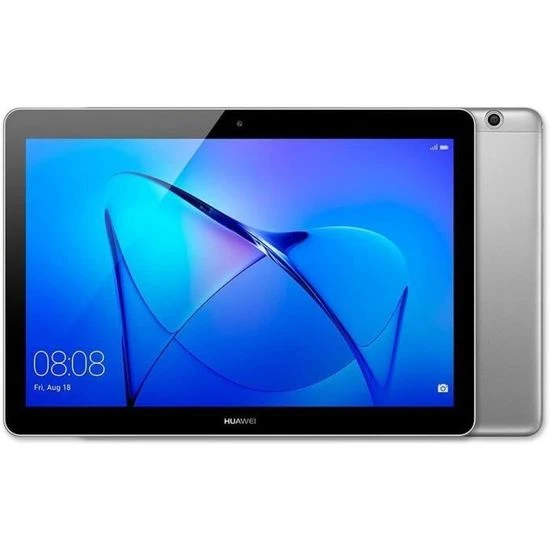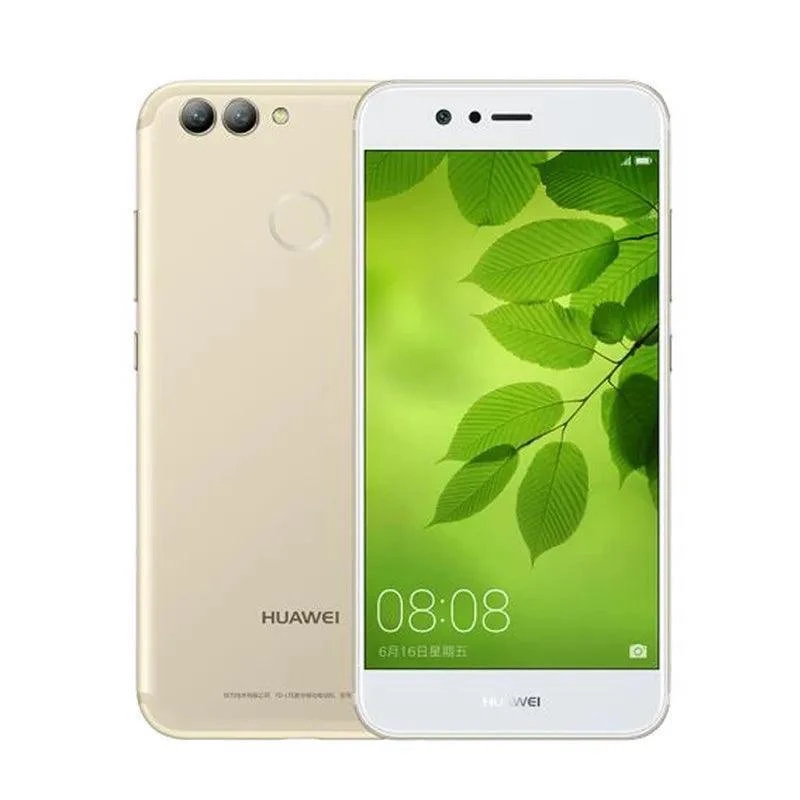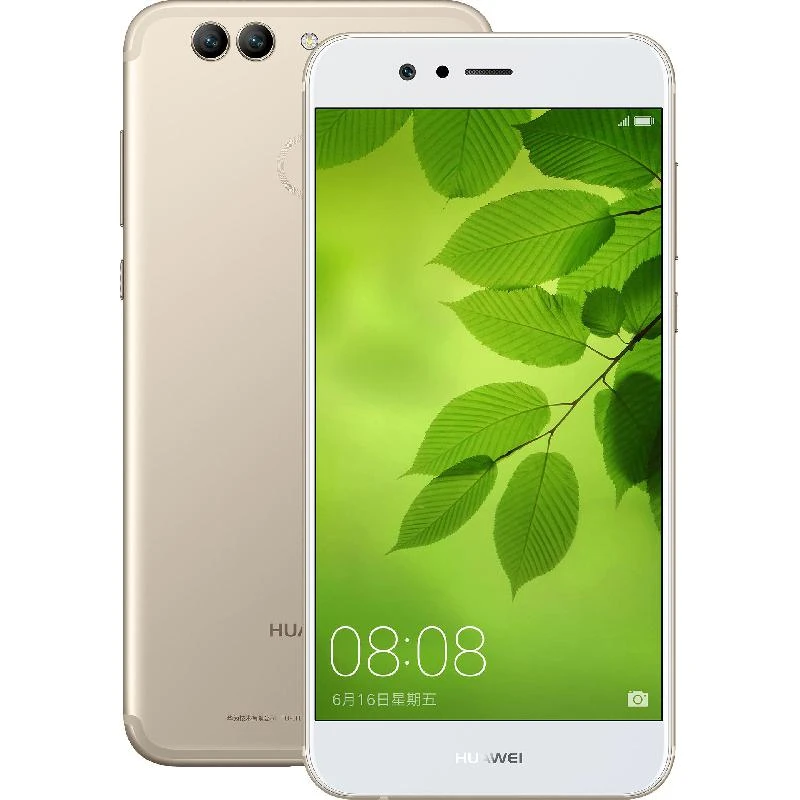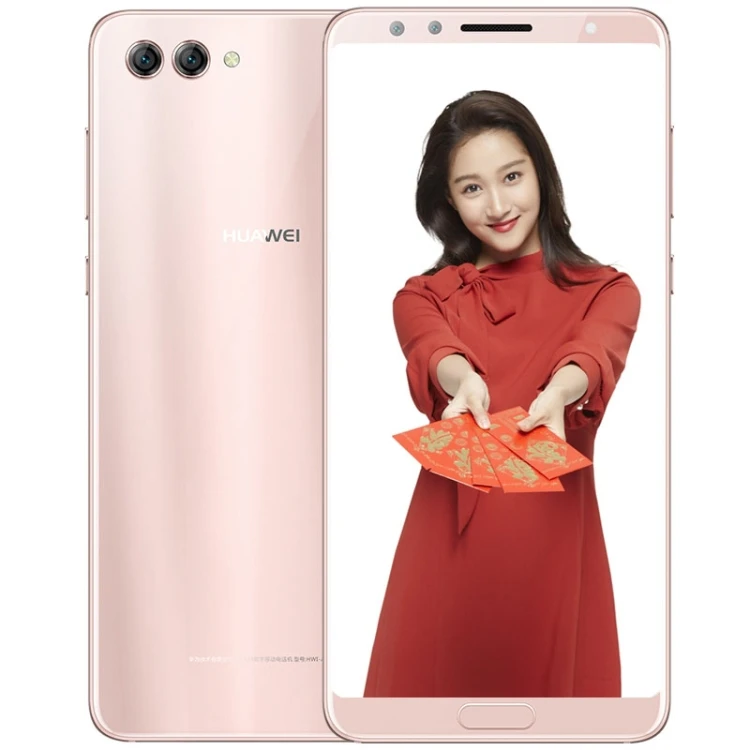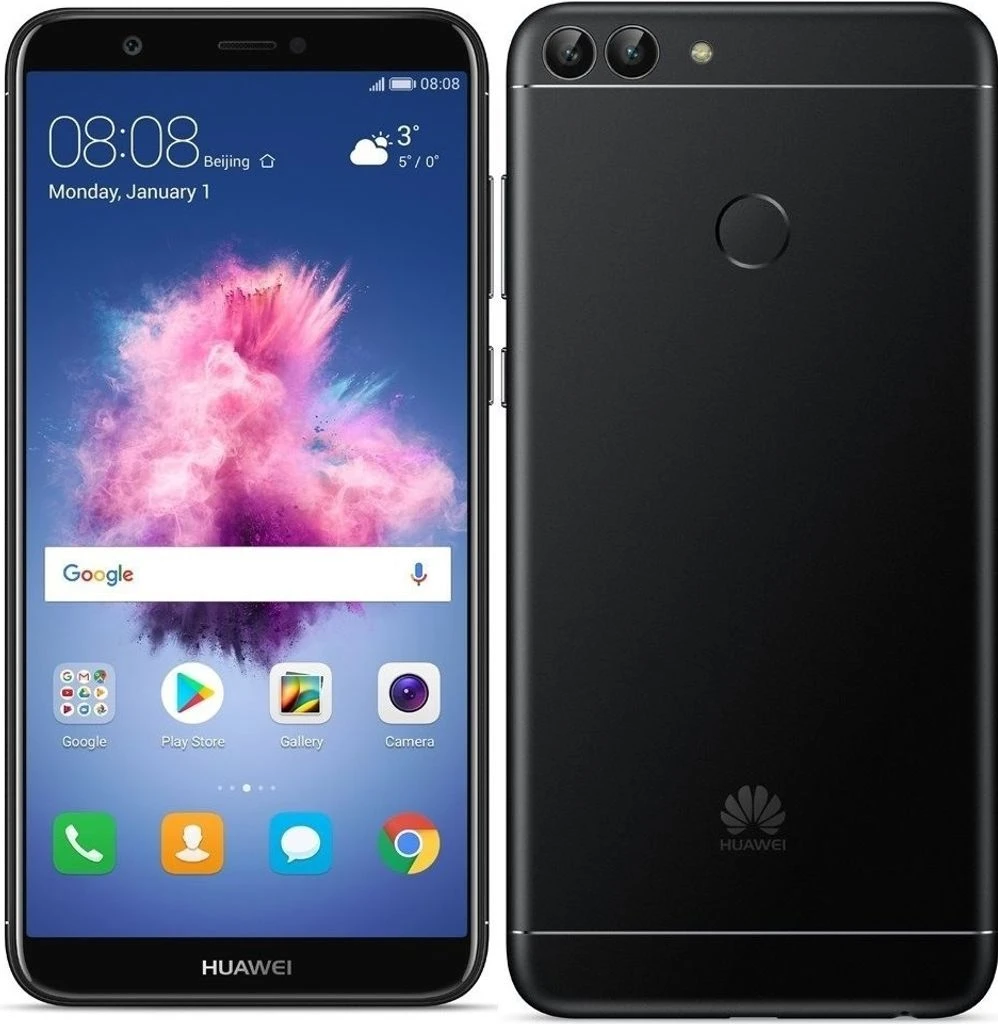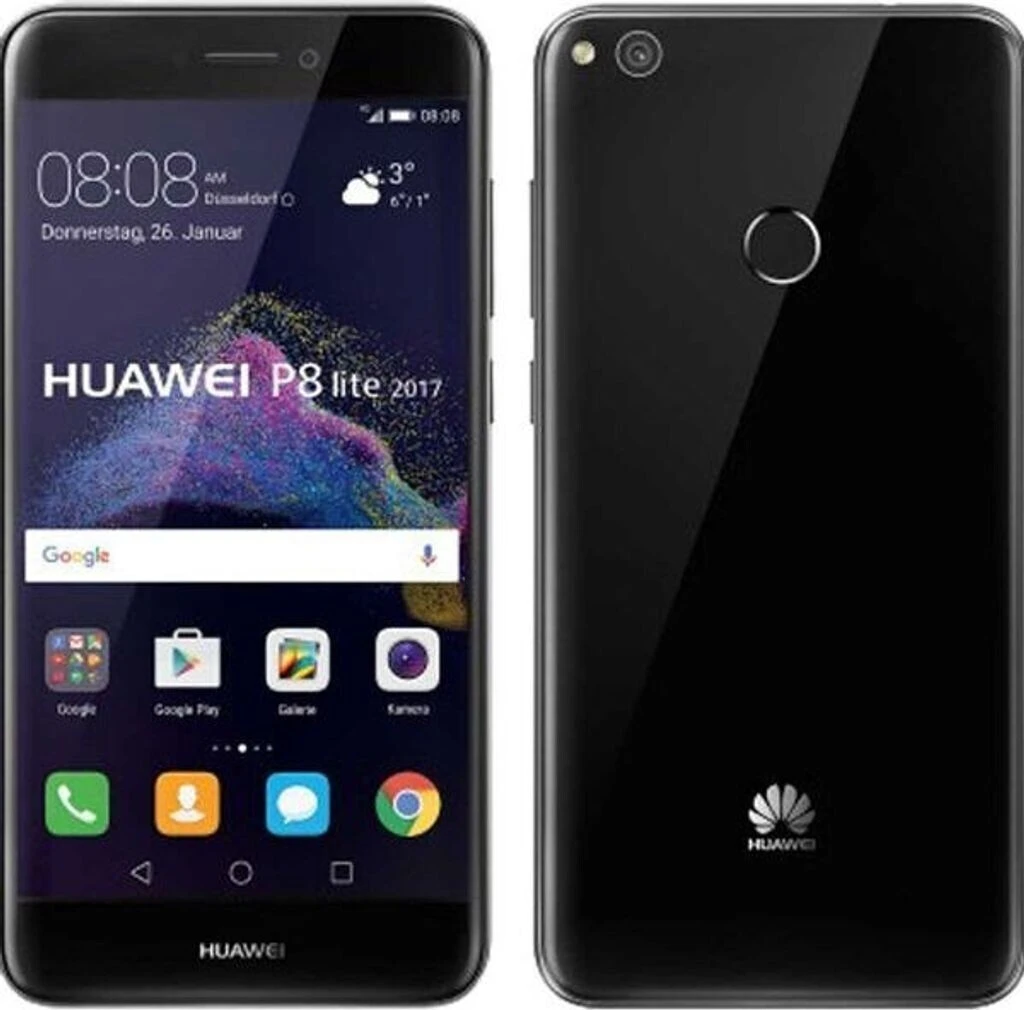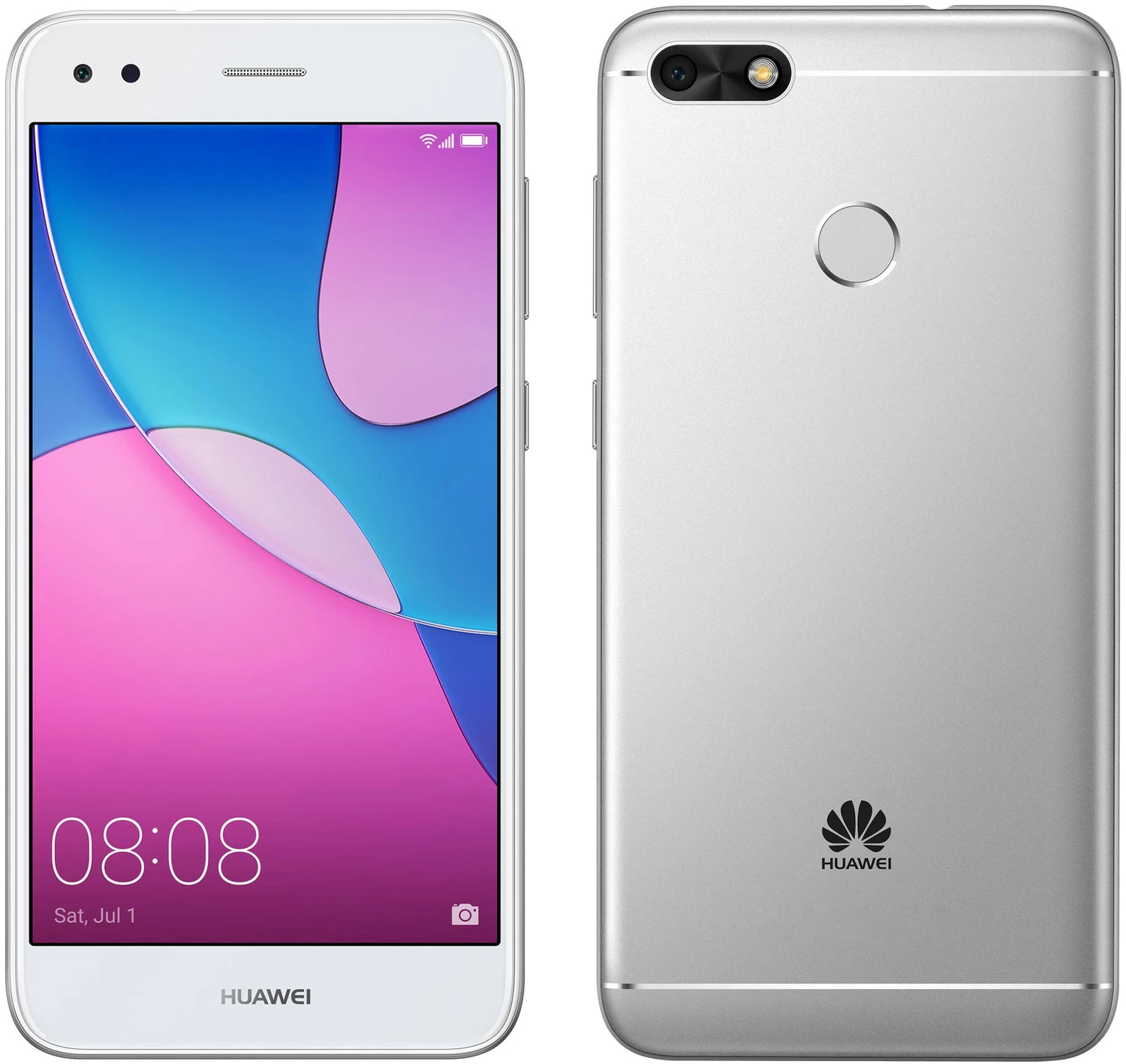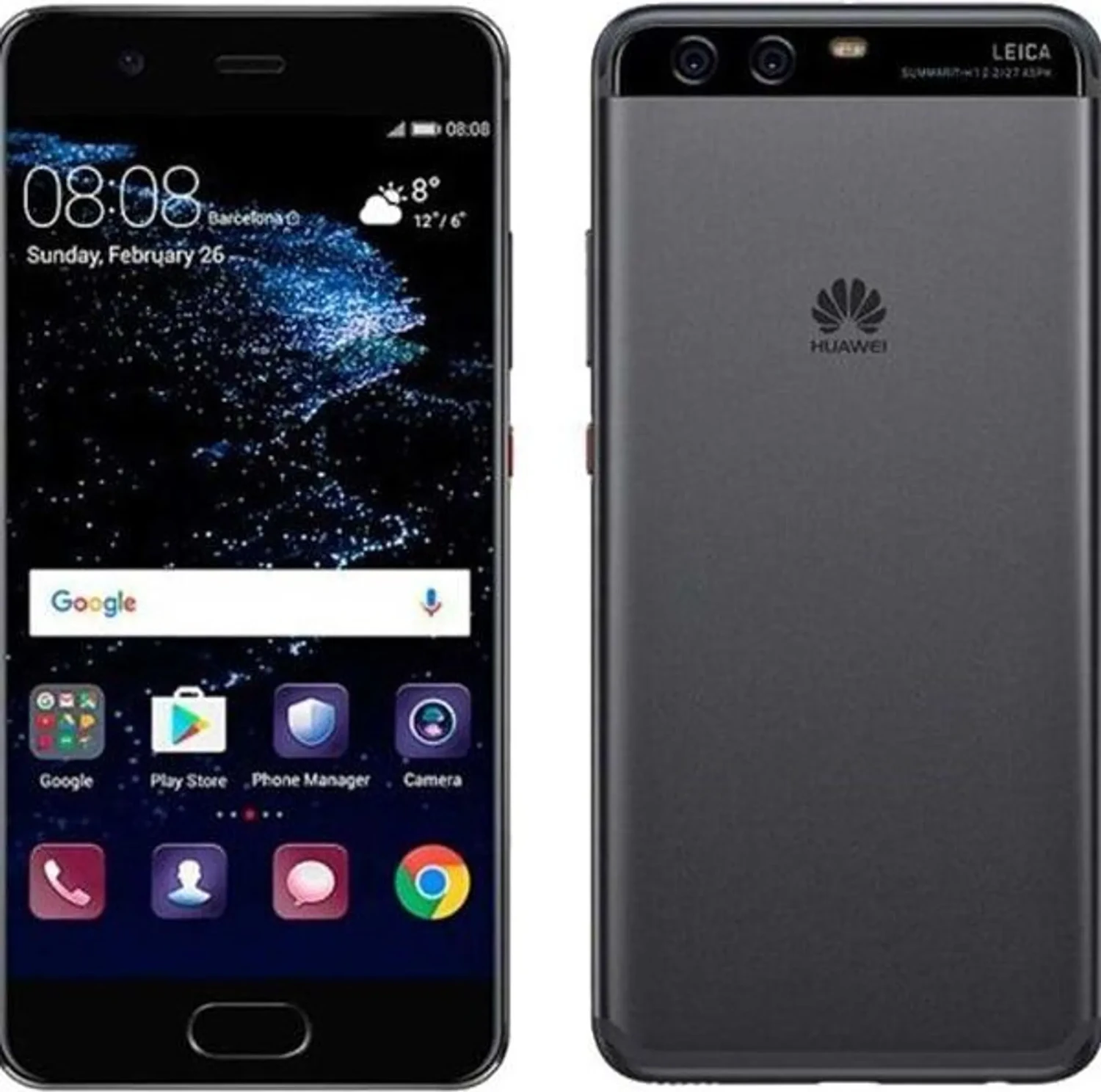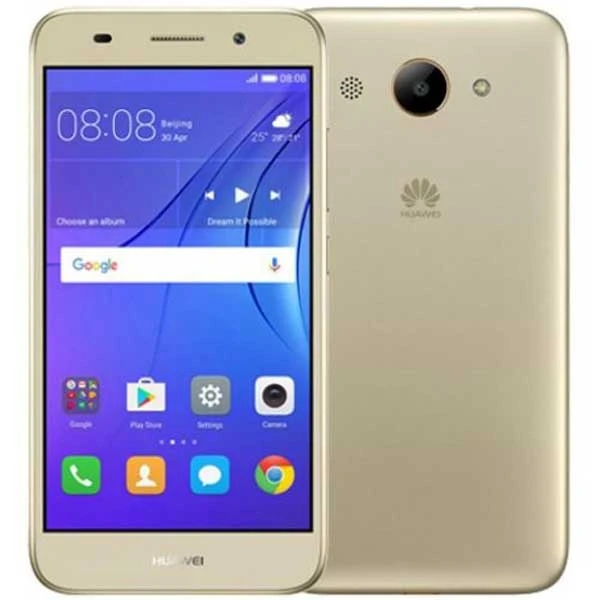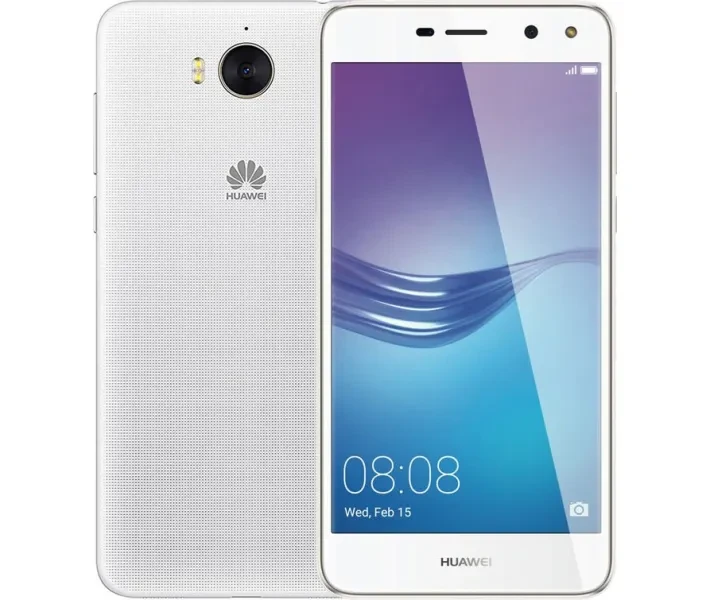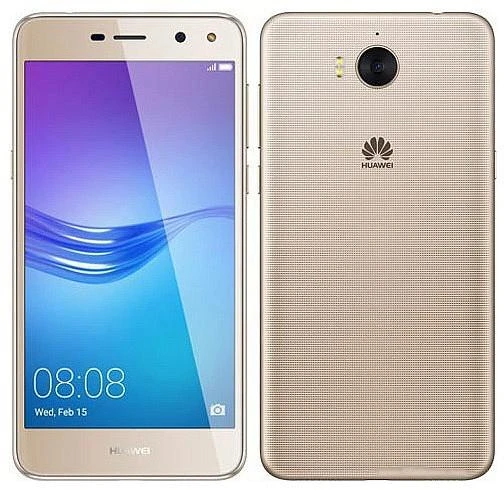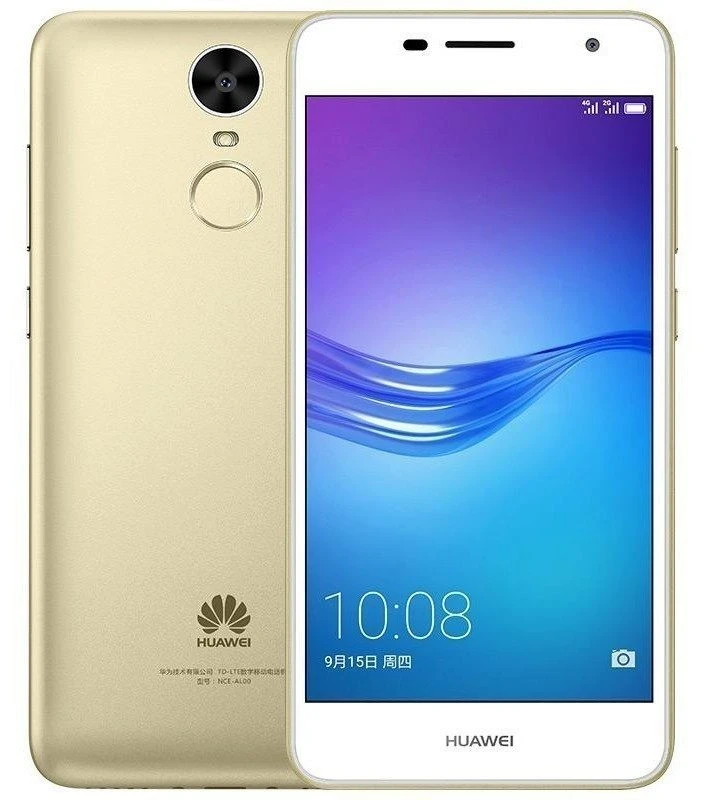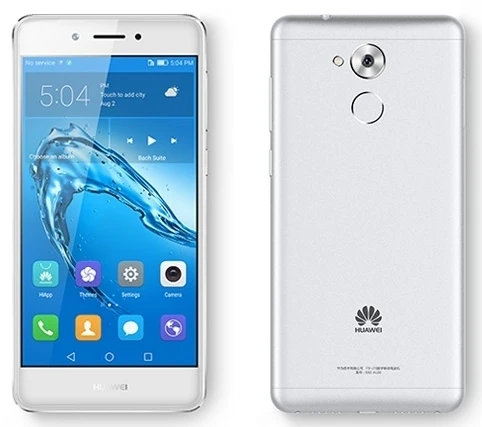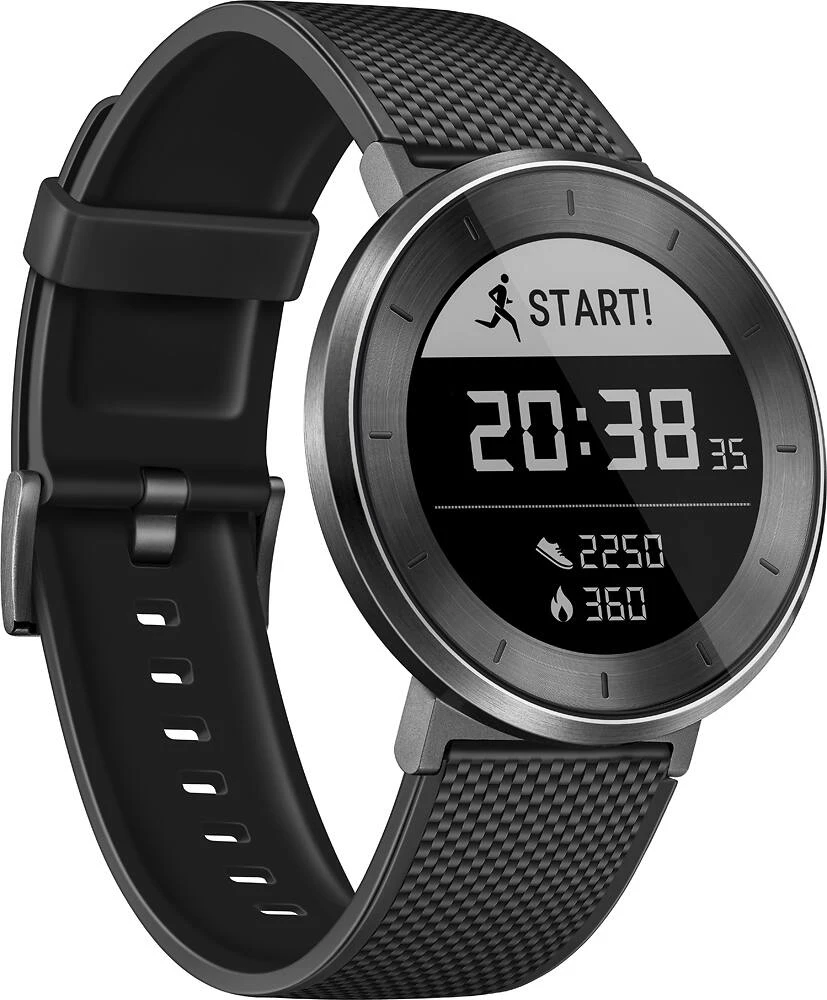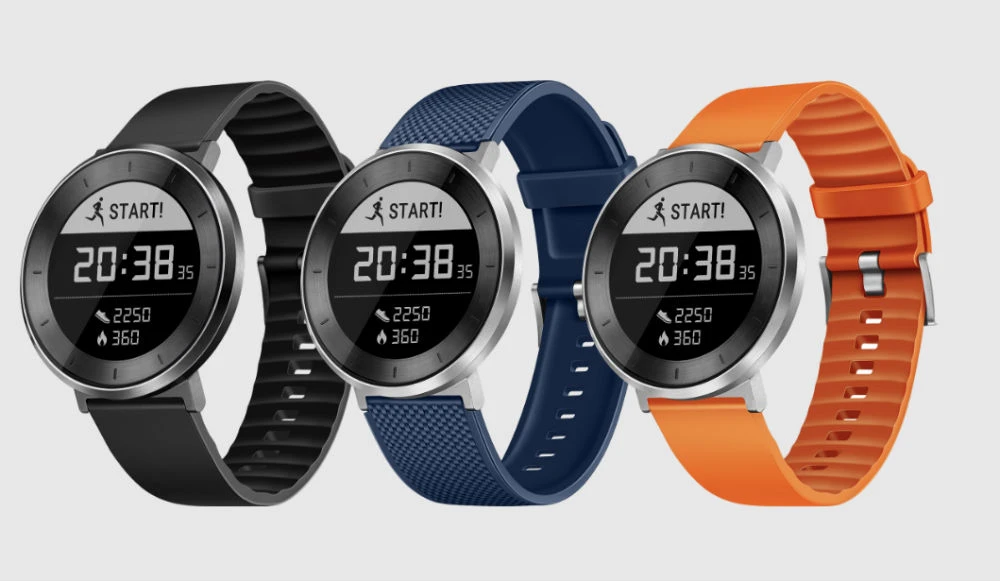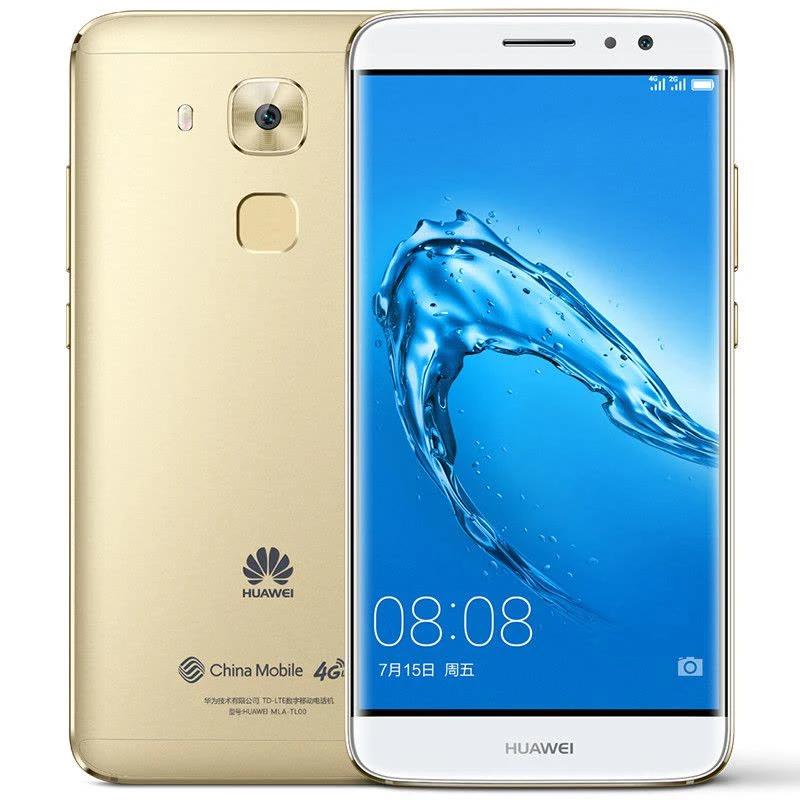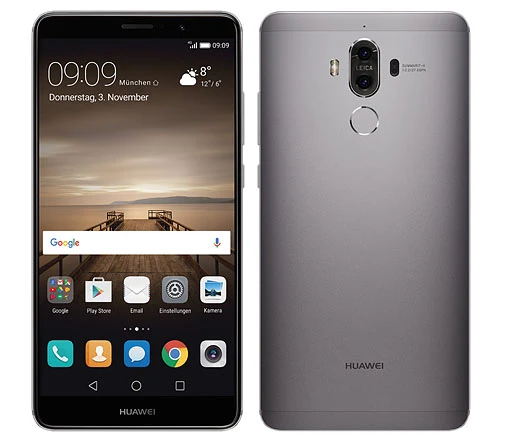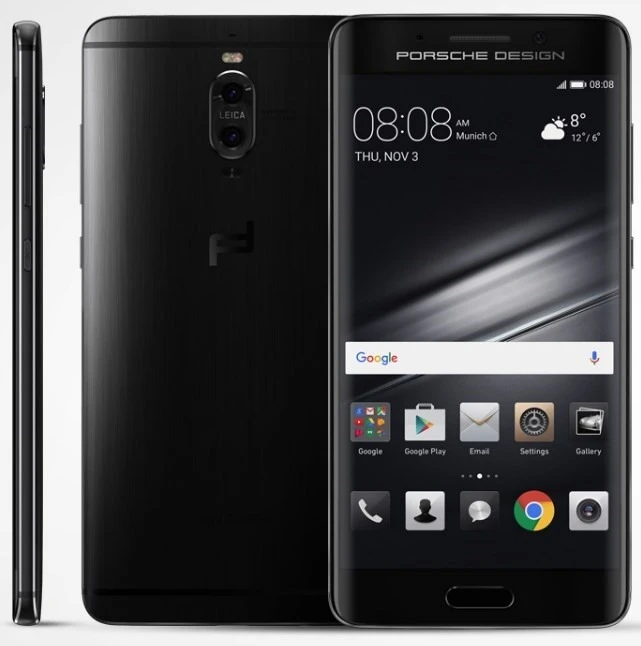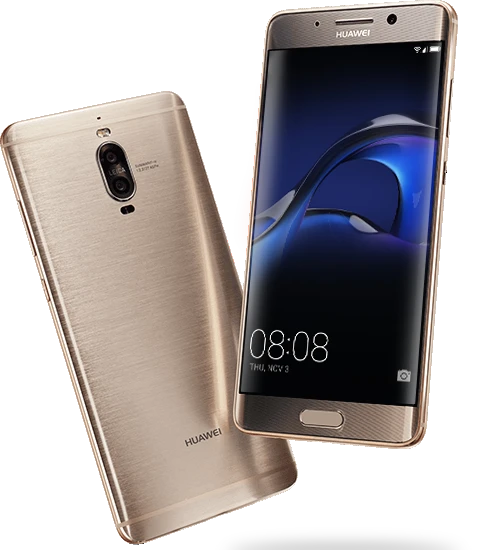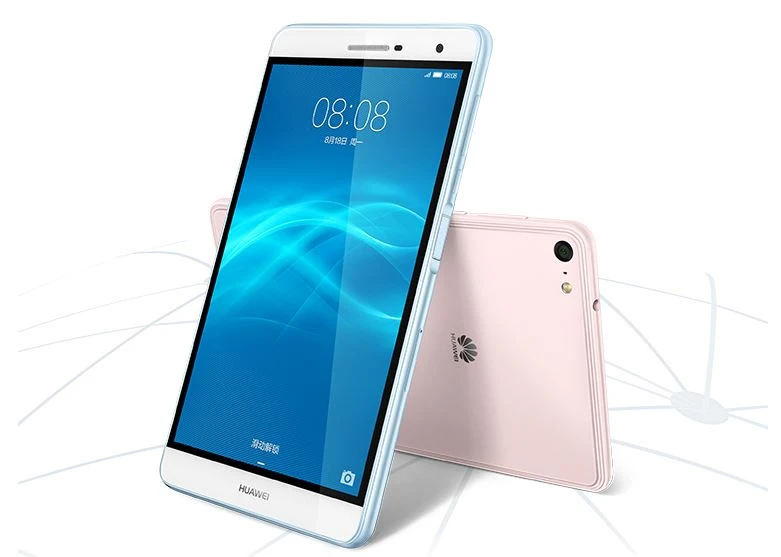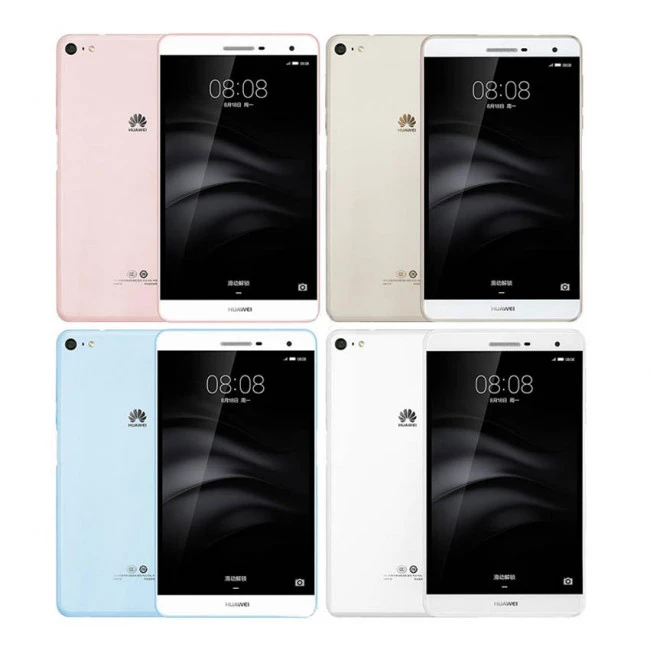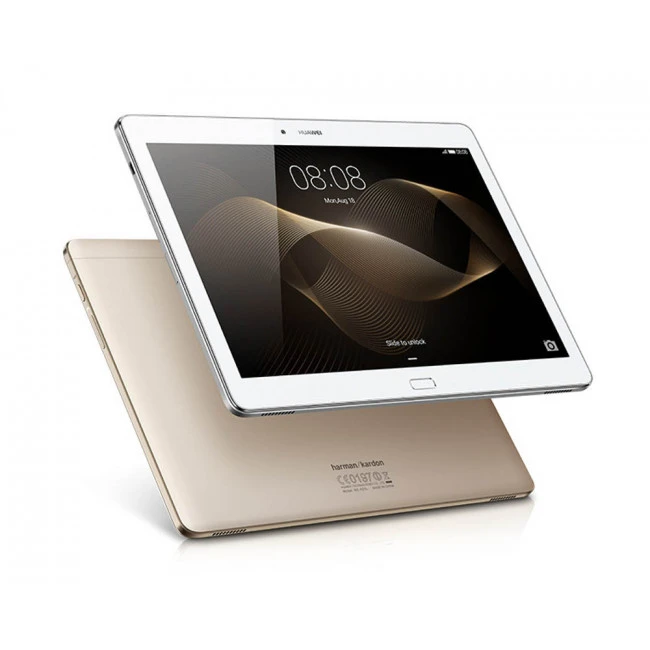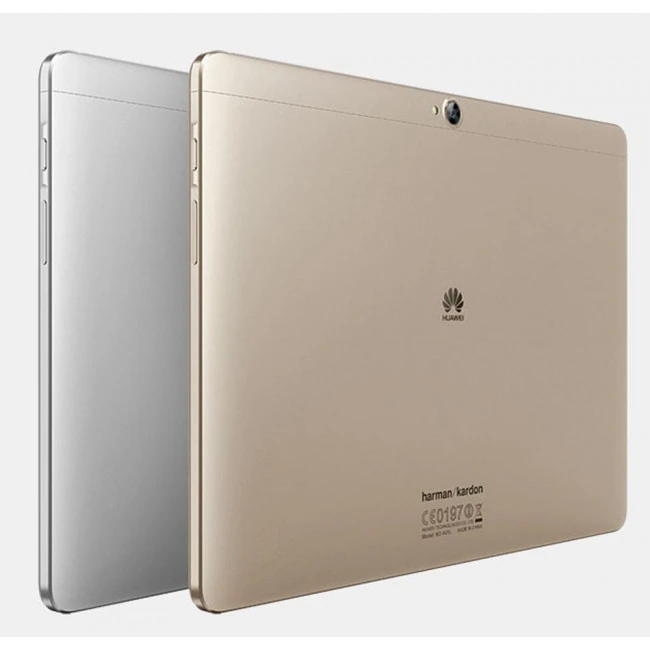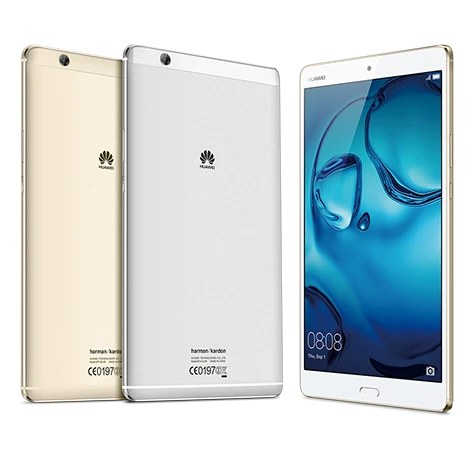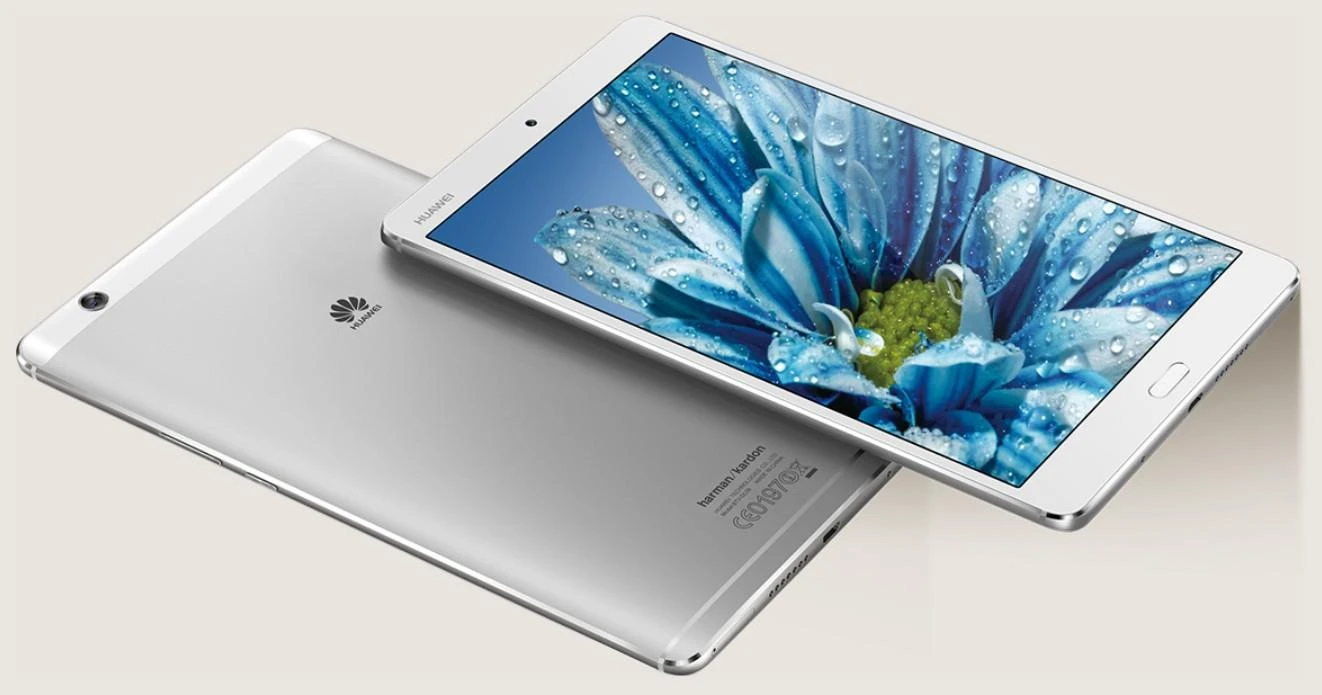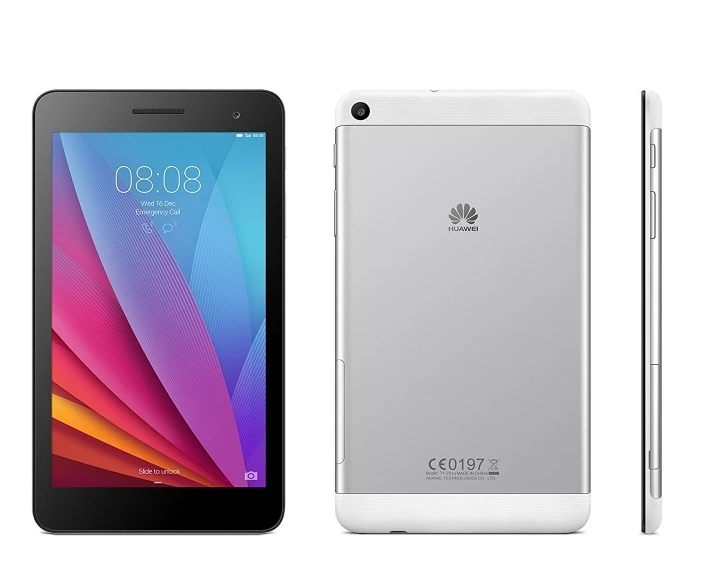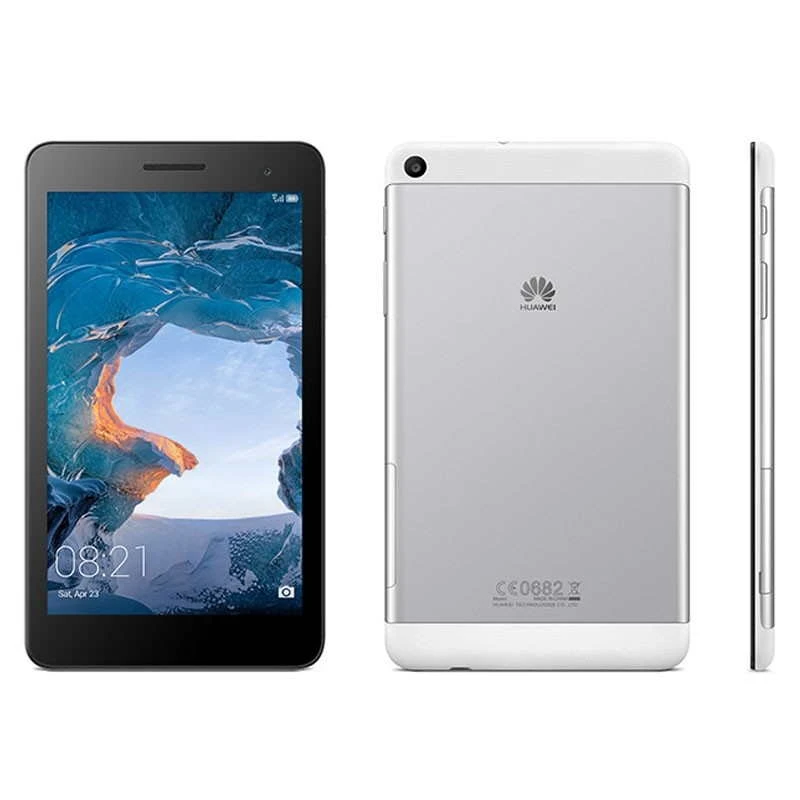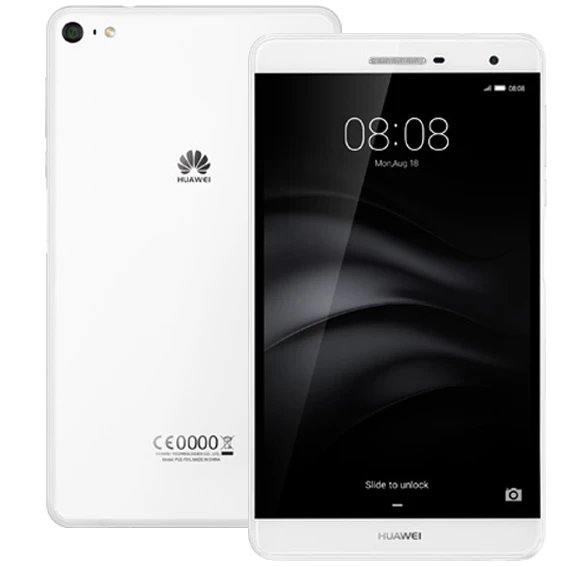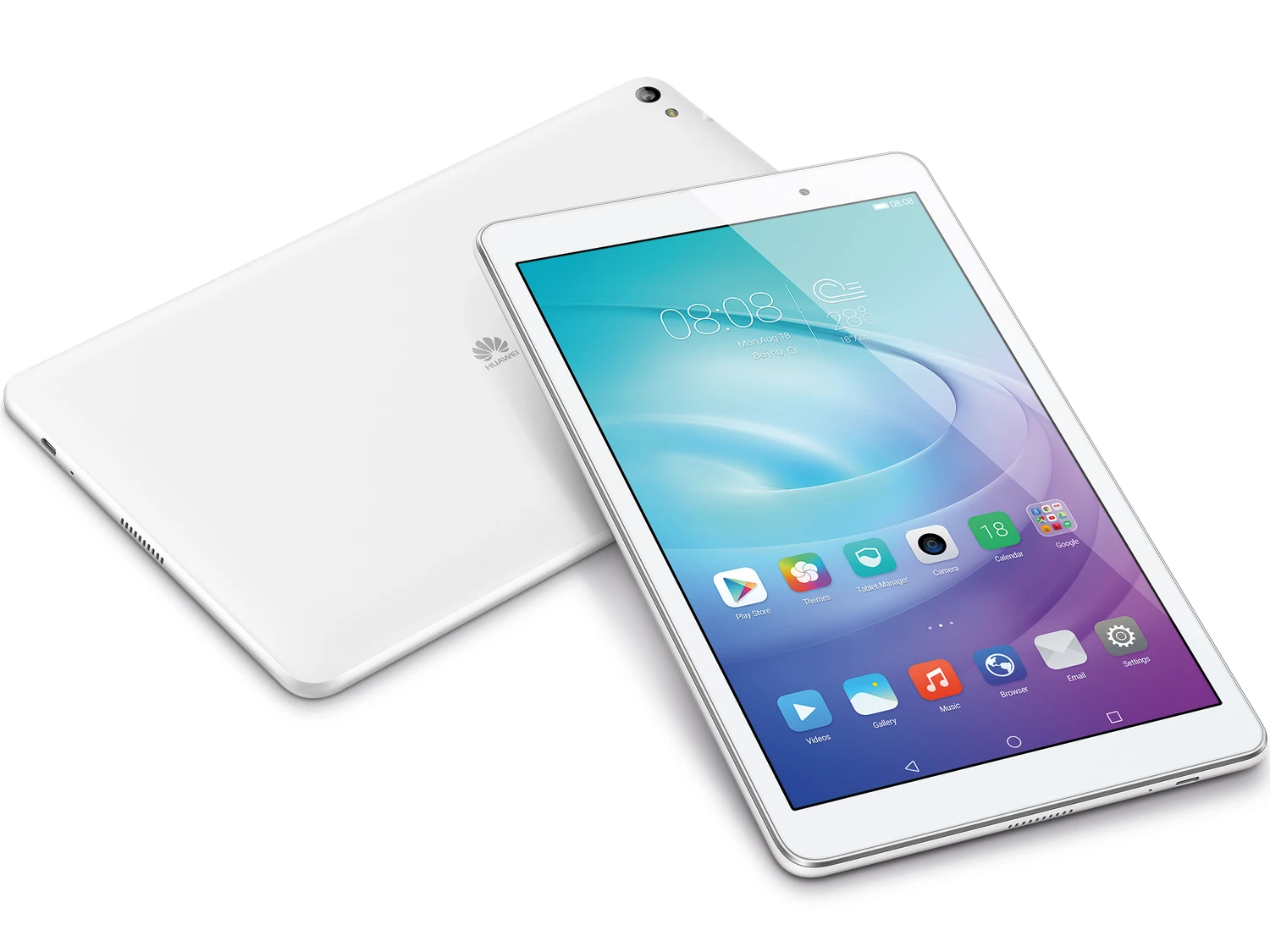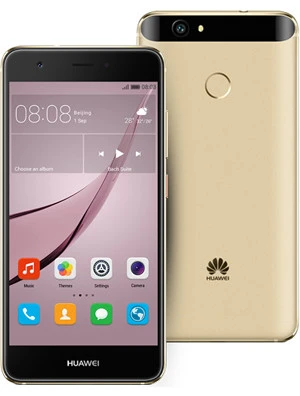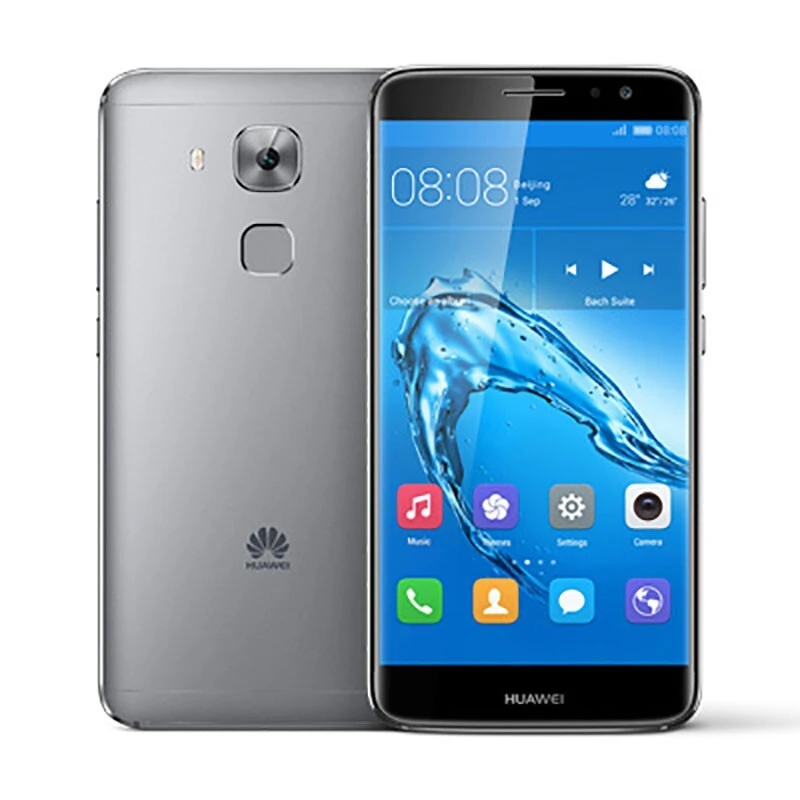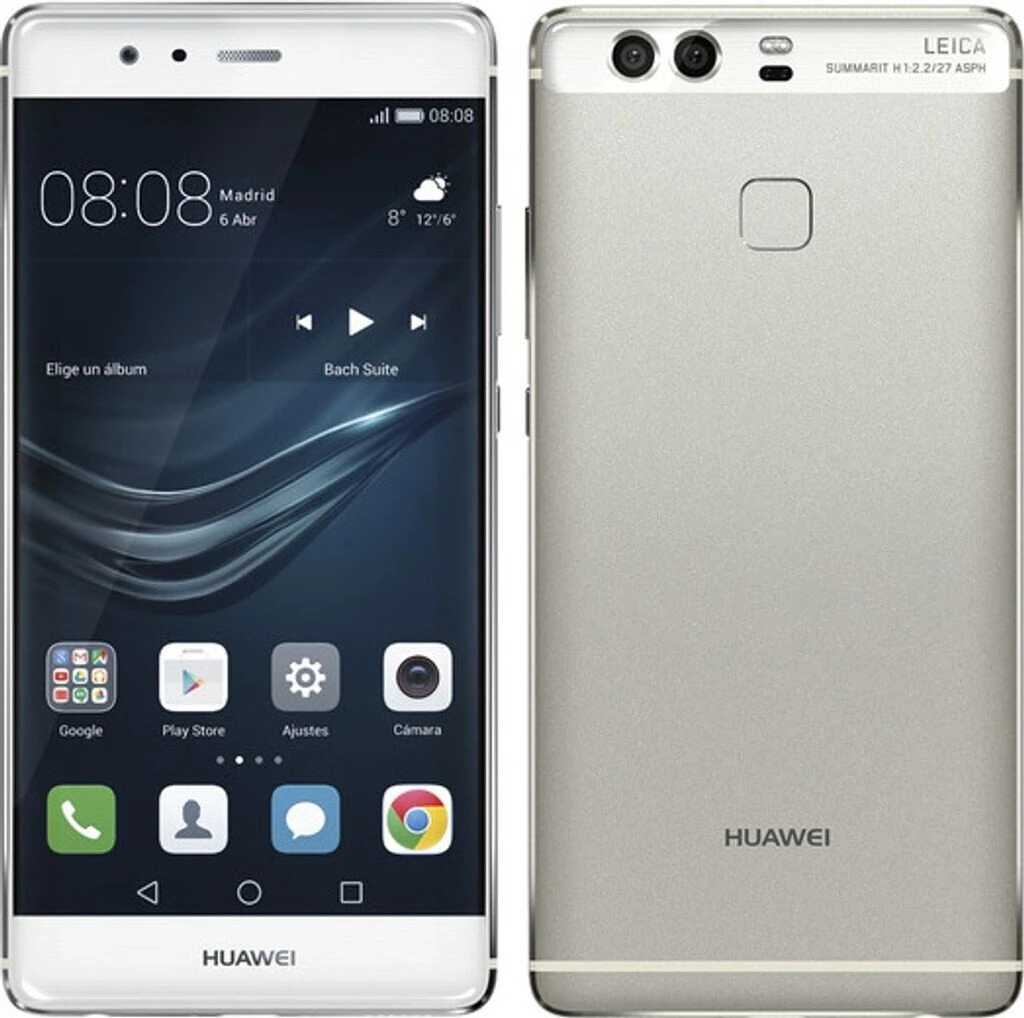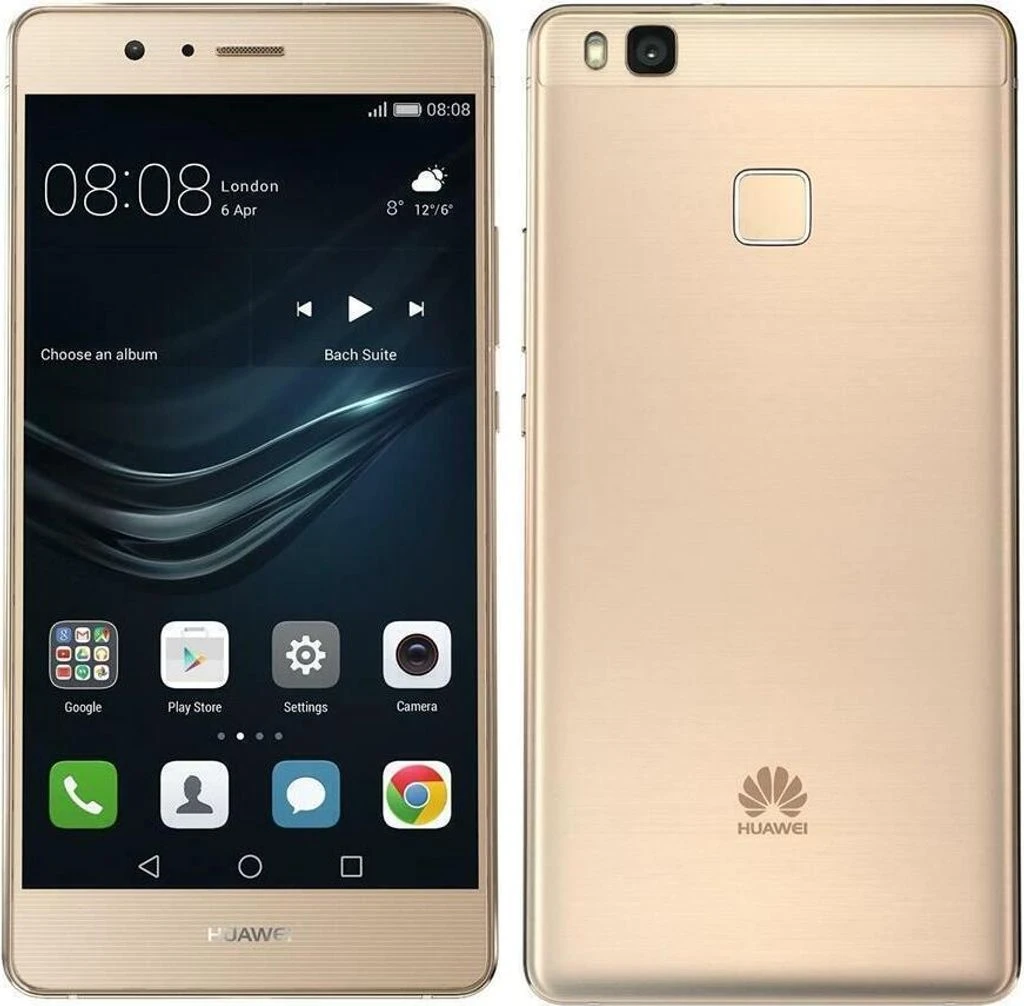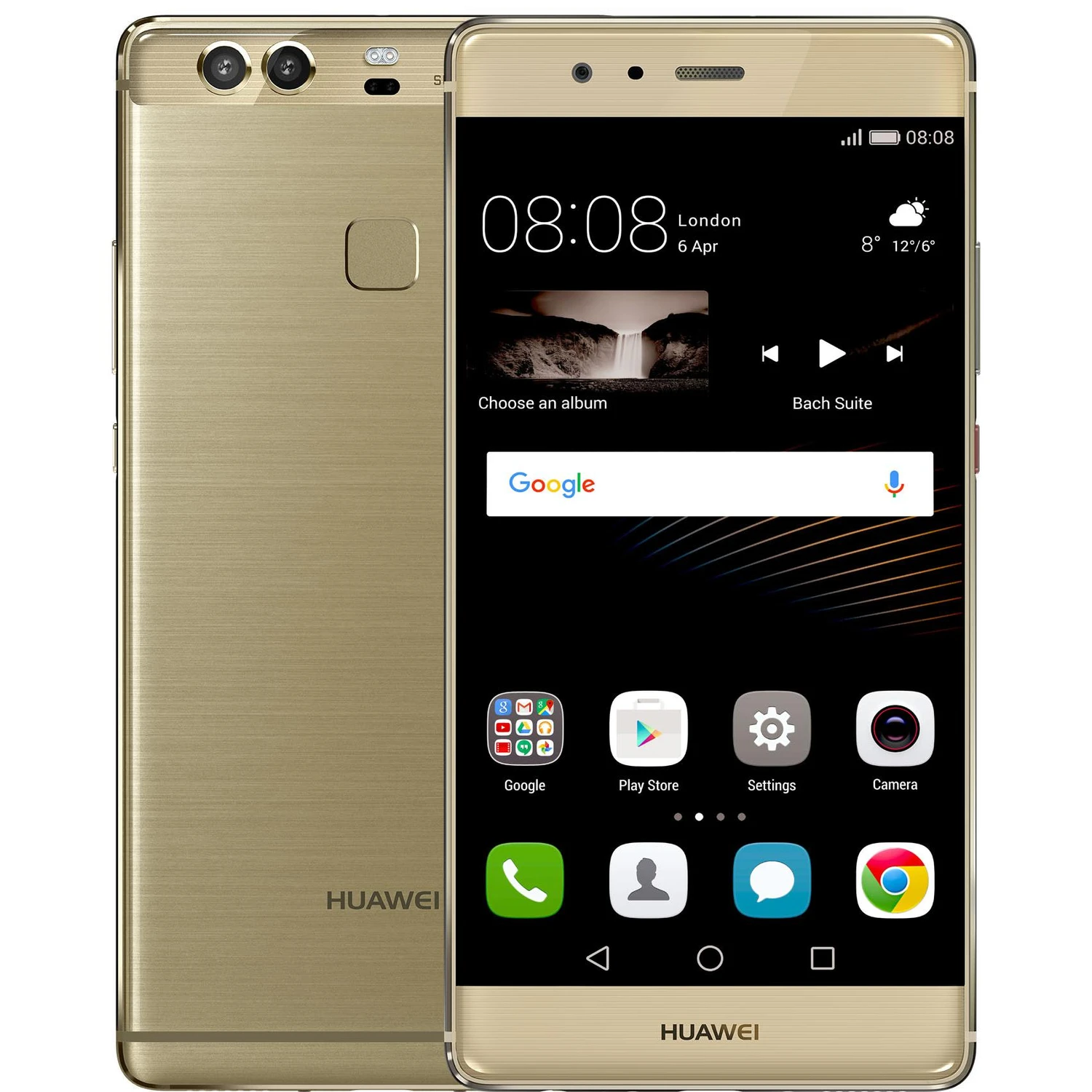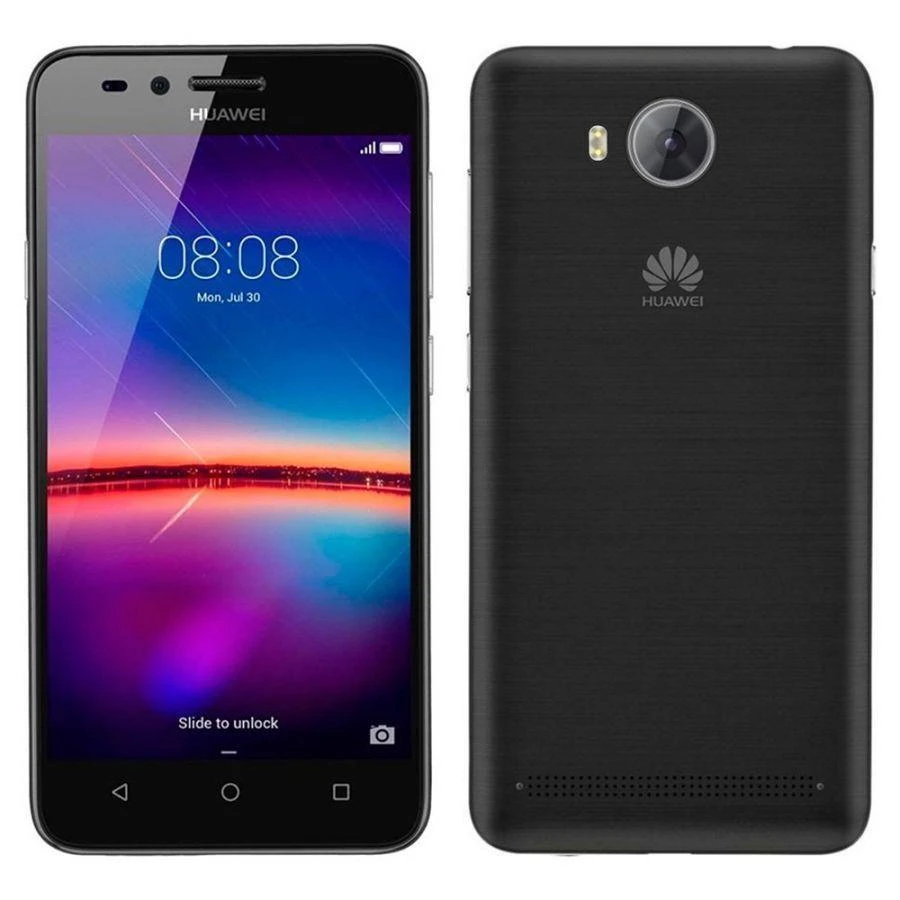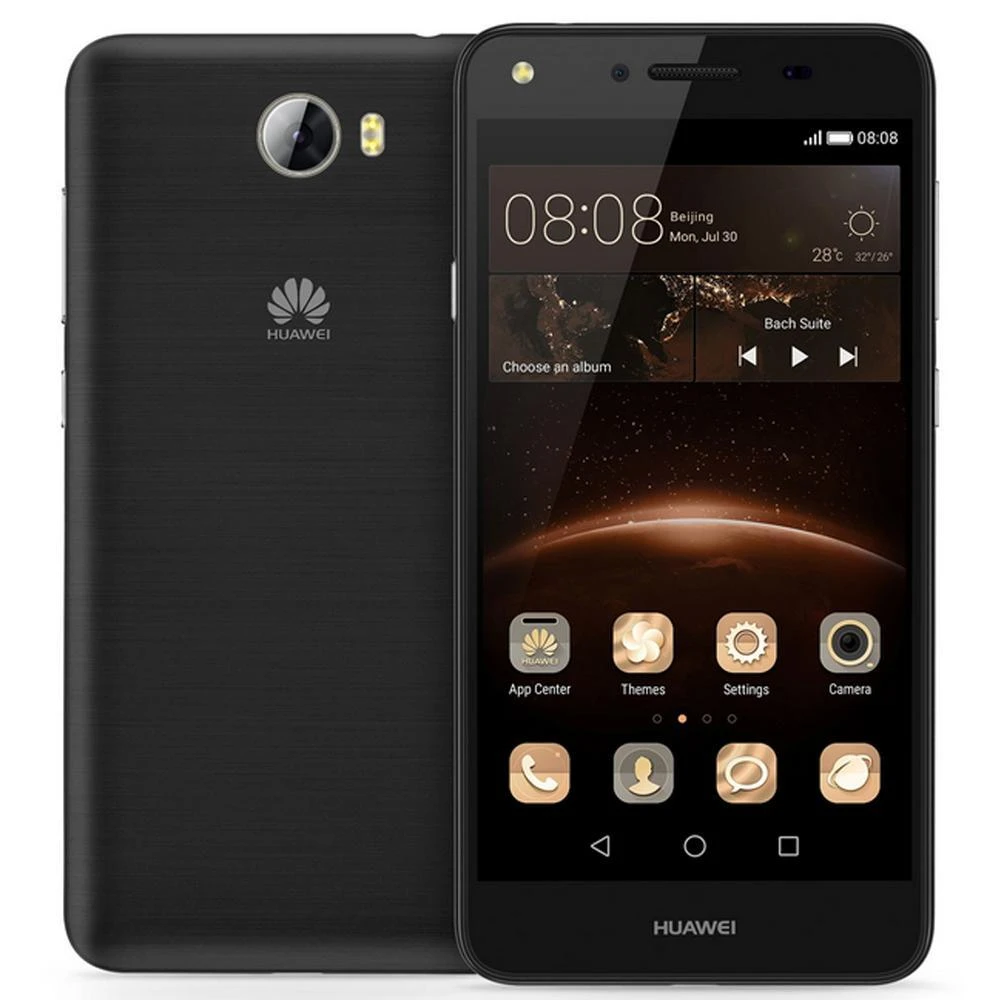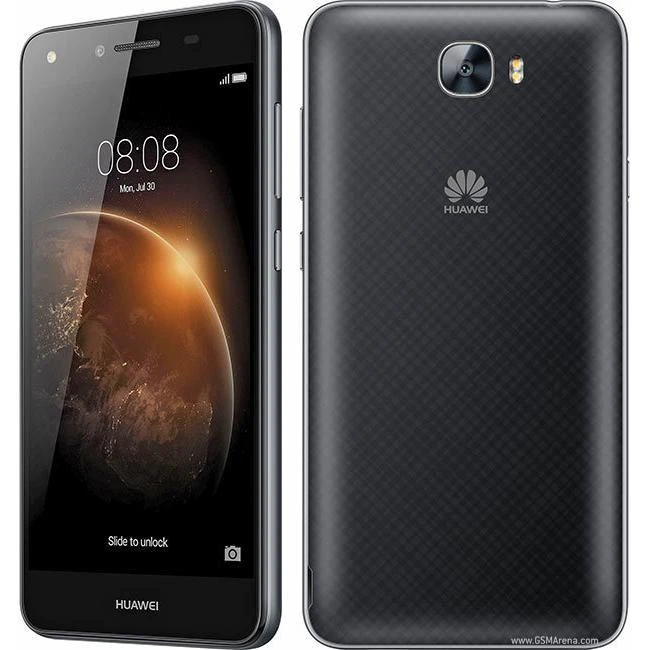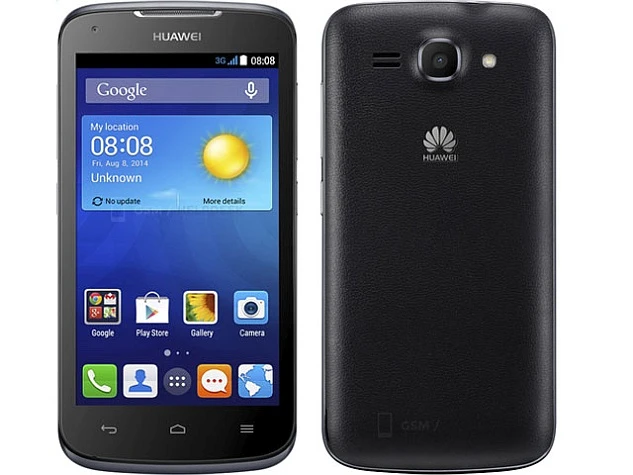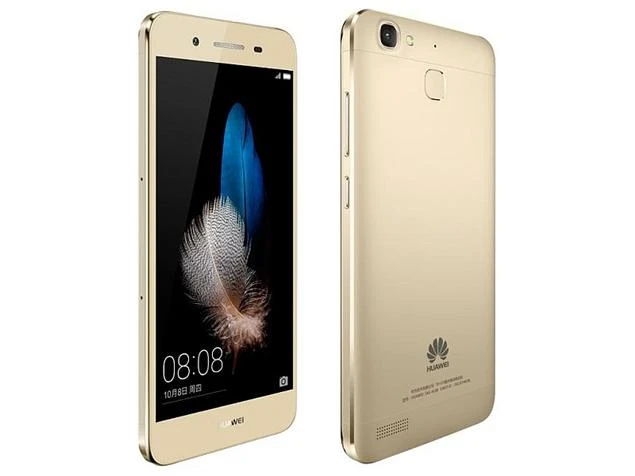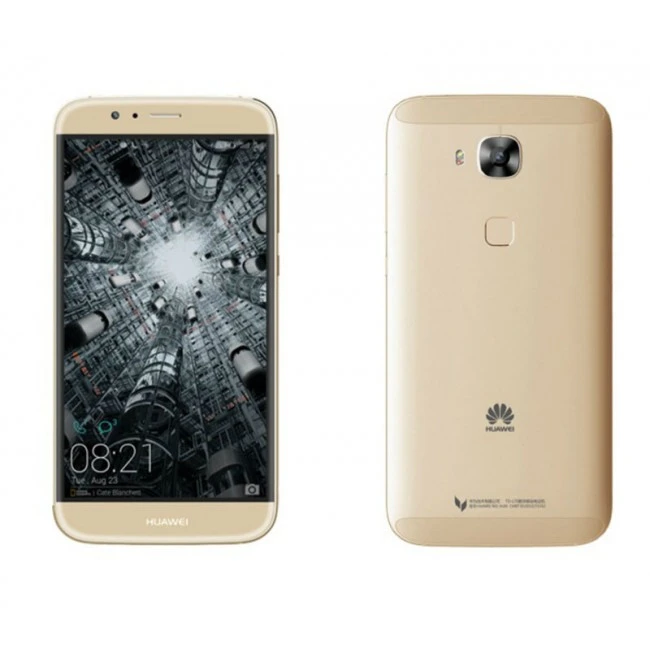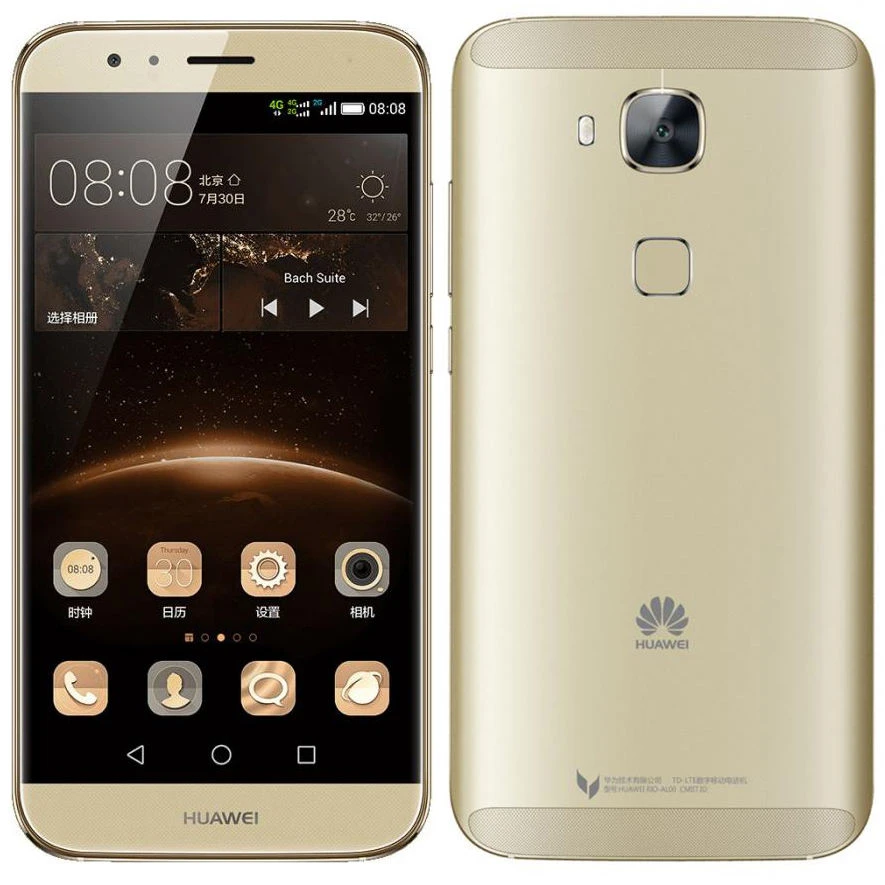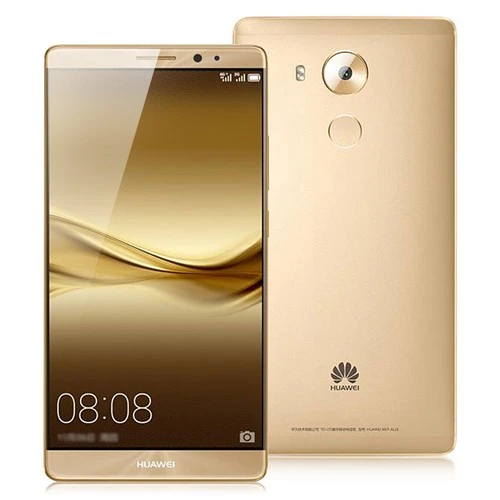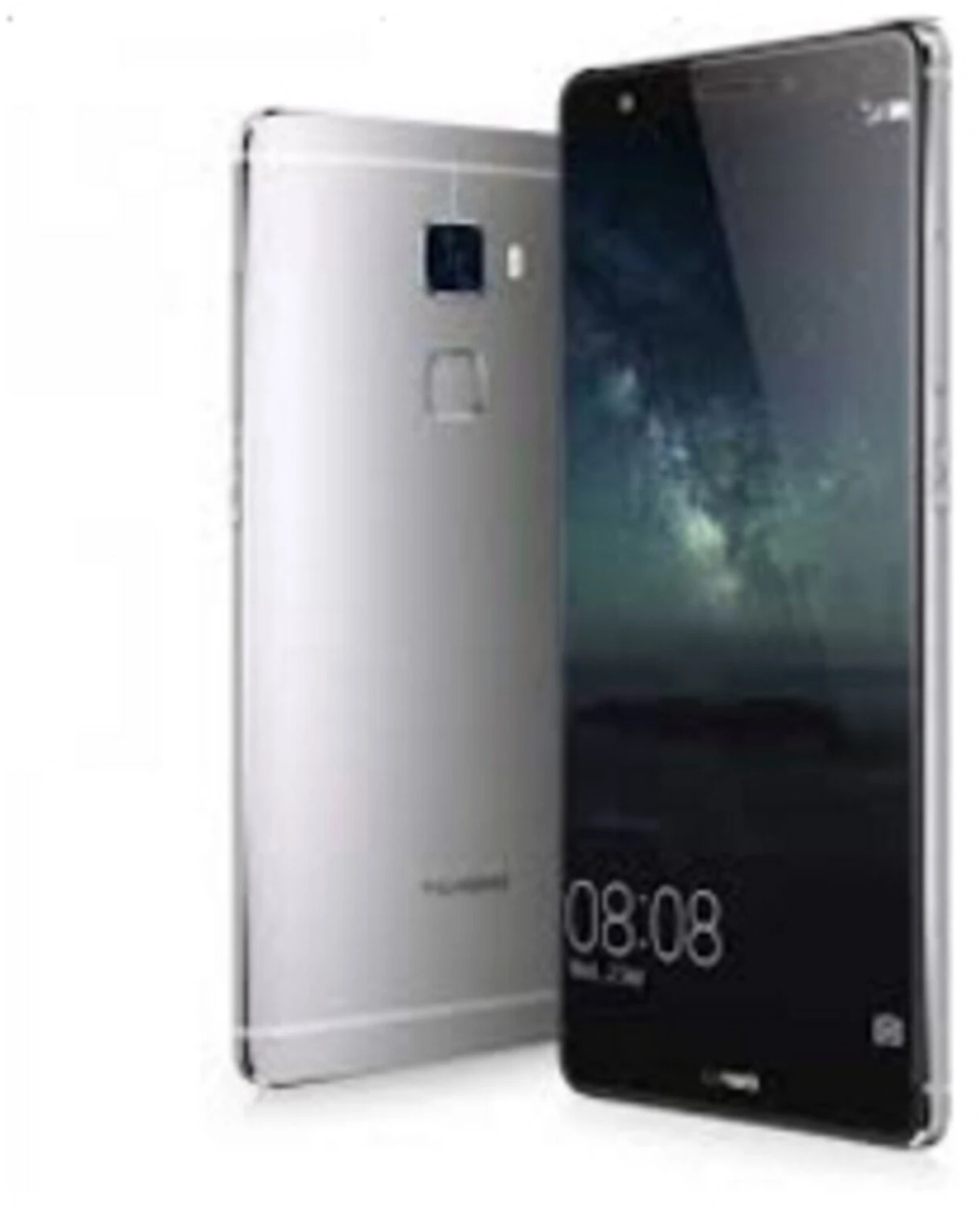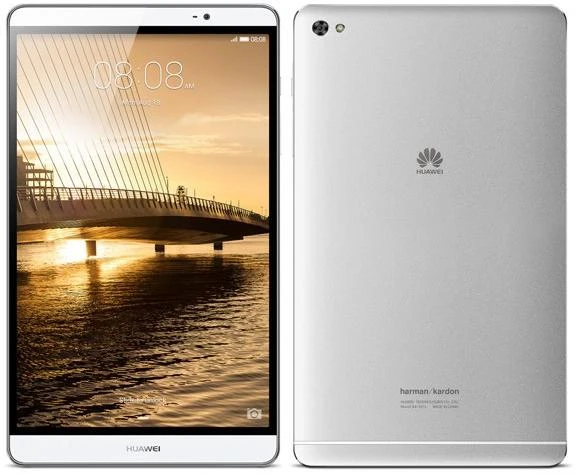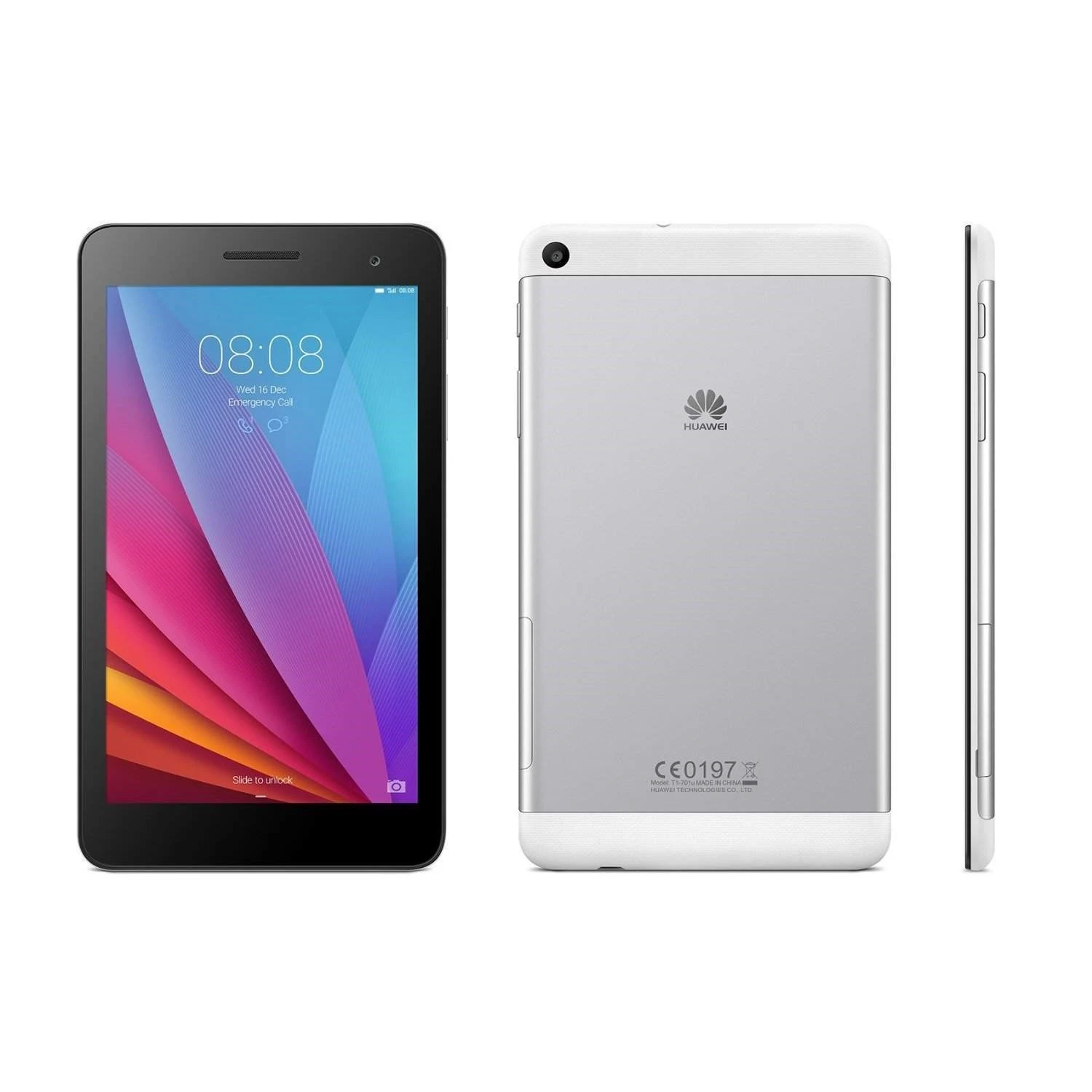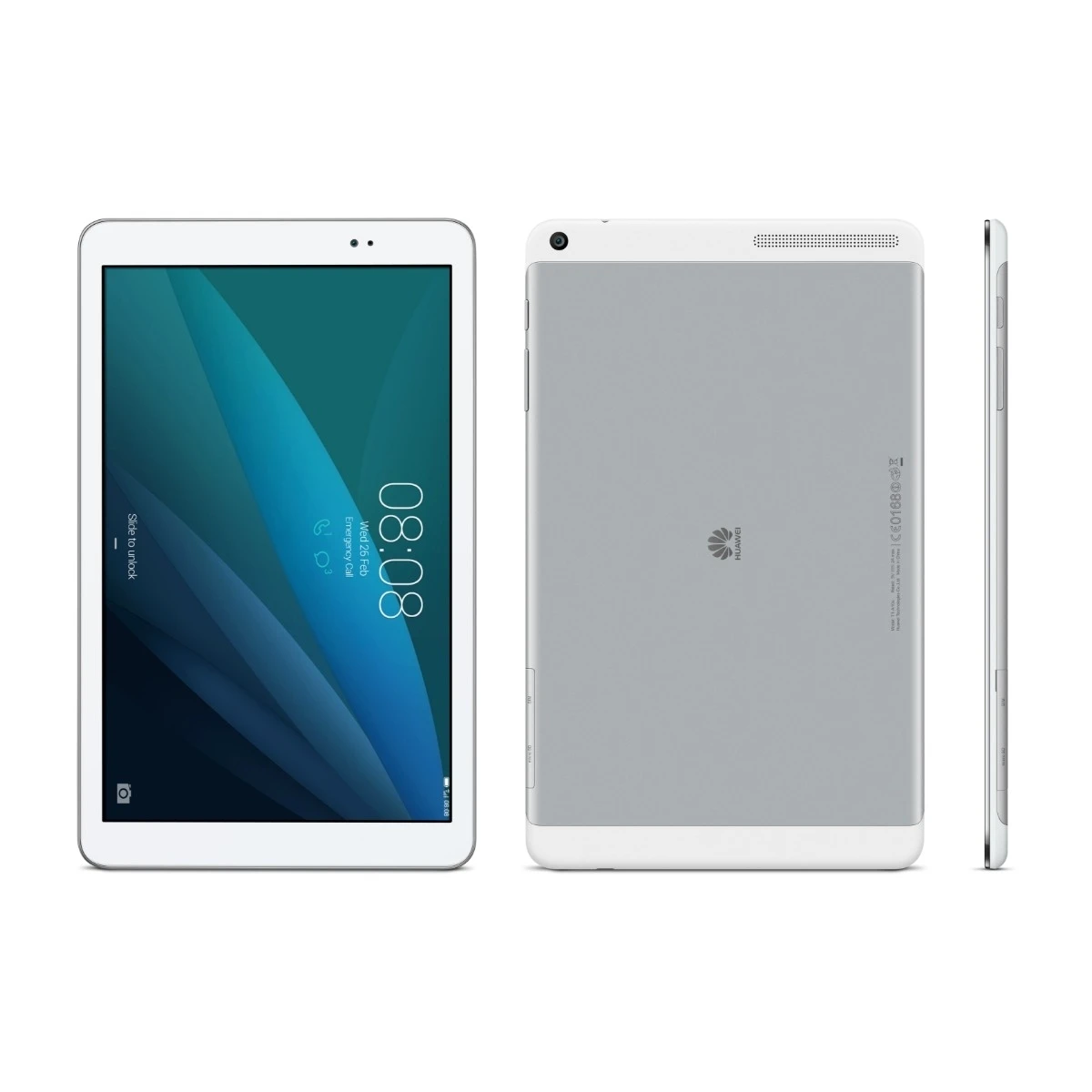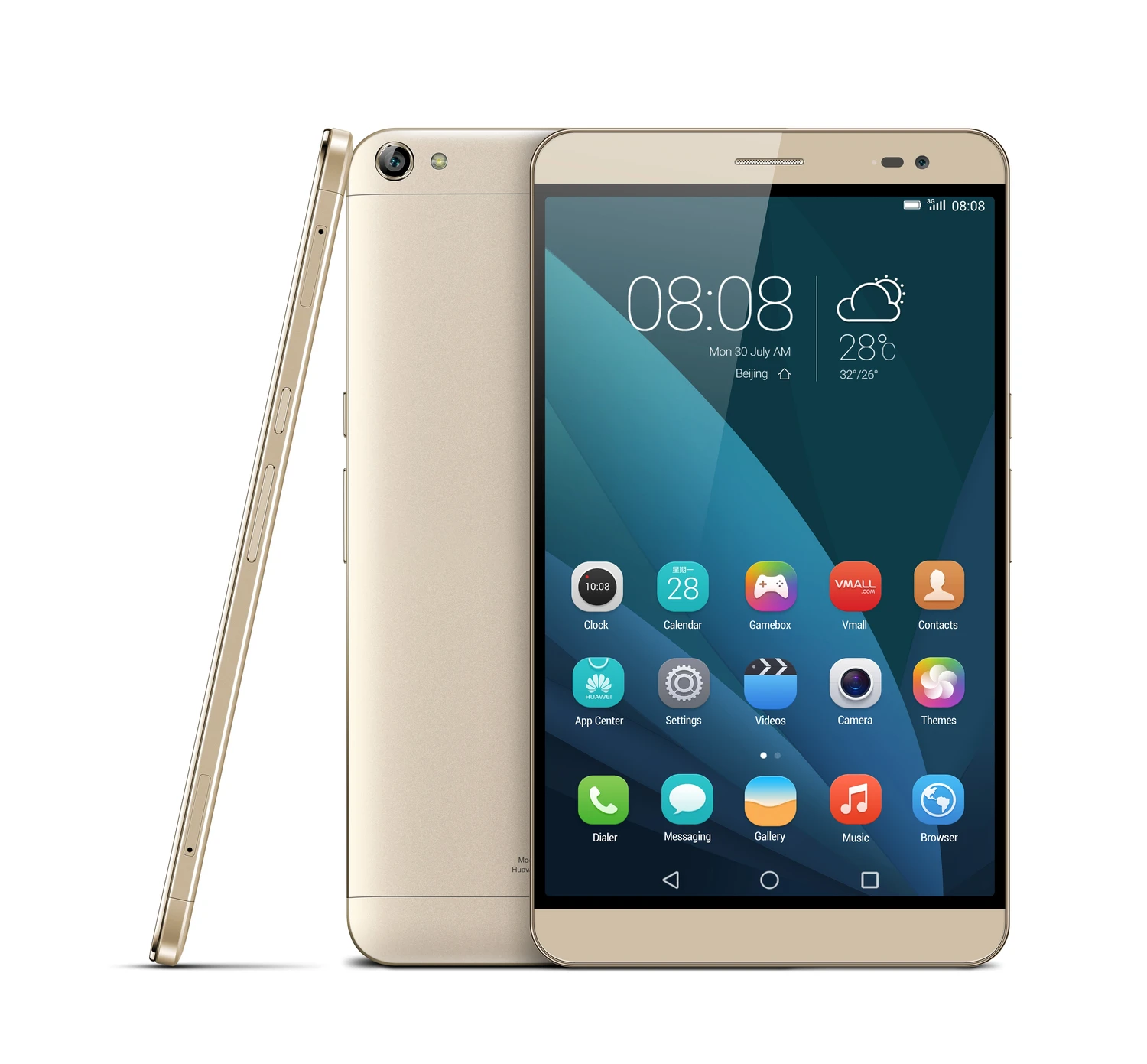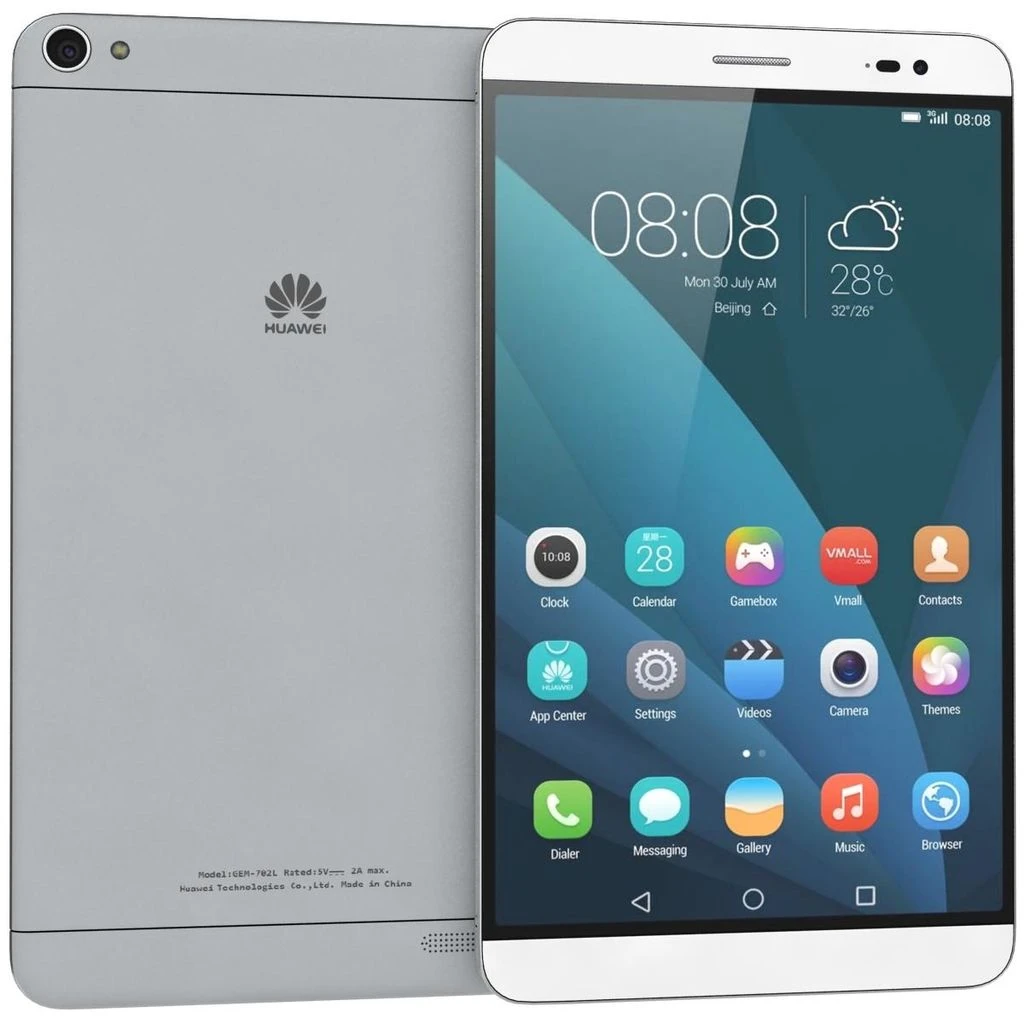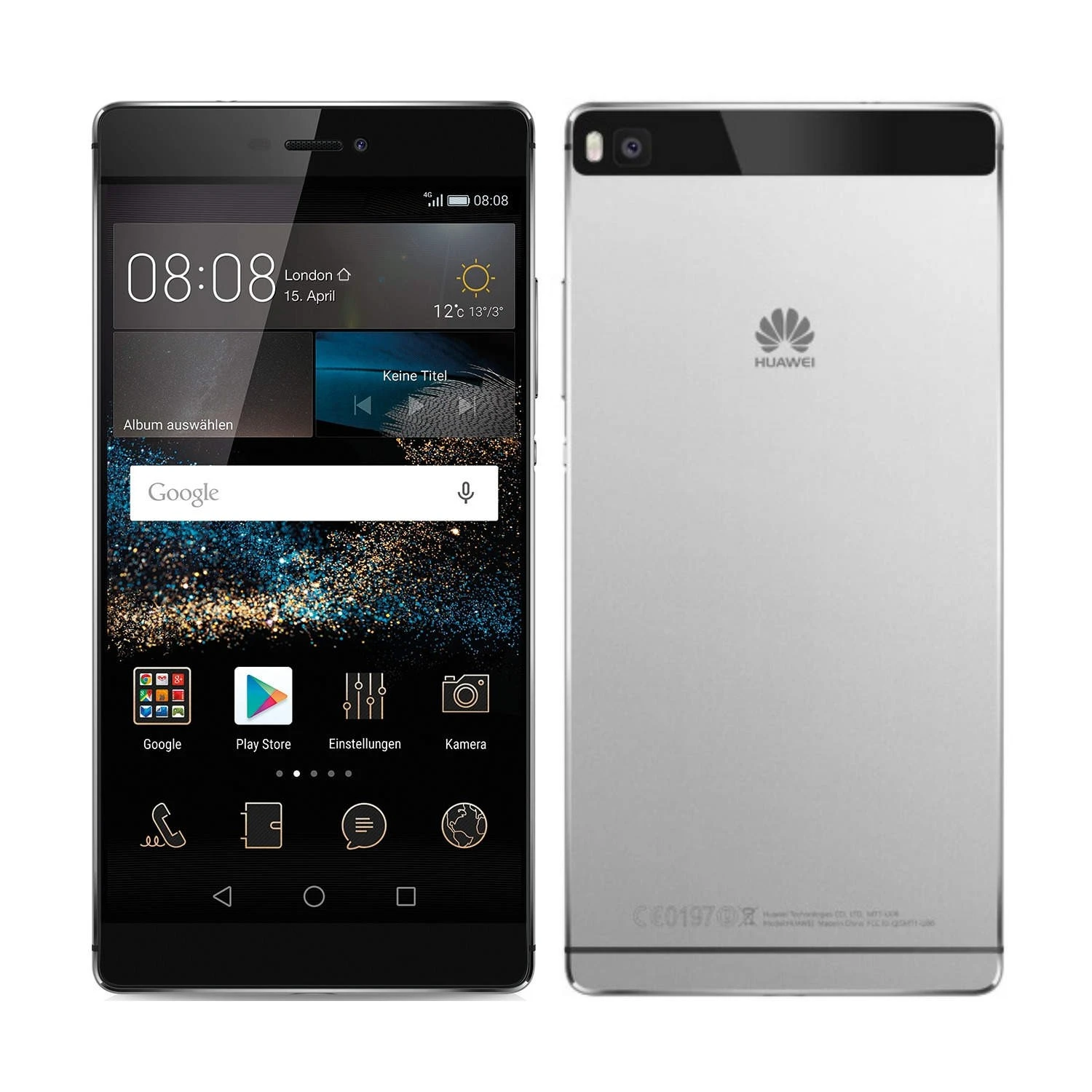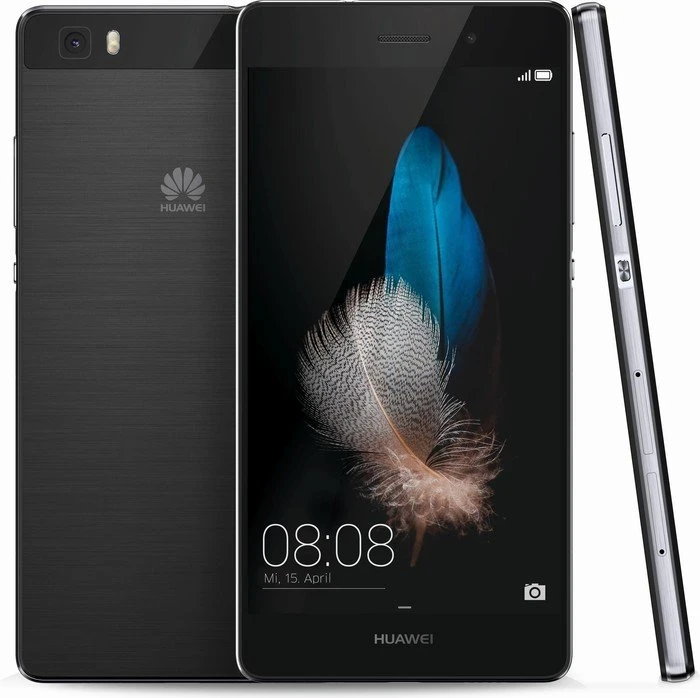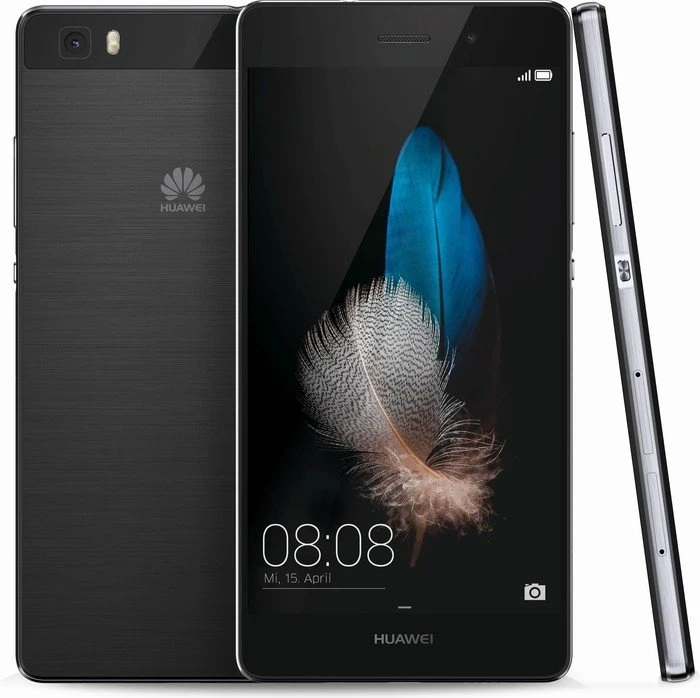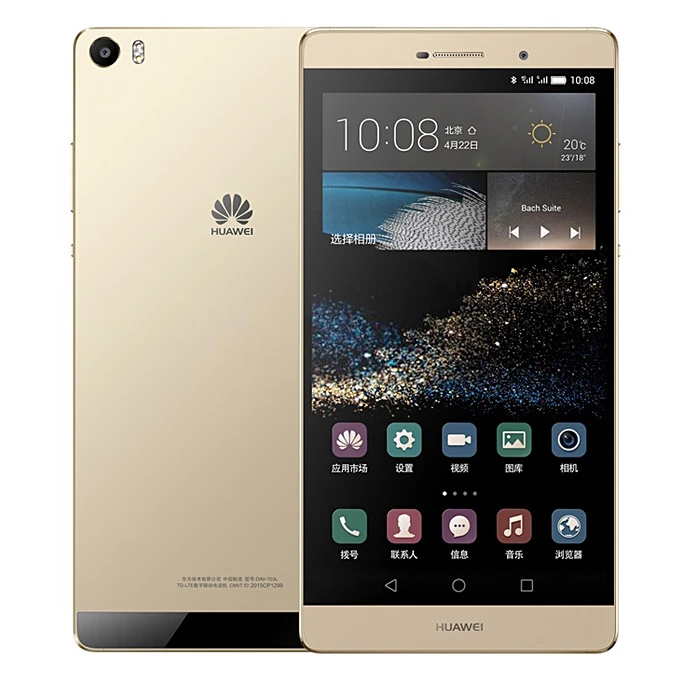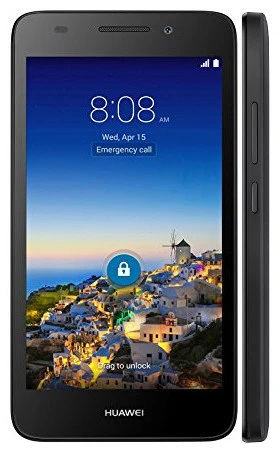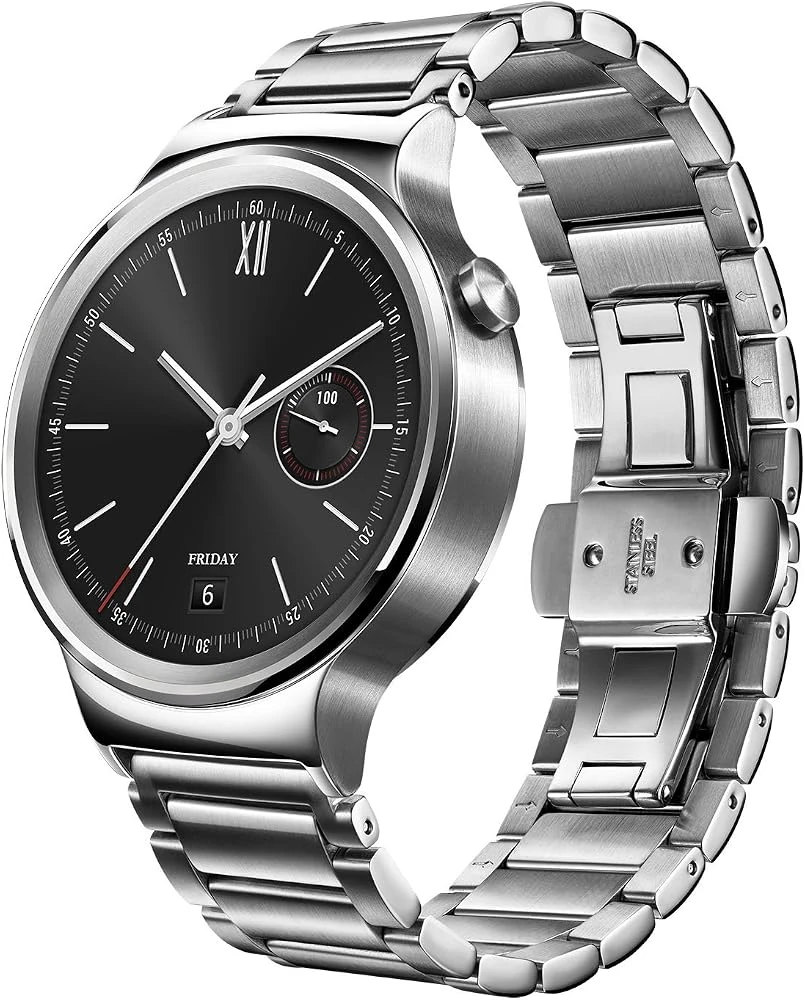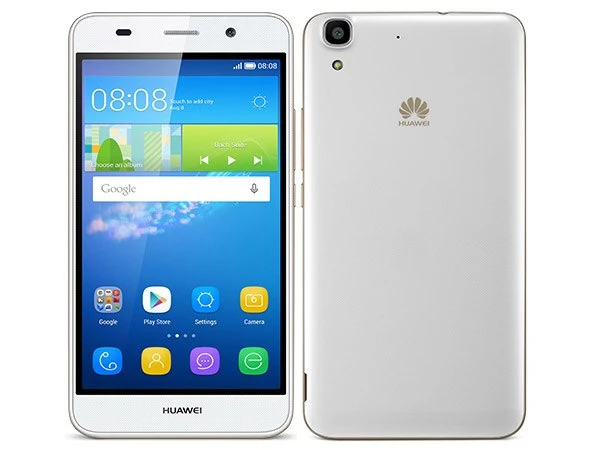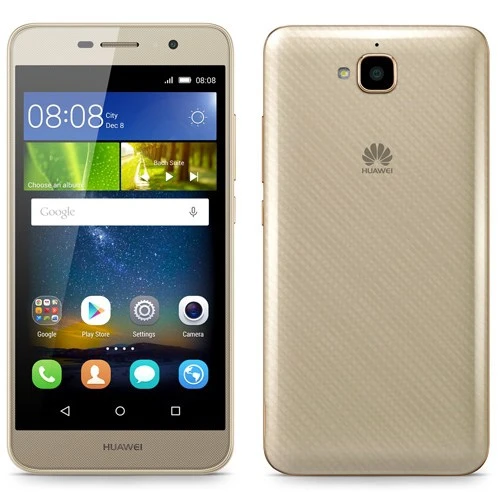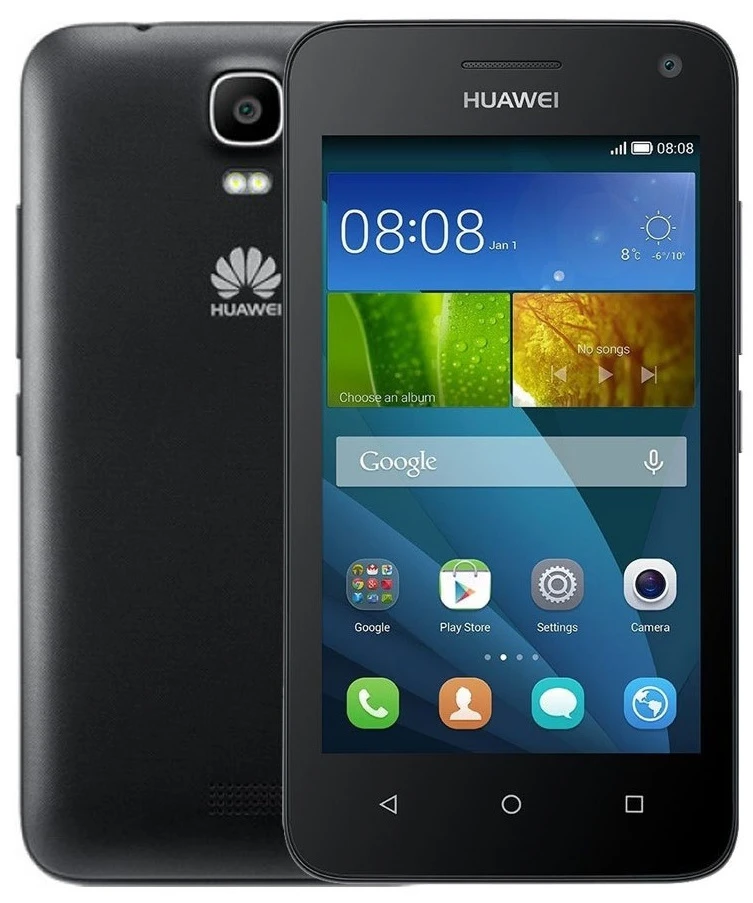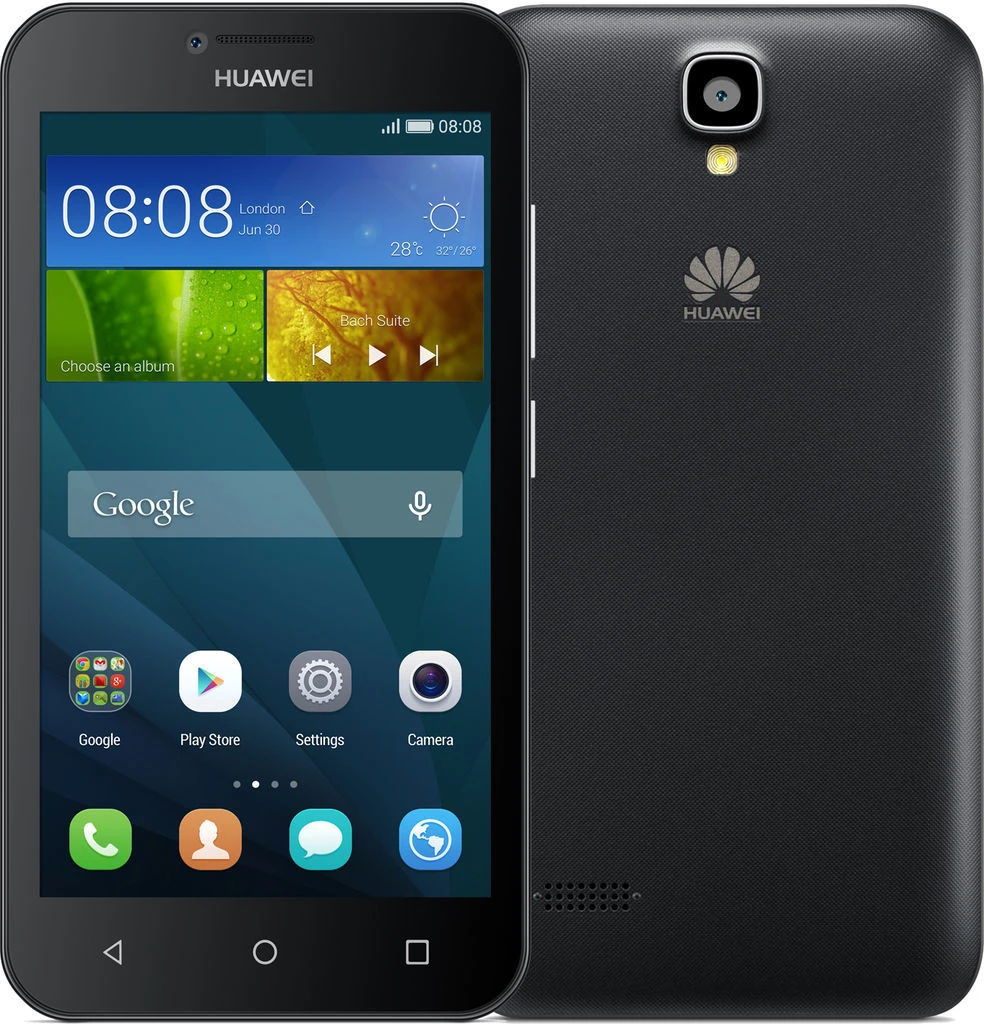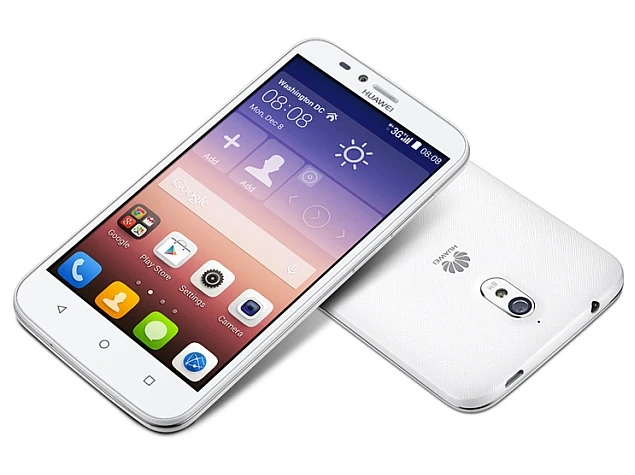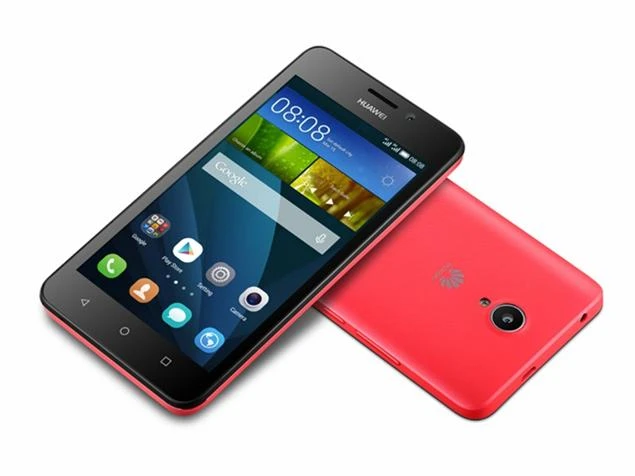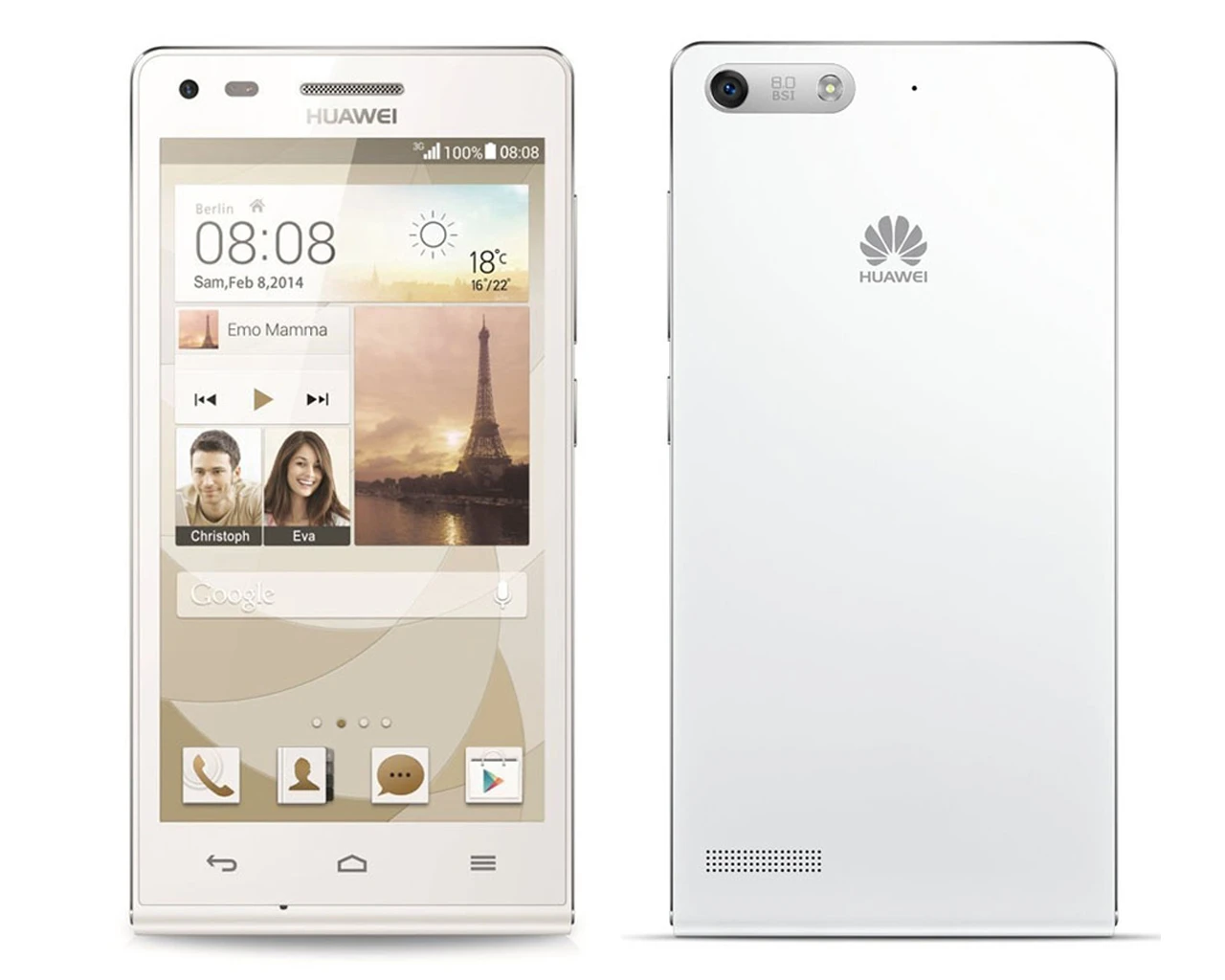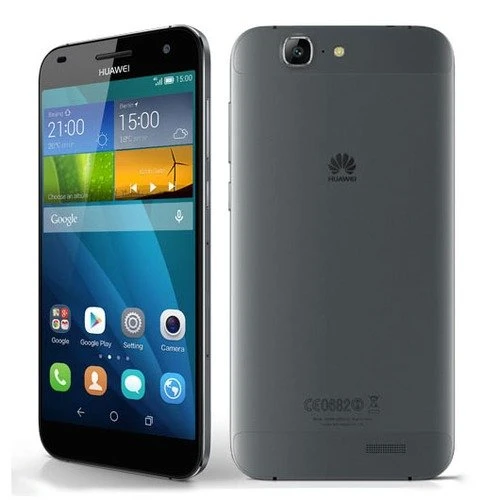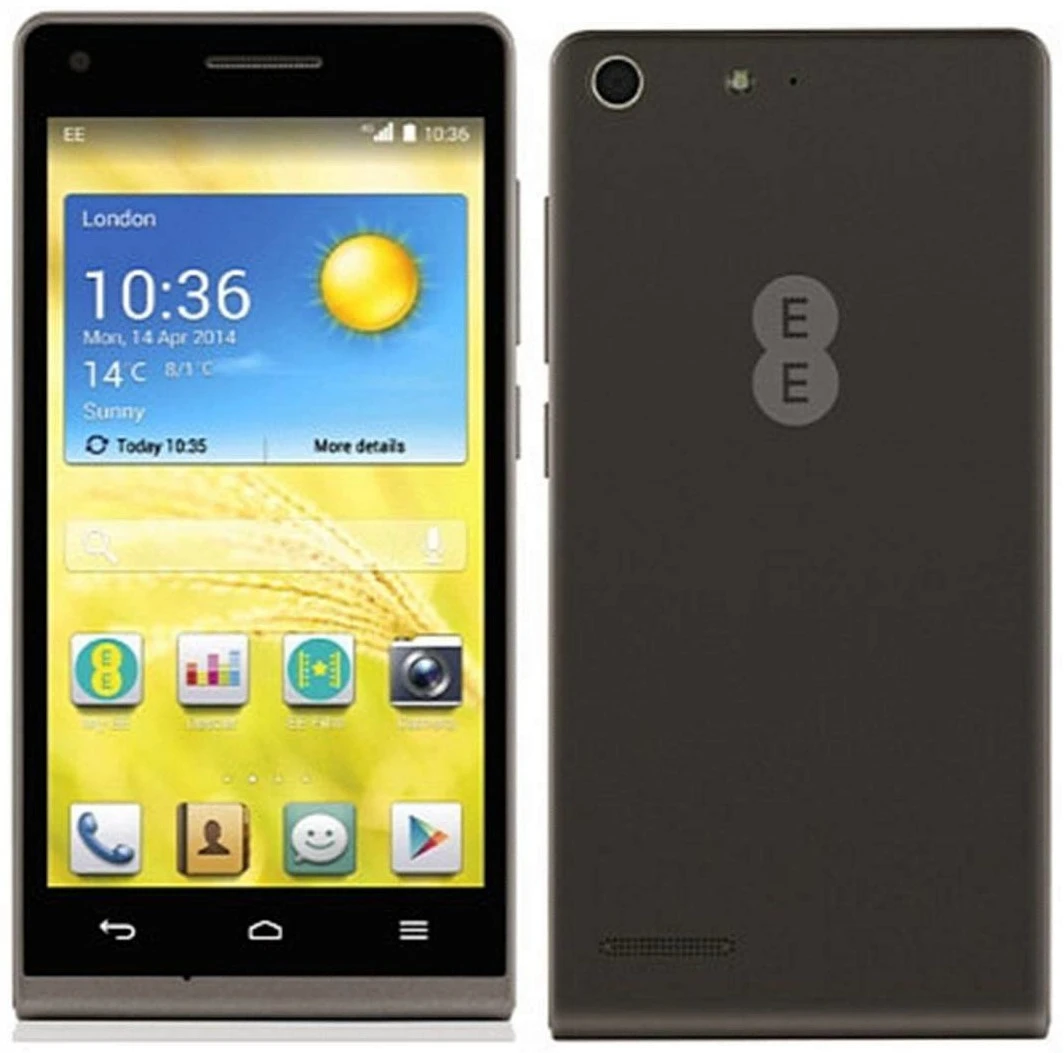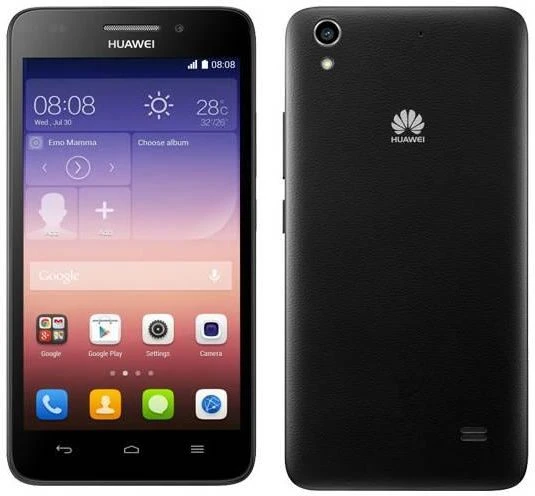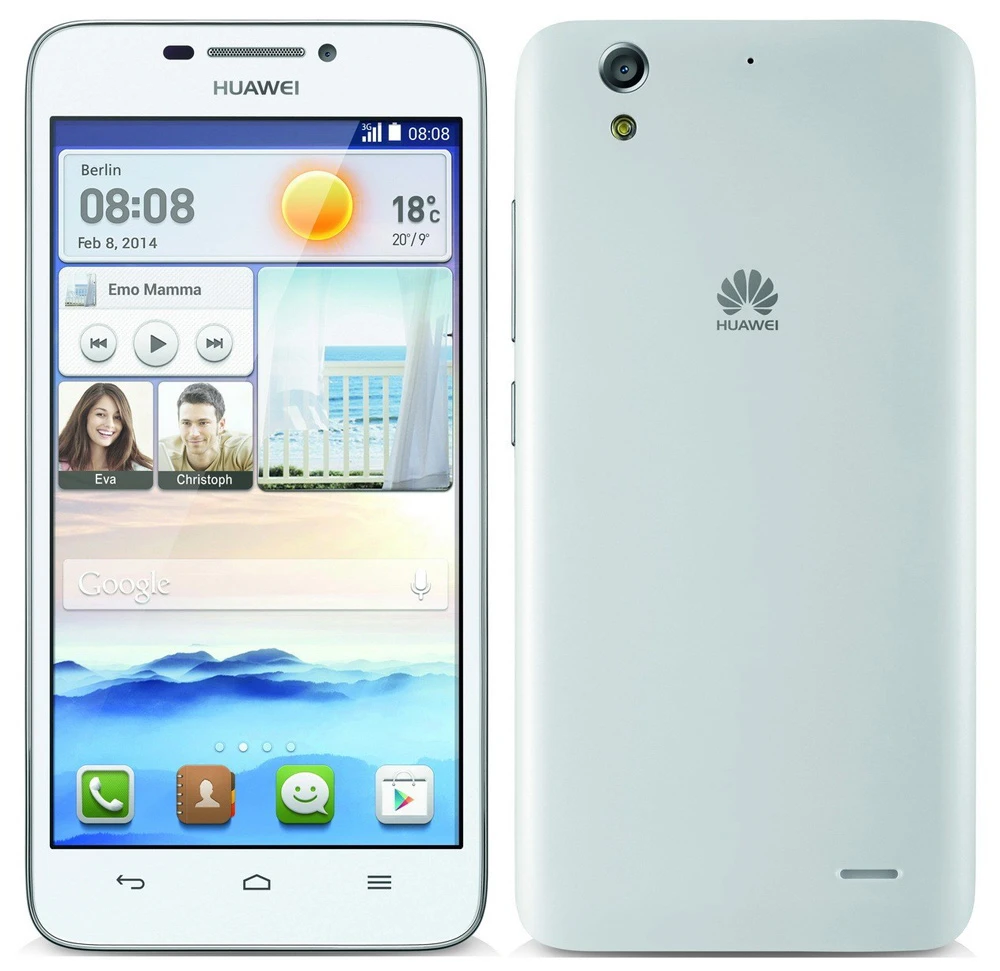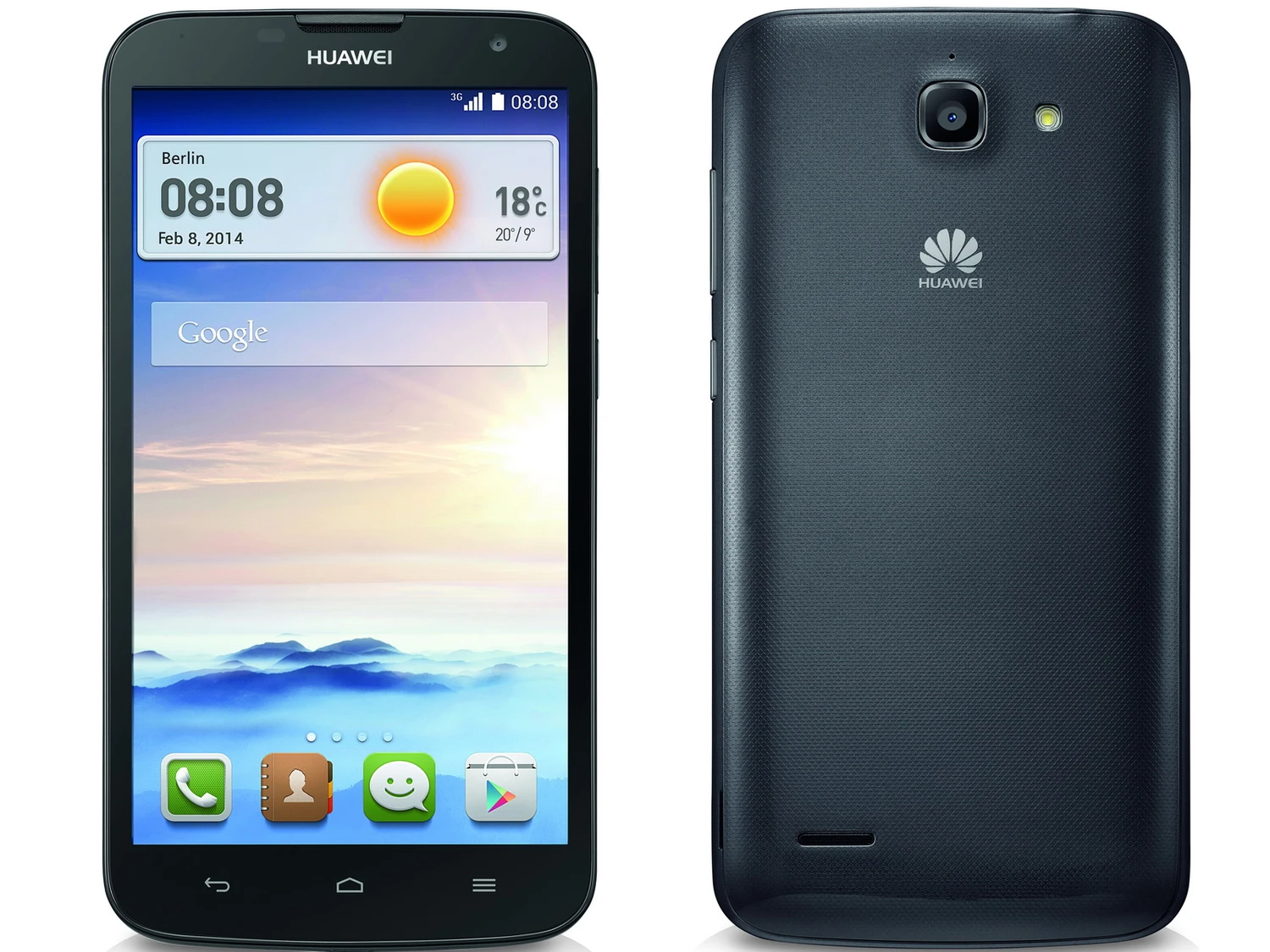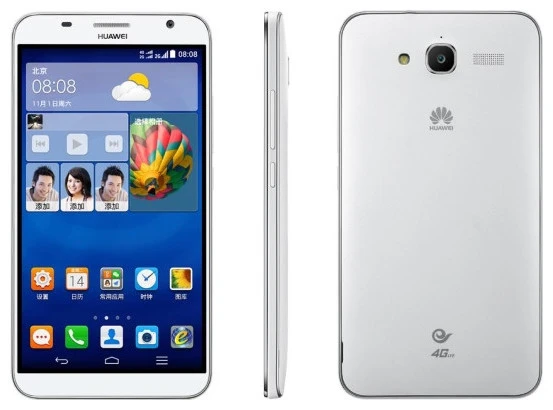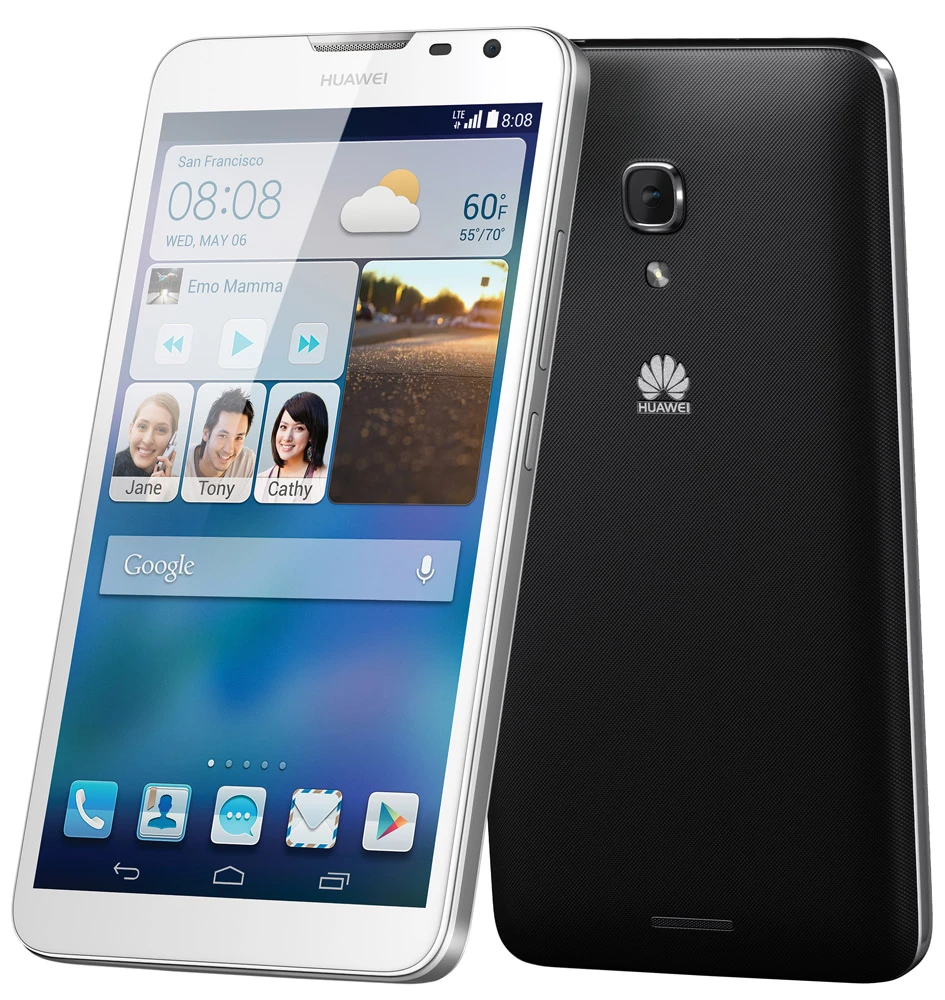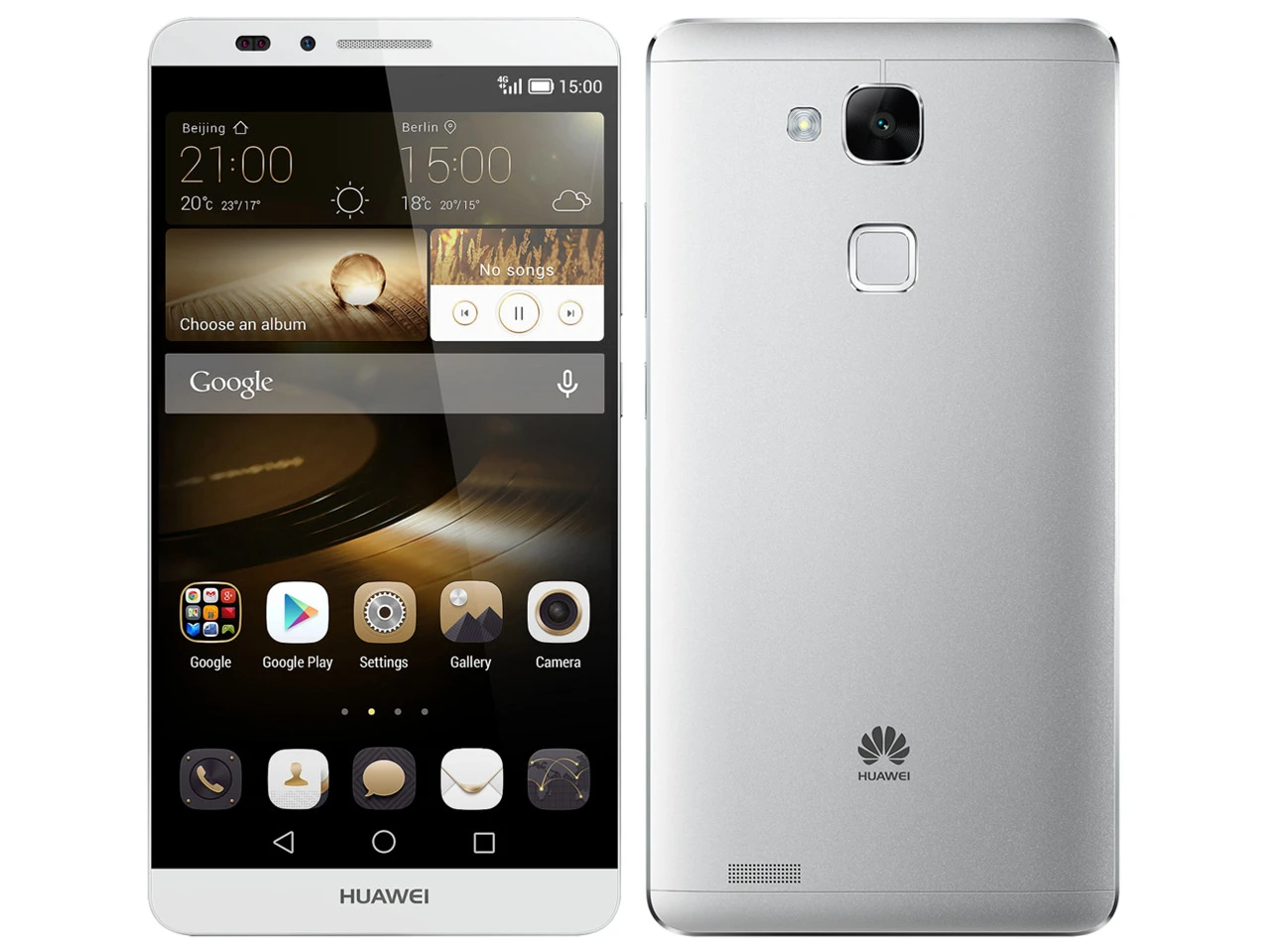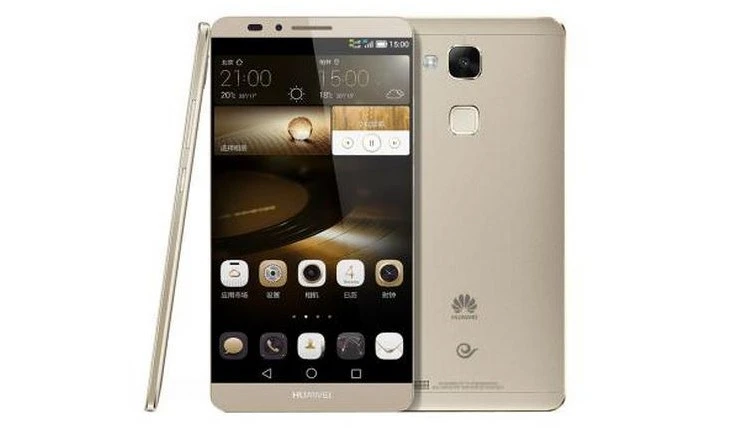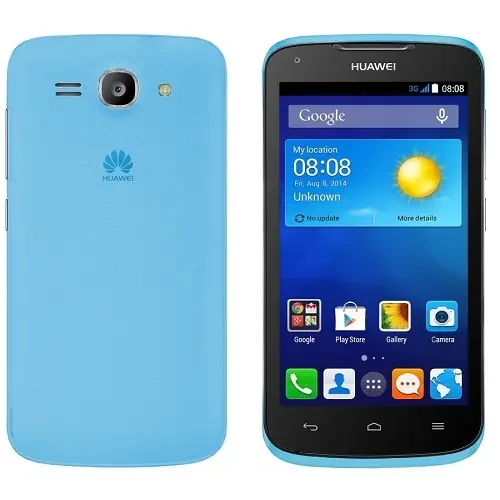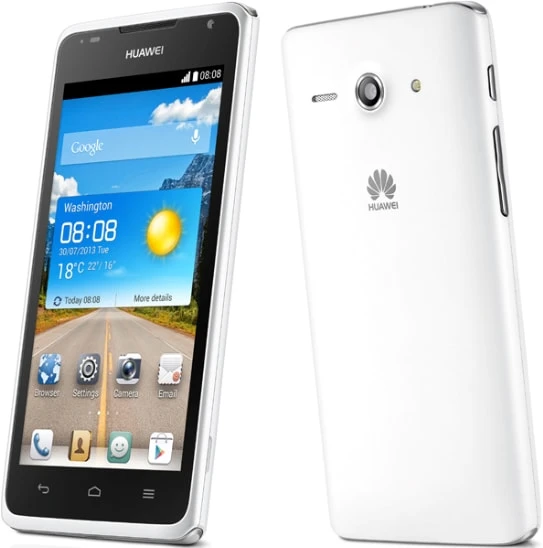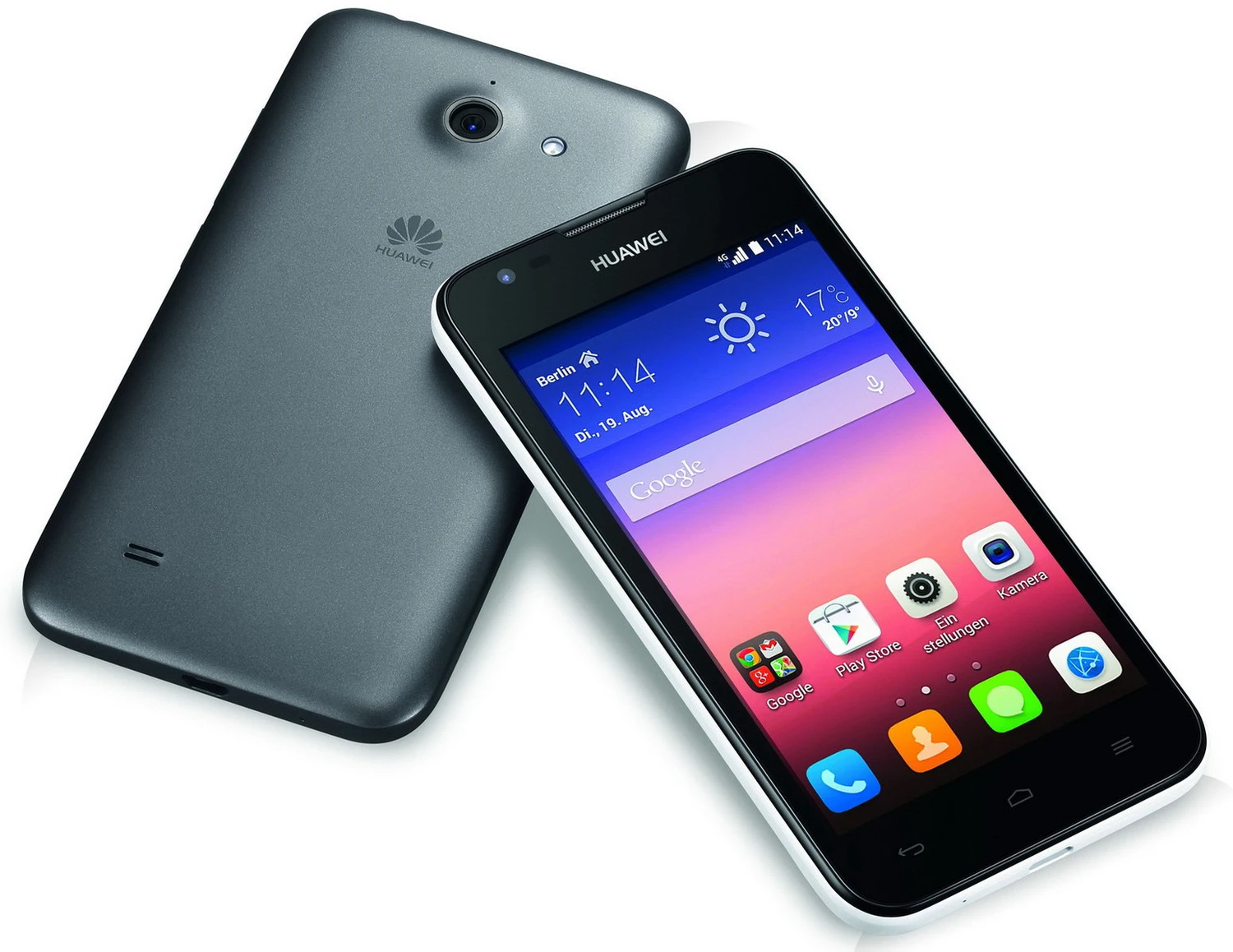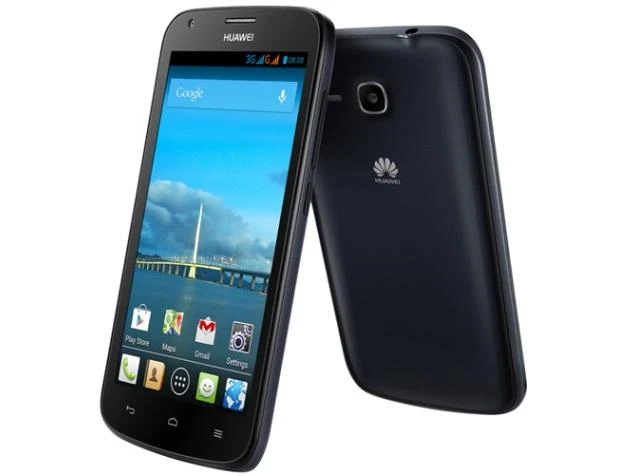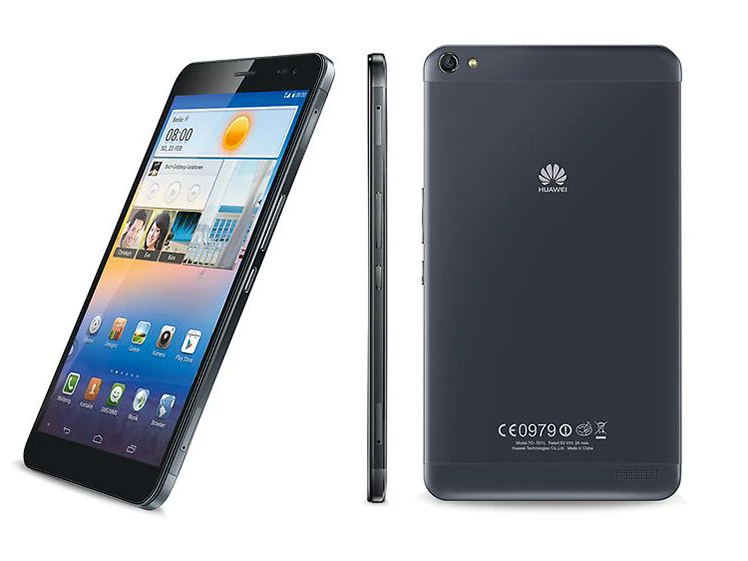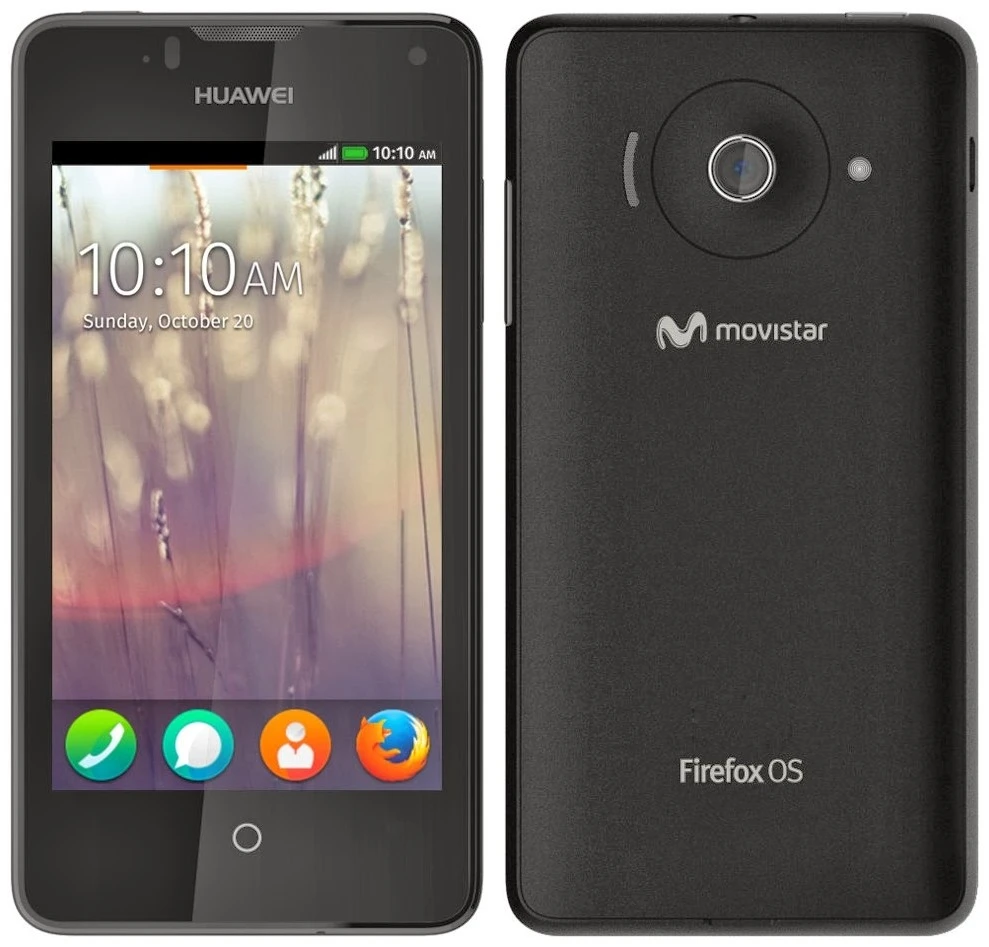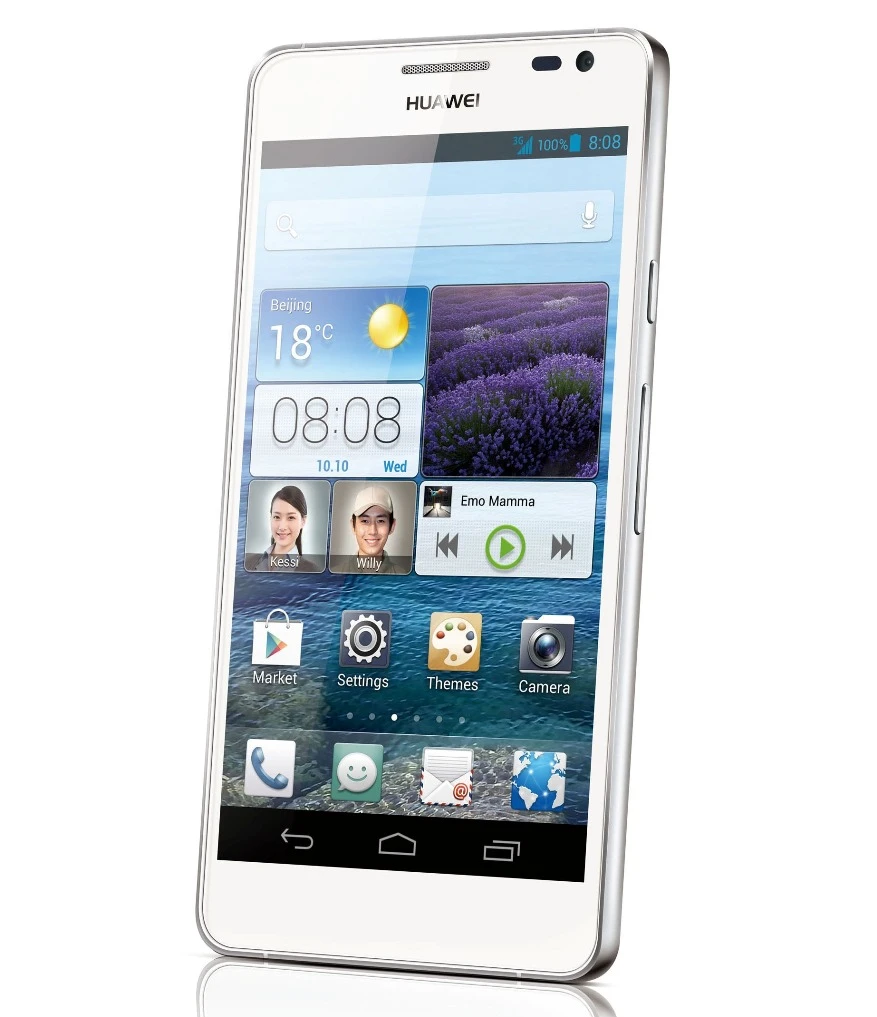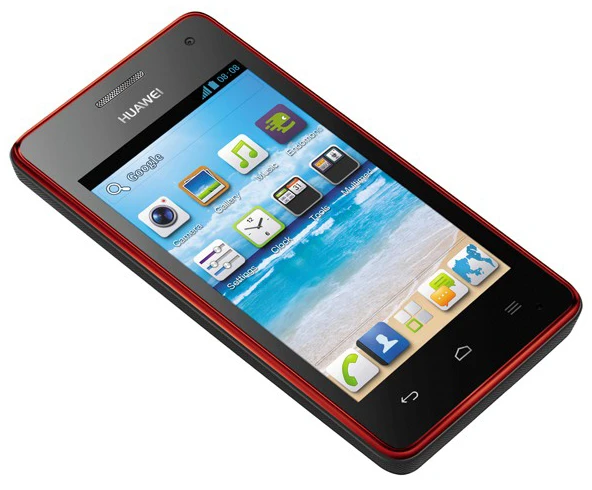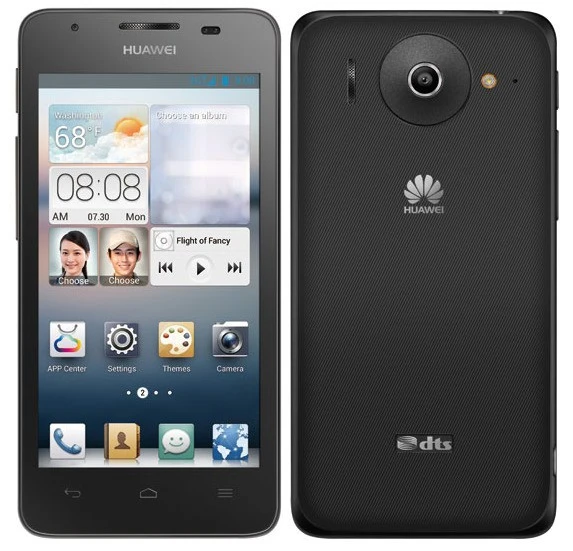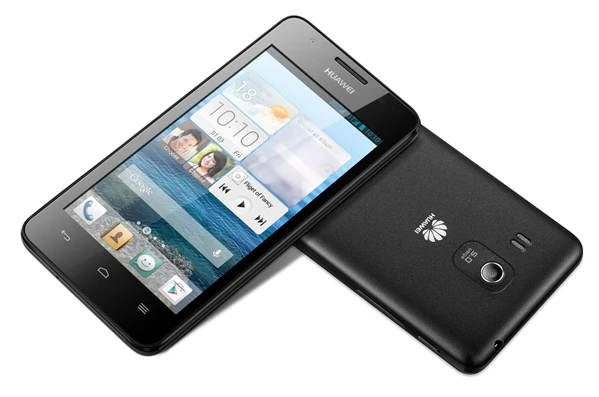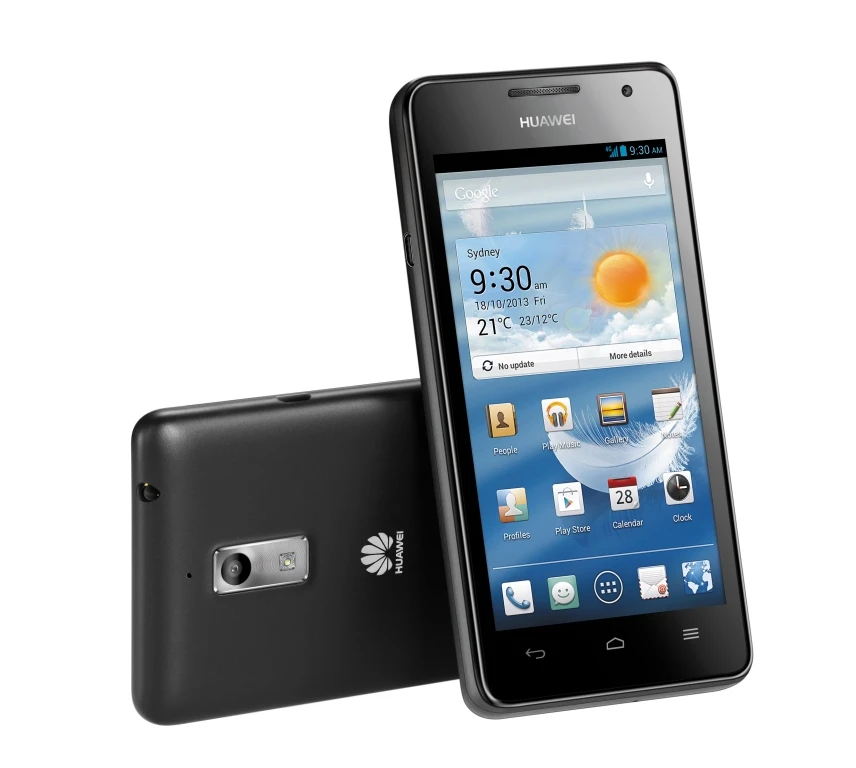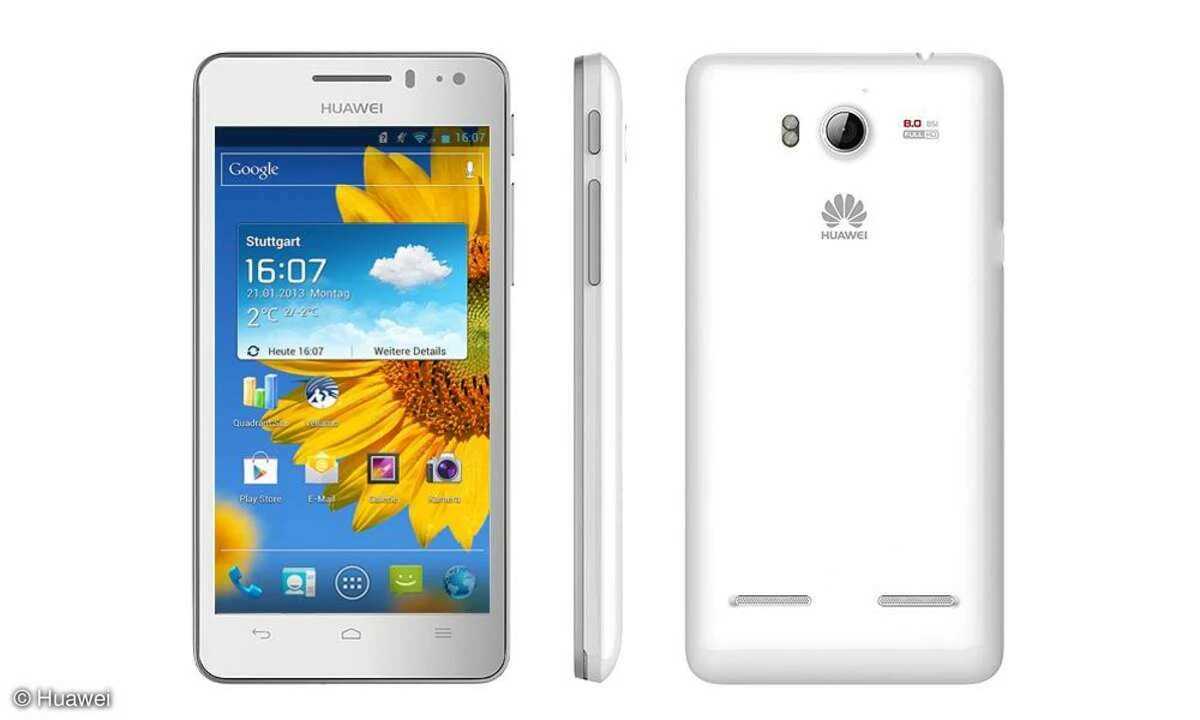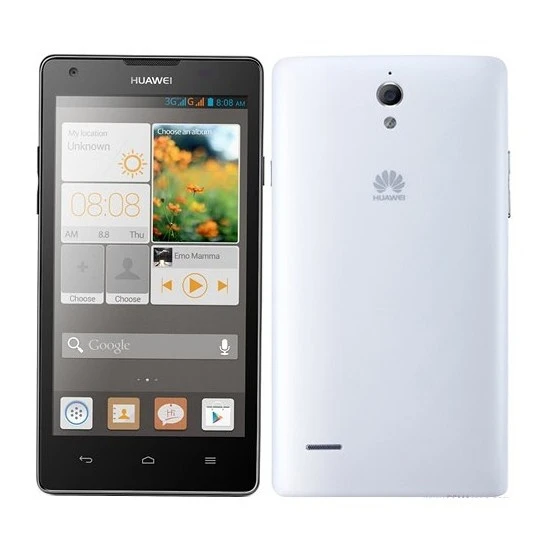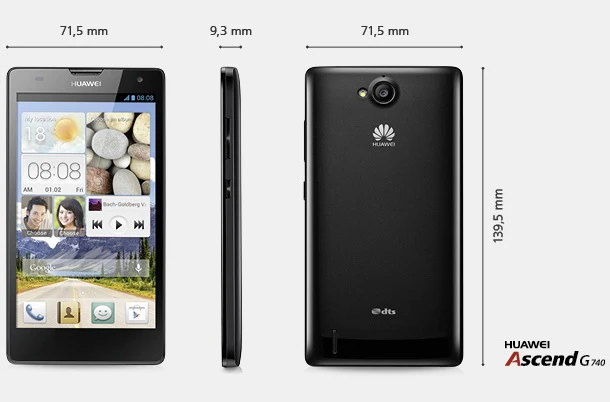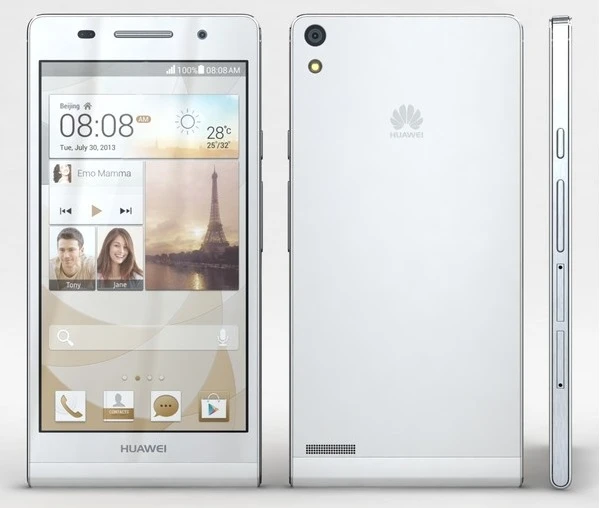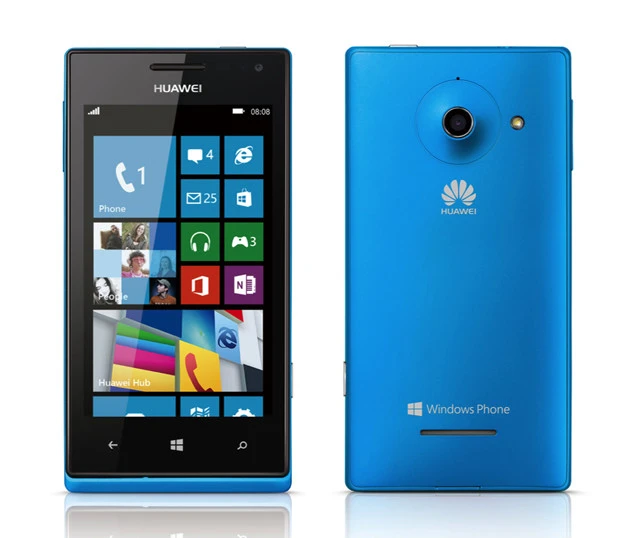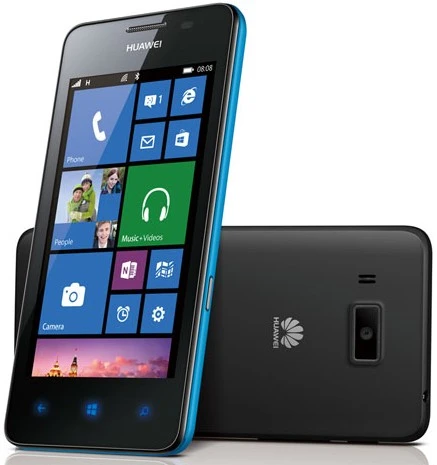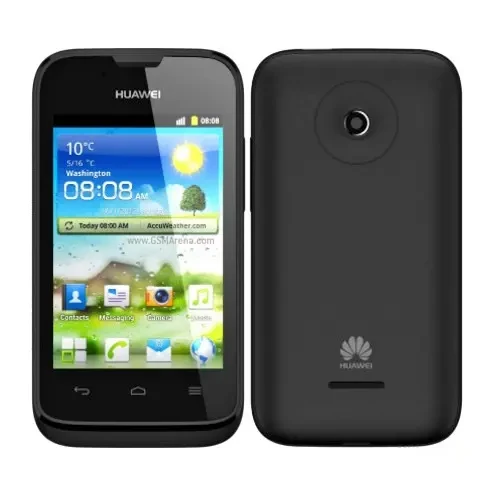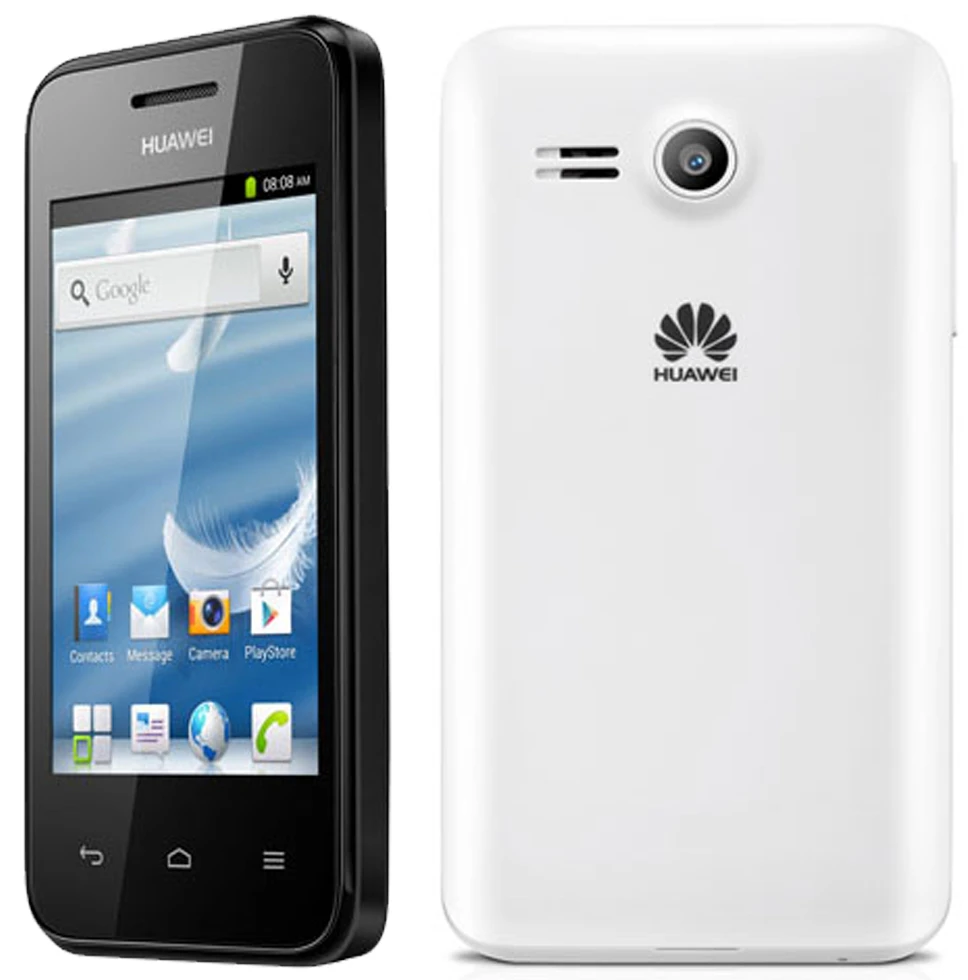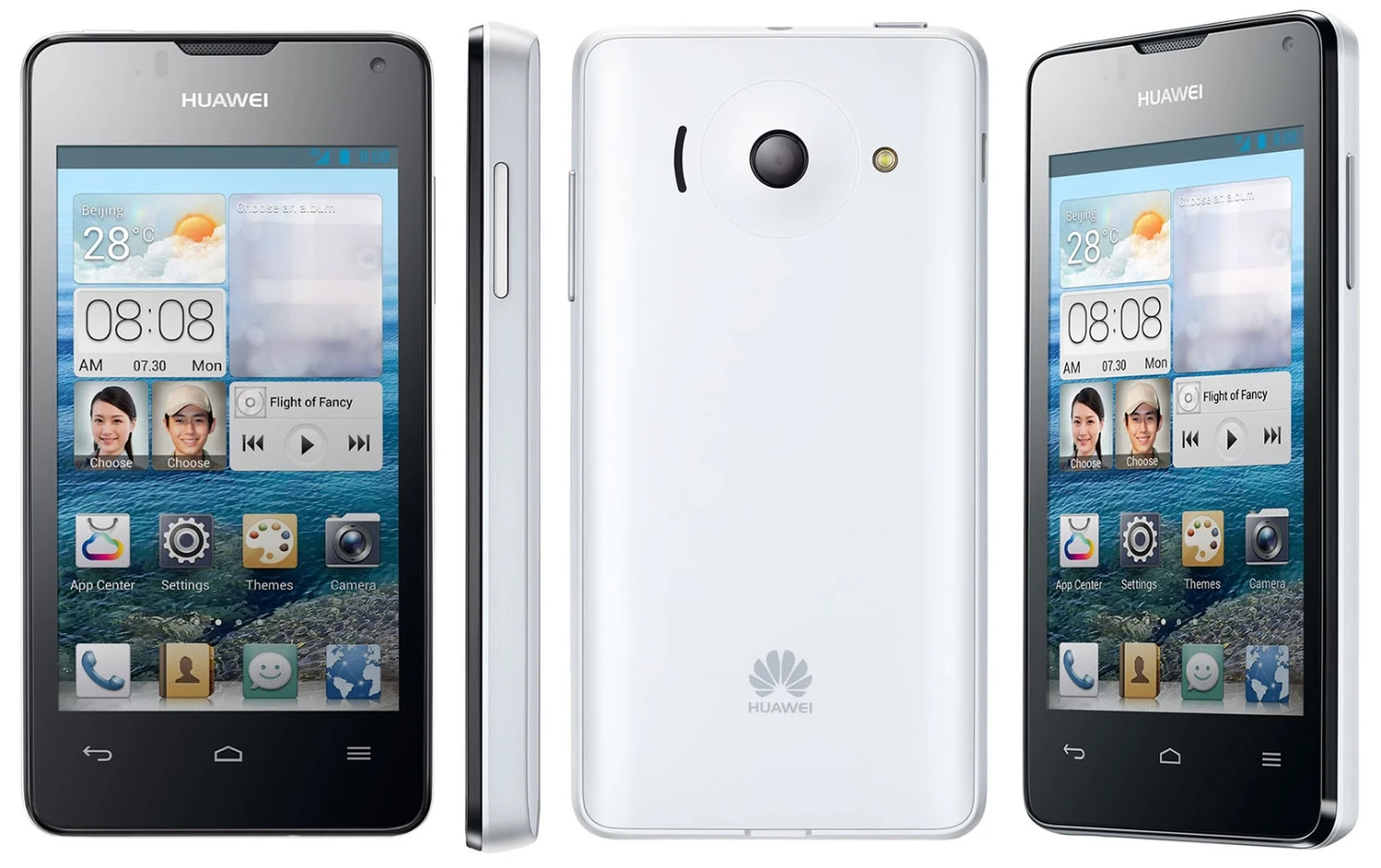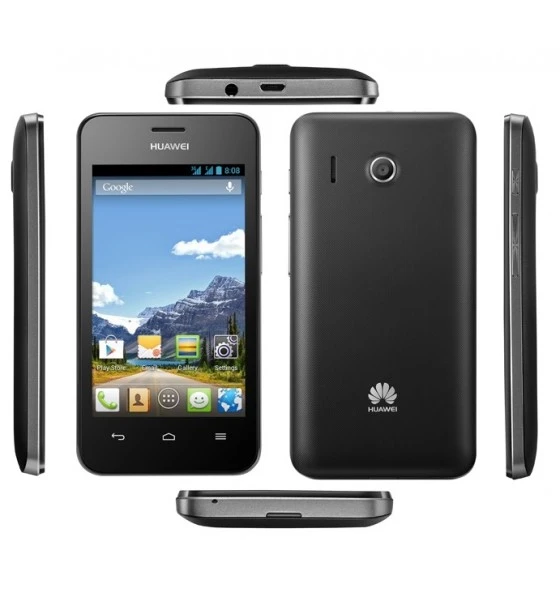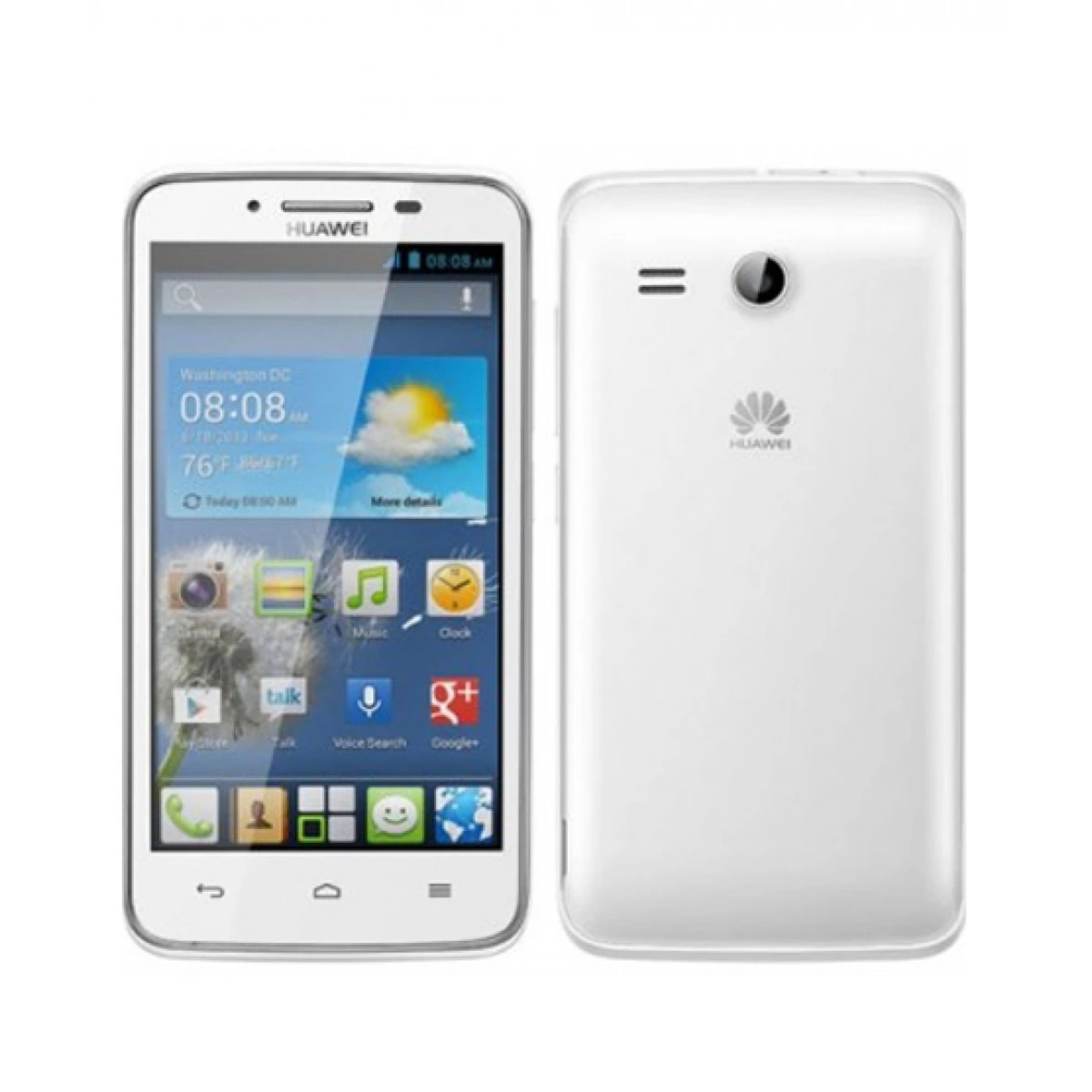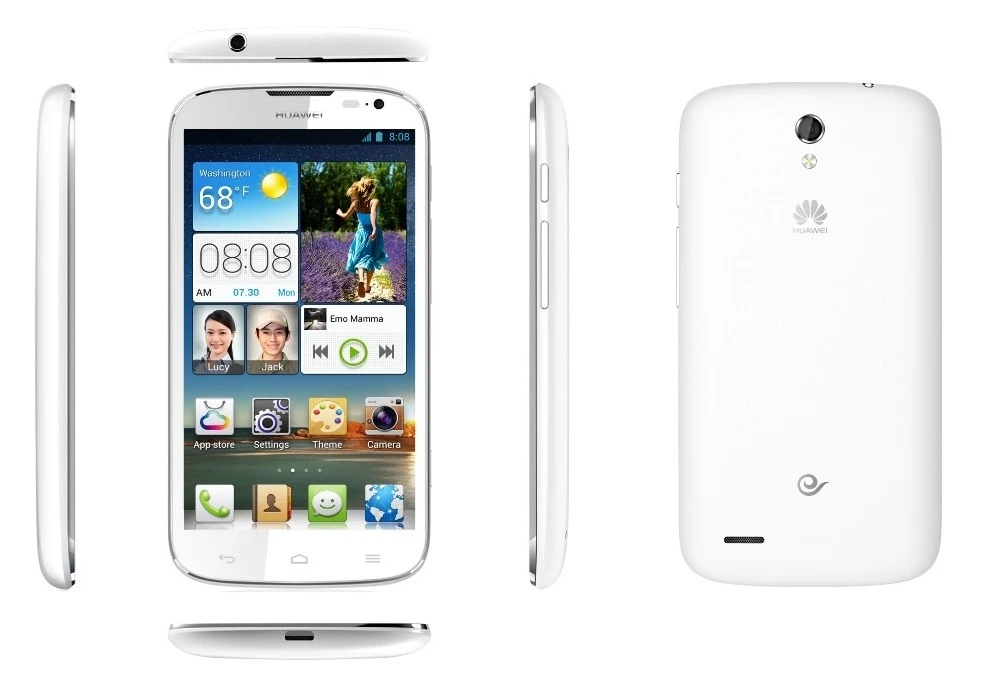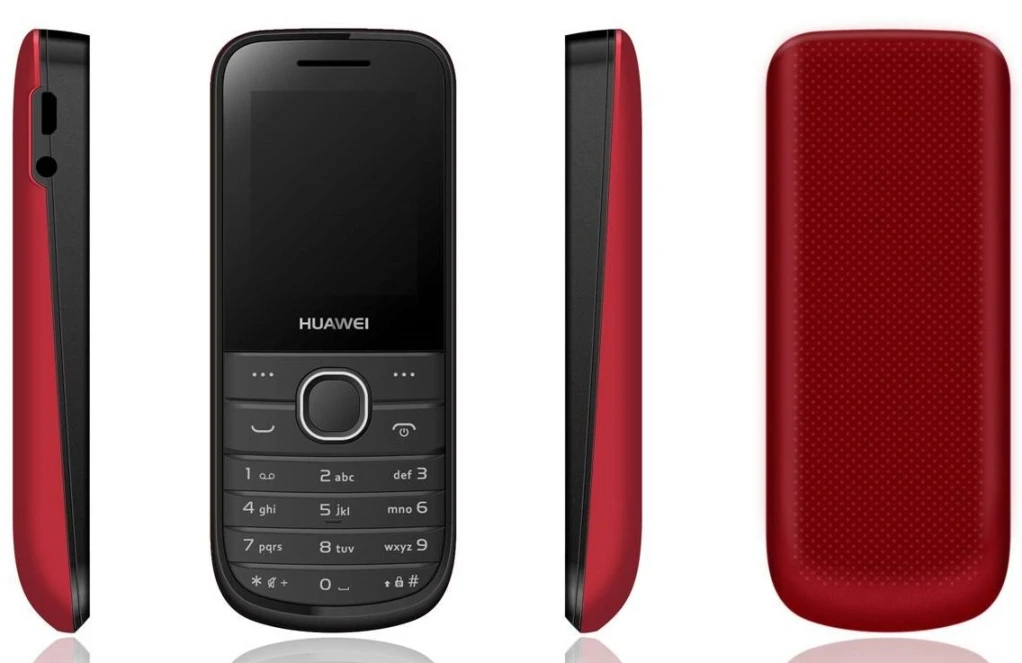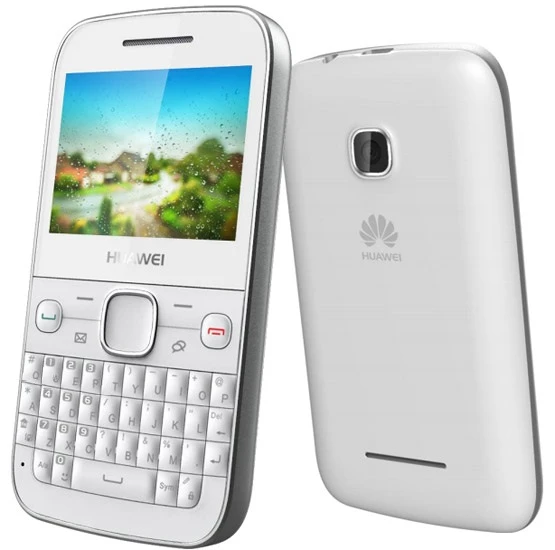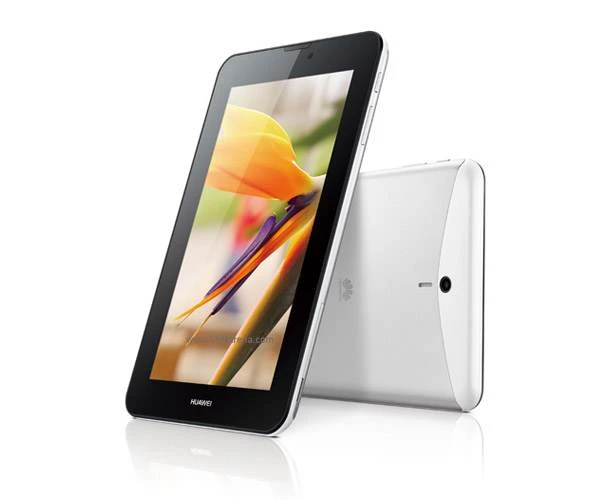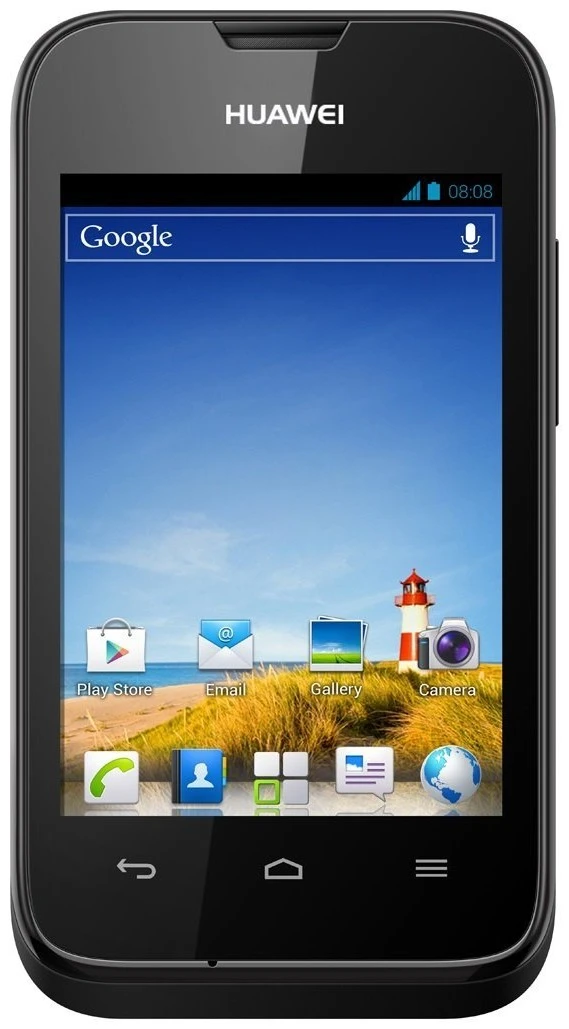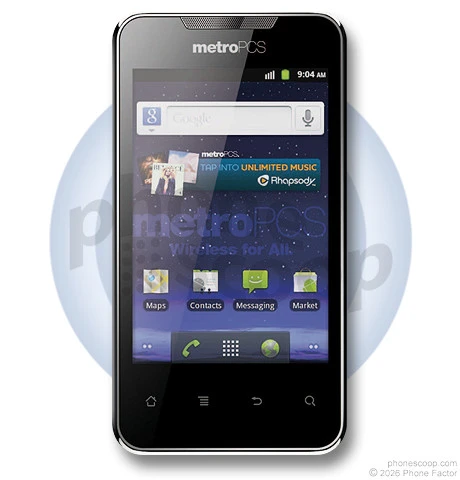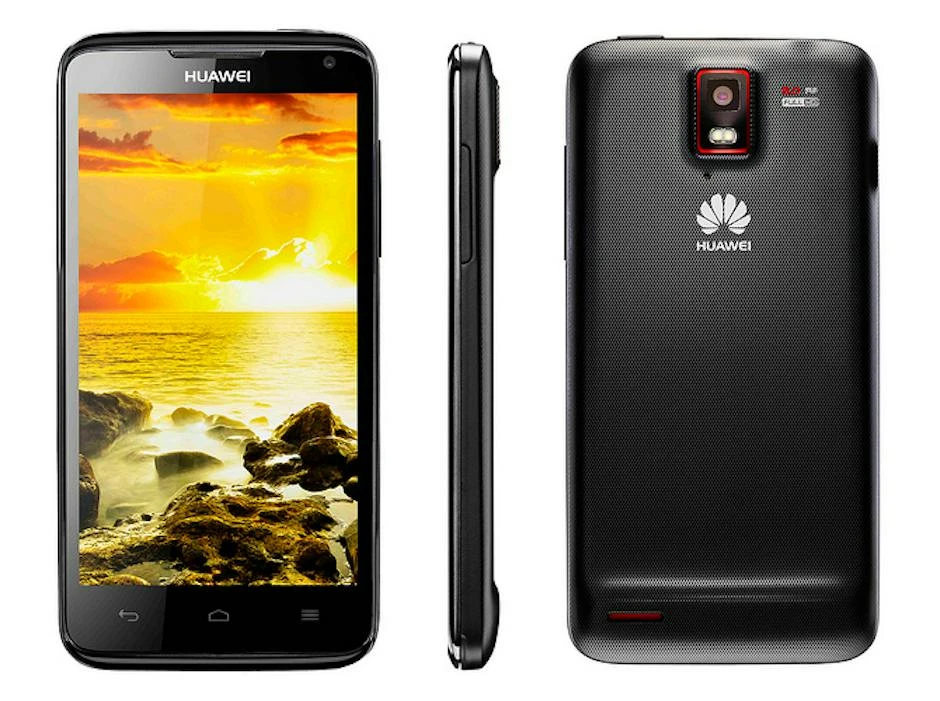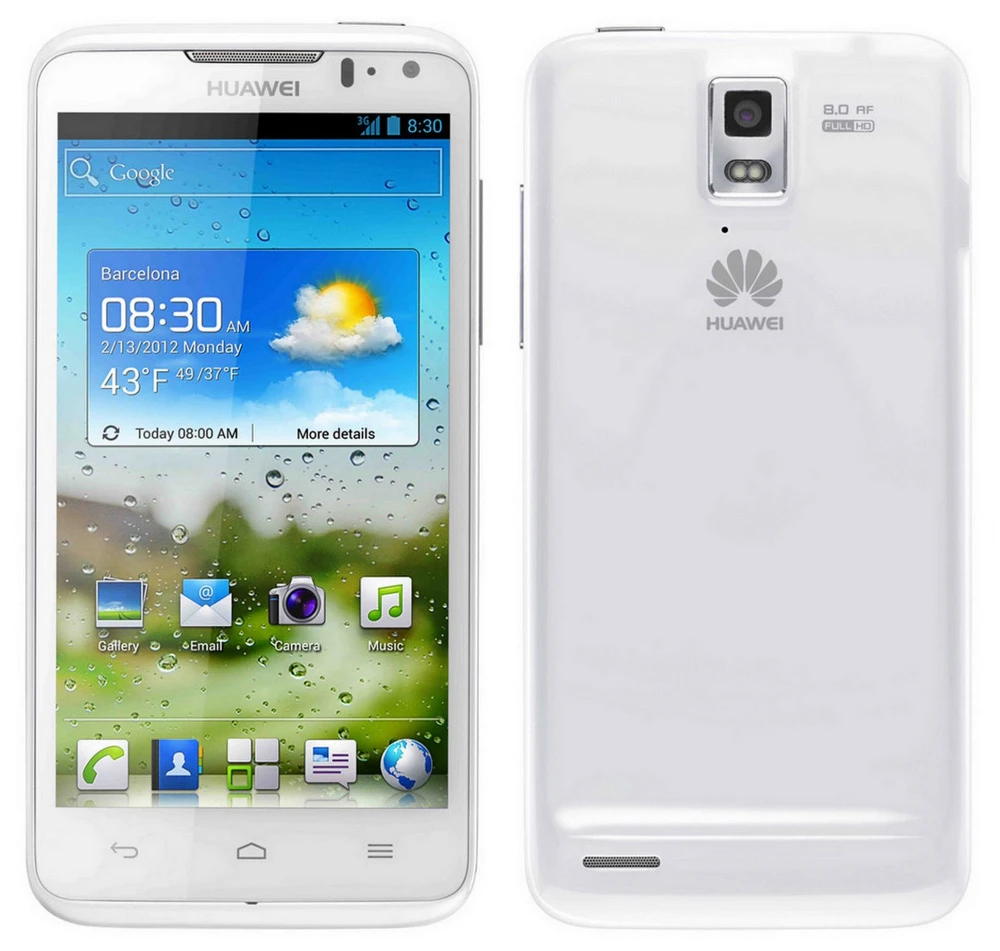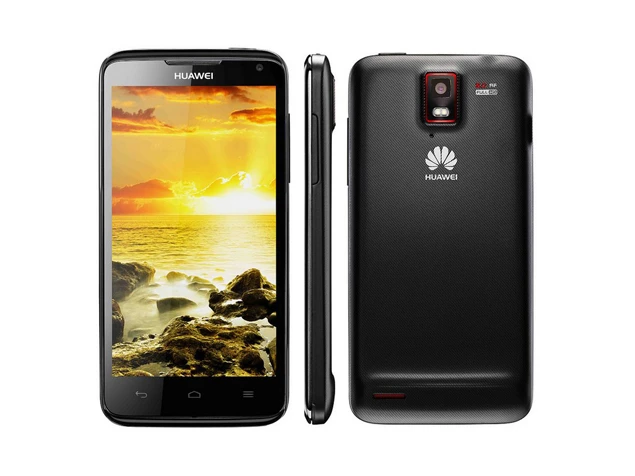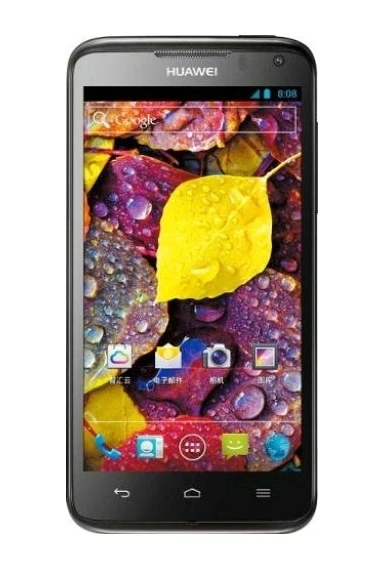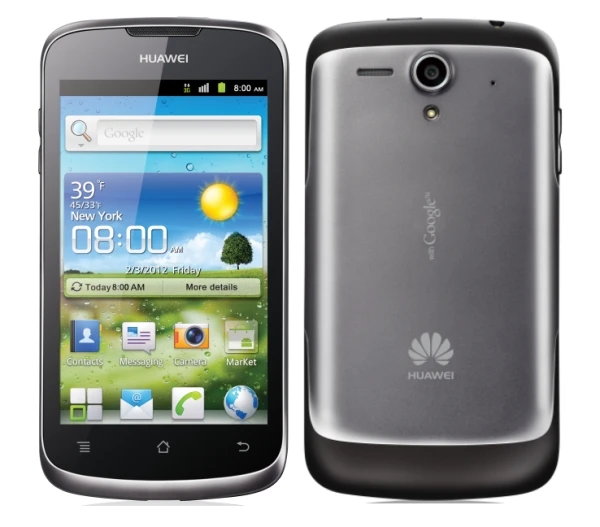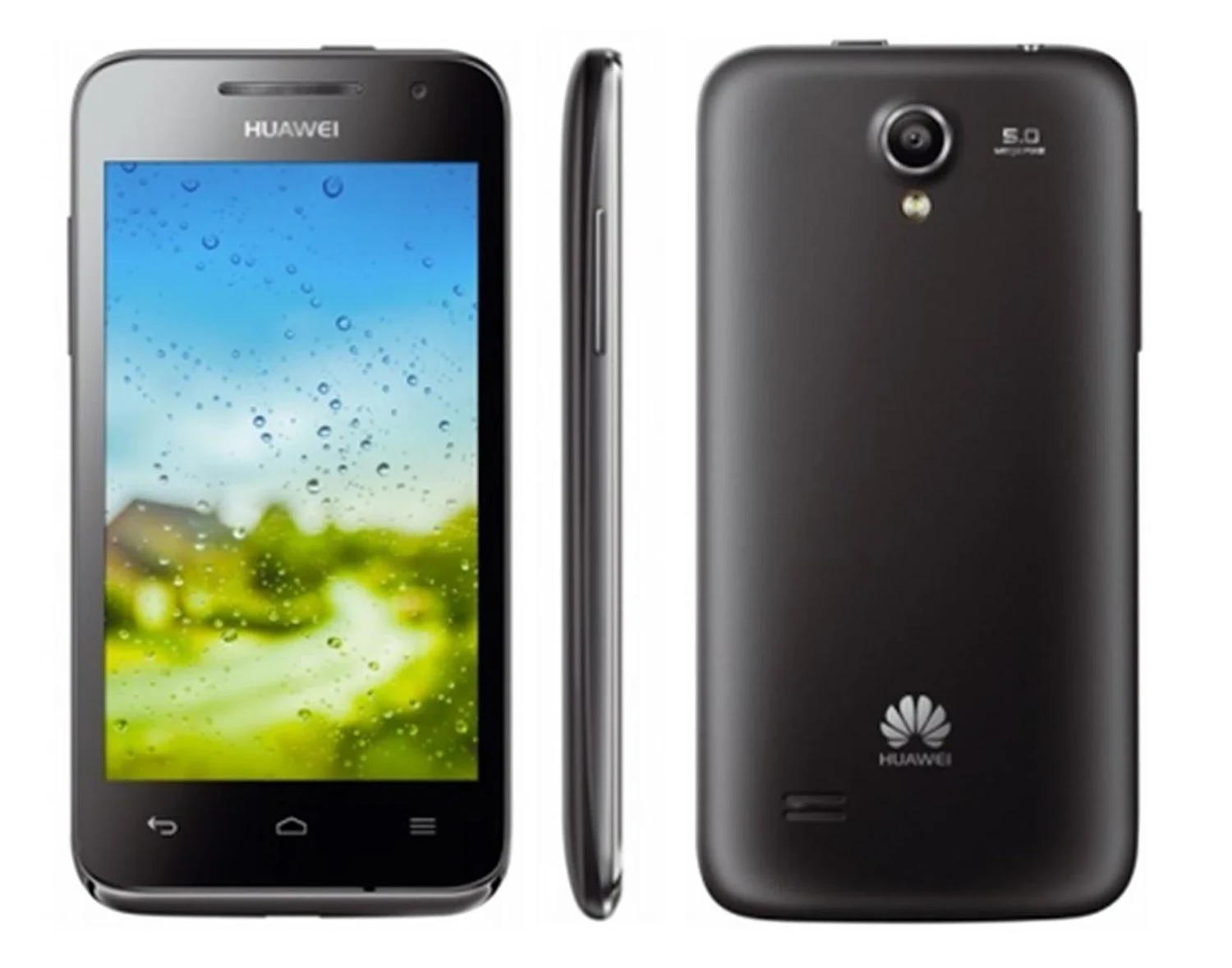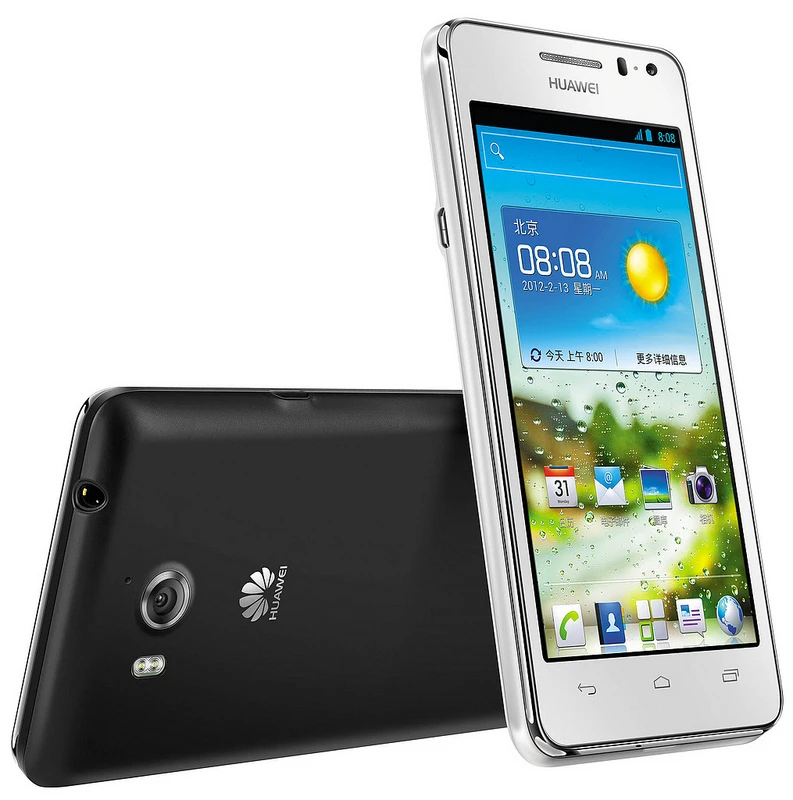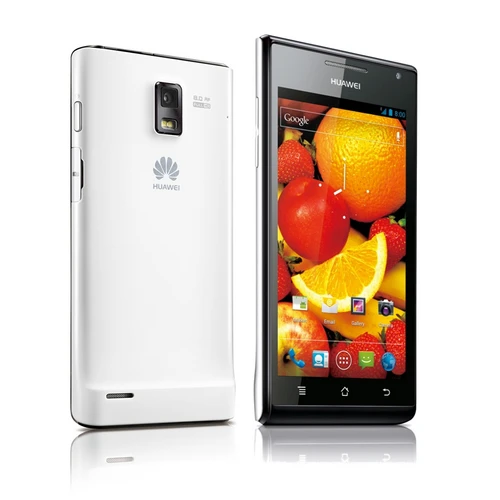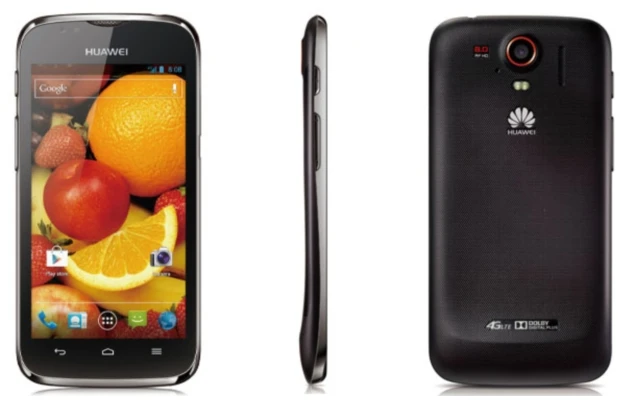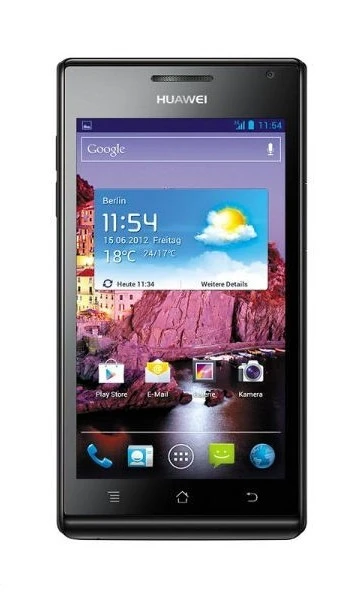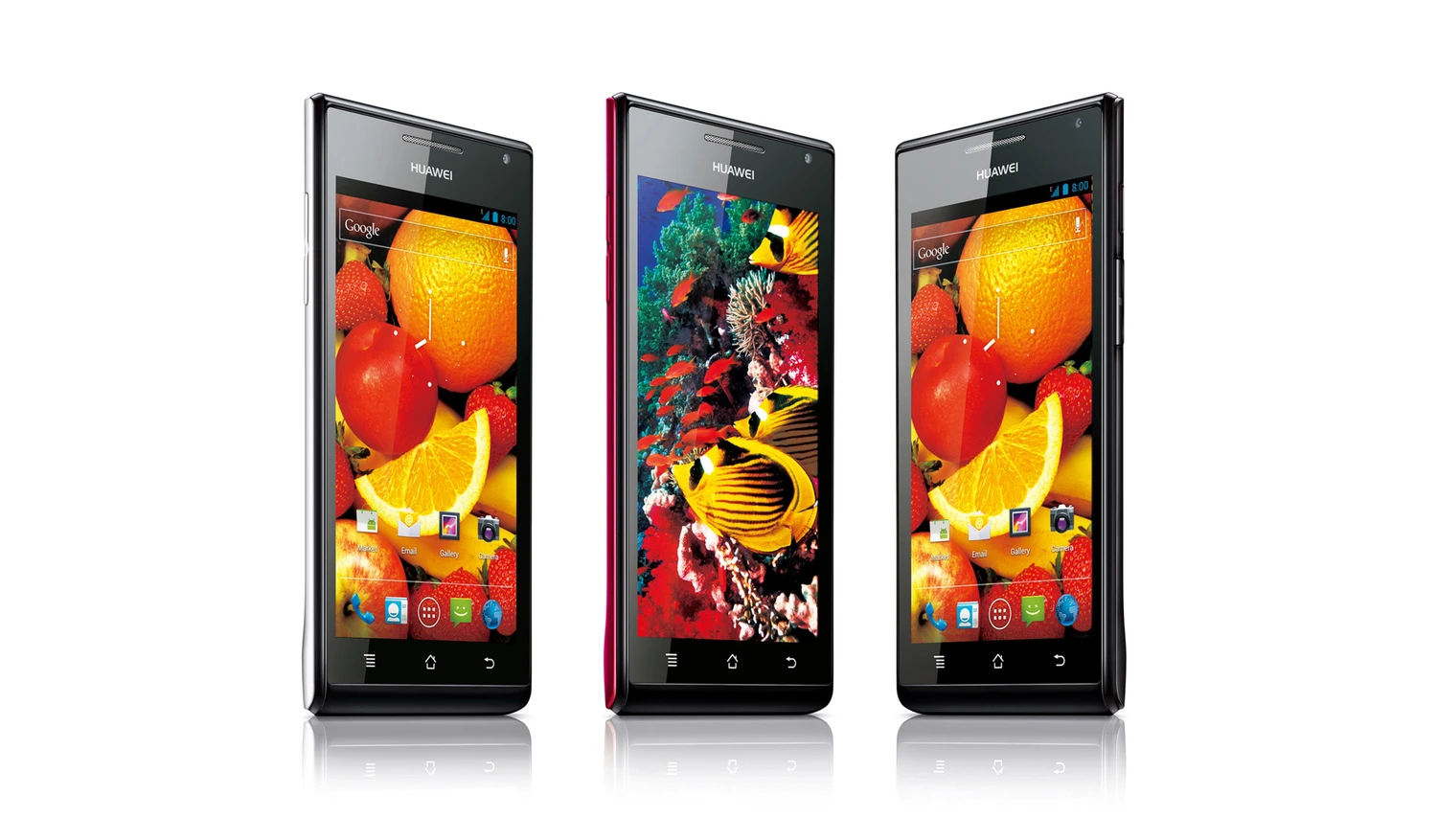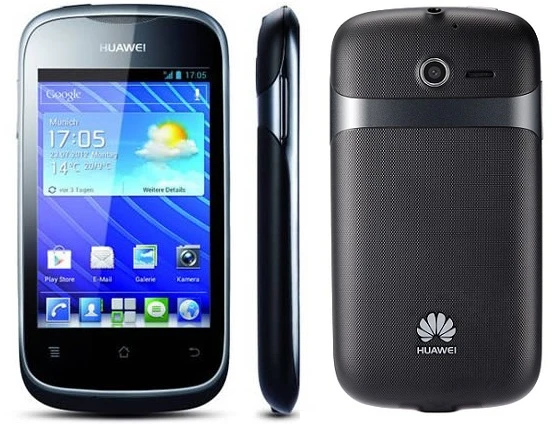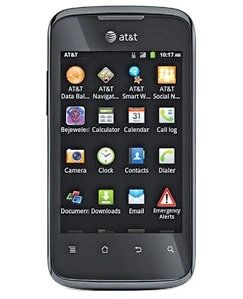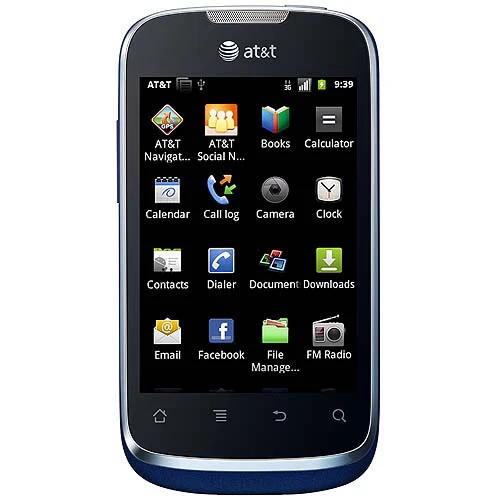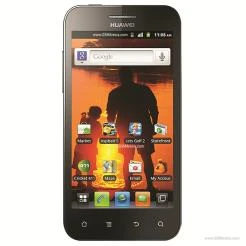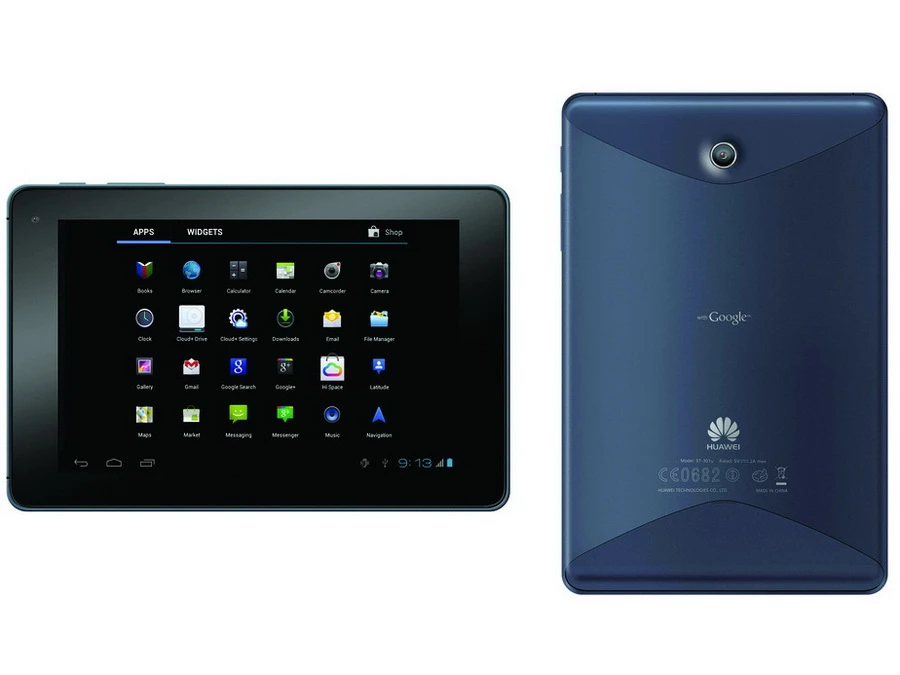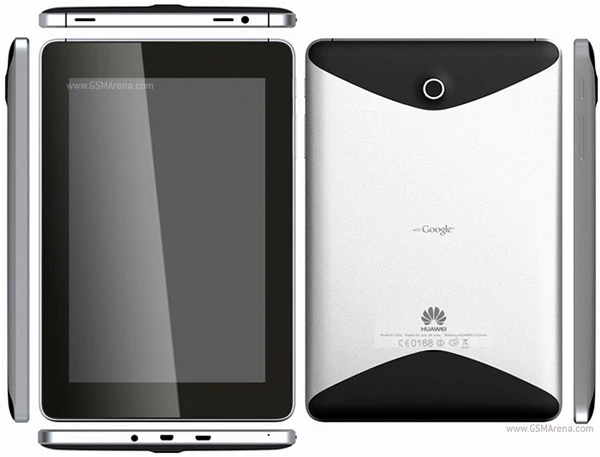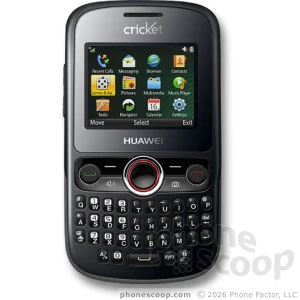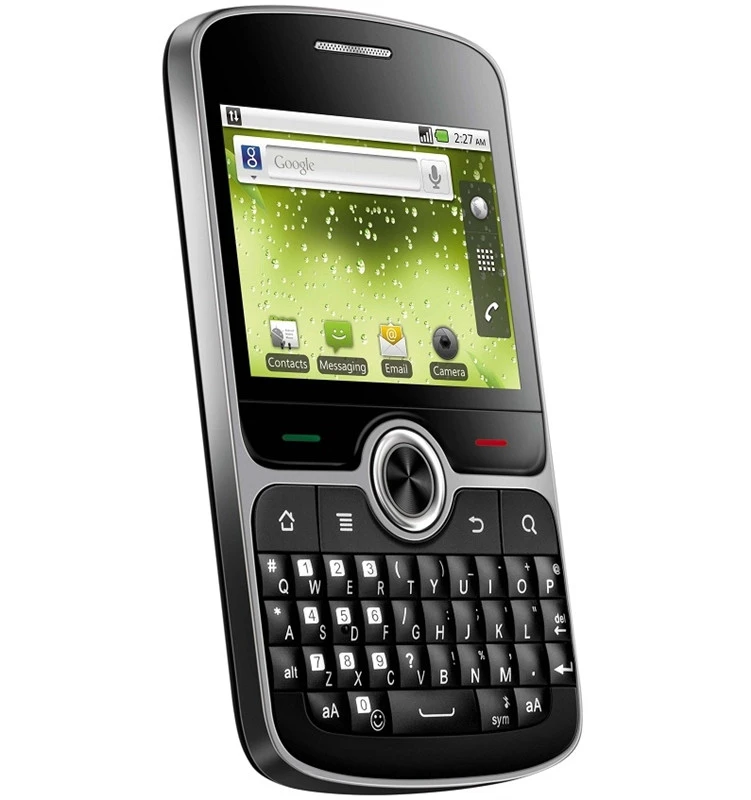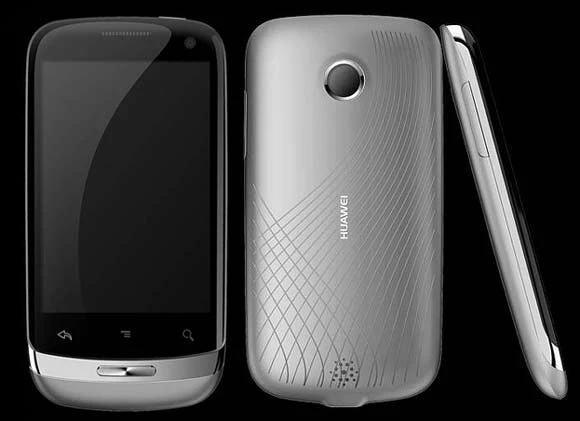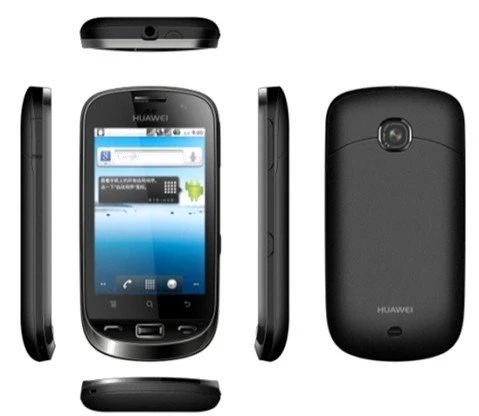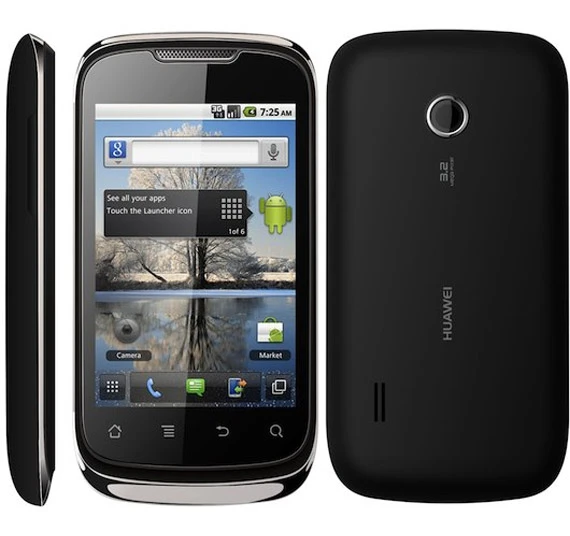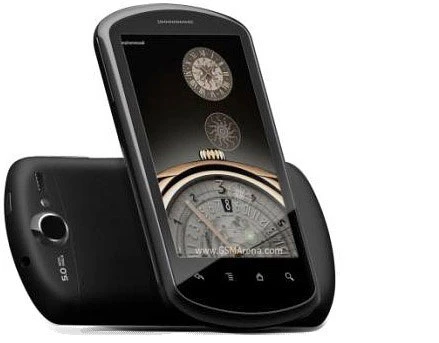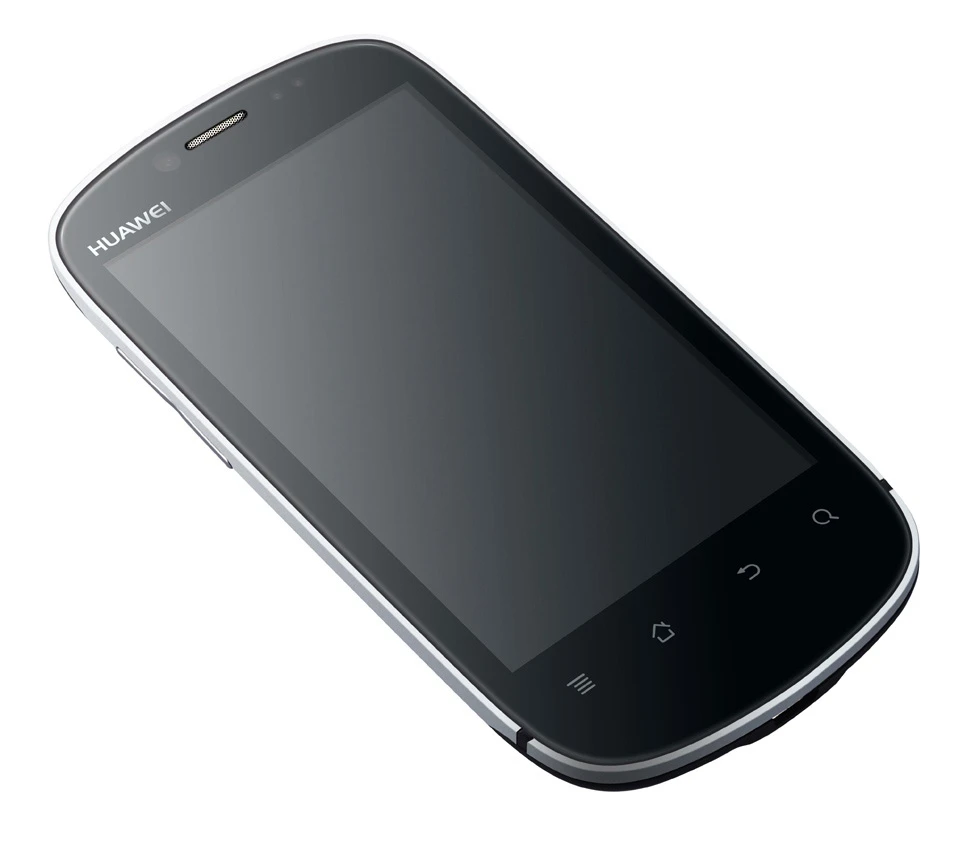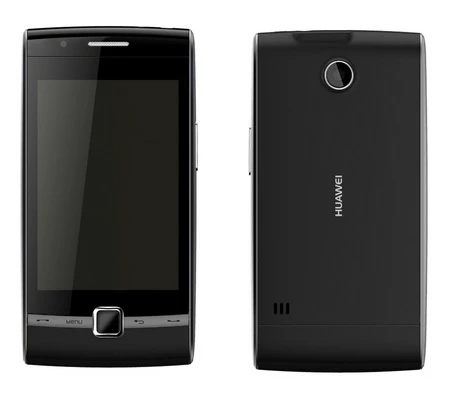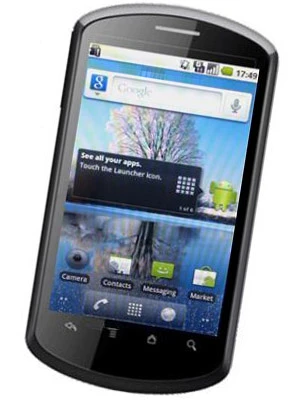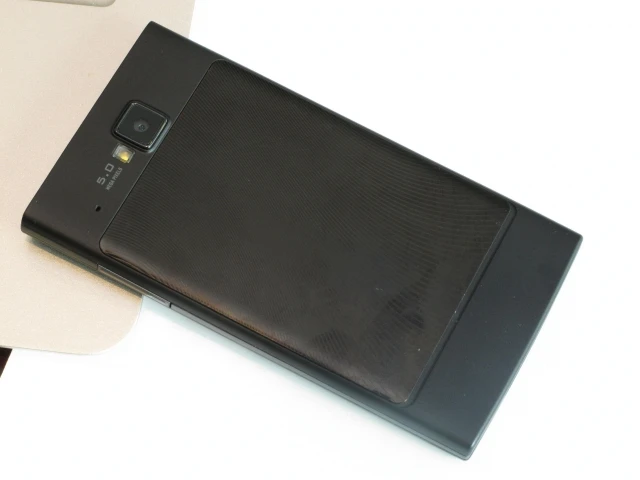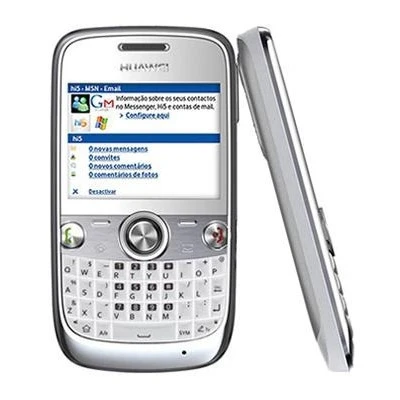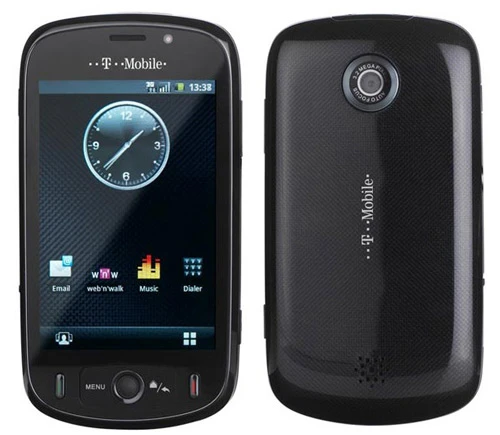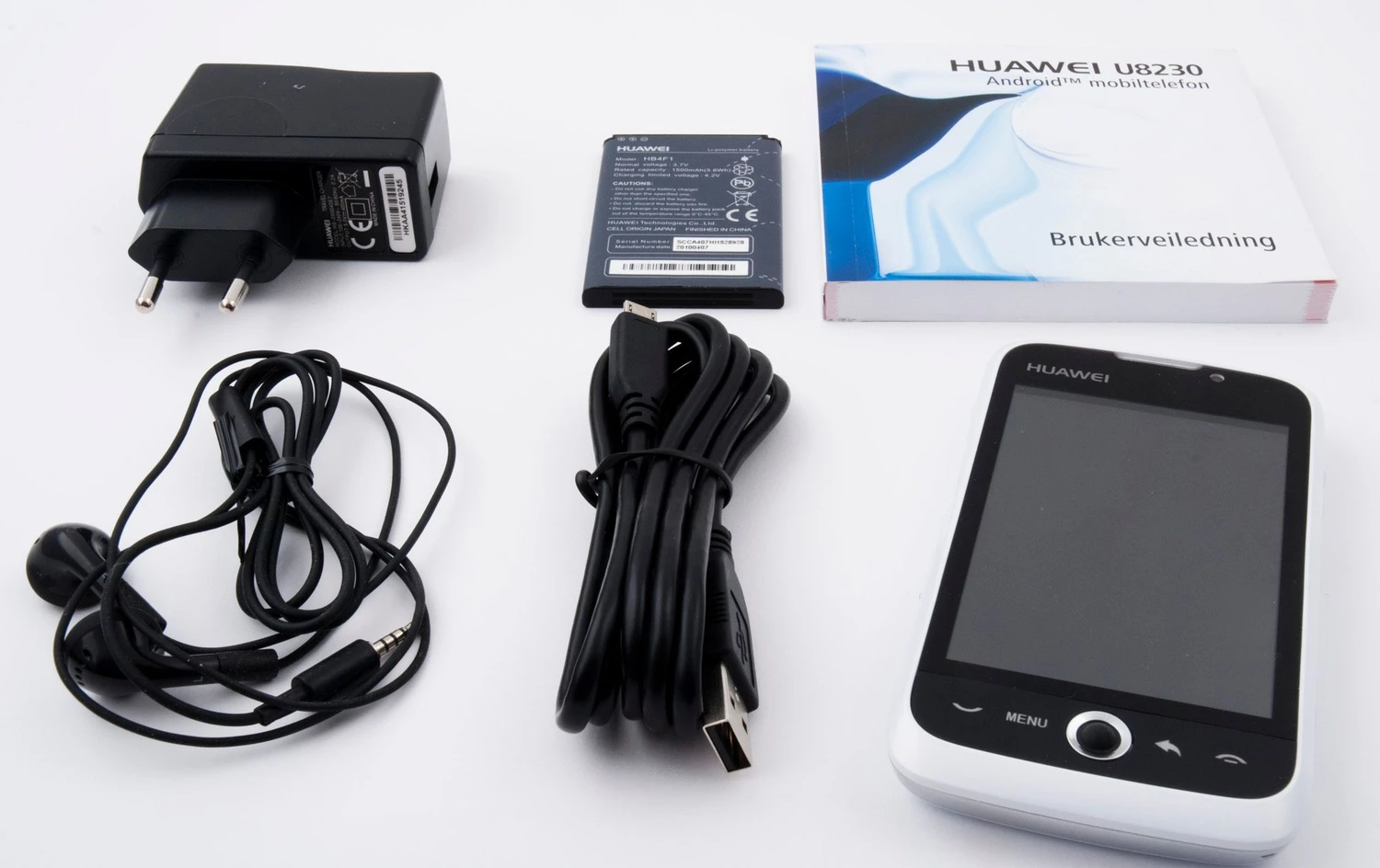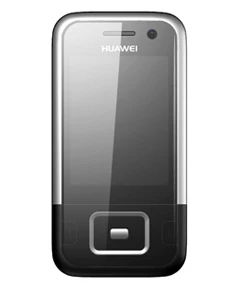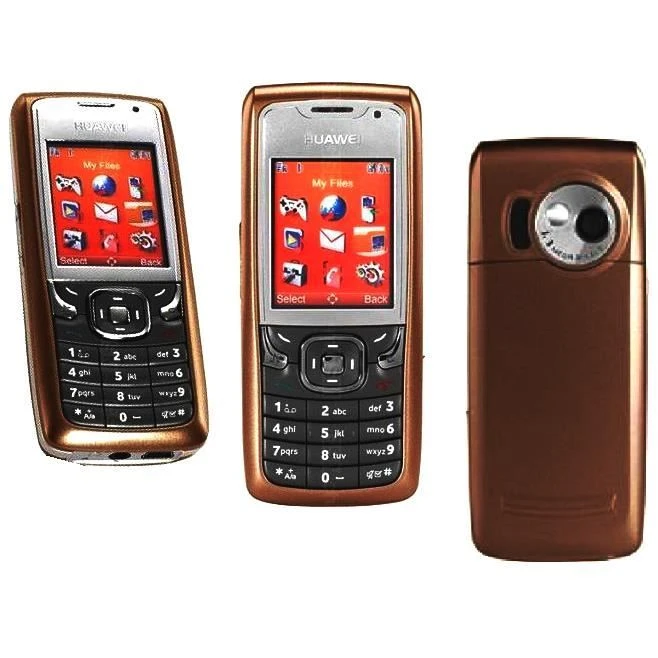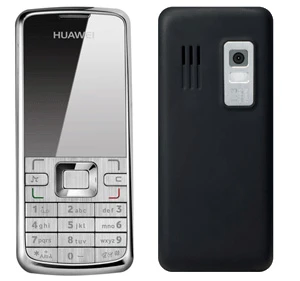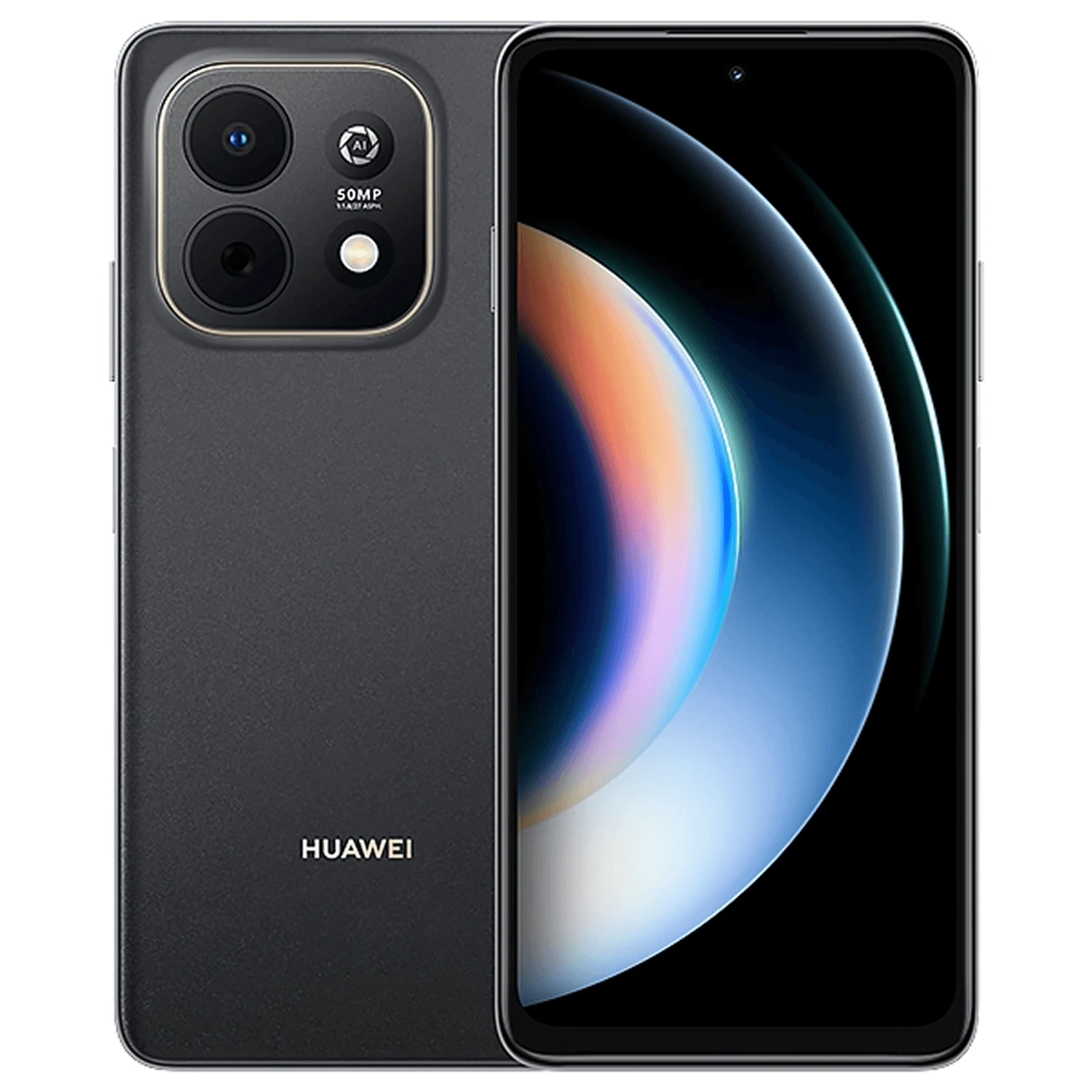
Huawei Enjoy 90
6.67-inch IPS LCD, 5G and 4G LTE and USB-C.
Model numbers
JUY-AL80
- Screen
- 6.67-inch IPS LCD
- Storage
- 128GB, 256GB
- Connector
- USB-C
Colours & model codes inside
Find Huawei devices across current and earlier ranges. Match the model code, compare the recorded colours and understand the screen, charging, software and repair checks.
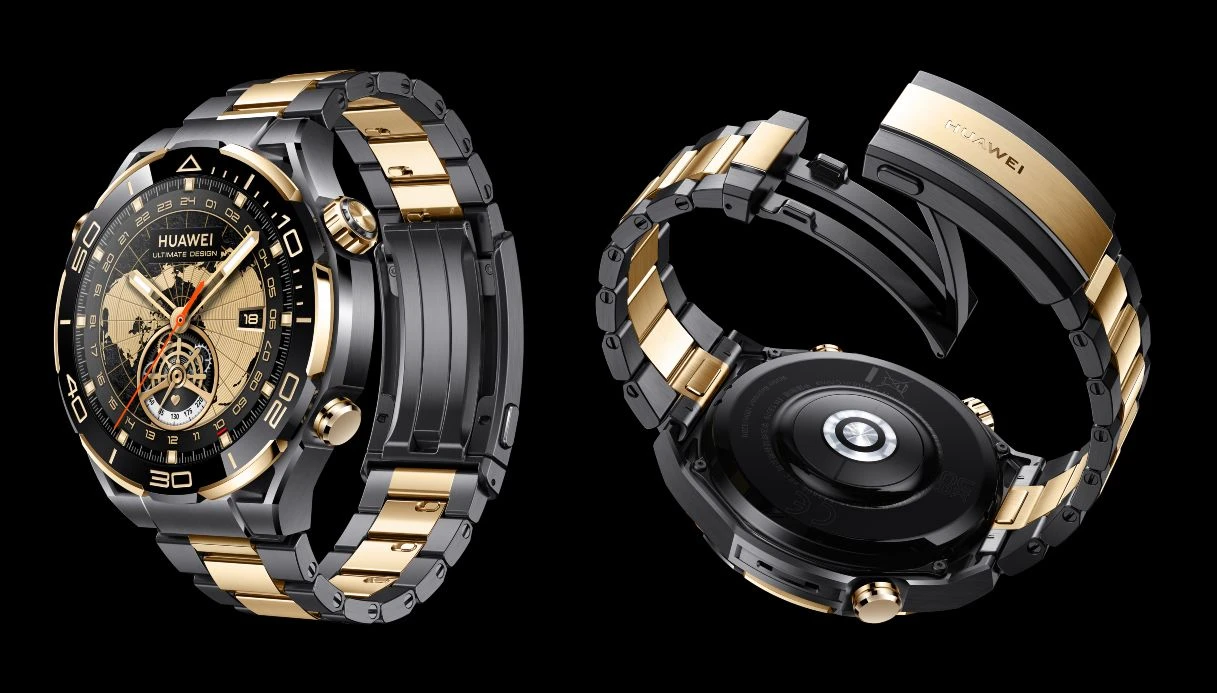
P, Pura, Mate, nova and Y identify different phone ranges. MatePad and MediaPad are tablets. Huawei Watch, GT, Fit, D and Ultimate are distinct watch families. Names such as Pro, Plus, SE, Lite and the release year can identify different hardware.
A Huawei code can include a hyphen and a regional suffix. Keep the whole marking when comparing screens, batteries, chargers or network support. For watches, record the case size and any eSIM version; for tablets, record Wi-Fi or cellular connectivity.
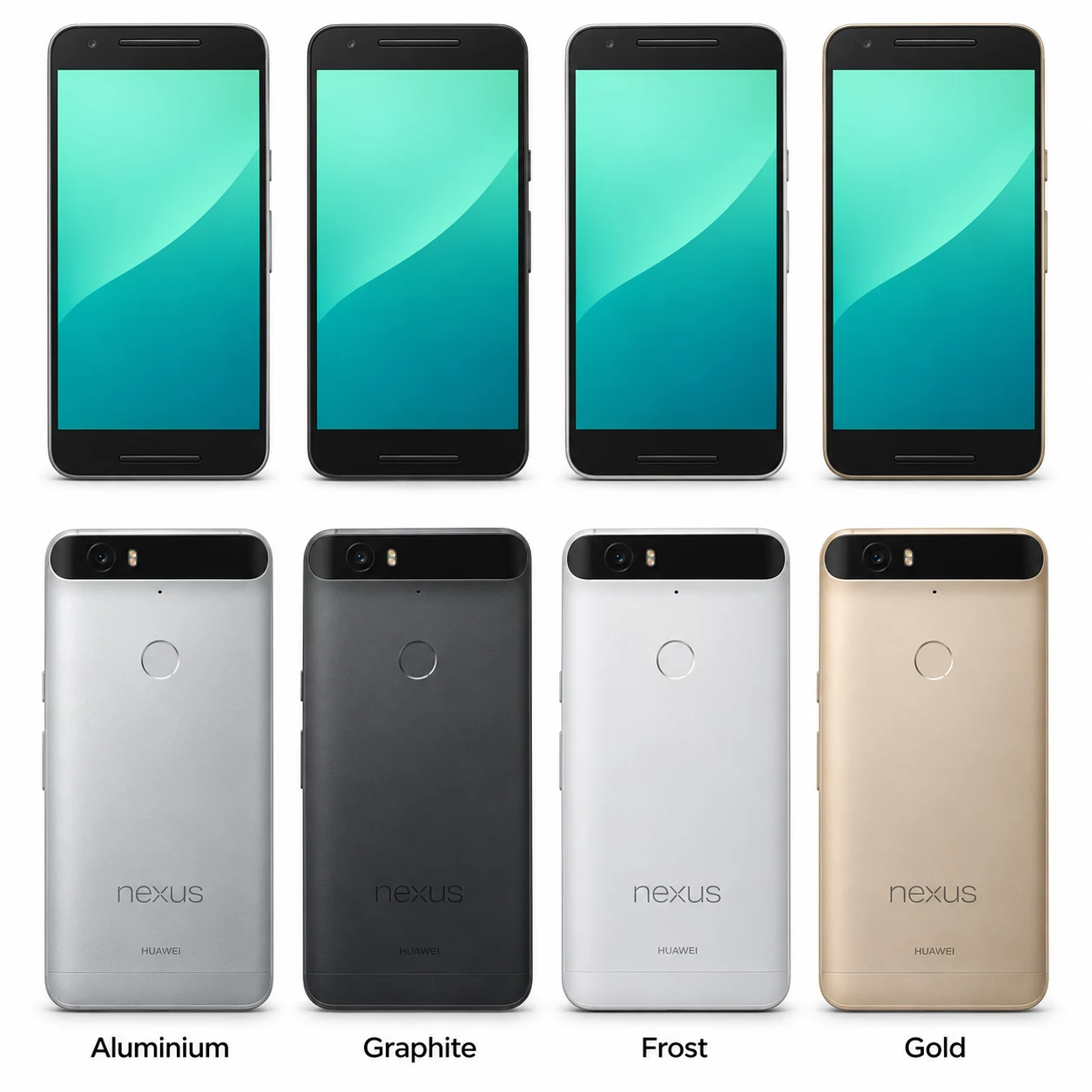
Huawei software and app services differ by generation and region. Read the exact model guide and check the installed system before relying on a particular app, Google service, watch feature, stylus or keyboard. The Huawei-made Nexus 6P links to its existing Google guide.
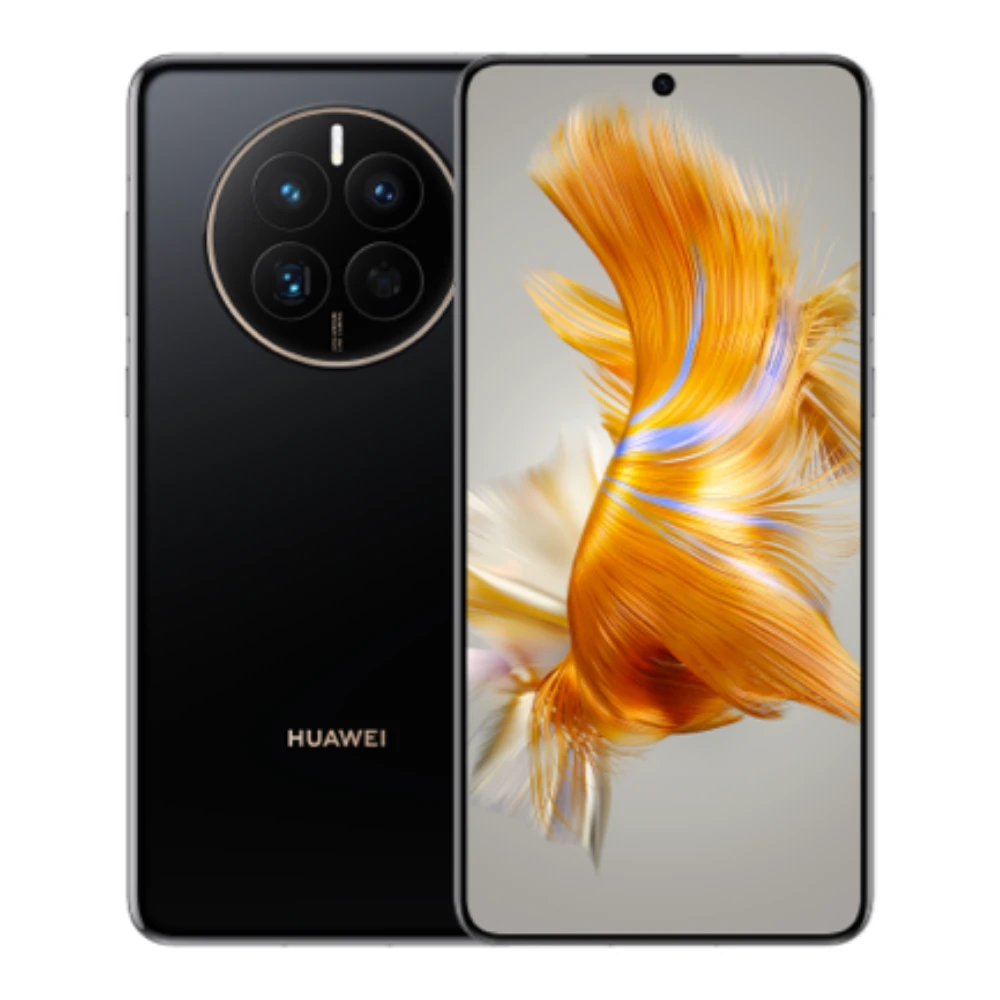
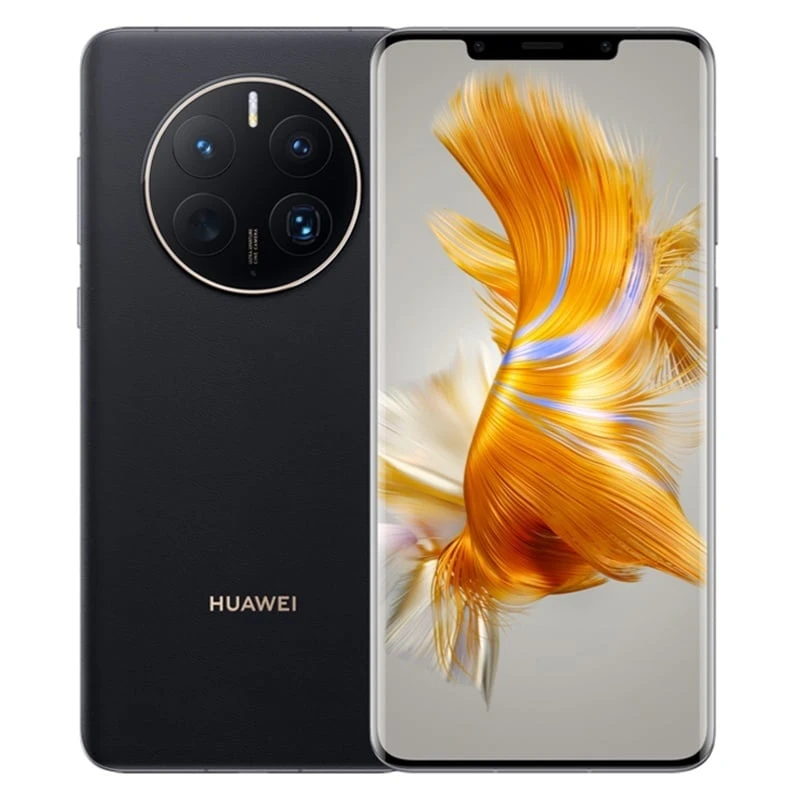
P and Pura, Mate, folding phones, nova, Y, Enjoy and earlier Huawei models. Match the complete name, region and hardware code.
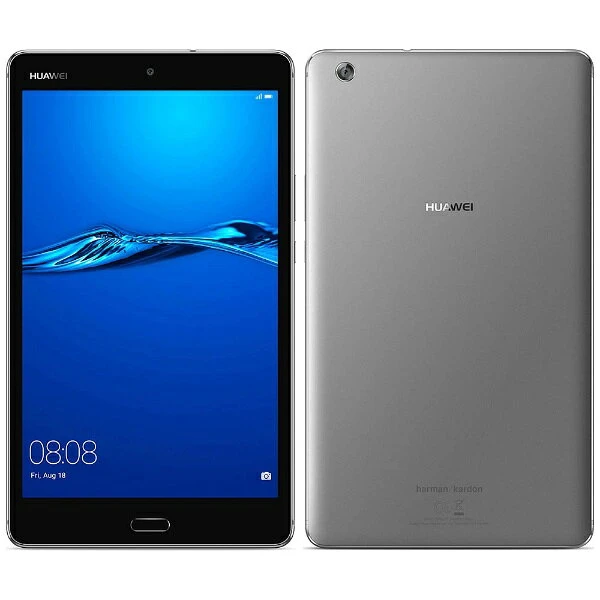
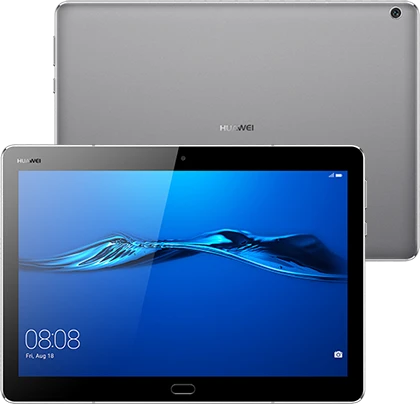
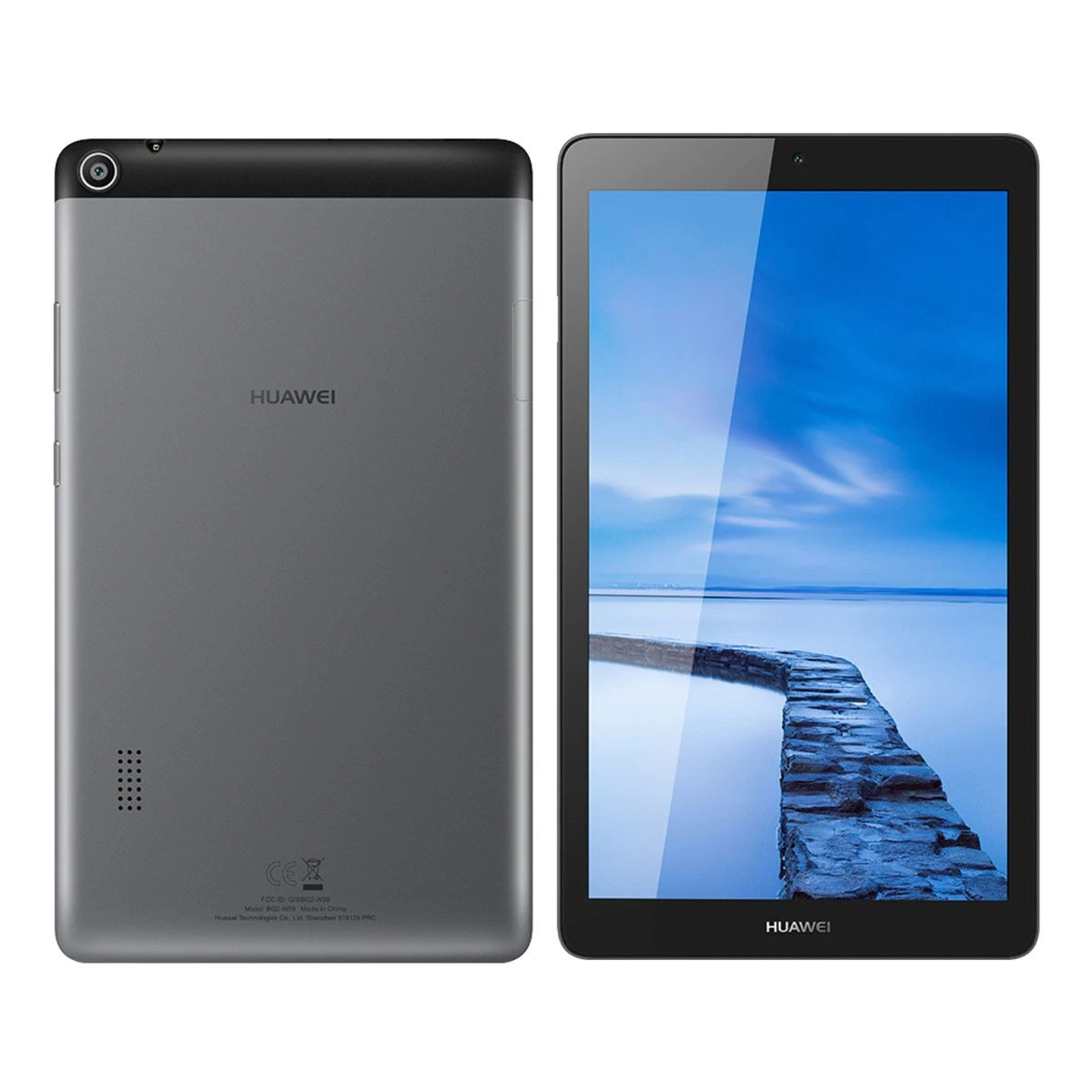
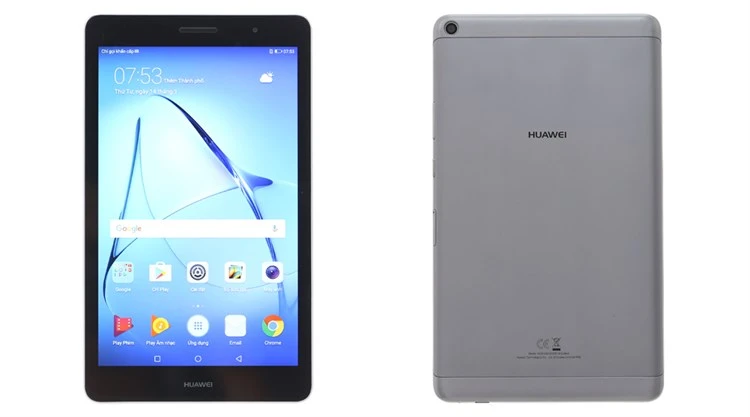
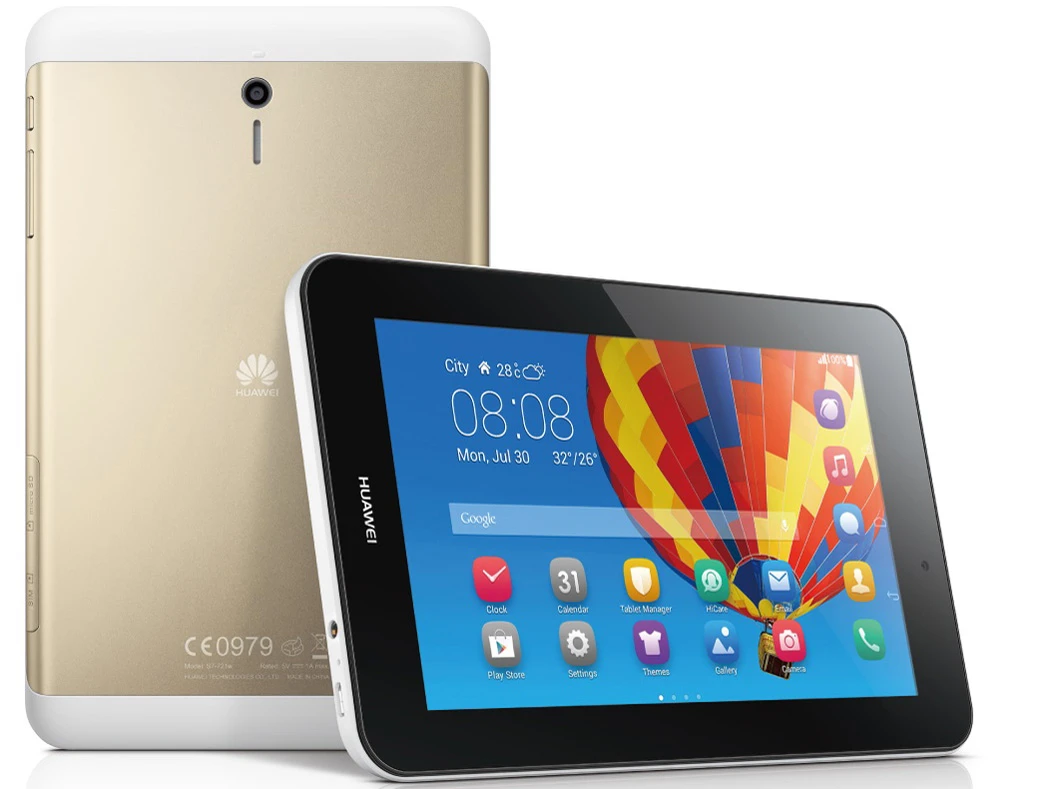
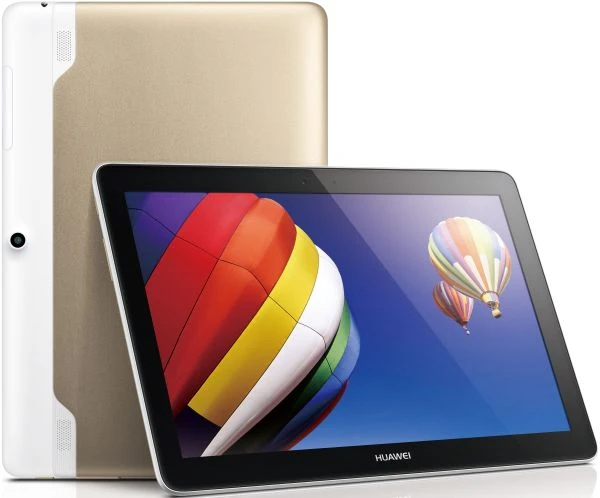
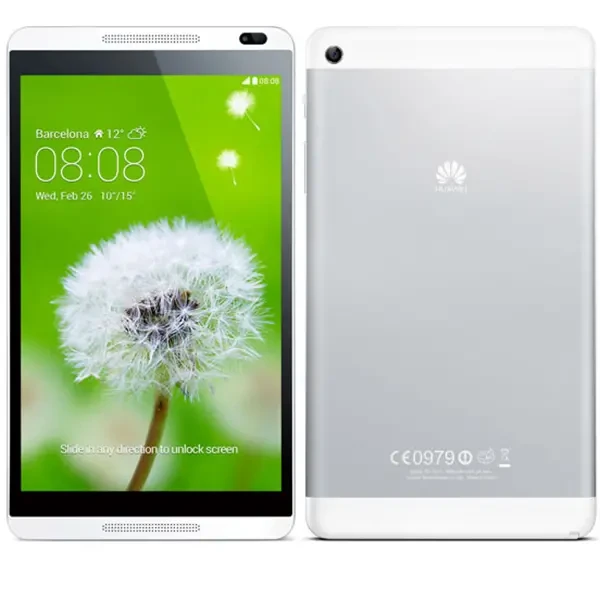
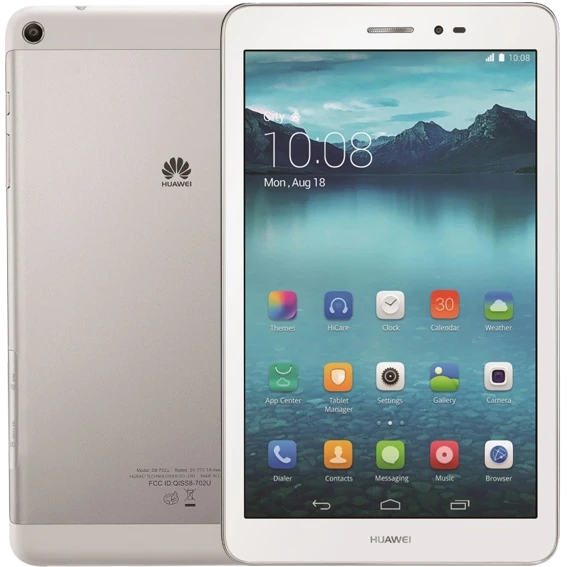
Browse huawei phonesMatePad, MediaPad and earlier Huawei tablets. Compare the generation, display size, Wi-Fi or cellular version, and keyboard or stylus compatibility.
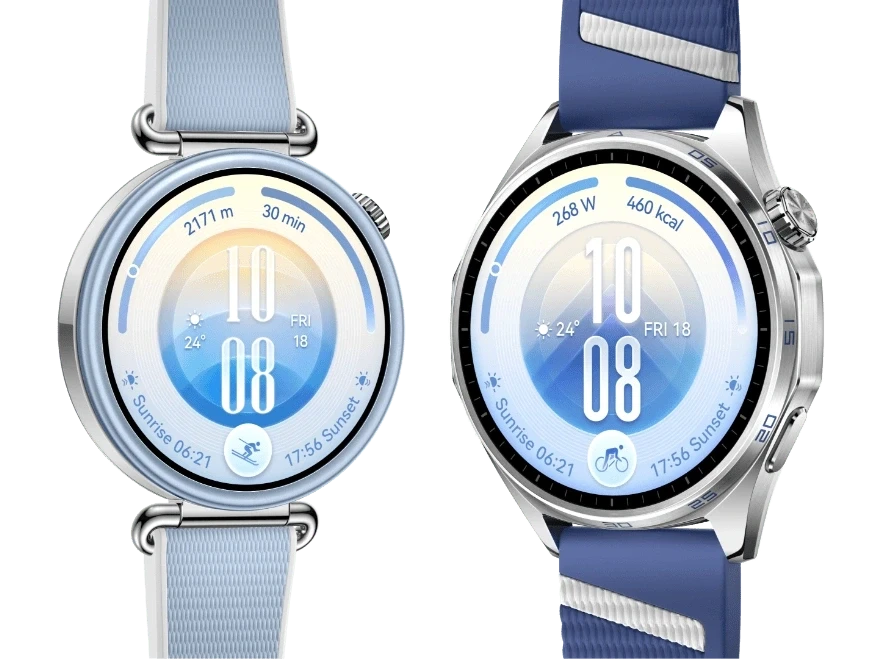
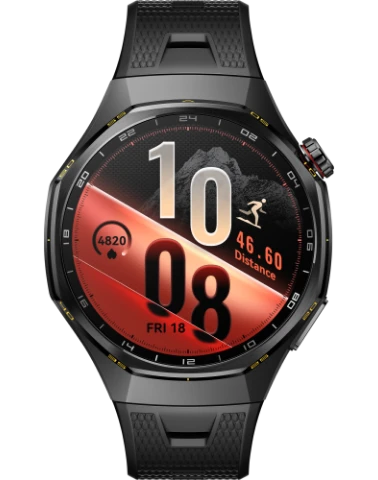
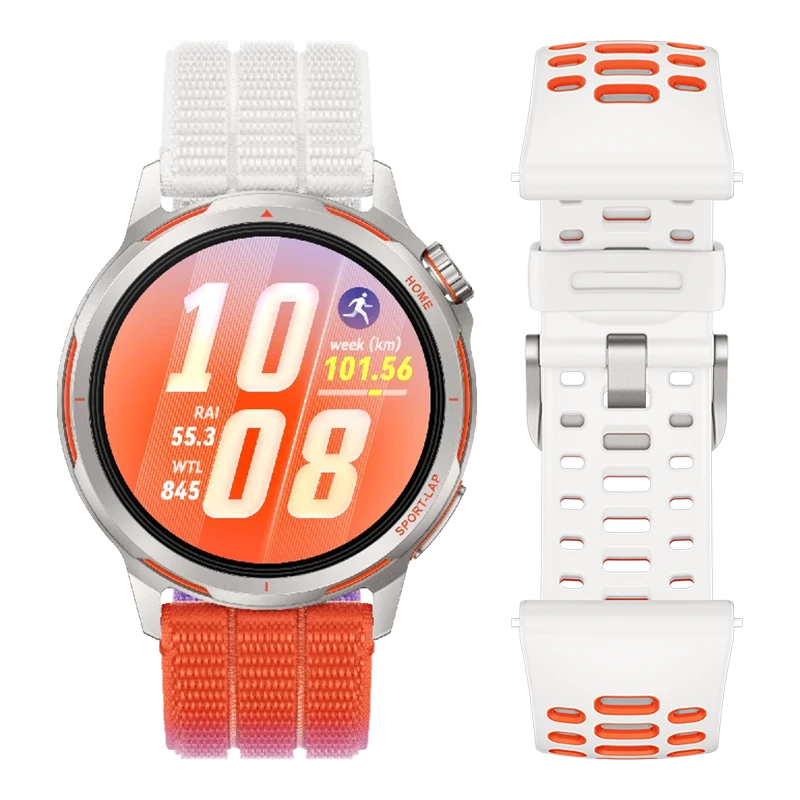
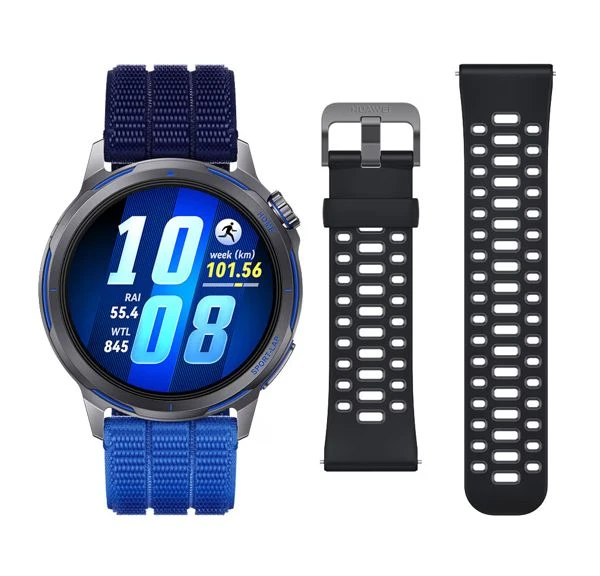
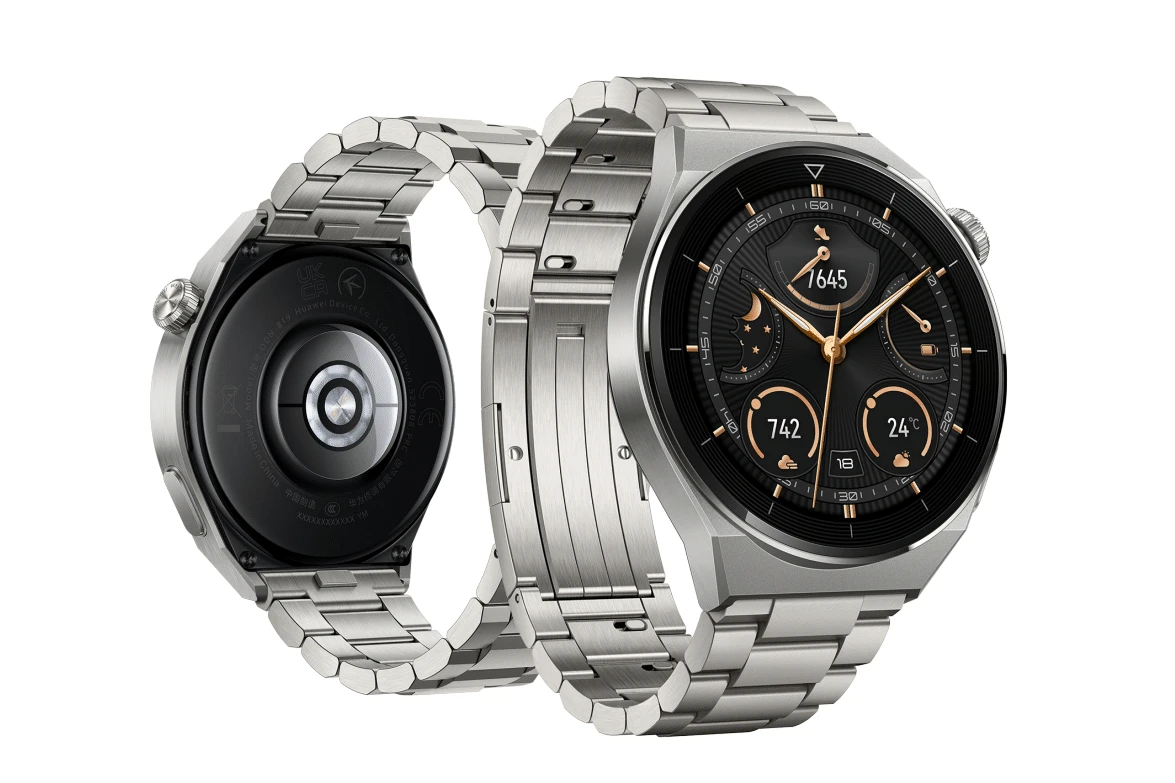
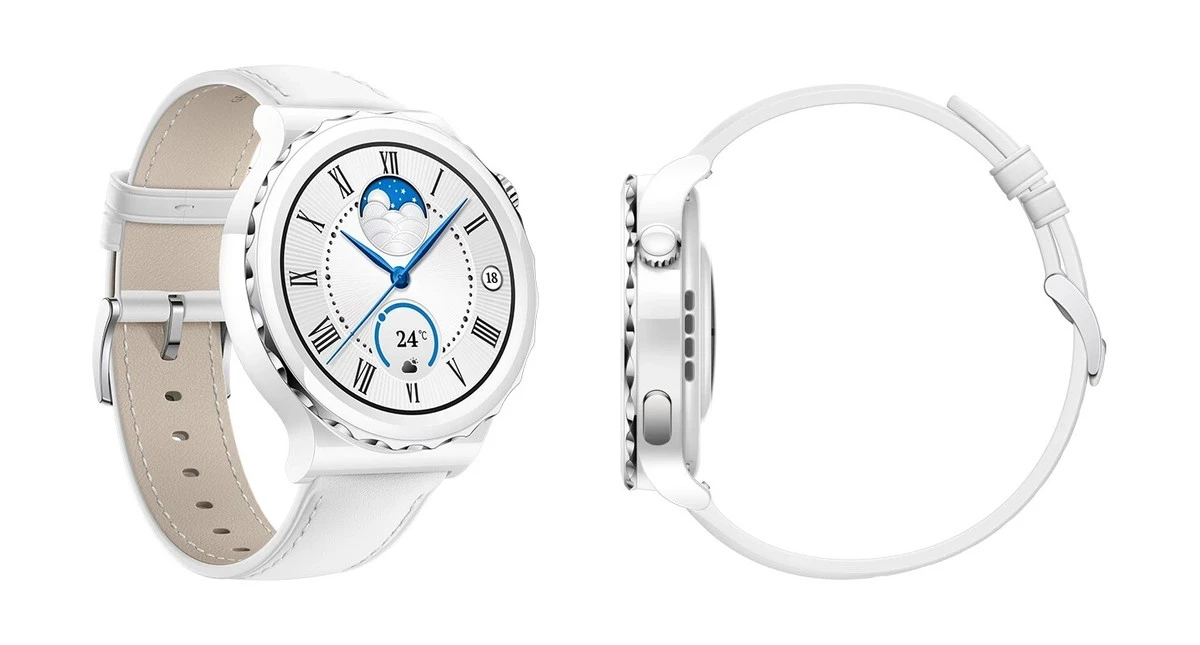
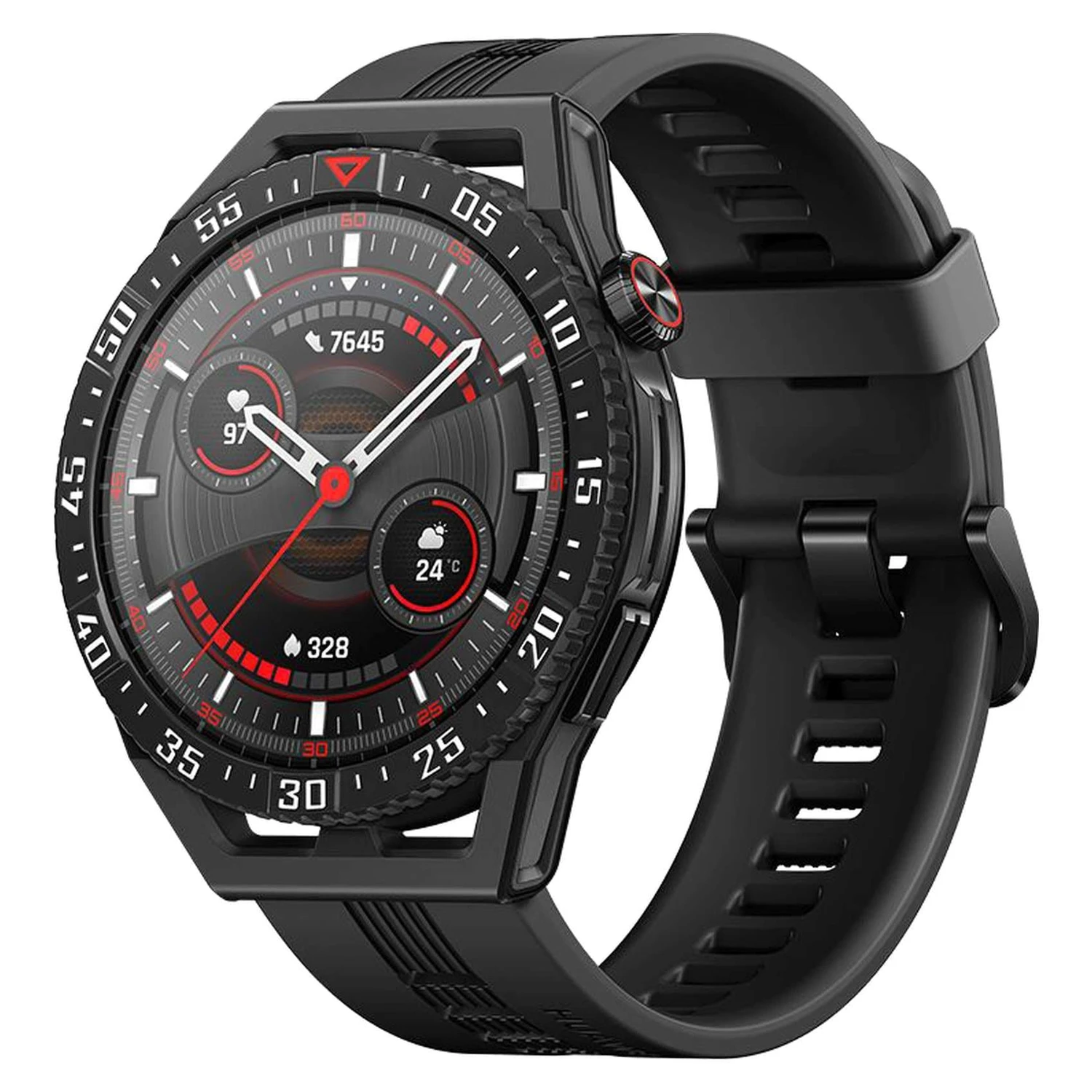
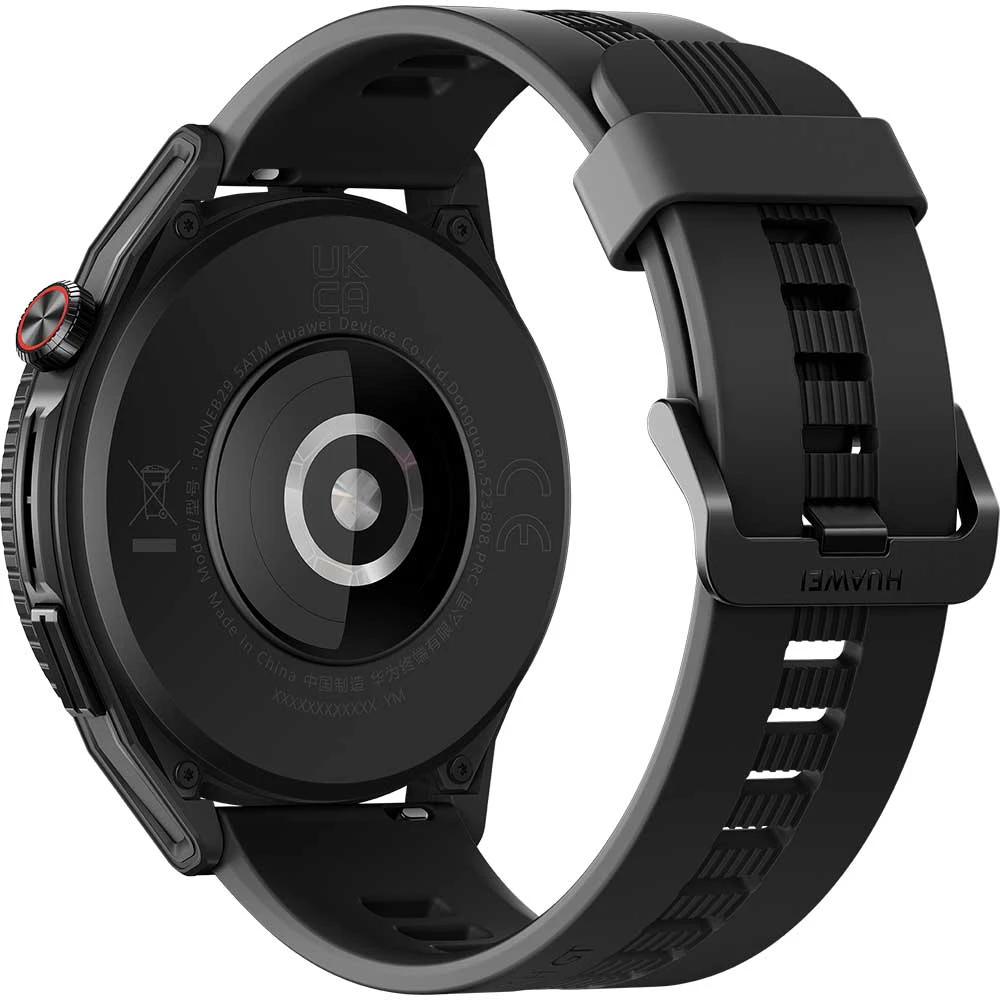
Browse huawei tabletsHuawei Watch, Watch GT, Watch Fit, Ultimate, D and other smartwatch ranges. Check the case size, hardware code, charging method and phone compatibility.
Browse huawei smartwatchesChoose the exact model, compare its colours and understand the specifications.
6.67-inch IPS LCD, 5G and 4G LTE and USB-C.
6.67-inch IPS LCD, 5G and 4G LTE and USB-C.
6.84-inch OLED, 5G and 4G LTE and USB-C.
6.67-inch IPS LCD, 4G LTE and USB-C.
6.56-inch LCD with USB-C.
6.7-inch OLED with USB-C.
6.84-inch OLED with USB-C.
6.56-inch LCD with USB-C.
6.9-inch LTPO OLED, 5G and 4G LTE and USB-C.
6.75-inch LTPO OLED, 5G and 4G LTE and USB-C.
6.75-inch Dual-layer LTPO OLED, 5G and 4G LTE and USB-C.
6.9-inch Dual-layer LTPO OLED, 5G and 4G LTE and USB-C.
6.9-inch Dual-layer LTPO OLED, 5G and 4G LTE and USB-C.
10.2-inch Tri-foldable LTPO OLED, 5G and 4G LTE and USB-C.
2026 · 12-inch · MatePad Air
2026 · 12-inch · MatePad Air
2026 · 12-inch · MatePad Air
2026 · 12.2-inch · MatePad Pro
2026 · 13.2-inch · MatePad Pro
6.84-inch OLED, 4G LTE and USB-C.
6.68-inch OLED, 5G and 4G LTE and USB-C.
6.84-inch LTPO OLED, 5G and 4G LTE and USB-C.
6.84-inch OLED, 4G LTE and USB-C.
6.84-inch LTPO OLED, 5G and 4G LTE and USB-C.
6.68-inch OLED, 5G and 4G LTE and USB-C.
6.84-inch LTPO OLED, 5G and 4G LTE and USB-C.
6.7-inch OLED, 5G and 4G LTE and USB-C.
6.67-inch IPS LCD, 4G LTE and USB-C.
6.8-inch LTPO OLED, 5G and 4G LTE and USB-C.
6.8-inch LTPO OLED with USB-C.
6.6-inch LTPO OLED, 5G and 4G LTE and USB-C.
6.9-inch LTPO OLED, 5G and 4G LTE and USB-C.
6.6-inch LTPO OLED, 5G and 4G LTE and USB-C.
6.9-inch LTPO OLED, 5G and 4G LTE and USB-C.
7.7-inch Foldable LTPO2 OLED, 5G and 4G LTE and USB-C.
6.39-inch OLED, 5G and 4G LTE and USB-C.
2026 · 46 mm / 42 mm · Huawei Watch
2026 · 46 mm Space Edition / 43 mm Ceramic Edition · Huawei Watch
2026 · 1.5-inch · Watch Buds
2026 · 1.92-inch · Watch D
2026 · 1.82-inch · Watch Fit
2026 · 1.92-inch · Watch Fit
2026 · 46 mm / 41 mm · Watch GT
2026 · 1.47-inch · Watch GT
2026 · 1.32-inch · Watch GT
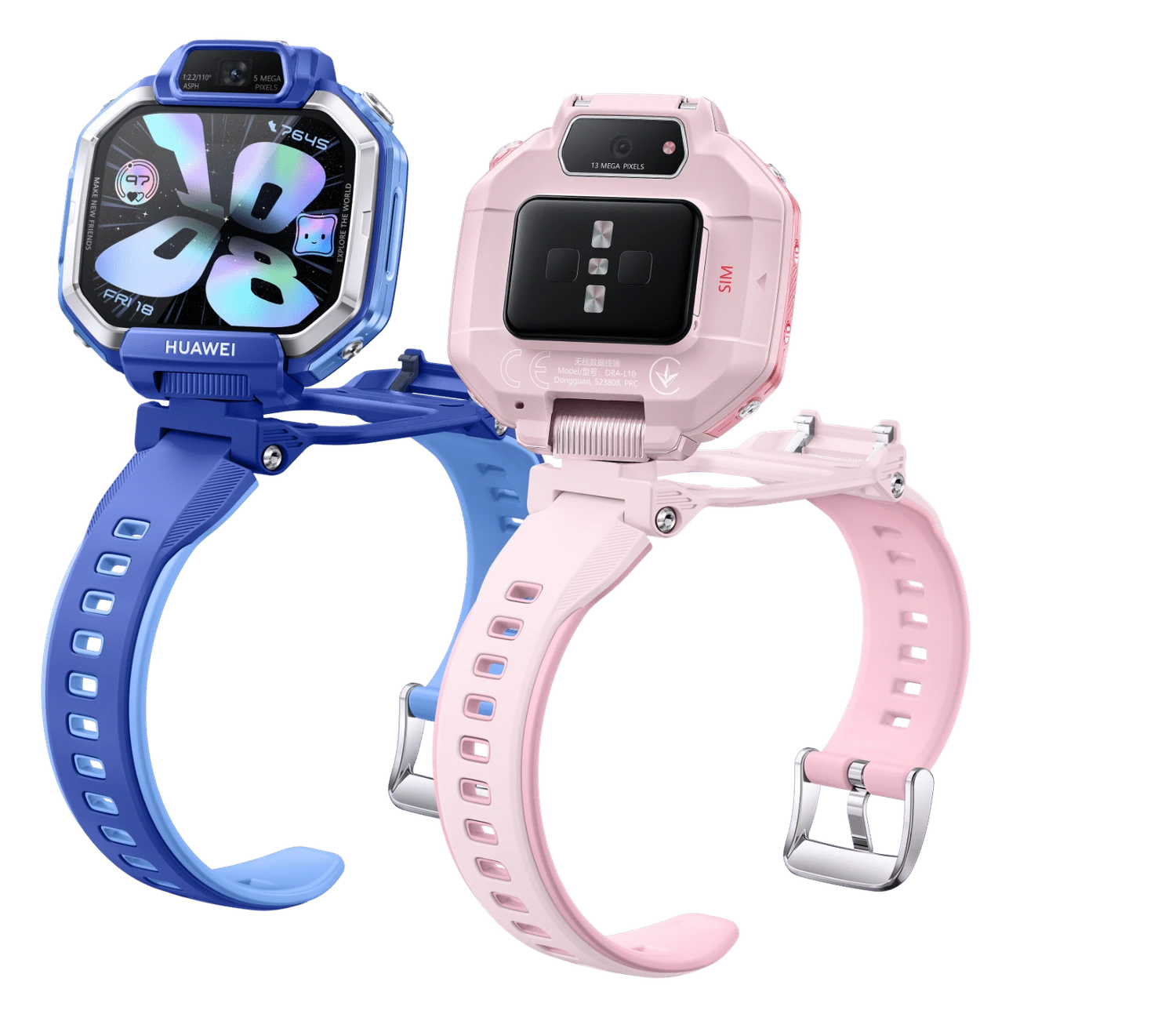
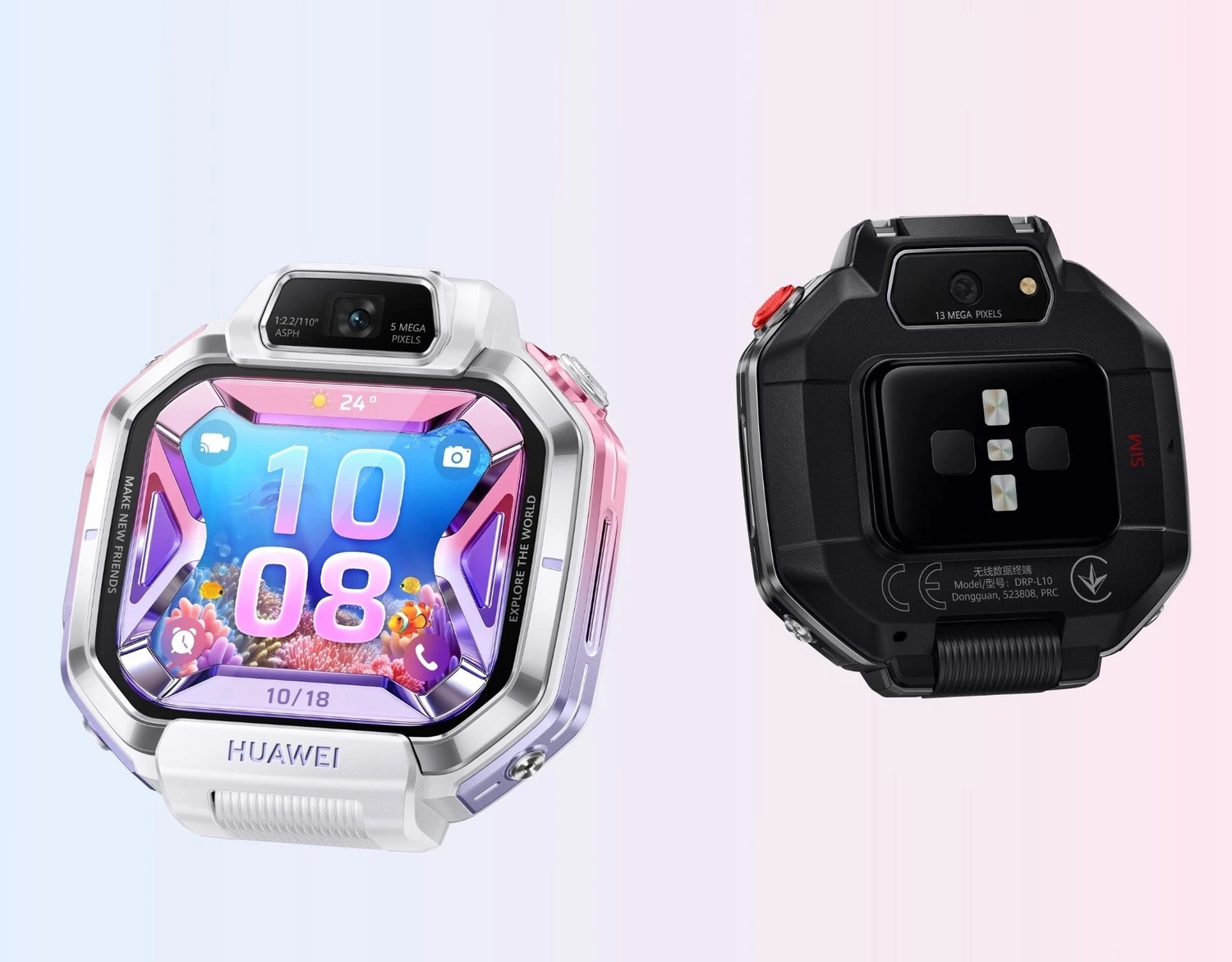
2026 · 1.82-inch · Watch Kids
2026 · 1.82-inch · Watch Kids
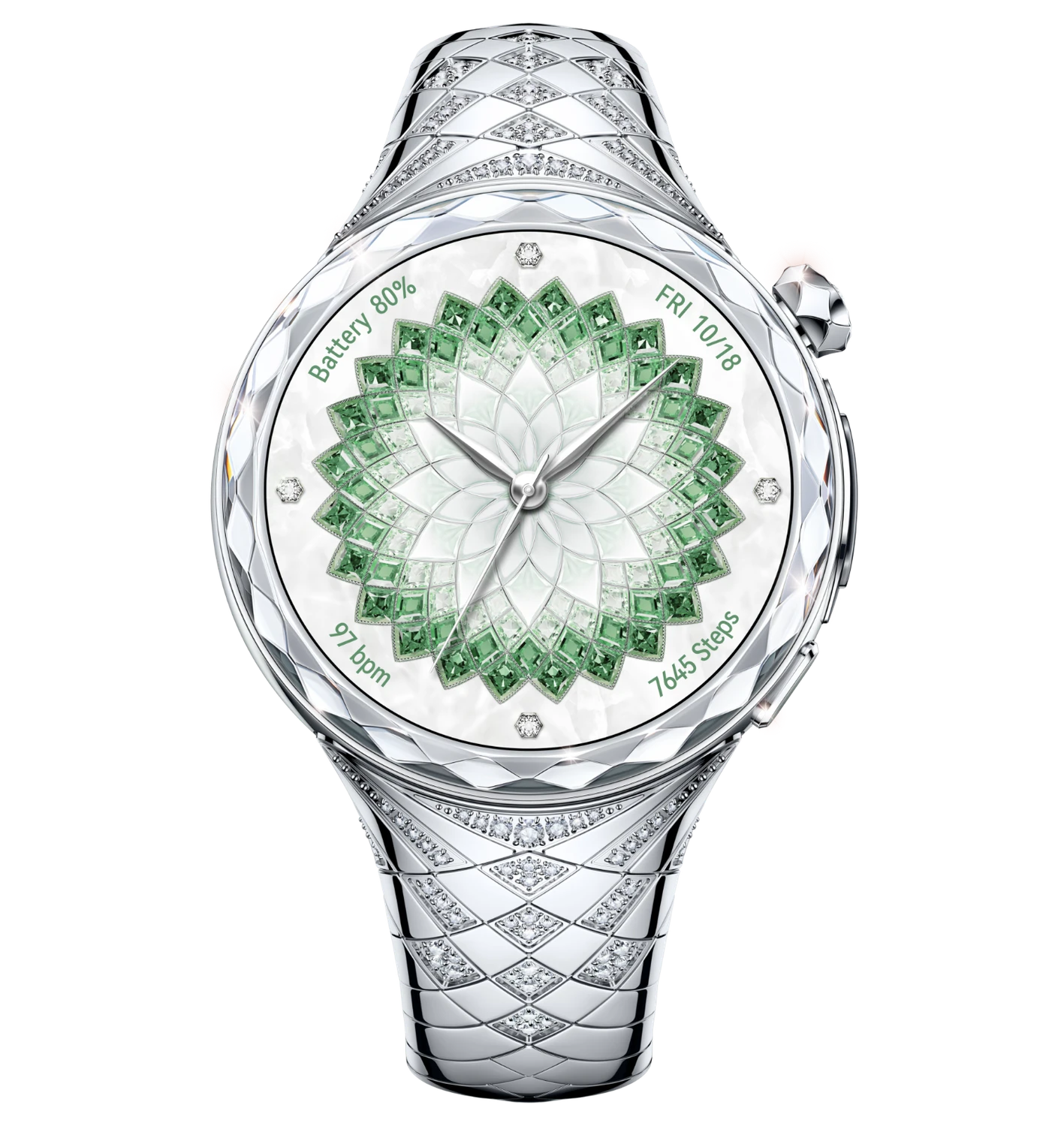
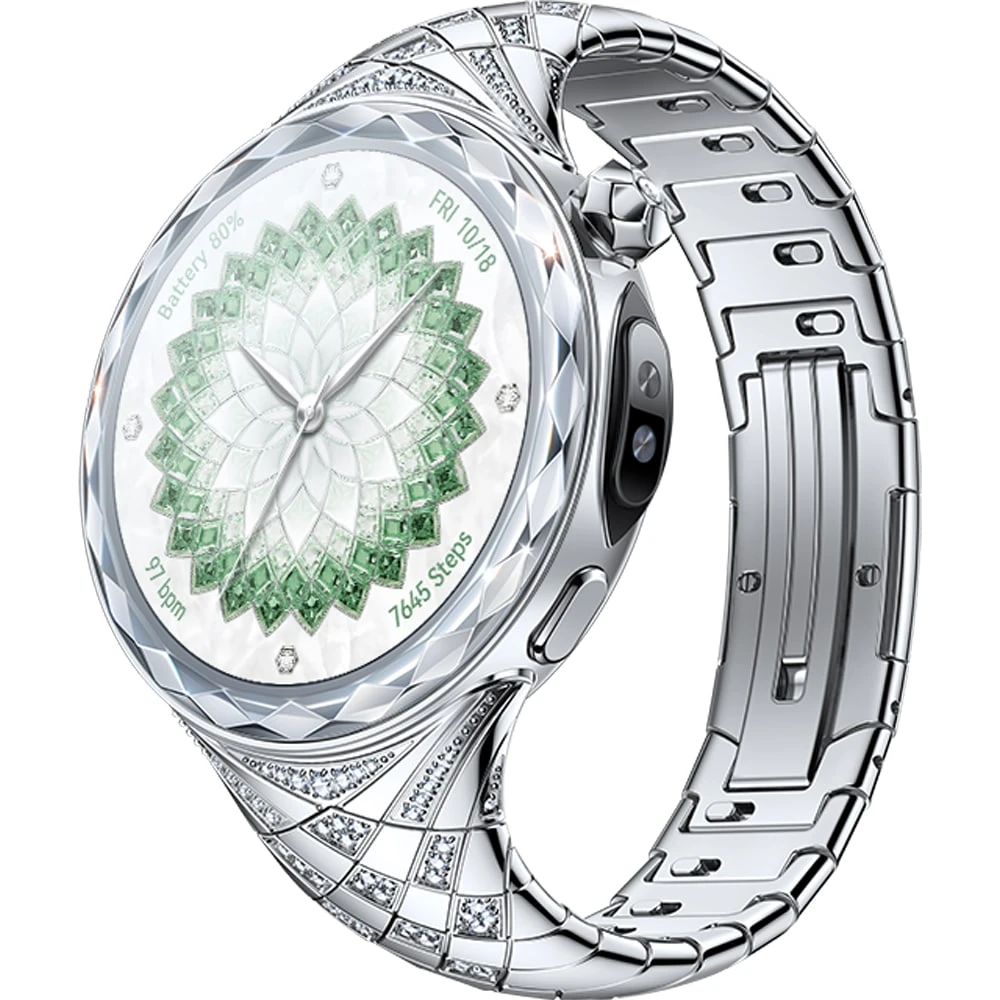
2026 · 1.38-inch · Watch Ultimate
6.78-inch AMOLED, 5G and 4G LTE and USB-C.
6.78-inch AMOLED, 4G LTE and USB-C.
6.67-inch IPS LCD, 4G LTE and USB-C.
7-inch LTPO OLED, 5G and 4G LTE and USB-C.
6.75-inch LTPO OLED, 5G and 4G LTE and USB-C.
6.75-inch LTPO OLED, 5G and 4G LTE and USB-C.
6.9-inch LTPO OLED, 5G and 4G LTE and USB-C.
6.9-inch Dual-layer LTPO OLED, 5G and 4G LTE and USB-C.
8-inch Foldable LTPO OLED, 5G and 4G LTE and USB-C.
10.2-inch Tri-foldable LTPO OLED, 5G and 4G LTE and USB-C.
2025 · 11.5-inch · MatePad
2025 · 11.5-inch · MatePad
2025 / 2026 editions · 11.5-inch · MatePad
2025 · 12-inch · MatePad
2025 · 12-inch · MatePad Air
2025 · 14.2-inch · MatePad Edge
2025 · 8.8-inch · MatePad Mini
2025 · 12.2-inch · MatePad Pro
6.7-inch OLED, 5G and 4G LTE and USB-C.
6.7-inch OLED, 5G and 4G LTE and USB-C.
6.78-inch LTPO OLED, 5G and 4G LTE and USB-C.
6.81-inch LTPO3 OLED, 5G and 4G LTE and USB-C.
6.95-inch IPS LCD, 4G LTE and USB-C.
6.7-inch LTPO OLED, 5G and 4G LTE and USB-C.
6.84-inch LTPO OLED, 5G and 4G LTE and USB-C.
6.84-inch LTPO OLED, 5G and 4G LTE and USB-C.
6.94-inch Foldable LTPO OLED, 5G and 4G LTE and USB-C.
6.75-inch IPS LCD, 4G LTE and USB-C.
6.75-inch IPS LCD, 4G LTE and USB-C.
6.67-inch IPS LCD, 4G LTE and USB-C.
6.6-inch LTPO OLED, 5G and 4G LTE and USB-C.
6.8-inch LTPO OLED, 5G and 4G LTE and USB-C.
6.8-inch LTPO OLED, 5G and 4G LTE and USB-C.
6.8-inch LTPO OLED, 5G and 4G LTE and USB-C.
6.3-inch Foldable LTPO2 OLED, 5G and 4G LTE and USB-C.
2025 · 46 mm / 42 mm · Huawei Watch
2025 · 1.82-inch · Watch Fit
2025 · 1.82-inch · Watch Fit
2025 · 46 mm / 41 mm · Watch GT
2025 · 1.47-inch · Watch GT
2025 · 1.5-inch · Watch Ultimate
2025 · 1.5-inch · Watch Ultimate
6.75-inch IPS LCD, 4G LTE and USB-C.
6.7-inch LTPO OLED, 5G and 4G LTE and USB-C.
6.9-inch LTPO OLED, 5G and 4G LTE and USB-C.
6.9-inch LTPO OLED, 5G and 4G LTE and USB-C.
6.9-inch Dual-layer LTPO OLED, 5G and 4G LTE and USB-C.
7.93-inch Foldable LTPO OLED, 5G and 4G LTE and USB-C.
10.2-inch Tri-foldable LTPO OLED, 5G and 4G LTE and USB-C.
2024 · 11.5-inch · MatePad
2024 · 11.5-inch · MatePad
2024 · 12-inch · MatePad
2024 · 12-inch · MatePad Air
2024 · 12.2-inch · MatePad Pro
2024 · 13.2-inch · MatePad Pro
2024 · 11-inch · MatePad SE
6.67-inch OLED, 4G LTE and USB-C.
6.7-inch IPS LCD, 4G LTE and USB-C.
6.7-inch OLED, 4G LTE and USB-C.
6.7-inch OLED, 5G and 4G LTE and USB-C.
6.76-inch LTPO OLED, 5G and 4G LTE and USB-C.
6.7-inch IPS LCD, 4G LTE and USB-C.
6.94-inch Foldable LTPO OLED, 5G and 4G LTE and USB-C.
6.75-inch TFT LCD, 4G LTE and USB-C.
6.94-inch Foldable LTPO OLED, 4G LTE and USB-C.
6.6-inch LTPO OLED, 5G and 4G LTE and USB-C.
6.8-inch LTPO OLED, 5G and 4G LTE and USB-C.
6.8-inch LTPO OLED, 5G and 4G LTE and USB-C.
6.8-inch LTPO OLED, 5G and 4G LTE and USB-C.
2024 · 1.82-inch · Watch D
2024 · 1.82-inch · Watch Fit
2024 · 46 mm / 41 mm · Watch GT
2024 · 46 mm / 42 mm · Watch GT
6.75-inch TFT LCD, 4G LTE and USB-C.
6.8-inch TFT LCD, 4G LTE and USB-C.
6.95-inch TFT LCD, 4G LTE and USB-C.
6.75-inch TFT LCD, 4G LTE and USB-C.
6.69-inch LTPO OLED, 4G LTE and USB-C.
6.82-inch LTPO OLED, 5G and 4G LTE and USB-C.
6.82-inch LTPO OLED, 5G and 4G LTE and USB-C.
6.82-inch LTPO OLED, 5G and 4G LTE and USB-C.
7.85-inch Foldable OLED, 5G and 4G LTE and USB-C.
7.85-inch Foldable OLED, 5G and 4G LTE and USB-C.
2023 · 11-inch · MatePad
2023 · 11.5-inch · MatePad
2023 · 11.5-inch · MatePad Air
2023 · 11-inch · MatePad Pro
2023 · 13.2-inch · MatePad Pro
6.78-inch IPS LCD, 4G LTE and USB-C.
6.7-inch OLED, 4G LTE and USB-C.
6.78-inch OLED, 4G LTE and USB-C.
6.67-inch OLED, 4G LTE and USB-C.
6.78-inch OLED, 4G LTE and USB-C.
6.8-inch IPS LCD, 4G LTE and USB-C.
6.7-inch OLED, 5G and 4G LTE and USB-C.
6.7-inch OLED, 4G LTE and USB-C.
6.76-inch LTPO OLED, 5G and 4G LTE and USB-C.
6.76-inch LTPO OLED, 5G and 4G LTE and USB-C.
6.75-inch IPS LCD, 4G LTE and USB-C.
6.95-inch IPS LCD, 4G LTE and USB-C.
6.67-inch LTPO OLED, 4G LTE and USB-C.
6.67-inch LTPO OLED, 4G LTE and USB-C.
6.67-inch LTPO OLED, 4G LTE and USB-C.
2023 · 1.5-inch · Huawei Watch
2023 · 1.5-inch · Huawei Watch
2023 · 46 mm / 41 mm · Watch GT
2023 · 1.5-inch · Watch Ultimate
2023 · 1.5-inch · Watch Ultimate
6.52-inch IPS LCD, 4G LTE and USB-C.
6.7-inch OLED, 4G LTE and USB-C.
6.74-inch OLED, 4G LTE and USB-C.
6.74-inch OLED, 4G LTE and USB-C.
6.7-inch OLED, 4G LTE and USB-C.
7.8-inch Foldable OLED, 4G LTE and USB-C.
2022 · 10.4-inch · MatePad
2022 · 10.1-inch · MatePad
2022 · 10.3-inch · MatePad Paper
2022 · 11-inch · MatePad Pro
2022 · 12.6-inch · MatePad Pro
2022 · 10.1-inch · MatePad SE
2022 · 10.4-inch · MatePad SE
6.78-inch IPS LCD, 4G LTE and USB-C.
6.67-inch OLED, 4G LTE and USB-C.
6.78-inch OLED, 4G LTE and USB-C.
6.67-inch OLED, 4G LTE and USB-C.
6.6-inch IPS LCD, 4G LTE and USB-C.
6.52-inch IPS LCD, 4G LTE and USB-C.
6.75-inch IPS LCD, 4G LTE and USB-C.
6.7-inch IPS LCD, 4G LTE and USB-C.
6.5-inch OLED, 4G LTE and USB-C.
6.9-inch Foldable OLED, 4G LTE and USB-C.
2022 · 1.43-inch · Watch Buds
2022 · 1.64-inch · Watch D
2022 · 1.74-inch · Watch Fit
2022 · 1.43-inch · Watch GT
2022 · 46 mm Titanium / 43 mm Ceramic · Watch GT
2022 · 1.43-inch · Watch GT
2022 · 1.32-inch · Watch GT
6.3-inch IPS LCD, 4G LTE and microUSB.
6.76-inch OLED, 4G LTE and USB-C.
6.5-inch OLED, 5G and 4G LTE and USB-C.
6.5-inch OLED, 4G LTE and USB-C.
8-inch Foldable OLED, 5G and 4G LTE and USB-C.
8-inch Foldable OLED, 4G LTE and USB-C.
2021 · 10.95-inch · MatePad
2021 · 10.8-inch · MatePad Pro
2021 · 12.6-inch · MatePad Pro
2021 · 9.7-inch · MatePad T
6.57-inch OLED, 4G LTE and USB-C.
6.72-inch OLED, 4G LTE and USB-C.
6.5-inch OLED, 4G LTE and USB-C.
6.6-inch IPS LCD, 4G LTE and USB-C.
6.67-inch IPS LCD, 4G LTE and USB-C.
6.57-inch OLED, 4G LTE and USB-C.
6.72-inch OLED, 4G LTE and USB-C.
6.6-inch IPS LCD, 4G LTE and USB-C.
6.1-inch OLED, 4G LTE and USB-C.
6.5-inch OLED, 4G LTE and USB-C.
6.9-inch Foldable OLED, 4G LTE and USB-C.
6.6-inch OLED, 4G LTE and USB-C.
2021 · 1.43-inch · Huawei Watch
2021 · 1.43-inch · Huawei Watch
2021 · 1.64-inch · Watch Fit
2021 · 1.47-inch · Watch Fit
2021 · 46 mm / 42 mm · Watch GT
2021 · 1.43-inch · Watch GT
2021 · 1.41-inch · Watch Kids
2020 · 1.41-inch · Watch Kids
6.3-inch IPS LCD, 4G LTE and microUSB.
6.6-inch IPS LCD, 5G and 4G LTE and USB-C.
6.63-inch IPS LCD, 5G and 4G LTE and USB-C.
6.5-inch IPS LCD, 5G and 4G LTE and USB-C.
6.67-inch IPS LCD, 4G LTE and USB-C.
2020 · 10.1-inch · Enjoy tablets
6.5-inch IPS LCD, 5G and 4G LTE and USB-C.
6.53-inch OLED, 5G and 4G LTE and USB-C.
6.5-inch OLED, 5G and 4G LTE and USB-C.
6.76-inch OLED, 5G and 4G LTE and USB-C.
6.76-inch OLED, 5G and 4G LTE and USB-C.
6.76-inch OLED, 5G and 4G LTE and USB-C.
8-inch Foldable OLED, 5G and 4G LTE and USB-C.
2020 · 10.4-inch · MatePad
2020 · 10.4-inch · MatePad
2020 · 10.8-inch · MatePad
2020 · 10.8-inch · MatePad Pro
2020 · 10.1-inch · MatePad T
2020 · 8-inch · MatePad T
6.53-inch OLED, 5G and 4G LTE and USB-C.
6.57-inch OLED, 5G and 4G LTE and USB-C.
6.5-inch IPS LCD, 5G and 4G LTE and USB-C.
6.5-inch IPS LCD, 5G and 4G LTE and USB-C.
6.4-inch IPS LCD, 4G LTE and USB-C.
6.57-inch OLED, 5G and 4G LTE and USB-C.
6.72-inch OLED, 5G and 4G LTE and USB-C.
6.53-inch OLED, 5G and 4G LTE and USB-C.
6.21-inch IPS LCD, 4G LTE and microUSB.
6.67-inch IPS LCD, 4G LTE and USB-C.
6.3-inch OLED, 4G LTE and USB-C.
6.15-inch IPS LCD, 4G LTE and USB-C.
6.47-inch OLED, 4G LTE and USB-C.
6.1-inch OLED, 5G and 4G LTE and USB-C.
6.4-inch IPS LCD, 4G LTE and USB-C.
6.5-inch IPS LCD, 5G and 4G LTE and USB-C.
6.39-inch IPS LCD, 4G LTE and microUSB.
6.58-inch OLED, 5G and 4G LTE and USB-C.
6.58-inch OLED, 5G and 4G LTE and USB-C.
2020 · 1.64-inch · Watch Fit
2020 · 1.39-inch · Watch GT
2020 · 1.39-inch · Watch GT
2020 · 1.39-inch · Watch GT
5.45-inch IPS LCD, 4G LTE and microUSB.
6.3-inch IPS LCD, 4G LTE and microUSB.
6.09-inch IPS LCD, 4G LTE and microUSB.
6.67-inch IPS LCD, 4G LTE and USB-C.
6.39-inch IPS LCD, 4G LTE and microUSB.
6.3-inch OLED, 4G LTE and USB-C.
6.5-inch IPS LCD, 4G LTE and microUSB.
6.63-inch IPS LCD, 4G LTE and USB-C.
6.09-inch IPS LCD, 4G LTE and microUSB.
6.21-inch IPS LCD, 4G LTE and microUSB.
6.39-inch IPS LCD, 4G LTE and microUSB.
6.59-inch IPS LCD, 4G LTE and USB-C.
6.3-inch OLED, 4G LTE and USB-C.
7.2-inch OLED, 5G and 4G LTE and USB-C.
6.62-inch OLED, 4G LTE and USB-C.
6.62-inch OLED, 5G and 4G LTE and USB-C.
6.53-inch OLED, 4G LTE and USB-C.
6.53-inch OLED, 5G and 4G LTE and USB-C.
6.53-inch OLED, 5G and 4G LTE and USB-C.
8-inch Foldable OLED, 5G and 4G LTE and USB-C.
2019 · 10.8-inch · MatePad Pro
2019 · 8-inch · MediaPad
2019 · 8.4-inch · MediaPad
2019 · 10.8-inch · MediaPad
2019 · 8.4-inch · MediaPad
6.15-inch IPS LCD, 4G LTE and USB-C.
6.39-inch OLED, 4G LTE and USB-C.
6.39-inch OLED, 4G LTE and USB-C.
6.4-inch IPS LCD, 4G LTE and USB-C.
6.26-inch IPS LCD, 4G LTE and USB-C.
6.26-inch IPS LCD, 4G LTE and USB-C.
6.26-inch IPS LCD, 4G LTE and USB-C.
6.57-inch IPS LCD, 4G LTE and USB-C.
6.57-inch IPS LCD, 5G and 4G LTE and USB-C.
6.4-inch IPS LCD, 4G LTE and USB-C.
6.59-inch IPS LCD, 4G LTE and USB-C.
6.59-inch IPS LCD, 4G LTE and USB-C.
6.4-inch IPS LCD, 4G LTE and USB-C.
6.1-inch OLED, 4G LTE and USB-C.
6.15-inch IPS LCD, 4G LTE and USB-C.
6.47-inch OLED, 4G LTE and USB-C.
2019 · 46 mm / 42 mm · Watch GT
5.71-inch IPS LCD, 4G LTE and microUSB.
6.09-inch IPS LCD, 4G LTE and microUSB.
6.09-inch IPS LCD, 4G LTE and microUSB.
6.26-inch IPS LCD, 4G LTE and microUSB.
6.26-inch IPS LCD, 4G LTE and microUSB.
6.26-inch IPS LCD, 4G LTE and microUSB.
6.59-inch IPS LCD, 4G LTE and USB-C.
6.59-inch IPS LCD, 4G LTE and USB-C.
6.26-inch IPS LCD, 4G LTE and microUSB.
6.53-inch IPS LCD, 4G LTE and USB-C.
6.3-inch IPS LCD, 4G LTE and USB-C.
6.39-inch OLED, 4G LTE and USB-C.
6.39-inch OLED, 4G LTE and USB-C.
7.2-inch OLED, 4G LTE and USB-C.
6-inch OLED, 4G LTE and USB-C.
2018 · 8.4-inch · MediaPad
2018 · 10.8-inch · MediaPad
2018 · 10.8-inch · MediaPad
2018 · 10.1-inch · MediaPad
2018 · 10.1-inch · MediaPad
6.3-inch IPS LCD, 4G LTE and USB-C.
6.3-inch IPS LCD, 4G LTE and microUSB.
6.4-inch IPS LCD, 4G LTE and USB-C.
6.21-inch IPS LCD, 4G LTE and microUSB.
6.21-inch IPS LCD, 4G LTE and microUSB.
5.8-inch IPS LCD, 4G LTE and USB-C.
5.84-inch IPS LCD, 4G LTE and USB-C.
6.1-inch OLED, 4G LTE and USB-C.
2018 · 1.2-inch · Huawei Watch
2018 · Multiple case versions · Watch GT
7.12-inch IPS LCD, 4G LTE and microUSB.
5-inch IPS LCD, 4G LTE and microUSB.
5.45-inch LCD, 4G LTE and microUSB.
5.45-inch LCD, 4G LTE and microUSB.
5.7-inch S-IPS LCD, 4G LTE and microUSB.
5.7-inch S-IPS LCD, 4G LTE and microUSB.
5.99-inch IPS LCD, 4G LTE and microUSB.
5.99-inch IPS LCD, 4G LTE and microUSB.
5.99-inch IPS LCD, 4G LTE and microUSB.
5.93-inch IPS LCD, 4G LTE and microUSB.
6.5-inch IPS LCD, 4G LTE and microUSB.
5.9-inch IPS LCD, 4G LTE and USB-C.
5.9-inch IPS LCD, 4G LTE and microUSB.
6-inch OLED, 4G LTE and USB-C.
6-inch OLED, 4G LTE and USB-C.
2017 · 8-inch · MediaPad
2017 · 10.1-inch · MediaPad
2017 · 7-inch · MediaPad
2017 · 8-inch · MediaPad
2017 · 9.6-inch · MediaPad
5-inch IPS LCD, 4G LTE and USB-C.
5.5-inch IPS LCD, 4G LTE and USB-C.
6-inch IPS LCD, 4G LTE and USB-C.
5.65-inch IPS LCD, 4G LTE and microUSB.
5.2-inch IPS LCD, 4G LTE and microUSB.
5-inch IPS LCD, 4G LTE and microUSB.
5.1-inch IPS-NEO LCD, 4G LTE and USB-C.
5.2-inch IPS LCD, 4G LTE and microUSB.
5.5-inch IPS-NEO LCD, 4G LTE and USB-C.
2017 · 1.2-inch · Huawei Watch
2017 · 1.2-inch · Huawei Watch
2017 · 1.2-inch · Huawei Watch
5-inch IPS LCD, 4G LTE and microUSB.
5-inch IPS LCD, 4G LTE and microUSB.
5-inch IPS LCD, 4G LTE and microUSB.
5.5-inch IPS LCD, 4G LTE and microUSB.
5.5-inch IPS LCD, 4G LTE and microUSB.
5-inch OLED, 4G LTE and microUSB.
5-inch OLED, 4G LTE and microUSB.
2016 · 1.04-inch · Huawei Fit
5.5-inch IPS LCD, 4G LTE and USB-C.
5.9-inch IPS LCD, 4G LTE and USB-C.
5.5-inch OLED, 4G LTE and USB-C.
5.5-inch OLED, 4G LTE and USB-C.
2016 · 7-inch · MediaPad
2016 · 10.1-inch · MediaPad
2016 · 8.4-inch · MediaPad
2016 · 7-inch · MediaPad
2016 · 7-inch · MediaPad
2016 · 7-inch · MediaPad
2016 · 10-inch · MediaPad
5-inch IPS LCD, 4G LTE and USB-C.
5.5-inch IPS LCD, 4G LTE and USB-C.
5.2-inch IPS-NEO LCD, 4G LTE and USB-C.
5.2-inch IPS LCD, 4G LTE and microUSB.
5.5-inch Super AMOLED, 4G LTE and USB-C.
4.5-inch TFT, 4G LTE and microUSB.
5-inch IPS LCD, 4G LTE and microUSB.
5-inch IPS LCD, 4G LTE and microUSB.
2015 · Snapdragon 810 · An aluminium Nexus with AMOLED and front stereo speakers.
4.5-inch TFT, 3G and microUSB.
5-inch IPS LCD, 4G LTE and microUSB.
5.5-inch IPS LCD, 4G LTE and microUSB.
5.5-inch IPS LCD, 4G LTE and microUSB.
6-inch IPS-NEO LCD, 4G LTE and microUSB.
5.5-inch OLED, 4G LTE and microUSB.
2015 · 8-inch · MediaPad
2015 · 7-inch · MediaPad
2015 · 9.6-inch · MediaPad
2015 · 7-inch · MediaPad
5.2-inch IPS-NEO LCD, 4G LTE and microUSB.
5-inch IPS LCD, 4G LTE and microUSB.
5-inch IPS LCD, 4G LTE and microUSB.
6.8-inch IPS LCD, 4G LTE and microUSB.
5-inch IPS LCD, 4G LTE and microUSB.
2015 · 1.4-inch · Huawei Watch
5-inch IPS LCD, 4G LTE and microUSB.
5-inch IPS LCD, 4G LTE and microUSB.
4-inch IPS LCD, 3G and microUSB.
4.5-inch IPS LCD, 4G LTE and microUSB.
5-inch IPS LCD, 3G and microUSB.
5-inch IPS LCD, 4G LTE and microUSB.
4.5-inch IPS LCD, 3G and microUSB.
4.5-inch IPS LCD, 4G LTE and microUSB.
5.5-inch IPS LCD, 4G LTE and microUSB.
4.5-inch IPS LCD, 4G LTE and microUSB.
5-inch IPS LCD, 4G LTE and microUSB.
5-inch IPS LCD, 3G and microUSB.
5.5-inch IPS LCD, 3G and microUSB.
6-inch IPS LCD, 4G LTE and microUSB.
6.1-inch IPS+ LCD, 4G LTE and microUSB.
6-inch IPS LCD, 4G LTE and microUSB.
6-inch IPS LCD, 4G LTE and microUSB.
4.7-inch IPS+ LCD, 3G and microUSB.
5-inch IPS LCD, 4G LTE and microUSB.
4.5-inch TFT, 4G LTE and microUSB.
5-inch IPS LCD, 4G LTE and microUSB.
4-inch TFT, 3G and microUSB.
3.5-inch TFT, 3G and microUSB.
4-inch TFT, 3G and microUSB.
4.5-inch TFT, 3G and microUSB.
4.5-inch TFT, 3G and microUSB.
4.5-inch IPS LCD, 4G LTE and microUSB.
5-inch TFT, 3G and microUSB.
2014 · 7-inch · MediaPad
2014 · 10.1-inch · MediaPad
2014 · 8-inch · MediaPad
2014 · 8-inch · MediaPad
2014 · 7-inch · MediaPad
4-inch IPS LCD, 3G and microUSB.
5-inch IPS LCD, 3G and microUSB.
4-inch IPS LCD, 3G and microUSB.
4.5-inch IPS LCD, 3G and microUSB.
4.5-inch IPS LCD, 3G and microUSB.
4.5-inch IPS LCD, 4G LTE and microUSB.
4.5-inch Super IPS+ LCD, 3G and microUSB.
5-inch IPS LCD, 3G and microUSB.
5-inch IPS LCD, 4G LTE and microUSB.
6.1-inch IPS+ LCD, 3G and microUSB.
4.7-inch IPS LCD, 4G LTE and microUSB.
4.7-inch IPS+ LCD, 3G and microUSB.
4-inch IPS LCD, 3G and microUSB.
4.3-inch IPS LCD, 3G and microUSB.
3.5-inch TFT, 3G and microUSB.
3.5-inch TFT, 3G and microUSB.
4-inch IPS LCD, 3G and microUSB.
4-inch TFT, 3G and microUSB.
4.5-inch IPS LCD, 3G and microUSB.
5-inch IPS LCD, 3G and microUSB.
1.8-inch TFT, 2G GSM and microUSB.
2.4-inch TFT, 2G GSM and microUSB.
2013 · 7-inch · MediaPad
2013 · 7-inch · MediaPad
2013 · 10.1-inch · MediaPad
4-inch TFT, 4G LTE and microUSB.
3.5-inch TFT, 3G and microUSB.
3.5-inch TFT, 4G LTE and microUSB.
4.5-inch IPS+ LCD, 3G and microUSB.
4.5-inch IPS+ LCD, 3G and microUSB.
4.5-inch IPS+ LCD, 3G and microUSB.
4.5-inch IPS LCD, 3G and microUSB.
4-inch IPS LCD, 3G and microUSB.
4-inch TFT, 3G and microUSB.
4-inch TFT, 3G and microUSB.
4-inch TFT, 3G and microUSB.
4.3-inch IPS LCD, 3G and microUSB.
4.5-inch IPS LCD, 3G and microUSB.
4.3-inch Super AMOLED, 3G and microUSB.
4.3-inch Super AMOLED, 4G LTE and microUSB.
4.3-inch Super AMOLED, 3G and microUSB.
4.3-inch Super AMOLED, 3G and microUSB.
3.2-inch TFT, 3G and microUSB.
3.5-inch TFT, 3G and microUSB.
2.8-inch TFT, 3G and microUSB.
3.5-inch IPS LCD, 3G and microUSB.
3.5-inch TFT, 3G and microUSB.
3.5-inch TFT, 3G and microUSB.
3.5-inch TFT, 3G and microUSB.
2-inch TFT, 2G GSM and microUSB.
1.8-inch TFT, 2G GSM and miniUSB.
2.4-inch TFT, 2G GSM and microUSB.
2.4-inch TFT, 2G GSM and 2.0.
2.8-inch TFT, 3G and Proprietary connector.
2012 · 7-inch · MediaPad
2012 · 10-inch · MediaPad
3.5-inch TFT, 3G and microUSB.
3.5-inch TFT, 3G and microUSB.
2-inch TFT, 2G GSM and 2.0.
2-inch TFT, 2G GSM and microUSB.
2.4-inch TFT, 2G GSM and Proprietary connector.
2.4-inch TFT, 2G GSM and Proprietary connector.
2.4-inch TFT, 2G GSM and microUSB.
2.4-inch TFT, 2G GSM and microUSB.
2.8-inch TFT resistive touchscreen, 2G GSM and microUSB.
3.5-inch TFT, 2G GSM and microUSB.
2011 · 7-inch · IDEOS tablets
2011 · 7-inch · IDEOS tablets
3.8-inch TFT, 3G and microUSB.
4-inch TFT, 3G and microUSB.
2011 · 7-inch · MediaPad
2011 · 7-inch · MediaPad
2-inch TFT, CDMA and microUSB.
3.2-inch TFT, 2G GSM and microUSB.
2.4-inch TFT, 3G and microUSB.
2.4-inch TFT, 3G and miniUSB.
2.8-inch TFT, 3G and microUSB.
2.6-inch TFT, 3G and microUSB.
3.2-inch TFT, 3G and microUSB.
3.2-inch TFT, 3G and microUSB.
3.5-inch TFT, 3G and microUSB.
3.8-inch TFT, 3G and microUSB.
3.7-inch TFT, 3G and microUSB.
1.47-inch CSTN, CDMA.
2.41-inch TFT, 2G GSM and microUSB.
TFT resistive touchscreen, 2G GSM and 2.0.
2.8-inch TFT resistive touchscreen, 2G GSM and microUSB.
2010 · 7-inch · IDEOS tablets
2-inch TFT, 3G and miniUSB.
2.8-inch TFT resistive touchscreen, 3G and miniUSB.
2.8-inch TFT, 3G and microUSB.
2.8-inch TFT resistive touchscreen, 3G and microUSB.
2.8-inch TFT, 3G and microUSB.
2.6-inch TFT, 3G and microUSB.
3.2-inch TFT, 3G and microUSB.
3.8-inch TFT, 3G and microUSB.
4.1-inch TFT, 3G and microUSB.
2.4-inch TFT, 2G GSM and miniUSB.
3-inch TFT, 3G and miniUSB.
2-inch TFT, 3G and 2.0.
2-inch TFT, 3G and microUSB.
2.8-inch TFT, 3G and Proprietary connector.
3.5-inch TFT, 3G and 2.0.
3.5-inch TFT, 3G and microUSB.
2.4-inch TFT, 3G and 2.0.
2.4-inch TFT, 3G and 2.0.
1.4-inch Monochrome graphics, 2G GSM.
1.4-inch Monochrome graphics, 2G GSM.
1.4-inch Monochrome graphics, 2G GSM.
1.5-inch CSTN, 2G GSM.
1.5-inch CSTN, 2G GSM.
1.5-inch CSTN, 2G GSM.
1.5-inch CSTN, 2G GSM.
1.5-inch CSTN, 2G GSM.
1.5-inch CSTN, 3G and Proprietary connector.
1.8-inch TFT, 3G and 2.0.
2.2-inch TFT, 3G and 2.0.
2-inch TFT, 3G and 2.0.
2.4-inch TFT, 3G and 2.0.
1.8-inch TFT, 3G and 2.0.
1.8-inch TFT, 3G and 2.0.
Try a shorter model name, a keyword or the beginning of its model code. Clear the range filter to search all models on this page.
Colours and small details in the pictures are approximate. Confirm the model marking in the device information, on its label or on the original packaging before choosing accessories or replacement parts.
The name identifies the range. The model number identifies the hardware version.
Many devices share a model number. A serial number identifies an individual device. Depending on its mobile network, a cellular device may also have an IMEI, MEID or ESN.