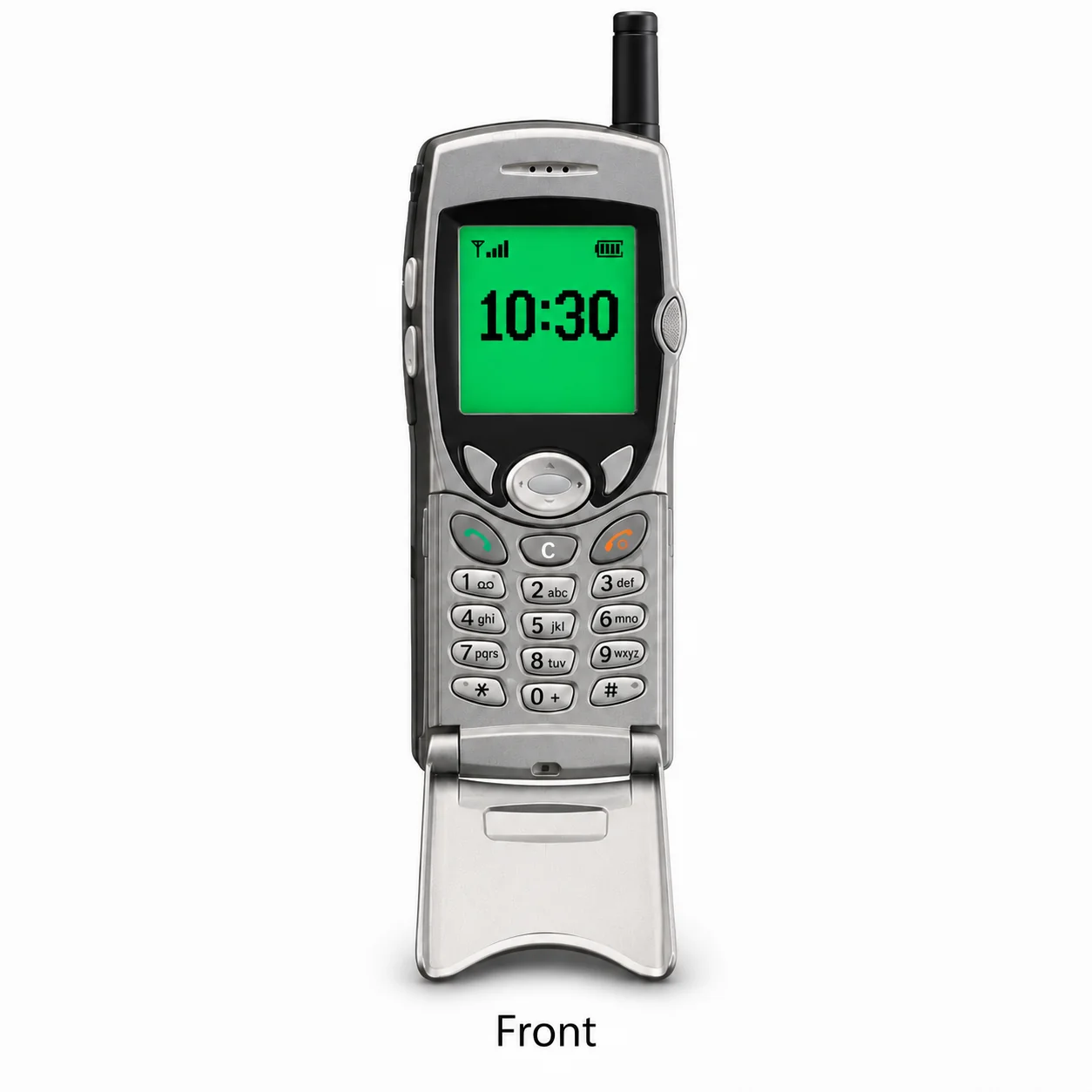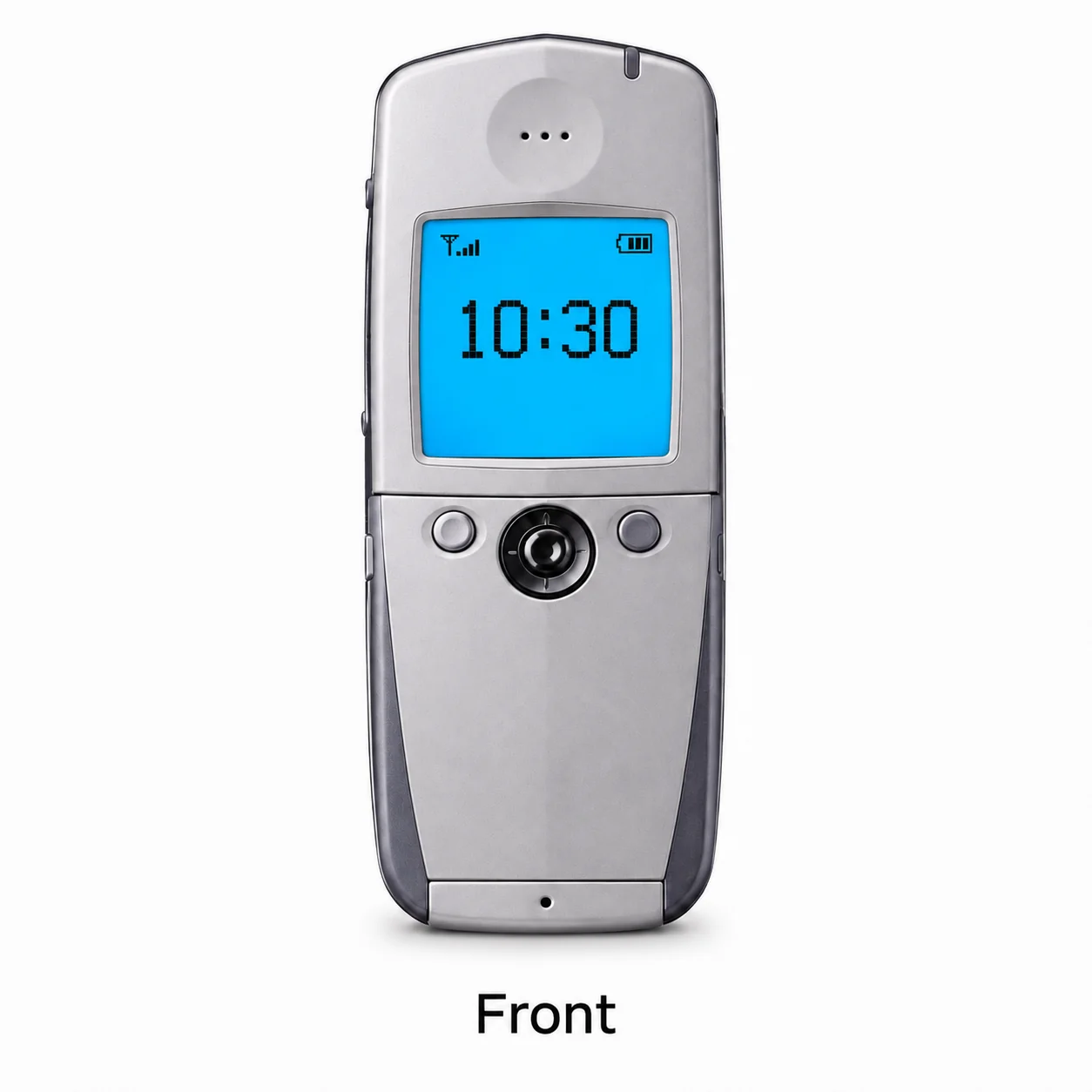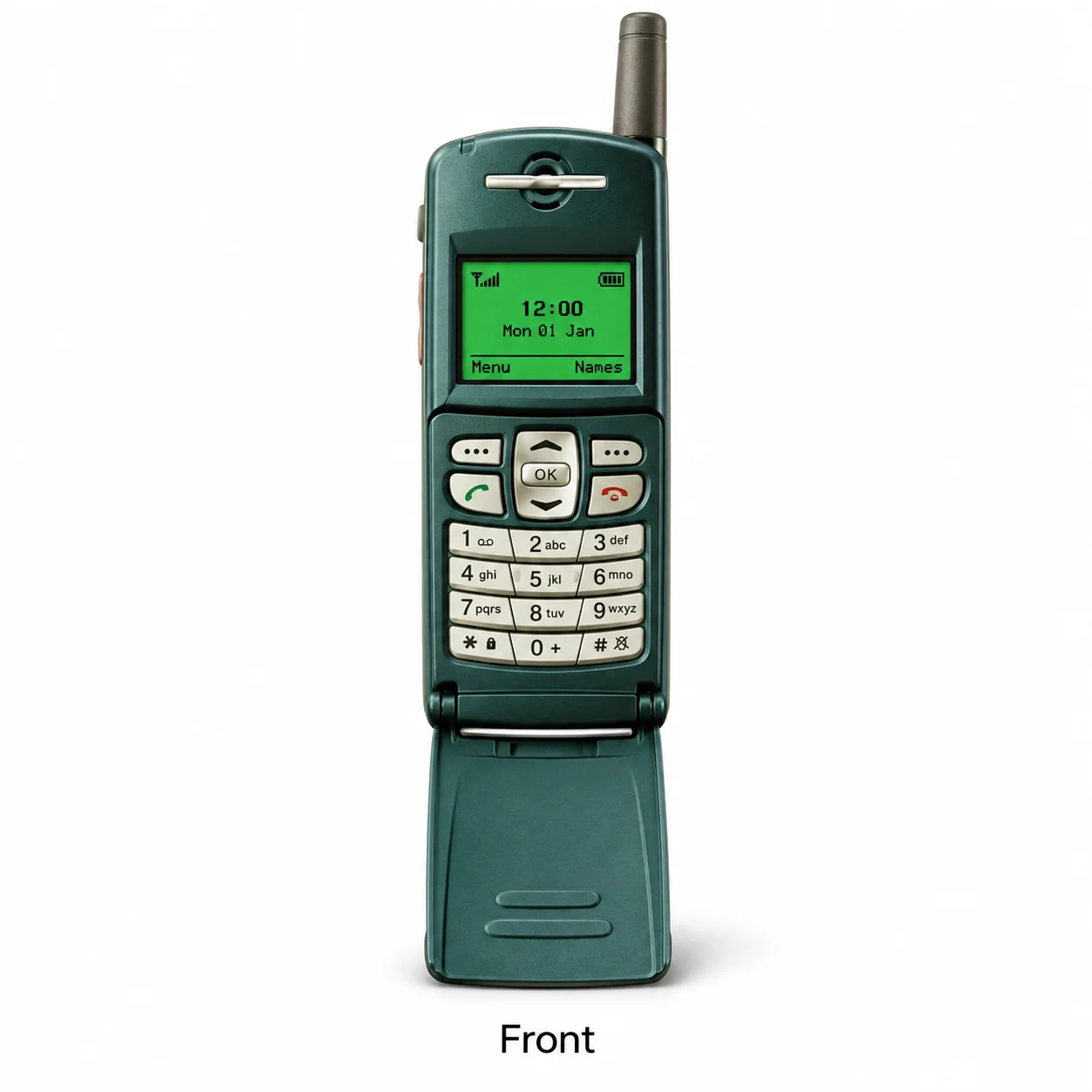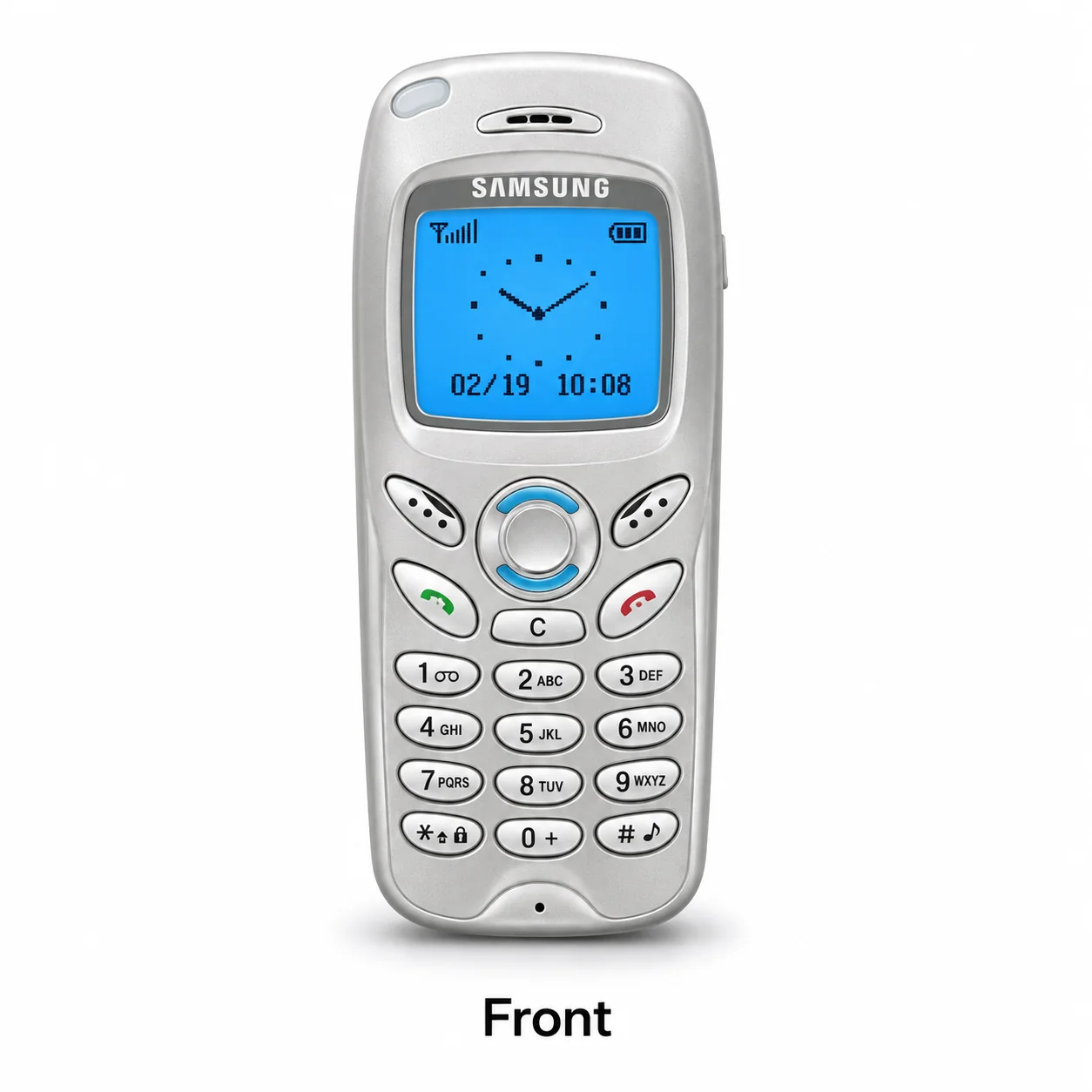
Samsung / Classic N series

Classic N series models.
Find yours.

Explore Classic N series generations and variants. Each guide brings model identifiers, recorded colours, device views and specifications together.

Explore the details

All 6 Classic N series models

Choose the exact model, compare its colours and understand the specifications.

Device terms explained

6 device guides

Classic N series · 2002 · 4 colours

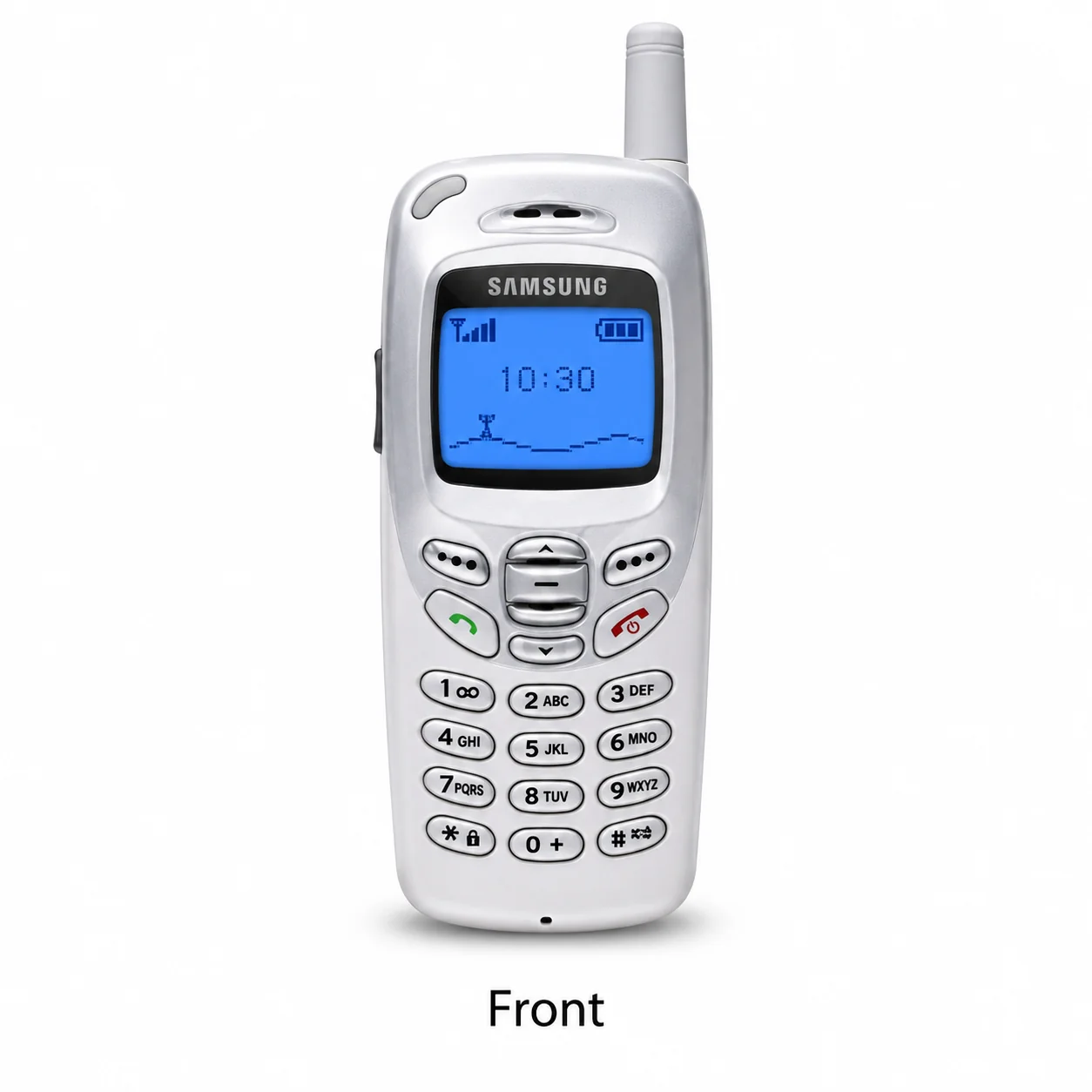
Samsung N500

Monochrome graphic; GSM. Compare the model marking and original hardware.

Model reference
N500
Screen
Monochrome graphic
Network
GSM
Introduced
2002
Colours & model codes inside
Read the N500 guide
Classic N series · 2002 · 4 colours

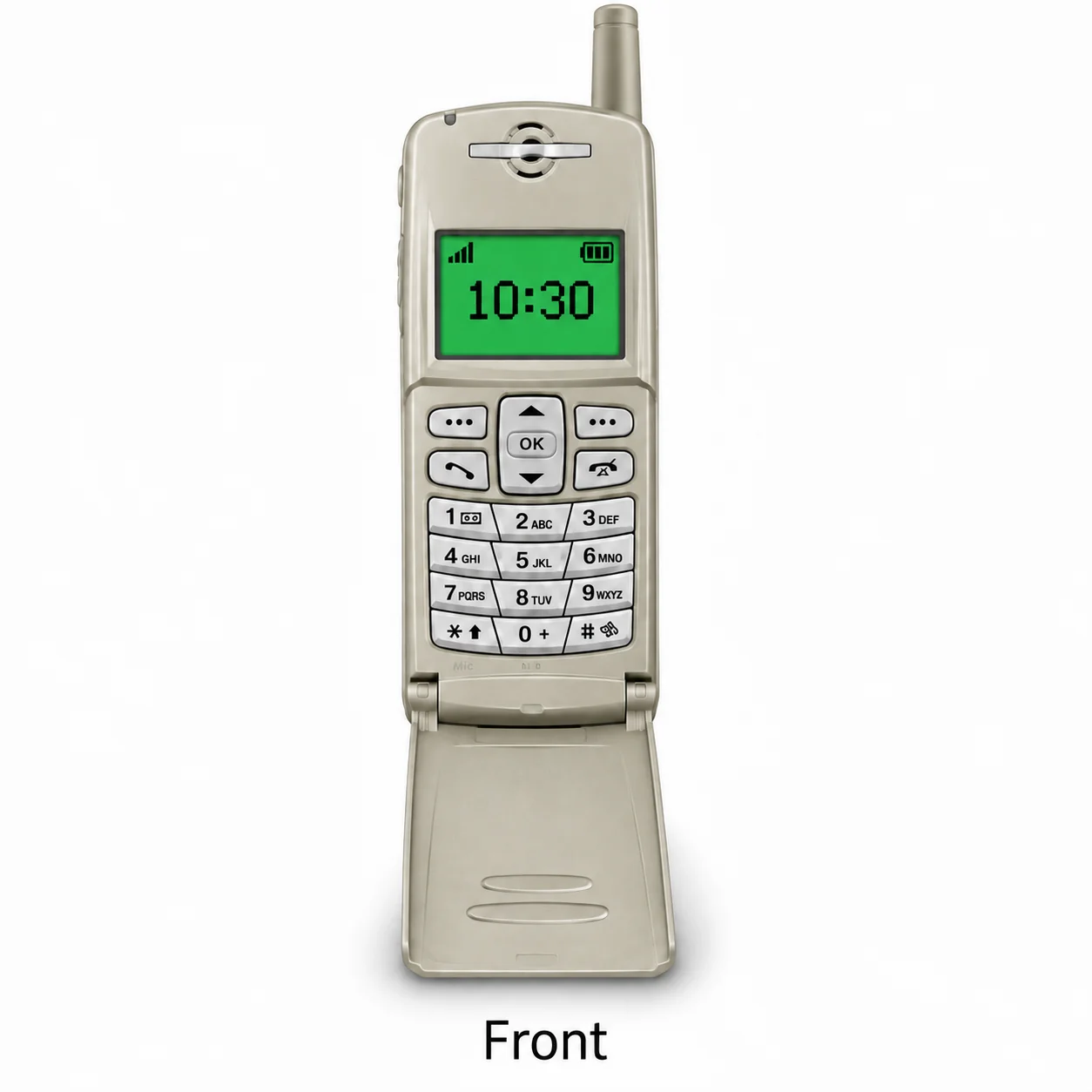
Samsung N620

Monochrome graphic; GSM. Compare the model marking and original hardware.

Model reference
N620
Screen
Monochrome graphic
Network
GSM
Introduced
2002
Colours & model codes inside
Read the N620 guide
Classic N series · 2001 · 1 finish

Samsung N105

Monochrome graphic; GSM. Compare the model marking and original hardware.

Model reference
N105
Screen
Monochrome graphic
Network
GSM
Introduced
2001
Colours & model codes inside
Read the N105 guide
Classic N series · 2001 · Colour not recorded

Samsung N300

Grayscale graphic; GSM. Compare the model marking and original hardware.

Model reference
N300
Screen
Grayscale graphic
Network
GSM
Introduced
2001
Model details and specifications inside
Read the N300 guide
Classic N series · 2001 · Colour not recorded

Samsung N400

Grayscale graphic; GSM. Compare the model marking and original hardware.

Model reference
N400
Screen
Grayscale graphic
Network
GSM
Introduced
2001
Model details and specifications inside
Read the N400 guide
Classic N series · 2000 · Colour not recorded

Samsung N100

Monochrome graphic; GSM. Compare the model marking and original hardware.

Model reference
N100
Screen
Monochrome graphic
Network
GSM
Introduced
2000
Model details and specifications inside
Read the N100 guide

Colours and small details in the pictures are approximate. Confirm the model marking in the device information, on its label or on the original packaging before choosing accessories or replacement parts.

A good place to start

Which device do I have?

The name identifies the range. The model number identifies the hardware version.

Find an Apple A-number

  1. Open Settings → General → About.
  2. Tap the number beside Model Number to reveal the A-number.
  3. For Apple Watch, use the paired iPhone’s Watch app → My Watch → General → About and tap Model Number to reveal its A-number.
Browse Apple models

Find a Samsung model number

  1. Look for About or Device information in Settings, where available.
  2. Read the complete Model number. Older devices may use GT-, SGH- or SCH-.
  3. Check the device label or original box if needed. Keep the full code, including /DS when shown.
More help identifying a Samsung

Find a Google device model

  1. Open Settings and look in About phone or About tablet.
  2. Record the model name and check Regulatory labels or the original packaging for the hardware code.
  3. On Pixel Watch, check Settings → System → About and Regulatory Information. Record the case size as well as the G-code.
Browse Google models

Find a Huawei model number

  1. On a phone or tablet, look in Settings → About phone or About tablet. Some versions place this under System.
  2. On a watch, check Settings → About, the case marking or the original box.
  3. Keep the full code, including the letters after the hyphen. Also record the tablet generation or watch size.
Browse Huawei models

Find an Amazon tablet generation

  1. Look for Device Options and About in Settings; the wording varies by generation.
  2. Record the full device name, release year or generation and any model marking on the case or packaging.
  3. Compare the guide’s hardware codes and software identifiers carefully. A similar Fire name can cover several generations.
Browse Amazon models

Find a Fairphone model

  1. Open Settings → About phone and record the model and device details.
  2. Keep the full name, including 3+ or 6+, and compare the hardware code.
  3. If two models share a code, use the generation and configuration details in the guide to distinguish them.
Browse Fairphone models

Many devices share a model number. A serial number identifies an individual device. Depending on its mobile network, a cellular device may also have an IMEI, MEID or ESN.
Know the model. Explain the problem.

Need help with your device?

Find an independent repair shop on WeSolveAll. Share the model number and symptoms, then ask the business about its assessment, price and availability.

Find a repair shop