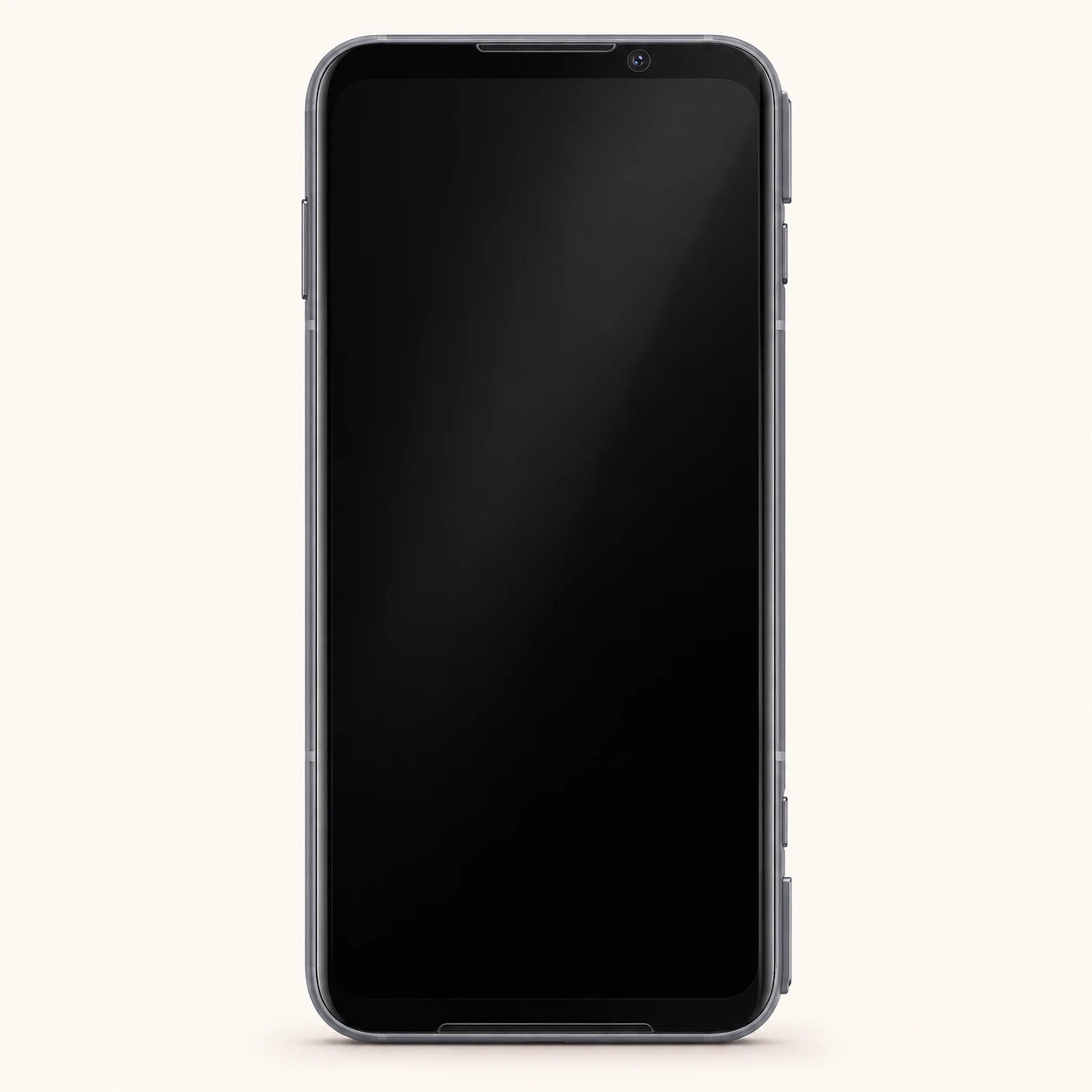
Black Shark 3 Pro model numbers
A model number identifies the model or hardware version and is shared by many devices. Serial numbers and mobile-network identifiers such as IMEI or MEID belong to an individual device.
Where to find your model number
- Open Settings, then About phone.
- Open Certification, or search Settings for Certification, to read the electronic device label.
- Copy the full model reference, including any SHARK prefix and suffix, and compare it with the original box.
If the phone will not turn on: Check the original box and external device label. If the handset was designed with a user-removable battery, switch it off before checking the label beneath it. Do not open a sealed body just to identify the phone.
Recorded model identifiers with explicitly documented manufacturer corrections. Match the full label; inclusion does not establish UK/Ireland availability or interchangeable parts.
Swipe the table sideways on a narrow screen.
| Model number | Country or region | Useful detail |
|---|---|---|
| SHARK MBU-A0 | Recorded regional hardware identifier; confirm the full device label | Match this code to the number on your phone. |
| SHARK MBU-H0 | Recorded regional hardware identifier; confirm the full device label | Match this code to the number on your phone. |
The hardware model, retail SKU, IMEI and serial number serve different purposes. Retail SKUs may describe a finish or sales bundle; the IMEI and serial identify an individual unit. Match the complete hardware label before selecting parts.
2 recorded colours
Recorded original finishes; availability can vary by region, capacity and edition. The colours identify devices and are not a current stock list.
- Phantom Black
Approximate screen colour only; lighting, wear and replacement housings affect appearance.
- Armor Gray
Approximate screen colour only; lighting, wear and replacement housings affect appearance.
Use the colour and the model number together. Lighting, screen settings, cases and replacement backs can change how a device looks.
Getting to know the Black Shark 3 Pro
Screen, cameras and physical design
The Black Shark 3 Pro has a 7.1-inch AMOLED display with a resolution of 1440 x 3120 pixels. Its display specification includes 90Hz; this concerns screen refresh, not the separate touch-sampling rate. The rear camera arrangement is recorded as 64 MP, f/1.8, 26mm (wide), 1/1.72", 0.8µm, PDAF; 13 MP, f/2.3, (ultrawide); Auxiliary lens. When describing a screen fault, distinguish broken glass, a missing picture and a touch area that does not respond. These observations help identify what needs inspection.
Battery, charging and connections
The wired port is USB-C. The original battery specification is Li-Po 5000 mAh. Charging is recorded as 65W wired, 100% in 38 min; 18W magnetic wireless. Check wired and wireless charging separately with compatible equipment; one working does not establish that the other is sound. The recorded mobile-network capability is 5G and 4G LTE; check the exact regional version with the intended operator.
Identification and checks before a repair
Record Black Shark 3 Pro, the complete model label, the original sales region and the installed storage before asking for a repair. This guide records SHARK MBU-A0, SHARK MBU-H0; compare your full label rather than shortening the code. Check the gaming controls fitted to this generation, the speakers and the charging port separately; gaming-series styling alone is not enough to match parts. Back up accessible data and describe the functions that still work. A new battery or screen does not change the phone’s software-support status.
Specifications and what they mean
Read each specification alongside its explanation. Manufacturer test figures describe controlled conditions; age, usage and battery condition affect everyday performance.
Swipe the table sideways on a narrow screen.
| Feature | Black Shark 3 Pro | What it means |
|---|---|---|
| Introduced | 2020 | The introduction year identifies the generation. Announcement and regional on-sale dates can differ. |
| Screen | 7.1-inch AMOLED | Screen size is measured diagonally. For a replacement, match the exact model and display assembly as well as the size. |
| Resolution | 1440 x 3120 pixels | The pixel count describes picture detail. It does not establish that two displays use the same connector or assembly. |
| Display refresh | 90Hz | This is the panel refresh rate, separate from touch sampling and PWM dimming. Supported content and display settings affect the rate in use. |
| Size and weight | 177.8 x 83.3 x 10.1 mm; 253 g | Body dimensions and weight help identify the version. Camera projections, finishes and regional construction can affect accessory fit. |
| Build | Glass front, aluminum back, aluminum frame | These are the recorded housing materials. Replacement housings, coatings and protective cases can change the appearance. |
| Processor | Qualcomm SM8250 Snapdragon 865 5G (7 nm+) | The processor runs the phone and its apps. A similar model name does not establish matching internal components. |
| Storage | 256GB, 512GB | Built-in space for apps and files. Usable capacity is lower, and storage choices differ between markets. |
| Memory (RAM) | 8GB, 12GB | Working memory is separate from file storage. Software memory expansion uses storage and is not additional physical RAM. |
| Storage and RAM versions | 256GB 8GB RAM, 256GB 12GB RAM, 512GB 12GB RAM | This preserves the recorded combinations; do not assume every storage size is offered with every RAM option. |
| Memory card | No | Check the supported card format and tray layout. A hybrid slot may require choosing between a second SIM and a microSD card. |
| Rear cameras | 64 MP, f/1.8, 26mm (wide), 1/1.72", 0.8µm, PDAF; 13 MP, f/2.3, (ultrawide); Auxiliary lens | Separate lenses serve different views where fitted. Describe the affected lens, focus behaviour and image quality when arranging a repair. |
| Front camera | 20 MP, f/2.2, (wide), 1/3", 0.9µm | The front camera handles selfies and video calls where present. Sliding and motorised designs need their movement checked as well as picture quality. |
| Battery | Li-Po 5000 mAh | Original design capacity is not a measurement of the capacity remaining in a used battery. Regional versions may use different packs. |
| Charging | 65W wired, 100% in 38 min; 18W magnetic wireless | Maximum advertised power needs a compatible charger, cable and charging protocol. Temperature and battery level affect actual charging speed. |
| Wired connection | USB Type-C 2.0 | Match the port and cable. A USB-C connector by itself does not establish the available data speed, video output or charging protocol. |
| Mobile connection | 5G and 4G LTE | Service depends on regional radio bands, the operator and network availability. A generation label alone does not guarantee imported-phone compatibility. |
| SIM | Nano-SIM + Nano-SIM;Physical pop-up gaming triggers | Match the SIM size and tray layout. eSIM support, where stated, also depends on the regional phone version and carrier. |
| Wi-Fi | Wi-Fi 802.11 a/b/g/n/ac/6, dual-band, Wi-Fi Direct | Wireless standards describe compatible networks. Router settings, country restrictions and software affect available features. |
| Bluetooth | 5.0, A2DP, LE, aptX HD, aptX Adaptive | Bluetooth connects compatible accessories; supported codecs and profiles matter as well as the version number. |
| NFC | No | NFC hardware and payment services can vary by region. Check the actual phone and supported service before relying on contactless features. |
| Headphone socket | Yes | This refers to a separate 3.5mm socket. USB audio support and adapter requirements depend on the phone and accessory. |
| Sensors and controls | Fingerprint (under display, optical), accelerometer, gyro, proximity, compass | The fingerprint location and other controls help identify the version. Test the affected function separately when reporting a fault. |
| Recorded software | Android 10 | This describes the recorded software generation or update history. It does not establish the latest update available today. |
Software and service compatibility
The recorded software is Android 10. Software versions and services vary with the original sales region and later updates. Check the installed version, security-patch date and built-in update screen on the actual phone. Black Shark support and JoyUI updates should be checked separately; a Xiaomi or Redmi update commitment does not automatically apply to this model.
Common questions about the Black Shark 3 Pro
How do I identify my Black Shark 3 Pro?
The recorded identifiers are SHARK MBU-A0, SHARK MBU-H0. Read the complete Model entry or printed label, keeping every letter and suffix. A matching sales name or colour alone does not establish a match for a replacement part.
Which charger and cable does the Black Shark 3 Pro use?
The wired port is USB-C. The original battery specification is Li-Po 5000 mAh. Charging is recorded as 65W wired, 100% in 38 min; 18W magnetic wireless. Check wired and wireless charging separately with compatible equipment; one working does not establish that the other is sound. The recorded mobile-network capability is 5G and 4G LTE; check the exact regional version with the intended operator.
Can I add a memory card to the Black Shark 3 Pro?
No memory-card slot is recorded for this model. Its built-in storage is the space available for apps and files, with some reserved for the operating system.
What software does the Black Shark 3 Pro use?
The recorded software is Android 10. Software versions and services vary with the original sales region and later updates. Check the installed version, security-patch date and built-in update screen on the actual phone. Black Shark support and JoyUI updates should be checked separately; a Xiaomi or Redmi update commitment does not automatically apply to this model.
What should I check before a Black Shark 3 Pro repair?
Record Black Shark 3 Pro, the complete model label, the original sales region and the installed storage before asking for a repair. This guide records SHARK MBU-A0, SHARK MBU-H0; compare your full label rather than shortening the code. Check the gaming controls fitted to this generation, the speakers and the charging port separately; gaming-series styling alone is not enough to match parts. Back up accessible data and describe the functions that still work. A new battery or screen does not change the phone’s software-support status.
About this guide
Device details checked 21 November 2026. Regional features, software availability and colours can vary. Pictures are visual guides; colours and small details are approximate.