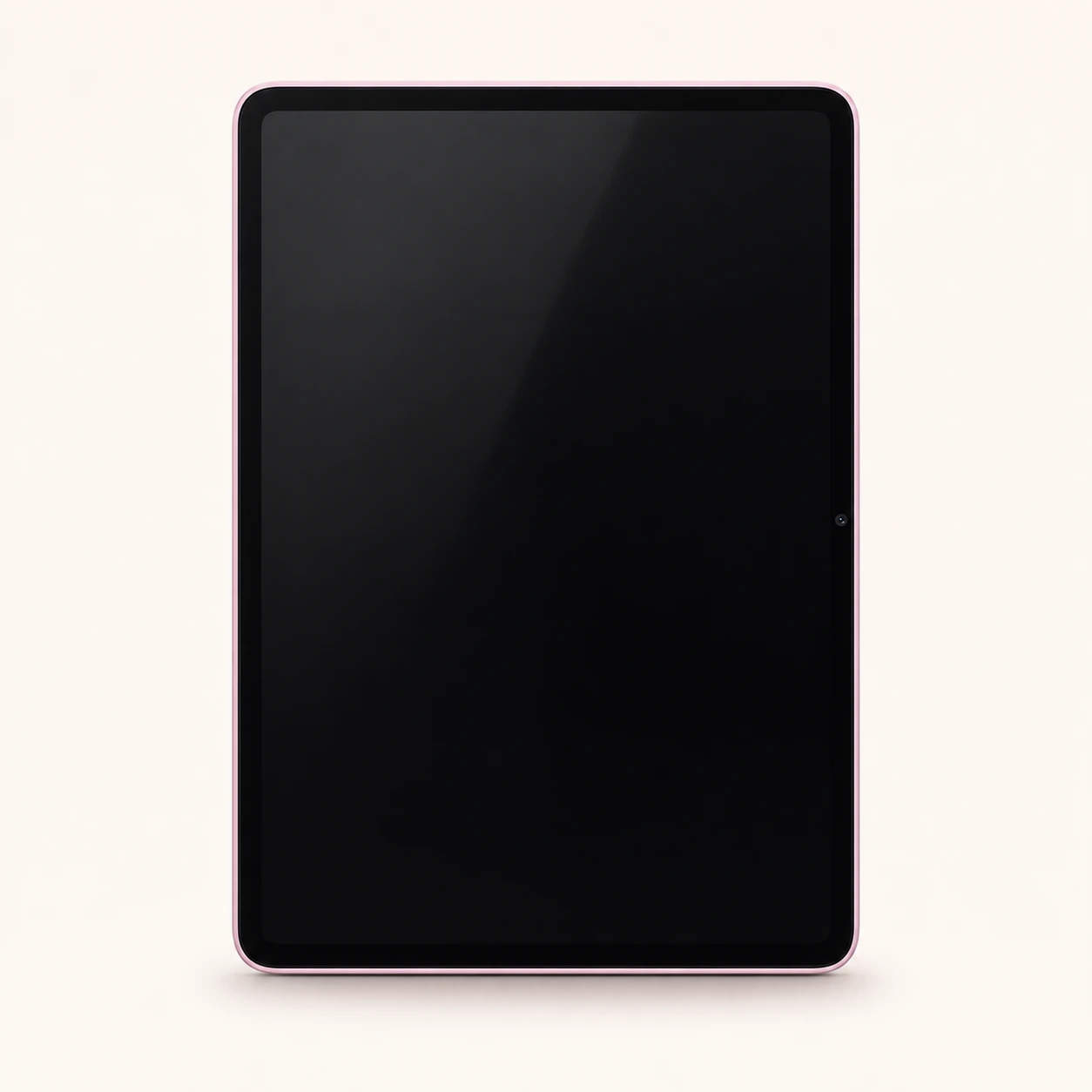
Pad 9 model reference
A model reference identifies the recorded model. The complete marking on a device can include an additional hardware prefix or regional suffix. Serial numbers and mobile-network identifiers such as IMEI or MEID belong to an individual device.
Where to find your model reference
- Open Settings and look for About tablet or About device.
- Open Detailed info and specs if available, then record the Model field and the installed system version.
- Match the full model marking with the original box or label, and record storage, RAM and Wi-Fi or cellular connectivity.
If the tablet will not turn on: Check the original box, purchase record and visible rear label. Keep the complete model marking; do not open the tablet merely to identify it.
A product-name or short model reference is provided because a complete regulatory hardware code has not been verified. Read the full device label before buying parts or charging equipment.
Swipe the table sideways on a narrow screen.
| Model reference | Reference scope | Useful detail |
|---|---|---|
| Xiaomi Pad 9 | Product reference; complete hardware number must be checked on the device | Product-name reference. Read the device label or About screen for its complete hardware model number; no unverified code has been invented. |
Retail bundle numbers, storage choices, serial numbers and any IMEI differ from the shared hardware model number.
4 recorded colours
These are recorded original device finishes. A watch's replaceable strap is a separate item. Availability and colour names varied by region; swatches are approximate.
- Gray
Original device finish recorded for this model. Availability differed by market; the swatch is an approximate visual aid.
- Silver
Original device finish recorded for this model. Availability differed by market; the swatch is an approximate visual aid.
- Green
Original device finish recorded for this model. Availability differed by market; the swatch is an approximate visual aid.
- Pink
Original device finish recorded for this model. Availability differed by market; the swatch is an approximate visual aid.
Use the colour and the model reference together. Lighting, screen settings, cases and replacement backs can change how a device looks.
Getting to know the Pad 9
Screen and physical design
This Pad 9 entry identifies the standard 11.2-inch member of the 2026 range. Keep its full model name separate from the larger Pro and Pro Max models. Screen size is its diagonal. Use the body dimensions and full model marking when checking a cover, keyboard or display assembly.
Storage, charging and everyday use
Record the storage and RAM configuration shown in Settings before arranging work. A charging fault, damaged USB connector and worn battery need different checks. Use a known suitable cable and adapter and describe what happens when power is connected.
Software and repair preparation
The software entry describes this generation's original platform. Check the installed Android version, security patch and available system updates on the tablet; regional firmware and app requirements can differ. Check the actual regional version for services and accessory support. Before handing over the tablet, back up accessible files and tell the repairer the model, connectivity version and symptoms.
Specifications and what they mean
Read each specification alongside its explanation. Manufacturer test figures describe controlled conditions; age, usage and battery condition affect everyday performance.
Swipe the table sideways on a narrow screen.
| Feature | Pad 9 | What it means |
|---|---|---|
| Introduced | 2026 | The recorded generation year. A later purchase or software update does not create a new hardware model. |
| Screen | 11.2 in; IPS LCD, 68B colors, 144Hz, HDR10, Dolby Vision, HDR Vivid, 800 nits (peak); 3200 x 2136 pixels, 3:2 ratio | The diagonal measures the display, not the case. Match the complete model and screen shape when checking a replacement. |
| Dimensions | 251.2 x 173.4 x 5.8 mm | Physical measurements help separate similarly named models. Watch dimensions exclude the strap unless stated. |
| Weight | 485 g or 494 g | Check whether a watch figure includes the strap. Covers, keyboards and other accessories add weight. |
| Body materials | Glass front, aluminium frame, aluminium back | The outer materials help identify the version. A similar finish does not establish that two devices use the same parts. |
| Processor | Qualcomm Snapdragon 8s Gen 4 | The processor runs the system and apps. Its model identifies a hardware platform, not an upgradeable storage option. |
| Storage and RAM | 128GB 8GB RAM, 256GB 8GB RAM, 256GB 12GB RAM; UFS 4.1; UFS 3.1 (128GB only) | Storage holds apps and files; RAM is working memory. Available space is lower, and memory-extension features do not add physical RAM. |
| Memory card | No | A microSD slot adds file storage where supported. It does not upgrade RAM or change the internal storage hardware. |
| Rear camera | 13 MP; Color spectrum sensor, LED flash, HDR | Camera resolution describes image output. Record camera-glass damage separately from focusing or image faults. |
| Front camera | 8 MP | The camera facing the screen user, normally used for video calls and self-portraits. |
| Battery capacity | 9720 mAh | Original nominal or typical capacity. Age, settings and signal conditions affect actual running time. |
| Charging | 45W wired, PD3.0, QC3+; 22.5W reverse wired | The stated maximum requires suitable equipment. USB-C describes the connector; it does not guarantee a charging speed. |
| USB connection | USB Type-C 3.2, OTG | Connector shape, data speed and display output are separate capabilities. Match the cable and the relevant port specification. |
| Wi-Fi | Wi-Fi 802.11 a/b/g/n/ac/6/7, dual-band, Wi-Fi Direct | Wi-Fi connects to a router. Its frequency band is separate from a tablet's 4G or 5G mobile-network capability. |
| Bluetooth | 6.0, A2DP, LE, LHDC 5 | Used for nearby accessories or phone pairing. Bluetooth calling still depends on a connected phone. |
| Mobile connection | Wi-Fi only; no cellular modem | Confirm the exact connectivity version. Cellular service needs compatible regional hardware and an appropriate operator plan. |
| Original software platform | Android 17, HyperOS 4 | The software family and regional specification are separate from the version currently installed. This entry does not promise that updates remain available. |
| Audio | Yes, with stereo speakers, Dolby Atmos (4 speakers) | Speaker arrangement affects playback. Test speakers and microphones separately when describing an audio fault. |
Software and service compatibility
The software entry describes this generation's original platform. Check the installed Android version, security patch and available system updates on the tablet; regional firmware and app requirements can differ. Check the actual regional version for services and accessory support.
Common questions about the Pad 9
How do I identify my Xiaomi Pad 9?
Open Settings and look for About tablet or About device. Open Detailed info and specs if available, then record the Model field and the installed system version. This guide provides a model reference; check the full hardware number on the device or box.
Does this tablet use mobile data?
Wi-Fi only; no cellular modem. Check the exact Wi-Fi or cellular version. A reference to 5GHz Wi-Fi or a processor with 4G in its name is not proof that a tablet accepts a SIM.
Can I use any USB-C charger or keyboard?
Match the tablet's connector, charging specification and accessory support. Maximum charging speed needs suitable equipment; a USB-C socket alone does not establish video output or keyboard compatibility.
How is this model different from similarly named tablets?
This Pad 9 entry identifies the standard 11.2-inch member of the 2026 range. Keep its full model name separate from the larger Pro and Pro Max models.
What should I check before a repair?
Record the full model number, storage and connection type, then back up accessible files. Describe screen, touch, camera and charging faults separately and ask the shop to confirm parts and service for the exact model.
About this guide
Device details checked 21 November 2026. Regional features, software availability and colours can vary. Pictures are visual guides; colours and small details are approximate.