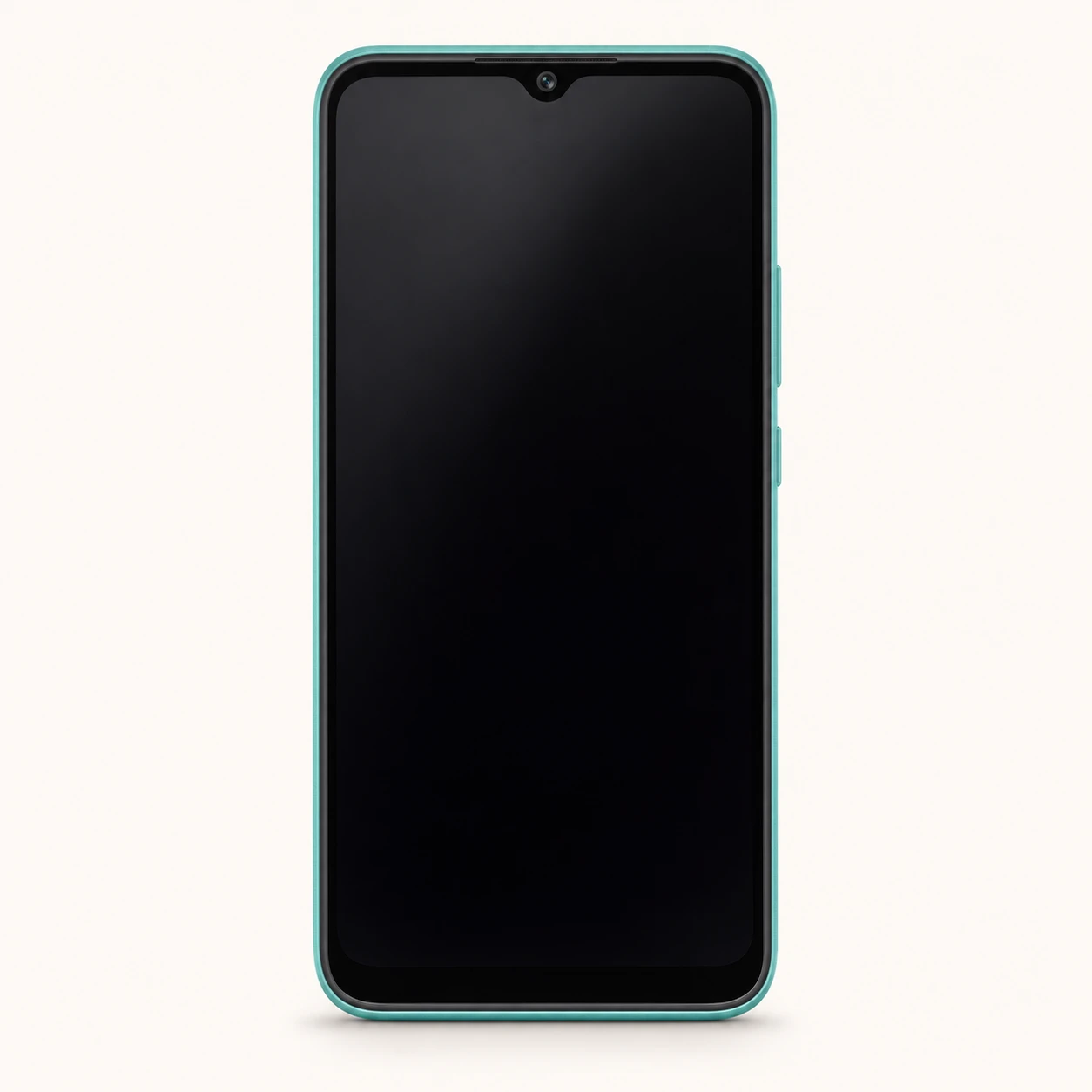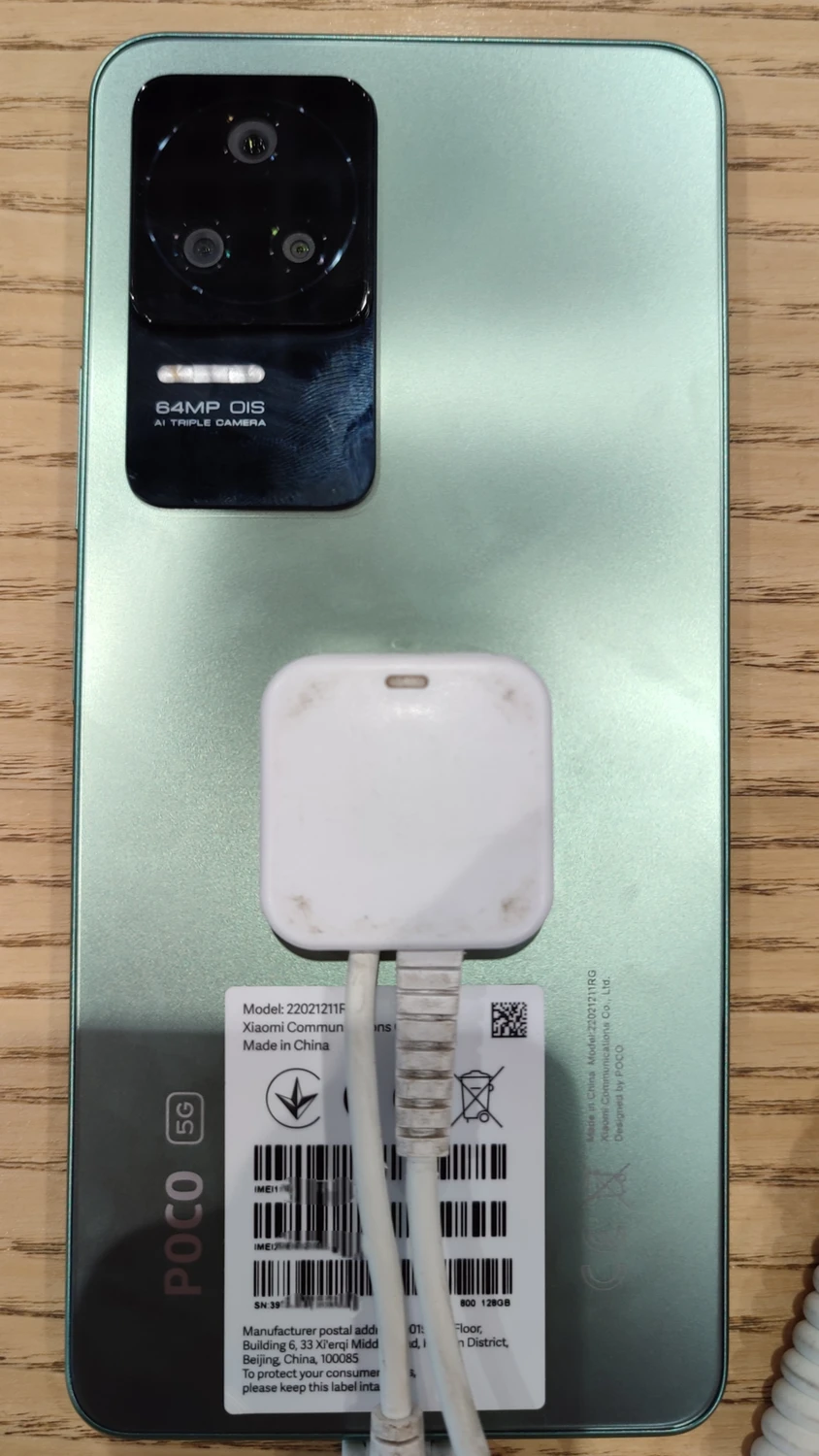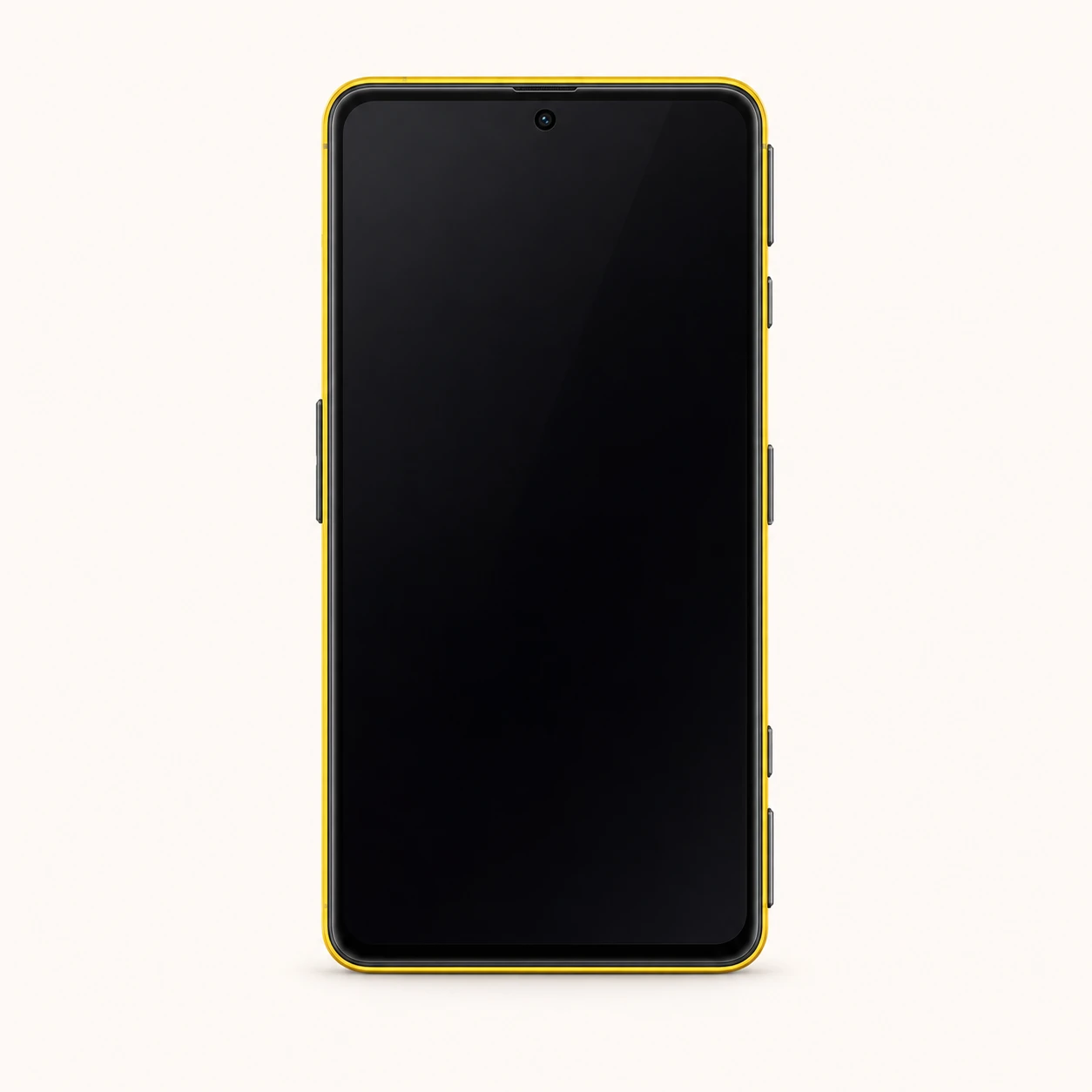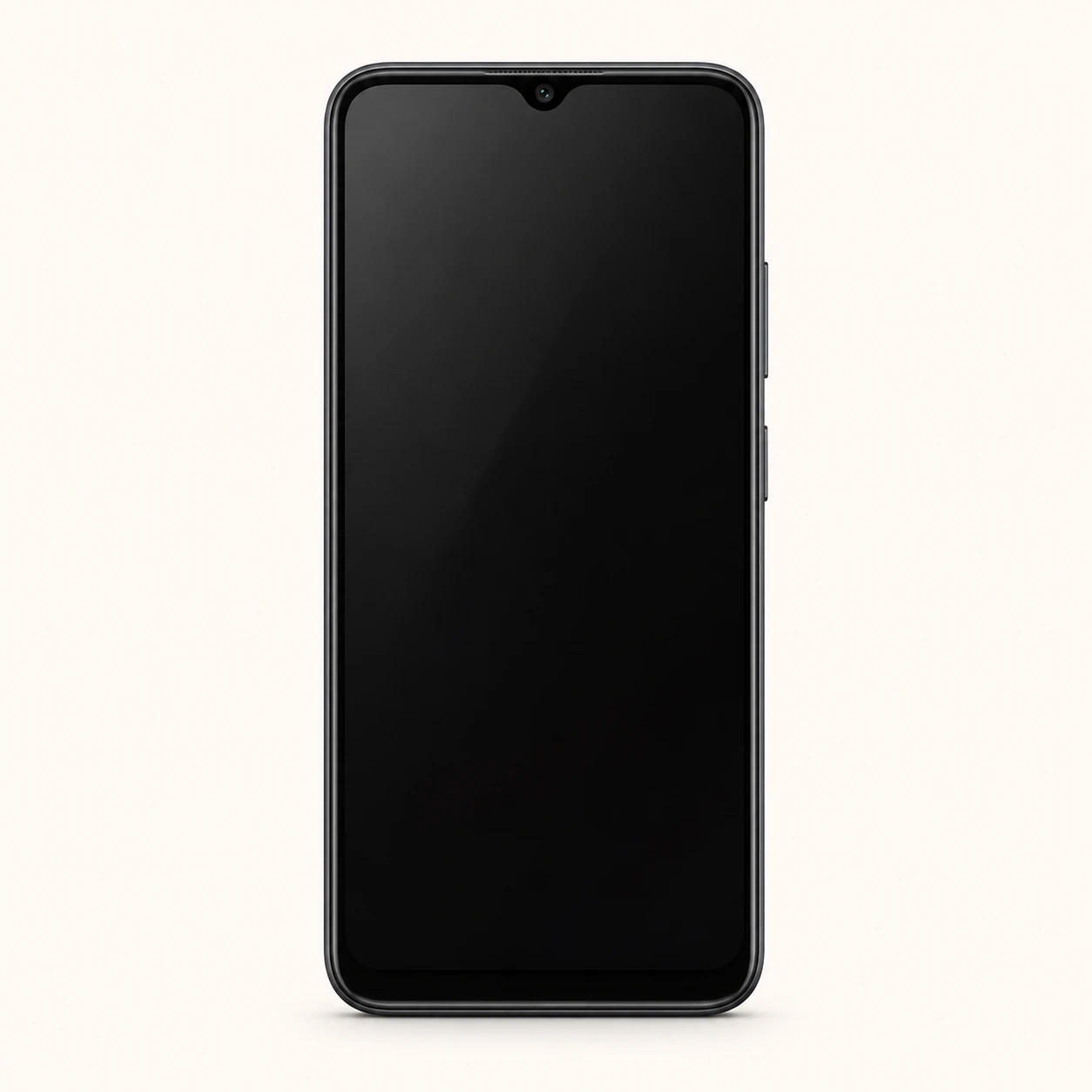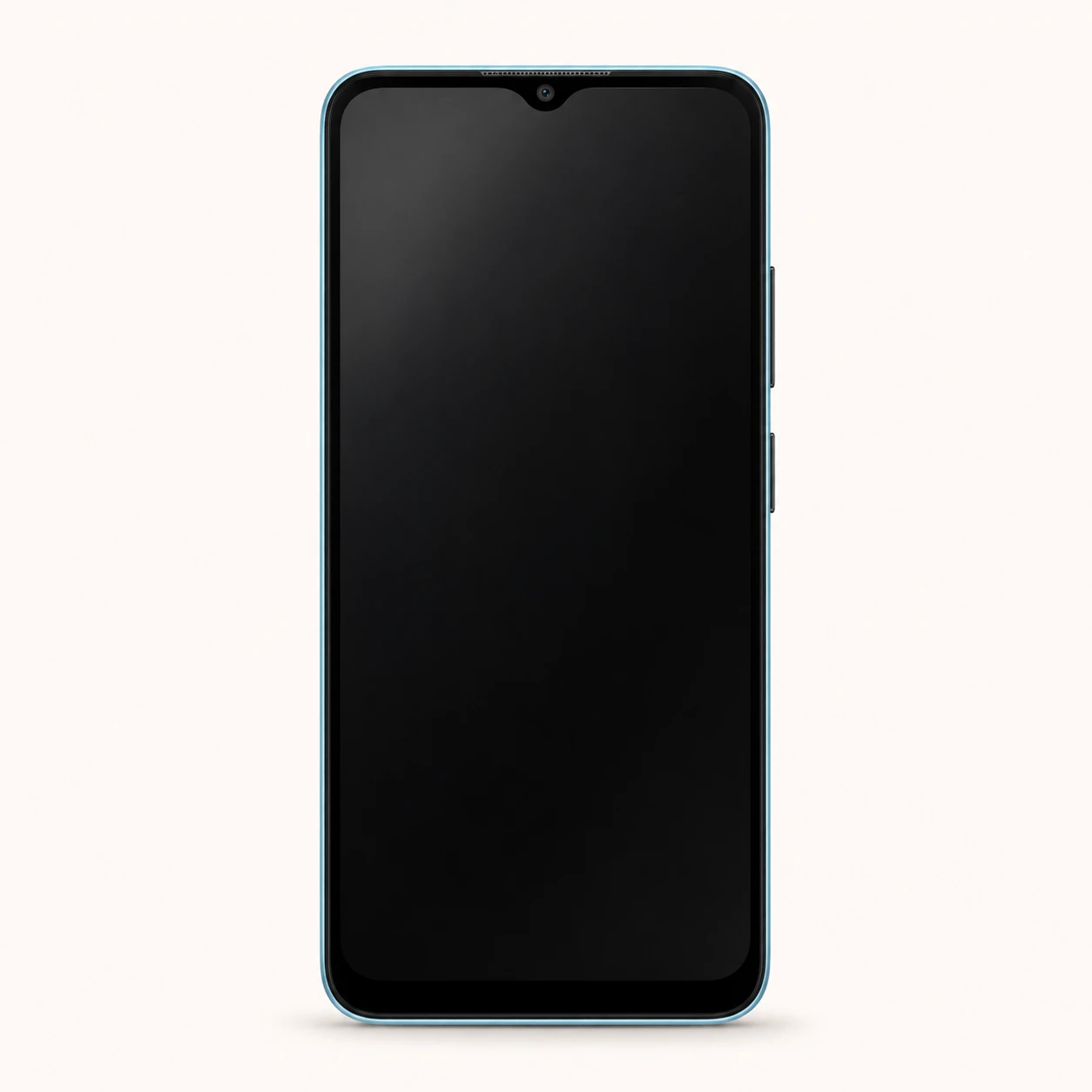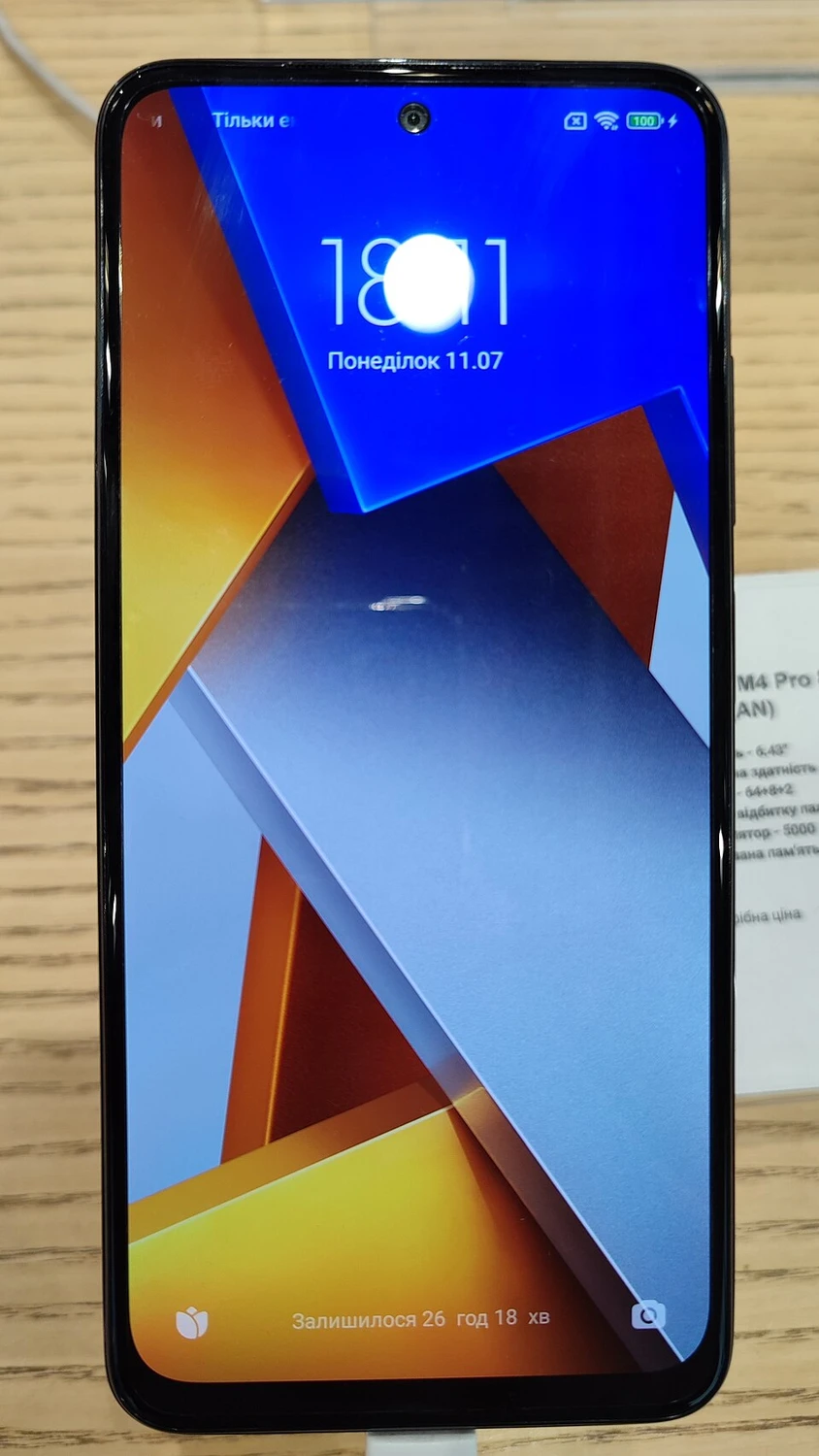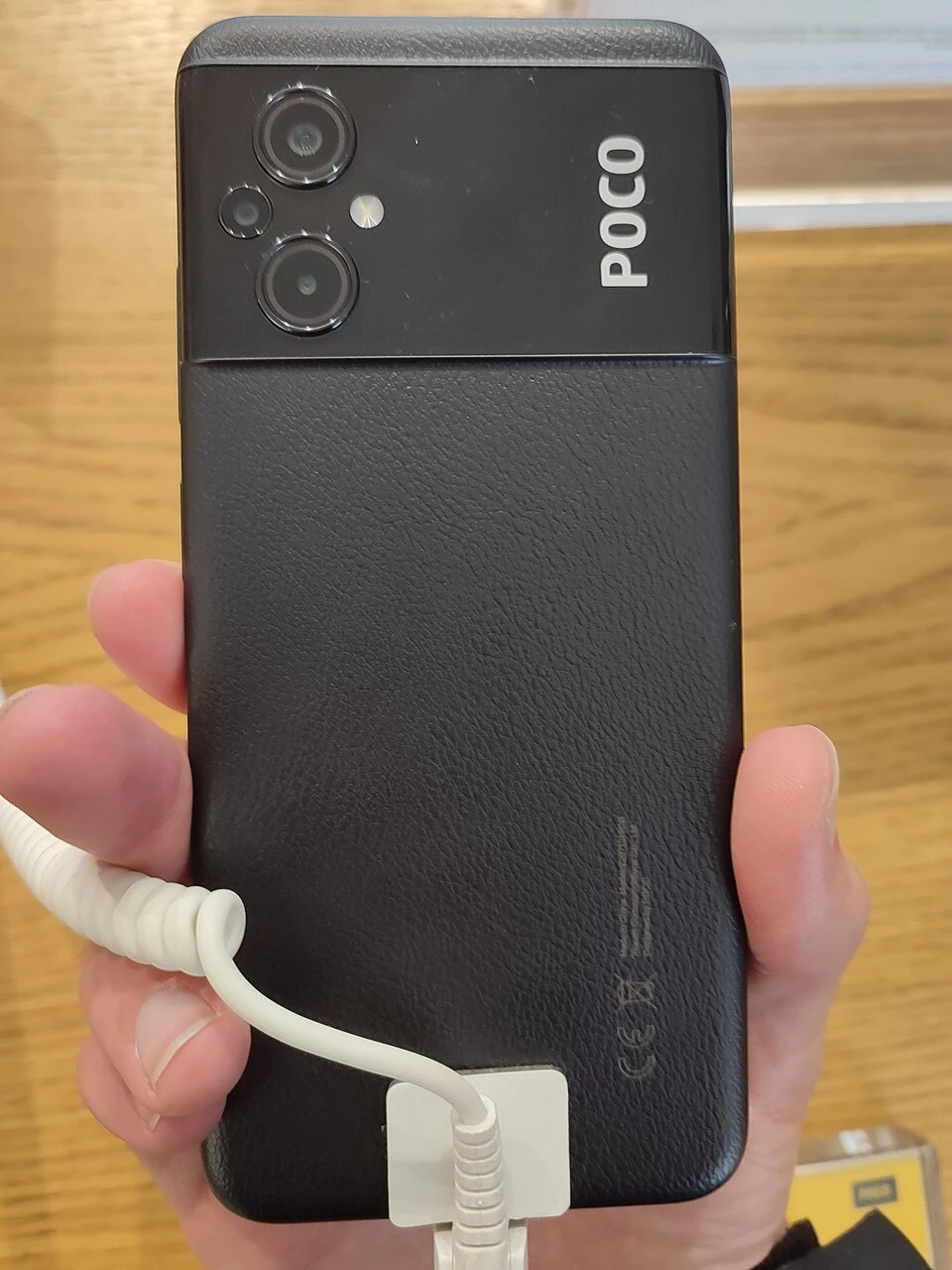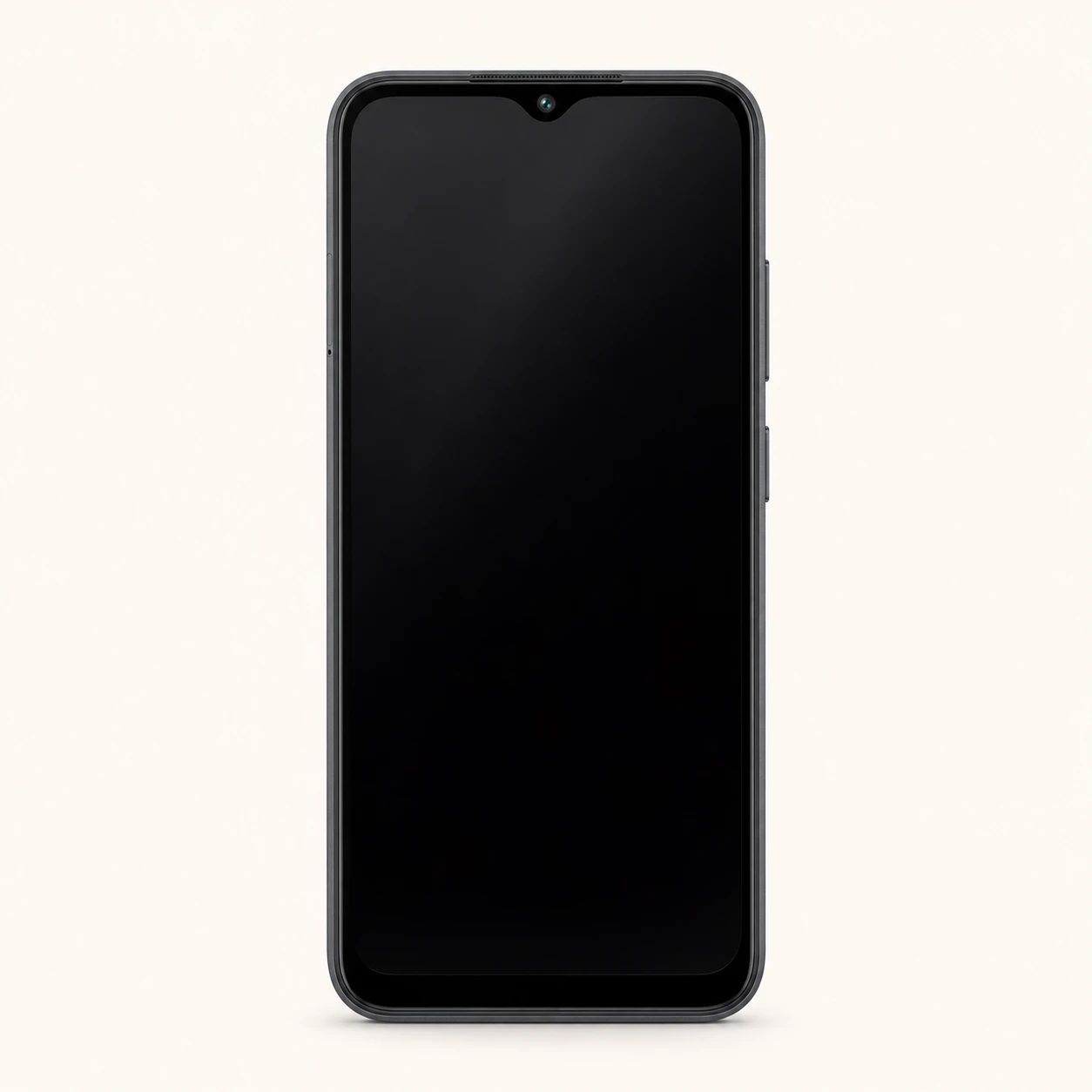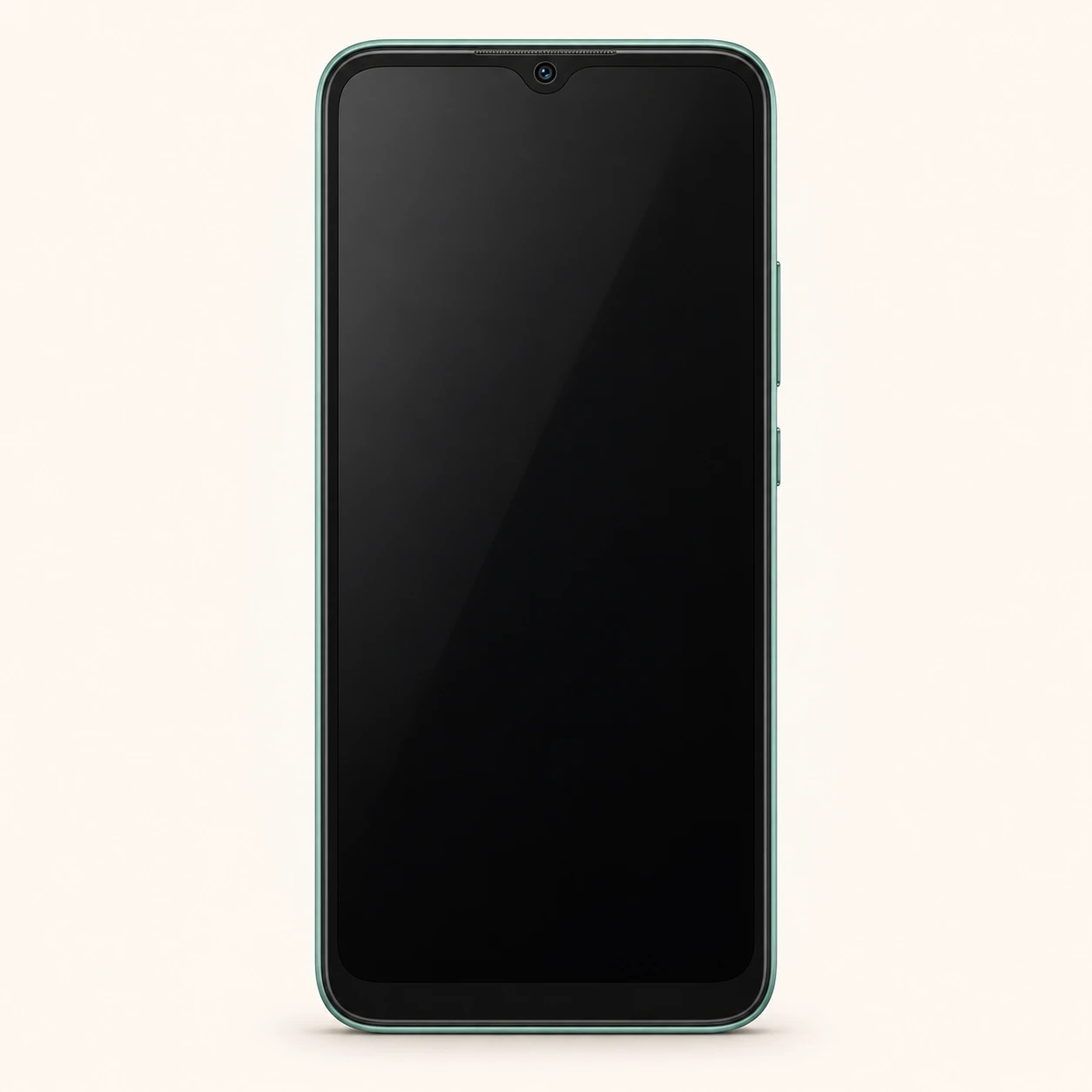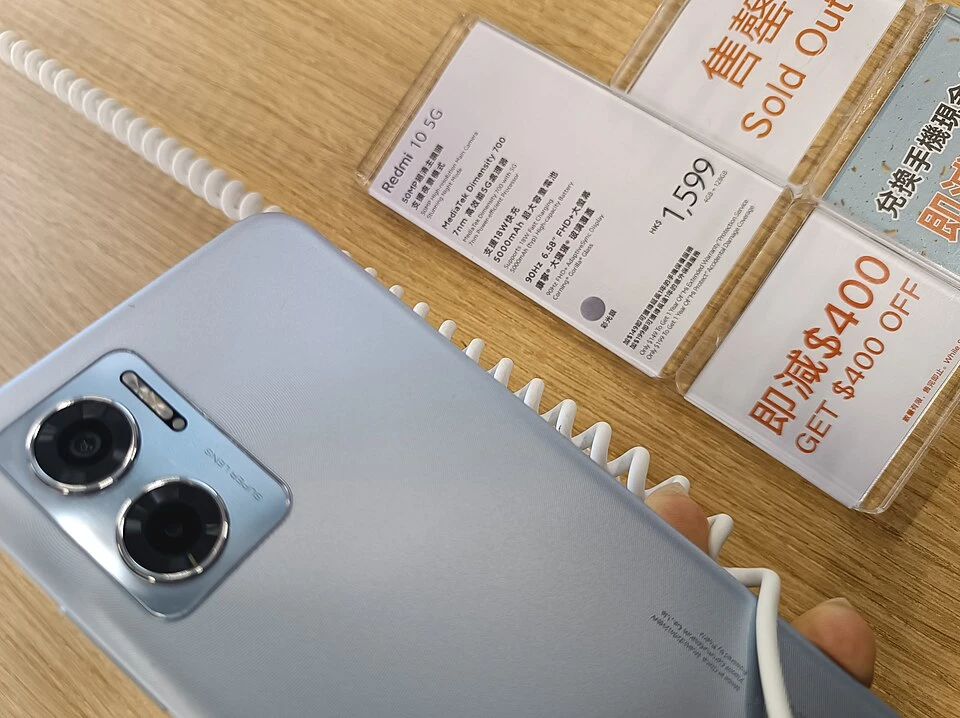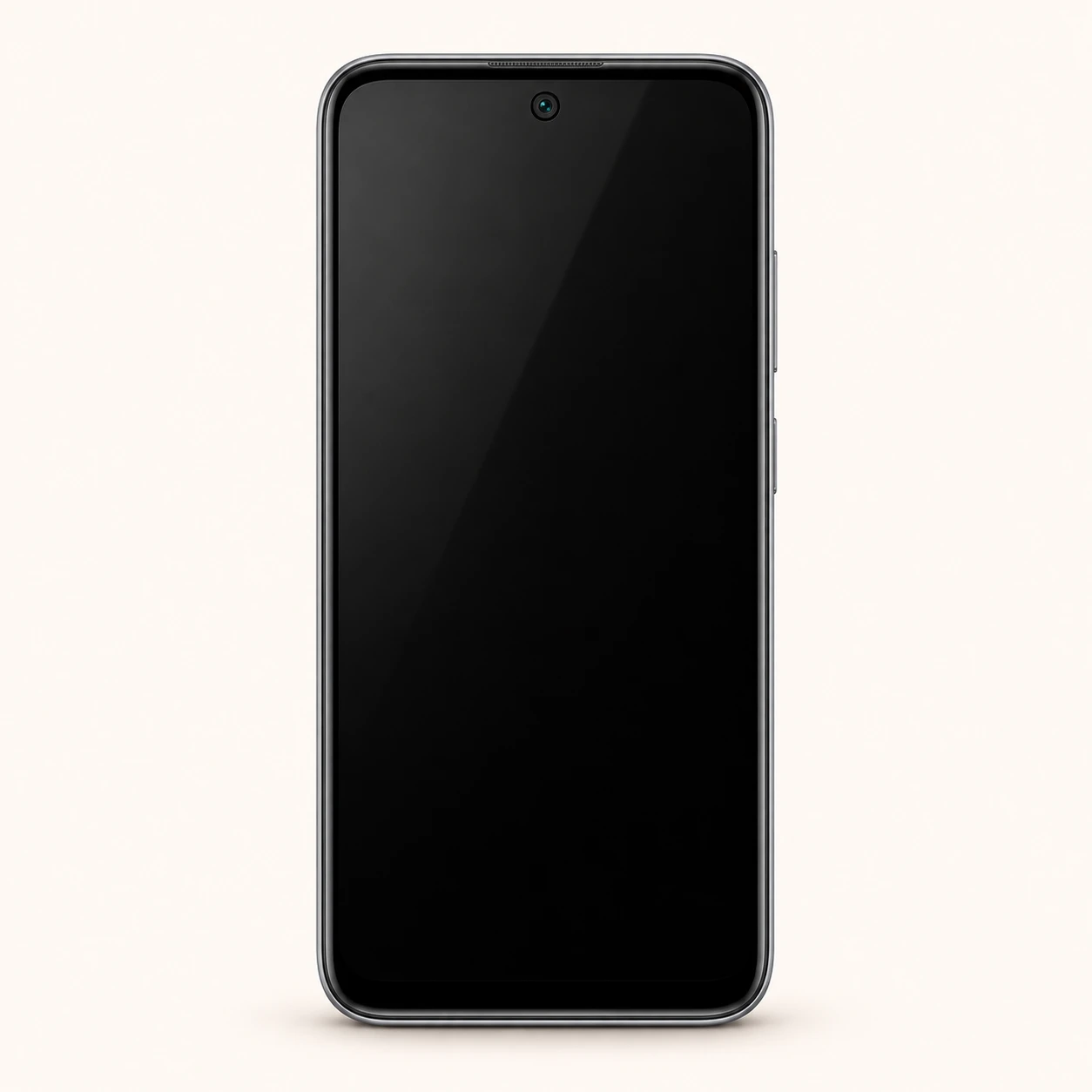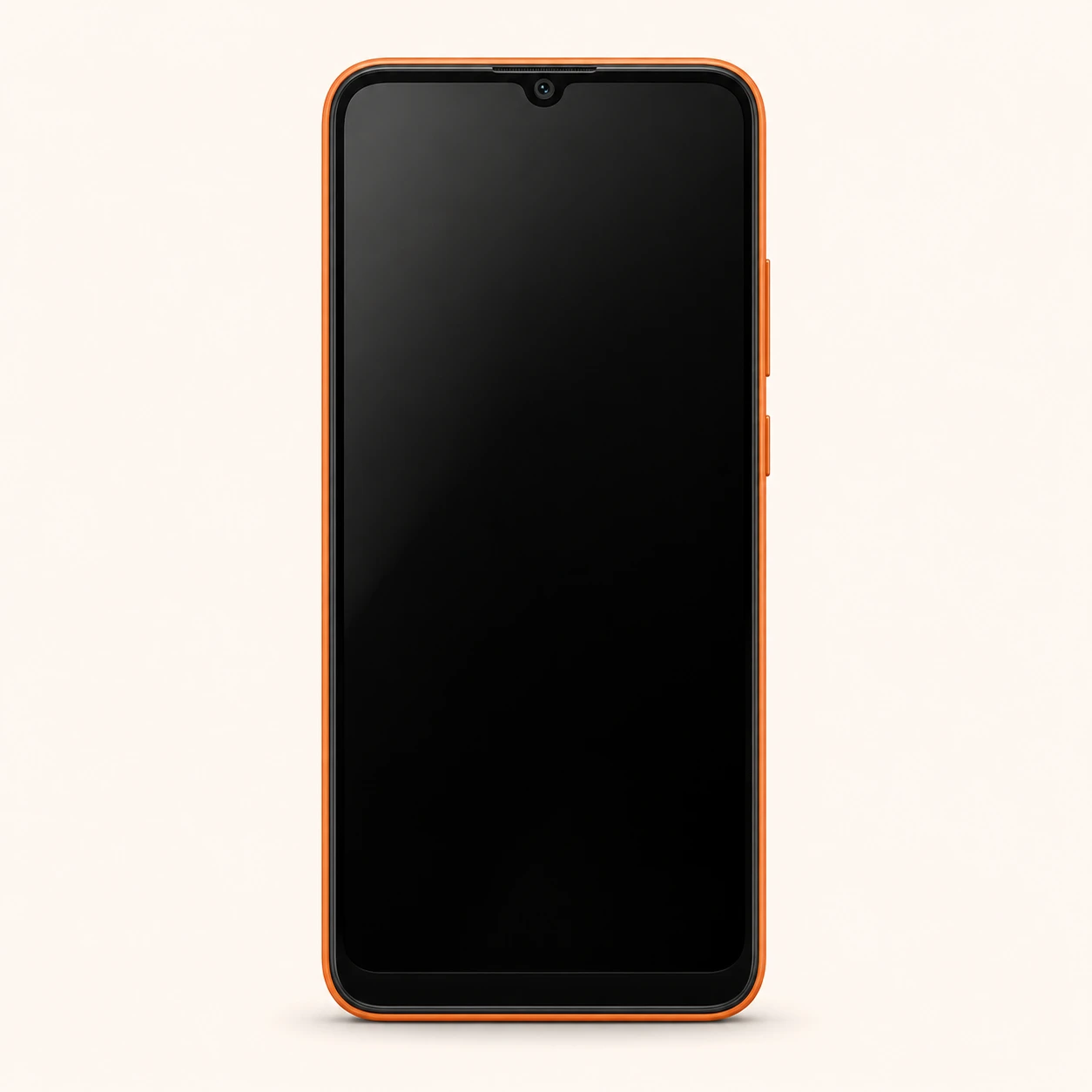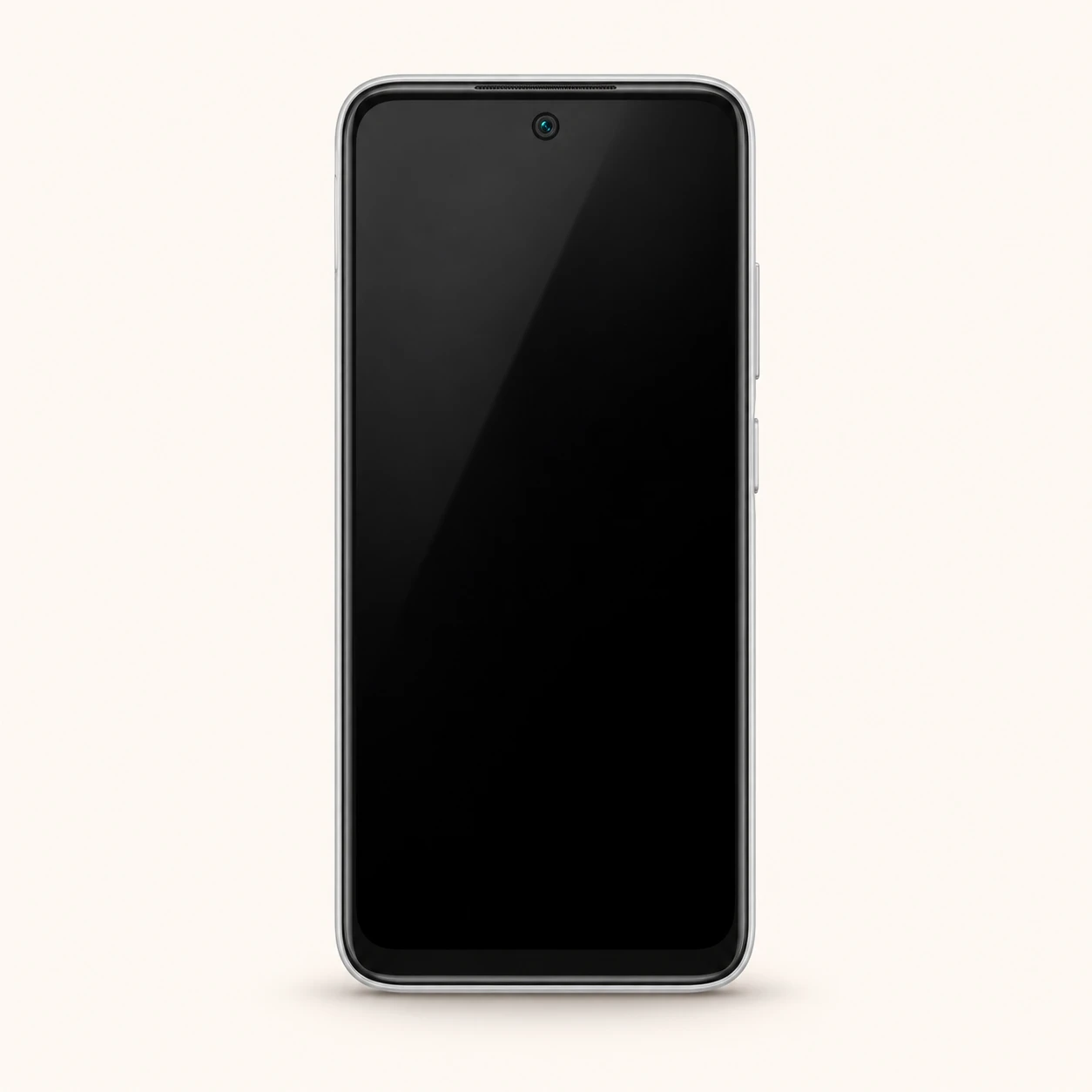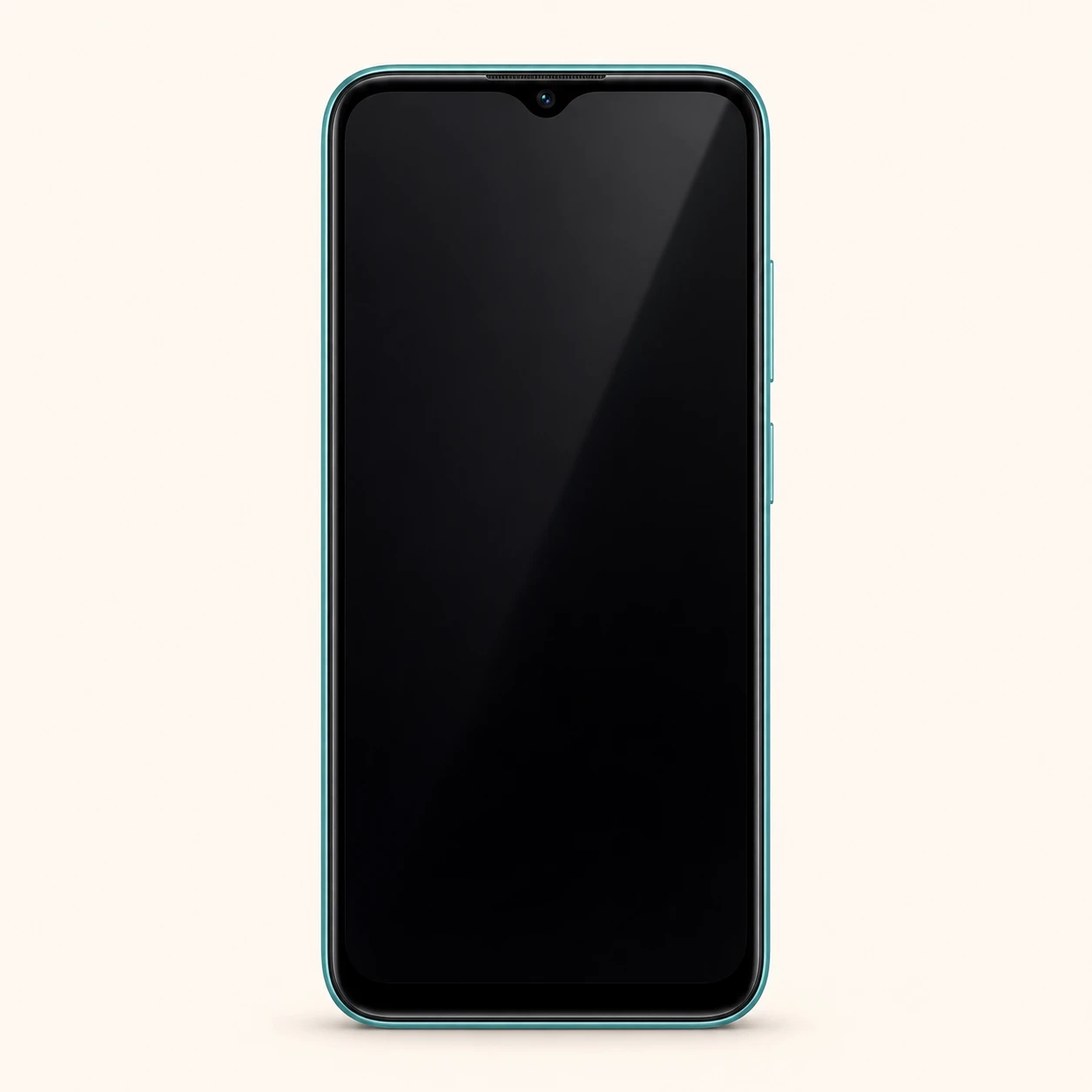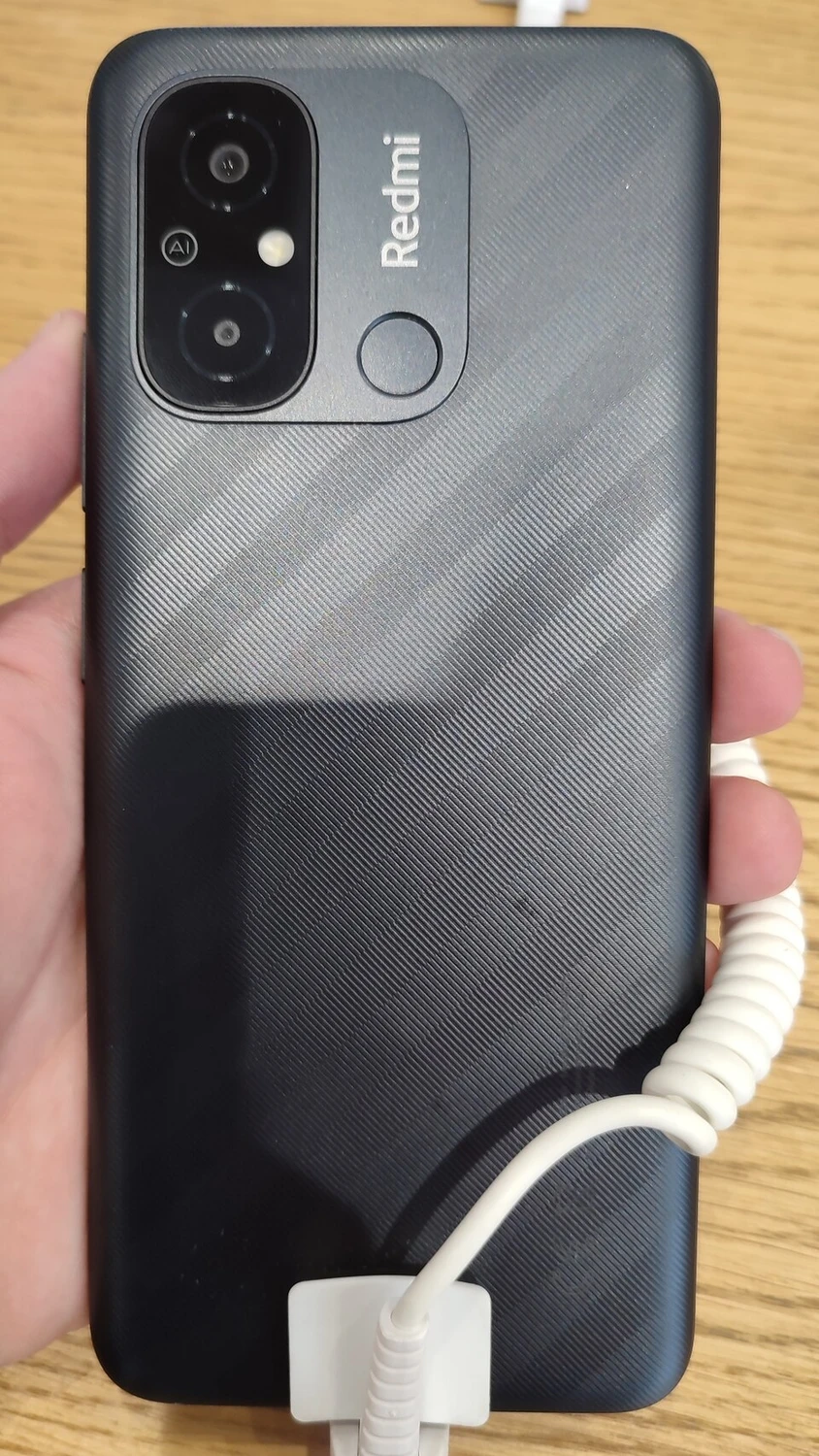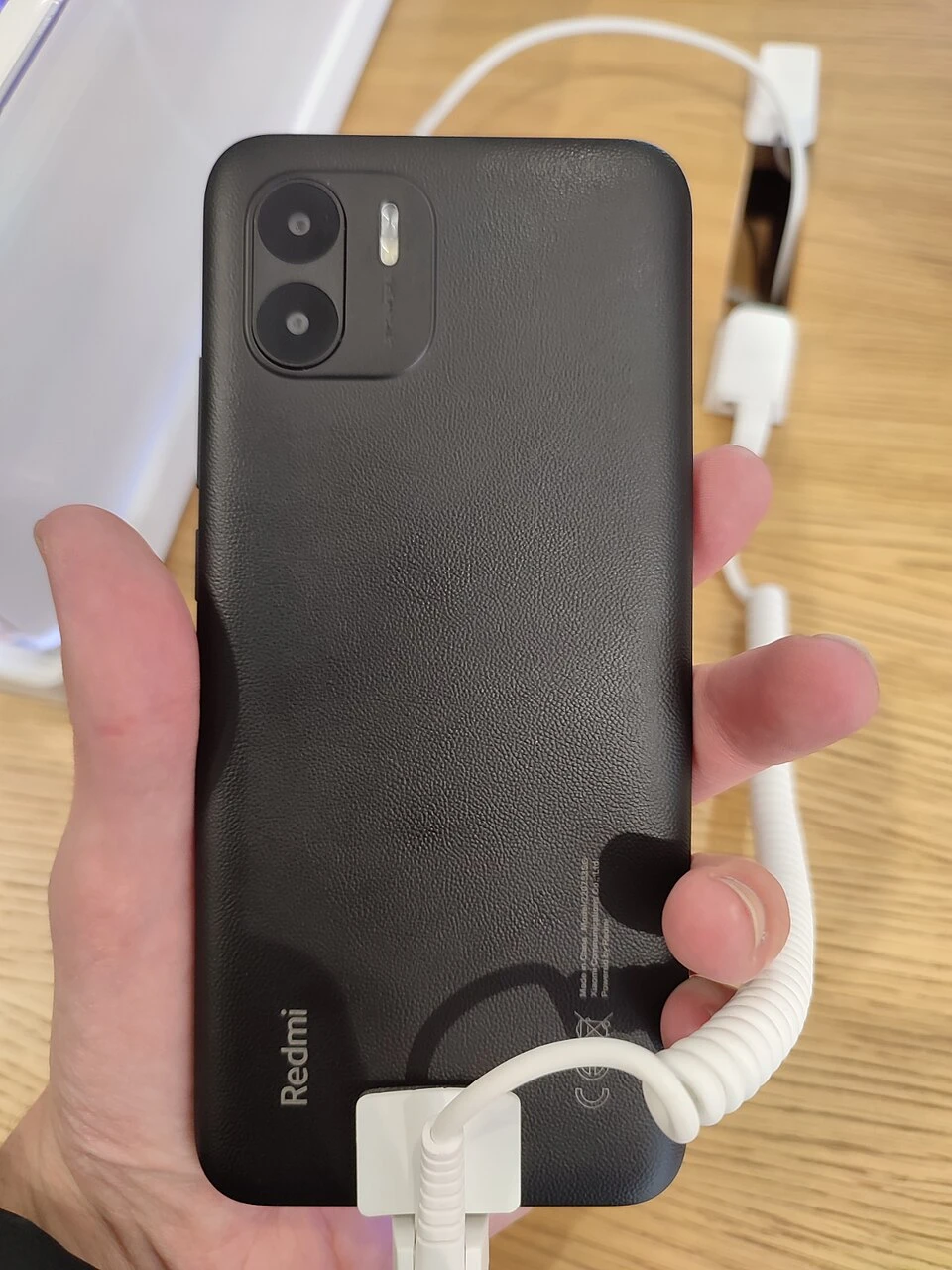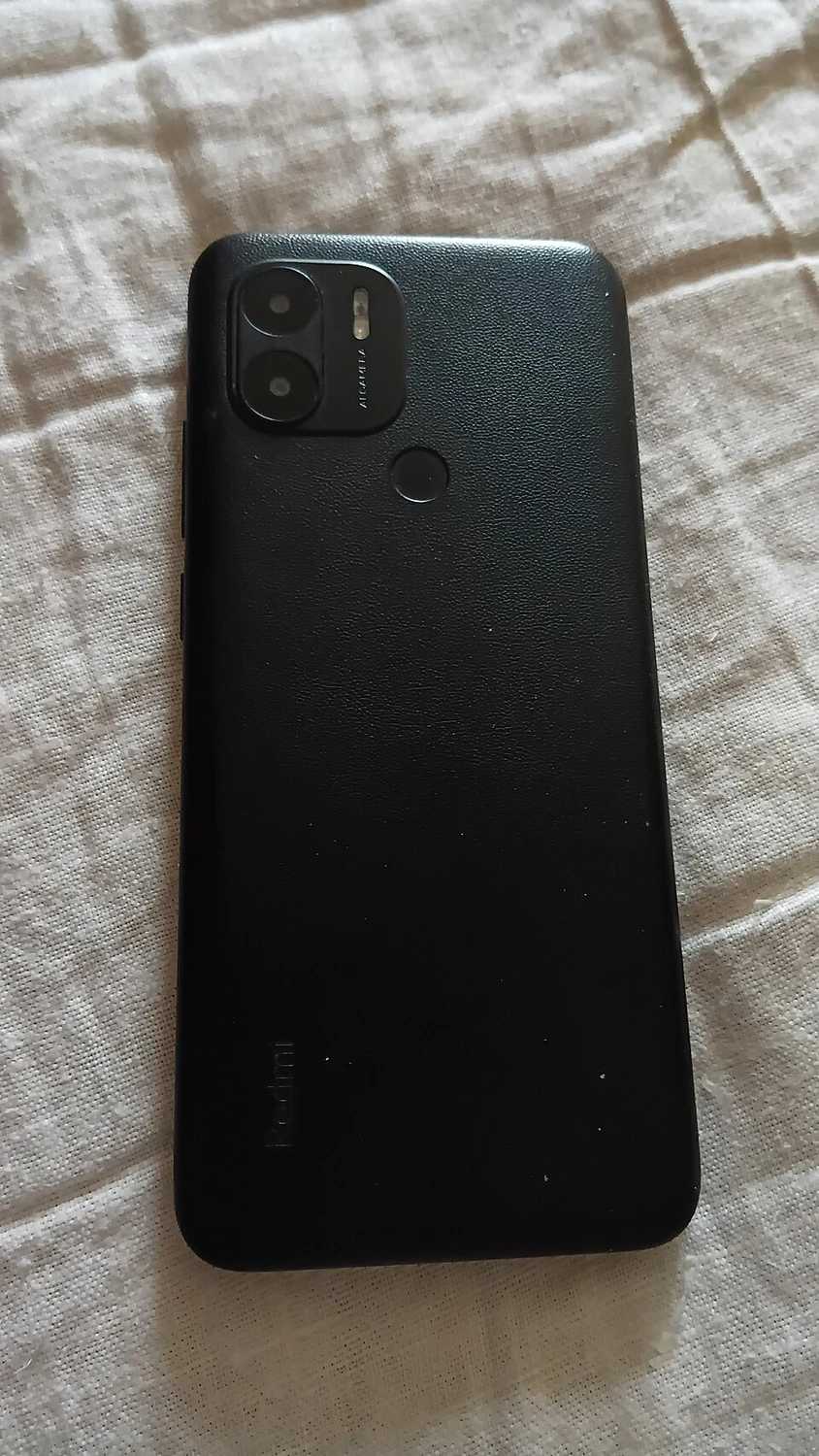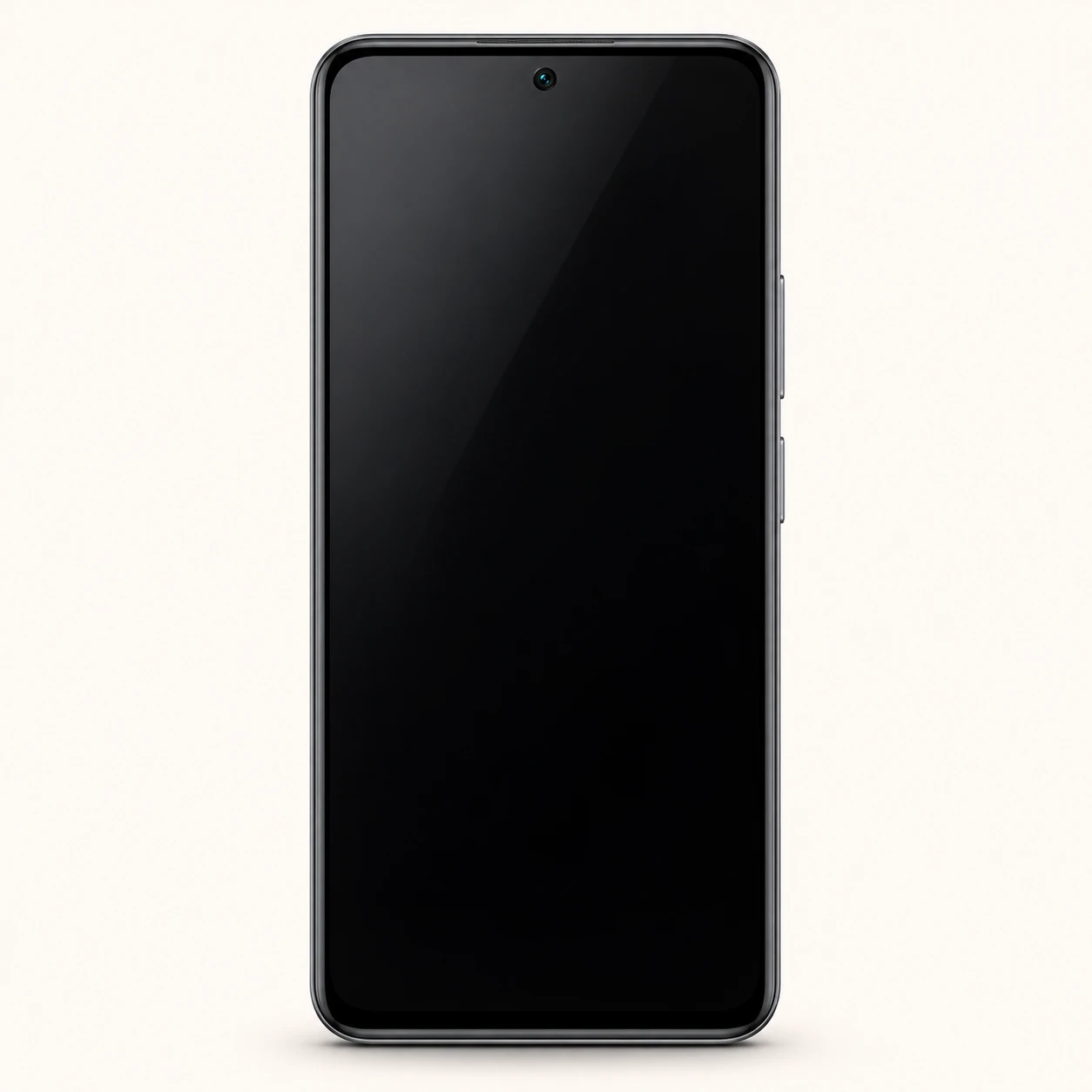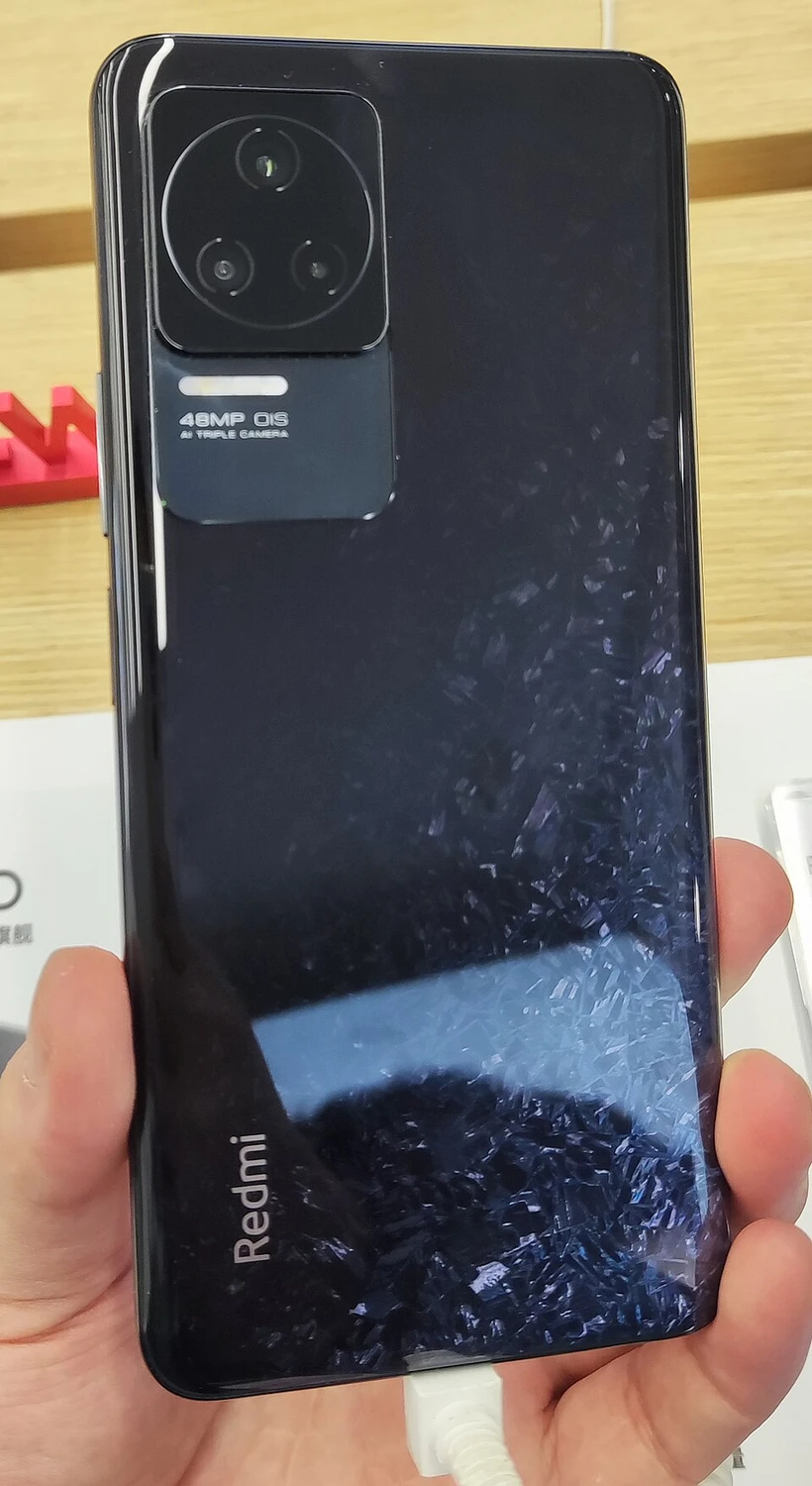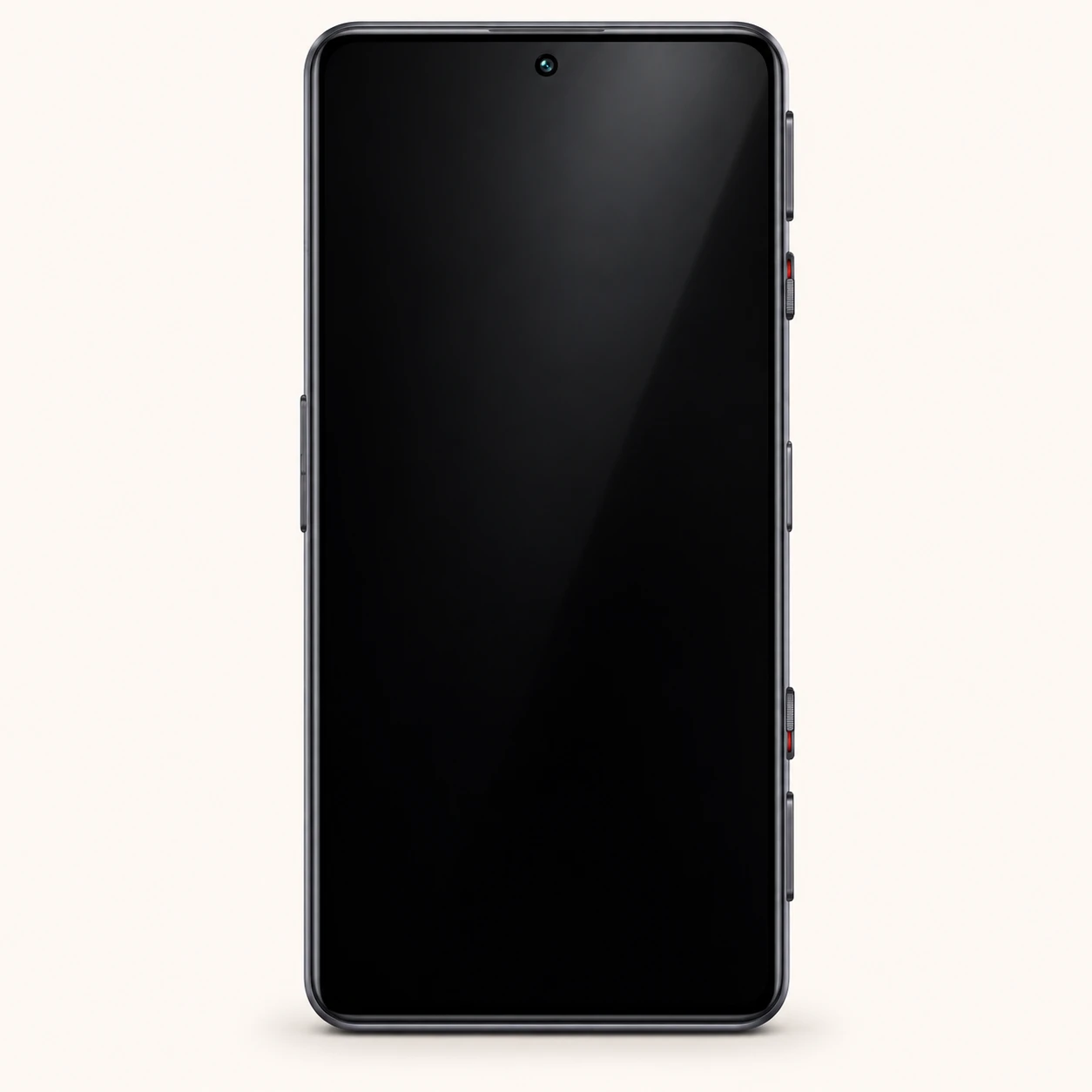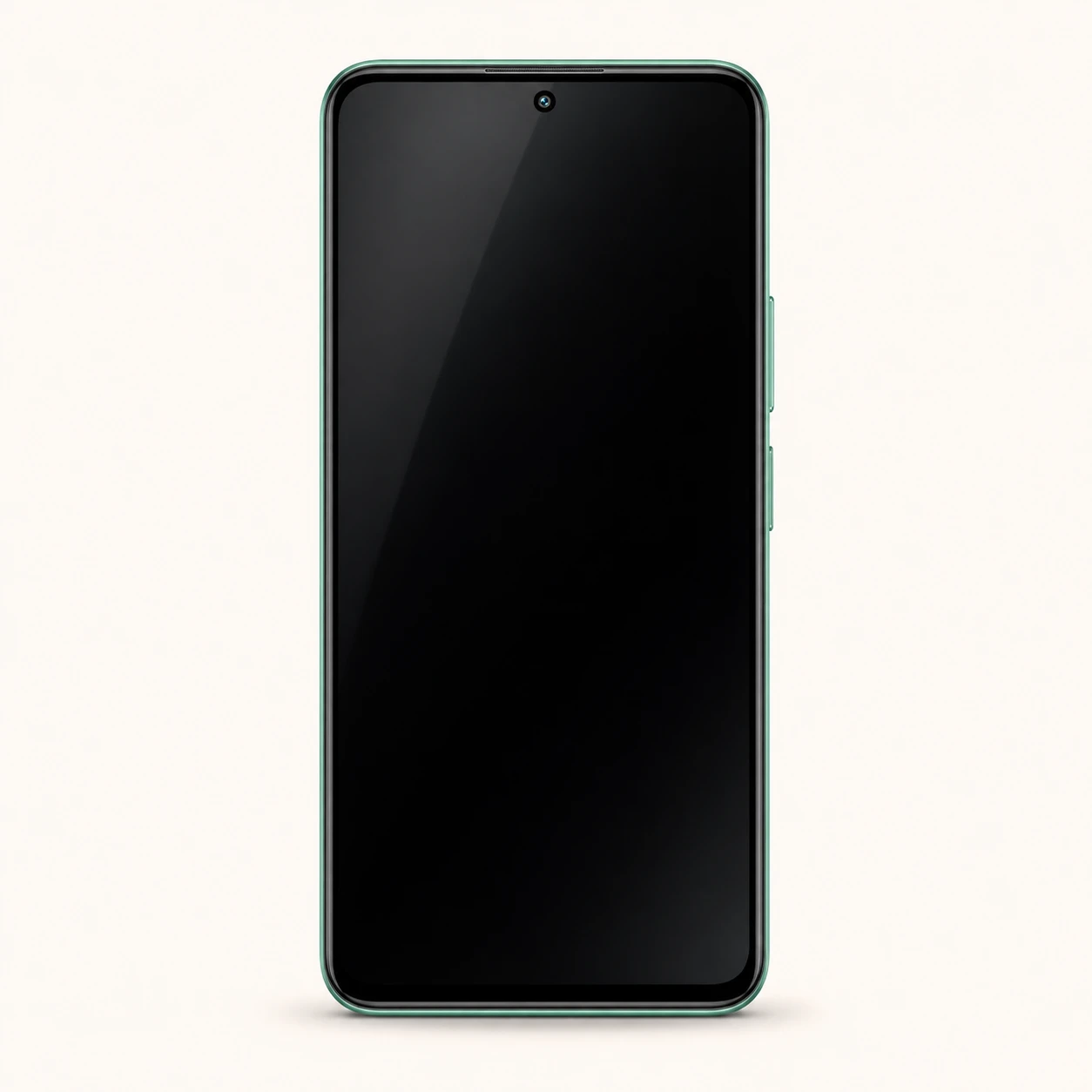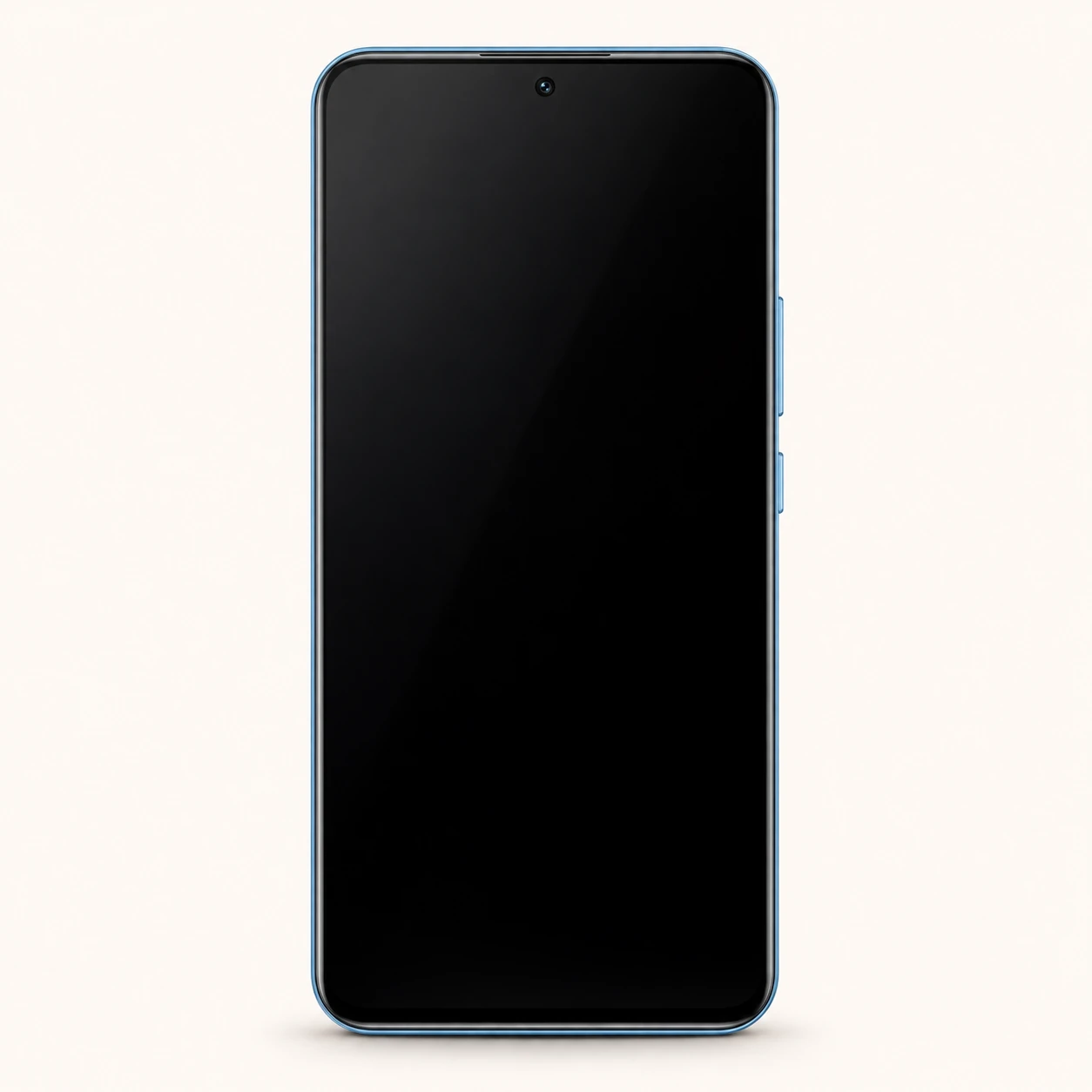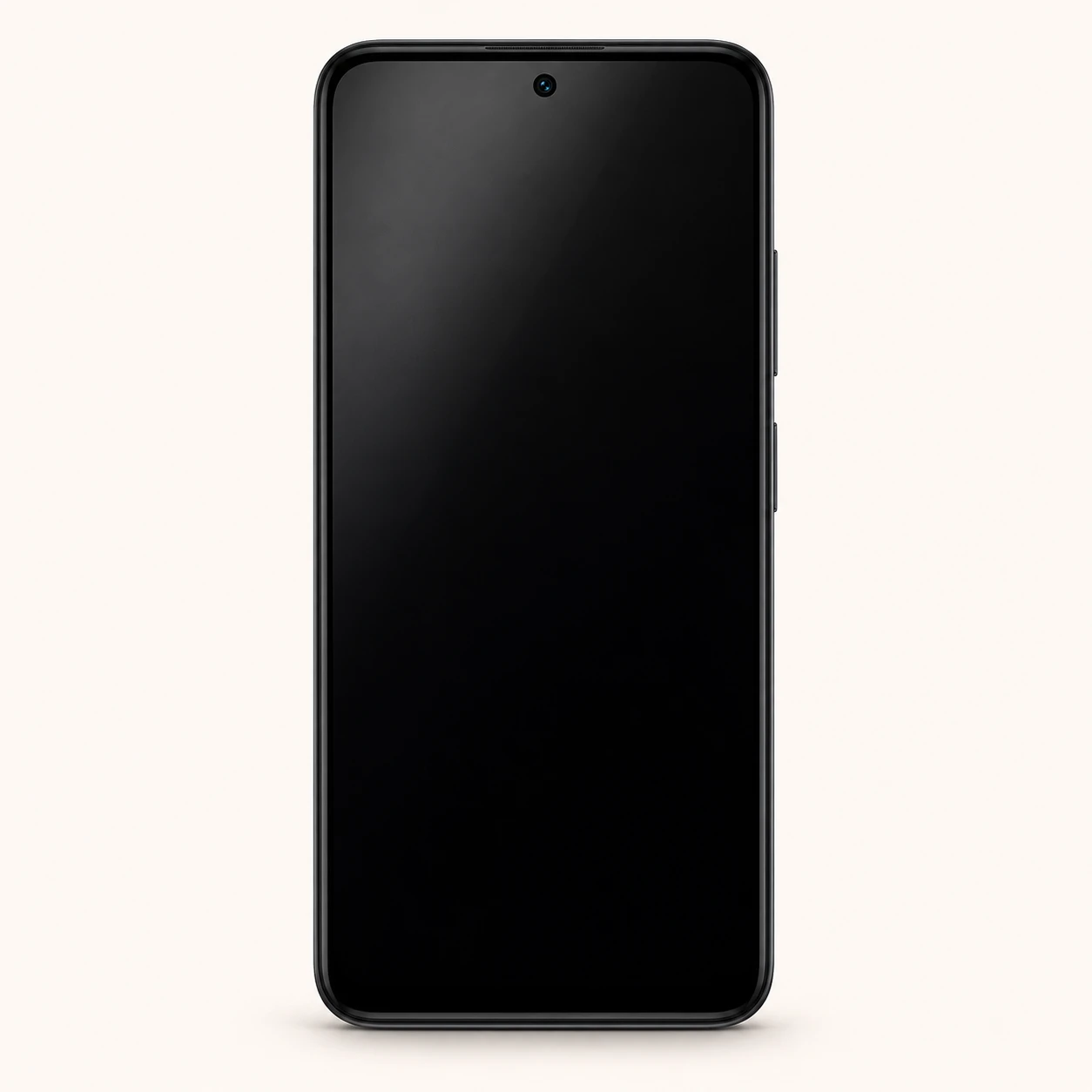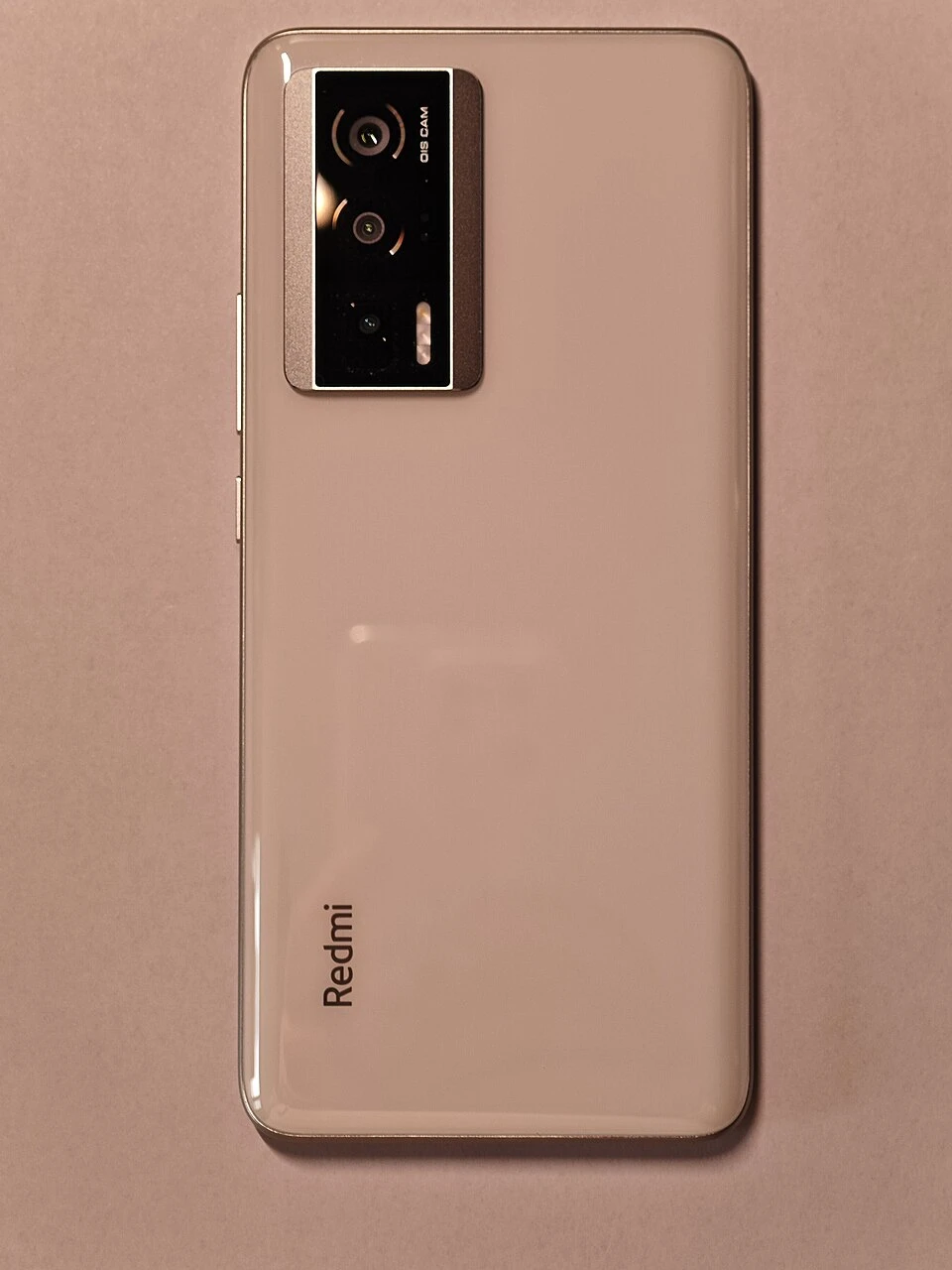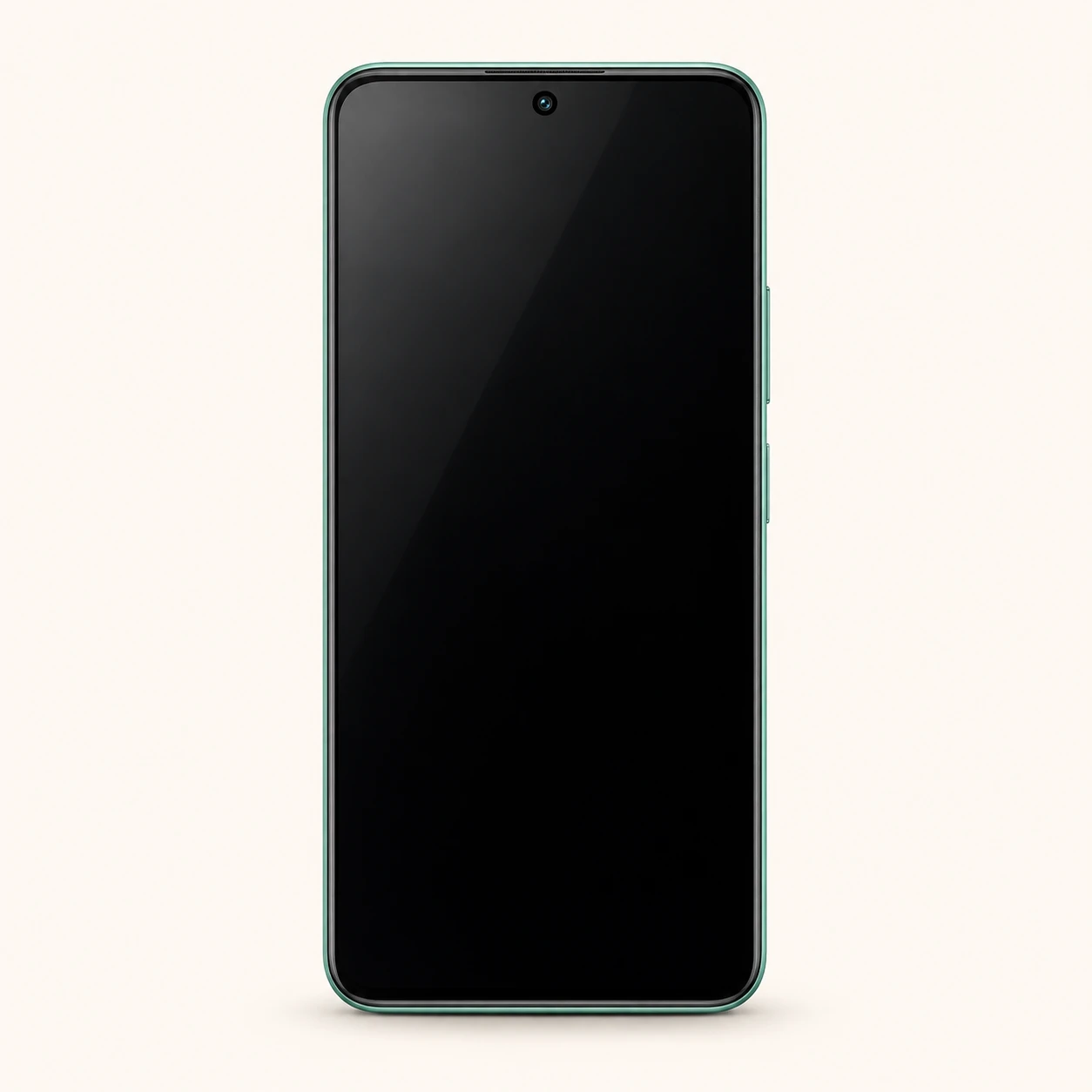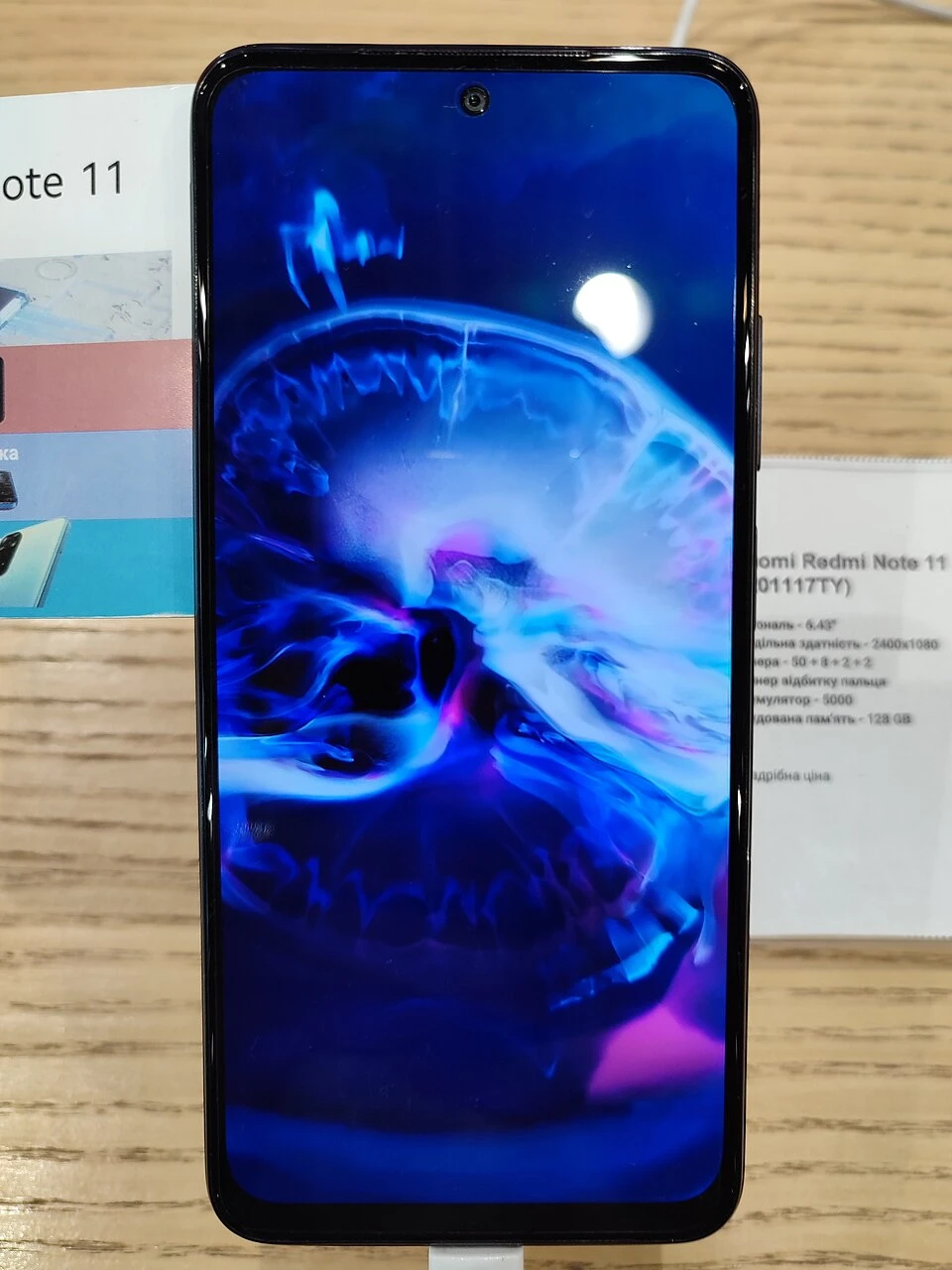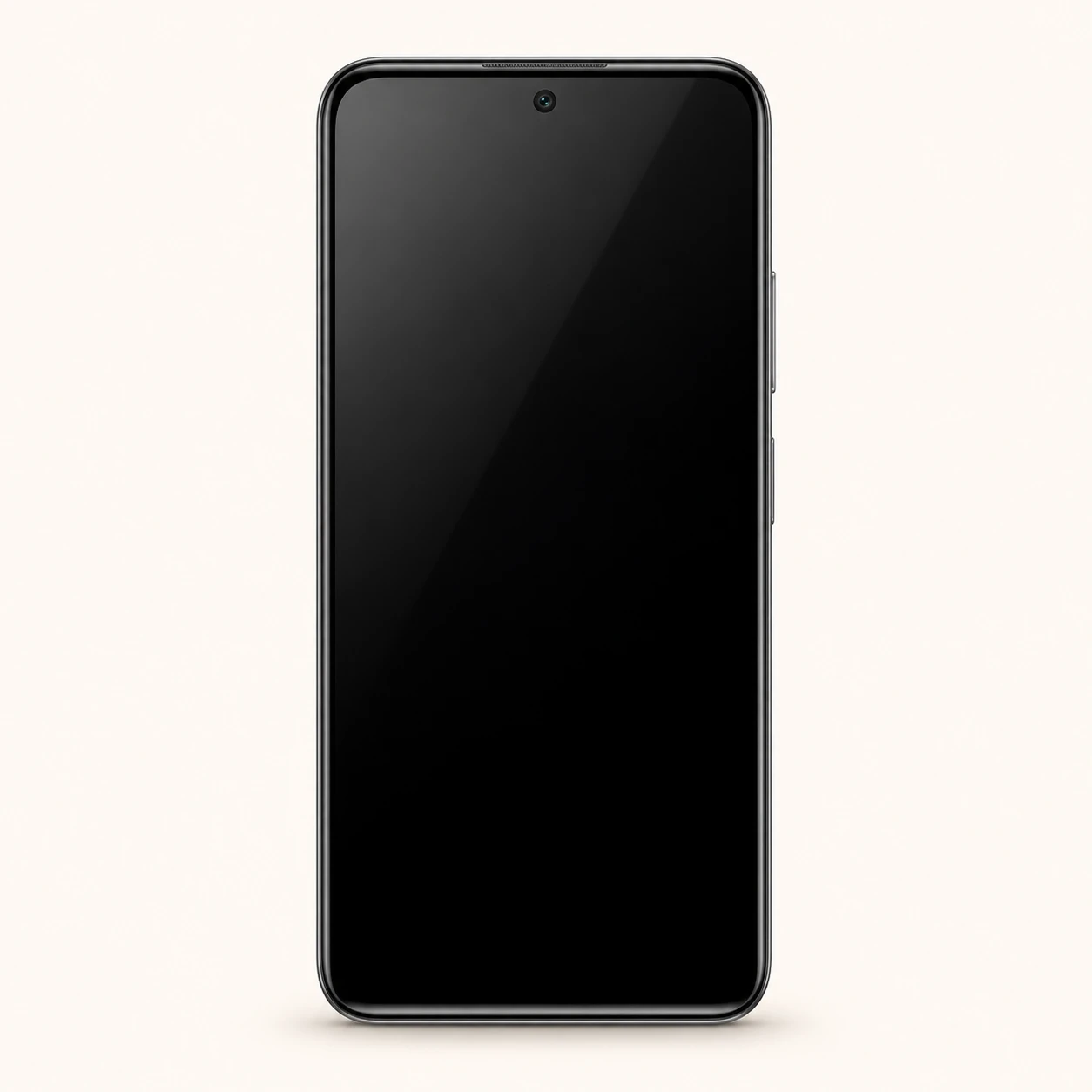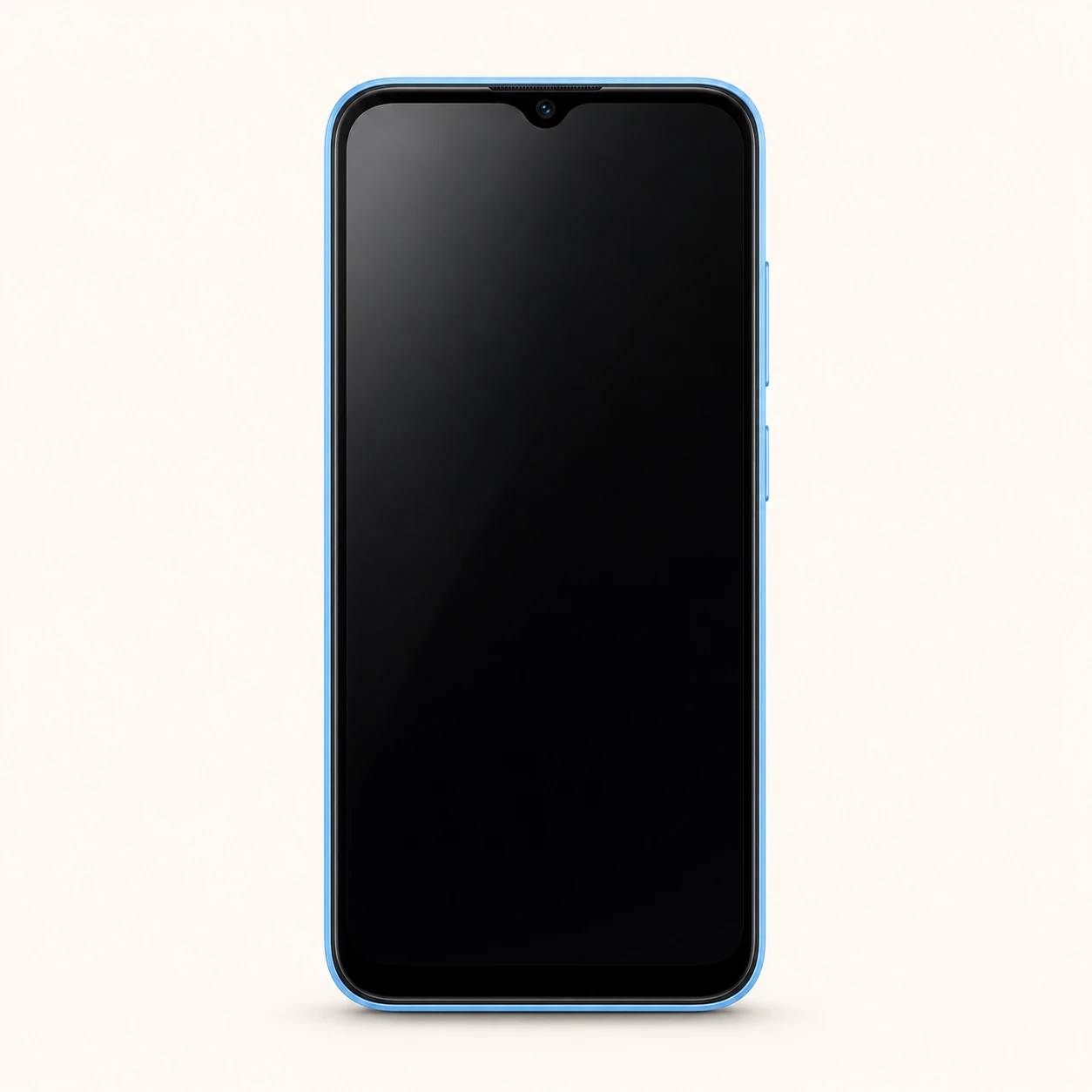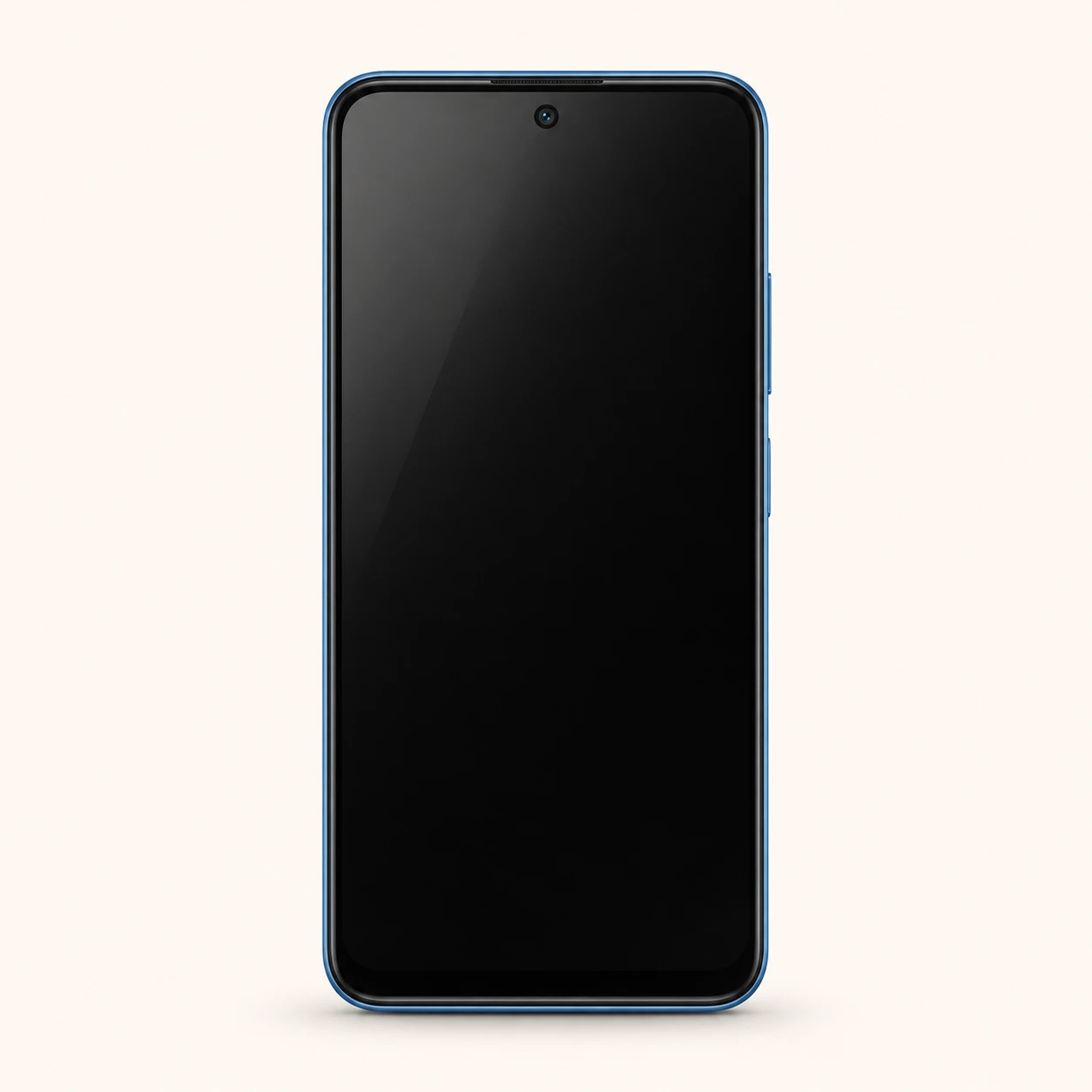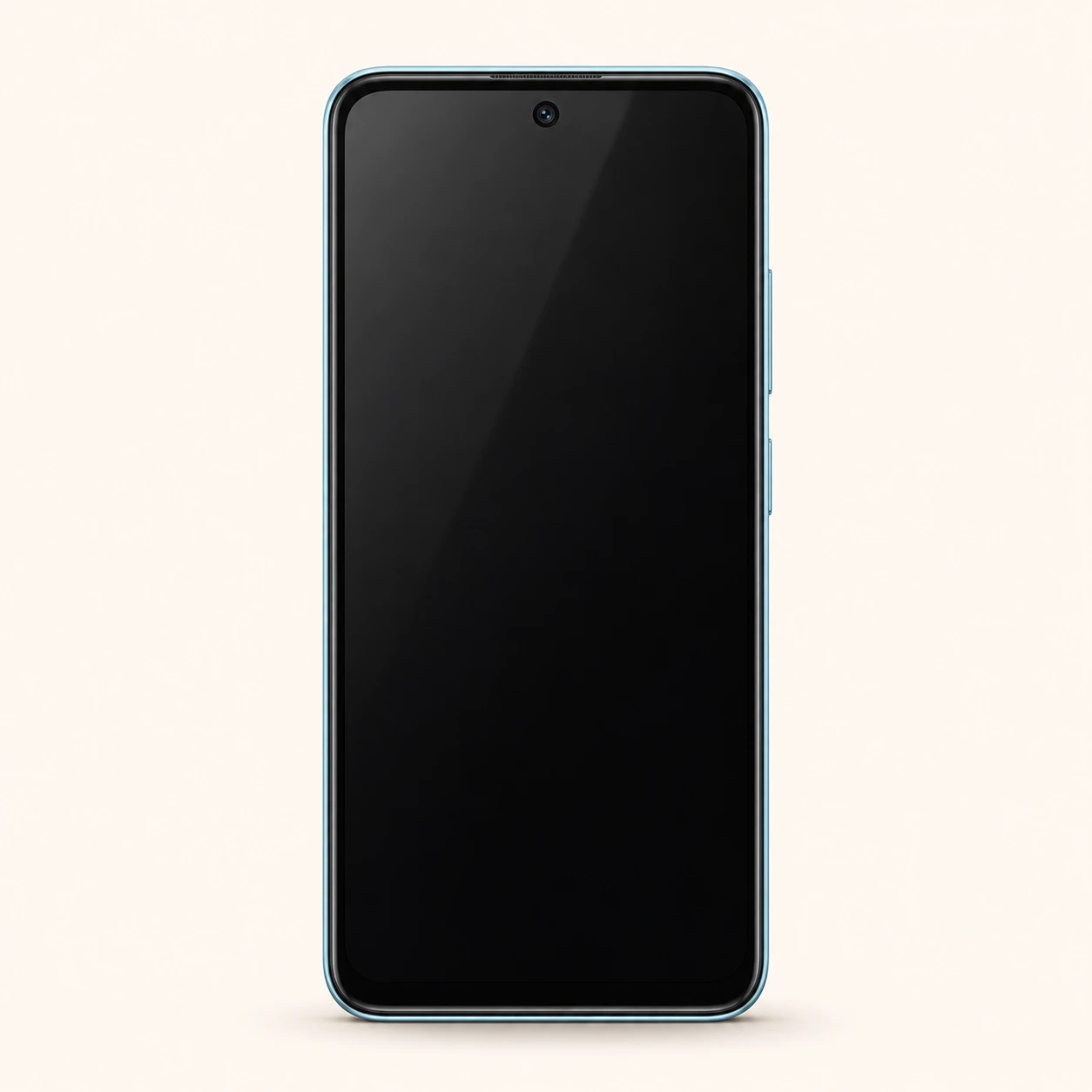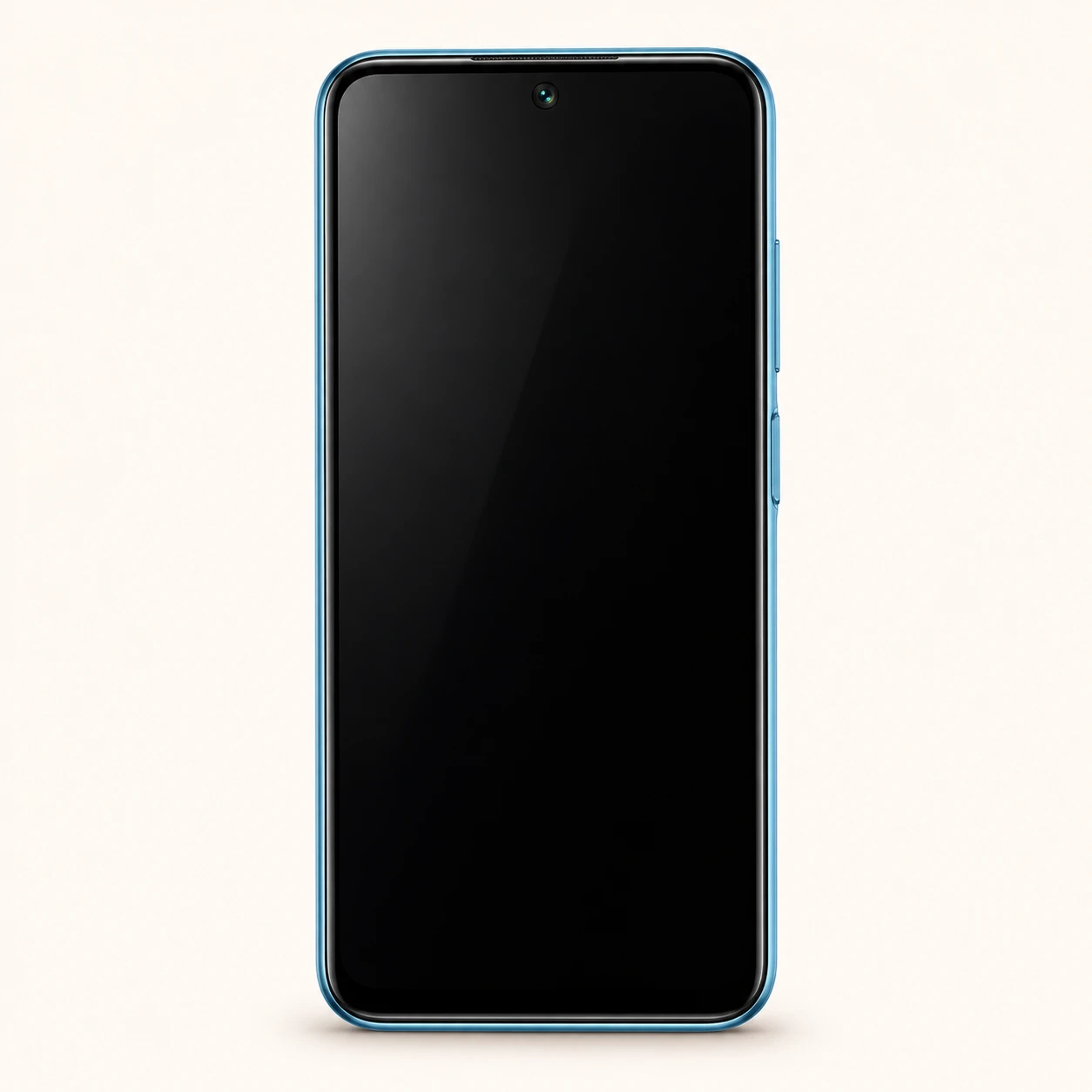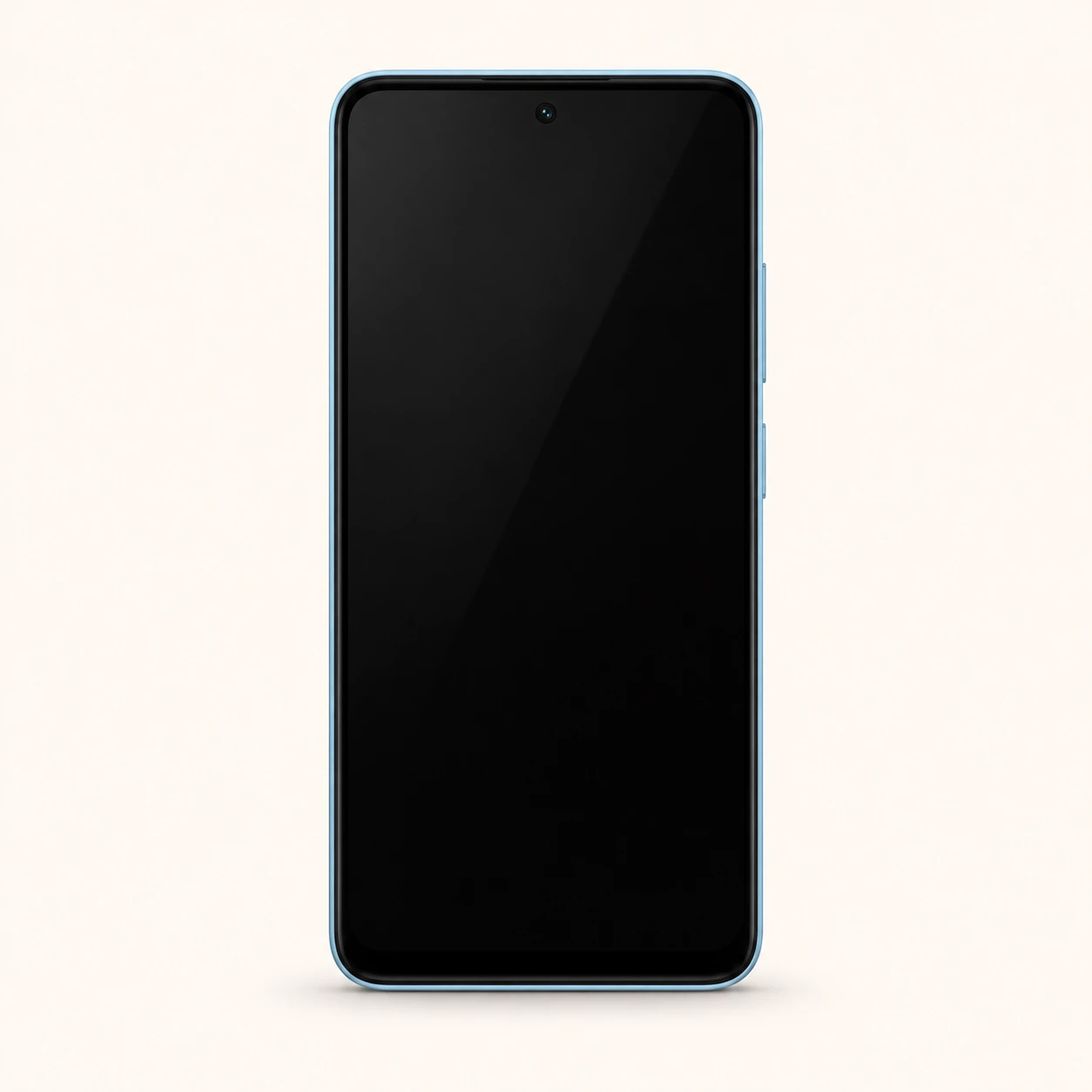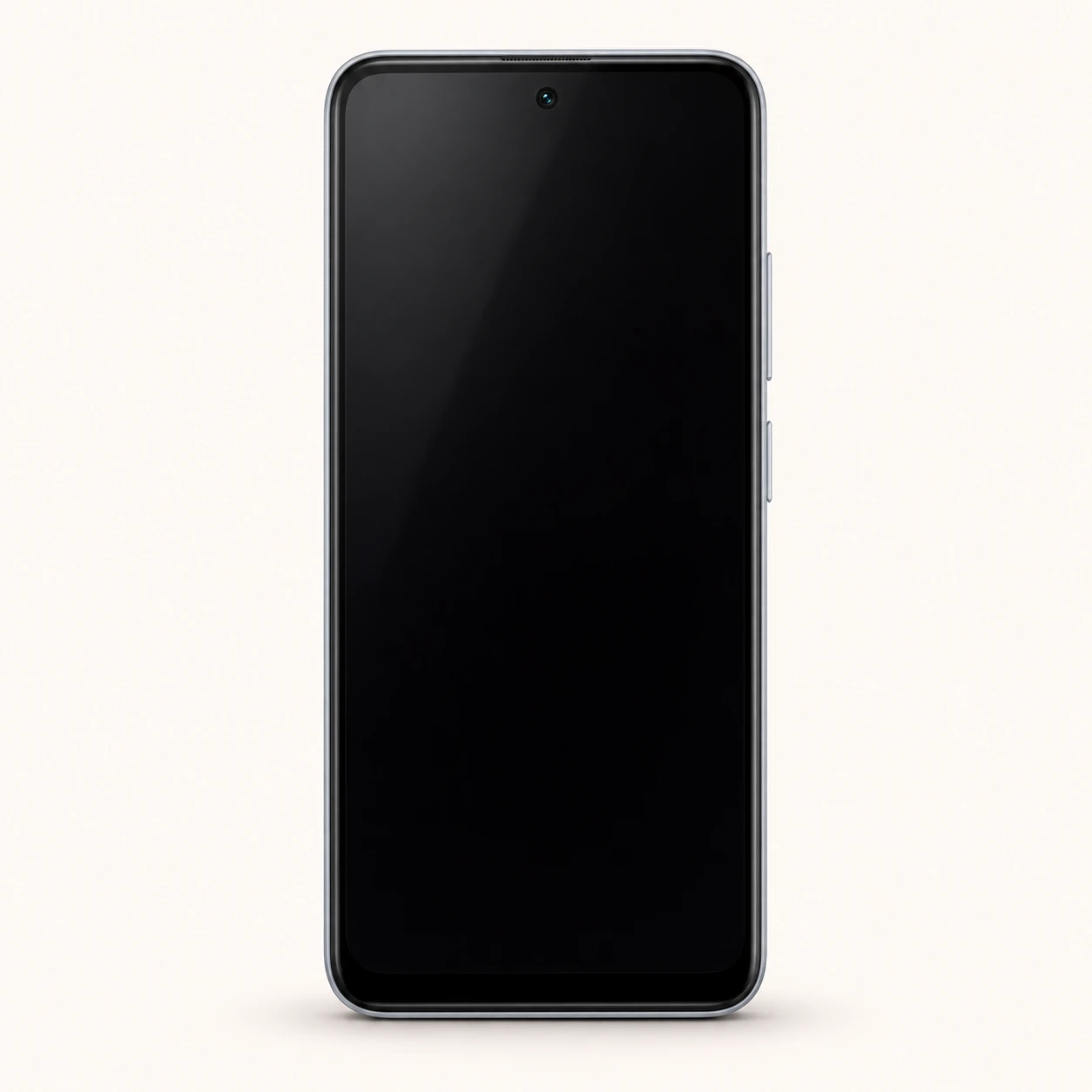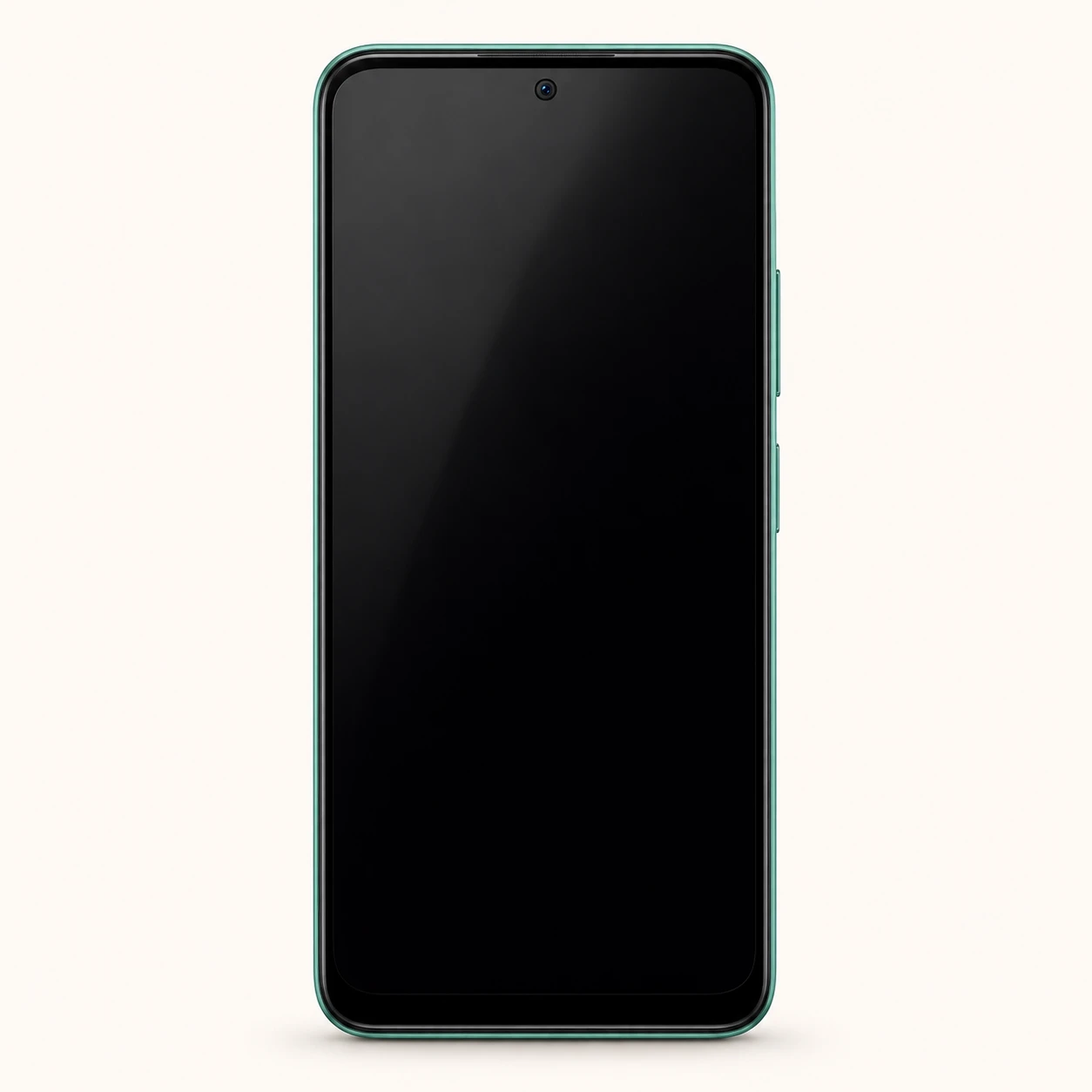
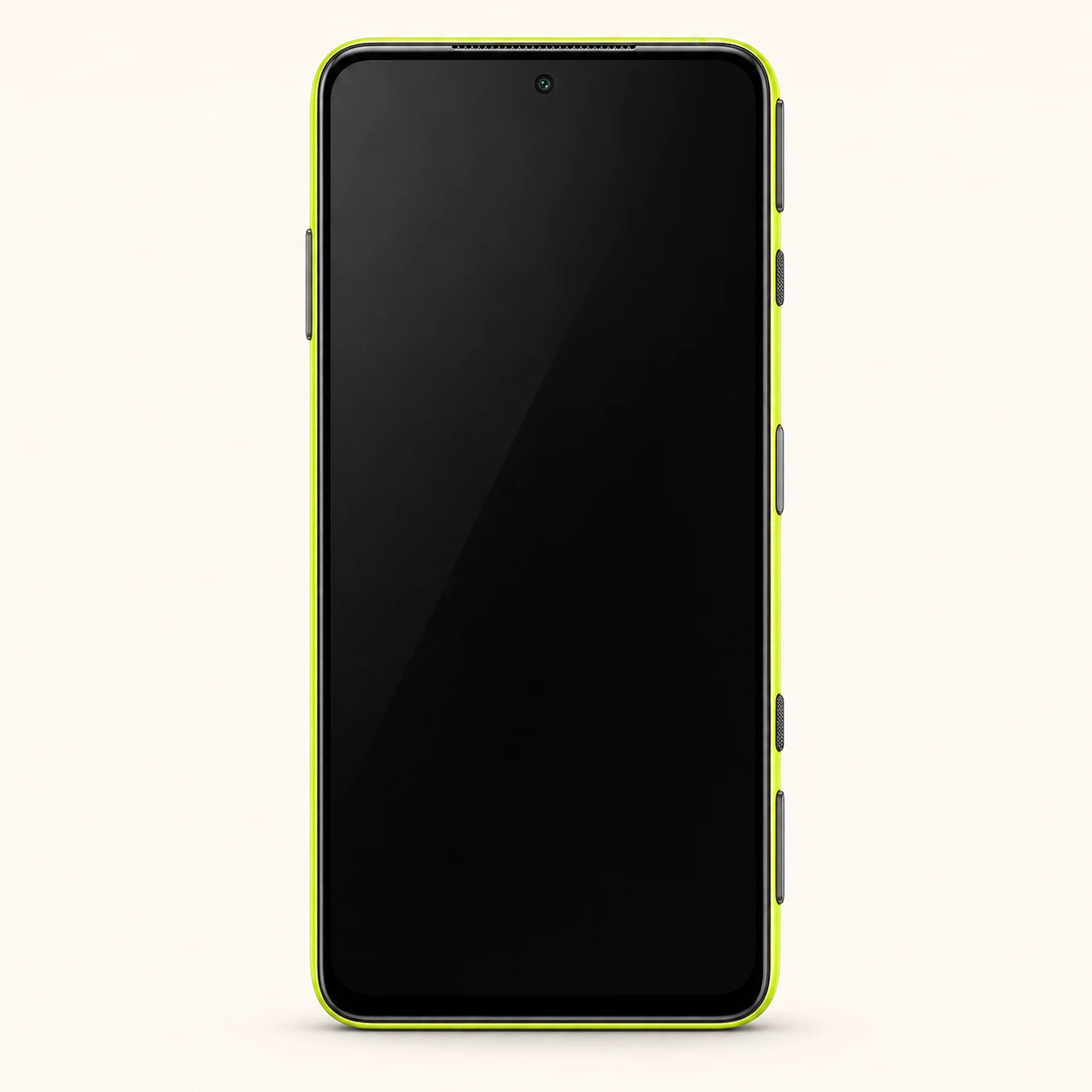
Black Shark 5 RS
6.67-inch AMOLED, 5G and 4G LTE, USB-C.
Model reference
Black Shark 5 RS
- Screen
- 6.67-inch AMOLED
- Storage
- 256GB
- Connector
- USB-C
Colours & model codes inside
Browse Xiaomi and Mi phones, tablets and watches alongside Redmi, POCO and Black Shark models. Compare complete hardware codes, regional versions, original finishes and practical specifications.
Names such as Note, Pro, Plus, Turbo, Lite and Ultra identify different hardware. Keep the complete Xiaomi, Redmi, POCO or Black Shark name when comparing a device.
Similar names can describe different models in China, India and other markets. A 4G or 5G suffix, tablet connectivity option or watch operating system can change compatibility.
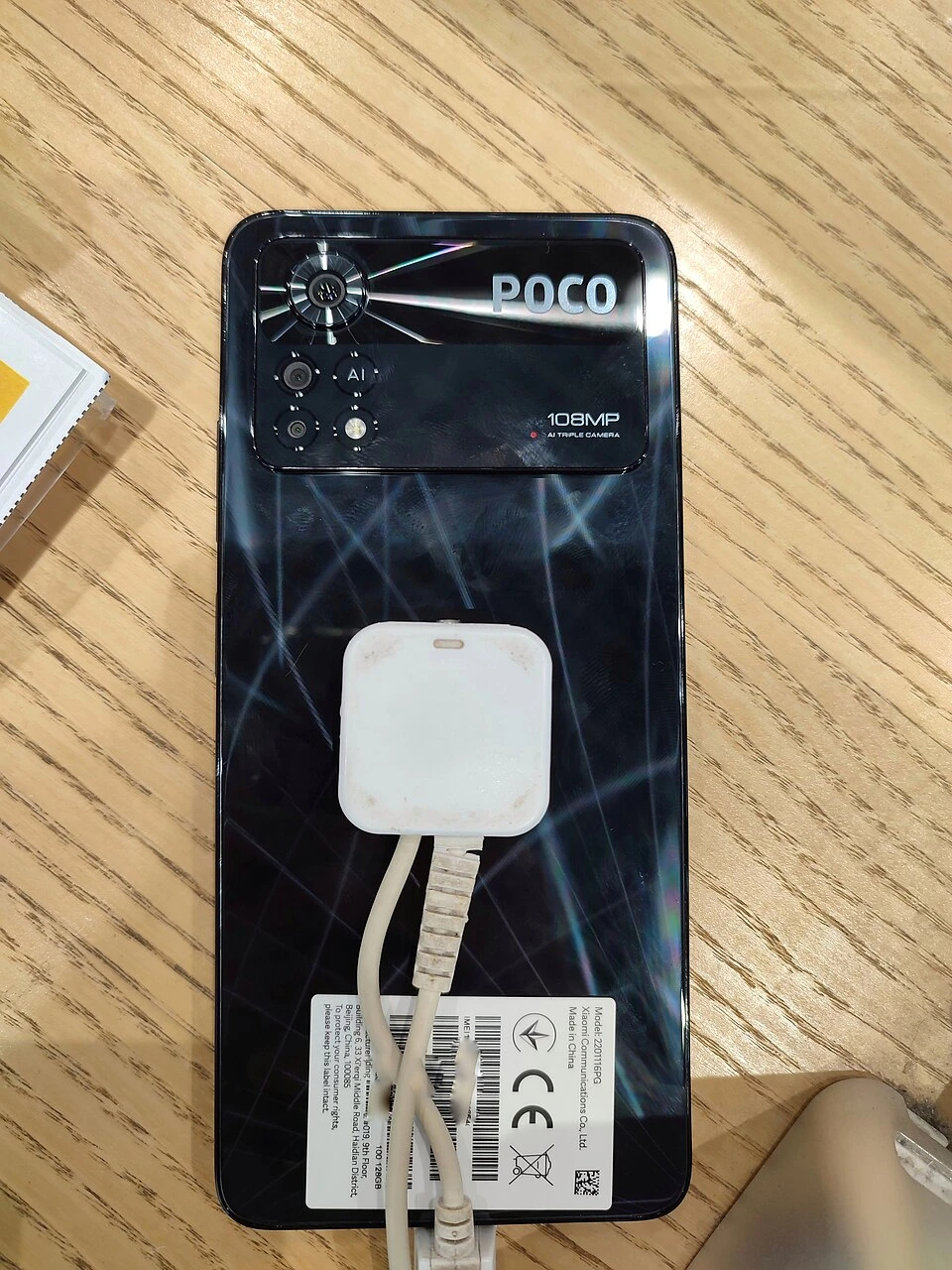
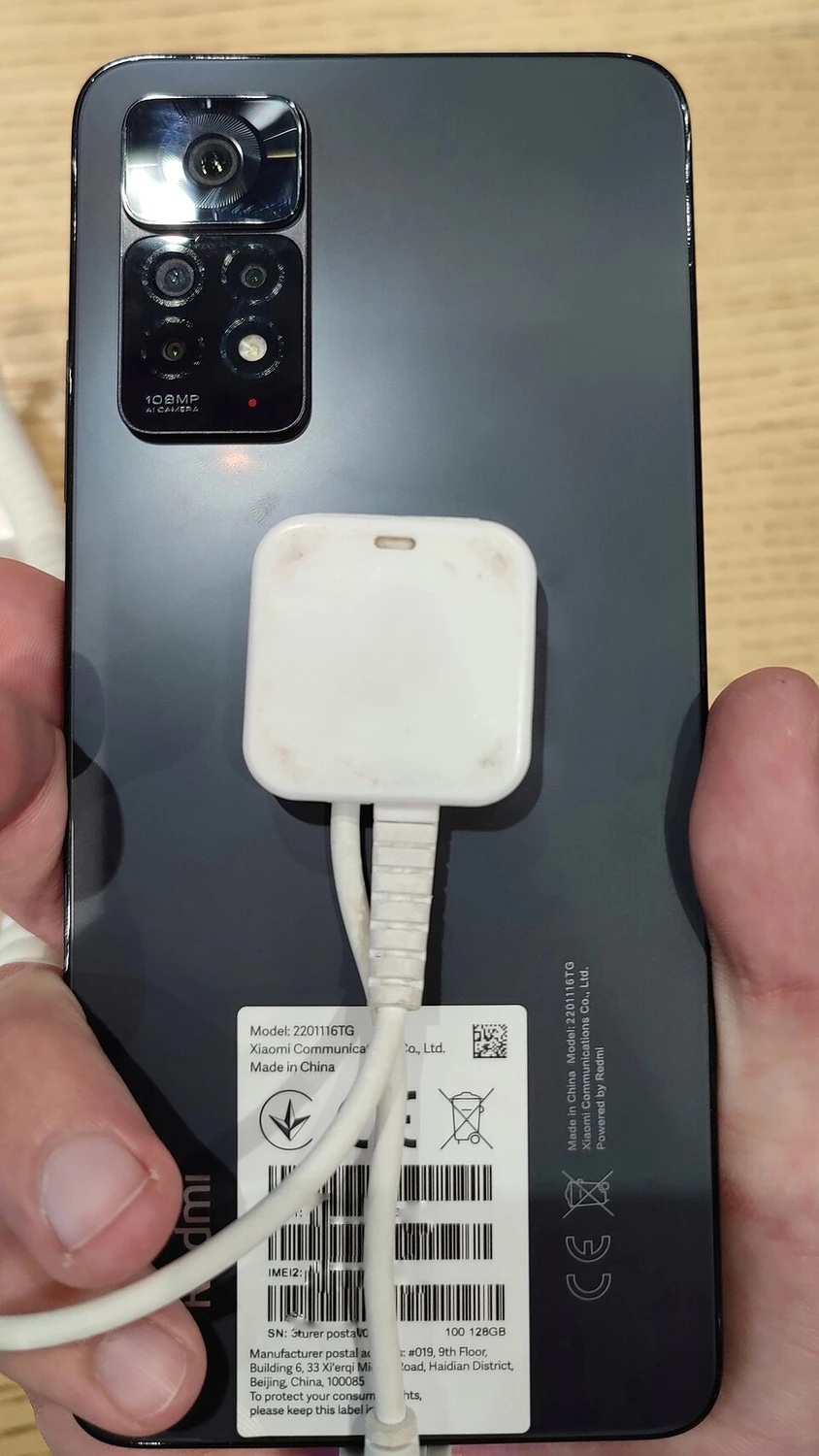
Compare the hardware model number with the guide. A shop stock code, memory configuration or colour description alone may not identify the hardware version.
Xiaomi Pad, Redmi Pad, POCO Pad and Black Shark tablets, with screen sizes, Wi-Fi or cellular variants and charging details.
Browse Xiaomi tabletsXiaomi, Mi, Redmi, POCO and Black Shark phone generations, with complete model names, regional codes and original finishes.
Browse Xiaomi phonesXiaomi, Redmi, POCO and Black Shark watches, with case sizes, operating systems, model codes and compatible charging details.
Browse Xiaomi watchesChoose the exact model, compare its colours and understand the specifications.
6.67-inch AMOLED, 5G and 4G LTE, USB-C.
6.71-inch IPS LCD, 4G LTE, USB-C.
6.67-inch AMOLED, 5G and 4G LTE, USB-C.
6.67-inch AMOLED, 5G and 4G LTE, USB-C.
6.58-inch IPS LCD, 5G and 4G LTE, USB-C.
6.58-inch IPS LCD, 5G and 4G LTE, USB-C.
6.43-inch AMOLED, 4G LTE, USB-C.
6.58-inch IPS LCD, 4G LTE, USB-C.
6.58-inch IPS LCD, 4G LTE, USB-C.
6.43-inch AMOLED, 4G LTE, USB-C.
POCO Watch combines a compact rectangular 1.6-inch AMOLED display with built-in GPS.
6.6-inch IPS LCD, 5G and 4G LTE, USB-C.
6.67-inch Super AMOLED, 5G and 4G LTE, USB-C.
6.7-inch IPS LCD, 4G LTE, USB-C.
6.58-inch IPS LCD, 5G and 4G LTE, USB-C.
6.5-inch LCD, 4G LTE, USB-C.
6.7-inch IPS LCD, 4G LTE, USB-C.
6.5-inch LCD, 4G LTE, USB-C.
6.53-inch IPS LCD, 4G LTE, microUSB.
6.71-inch IPS LCD, 4G LTE, USB-C.
6.58-inch IPS LCD, 4G LTE, USB-C.
6.58-inch IPS LCD, 5G and 4G LTE, USB-C.
6.71-inch IPS LCD, 4G LTE, microUSB.
6.52-inch IPS LCD, 4G LTE, microUSB.
6.52-inch IPS LCD, 4G LTE, microUSB.
6.67-inch AMOLED, 5G and 4G LTE, USB-C.
6.67-inch OLED, 5G and 4G LTE, USB-C.
6.67-inch OLED, 5G and 4G LTE, USB-C.
6.67-inch OLED, 5G and 4G LTE, USB-C.
6.67-inch OLED, 5G and 4G LTE, USB-C.
6.6-inch FFS LCD, 5G and 4G LTE, USB-C.
6.67-inch OLED, 5G and 4G LTE, USB-C.
6.67-inch OLED, 5G and 4G LTE, USB-C.
6.67-inch OLED, 5G and 4G LTE, USB-C.
6.43-inch AMOLED, 4G LTE, USB-C.
6.67-inch Super AMOLED, 4G LTE, USB-C.
6.67-inch Super AMOLED, 5G and 4G LTE, USB-C.
6.67-inch Super AMOLED, 5G and 4G LTE, USB-C.
6.43-inch Super AMOLED, 4G LTE, USB-C.
6.58-inch IPS LCD, 5G and 4G LTE, USB-C.
6.67-inch Super AMOLED, 5G and 4G LTE, USB-C.
6.58-inch IPS LCD, 5G and 4G LTE, USB-C.
6.43-inch AMOLED, 4G LTE, USB-C.
6.6-inch IPS LCD, 5G and 4G LTE, USB-C.
6.5-inch IPS LCD, 5G and 4G LTE, USB-C.
6.6-inch IPS LCD, 5G and 4G LTE, USB-C.
6.6-inch IPS LCD, 5G and 4G LTE, USB-C.
6.67-inch AMOLED, 5G and 4G LTE, USB-C.
Try a shorter model name, a keyword or the beginning of its model code. Clear the range filter to search all models on this page.
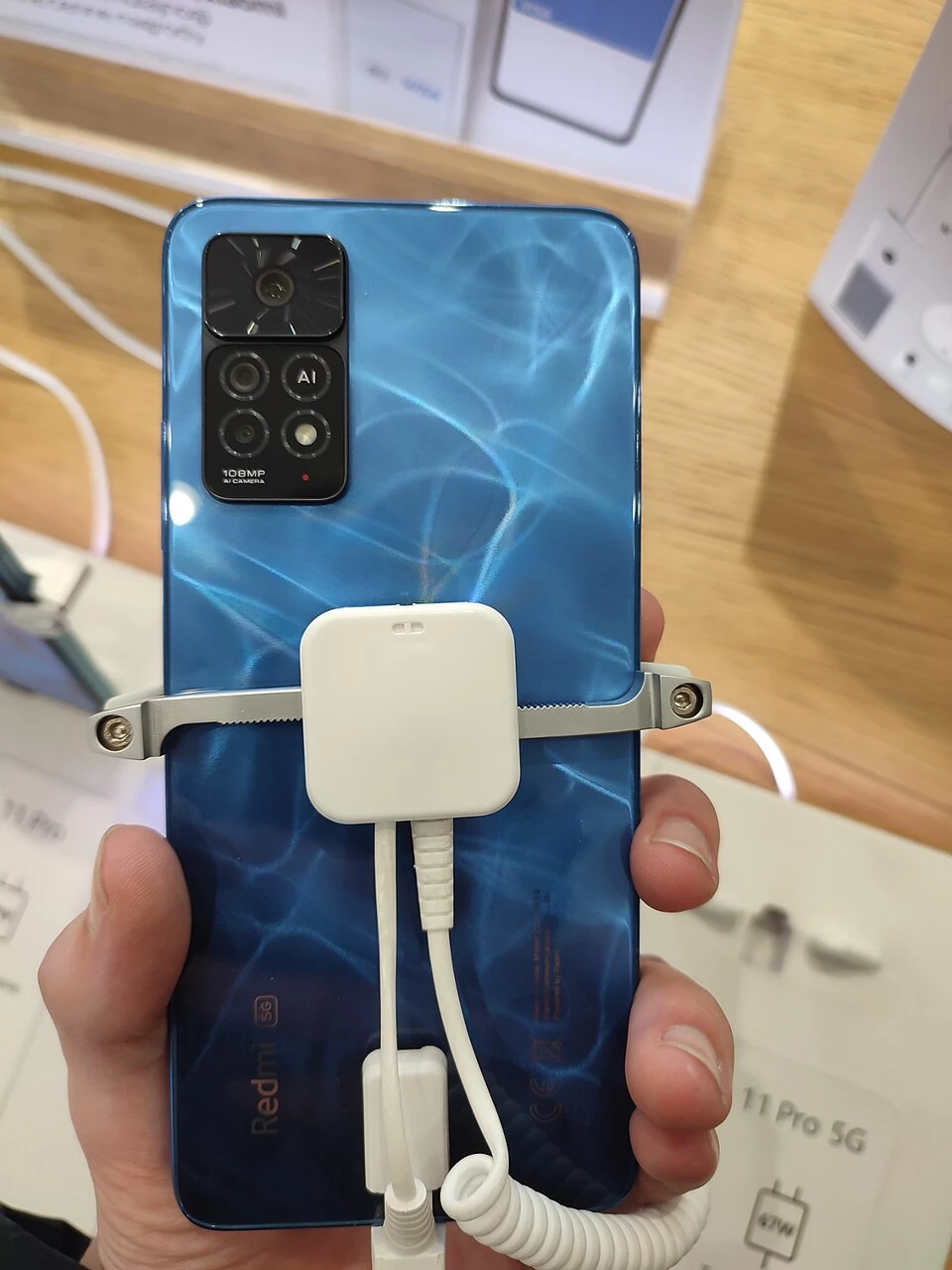
Colours and small details in the pictures are approximate. Confirm the model marking in the device information, on its label or on the original packaging before choosing accessories or replacement parts.
The name identifies the range. The model number identifies the hardware version.
Many devices share a model number. A serial number identifies an individual device. Depending on its mobile network, a cellular device may also have an IMEI, MEID or ESN.