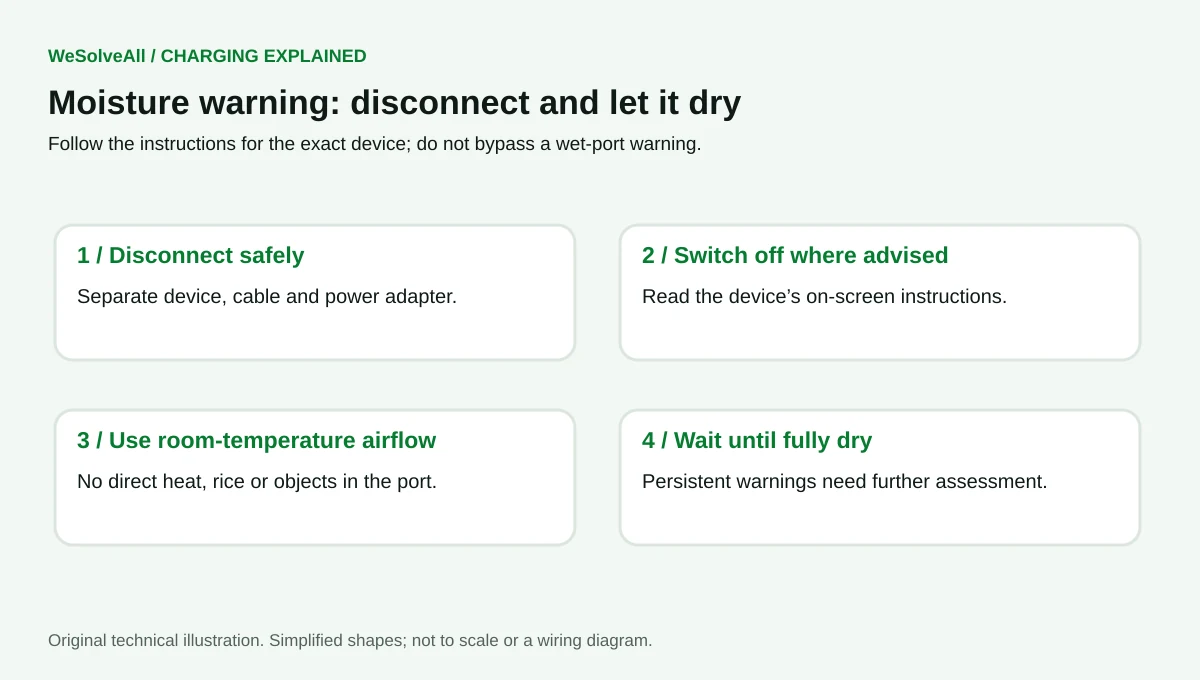
Disconnect the charging cable and follow the device's moisture-warning instructions. Let the device and cable dry in a ventilated place at room temperature. Do not force charging, put objects in the port, use direct heat or rely on rice.
Why does the warning appear?
Supported devices can stop wired charging when they detect moisture or an unsafe condition around the connection. Moisture may be in the port, on a cable end, or associated with a humid environment. Persistent warnings can also need further investigation. Samsung explains that its moisture-related charging block helps protect against damage and corrosion. [36]
Water resistance is not permission to plug in a wet phone. Tablets and laptops also vary greatly in their protection. Do not assume a device is water resistant because another product in the same brand is.
What to do, step by step
- Disconnect safely. Unplug the power adapter from the mains if it is safe to do so, then disconnect the device. Do not handle live mains equipment with wet hands.
- Read the message. Follow the manufacturer's instructions for your model, including whether to switch off.
- Dry the outside gently. Use a soft dry cloth without pushing it into the connector. Keep the cable ends disconnected.
- Allow room-temperature airflow. Use a dry, ventilated location. Do not place the device on a radiator or use a hairdryer.
- Allow the specified drying time. There is no reliable universal “wait ten minutes” rule for every device and liquid exposure.
- Reconnect only when the manufacturer says it is safe. The device and cable ends must be dry. If the warning returns, disconnect again.
- Arrange assessment if it persists or there was significant exposure. Mention salt water, a sugary drink or another contaminating liquid rather than describing every spill as water.
How long does an iPhone charging port take to dry?
For its liquid-alert procedure, Apple says to try again after at least 30 minutes and allow further drying if the alert returns; complete drying may take up to 24 hours. It advises airflow and no external heat, compressed air, foreign objects or rice. These timings are Apple's guidance for that situation, not a guarantee for other devices or serious liquid damage. [35]
Should I use rice or blow into the port?
No. Rice particles can get into the connector, and blowing can add moisture. Scraping inside does not solve a moisture warning safely. Avoid sprays and improvised electrical tricks that bypass the warning.
What if the warning remains when everything looks dry?
Check the manufacturer's next steps. A different dry, compatible cable can help distinguish a cable problem. On supported Galaxy models, Samsung documents further checks for persistent moisture warnings, including software-related steps after drying. Those are not a reason to clear a warning and reconnect while moisture may still be present. [36]
Can I use wireless charging?
It may be an option if the exact device supports it, its manufacturer allows it in the circumstances, and the exterior is fully dry. Do not use it to continue charging a swollen, unusually hot or substantially liquid-damaged device. The absence of a cable does not make a damaged battery safe.
What if liquid reached a laptop?
Stop using external power and switch it off if safe. Avoid repeated attempts to start it “just to check”. Do not open a sealed battery compartment or improvise a drying procedure. Arrange model-specific assessment, particularly if the spill entered the keyboard, ventilation openings or power input.
When should I seek help? If warnings keep returning, charging is unreliable after drying, there are deposits or damaged contacts, or liquid entered the device. Prompt assessment gives the repairer a better chance of identifying contamination before repeated powering makes matters worse.
More charging help
- Charging port problems: loose sockets, lint, damage and repair
- Phone, tablet or laptop not charging? Check these things first
- Wireless charging, Qi, Qi2 and MagSafe: what works with what?
Need an assessment? Find an independent repair shop through WeSolveAll, then contact the business directly to confirm diagnosis, price and repair terms.