Wireless charging transfers power from a pad or stand to a compatible device without plugging a cable into that device. The charger itself still needs power. Check the exact phone, wireless standard and required wall adapter before buying.
What is Qi?
Qi, pronounced “chee”, is a wireless charging standard managed by the Wireless Power Consortium. Its certification programme tests products for requirements including interoperability and safety. A genuine certification claim is more useful than a vague “wireless compatible” description. The consortium maintains a product database where certification can be checked. [15]
What is Qi2?
Qi2 introduced magnetic alignment with 15W charging on supported equipment, and Qi2 25W is a newer performance level. Do not read either figure as a promise for every phone. The device, charger, software and power supply must support the relevant setup. [16]
A magnetic case or stick-on ring does not by itself add wireless charging to a phone without receiving hardware. It also does not automatically upgrade the phone's charging standard. Buy against the manufacturer's compatibility information for that exact model.
What does MagSafe mean?
For iPhones, MagSafe is Apple's magnetic charging and accessory system on supported models. Apple also uses the MagSafe name for certain MacBook charging connectors, which are a different type of product. An iPhone charging puck cannot replace a MacBook MagSafe cable.
Apple's MagSafe documentation specifies charger versions, supported phone models and power adapters for particular charging speeds. “MagSafe compatible” on a case or third-party accessory should not be taken as proof of a particular certified charging rate. [17]
How to use a wireless charger, step by step
- Confirm the device supports wireless charging. USB-C alone tells you nothing about this.
- Connect the pad to its specified power supply. Check whether that adapter is included in the box.
- Place it on a stable, uncovered surface. Keep the charging area free of loose metal objects.
- Remove cards and obstructing accessories. Wallet attachments, bulky cases, metal plates or grips may interfere with charging.
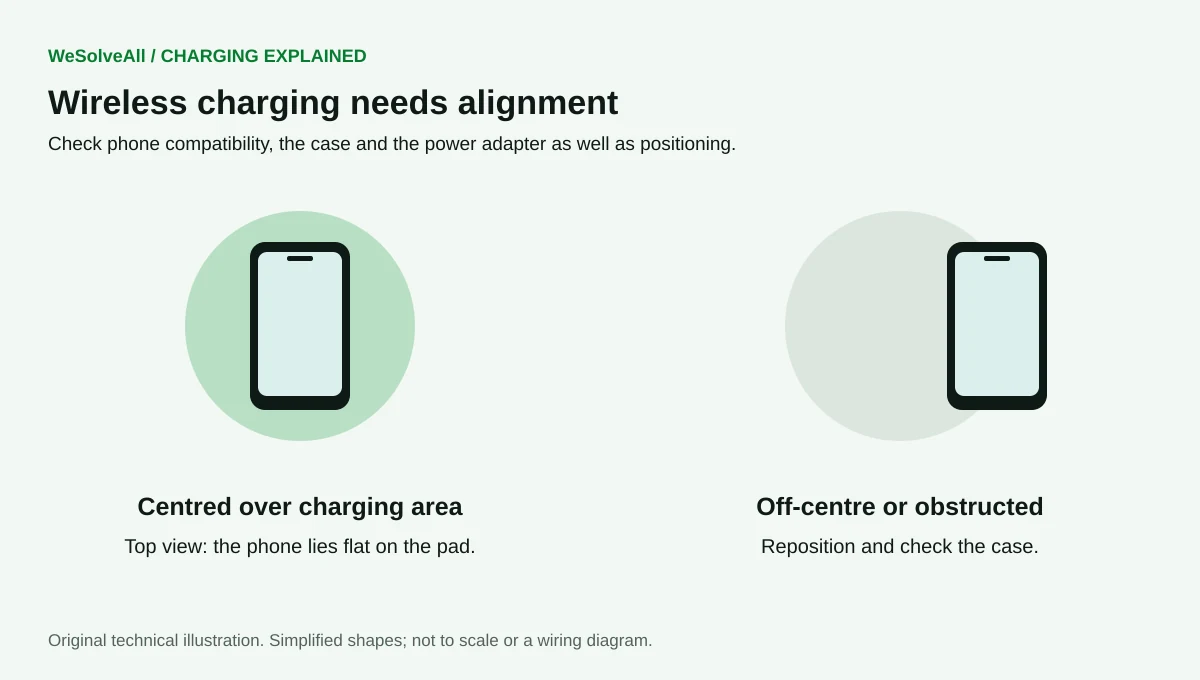
- Align the device. Put its charging area over the pad's charging area; use magnetic alignment where both products support it.
- Check the device's charging indicator. A light on the stand is not always proof that the battery is charging.
- Check again after a few minutes. If it repeatedly stops, try a compatible case-free setup and the specified adapter.
Why is it charging slowly or getting warm?
Apple identifies issues such as misalignment, thick or metal cases, objects between the phone and pad, and temperature-related charging limits. Start by correcting the setup before assuming the battery or pad is faulty. [18]
For a phone stand on a desk, convenient top-ups may matter more than the fastest possible session. If you need a quick top-up before leaving, compare the device's supported wired and wireless charging requirements rather than assuming they offer equal speeds.
Can a wireless pad charge a tablet or laptop?
Only if that exact device supports the relevant wireless system. A pad advertised for phones is not a general-purpose laptop power supply. Likewise, watches often need a dedicated charging system: a stand with three marked positions is not necessarily three identical Qi outputs.
Can wireless charging help with a damaged port?
It can provide a temporary alternative on a compatible device if the device is otherwise safe to charge. It does not repair a loose socket, remove corrosion or fix a battery fault. If there is swelling, burning, abnormal heat or substantial liquid damage, stop charging and arrange assessment.
More charging help
- Phone and tablet fast charging: watts, PD and PPS explained
- Phone, tablet or laptop not charging? Check these things first
- Wet charging port or moisture warning? What to do next