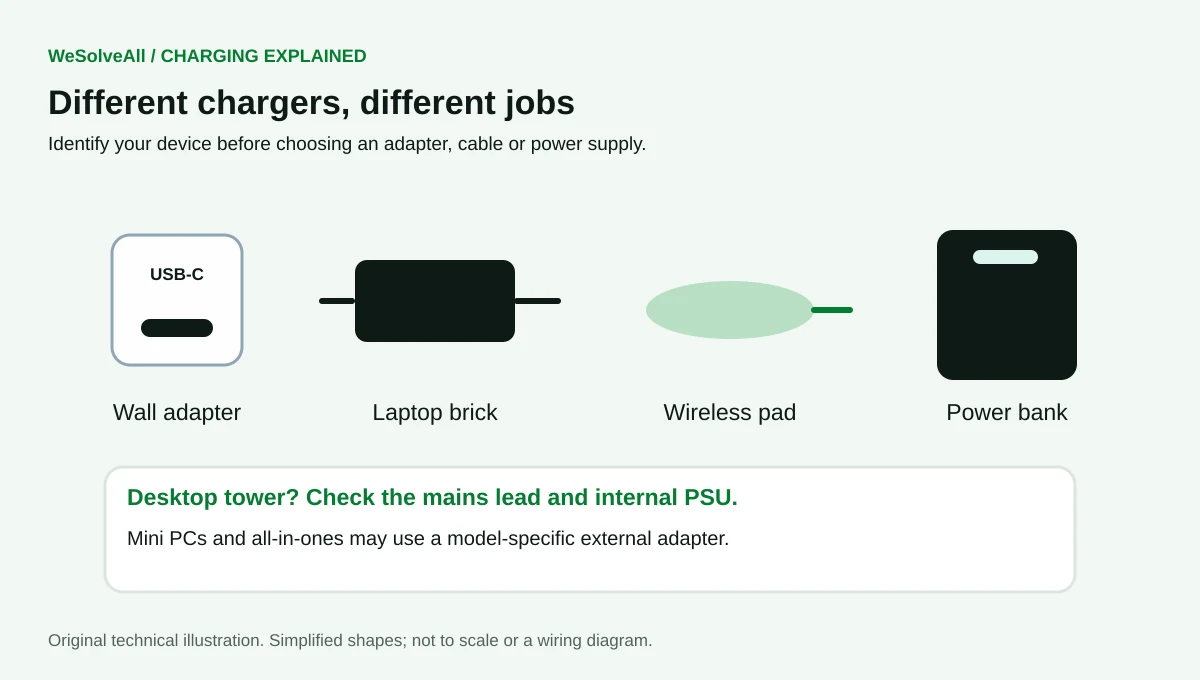
Choose a charger by checking three things: the connection your device uses, the charging standard it supports, and the power it needs. Then choose a cable that supports the same job. A plug that fits is only the first check.
Buying a charger should be straightforward. Instead, you find boxes covered in USB-C, PD, PPS, GaN and numbers that seem to get bigger every year. The useful question is much simpler: will this charge my device properly, and am I paying for something I will actually use?
What do people mean by “charger”?
Sometimes they mean the plug that goes into the wall. Sometimes they mean the cable. With a laptop, they usually mean the whole power brick and its leads. These are different parts, and replacing the wrong one can leave the original problem untouched.
The wall adapter turns mains electricity into power suitable for your equipment. The cable carries that power to the device. Inside a phone, tablet or laptop, charging electronics manage the battery. That is why buying a more powerful plug does not automatically make every device charge faster.
| What you have | What to identify first | What to compare before buying |
|---|---|---|
| Phone | USB-C, Lightning or Micro-USB port | Supported charging standard, useful wattage and cable type |
| Tablet | Exact model and charging port | Recommended adapter power; older phone plugs can be too slow |
| Laptop | Full model number and accepted charging input | USB-C PD requirements or the correct dedicated adapter |
| Desktop tower | Mains lead and internal power supply | Lead specification or model-compatible replacement PSU |
| Mini PC or all-in-one | External adapter or direct mains input | Manufacturer's exact power and connector requirements |
How to choose a charger, step by step
- Find the full model. “Samsung tablet” or “Dell laptop” is too broad. Look in Settings, on the underside label, or on the original box.
- Identify the device's charging connection. Check the socket on the device as well as the socket on your existing wall plug. They may be different.
- Check the manufacturer's recommended power supply. Use the model's official specifications, not a marketplace listing that only says “universal”.
- Check the charger's individual port. On a multiport adapter, the headline number may be shared across several outputs.
- Check the cable. The correct ends are essential; power rating and supported charging system matter too.
- Check what is included. A charger may arrive without a USB cable. A laptop adapter may be sold without its detachable mains lead.
- Buy from a traceable seller. Look for a clear manufacturer, model, specifications and a proper route for returns. A familiar logo on its own does not prove authenticity.
Do I need the most powerful one?
Only if your equipment can use it, or you want spare capacity for other equipment. For a standards-compliant USB-C charging setup, the device and adapter agree an appropriate power level. A compatible higher-rated adapter can therefore be useful across devices; it does not force its maximum output into a phone. Dedicated older laptop adapters need a separate compatibility check. [1]
Think about where it will live. A small single-port charger can make sense beside the sofa. A charger for a shared desk needs enough power for the laptop while the phone is connected. A spare for a school bag should be easy to identify and robust enough for regular packing.
Can one charger do everything?
It can cover several compatible USB-C devices, but write down the actual devices first. A household with an older Lightning iPhone, a USB-C tablet and a barrel-plug laptop still has three different connection needs. “One charger” may mean one wall adapter with different cables; it does not necessarily mean one cable.
Before you buy: take a clear photo of the device model label and the original charger's output label. That gives someone helping you far more useful information than the colour of the cable.
More charging help
- USB-C, USB-A, Lightning and Micro-USB: which cable is which?
- Phone and tablet fast charging: watts, PD and PPS explained
- How to choose a replacement laptop charger without guessing