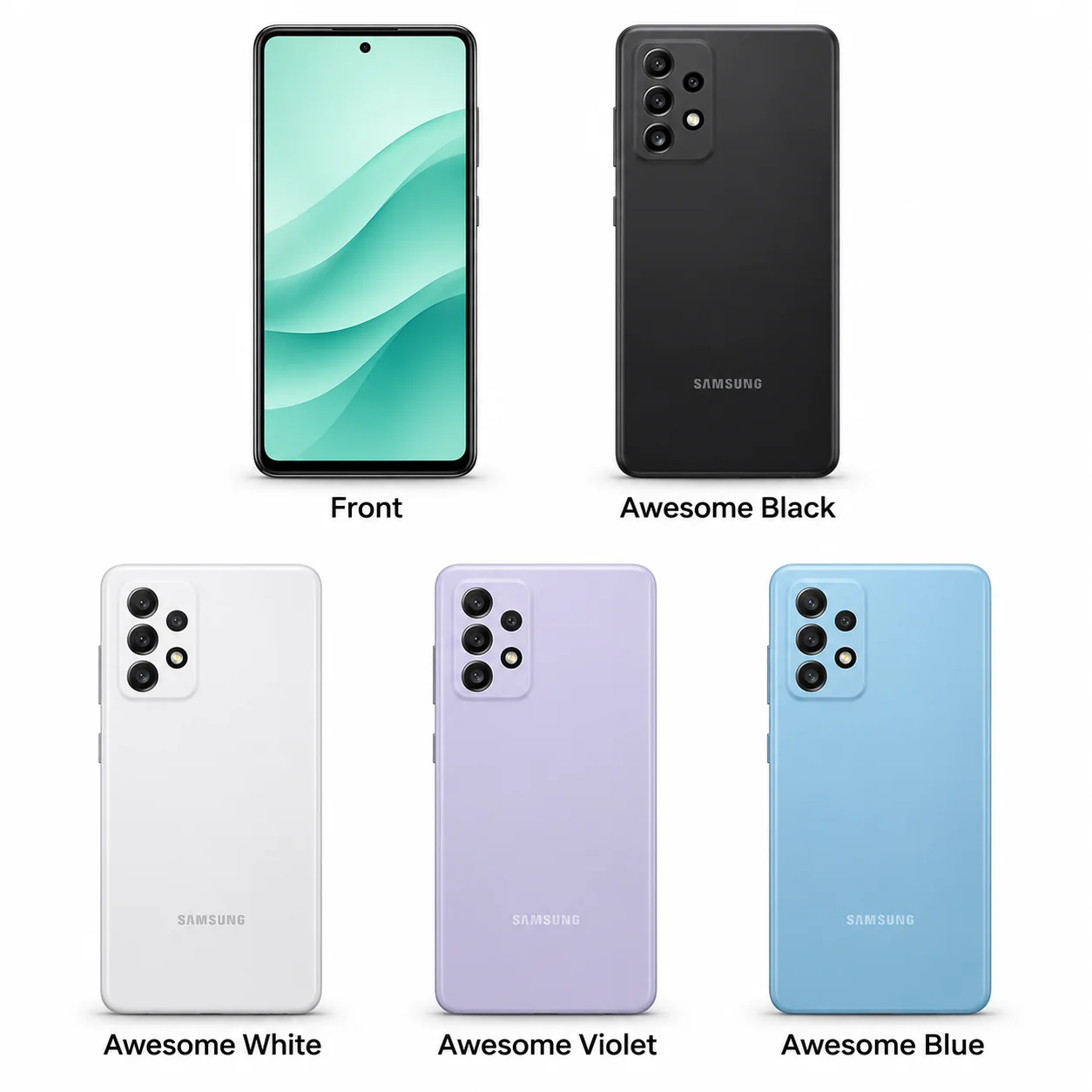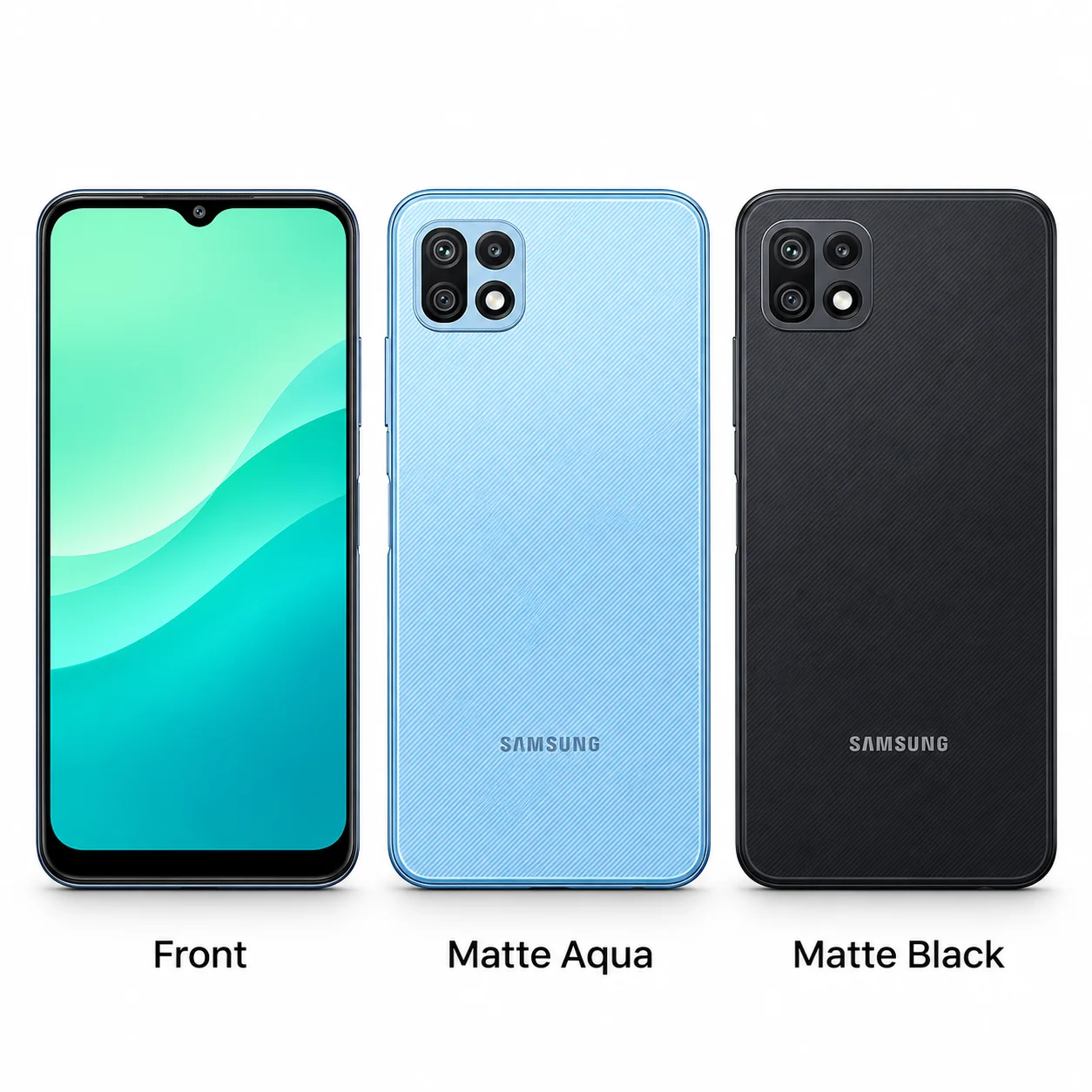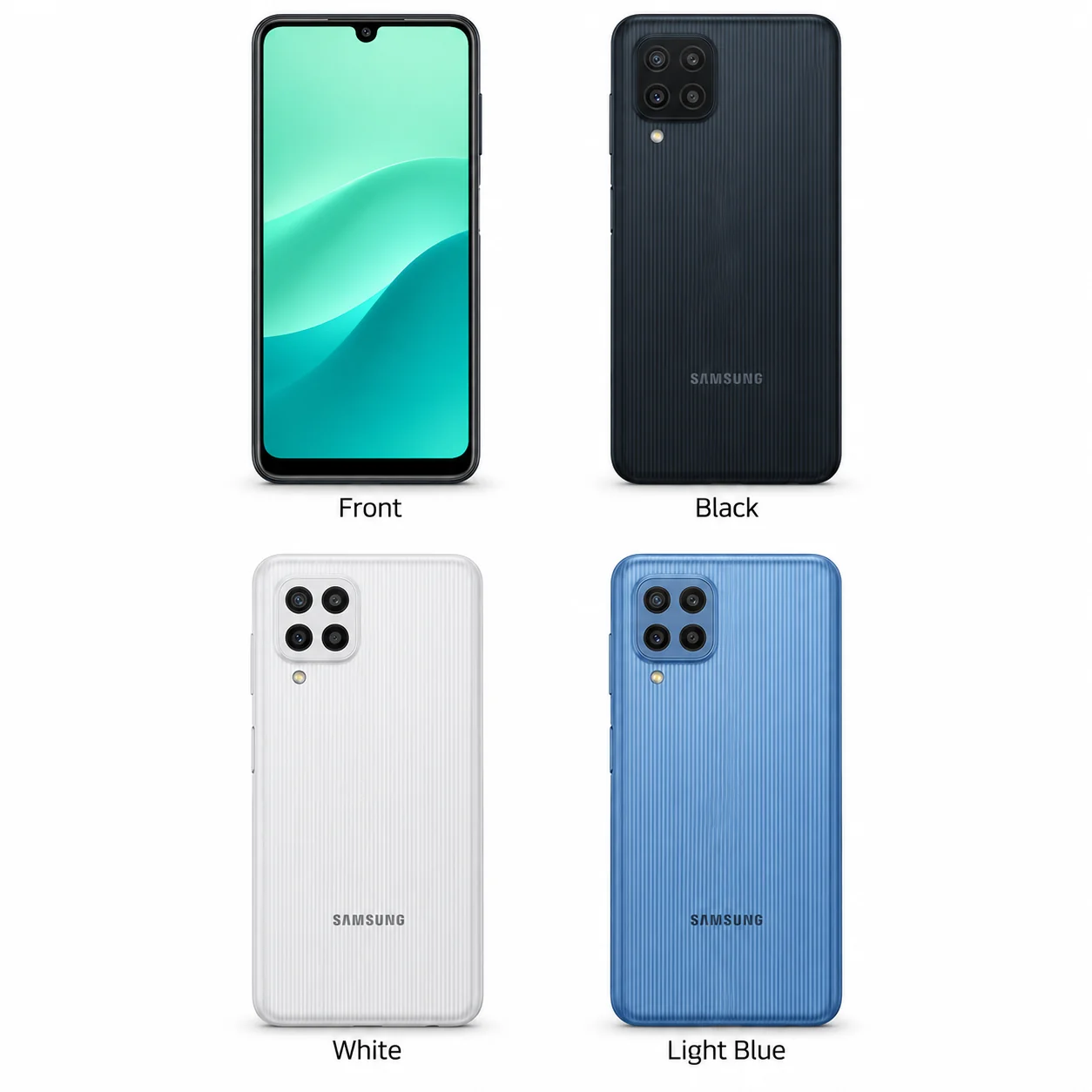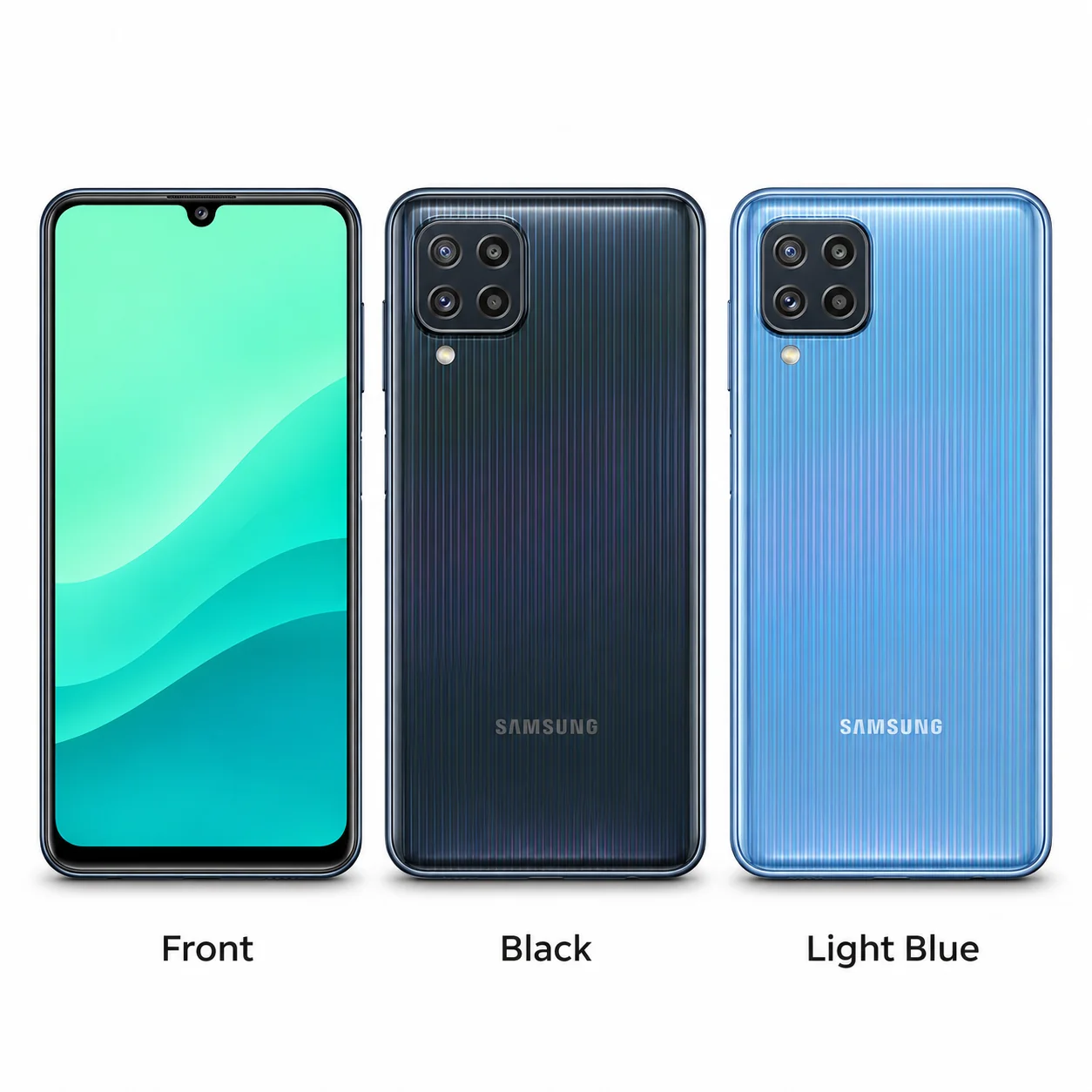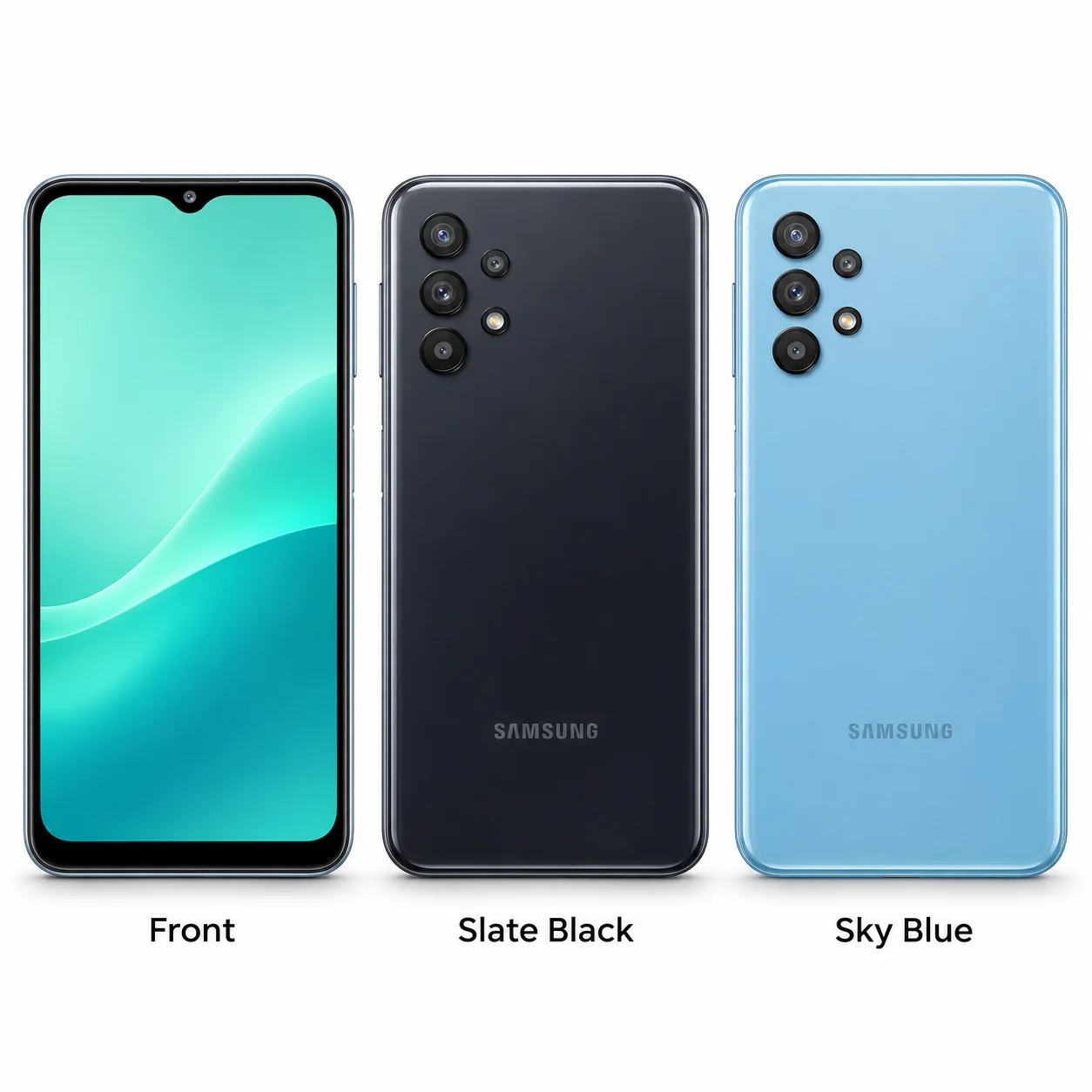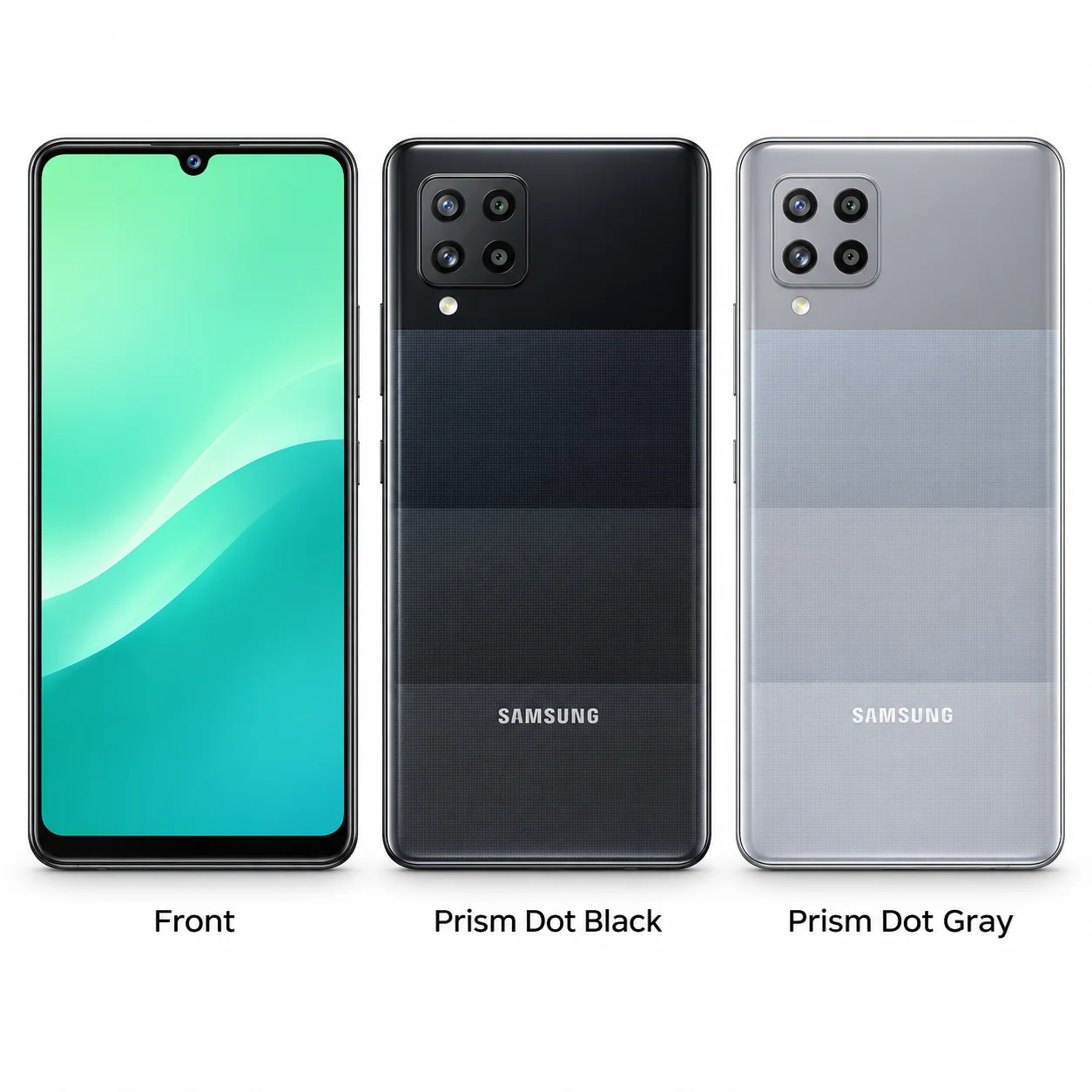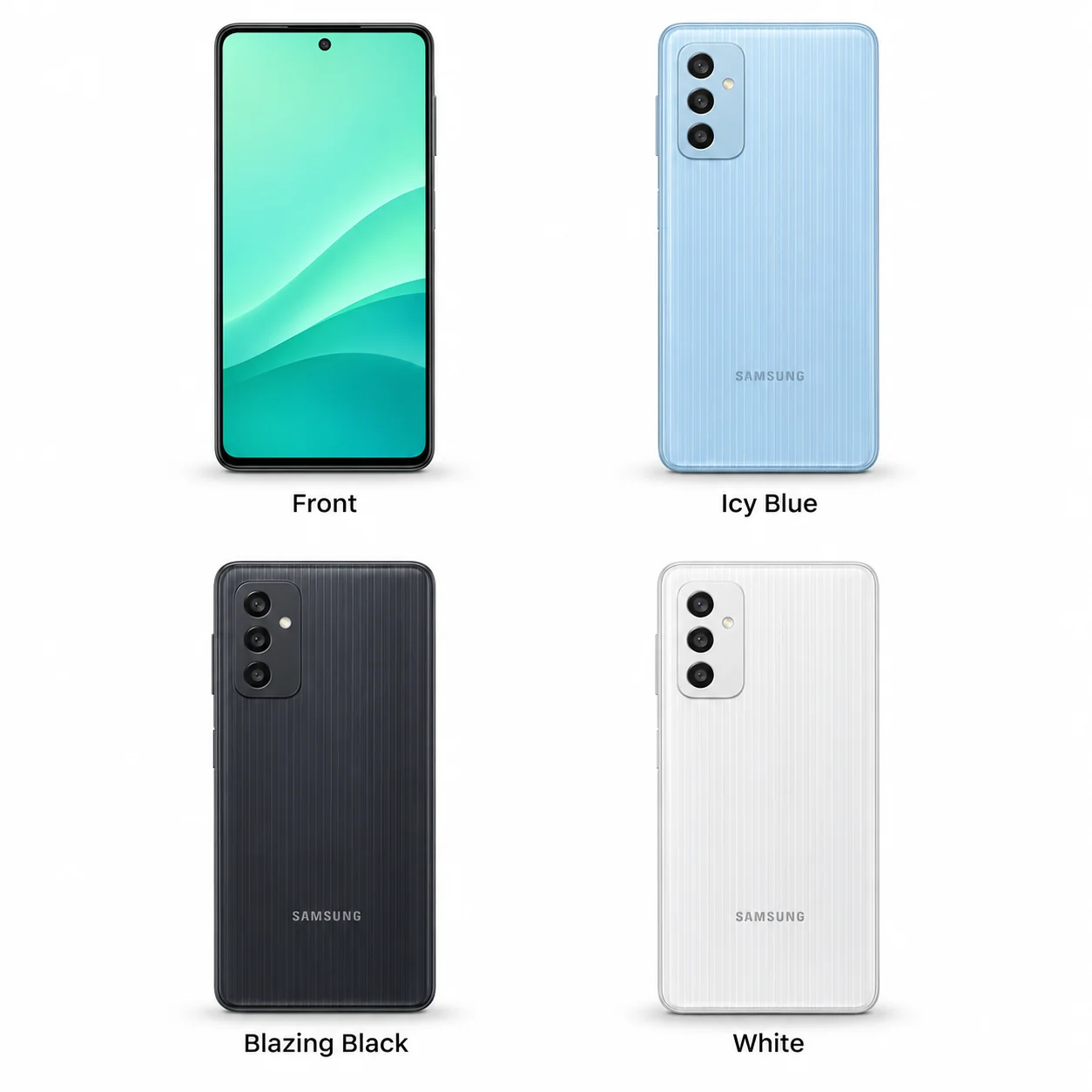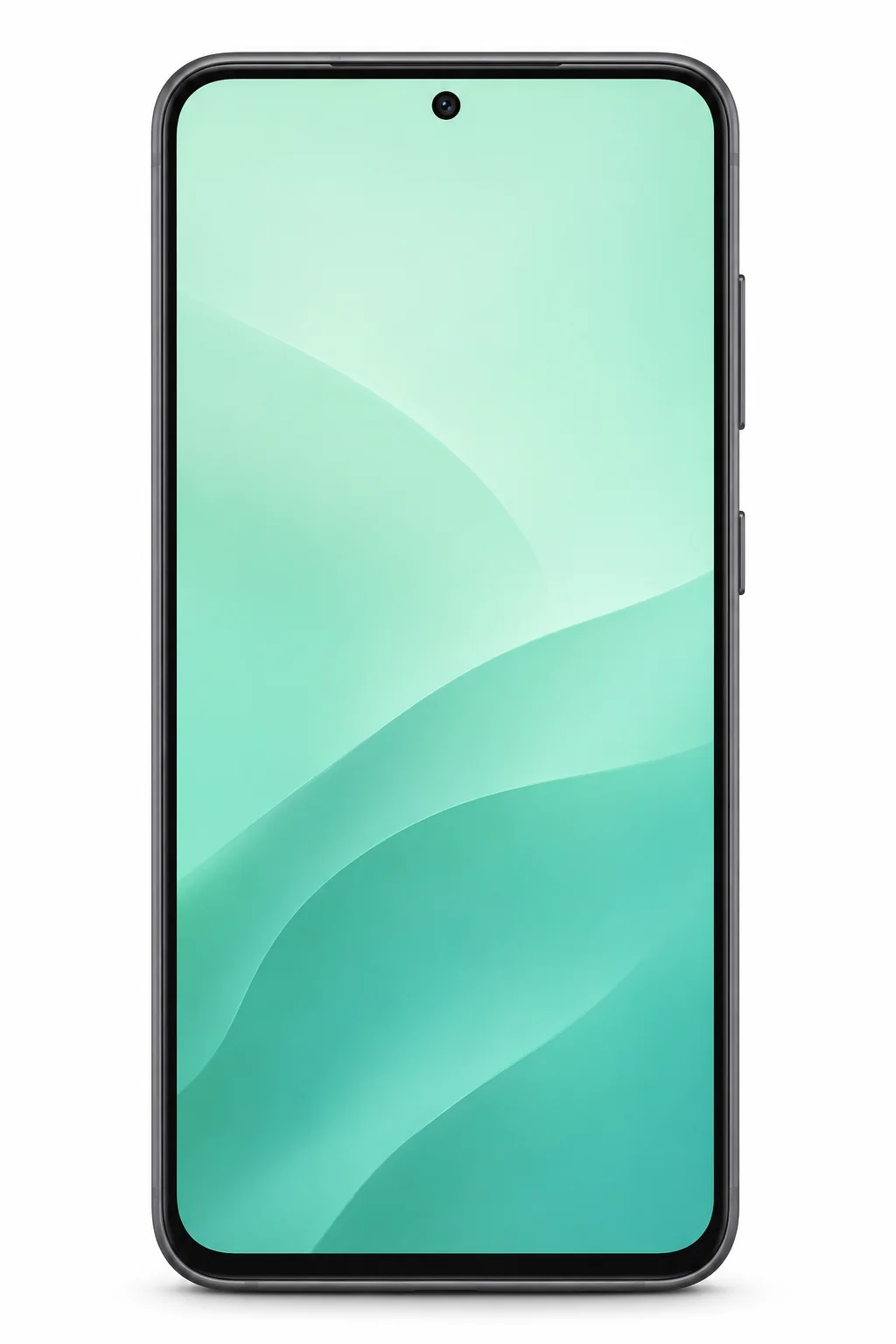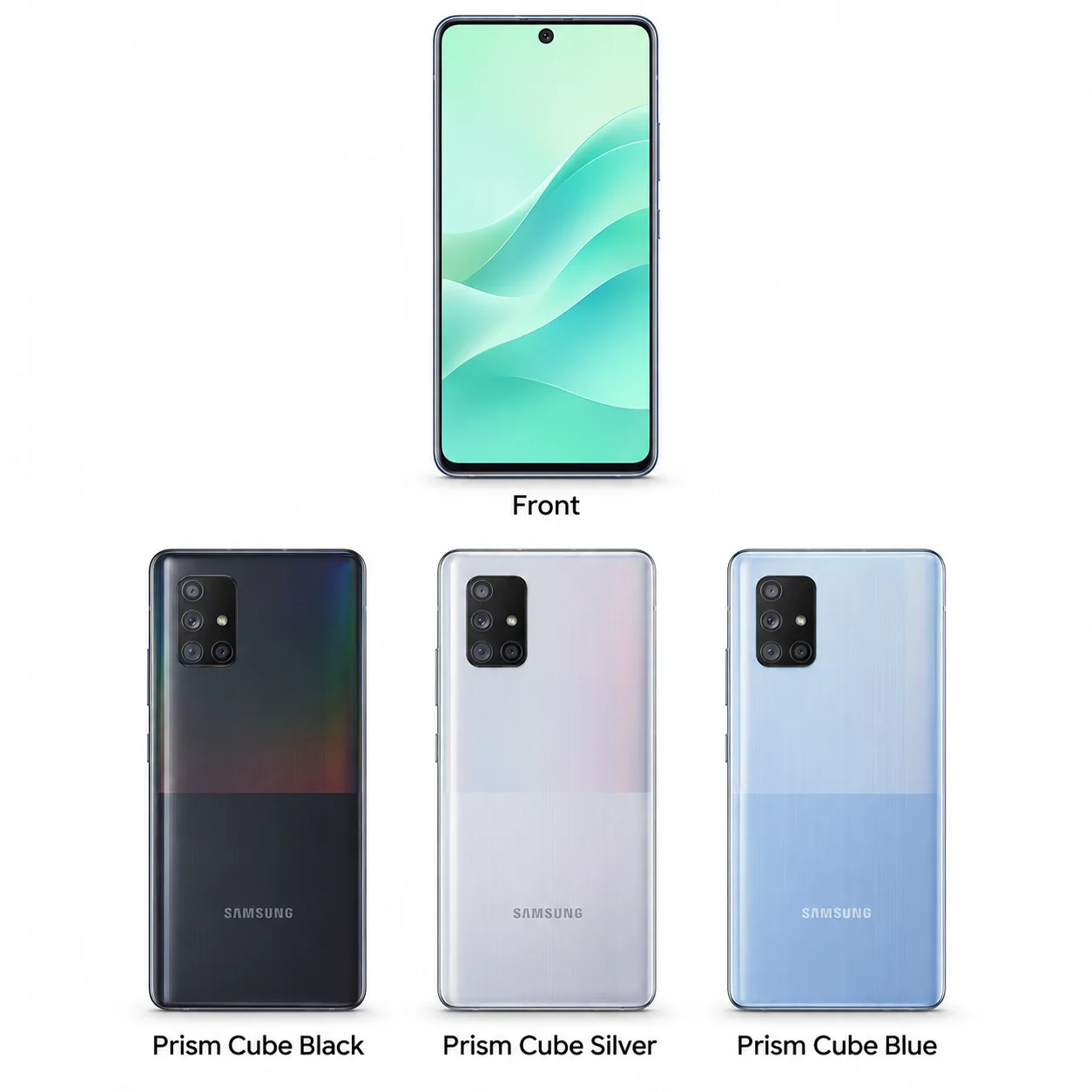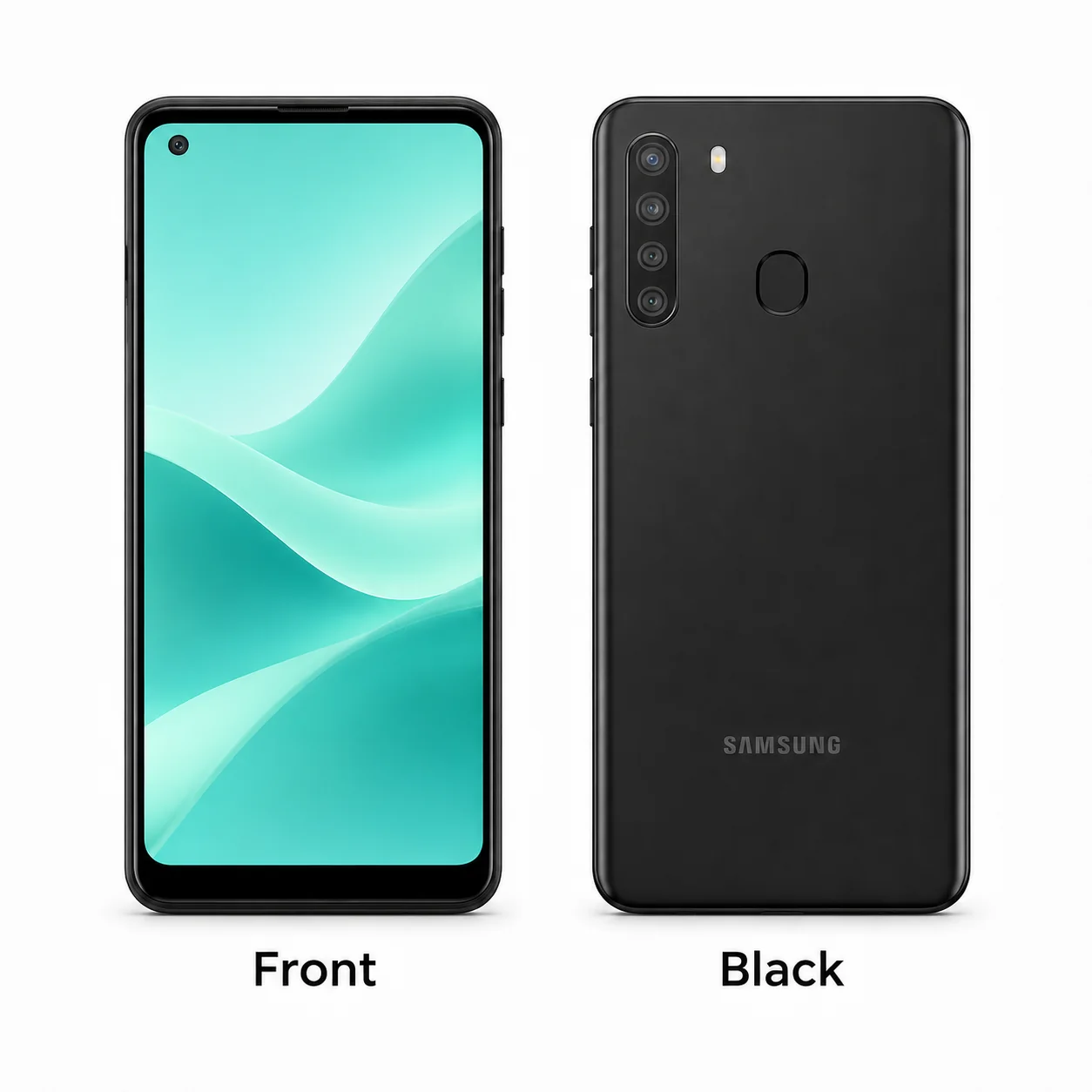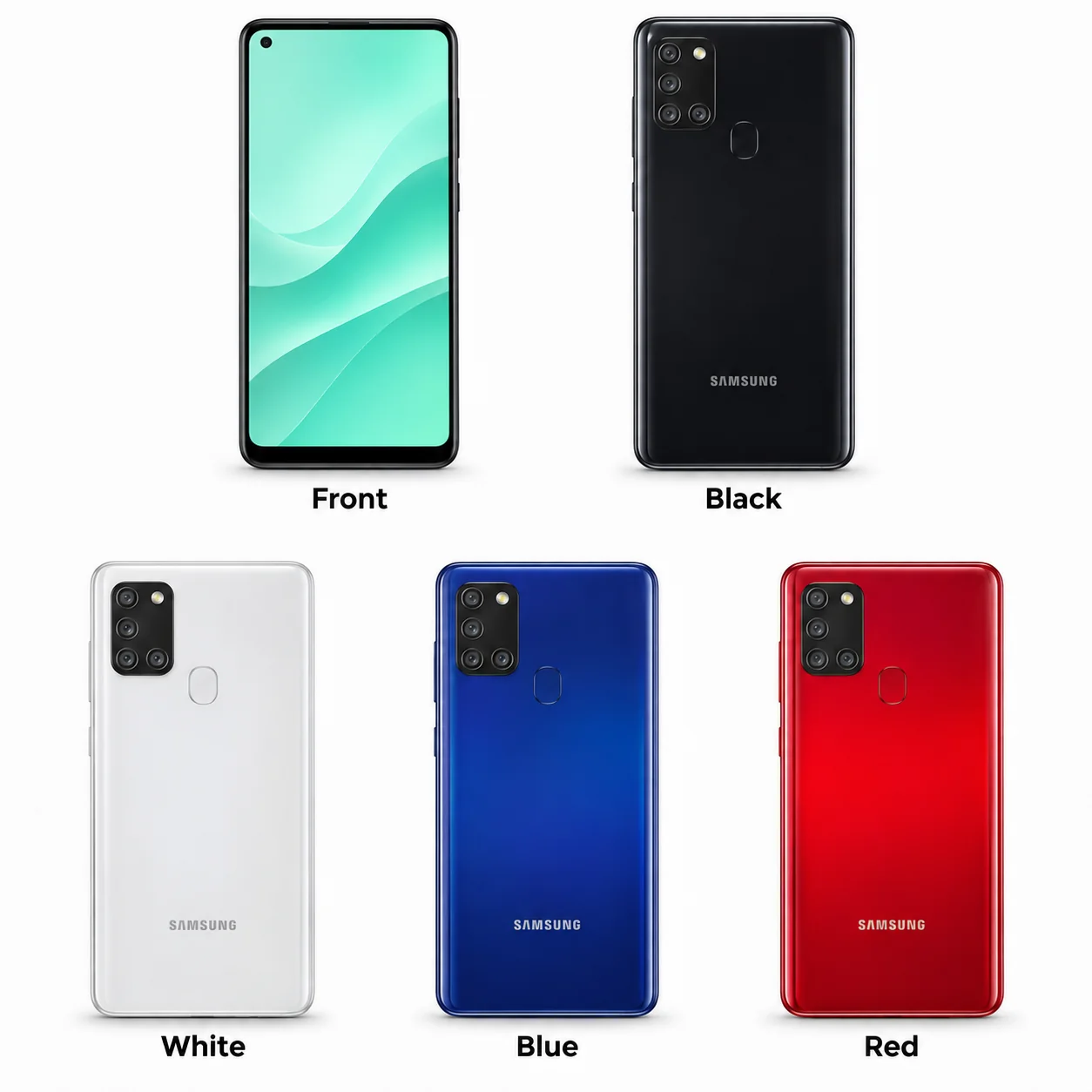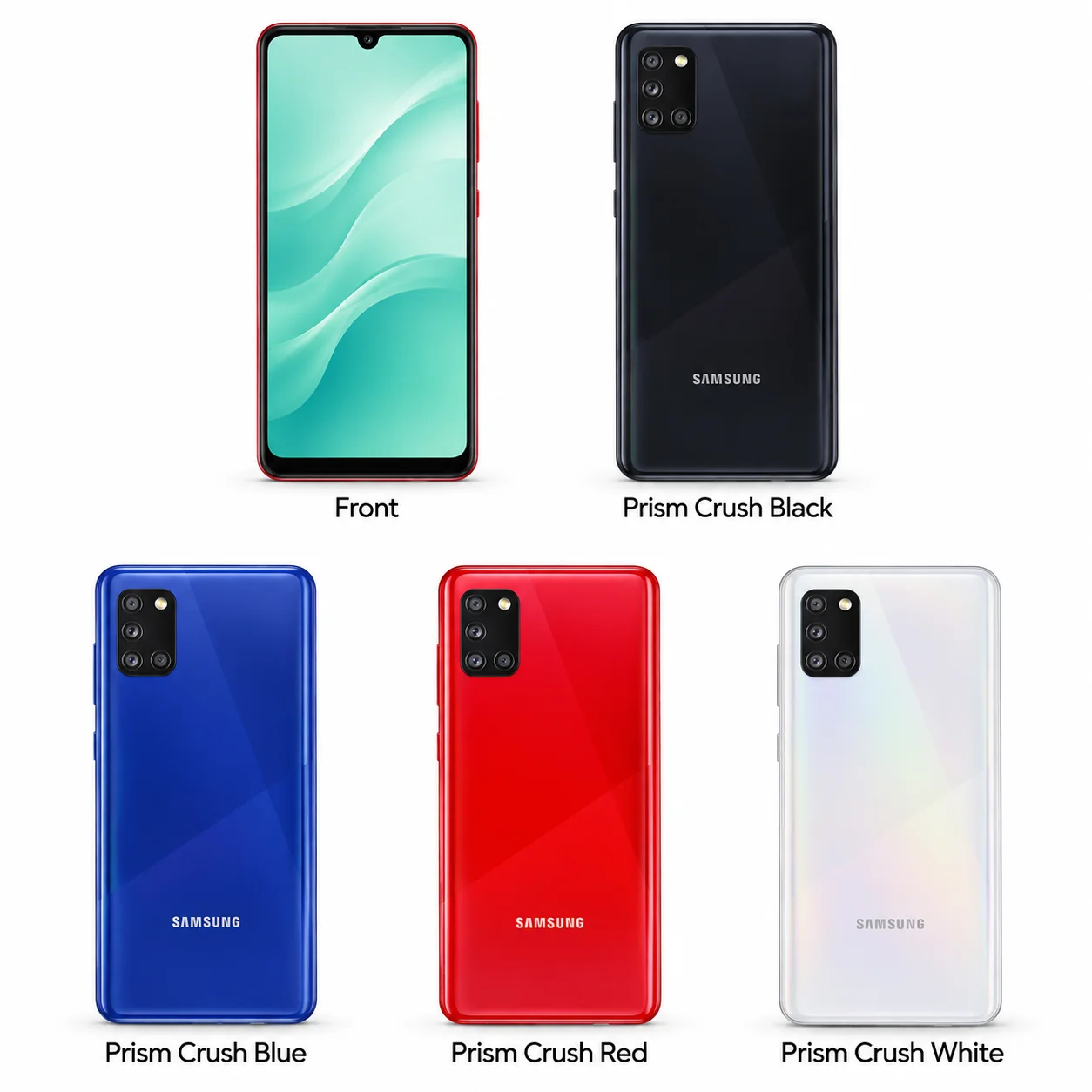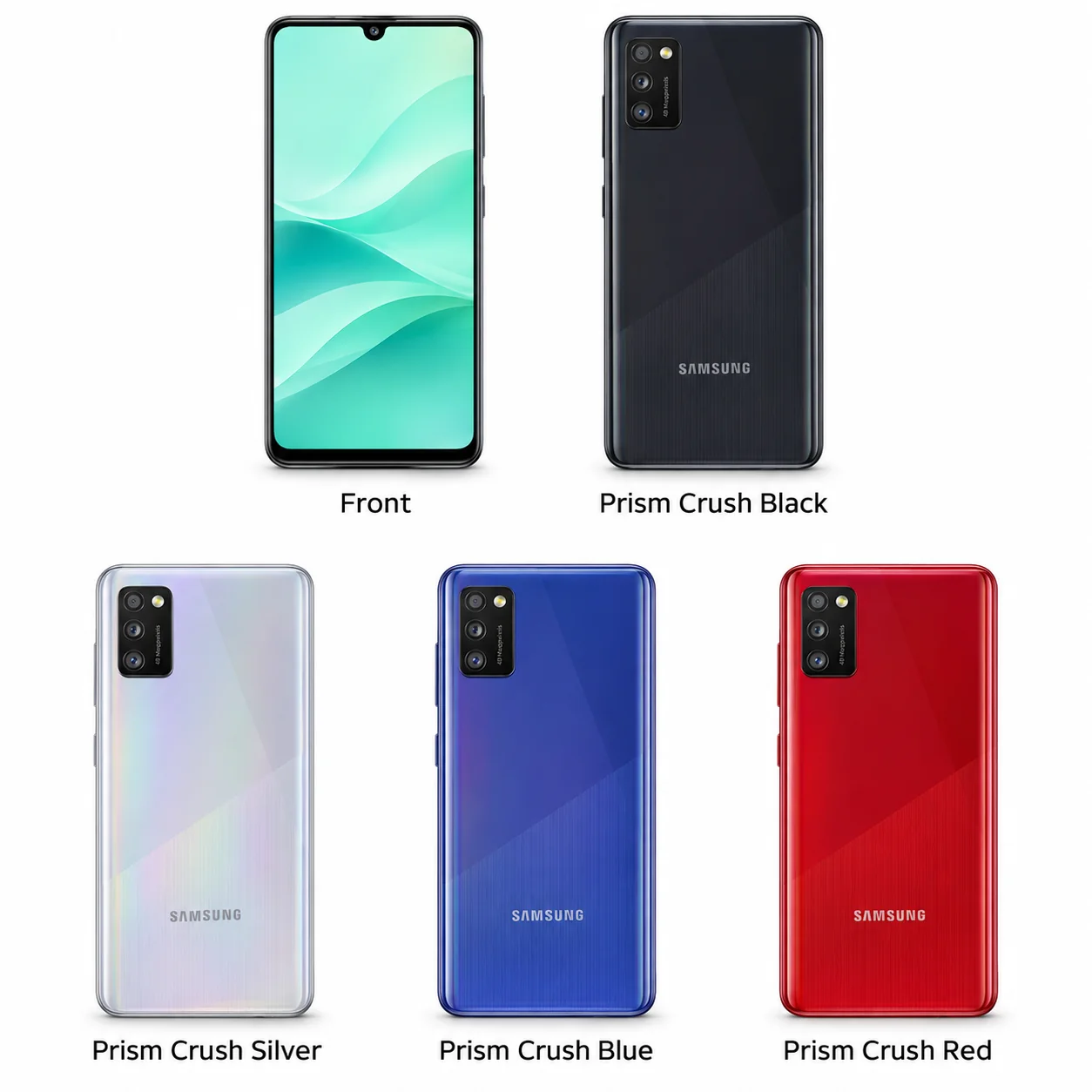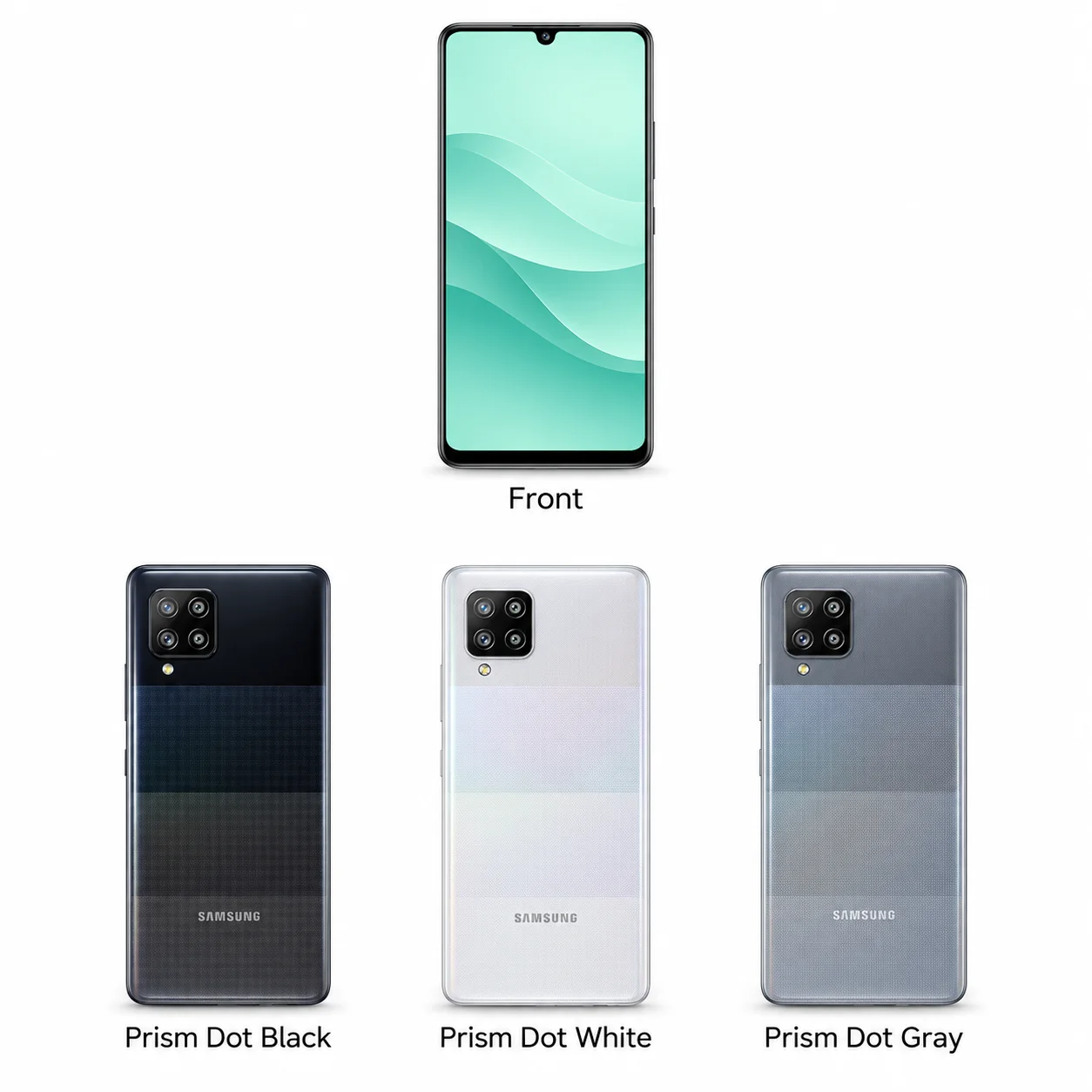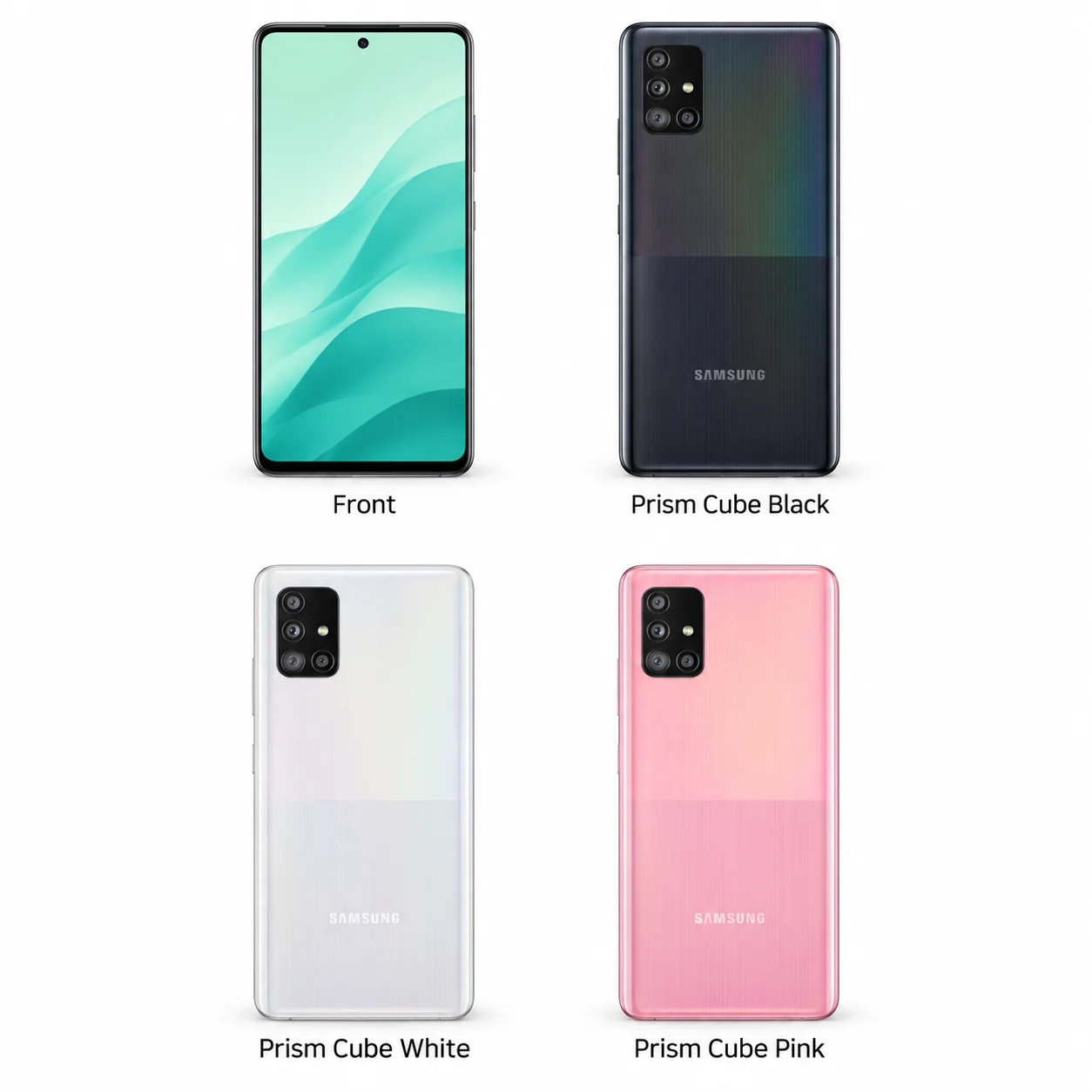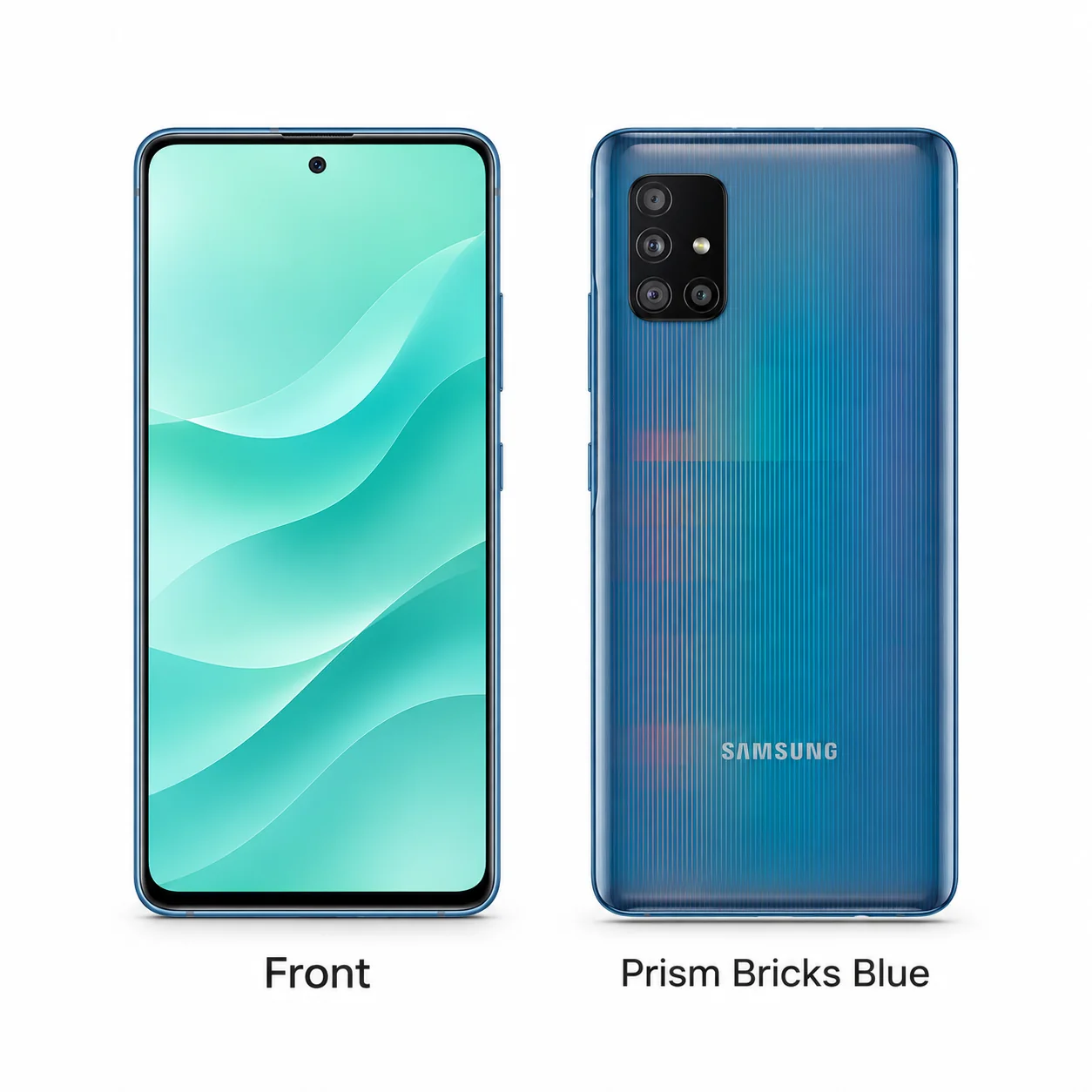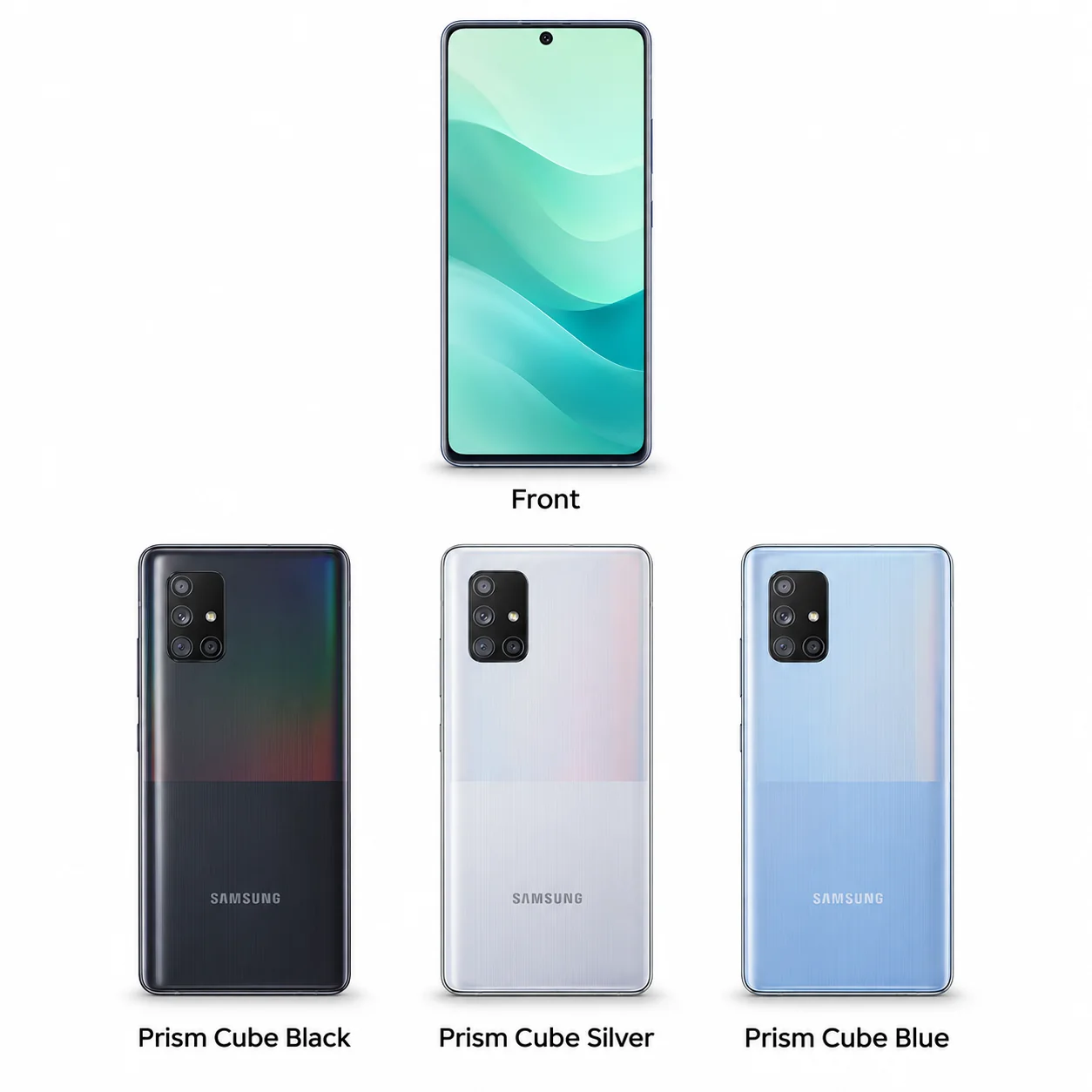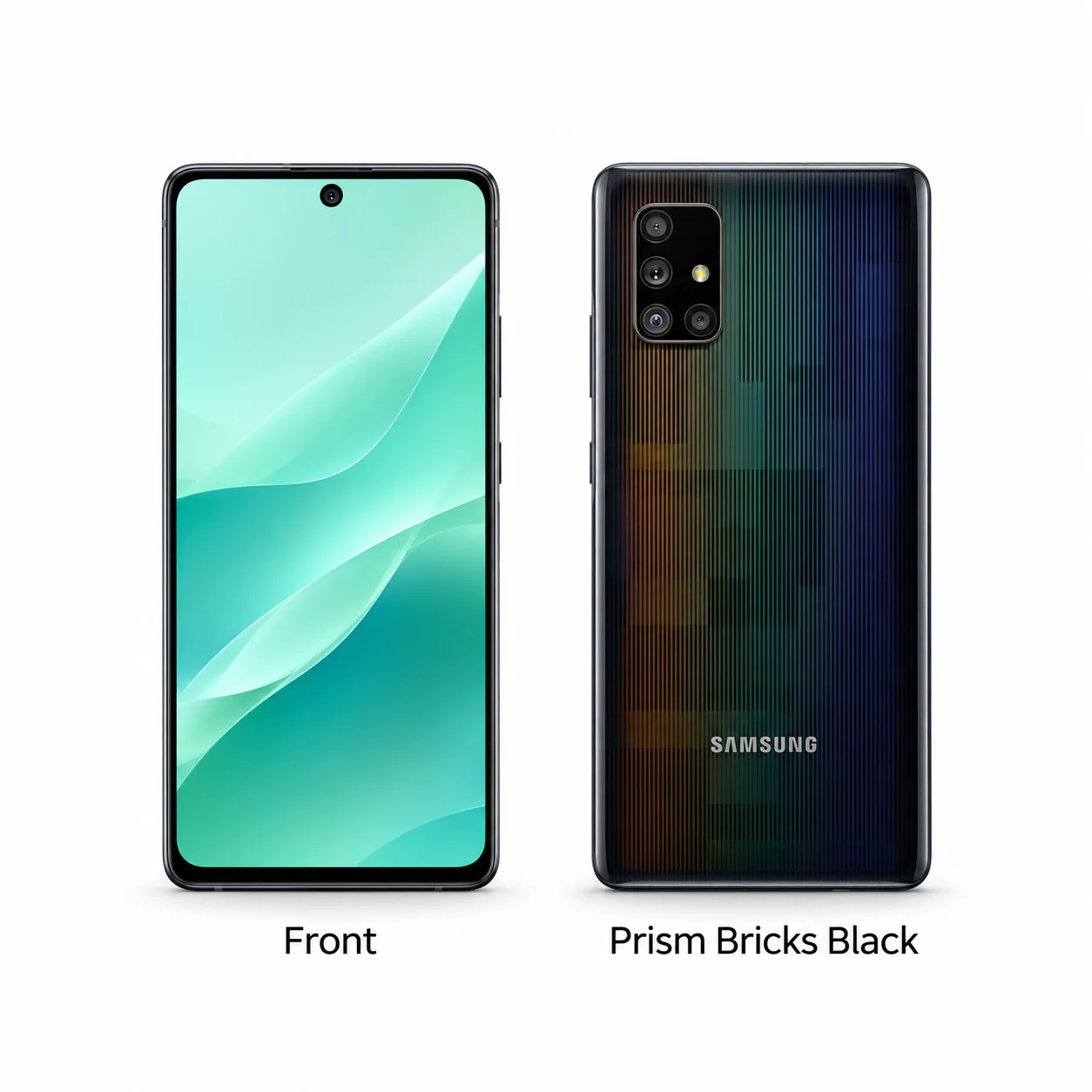
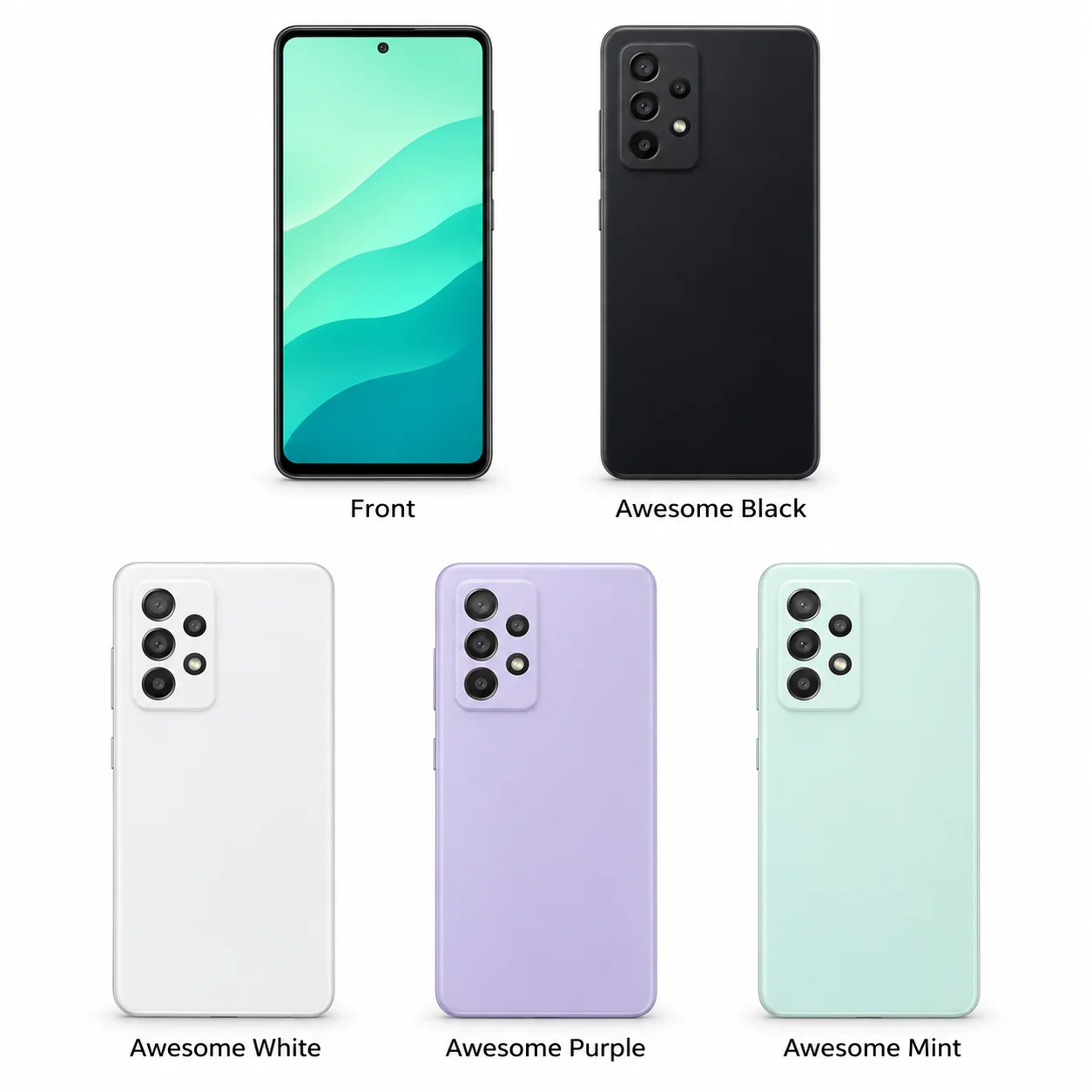
Samsung Galaxy A52s 5G
6.5-inch Super AMOLED, 5G and 4G LTE and USB-C charging.
Model numbers
SM-A528BSM-A528B/DSSM-A528N
- Screen
- 6.5-inch Super AMOLED
- Storage
- 128GB, 256GB
- Connector
- USB-C
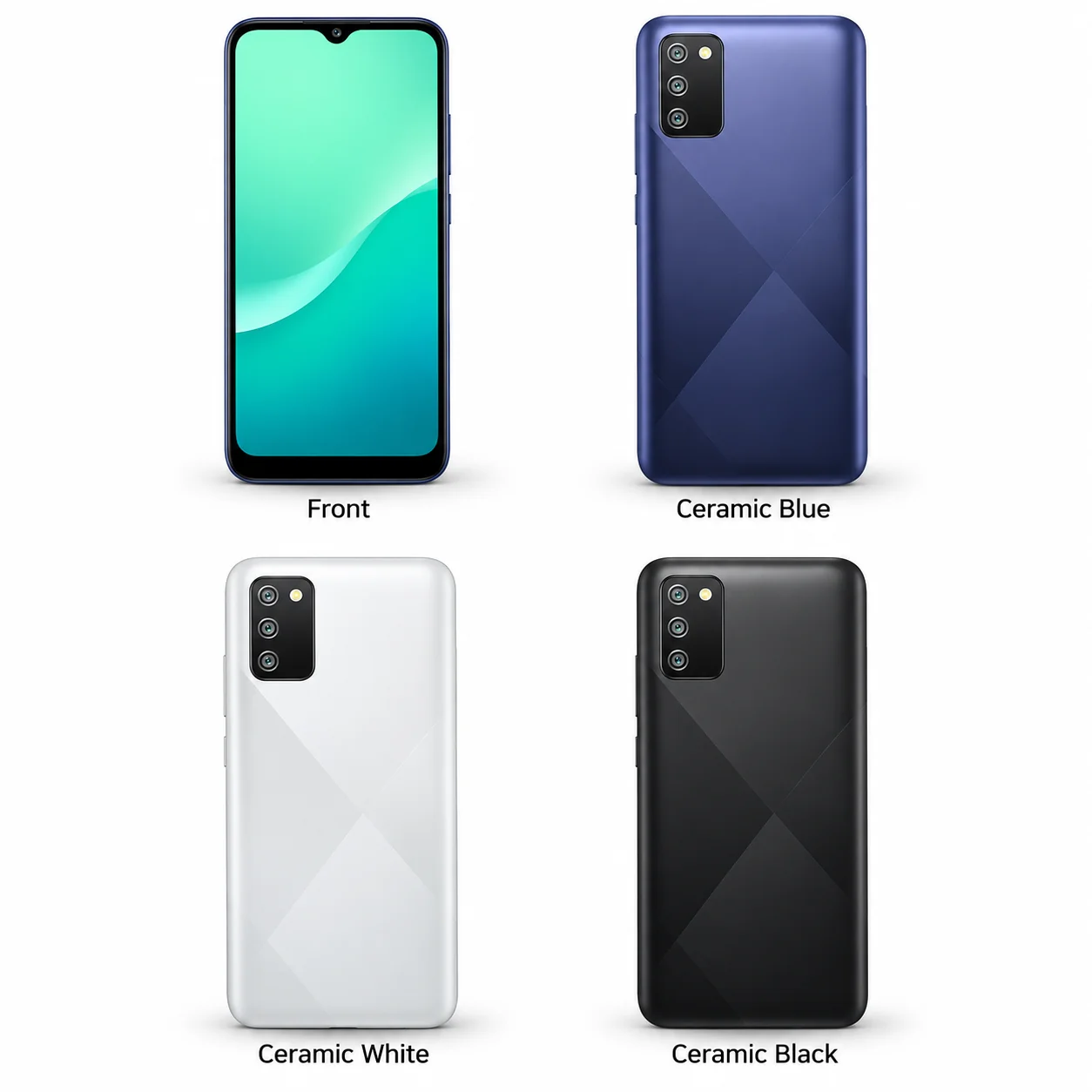
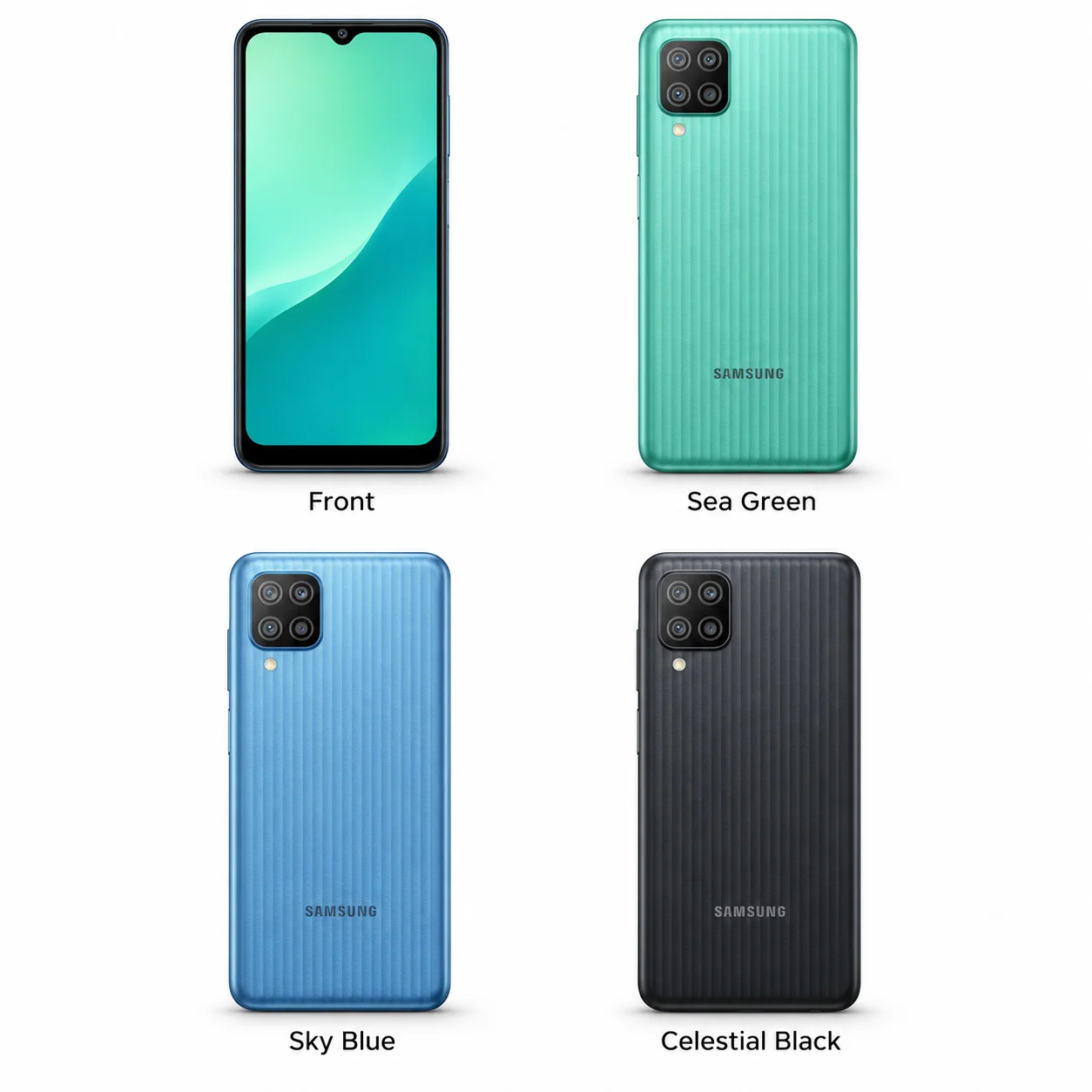
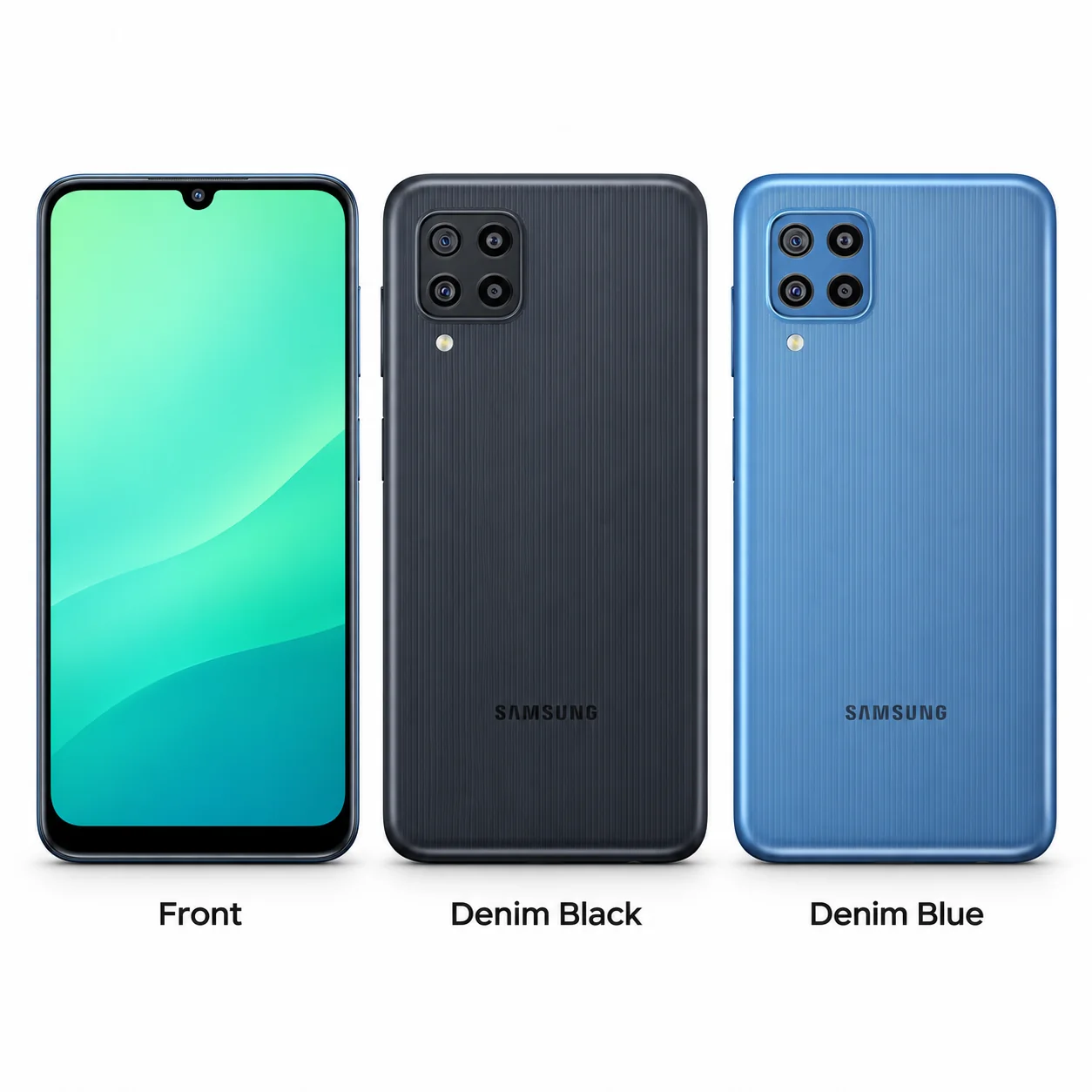
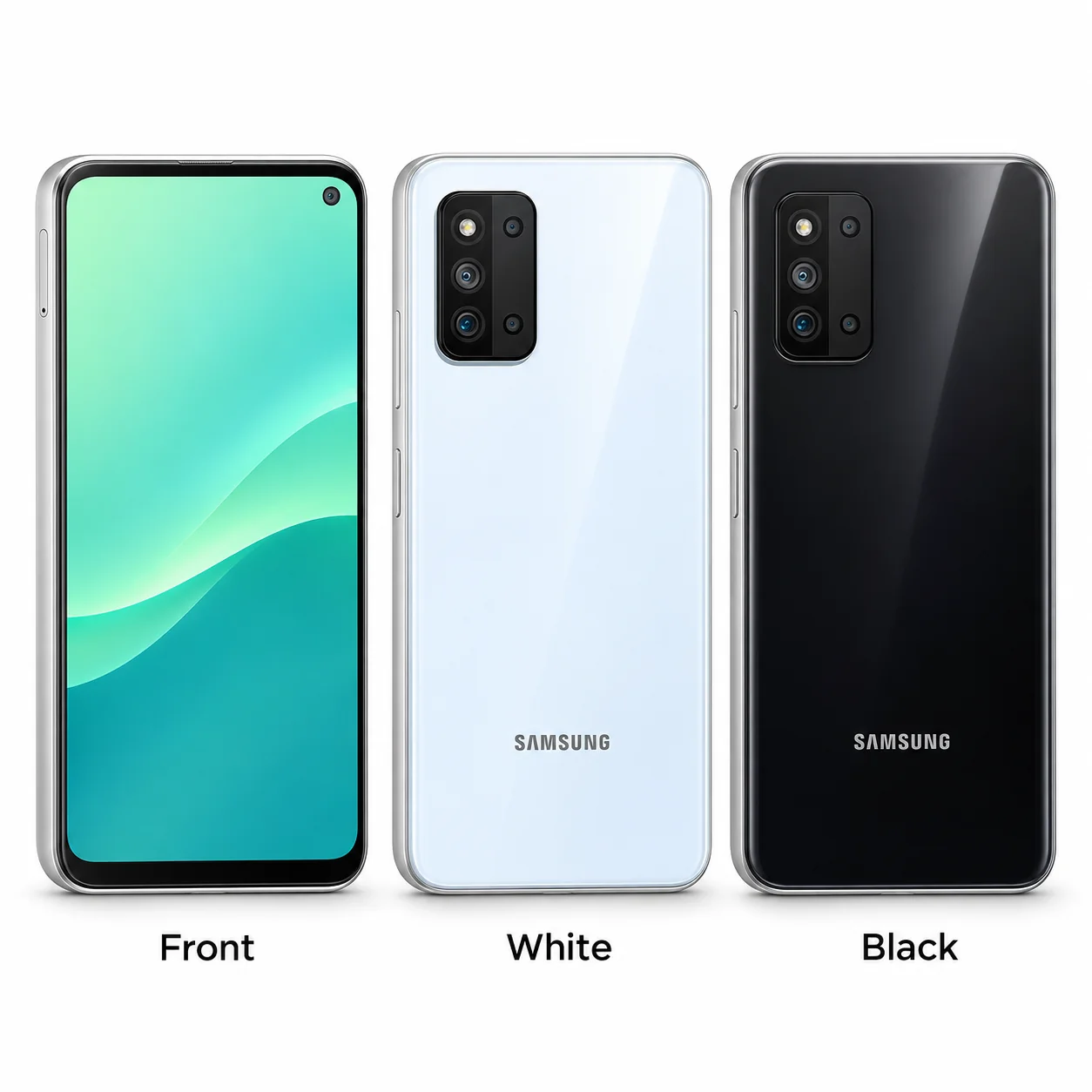
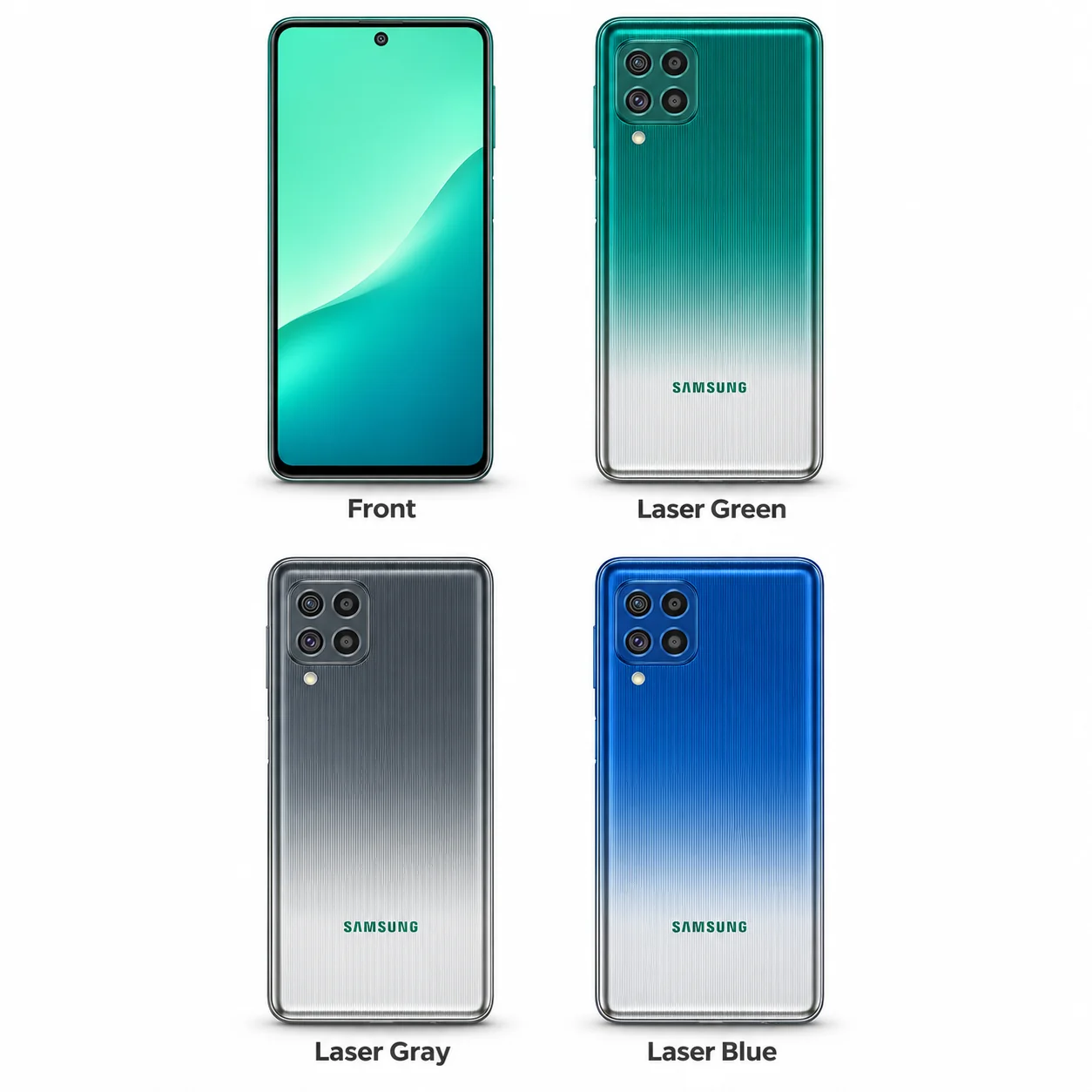
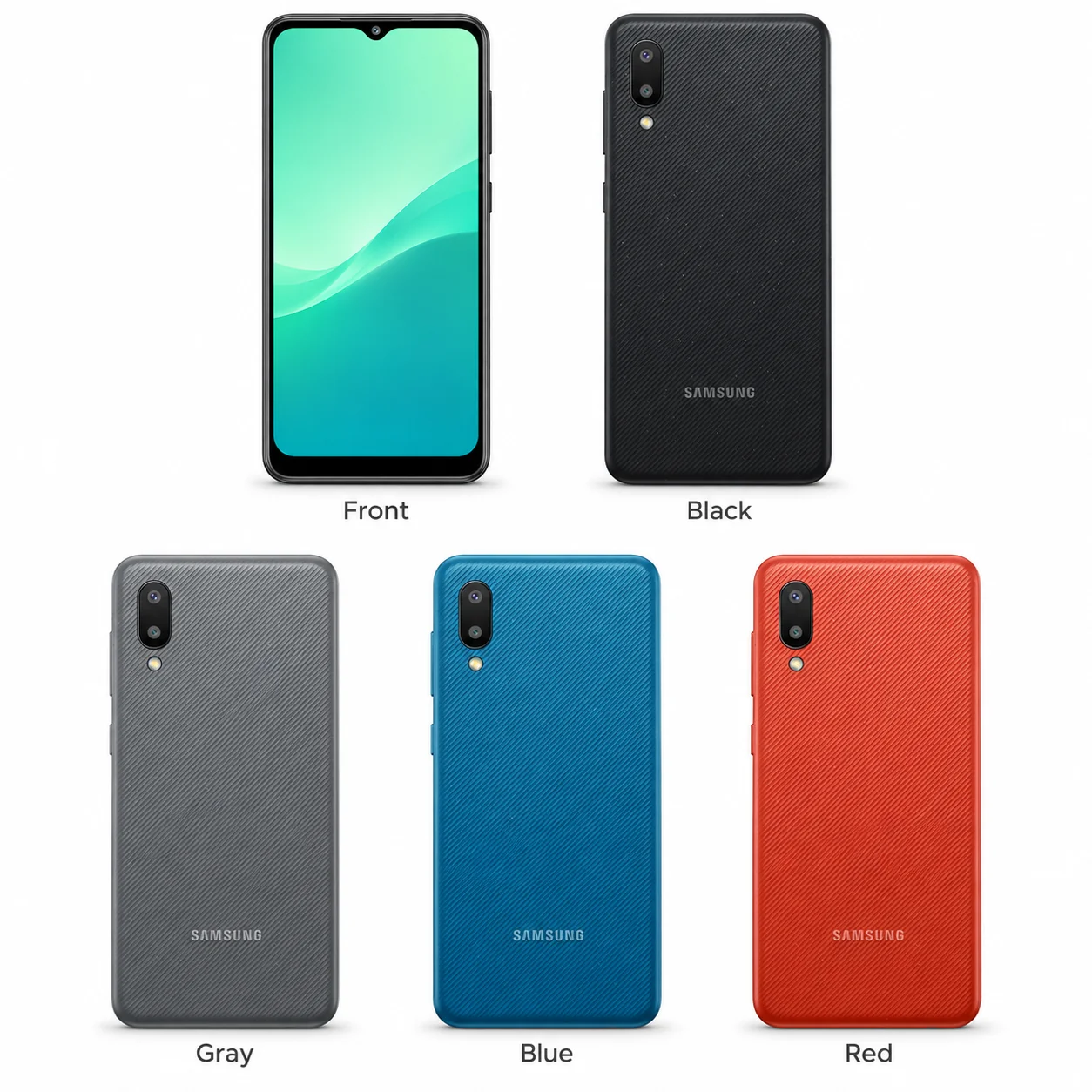
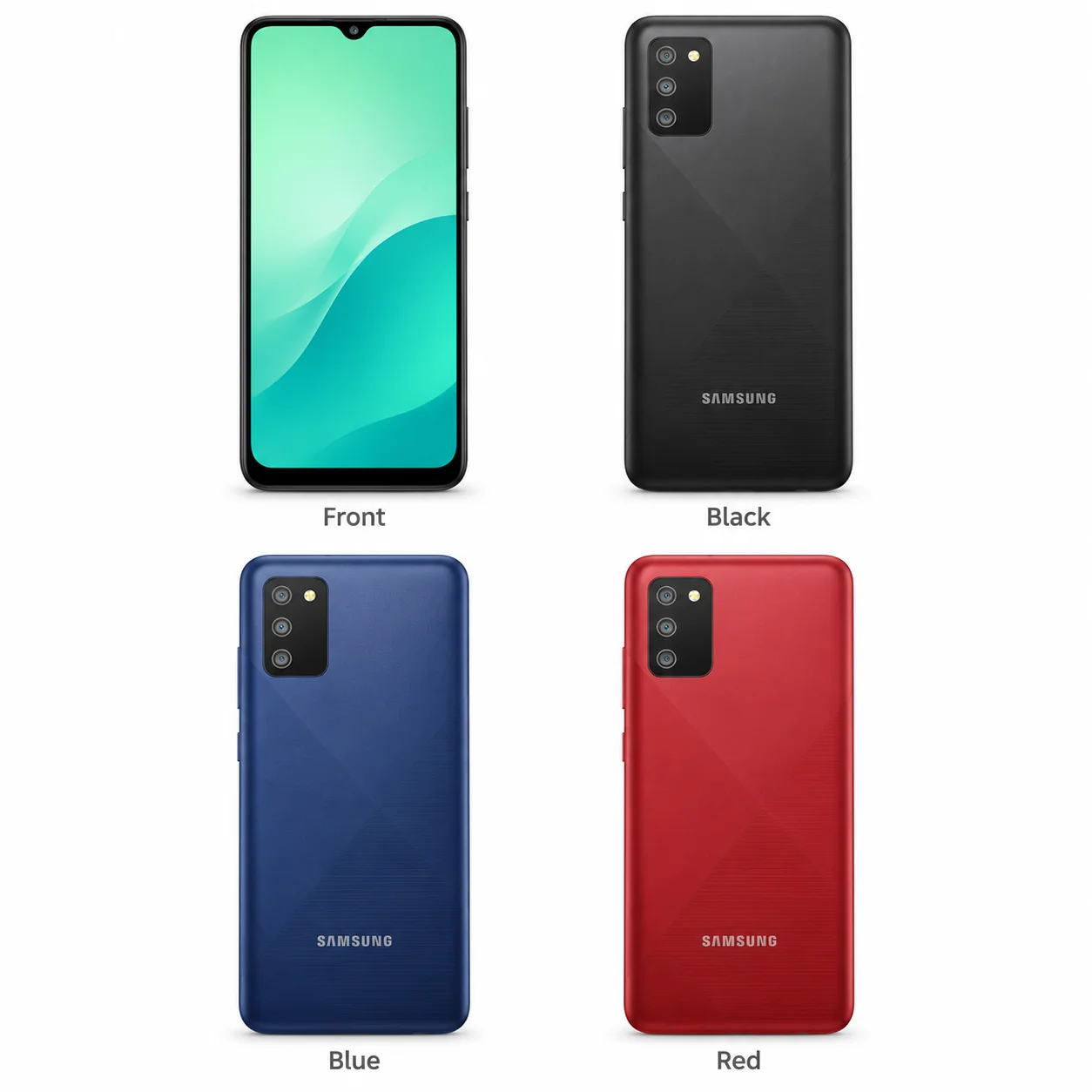
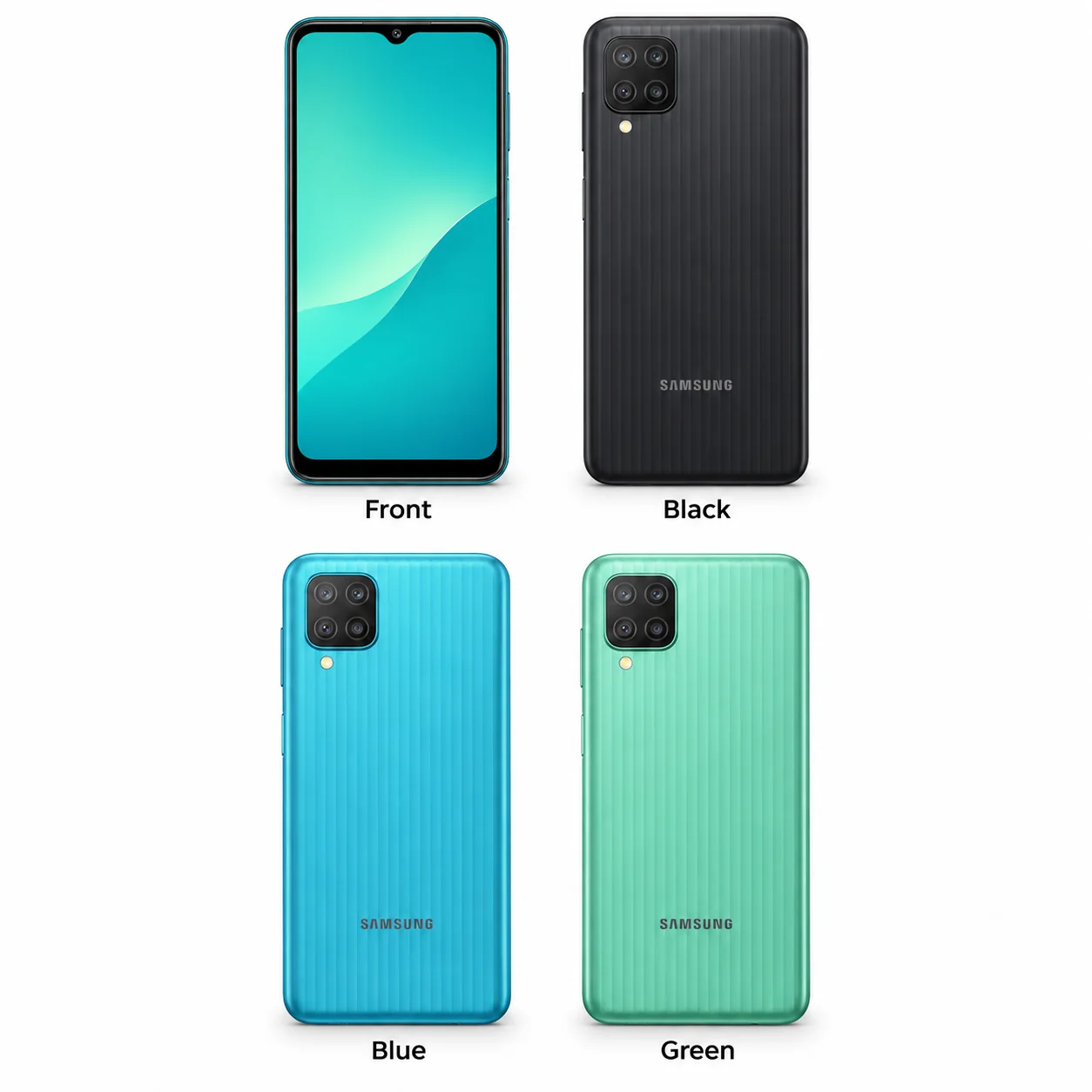
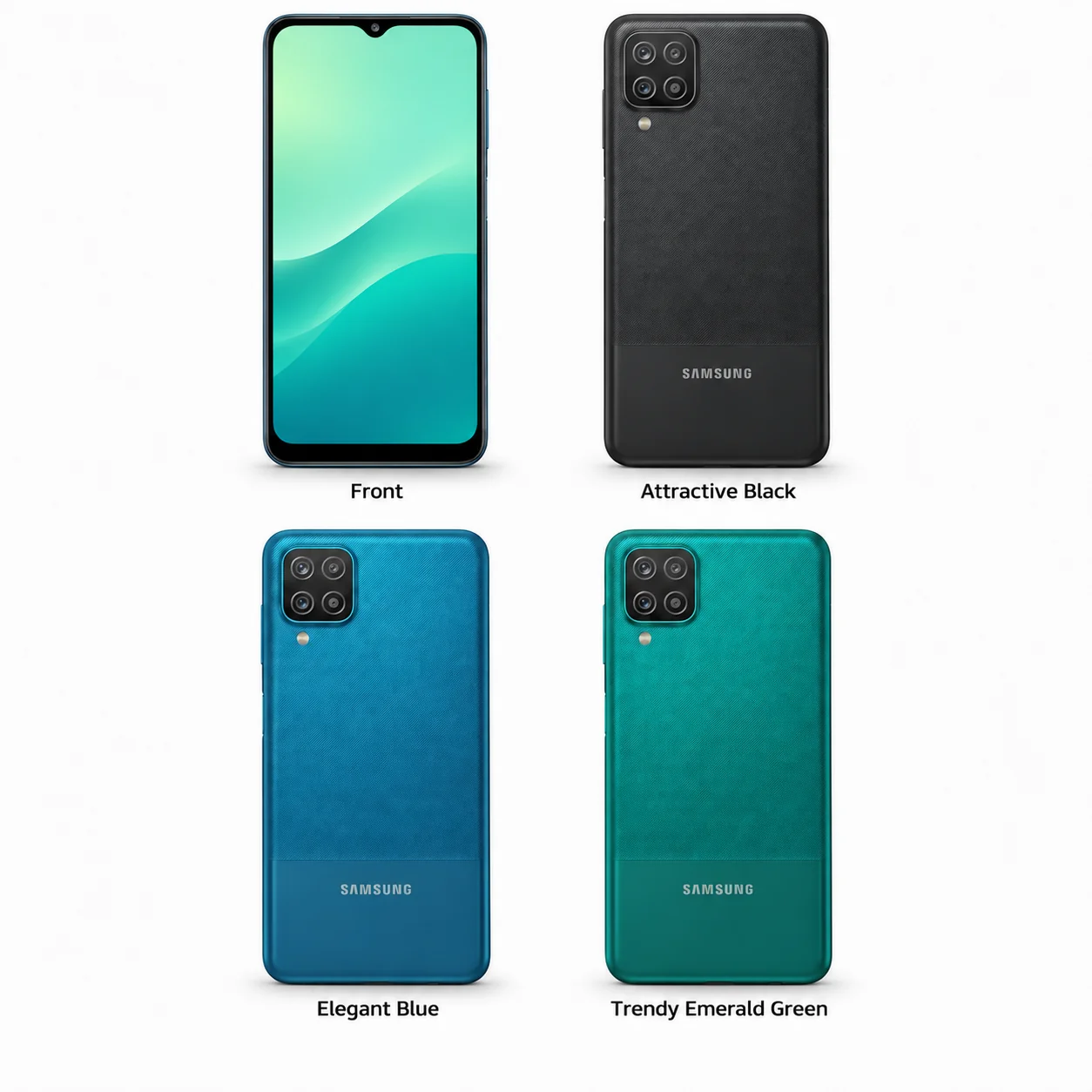
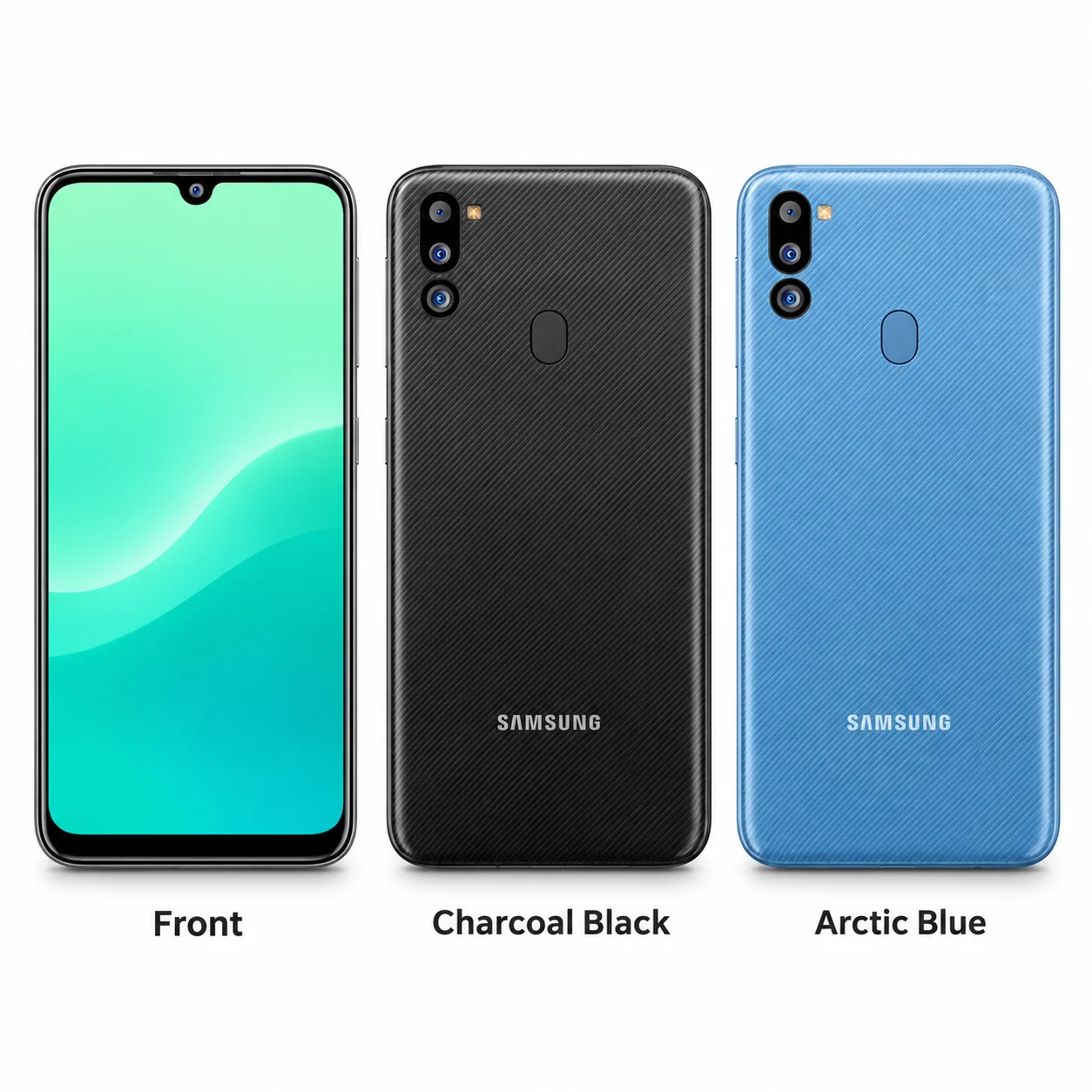
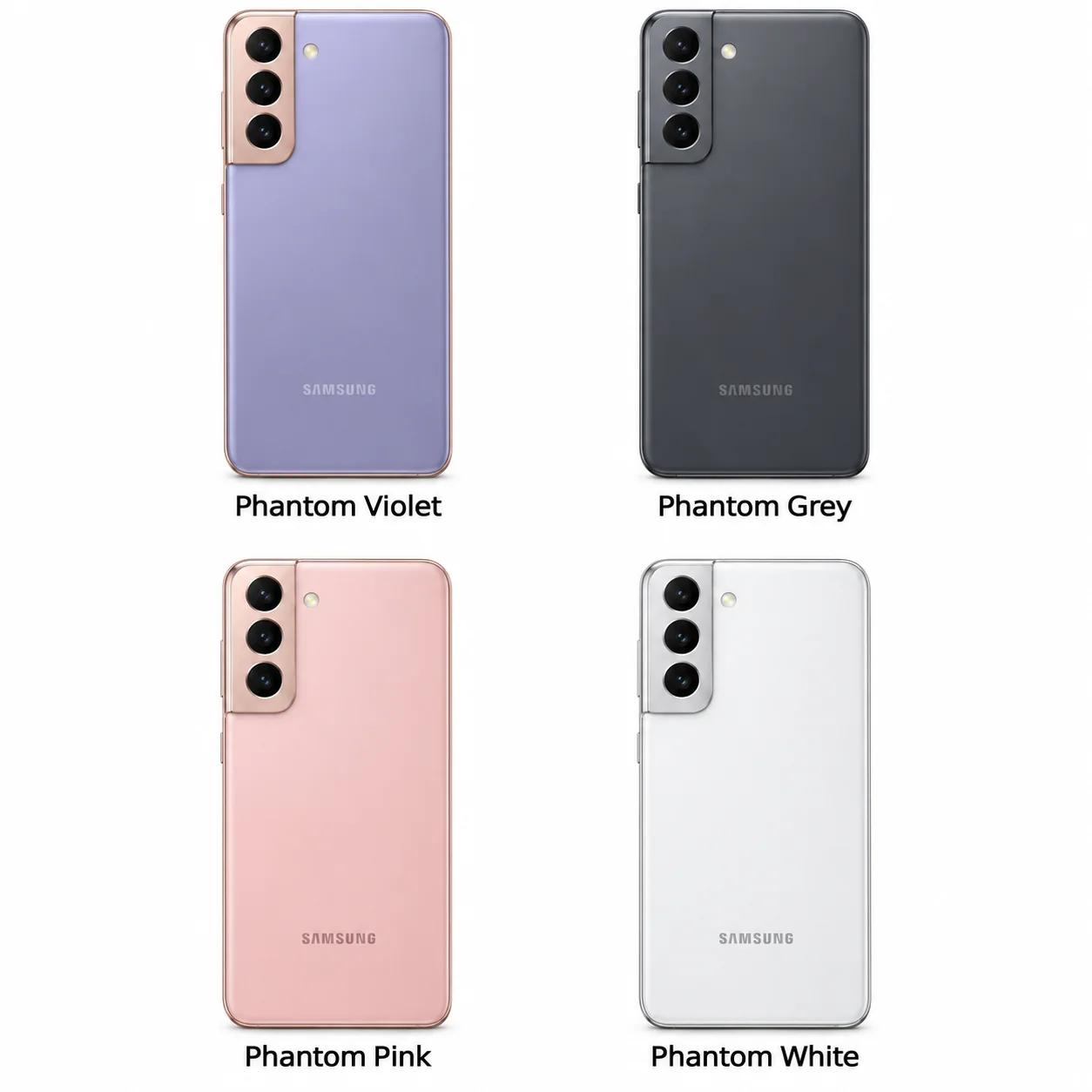
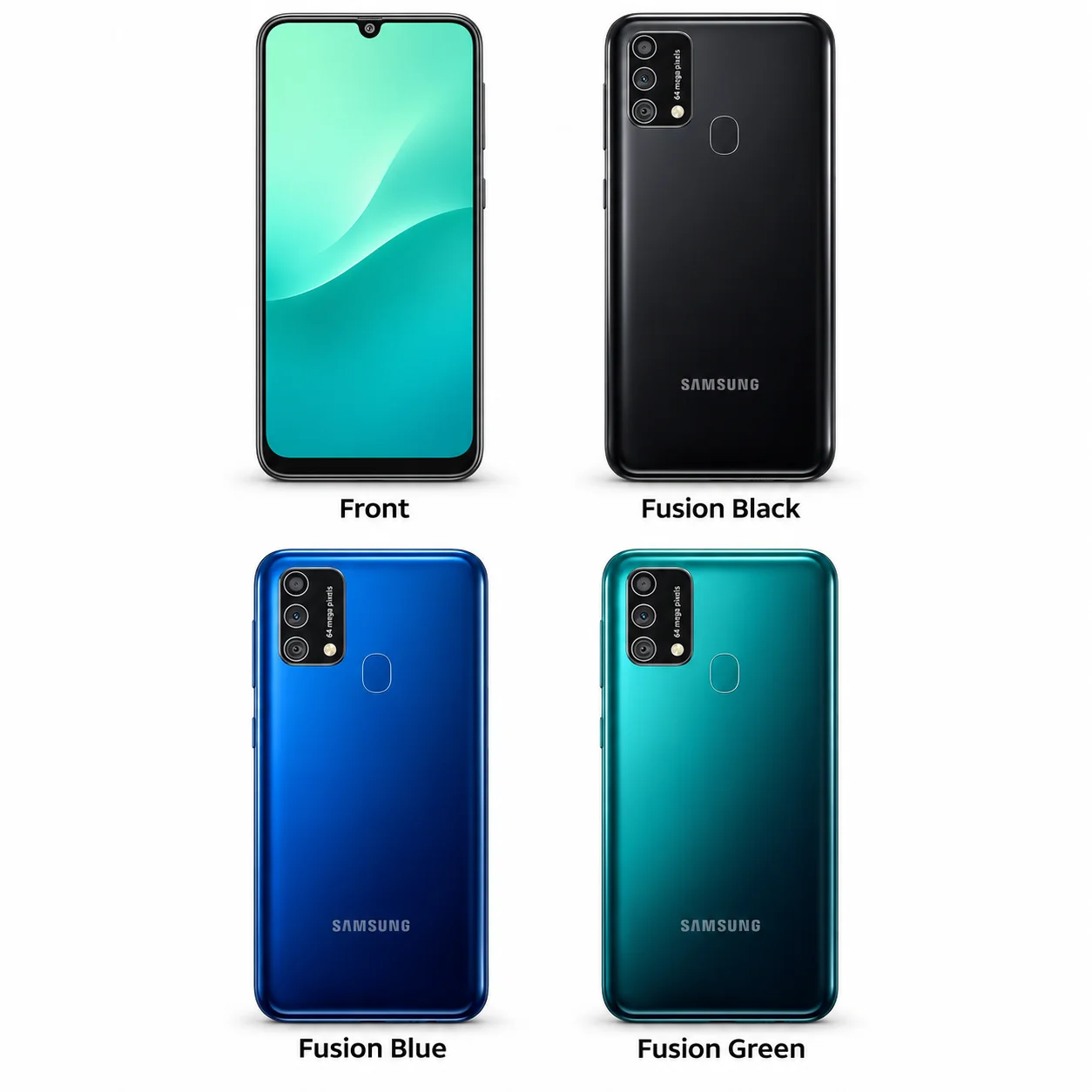
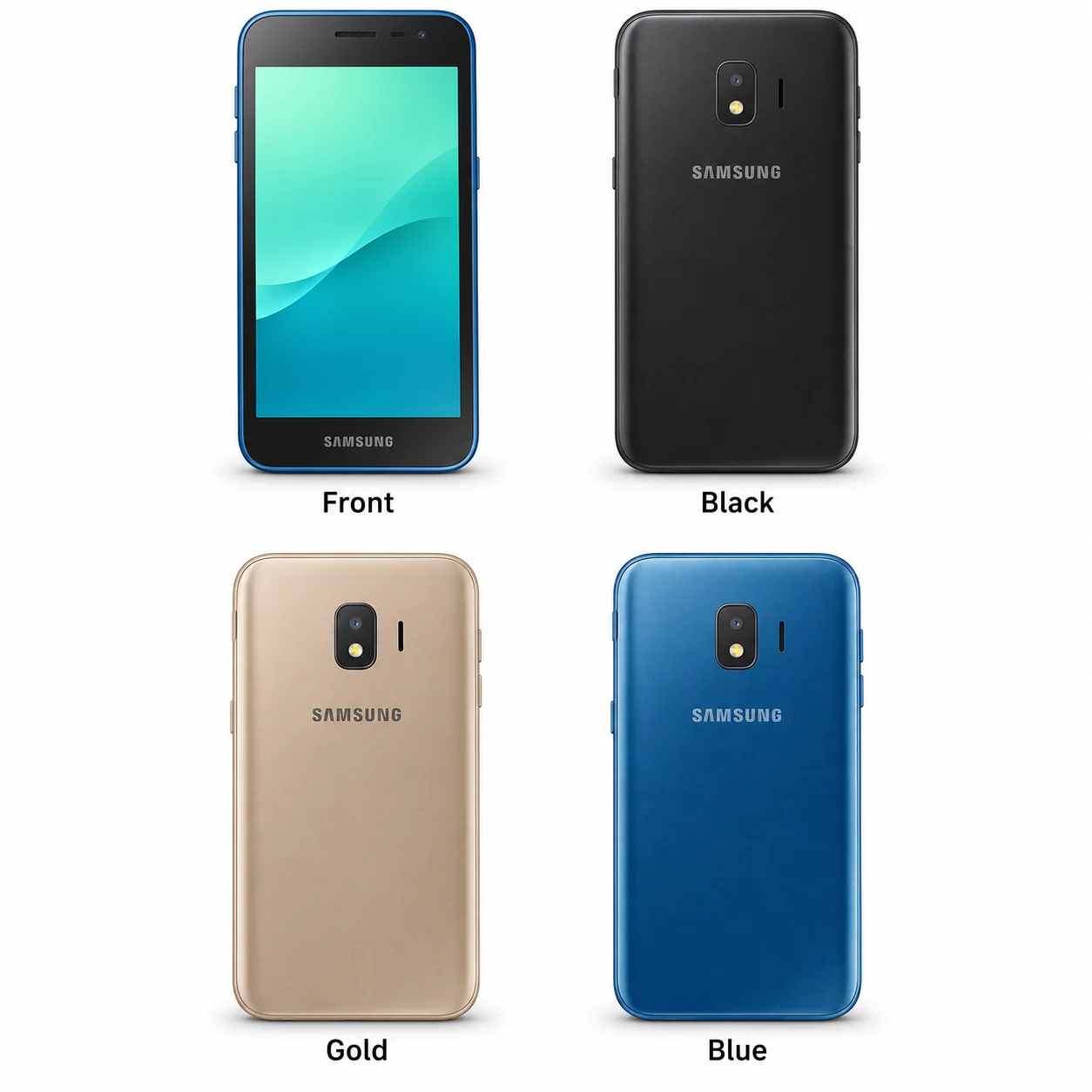
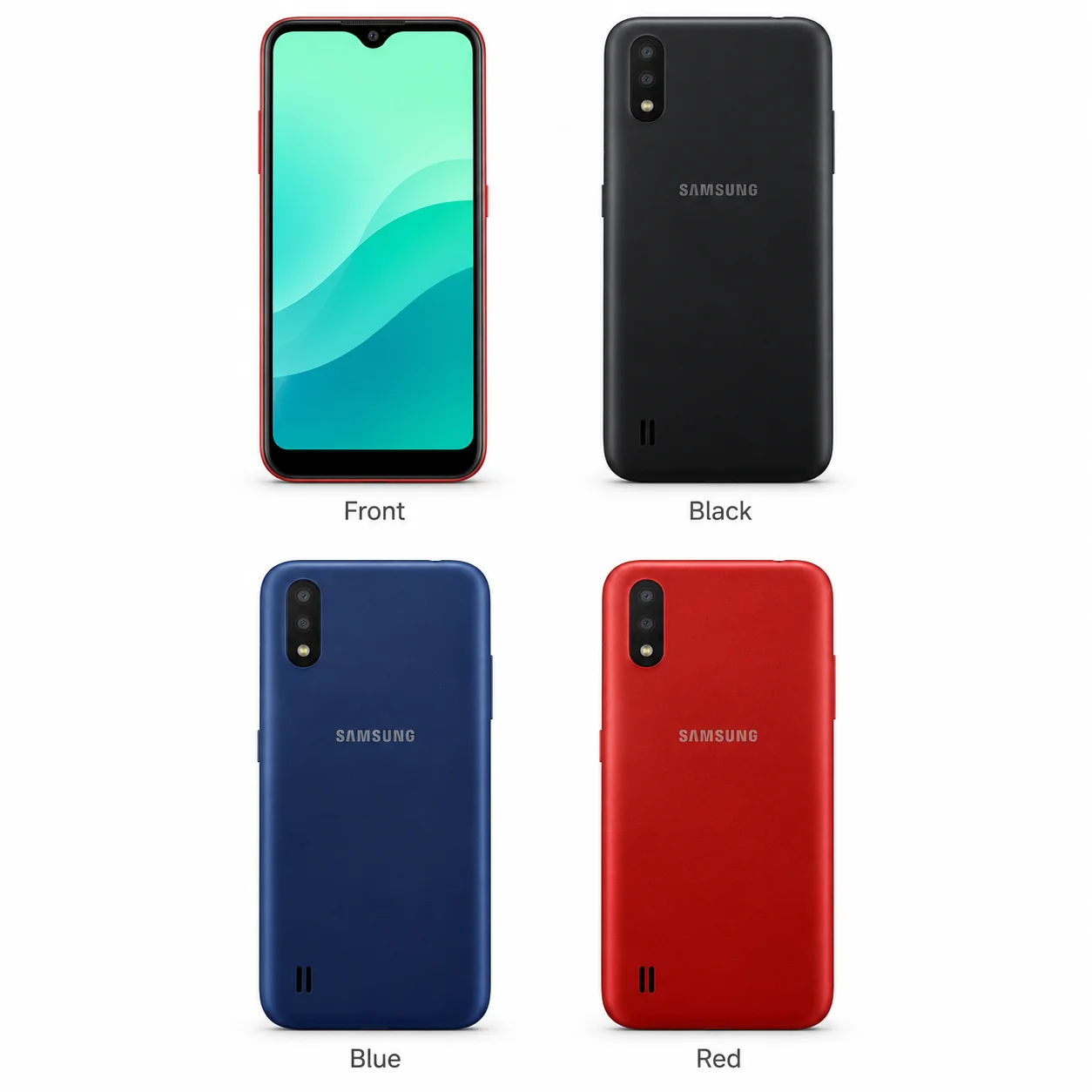
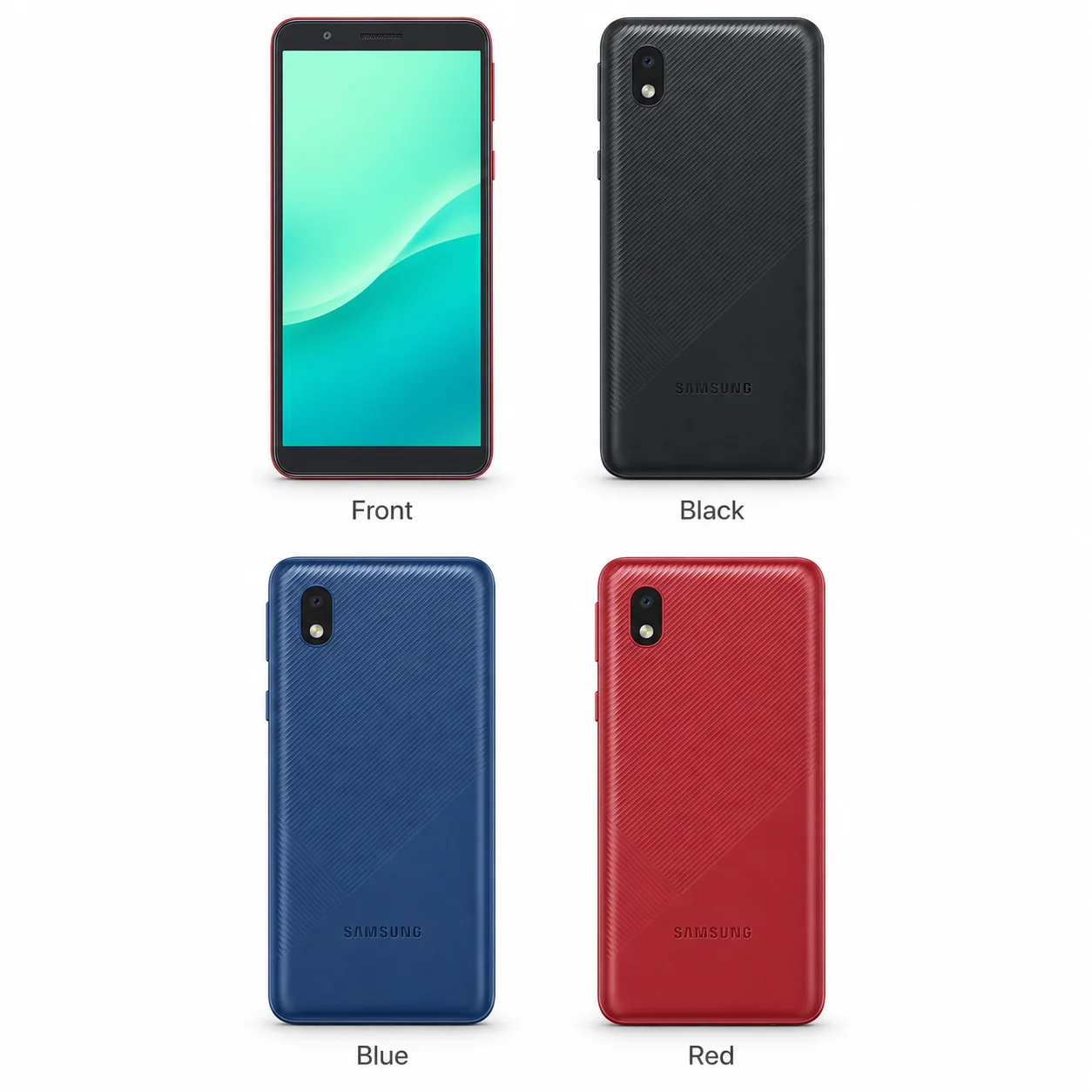
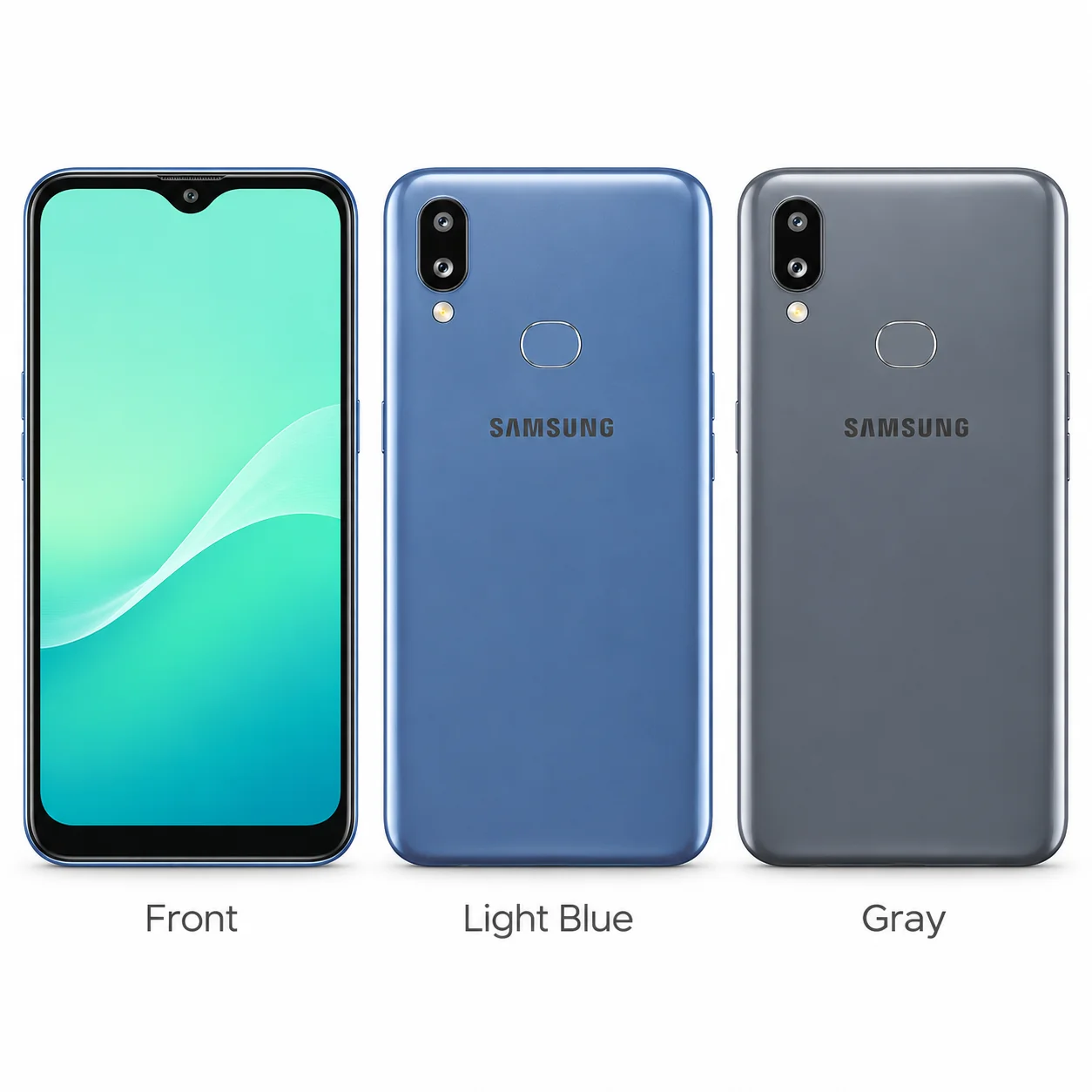
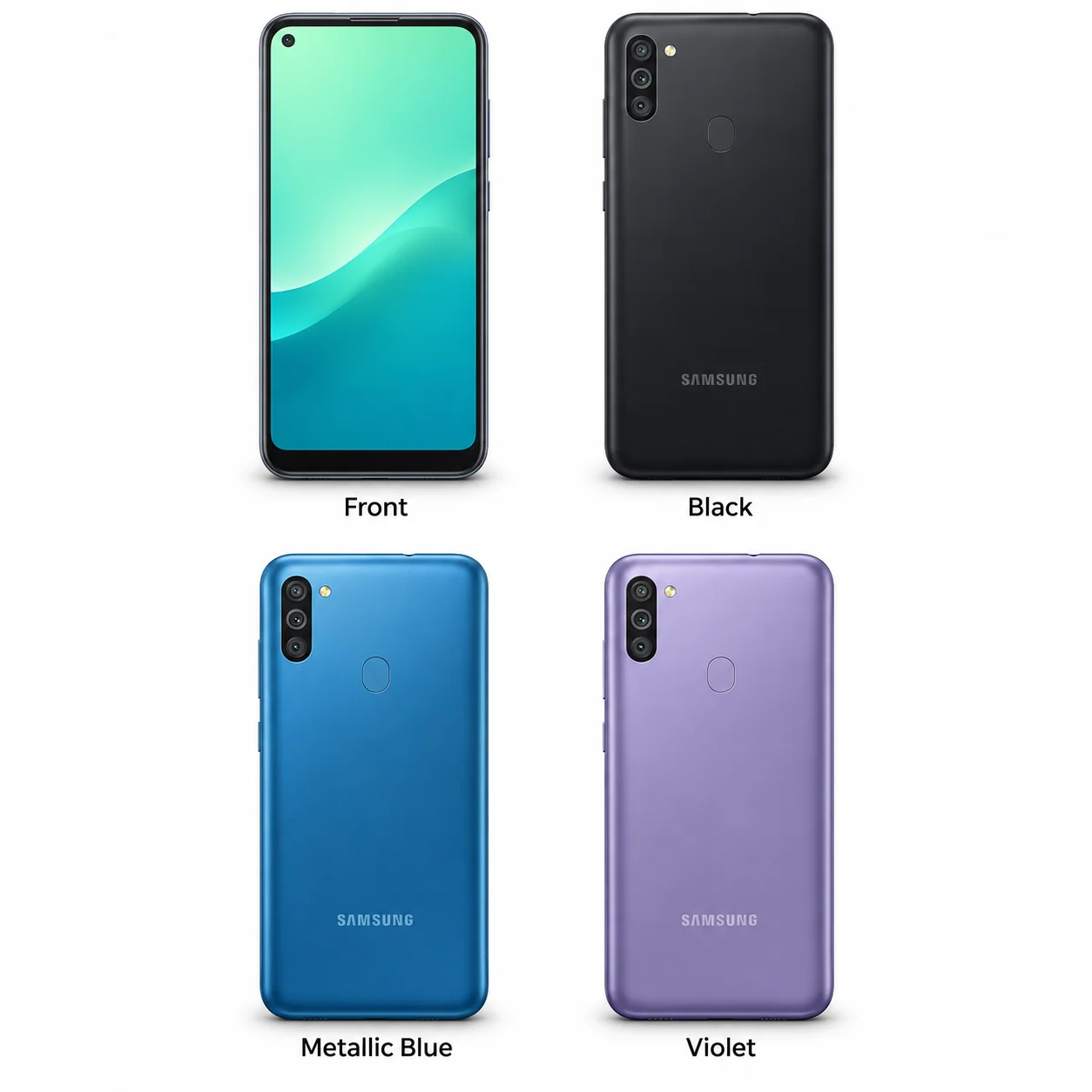
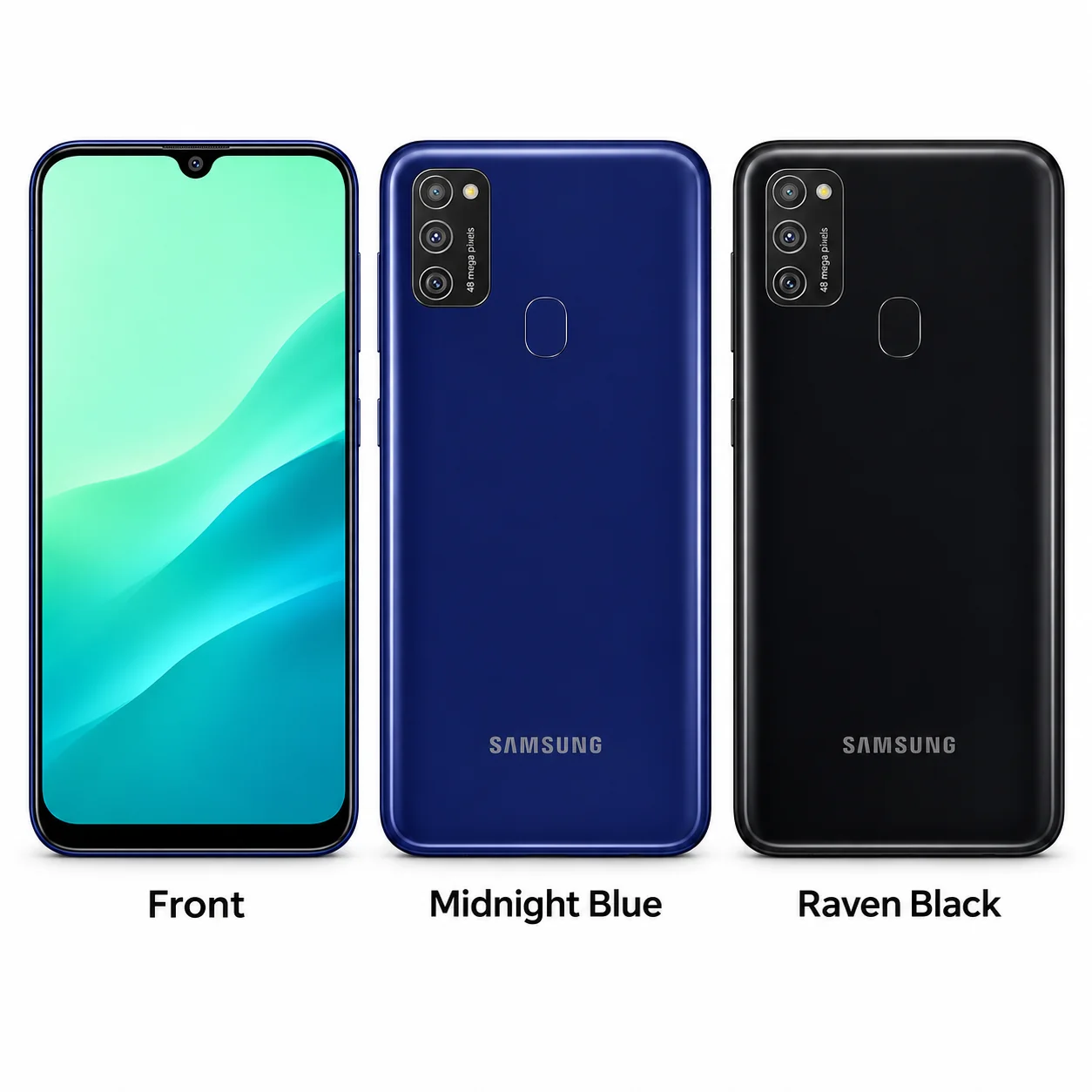
Colours & model codes inside
Galaxy, Omnia, Wave, ATIV and classic keypad or flip phones. Match the full model marking before comparing hardware.
Choose the exact model, compare its colours and understand the specifications.
6.5-inch Super AMOLED, 5G and 4G LTE and USB-C charging.
6.7-inch Super AMOLED, 4G LTE and USB-C charging.
6.5-inch PLS LCD, 4G LTE and USB-C charging.
6.5-inch PLS LCD, 4G LTE and USB-C charging.
6.4-inch Super AMOLED, 4G LTE and USB-C charging.
6.6-inch TFT LCD, 5G and 4G LTE and USB-C charging.
6.6-inch TFT LCD, 5G and 4G LTE and USB-C charging.
6.7-inch Super AMOLED Plus, 4G LTE and USB-C charging.
6.5-inch PLS LCD, 4G LTE and Micro-USB charging.
6.5-inch PLS LCD, 4G LTE and Yes charging.
6.5-inch PLS LCD, 4G LTE and USB-C charging.
6.5-inch PLS LCD, 4G LTE and USB-C charging.
6.4-inch Super AMOLED, 4G LTE and USB-C charging.
6.4-inch Super AMOLED, 4G LTE and USB-C charging.
6.4-inch Super AMOLED, 4G LTE and USB-C charging.
6.5-inch TFT LCD, 5G and 4G LTE and USB-C charging.
6.6-inch Super AMOLED, 5G and 4G LTE and USB-C charging.
6.7-inch Super AMOLED Plus, 5G and 4G LTE and USB-C charging.
6.7-inch Super AMOLED Plus, 4G LTE and USB-C charging.
6.7-inch Dynamic AMOLED 2X, 5G and 4G LTE and USB-C charging.
A smooth display, three rear cameras and wireless charging.
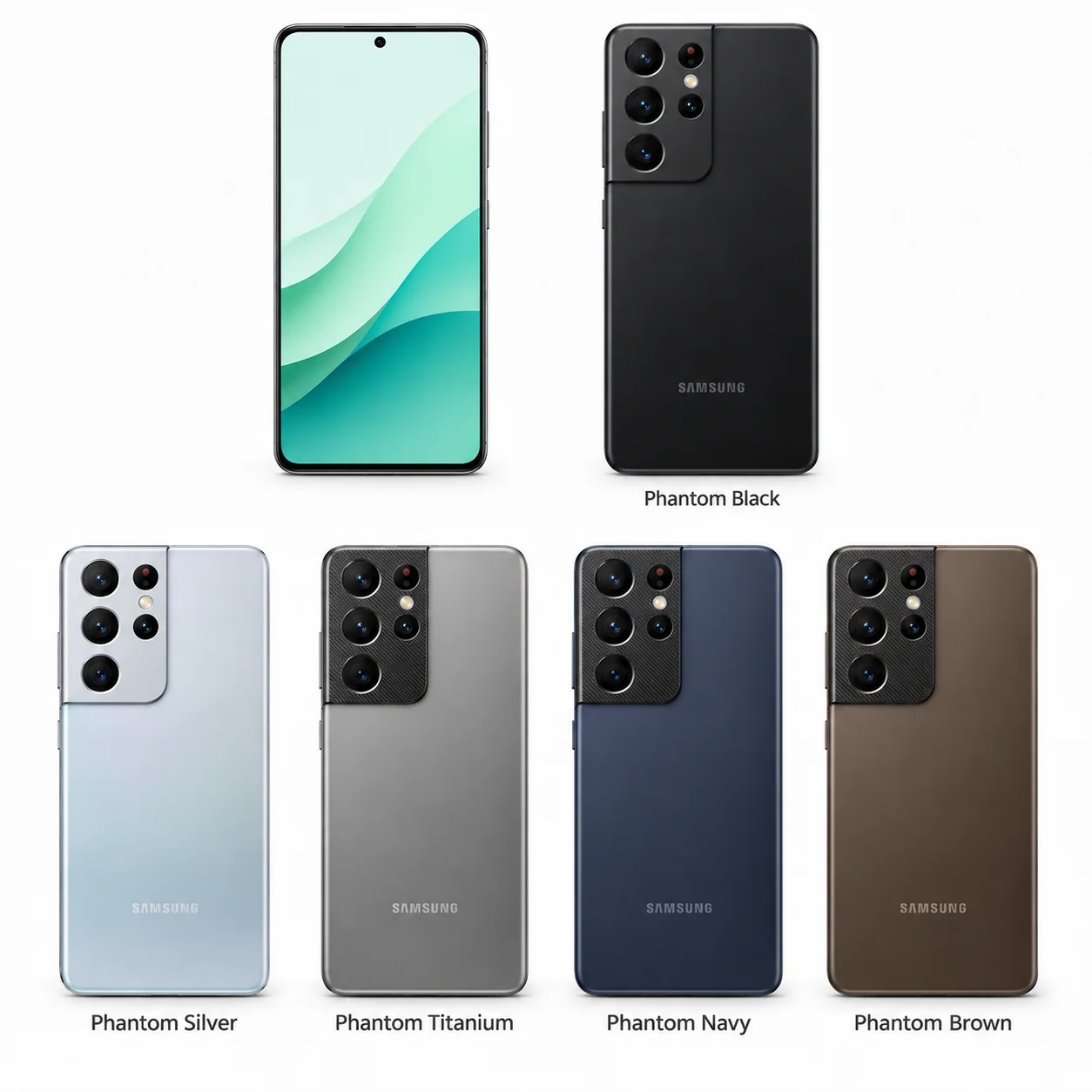
2021 Galaxy S21 Ultra 5G with a 6.8-inch screen, 108mp main + 10mp telephoto + 10mp telephoto + 12mp ultra-wide rear camera hardware and USB Type-C 3.2 charging.
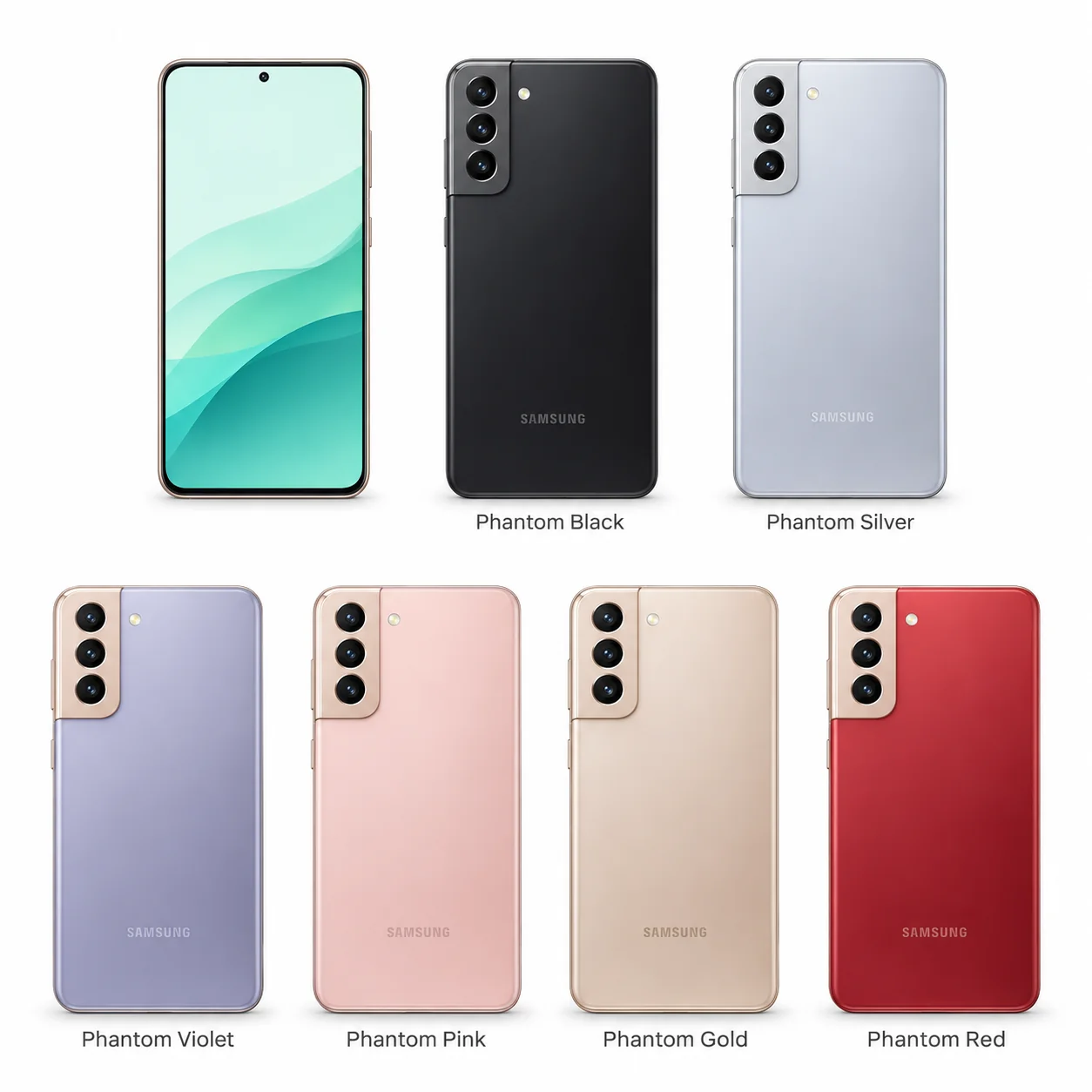
2021 Galaxy S21+ 5G with a 6.7-inch screen, 12mp main + 64mp telephoto + 12mp ultra-wide rear camera hardware and USB Type-C 3.2 charging.
5.3-inch PLS LCD, 4G LTE and USB-C charging.
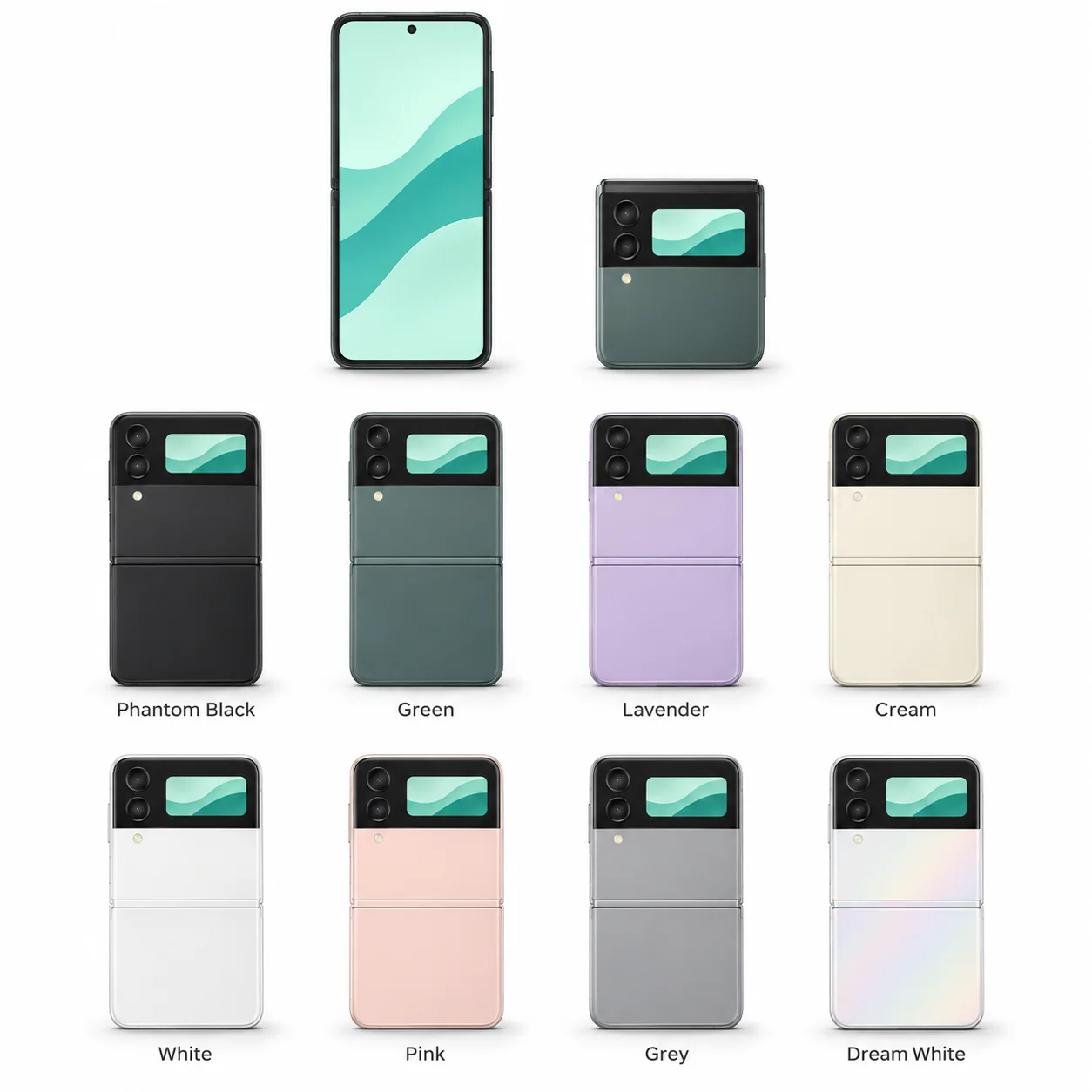
2021 Galaxy Z Flip3 5G with a 6.7-inch screen, 12mp main + 12mp ultra-wide rear camera hardware and USB Type-C 2.0 charging.
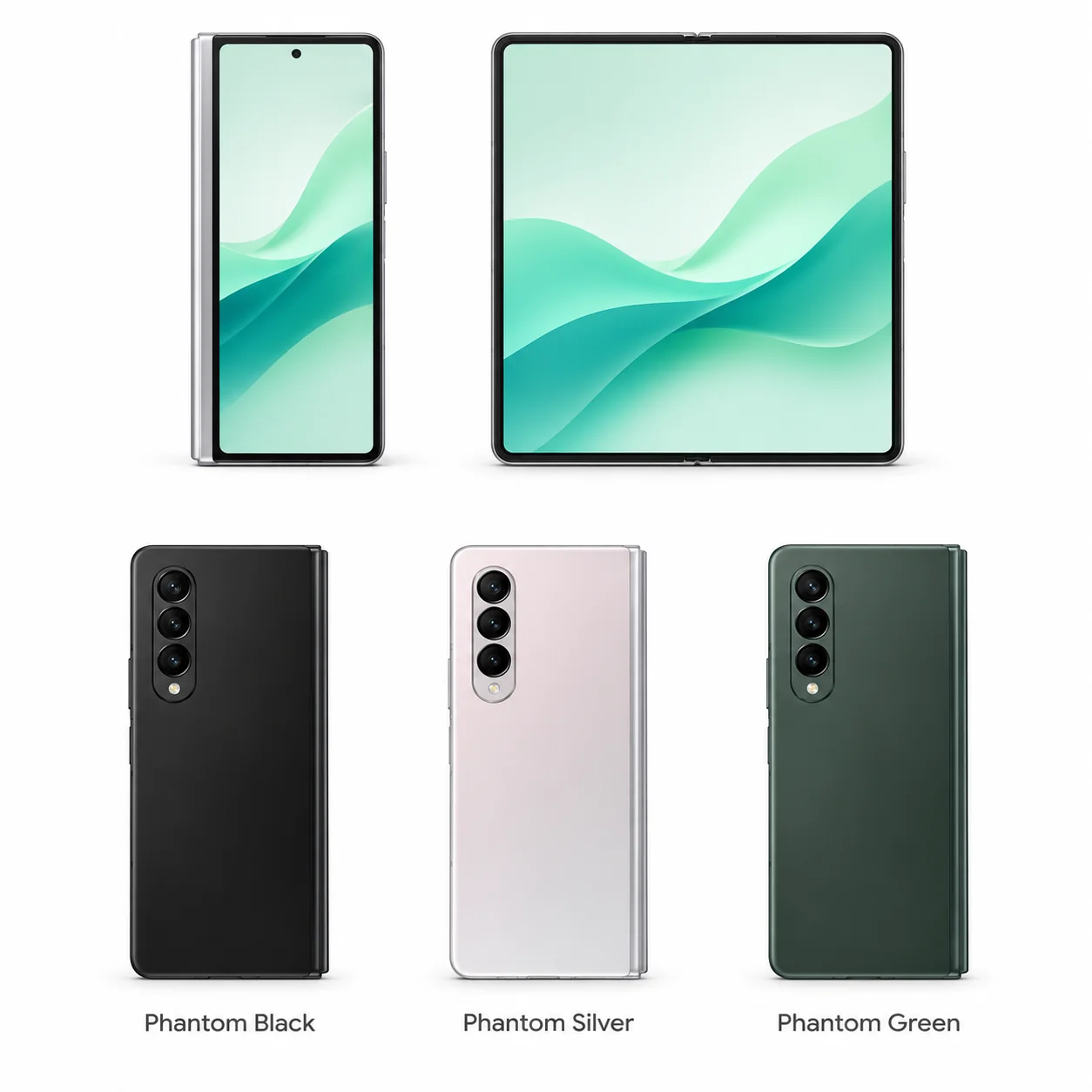
2021 Galaxy Z Fold3 5G with a 7.6-inch screen, 12mp main + 12mp telephoto + 12mp ultra-wide rear camera hardware and USB Type-C 3.2 charging.
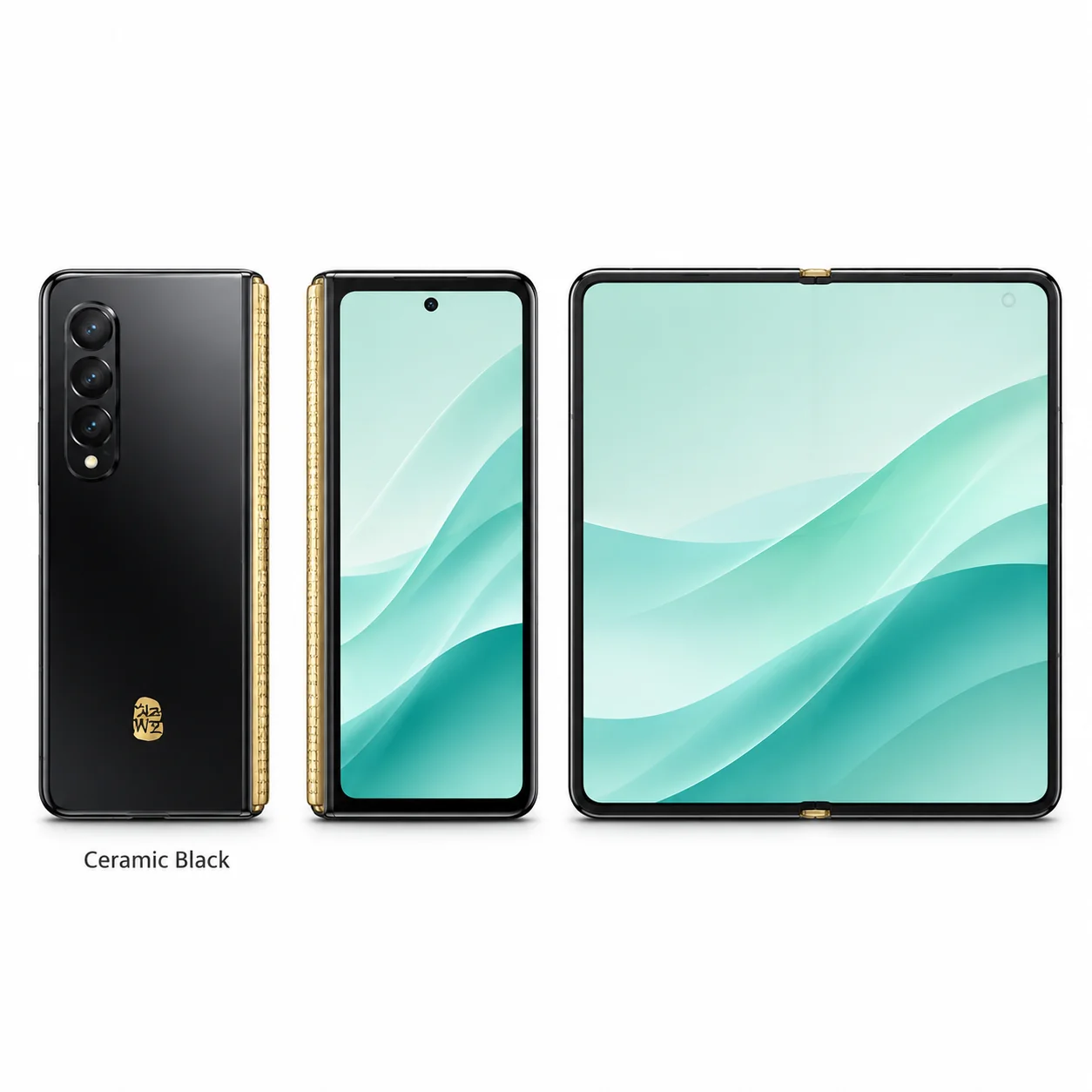
W22 5G combines a black ceramic rear and gold hinge with a 7.6-inch inner screen. Its inner selfie camera sits beneath the display, and the China-market configuration has 16GB RAM and 512GB storage.
6.7-inch Super AMOLED Plus, 5G and 4G LTE and USB-C charging.
5.3-inch PLS LCD, 4G LTE and Micro-USB charging.
6.5-inch PLS LCD, 4G LTE and USB-C charging.
6.4-inch PLS LCD, 4G LTE and USB-C charging.
6.5-inch PLS LCD, 4G LTE and USB-C charging.
6.5-inch IPS LCD, 4G LTE and USB-C charging.
6.5-inch PLS LCD, 4G LTE and USB-C charging.
6.4-inch Super AMOLED, 4G LTE and USB-C charging.
6.1-inch Super AMOLED, 4G LTE and USB-C charging.
6.6-inch Super AMOLED, 5G and 4G LTE and USB-C charging.
6.5-inch Super AMOLED, 5G and 4G LTE and USB-C charging.
6.5-inch Super AMOLED, 5G and 4G LTE and USB-C charging.
6.7-inch Super AMOLED Plus, 5G and 4G LTE and USB-C charging.
6.7-inch Super AMOLED Plus, 5G and 4G LTE and USB-C charging.
6.4-inch Super AMOLED, 4G LTE and USB-C charging.
5.0-inch PLS LCD, 4G LTE and Micro-USB charging.
5.7-inch PLS LCD, 4G LTE and Micro-USB charging.
5.3-inch PLS LCD, 4G LTE and Micro-USB charging.
6.2-inch PLS LCD, 4G LTE and Micro-USB charging.
6.4-inch PLS LCD, 4G LTE and USB-C charging.
6.4-inch Super AMOLED, 4G LTE and USB-C charging.
Try a shorter model name, a keyword or the beginning of its model code. Clear the range filter to search all models on this page.
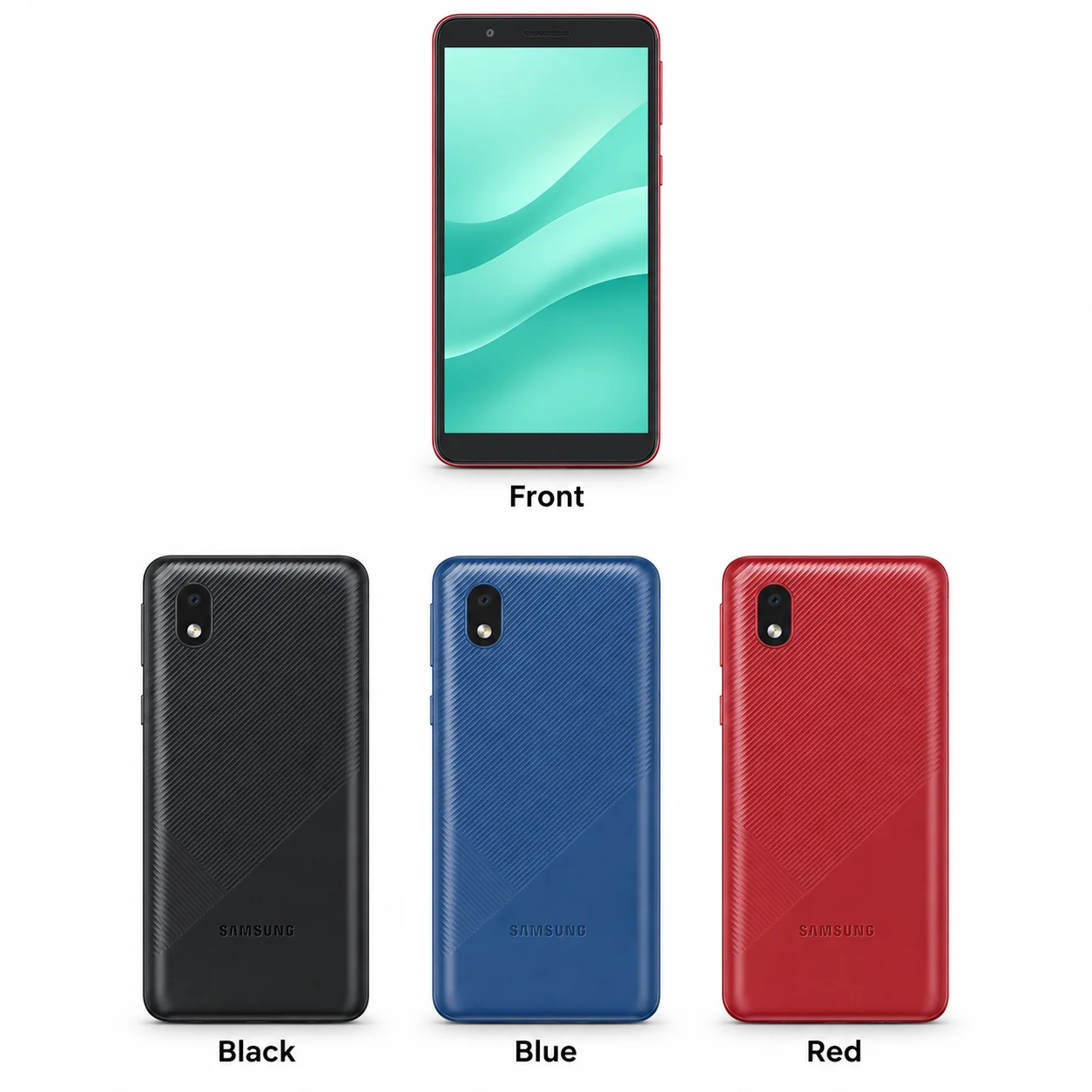
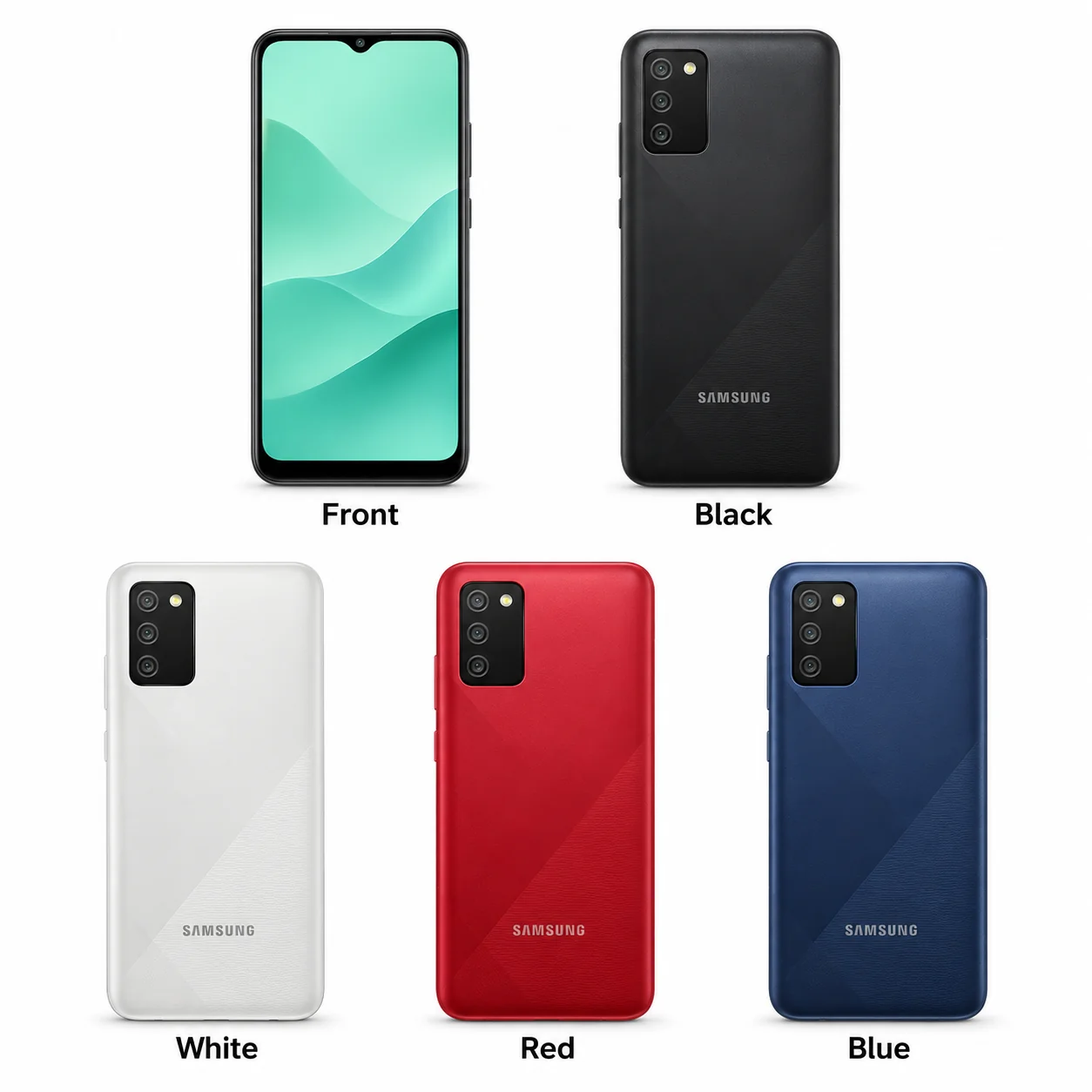
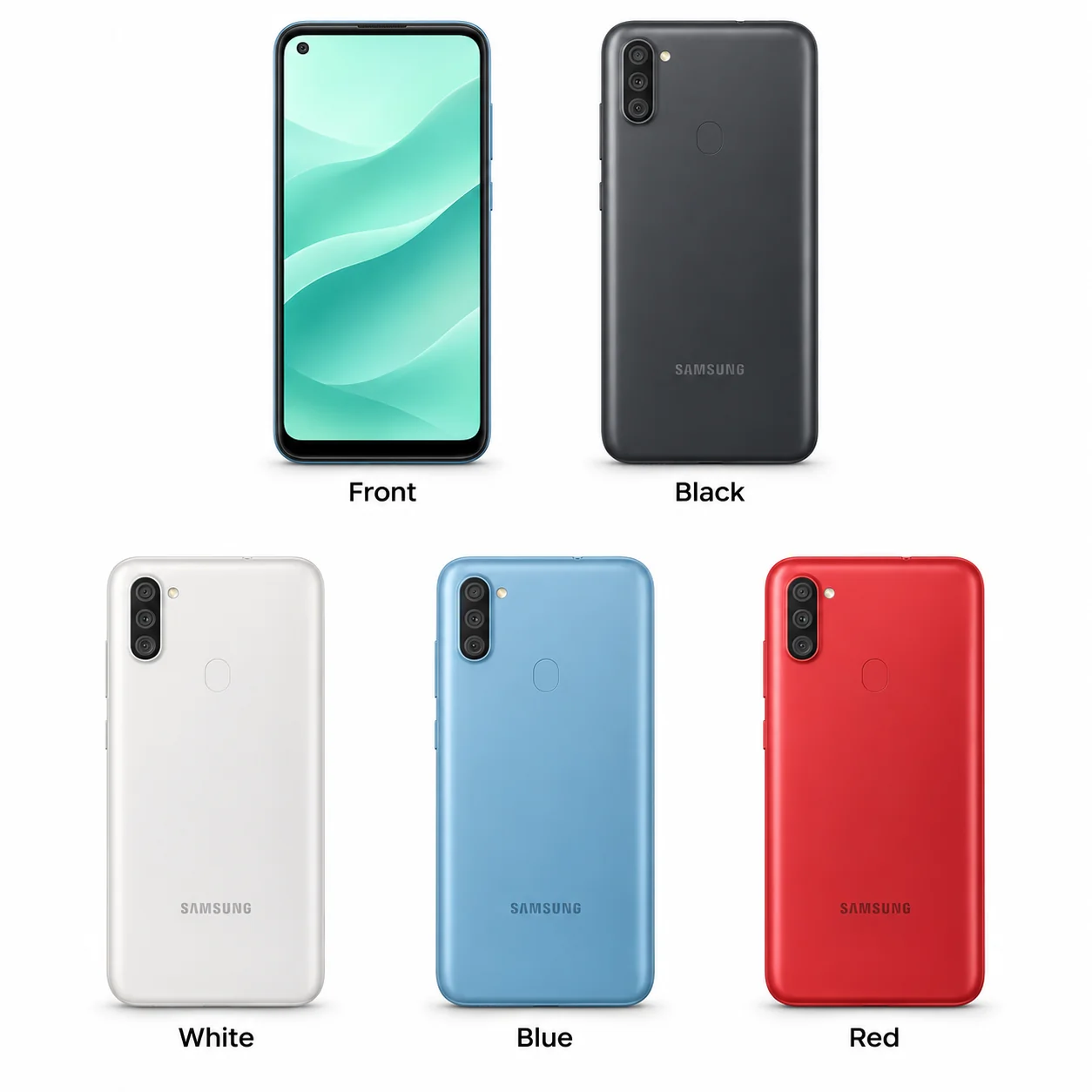
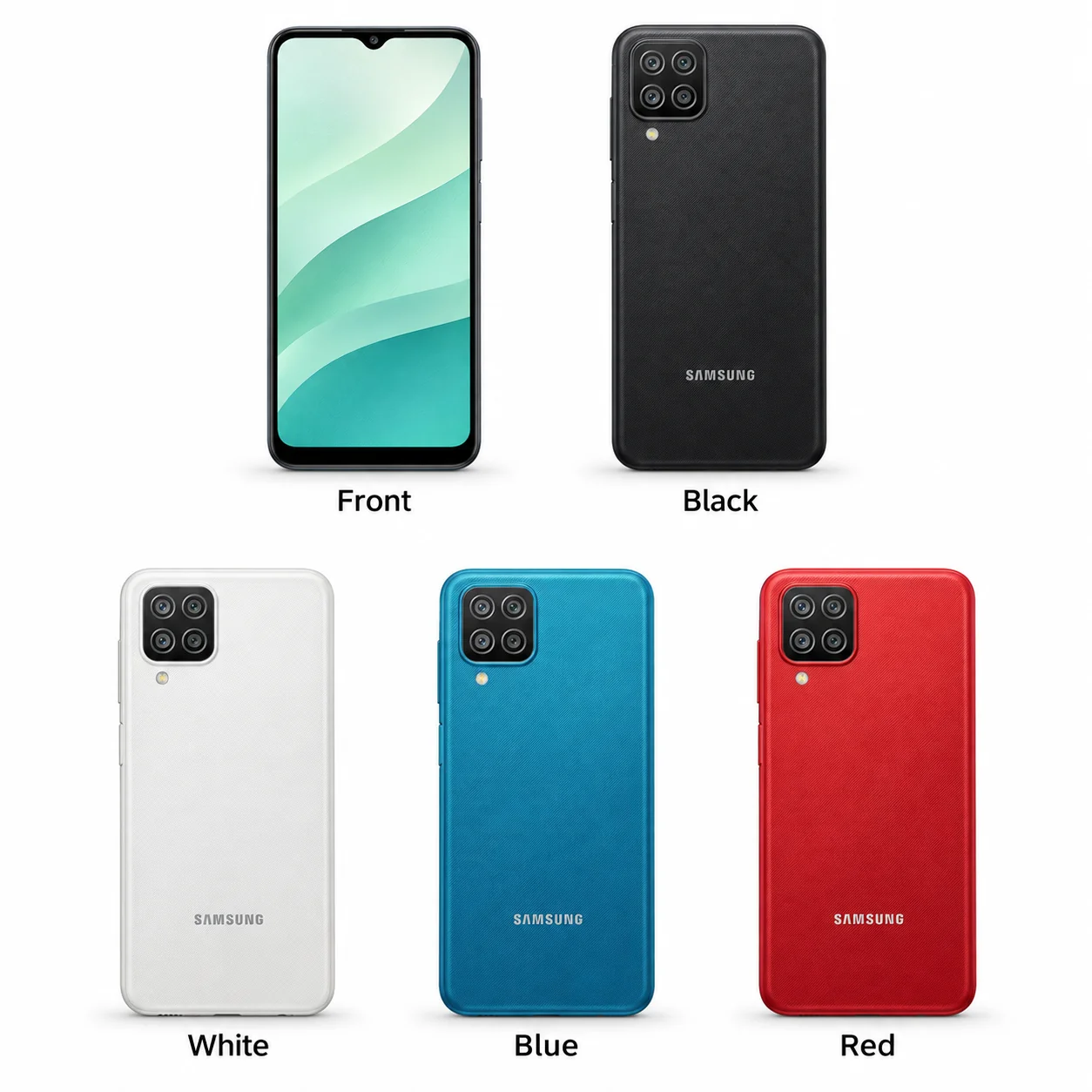
Colours and small details in the pictures are approximate. Confirm the model marking in the device information, on its label or on the original packaging before choosing accessories or replacement parts.
The name identifies the range. The model number identifies the hardware version.
Many devices share a model number. A serial number identifies an individual device. Depending on its mobile network, a cellular device may also have an IMEI, MEID or ESN.